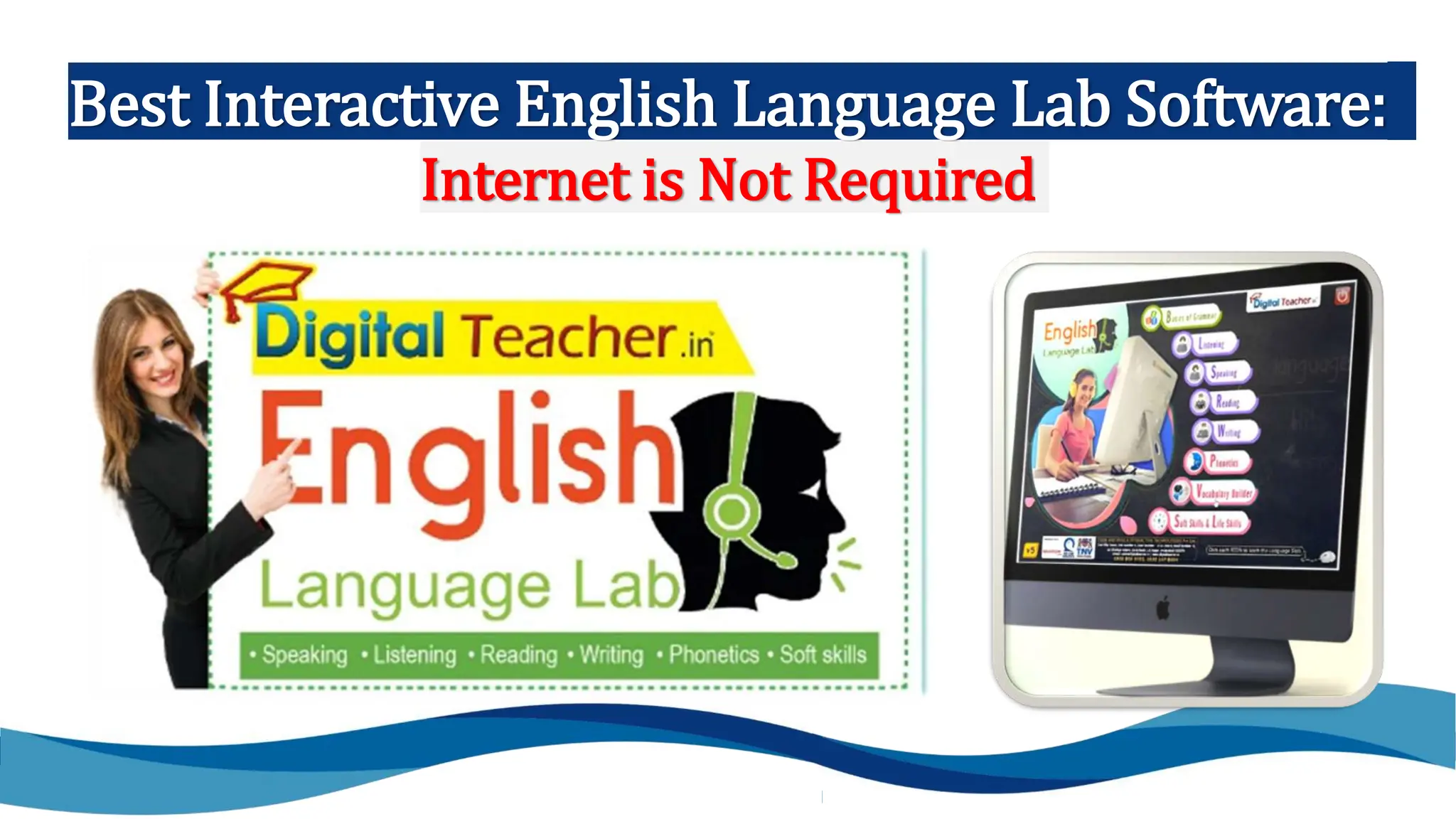
Best Interactive English Language Lab Software:
Internet is Not Required
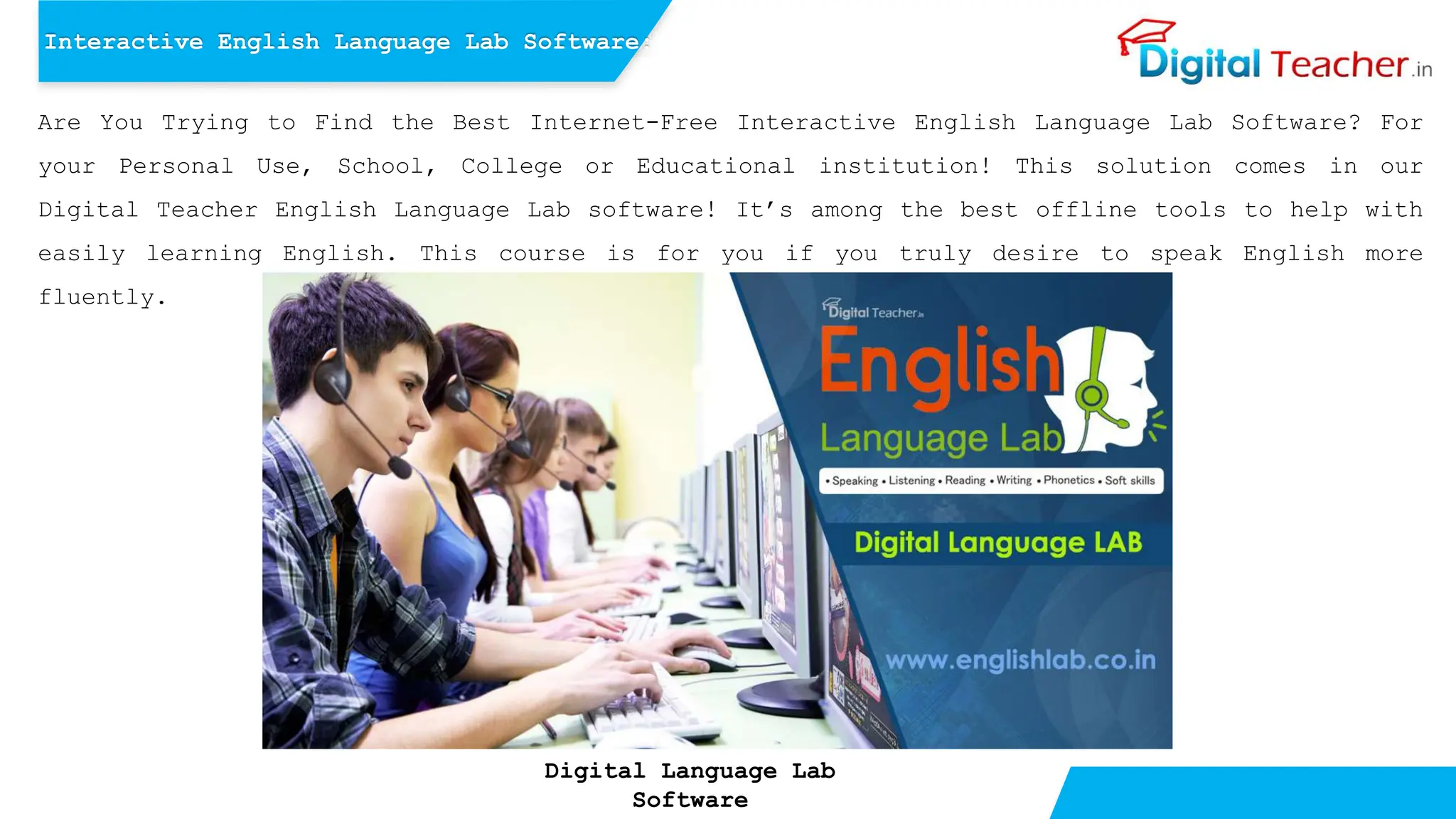
Are You Trying to Find the Best Internet-Free Interactive English Language Lab Software? For
your Personal Use, School, College or Educational institution! This solution comes in our
Digital Teacher English Language Lab software! It’s among the best offline tools to help with
easily learning English. This course is for you if you truly desire to speak English more
fluently.
Interactive English Language Lab Software:
Digital Language Lab
Software
We’ll look more closely into the unique features of our Digital Teacher English Language Lab
software program. To begin with, it gives students, teachers, tutors & English learners a wide
array of interactive tasks and lessons that aim to improve each aspect of LSRW – English
language skills. Additionally, we also provide listening, speaking, reading, writing,
phonetics, vocabulary, soft skills, and Life skills.
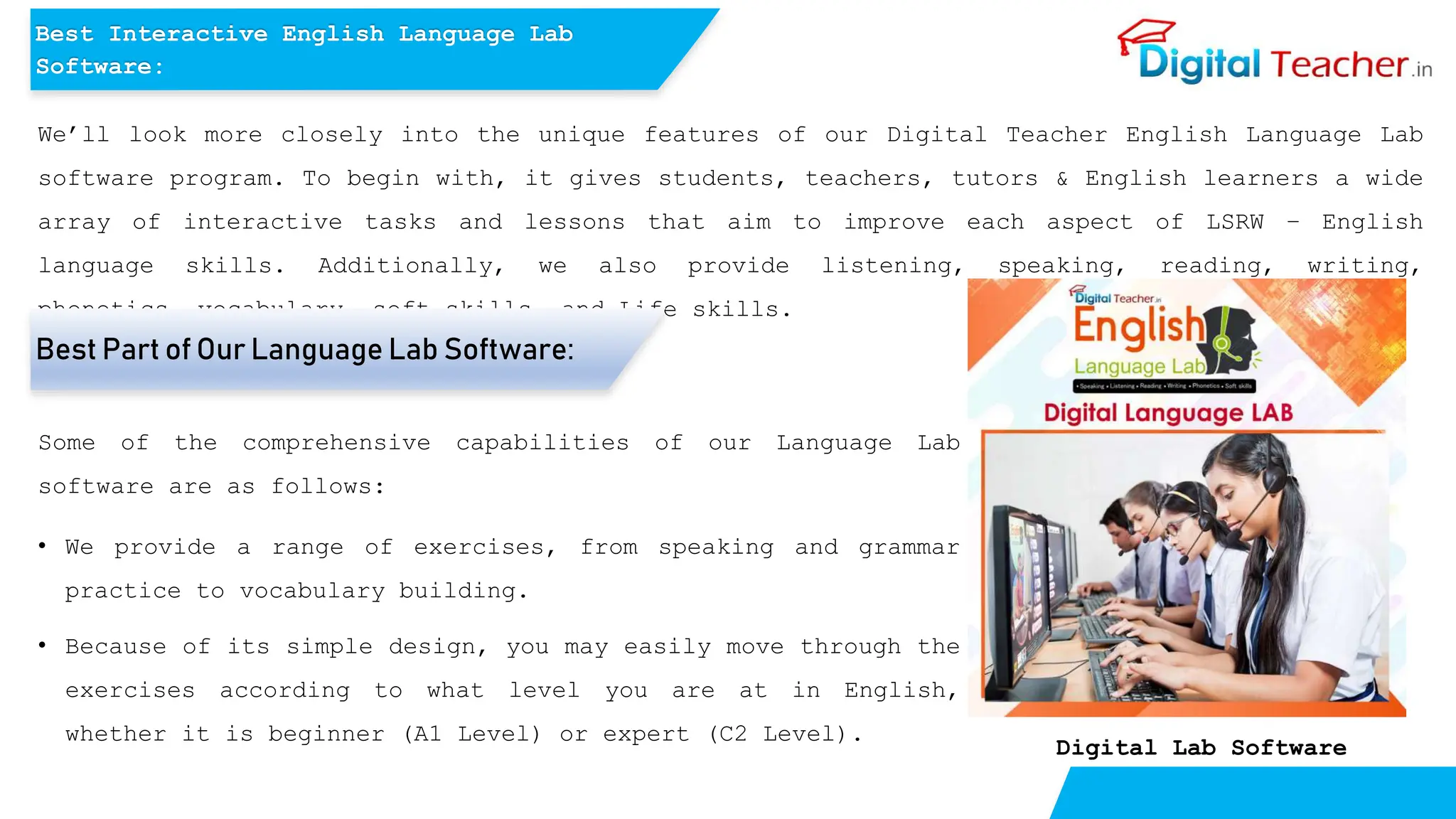
Digital Lab Software
Best Interactive English Language Lab
Software:
Best Part of Our Language Lab Software:
Some of the comprehensive capabilities of our Language Lab
software are as follows:
• We provide a range of exercises, from speaking and grammar
practice to vocabulary building.
• Because of its simple design, you may easily move through the
exercises according to what level you are at in English,
whether it is beginner (A1 Level) or expert (C2 Level).
• Even if learners are not comfortable speaking English right
now, our offline software will assist you step-by-step
through developing your communication skills.
• Offline; no internet connection is required. This allows
students to learn and enhance their English skills at any
time and from any location.
• Students can simply access help and switch to full-screen
mode using the menu.
• The history tool allows Learners to quickly return to
previously studied topics.
• Save relevant subjects for future reference.
• The stop, play, rewind, and fast-forward buttons allow
Students to regulate the speed of playback.
These are only just a few of the features that our software
includes. Keep reading for additional details in the next
feature part!
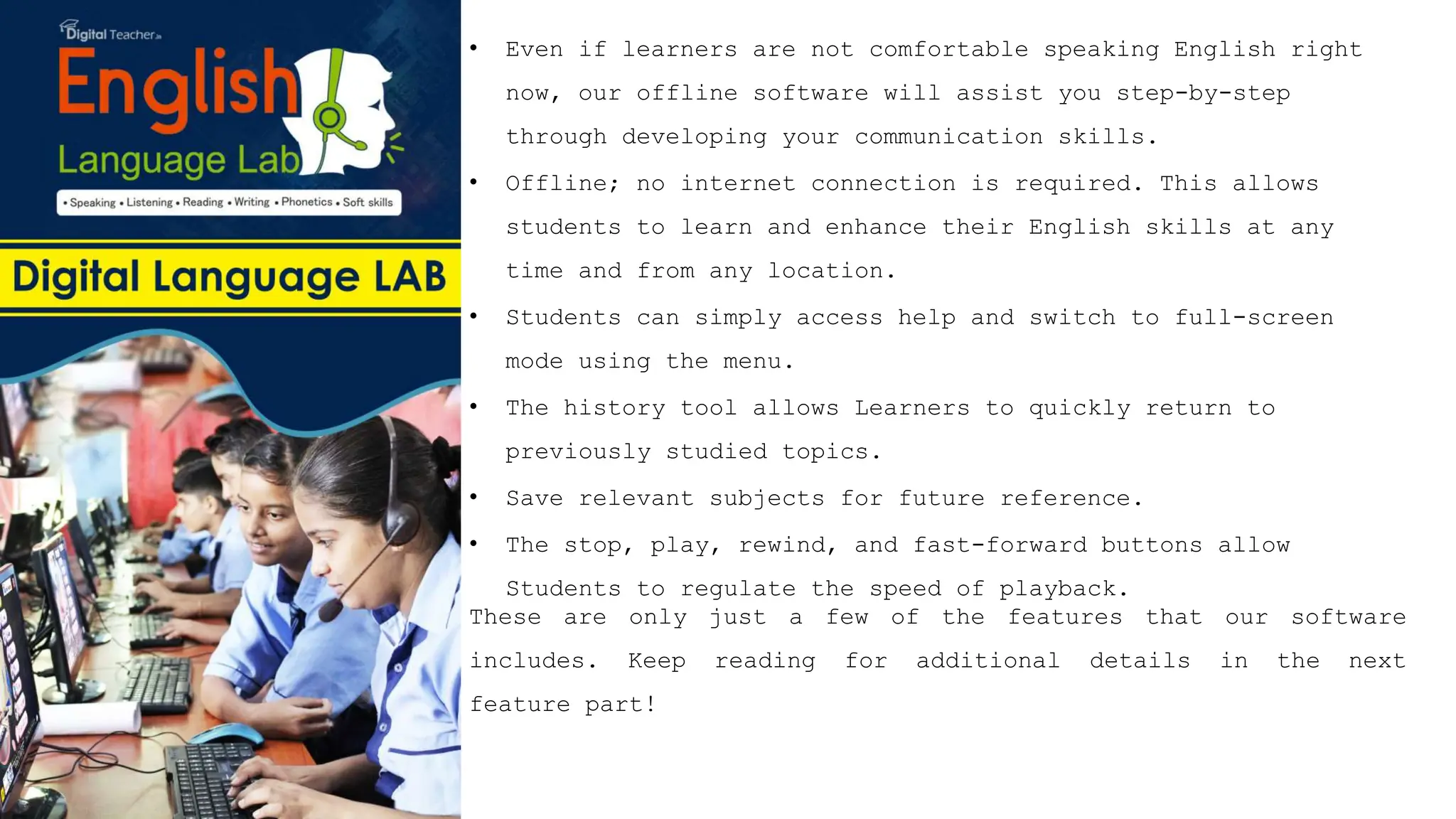
Digital Language Lab Software
Want to learn more? We’ll be sharing more exciting features of our
software soon! Next, we’ll describe how our English Language Lab Software
works without the internet. It will be quite useful to you!
How Does English Language Laboratory Software
Works? Without the Internet!
We Digital Teacher, developed the Language Lab software
with Indian educational institutions in mind. Our
interactive Digital English Language Lab software is
suitable for students in primary and elementary
schools, secondary and high colleges, universities, and
individuals with personal goals like interviews, IELTS
preparation, improving grammar and vocabulary, covering
life skills, presentation, communication, group
discussion, and many more… Okay, now let’s understand
how this English Lab Software works without! internet!
How Does English Language Laboratory Software Work?
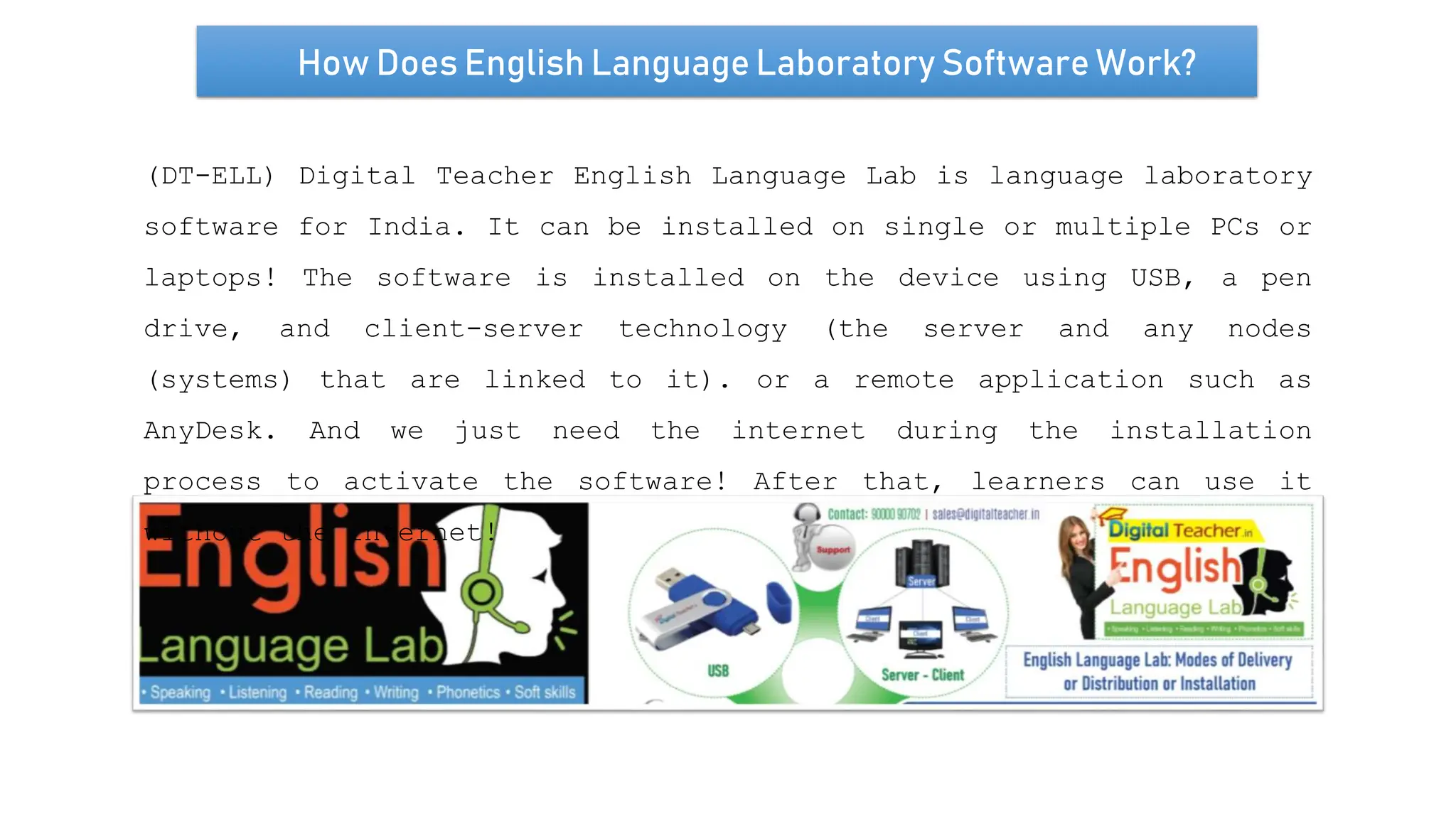
(DT-ELL) Digital Teacher English Language Lab is language laboratory
software for India. It can be installed on single or multiple PCs or
laptops! The software is installed on the device using USB, a pen
drive, and client-server technology (the server and any nodes
(systems) that are linked to it). or a remote application such as
AnyDesk. And we just need the internet during the installation
process to activate the software! After that, learners can use it
without the internet!
Installation Procedure/Requirements for Language
Laboratory!
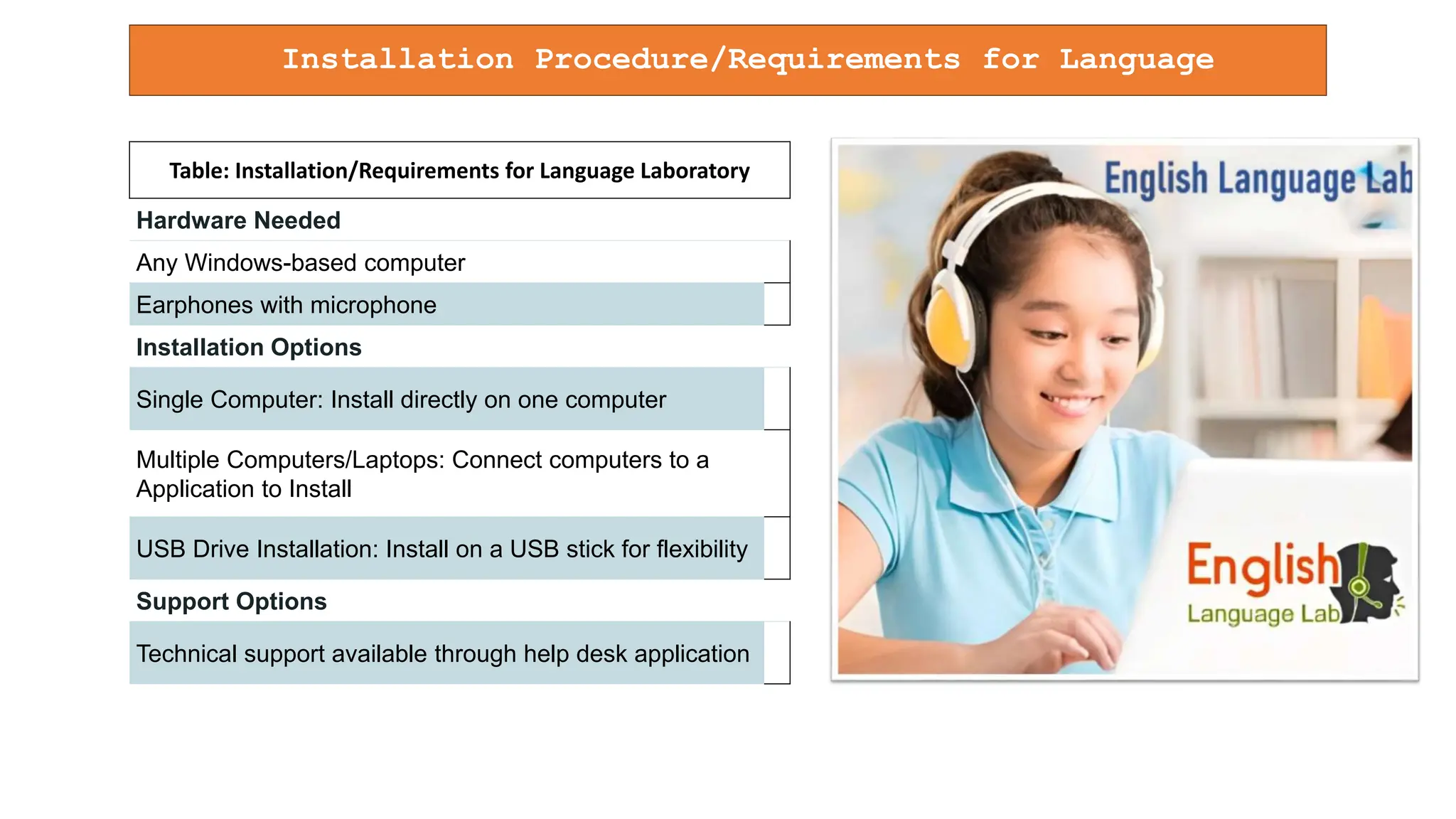
Table: Installation/Requirements for Language Laboratory
Hardware Needed
Any Windows-based computer
Earphones with microphone
Installation Options
Single Computer: Install directly on one computer
Multiple Computers/Laptops: Connect computers to a
Application to Install
USB Drive Installation: Install on a USB stick for flexibility
Support Options
Technical support available through help desk application
Set Up of English Language Lab Software Using USB or Pen-
drive:
To assist learners in setting up the English Language Lab Software via a USB or Pen-
drive, the following steps are provided:
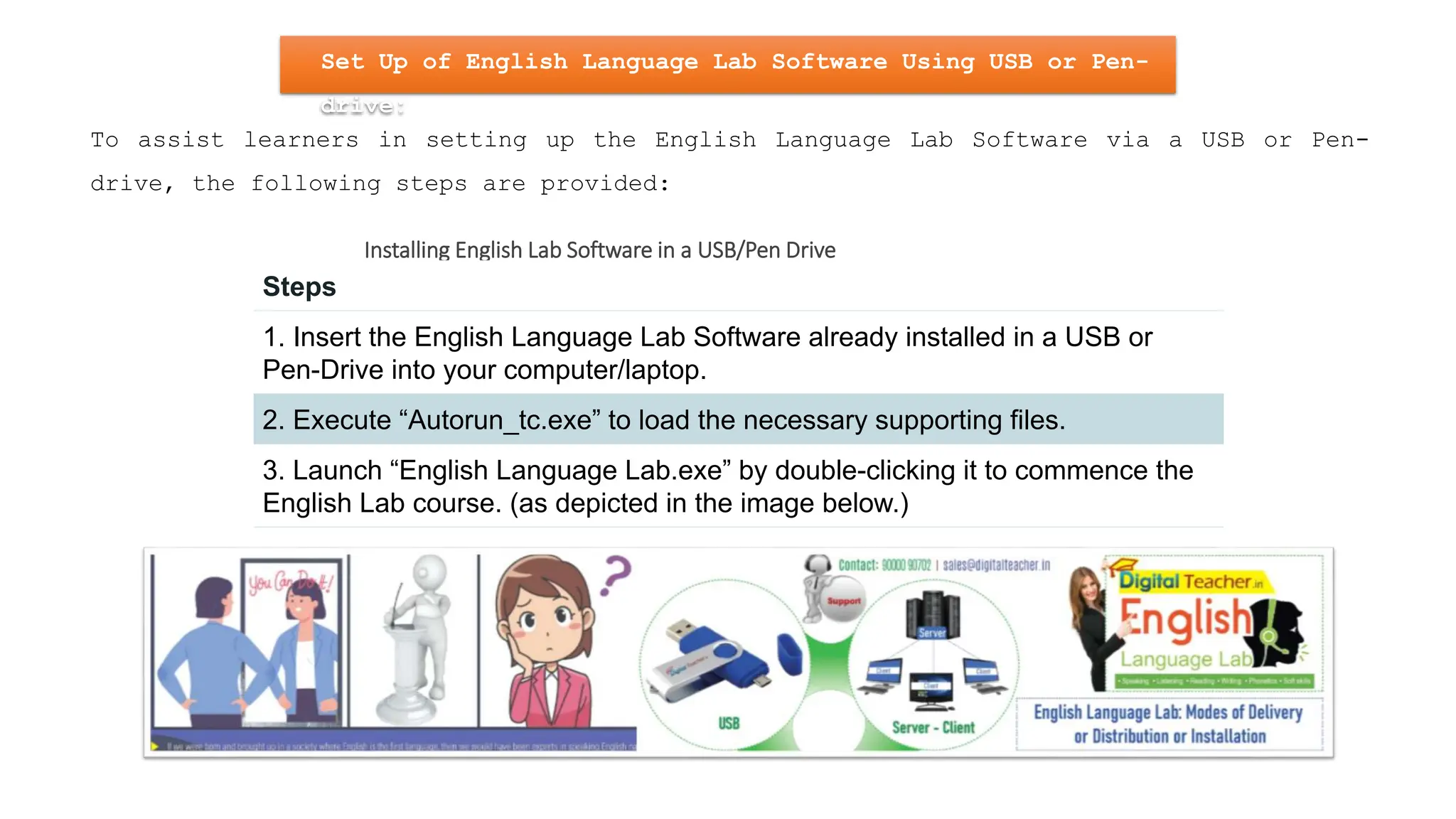
Installing English Lab Software in a USB/Pen Drive
Steps
1. Insert the English Language Lab Software already installed in a USB or
Pen-Drive into your computer/laptop.
2. Execute “Autorun_tc.exe” to load the necessary supporting files.
3. Launch “English Language Lab.exe” by double-clicking it to commence the
English Lab course. (as depicted in the image below.)
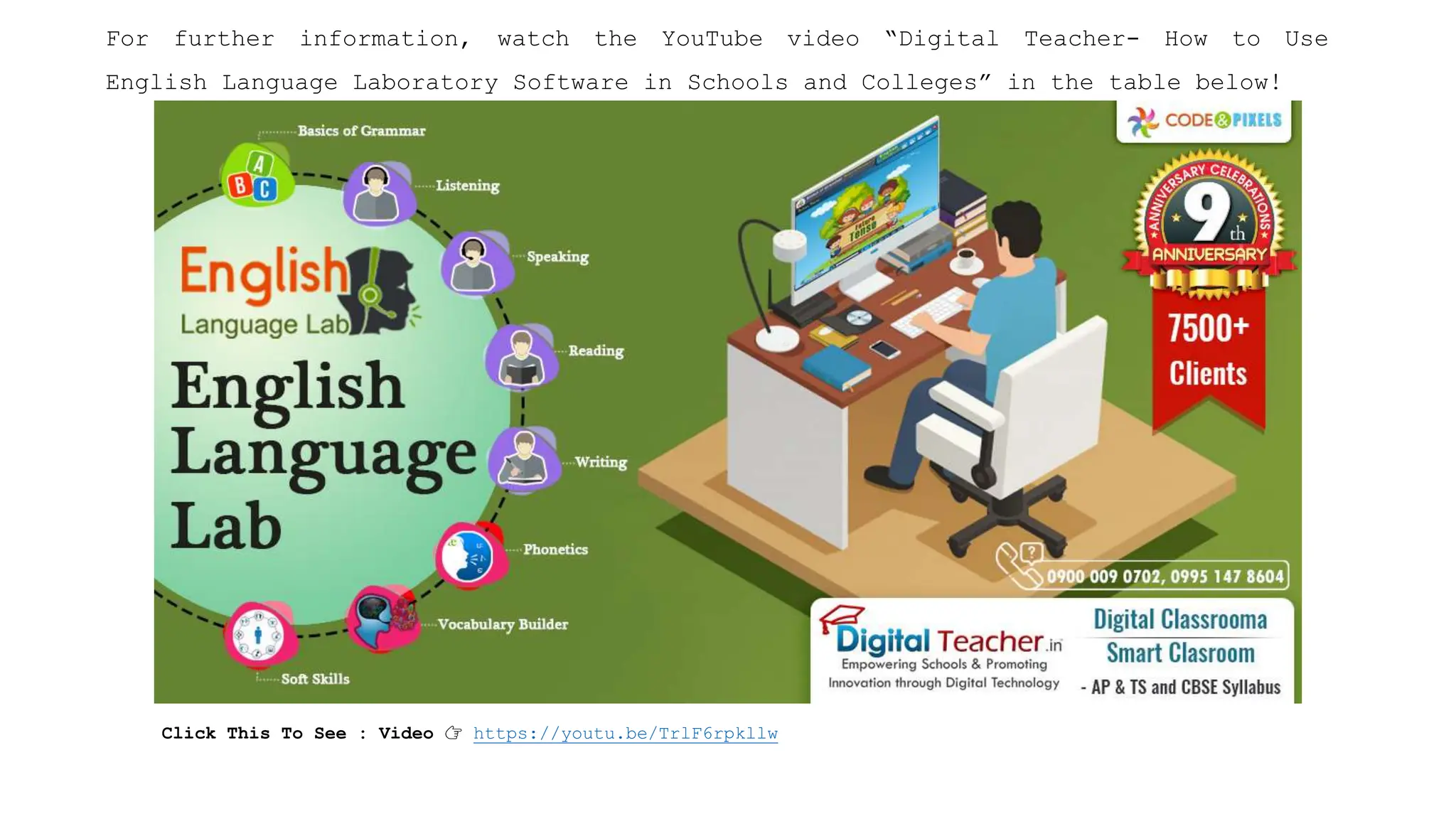
For further information, watch the YouTube video “Digital Teacher- How to Use
English Language Laboratory Software in Schools and Colleges” in the table below!
Click This To See : Video 👉 https://youtu.be/TrlF6rpkllw
Why Only Digital Teacher English Language Laboratory
Software!
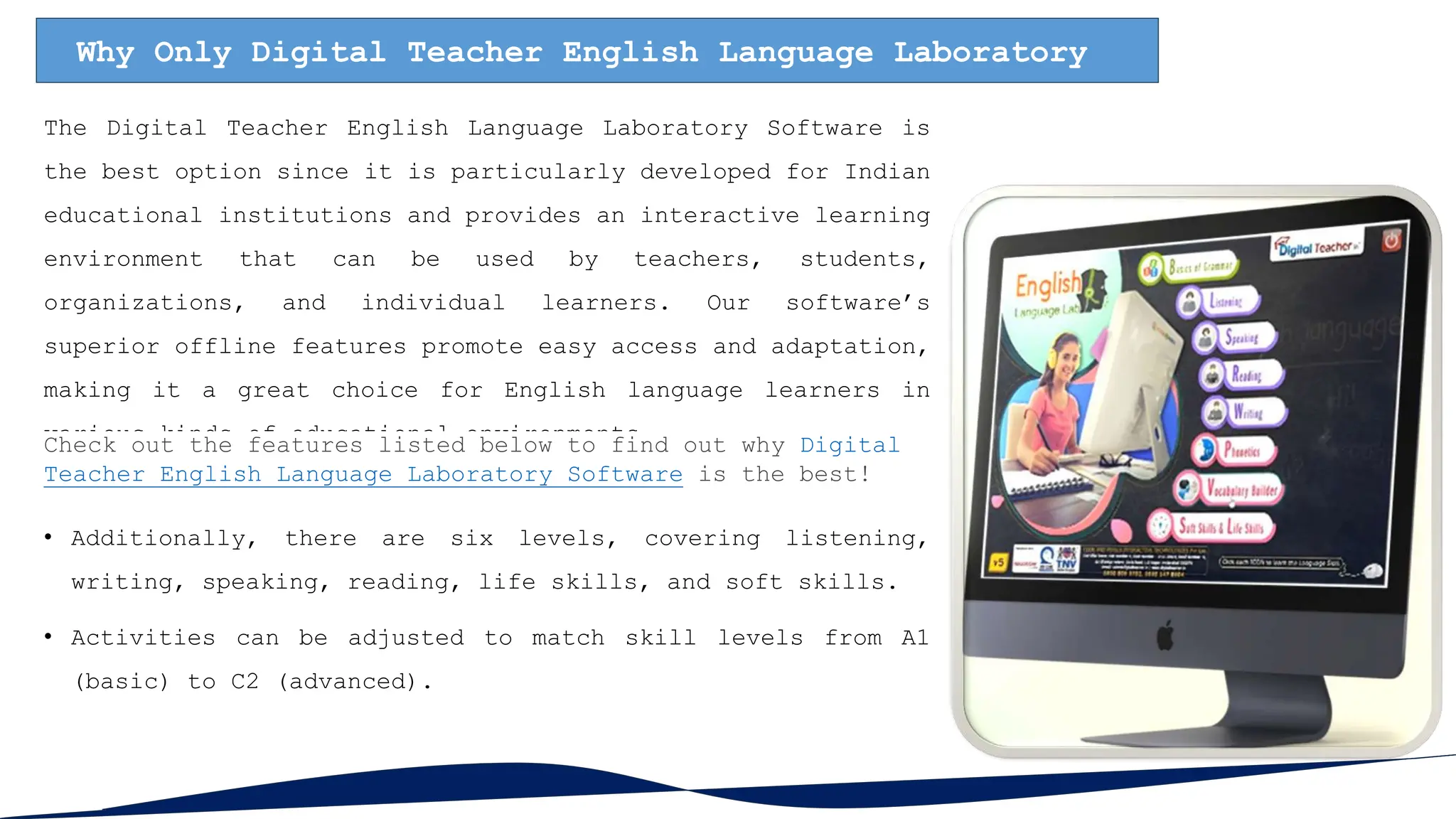
The Digital Teacher English Language Laboratory Software is
the best option since it is particularly developed for Indian
educational institutions and provides an interactive learning
environment that can be used by teachers, students,
organizations, and individual learners. Our software’s
superior offline features promote easy access and adaptation,
making it a great choice for English language learners in
various kinds of educational environments.
Check out the features listed below to find out why Digital
Teacher English Language Laboratory Software is the best!
• Additionally, there are six levels, covering listening,
writing, speaking, reading, life skills, and soft skills.
• Activities can be adjusted to match skill levels from A1
(basic) to C2 (advanced).
• Teachers can utilize the lab software to bolster their students’ independent learning.
• While monitoring features for teacher observation are available, we advise against
excessive reliance on them, as students should be capable of using the Language Lab
software independently.
• Our language laboratory software facilitates unlimited voice recordings.
• It offers an enjoyable, cost-effective learning environment.
• The English Lab software features diverse audio, video, and role-playing exercises, along
with real-time feedback and assessments.
• Our Language Lab Software helps learners enhance their speaking skills by teaching over
5,000 words and adding over 3,000 syllabic phrases.
• Engaging in audio activities may help enhance listening skills, as well as vocabulary and
grammar proficiency.
• The Language laboratory is designed to enhance communication, self-awareness, and
leadership abilities.
I hope this explanation is helpful and highlights the benefits of our English Digital
Language Lab Software!
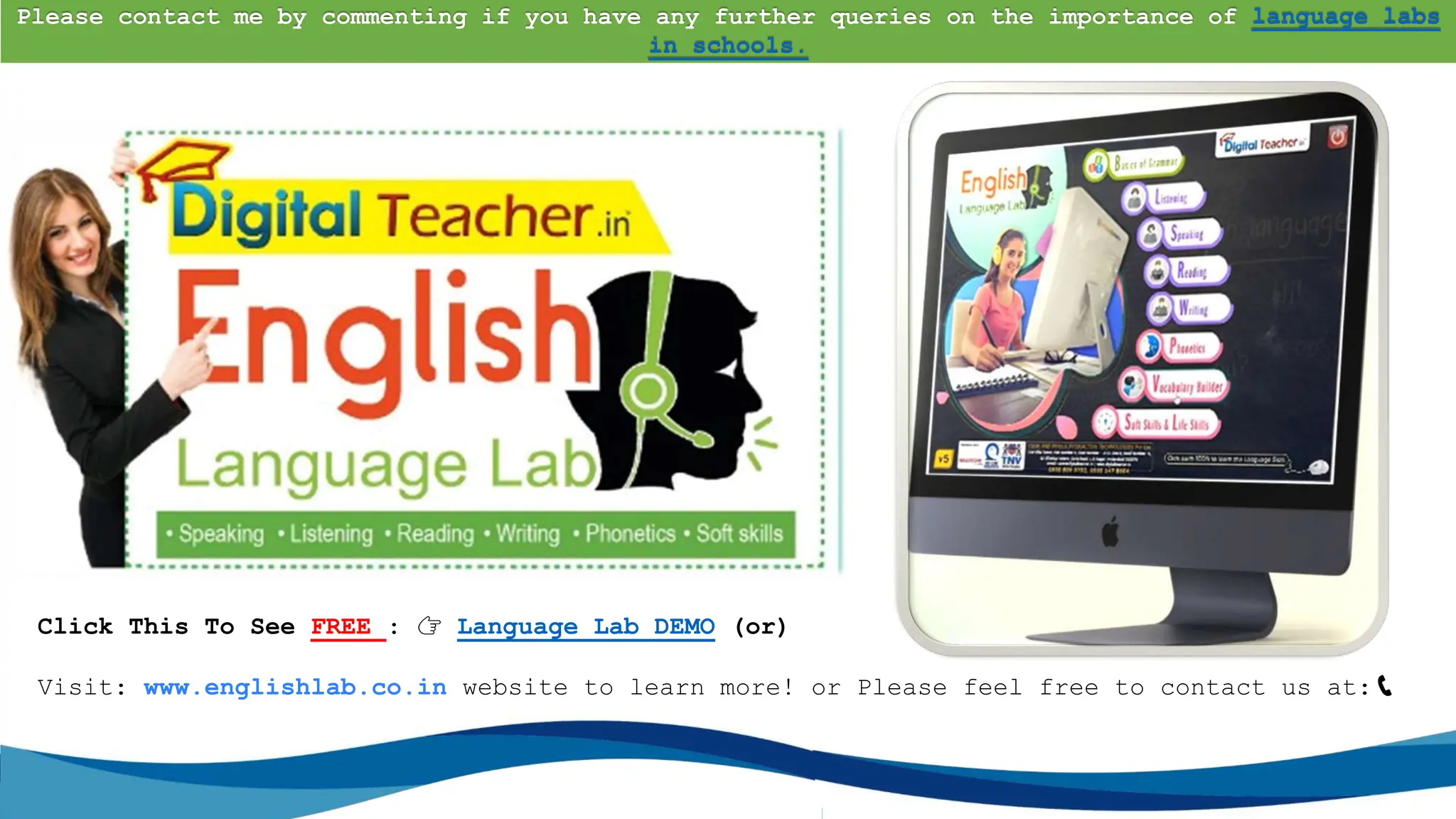
Click This To See FREE : 👉 Language Lab DEMO (or)
Visit: www.englishlab.co.in website to learn more! or Please feel free to contact us at:📞
90000 90702
Please contact me by commenting if you have any further queries on the importance of language labs
in schools.

Best Interactive English Language Lab Software Internet is Not Required.pptx

  • 1.
    Best Interactive EnglishLanguage Lab Software: Internet is Not Required
  • 2.
    Are You Tryingto Find the Best Internet-Free Interactive English Language Lab Software? For your Personal Use, School, College or Educational institution! This solution comes in our Digital Teacher English Language Lab software! It’s among the best offline tools to help with easily learning English. This course is for you if you truly desire to speak English more fluently. Interactive English Language Lab Software: Digital Language Lab Software
  • 3.
    We’ll look moreclosely into the unique features of our Digital Teacher English Language Lab software program. To begin with, it gives students, teachers, tutors & English learners a wide array of interactive tasks and lessons that aim to improve each aspect of LSRW – English language skills. Additionally, we also provide listening, speaking, reading, writing, phonetics, vocabulary, soft skills, and Life skills. Digital Lab Software Best Interactive English Language Lab Software: Best Part of Our Language Lab Software: Some of the comprehensive capabilities of our Language Lab software are as follows: • We provide a range of exercises, from speaking and grammar practice to vocabulary building. • Because of its simple design, you may easily move through the exercises according to what level you are at in English, whether it is beginner (A1 Level) or expert (C2 Level).
  • 4.
    • Even iflearners are not comfortable speaking English right now, our offline software will assist you step-by-step through developing your communication skills. • Offline; no internet connection is required. This allows students to learn and enhance their English skills at any time and from any location. • Students can simply access help and switch to full-screen mode using the menu. • The history tool allows Learners to quickly return to previously studied topics. • Save relevant subjects for future reference. • The stop, play, rewind, and fast-forward buttons allow Students to regulate the speed of playback. These are only just a few of the features that our software includes. Keep reading for additional details in the next feature part!
  • 5.
    Digital Language LabSoftware Want to learn more? We’ll be sharing more exciting features of our software soon! Next, we’ll describe how our English Language Lab Software works without the internet. It will be quite useful to you! How Does English Language Laboratory Software Works? Without the Internet! We Digital Teacher, developed the Language Lab software with Indian educational institutions in mind. Our interactive Digital English Language Lab software is suitable for students in primary and elementary schools, secondary and high colleges, universities, and individuals with personal goals like interviews, IELTS preparation, improving grammar and vocabulary, covering life skills, presentation, communication, group discussion, and many more… Okay, now let’s understand how this English Lab Software works without! internet!
  • 6.
    How Does EnglishLanguage Laboratory Software Work? (DT-ELL) Digital Teacher English Language Lab is language laboratory software for India. It can be installed on single or multiple PCs or laptops! The software is installed on the device using USB, a pen drive, and client-server technology (the server and any nodes (systems) that are linked to it). or a remote application such as AnyDesk. And we just need the internet during the installation process to activate the software! After that, learners can use it without the internet!
  • 7.
    Installation Procedure/Requirements forLanguage Laboratory! Table: Installation/Requirements for Language Laboratory Hardware Needed Any Windows-based computer Earphones with microphone Installation Options Single Computer: Install directly on one computer Multiple Computers/Laptops: Connect computers to a Application to Install USB Drive Installation: Install on a USB stick for flexibility Support Options Technical support available through help desk application
  • 8.
    Set Up ofEnglish Language Lab Software Using USB or Pen- drive: To assist learners in setting up the English Language Lab Software via a USB or Pen- drive, the following steps are provided: Installing English Lab Software in a USB/Pen Drive Steps 1. Insert the English Language Lab Software already installed in a USB or Pen-Drive into your computer/laptop. 2. Execute “Autorun_tc.exe” to load the necessary supporting files. 3. Launch “English Language Lab.exe” by double-clicking it to commence the English Lab course. (as depicted in the image below.)
  • 9.
    For further information,watch the YouTube video “Digital Teacher- How to Use English Language Laboratory Software in Schools and Colleges” in the table below! Click This To See : Video 👉 https://youtu.be/TrlF6rpkllw
  • 10.
    Why Only DigitalTeacher English Language Laboratory Software! The Digital Teacher English Language Laboratory Software is the best option since it is particularly developed for Indian educational institutions and provides an interactive learning environment that can be used by teachers, students, organizations, and individual learners. Our software’s superior offline features promote easy access and adaptation, making it a great choice for English language learners in various kinds of educational environments. Check out the features listed below to find out why Digital Teacher English Language Laboratory Software is the best! • Additionally, there are six levels, covering listening, writing, speaking, reading, life skills, and soft skills. • Activities can be adjusted to match skill levels from A1 (basic) to C2 (advanced).
  • 11.
    • Teachers canutilize the lab software to bolster their students’ independent learning. • While monitoring features for teacher observation are available, we advise against excessive reliance on them, as students should be capable of using the Language Lab software independently. • Our language laboratory software facilitates unlimited voice recordings. • It offers an enjoyable, cost-effective learning environment. • The English Lab software features diverse audio, video, and role-playing exercises, along with real-time feedback and assessments. • Our Language Lab Software helps learners enhance their speaking skills by teaching over 5,000 words and adding over 3,000 syllabic phrases. • Engaging in audio activities may help enhance listening skills, as well as vocabulary and grammar proficiency. • The Language laboratory is designed to enhance communication, self-awareness, and leadership abilities. I hope this explanation is helpful and highlights the benefits of our English Digital Language Lab Software!
  • 12.
    Click This ToSee FREE : 👉 Language Lab DEMO (or) Visit: www.englishlab.co.in website to learn more! or Please feel free to contact us at:📞 90000 90702 Please contact me by commenting if you have any further queries on the importance of language labs in schools.