Multithreading in Java
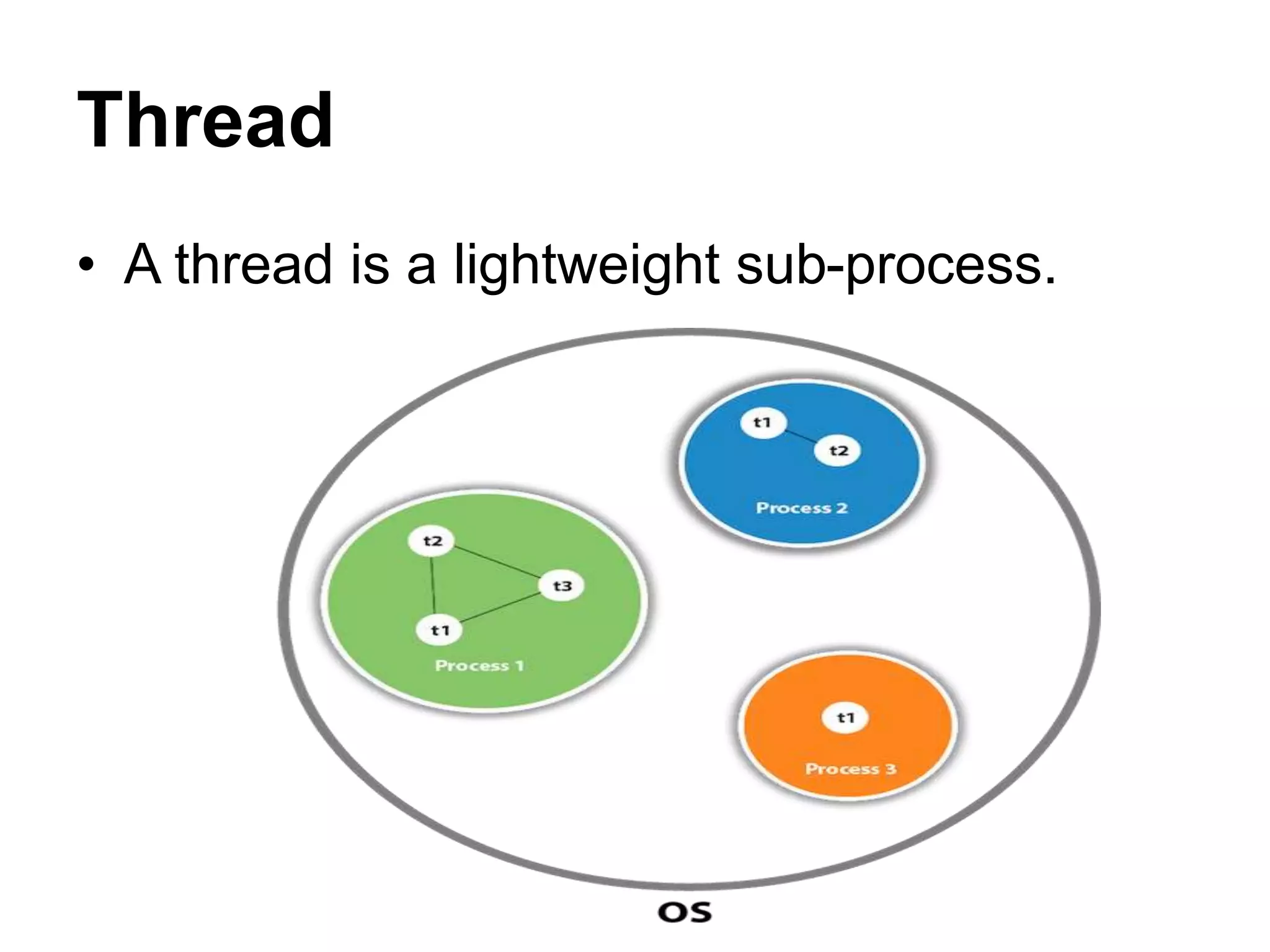
Thread
• A thread is a lightweight sub-process.
Cont…
• The smallest unit of processing.
• Threads are independent
Cont…
• If there occurs exception in one thread, it
doesn't affect other threads.
• It uses a shared memory area.
Multithreading
• Multithreading in Java is a process of
executing multiple threads simultaneously.
Advantages of Java Multithreading
• You can perform many operations
together, so it saves time.
Cont…
• It doesn't block the user because threads
are independent and you can perform
multiple operations at the same time.
• Threads are independent, so it doesn't
affect other threads if an exception occurs
in a single thread.
Application of Multi Threading
• Games
• Animations
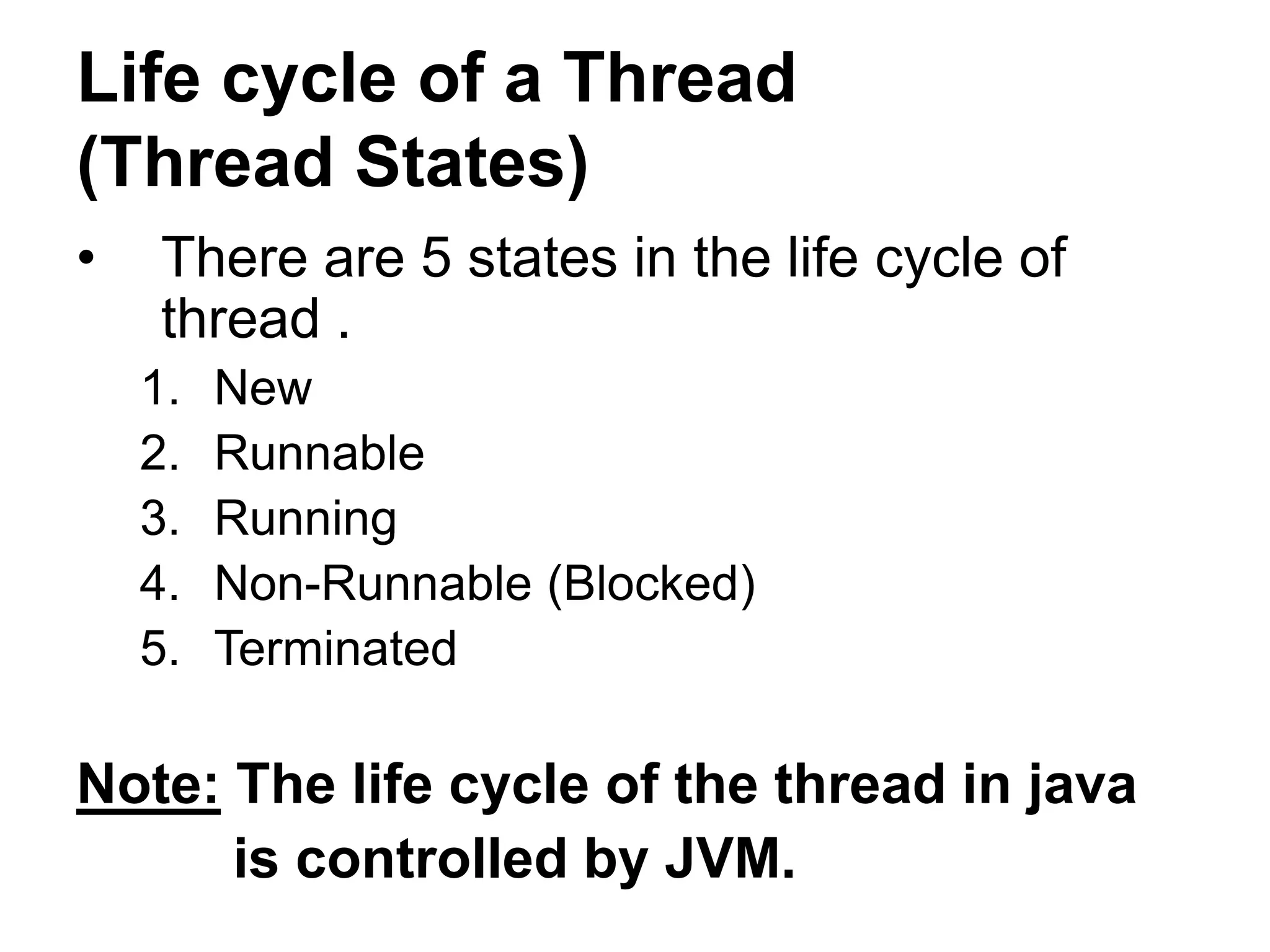
Life cycle of a Thread
(Thread States)
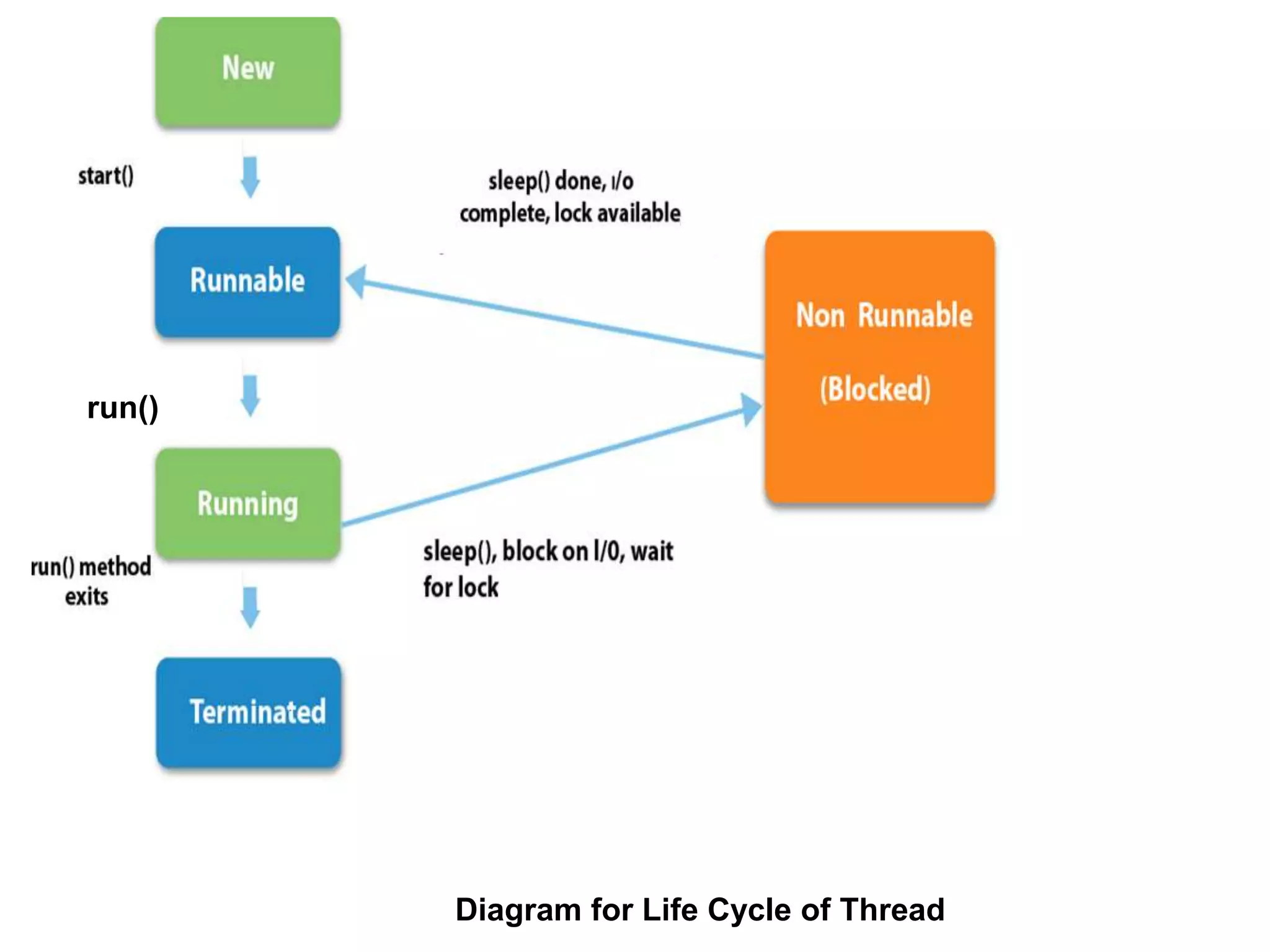
• There are 5 states in the life cycle of
thread .
1. New
2. Runnable
3. Running
4. Non-Runnable (Blocked)
5. Terminated
Note: The life cycle of the thread in java
is controlled by JVM.
Diagram for Life Cycle of Thread
run()
Cont…
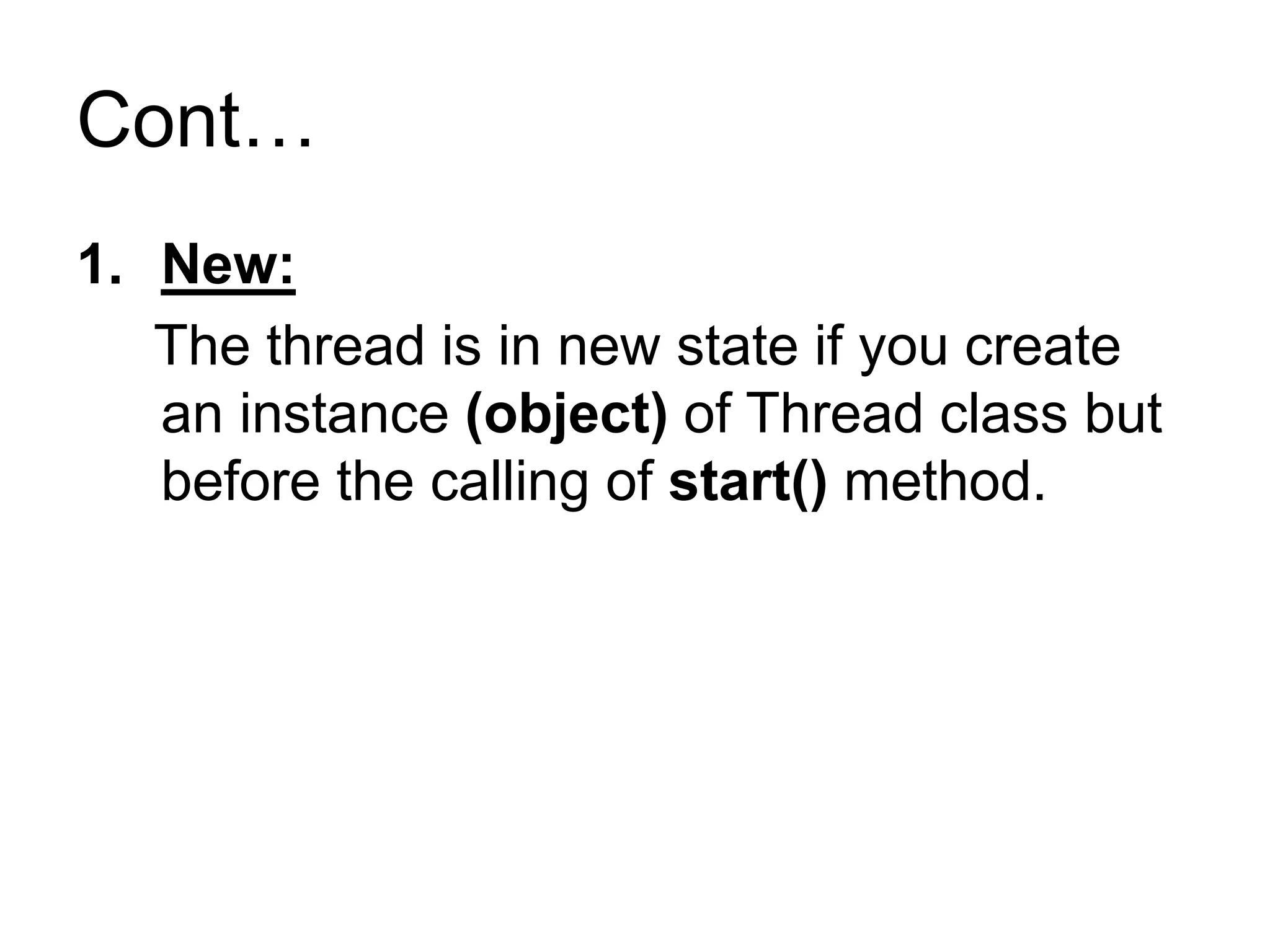
1. New:
The thread is in new state if you create
an instance (object) of Thread class but
before the calling of start() method.
Cont…
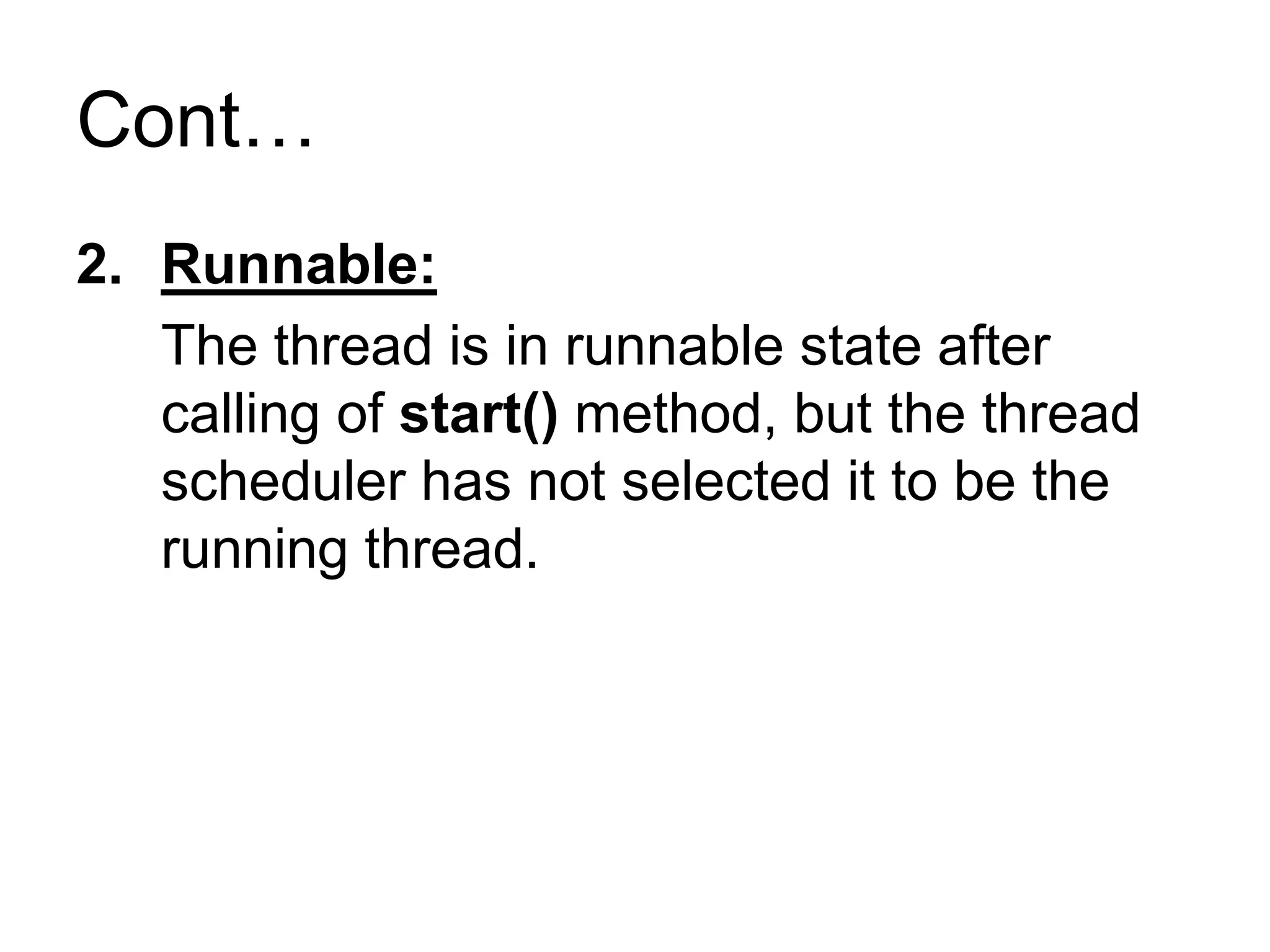
2. Runnable:
The thread is in runnable state after
calling of start() method, but the thread
scheduler has not selected it to be the
running thread.
Cont…
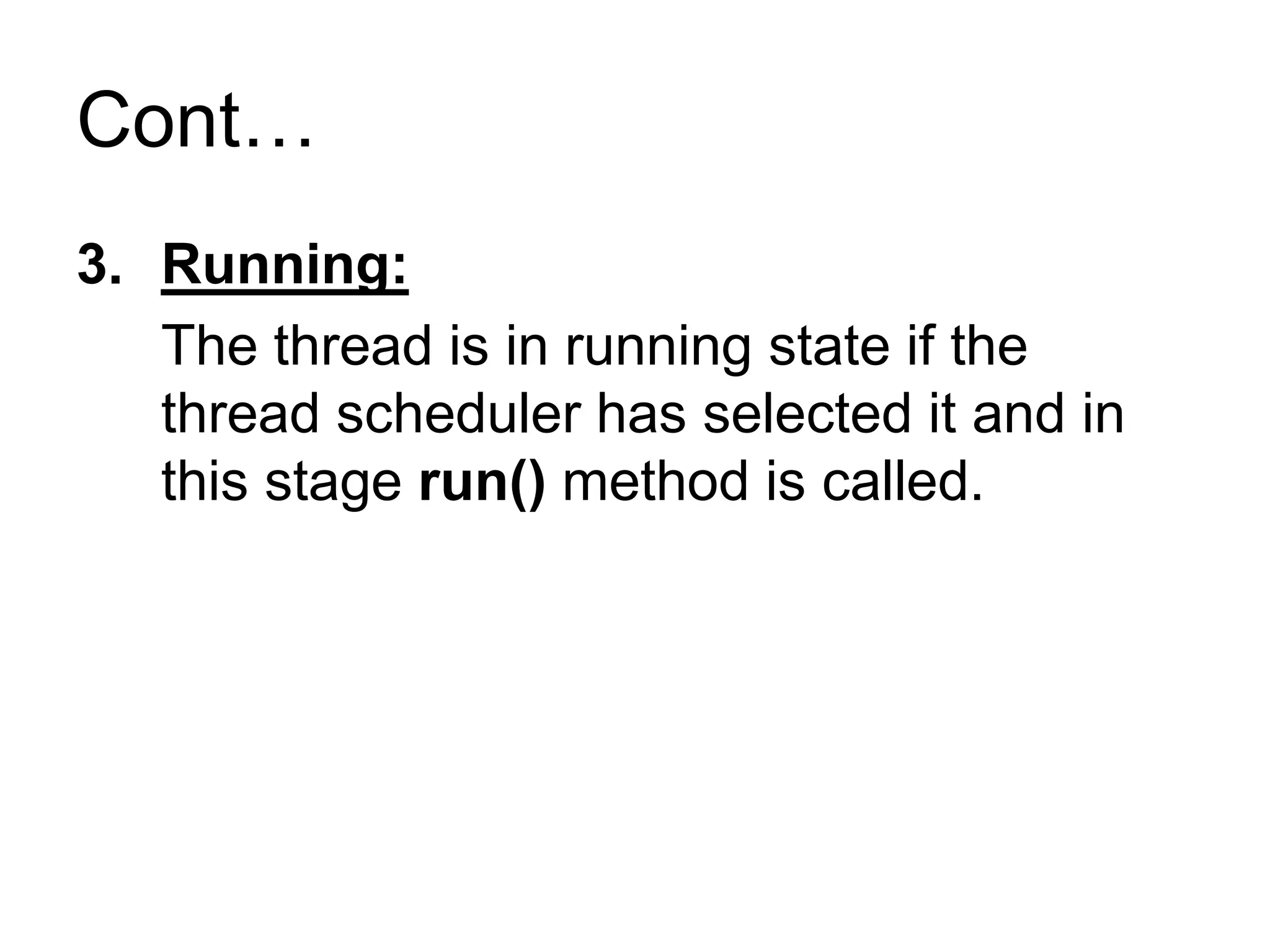
3. Running:
The thread is in running state if the
thread scheduler has selected it and in
this stage run() method is called.
Cont…
4. Non-Runnable (Blocked):
This is the state when the thread is still
alive, but is currently not eligible to run.
5. Terminated:
A thread is in terminated or dead state
when its run() method exits.
How to create thread
• There are two ways to create a thread:
1. By extending Thread class
2. By implementing Runnable interface.
1. By extending Thread class
Thread class:
• Thread class provide constructors and
methods to create and perform operations
on a thread.
• Thread class extends Object class and
implements Runnable interface.
Constructors of Thread class
• Thread()
• Thread(String name)
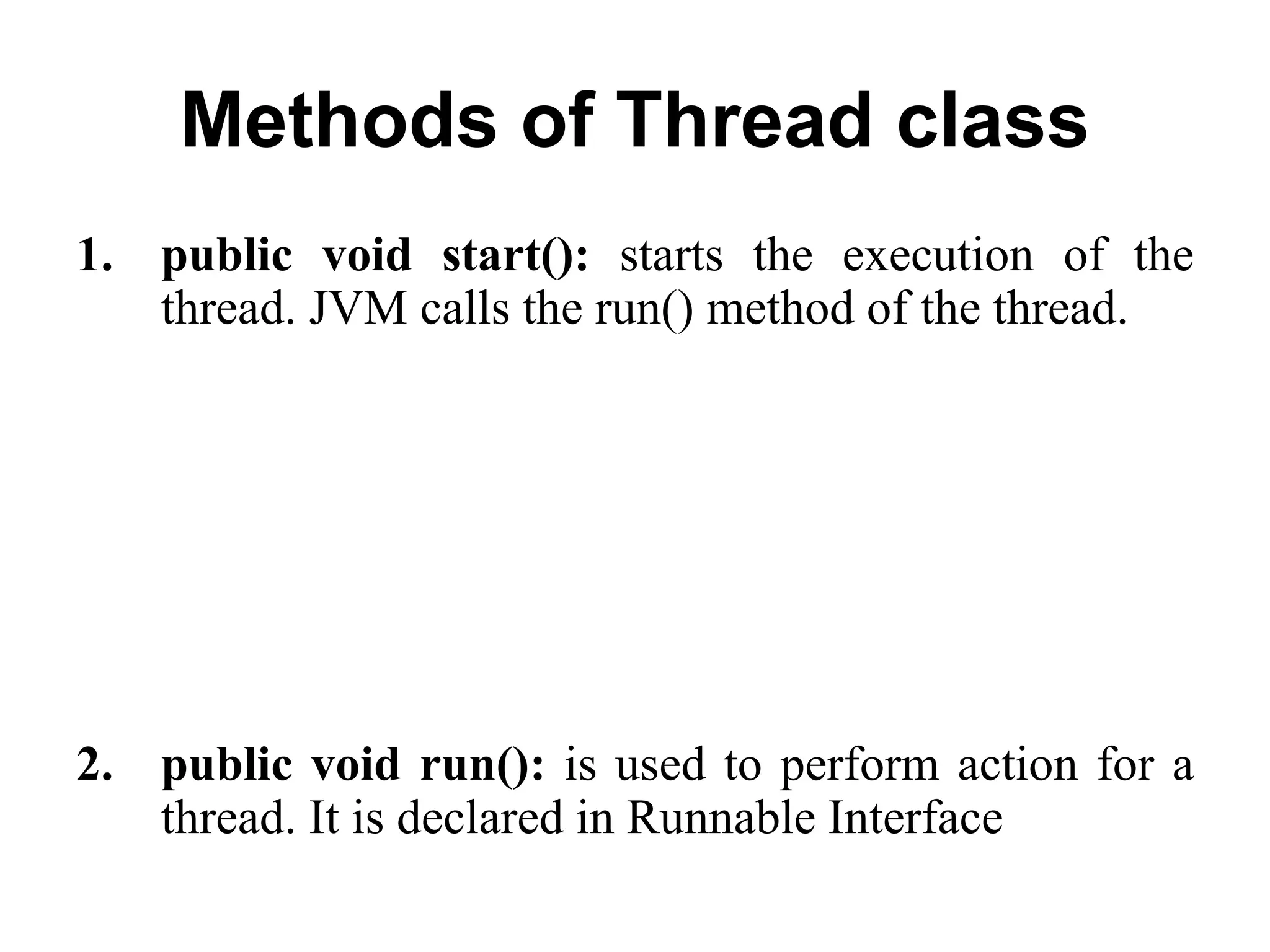
Methods of Thread class
1. public void start(): starts the execution of the
thread. JVM calls the run() method of the thread.
2. public void run(): is used to perform action for a
thread. It is declared in Runnable Interface
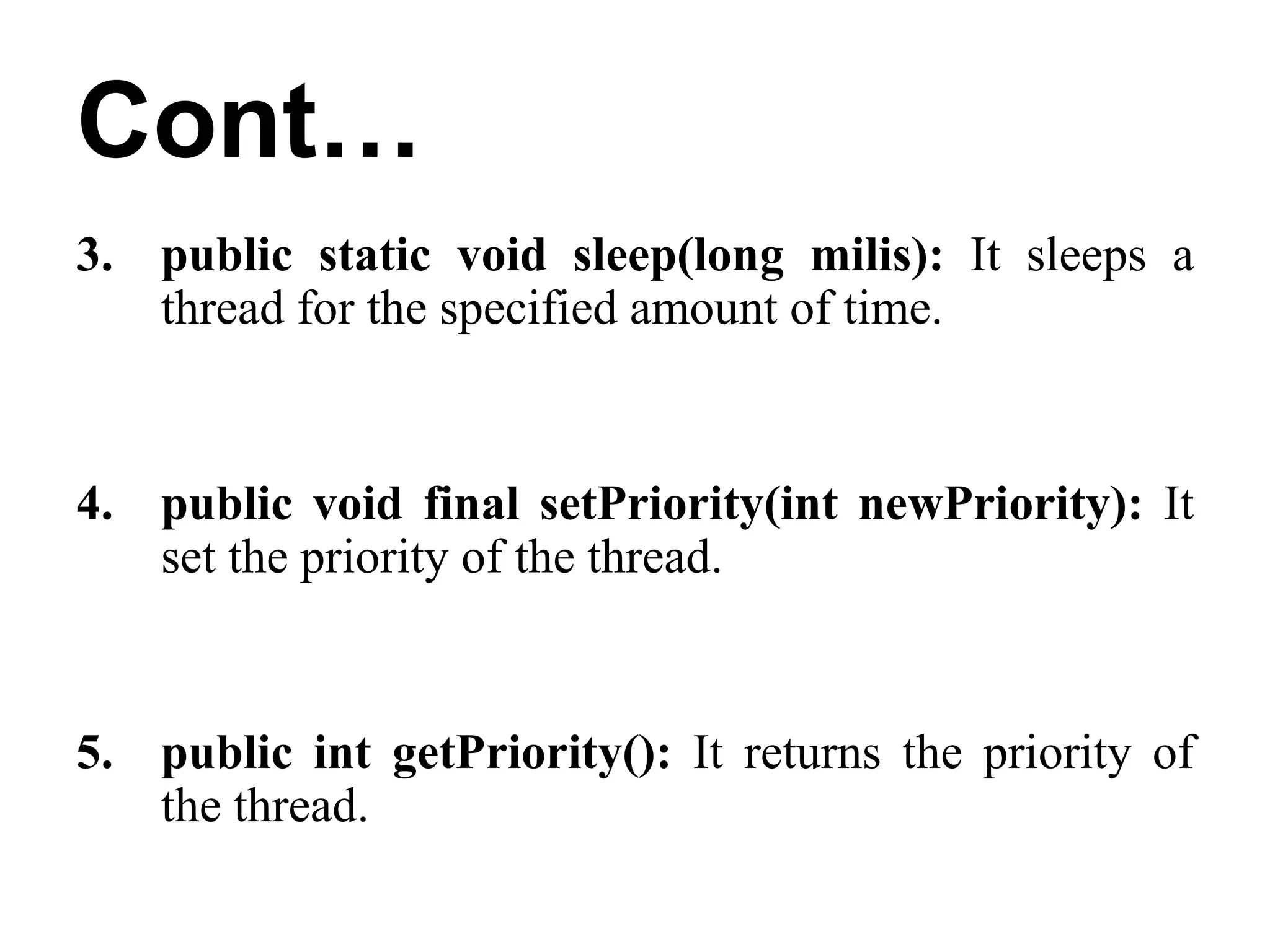
Cont…
3. public static void sleep(long milis): It sleeps a
thread for the specified amount of time.
4. public void final setPriority(int newPriority): It
set the priority of the thread.
5. public int getPriority(): It returns the priority of
the thread.
Example
class A extends Thread
{
public void run()
{
System.out.println(“Thread is running”);
}
public static void main(String a[])
{
A t1 = new A();
t1.start();
}
}
Output: Thread is running
2. By implementing Runnable interface.
Runnable interface:
• It contains only run() Method.
Example
class A implements Runnable
{
public void run()
{
System.out.println(“Runnable Interface”);
}
public static void main(String a[])
{
A t1 = new A();
Thread t2 = new Thread(t1);
t2.start();
}
}
Output:
Runnable Interface
Priority of a Thread
• Each thread has a priority.
• Priorities are represented by a number between 1 and
10.
• Default priority of a thread is 5
Cont…
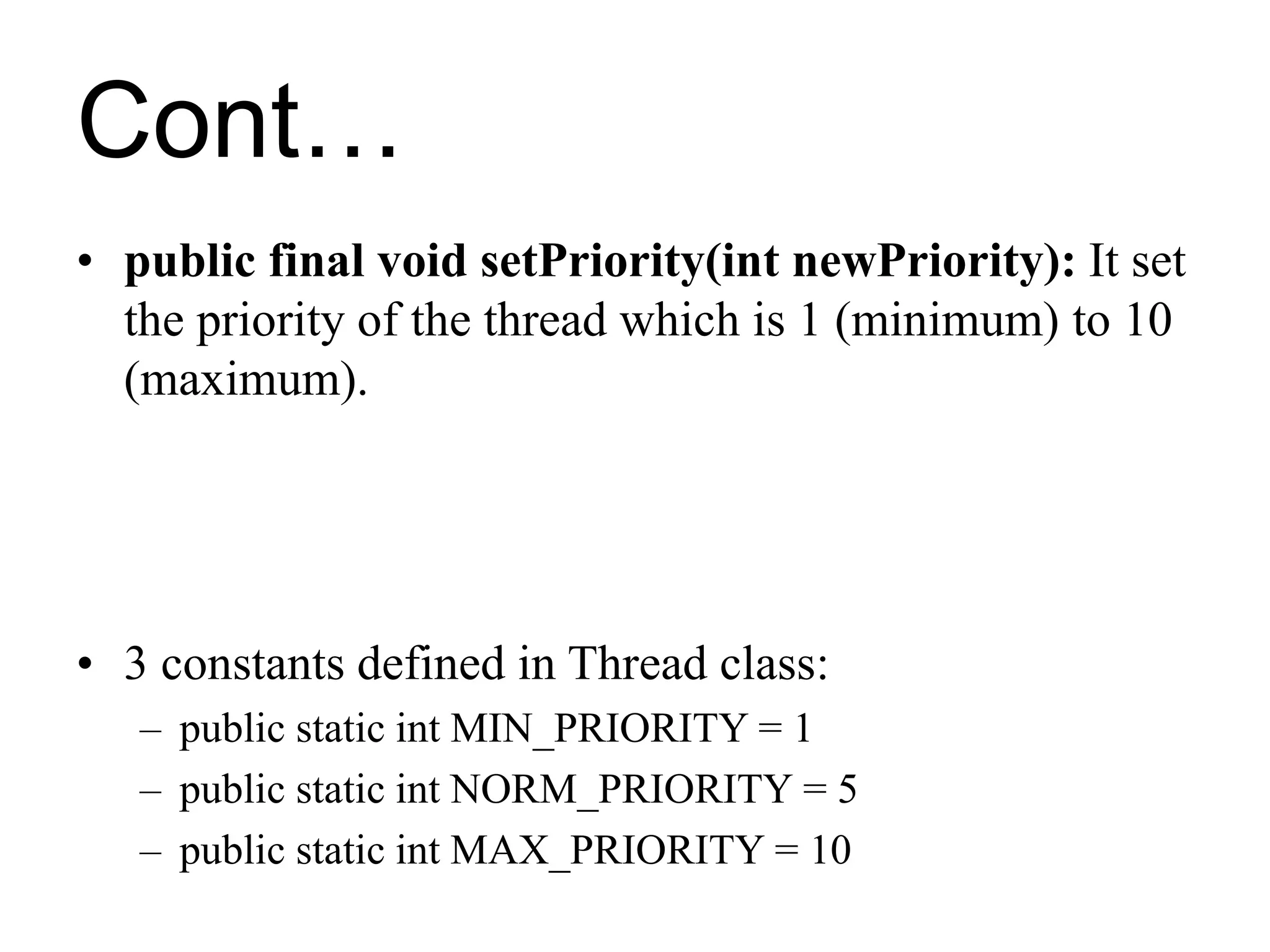
• public final void setPriority(int newPriority): It set
the priority of the thread which is 1 (minimum) to 10
(maximum).
• 3 constants defined in Thread class:
– public static int MIN_PRIORITY = 1
– public static int NORM_PRIORITY = 5
– public static int MAX_PRIORITY = 10
Cont…
• public int getPriority(): It returns the priority
of the thread.
Example
class A extends Thread
{
public static void main(String a[])
{
A t1= new A();
t1.setPriority(Thread. MAX_PRIORITY);
System.out.println(t1.getPriority());
}
}
Output: 10

BCA MultiThreading.ppt

  • 1.
  • 2.
    Thread • A threadis a lightweight sub-process.
  • 3.
    Cont… • The smallestunit of processing. • Threads are independent
  • 4.
    Cont… • If thereoccurs exception in one thread, it doesn't affect other threads. • It uses a shared memory area.
  • 5.
    Multithreading • Multithreading inJava is a process of executing multiple threads simultaneously. Advantages of Java Multithreading • You can perform many operations together, so it saves time.
  • 6.
    Cont… • It doesn'tblock the user because threads are independent and you can perform multiple operations at the same time. • Threads are independent, so it doesn't affect other threads if an exception occurs in a single thread.
  • 7.
    Application of MultiThreading • Games • Animations
  • 8.
    Life cycle ofa Thread (Thread States) • There are 5 states in the life cycle of thread . 1. New 2. Runnable 3. Running 4. Non-Runnable (Blocked) 5. Terminated Note: The life cycle of the thread in java is controlled by JVM.
  • 9.
    Diagram for LifeCycle of Thread run()
  • 10.
    Cont… 1. New: The threadis in new state if you create an instance (object) of Thread class but before the calling of start() method.
  • 11.
    Cont… 2. Runnable: The threadis in runnable state after calling of start() method, but the thread scheduler has not selected it to be the running thread.
  • 12.
    Cont… 3. Running: The threadis in running state if the thread scheduler has selected it and in this stage run() method is called.
  • 13.
    Cont… 4. Non-Runnable (Blocked): Thisis the state when the thread is still alive, but is currently not eligible to run. 5. Terminated: A thread is in terminated or dead state when its run() method exits.
  • 14.
    How to createthread • There are two ways to create a thread: 1. By extending Thread class 2. By implementing Runnable interface.
  • 15.
    1. By extendingThread class Thread class: • Thread class provide constructors and methods to create and perform operations on a thread. • Thread class extends Object class and implements Runnable interface.
  • 16.
    Constructors of Threadclass • Thread() • Thread(String name)
  • 17.
    Methods of Threadclass 1. public void start(): starts the execution of the thread. JVM calls the run() method of the thread. 2. public void run(): is used to perform action for a thread. It is declared in Runnable Interface
  • 18.
    Cont… 3. public staticvoid sleep(long milis): It sleeps a thread for the specified amount of time. 4. public void final setPriority(int newPriority): It set the priority of the thread. 5. public int getPriority(): It returns the priority of the thread.
  • 19.
    Example class A extendsThread { public void run() { System.out.println(“Thread is running”); } public static void main(String a[]) { A t1 = new A(); t1.start(); } } Output: Thread is running
  • 20.
    2. By implementingRunnable interface. Runnable interface: • It contains only run() Method.
  • 21.
    Example class A implementsRunnable { public void run() { System.out.println(“Runnable Interface”); } public static void main(String a[]) { A t1 = new A(); Thread t2 = new Thread(t1); t2.start(); } } Output: Runnable Interface
  • 22.
    Priority of aThread • Each thread has a priority. • Priorities are represented by a number between 1 and 10. • Default priority of a thread is 5
  • 23.
    Cont… • public finalvoid setPriority(int newPriority): It set the priority of the thread which is 1 (minimum) to 10 (maximum). • 3 constants defined in Thread class: – public static int MIN_PRIORITY = 1 – public static int NORM_PRIORITY = 5 – public static int MAX_PRIORITY = 10
  • 24.
    Cont… • public intgetPriority(): It returns the priority of the thread.
  • 25.
    Example class A extendsThread { public static void main(String a[]) { A t1= new A(); t1.setPriority(Thread. MAX_PRIORITY); System.out.println(t1.getPriority()); } } Output: 10