Basic Authentication (Request For Comment)
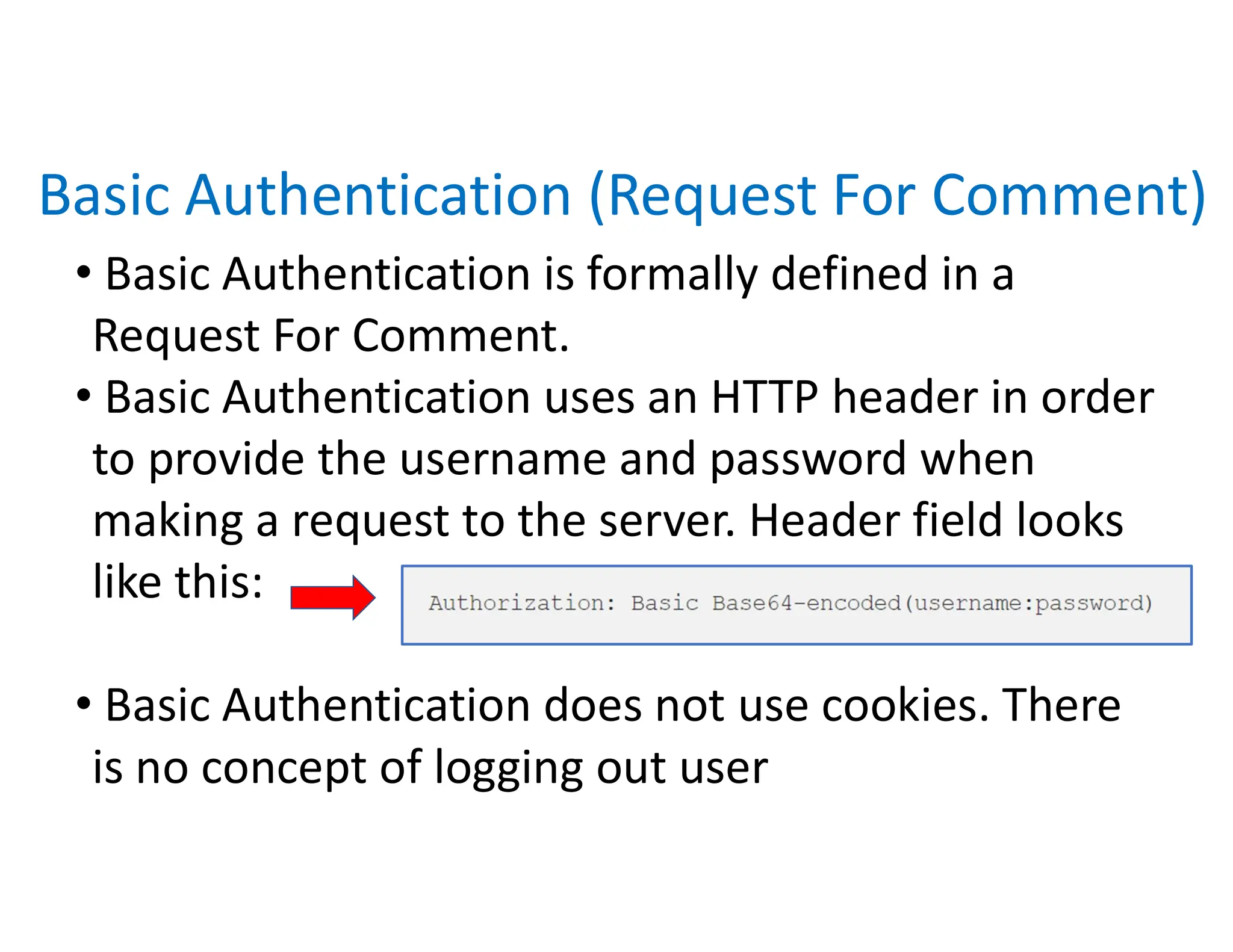
• Basic Authentication is formally defined in a
Request For Comment.
• Basic Authentication uses an HTTP header in order
to provide the username and password when
making a request to the server. Header field looks
like this:
• Basic Authentication does not use cookies. There
is no concept of logging out user
... Authorization : Basic Base64-encoded(username :password)
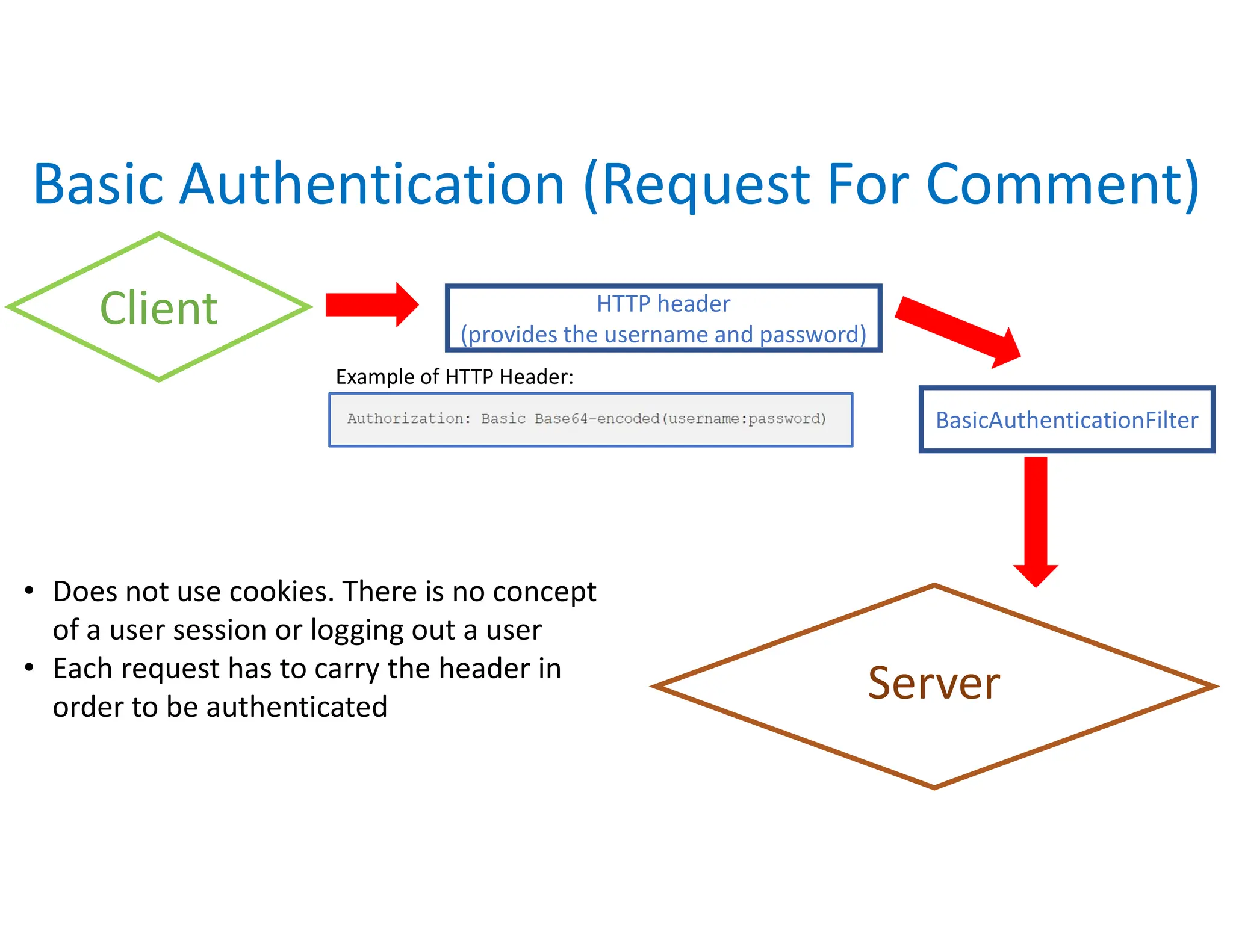
Client
Server
HTTP header
(provides the username and password)
Basic Authentication (Request For Comment)
• Does not use cookies. There is no concept
of a user session or logging out a user
• Each request has to carry the header in
order to be authenticated
BasicAuthenticationFilter
Example of HTTP Header:
......+ ...__I_ _ ____.I
Authorization : Basic Base64-encoded(username :password)
I I
Form-Based Authentication
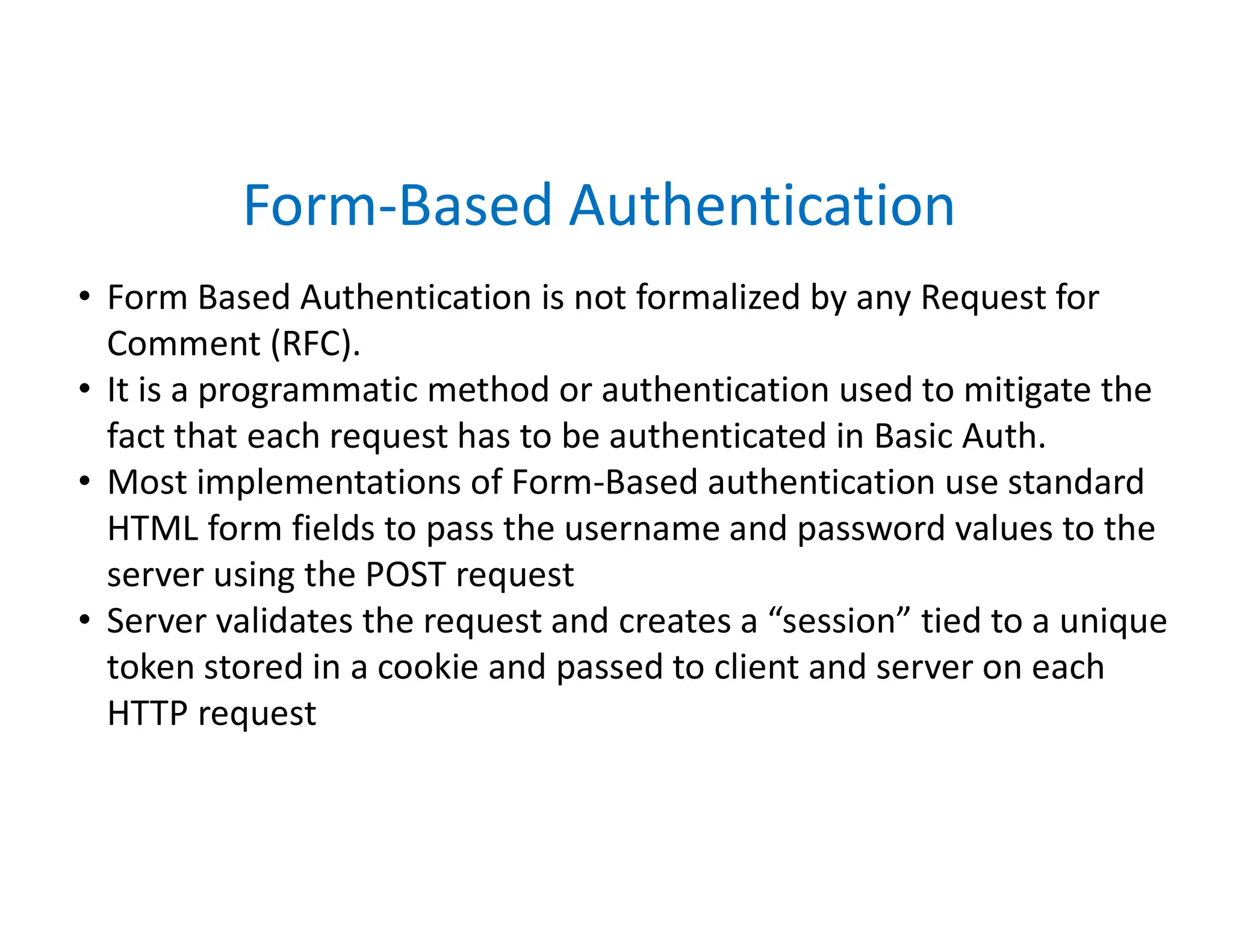
• Form Based Authentication is not formalized by any Request for
Comment (RFC).
• It is a programmatic method or authentication used to mitigate the
fact that each request has to be authenticated in Basic Auth.
• Most implementations of Form-Based authentication use standard
HTML form fields to pass the username and password values to the
server using the POST request
• Server validates the request and creates a “session” tied to a unique
token stored in a cookie and passed to client and server on each
HTTP request
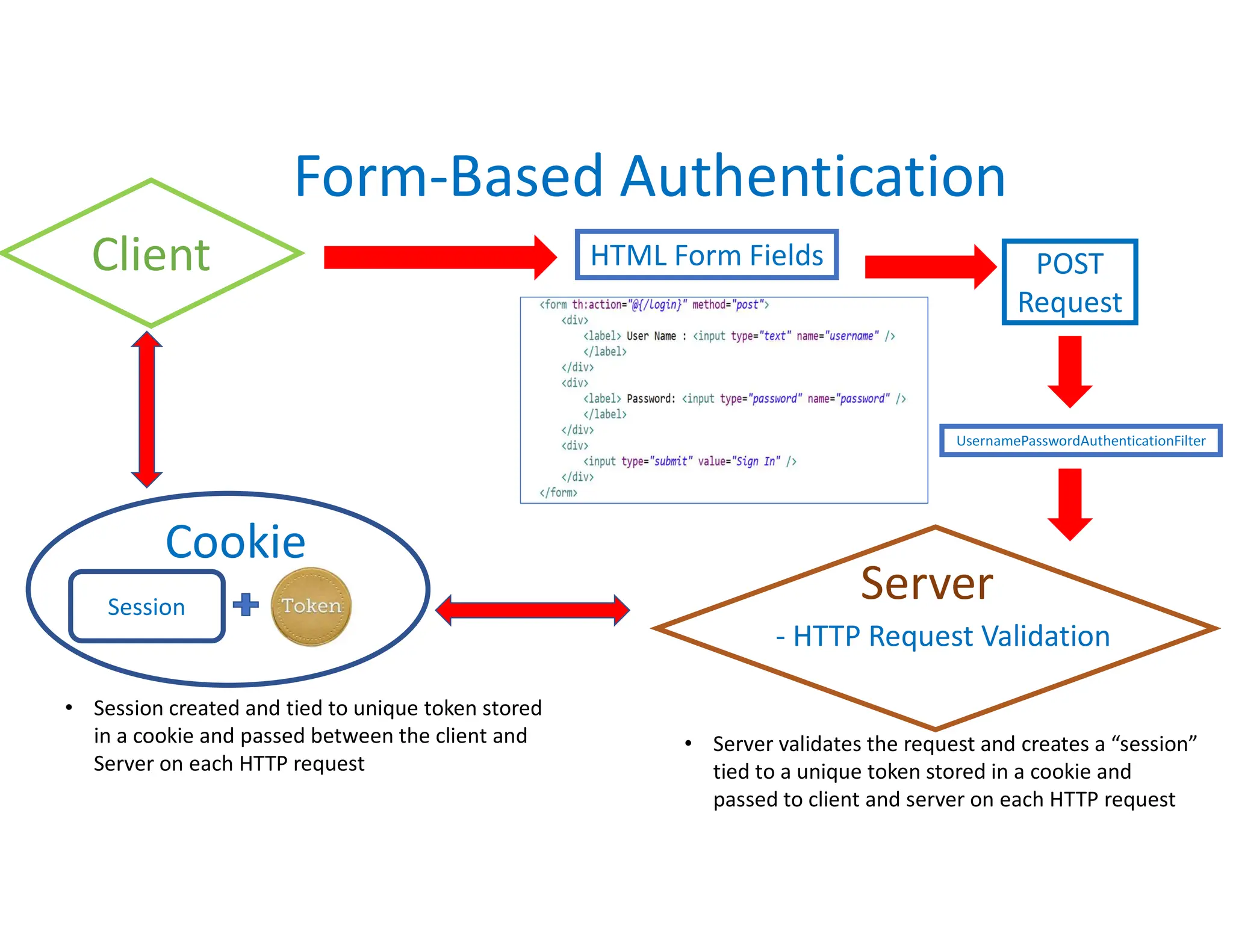
HTML Form Fields
Form-Based Authentication
POST
Request
Client
• Session created and tied to unique token stored
in a cookie and passed between the client and
Server on each HTTP request
• Server validates the request and creates a “session”
tied to a unique token stored in a cookie and
passed to client and server on each HTTP request
- HTTP Request Validation
Server
Session
Cookie
UsernamePasswordAuthenticationFilter
......
I _ ____.I .....
<form th: action="@
{/Login}" method="post">
<div>
<label> User Name : <input type="text" name="username" />
</label>
</div>
<div>
<label> Password: <input type="pass,~
ord" name="passw
ord" />
</label>
</div>
<div>
<input type="subm
it" value="Sign In" />
</div>
</form>
i i

Basic Authentication + Form based Auth.

  • 1.
    Basic Authentication (RequestFor Comment) • Basic Authentication is formally defined in a Request For Comment. • Basic Authentication uses an HTTP header in order to provide the username and password when making a request to the server. Header field looks like this: • Basic Authentication does not use cookies. There is no concept of logging out user ... Authorization : Basic Base64-encoded(username :password)
  • 2.
    Client Server HTTP header (provides theusername and password) Basic Authentication (Request For Comment) • Does not use cookies. There is no concept of a user session or logging out a user • Each request has to carry the header in order to be authenticated BasicAuthenticationFilter Example of HTTP Header: ......+ ...__I_ _ ____.I Authorization : Basic Base64-encoded(username :password) I I
  • 3.
    Form-Based Authentication • FormBased Authentication is not formalized by any Request for Comment (RFC). • It is a programmatic method or authentication used to mitigate the fact that each request has to be authenticated in Basic Auth. • Most implementations of Form-Based authentication use standard HTML form fields to pass the username and password values to the server using the POST request • Server validates the request and creates a “session” tied to a unique token stored in a cookie and passed to client and server on each HTTP request
  • 4.
    HTML Form Fields Form-BasedAuthentication POST Request Client • Session created and tied to unique token stored in a cookie and passed between the client and Server on each HTTP request • Server validates the request and creates a “session” tied to a unique token stored in a cookie and passed to client and server on each HTTP request - HTTP Request Validation Server Session Cookie UsernamePasswordAuthenticationFilter ...... I _ ____.I ..... <form th: action="@ {/Login}" method="post"> <div> <label> User Name : <input type="text" name="username" /> </label> </div> <div> <label> Password: <input type="pass,~ ord" name="passw ord" /> </label> </div> <div> <input type="subm it" value="Sign In" /> </div> </form> i i