Download as PDF, PPTX
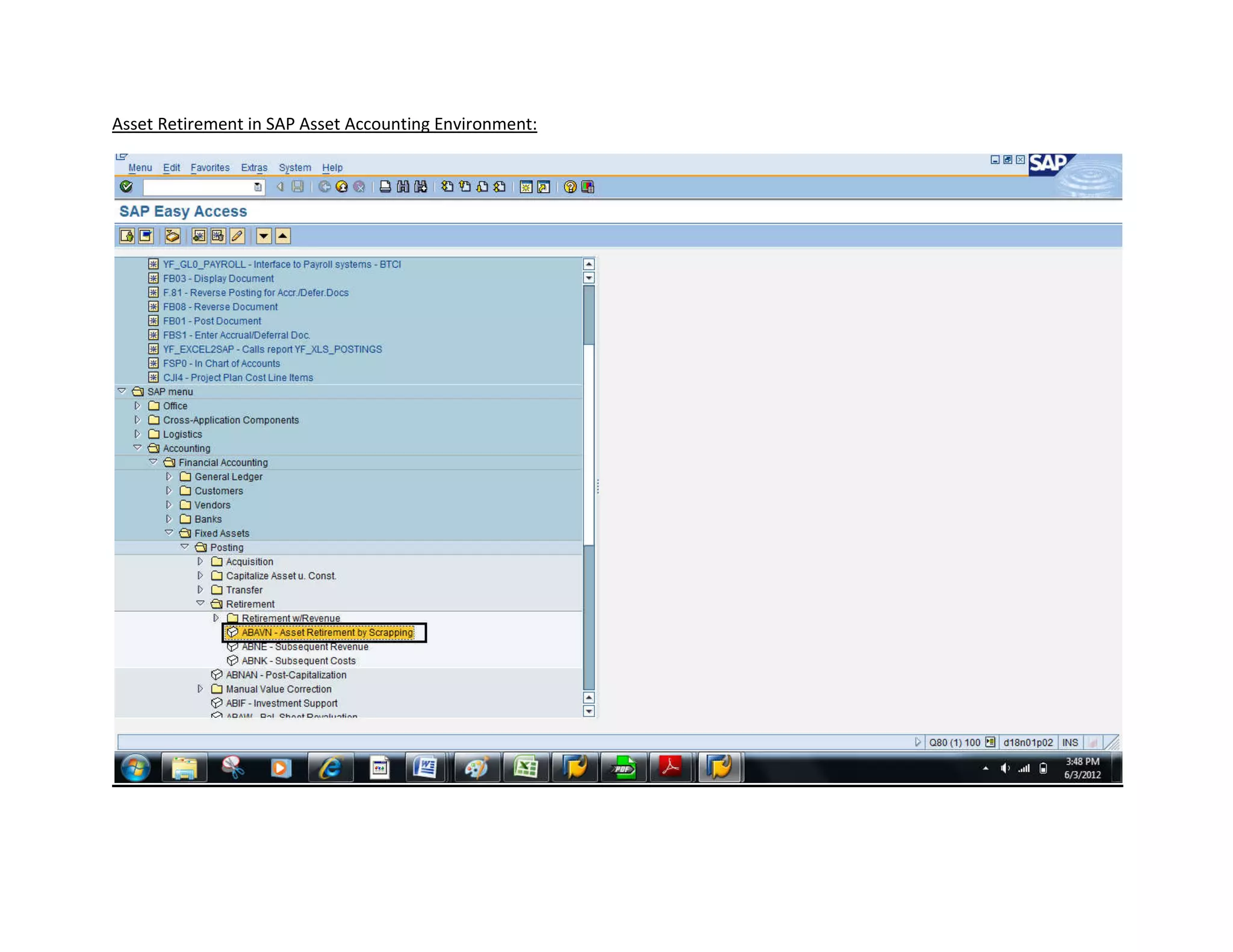


This document provides instructions for retiring or scrapping an asset in SAP asset accounting. It outlines entering the company code, asset details like number and dates, and simulating the transaction to validate the information before posting and completing the asset retirement. The system will generate a document number after successful posting.


![Bpc fin terminology_final[1] (2)](https://cdn.slidesharecdn.com/ss_thumbnails/bpcfinterminologyfinal12-130902234444-phpapp01-thumbnail.jpg?width=640&height=640&fit=bounds)


