app/assets/stylesheets
How to not make a mess
About me
[History Major, Web Design Degree,
Web Designer, Software Engineer, Director]
Really good at:
[UI Design, CSS/HTML, Ruby, ~Javascript]
Author of:
https://github.com/emcien/number-helpers-coffeescript
About me
Emcien: Graph Theory and Machine Learning
Stack: C, SQLite, Rails 4, Nginx, Ubuntu
This talk
{ SASS and uniquely beautiful UI:
Few quick tips to make web apps better }
{ Naming & Code Organization: Minimize technical debt }
{ Making stylesheets “real code”:
So you want to work on it }
This makes sense for production apps
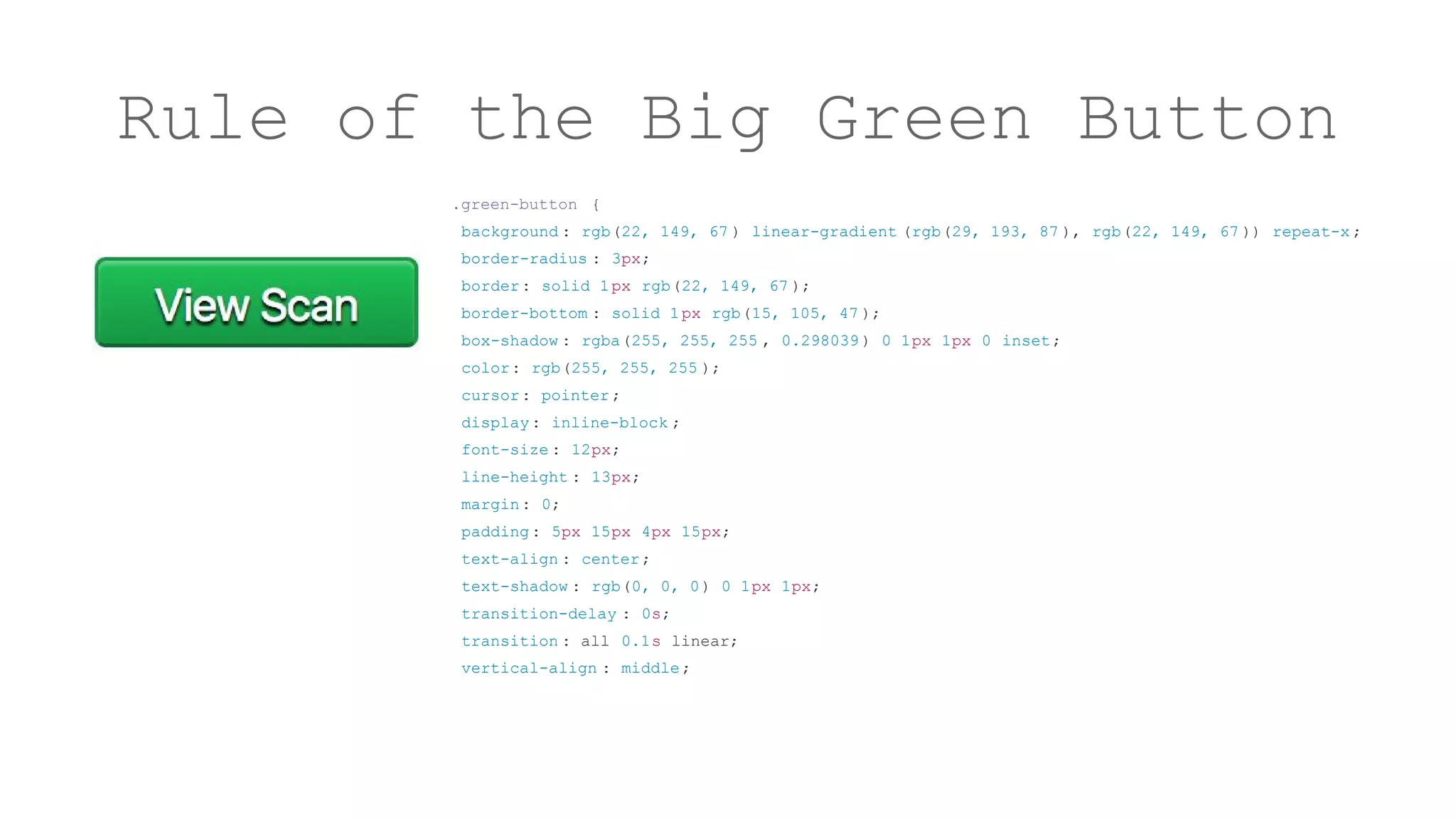
Rule of the Big Green Button
.green-button {
background : rgb(22, 149, 67 ) linear-gradient (rgb(29, 193, 87 ), rgb(22, 149, 67 )) repeat-x ;
border-radius : 3px;
border: solid 1px rgb(22, 149, 67 );
border-bottom : solid 1px rgb(15, 105, 47 );
box-shadow : rgba(255, 255, 255 , 0.298039 ) 0 1px 1px 0 inset;
color: rgb(255, 255, 255 );
cursor: pointer;
display: inline-block ;
font-size : 12px;
line-height : 13px;
margin: 0;
padding: 5px 15px 4px 15px;
text-align : center;
text-shadow : rgb(0, 0, 0) 0 1px 1px;
transition-delay : 0s;
transition : all 0.1s linear;
vertical-align : middle;
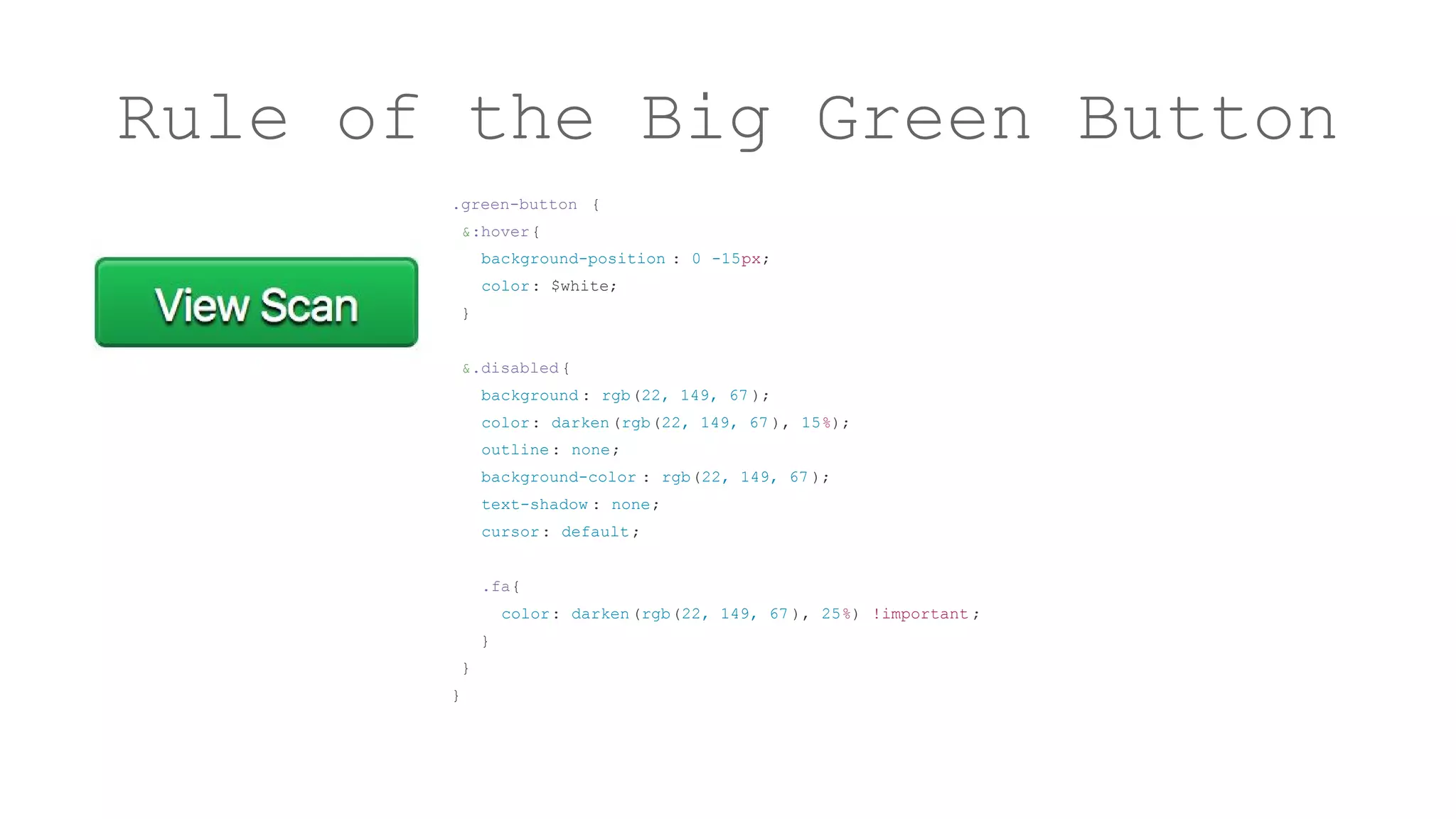
Rule of the Big Green Button
.green-button {
&:hover{
background-position : 0 -15px;
color: $white;
}
&.disabled {
background : rgb(22, 149, 67 );
color: darken(rgb(22, 149, 67 ), 15%);
outline: none;
background-color : rgb(22, 149, 67 );
text-shadow : none;
cursor: default;
.fa{
color: darken(rgb(22, 149, 67 ), 25%) !important ;
}
}
}
Color, Type, Layout
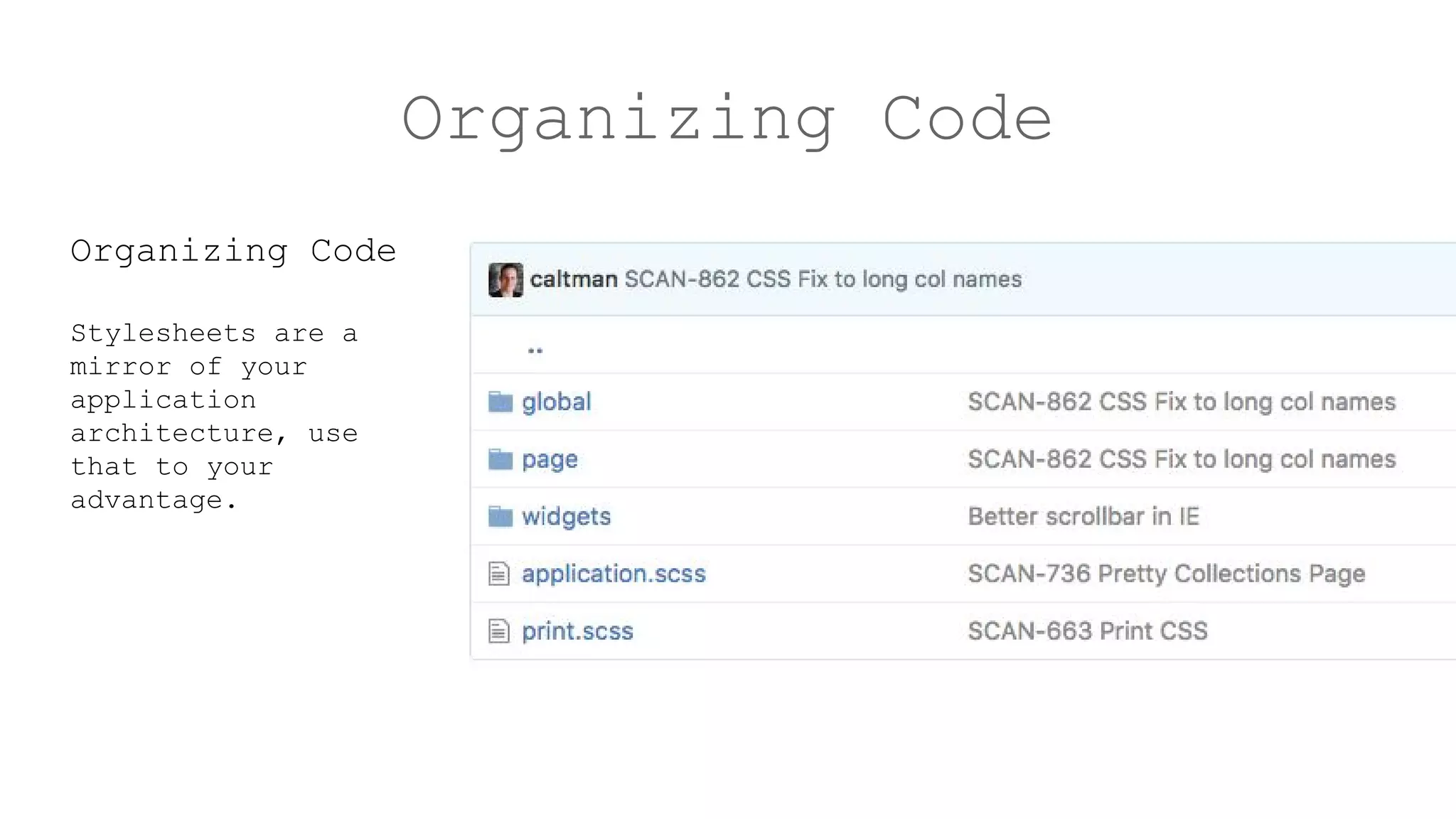
Organizing Code
Organizing Code
Stylesheets are a
mirror of your
application
architecture, use
that to your
advantage.
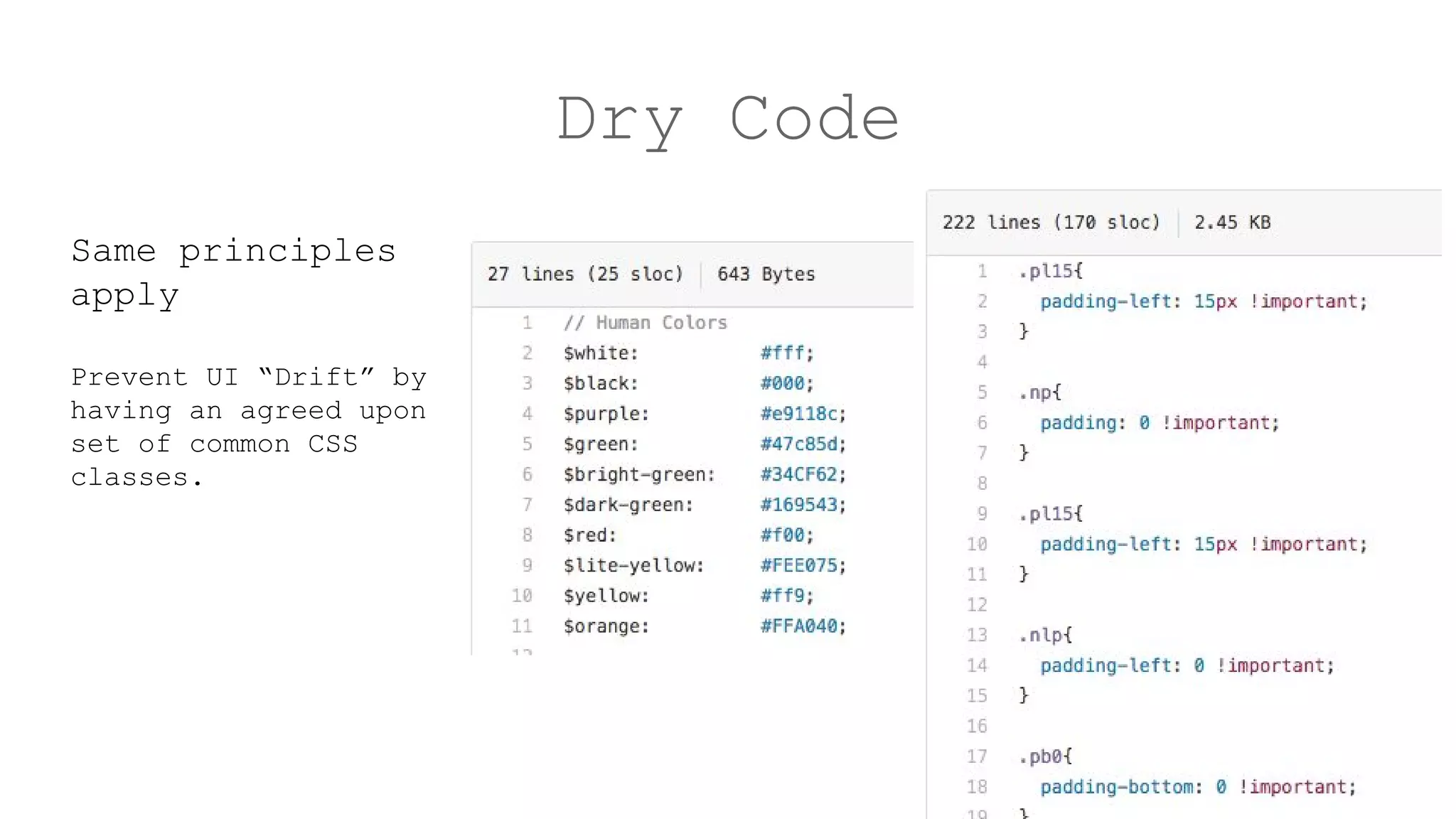
Dry Code
Same principles
apply
Prevent UI “Drift” by
having an agreed upon
set of common CSS
classes.
Clean Up
Always be
cleaning…smartly
rubocop/linter
Manual scrub
Break & rebuild
Don’t get lazy
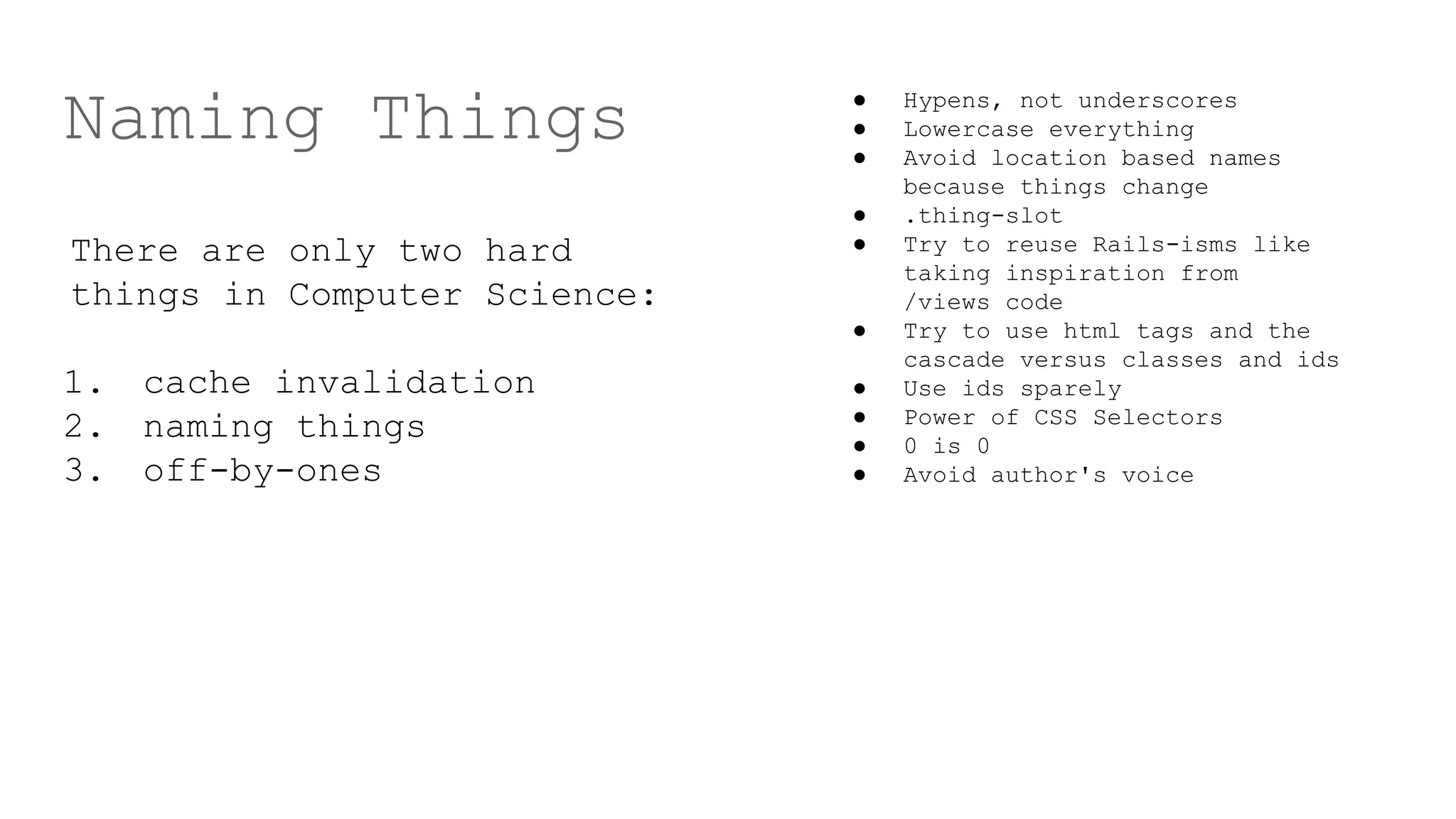
Naming Things
There are only two hard
things in Computer Science:
1. cache invalidation
2. naming things
3. off-by-ones
● Hypens, not underscores
● Lowercase everything
● Avoid location based names
because things change
● .thing-slot
● Try to reuse Rails-isms like
taking inspiration from
/views code
● Try to use html tags and the
cascade versus classes and ids
● Use ids sparely
● Power of CSS Selectors
● 0 is 0
● Avoid author's voice
“Real Code”
sass-lint
(Avoid bootstrap)
def presentation
@words.each do |w|
w.speak()
end
end

app/assets/stylesheets - How to not make a mess

  • 1.
  • 2.
    About me [History Major,Web Design Degree, Web Designer, Software Engineer, Director] Really good at: [UI Design, CSS/HTML, Ruby, ~Javascript] Author of: https://github.com/emcien/number-helpers-coffeescript
  • 3.
    About me Emcien: GraphTheory and Machine Learning Stack: C, SQLite, Rails 4, Nginx, Ubuntu
  • 4.
    This talk { SASSand uniquely beautiful UI: Few quick tips to make web apps better } { Naming & Code Organization: Minimize technical debt } { Making stylesheets “real code”: So you want to work on it } This makes sense for production apps
  • 5.
    Rule of theBig Green Button .green-button { background : rgb(22, 149, 67 ) linear-gradient (rgb(29, 193, 87 ), rgb(22, 149, 67 )) repeat-x ; border-radius : 3px; border: solid 1px rgb(22, 149, 67 ); border-bottom : solid 1px rgb(15, 105, 47 ); box-shadow : rgba(255, 255, 255 , 0.298039 ) 0 1px 1px 0 inset; color: rgb(255, 255, 255 ); cursor: pointer; display: inline-block ; font-size : 12px; line-height : 13px; margin: 0; padding: 5px 15px 4px 15px; text-align : center; text-shadow : rgb(0, 0, 0) 0 1px 1px; transition-delay : 0s; transition : all 0.1s linear; vertical-align : middle;
  • 6.
    Rule of theBig Green Button .green-button { &:hover{ background-position : 0 -15px; color: $white; } &.disabled { background : rgb(22, 149, 67 ); color: darken(rgb(22, 149, 67 ), 15%); outline: none; background-color : rgb(22, 149, 67 ); text-shadow : none; cursor: default; .fa{ color: darken(rgb(22, 149, 67 ), 25%) !important ; } } }
  • 7.
  • 8.
    Organizing Code Organizing Code Stylesheetsare a mirror of your application architecture, use that to your advantage.
  • 9.
    Dry Code Same principles apply PreventUI “Drift” by having an agreed upon set of common CSS classes.
  • 10.
  • 11.
    Naming Things There areonly two hard things in Computer Science: 1. cache invalidation 2. naming things 3. off-by-ones ● Hypens, not underscores ● Lowercase everything ● Avoid location based names because things change ● .thing-slot ● Try to reuse Rails-isms like taking inspiration from /views code ● Try to use html tags and the cascade versus classes and ids ● Use ids sparely ● Power of CSS Selectors ● 0 is 0 ● Avoid author's voice
  • 12.
  • 13.
    def presentation @words.each do|w| w.speak() end end