Introduction of
What isWeb Design?
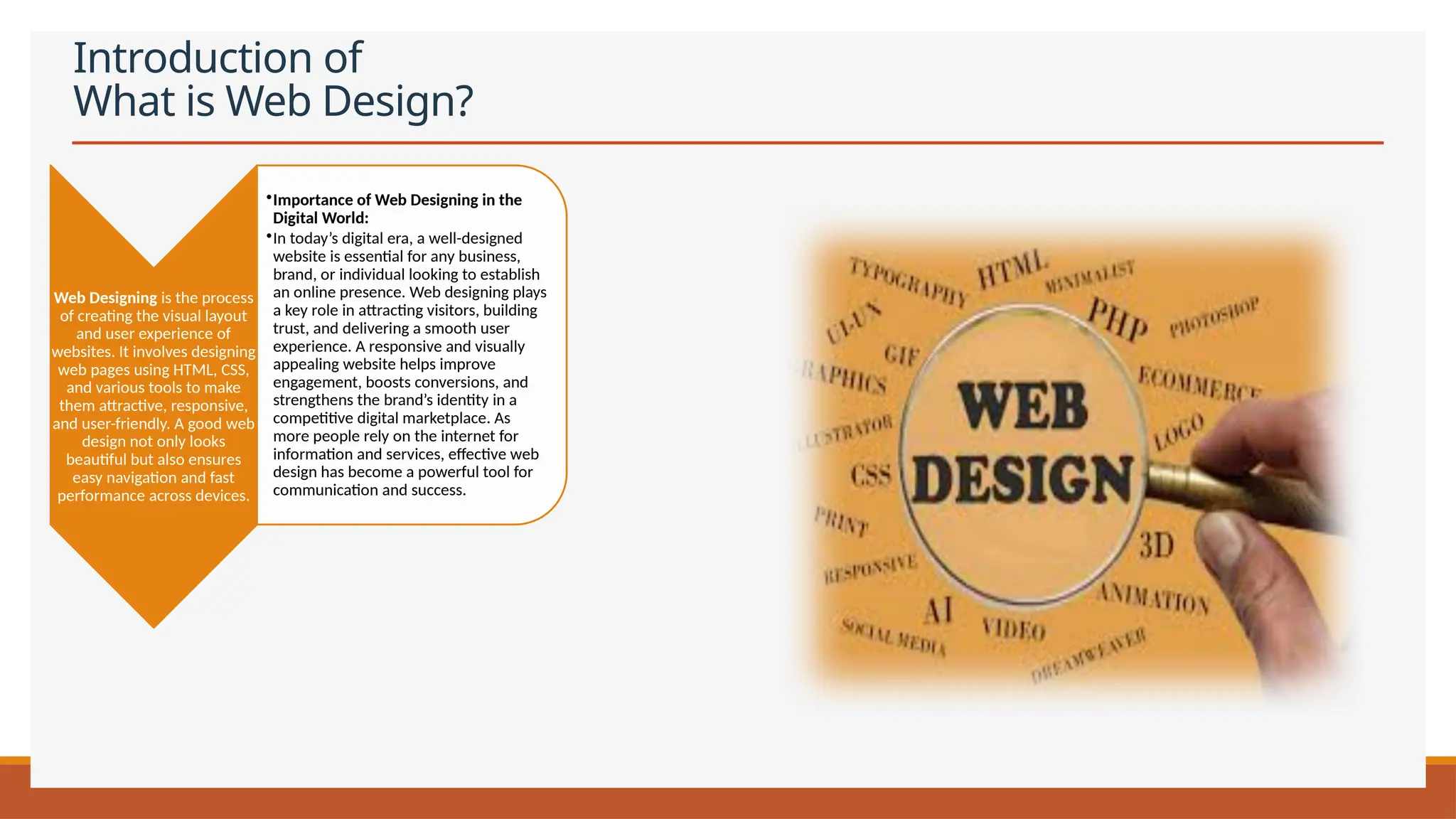
Web Designing is the process
of creating the visual layout
and user experience of
websites. It involves designing
web pages using HTML, CSS,
and various tools to make
them attractive, responsive,
and user-friendly. A good web
design not only looks
beautiful but also ensures
easy navigation and fast
performance across devices.
•Importance of Web Designing in the
Digital World:
•In today’s digital era, a well-designed
website is essential for any business,
brand, or individual looking to establish
an online presence. Web designing plays
a key role in attracting visitors, building
trust, and delivering a smooth user
experience. A responsive and visually
appealing website helps improve
engagement, boosts conversions, and
strengthens the brand’s identity in a
competitive digital marketplace. As
more people rely on the internet for
information and services, effective web
design has become a powerful tool for
communication and success.
3.
History of WebDesign Early HTML pages (1990s)
1
2 Early websites were plain text with blue links, no images or
layout.
3 The first browser, Mosaic (1993), introduced support for
images.
4 CSS (1996) allowed better control over design and layout.
Web design started in the early 1990s with basic HTML.
4.
Key Elements of
WebDesign Layout
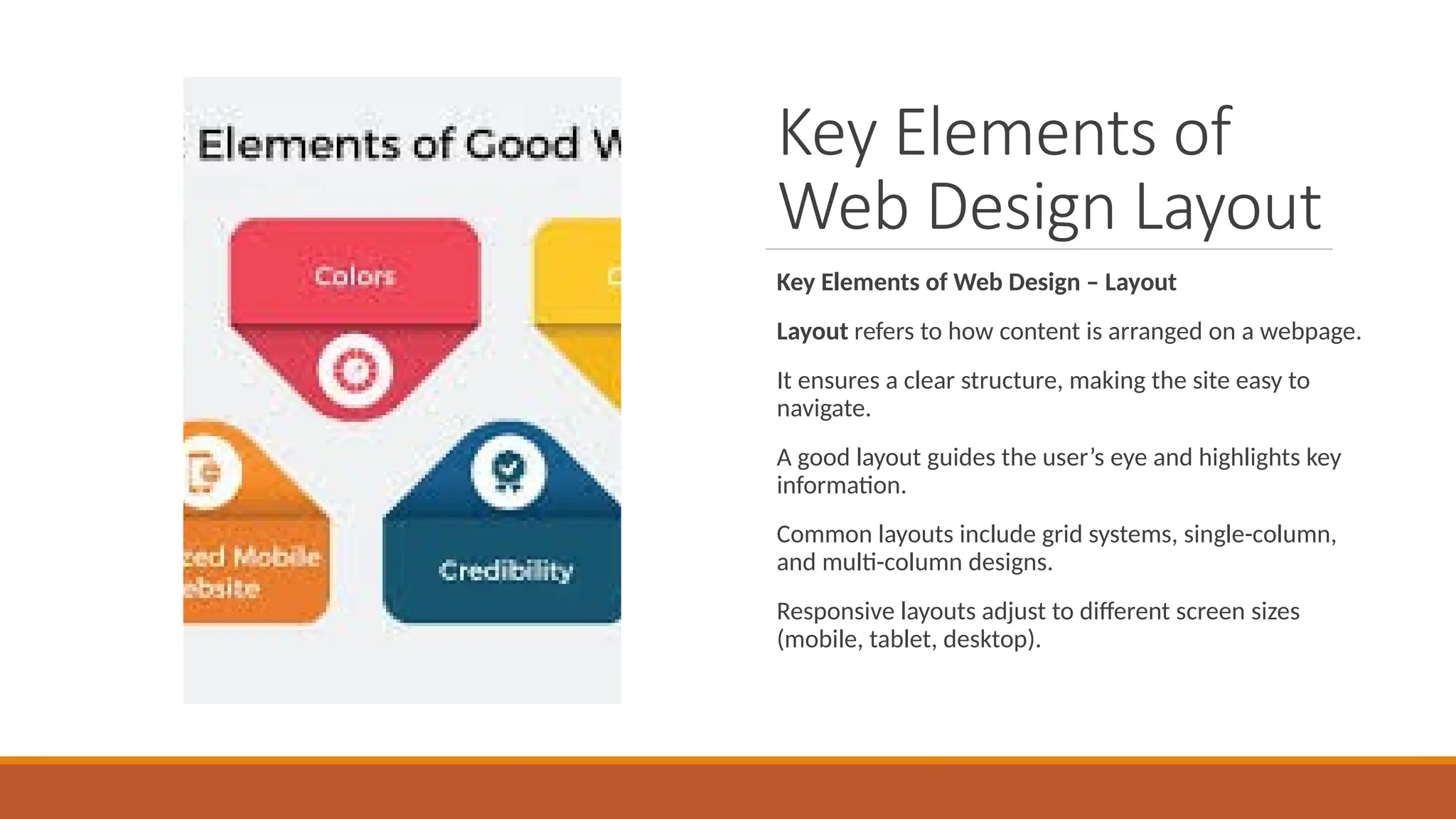
Key Elements of Web Design – Layout
Layout refers to how content is arranged on a webpage.
It ensures a clear structure, making the site easy to
navigate.
A good layout guides the user’s eye and highlights key
information.
Common layouts include grid systems, single-column,
and multi-column designs.
Responsive layouts adjust to different screen sizes
(mobile, tablet, desktop).
5.
The Design Process– Research
.
!
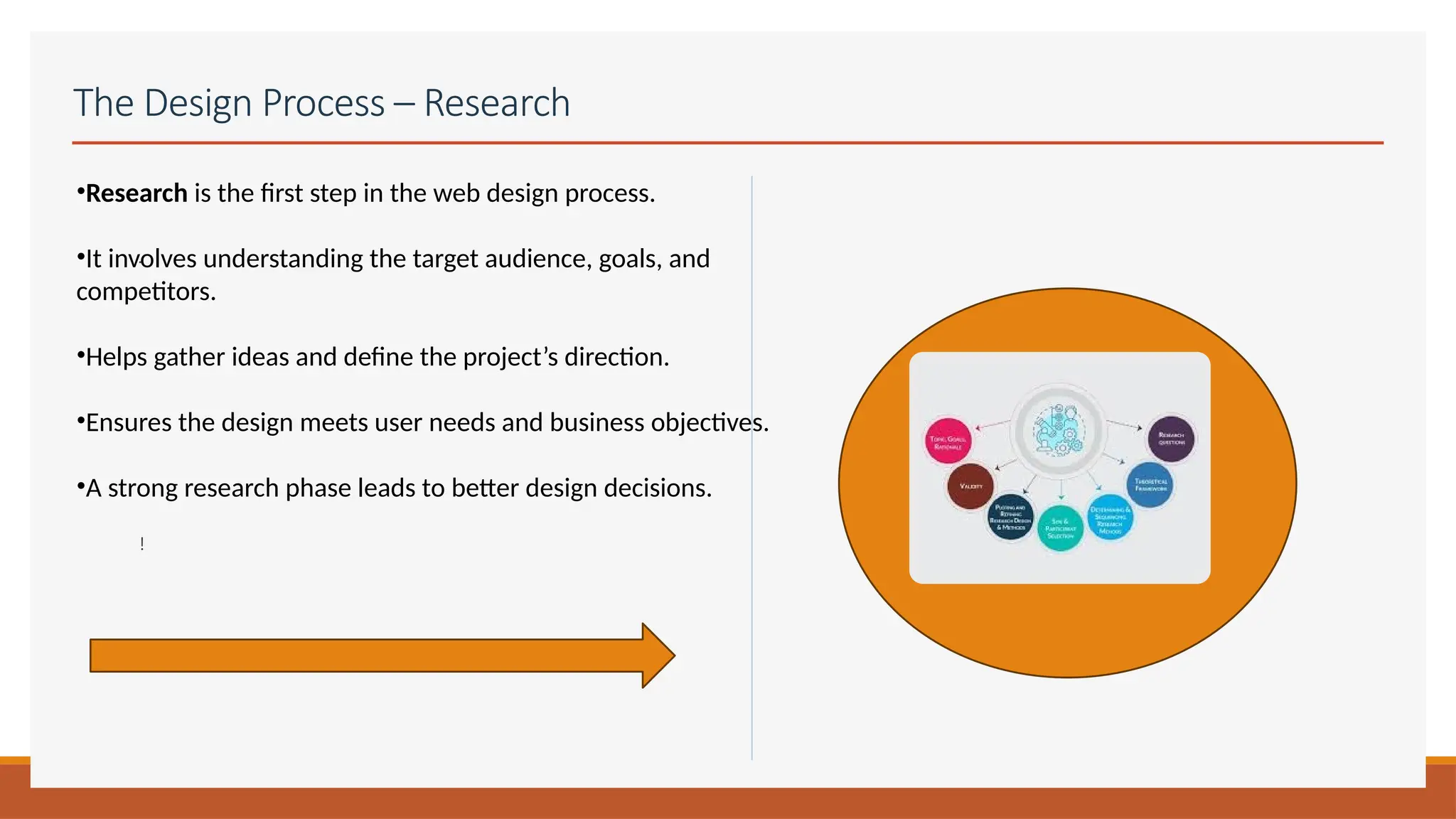
•Research is the first step in the web design process.
•It involves understanding the target audience, goals, and
competitors.
•Helps gather ideas and define the project’s direction.
•Ensures the design meets user needs and business objectives.
•A strong research phase leads to better design decisions.
6.
UI vs UXDesign
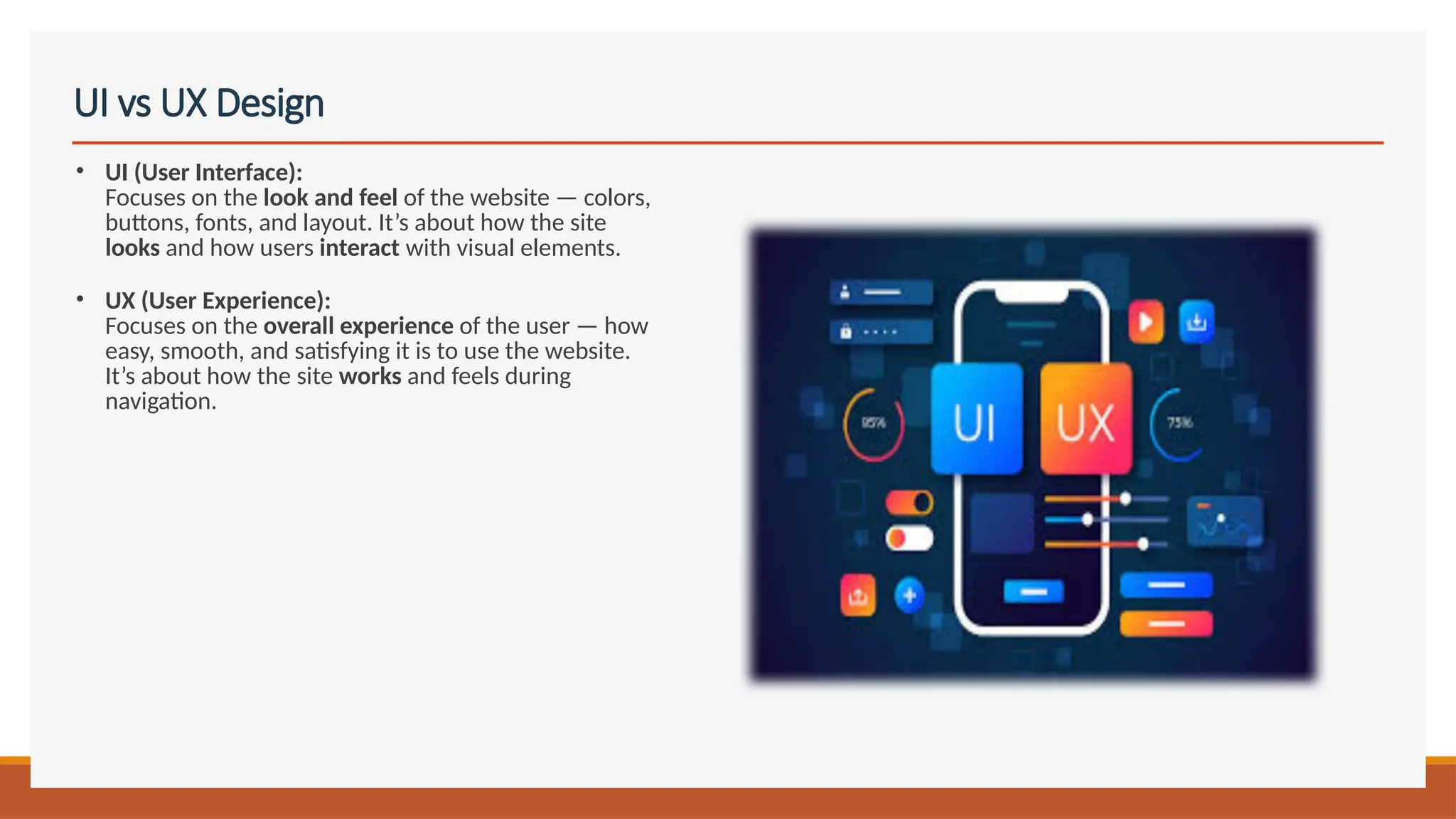
• UI (User Interface):
Focuses on the look and feel of the website — colors,
buttons, fonts, and layout. It’s about how the site
looks and how users interact with visual elements.
• UX (User Experience):
Focuses on the overall experience of the user — how
easy, smooth, and satisfying it is to use the website.
It’s about how the site works and feels during
navigation.
7.
More questions aboutWeb desing?
Thenk you for your important time for my PPT
Created by NAGAR MANTHAN
Ennrolment number:2404030100460
Email:manthan3132003@gmail.com