




How to Administer a
Group Career Key ®

    Test Code
3 Steps to Launching Your Program!
 w .w .w . c a r e e r k e y .o r g
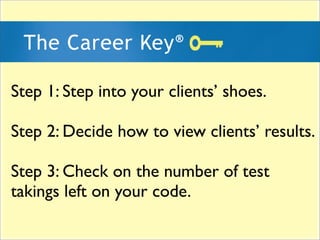
Step 1: Step into your clients’ shoes.

Step 2: Decide how to view clients’ results.

Step 3: Check on the number of test
takings left on your code.
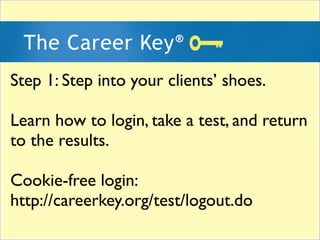
Step 1: Step into your clients’ shoes.

Learn how to login, take a test, and return
to the results.

Cookie-free login:
http://careerkey.org/test/logout.do
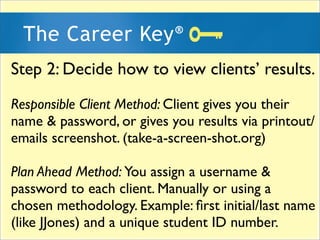
Step 2: Decide how to view clients’ results.
Responsible Client Method: Client gives you their
name & password, or gives you results via printout/
emails screenshot. (take-a-screen-shot.org)

Plan Ahead Method: You assign a username &
password to each client. Manually or using a
chosen methodology. Example: first initial/last name
(like JJones) and a unique student ID number.
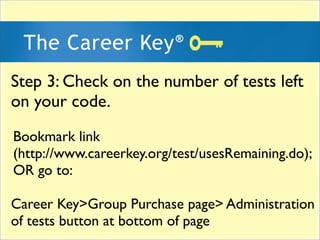
Step 3: Check on the number of tests left
on your code.
Bookmark link
(http://www.careerkey.org/test/usesRemaining.do);
OR go to:

Career Key>Group Purchase page> Administration
of tests button at bottom of page
Questions or Feedback?
 Juliet Wehr Jones
julietjones@careerkey.org
(206) 850-6195, Pacific Time Zone
thecareerkey
        YouTube Channel
More demos, tutorials, videos...
w .w .w . c a r e e r k e y .o r g

Administering the Career Key test to Groups

  • 2.
    How to Administera Group Career Key ® Test Code 3 Steps to Launching Your Program! w .w .w . c a r e e r k e y .o r g
  • 4.
    Step 1: Stepinto your clients’ shoes. Step 2: Decide how to view clients’ results. Step 3: Check on the number of test takings left on your code.
  • 6.
    Step 1: Stepinto your clients’ shoes. Learn how to login, take a test, and return to the results. Cookie-free login: http://careerkey.org/test/logout.do
  • 8.
    Step 2: Decidehow to view clients’ results. Responsible Client Method: Client gives you their name & password, or gives you results via printout/ emails screenshot. (take-a-screen-shot.org) Plan Ahead Method: You assign a username & password to each client. Manually or using a chosen methodology. Example: first initial/last name (like JJones) and a unique student ID number.
  • 10.
    Step 3: Checkon the number of tests left on your code. Bookmark link (http://www.careerkey.org/test/usesRemaining.do); OR go to: Career Key>Group Purchase page> Administration of tests button at bottom of page
  • 12.
    Questions or Feedback? Juliet Wehr Jones julietjones@careerkey.org (206) 850-6195, Pacific Time Zone
  • 14.
    thecareerkey YouTube Channel More demos, tutorials, videos... w .w .w . c a r e e r k e y .o r g