Perlで無理ゲーム攻略
How to play Win32::GuiTest


      TAKESAKO
  <takesako@shibuya.pm.org>
昔むかし
Once upon a time
あるところに
 MMORPG が
There was a MMORPG
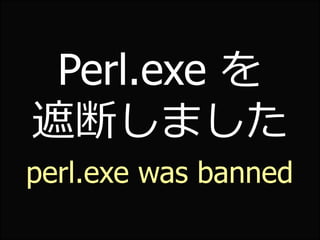
Perl.exe を
遮断しました
perl.exe was banned
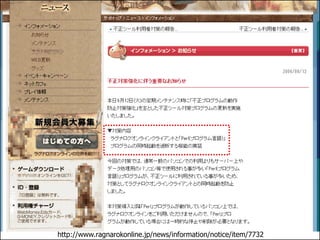
http://www.ragnarokonline.jp/news/information/notice/item/7732
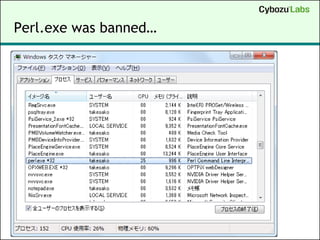
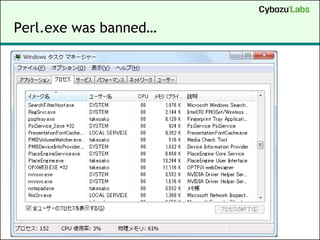
Perl.exe was banned…
Why?
どうして?
RMT (Real Money Trading) on MMORPG

Virtual Money  Real Money
Making Bot (Computer game bot) with Perl
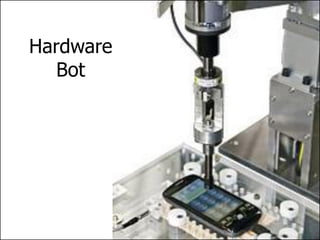
Hardware
   Bot
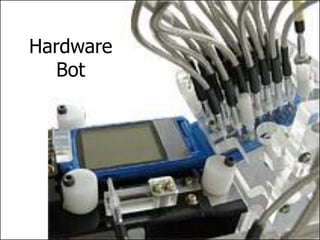
Hardware
   Bot
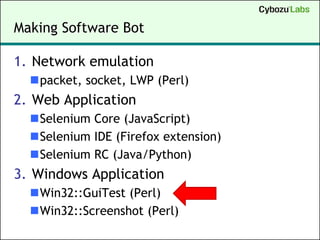
Making Software Bot

1. Network emulation
  packet, socket, LWP (Perl)
2. Web Application
  Selenium Core (JavaScript)
  Selenium IDE (Firefox extension)
  Selenium RC (Java/Python)
3. Windows Application
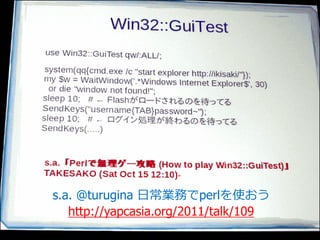
  Win32::GuiTest (Perl)
  Win32::Screenshot (Perl)
s.a. @turugina 日常業務でperlを使おう
   http://yapcasia.org/2011/talk/109
Demo
(1) Win32::GuiTest

SendKeys($keys[,$delay])

use Win32::GuiTest qw(SendKeys);

system("start notepad.exe"); # &
sleep(1);
SendKeys("foo{ENTER}");
SendKeys("bar{ENTER}");
SendKeys("bar{BS}z{ENTER}");
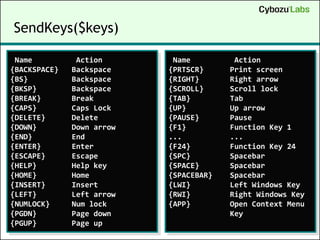
SendKeys($keys)

 Name          Action       Name         Action
{BACKSPACE}   Backspace    {PRTSCR}     Print screen
{BS}          Backspace    {RIGHT}      Right arrow
{BKSP}        Backspace    {SCROLL}     Scroll lock
{BREAK}       Break        {TAB}        Tab
{CAPS}        Caps Lock    {UP}         Up arrow
{DELETE}      Delete       {PAUSE}      Pause
{DOWN}        Down arrow   {F1}         Function Key 1
{END}         End          ...          ...
{ENTER}       Enter        {F24}        Function Key 24
{ESCAPE}      Escape       {SPC}        Spacebar
{HELP}        Help key     {SPACE}      Spacebar
{HOME}        Home         {SPACEBAR}   Spacebar
{INSERT}      Insert       {LWI}        Left Windows Key
{LEFT}        Left arrow   {RWI}        Right Windows Key
{NUMLOCK}     Num lock     {APP}        Open Context Menu
{PGDN}        Page down                 Key
{PGUP}        Page up
(2) FindWindowLike, GetWindowRect

GetWindowText, GetClassName

use Win32::GuiTest qw(:ALL);

system("start calc.exe");
sleep(1);
my @id = FindWindowLike(undef,"^電卓","",undef,1);
my $id = $id[0];
print GetWindowText($id), "¥n";
print GetClassName ($id), "¥n";
my ($x1, $y1, $x2, $y2) = GetWindowRect($id);
print "($x1, $y1)->($x2, $y2)", "¥n";
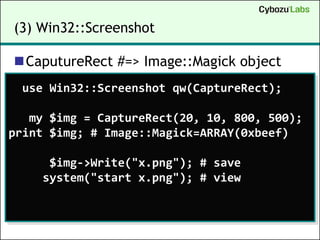
(3) Win32::Screenshot

CaputureRect #=> Image::Magick object
 use Win32::Screenshot qw(CaptureRect);

   my $img = CaptureRect(20, 10, 800, 500);
print $img; # Image::Magick=ARRAY(0xbeef)

     $img->Write("x.png"); # save
    system("start x.png"); # view
(4) Win32::GuiTest & Win32::Screenshot

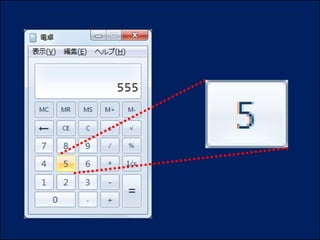
Capture only “calc.exe” window
use Win32::GuiTest qw(:ALL);
use Win32::Screenshot qw(CaptureRect);

system("start calc.exe");
sleep(1);
my @id = FindWindowLike(undef,"^電卓","",undef,1);
my ($x1, $y1, $x2, $y2) = GetWindowRect($id[0]);

my $img = CaptureRect($x1,$y1, $x2-$x1,$y2-$y1);
   $img->Write("x.png"); # save
  system("start x.png"); # view
(5) {Image::Magick}->Get("signature")

Image binary  SHA-256 digest string
 use Win32::Screenshot qw(CaptureRect);

   my $img = CaptureRect(20, 10, 800, 500);
      $img; # Image::Magick=ARRAY(0xbeef)
print $img->Get("signature"),"¥n"; # SHA-256

      $img = new Image::Magick;
      $img->Read("x.png");
print $img->Get("signature"),"¥n"; # SHA-256
(6) Win32::GuiTest でマウスを操作する

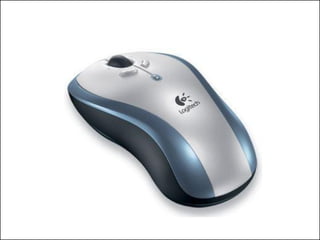
MouseMoveAbsPix($x, $y)

use Win32::GuiTest qw(:ALL);

for ($x = 0; $x < 900; $x += 2) {
  $y = sin($x / 60) * 300 + 400;
  MouseMoveAbsPix($x, $y);
}
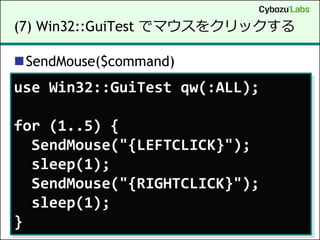
(7) Win32::GuiTest でマウスをクリックする

SendMouse($command)
use Win32::GuiTest qw(:ALL);

for (1..5) {
  SendMouse("{LEFTCLICK}");
  sleep(1);
  SendMouse("{RIGHTCLICK}");
  sleep(1);
}
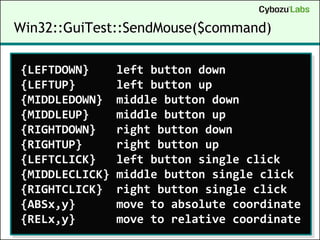
Win32::GuiTest::SendMouse($command)

{LEFTDOWN}      left button down
{LEFTUP}        left button up
{MIDDLEDOWN}    middle button down
{MIDDLEUP}      middle button up
{RIGHTDOWN}     right button down
{RIGHTUP}       right button up
{LEFTCLICK}     left button single click
{MIDDLECLICK}   middle button single click
{RIGHTCLICK}    right button single click
{ABSx,y}        move to absolute coordinate
{RELx,y}        move to relative coordinate
応用問題
practical lesson
無理ゲー攻略
mission impossible
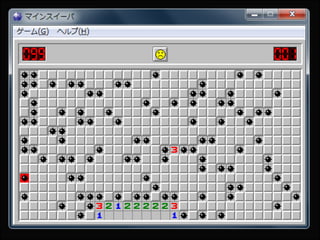
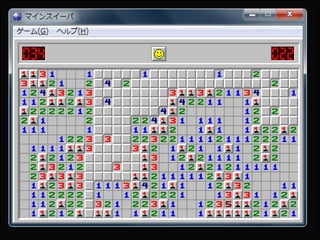
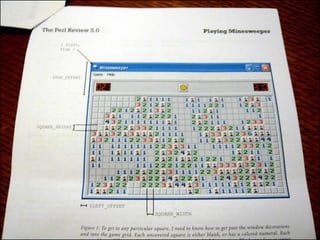
Acme::MineChan
      マイン   ちゃん

 Minesweeper を
 ちゃんと解く。
Demo
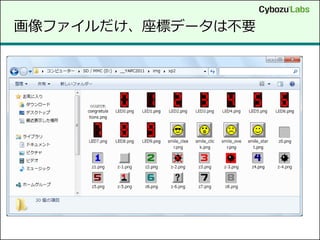
画像ファイルだけ、座標データは不要
FAQ. 役に立つの?

新しいスクリーンセーバーとして鑑賞する
 Fun of the New Screen Saver
タイピングソフトでハイスコアを出す
 Scoring champion for Key-Typing software
Windowsアプリの自動テスト化
 Automation Testing for Win32 Applications
セキュリティ脆弱性検査
 Fuzzing
その他 etc.
How to
Debug
40
暴走
runaway
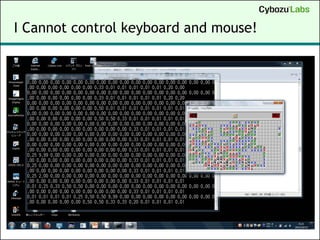
I Cannot control keyboard and mouse!
Oh…
Press Ctrl+C
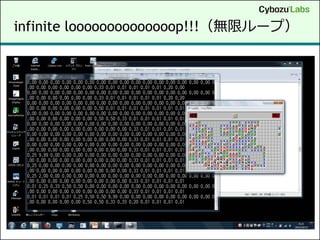
infinite loooooooooooooop!!!(無限ループ)
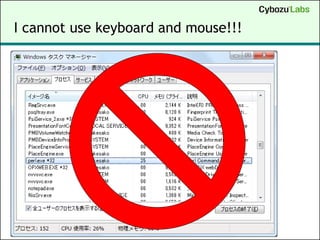
I cannot use keyboard and mouse!!!
I want to kill
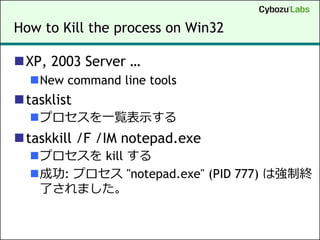
How to Kill the process on Win32

XP, 2003 Server …
  New command line tools
tasklist
  プロセスを一覧表示する
taskkill /F /IM notepad.exe
  プロセスを kill する
  成功: プロセス "notepad.exe" (PID 777) は強制終
   了されました。
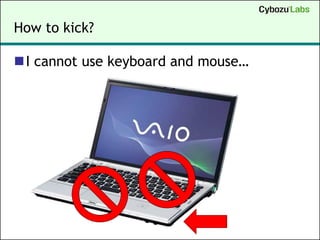
How to kick?

I cannot use keyboard and mouse…
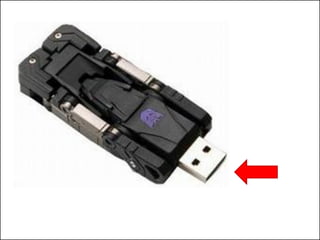
USB! USB!
Perl Killer USB Memory!

autorun.inf

[Autorun]
open=taskkill /F /IM perl.exe
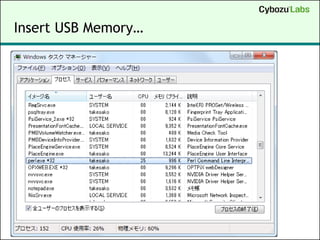
Insert USB Memory…
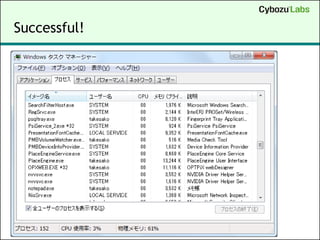
Successful!
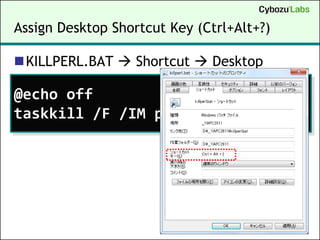
Assign Desktop Shortcut Key (Ctrl+Alt+?)

KILLPERL.BAT  Shortcut  Desktop

@echo off
taskkill /F /IM perl.exe
Ctrl + Alt + K
Perl is dead!
以上
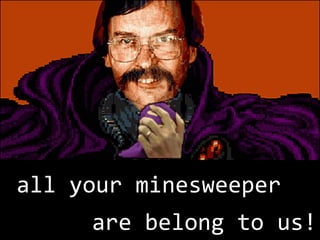
all your minesweeper
     are belong to us!
61
参考文献
 Win32::GuiTest で Windows の GUI アプリをハックしよう(あまちゃん)
    http://perl-users.jp/articles/advent-calendar/2008/13.html
 Win32::GUITest と Win32::Clipboard で GUI 操作を自動化する(xaicron)
    http://perl-users.jp/articles/advent-calendar/2010/win32/8
 How To Get a Window Handle Without Specifying an Exact Title
    http://support.microsoft.com/kb/147659/en
 Minesweeper Clone
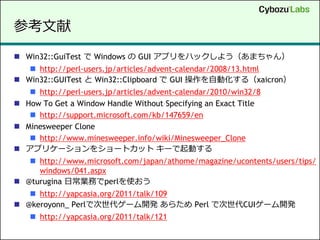
    http://www.minesweeper.info/wiki/Minesweeper_Clone
 アプリケーションをショートカット キーで起動する
    http://www.microsoft.com/japan/athome/magazine/ucontents/users/tips/
     windows/041.aspx
 @turugina 日常業務でperlを使おう
    http://yapcasia.org/2011/talk/109
 @keroyonn_ Perlで次世代ゲーム開発 あらため Perl で次世代CUIゲーム開発
     http://yapcasia.org/2011/talk/121
謝辞
acknowledgement
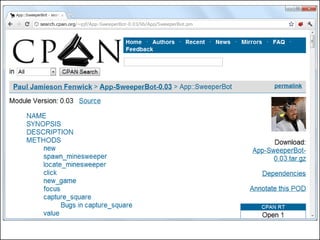
CPAN++

Acme minechan