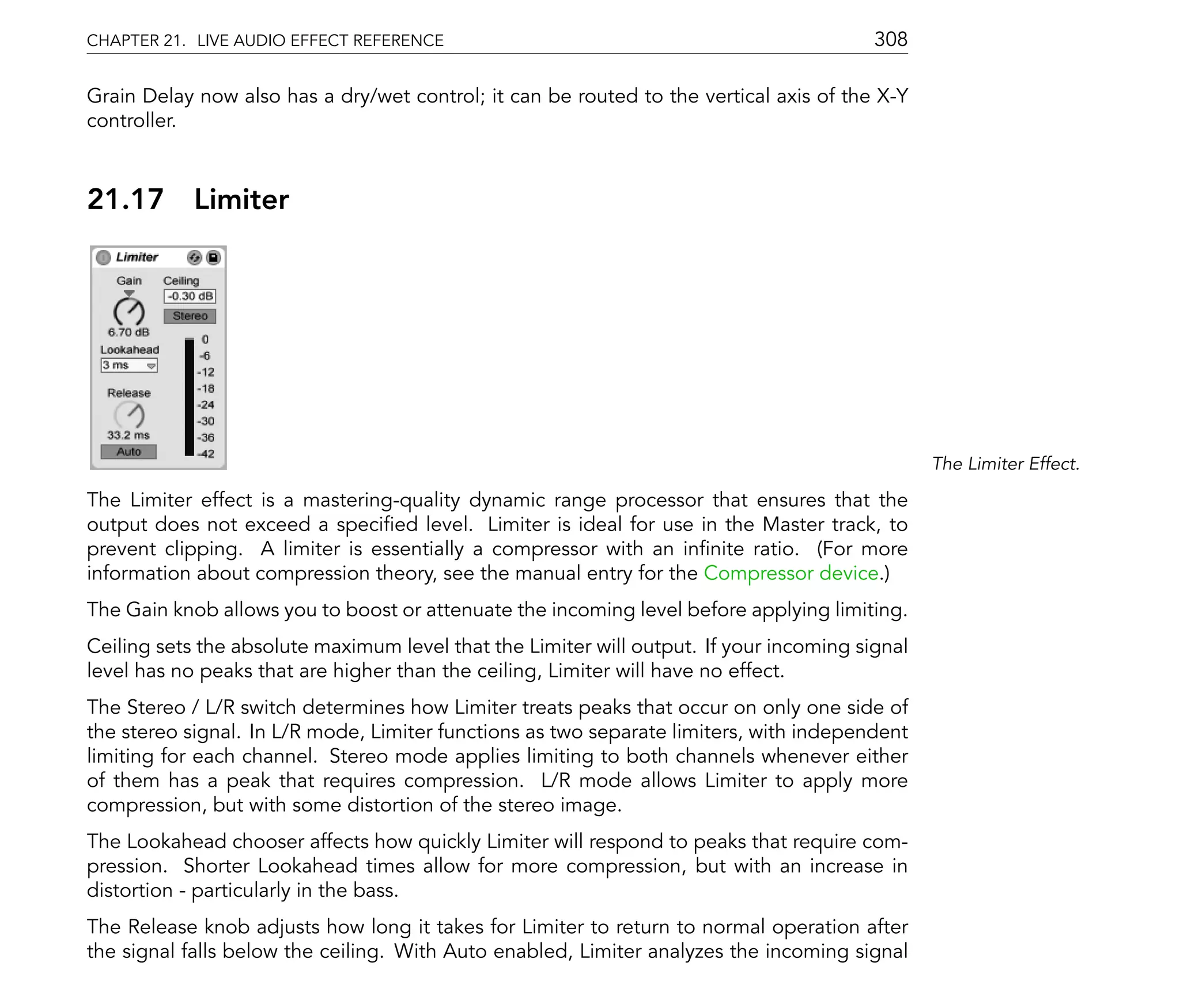
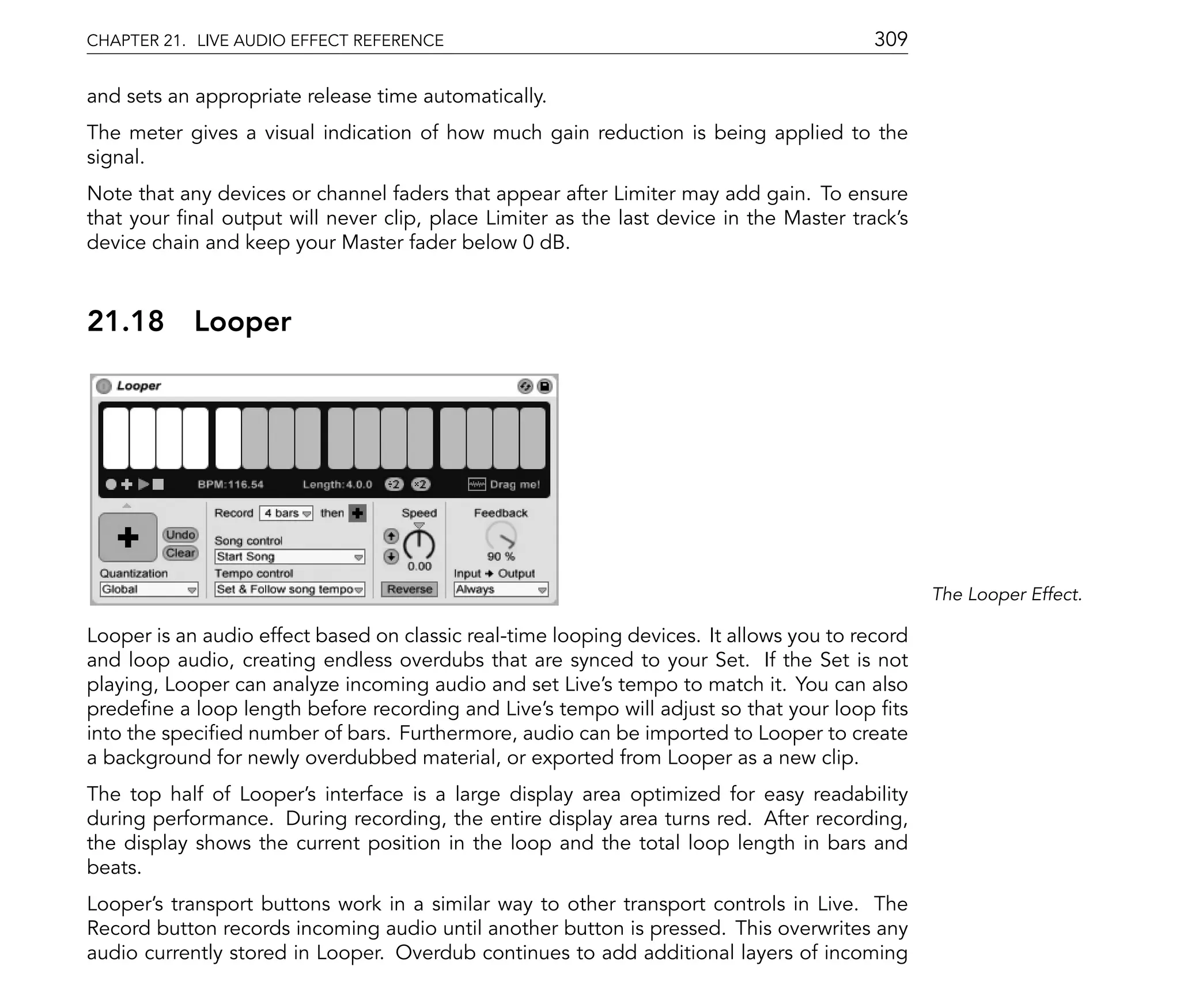
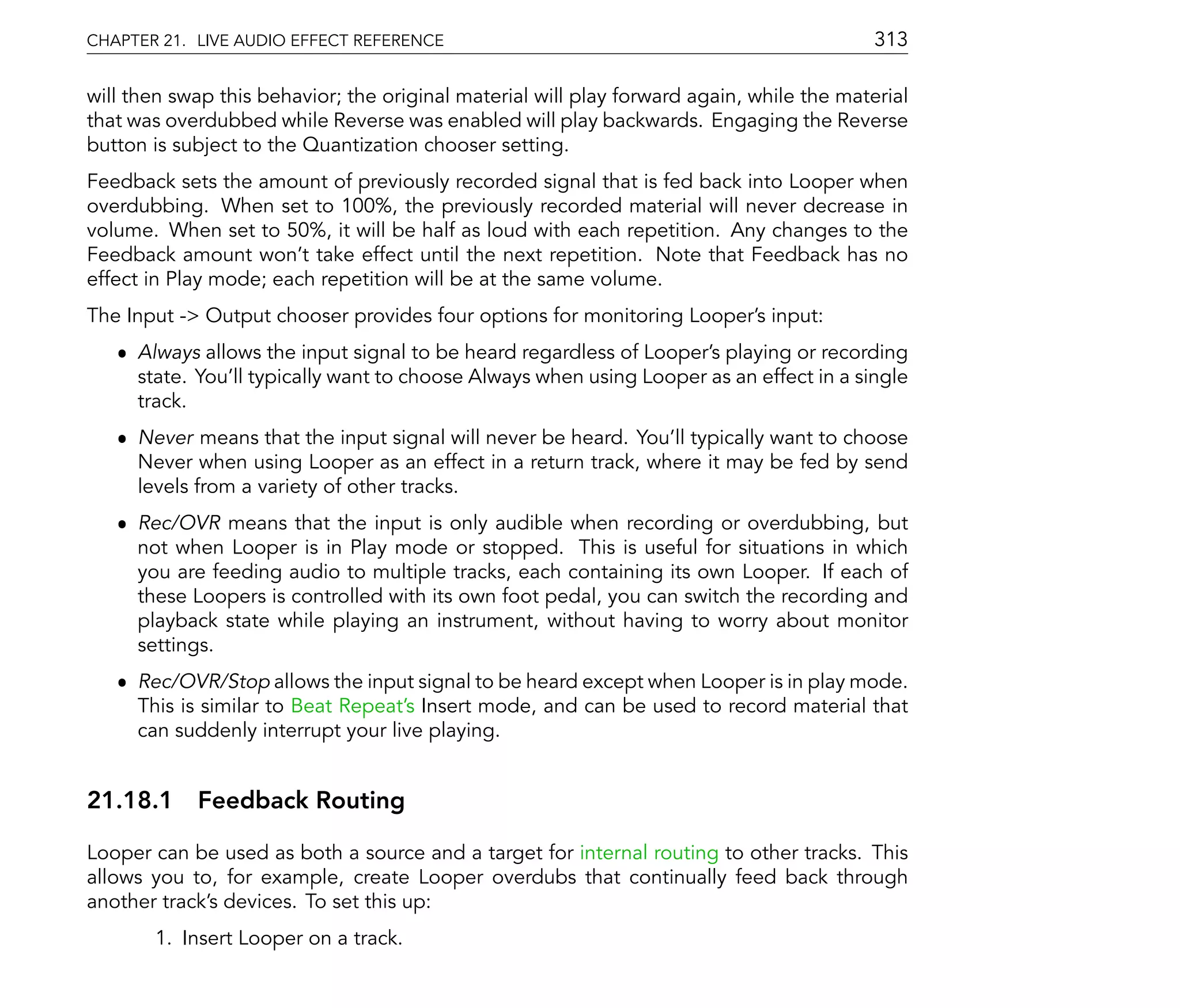
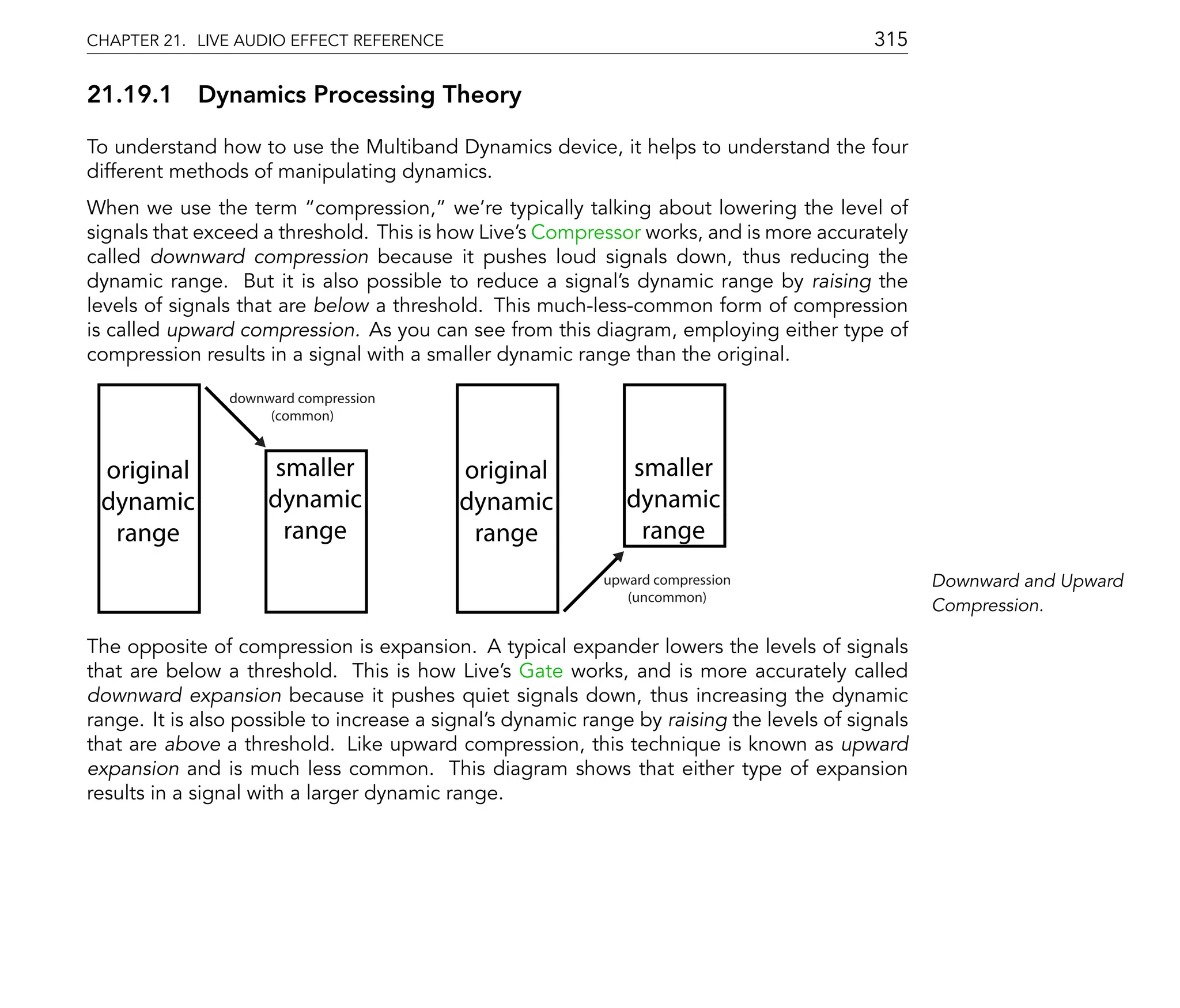
1. The first time you run Live, you will be prompted to authorize the software.
2. You can authorize immediately online if your computer is connected to the internet.
3. If no internet, select the "No internet" option and follow the instructions to authorize offline.
3. Live allows two authorizations by default, so you can use it on your studio desktop and tour laptop separately.






































































![CHAPTER 16. WORKING WITH INSTRUMENTS AND EFFECTS 227
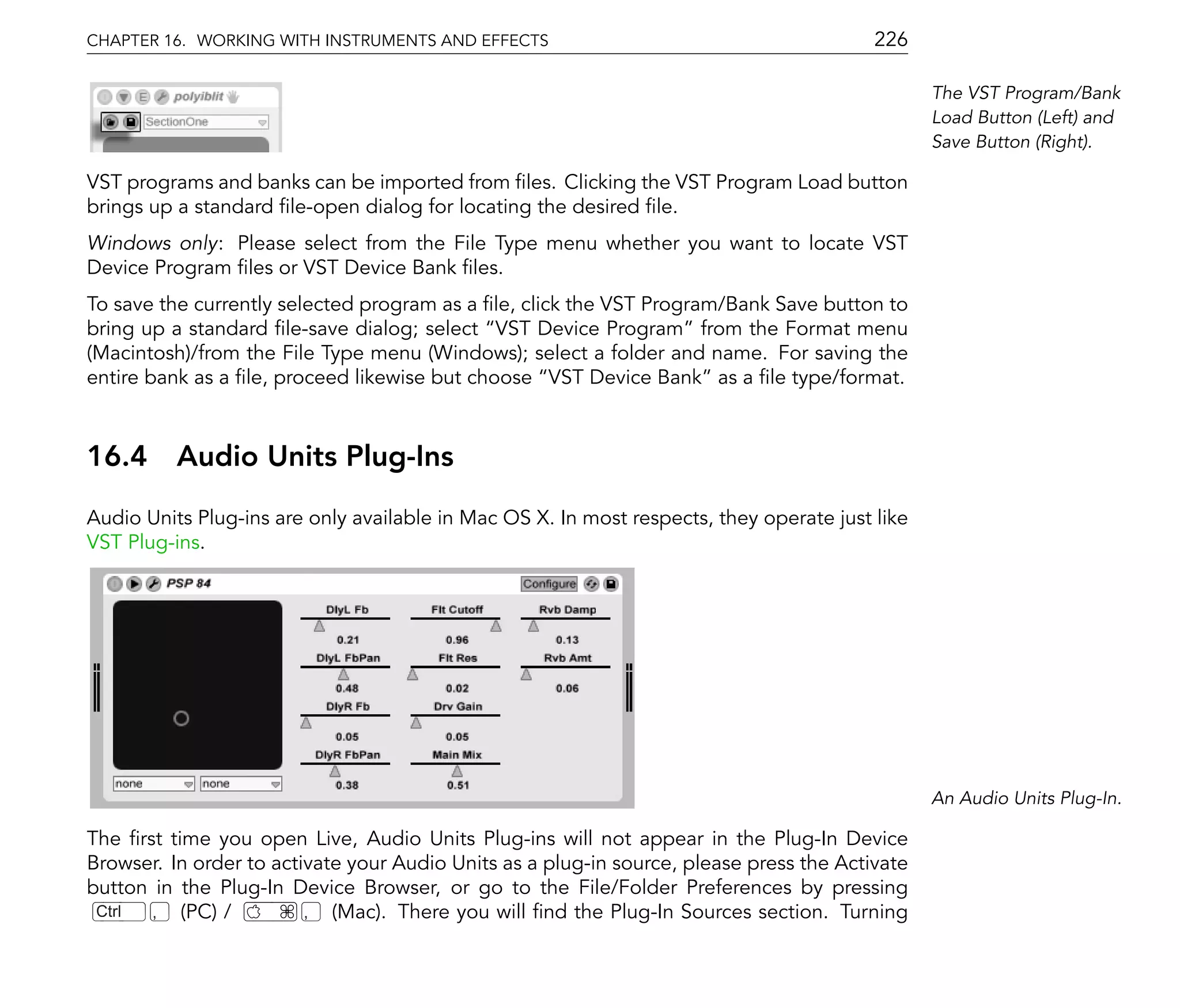
on the Use Audio Units option activates Audio Units Plug-ins so that they appear in Live's
Plug-In Device Browser.
Note that you can always turn this option off later if you decide not to use Audio Units.
Activating Audio Units
Plug-Ins.
Audio Units Plug-ins sometimes have a feature that allows choosing between different
modes for the device. You might be able to choose, for example, between different levels
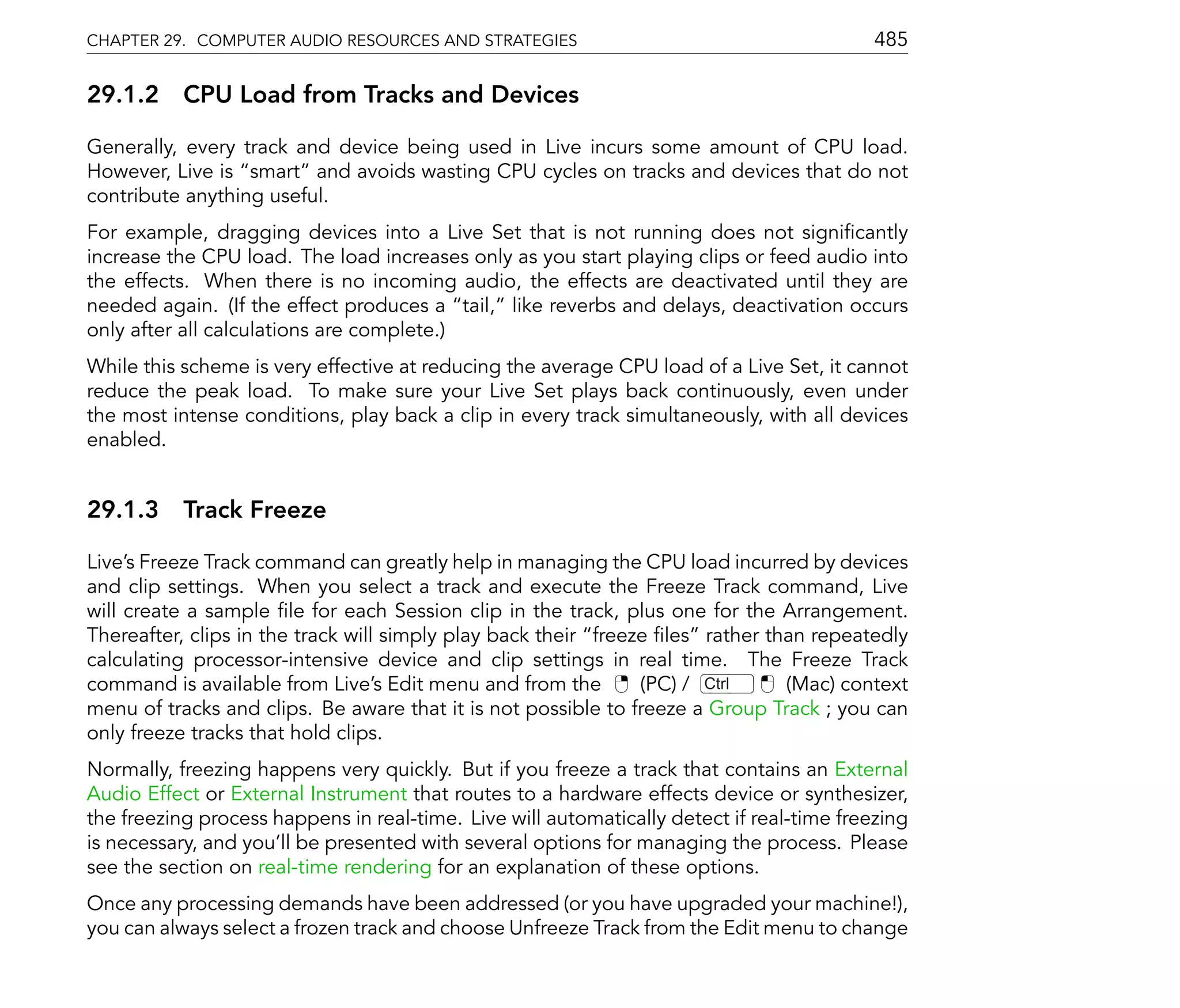
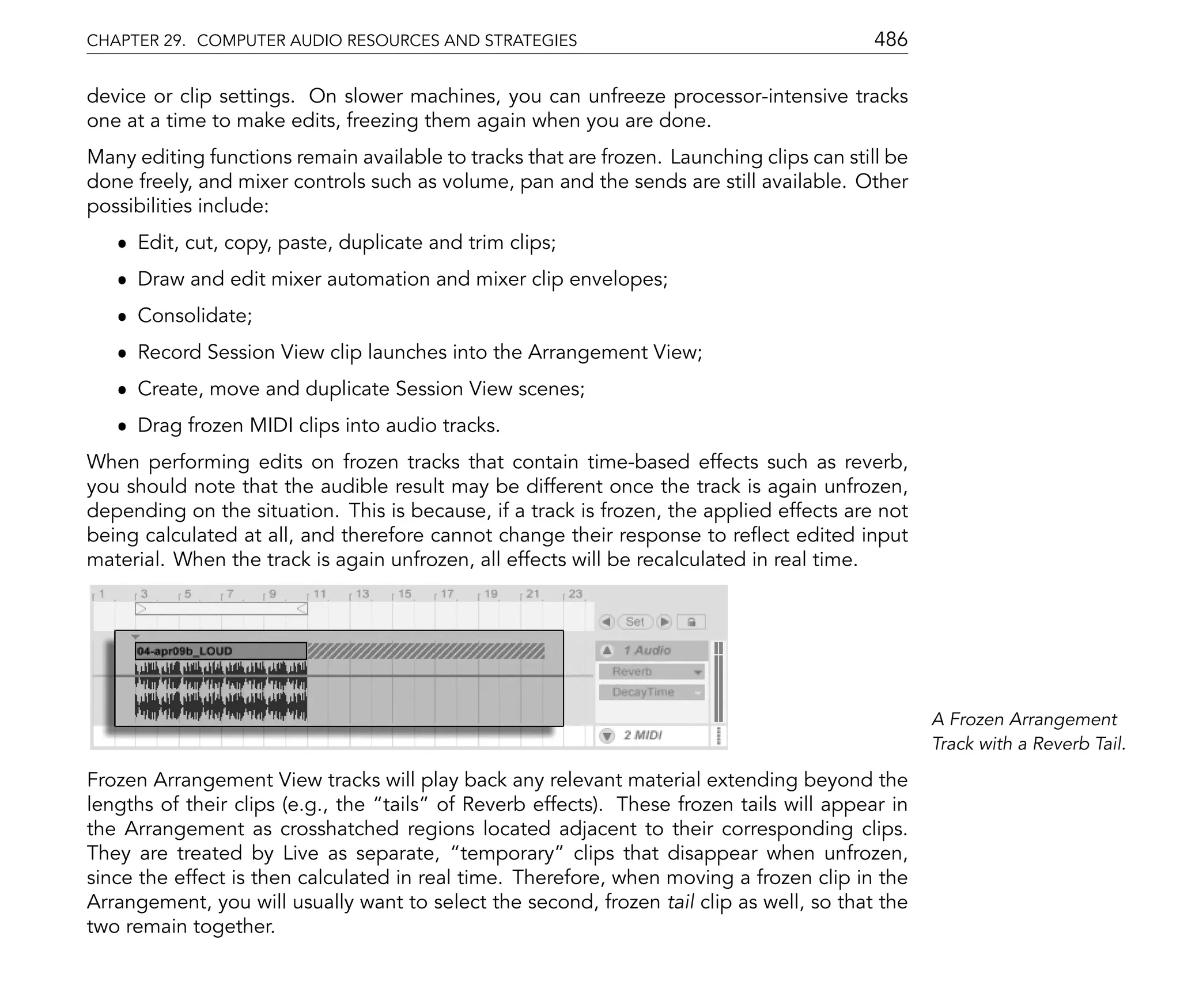
of quality in the rendering of a reverb. Choosers for these device modes can only be
accessed through the original plug-in panel, which is opened using the Plug-In Edit button.
Opening an Audio Units
Plug-In Window.
Audio Units have presets that function just like those for the Live effects. However, some
AU presets cannot be dragged to different locations in the Browser, as they are read-only.
Audio Units presets have an .aupreset extension and are stored in the following directory
according to their manufacturer's name:
[Home]/Library/Audio/Presets/[Manufacturer Name]/[Plug-in Name]
16.5 Device Delay Compensation
Live automatically compensates for delays caused by Live and plug-in instruments and
effects, including those on the return tracks. These delays can arise from the time taken by
devices to process an input signal and output a result. The compensation algorithm keeps
all of Live's tracks in sync, regardless of what their devices are doing, while minimizing delay
between the player's actions and the audible result.](https://image.slidesharecdn.com/abletonlive8manualen-100310132625-phpapp01/75/Ableton-Live-8-Manual-En-229-2048.jpg)