Downloaded 62 times
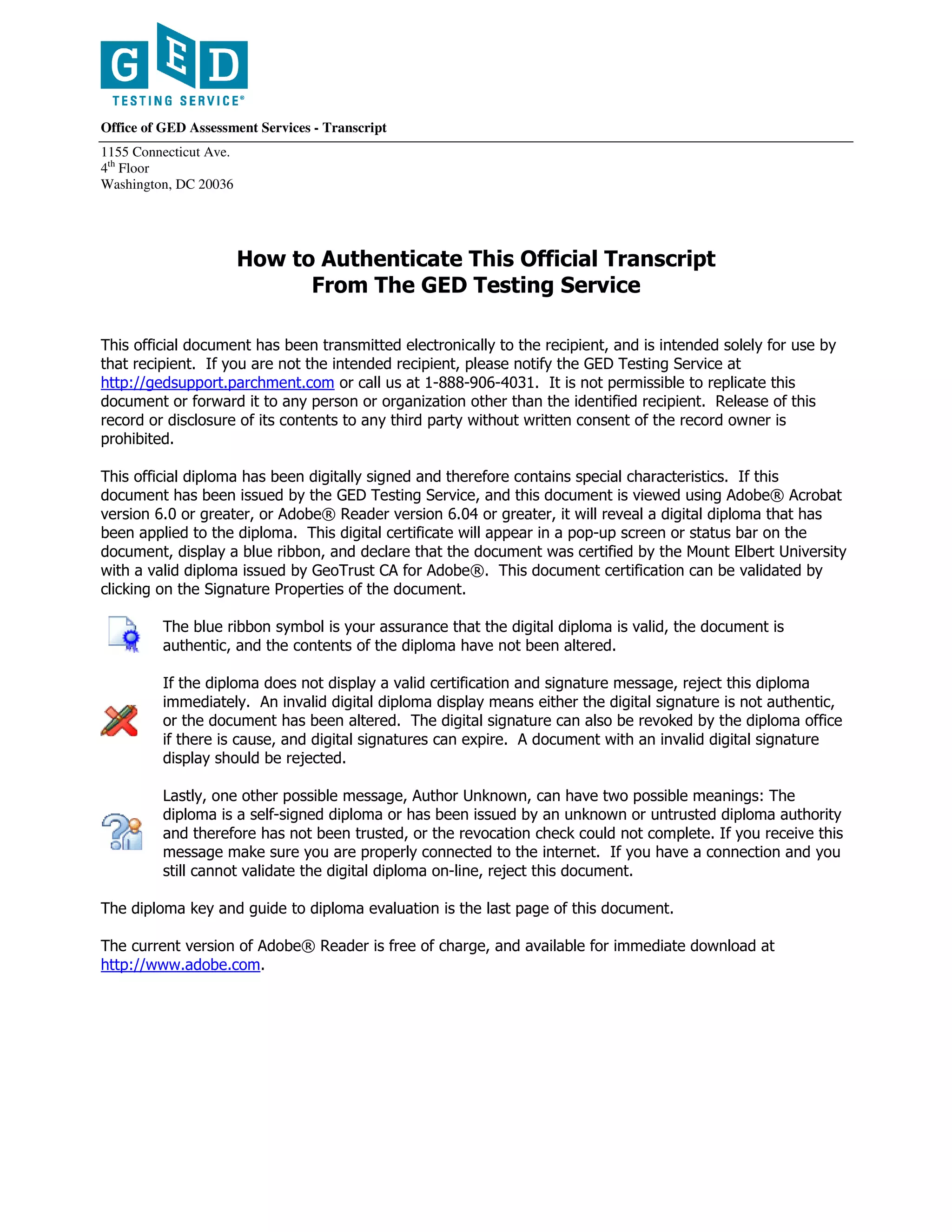
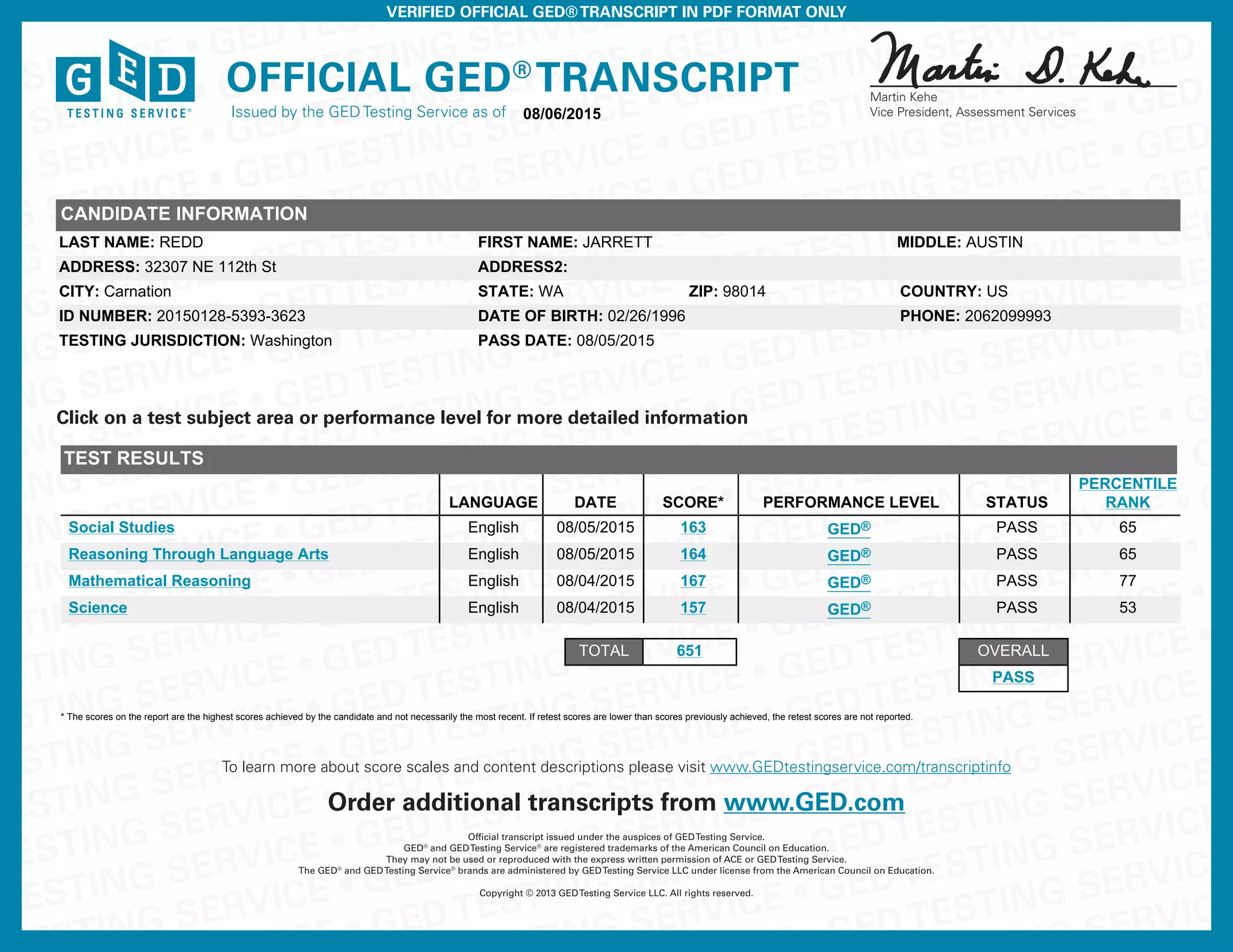

This document outlines how to authenticate an official GED transcript that has been digitally signed. It explains that the transcript should display a blue ribbon and signature properties when opened in Adobe Reader version 6.0 or higher, indicating the document is valid and unchanged. If the digital signature is invalid or missing, or shows "Author Unknown," the transcript should be rejected. Lastly, it provides contact information for the GED Testing Service and instructions to download the latest version of Adobe Reader.


![4947141_eDiploma[1]](https://cdn.slidesharecdn.com/ss_thumbnails/4ffd3627-d33b-480d-8c2b-afd5cba2abc0-160620184617-thumbnail.jpg?width=640&height=640&fit=bounds)


