SAP R/3 – FICO

                                        CONTROLLING
CONTROLLING AREA :

   1.     Creation of Controlling Area – OKKP
          (SPRO/ Controlling/General Controlling/Organization/ Maintain Controlling Area)
          a) Assignment control.
          b) Activate components / control indicators.
          c) Assignment of Company Code. (CoArea = CoCode, we can assign only one Company code)
   2.     Maintain Number Range for Controlling Documents – KANK.
   3.     Maintain Versions.

COST-ELEMENT ACCOUNTING

   1.     Creation of Primary Cost Elements – KA01 (can be created under FI also – FS00)
          (SPRO/ Controlling/ Cost Element Actg./ Master Data/ Cost Elements/ Create Cost Elements)
   2.     Creation of Secondary Cost Elements – KA06
   3.     Creation of Cost Element Group – KAH1
   4.     Change Cost Element Group – KAH2.

COST-CENTER ACCOUNGING:

   1.     Creation of Cost Center Account – KS01 (Cost center in Controlling is what Business Area in FI)
   2.     Change cost center – KS02
   3.     Creation of Cost Center Group – KSH1
   4.     Change Cost Center Group – KSH2
   5.     Postings in FI : F-02
   6.     Line item display in Cost Center – KSB1
          (SAP/ Accounting/ Controlling/ Cost Center Accounting/ Information System/ Reports for Cost
          Center Accounting/ Line items/ Cost Center Actual Line items)
   7.     REPORTS : Plan / Actual Comparison : S_ALR_87013611

INTERNAL ORDERS :(Sub task under cost center)

   1.     Define Order Types (groups)– KOT2
          (SPRO/ Controlling/ Internal Orders/ Order Master Data/ Define Order Types)
   2.     Create individual internal orders (under the group)– K001
          (SAP/ Actg./ Controlling/ Internal Orders/ Master Data/ Special Functions/ Order/ K001-Create)
   3.     Change Field Status Group (where internal order is required entry) – (From G004 to G002)
          (Note : G001 – No Cost centre, G004 – Cost Center, G002 – Cost Center & Internal Orders)
          (Copy G004 as G002 & make required changes – CO/PP required entry)
   4.     Posting – (with Cost Center & Internal Orders) – F.02
   5.     Line item display in Internal Orders – KOB1
          (SAP/ Accounting/ Controlling/ Internal Orders/ Information System/ Reports for Internal Orders/
          Line Items/ KOB1 – Orders – Actual Line Items)
   6.     REPORTS : Plan / Actual Comparison : S_ALR_87012993

NOTE : Revenue postings are not allowed in Internal Orders.
SAP R/3 – FICO
                                      CONTROLLING
PROFIT CENTER ACCOUNTING :

  1.    Maintain Controlling Area Settings – OKE5
        (First set controlling area, and then)
        (SPRO/ Controlling/ Profit Center Accounting/ Basic Settings/ Controlling Area Settings/ Maintain
        Controlling Area Settings)
  2.    Create Dummy Profit Center – KE59
  3.    Set Control Parameters for Actual Data – 1KEF
  4.    Maintain Plan Versions
  5.    Create Profit Center – KE51
  6.    Assign Profit Center to Cost Center – KS02
  7.    Define Number Range for Local Documents – GB02
  8.    Maintain Field Status Variants (Copy & Create G010 – Profit Center required entry)
  9.    Changing Control Indicators in Cost Center – KS02
  10.   Maintain Automatic A/c assignment of Revenue Elements – OKB9.
  11.   Posting – F.02
  12.   REPORTS : Plan / Actual / Variance : S_ALR_87013326


PROFITABILITY ANALYSIS

  1.    Define Operating Concern – KEA0
  2.    Set Operating Concern – KEBD
        (KEA5 – To change the characteristics, KEA6 – To change the value)
  3.    Define Profitability Segment – KEQ3
  4.    Define Characteristics Hierarchy – KES3
  5.    Define Characteristics Derivation – (Under SPRO – KEDR) (Under SAP – KEDE)
  6.    Create REPORT – KE31, KE91, KE32.
        (SAP/ Information System/ Define Reports/ Create Profitability Reports)
  7.    Execute REPORT – KE30.

40298060 sap-fico-steps

  • 1.
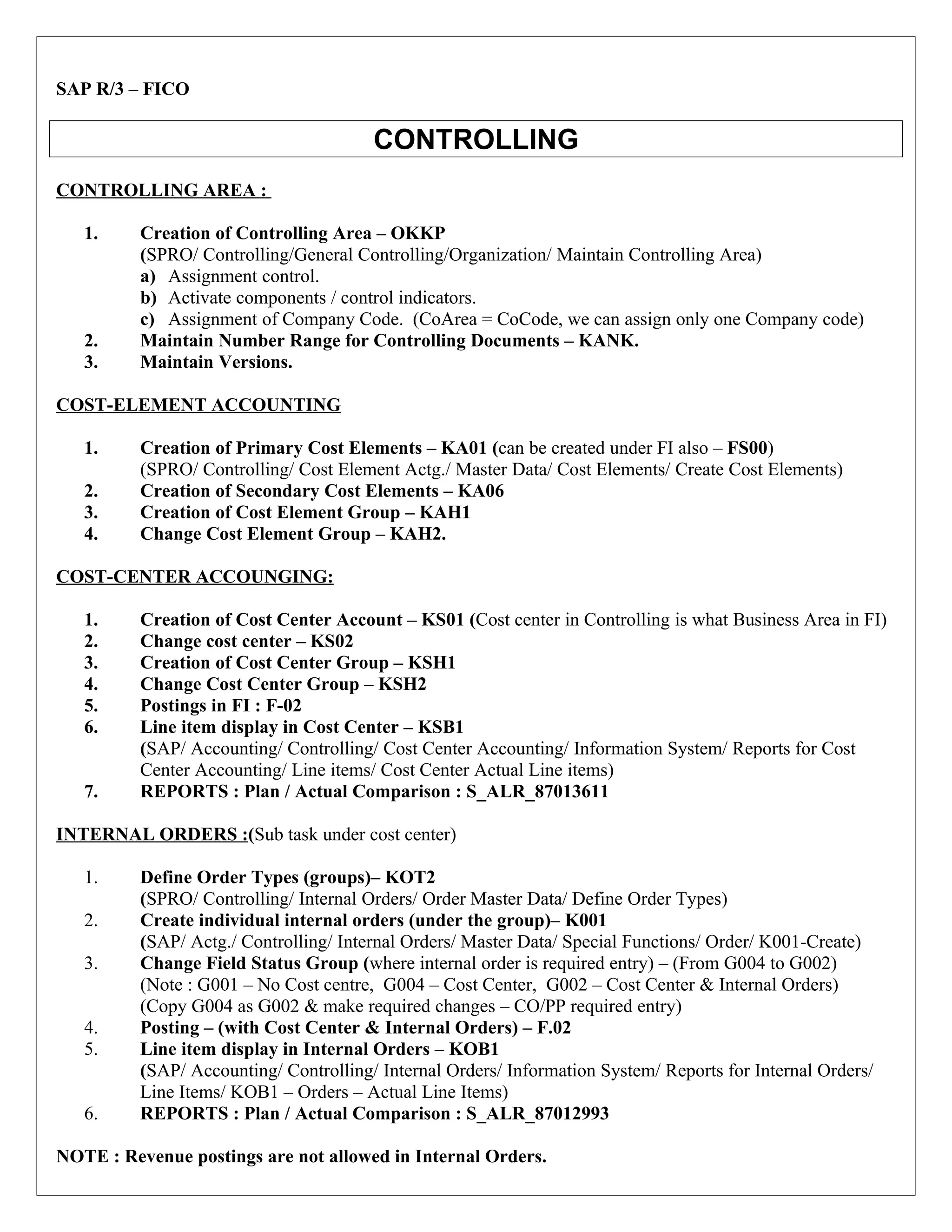
    SAP R/3 –FICO CONTROLLING CONTROLLING AREA : 1. Creation of Controlling Area – OKKP (SPRO/ Controlling/General Controlling/Organization/ Maintain Controlling Area) a) Assignment control. b) Activate components / control indicators. c) Assignment of Company Code. (CoArea = CoCode, we can assign only one Company code) 2. Maintain Number Range for Controlling Documents – KANK. 3. Maintain Versions. COST-ELEMENT ACCOUNTING 1. Creation of Primary Cost Elements – KA01 (can be created under FI also – FS00) (SPRO/ Controlling/ Cost Element Actg./ Master Data/ Cost Elements/ Create Cost Elements) 2. Creation of Secondary Cost Elements – KA06 3. Creation of Cost Element Group – KAH1 4. Change Cost Element Group – KAH2. COST-CENTER ACCOUNGING: 1. Creation of Cost Center Account – KS01 (Cost center in Controlling is what Business Area in FI) 2. Change cost center – KS02 3. Creation of Cost Center Group – KSH1 4. Change Cost Center Group – KSH2 5. Postings in FI : F-02 6. Line item display in Cost Center – KSB1 (SAP/ Accounting/ Controlling/ Cost Center Accounting/ Information System/ Reports for Cost Center Accounting/ Line items/ Cost Center Actual Line items) 7. REPORTS : Plan / Actual Comparison : S_ALR_87013611 INTERNAL ORDERS :(Sub task under cost center) 1. Define Order Types (groups)– KOT2 (SPRO/ Controlling/ Internal Orders/ Order Master Data/ Define Order Types) 2. Create individual internal orders (under the group)– K001 (SAP/ Actg./ Controlling/ Internal Orders/ Master Data/ Special Functions/ Order/ K001-Create) 3. Change Field Status Group (where internal order is required entry) – (From G004 to G002) (Note : G001 – No Cost centre, G004 – Cost Center, G002 – Cost Center & Internal Orders) (Copy G004 as G002 & make required changes – CO/PP required entry) 4. Posting – (with Cost Center & Internal Orders) – F.02 5. Line item display in Internal Orders – KOB1 (SAP/ Accounting/ Controlling/ Internal Orders/ Information System/ Reports for Internal Orders/ Line Items/ KOB1 – Orders – Actual Line Items) 6. REPORTS : Plan / Actual Comparison : S_ALR_87012993 NOTE : Revenue postings are not allowed in Internal Orders.
  • 2.
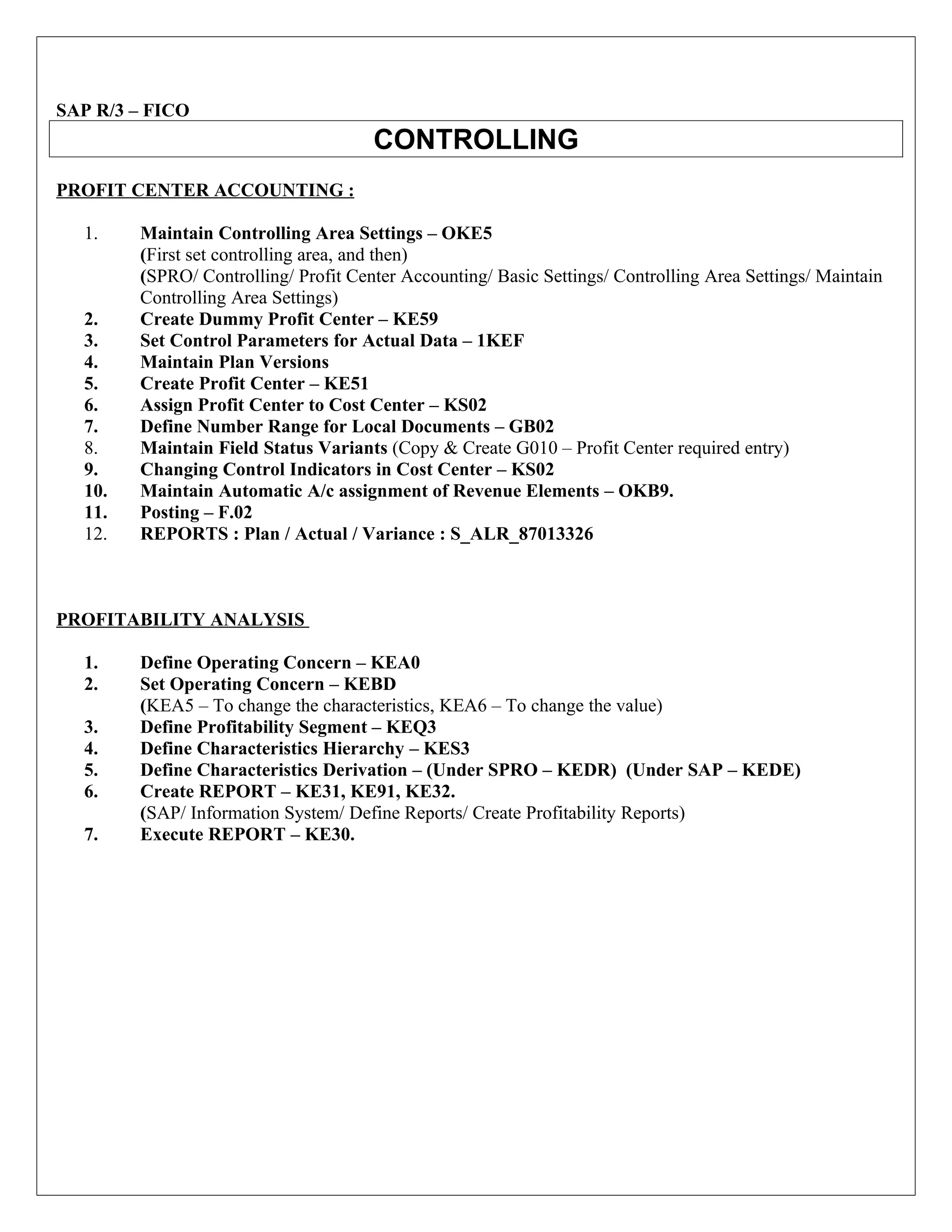
    SAP R/3 –FICO CONTROLLING PROFIT CENTER ACCOUNTING : 1. Maintain Controlling Area Settings – OKE5 (First set controlling area, and then) (SPRO/ Controlling/ Profit Center Accounting/ Basic Settings/ Controlling Area Settings/ Maintain Controlling Area Settings) 2. Create Dummy Profit Center – KE59 3. Set Control Parameters for Actual Data – 1KEF 4. Maintain Plan Versions 5. Create Profit Center – KE51 6. Assign Profit Center to Cost Center – KS02 7. Define Number Range for Local Documents – GB02 8. Maintain Field Status Variants (Copy & Create G010 – Profit Center required entry) 9. Changing Control Indicators in Cost Center – KS02 10. Maintain Automatic A/c assignment of Revenue Elements – OKB9. 11. Posting – F.02 12. REPORTS : Plan / Actual / Variance : S_ALR_87013326 PROFITABILITY ANALYSIS 1. Define Operating Concern – KEA0 2. Set Operating Concern – KEBD (KEA5 – To change the characteristics, KEA6 – To change the value) 3. Define Profitability Segment – KEQ3 4. Define Characteristics Hierarchy – KES3 5. Define Characteristics Derivation – (Under SPRO – KEDR) (Under SAP – KEDE) 6. Create REPORT – KE31, KE91, KE32. (SAP/ Information System/ Define Reports/ Create Profitability Reports) 7. Execute REPORT – KE30.