LOGS
A presentation about why and how we should
care about them.
Vanessa Gomes de Lima
WHY DO I NEED
LOGS?
Logs are mostly needed for monitoring and
troubleshooting. Put yourself in a
troubleshooter's shoes and think what type of logs
you'd like to have when something wrong is
happening or has happened in the dead of night.
Logs have no fixed beginning or end; they are
streams, flowing continuously as long as the app is
operating.
10 TIPS FOR PROPER
APPLICATION
LOGGING
1. USE THE
APPROPRIATE
TOOLS FOR THE JOB
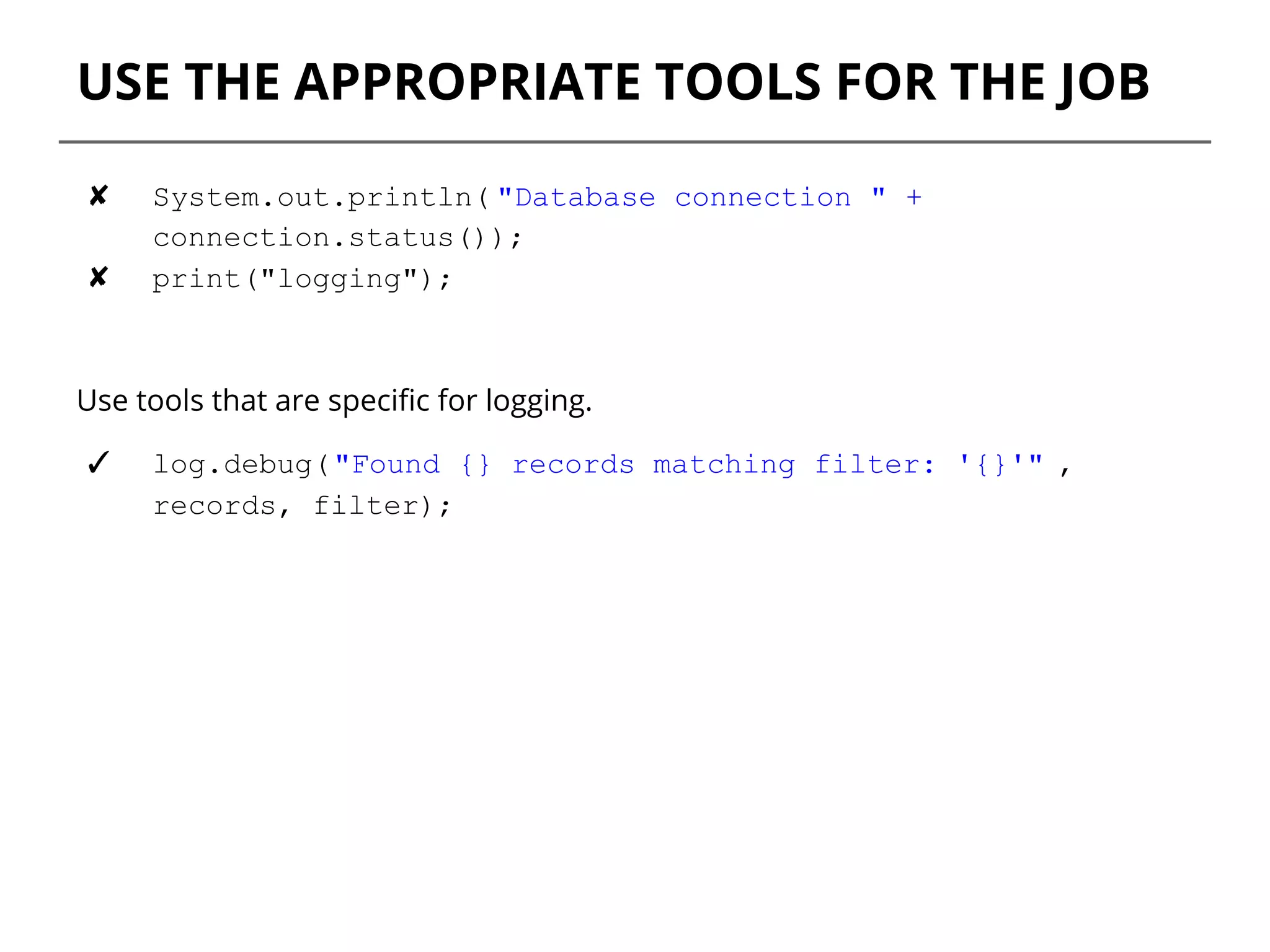
USE THE APPROPRIATE TOOLS FOR THE JOB
✘ System.out.println( "Database connection " +
connection.status());
✘ print("logging");
Use tools that are specific for logging.
✓ log.debug("Found {} records matching filter: '{}'" ,
records, filter);
2. LOGGING LEVELS
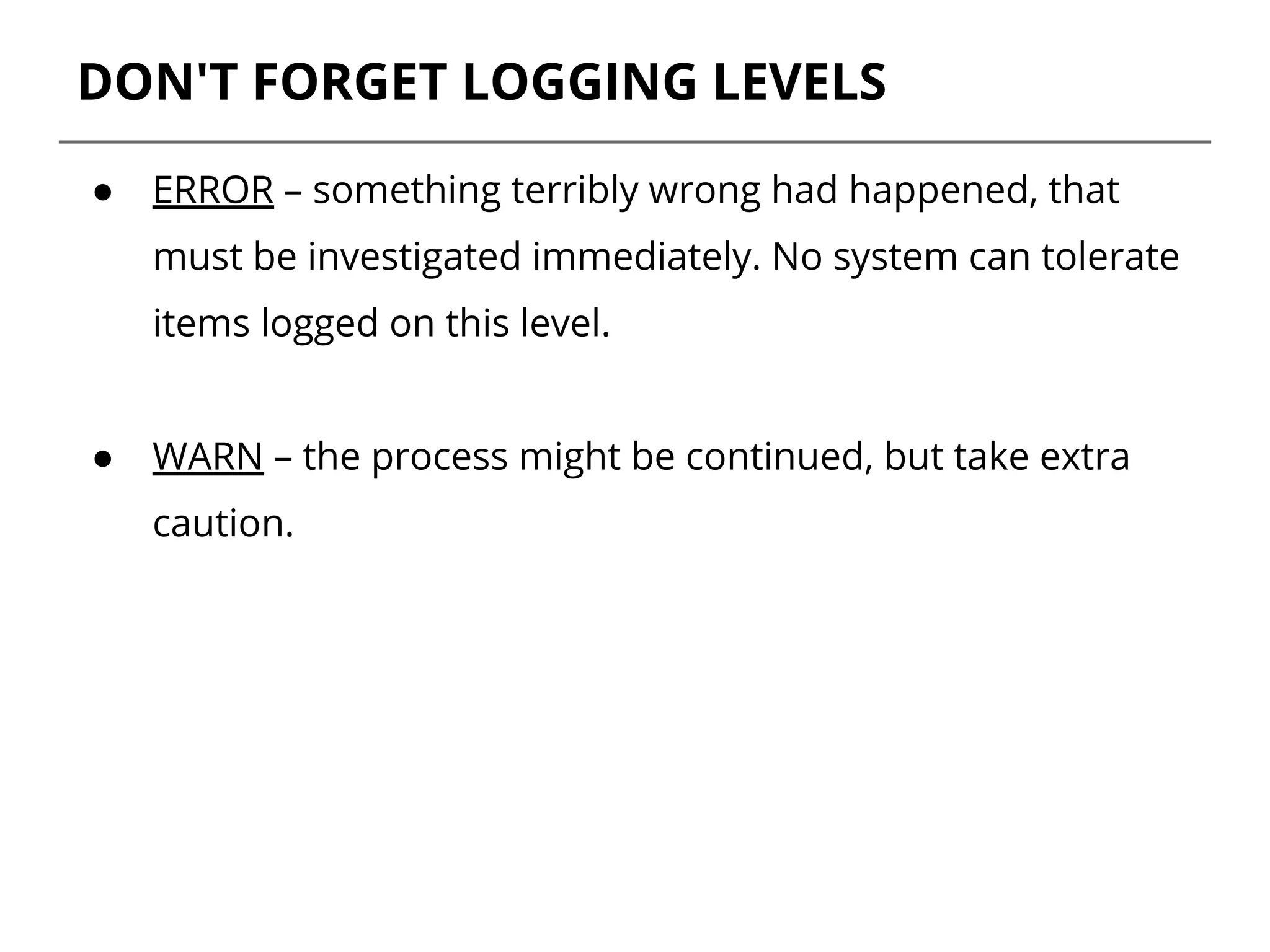
DON'T FORGET LOGGING LEVELS
● ERROR – something terribly wrong had happened, that
must be investigated immediately. No system can tolerate
items logged on this level.
● WARN – the process might be continued, but take extra
caution.
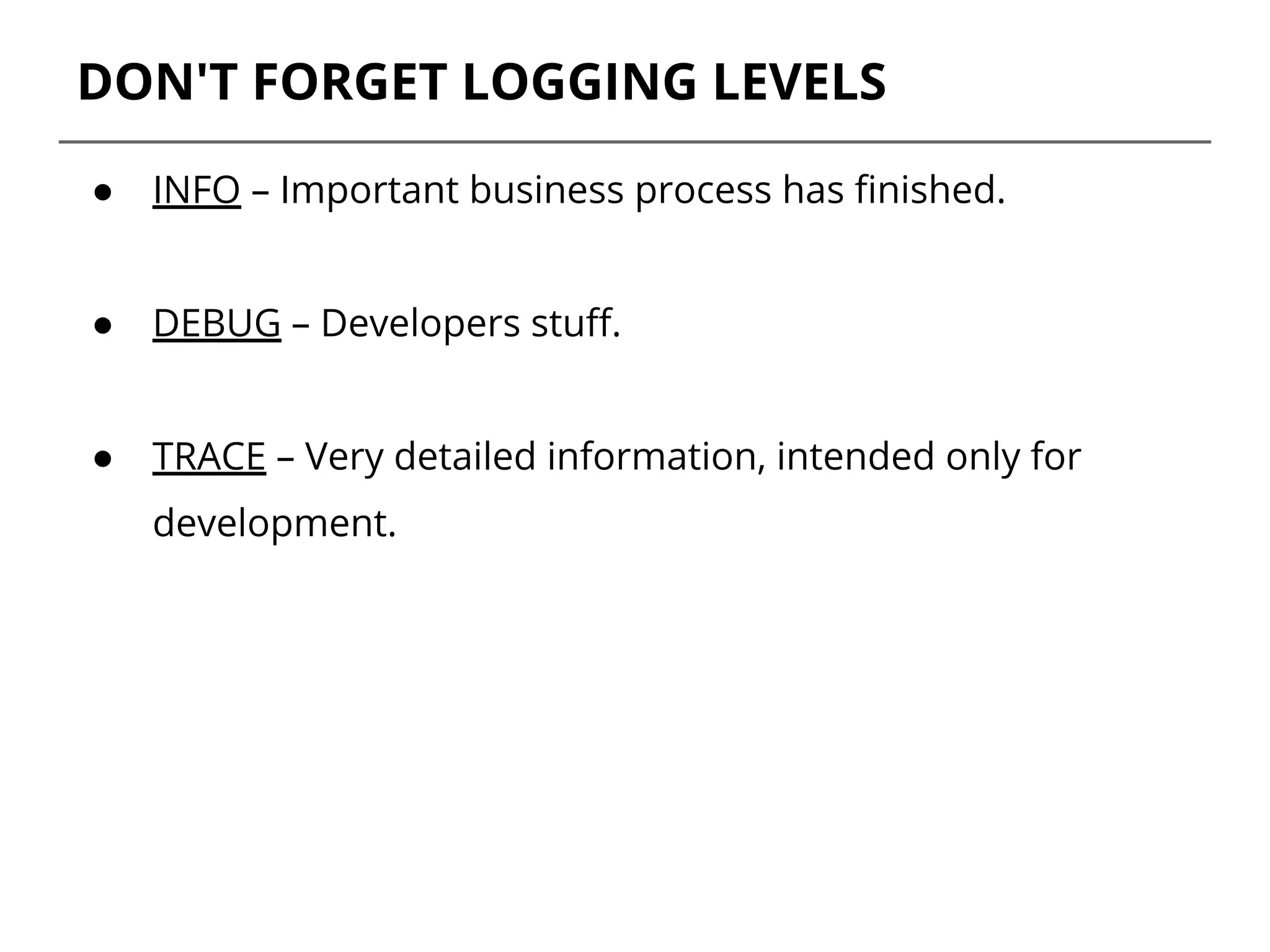
DON'T FORGET LOGGING LEVELS
● INFO – Important business process has finished.
● DEBUG – Developers stuff.
● TRACE – Very detailed information, intended only for
development.
3. AVOID SIDE
EFFECTS
Logging statements should have no or little
impact on the application’s behavior.
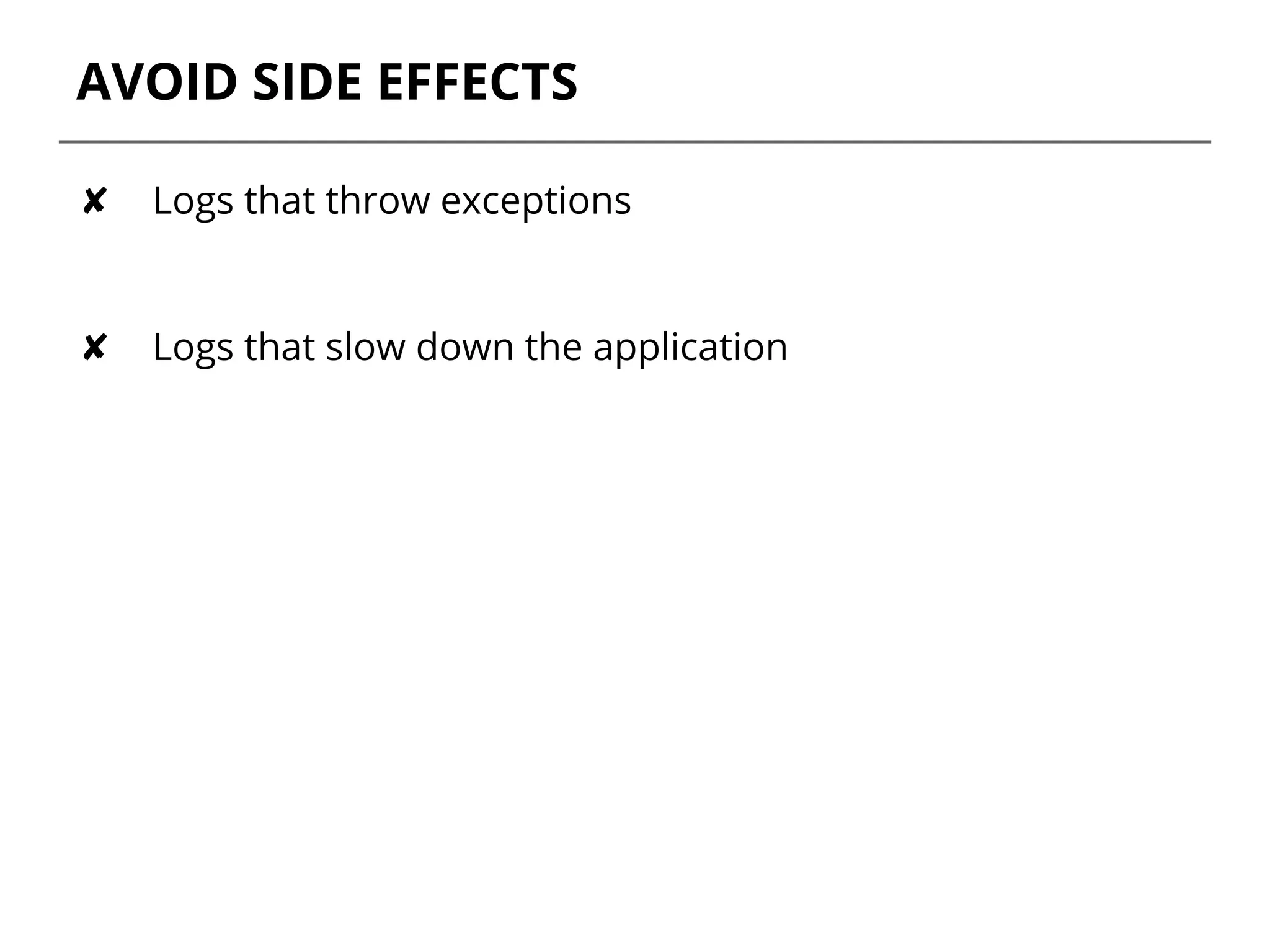
AVOID SIDE EFFECTS
✘ Logs that throw exceptions
✘ Logs that slow down the application
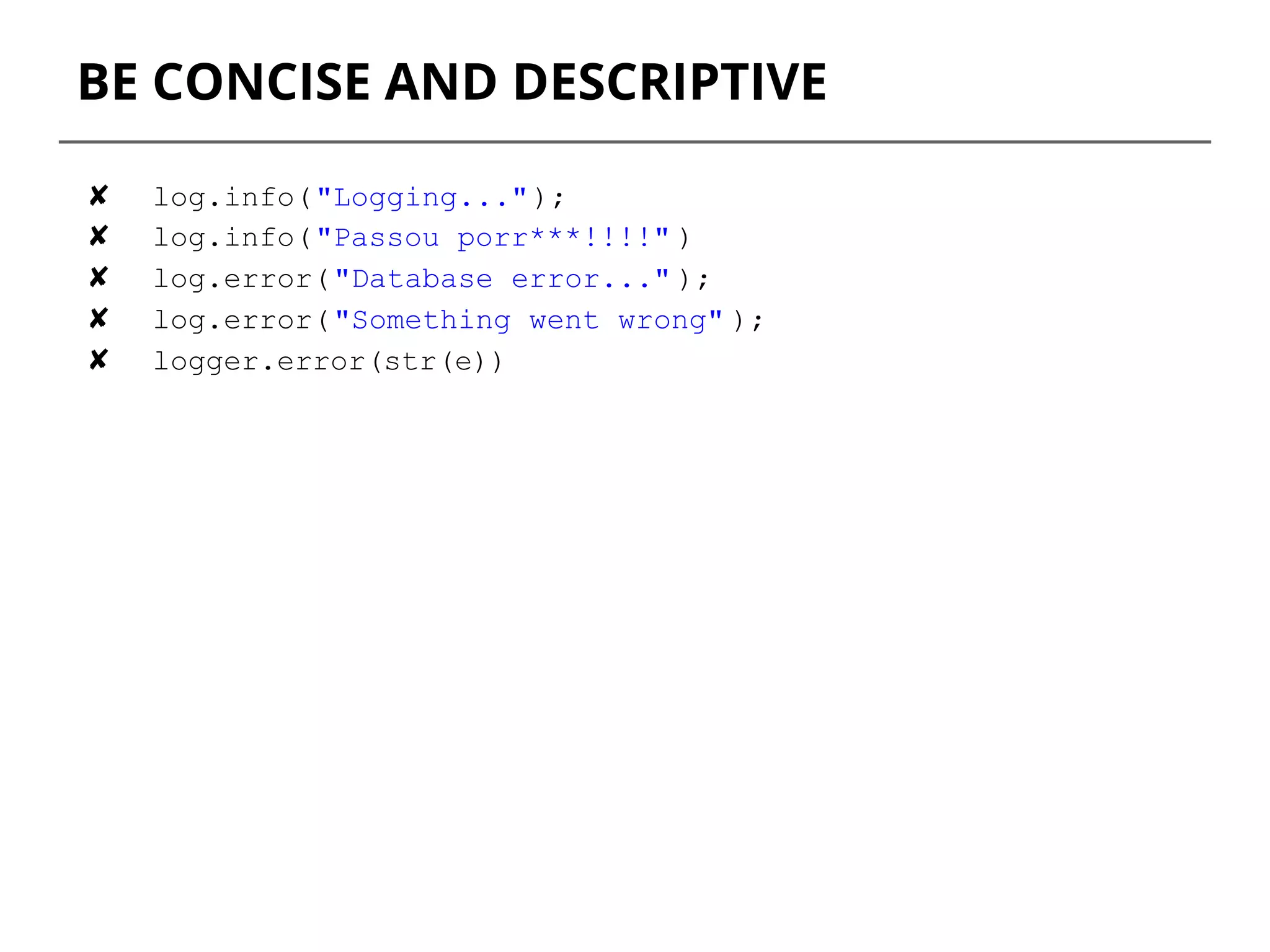
4. BE CONCISE AND
DESCRIPTIVE
BE CONCISE AND DESCRIPTIVE
✘ log.info("Logging...");
✘ log.info("Passou porr***!!!!" )
✘ log.error("Database error..." );
✘ log.error("Something went wrong" );
✘ logger.error(str(e))
BE CONCISE AND DESCRIPTIVE
● Each log statement should contain both data and
description
✓ log.debug("Message with id '{}' processed" ,
message.getMessageId());
✓ log.error("[Pictures Upload] Upload picture with id: {}
failed.", picture.getId());
✓ Don't log any personal information nor passwords.
5. TUNE YOUR
PATTERN
TUNE YOUR PATTERN
● A simple logging pattern includes:
○ Time
○ Logging level
○ Name of thread
○ Simple logger name
○ Message
<pattern>%d{HH:mm:ss.SSS} %-5level [%thread][%logger{0}]
%m%n</pattern>
OUT 2016-08-02 07:14:51,926 ERROR [SimpleAsyncTaskExecutor-1] [Pictures
Upload] Upload picture with id: 3456 failed.
✘ You should never include file name, class name and line
number, although it’s very tempting.
log.info(User. class.getName())
6. LOG METHOD
ARGUMENTS AND
RETURN VALUES
LOG METHOD ARGS AND RETURN VALUES
● Consider logging arguments and return values specially
when the interaction is happening with external systems,
databases, waits, etc.
● You should consider DEBUG or TRACE levels as best suited
for these types of logs.
def upload(id):
log.debug("[Pictures Upload] Start Upload picture with id:
{}", id))
#code…
#code...
log.debug("[Pictures Upload] Upload picture with id: {}
finished", id)
return id
7. WATCH OUT FOR
EXTERNAL SYSTEMS
If you communicate with an external system, consider logging every piece of data that
comes out from your application and gets in.
8. LOG EXCEPTIONS
PROPERLY
LOG EXCEPTIONS PROPERLY
● If you really want to log an Exception, write the clear
nature of the problem and pass the exception to your
logger.
SLF4j
✘ log.error(e.getMessage());
✘ log.error(str(e))
✓ log.error("[User Auth] Failed for user {}. Problem:
{}", user.getId(), e);
OUT 2016-08-02 07:16:27,660 ERROR [SimpleAsyncTaskExecutor-1] [User Auth]
Failed for user: 3456. Problem:
org.springframework.web.client.ResourceAccessException: I/O error on PUT
request for "http://host": Connection timed out
LOG EXCEPTIONS PROPERLY
log.error("[User Auth] Failed for user {}. Problem:
{}", user.getId(), e);
9. EASY TO READ,
EASY TO PARSE
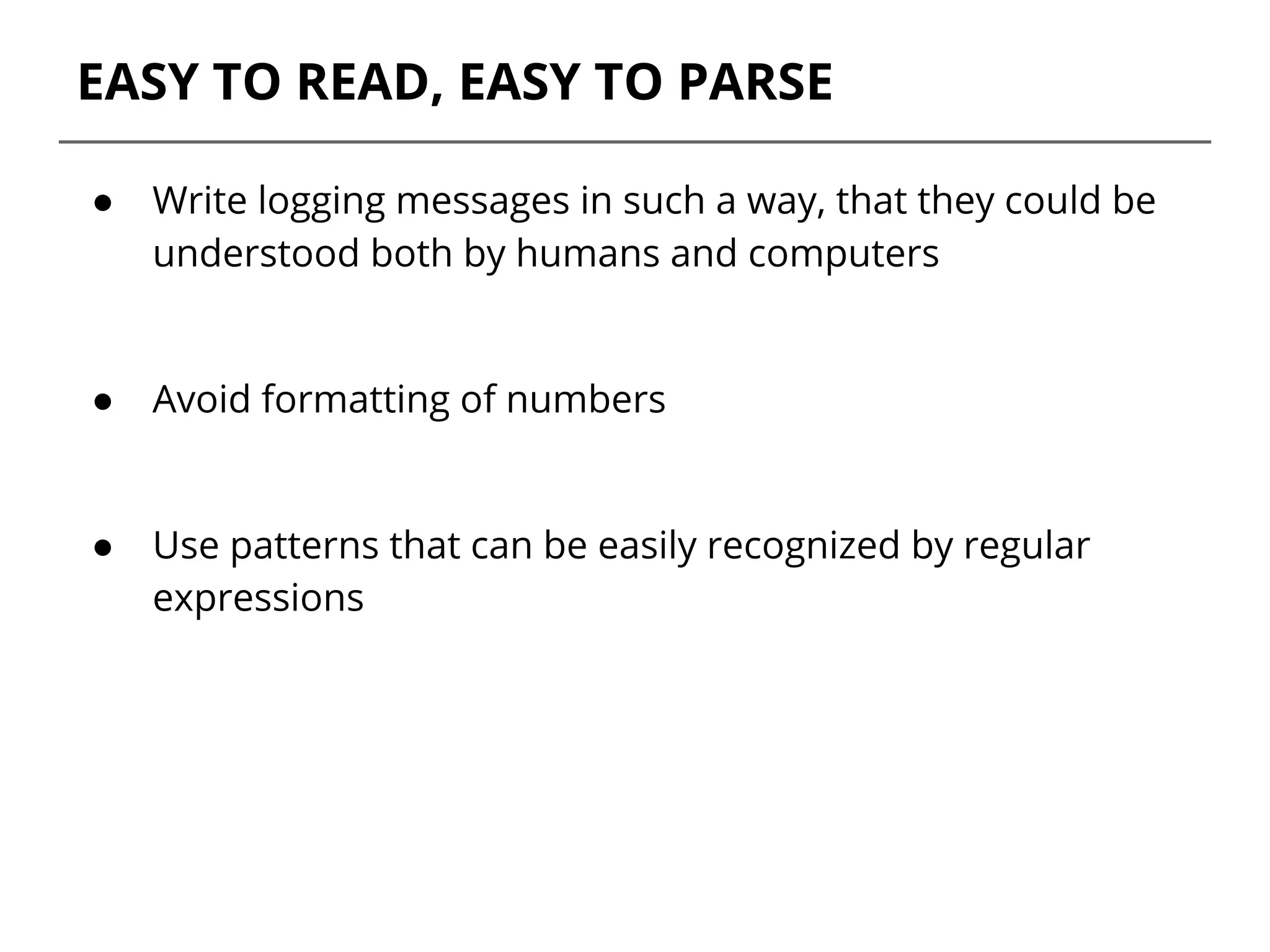
EASY TO READ, EASY TO PARSE
● Write logging messages in such a way, that they could be
understood both by humans and computers
● Avoid formatting of numbers
● Use patterns that can be easily recognized by regular
expressions
10. DO YOU KNOW
WHAT YOU ARE
LOGGING?
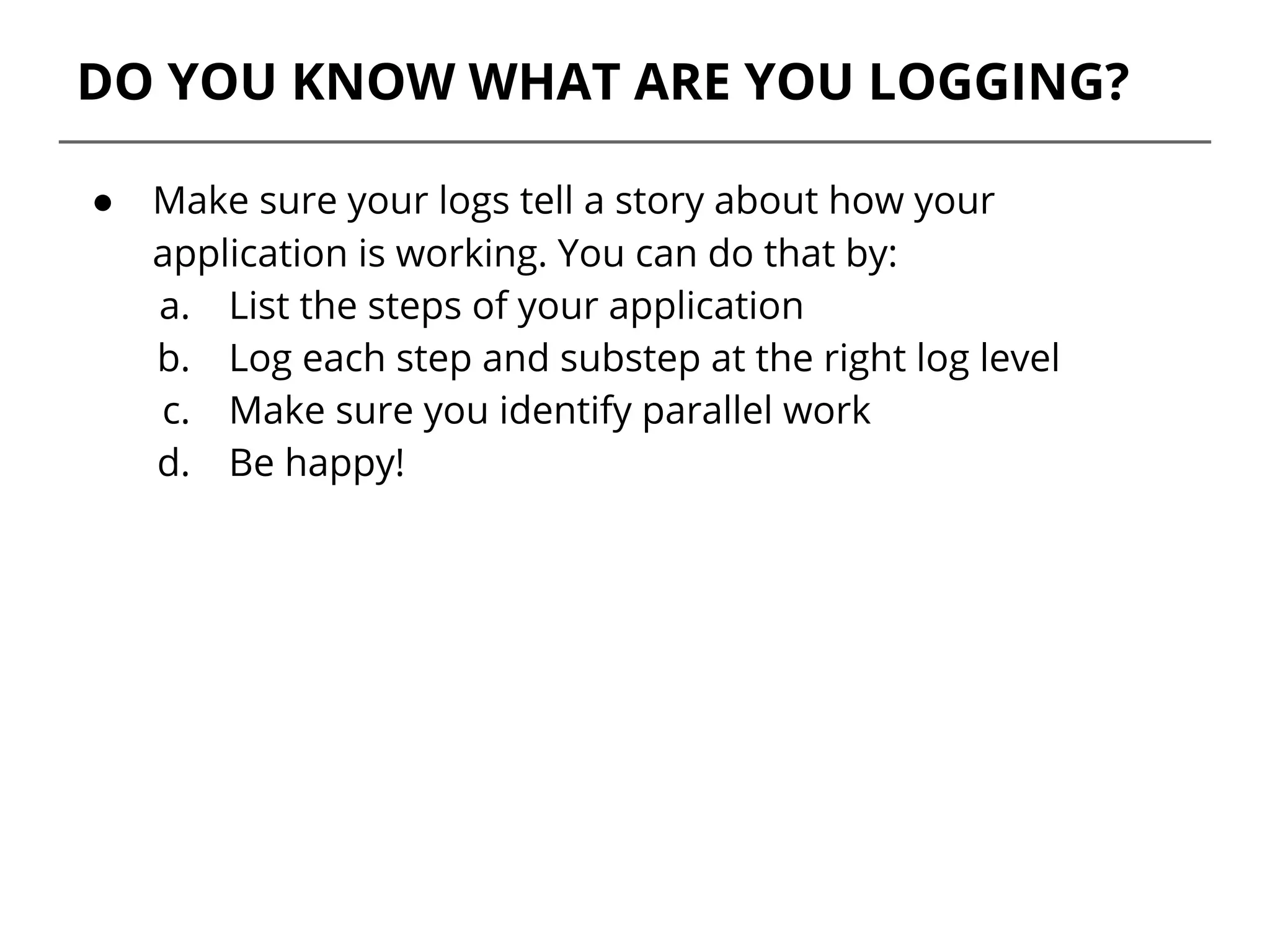
DO YOU KNOW WHAT ARE YOU LOGGING?
● Make sure your logs tell a story about how your
application is working. You can do that by:
a. List the steps of your application
b. Log each step and substep at the right log level
c. Make sure you identify parallel work
d. Be happy!
REFERENCES
● Apache Commons Logging
● 10 Tips for Proper Application Logging
● Patterns for Logging Diagnostic Messages
THANK YOU
For questions or suggestions:
Vanessa Gomes de Lima
vlima@thoughtworks.com

10 Tips to improve your application logs

  • 1.
    LOGS A presentation aboutwhy and how we should care about them. Vanessa Gomes de Lima
  • 2.
    WHY DO INEED LOGS?
  • 3.
    Logs are mostlyneeded for monitoring and troubleshooting. Put yourself in a troubleshooter's shoes and think what type of logs you'd like to have when something wrong is happening or has happened in the dead of night.
  • 4.
    Logs have nofixed beginning or end; they are streams, flowing continuously as long as the app is operating.
  • 5.
    10 TIPS FORPROPER APPLICATION LOGGING
  • 6.
  • 7.
    USE THE APPROPRIATETOOLS FOR THE JOB ✘ System.out.println( "Database connection " + connection.status()); ✘ print("logging"); Use tools that are specific for logging. ✓ log.debug("Found {} records matching filter: '{}'" , records, filter);
  • 8.
  • 9.
    DON'T FORGET LOGGINGLEVELS ● ERROR – something terribly wrong had happened, that must be investigated immediately. No system can tolerate items logged on this level. ● WARN – the process might be continued, but take extra caution.
  • 10.
    DON'T FORGET LOGGINGLEVELS ● INFO – Important business process has finished. ● DEBUG – Developers stuff. ● TRACE – Very detailed information, intended only for development.
  • 11.
    3. AVOID SIDE EFFECTS Loggingstatements should have no or little impact on the application’s behavior.
  • 12.
    AVOID SIDE EFFECTS ✘Logs that throw exceptions ✘ Logs that slow down the application
  • 13.
    4. BE CONCISEAND DESCRIPTIVE
  • 14.
    BE CONCISE ANDDESCRIPTIVE ✘ log.info("Logging..."); ✘ log.info("Passou porr***!!!!" ) ✘ log.error("Database error..." ); ✘ log.error("Something went wrong" ); ✘ logger.error(str(e))
  • 15.
    BE CONCISE ANDDESCRIPTIVE ● Each log statement should contain both data and description ✓ log.debug("Message with id '{}' processed" , message.getMessageId()); ✓ log.error("[Pictures Upload] Upload picture with id: {} failed.", picture.getId()); ✓ Don't log any personal information nor passwords.
  • 16.
  • 17.
    TUNE YOUR PATTERN ●A simple logging pattern includes: ○ Time ○ Logging level ○ Name of thread ○ Simple logger name ○ Message <pattern>%d{HH:mm:ss.SSS} %-5level [%thread][%logger{0}] %m%n</pattern> OUT 2016-08-02 07:14:51,926 ERROR [SimpleAsyncTaskExecutor-1] [Pictures Upload] Upload picture with id: 3456 failed. ✘ You should never include file name, class name and line number, although it’s very tempting. log.info(User. class.getName())
  • 18.
    6. LOG METHOD ARGUMENTSAND RETURN VALUES
  • 19.
    LOG METHOD ARGSAND RETURN VALUES ● Consider logging arguments and return values specially when the interaction is happening with external systems, databases, waits, etc. ● You should consider DEBUG or TRACE levels as best suited for these types of logs. def upload(id): log.debug("[Pictures Upload] Start Upload picture with id: {}", id)) #code… #code... log.debug("[Pictures Upload] Upload picture with id: {} finished", id) return id
  • 20.
    7. WATCH OUTFOR EXTERNAL SYSTEMS If you communicate with an external system, consider logging every piece of data that comes out from your application and gets in.
  • 21.
  • 22.
    LOG EXCEPTIONS PROPERLY ●If you really want to log an Exception, write the clear nature of the problem and pass the exception to your logger. SLF4j ✘ log.error(e.getMessage()); ✘ log.error(str(e)) ✓ log.error("[User Auth] Failed for user {}. Problem: {}", user.getId(), e); OUT 2016-08-02 07:16:27,660 ERROR [SimpleAsyncTaskExecutor-1] [User Auth] Failed for user: 3456. Problem: org.springframework.web.client.ResourceAccessException: I/O error on PUT request for "http://host": Connection timed out
  • 23.
    LOG EXCEPTIONS PROPERLY log.error("[UserAuth] Failed for user {}. Problem: {}", user.getId(), e);
  • 24.
    9. EASY TOREAD, EASY TO PARSE
  • 25.
    EASY TO READ,EASY TO PARSE ● Write logging messages in such a way, that they could be understood both by humans and computers ● Avoid formatting of numbers ● Use patterns that can be easily recognized by regular expressions
  • 26.
    10. DO YOUKNOW WHAT YOU ARE LOGGING?
  • 27.
    DO YOU KNOWWHAT ARE YOU LOGGING? ● Make sure your logs tell a story about how your application is working. You can do that by: a. List the steps of your application b. Log each step and substep at the right log level c. Make sure you identify parallel work d. Be happy!
  • 28.
    REFERENCES ● Apache CommonsLogging ● 10 Tips for Proper Application Logging ● Patterns for Logging Diagnostic Messages
  • 29.
    THANK YOU For questionsor suggestions: Vanessa Gomes de Lima vlima@thoughtworks.com