TINY TIPS
FOR TRAINERS
AND TEACHERS
10
SESSION STRUCTURE
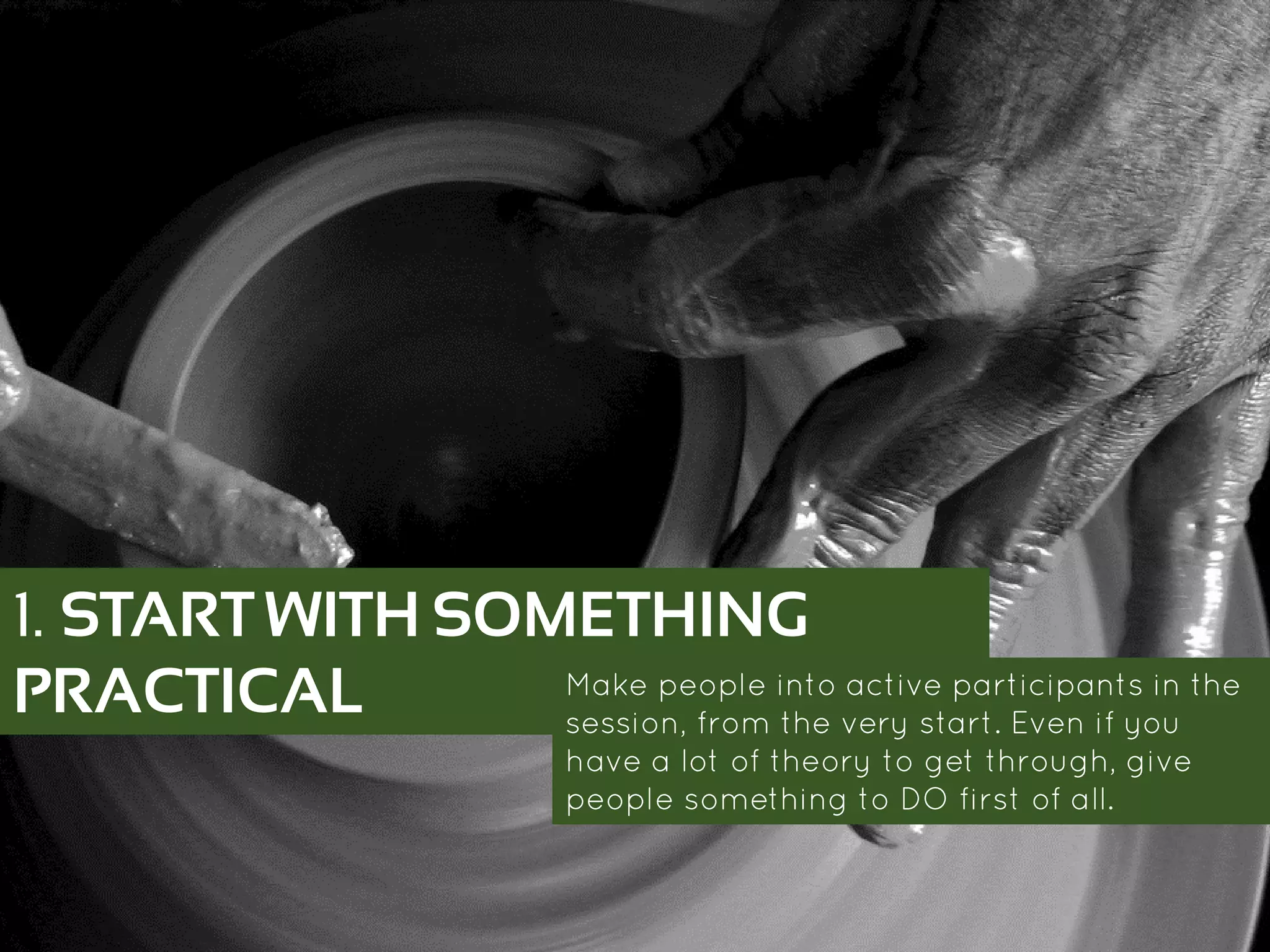
1. START WITH SOMETHING
PRACTICAL Make people into active participants in the
session, from the very start. Even if you have a
lot of theory to get through, give people
something to DO first of all.
https://www.flickr.com/p
hotos/45409431@N00/1
0674184556/
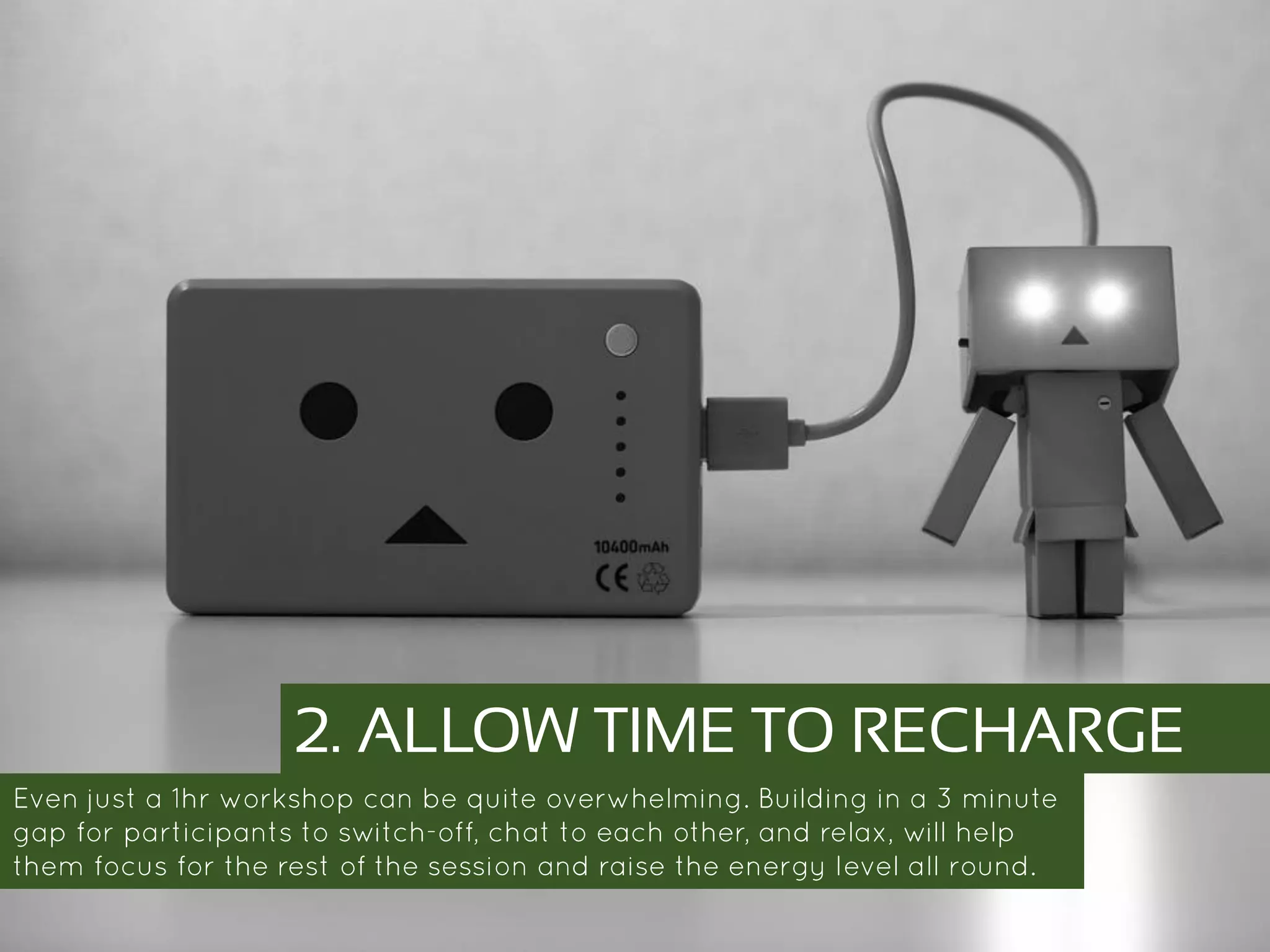
2. ALLOW TIME TO RECHARGE
Even just a 1hr workshop can be quite overwhelming. Building in a 3 minute gap
for participants to switch-off, chat to each other, and relax, will help them focus for
the rest of the session and raise the energy level all round.
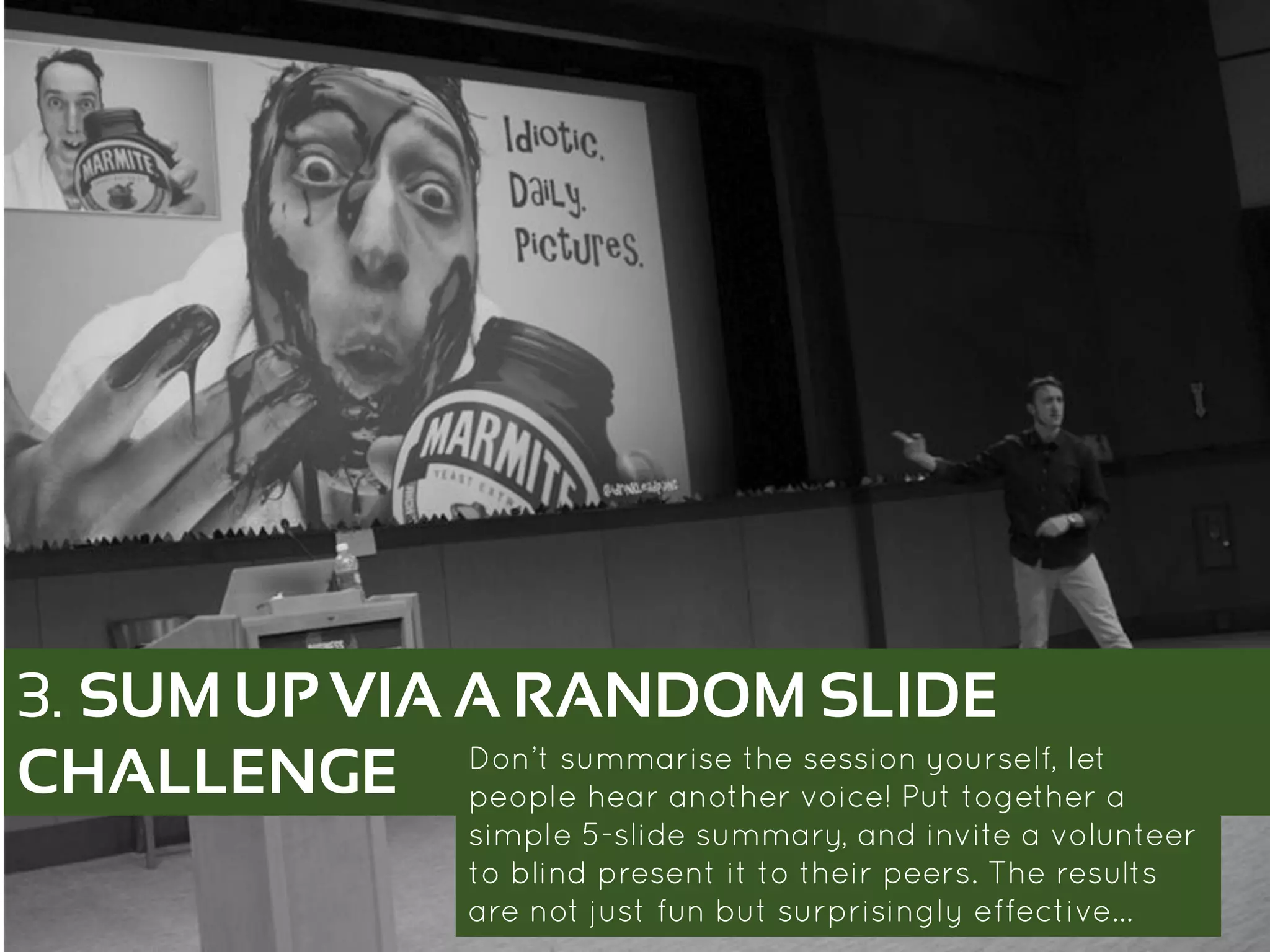
3. SUM UP VIA A RANDOM SLIDE
CHALLENGE Don’t summarise the session yourself, let people
hear another voice! Put together a simple 5-slide
summary, and invite a volunteer to blind present it
to their peers. The results are not just fun but
surprisingly effective…
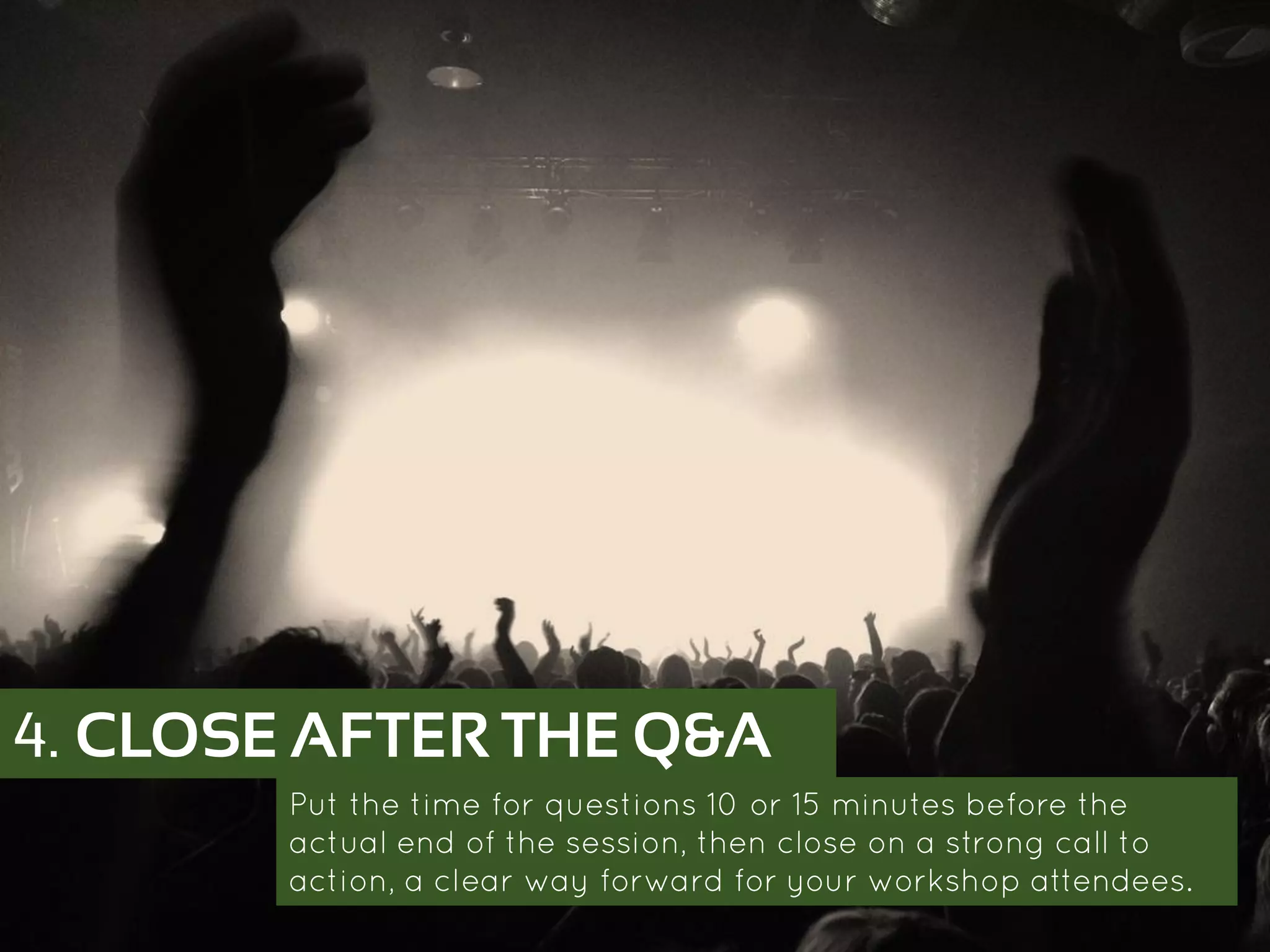
4. CLOSE AFTER THE Q&A
Put the time for questions 10 or 15 minutes before the actual
end of the session, then close on a strong call to action, a clear
way forward for your workshop attendees.
TABLET AS TEACHING
ASSISTANT
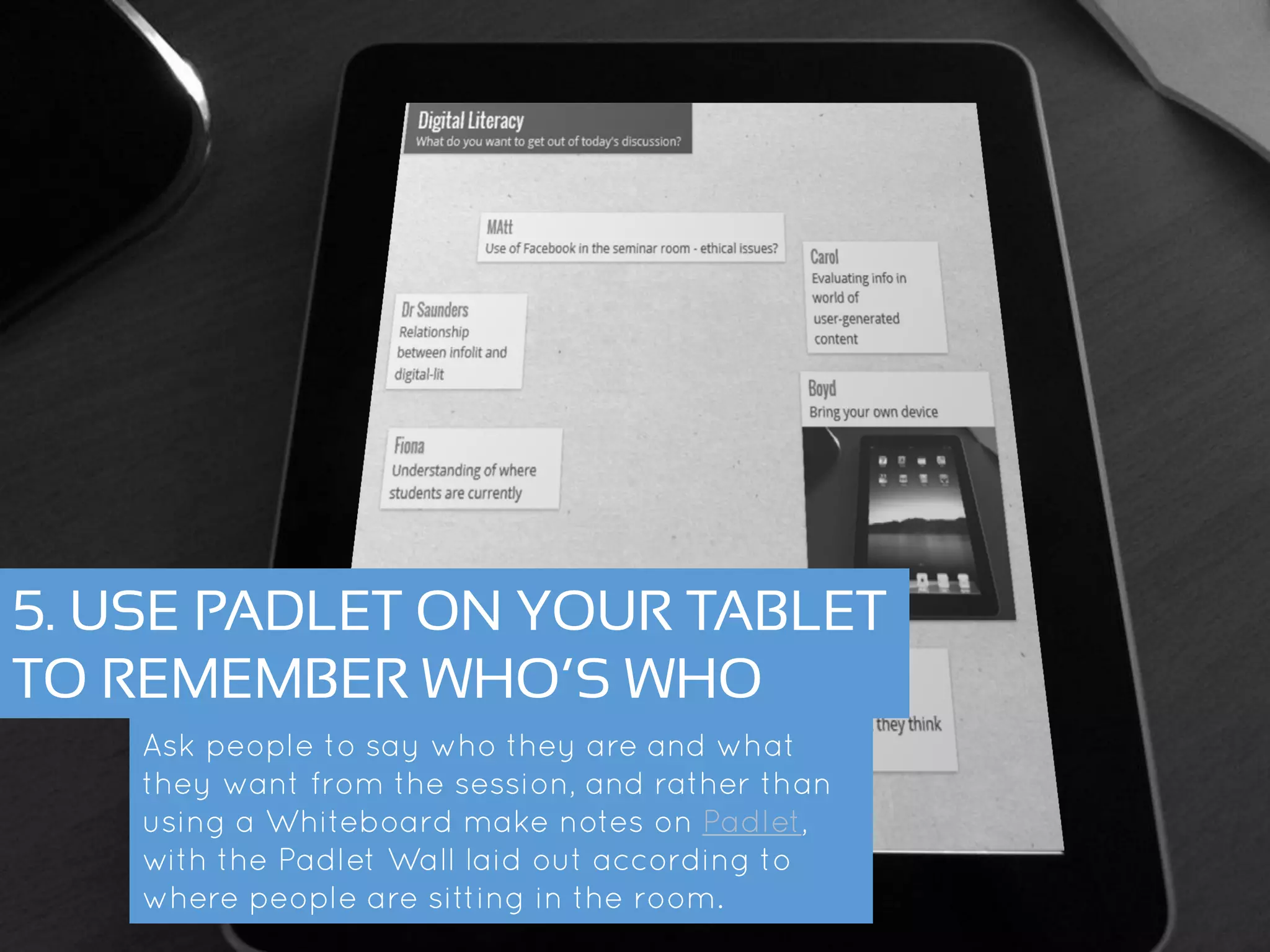
5. USE PADLET ON YOUR TABLET
TO REMEMBER WHO’S WHO
Ask people to say who they are and what they
want from the session, and rather than using a
Whiteboard make notes on Padlet, with the Padlet
Wall laid out according to where people are
sitting in the room.
6. SKIP AHEAD ON YOUR TABLET
Have a copy of your presentation on your tablet, and use any gaps
(a practical activity, or a co-presenter talking) to skip ahead and
prepare for what you’re going to say next!
HAND-OUTS
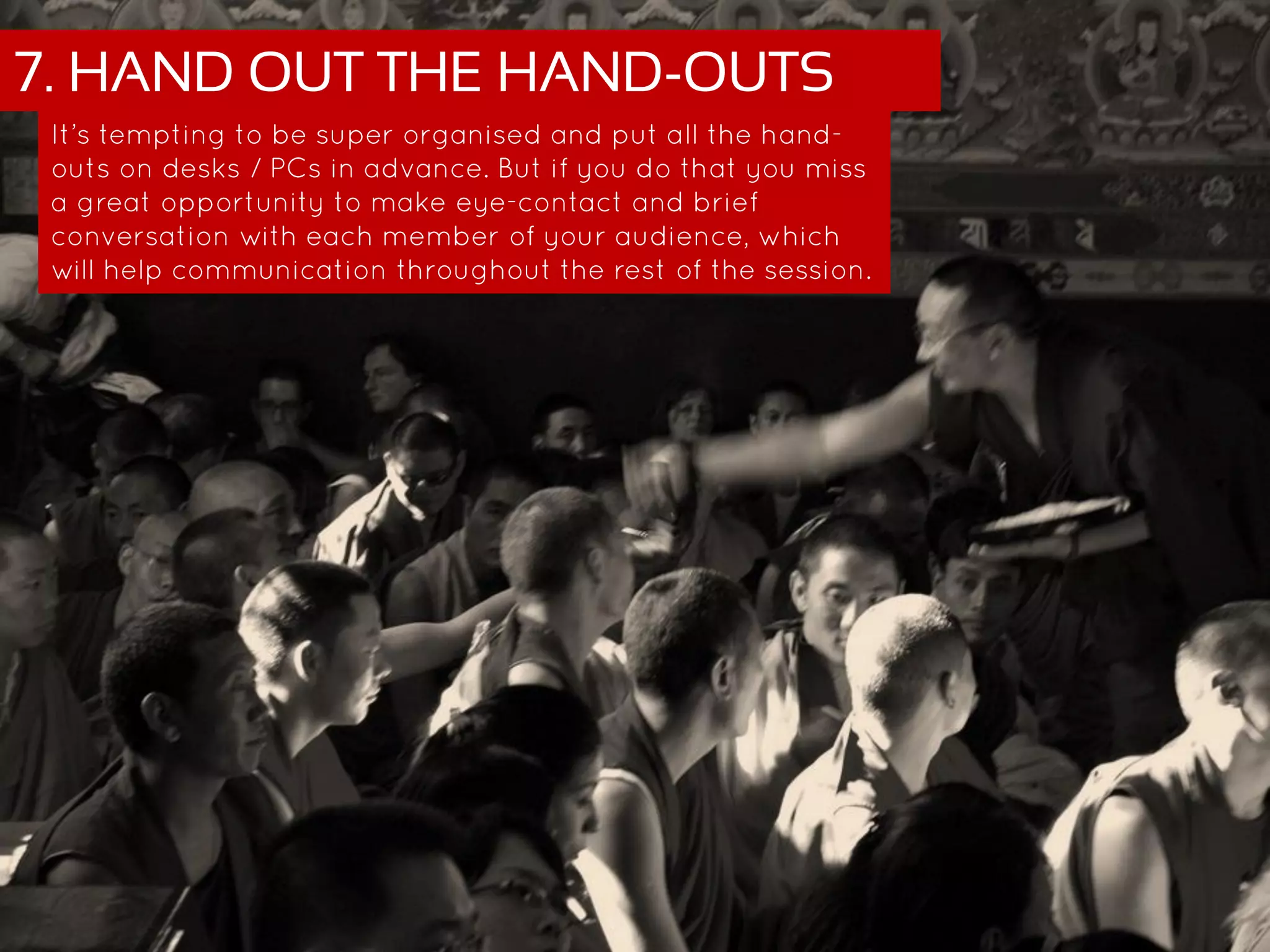
7. HAND OUT THE HAND-OUTS
It’s tempting to be super organised and put all the hand-outs on
desks / PCs in advance. But if you do that you miss a great
opportunity to make eye-contact and brief conversation with
each member of your audience, which will help communication
throughout the rest of the session.
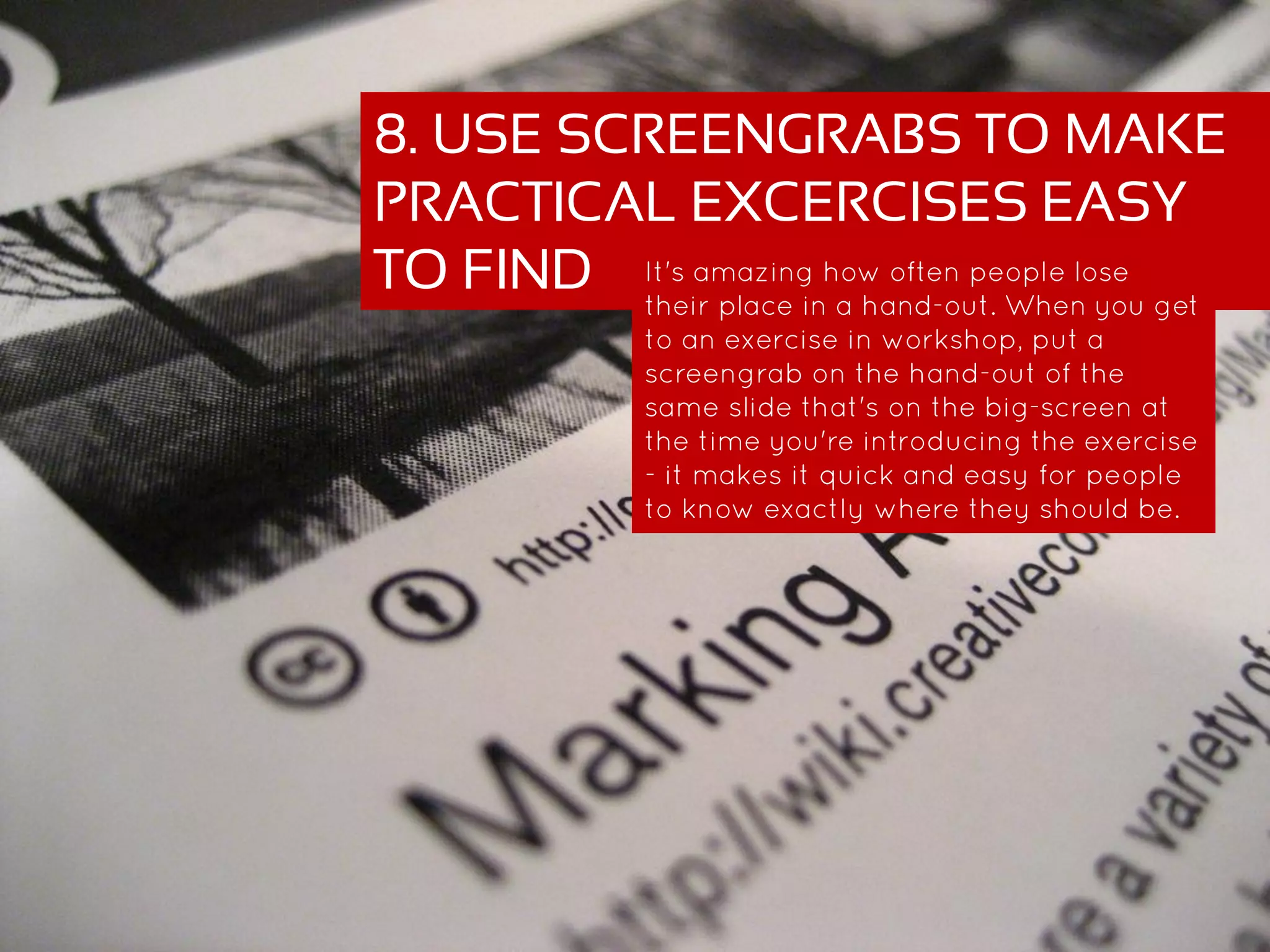
8. USE SCREENGRABS TO MAKE
PRACTICAL EXCERCISES EASY
TO FIND It's amazing how often people lose their
place in a hand-out. When you get to an
exercise in workshop, put a screengrab on
the hand-out of the same slide that's on the
big-screen at the time you're introducing
the exercise - it makes it quick and easy for
people to know exactly where they should
be.
MATERIALS
9. STORE MATERIALS IN THE CLOUD
Particularly if your session is link-heavy, store a digital copy of the materials on a
free wiki (PBworks for example) so delegates can access them that way. This also
means you’ll have a copy of your presentation and hand-outs even if your USB stick
falls out of your pocket and your printer breaks…
10. EMAIL THE PRESENTATION
ROUND AFTERWARDS Don’t rely on people tracking it down for
themselves; follow up directly, ensuring
they have a copy of the presentation AND
your contact details.
There’s an article with more detail on
each of these 10 tips on my blog:
>> bit.ly/10TinyTips
THANKS FOR WATCHING!
Teacher by cybrarian77 - https://www.flickr.com/photos/cybrarian77/6284181389/sizes/l
Pottery by Aneeye | Aneesh Subrahmanian - https://www.flickr.com/photos/aneeye/3359486375/sizes/l
Robot by Takashi(aes256) - https://www.flickr.com/photos/htakashi/9754012931/sizes/l
Presenter by betsyweber - https://www.flickr.com/photos/betsyweber/10595876455/sizes/l
Applause by marfis75 - https://www.flickr.com/photos/marfis75/10674184556/sizes/l
1st ipad by Sean MacEntee - https://www.flickr.com/photos/smemon/5171518129/sizes/l
2nd ipad by bfishadow - https://www.flickr.com/photos/bfishadow/4604736394/sizes/l
Handing out by Wonderlane - https://www.flickr.com/photos/wonderlane/4537003371/sizes/l
Handout by tvol - https://www.flickr.com/photos/sixteenmilesofstring/2476311752/sizes/l
Hard drive by William Hook - https://www.flickr.com/photos/williamhook/3570060270/sizes/l
Package by lemonhalf - https://www.flickr.com/photos/halfbisqued/2353845688/sizes/l
ALL IMAGES SOURCED VIA FLICKR’S
CREATIVE COMMONS, THEN ADAPTED
ned-potter.com
FOR MORE IDEAS ABOUT COMMUNICATION
@ned_potter
FOR MORE IDEAS ABOUT COMMUNICATION

10 tiny tips for trainers and teachers

  • 1.
  • 2.
  • 3.
    1. START WITHSOMETHING PRACTICAL Make people into active participants in the session, from the very start. Even if you have a lot of theory to get through, give people something to DO first of all.
  • 4.
    https://www.flickr.com/p hotos/45409431@N00/1 0674184556/ 2. ALLOW TIMETO RECHARGE Even just a 1hr workshop can be quite overwhelming. Building in a 3 minute gap for participants to switch-off, chat to each other, and relax, will help them focus for the rest of the session and raise the energy level all round.
  • 5.
    3. SUM UPVIA A RANDOM SLIDE CHALLENGE Don’t summarise the session yourself, let people hear another voice! Put together a simple 5-slide summary, and invite a volunteer to blind present it to their peers. The results are not just fun but surprisingly effective…
  • 6.
    4. CLOSE AFTERTHE Q&A Put the time for questions 10 or 15 minutes before the actual end of the session, then close on a strong call to action, a clear way forward for your workshop attendees.
  • 7.
  • 8.
    5. USE PADLETON YOUR TABLET TO REMEMBER WHO’S WHO Ask people to say who they are and what they want from the session, and rather than using a Whiteboard make notes on Padlet, with the Padlet Wall laid out according to where people are sitting in the room.
  • 9.
    6. SKIP AHEADON YOUR TABLET Have a copy of your presentation on your tablet, and use any gaps (a practical activity, or a co-presenter talking) to skip ahead and prepare for what you’re going to say next!
  • 10.
  • 11.
    7. HAND OUTTHE HAND-OUTS It’s tempting to be super organised and put all the hand-outs on desks / PCs in advance. But if you do that you miss a great opportunity to make eye-contact and brief conversation with each member of your audience, which will help communication throughout the rest of the session.
  • 12.
    8. USE SCREENGRABSTO MAKE PRACTICAL EXCERCISES EASY TO FIND It's amazing how often people lose their place in a hand-out. When you get to an exercise in workshop, put a screengrab on the hand-out of the same slide that's on the big-screen at the time you're introducing the exercise - it makes it quick and easy for people to know exactly where they should be.
  • 13.
  • 14.
    9. STORE MATERIALSIN THE CLOUD Particularly if your session is link-heavy, store a digital copy of the materials on a free wiki (PBworks for example) so delegates can access them that way. This also means you’ll have a copy of your presentation and hand-outs even if your USB stick falls out of your pocket and your printer breaks…
  • 15.
    10. EMAIL THEPRESENTATION ROUND AFTERWARDS Don’t rely on people tracking it down for themselves; follow up directly, ensuring they have a copy of the presentation AND your contact details.
  • 16.
    There’s an articlewith more detail on each of these 10 tips on my blog: >> bit.ly/10TinyTips THANKS FOR WATCHING!
  • 17.
    Teacher by cybrarian77- https://www.flickr.com/photos/cybrarian77/6284181389/sizes/l Pottery by Aneeye | Aneesh Subrahmanian - https://www.flickr.com/photos/aneeye/3359486375/sizes/l Robot by Takashi(aes256) - https://www.flickr.com/photos/htakashi/9754012931/sizes/l Presenter by betsyweber - https://www.flickr.com/photos/betsyweber/10595876455/sizes/l Applause by marfis75 - https://www.flickr.com/photos/marfis75/10674184556/sizes/l 1st ipad by Sean MacEntee - https://www.flickr.com/photos/smemon/5171518129/sizes/l 2nd ipad by bfishadow - https://www.flickr.com/photos/bfishadow/4604736394/sizes/l Handing out by Wonderlane - https://www.flickr.com/photos/wonderlane/4537003371/sizes/l Handout by tvol - https://www.flickr.com/photos/sixteenmilesofstring/2476311752/sizes/l Hard drive by William Hook - https://www.flickr.com/photos/williamhook/3570060270/sizes/l Package by lemonhalf - https://www.flickr.com/photos/halfbisqued/2353845688/sizes/l ALL IMAGES SOURCED VIA FLICKR’S CREATIVE COMMONS, THEN ADAPTED
  • 18.
    ned-potter.com FOR MORE IDEASABOUT COMMUNICATION
  • 19.
    @ned_potter FOR MORE IDEASABOUT COMMUNICATION