Basic Communications
●   HTTP Requests
    ●   Posting of data
    ●   Simple Example App
Download CommsTest Project
●   This presentation is accompanies by an
    example Meme IDE project that can be
    downloaded from:

●   http://www.memeapps.com/tutorials//commsprojectpage.php
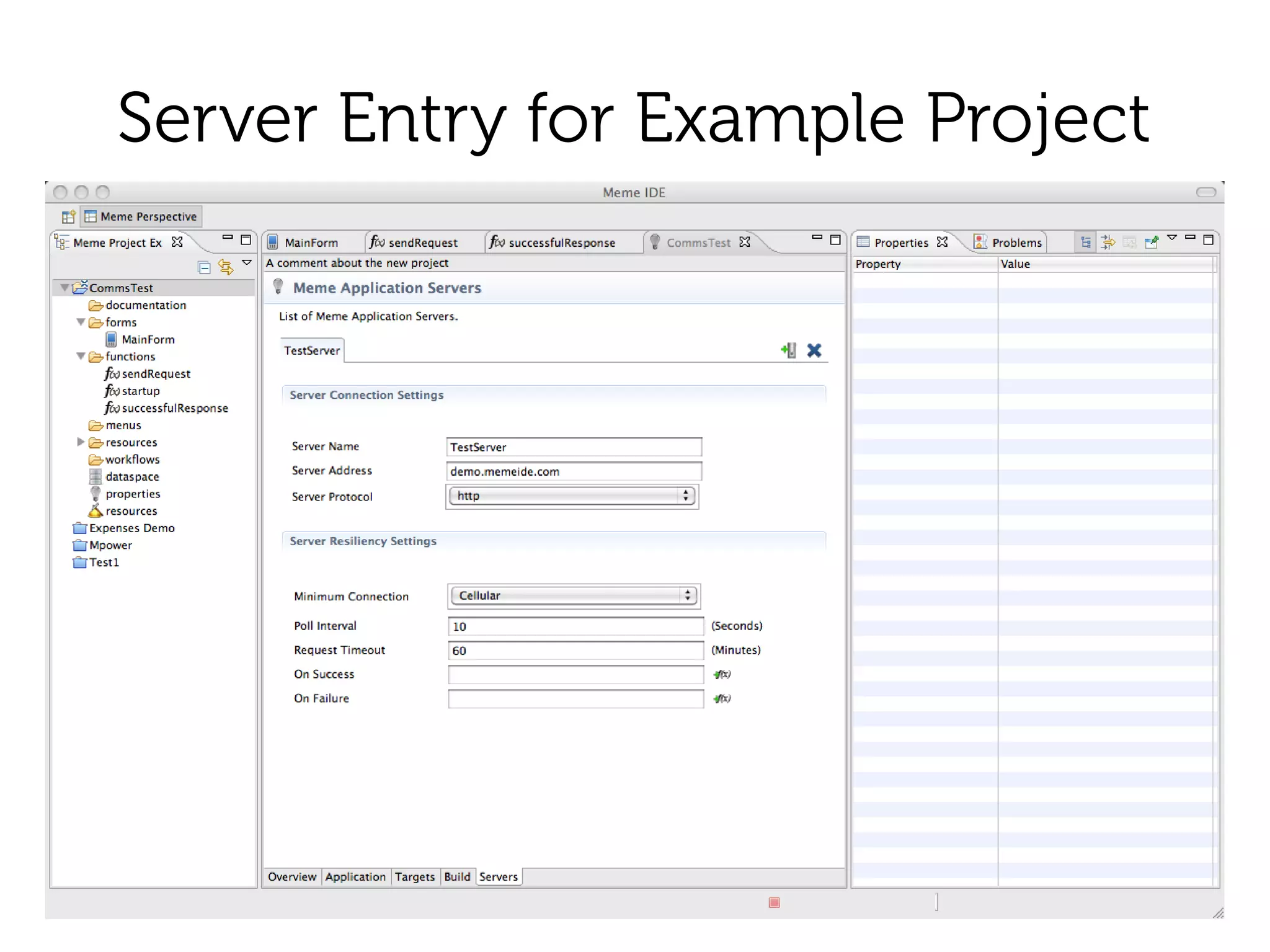
Define a Server Entry
●   Project properties
    ●   Servers tab
        –   Server name. Used in functions
        –   Address. Server address without protocol
        –   Protocol. HTTP or HTTPS
        –   Minimum Connection
Server Entry for Example Project
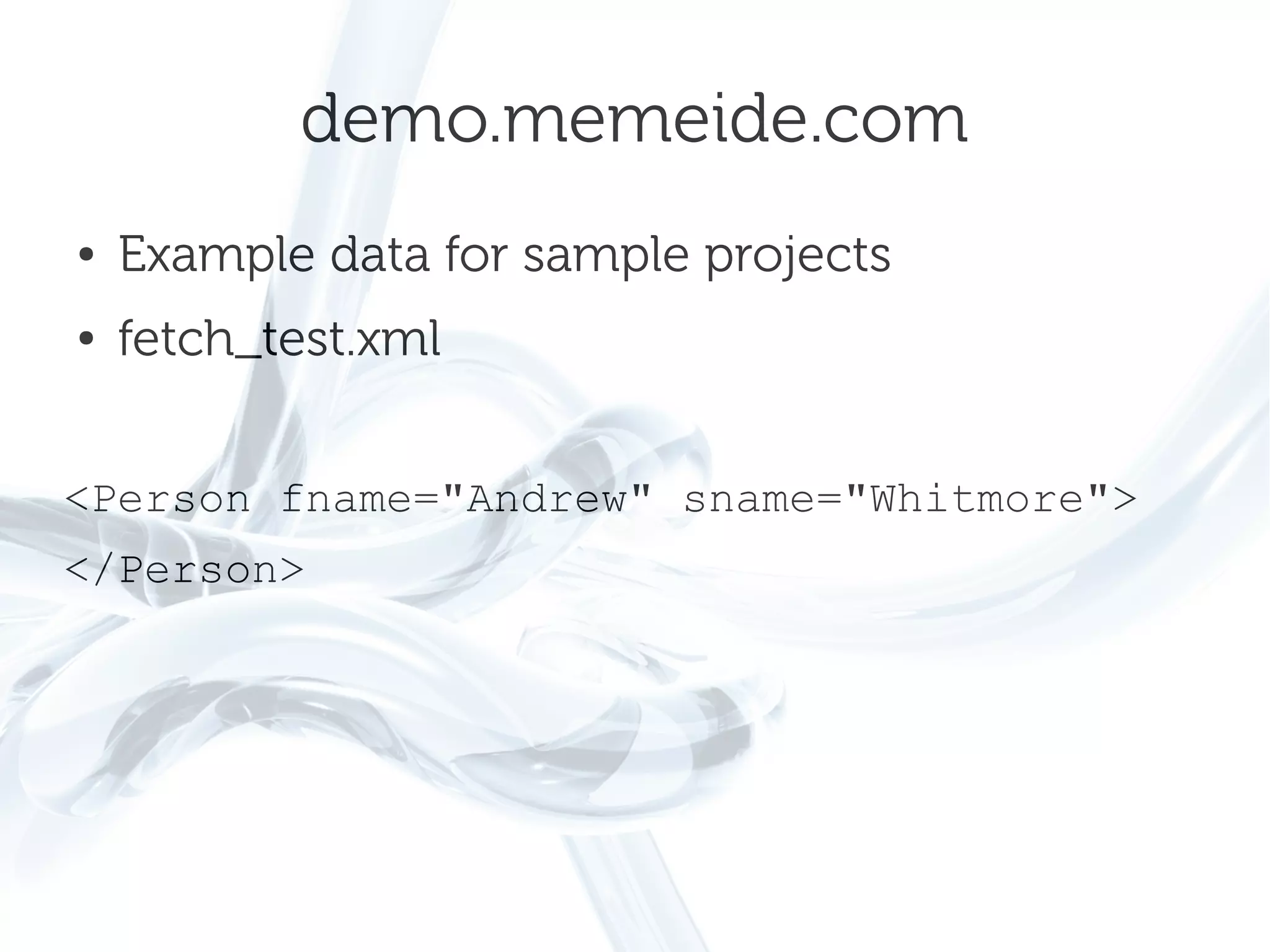
demo.memeide.com
●   Example data for sample projects
●   fetch_test.xml


<Person fname="Andrew" sname="Whitmore">
</Person>
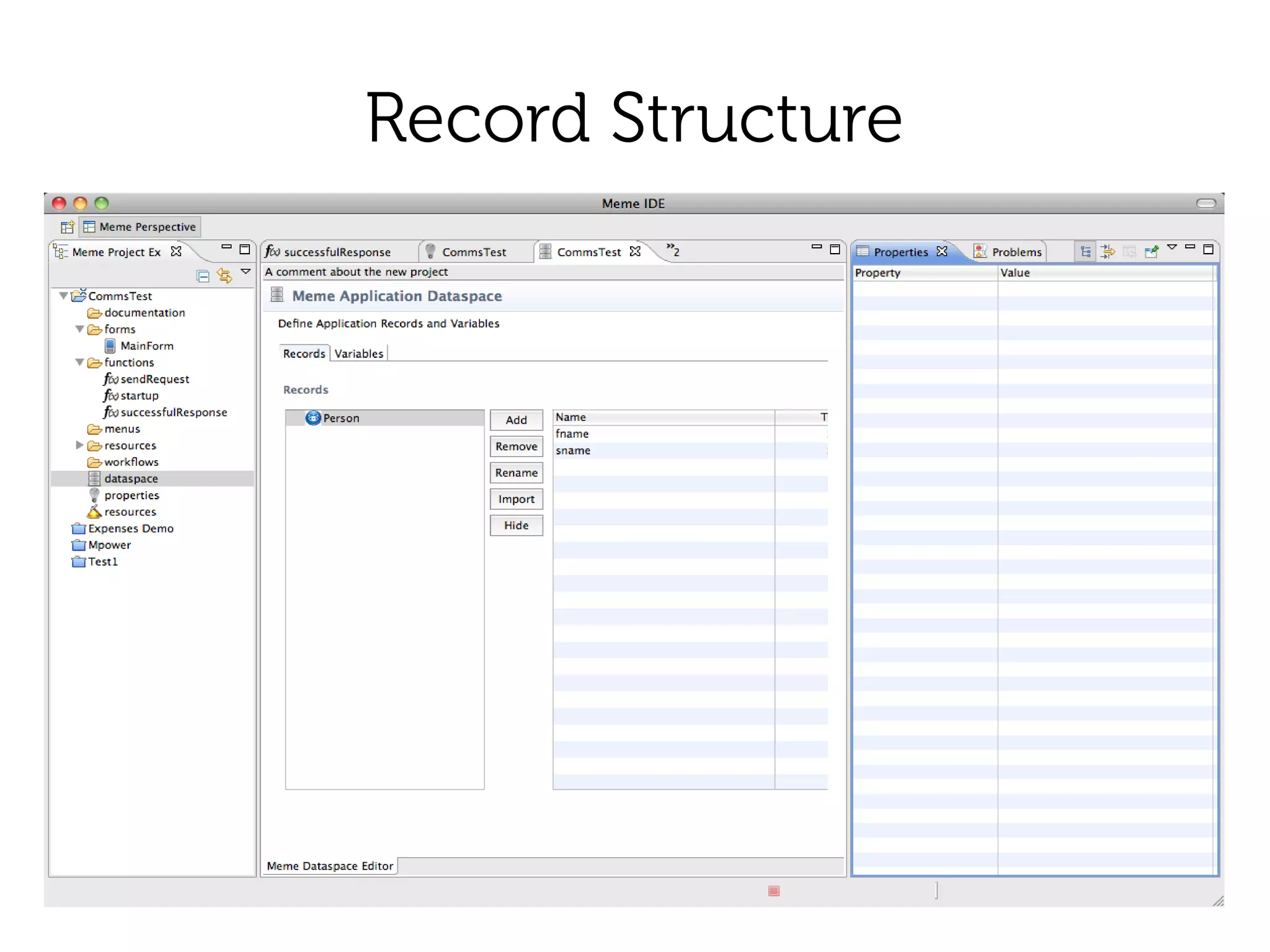
Record Structure
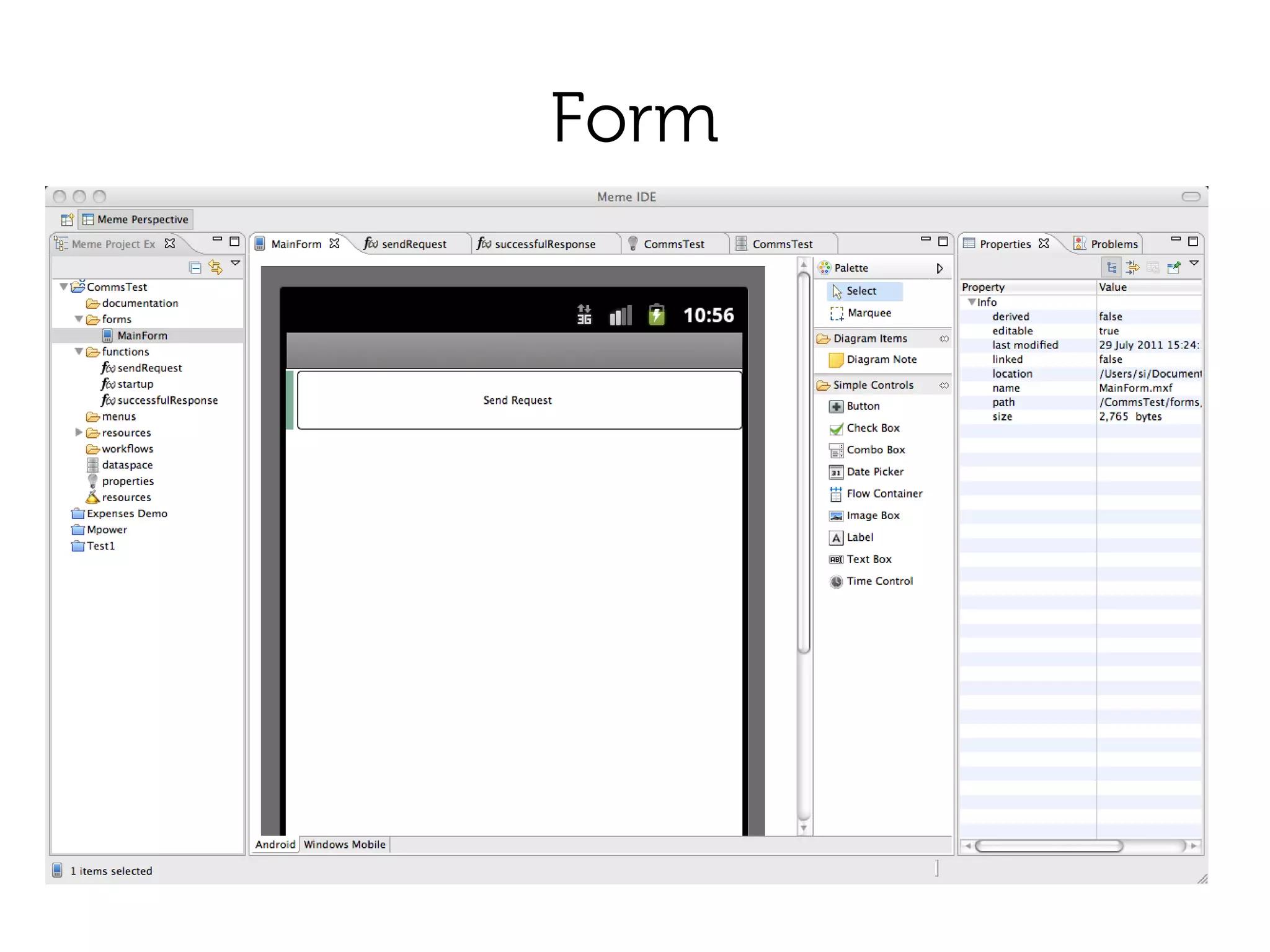
Form
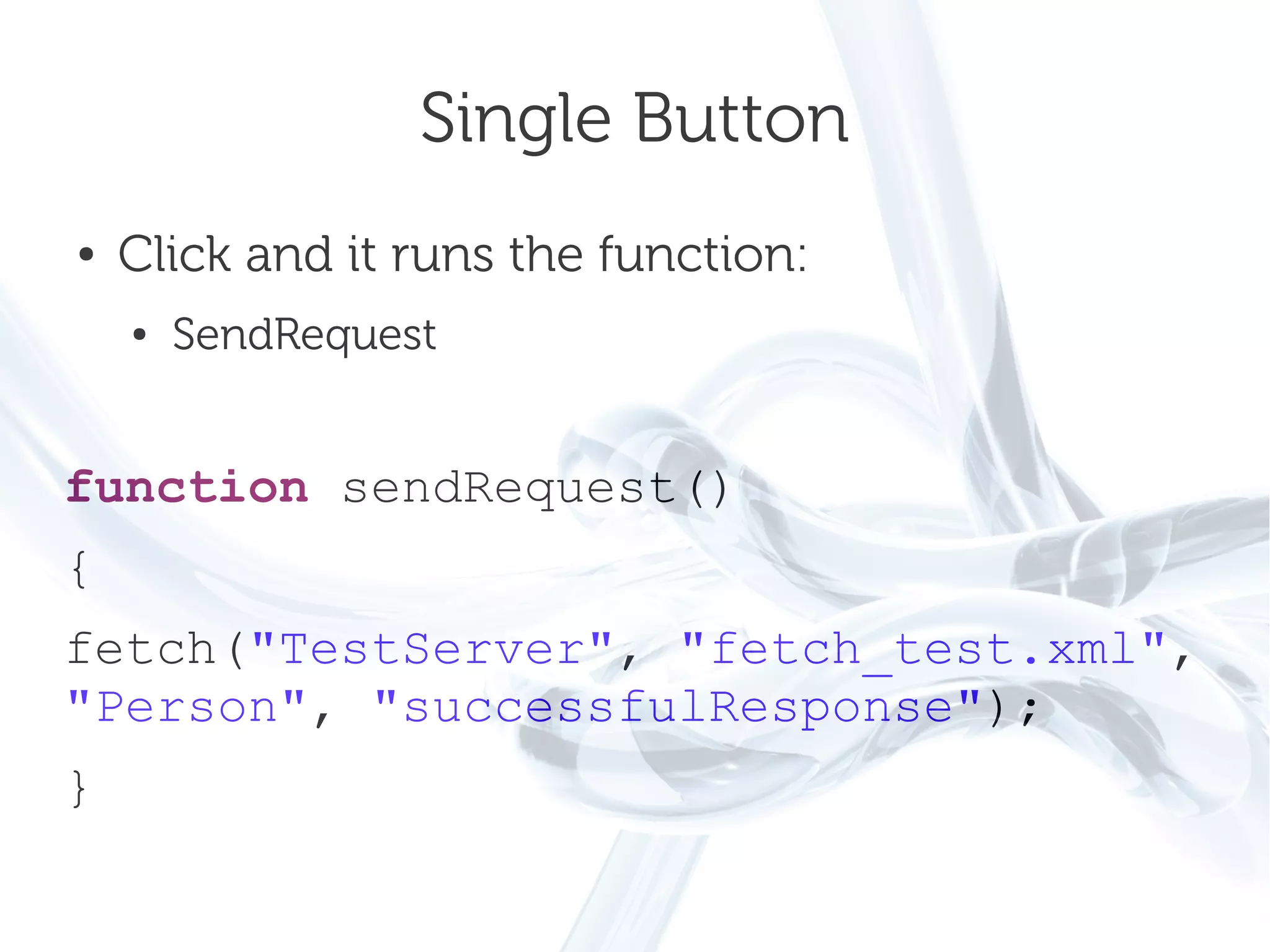
Single Button
●   Click and it runs the function:
    ●   SendRequest


function sendRequest()
{
fetch("TestServer", "fetch_test.xml",
"Person", "successfulResponse");
}
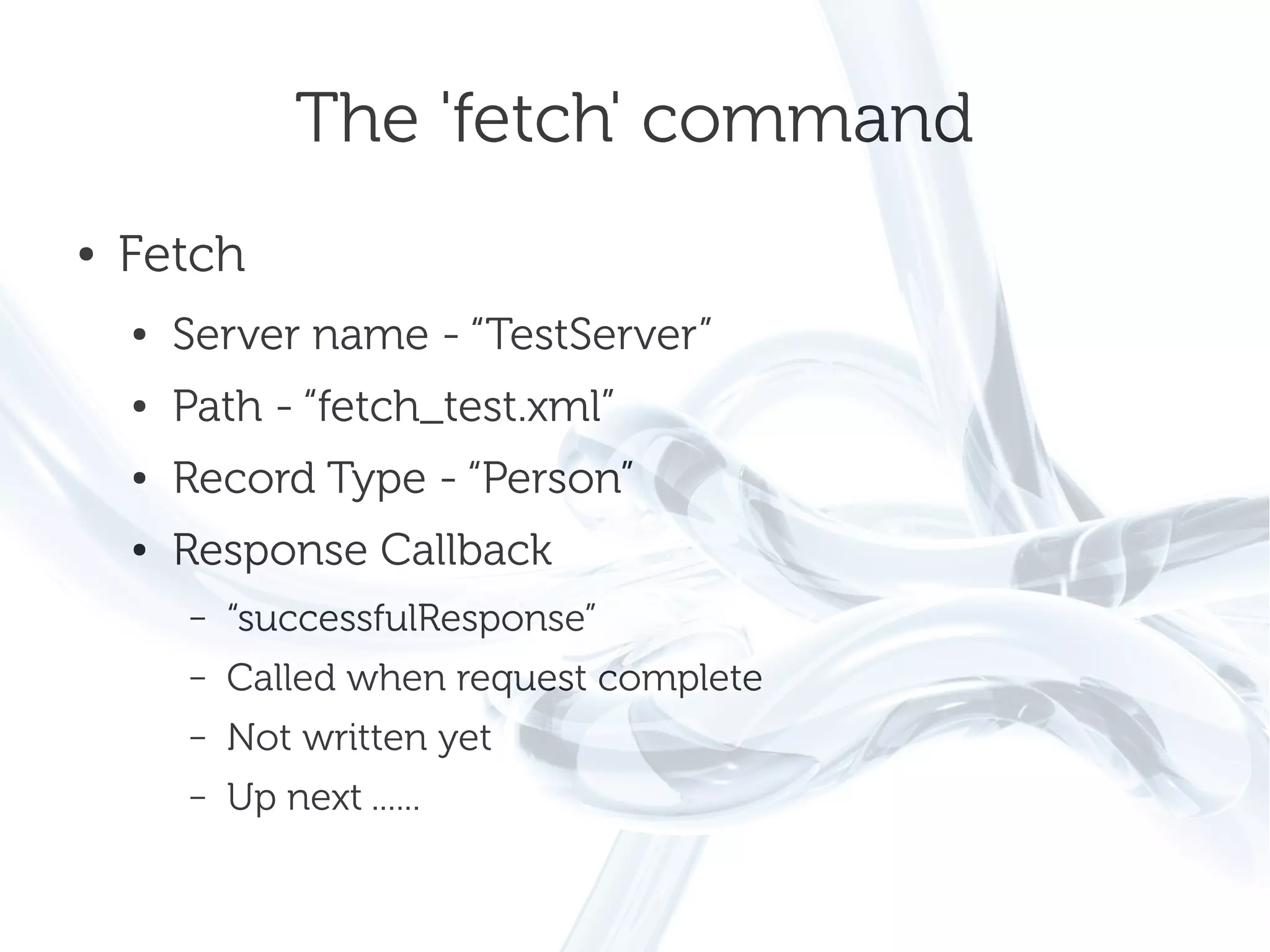
The 'fetch' command
●   Fetch
    ●   Server name - “TestServer”
    ●   Path - “fetch_test.xml”
    ●   Record Type - “Person”
    ●   Response Callback
        –   “successfulResponse”
        –   Called when request complete
        –   Not written yet
        –   Up next ......
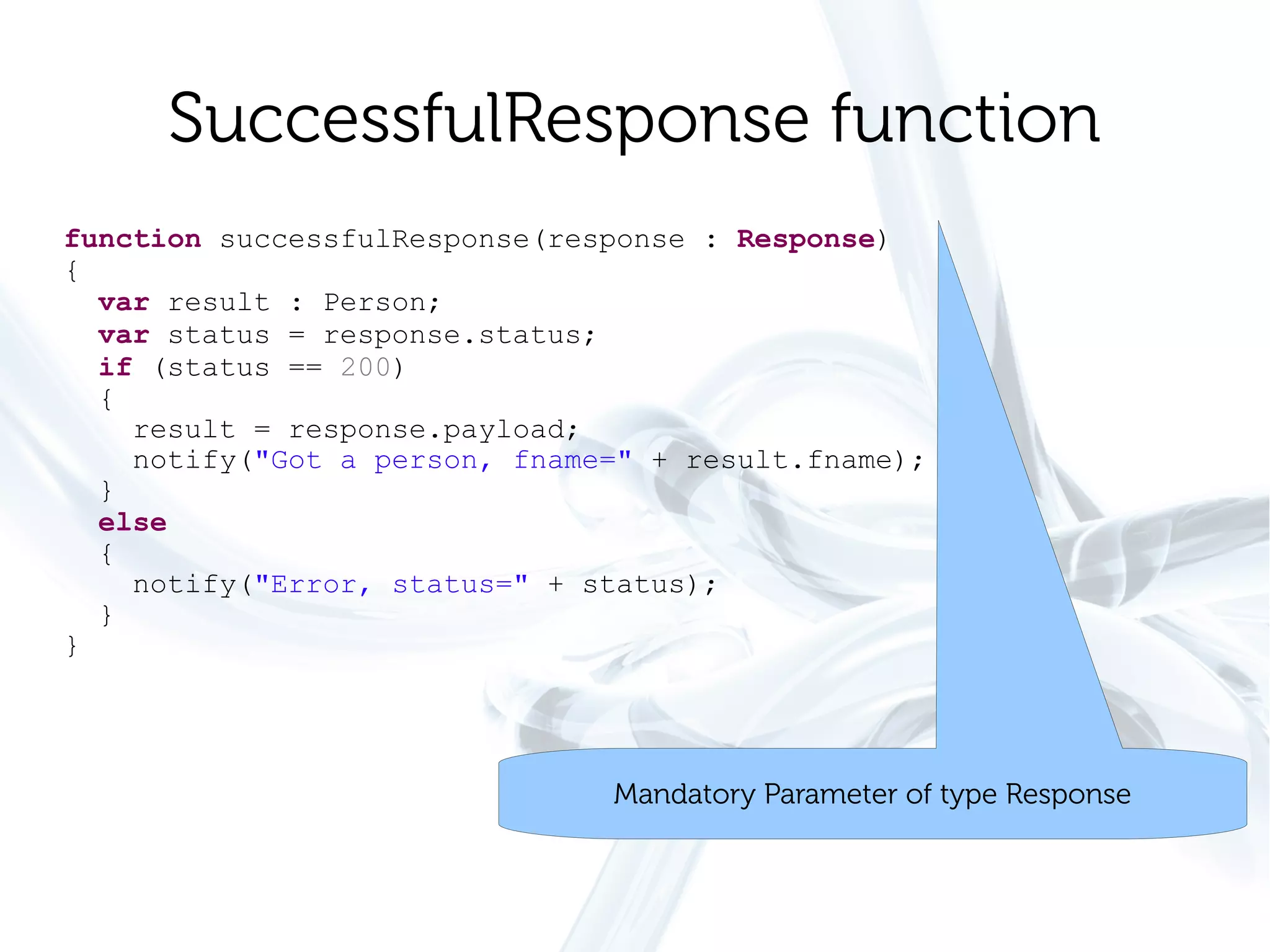
SuccessfulResponse function
function successfulResponse(response : Response)
{
  var result : Person;
  var status = response.status;
  if (status == 200)
  {
    result = response.payload;
    notify("Got a person, fname=" + result.fname);
  }
  else
  {
    notify("Error, status=" + status);
  }
}


                               Mandatory Parameter of type Response
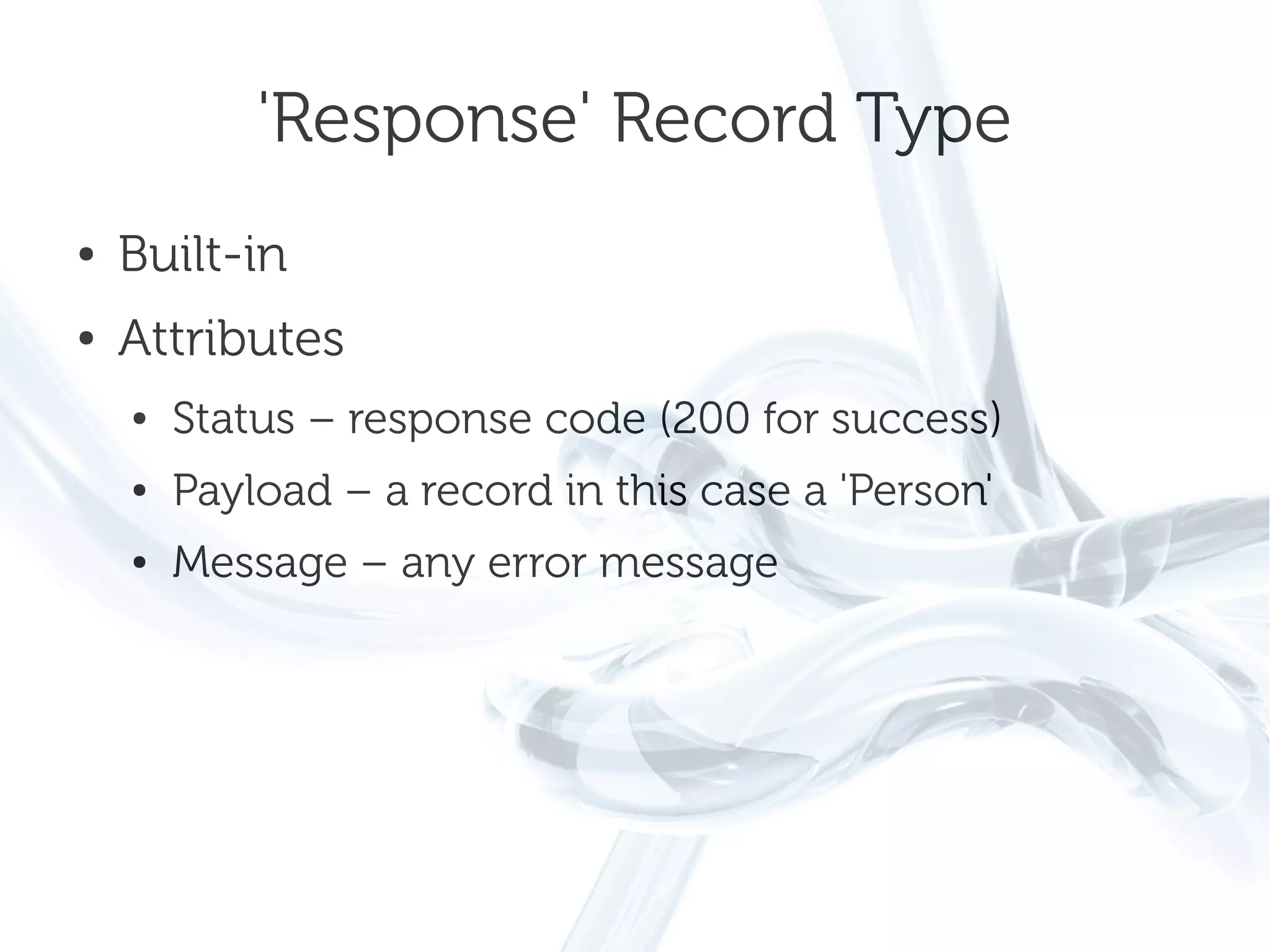
'Response' Record Type
●   Built-in
●   Attributes
    ●   Status – response code (200 for success)
    ●   Payload – a record in this case a 'Person'
    ●   Message – any error message
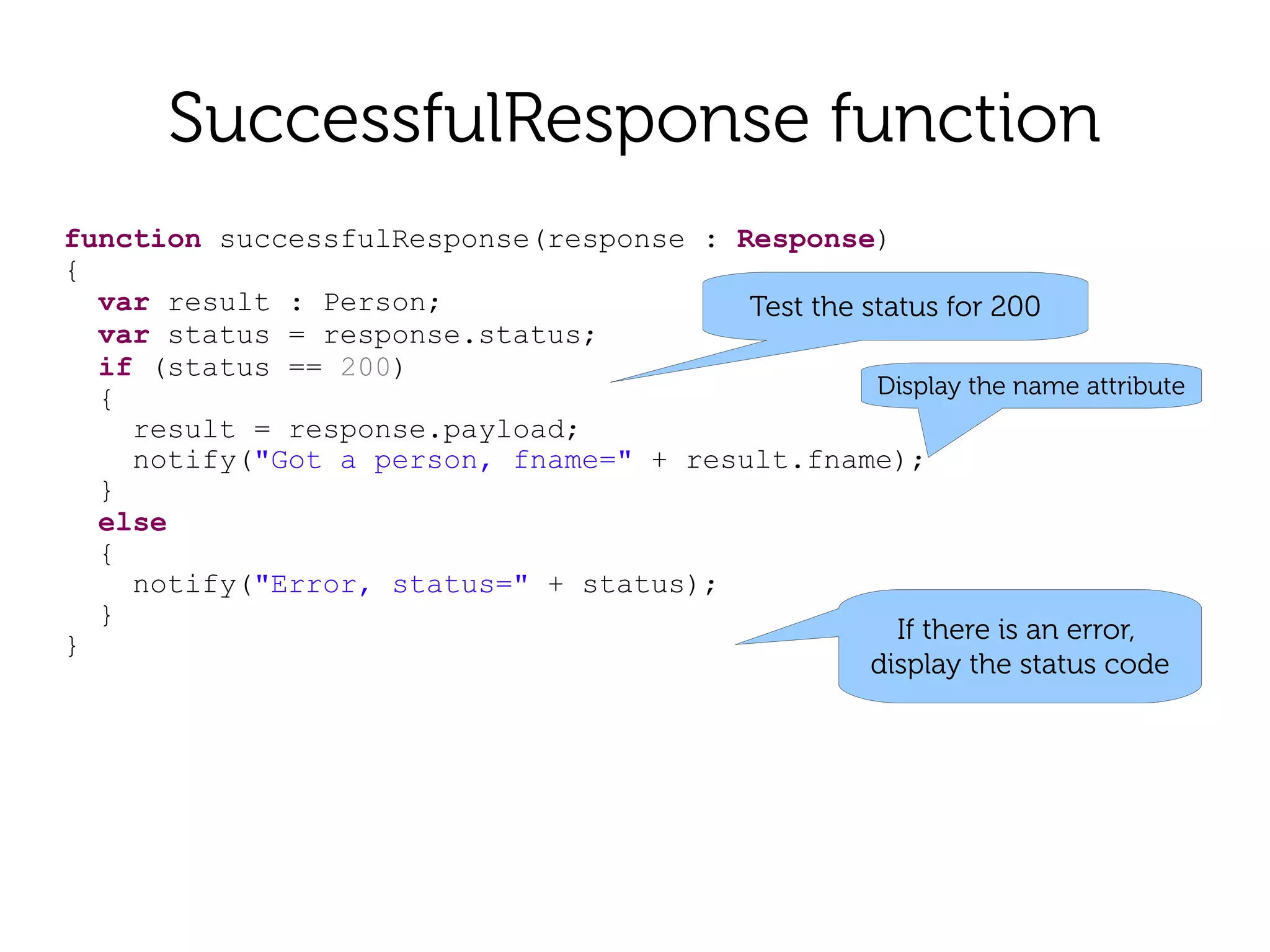
SuccessfulResponse function
function successfulResponse(response : Response)
{
  var result : Person;                  Test the status for 200
  var status = response.status;
  if (status == 200)
  {                                               Display the name attribute
    result = response.payload;
    notify("Got a person, fname=" + result.fname);
  }
  else
  {
    notify("Error, status=" + status);
  }
                                                    If there is an error,
}
                                                  display the status code
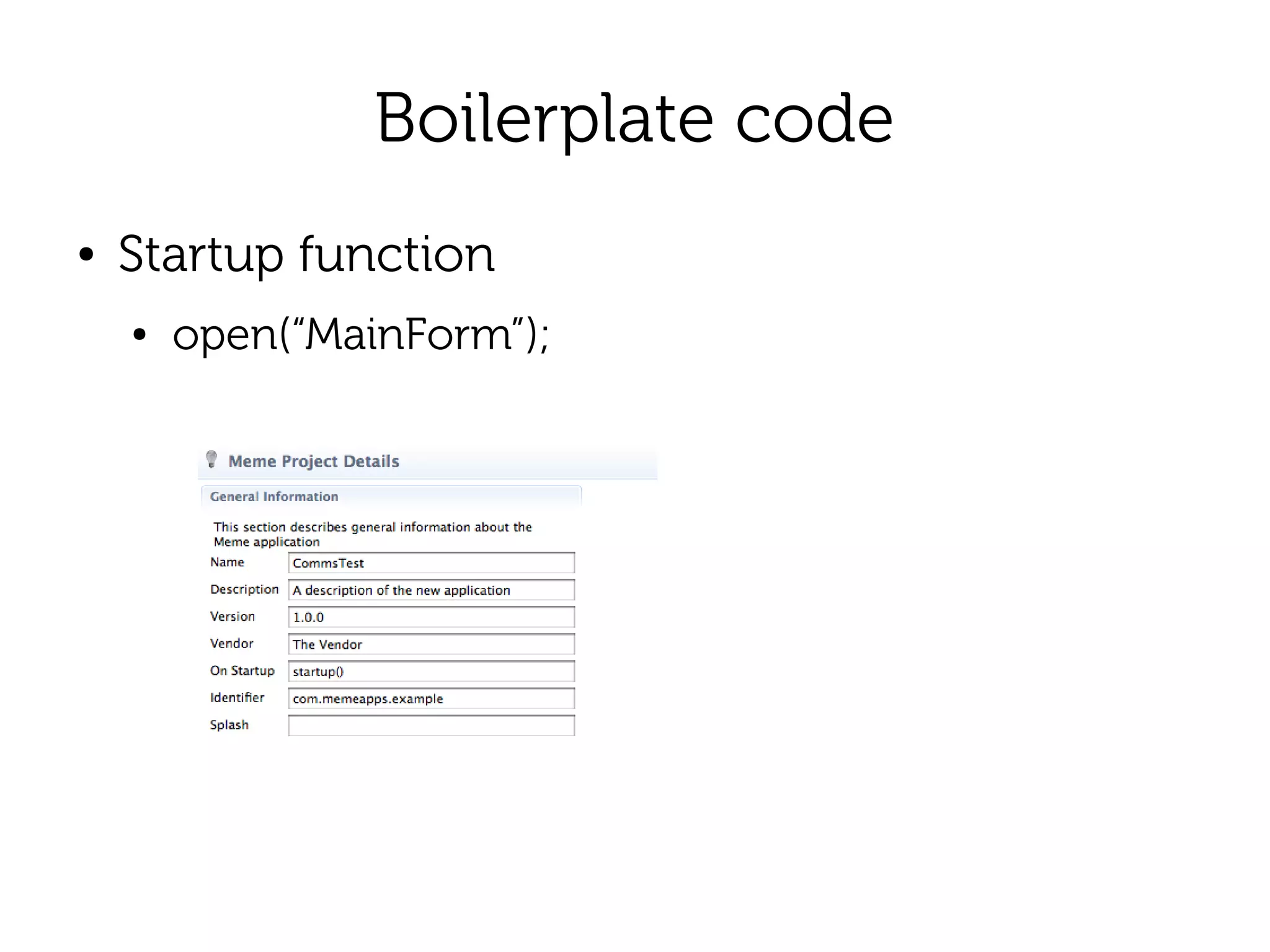
Boilerplate code
●   Startup function
    ●   open(“MainForm”);
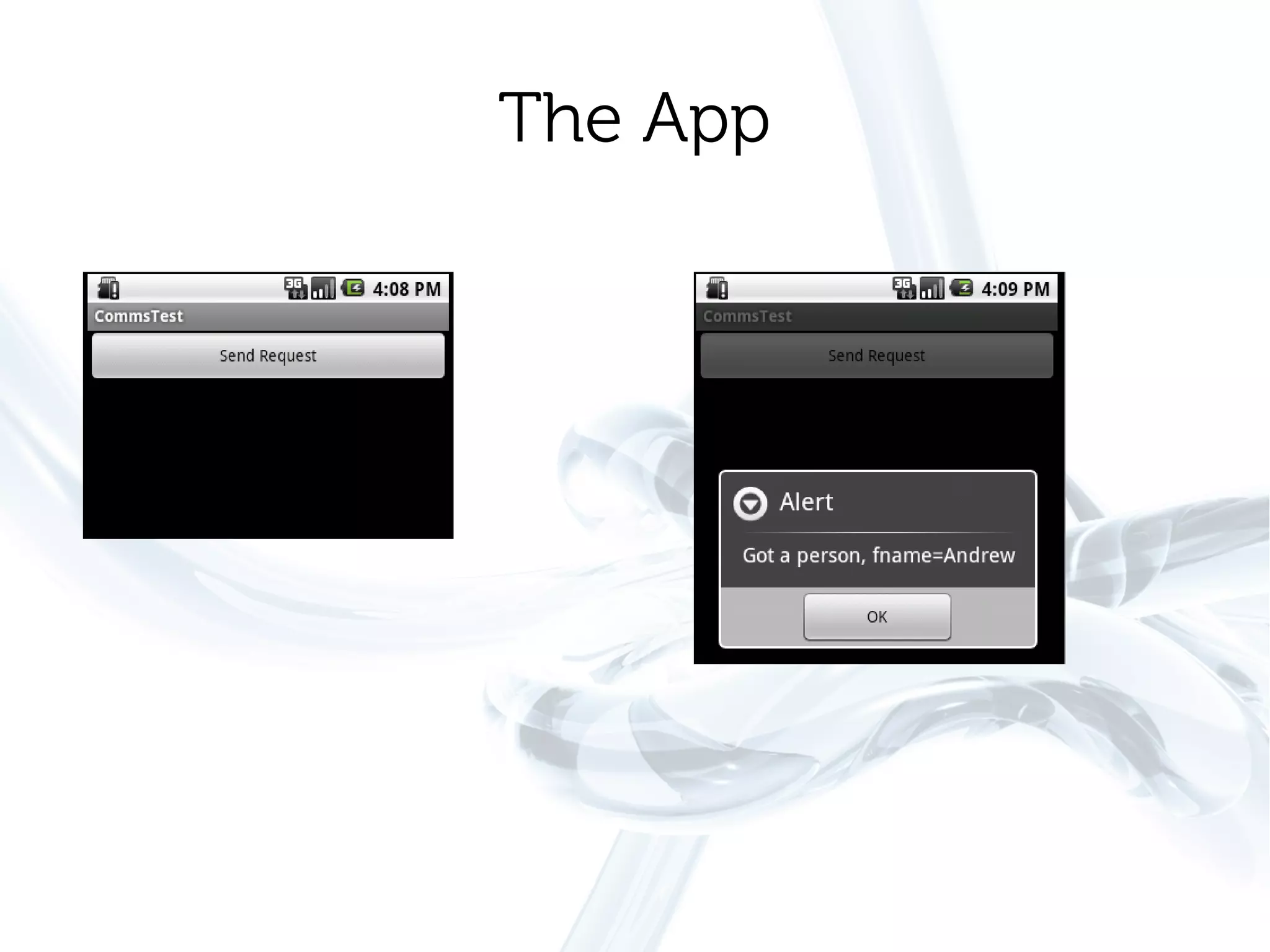
The App

05 communications

  • 1.
    Basic Communications ● HTTP Requests ● Posting of data ● Simple Example App
  • 2.
    Download CommsTest Project ● This presentation is accompanies by an example Meme IDE project that can be downloaded from: ● http://www.memeapps.com/tutorials//commsprojectpage.php
  • 3.
    Define a ServerEntry ● Project properties ● Servers tab – Server name. Used in functions – Address. Server address without protocol – Protocol. HTTP or HTTPS – Minimum Connection
  • 4.
    Server Entry forExample Project
  • 5.
    demo.memeide.com ● Example data for sample projects ● fetch_test.xml <Person fname="Andrew" sname="Whitmore"> </Person>
  • 6.
  • 7.
  • 8.
    Single Button ● Click and it runs the function: ● SendRequest function sendRequest() { fetch("TestServer", "fetch_test.xml", "Person", "successfulResponse"); }
  • 9.
    The 'fetch' command ● Fetch ● Server name - “TestServer” ● Path - “fetch_test.xml” ● Record Type - “Person” ● Response Callback – “successfulResponse” – Called when request complete – Not written yet – Up next ......
  • 10.
    SuccessfulResponse function function successfulResponse(response: Response) { var result : Person; var status = response.status; if (status == 200) { result = response.payload; notify("Got a person, fname=" + result.fname); } else { notify("Error, status=" + status); } } Mandatory Parameter of type Response
  • 11.
    'Response' Record Type ● Built-in ● Attributes ● Status – response code (200 for success) ● Payload – a record in this case a 'Person' ● Message – any error message
  • 12.
    SuccessfulResponse function function successfulResponse(response: Response) { var result : Person; Test the status for 200 var status = response.status; if (status == 200) { Display the name attribute result = response.payload; notify("Got a person, fname=" + result.fname); } else { notify("Error, status=" + status); } If there is an error, } display the status code
  • 13.
    Boilerplate code ● Startup function ● open(“MainForm”);
  • 14.