ODS Markup and Tagsets, A tutorial. Eric Gebhart
 
ODS  MARKUP!
ODS Markup & Tagsets
 
Proc Template. It is NOT what you think it is!
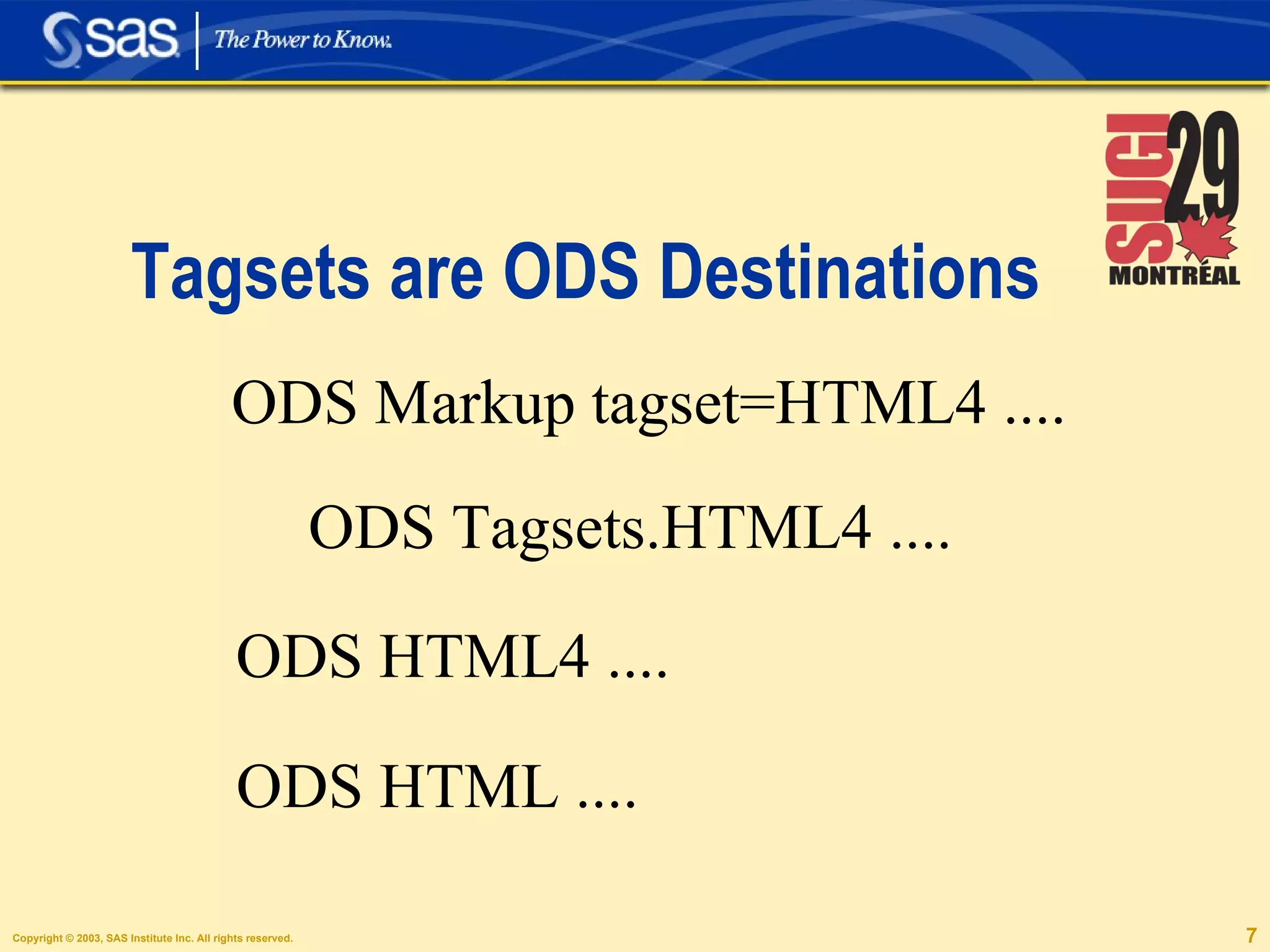
Tagsets are ODS Destinations ODS Markup tagset=HTML4 .... ODS Tagsets.HTML4 .... ODS HTML4 .... ODS HTML ....
ODS HTML  is   ODS Markup!
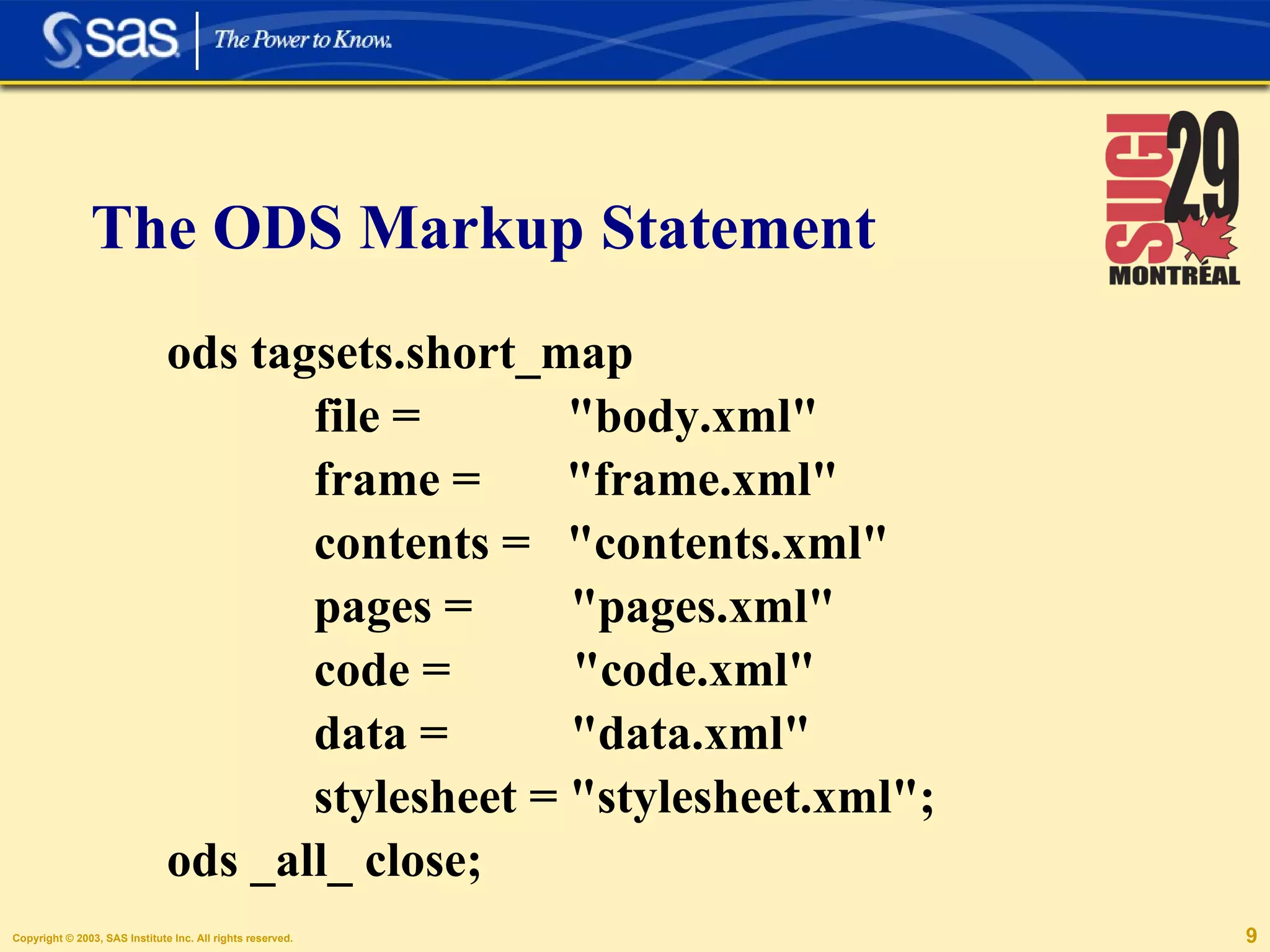
ods tagsets.short_map    file =  "body.xml"    frame =  "frame.xml"   contents =  "contents.xml"    pages =  "pages.xml"    code =  "code.xml"    data =  "data.xml"    stylesheet = "stylesheet.xml"; ods _all_ close; The ODS Markup Statement
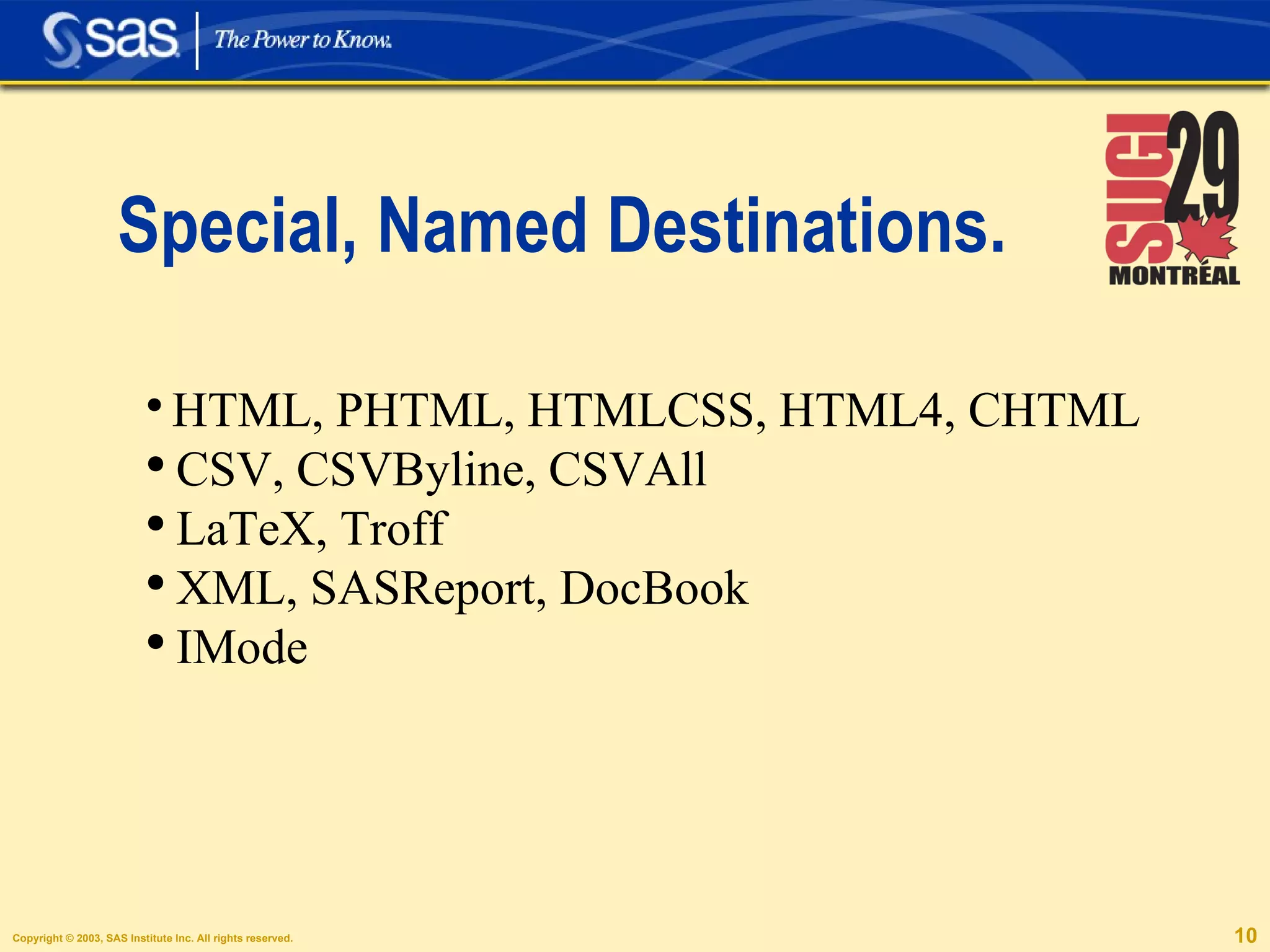
Special, Named Destinations. HTML, PHTML, HTMLCSS, HTML4, CHTML CSV, CSVByline, CSVAll LaTeX, Troff XML, SASReport, DocBook IMode
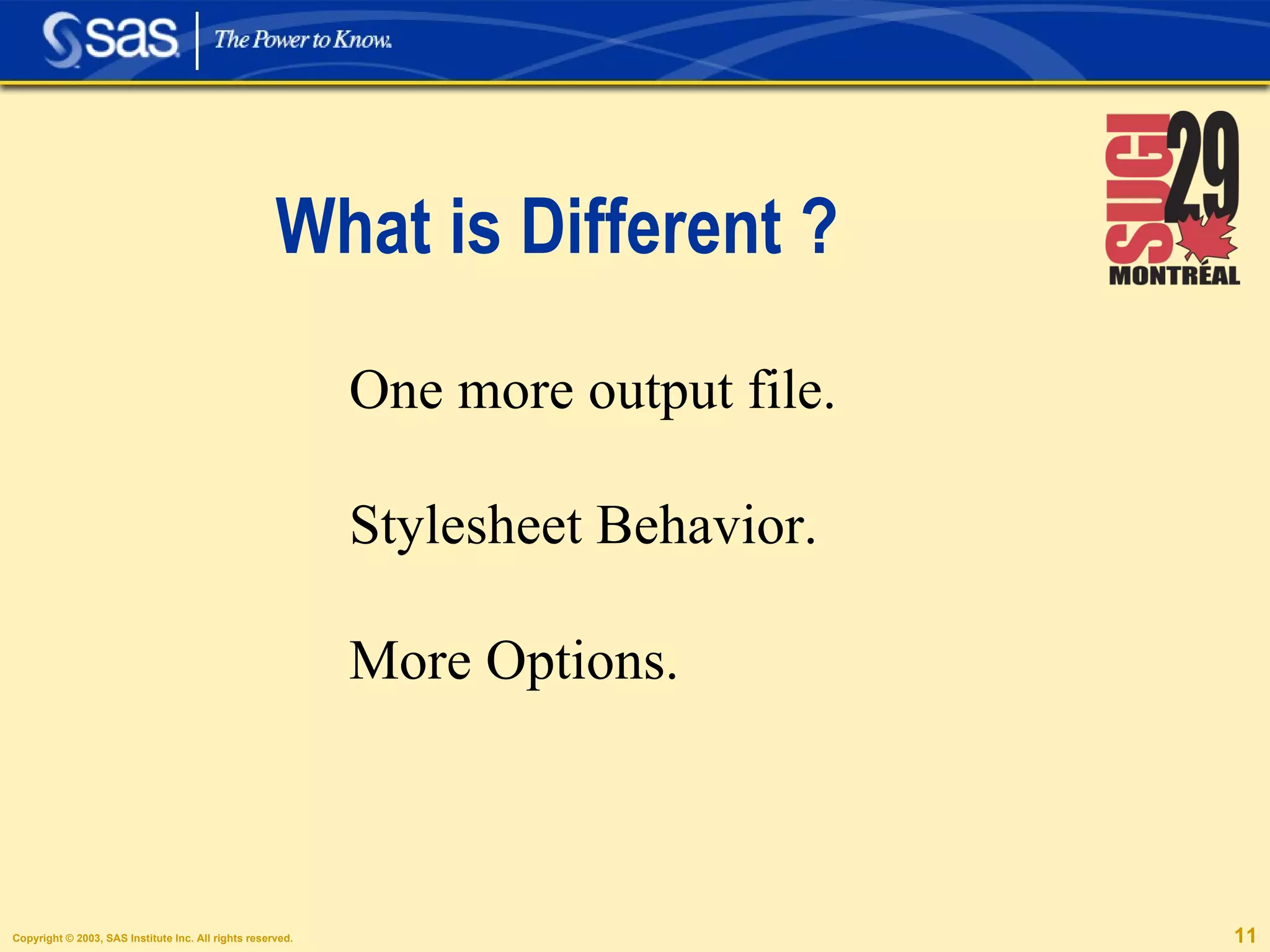
What is Different ? One more output file. Stylesheet Behavior. More Options.
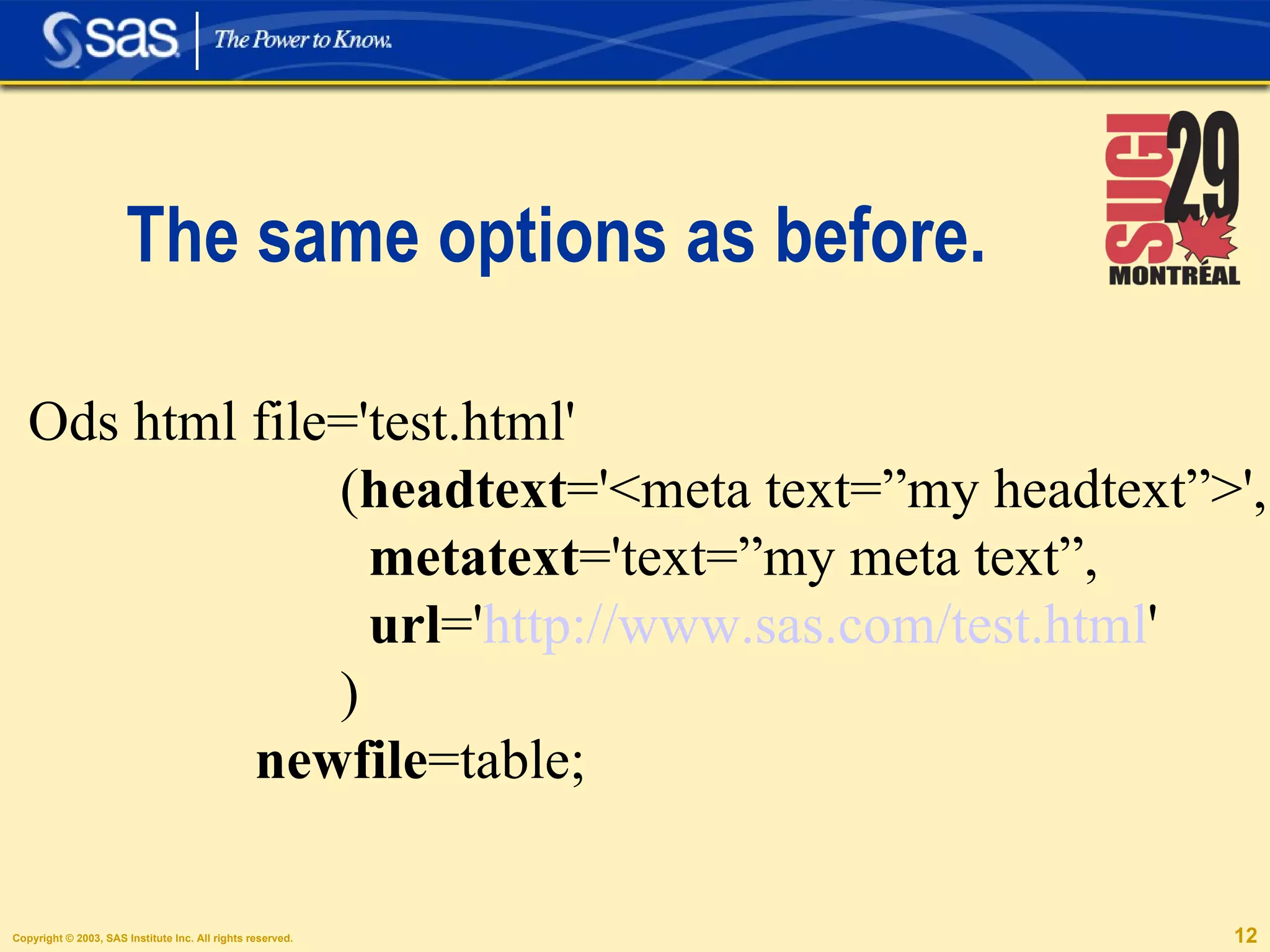
The same options as before. Ods html file='test.html'  ( headtext ='<meta text=”my headtext”>', metatext ='text=”my meta text”, url =' http://www.sas.com/test.html ' ) newfile =table;
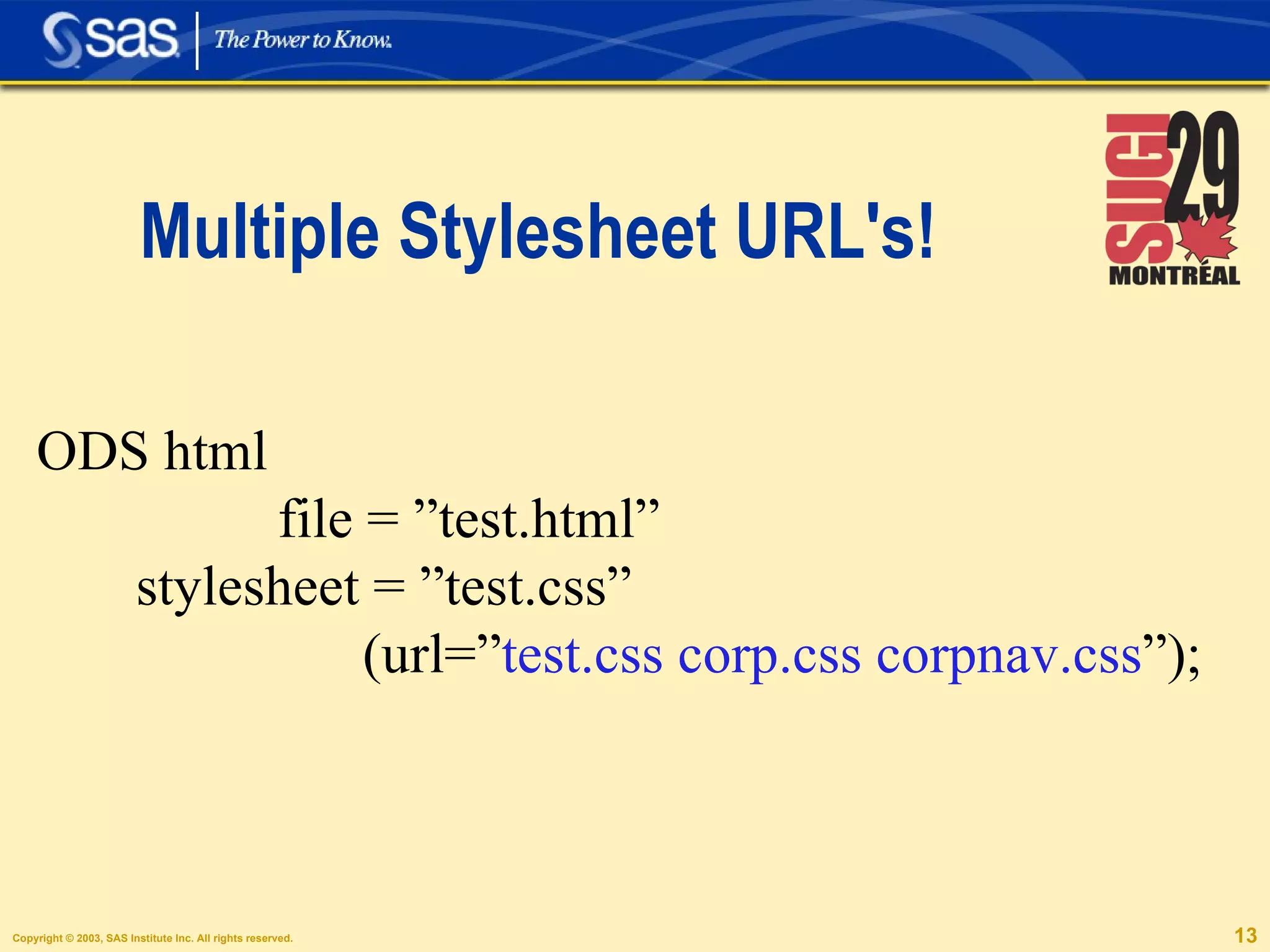
Multiple Stylesheet URL's! ODS html  file = ”test.html” stylesheet = ”test.css”  (url=” test.css corp.css corpnav.css ”);
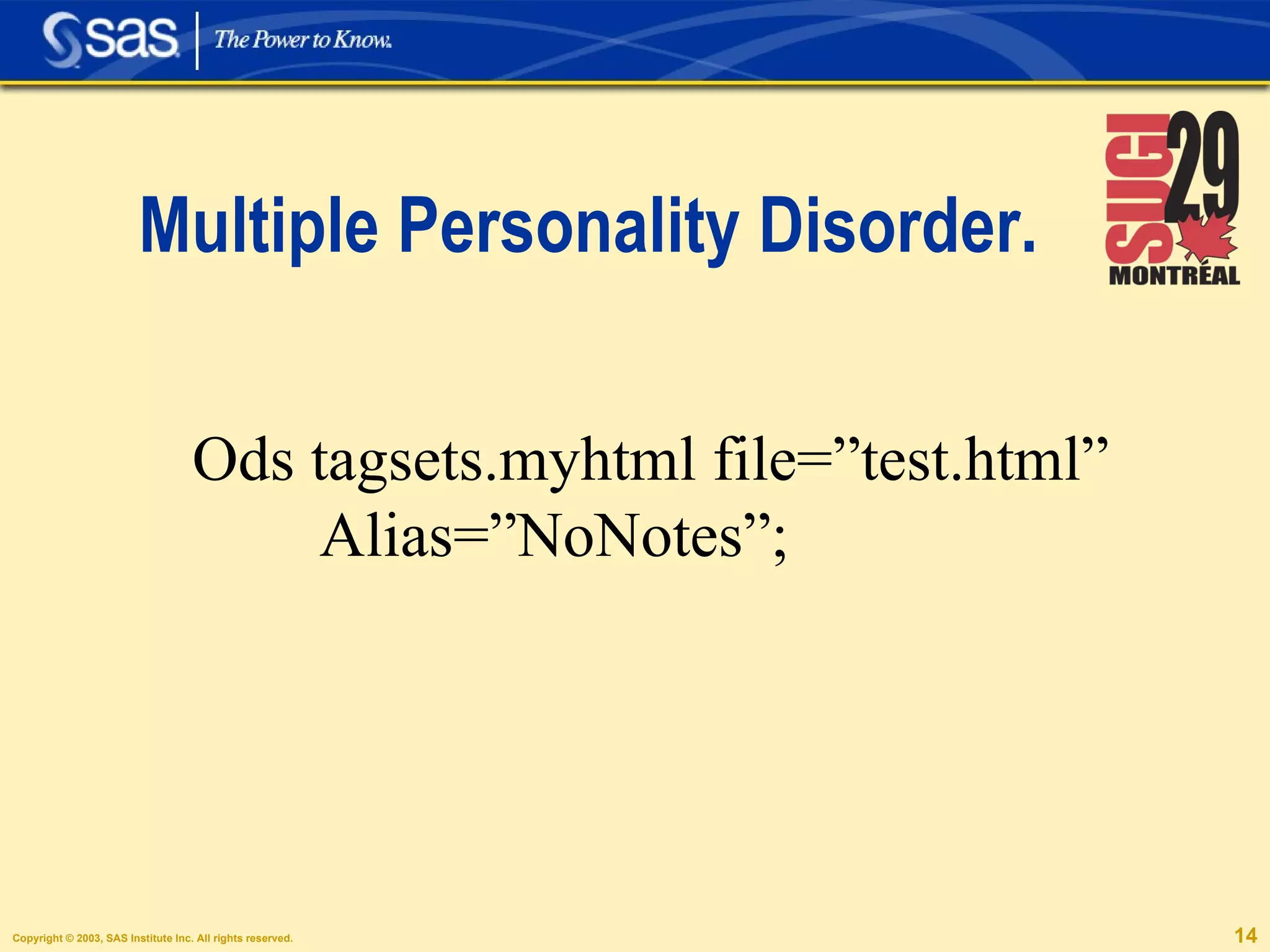
Multiple Personality Disorder. Ods tagsets.myhtml file=”test.html” Alias=”NoNotes”;
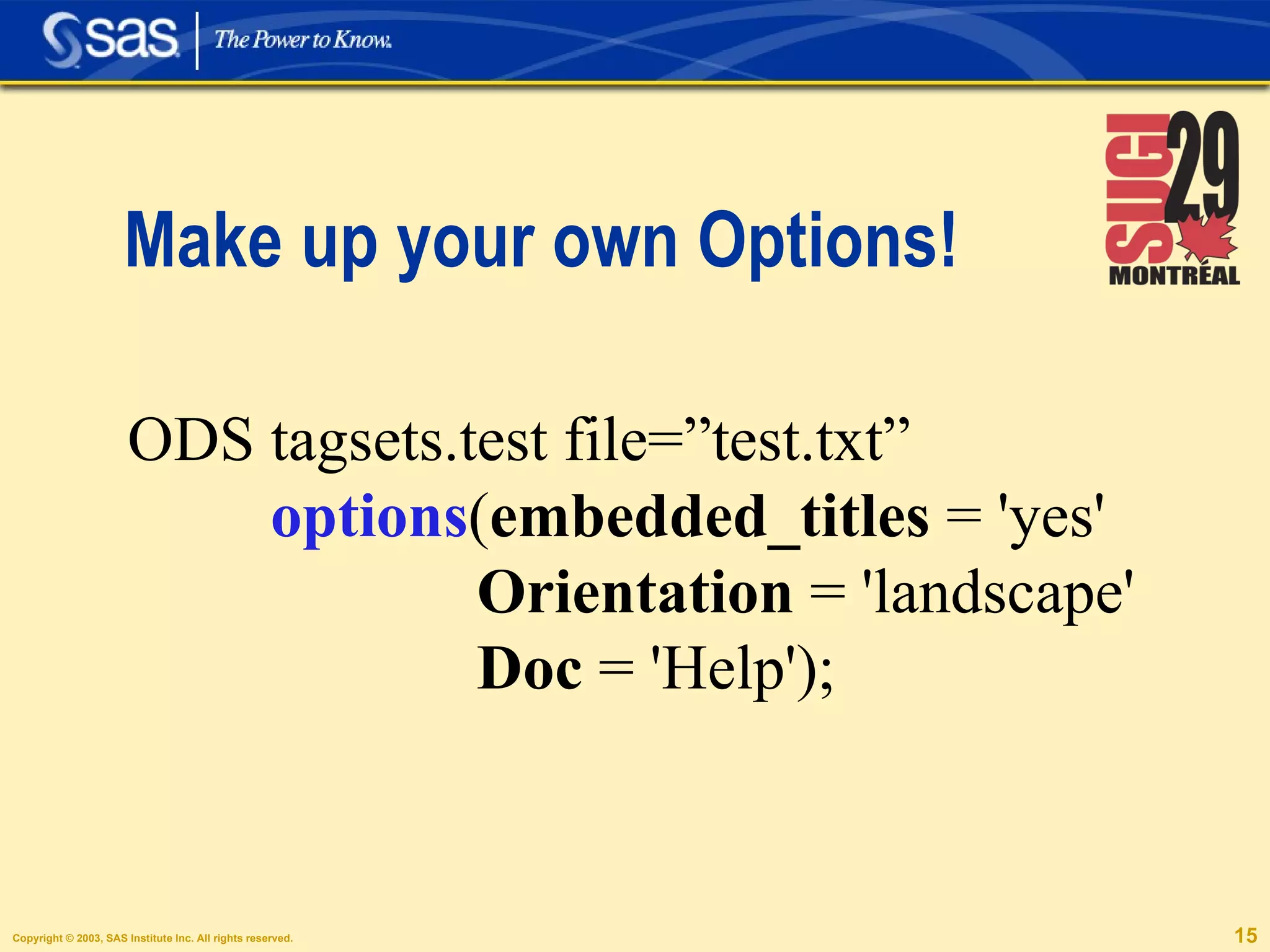
Make up your own Options! ODS tagsets.test file=”test.txt” options ( embedded_titles  = 'yes' Orientation  = 'landscape' Doc  = 'Help');
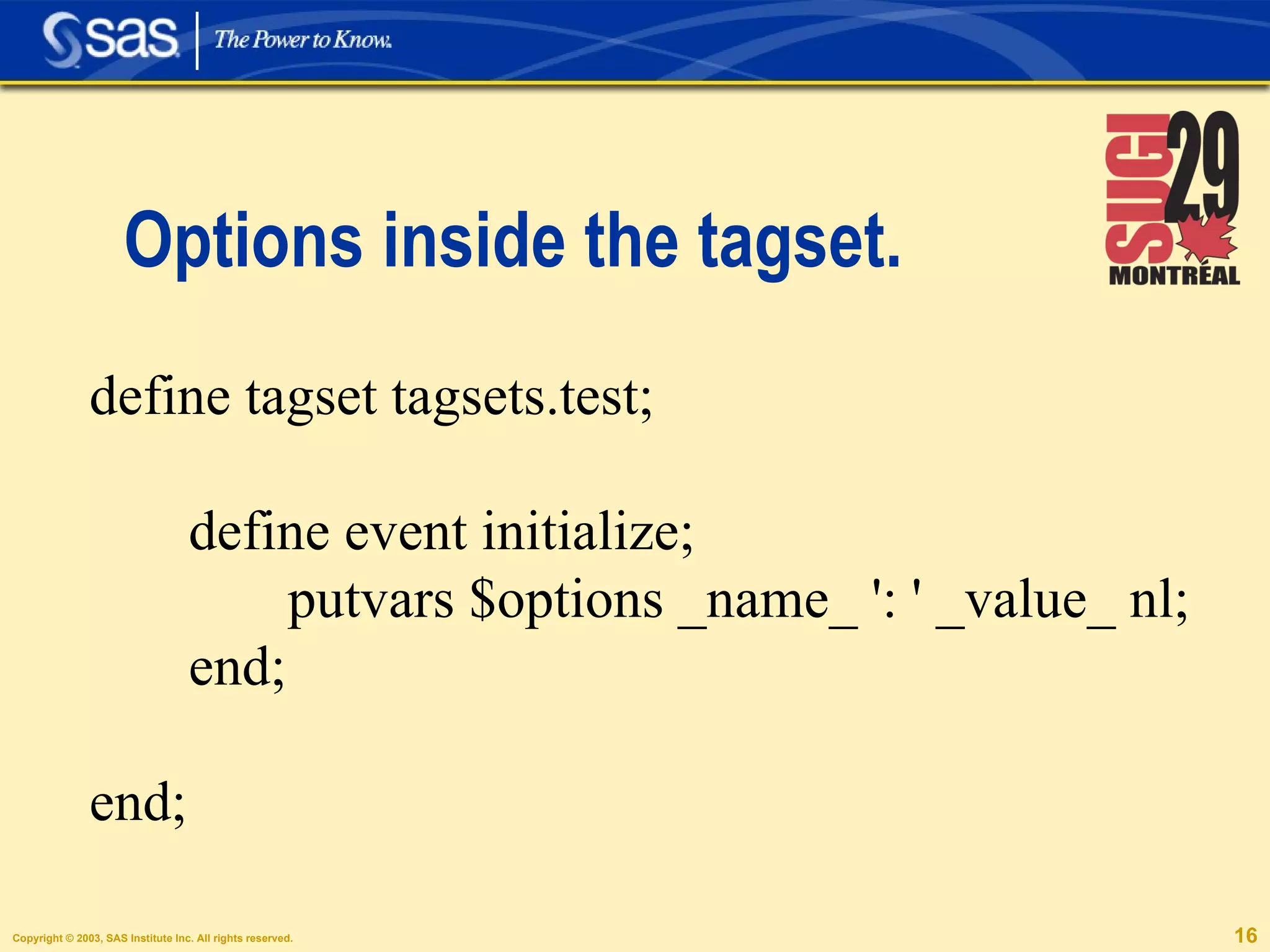
Options inside the tagset. define tagset tagsets.test;  define event initialize; putvars $options _name_ ': ' _value_ nl; end; end;
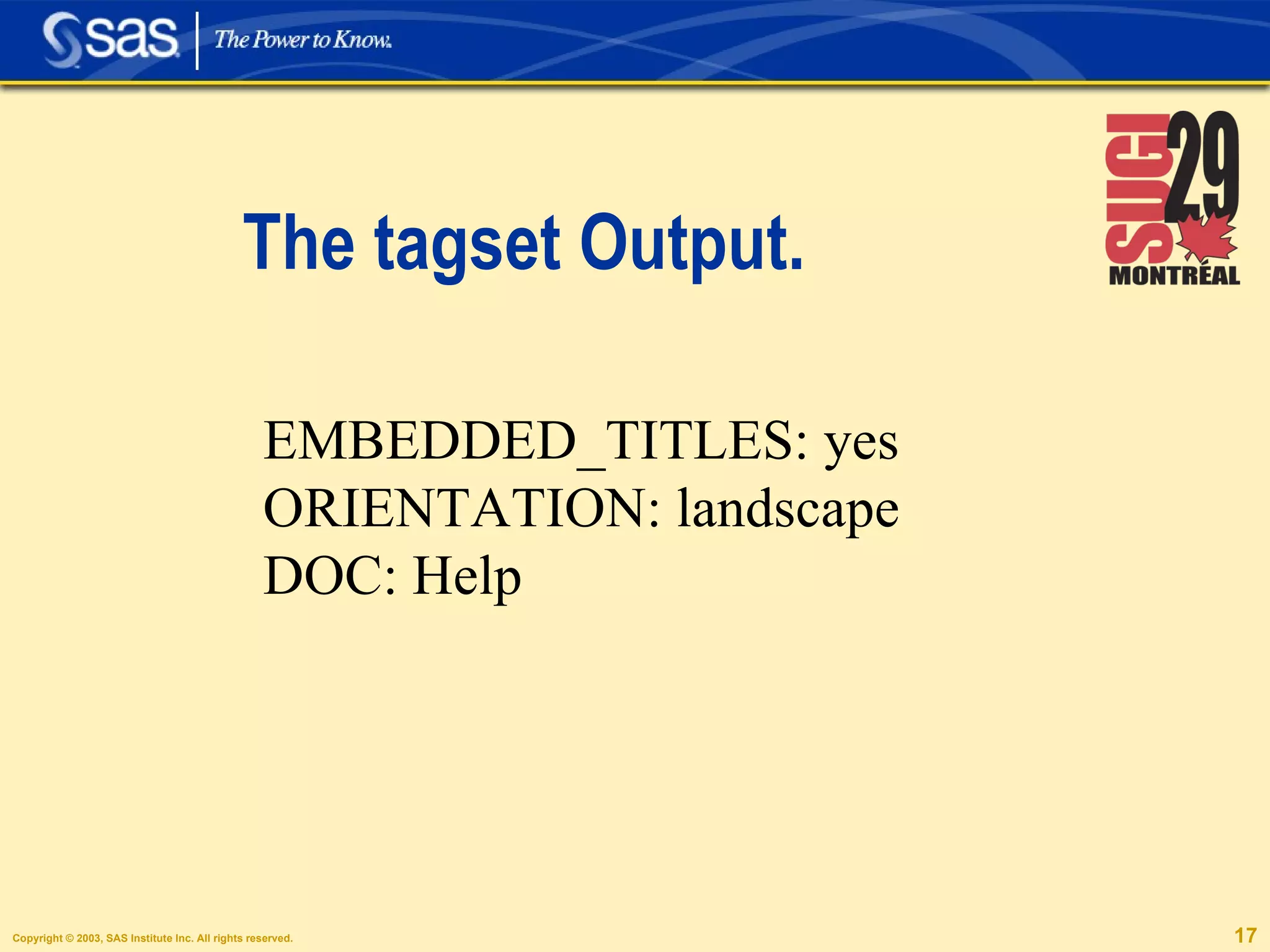
The tagset Output. EMBEDDED_TITLES: yes ORIENTATION: landscape DOC: Help
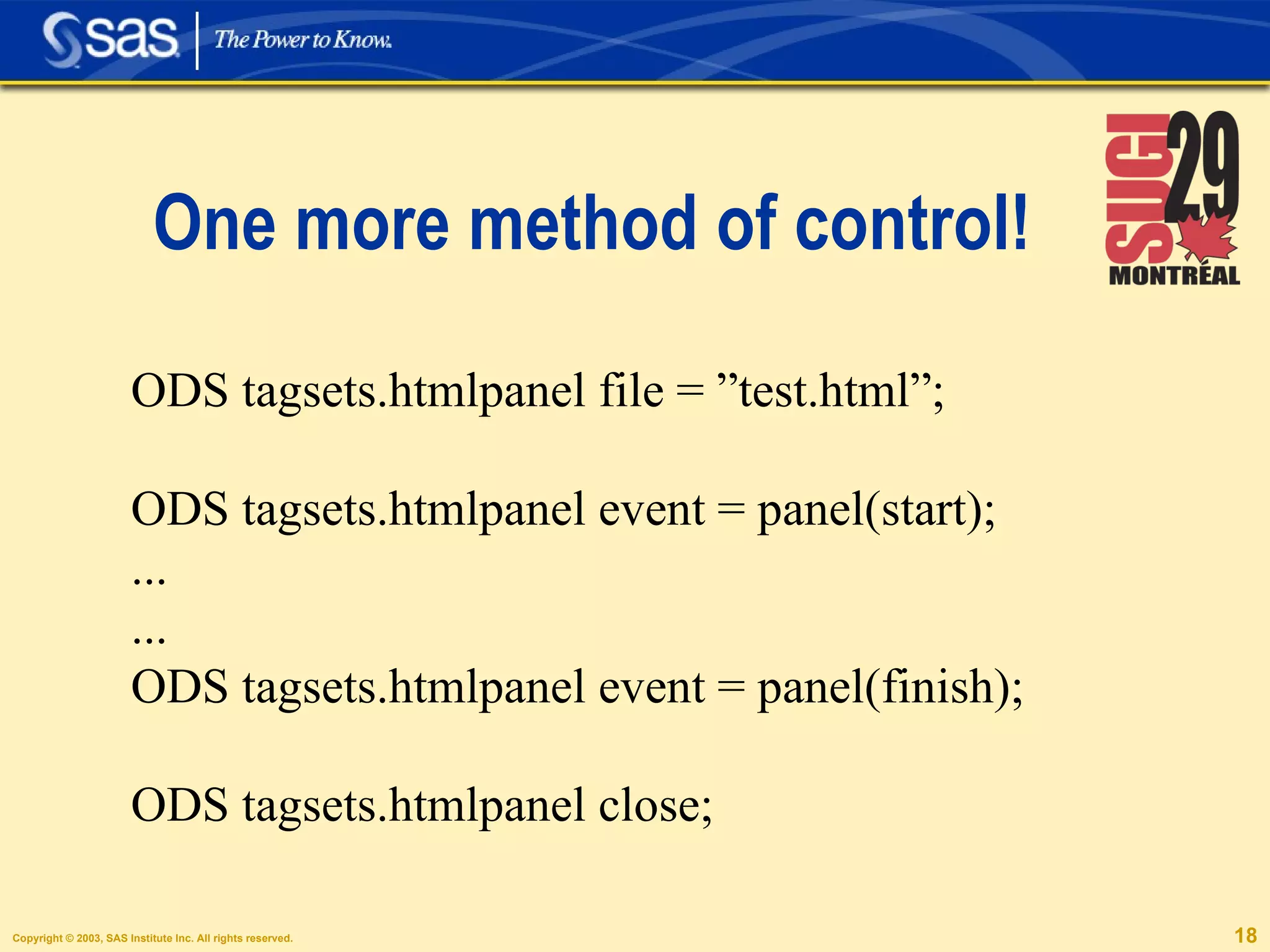
One more method of control! ODS tagsets.htmlpanel file = ”test.html”; ODS tagsets.htmlpanel event = panel(start); ... ... ODS tagsets.htmlpanel event = panel(finish); ODS tagsets.htmlpanel close;
ODS Markup is like ODS HTML, PLUS!
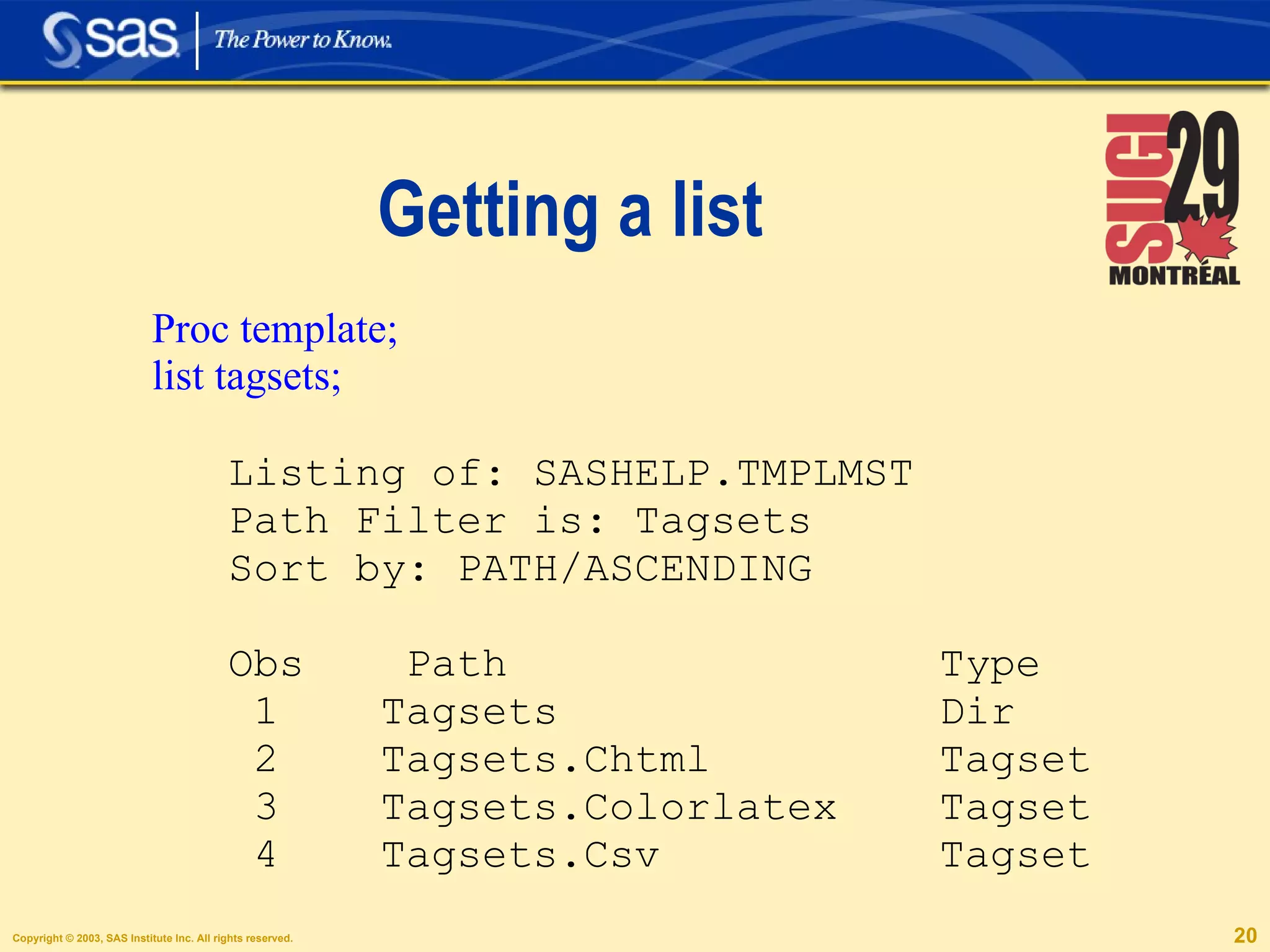
Getting a list Proc template; list tagsets; Listing of: SASHELP.TMPLMST Path Filter is: Tagsets Sort by: PATH/ASCENDING Obs  Path  Type 1  Tagsets  Dir 2  Tagsets.Chtml  Tagset 3  Tagsets.Colorlatex  Tagset 4  Tagsets.Csv  Tagset
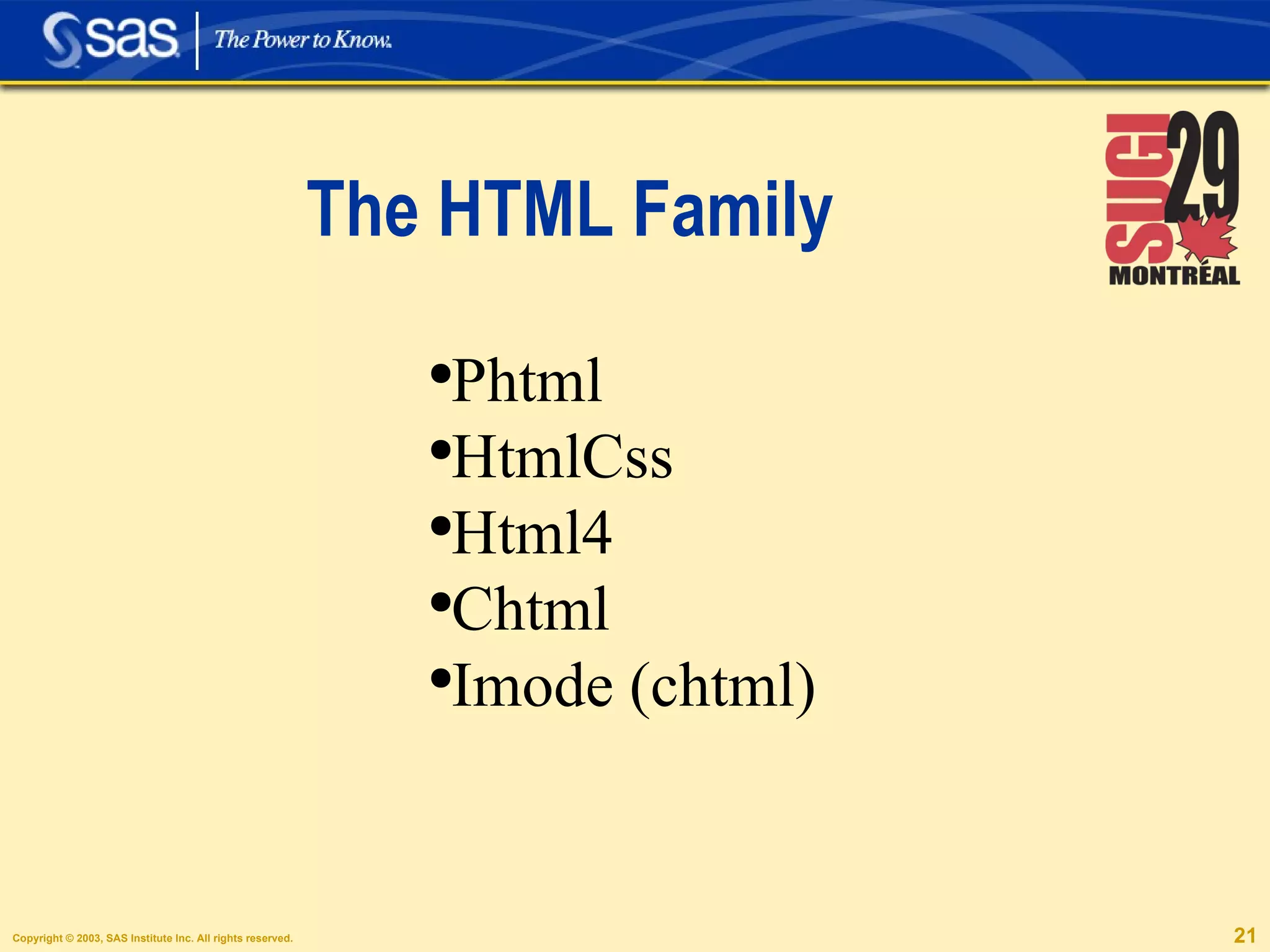
The HTML Family Phtml HtmlCss Html4 Chtml Imode (chtml)
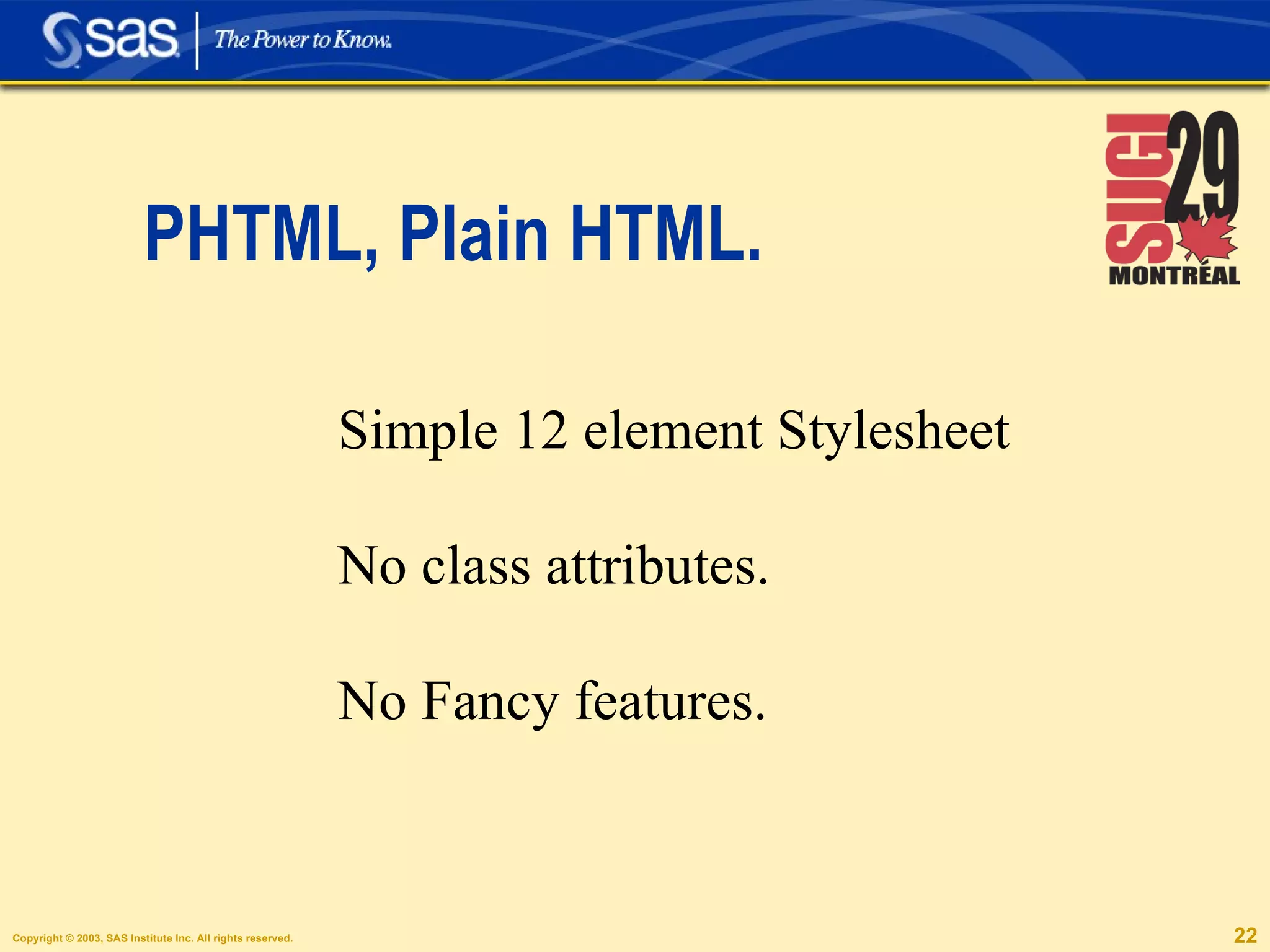
PHTML, Plain HTML. Simple 12 element Stylesheet No class attributes. No Fancy features.
HTMLCSS. Full Stylesheet Fancy Features
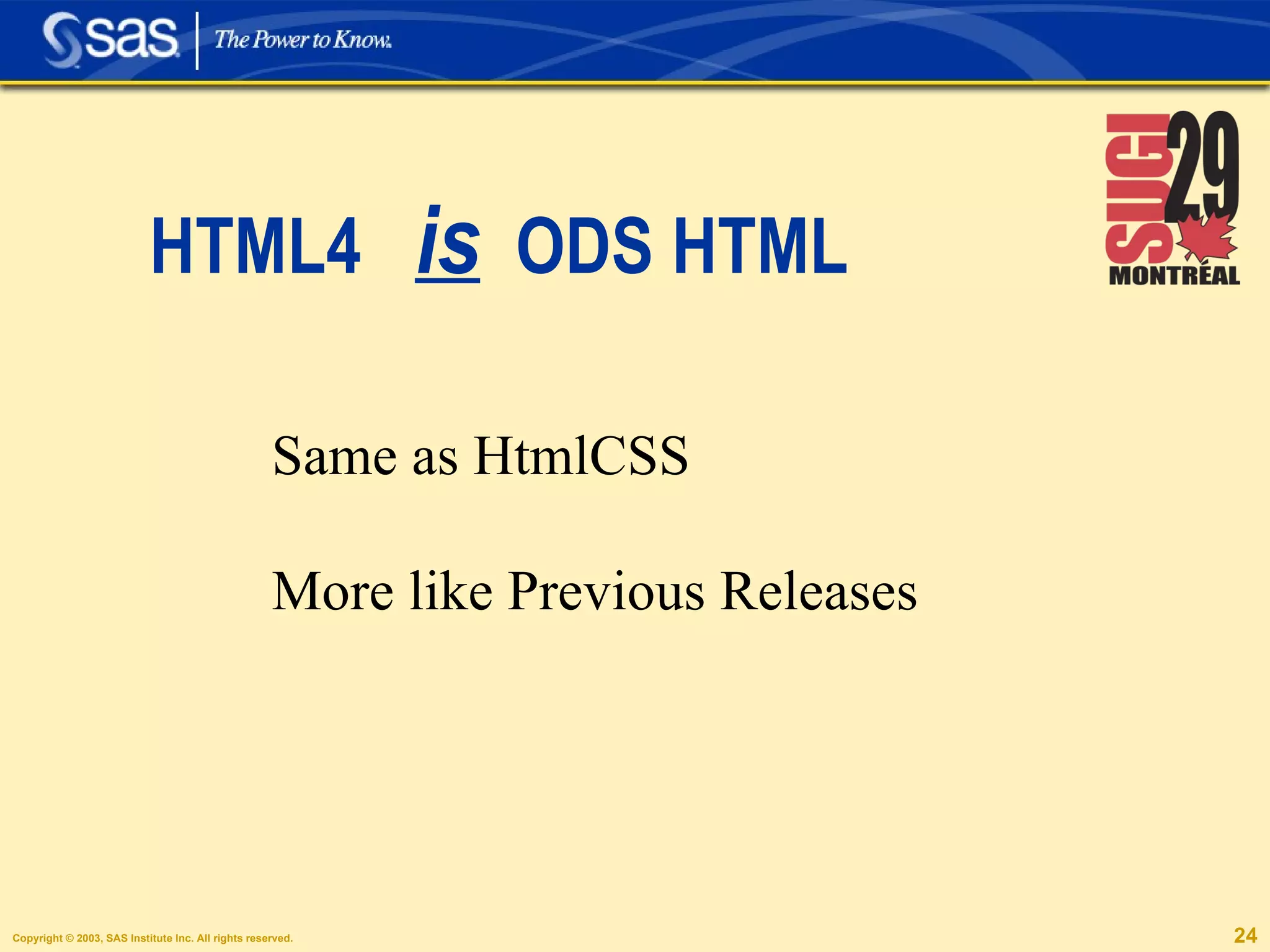
HTML4  is   ODS HTML Same as HtmlCSS More like Previous Releases
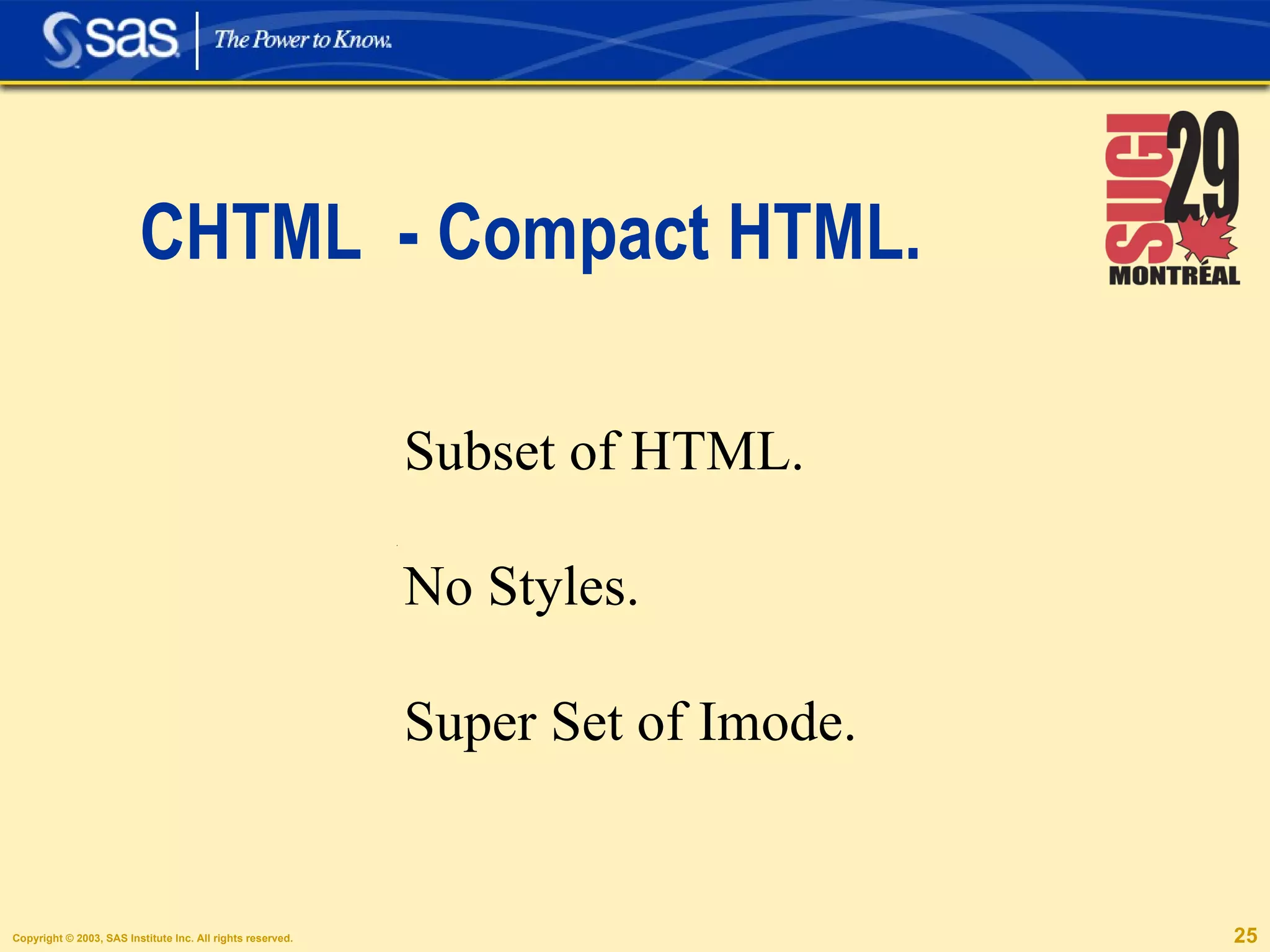
CHTML  - Compact HTML. iSNo Subset of HTML. No Styles. Super Set of Imode.
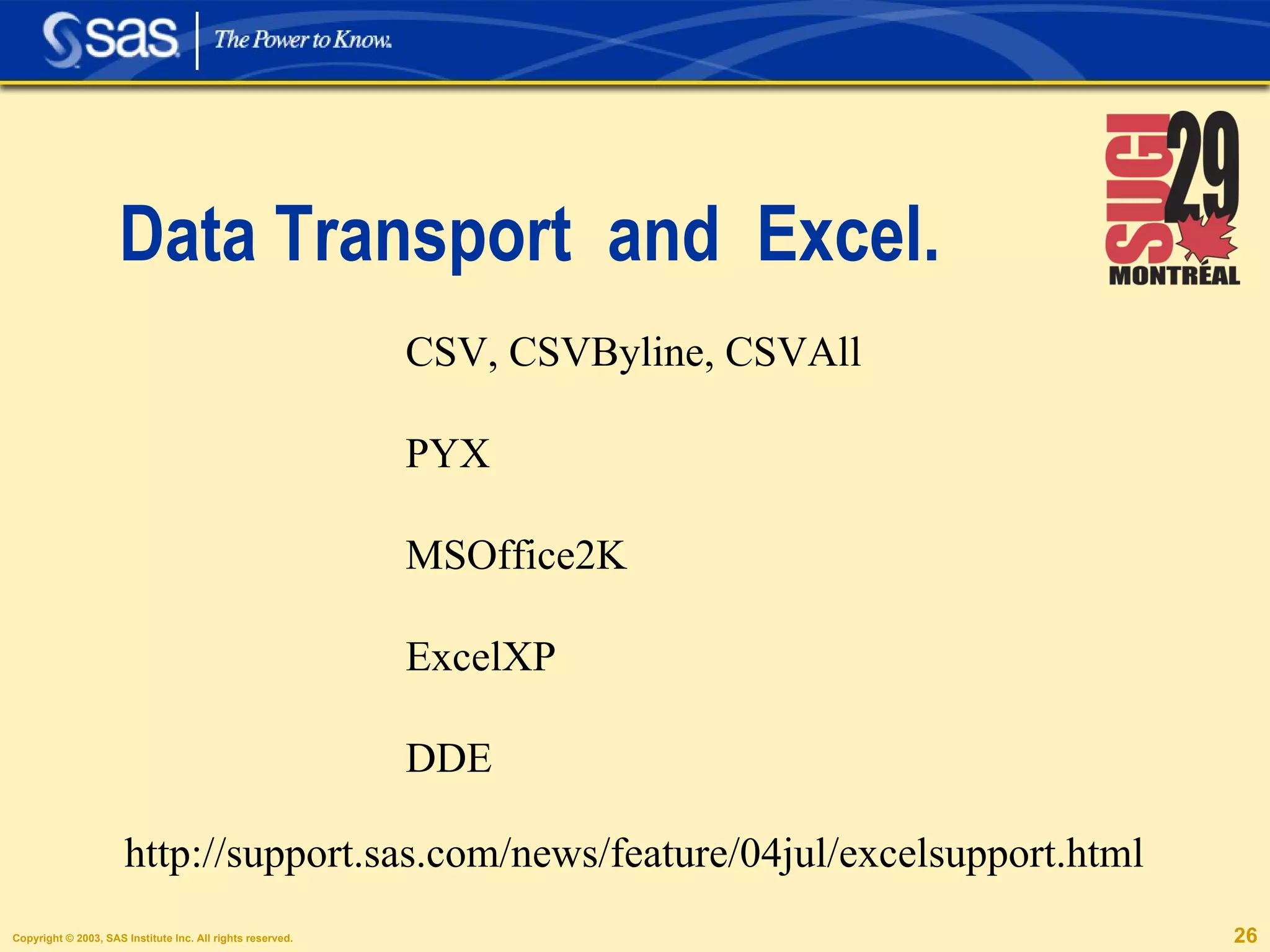
Data Transport  and  Excel. CSV, CSVByline, CSVAll PYX MSOffice2K ExcelXP DDE http://support.sas.com/news/feature/04jul/excelsupport.html
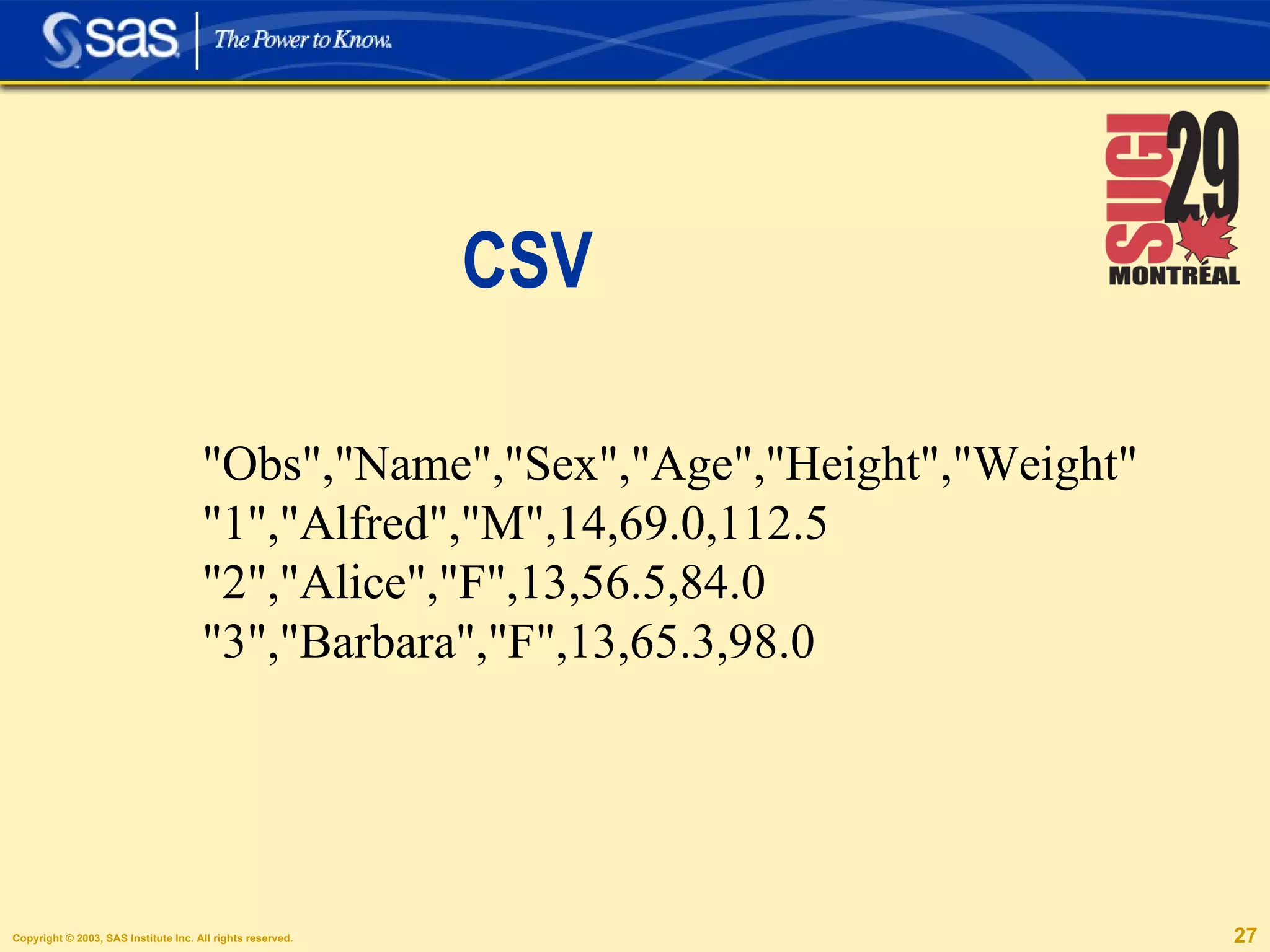
CSV &quot;Obs&quot;,&quot;Name&quot;,&quot;Sex&quot;,&quot;Age&quot;,&quot;Height&quot;,&quot;Weight&quot; &quot;1&quot;,&quot;Alfred&quot;,&quot;M&quot;,14,69.0,112.5 &quot;2&quot;,&quot;Alice&quot;,&quot;F&quot;,13,56.5,84.0 &quot;3&quot;,&quot;Barbara&quot;,&quot;F&quot;,13,65.3,98.0
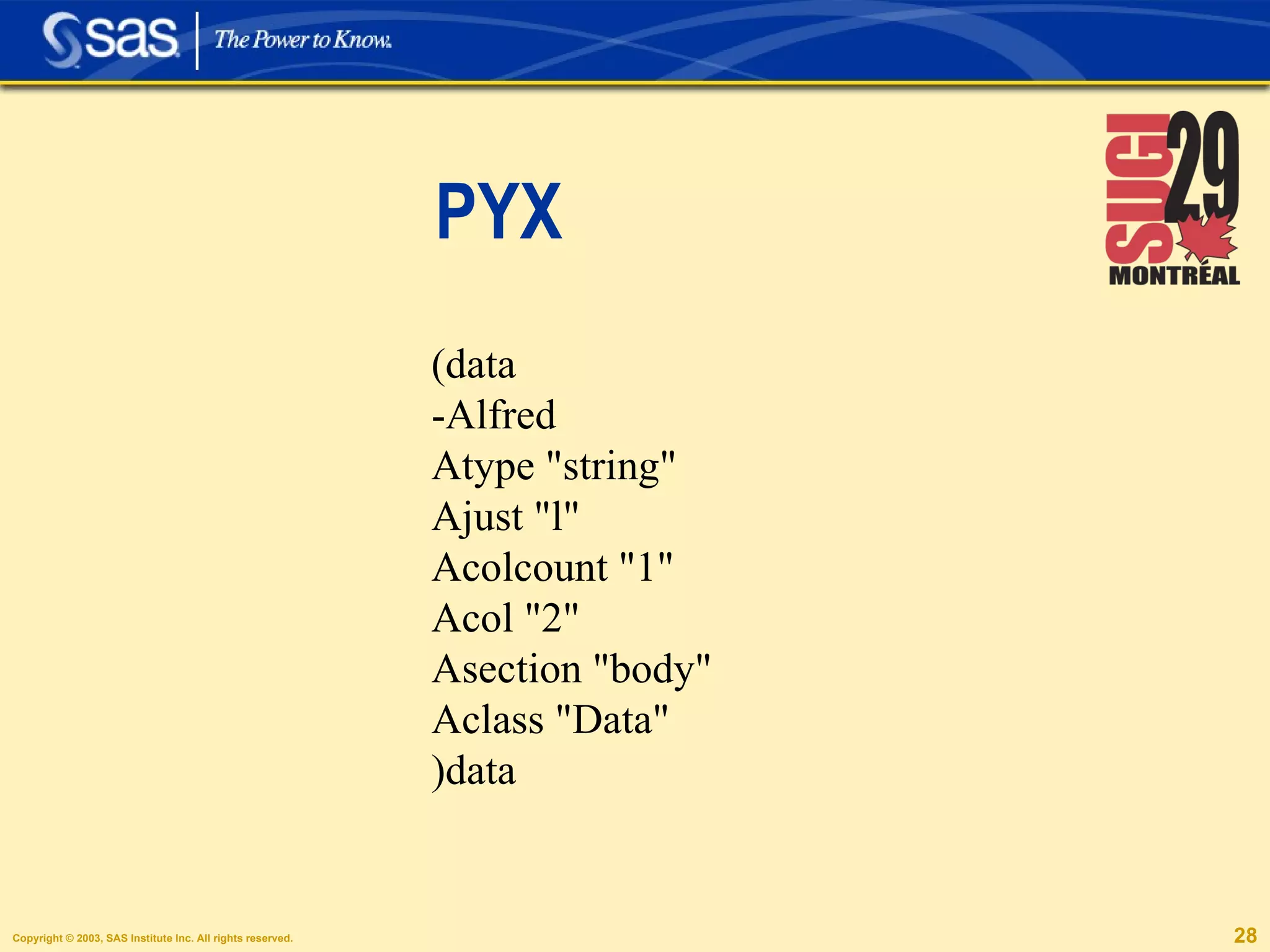
PYX (data -Alfred Atype &quot;string&quot; Ajust &quot;l&quot; Acolcount &quot;1&quot; Acol &quot;2&quot; Asection &quot;body&quot; Aclass &quot;Data&quot; )data
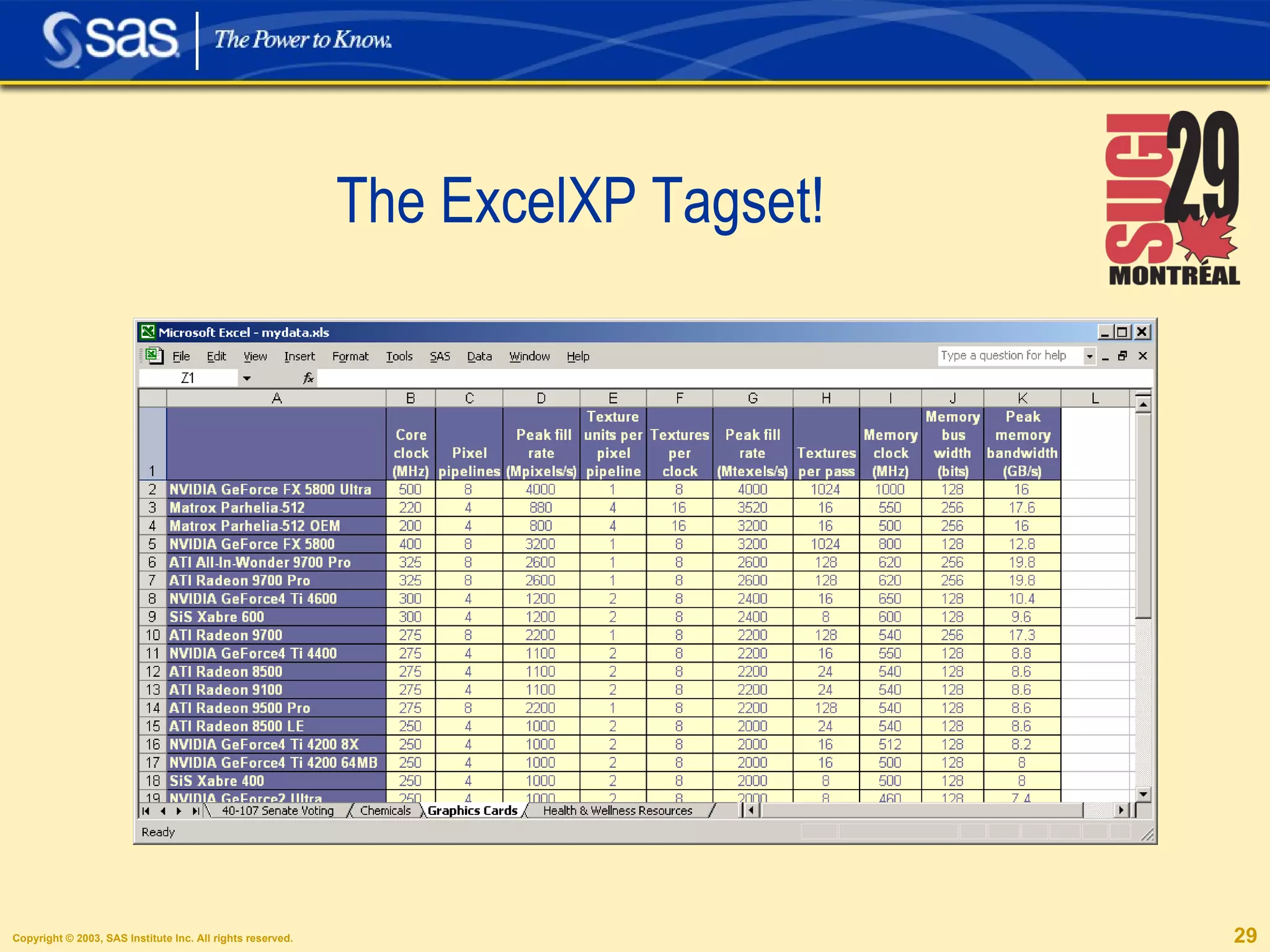
The ExcelXP Tagset!
Publications, Papers,  PDF. LaTeX Troff DocBook
LaTeX Tagsets LaTeX SimpleLaTeX TablesOnlyLaTeX
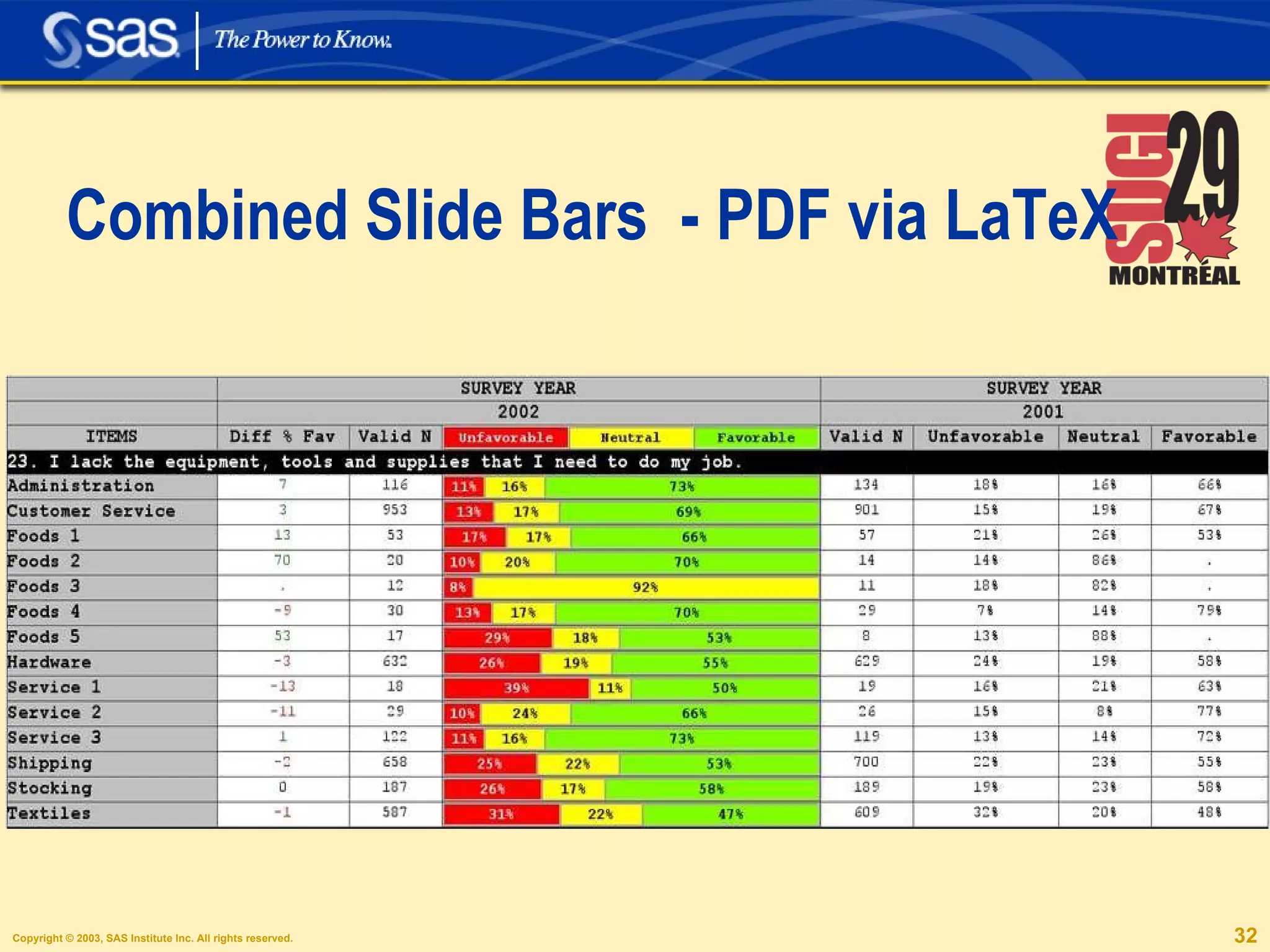
Combined Slide Bars  - PDF via LaTeX
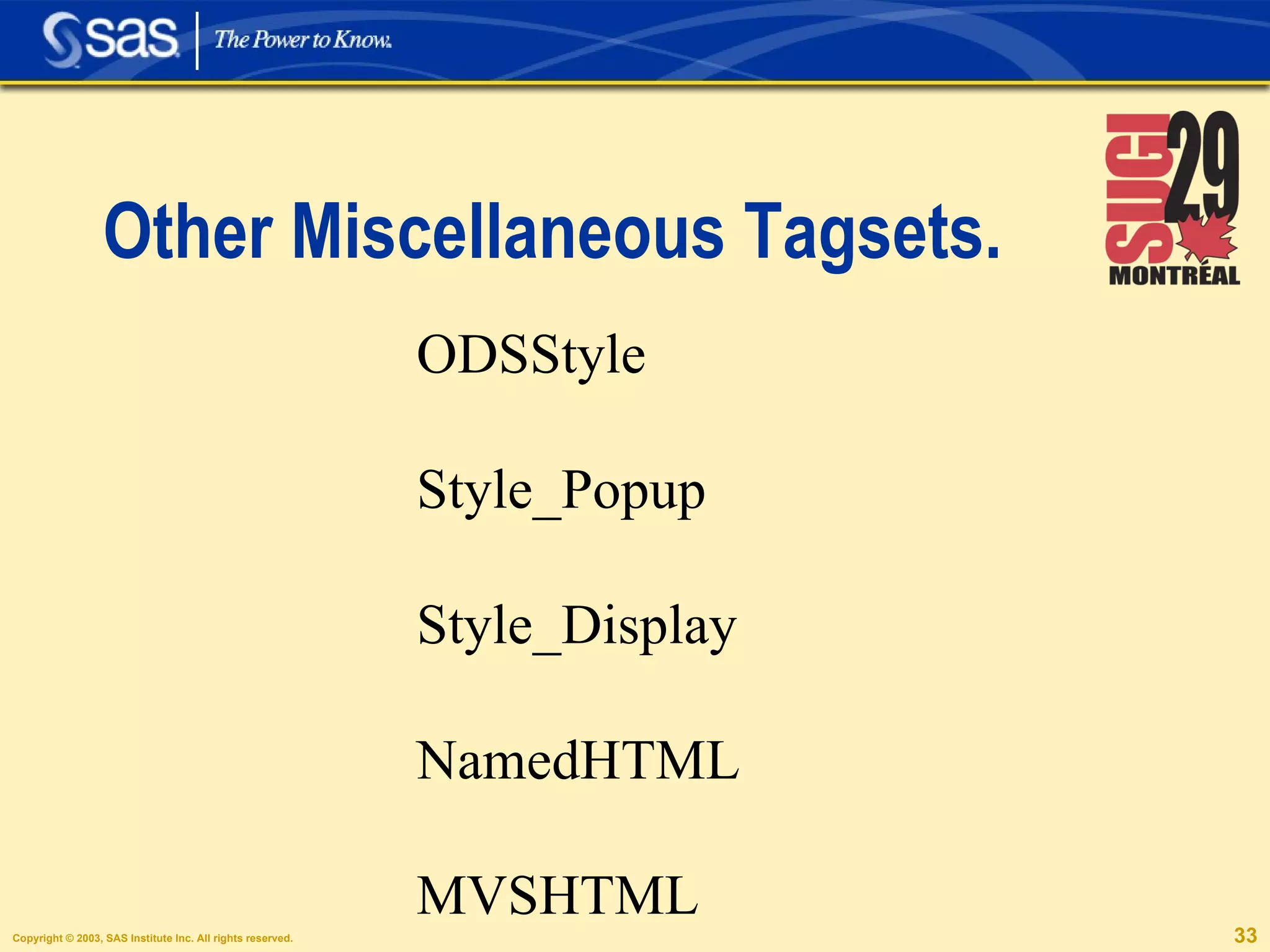
Other Miscellaneous Tagsets. ODSStyle Style_Popup Style_Display NamedHTML MVSHTML
 
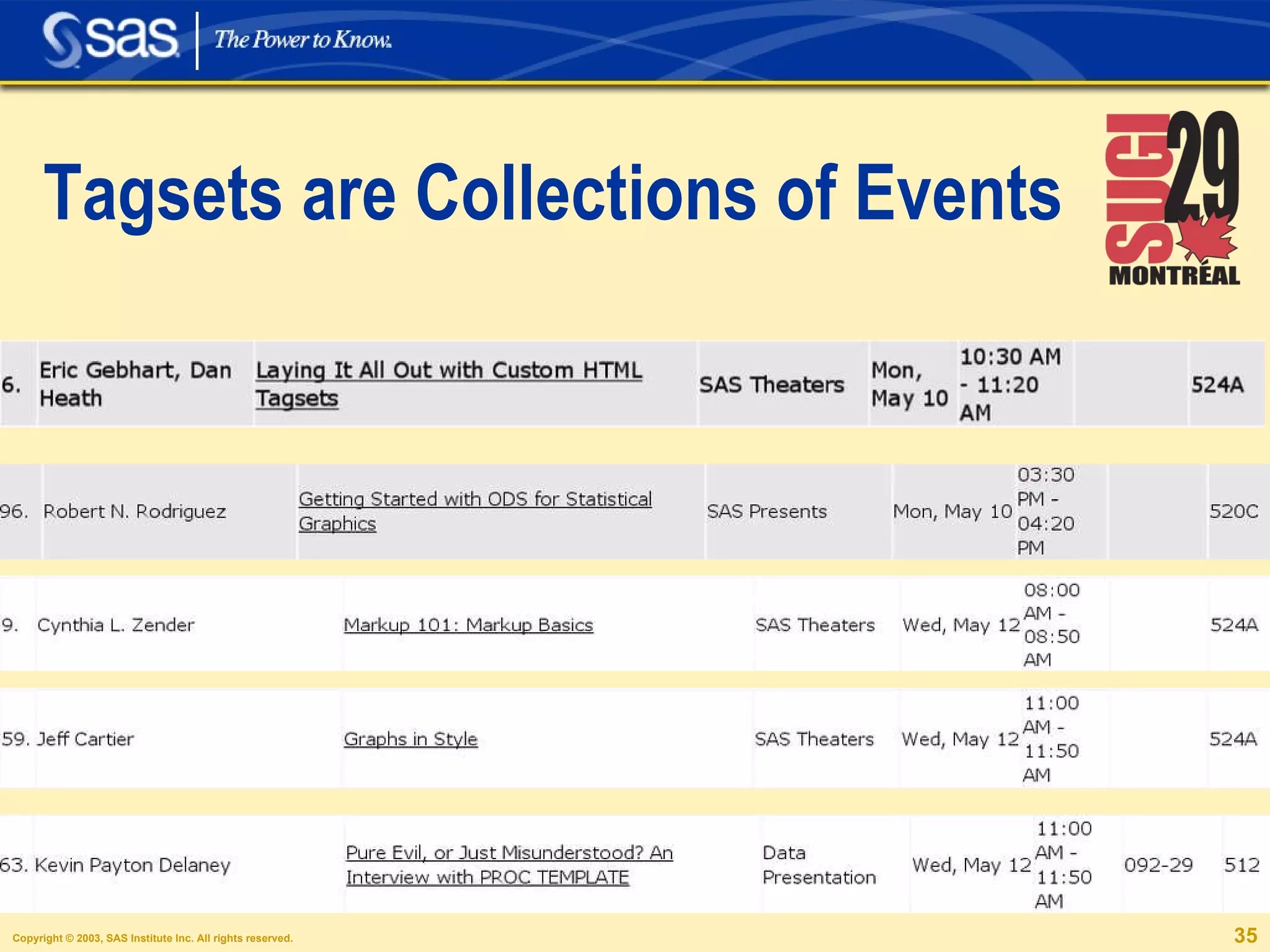
Tagsets are Collections of Events
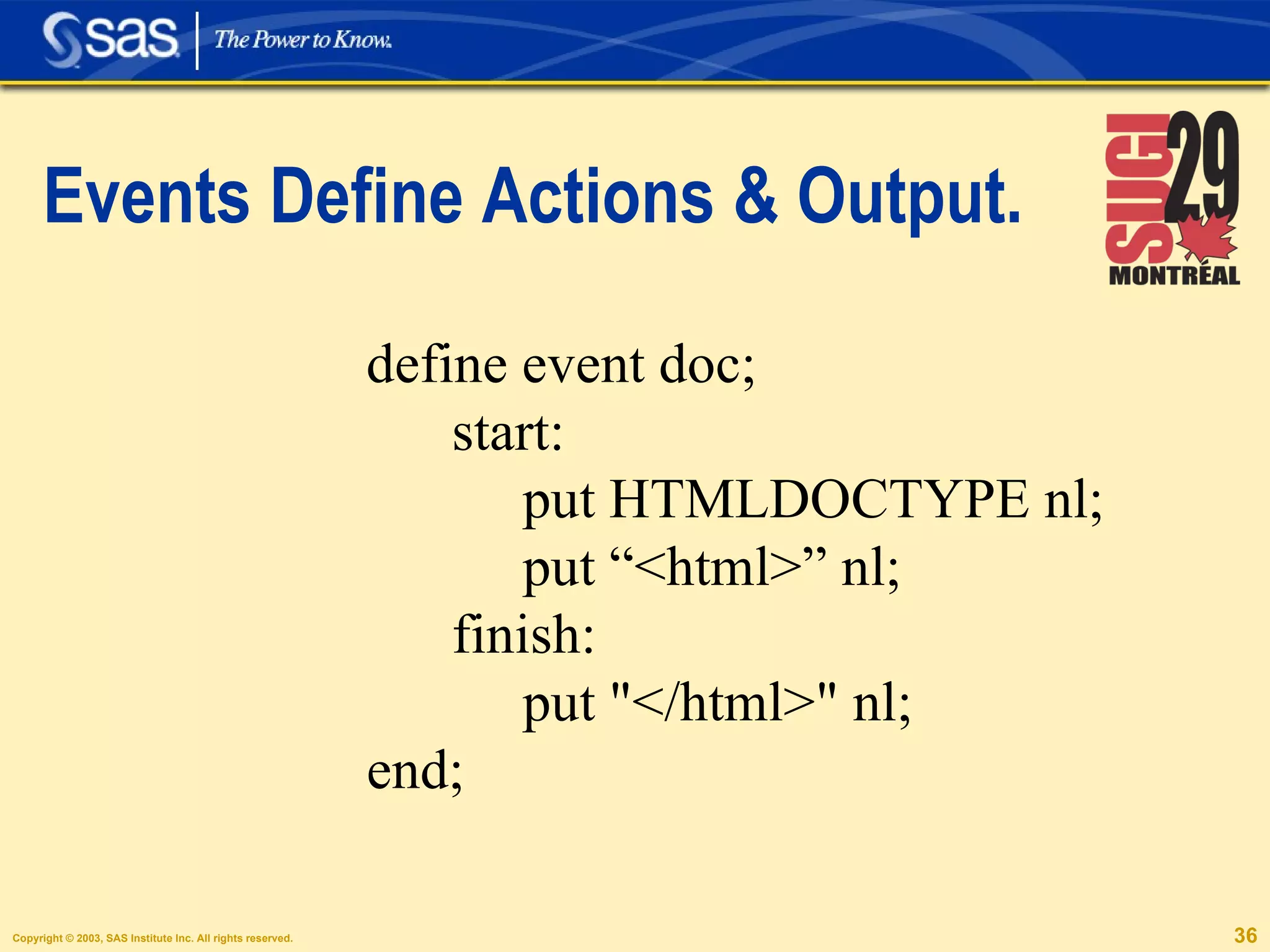
Events Define Actions & Output. define event doc; start: put HTMLDOCTYPE nl; put “<html>” nl; finish: put &quot;</html>&quot; nl; end;
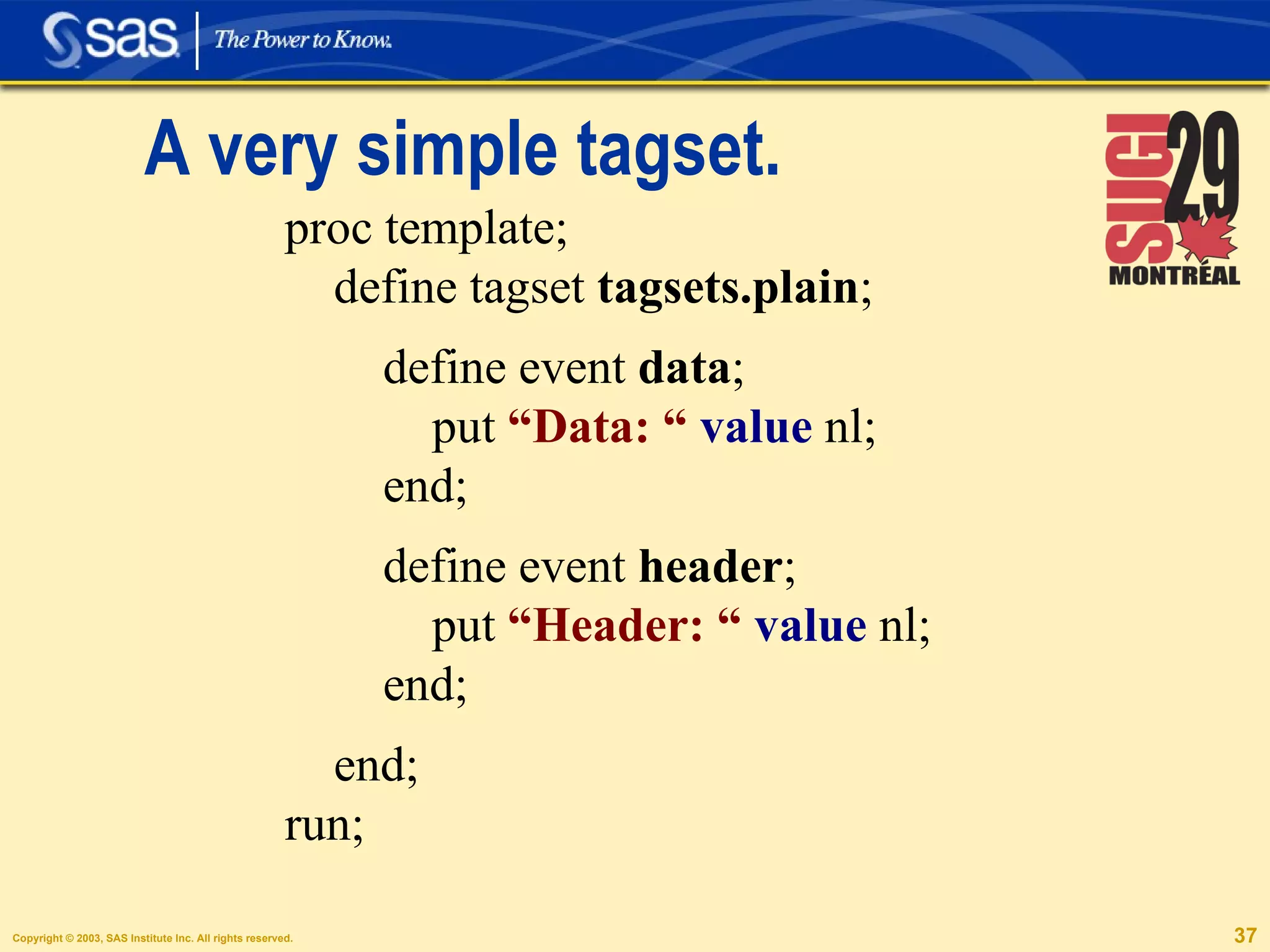
A very simple tagset. proc template; define tagset  tagsets.plain ;  define event  data ; put  “Data: “   value  nl; end; define event  header ; put  “Header: “   value  nl; end; end; run;
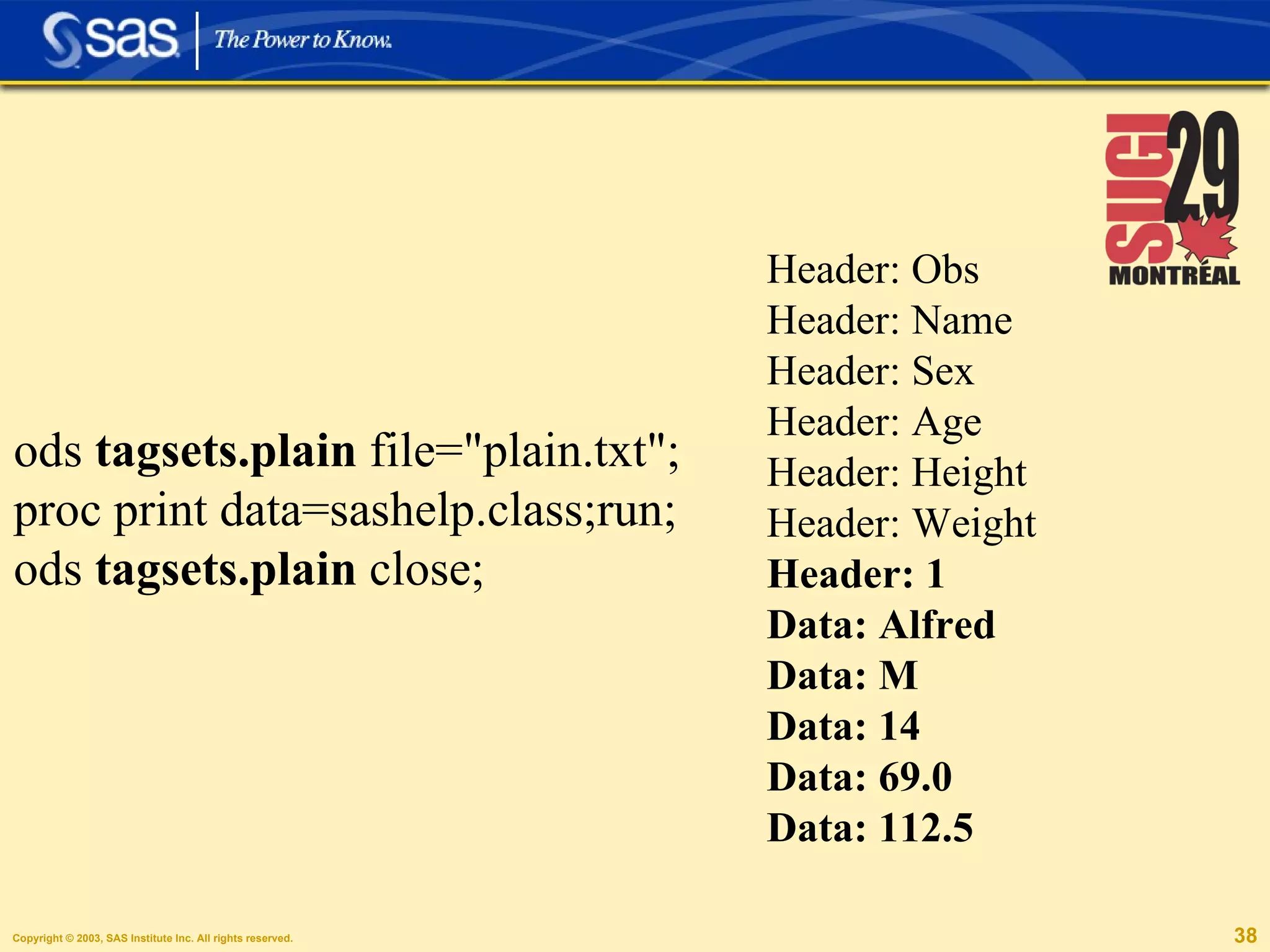
Header: Obs Header: Name Header: Sex Header: Age Header: Height Header: Weight Header: 1 Data: Alfred Data: M Data: 14 Data: 69.0 Data: 112.5 ods  tagsets.plain  file=&quot;plain.txt&quot;; proc print data=sashelp.class;run; ods  tagsets.plain  close;
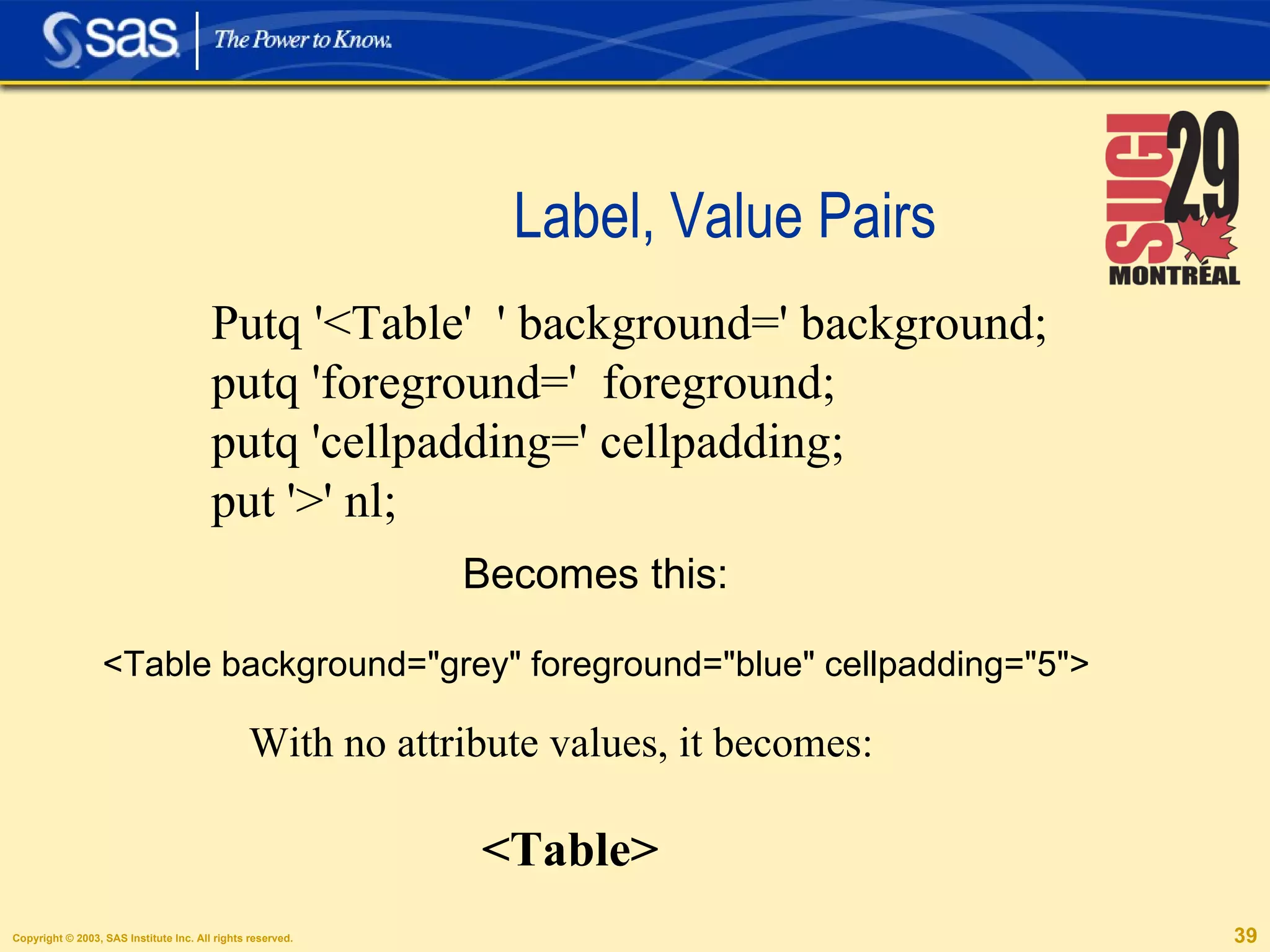
Label, Value Pairs Becomes this: <Table background=&quot;grey&quot; foreground=&quot;blue&quot; cellpadding=&quot;5&quot;> Putq '<Table'  ' background=' background; putq 'foreground='  foreground; putq 'cellpadding=' cellpadding; put '>' nl; With no attribute values, it becomes: <Table>
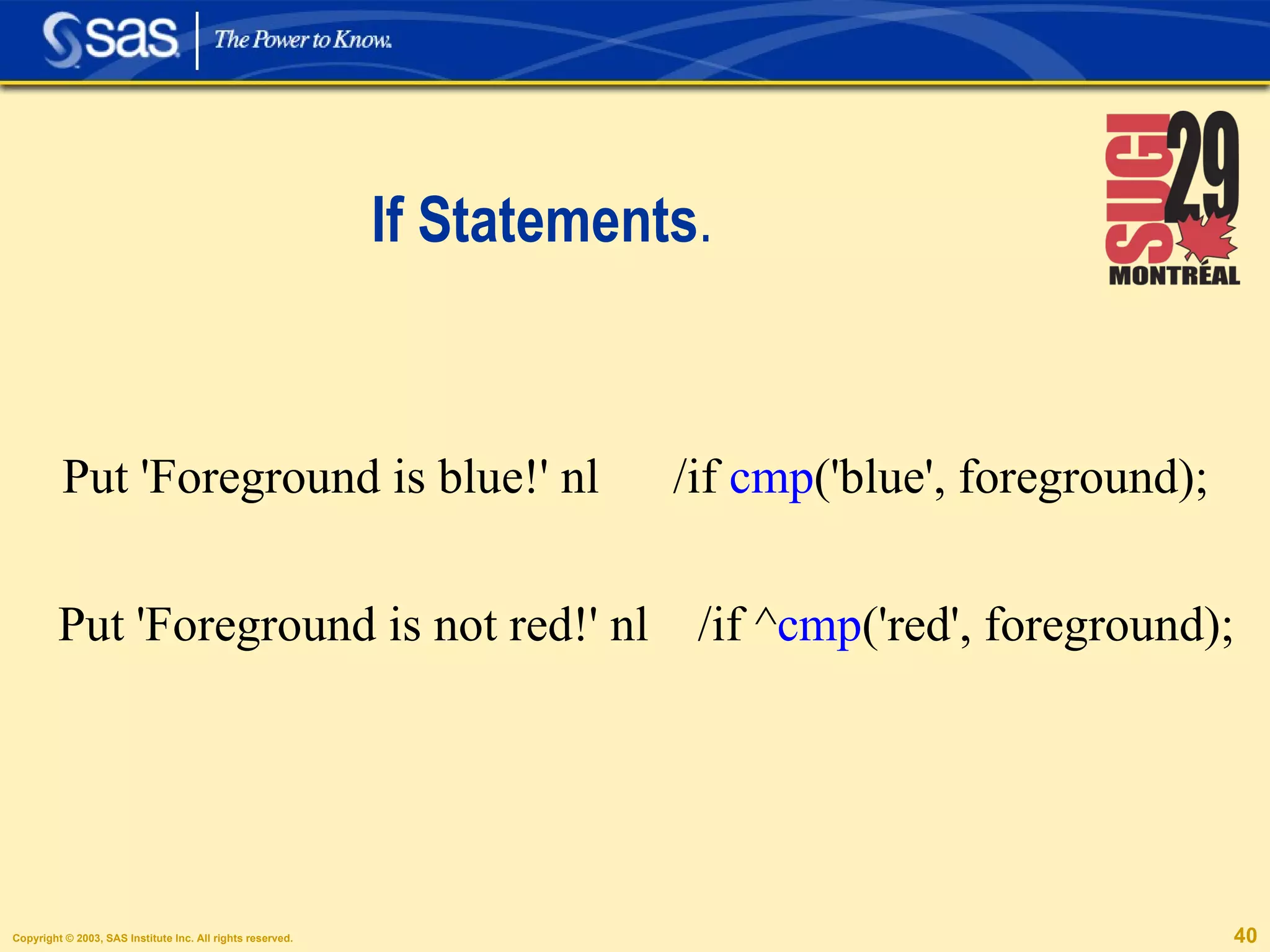
If Statements . Put 'Foreground is blue!' nl  /if  cmp ('blue', foreground); Put 'Foreground is not red!' nl  /if ^ cmp ('red', foreground);
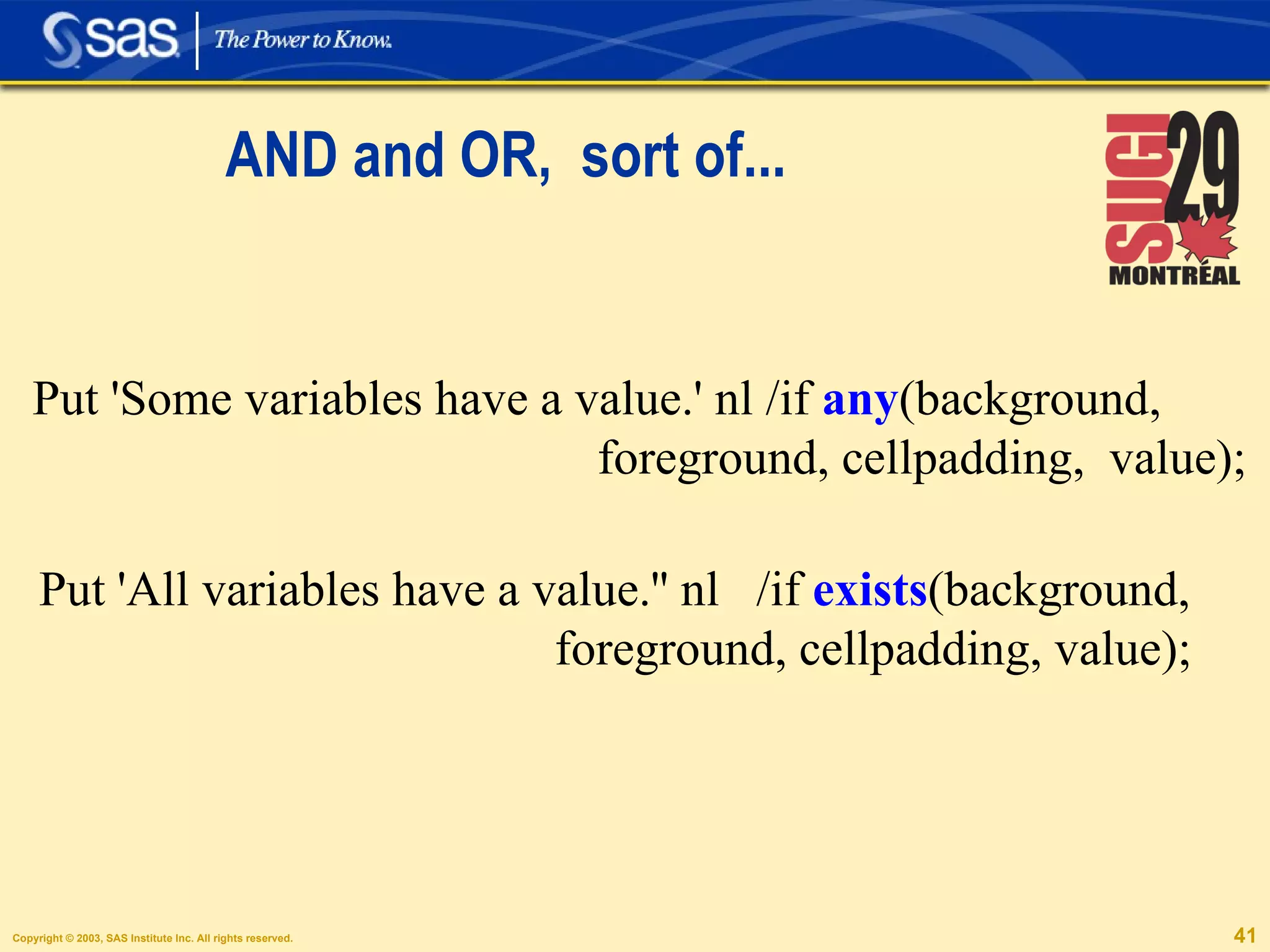
AND and OR,  sort of... Put 'Some variables have a value.' nl /if  any (background,  foreground, cellpadding,  value); Put 'All variables have a value.'' nl  /if  exists (background, foreground, cellpadding, value);
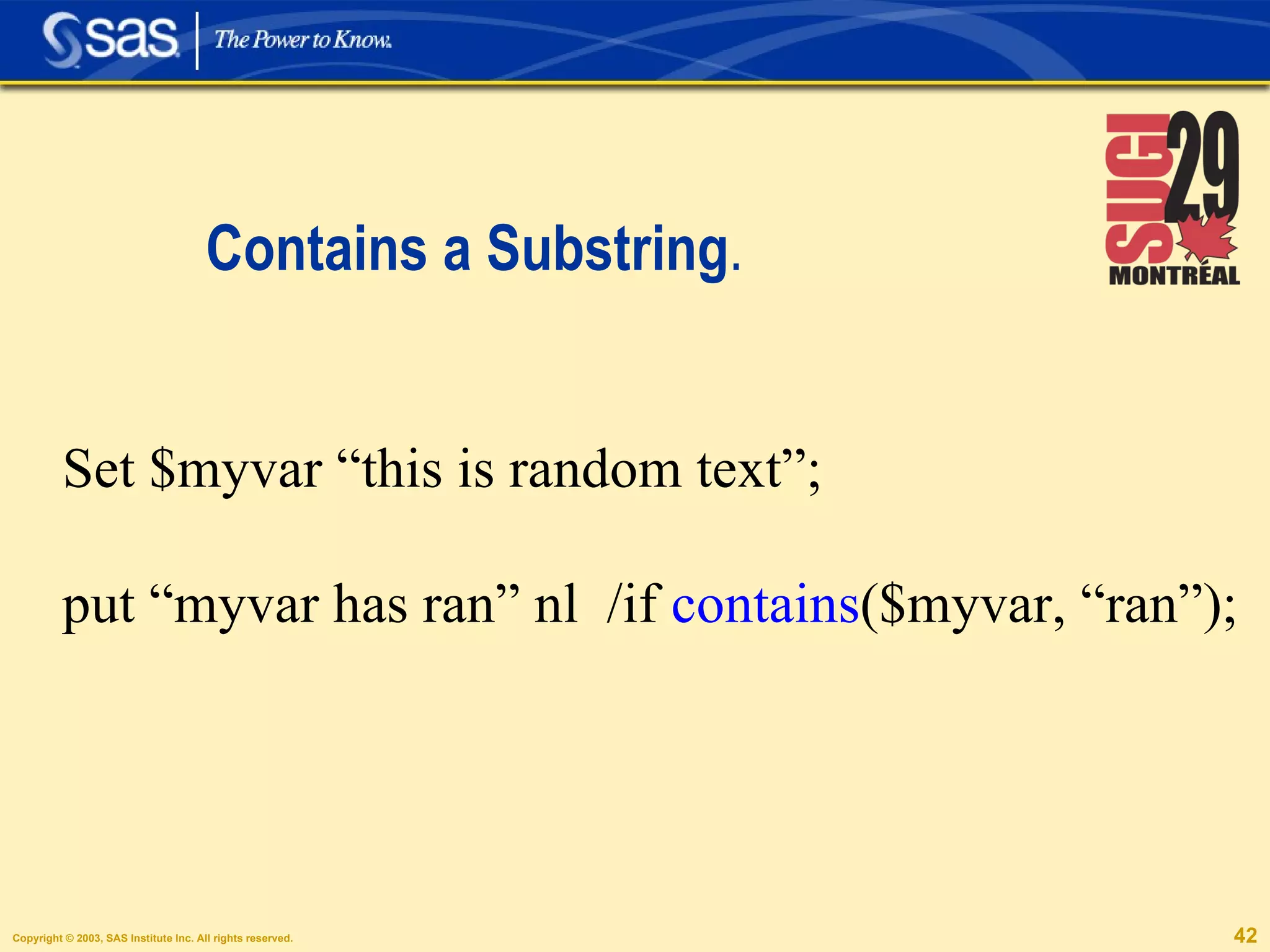
Contains a Substring . Set $myvar “this is random text”; put “myvar has ran” nl  /if  contains ($myvar, “ran”);
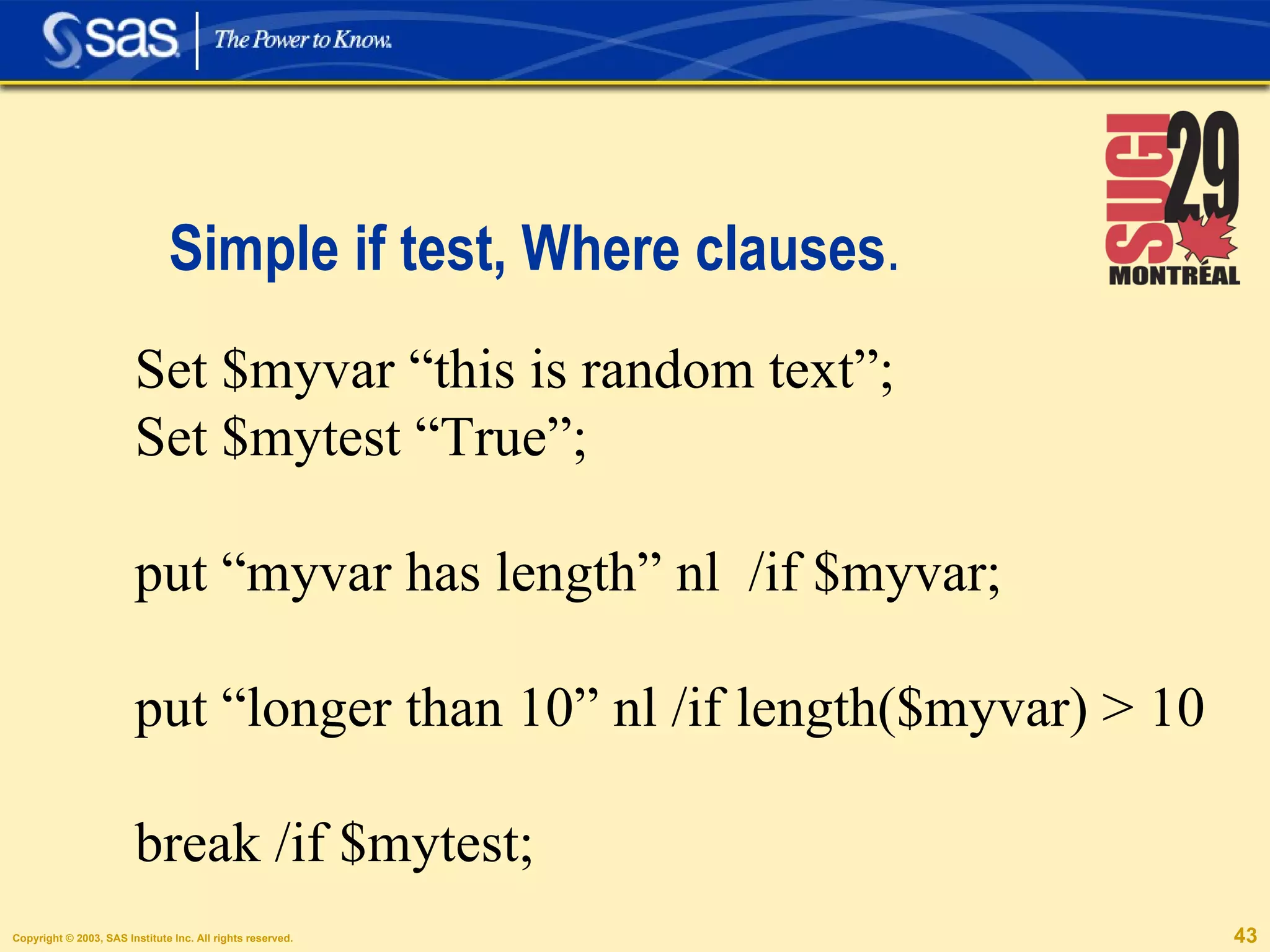
Simple if test, Where clauses . Set $myvar “this is random text”; Set $mytest “True”; put “myvar has length” nl  /if $myvar; put “longer than 10” nl /if length($myvar) > 10 break /if $mytest;
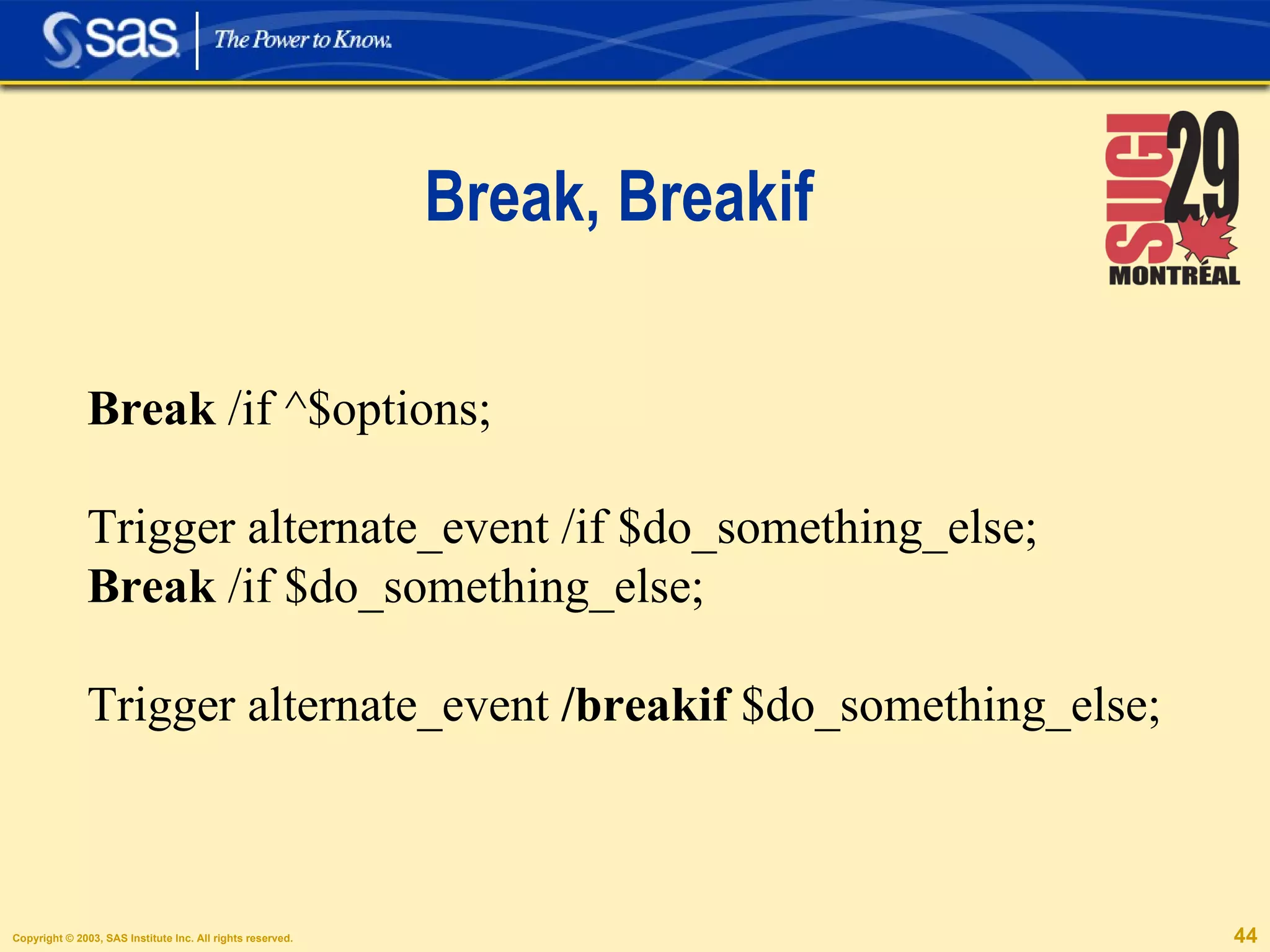
Break, Breakif Break  /if ^$options; Trigger alternate_event /if $do_something_else; Break  /if $do_something_else; Trigger alternate_event  /breakif  $do_something_else;
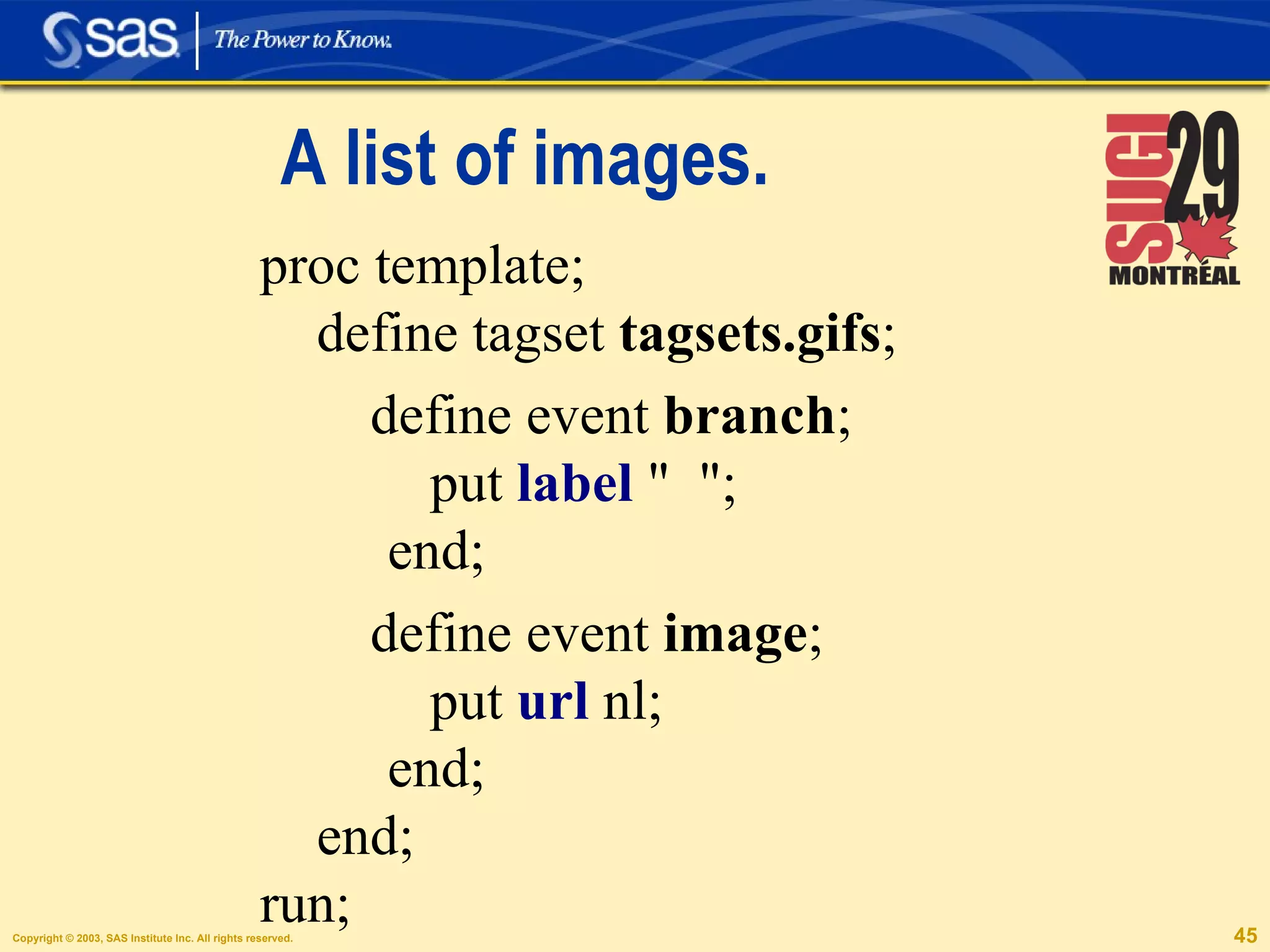
A list of images. proc template; define tagset  tagsets.gifs ; define event  branch ; put  label  &quot;  &quot;;  end; define event  image ; put  url  nl;  end; end;  run;
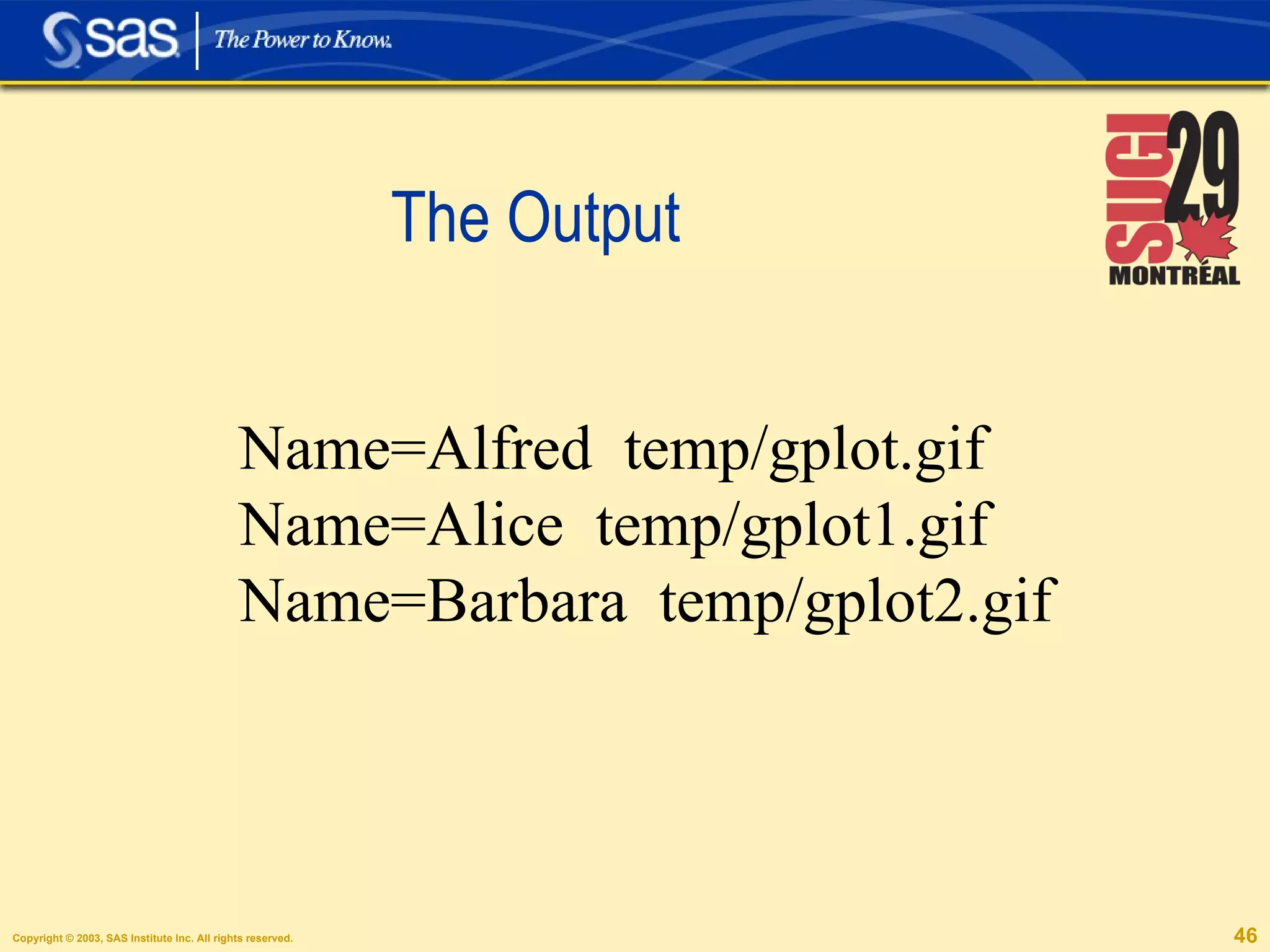
The Output Name=Alfred  temp/gplot.gif Name=Alice  temp/gplot1.gif Name=Barbara  temp/gplot2.gif
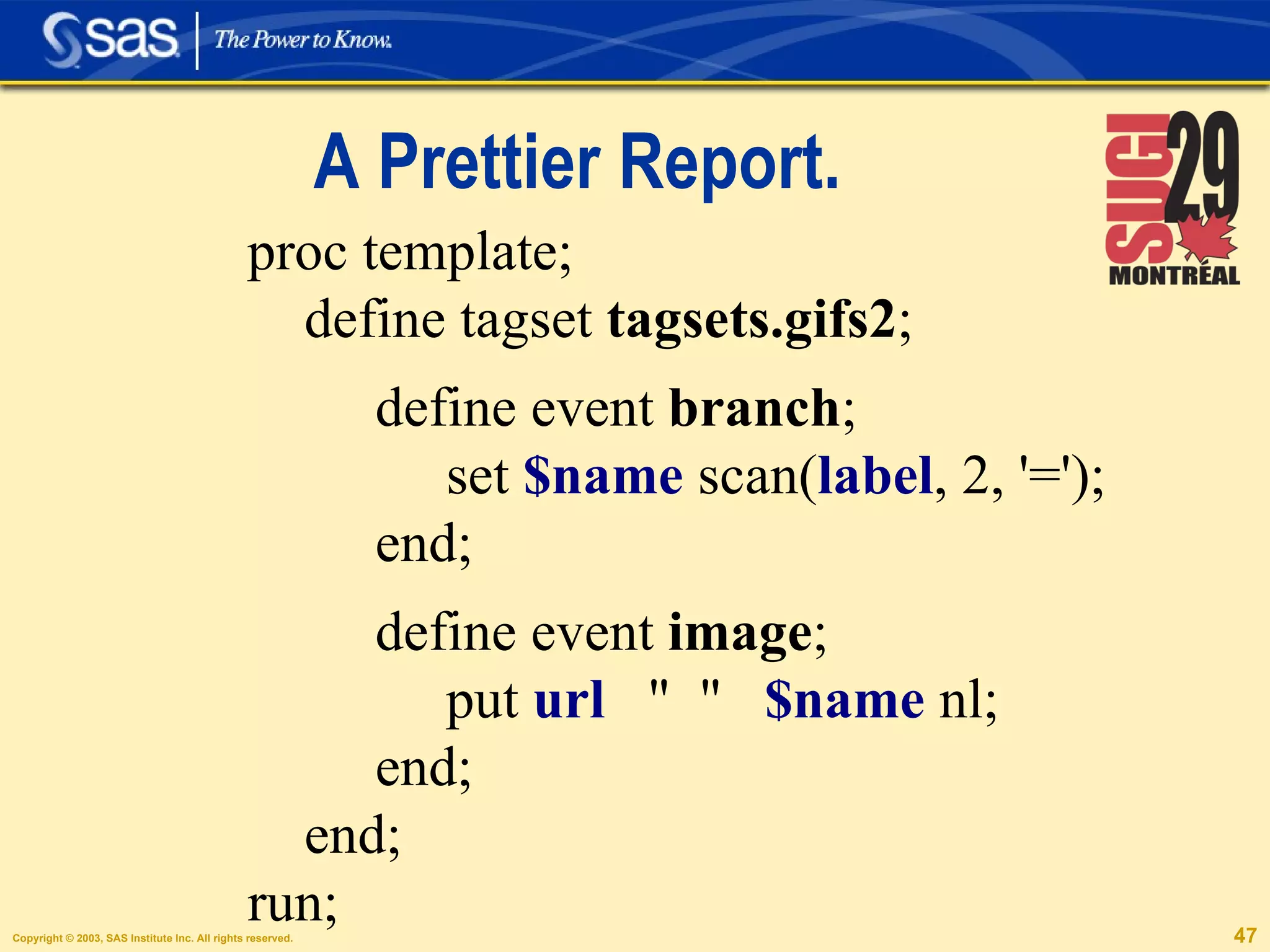
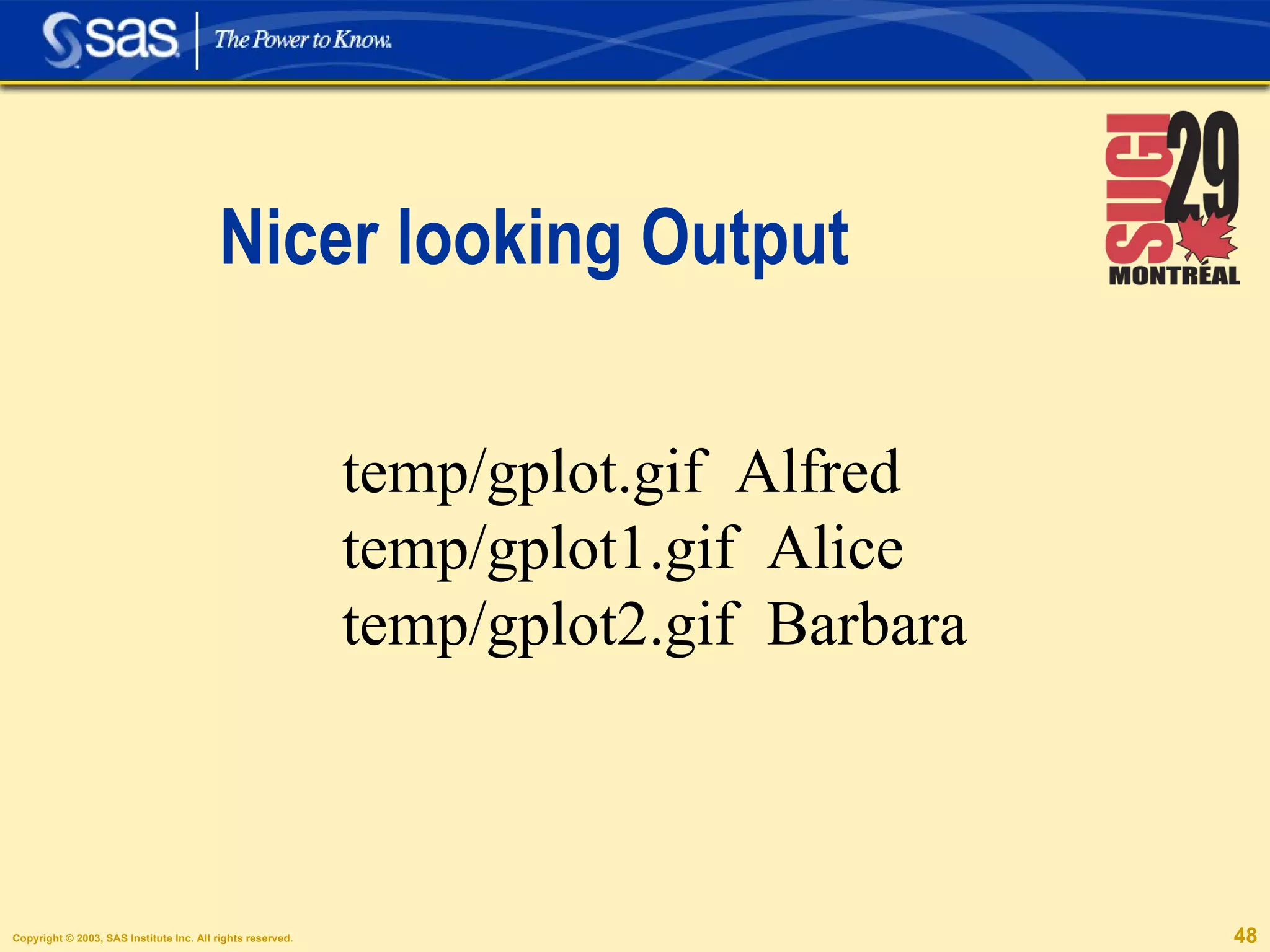
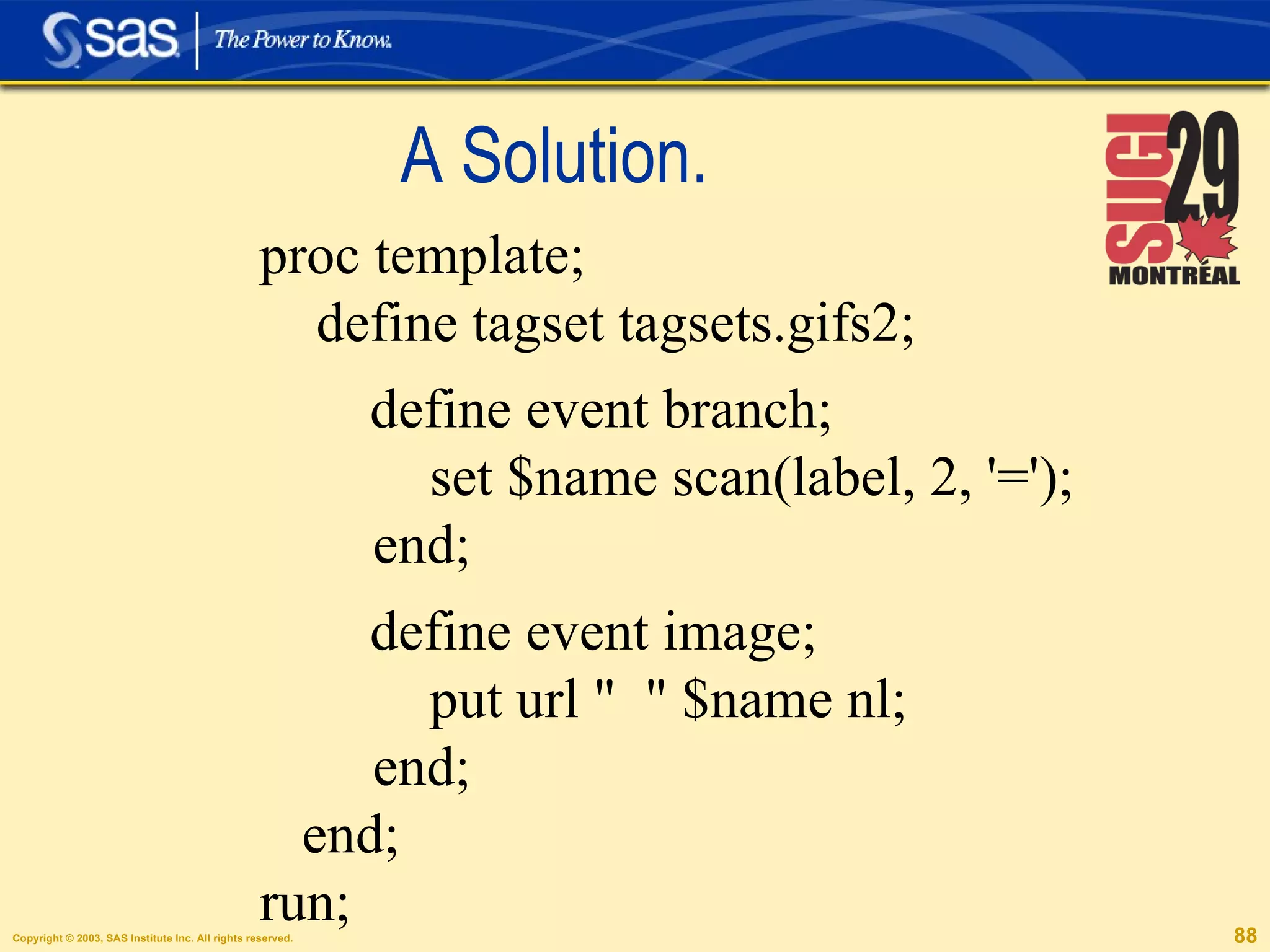
A Prettier Report. proc template; define tagset  tagsets.gifs2 ; define event  branch ; set  $name  scan( label , 2, '=');  end; define event  image ; put  url   &quot;  &quot;  $name  nl;  end; end;  run;
Nicer looking Output temp/gplot.gif  Alfred temp/gplot1.gif  Alice temp/gplot2.gif  Barbara
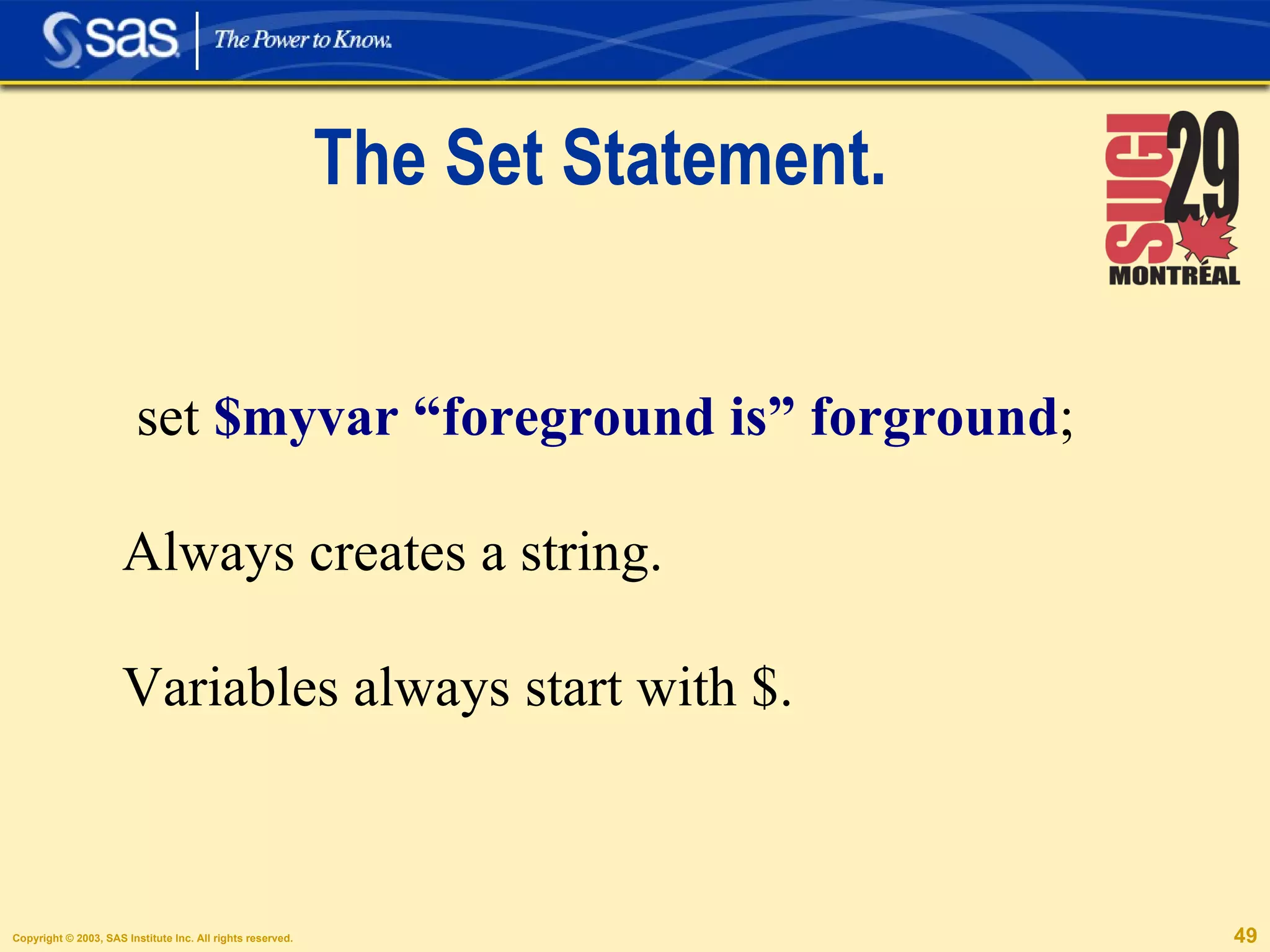
The Set Statement. set  $myvar “foreground is” forground ; Always creates a string. Variables always start with $.
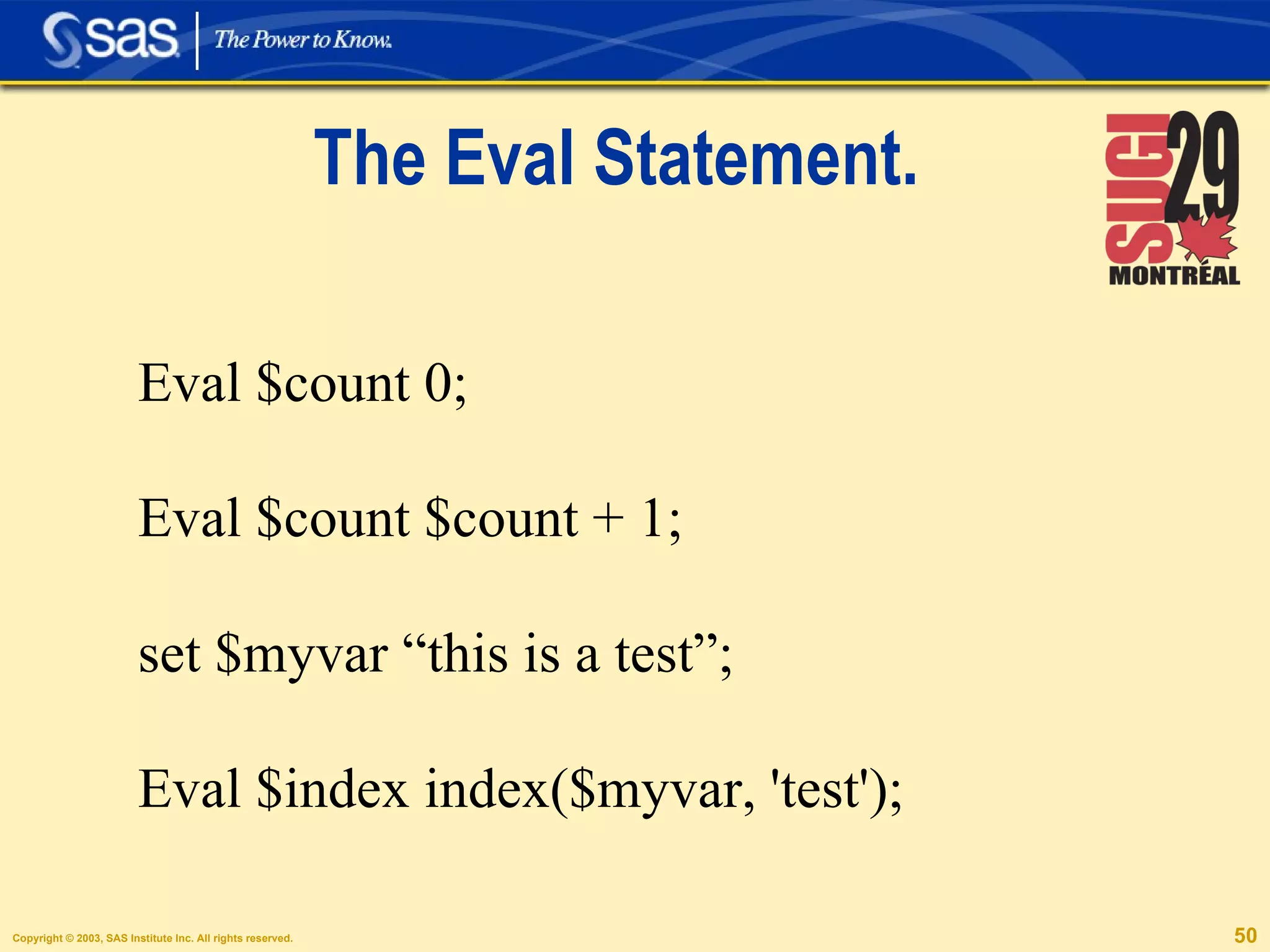
The Eval Statement. Eval $count 0; Eval $count $count + 1; set $myvar “this is a test”; Eval $index index($myvar, 'test');
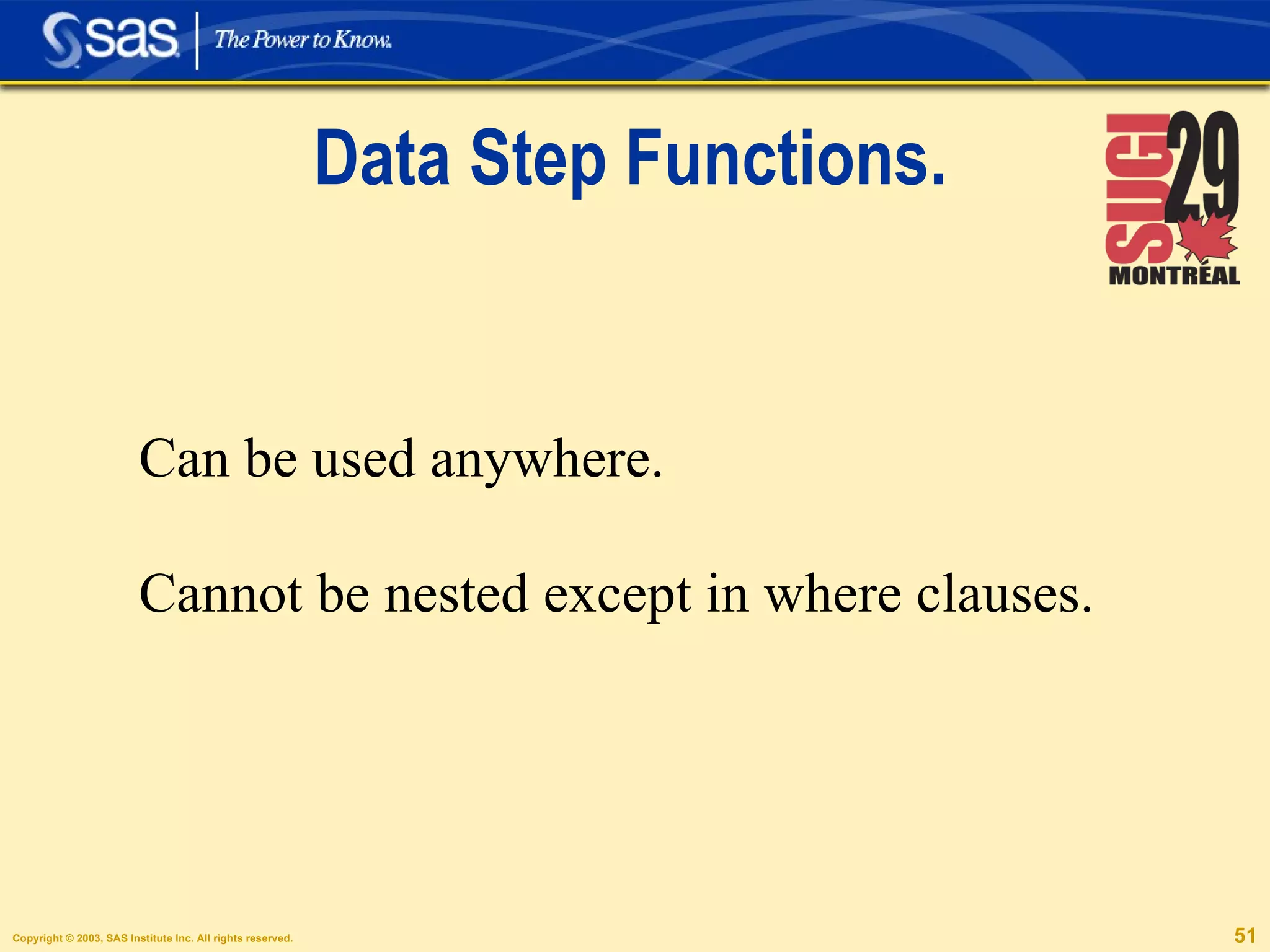
Data Step Functions. Can be used anywhere. Cannot be nested except in where clauses.
Simple Needs, Simple Tagsets.
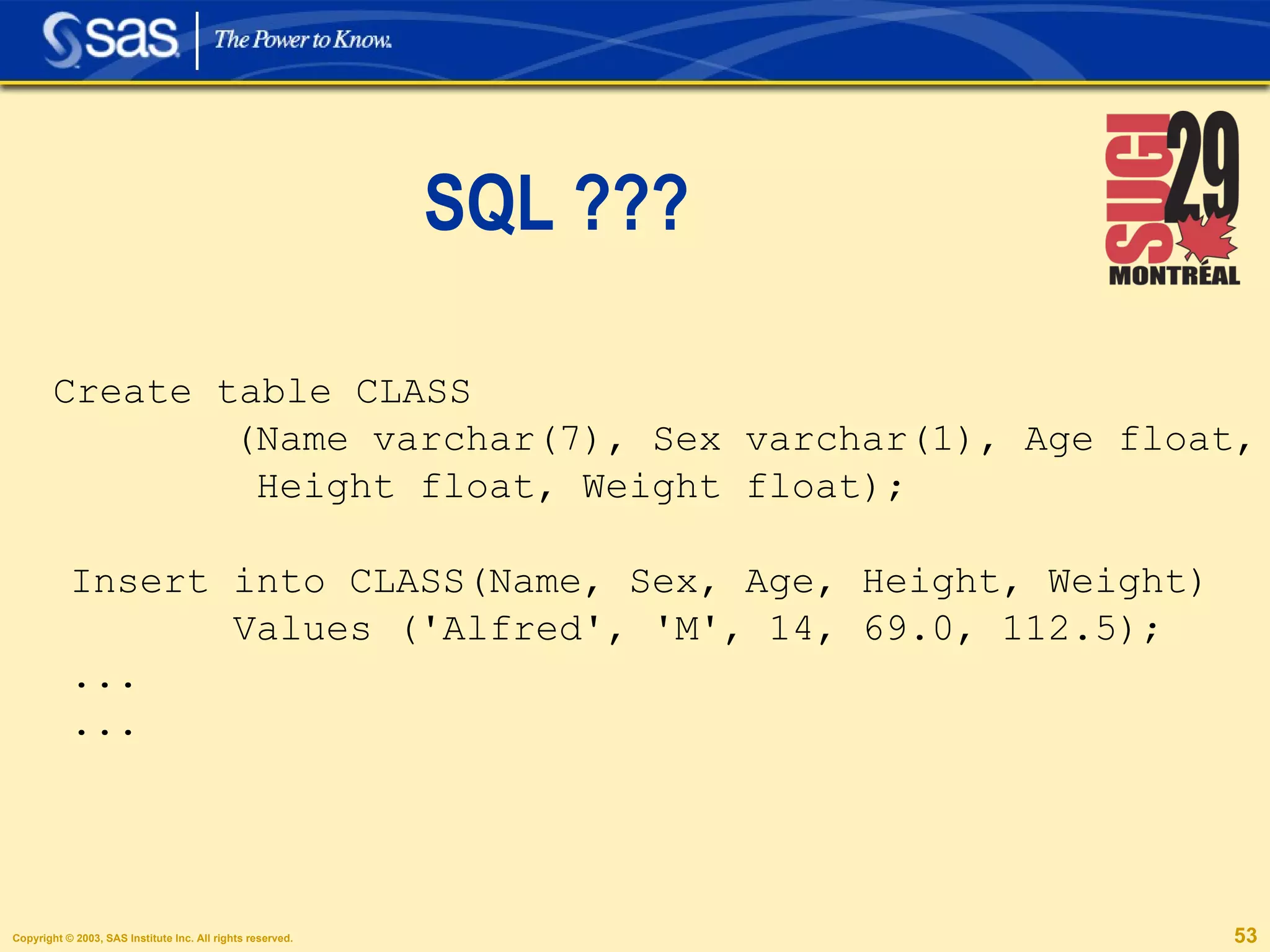
SQL ??? Create table CLASS (Name varchar(7), Sex varchar(1), Age float, Height float, Weight float); Insert into CLASS(Name, Sex, Age, Height, Weight) Values ('Alfred', 'M', 14, 69.0, 112.5); ... ...
Dictionaries define event type_translations; set $types['string'] 'varchar'; set $types['double'] 'float'; set $types['int']  'integer'; end; /* column name translation */ define event name_translations; set $name_trans['desc'] 'description'; end;
The Initialize Event define event initialize; trigger type_translations; trigger name_translations; /* types that need widths */ set $types_with_widths['string'] &quot;True&quot;; /* types that need quotes */ set $types_with_quotes['string'] &quot;True&quot;; end;
Creating Lists define event colspec_entry; set $lowname lowcase(name); do /if $name_trans[$lowname];  set $names[] $name_trans[$lowname]; else; set $names[] $lowname; done;
define event table_body; put &quot;Create table &quot; $table_name &quot;(&quot;; eval $i 1; unset $not_first; do   /while   $i <= $names;   /* comma's only after the first name */ put ', ' /if $not_first; put $names[$i] &quot; &quot;; put $columns[$i]; eval $i $i+1; set $not_first &quot;True&quot;; done;  put &quot;);&quot; nl; end;
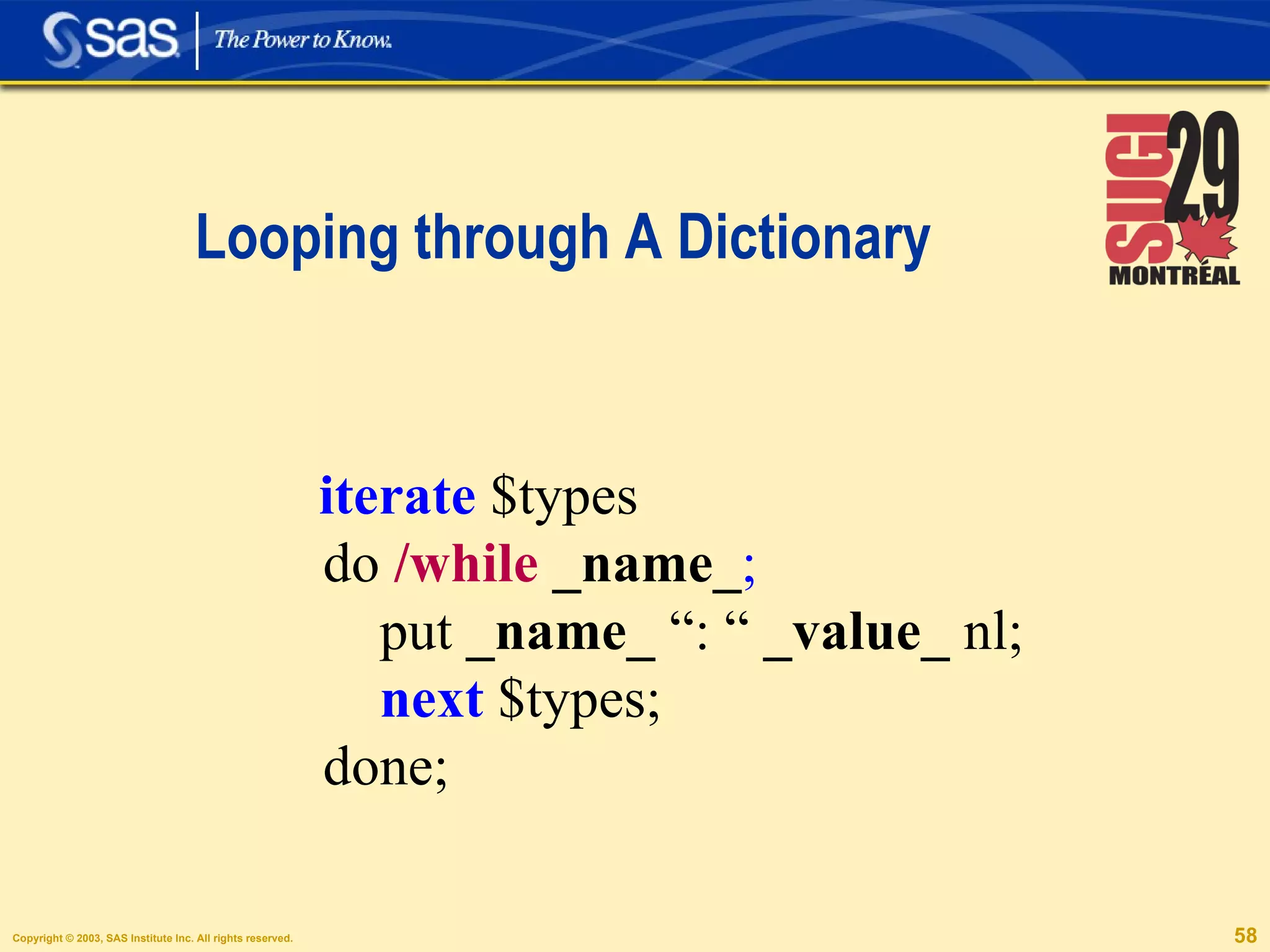
Looping through A Dictionary iterate  $types do   /while   _name_ ;   put  _name_  “: “  _value_  nl; next  $types; done;
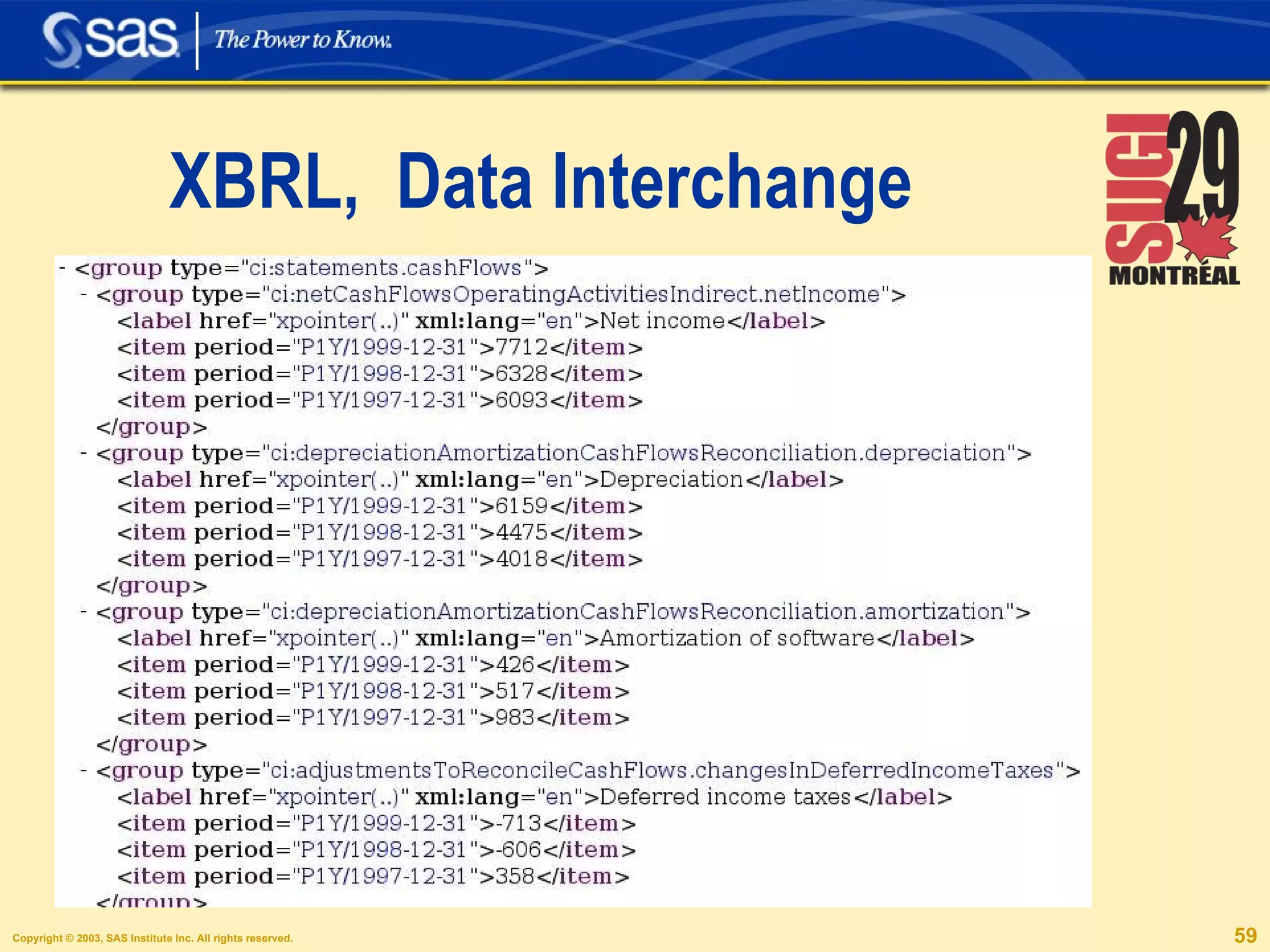
XBRL,  Data Interchange
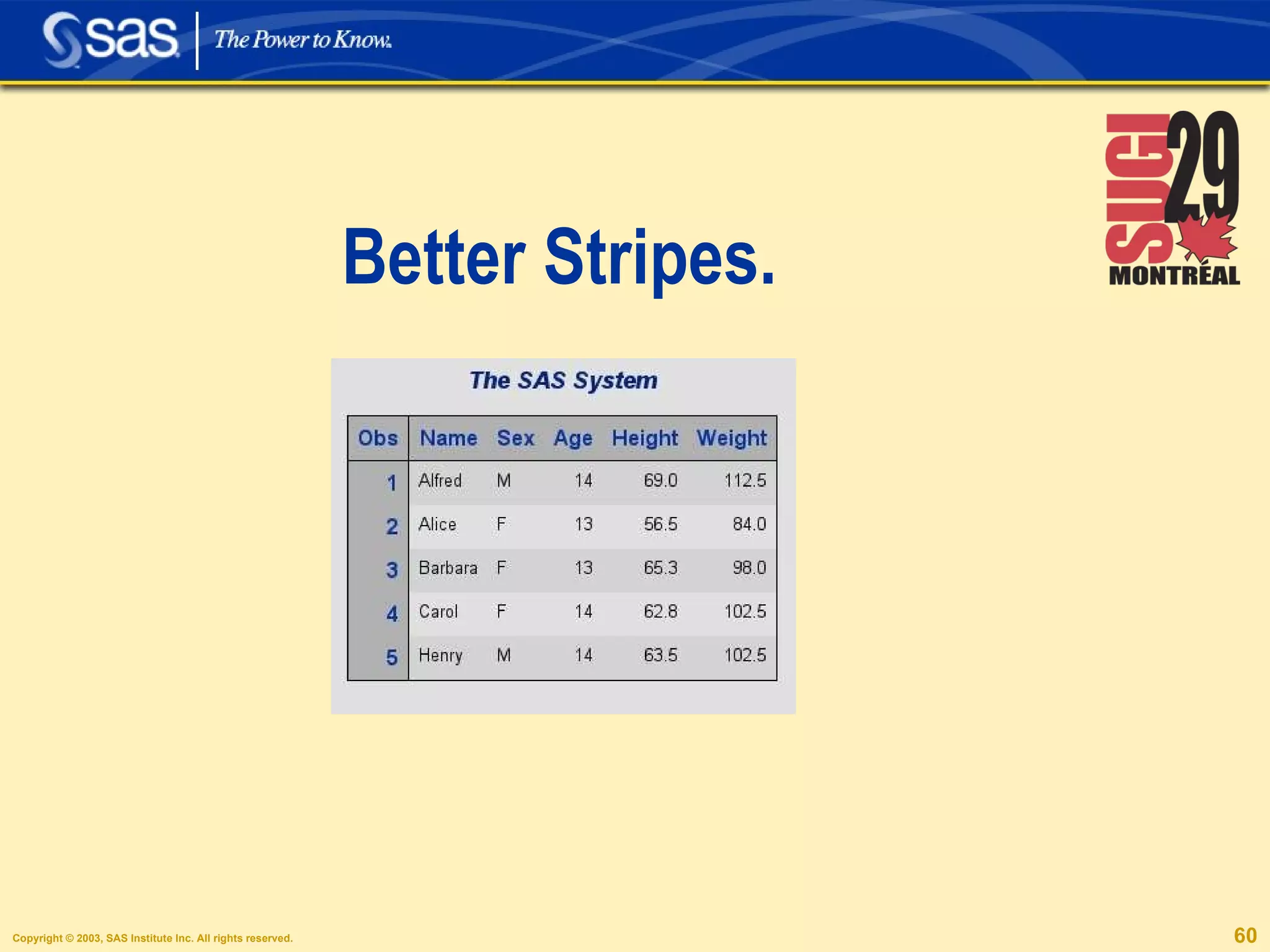
Better Stripes.
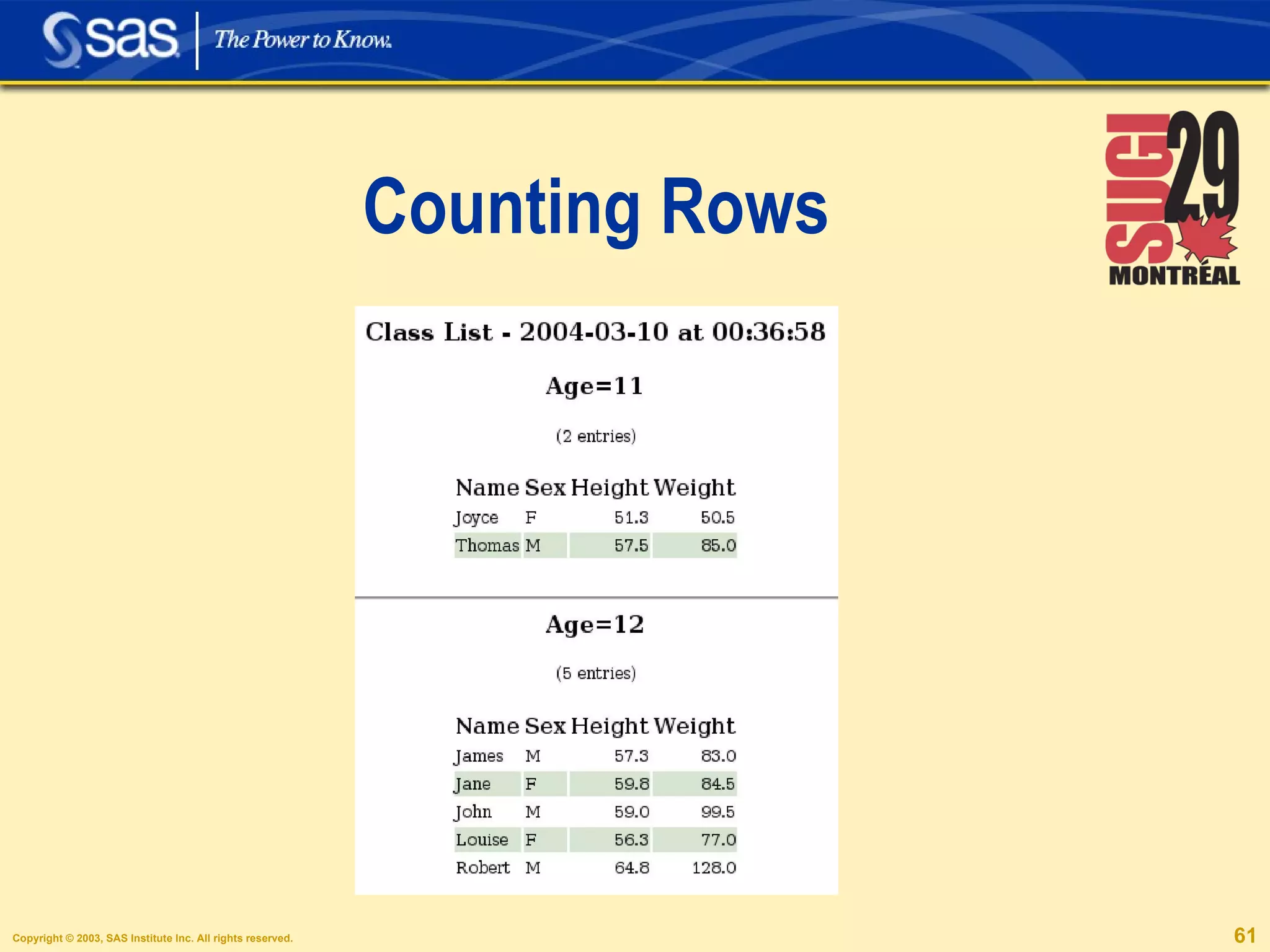
Counting Rows
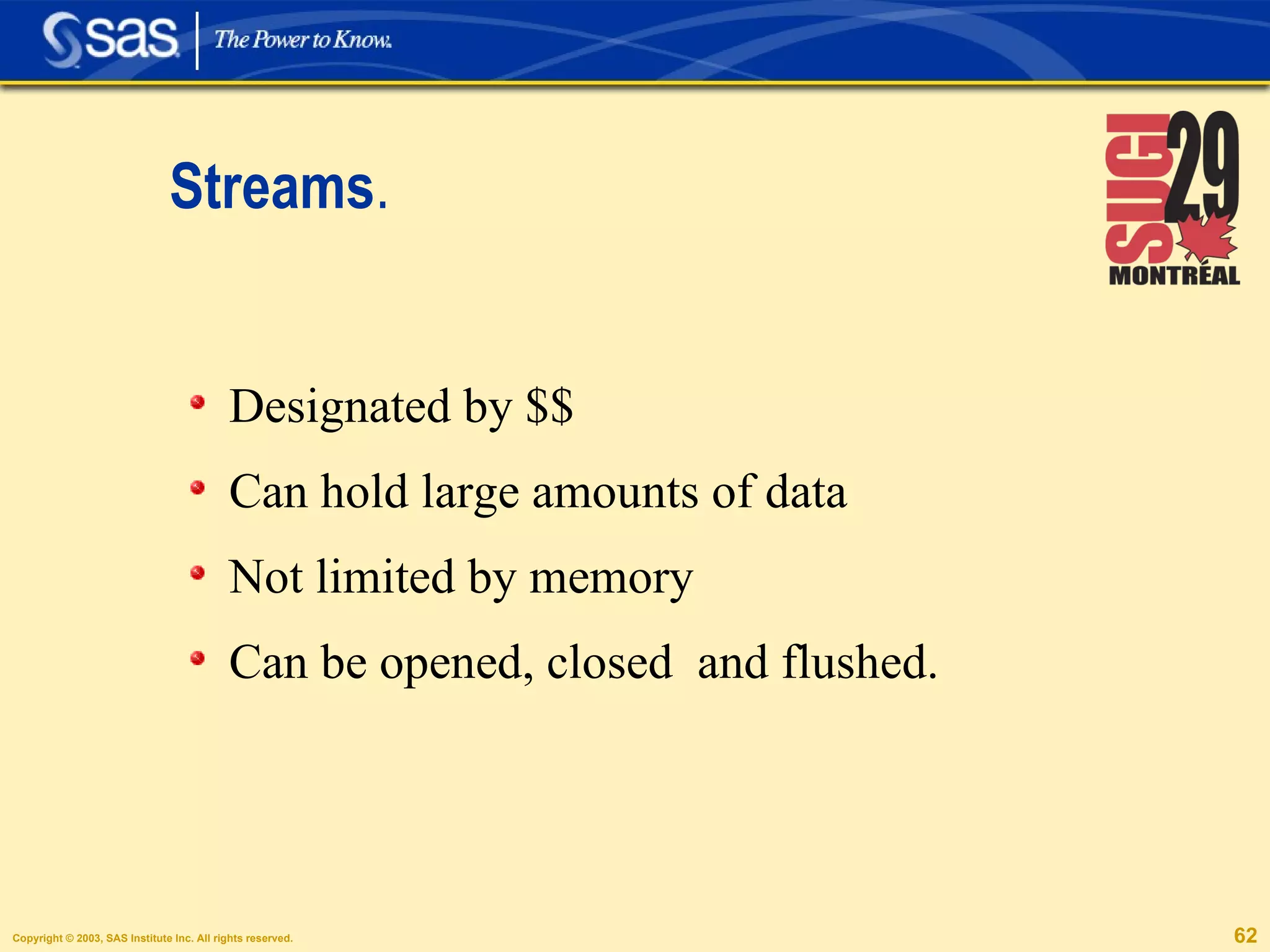
Streams . Designated by $$ Can hold large amounts of data Not limited by memory Can be opened, closed  and flushed.
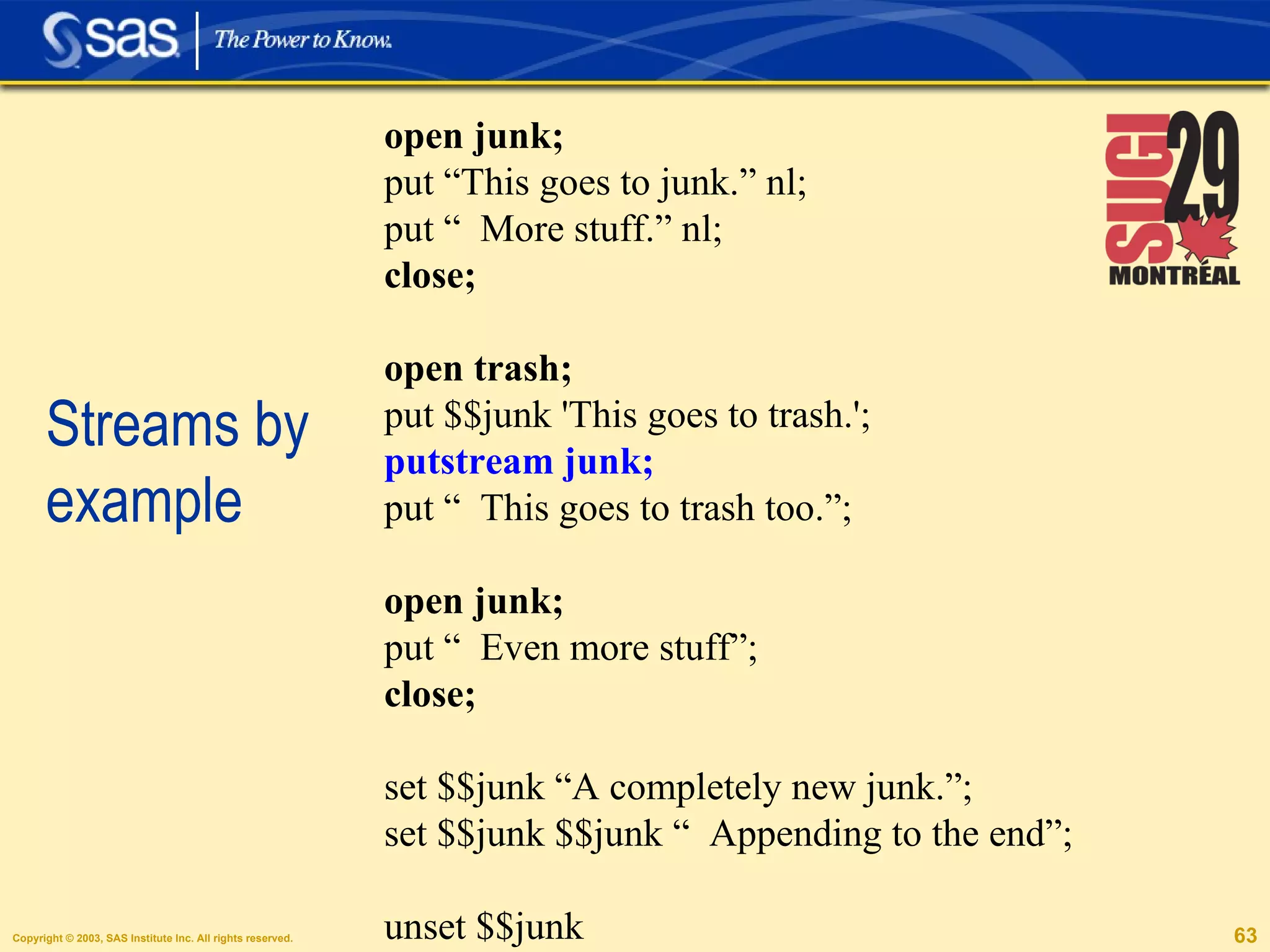
Streams by example open junk; put “This goes to junk.” nl; put “  More stuff.” nl; close; open trash; put $$junk 'This goes to trash.'; putstream junk;  put “  This goes to trash too.”; open junk; put “  Even more stuff”; close; set $$junk “A completely new junk.”; set $$junk $$junk “  Appending to the end”; unset $$junk
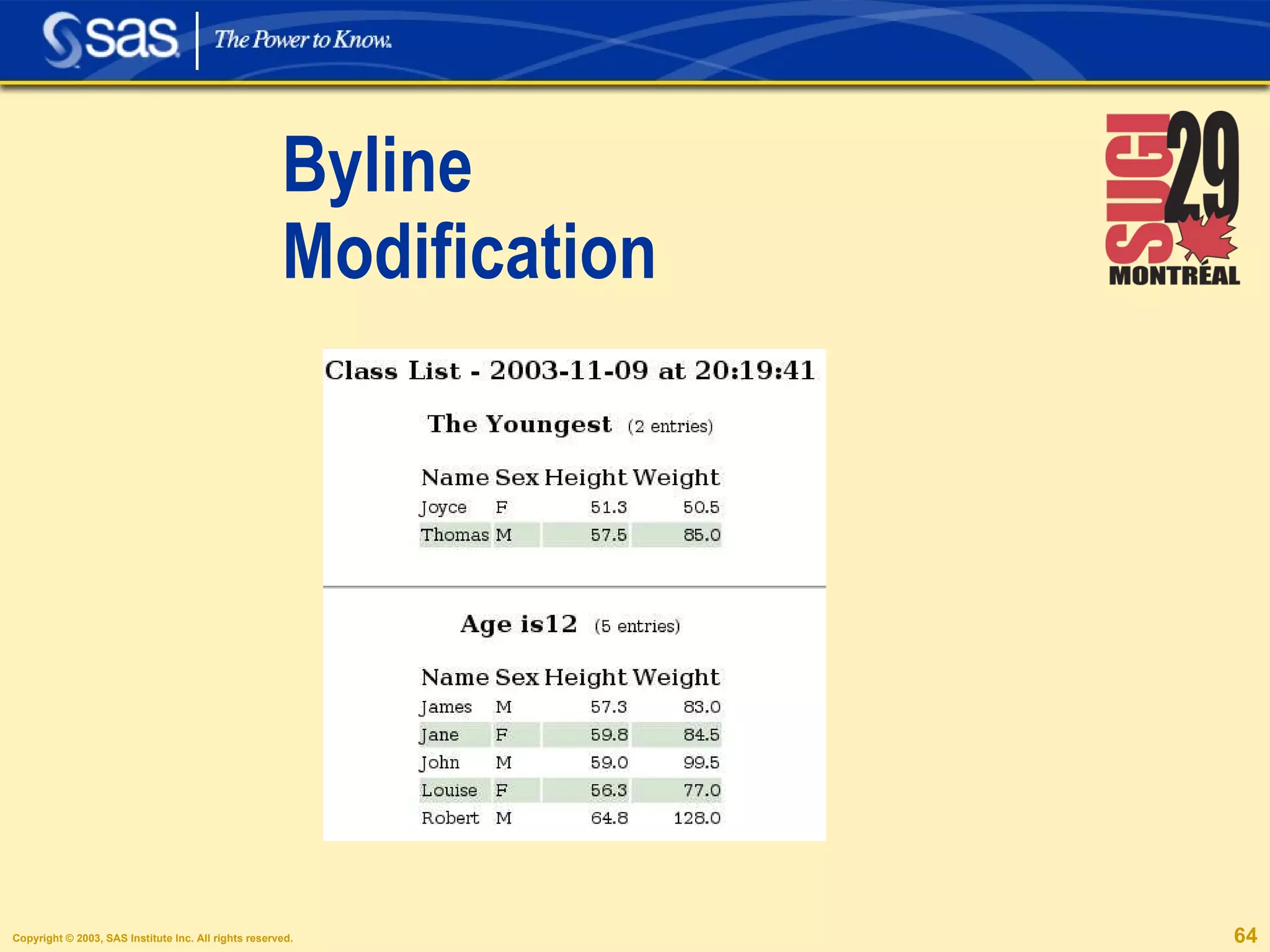
Byline Modification
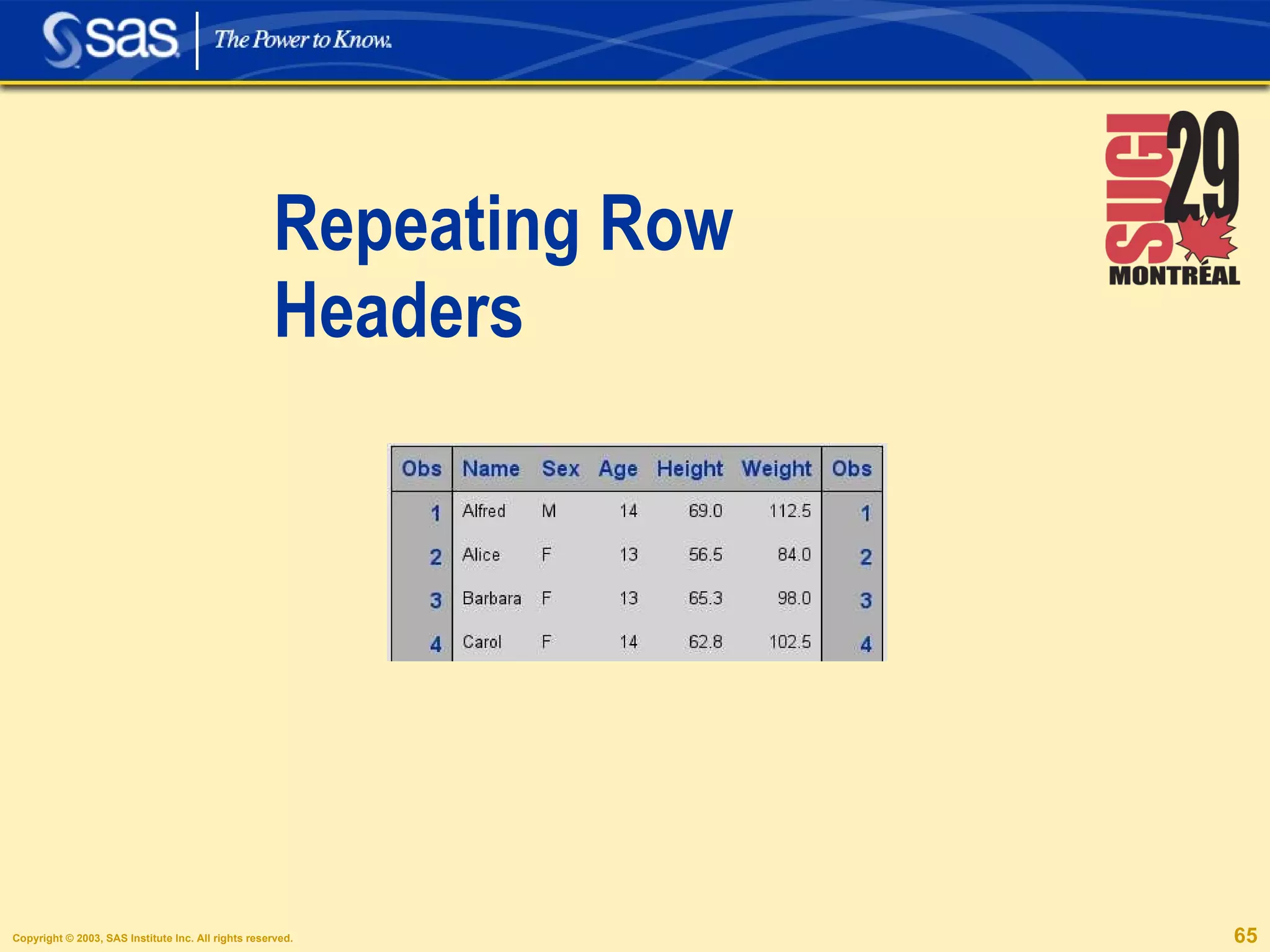
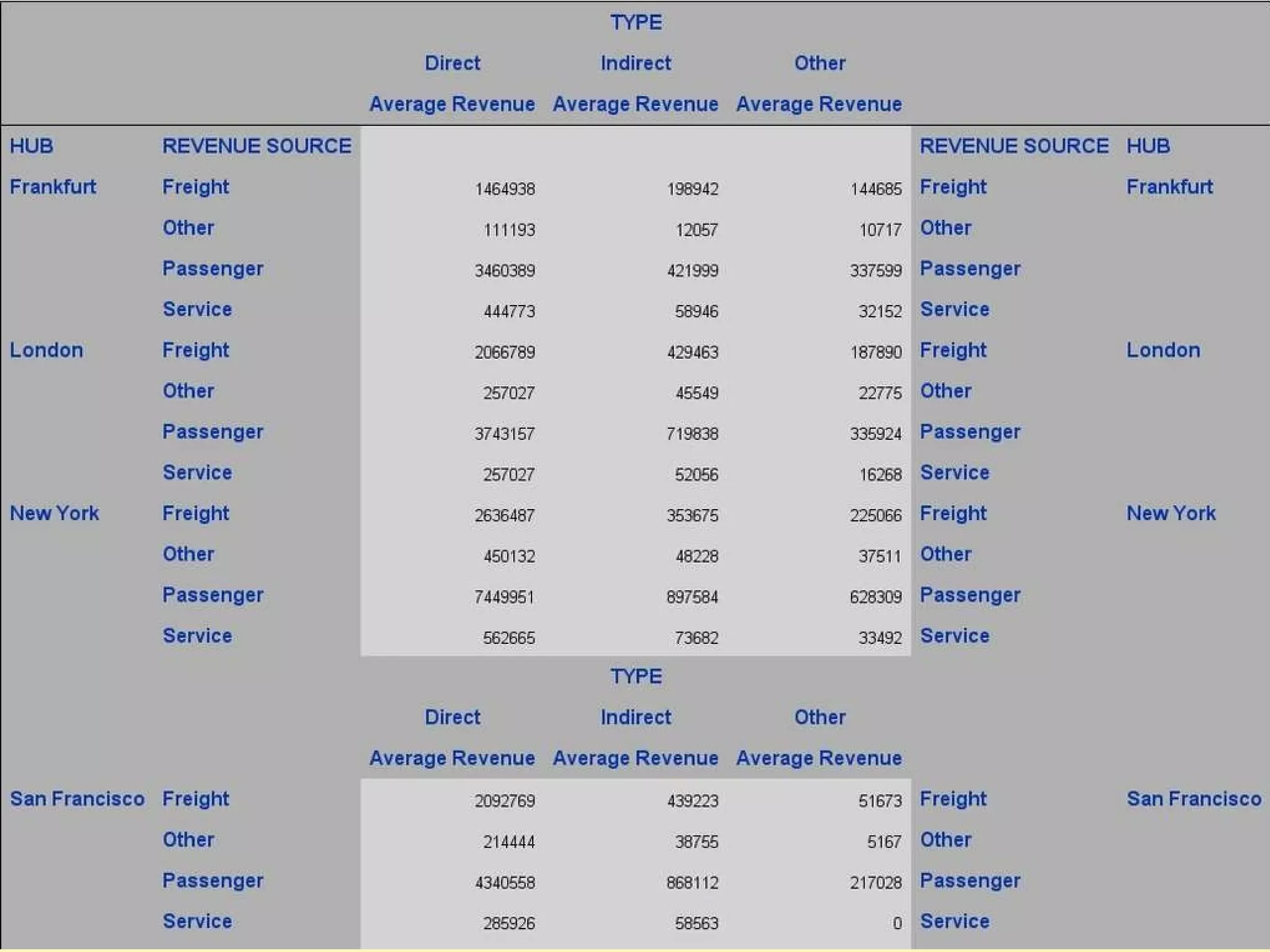
Repeating Row Headers
Simple Needs, Simple Tagsets.
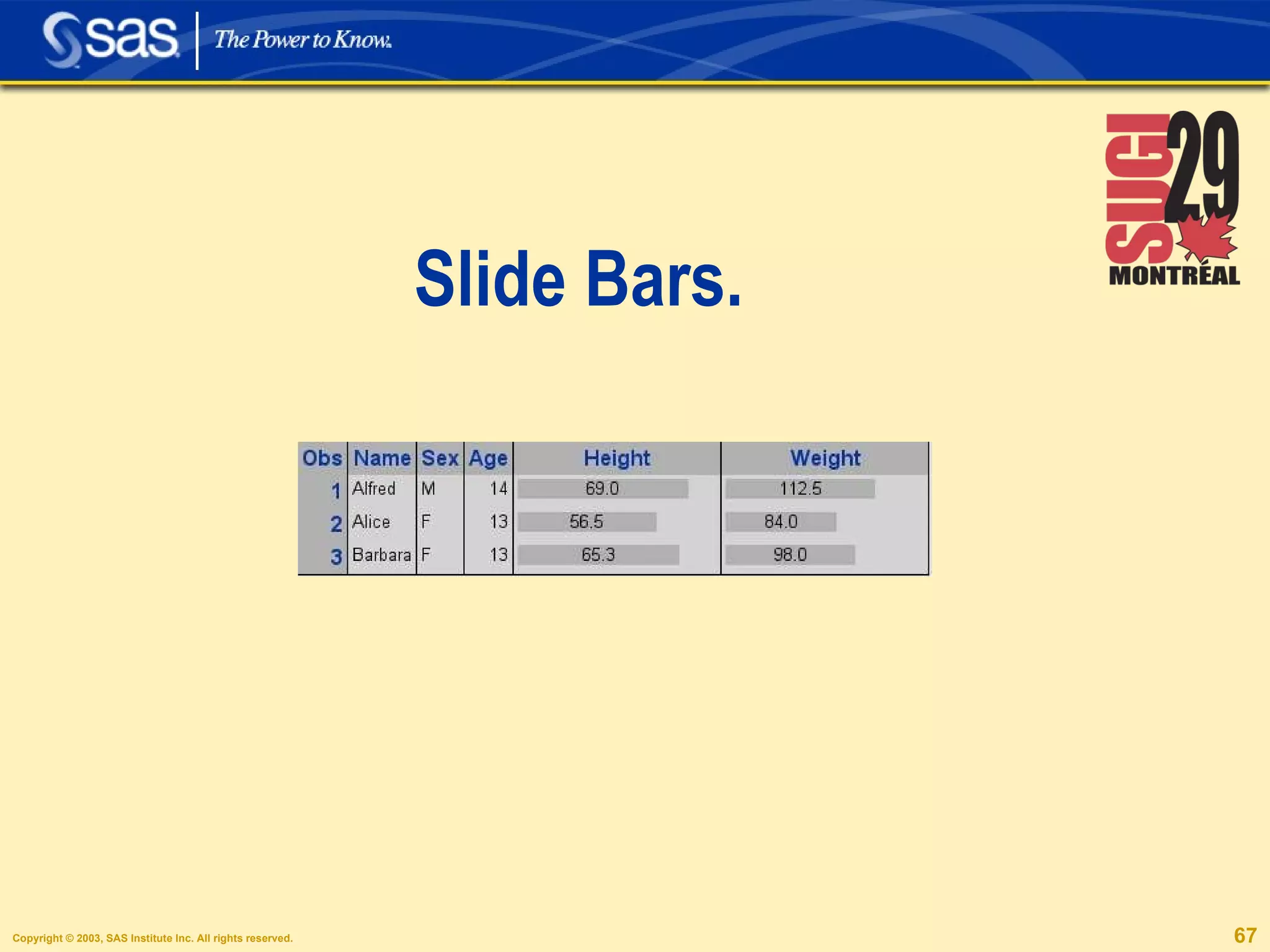
Slide Bars.
Craeting Slide Bars. proc print data=sashelp.class; var name; var sex; var age;  var height / style(data) =  slider[just=center tagattr=&quot;slider-80&quot;]; var weight / style(data) =  slider[just=center tagattr=&quot;slider-150&quot;]; run;
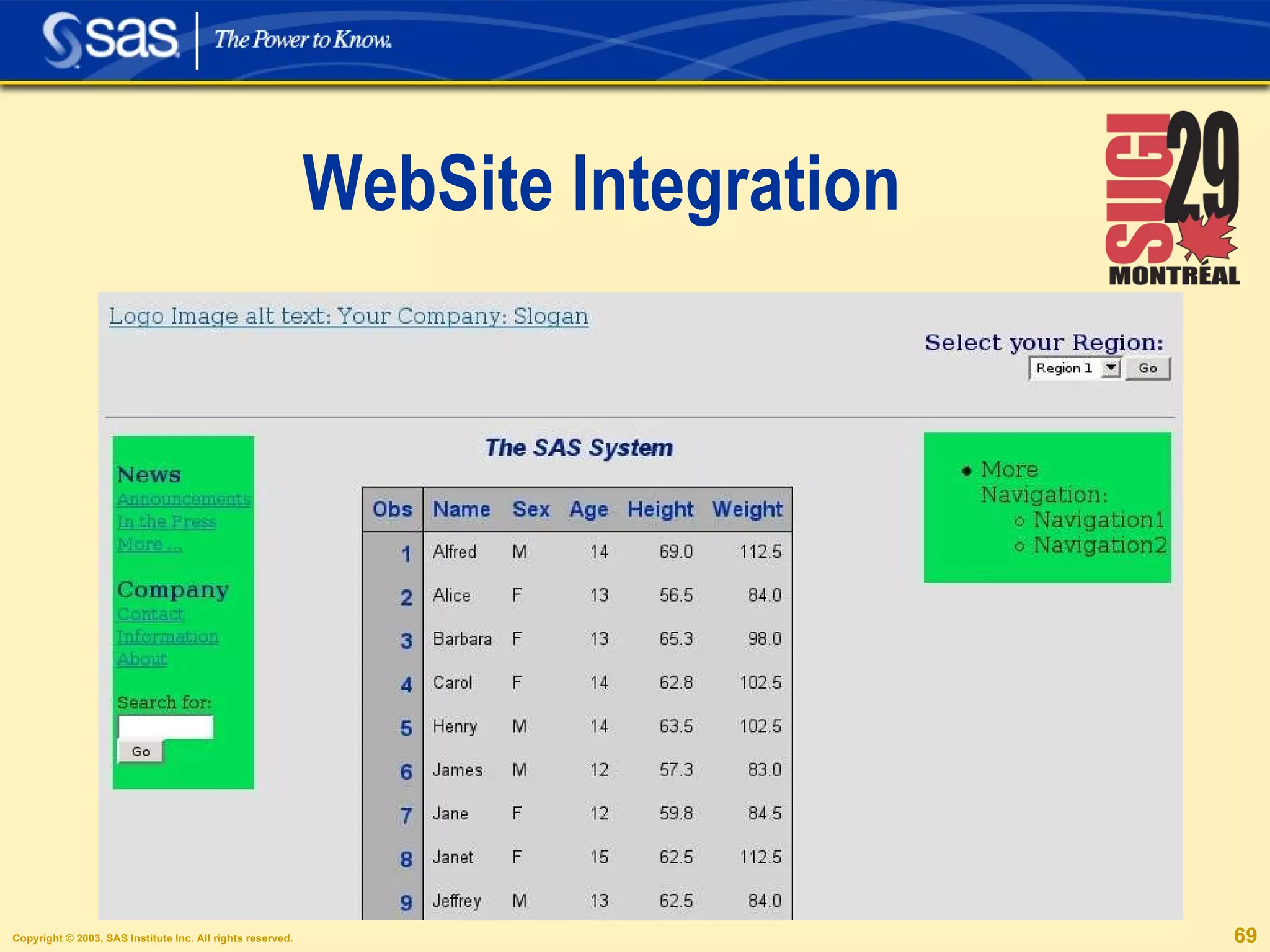
WebSite Integration
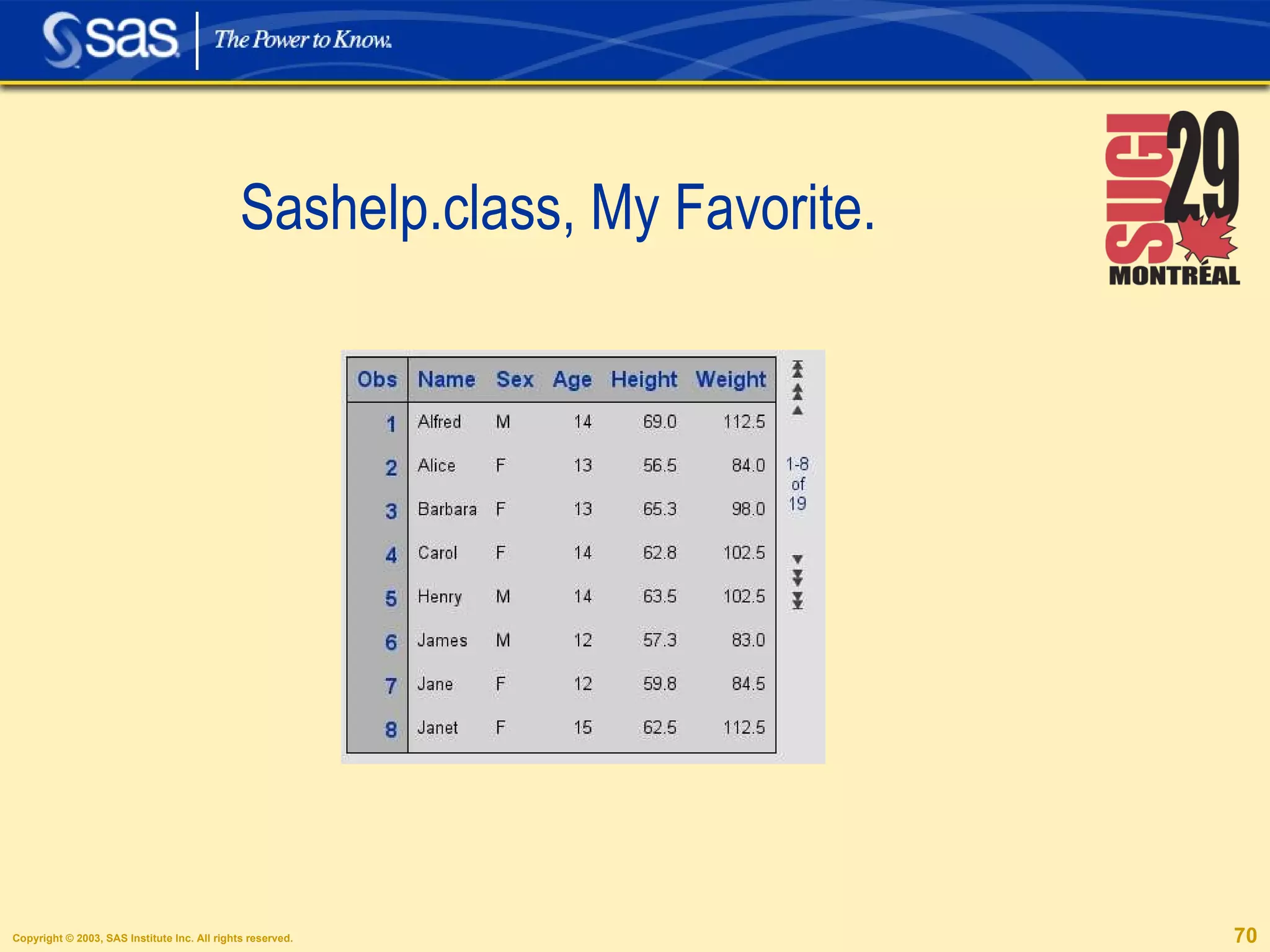
Sashelp.class, My Favorite.


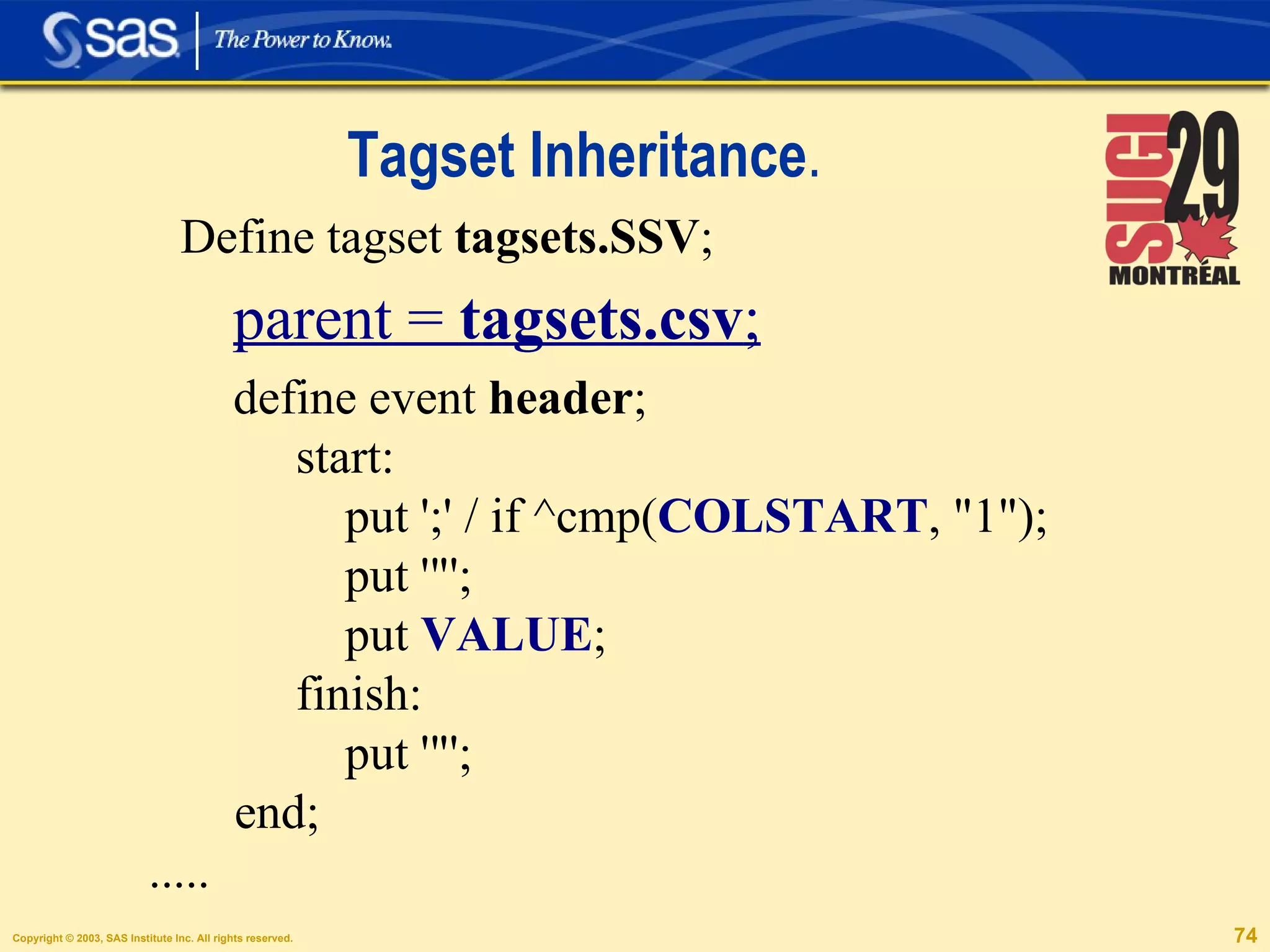
Tagset Inheritance . Define tagset  tagsets.SSV ; parent =  tagsets.csv ; define event  header ; start: put ';' / if ^cmp( COLSTART , &quot;1&quot;); put '&quot;'; put  VALUE ; finish: put '&quot;'; end; .....
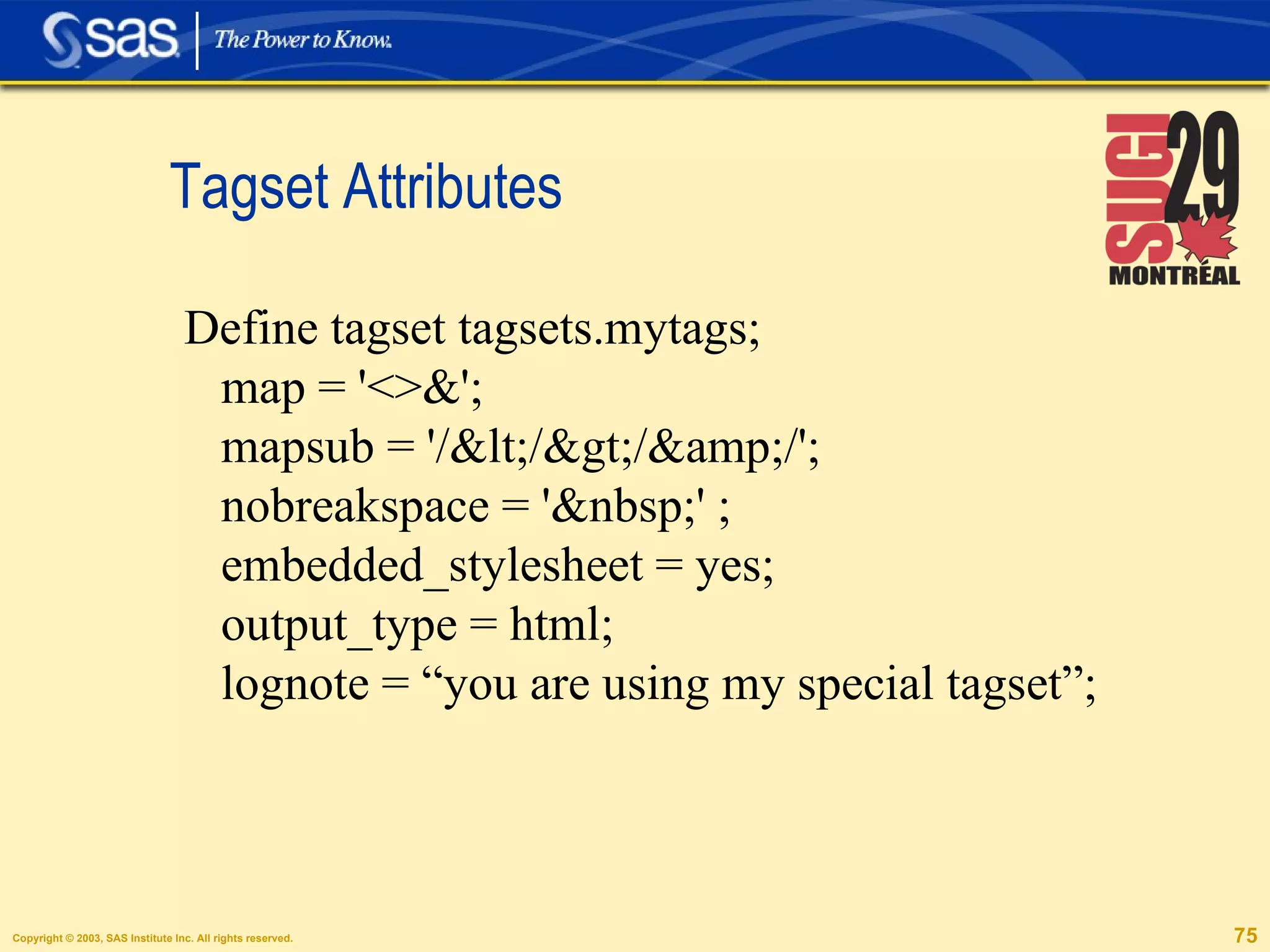
Tagset Attributes Define tagset tagsets.mytags; map = '<>&'; mapsub = '/&lt;/&gt;/&amp;/'; nobreakspace = '&nbsp;' ; embedded_stylesheet = yes; output_type = html; lognote = “you are using my special tagset”;
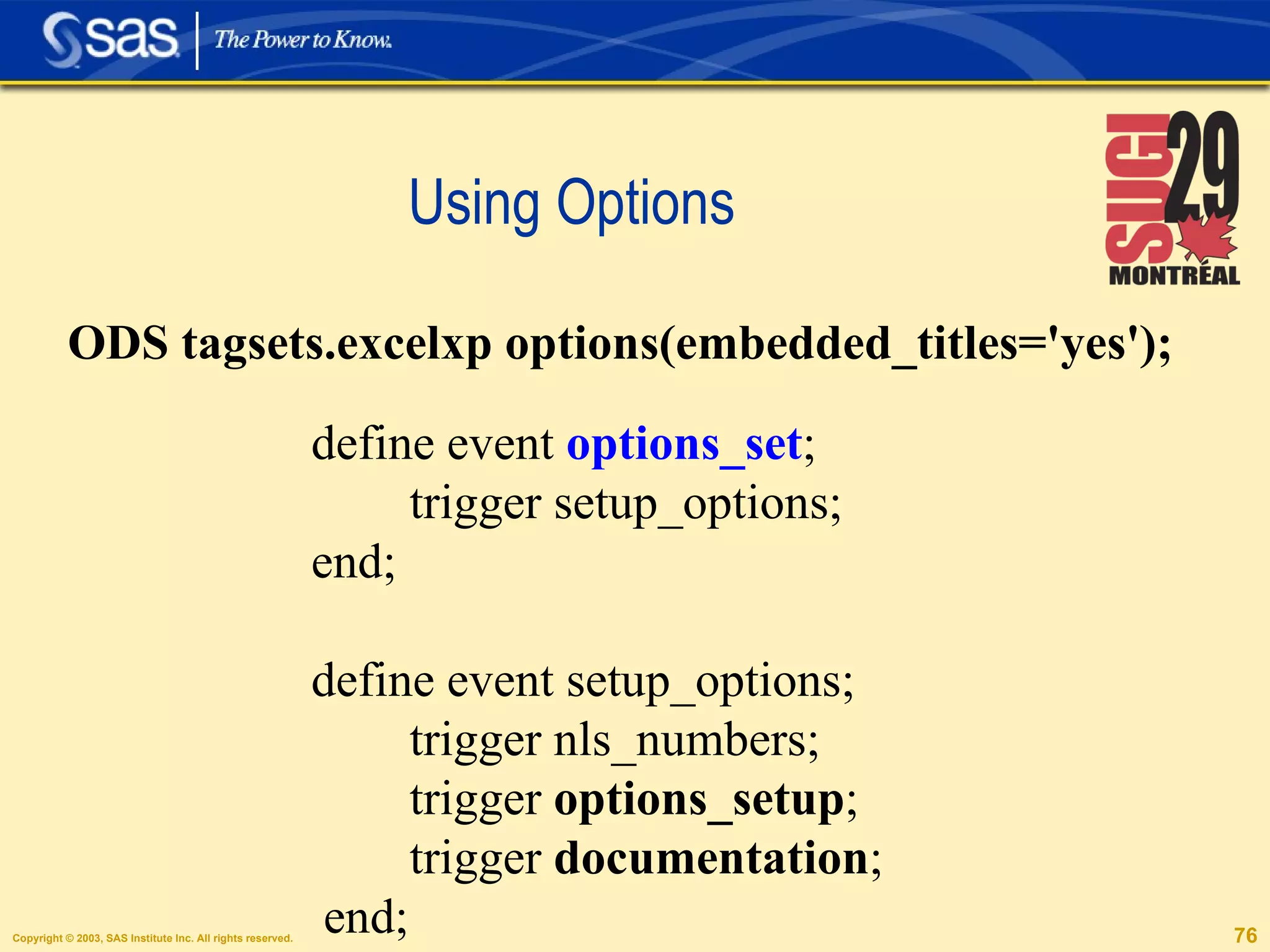
Using Options define event  options_set ; trigger setup_options; end; define event setup_options; trigger nls_numbers; trigger  options_setup ; trigger  documentation ; end; ODS tagsets.excelxp options(embedded_titles='yes');
Mvar embedded_titles; define event  options_setup ; set $options['test'] &quot;test&quot; /if ^$options; do /if  $options ['EMBEDDED_TITLES']; do /if cmp( $options ['EMBEDDED_TITLES'], &quot;yes&quot;); set $embedded_titles &quot;true&quot; ; else; unset $embedded_titles; done; else; do /if cmp(embedded_titles, &quot;yes&quot;); set $embedded_titles &quot;true&quot; ; else; unset $embedded_titles; done; done;
Creating Help and documentation. define event  documentation; break /if ^$options; trigger  quick_reference  /if cmp($options['DOC'], 'quick'); trigger  help  /if cmp($options['DOC'], 'help'); end; define event  help ; putlog &quot;============================== “; putlog “The EXCELXP Tagset Help Text.&quot;; ... trigger quick_reference; end;
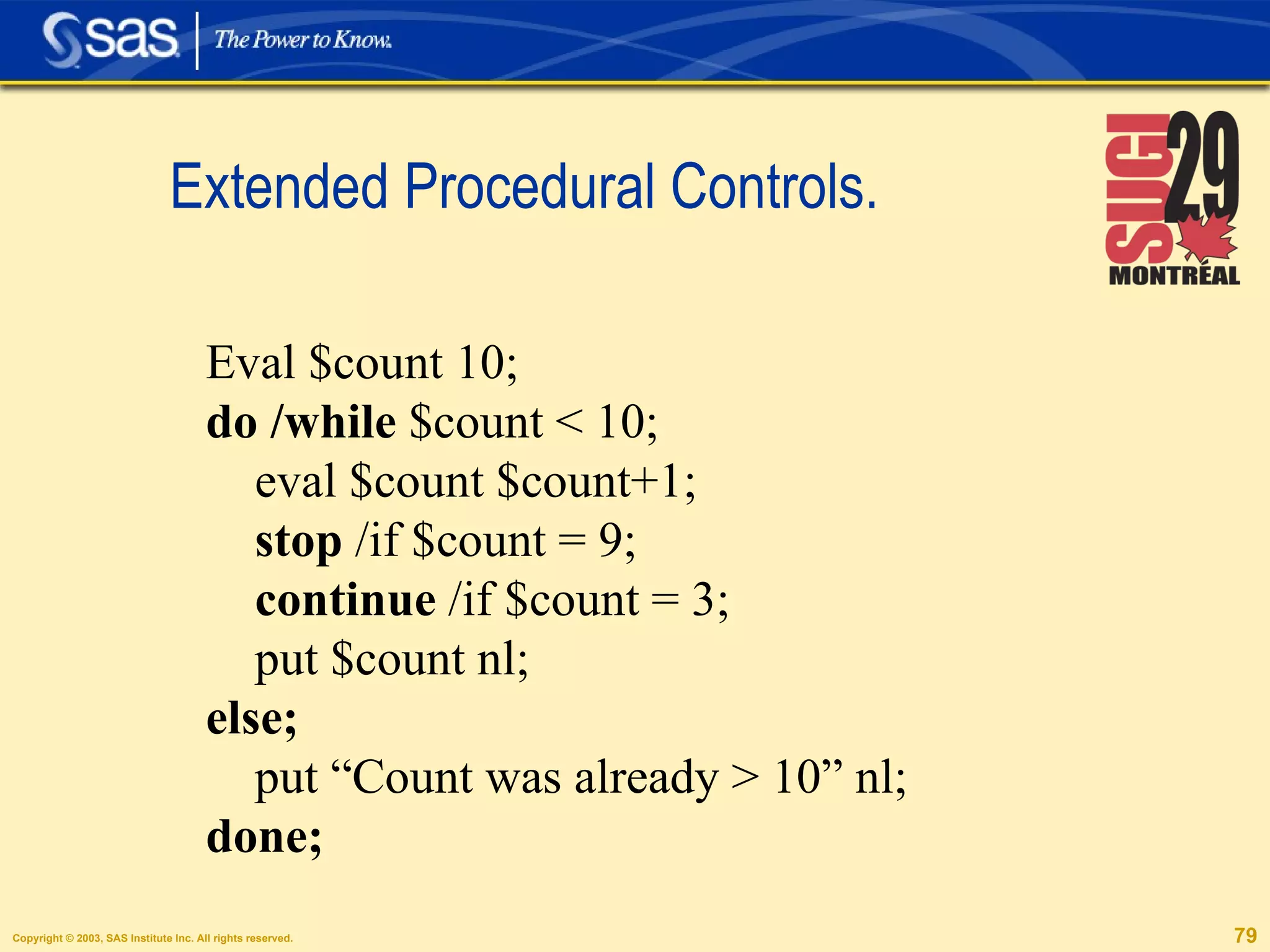
Extended Procedural Controls. Eval $count 10; do /while  $count < 10; eval $count $count+1; stop  /if $count = 9; continue  /if $count = 3; put $count nl; else; put “Count was already > 10” nl; done;
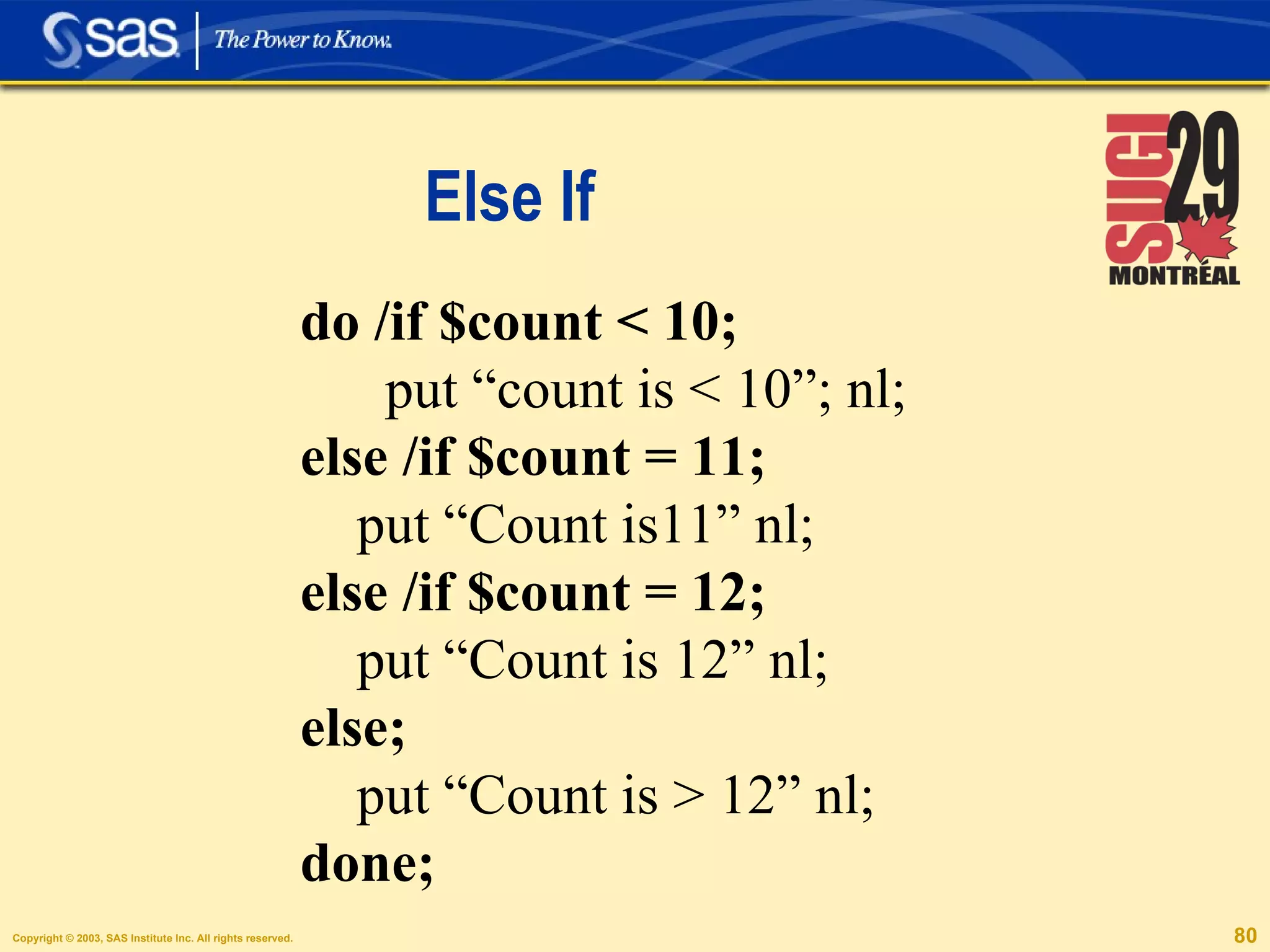
Else If do /if $count < 10; put “count is < 10”; nl; else /if $count = 11; put “Count is11” nl; else /if $count = 12; put “Count is 12” nl; else; put “Count is > 12” nl; done;
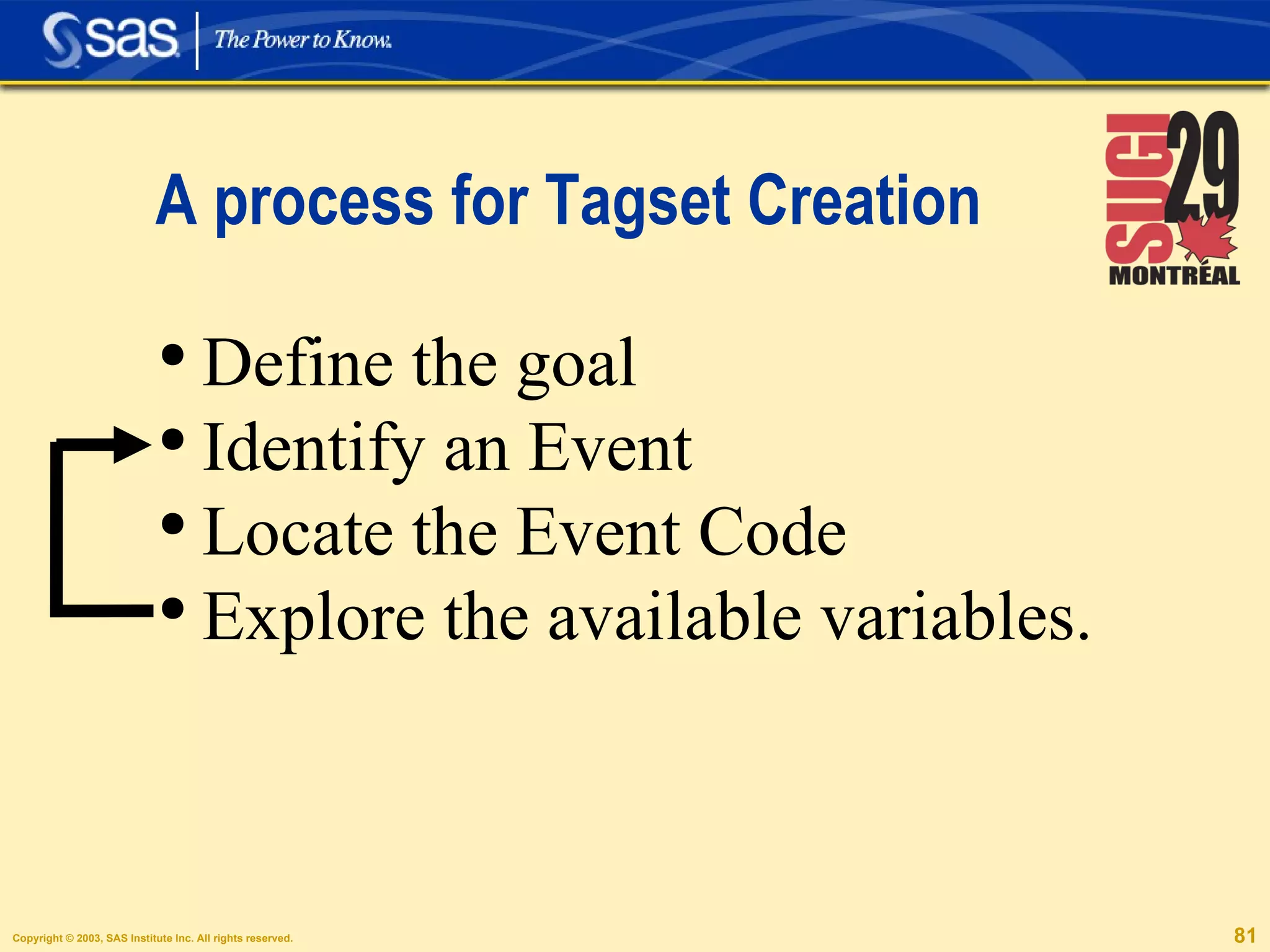
A process for Tagset Creation Define the goal Identify an Event Locate the Event Code Explore the available variables.
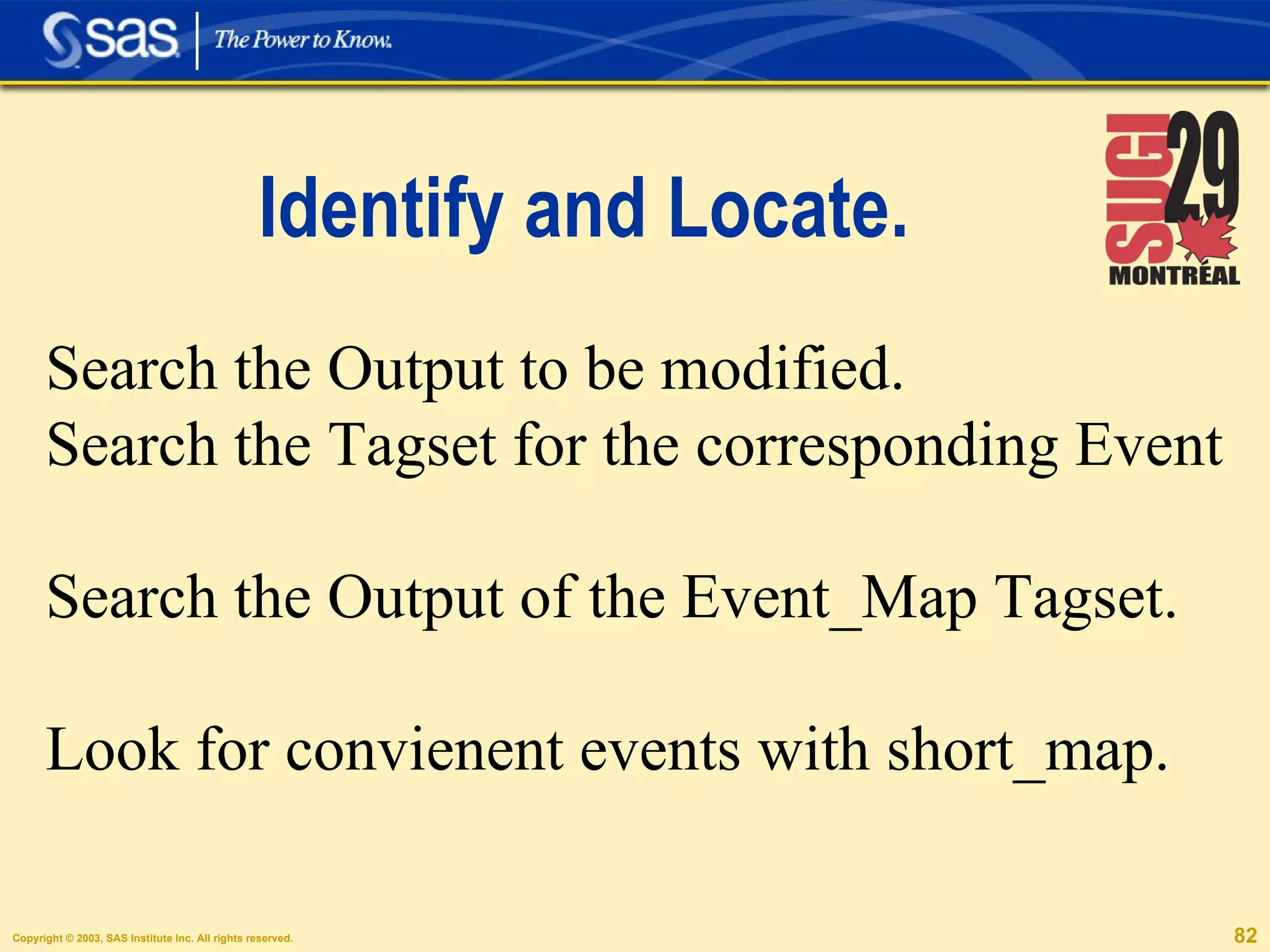
Identify and Locate. Search the Output to be modified. Search the Tagset for the corresponding Event Search the Output of the Event_Map Tagset. Look for convienent events with short_map.
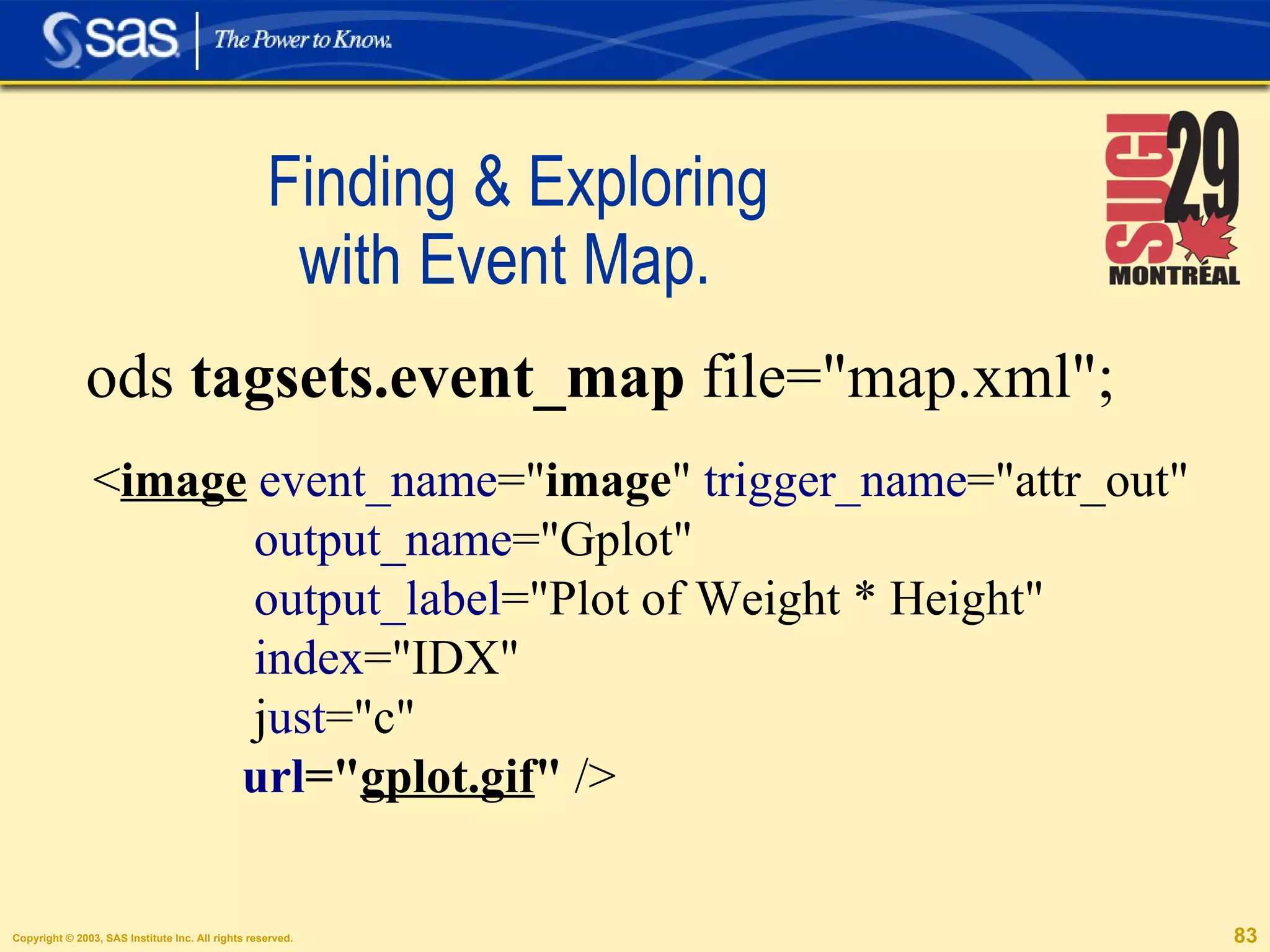
Finding & Exploring    with Event Map.  ods  tagsets.event_map  file=&quot;map.xml&quot;; < image   event_name =&quot; image &quot;  trigger_name =&quot;attr_out&quot; output_name =&quot;Gplot&quot;  output_label =&quot;Plot of Weight * Height&quot;  index =&quot;IDX&quot;  j ust =&quot;c&quot;  url =&quot; gplot.gif &quot;  />
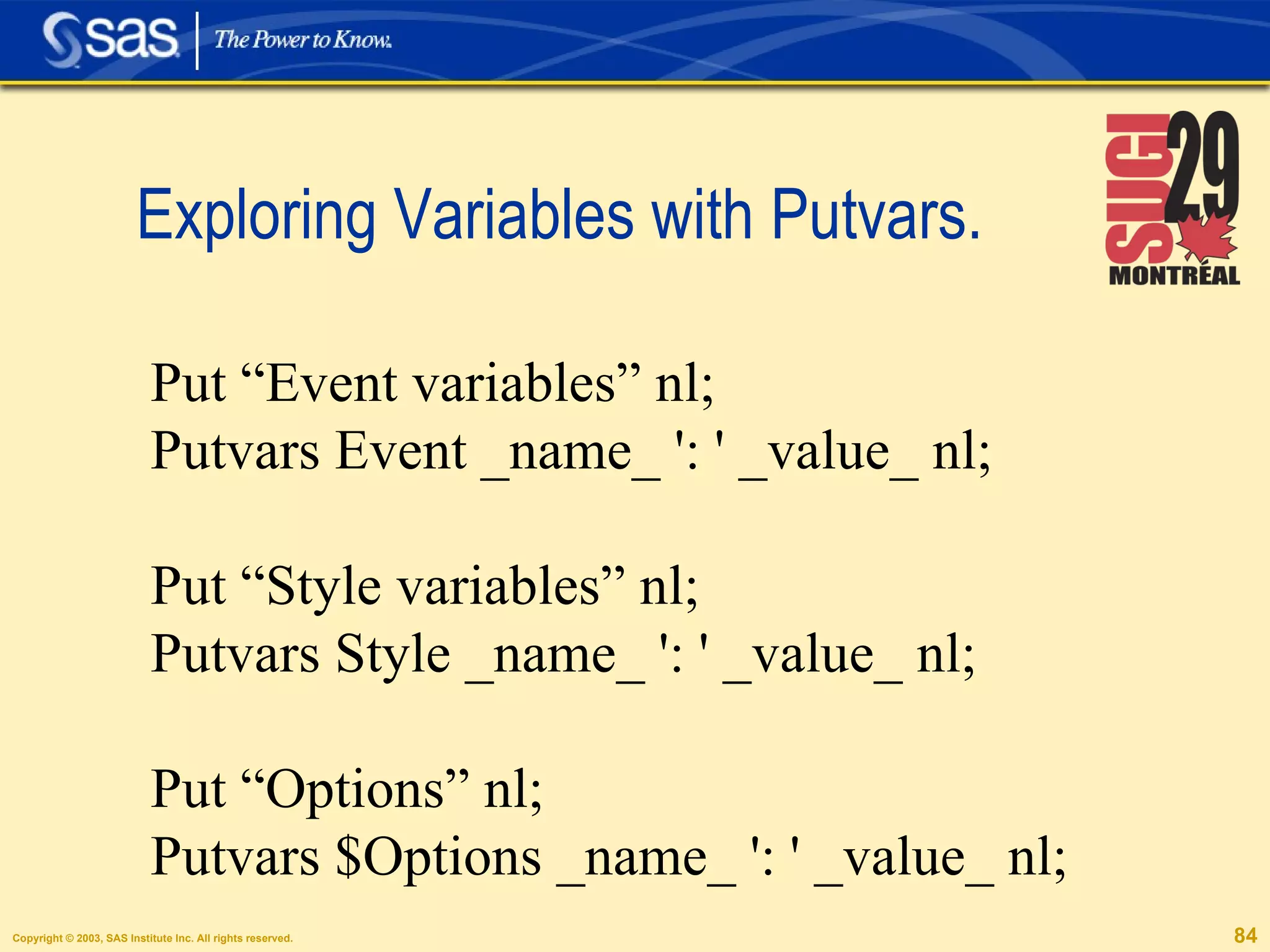
Exploring Variables with Putvars.  Put “Event variables” nl; Putvars Event _name_ ': ' _value_ nl; Put “Style variables” nl; Putvars Style _name_ ': ' _value_ nl; Put “Options” nl; Putvars $Options _name_ ': ' _value_ nl;
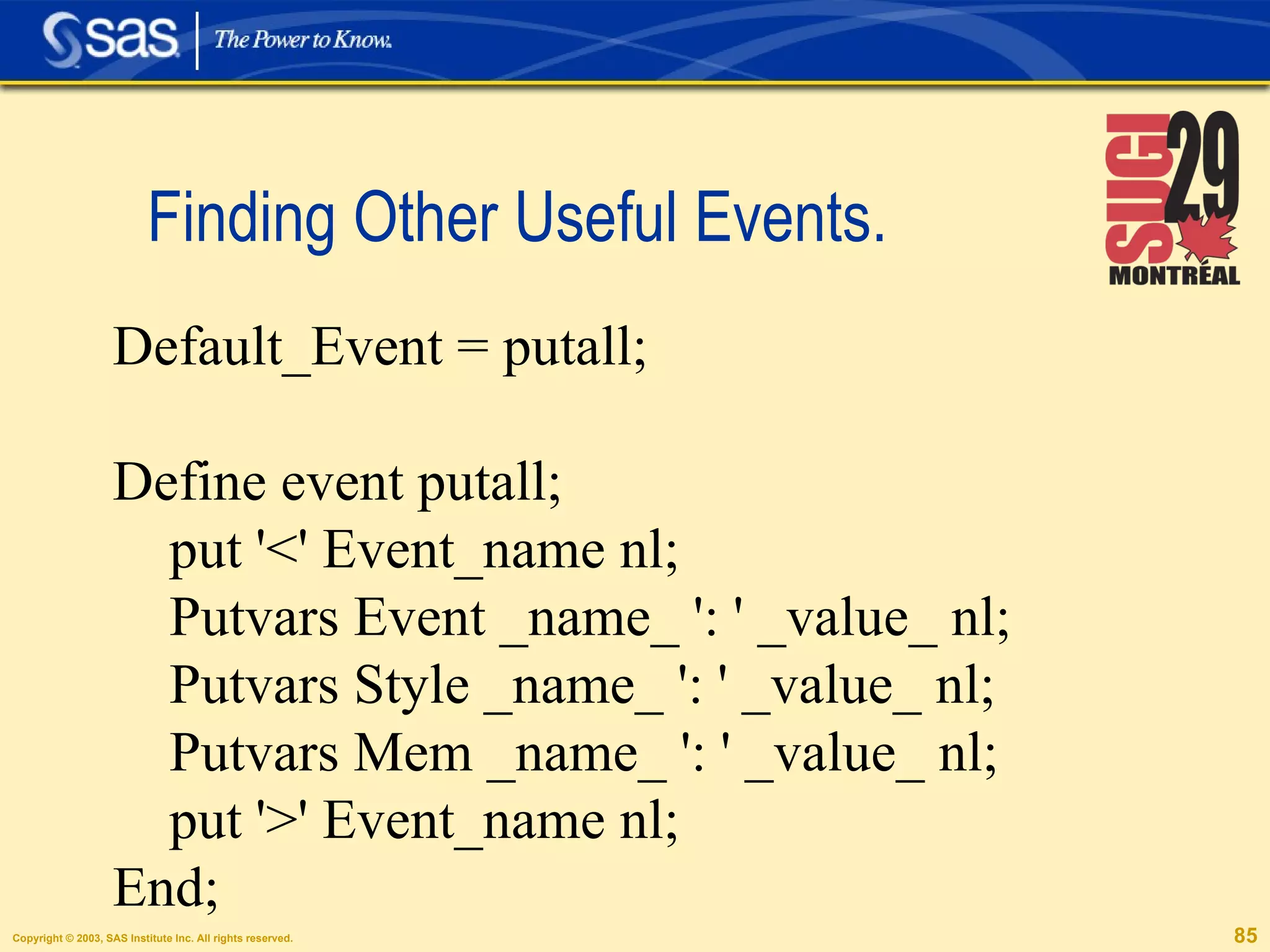
Finding Other Useful Events.  Default_Event = putall; Define event putall; put '<' Event_name nl; Putvars Event _name_ ': ' _value_ nl; Putvars Style _name_ ': ' _value_ nl; Putvars Mem _name_ ': ' _value_ nl; put '>' Event_name nl; End;
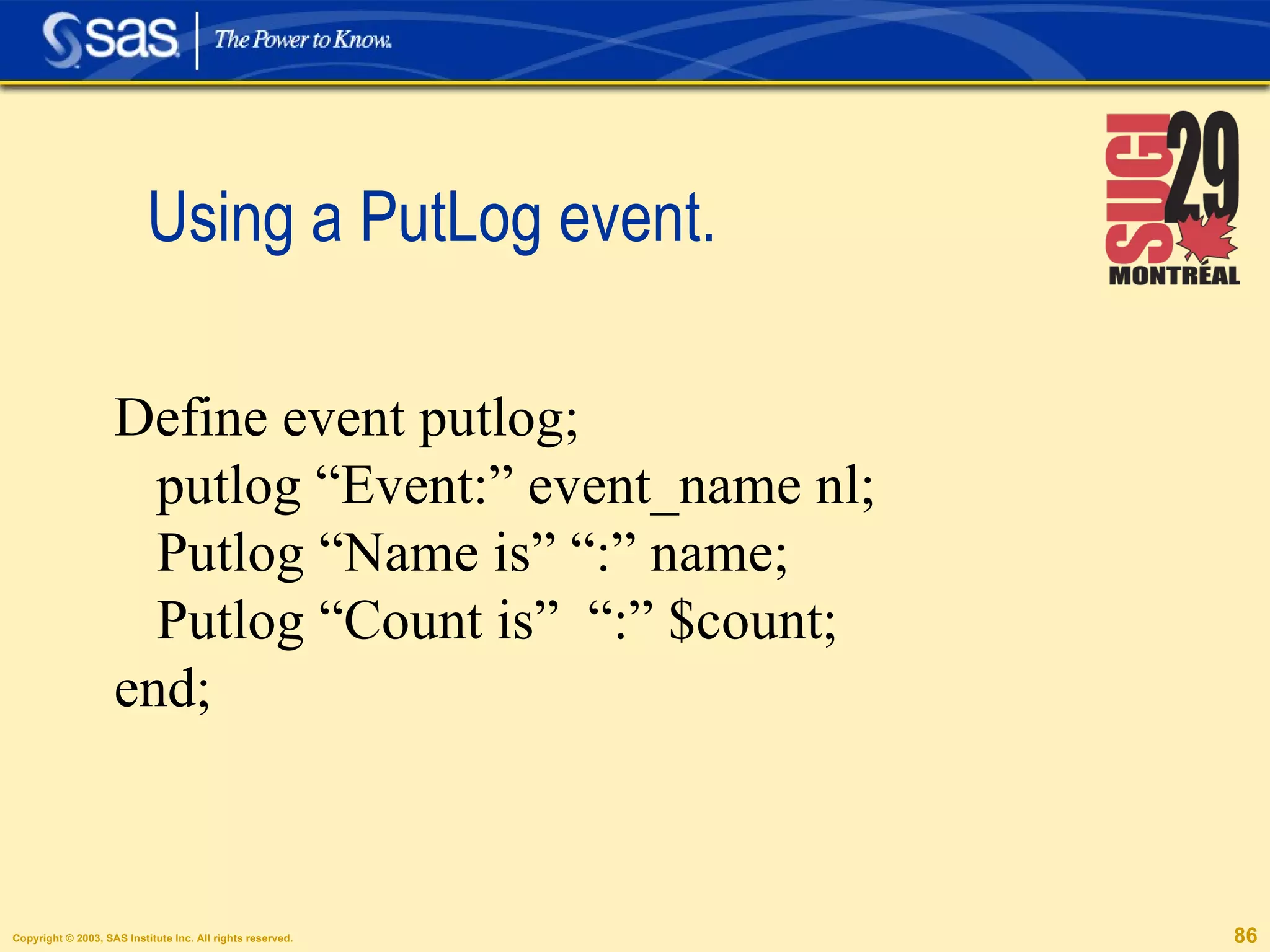
Using a PutLog event.  Define event putlog; putlog “Event:” event_name nl; Putlog “Name is” “:” name; Putlog “Count is”  “:” $count; end;
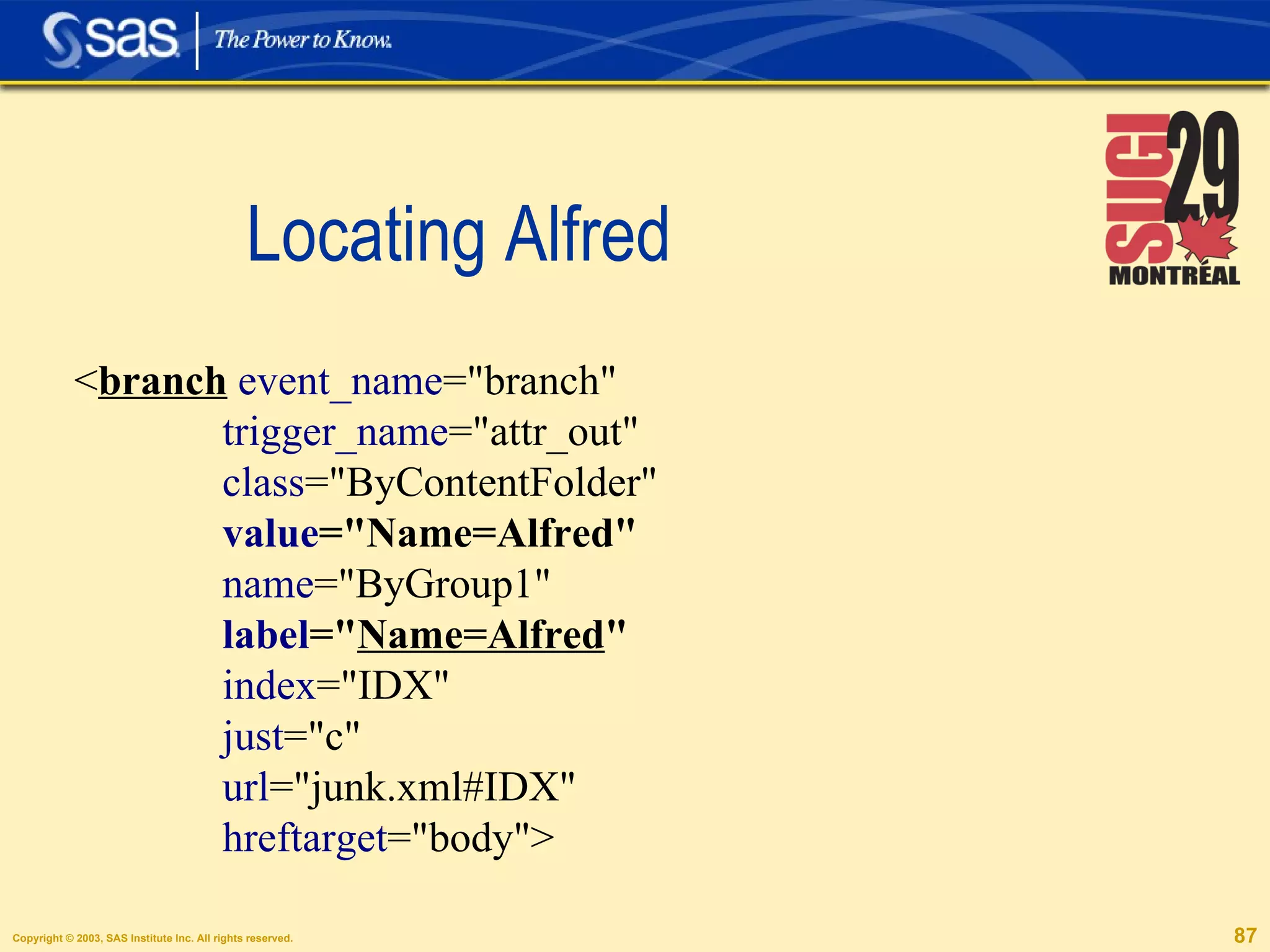
Locating Alfred < branch   event_name =&quot;branch&quot;  trigger_name =&quot;attr_out&quot;  class =&quot;ByContentFolder&quot;  value =&quot;Name=Alfred&quot;   name =&quot;ByGroup1&quot;  label =&quot; Name=Alfred &quot;   index =&quot;IDX&quot;  just =&quot;c&quot;  url =&quot;junk.xml#IDX&quot;  hreftarget =&quot;body&quot;>
A Solution. proc template; define tagset tagsets.gifs2; define event branch; set $name scan(label, 2, '=');  end; define event image; put url &quot;  &quot; $name nl;  end;  end; run;
 
Useful Links   ODS Markup, New Tagsets, Howto's. http://support.sas.com/rnd/base/topics/odsmarkup/ Introduction to Tagsets. http://support.sas.com/rnd/base/topics/odsmarkup/tagsets.html The Template FAQ. http://support.sas.com/rnd/base/topics/templateFAQ/Template.html [email_address] [email_address]

Ods Markup And Tagsets: A Tutorial

  • 1.
    ODS Markup andTagsets, A tutorial. Eric Gebhart
  • 2.
  • 3.
  • 4.
    ODS Markup &Tagsets
  • 5.
  • 6.
    Proc Template. Itis NOT what you think it is!
  • 7.
    Tagsets are ODSDestinations ODS Markup tagset=HTML4 .... ODS Tagsets.HTML4 .... ODS HTML4 .... ODS HTML ....
  • 8.
    ODS HTML is ODS Markup!
  • 9.
    ods tagsets.short_map file = &quot;body.xml&quot; frame = &quot;frame.xml&quot; contents = &quot;contents.xml&quot; pages = &quot;pages.xml&quot; code = &quot;code.xml&quot; data = &quot;data.xml&quot; stylesheet = &quot;stylesheet.xml&quot;; ods _all_ close; The ODS Markup Statement
  • 10.
    Special, Named Destinations.HTML, PHTML, HTMLCSS, HTML4, CHTML CSV, CSVByline, CSVAll LaTeX, Troff XML, SASReport, DocBook IMode
  • 11.
    What is Different? One more output file. Stylesheet Behavior. More Options.
  • 12.
    The same optionsas before. Ods html file='test.html' ( headtext ='<meta text=”my headtext”>', metatext ='text=”my meta text”, url =' http://www.sas.com/test.html ' ) newfile =table;
  • 13.
    Multiple Stylesheet URL's!ODS html file = ”test.html” stylesheet = ”test.css” (url=” test.css corp.css corpnav.css ”);
  • 14.
    Multiple Personality Disorder.Ods tagsets.myhtml file=”test.html” Alias=”NoNotes”;
  • 15.
    Make up yourown Options! ODS tagsets.test file=”test.txt” options ( embedded_titles = 'yes' Orientation = 'landscape' Doc = 'Help');
  • 16.
    Options inside thetagset. define tagset tagsets.test; define event initialize; putvars $options _name_ ': ' _value_ nl; end; end;
  • 17.
    The tagset Output.EMBEDDED_TITLES: yes ORIENTATION: landscape DOC: Help
  • 18.
    One more methodof control! ODS tagsets.htmlpanel file = ”test.html”; ODS tagsets.htmlpanel event = panel(start); ... ... ODS tagsets.htmlpanel event = panel(finish); ODS tagsets.htmlpanel close;
  • 19.
    ODS Markup islike ODS HTML, PLUS!
  • 20.
    Getting a listProc template; list tagsets; Listing of: SASHELP.TMPLMST Path Filter is: Tagsets Sort by: PATH/ASCENDING Obs Path Type 1 Tagsets Dir 2 Tagsets.Chtml Tagset 3 Tagsets.Colorlatex Tagset 4 Tagsets.Csv Tagset
  • 21.
    The HTML FamilyPhtml HtmlCss Html4 Chtml Imode (chtml)
  • 22.
    PHTML, Plain HTML.Simple 12 element Stylesheet No class attributes. No Fancy features.
  • 23.
  • 24.
    HTML4 is ODS HTML Same as HtmlCSS More like Previous Releases
  • 25.
    CHTML -Compact HTML. iSNo Subset of HTML. No Styles. Super Set of Imode.
  • 26.
    Data Transport and Excel. CSV, CSVByline, CSVAll PYX MSOffice2K ExcelXP DDE http://support.sas.com/news/feature/04jul/excelsupport.html
  • 27.
    CSV &quot;Obs&quot;,&quot;Name&quot;,&quot;Sex&quot;,&quot;Age&quot;,&quot;Height&quot;,&quot;Weight&quot; &quot;1&quot;,&quot;Alfred&quot;,&quot;M&quot;,14,69.0,112.5&quot;2&quot;,&quot;Alice&quot;,&quot;F&quot;,13,56.5,84.0 &quot;3&quot;,&quot;Barbara&quot;,&quot;F&quot;,13,65.3,98.0
  • 28.
    PYX (data -AlfredAtype &quot;string&quot; Ajust &quot;l&quot; Acolcount &quot;1&quot; Acol &quot;2&quot; Asection &quot;body&quot; Aclass &quot;Data&quot; )data
  • 29.
  • 30.
    Publications, Papers, PDF. LaTeX Troff DocBook
  • 31.
    LaTeX Tagsets LaTeXSimpleLaTeX TablesOnlyLaTeX
  • 32.
    Combined Slide Bars - PDF via LaTeX
  • 33.
    Other Miscellaneous Tagsets.ODSStyle Style_Popup Style_Display NamedHTML MVSHTML
  • 34.
  • 35.
  • 36.
    Events Define Actions& Output. define event doc; start: put HTMLDOCTYPE nl; put “<html>” nl; finish: put &quot;</html>&quot; nl; end;
  • 37.
    A very simpletagset. proc template; define tagset tagsets.plain ; define event data ; put “Data: “ value nl; end; define event header ; put “Header: “ value nl; end; end; run;
  • 38.
    Header: Obs Header:Name Header: Sex Header: Age Header: Height Header: Weight Header: 1 Data: Alfred Data: M Data: 14 Data: 69.0 Data: 112.5 ods tagsets.plain file=&quot;plain.txt&quot;; proc print data=sashelp.class;run; ods tagsets.plain close;
  • 39.
    Label, Value PairsBecomes this: <Table background=&quot;grey&quot; foreground=&quot;blue&quot; cellpadding=&quot;5&quot;> Putq '<Table' ' background=' background; putq 'foreground=' foreground; putq 'cellpadding=' cellpadding; put '>' nl; With no attribute values, it becomes: <Table>
  • 40.
    If Statements .Put 'Foreground is blue!' nl /if cmp ('blue', foreground); Put 'Foreground is not red!' nl /if ^ cmp ('red', foreground);
  • 41.
    AND and OR, sort of... Put 'Some variables have a value.' nl /if any (background, foreground, cellpadding, value); Put 'All variables have a value.'' nl /if exists (background, foreground, cellpadding, value);
  • 42.
    Contains a Substring. Set $myvar “this is random text”; put “myvar has ran” nl /if contains ($myvar, “ran”);
  • 43.
    Simple if test,Where clauses . Set $myvar “this is random text”; Set $mytest “True”; put “myvar has length” nl /if $myvar; put “longer than 10” nl /if length($myvar) > 10 break /if $mytest;
  • 44.
    Break, Breakif Break /if ^$options; Trigger alternate_event /if $do_something_else; Break /if $do_something_else; Trigger alternate_event /breakif $do_something_else;
  • 45.
    A list ofimages. proc template; define tagset tagsets.gifs ; define event branch ; put label &quot; &quot;; end; define event image ; put url nl; end; end; run;
  • 46.
    The Output Name=Alfred temp/gplot.gif Name=Alice temp/gplot1.gif Name=Barbara temp/gplot2.gif
  • 47.
    A Prettier Report.proc template; define tagset tagsets.gifs2 ; define event branch ; set $name scan( label , 2, '='); end; define event image ; put url &quot; &quot; $name nl; end; end; run;
  • 48.
    Nicer looking Outputtemp/gplot.gif Alfred temp/gplot1.gif Alice temp/gplot2.gif Barbara
  • 49.
    The Set Statement.set $myvar “foreground is” forground ; Always creates a string. Variables always start with $.
  • 50.
    The Eval Statement.Eval $count 0; Eval $count $count + 1; set $myvar “this is a test”; Eval $index index($myvar, 'test');
  • 51.
    Data Step Functions.Can be used anywhere. Cannot be nested except in where clauses.
  • 52.
  • 53.
    SQL ??? Createtable CLASS (Name varchar(7), Sex varchar(1), Age float, Height float, Weight float); Insert into CLASS(Name, Sex, Age, Height, Weight) Values ('Alfred', 'M', 14, 69.0, 112.5); ... ...
  • 54.
    Dictionaries define eventtype_translations; set $types['string'] 'varchar'; set $types['double'] 'float'; set $types['int'] 'integer'; end; /* column name translation */ define event name_translations; set $name_trans['desc'] 'description'; end;
  • 55.
    The Initialize Eventdefine event initialize; trigger type_translations; trigger name_translations; /* types that need widths */ set $types_with_widths['string'] &quot;True&quot;; /* types that need quotes */ set $types_with_quotes['string'] &quot;True&quot;; end;
  • 56.
    Creating Lists defineevent colspec_entry; set $lowname lowcase(name); do /if $name_trans[$lowname]; set $names[] $name_trans[$lowname]; else; set $names[] $lowname; done;
  • 57.
    define event table_body;put &quot;Create table &quot; $table_name &quot;(&quot;; eval $i 1; unset $not_first; do /while $i <= $names; /* comma's only after the first name */ put ', ' /if $not_first; put $names[$i] &quot; &quot;; put $columns[$i]; eval $i $i+1; set $not_first &quot;True&quot;; done; put &quot;);&quot; nl; end;
  • 58.
    Looping through ADictionary iterate $types do /while _name_ ; put _name_ “: “ _value_ nl; next $types; done;
  • 59.
    XBRL, DataInterchange
  • 60.
  • 61.
  • 62.
    Streams . Designatedby $$ Can hold large amounts of data Not limited by memory Can be opened, closed and flushed.
  • 63.
    Streams by exampleopen junk; put “This goes to junk.” nl; put “ More stuff.” nl; close; open trash; put $$junk 'This goes to trash.'; putstream junk; put “ This goes to trash too.”; open junk; put “ Even more stuff”; close; set $$junk “A completely new junk.”; set $$junk $$junk “ Appending to the end”; unset $$junk
  • 64.
  • 65.
  • 66.
  • 67.
  • 68.
    Craeting Slide Bars.proc print data=sashelp.class; var name; var sex; var age; var height / style(data) = slider[just=center tagattr=&quot;slider-80&quot;]; var weight / style(data) = slider[just=center tagattr=&quot;slider-150&quot;]; run;
  • 69.
  • 70.
  • 71.
  • 72.
  • 73.
  • 74.
    Tagset Inheritance .Define tagset tagsets.SSV ; parent = tagsets.csv ; define event header ; start: put ';' / if ^cmp( COLSTART , &quot;1&quot;); put '&quot;'; put VALUE ; finish: put '&quot;'; end; .....
  • 75.
    Tagset Attributes Definetagset tagsets.mytags; map = '<>&'; mapsub = '/&lt;/&gt;/&amp;/'; nobreakspace = '&nbsp;' ; embedded_stylesheet = yes; output_type = html; lognote = “you are using my special tagset”;
  • 76.
    Using Options defineevent options_set ; trigger setup_options; end; define event setup_options; trigger nls_numbers; trigger options_setup ; trigger documentation ; end; ODS tagsets.excelxp options(embedded_titles='yes');
  • 77.
    Mvar embedded_titles; defineevent options_setup ; set $options['test'] &quot;test&quot; /if ^$options; do /if $options ['EMBEDDED_TITLES']; do /if cmp( $options ['EMBEDDED_TITLES'], &quot;yes&quot;); set $embedded_titles &quot;true&quot; ; else; unset $embedded_titles; done; else; do /if cmp(embedded_titles, &quot;yes&quot;); set $embedded_titles &quot;true&quot; ; else; unset $embedded_titles; done; done;
  • 78.
    Creating Help anddocumentation. define event documentation; break /if ^$options; trigger quick_reference /if cmp($options['DOC'], 'quick'); trigger help /if cmp($options['DOC'], 'help'); end; define event help ; putlog &quot;============================== “; putlog “The EXCELXP Tagset Help Text.&quot;; ... trigger quick_reference; end;
  • 79.
    Extended Procedural Controls.Eval $count 10; do /while $count < 10; eval $count $count+1; stop /if $count = 9; continue /if $count = 3; put $count nl; else; put “Count was already > 10” nl; done;
  • 80.
    Else If do/if $count < 10; put “count is < 10”; nl; else /if $count = 11; put “Count is11” nl; else /if $count = 12; put “Count is 12” nl; else; put “Count is > 12” nl; done;
  • 81.
    A process forTagset Creation Define the goal Identify an Event Locate the Event Code Explore the available variables.
  • 82.
    Identify and Locate.Search the Output to be modified. Search the Tagset for the corresponding Event Search the Output of the Event_Map Tagset. Look for convienent events with short_map.
  • 83.
    Finding & Exploring with Event Map. ods tagsets.event_map file=&quot;map.xml&quot;; < image event_name =&quot; image &quot; trigger_name =&quot;attr_out&quot; output_name =&quot;Gplot&quot; output_label =&quot;Plot of Weight * Height&quot; index =&quot;IDX&quot; j ust =&quot;c&quot; url =&quot; gplot.gif &quot; />
  • 84.
    Exploring Variables withPutvars. Put “Event variables” nl; Putvars Event _name_ ': ' _value_ nl; Put “Style variables” nl; Putvars Style _name_ ': ' _value_ nl; Put “Options” nl; Putvars $Options _name_ ': ' _value_ nl;
  • 85.
    Finding Other UsefulEvents. Default_Event = putall; Define event putall; put '<' Event_name nl; Putvars Event _name_ ': ' _value_ nl; Putvars Style _name_ ': ' _value_ nl; Putvars Mem _name_ ': ' _value_ nl; put '>' Event_name nl; End;
  • 86.
    Using a PutLogevent. Define event putlog; putlog “Event:” event_name nl; Putlog “Name is” “:” name; Putlog “Count is” “:” $count; end;
  • 87.
    Locating Alfred <branch event_name =&quot;branch&quot; trigger_name =&quot;attr_out&quot; class =&quot;ByContentFolder&quot; value =&quot;Name=Alfred&quot; name =&quot;ByGroup1&quot; label =&quot; Name=Alfred &quot; index =&quot;IDX&quot; just =&quot;c&quot; url =&quot;junk.xml#IDX&quot; hreftarget =&quot;body&quot;>
  • 88.
    A Solution. proctemplate; define tagset tagsets.gifs2; define event branch; set $name scan(label, 2, '='); end; define event image; put url &quot; &quot; $name nl; end; end; run;
  • 89.
  • 90.
    Useful Links ODS Markup, New Tagsets, Howto's. http://support.sas.com/rnd/base/topics/odsmarkup/ Introduction to Tagsets. http://support.sas.com/rnd/base/topics/odsmarkup/tagsets.html The Template FAQ. http://support.sas.com/rnd/base/topics/templateFAQ/Template.html [email_address] [email_address]