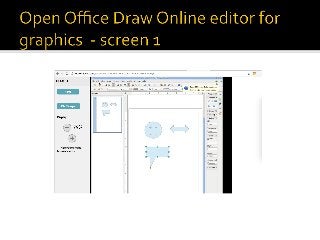
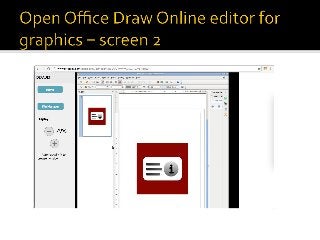
You can create and edit draws, graphics and diagrams with our app OpenOffice Draw Online.
This is the OpenOffice Draw Linux app so it is a drawing tool that helps to create graphics, either a quick sketch or a complex engineering plan. This is an app for those who needs to effectively work with graphics and diagrams.
OpenOffice Draw main features are:
- Styles and Formatting help to put all your graphics styles at your fingertips;
- The 3D controller puts spheres, rings, cubes, etc. at your disposal;
- Sophisticated rendering lets you create photorealistic images;
- Smart connectors make short work of flowcharts, organization charts, network diagrams, etc;
- Dimension lines automatically calculate and display linear dimensions as you draw;
- Use the picture Gallery for clipart; create your own art and add it to the Gallery;
- Arrange objects: group, ungroup, regroup, and edit objects while grouped;
- Manipulate objects, rotate them in two or three dimensions;
- Save your graphics in OpenDocument format;
- Import graphics from all common formats (including BMP, GIF, JPEG, PNG, TIFF, and WMF).