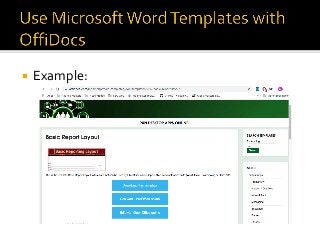
This is a presentation about how OffiDocs provides a section in its website with a lot of templates that are compliant with LibreOffice online Writer, Microsoft Word and Office 365. This section goal is to offer to our end users a way to avoid duplicating repetitive actions when creating new text documents.
There are 3 ways to access to the OffiDocs Doc templates section:
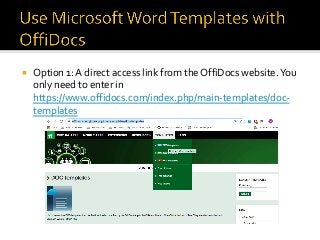
• A direct access link from the OffiDocs website. You only need to enter in https://www.offidocs.com/index.php/main-templates/doc-templates
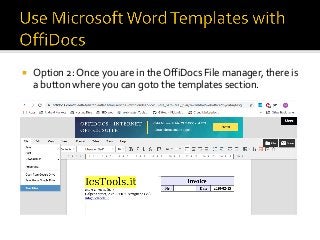
• Once you are in the OffiDocs File manager, there is a button where you can goto the templates section.
• When you are editing a word document online, you can also goto to the menu File > Templates.