
How to Improve Problem Solving
Skills
- JefferyYuan
Disclaimer
Just try to summarize what I have learned.
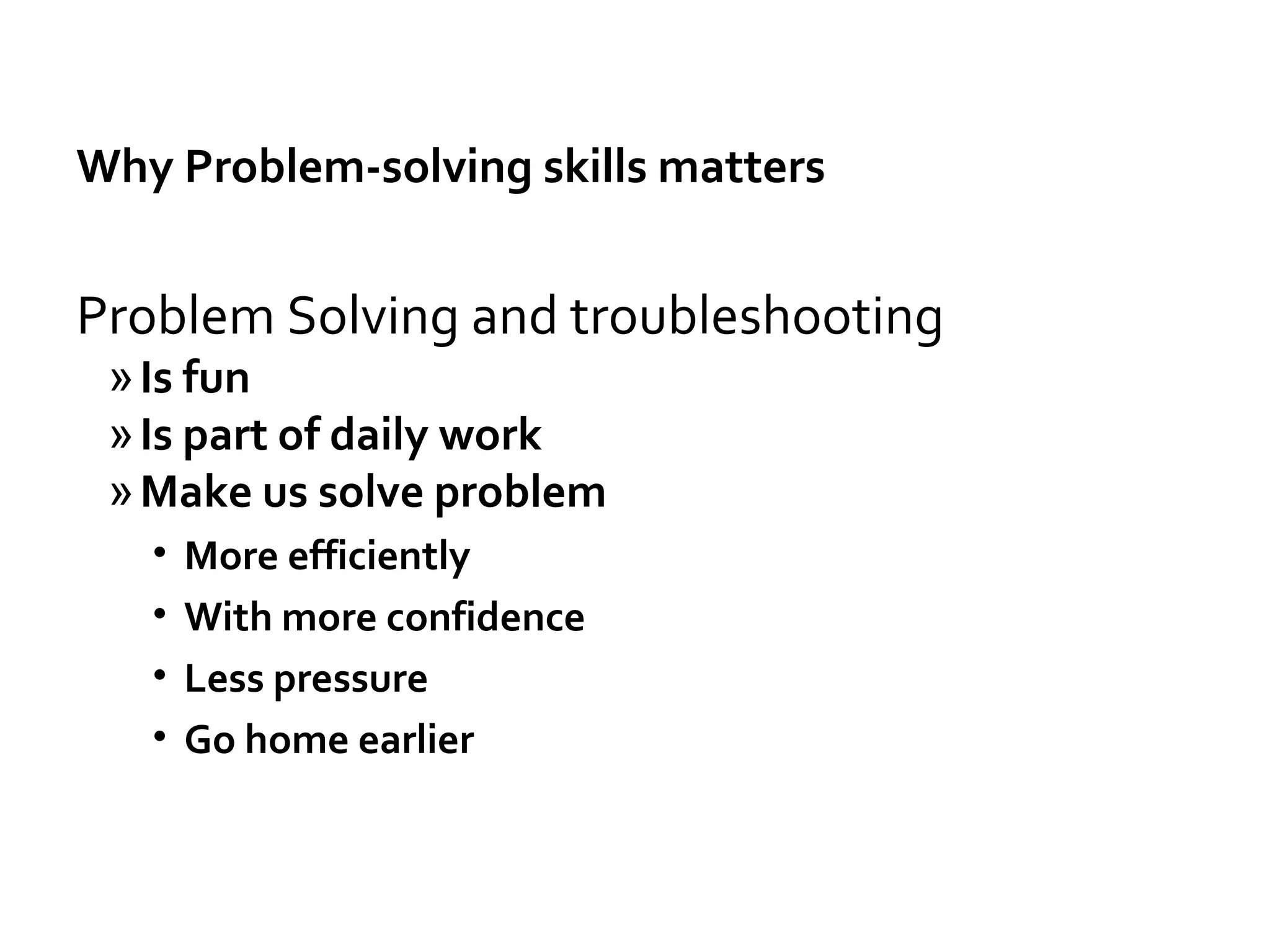
Why Problem-solving skills matters
Problem Solving and troubleshooting
»Is fun
»Is part of daily work
»Make us solve problem
• More efficiently
• With more confidence
• Less pressure
• Go home earlier
Why Problem-solving skills matters
»Solve the problem when needed
• no matter whether its not related with you
• It’s your responsibility if it blocks your or the team’s
work
Understand the problem/environment first
Understand the problem before google search otherwise it
may just lead you to totally wrong directions.
Find related log/data
Copy logs/info that maybe related
Check the Log and Error Message
Read/Understand the error message
Where to find log
Common places: /var/log
From command line:
-Dcassandra.logdir=/var/log/cassandra
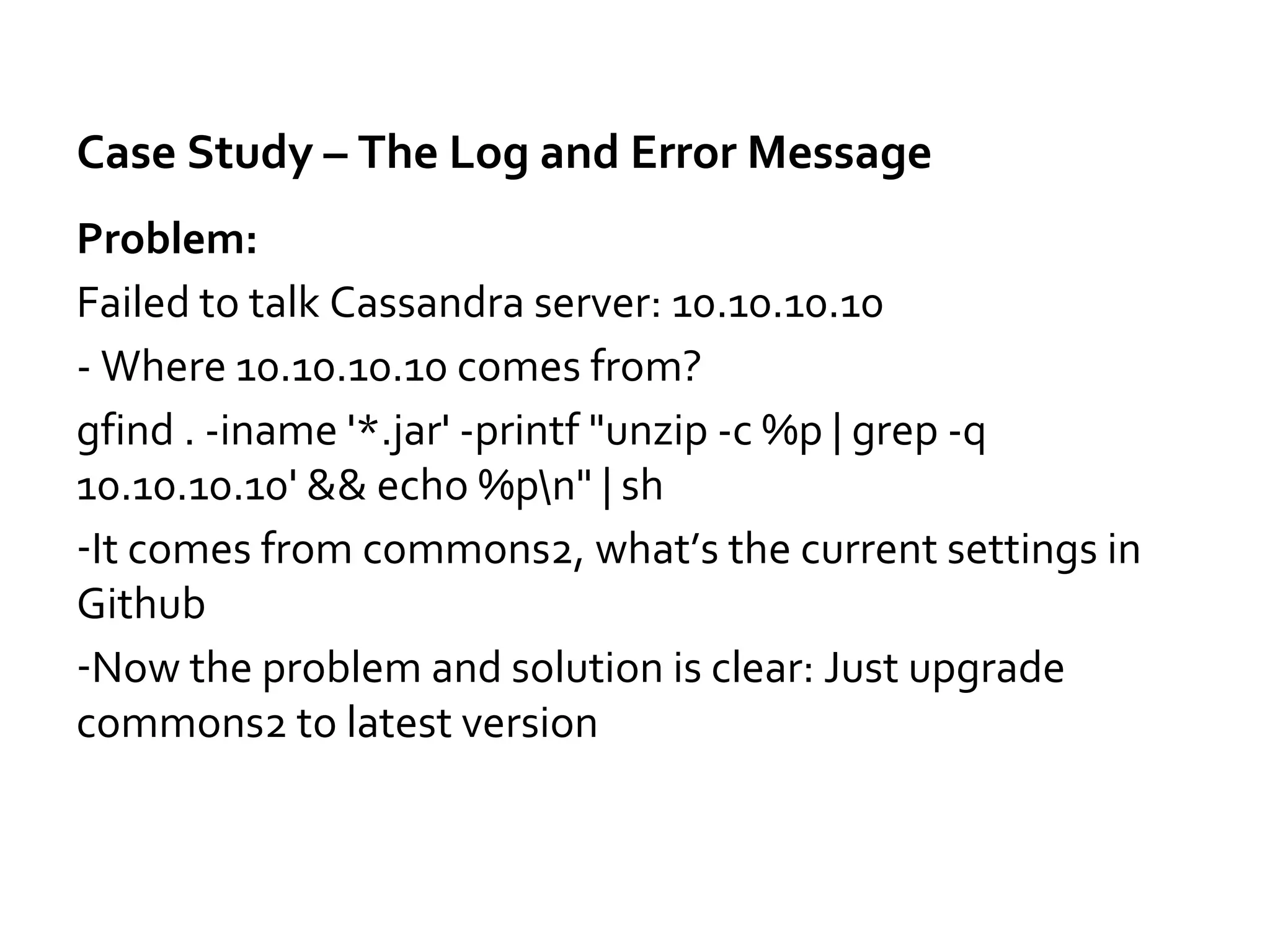
Case Study – The Log and Error Message
Problem:
Failed to talk Cassandra server: 10.10.10.10
- Where 10.10.10.10 comes from?
gfind . -iname '*.jar' -printf "unzip -c %p | grep -q
10.10.10.10' && echo %pn" | sh
-It comes from commons2, what’s the current settings in
Github
-Now the problem and solution is clear: Just upgrade
commons2 to latest version
Source code is always the ultimate truth
Find related code in Github
Find examples/working code
Understand how/why the code works by running and
debug the code
Check the log with the code
- Most problems can be solved by checking log and source
code
Reproduce the problem
Find easier way to reproduce them
- main method, unit test, mock
Simplify the suspect code
- Find the code related, remove things not realtedUse
Reproduce locally
Connect to the remote data in local dev
Remote debug
- Last resort, slow
Solving Problem from Different Angles
Sometime we find problem in production and we need
code change to fix it
-Try to find whether we can fix a workaround by changing
database/Solr or other configuration
-We can fix code later
Find Information Effectively
Google search: error message, exception
Search source code in Github/Eclipse
Search log
Search in IDE
-- Cmd+alt+h, cmd+h
Search command history
-- history | grep git | grep erase
-- history | grep ssh | grep 9042
Know company’s internal resource – where to find them
Know some experts (in company) you can ask help from
Ask for help
From coworkers
Stackoverflow
Specific forums
http://lucene.472066.n3.nabble.com/Solr-f472067.html
- Provide context and info you find
- Ask help for same/similar things once, then you know
how to do it
- Learn the knowledge itself
- But also learn their thinking process
Fix same/similar/related problems in other places
We make mistakes in one place
It's very likely we make same/similar/related in other places
GetMapping(value = "/config/{name:.+}")
Knowledge
Be prepared
Know what problem may happen, the difference etc
Know the services/libraries you are using
Apache/Tomcat configuration
How to manage/troubleshoot Cassandra/Kafka/Solr
Knowledge
Practice - Redis cache.put Hangs
- Get threaddump, figure out what is happening when read from cache
- Read related code to figure out how Spring implements @Cacheable(sync=true)
RedisCache$RedisCachePutCallback
- Check whether there is cacheName~lock in redis
When use some feature, know how it's implemented.
Knowledge
Common Problems – More to add in future
Different versions of same library
- mvn dependency:tree
- mvn dependency:tree -Dverbose
-Dincludes=com.amazonaws:aws-java-sdk-core
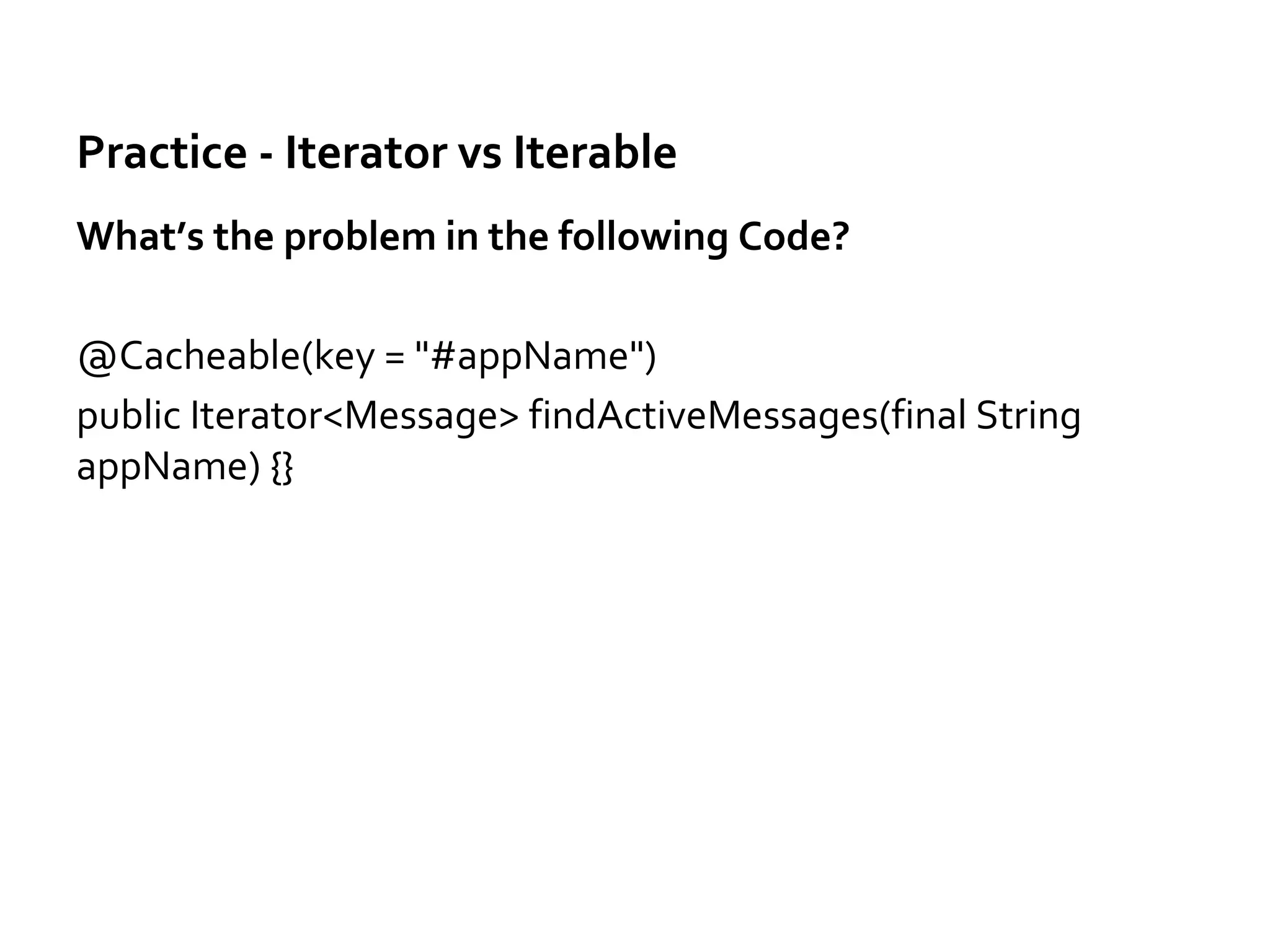
Practice - Iterator vs Iterable
What’s the problem in the following Code?
@Cacheable(key = "#appName")
public Iterator<Message> findActiveMessages(final String
appName) {}
Practice - Iterator vs Iterable
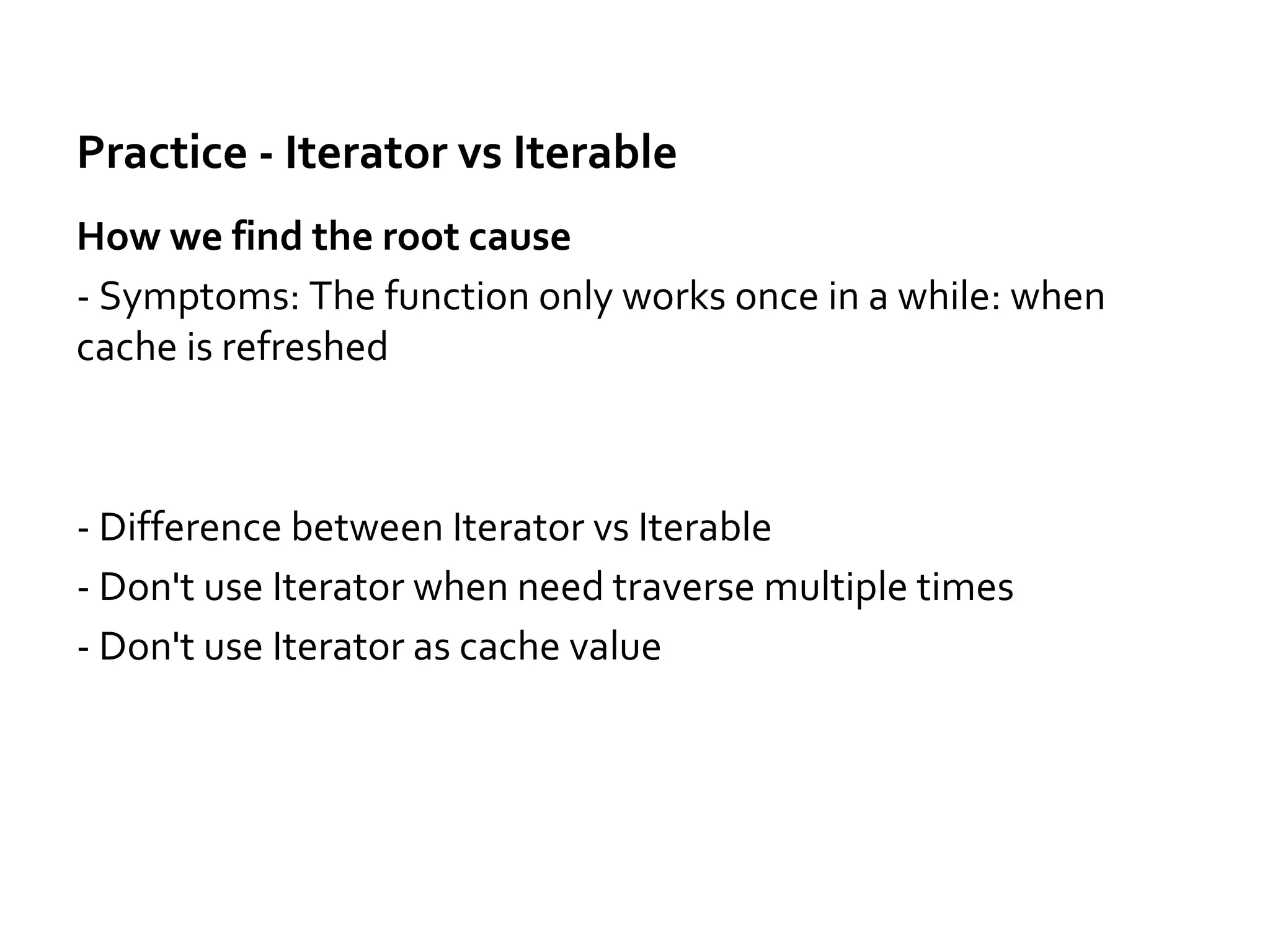
How we find the root cause
- Symptoms: The function only works once in a while: when
cache is refreshed
- Difference between Iterator vs Iterable
- Don't use Iterator when need traverse multiple times
- Don't use Iterator as cache value
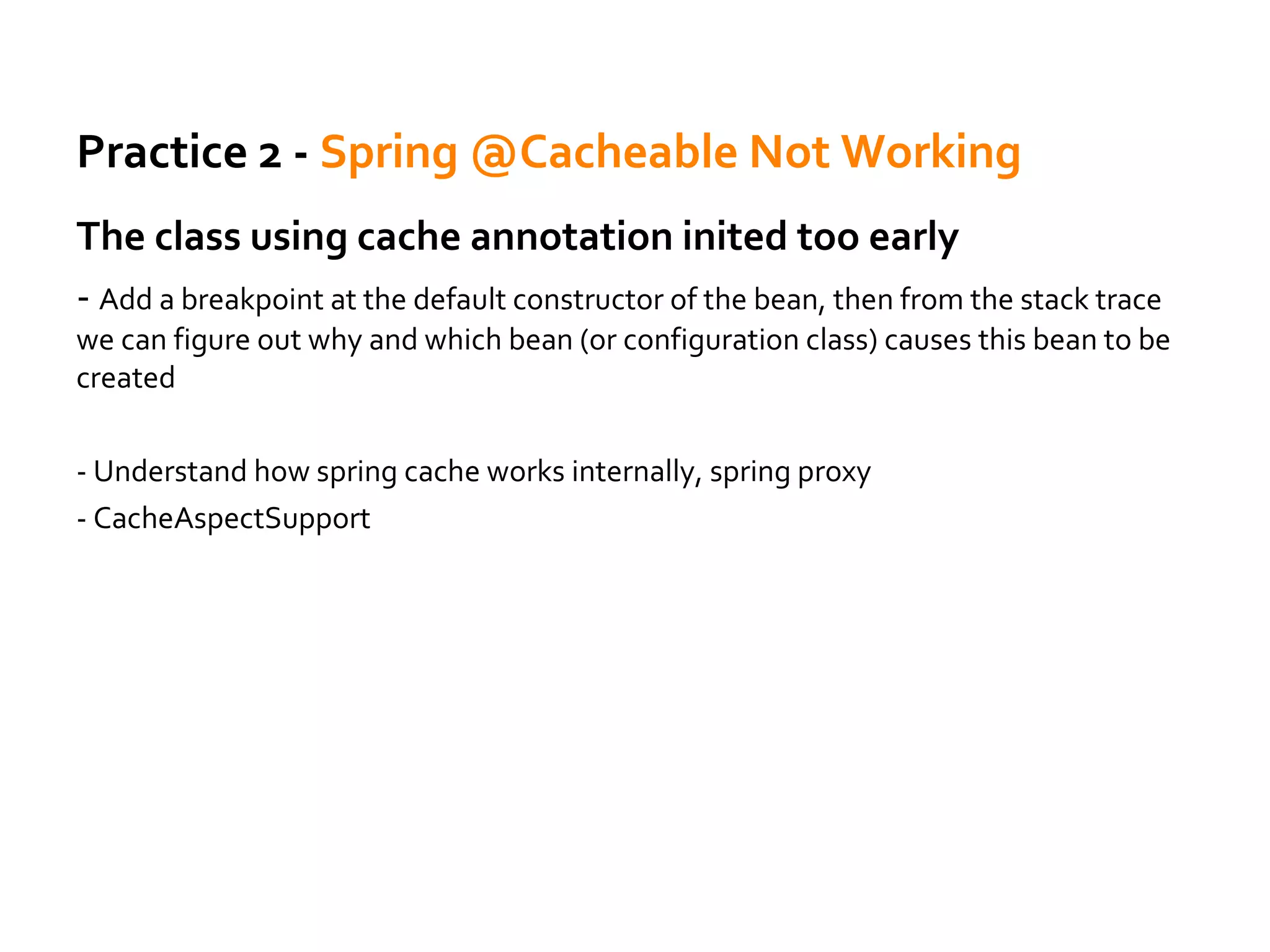
Practice 2 - Spring @Cacheable Not Working
The class using cache annotation inited too early
- Add a breakpoint at the default constructor of the bean, then from the stack trace
we can figure out why and which bean (or configuration class) causes this bean to be
created
- Understand how spring cache works internally, spring proxy
- CacheAspectSupport
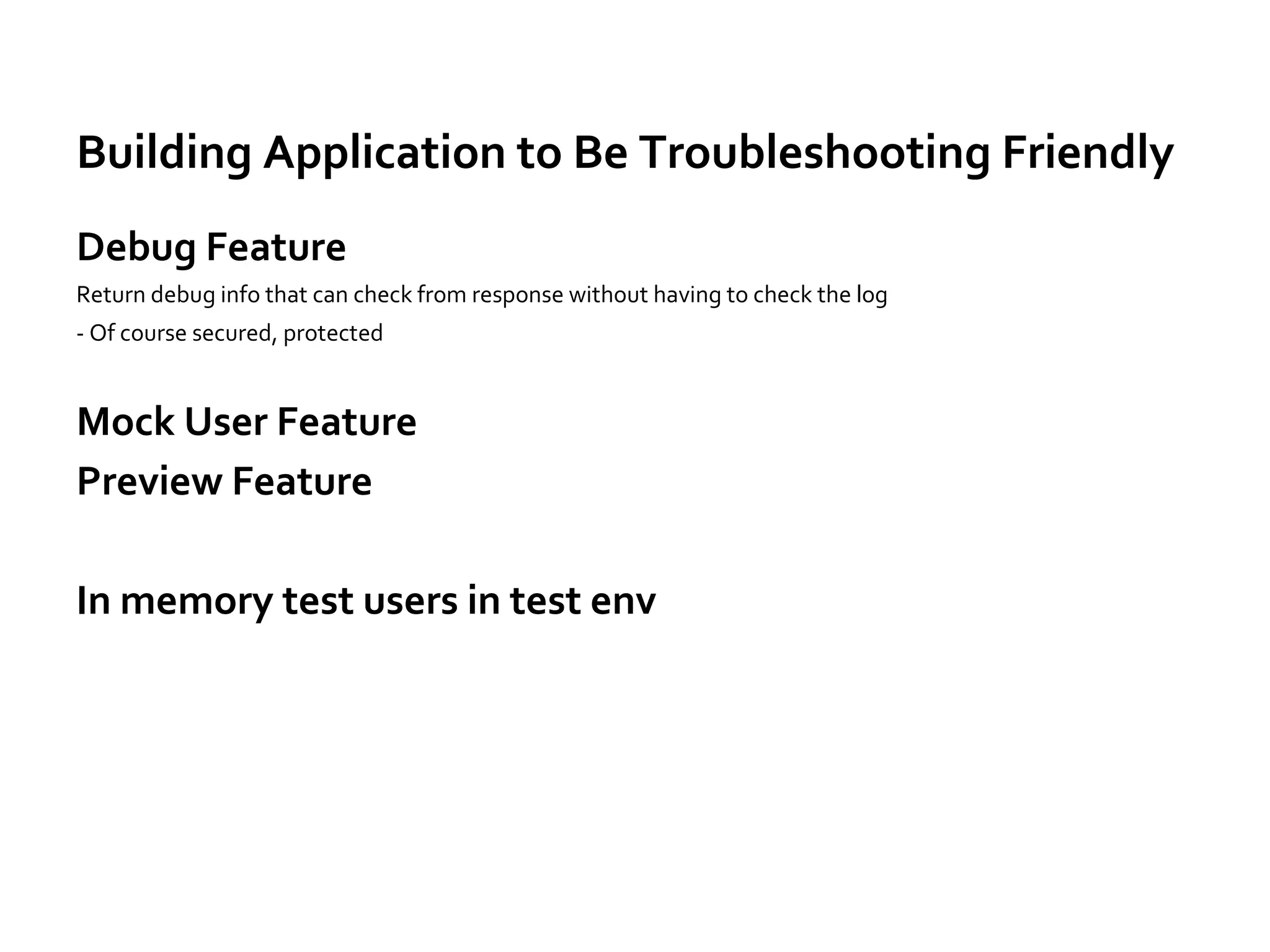
Building Application to Be Troubleshooting Friendly
Debug Feature
Return debug info that can check from response without having to check the log
- Of course secured, protected
Mock User Feature
Preview Feature
In memory test users in test env
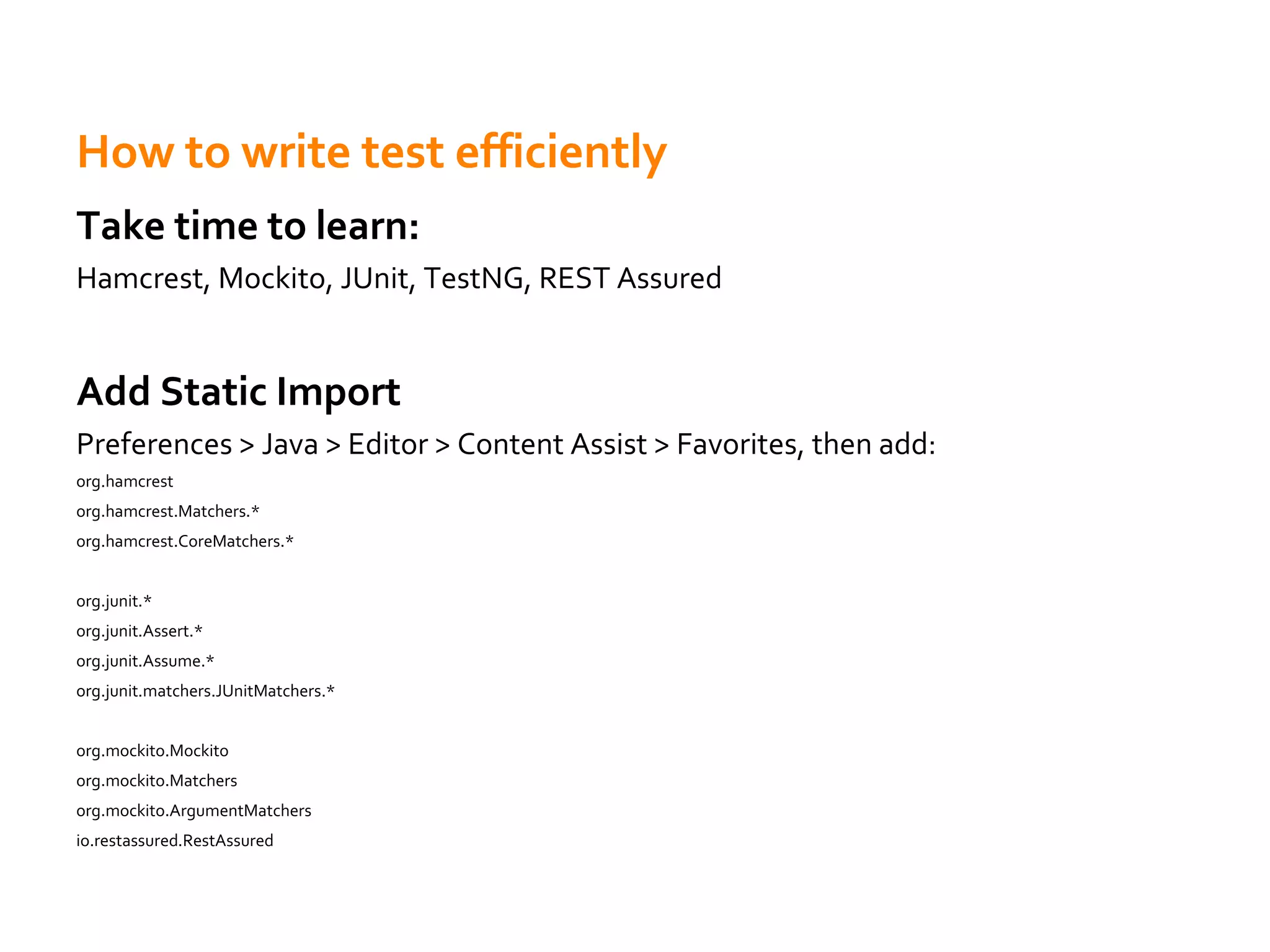
How to write test efficiently
Take time to learn:
Hamcrest, Mockito, JUnit, TestNG, REST Assured
Add Static Import
Preferences > Java > Editor > Content Assist > Favorites, then add:
org.hamcrest
org.hamcrest.Matchers.*
org.hamcrest.CoreMatchers.*
org.junit.*
org.junit.Assert.*
org.junit.Assume.*
org.junit.matchers.JUnitMatchers.*
org.mockito.Mockito
org.mockito.Matchers
org.mockito.ArgumentMatchers
io.restassured.RestAssured
Misc. – Part 1
Don't overcomplicate it.
- In most cases, the solution/problem is quite simple
Troubleshooting is about thinking what may go wrong.
Track what change you have made
Misc. – Part 2
When help others
-Ask what related change they have done
Ask help from others.
-Try to understand the problem and fix it by yourself first.
-Provide log or any information that may help others
understand the problem.
When work on urgent issues with others
-Collaborate timely
-Let others know what you are testing, what's your progress,
what you have found, what you will do next
-Listen to others
Misc. – Part 3
Think More
- Think over the code/problem, try to find better solution even it's already
fixed
Everything that stops you from working effectively is a problem
- No access, slack different teams etc
Fix them
Reflection: Lesson Learned
How we find the root cause
Why it takes so long
What we learned
What's the root cause
Why we made the mistake
How we can prevent this happens again
Share the knowledge in the team
Take time to solve problem, but only (take time to) solve it once
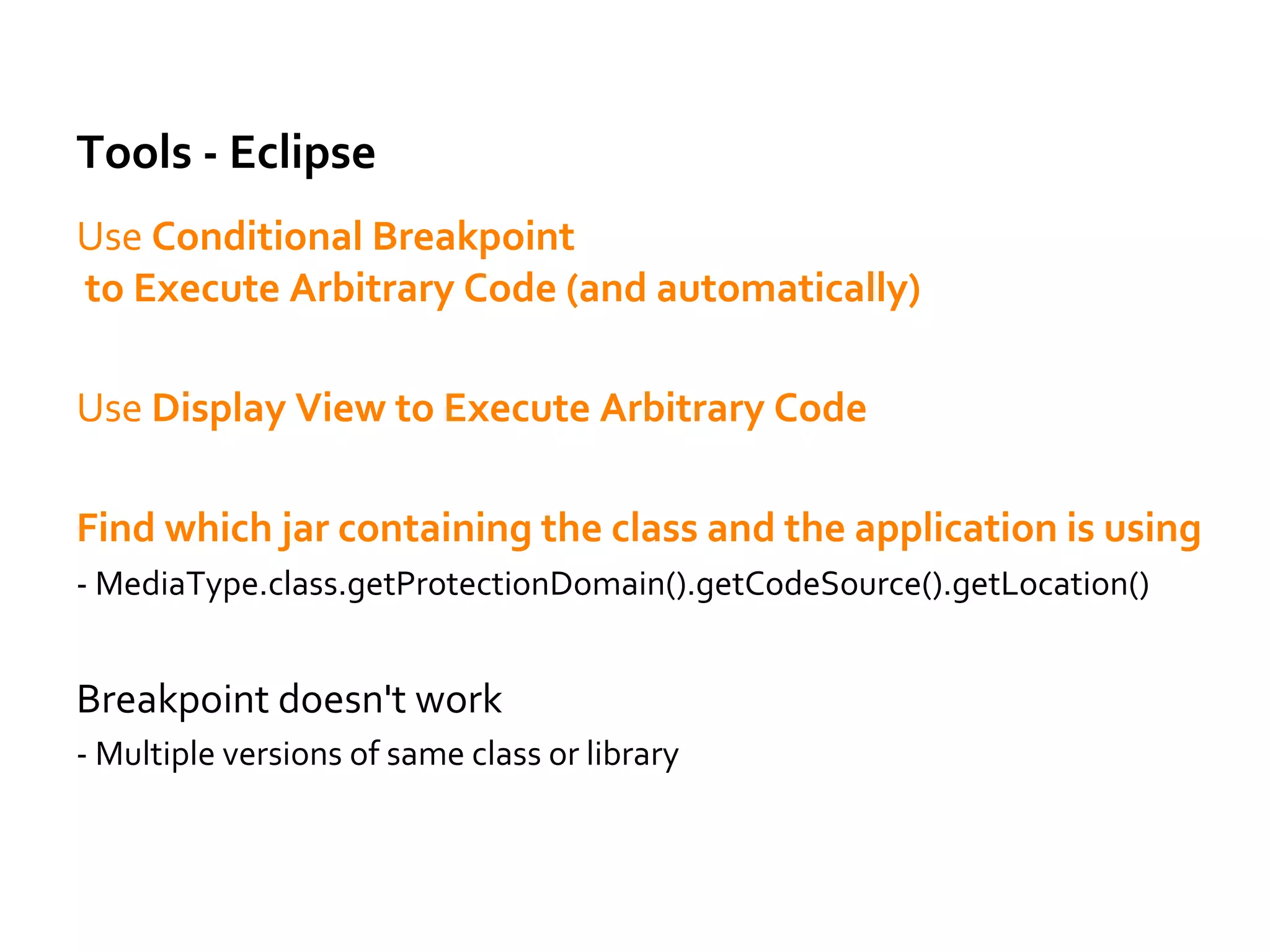
Tools - Eclipse
Use Conditional Breakpoint
to Execute Arbitrary Code (and automatically)
Use Display View to Execute Arbitrary Code
Find which jar containing the class and the application is using
- MediaType.class.getProtectionDomain().getCodeSource().getLocation()
Breakpoint doesn't work
- Multiple versions of same class or library
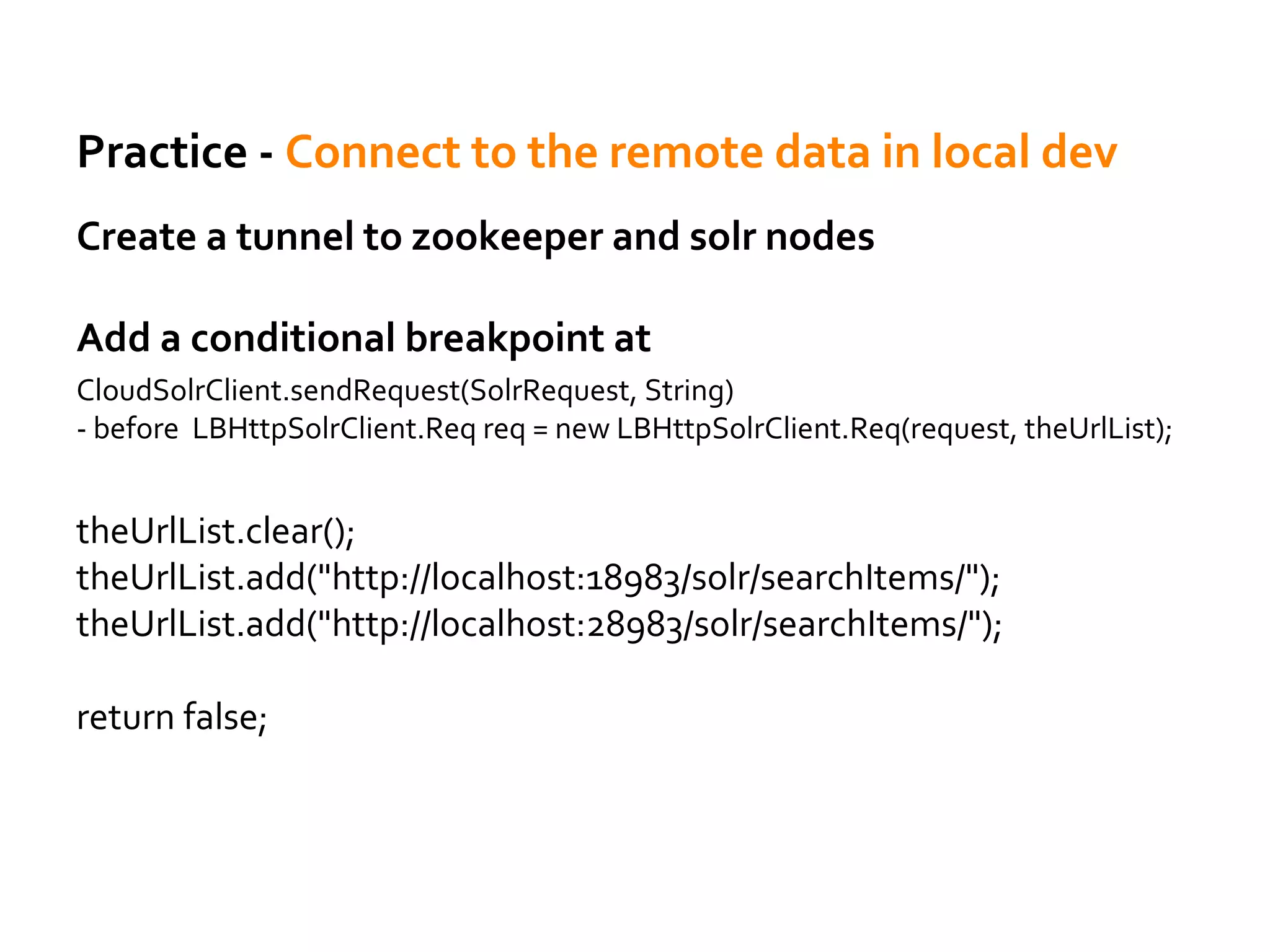
Practice - Connect to the remote data in local dev
Create a tunnel to zookeeper and solr nodes
Add a conditional breakpoint at
CloudSolrClient.sendRequest(SolrRequest, String)
- before LBHttpSolrClient.Req req = new LBHttpSolrClient.Req(request, theUrlList);
theUrlList.clear();
theUrlList.add("http://localhost:18983/solr/searchItems/");
theUrlList.add("http://localhost:28983/solr/searchItems/");
return false;
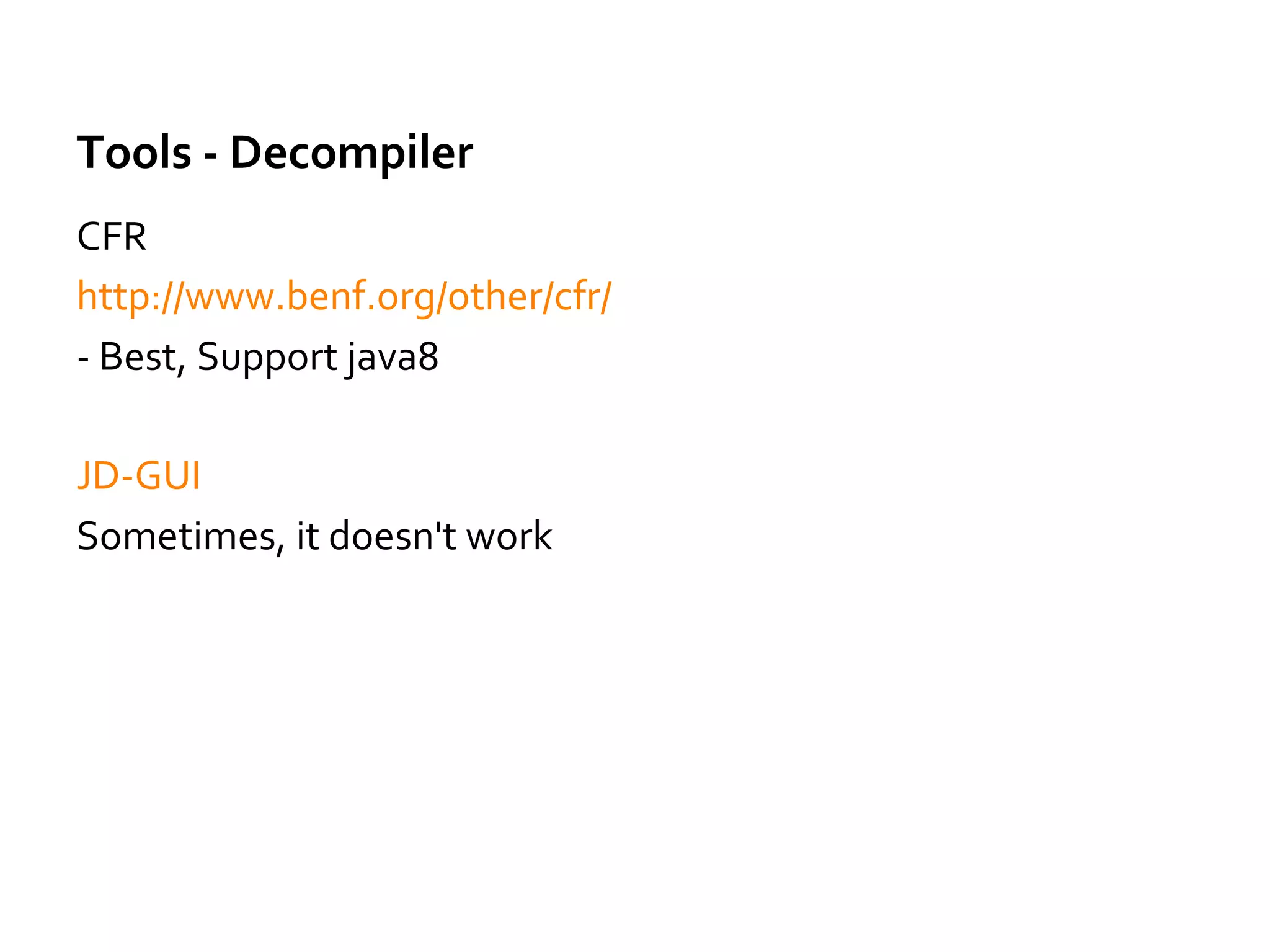
Tools - Decompiler
CFR
http://www.benf.org/other/cfr/
- Best, Support java8
JD-GUI
Sometimes, it doesn't work
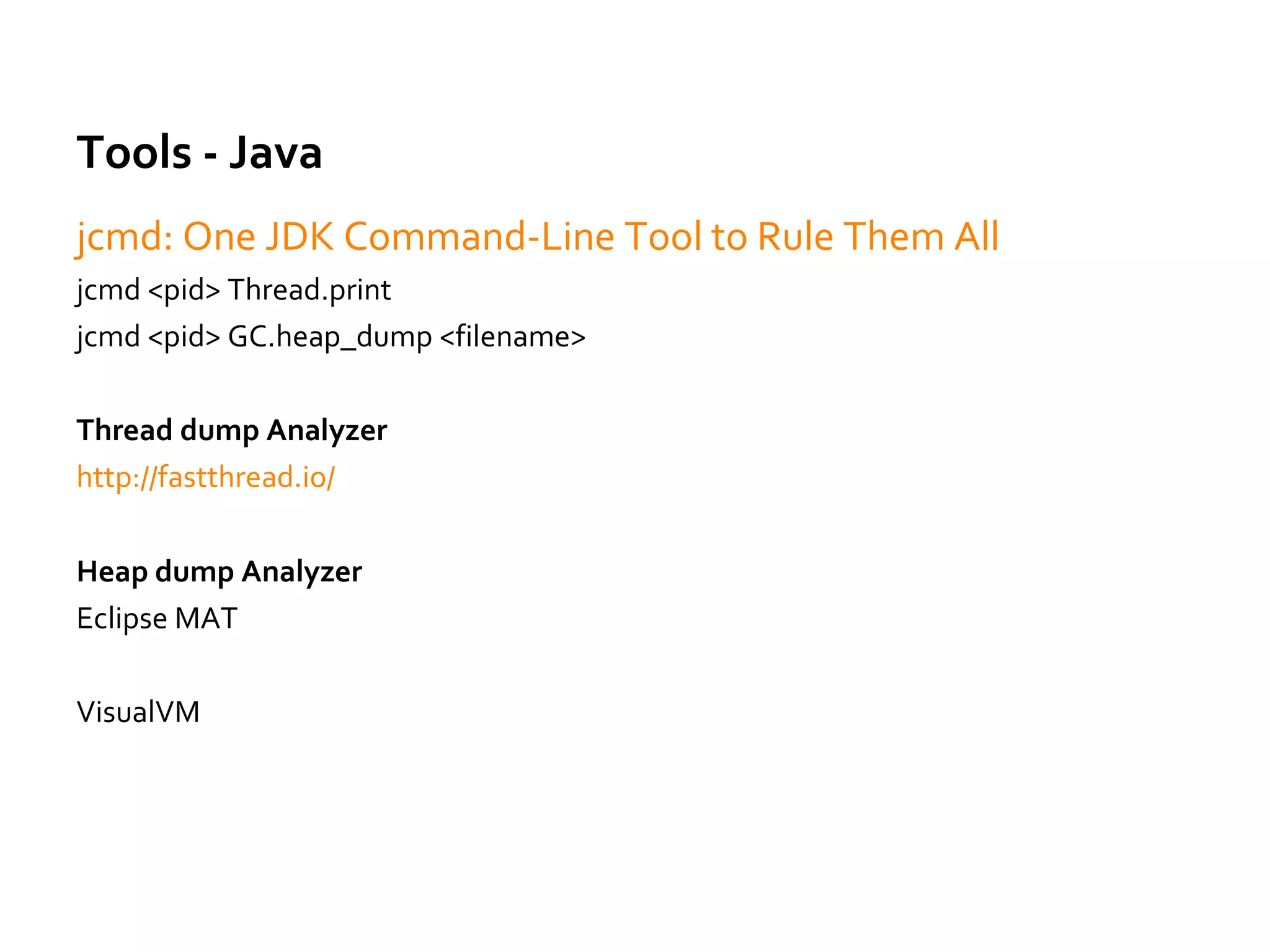
Tools - Java
jcmd: One JDK Command-Line Tool to Rule Them All
jcmd <pid> Thread.print
jcmd <pid> GC.heap_dump <filename>
Thread dump Analyzer
http://fastthread.io/
Heap dump Analyzer
Eclipse MAT
VisualVM
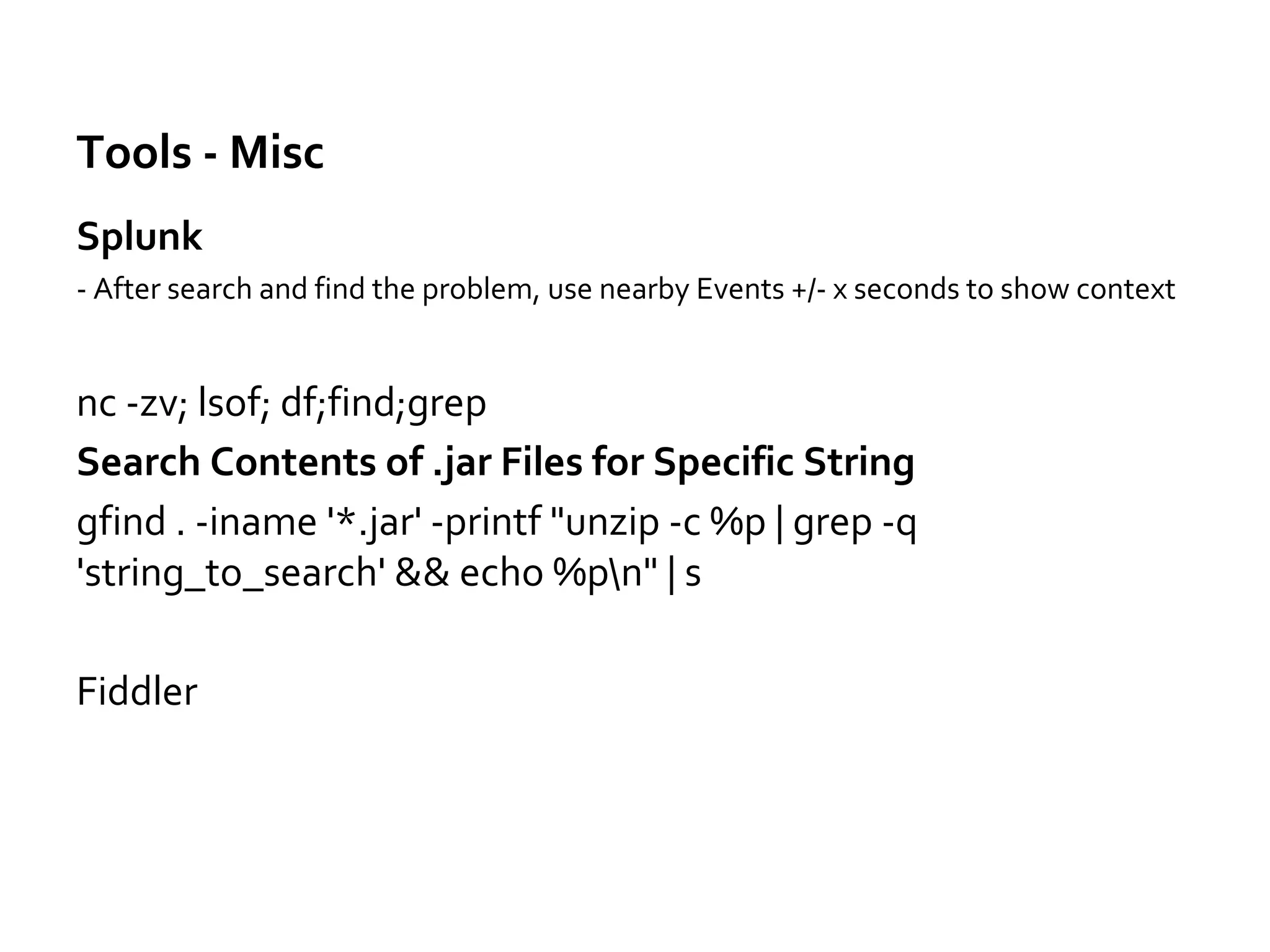
Tools - Misc
Splunk
- After search and find the problem, use nearby Events +/- x seconds to show context
nc -zv; lsof; df;find;grep
Search Contents of .jar Files for Specific String
gfind . -iname '*.jar' -printf "unzip -c %p | grep -q
'string_to_search' && echo %pn" | s
Fiddler
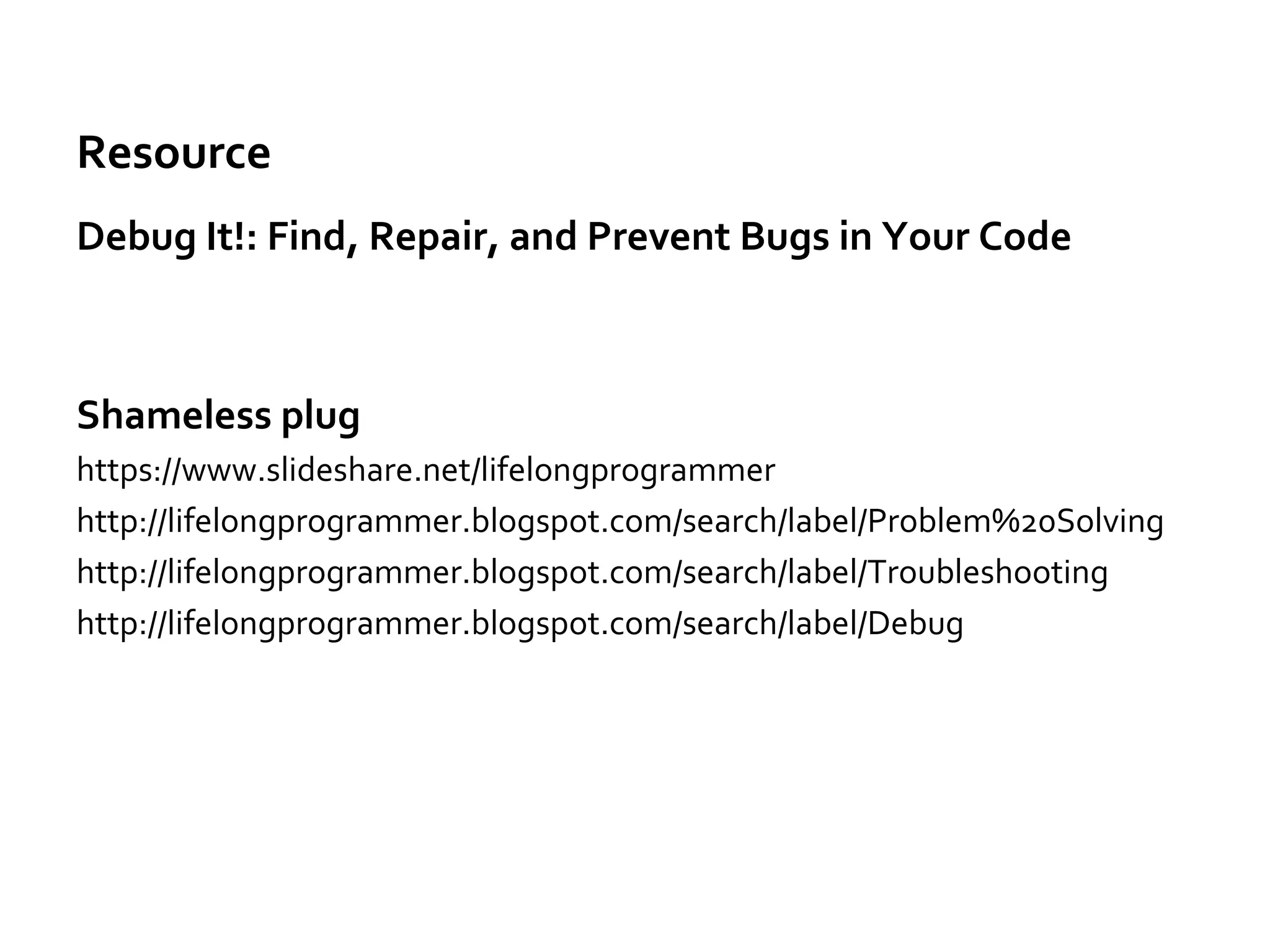
Resource
Debug It!: Find, Repair, and Prevent Bugs in Your Code
Shameless plug
https://www.slideshare.net/lifelongprogrammer
http://lifelongprogrammer.blogspot.com/search/label/Problem%20Solving
http://lifelongprogrammer.blogspot.com/search/label/Troubleshooting
http://lifelongprogrammer.blogspot.com/search/label/Debug

How to improve problem solving skills

  • 1.
    How to ImproveProblem Solving Skills - JefferyYuan
  • 2.
    Disclaimer Just try tosummarize what I have learned.
  • 3.
    Why Problem-solving skillsmatters Problem Solving and troubleshooting »Is fun »Is part of daily work »Make us solve problem • More efficiently • With more confidence • Less pressure • Go home earlier
  • 4.
    Why Problem-solving skillsmatters »Solve the problem when needed • no matter whether its not related with you • It’s your responsibility if it blocks your or the team’s work
  • 5.
    Understand the problem/environmentfirst Understand the problem before google search otherwise it may just lead you to totally wrong directions. Find related log/data Copy logs/info that maybe related
  • 6.
    Check the Logand Error Message Read/Understand the error message Where to find log Common places: /var/log From command line: -Dcassandra.logdir=/var/log/cassandra
  • 7.
    Case Study –The Log and Error Message Problem: Failed to talk Cassandra server: 10.10.10.10 - Where 10.10.10.10 comes from? gfind . -iname '*.jar' -printf "unzip -c %p | grep -q 10.10.10.10' && echo %pn" | sh -It comes from commons2, what’s the current settings in Github -Now the problem and solution is clear: Just upgrade commons2 to latest version
  • 8.
    Source code isalways the ultimate truth Find related code in Github Find examples/working code Understand how/why the code works by running and debug the code Check the log with the code - Most problems can be solved by checking log and source code
  • 9.
    Reproduce the problem Findeasier way to reproduce them - main method, unit test, mock Simplify the suspect code - Find the code related, remove things not realtedUse Reproduce locally Connect to the remote data in local dev Remote debug - Last resort, slow
  • 10.
    Solving Problem fromDifferent Angles Sometime we find problem in production and we need code change to fix it -Try to find whether we can fix a workaround by changing database/Solr or other configuration -We can fix code later
  • 11.
    Find Information Effectively Googlesearch: error message, exception Search source code in Github/Eclipse Search log Search in IDE -- Cmd+alt+h, cmd+h Search command history -- history | grep git | grep erase -- history | grep ssh | grep 9042 Know company’s internal resource – where to find them Know some experts (in company) you can ask help from
  • 12.
    Ask for help Fromcoworkers Stackoverflow Specific forums http://lucene.472066.n3.nabble.com/Solr-f472067.html - Provide context and info you find - Ask help for same/similar things once, then you know how to do it - Learn the knowledge itself - But also learn their thinking process
  • 13.
    Fix same/similar/related problemsin other places We make mistakes in one place It's very likely we make same/similar/related in other places GetMapping(value = "/config/{name:.+}")
  • 14.
    Knowledge Be prepared Know whatproblem may happen, the difference etc Know the services/libraries you are using Apache/Tomcat configuration How to manage/troubleshoot Cassandra/Kafka/Solr
  • 15.
    Knowledge Practice - Rediscache.put Hangs - Get threaddump, figure out what is happening when read from cache - Read related code to figure out how Spring implements @Cacheable(sync=true) RedisCache$RedisCachePutCallback - Check whether there is cacheName~lock in redis When use some feature, know how it's implemented.
  • 16.
    Knowledge Common Problems –More to add in future Different versions of same library - mvn dependency:tree - mvn dependency:tree -Dverbose -Dincludes=com.amazonaws:aws-java-sdk-core
  • 17.
    Practice - Iteratorvs Iterable What’s the problem in the following Code? @Cacheable(key = "#appName") public Iterator<Message> findActiveMessages(final String appName) {}
  • 18.
    Practice - Iteratorvs Iterable How we find the root cause - Symptoms: The function only works once in a while: when cache is refreshed - Difference between Iterator vs Iterable - Don't use Iterator when need traverse multiple times - Don't use Iterator as cache value
  • 19.
    Practice 2 -Spring @Cacheable Not Working The class using cache annotation inited too early - Add a breakpoint at the default constructor of the bean, then from the stack trace we can figure out why and which bean (or configuration class) causes this bean to be created - Understand how spring cache works internally, spring proxy - CacheAspectSupport
  • 20.
    Building Application toBe Troubleshooting Friendly Debug Feature Return debug info that can check from response without having to check the log - Of course secured, protected Mock User Feature Preview Feature In memory test users in test env
  • 21.
    How to writetest efficiently Take time to learn: Hamcrest, Mockito, JUnit, TestNG, REST Assured Add Static Import Preferences > Java > Editor > Content Assist > Favorites, then add: org.hamcrest org.hamcrest.Matchers.* org.hamcrest.CoreMatchers.* org.junit.* org.junit.Assert.* org.junit.Assume.* org.junit.matchers.JUnitMatchers.* org.mockito.Mockito org.mockito.Matchers org.mockito.ArgumentMatchers io.restassured.RestAssured
  • 22.
    Misc. – Part1 Don't overcomplicate it. - In most cases, the solution/problem is quite simple Troubleshooting is about thinking what may go wrong. Track what change you have made
  • 23.
    Misc. – Part2 When help others -Ask what related change they have done Ask help from others. -Try to understand the problem and fix it by yourself first. -Provide log or any information that may help others understand the problem. When work on urgent issues with others -Collaborate timely -Let others know what you are testing, what's your progress, what you have found, what you will do next -Listen to others
  • 24.
    Misc. – Part3 Think More - Think over the code/problem, try to find better solution even it's already fixed Everything that stops you from working effectively is a problem - No access, slack different teams etc Fix them
  • 25.
    Reflection: Lesson Learned Howwe find the root cause Why it takes so long What we learned What's the root cause Why we made the mistake How we can prevent this happens again Share the knowledge in the team Take time to solve problem, but only (take time to) solve it once
  • 26.
    Tools - Eclipse UseConditional Breakpoint to Execute Arbitrary Code (and automatically) Use Display View to Execute Arbitrary Code Find which jar containing the class and the application is using - MediaType.class.getProtectionDomain().getCodeSource().getLocation() Breakpoint doesn't work - Multiple versions of same class or library
  • 27.
    Practice - Connectto the remote data in local dev Create a tunnel to zookeeper and solr nodes Add a conditional breakpoint at CloudSolrClient.sendRequest(SolrRequest, String) - before LBHttpSolrClient.Req req = new LBHttpSolrClient.Req(request, theUrlList); theUrlList.clear(); theUrlList.add("http://localhost:18983/solr/searchItems/"); theUrlList.add("http://localhost:28983/solr/searchItems/"); return false;
  • 28.
    Tools - Decompiler CFR http://www.benf.org/other/cfr/ -Best, Support java8 JD-GUI Sometimes, it doesn't work
  • 29.
    Tools - Java jcmd:One JDK Command-Line Tool to Rule Them All jcmd <pid> Thread.print jcmd <pid> GC.heap_dump <filename> Thread dump Analyzer http://fastthread.io/ Heap dump Analyzer Eclipse MAT VisualVM
  • 30.
    Tools - Misc Splunk -After search and find the problem, use nearby Events +/- x seconds to show context nc -zv; lsof; df;find;grep Search Contents of .jar Files for Specific String gfind . -iname '*.jar' -printf "unzip -c %p | grep -q 'string_to_search' && echo %pn" | s Fiddler
  • 31.
    Resource Debug It!: Find,Repair, and Prevent Bugs in Your Code Shameless plug https://www.slideshare.net/lifelongprogrammer http://lifelongprogrammer.blogspot.com/search/label/Problem%20Solving http://lifelongprogrammer.blogspot.com/search/label/Troubleshooting http://lifelongprogrammer.blogspot.com/search/label/Debug