Download to read offline

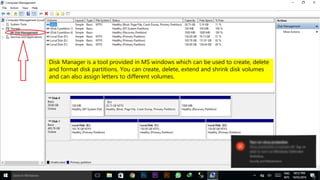
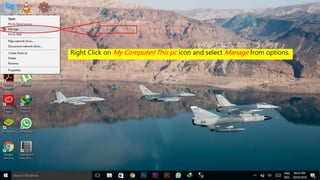
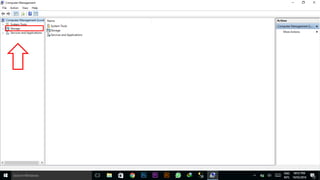
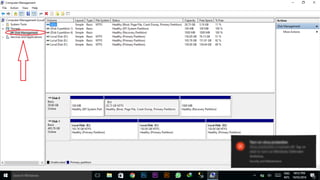
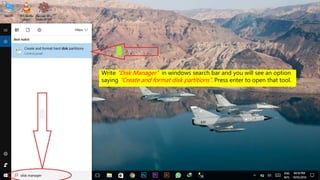
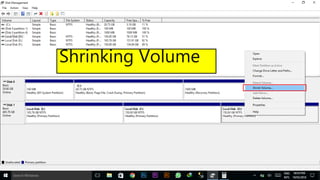
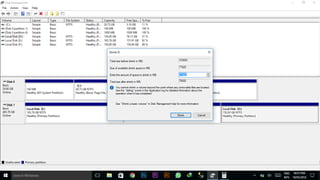
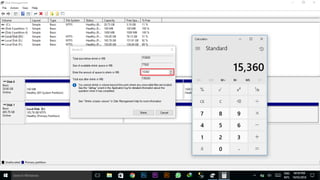
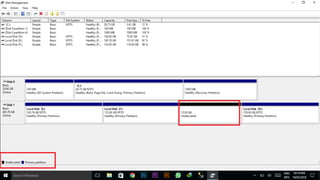
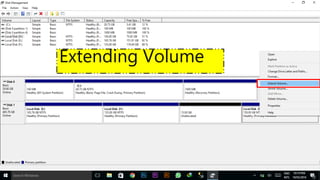
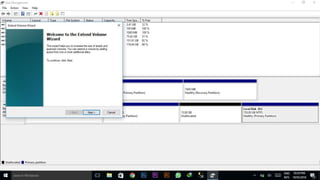
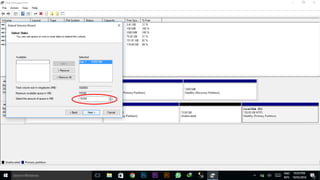
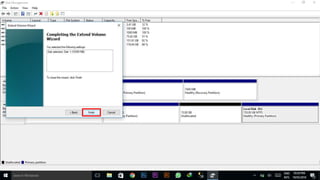
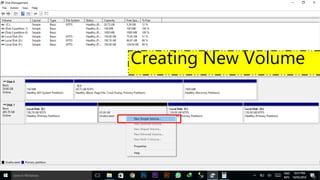
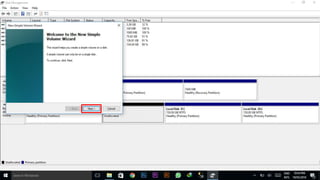
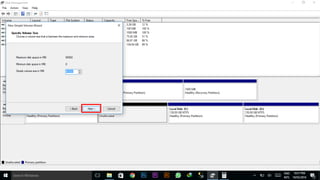
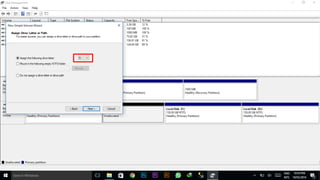
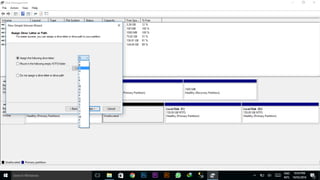
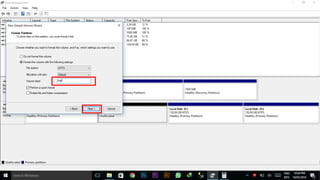
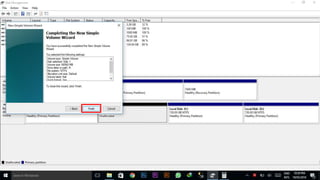
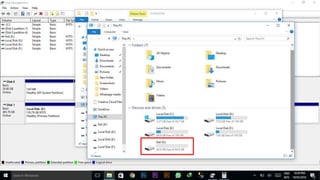
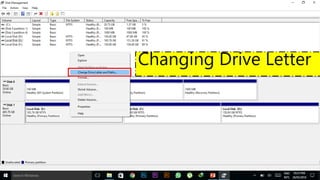
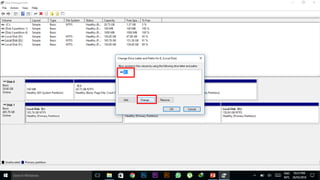
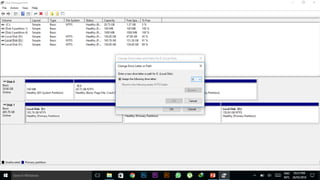
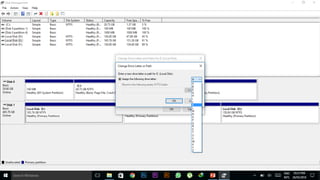
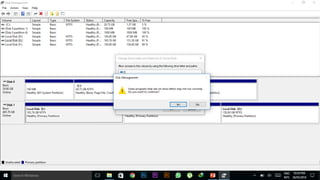
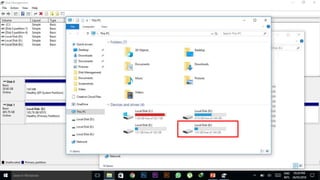
The document outlines the members of a disk management group, led by Toseef Hassan, and describes the Disk Manager tool in MS Windows. This tool allows users to create, delete, and format disk partitions, manage volumes, and assign drive letters. Instructions for accessing Disk Manager include right-clicking on My Computer/This PC and searching 'disk manager' in the Windows search bar.


![Getting Started with Apache Spark: Big Data Made Simple [Free Meetup]](https://cdn.slidesharecdn.com/ss_thumbnails/apachesparkgettingstarted-260203175547-8361bcc3-thumbnail.jpg?width=640&height=640&fit=bounds)


