CRM using Logic Apps
Bright ideas for better performance
How to integrate SharePoint and




















































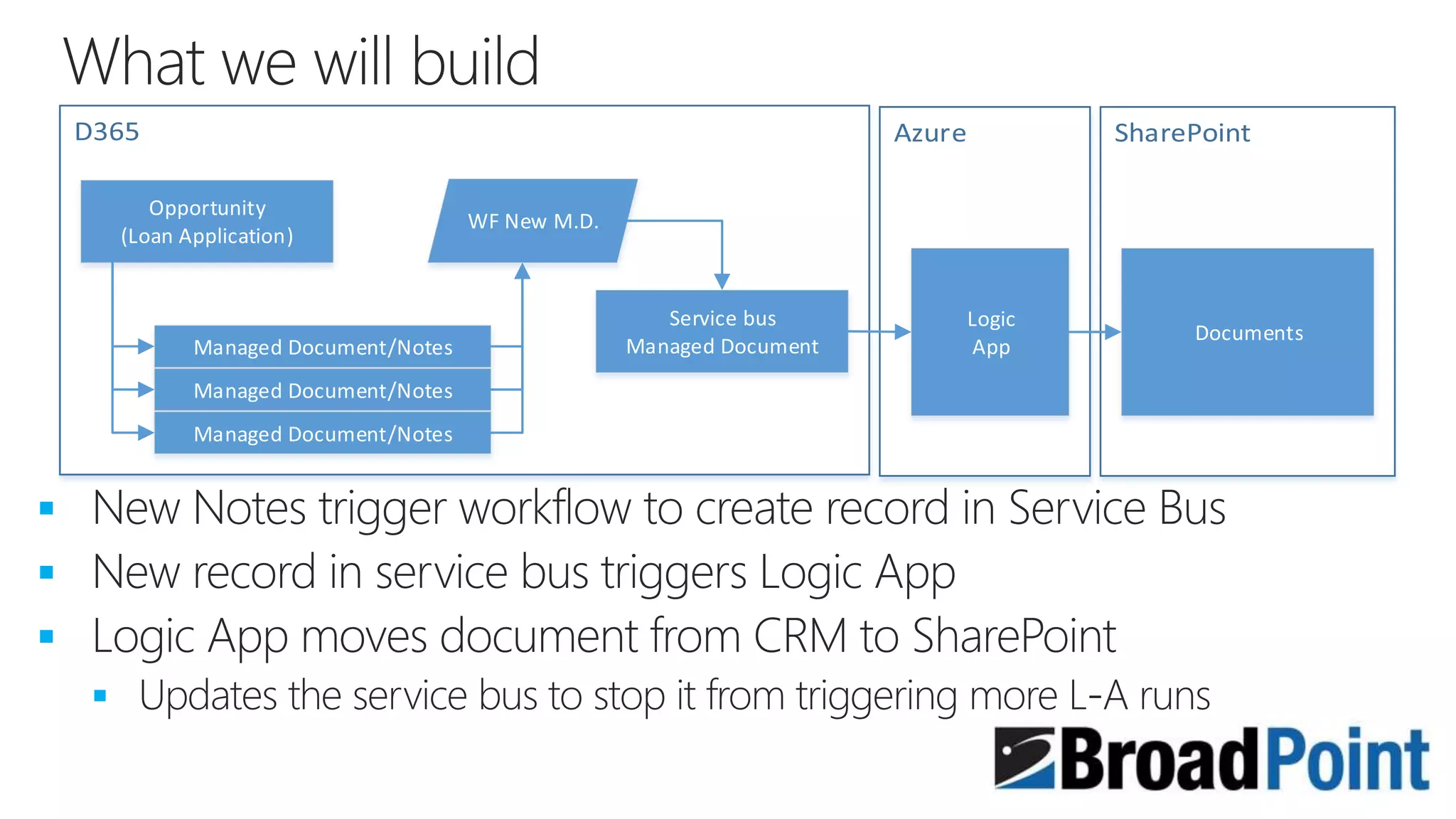
Opportunity
(Loan Application)
Managed Document/Notes
Service bus
Managed Document
Managed Document/Notes
WF New M.D.
Logic
App
Documents
































 ( )
 ( )






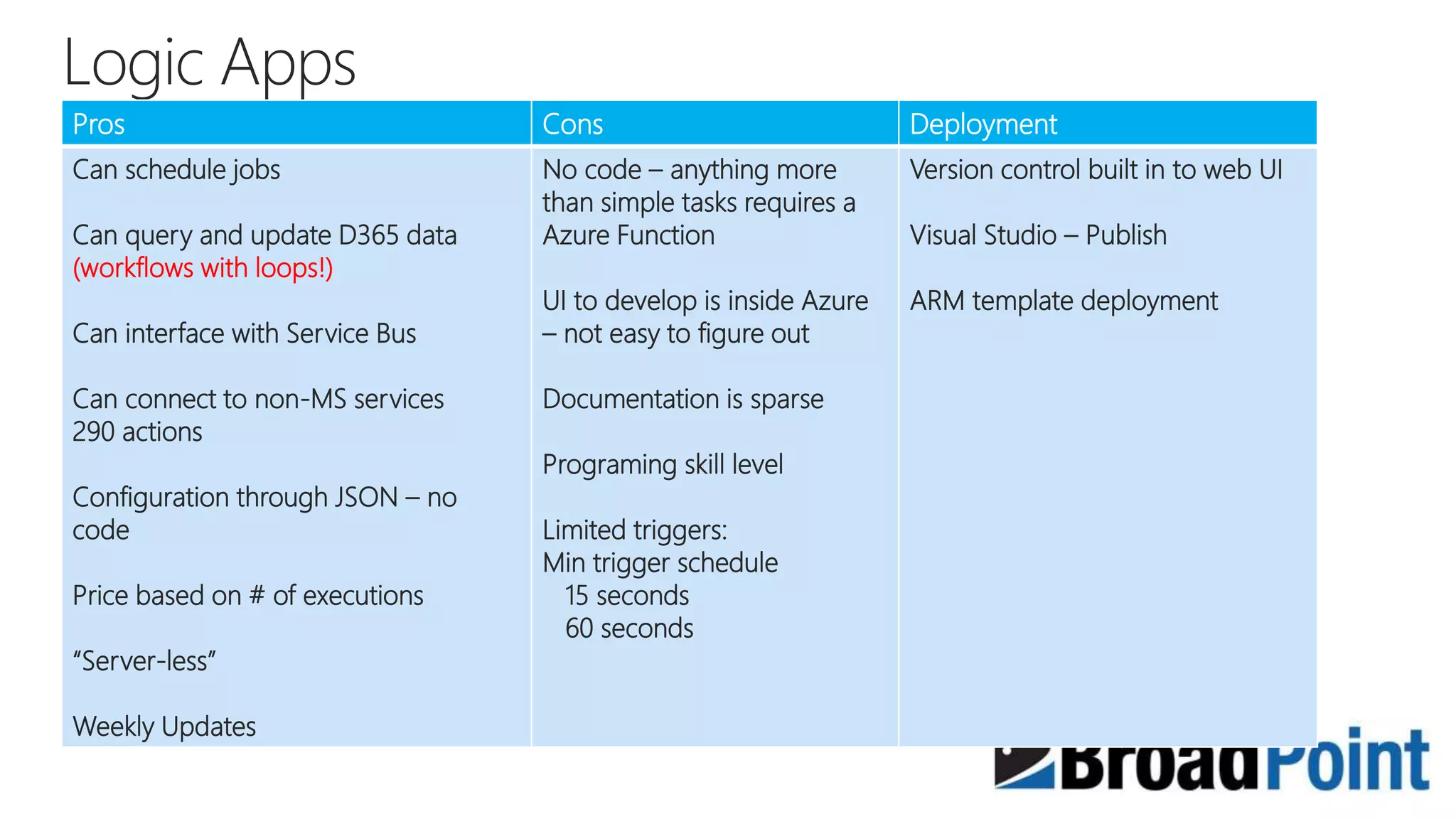
Pros Cons Deployment
Can schedule jobs
Can query and update D365 data
(workflows with loops!)
Can interface with Service Bus
Can connect to non-MS services
290 actions
Configuration through JSON – no
code
Price based on # of executions
“Server-less”
Weekly Updates
No code – anything more
than simple tasks requires a
Azure Function
UI to develop is inside Azure
– not easy to figure out
Documentation is sparse
Programing skill level
Limited triggers:
Min trigger schedule
15 seconds
60 seconds
Version control built in to web UI
Visual Studio – Publish
ARM template deployment
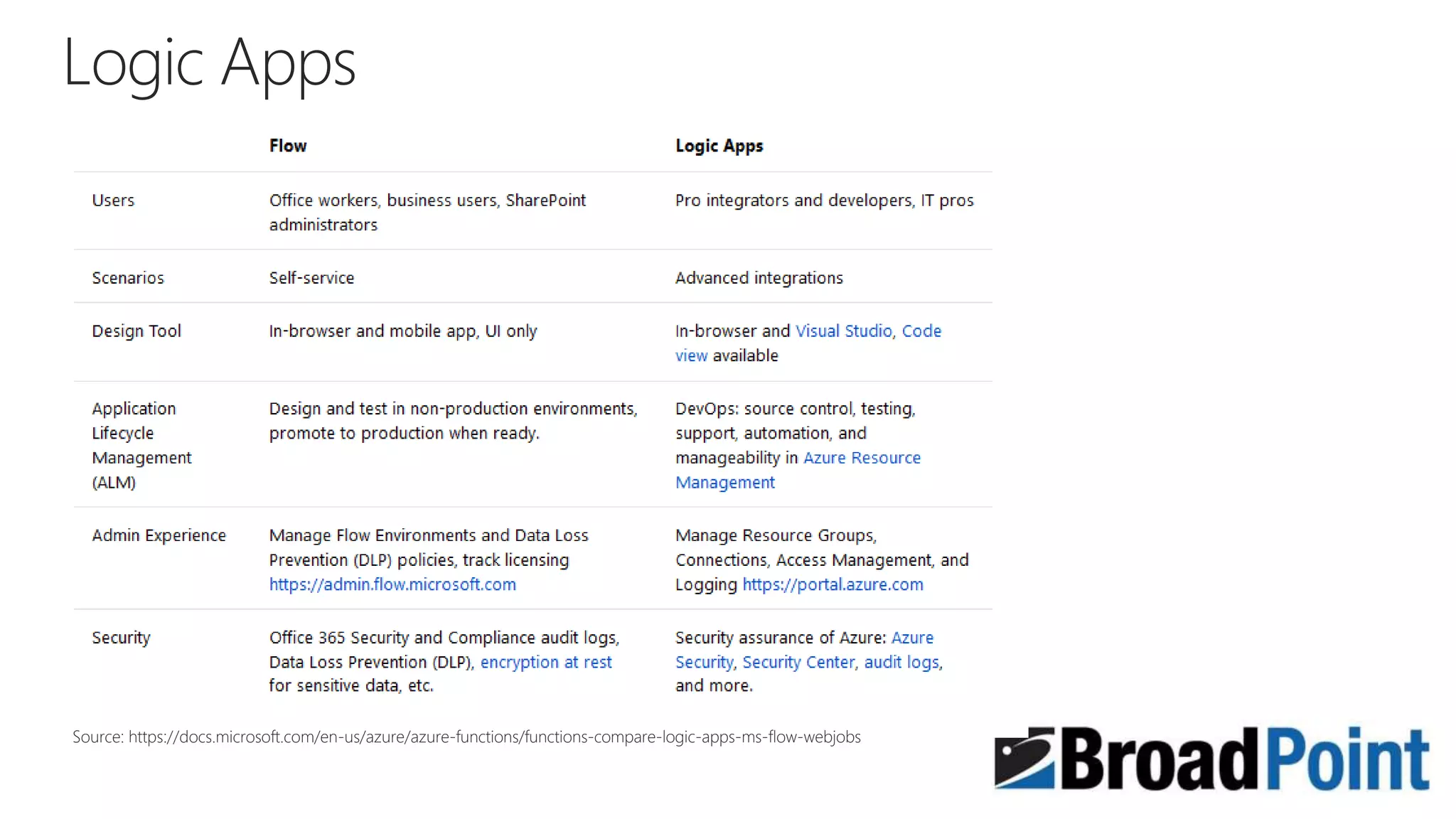
Source: https://docs.microsoft.com/en-us/azure/azure-functions/functions-compare-logic-apps-ms-flow-webjobs
www.broadpoint.net
Q&A
www.broadpoint.net
Thank You!
Contact info:
njohnson@broadpoint.net

Logic apps and SharePoint

Editor's Notes

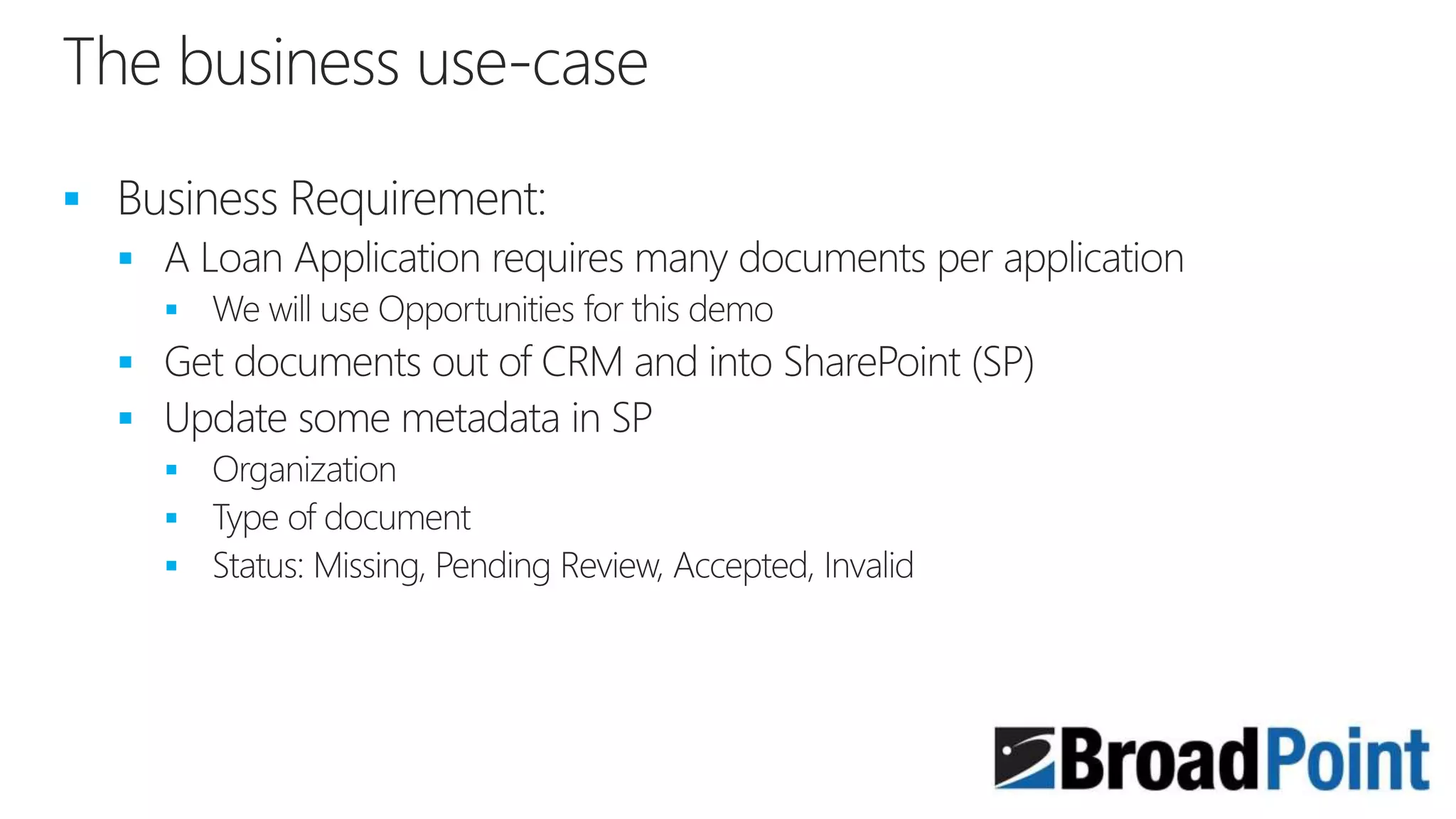
  • #6 This is an example use-case that we will use for our demonstration
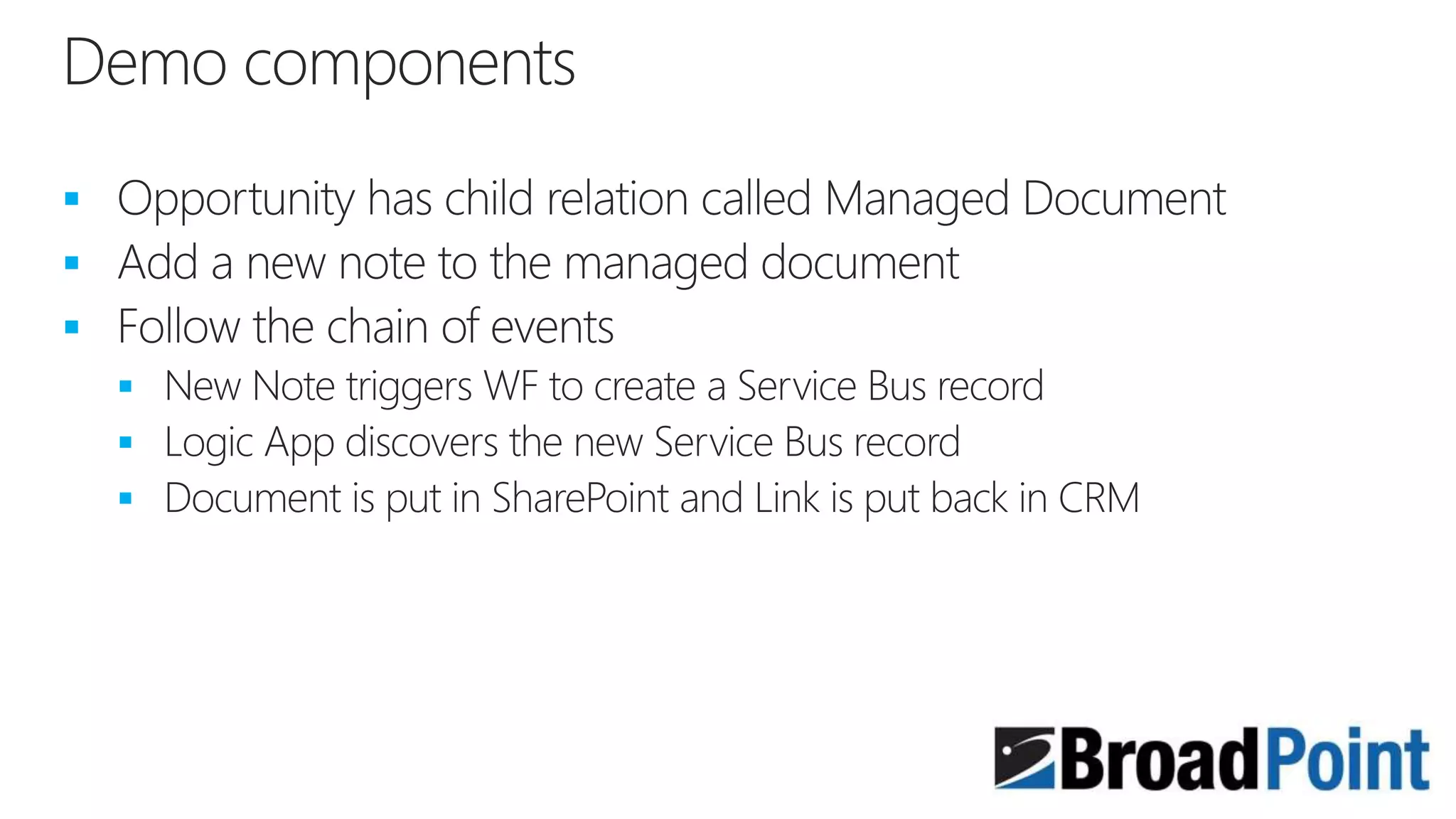
  • #10 Managed document entity is a custom entity with the ability to have Notes on the entity configuration We will use the Notes to upload documents as a holding place until the Logic App moves the file When a Notes record is created, a workflow will create a document in a custom entity called Service Bus Managed Document (in lieu of using an actual Azure Service Bus) The Logic app will query the Service Bus Managed Document entity to look for pending tasks
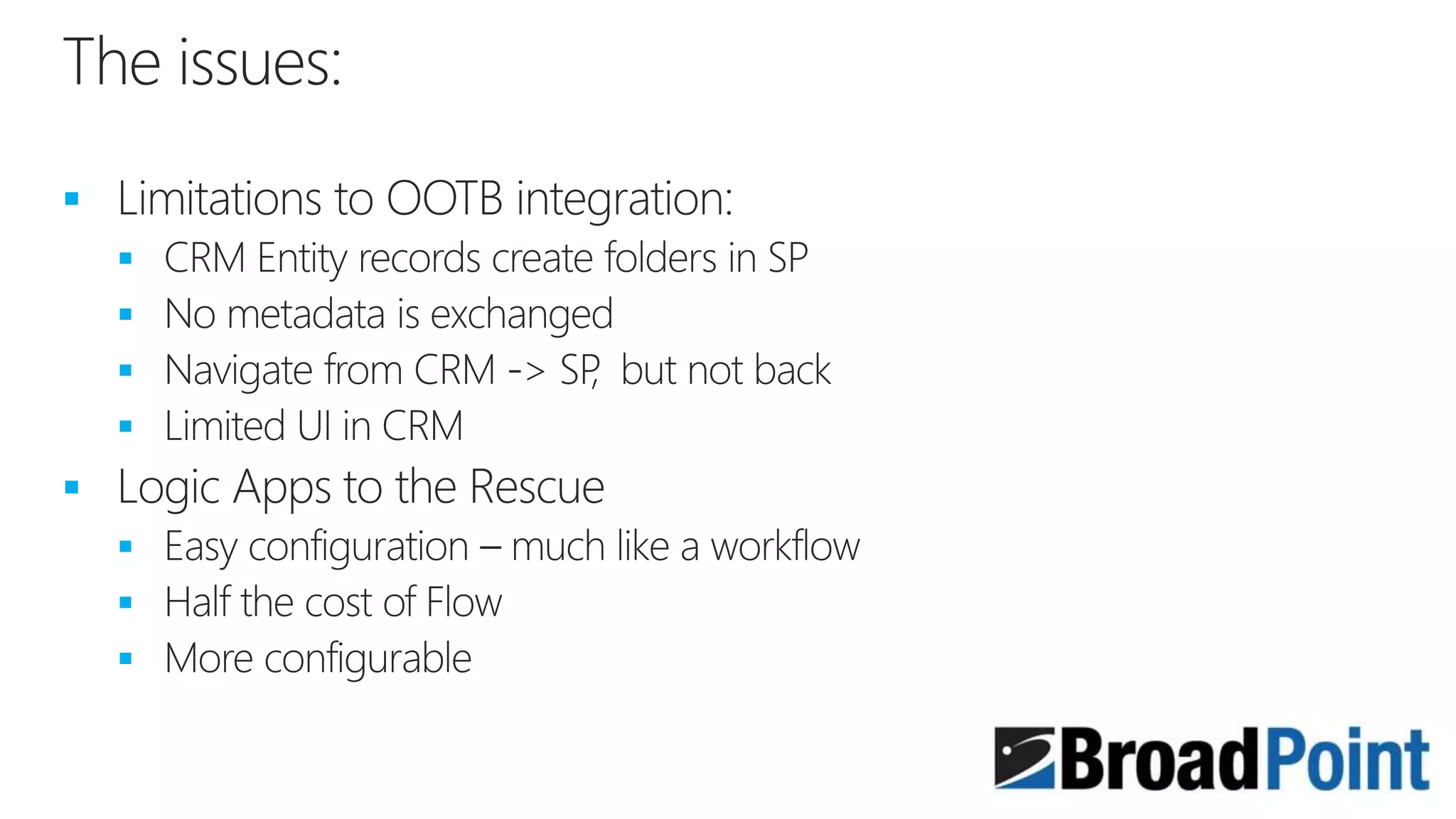
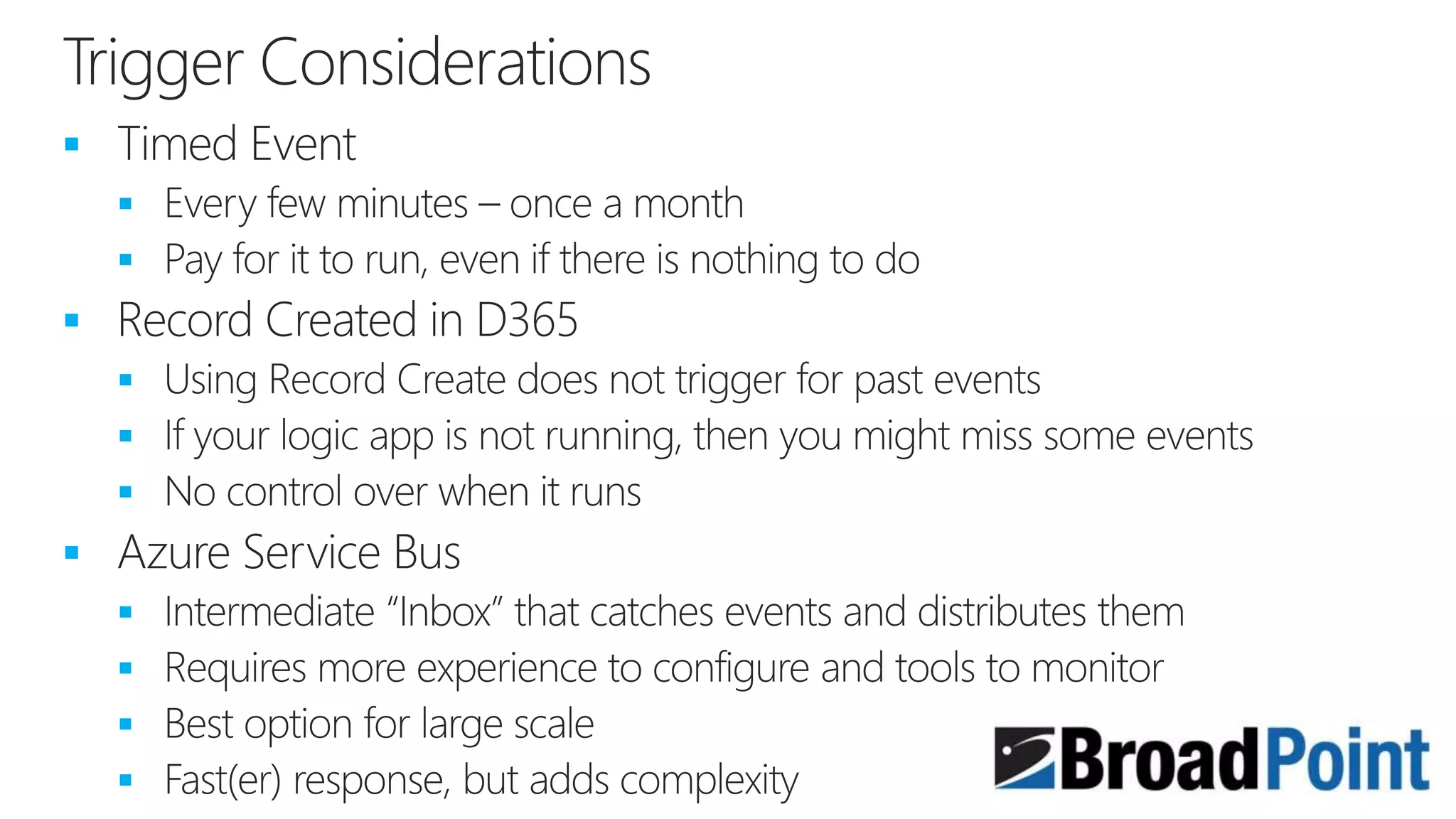
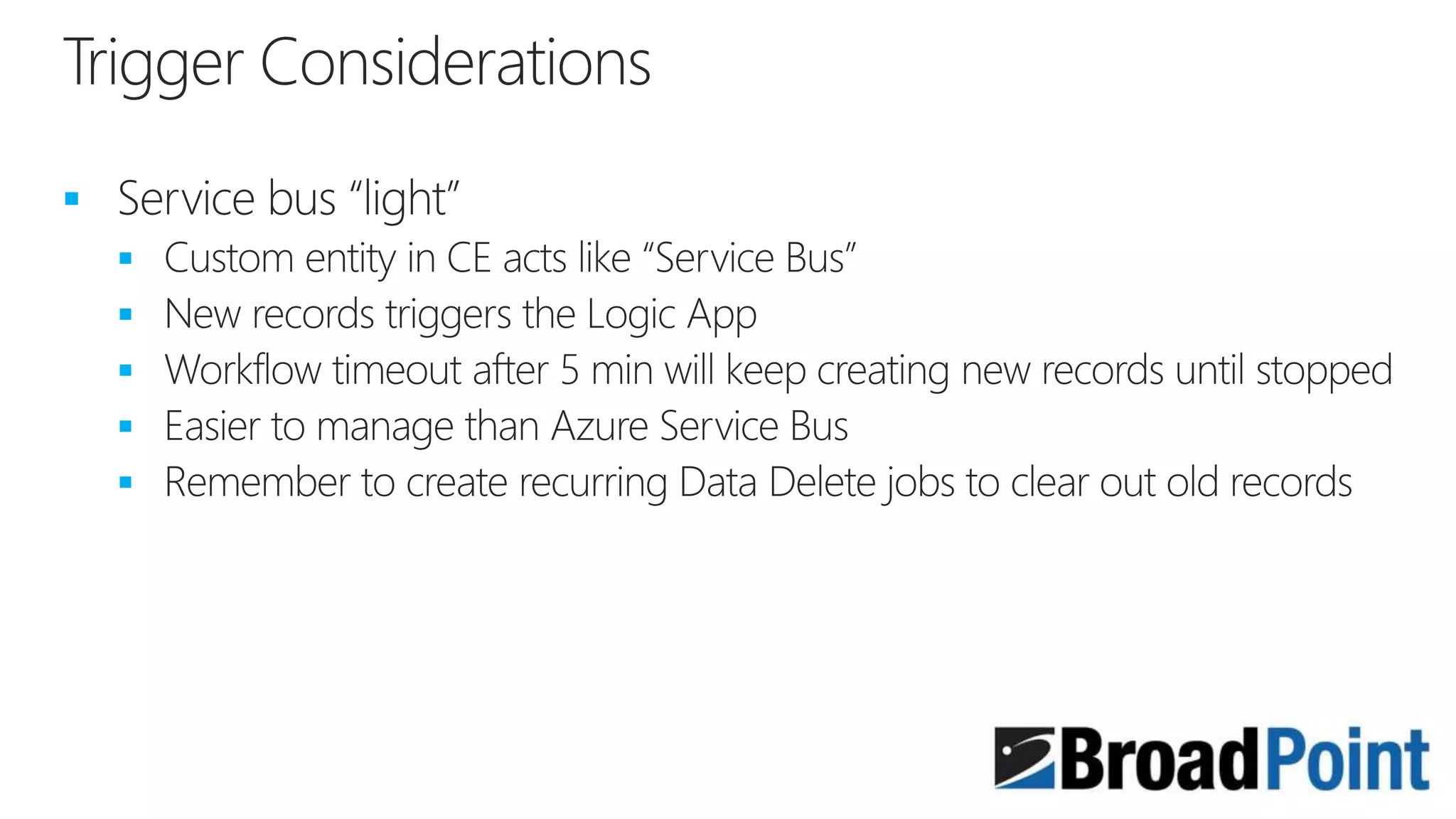
  • #11 There are different triggers for Logic Apps and each has its pros and cons Timed event model is easiest to do, but it is running all the time – be careful how frequently because it will add up
  • #12 We will create a Service Bus Managed Document entity in CRM that simulates an Azure Service Bus. The custom entity has a link to the Notes. If you want to use
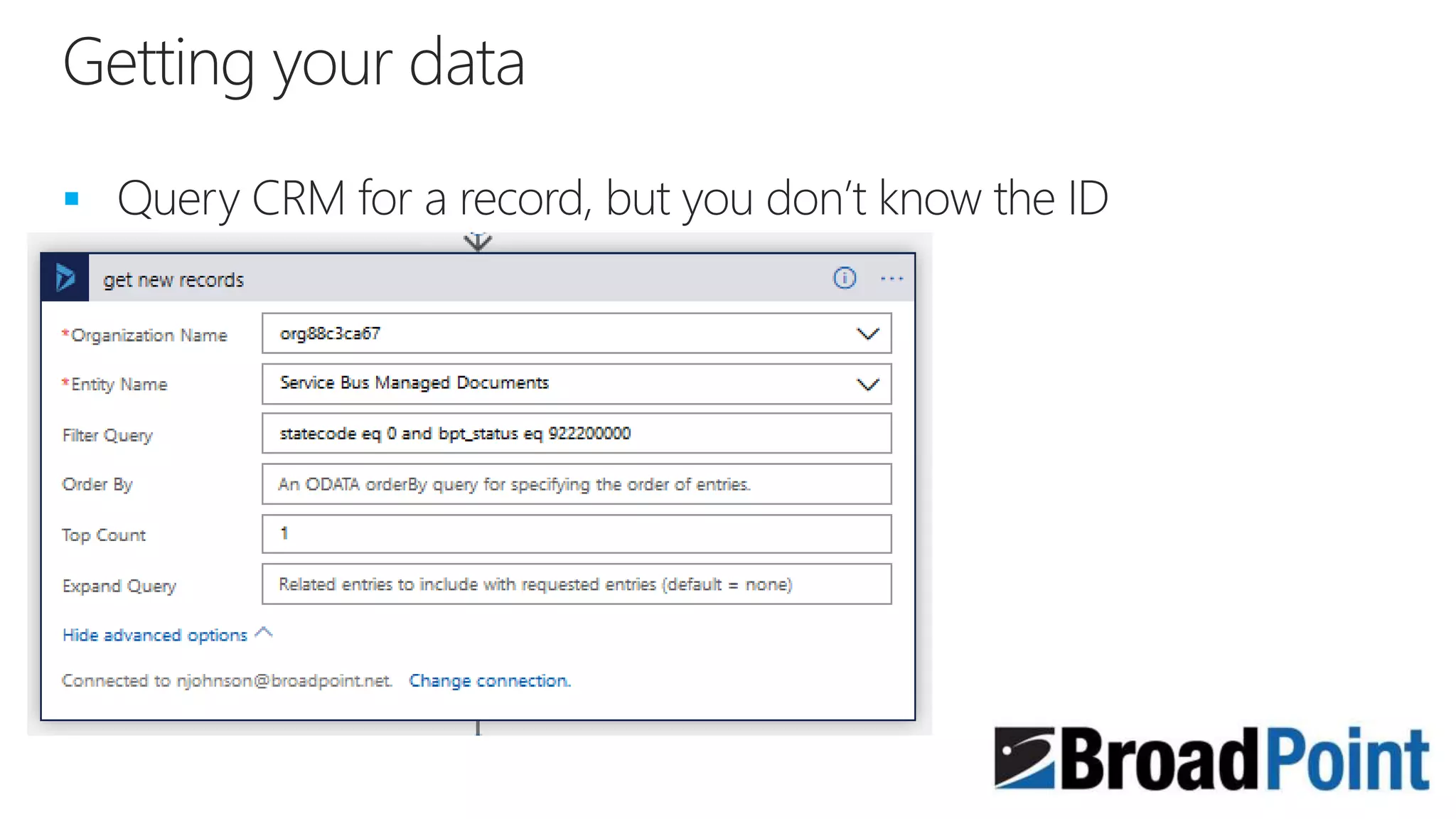
  • #15 When building a Logic App, it is not as friendly as Flow, but you can do more for less cost with a Logic App. Your first step is to query your CRM ‘Service Bus’ for new tasks to work on.
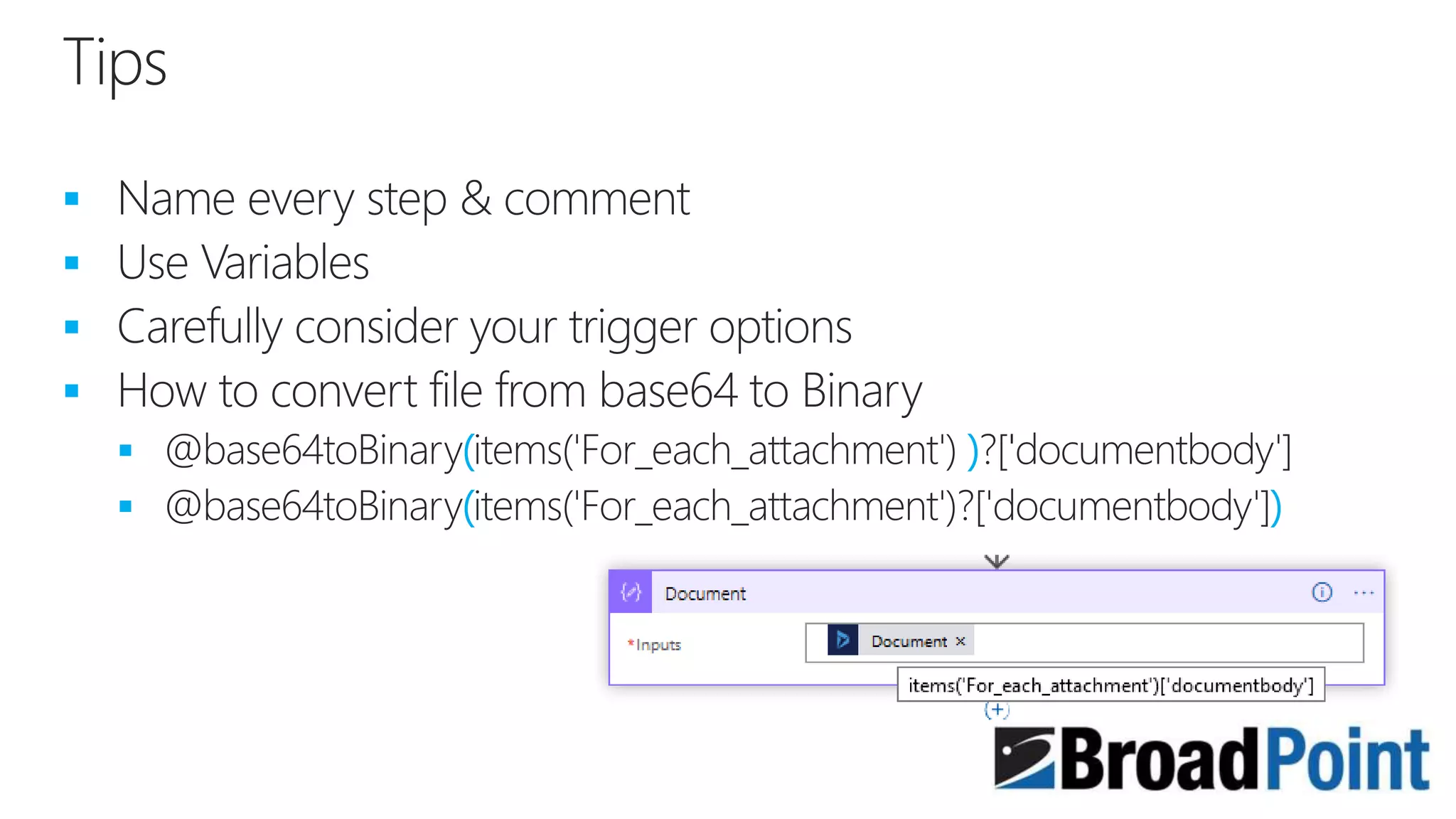
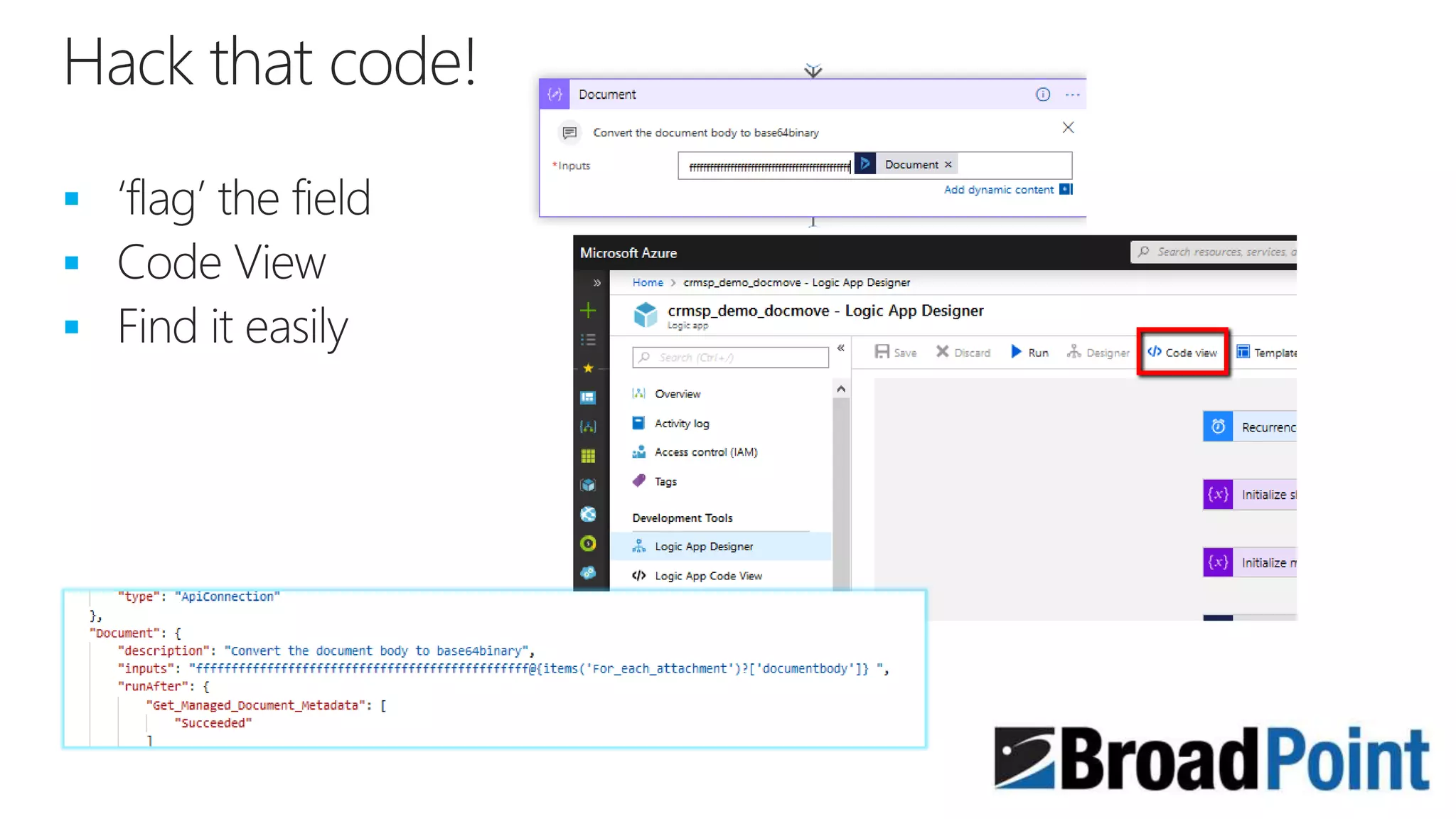
  • #16 When you get to the part where you have pulled out the Notes record, you need to convert the document from Base64 to Binary. Logic Apps has a flaw in the designer that will not allow you to use drag and drop to correctly build the conversion. You need to open up Code view and change the parenthesis to include the document body.
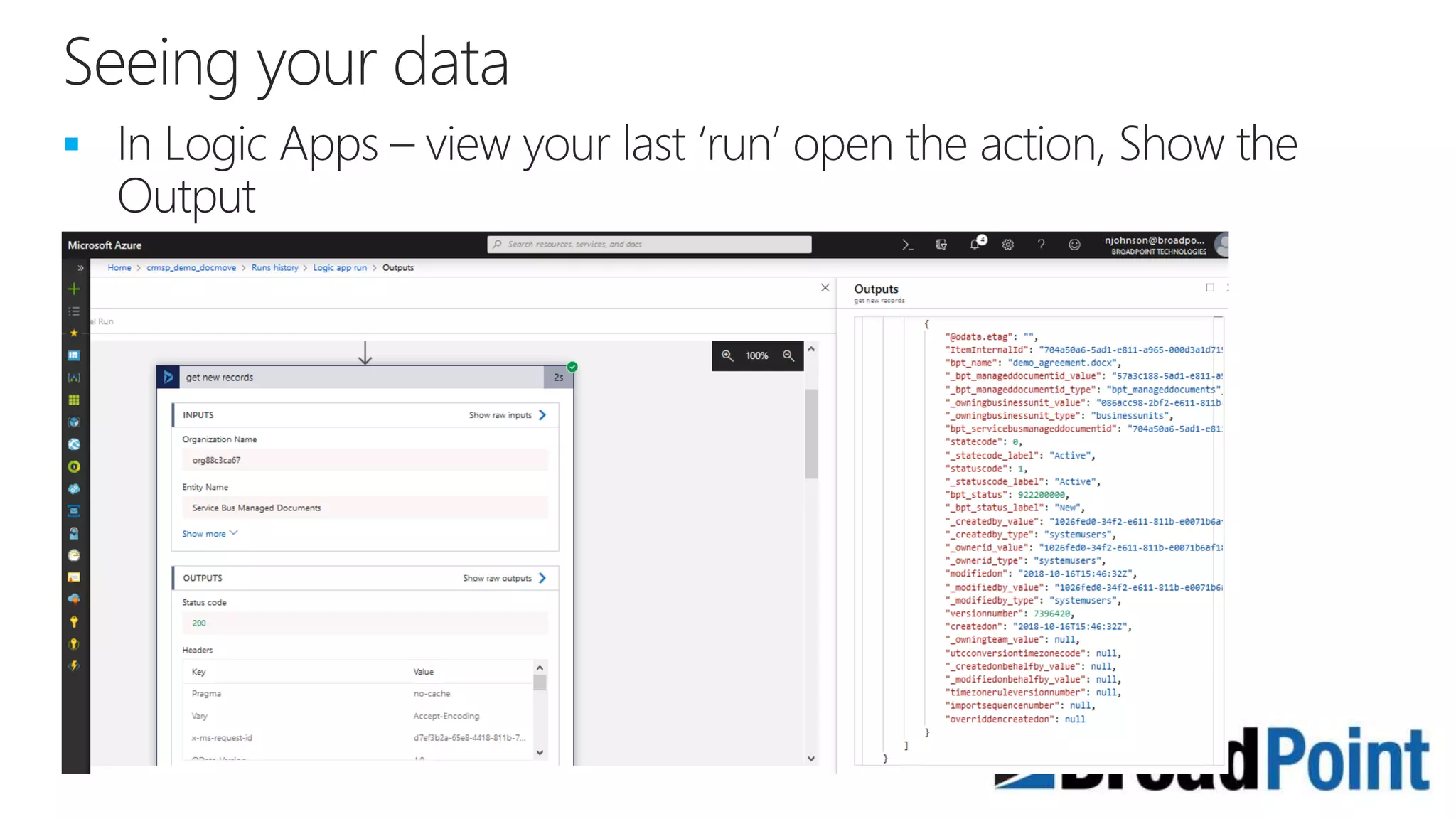
  • #18 When you run a logic app, you can view the details of the data retrieved from CRM and if you got any errors.
  • #20 Another “Serverless” option Technology that Flow is built on Example: Poll the database every minute for 10 days + execute 500 workflows = $15/10 days Glue between applications Triggers: recurring schedule, on demand, HTTP, API News features released in frequent updates
  • #21 Another “Serverless” option Technology that Flow is built on Example: Poll the database every minute for 10 days + execute 500 workflows = $15/10 days Glue between applications Triggers: recurring schedule, on demand, HTTP, API News features released in frequent updates