Download to read offline

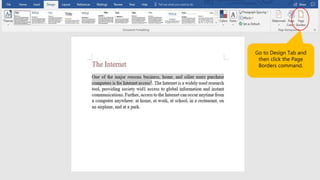
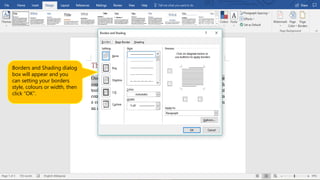
To insert page borders in Word 2016, go to the Design tab and click the Page Borders command. This will open the Borders and Shading dialog box where you can select the border style, color, and width. Click OK to apply the selected page borders to the document.


