#selfie challenge with VoiceOver
Aidan Tierney
@AidanA11y
Jason Thompson
@WebGuyJT
TD Digital Accessibility
2
3
Demo
4
Now it's your turn…
We're going to show you how
5
We invite you to work with someone else.
Someone with a different level of experience
with Voiceover, if possible
At least one iOS device in the group
VoiceOver
Set up
7
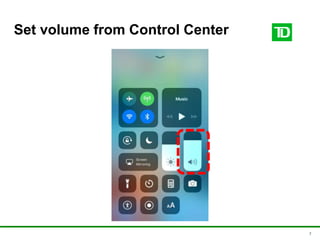
Set volume from Control Center
8
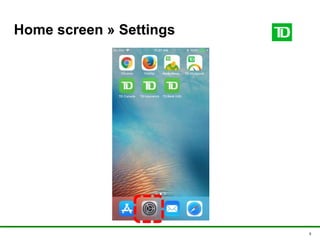
Home screen » Settings
9
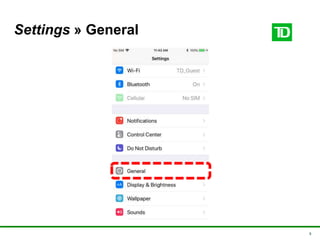
Settings » General
10
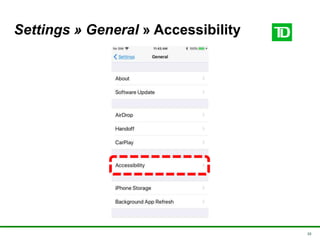
Settings » General » Accessibility
11
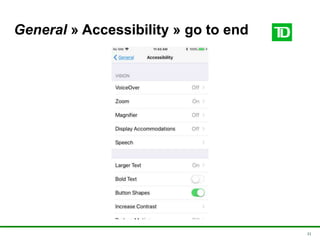
General » Accessibility » go to end
12
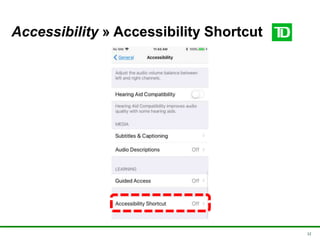
Accessibility » Accessibility Shortcut
13
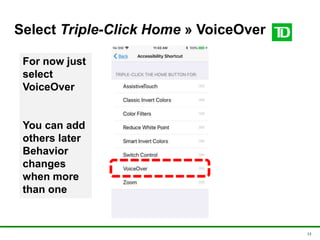
Select Triple-Click Home » VoiceOver
For now just
select
VoiceOver
You can add
others later
Behavior
changes
when more
than one
14
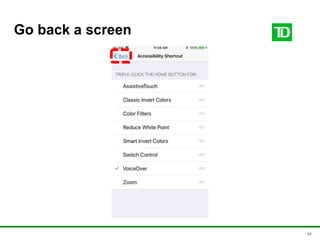
Go back a screen
15
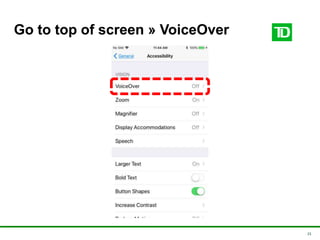
Go to top of screen » VoiceOver
16
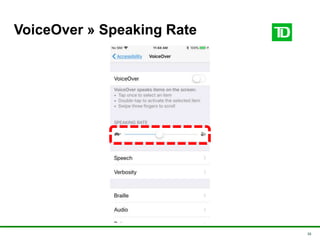
VoiceOver » Speaking Rate
Gestures
18
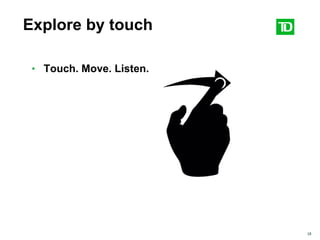
Explore by touch
• Touch. Move. Listen.
19
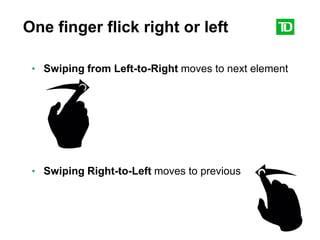
One finger flick right or left
• Swiping from Left-to-Right moves to next element
• Swiping Right-to-Left moves to previous
20
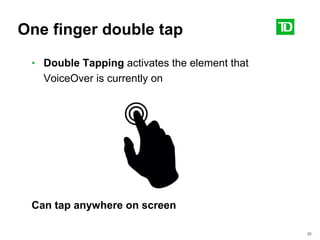
One finger double tap
• Double Tapping activates the element that
VoiceOver is currently on
Can tap anywhere on screen
21
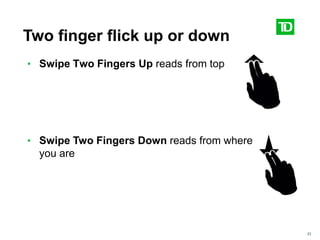
Two finger flick up or down
• Swipe Two Fingers Up reads from top
• Swipe Two Fingers Down reads from where
you are
22
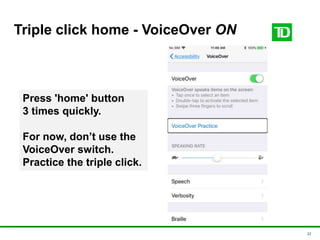
Triple click home - VoiceOver ON
Press 'home' button
3 times quickly.
For now, don’t use the
VoiceOver switch.
Practice the triple click.
23
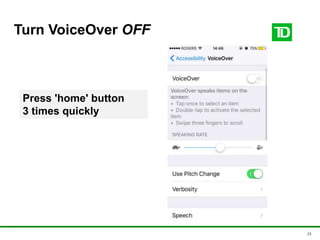
Turn VoiceOver OFF
Press 'home' button
3 times quickly
24
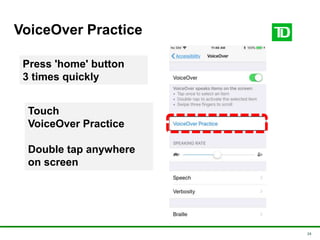
VoiceOver Practice
Press 'home' button
3 times quickly
Touch
VoiceOver Practice
Double tap anywhere
on screen
25
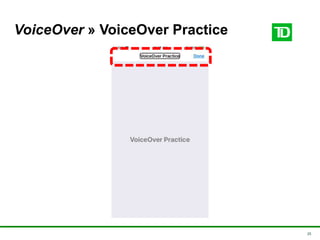
VoiceOver » VoiceOver Practice
26
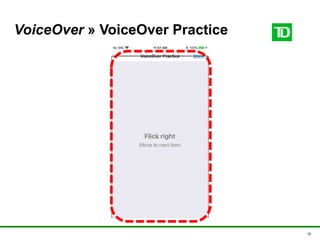
VoiceOver » VoiceOver Practice
27
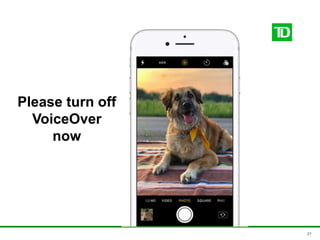
Please turn off
VoiceOver
now
28
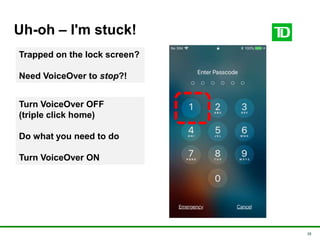
Uh-oh – I'm stuck!
Turn VoiceOver OFF
(triple click home)
Do what you need to do
Turn VoiceOver ON
Trapped on the lock screen?
Need VoiceOver to stop?!
29
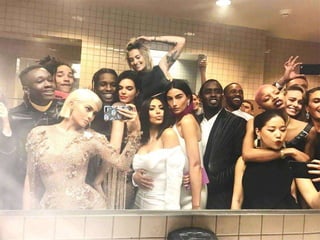
#selfie challenge
• Open Camera app
• Turn VoiceOver on
• Modify cam settings
• Compose
• Take selfie!
Gestures
• Explore by touch
• Two finger flick up
• Swipe left/right
• Double tap
• Triple click home: on/off
30
31
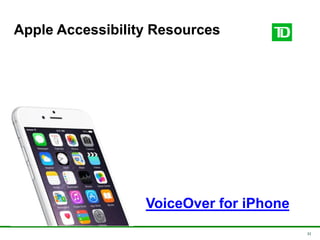
Apple Accessibility Resources
VoiceOver for iPhone
32
Remember to post with #a11yTOConf
#selfie challenge #a11yTOConf
Aidan Tierney
@AidanA11y
Jason Thompson
@WebGuyJT
TD Digital Accessibility

Voice over selfie challenge

Editor's Notes

  • #22 If you don’t hear what the slide says keep Lots of pressure scrub but we want a flick