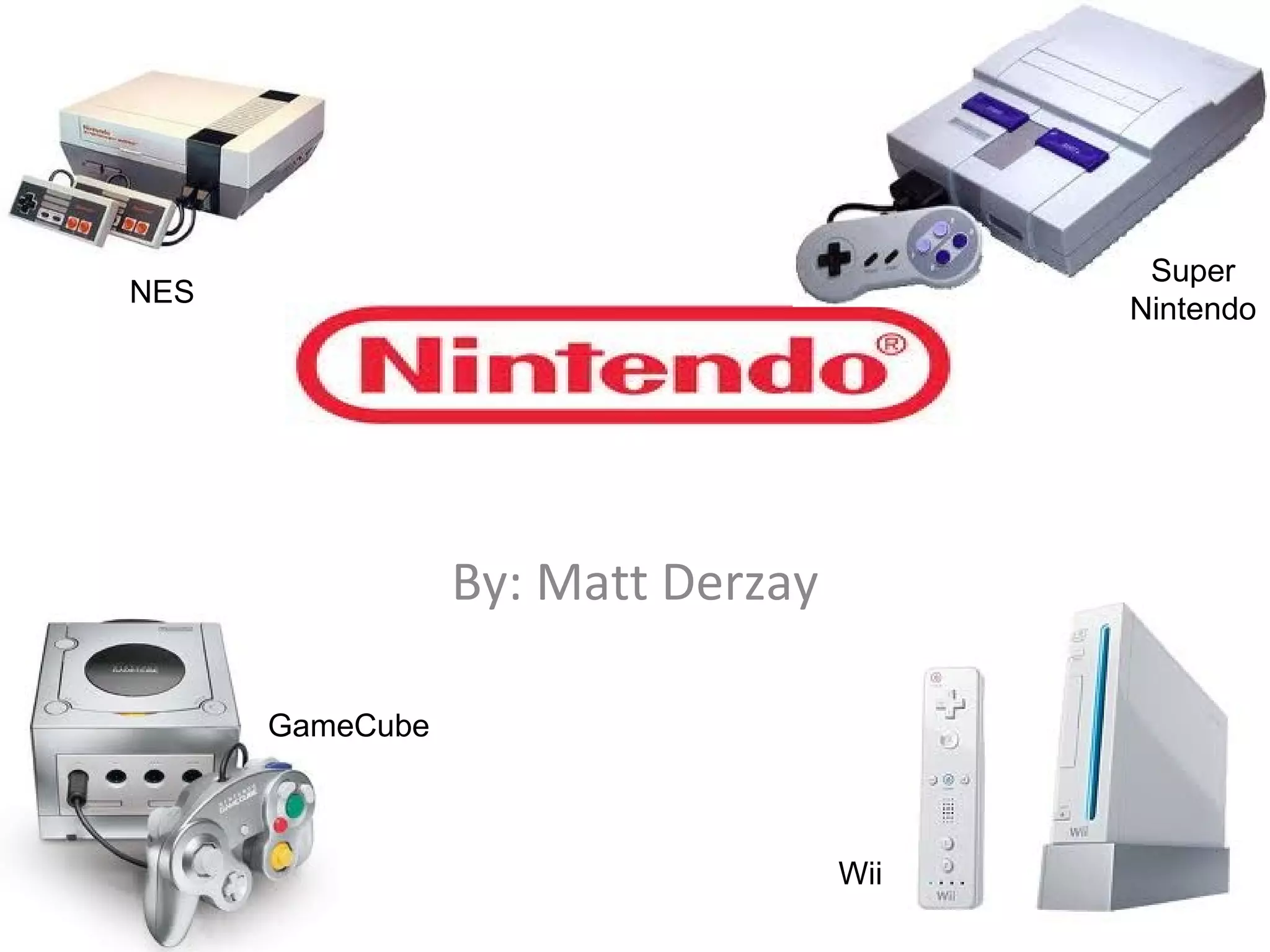
By: Matt Derzay NES GameCube Super Nintendo Wii
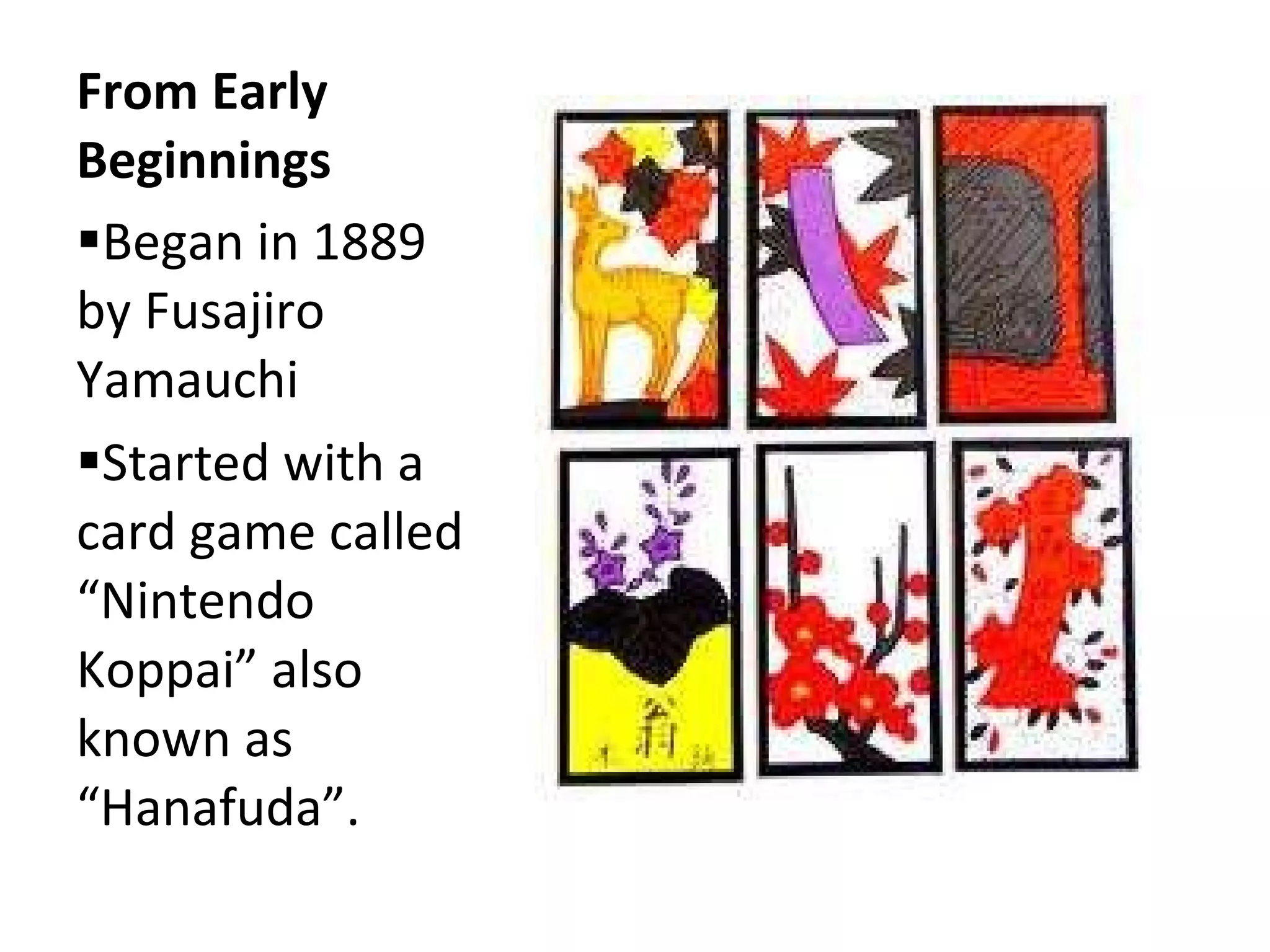
From Early Beginnings  Began in 1889 by Fusajiro Yamauchi  Started with a card game called “Nintendo Koppai” also known as “Hanafuda”.
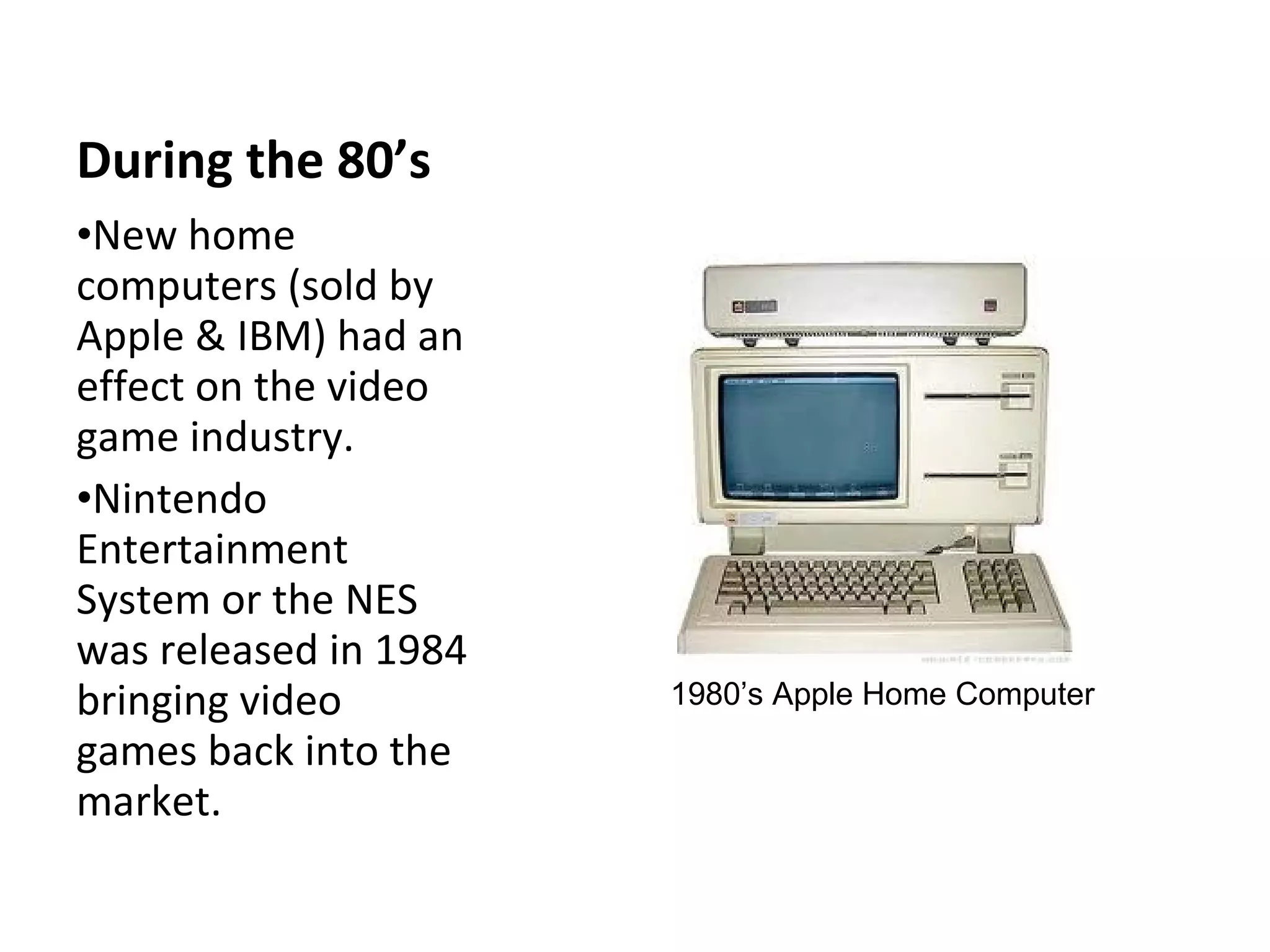
During the 80’s New home computers (sold by Apple & IBM) had an effect on the video game industry. Nintendo Entertainment  System or the NES  was released in 1984 bringing video games back into the market. 1980’s Apple Home Computer
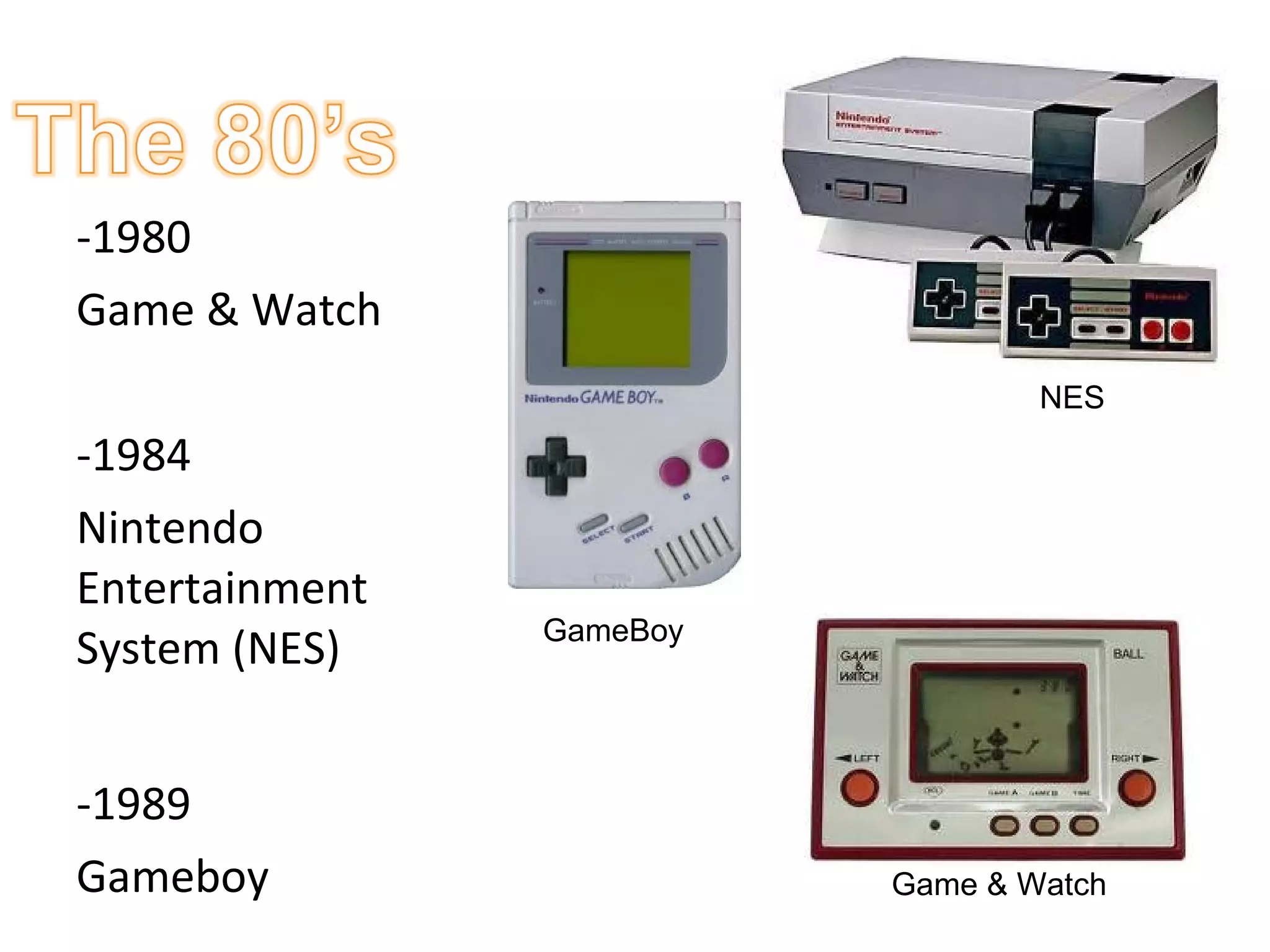
-1980 Game & Watch -1984  Nintendo Entertainment System (NES)  -1989 Gameboy GameBoy Game & Watch NES
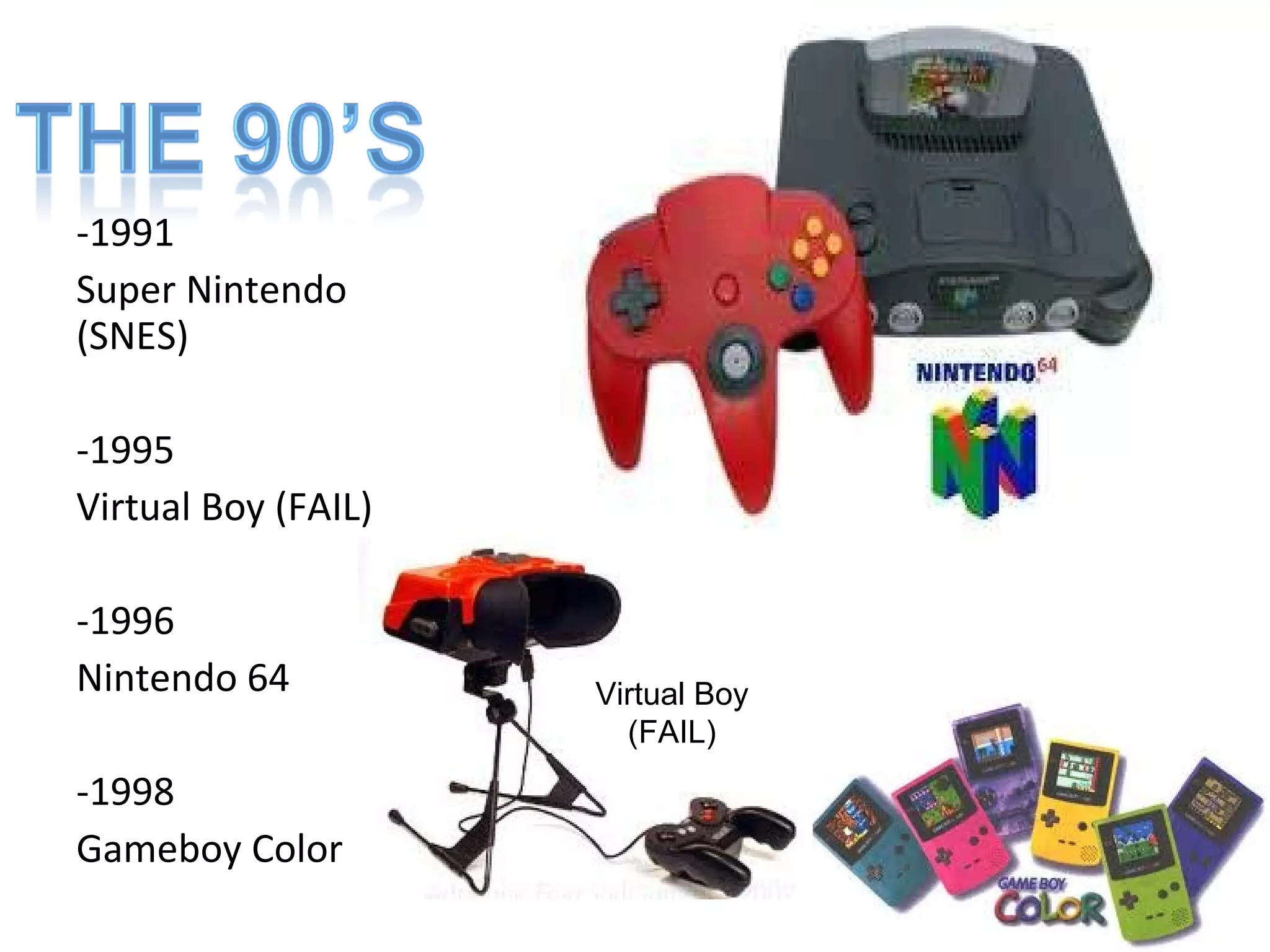
-1991 Super Nintendo (SNES) -1995 Virtual Boy (FAIL) -1996  Nintendo 64 -1998 Gameboy Color Virtual Boy (FAIL)
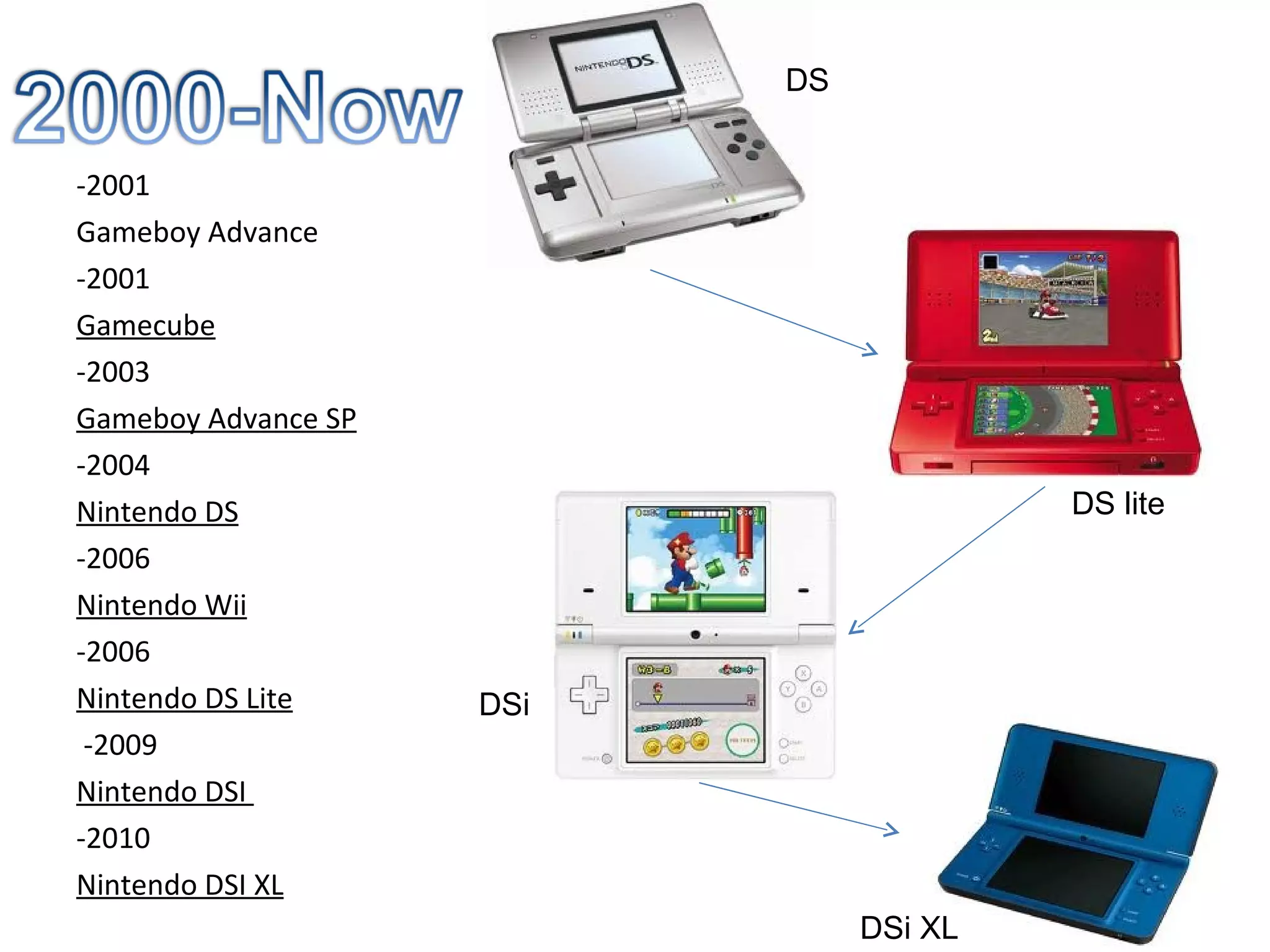
-2001 Gameboy Advance -2001 Gamecube -2003 Gameboy Advance SP -2004 Nintendo DS -2006 Nintendo Wii -2006 Nintendo DS Lite -2009 Nintendo DSI  -2010 Nintendo DSI XL DS DS lite DSi DSi XL
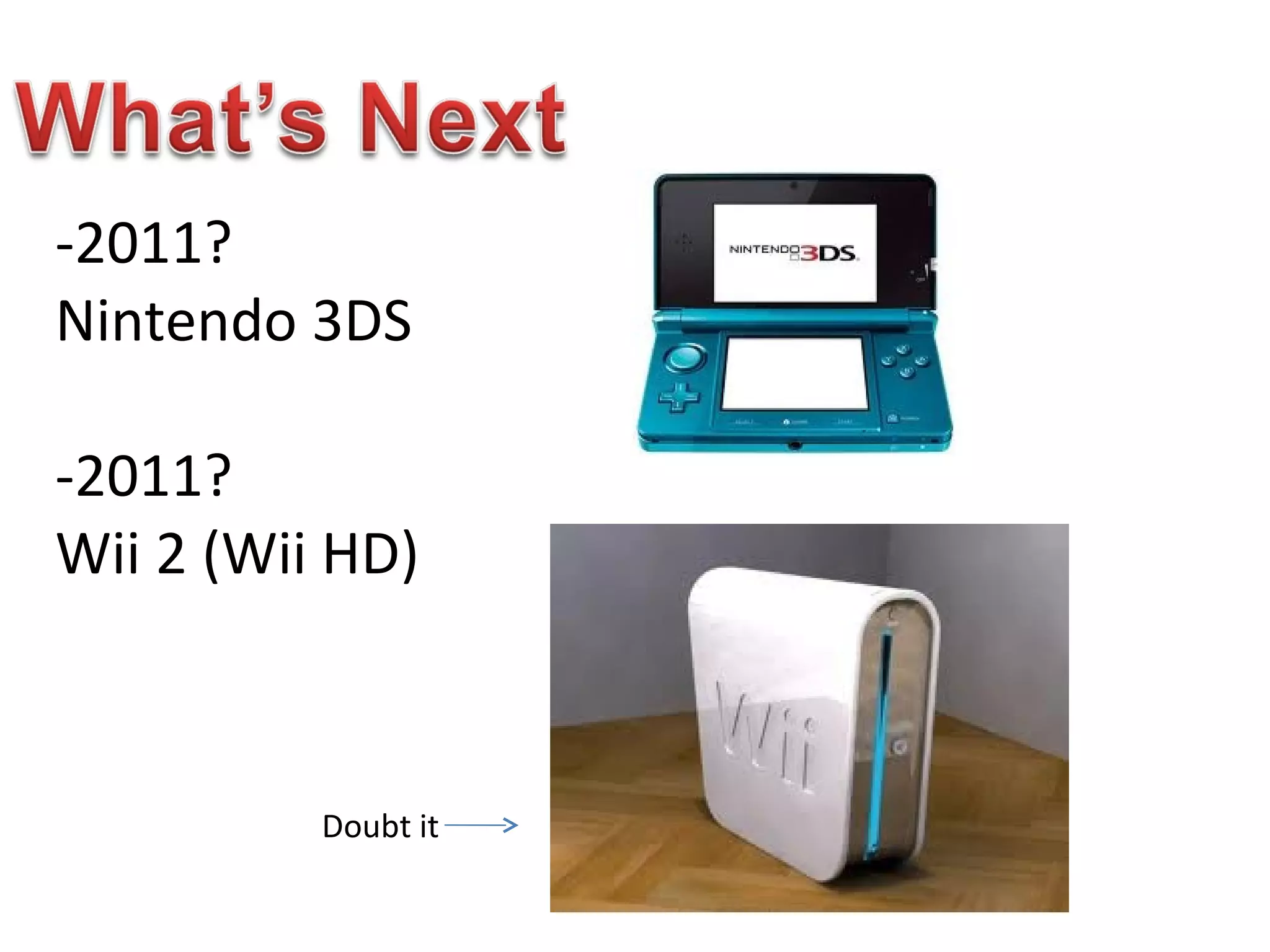
-2011? Nintendo 3DS -2011? Wii 2 (Wii HD) Doubt it
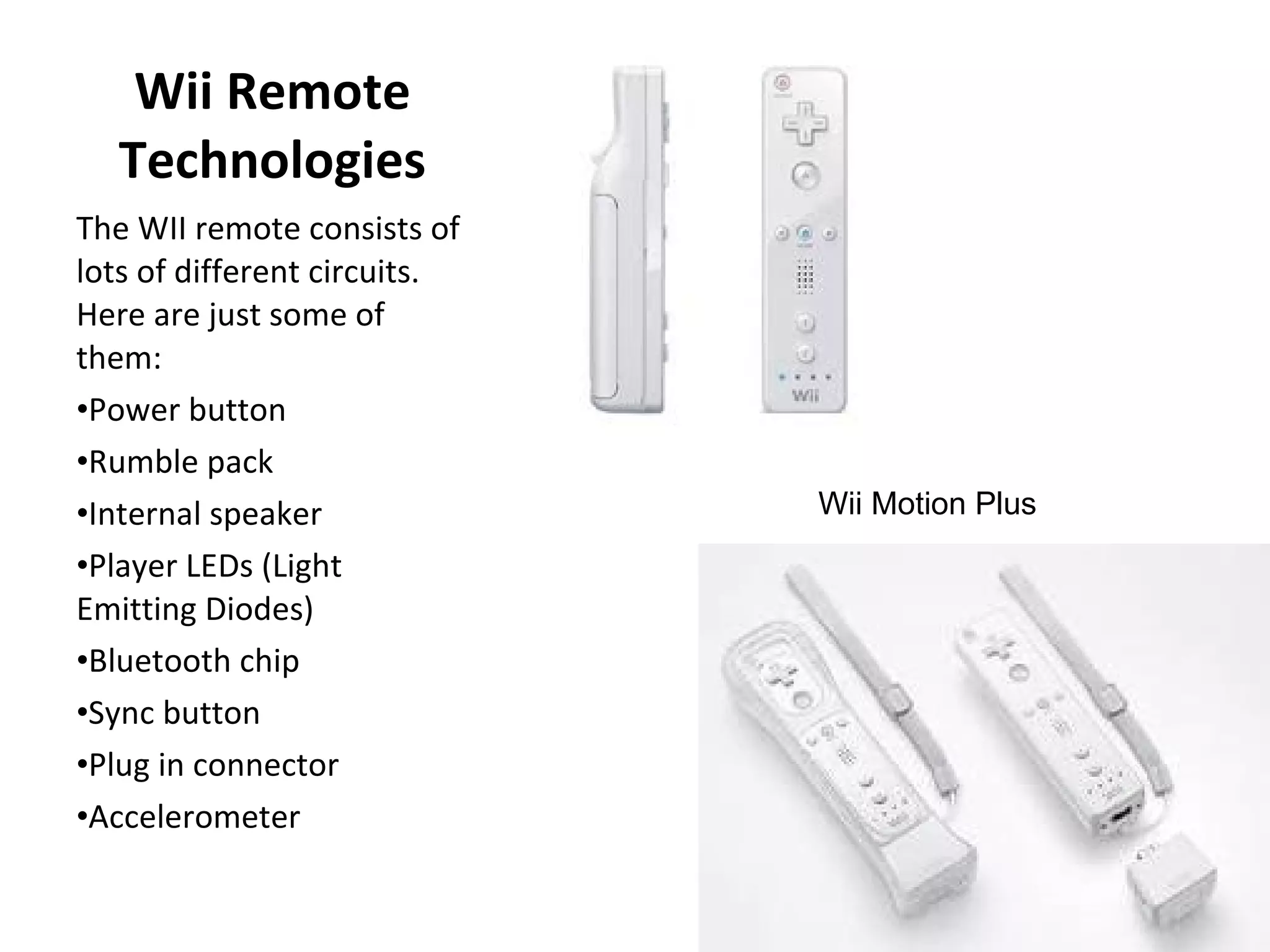
Wii Remote Technologies The WII remote consists of lots of different circuits.  Here are just some of them: Power button  Rumble pack  Internal speaker  Player LEDs (Light Emitting Diodes)  Bluetooth chip  Sync button  Plug in connector  Accelerometer  Wii Motion Plus
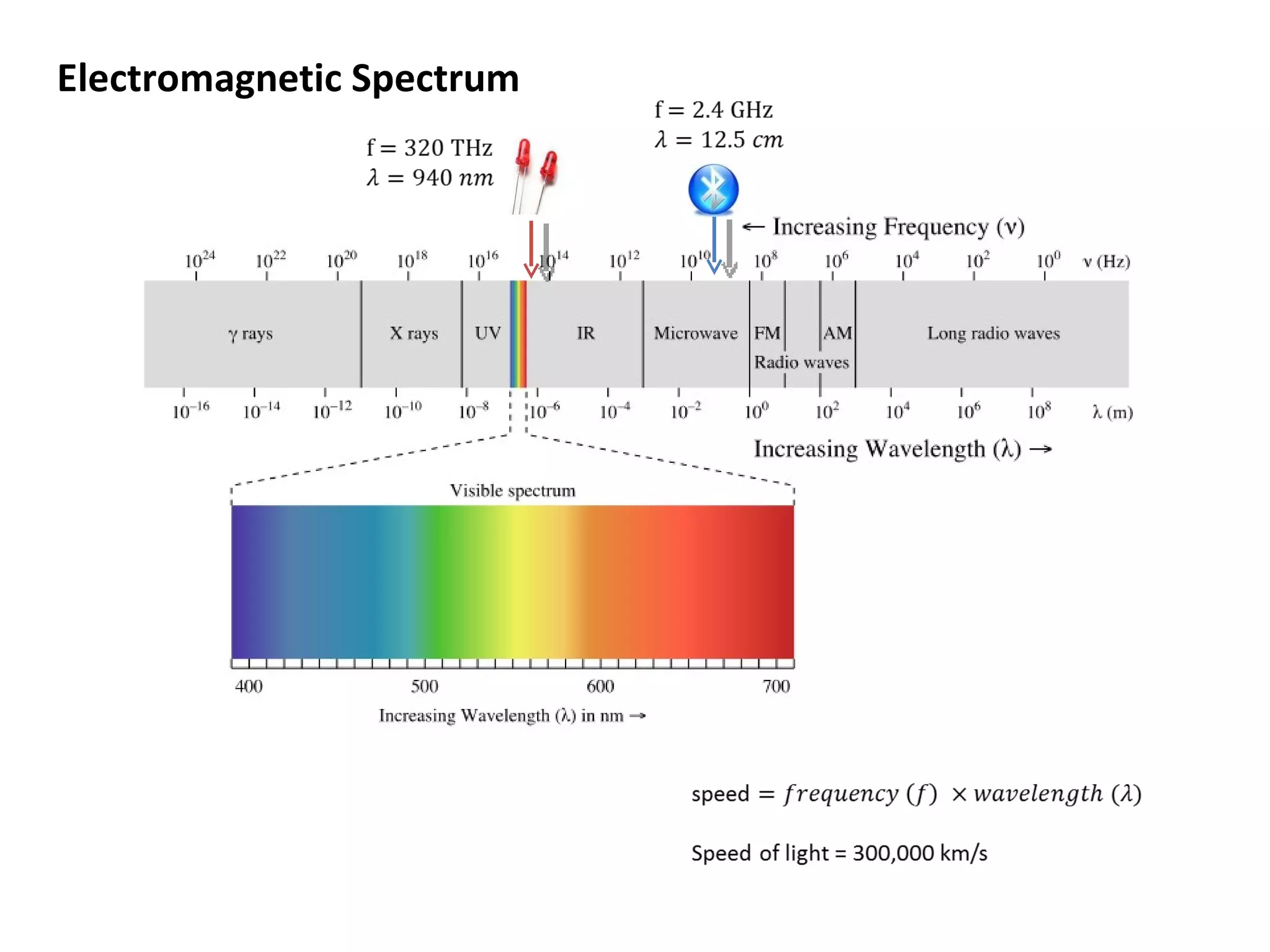
Electromagnetic Spectrum
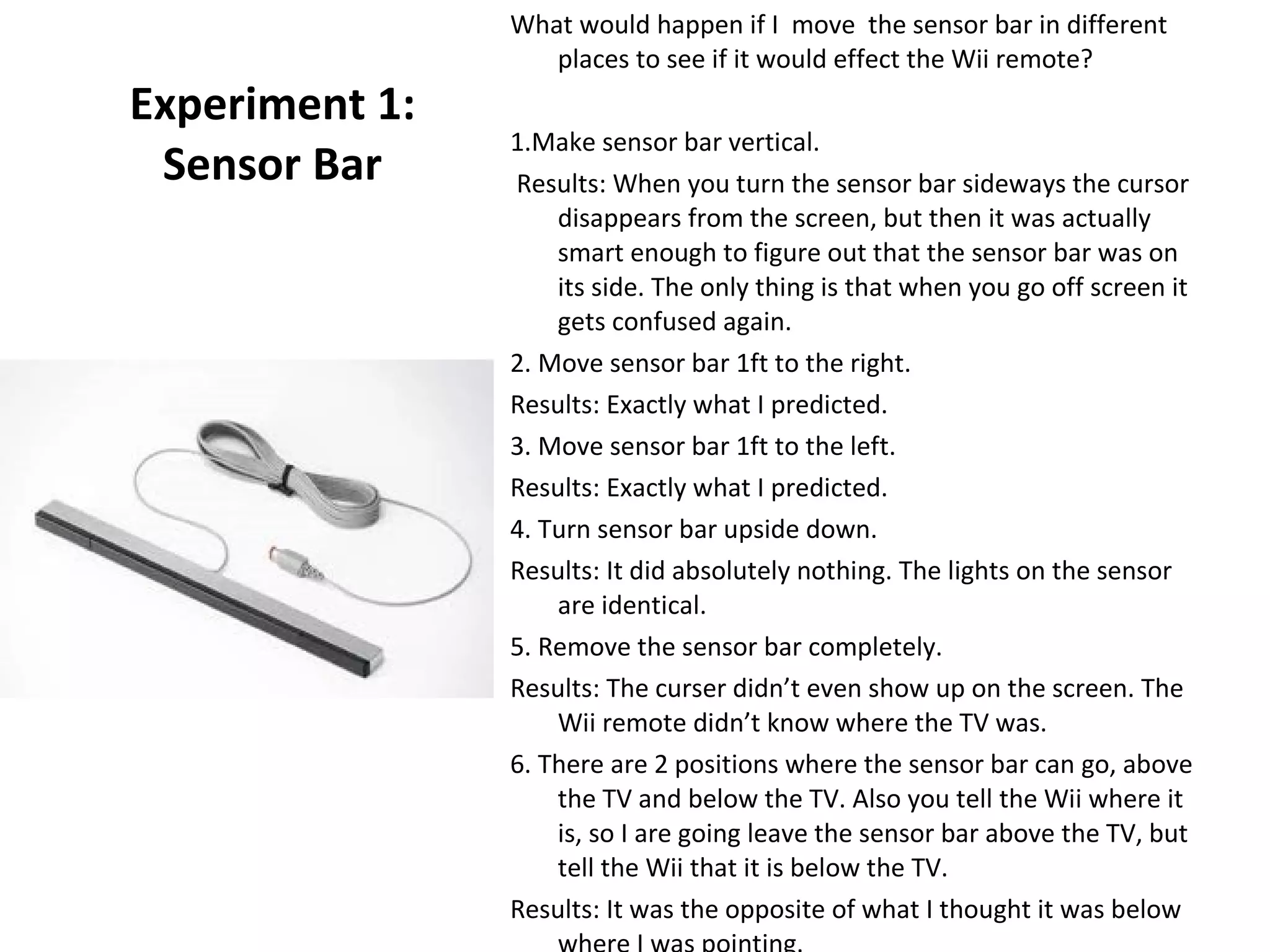
Experiment 1: Sensor Bar What would happen if I  move  the sensor bar in different places to see if it would effect the Wii remote? 1.Make sensor bar vertical. Results: When you turn the sensor bar sideways the cursor disappears from the screen, but then it was actually smart enough to figure out that the sensor bar was on its side. The only thing is that when you go off screen it gets confused again.  2. Move sensor bar 1ft to the right. Results: Exactly what I predicted. 3. Move sensor bar 1ft to the left. Results: Exactly what I predicted. 4. Turn sensor bar upside down. Results: It did absolutely nothing. The lights on the sensor are identical.  5. Remove the sensor bar completely. Results: The curser didn’t even show up on the screen. The Wii remote didn’t know where the TV was. 6. There are 2 positions where the sensor bar can go, above the TV and below the TV. Also you tell the Wii where it is, so I are going leave the sensor bar above the TV, but tell the Wii that it is below the TV. Results: It was the opposite of what I thought it was below where I was pointing.
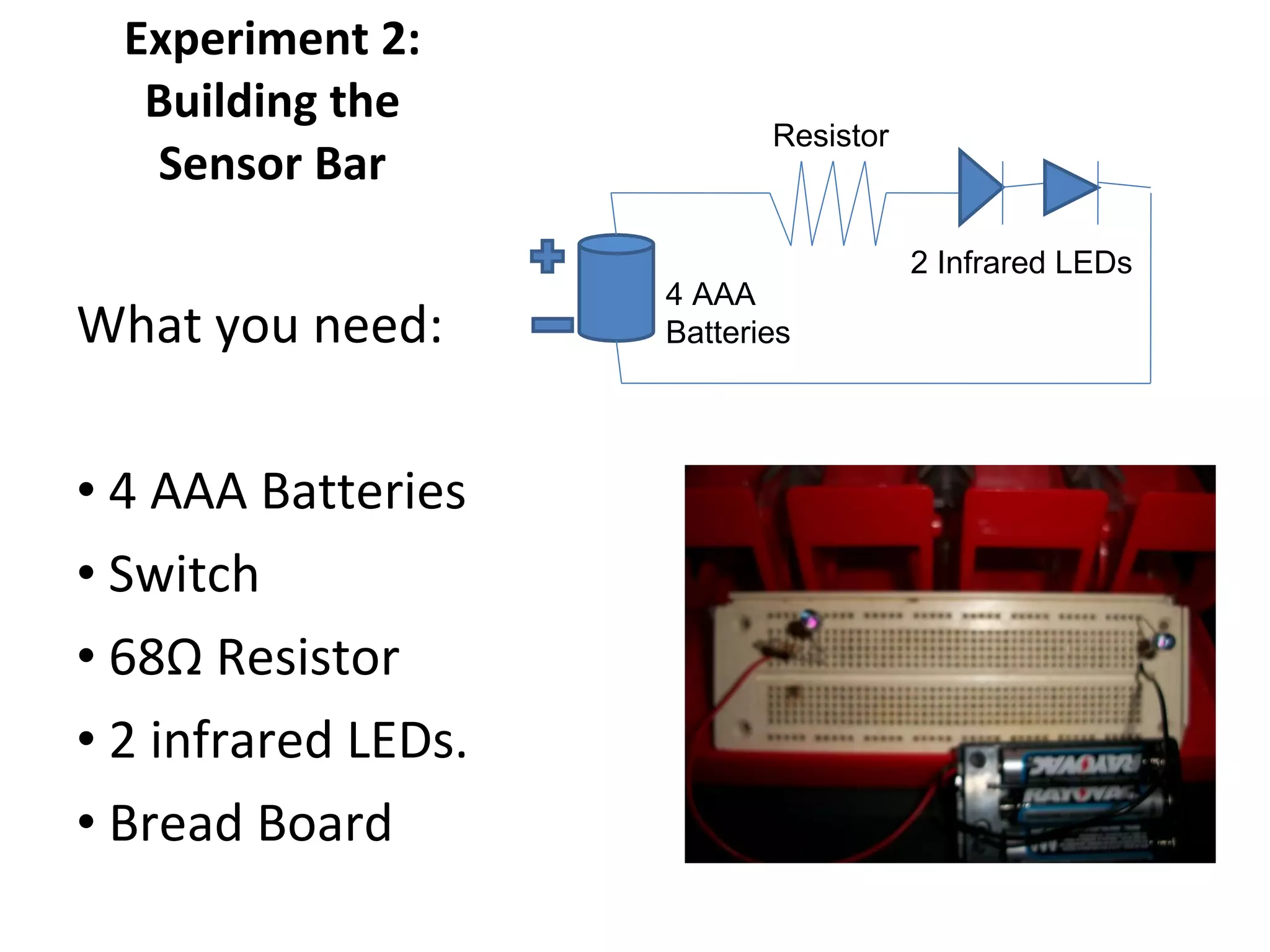
Experiment 2: Building the Sensor Bar What you need: 4 AAA Batteries Switch  68 Ω  Resistor 2 infrared LEDs. Bread Board 4 AAA  Batteries Resistor 2 Infrared LEDs
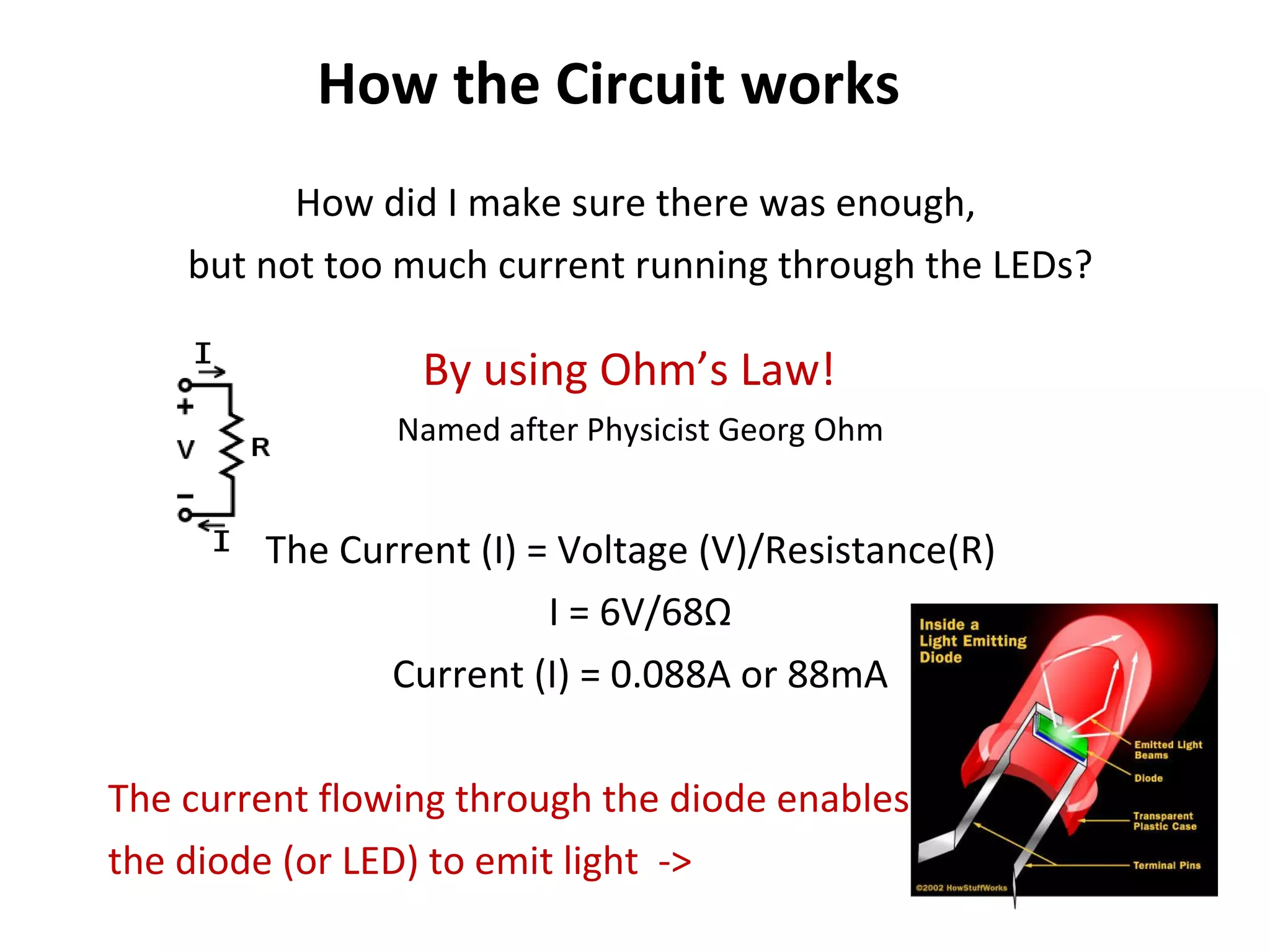
How the Circuit works How did I make sure there was enough,  but not too much current running through the LEDs? By using Ohm’s Law!  Named after Physicist Georg Ohm The Current (I) = Voltage (V)/Resistance(R)  I = 6V/68 Ω Current (I) = 0.088A or 88mA The current flowing through the diode enables the diode (or LED) to emit light  ->
Testing the Homemade Wii Sensor
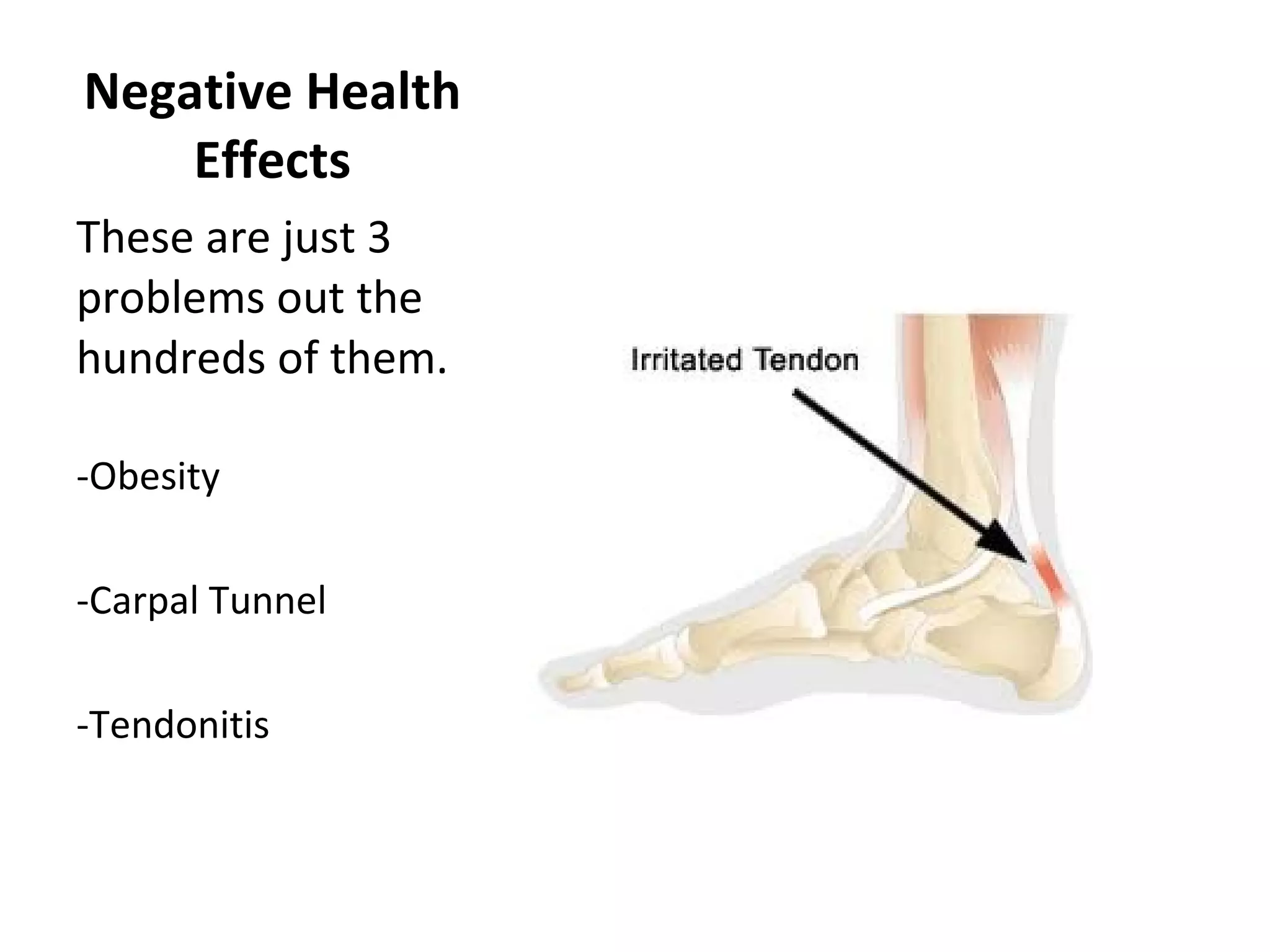
Negative Health Effects These are just 3 problems out the hundreds of them. -Obesity -Carpal Tunnel -Tendonitis
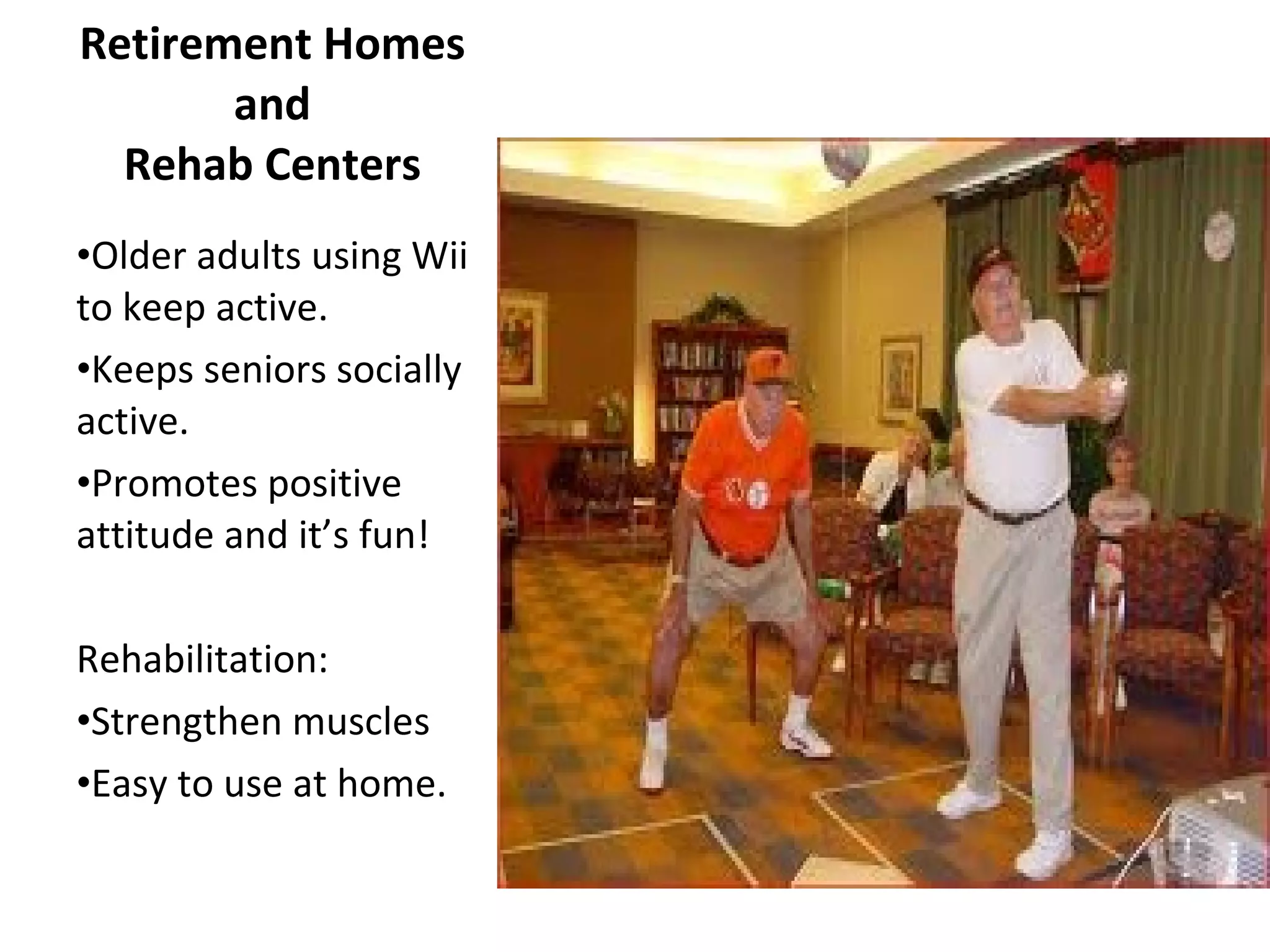
Retirement Homes and Rehab Centers Older adults using Wii to keep active. Keeps seniors socially active. Promotes positive attitude and it’s fun! Rehabilitation: Strengthen muscles Easy to use at home.

Nintendo project

  • 1.
    By: Matt DerzayNES GameCube Super Nintendo Wii
  • 2.
    From Early Beginnings Began in 1889 by Fusajiro Yamauchi Started with a card game called “Nintendo Koppai” also known as “Hanafuda”.
  • 3.
    During the 80’sNew home computers (sold by Apple & IBM) had an effect on the video game industry. Nintendo Entertainment System or the NES was released in 1984 bringing video games back into the market. 1980’s Apple Home Computer
  • 4.
    -1980 Game &Watch -1984 Nintendo Entertainment System (NES) -1989 Gameboy GameBoy Game & Watch NES
  • 5.
    -1991 Super Nintendo(SNES) -1995 Virtual Boy (FAIL) -1996 Nintendo 64 -1998 Gameboy Color Virtual Boy (FAIL)
  • 6.
    -2001 Gameboy Advance-2001 Gamecube -2003 Gameboy Advance SP -2004 Nintendo DS -2006 Nintendo Wii -2006 Nintendo DS Lite -2009 Nintendo DSI -2010 Nintendo DSI XL DS DS lite DSi DSi XL
  • 7.
    -2011? Nintendo 3DS-2011? Wii 2 (Wii HD) Doubt it
  • 8.
    Wii Remote TechnologiesThe WII remote consists of lots of different circuits. Here are just some of them: Power button Rumble pack Internal speaker Player LEDs (Light Emitting Diodes) Bluetooth chip Sync button Plug in connector Accelerometer Wii Motion Plus
  • 9.
  • 10.
    Experiment 1: SensorBar What would happen if I move the sensor bar in different places to see if it would effect the Wii remote? 1.Make sensor bar vertical. Results: When you turn the sensor bar sideways the cursor disappears from the screen, but then it was actually smart enough to figure out that the sensor bar was on its side. The only thing is that when you go off screen it gets confused again. 2. Move sensor bar 1ft to the right. Results: Exactly what I predicted. 3. Move sensor bar 1ft to the left. Results: Exactly what I predicted. 4. Turn sensor bar upside down. Results: It did absolutely nothing. The lights on the sensor are identical. 5. Remove the sensor bar completely. Results: The curser didn’t even show up on the screen. The Wii remote didn’t know where the TV was. 6. There are 2 positions where the sensor bar can go, above the TV and below the TV. Also you tell the Wii where it is, so I are going leave the sensor bar above the TV, but tell the Wii that it is below the TV. Results: It was the opposite of what I thought it was below where I was pointing.
  • 11.
    Experiment 2: Buildingthe Sensor Bar What you need: 4 AAA Batteries Switch 68 Ω Resistor 2 infrared LEDs. Bread Board 4 AAA Batteries Resistor 2 Infrared LEDs
  • 12.
    How the Circuitworks How did I make sure there was enough, but not too much current running through the LEDs? By using Ohm’s Law! Named after Physicist Georg Ohm The Current (I) = Voltage (V)/Resistance(R) I = 6V/68 Ω Current (I) = 0.088A or 88mA The current flowing through the diode enables the diode (or LED) to emit light ->
  • 13.
  • 14.
    Negative Health EffectsThese are just 3 problems out the hundreds of them. -Obesity -Carpal Tunnel -Tendonitis
  • 15.
    Retirement Homes andRehab Centers Older adults using Wii to keep active. Keeps seniors socially active. Promotes positive attitude and it’s fun! Rehabilitation: Strengthen muscles Easy to use at home.