

WCAG 2.0 for writers A brief overview of accessible content WANAU Melbourne  September 2009
Accessibility? What’s that?
…  but that’s for blind people and we don’t have any here
I thought the web team  did all that stuff
…  and so it came to pass that their new accessible  website was ruined by their web writers!
Potential impact of web writers Document file types Accessibility supported technologies Writing style  Structure and formatting Design elements  Link text Page titles
Document file types WCAG 2.0 is technology neutral PDF, Word, RTF, PowerPoint files heavily used online If used as the only format, they must: Be ‘accessibility supported’ Meet the WCAG 2.0 success criteria
‘ Accessibility supported’ means a) Format can be made accessible, AND b) Content in the format can be accessed by: Assistive technologies  Accessibility features of user agents (browsers and plug-ins) No one has yet done the work to test (a)  What level of AT/UA support is needed for (b)?
Is PDF ‘accessibility supported’? Older versions of Acrobat not capable of making accessible PDF documents; newer versions better Only newer versions of screen readers can make use of this support Is PDF accessibility supported? No definitive answer yet Even if it is,  PDFs must meet WCAG 2.0 requirements (so must Word, RTF, PowerPoint)  if use as only format
Potential impact of web writers Document file types Writing style   Readability, shortened forms, instructions, non-literal use of words,   foreign language, pronunciation Structure and formatting Design elements  Link text Page titles
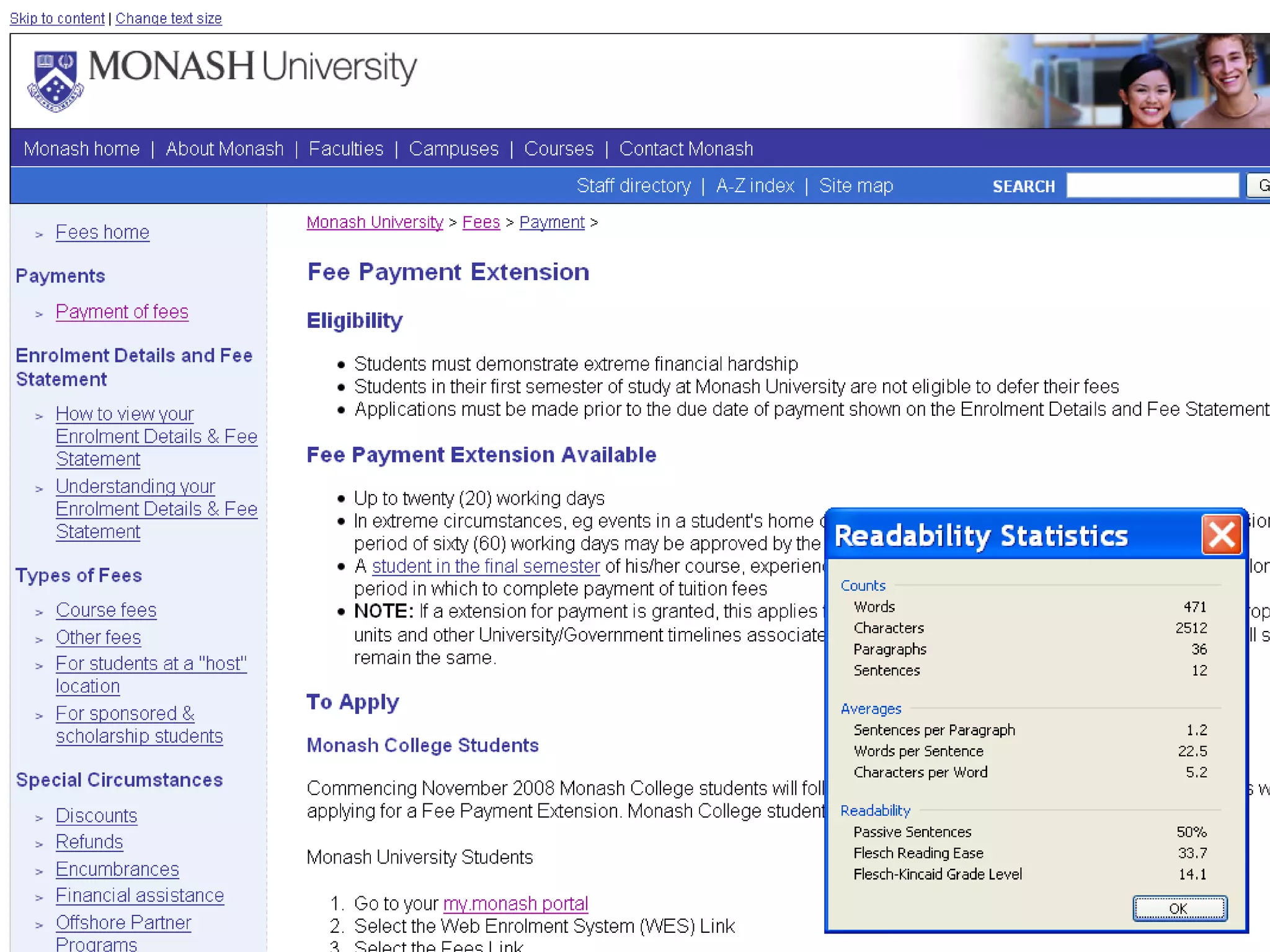
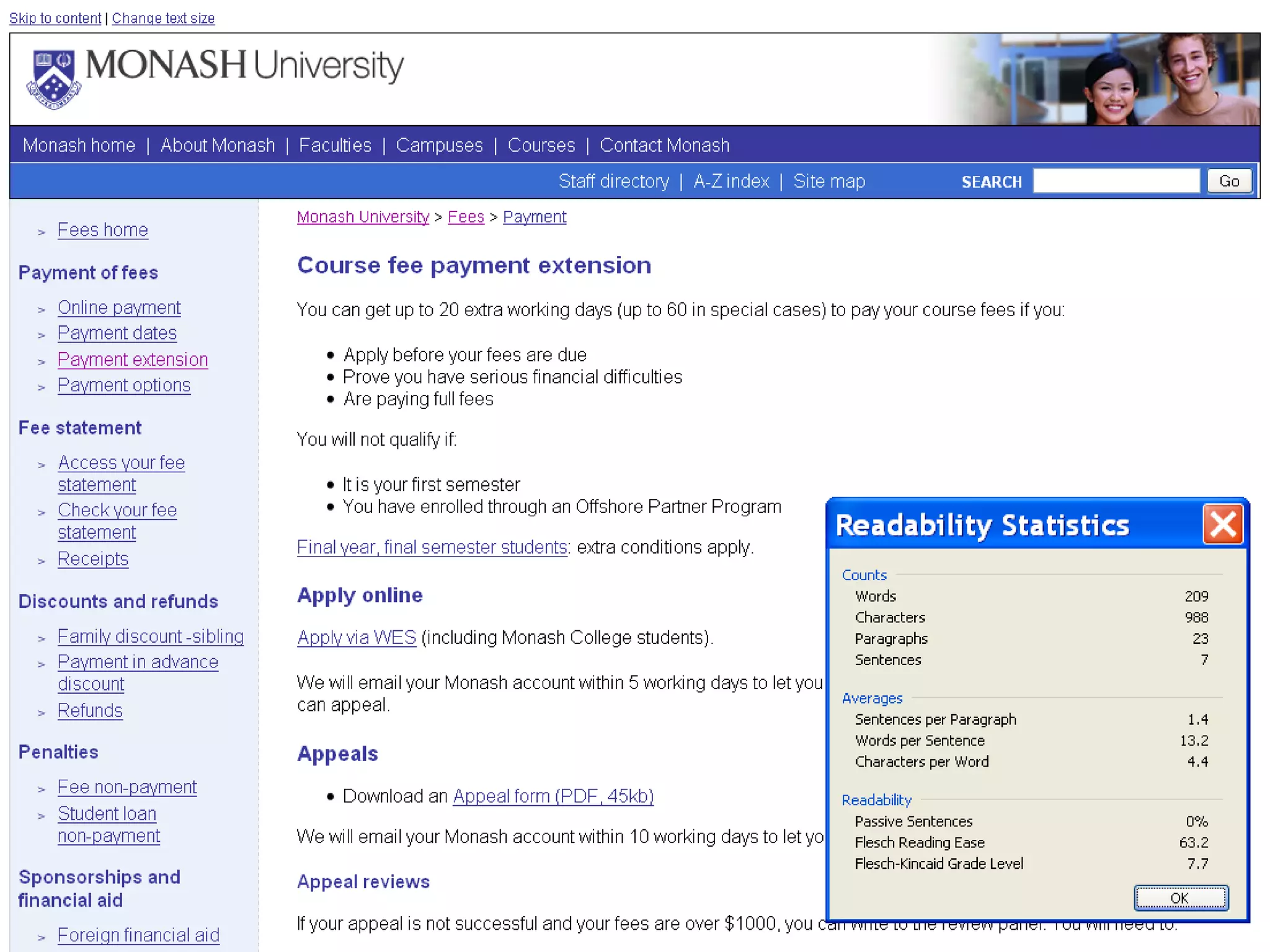
Readability SC 3.1.5 (AAA) Content is written at lower secondary level or has supplementary content or an alternative   Techniques for 3.1.5 Understanding 3.1.5
 
 
Shortened forms SC 3.1.4 (AAA) Abbreviations, acronyms or initialisms are expanded   Techniques for 3.1.4 Understanding 3.1.4


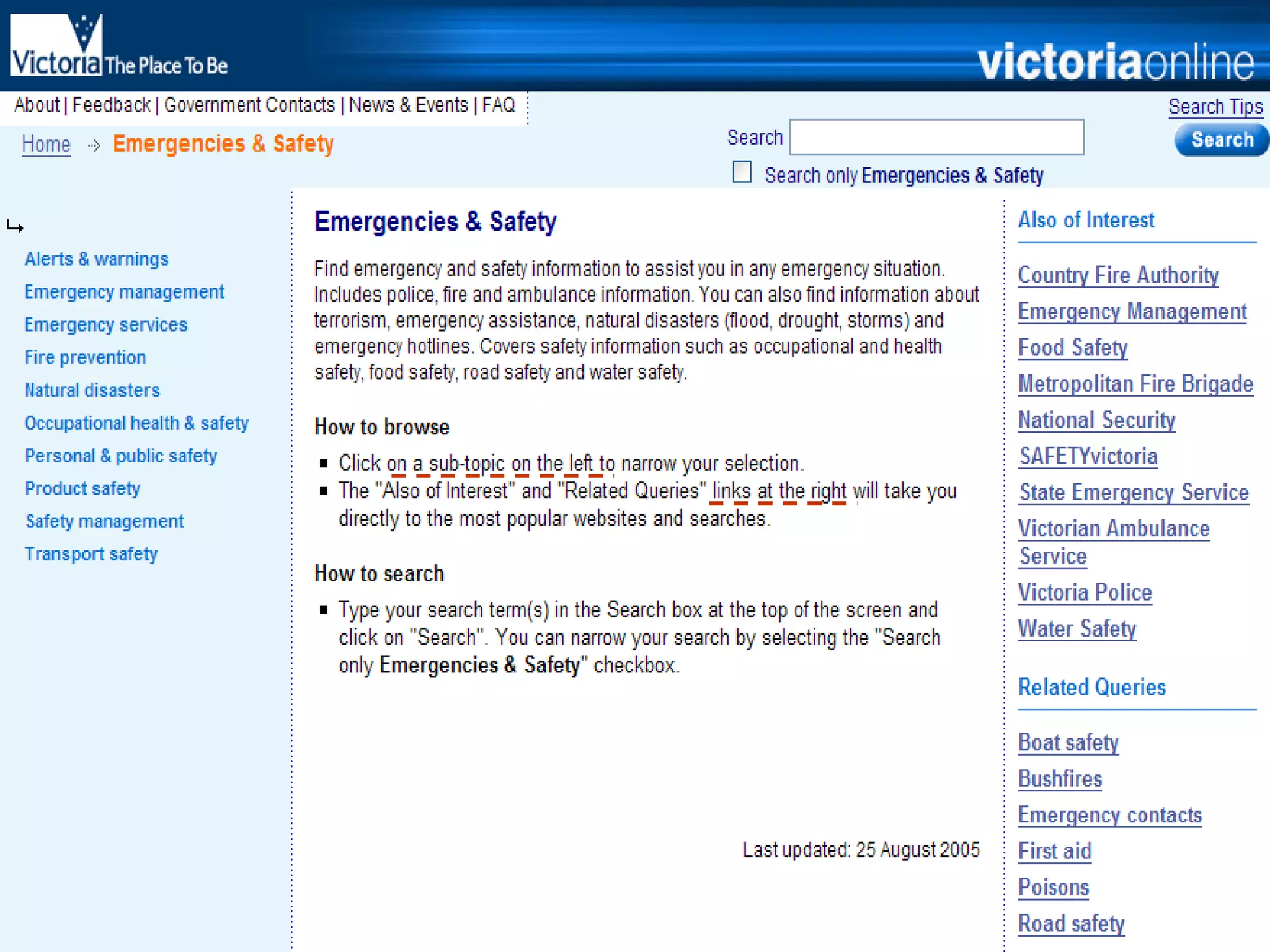
Instructions SC 1.3.3 (A) Instructions for using/understanding content do not rely on shape, size, location, orientation or sound Techniques for 1.3.3 Understanding 1.3.3
 
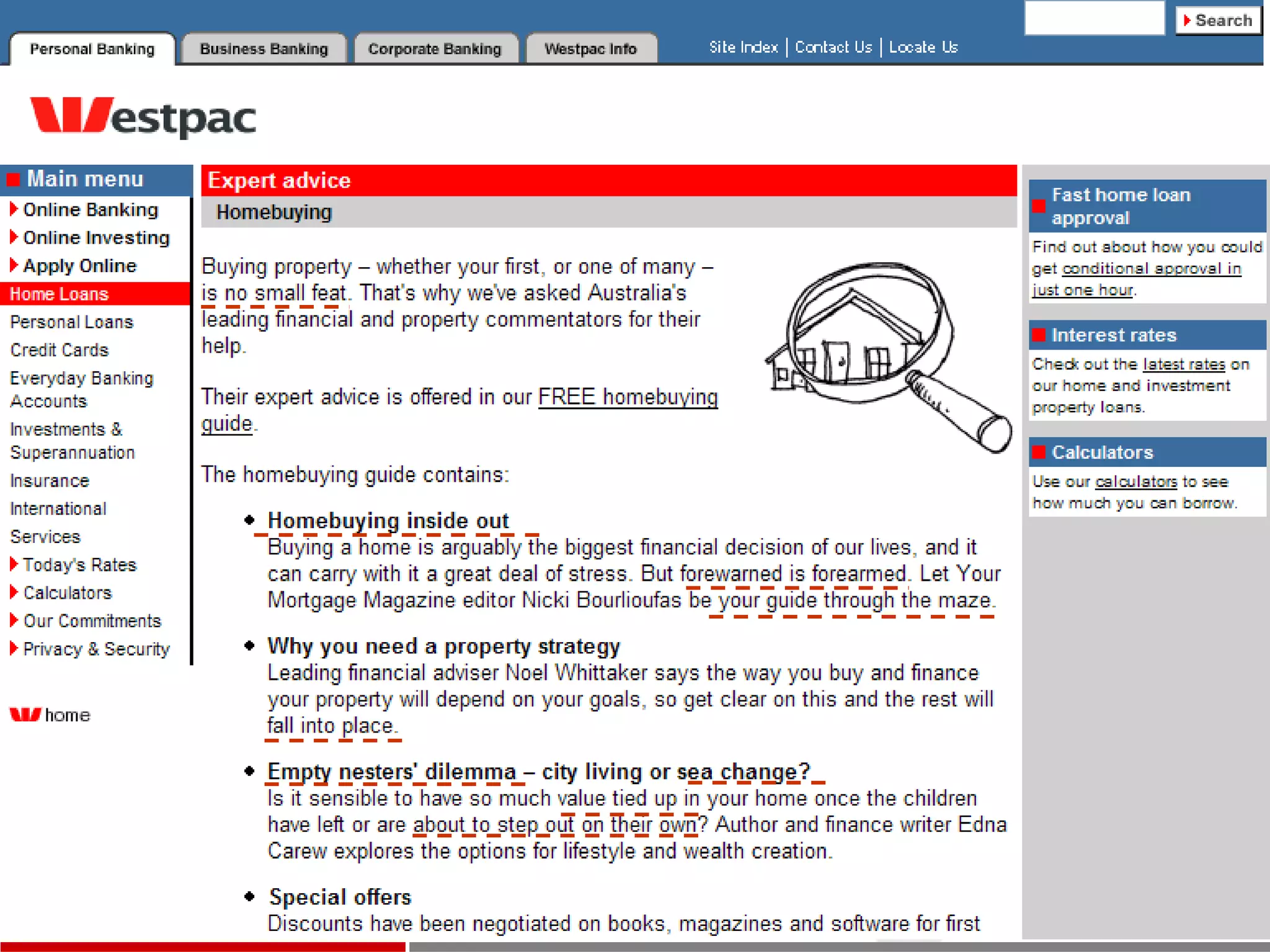
Non-literal or specialised use of words SC 3.1.3 (AAA) Idioms, metaphors, jargon are explained Techniques for 3.1.3 Understanding 3.1.3
 
Foreign language SC 3.1.2 (AA) Foreign language terms are able to be understood by different UAs and ATs  Techniques for 3.1.2 Understanding 3.1.2
Pronunciation SC 3.1.6 (AA) A pronunciation is provided for words where the meaning would otherwise be ambiguous  Techniques for 3.1.6 Understanding 3.1.6
Potential impact of web writers Document file types Writing style  Structure and formatting Headings, tables, lists, special text elements Design elements  Link text Page titles
Headings (1 of 3) SC 2.4.10 (AAA) Headings are used to organise the content  Techniques for 2.4.10   Understanding 2.4.10
SC 2.4.6 (AA) Headings are descriptive Techniques for 2.4.6 Understanding 2.4.6 Headings (2 of 3)
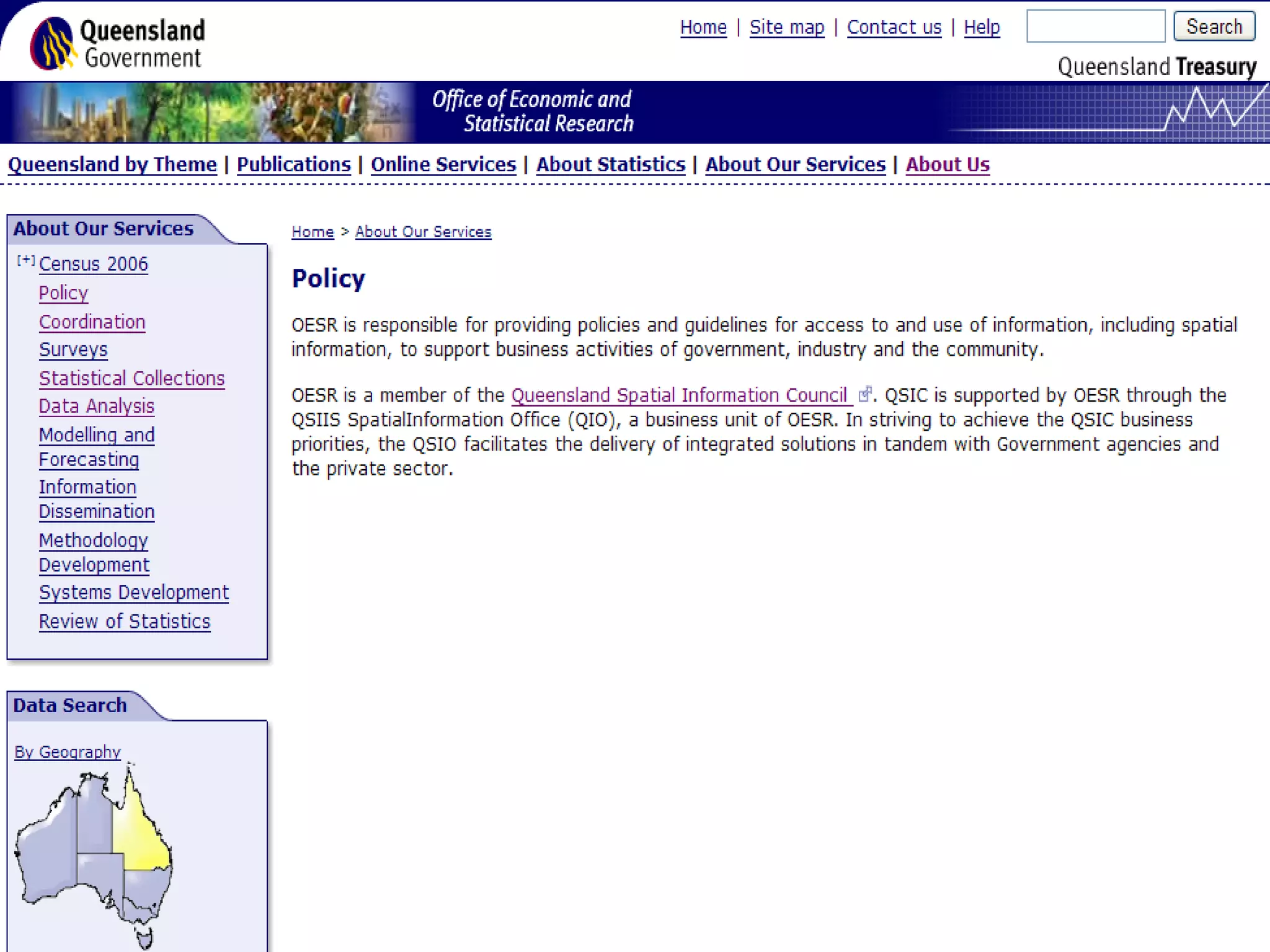
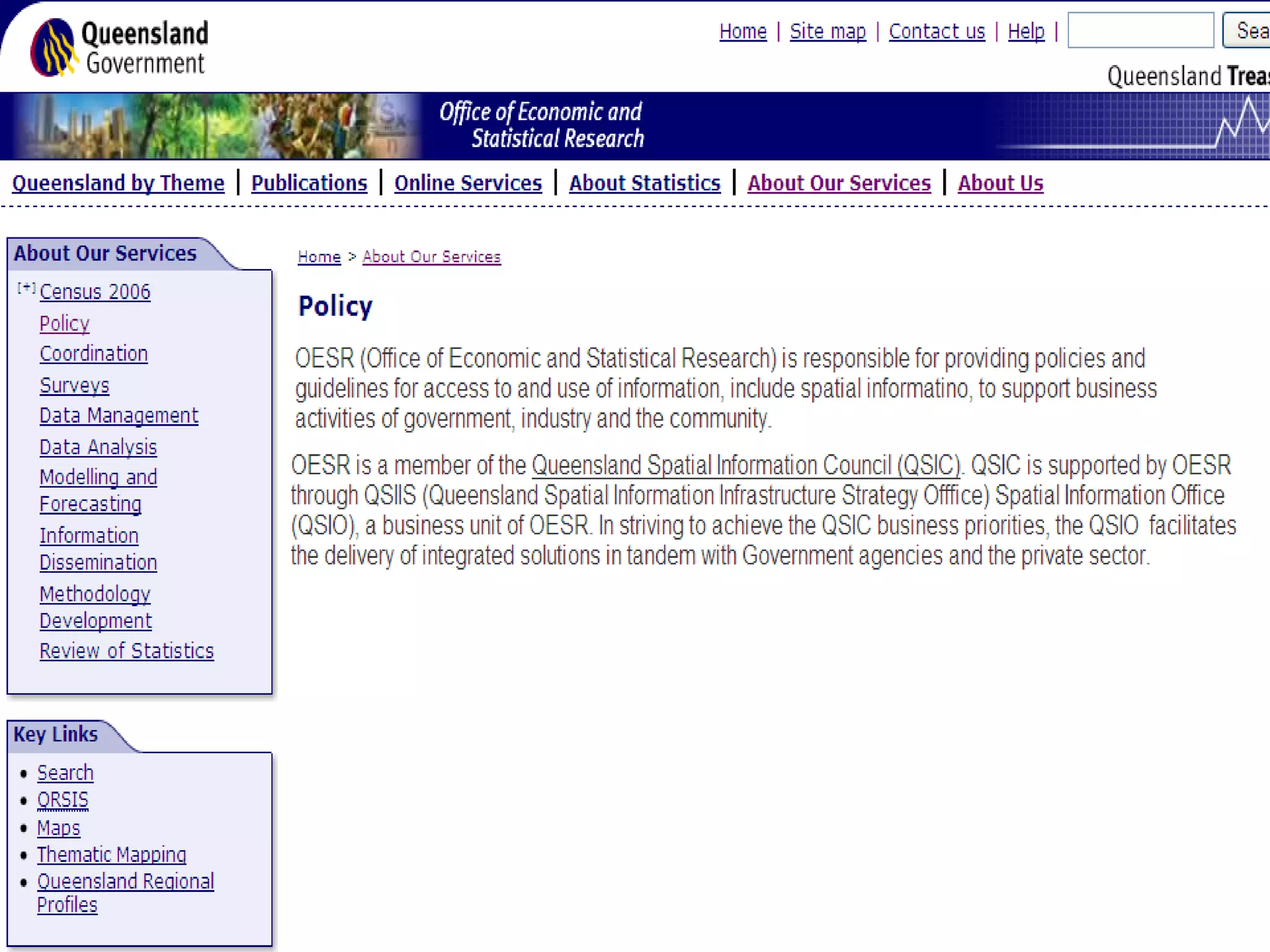
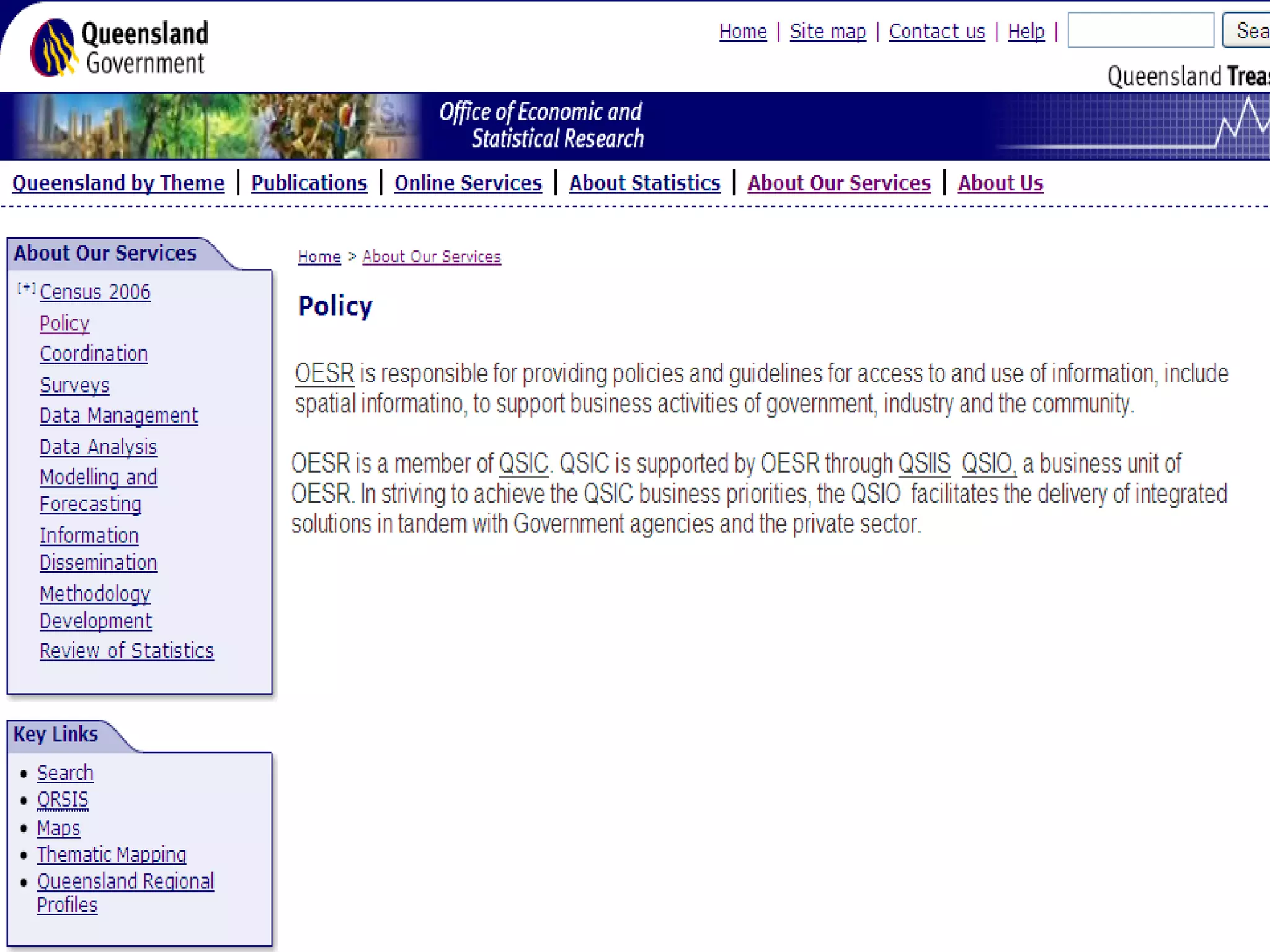
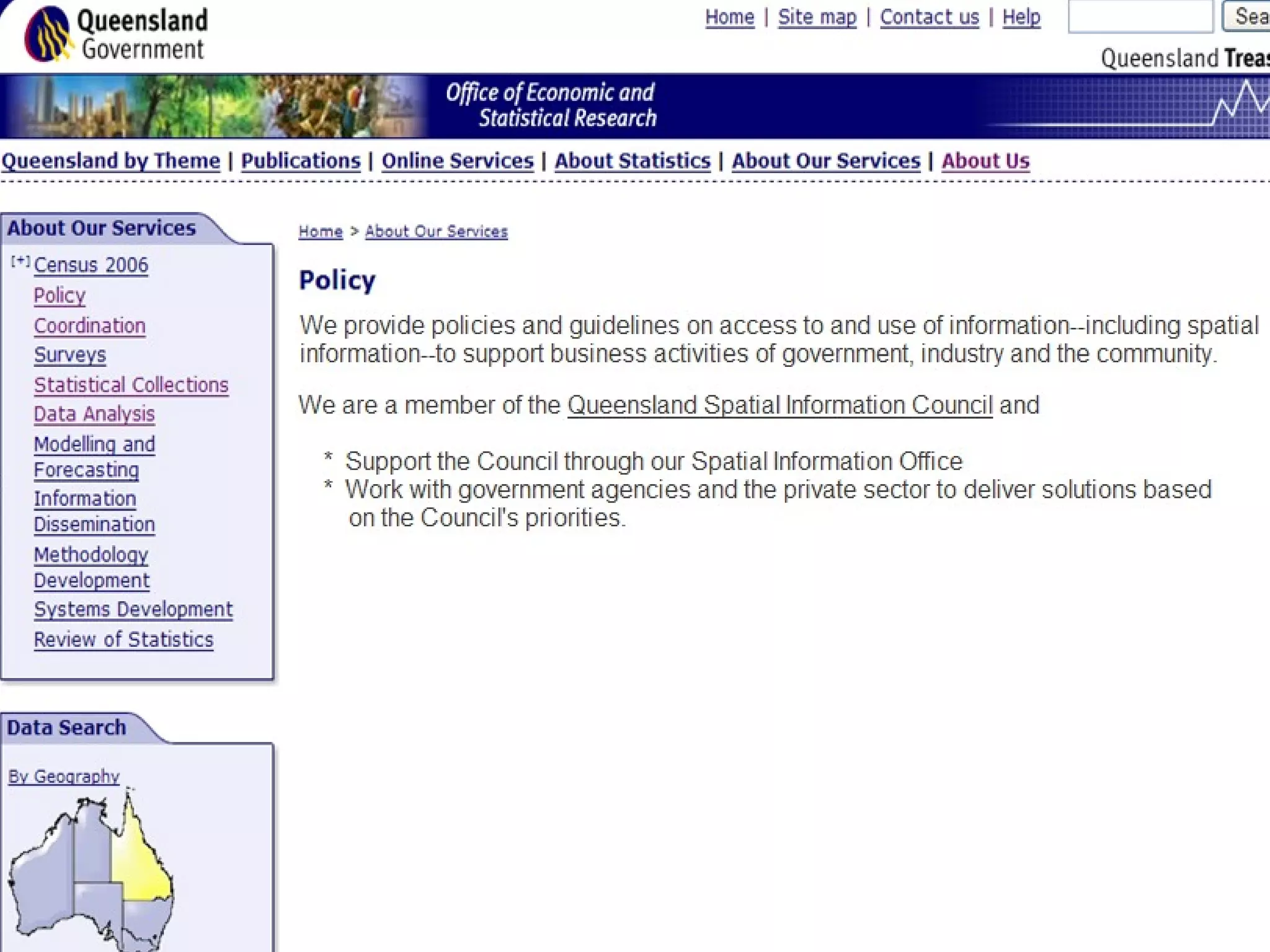
How descriptive is this heading? “ Important information” Your clues: On a page from the University of Canberra Page is in the “Students with disabilities” section It is the main heading on the page (H1)
 
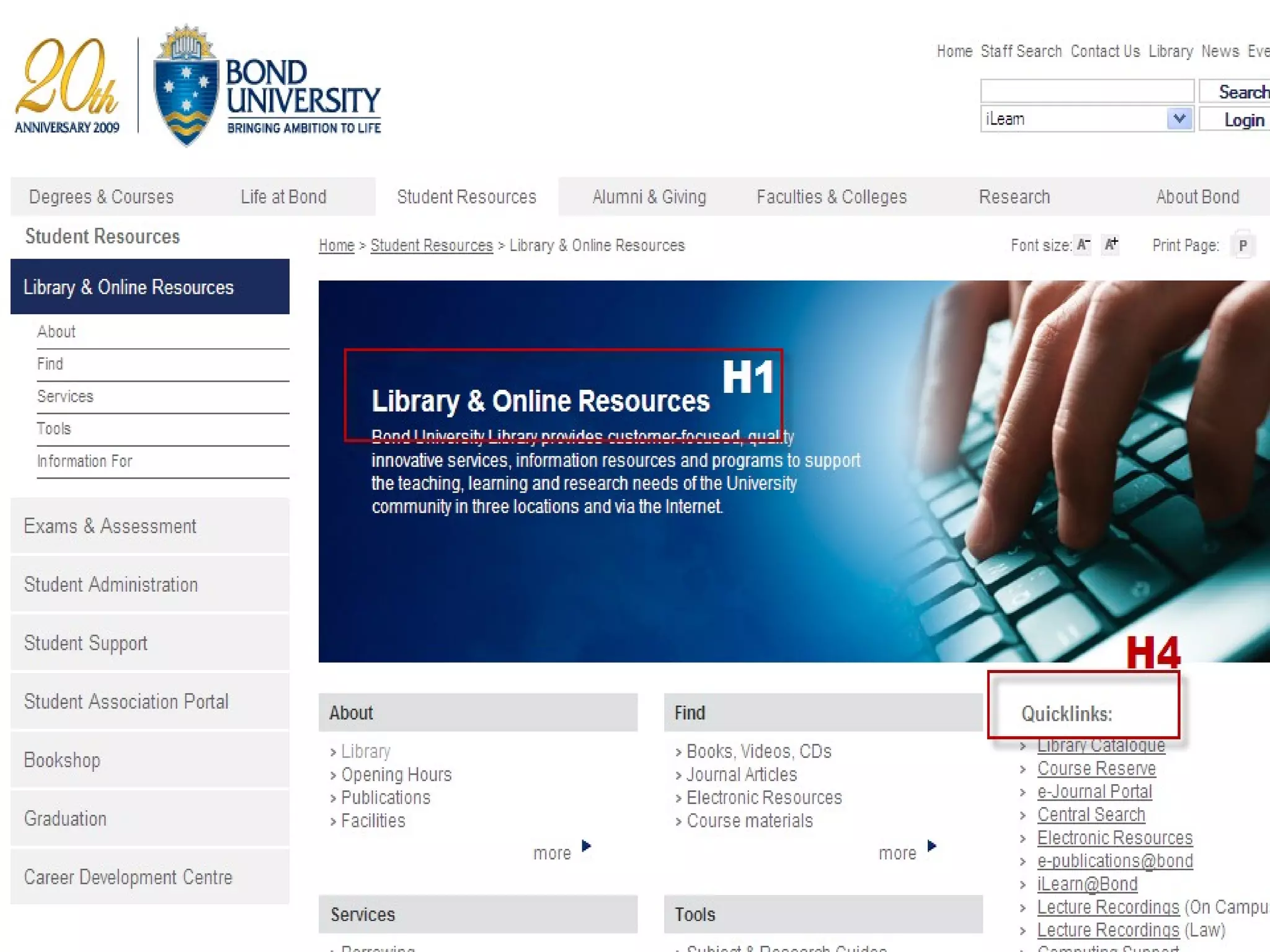
Headings (3 of 3) SC 1.3.1 (A) Headings can be recognised as such by different UAs and ATs Techniques for 1.3.1 Understanding 1.3.1
 
 
Tables, lists, quotations, citations … SC 1.3.1 (A) Special elements marked up so they can be recognised by different UAs and ATs   Techniques for 1.3.1 Understanding 1.3.1
 
Potential impact of web writers Document file types Writing style  Structure and formatting Design elements   Images, text as images, colour, contrast Link text Page titles
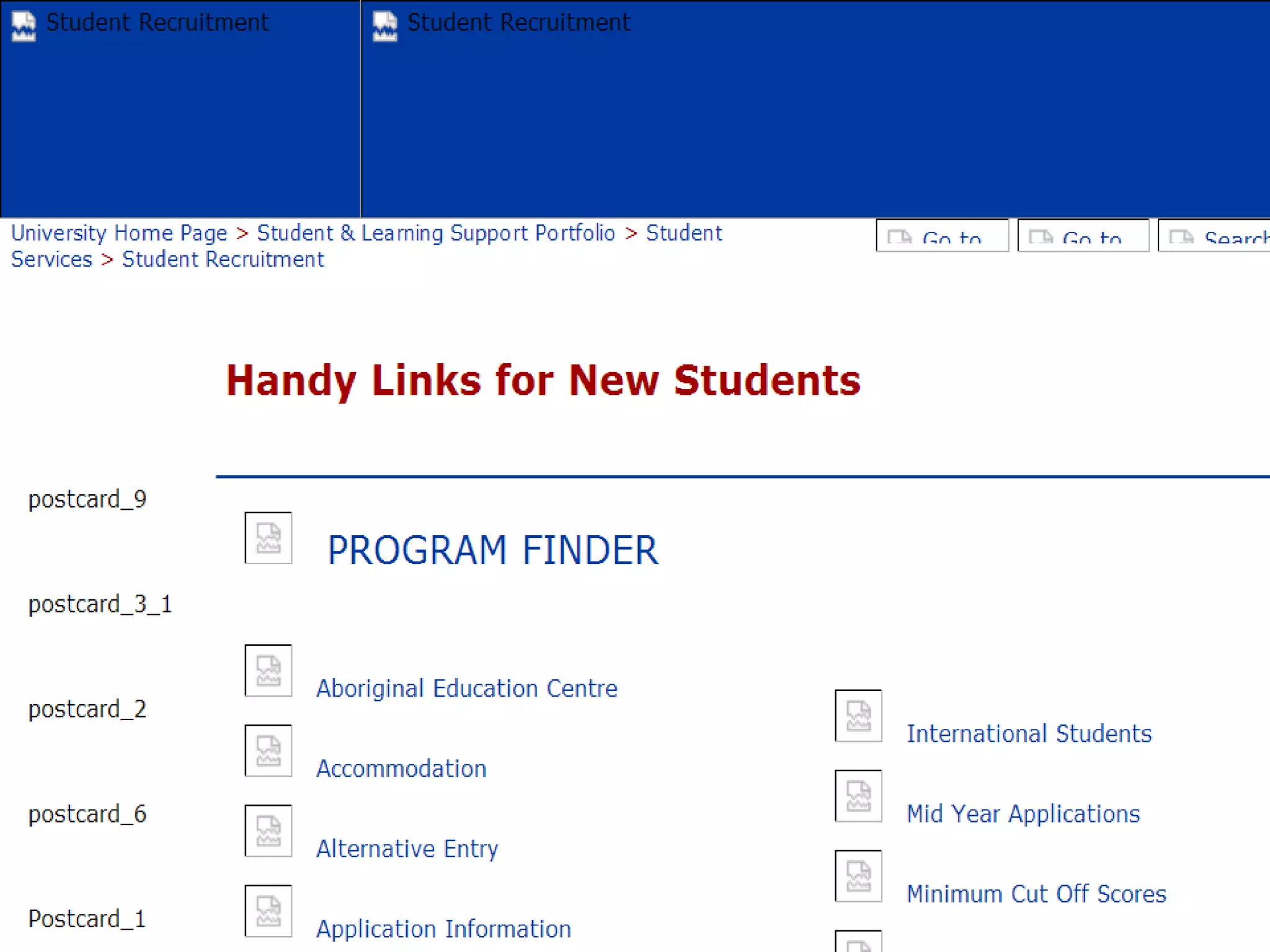
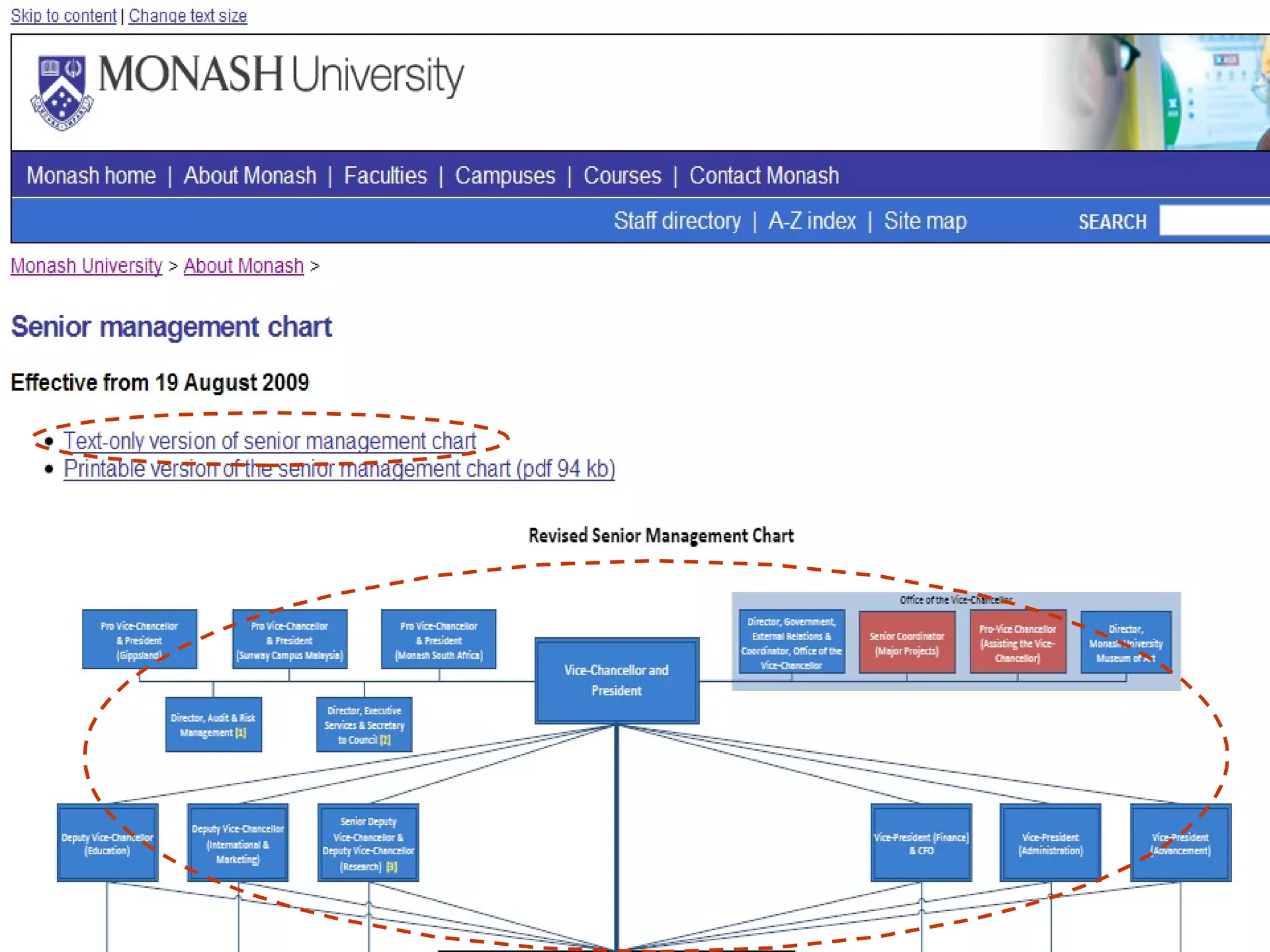
Images (1 of 2)  SC 1.1.1 (A) Images have an equivalent text alternative Techniques for 1.1.1 Understanding 1.1.1
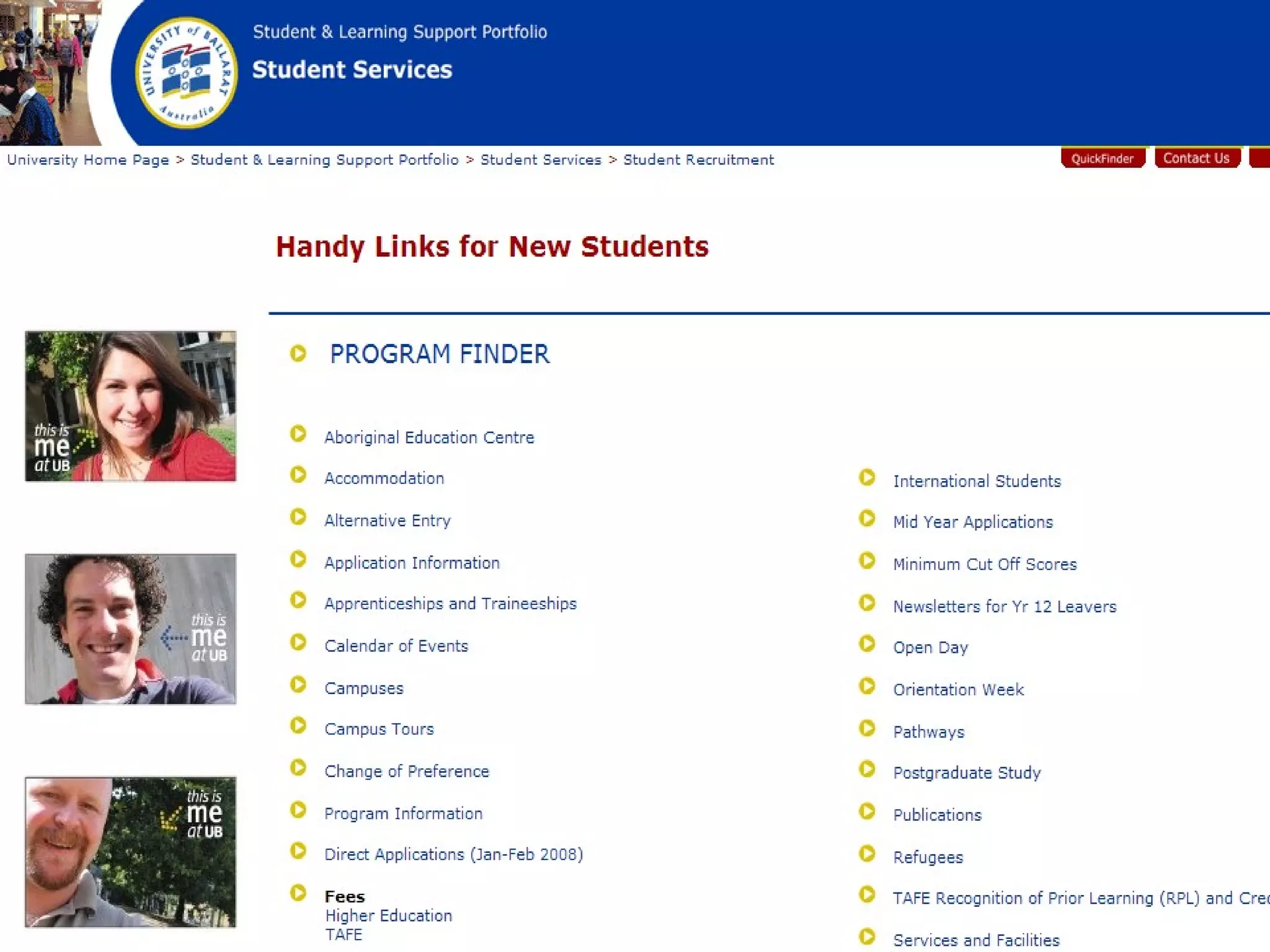
Equivalent text alternatives Role of the image Decorative or informative? Use in context of the page? Used as a link? (next topic) Techniques Blank text alternative Short text alternative Short and long text alternative


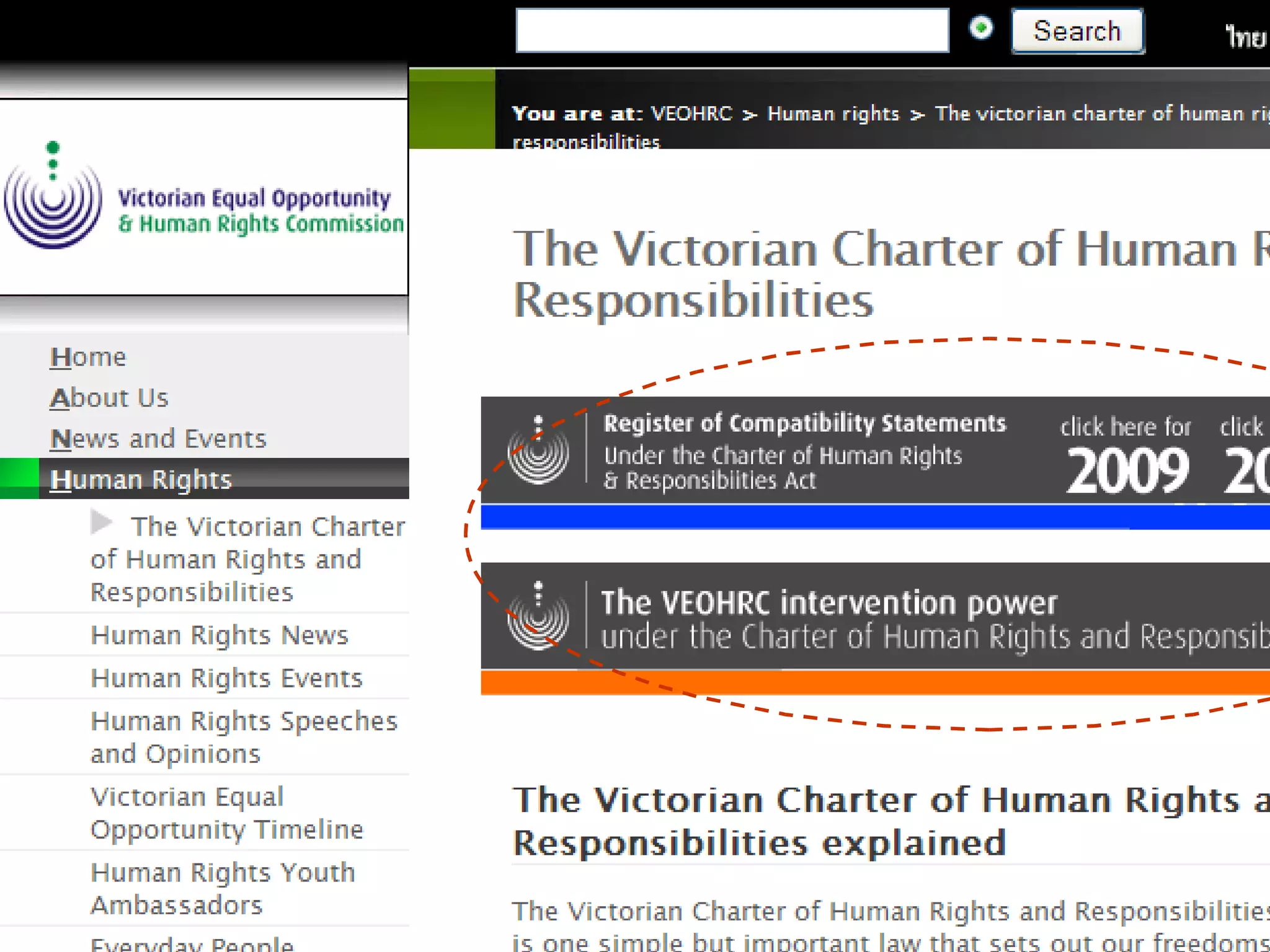
Images (2 of 2) SC 1.4.5 (AA) Text is not presented as an image  (except in logos) Techniques for 1.4.5 Understanding 1.4.5
 
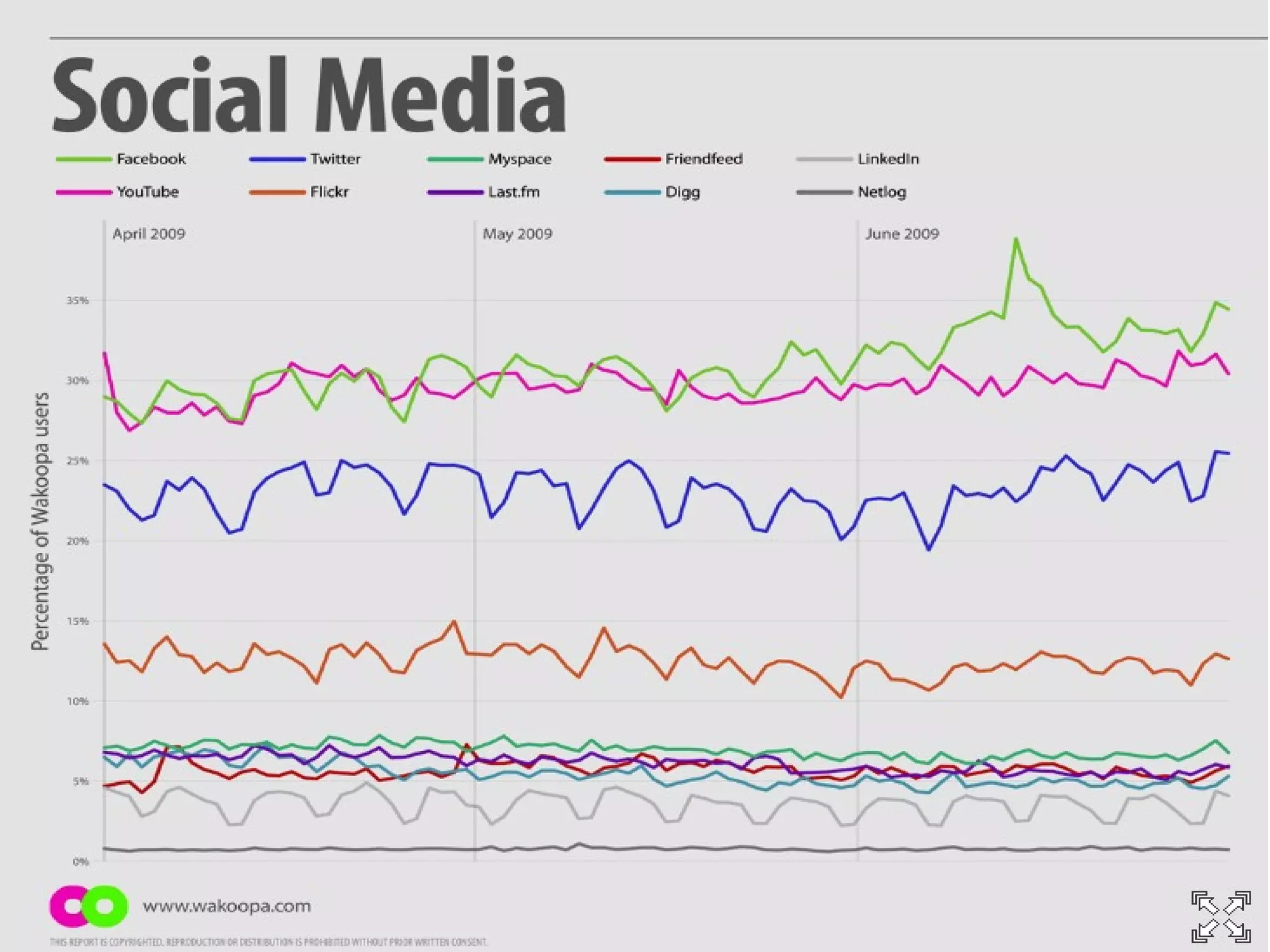
Colour SC 1.4.1 (A) Colour is not used on its own to show meaning Techniques for 1.4.1 Understanding 1.4.4
 
Contrast (1 of 2) SC 1.4.3 (AA) Text and background colours have a contrast ratio of 4.5:1 or 3:1 for large text ( also applies to images of text) Techniques for 1.4.3 Understanding 1.4.3
 
Contrast (2 of 2) SC 1.4.6 (AAA) Text and background colours have a contrast ratio of 7:1 (also applies to images of text) Techniques for 1.4.6 Understanding 1.4.6
Potential impact of web writers Document file types Writing style  Structure and formatting Design elements  Link text Page titles
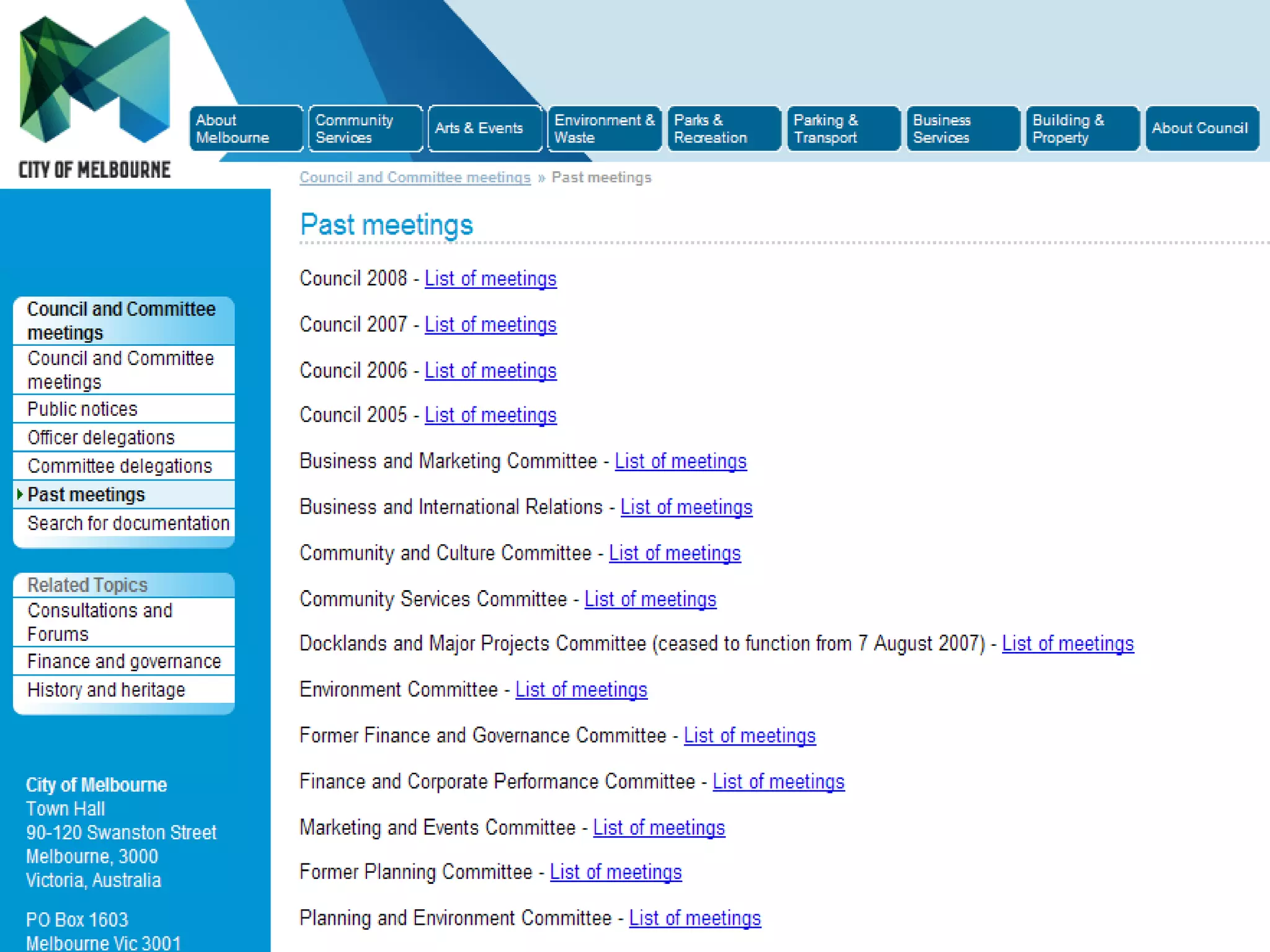
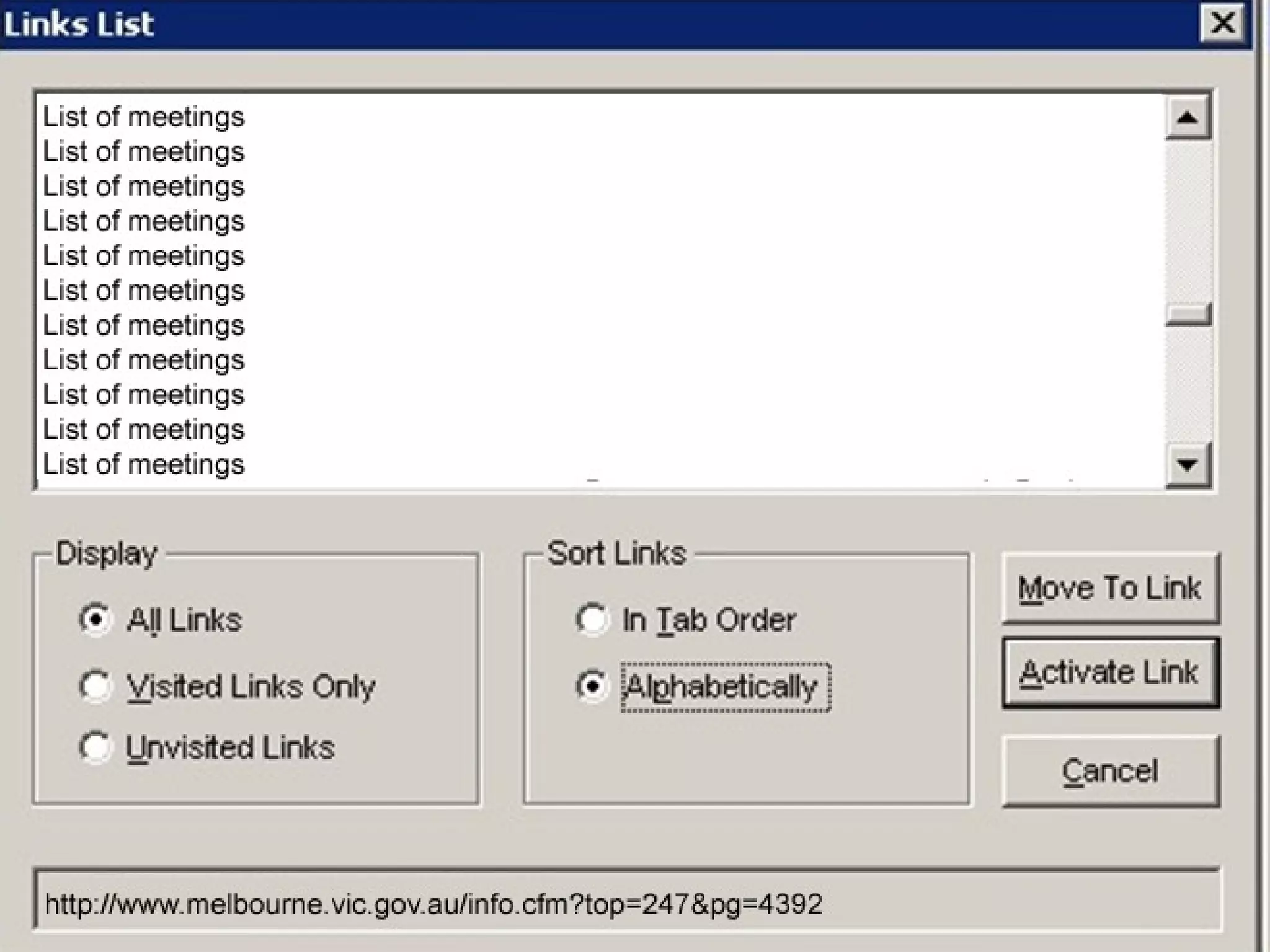
Link text (1 of 2) SC 2.4.4 (A) Link purpose can be understood from the link and context Techniques for 2.4.4 Understanding 2.4.4


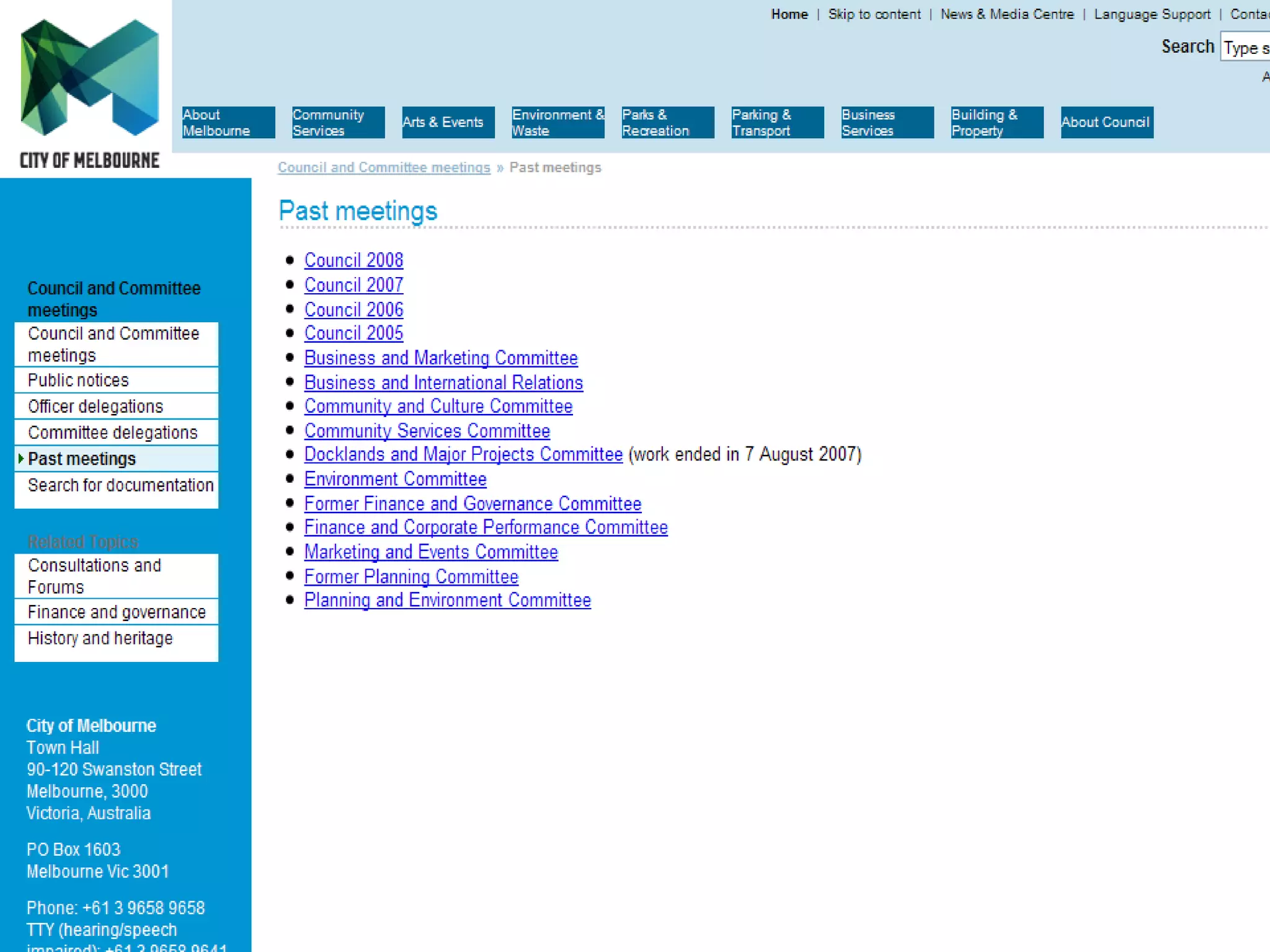
Link text (2 of 2) SC 2.4.9 (AAA) Link purpose can be understood from the link text alone Techniques for 2.4.9 Understanding 2.4.9
 
Potential impact of web writers Document file types Writing style  Structure and formatting Design elements  Link text Page titles
Page titles SC 2.4.2 (A) Page title describes the content or purpose Techniques for 2.4.2 Understanding 2.4.2
 
Some final thoughts on WCAG 2.0 Some techniques better than others Need to use good judgement Some guidelines lower the standards Readability (was level A, now level AAA) Clear link text (was level A, now level AAA) Headings (was level AA, now level AAA) Note that AAA is now ‘optional’!

WCAG 2.0 for writers

  • 1.
    WCAG 2.0 forwriters A brief overview of accessible content WANAU Melbourne September 2009
  • 2.
  • 3.
    … butthat’s for blind people and we don’t have any here
  • 4.
    I thought theweb team did all that stuff
  • 5.
    … andso it came to pass that their new accessible website was ruined by their web writers!
  • 6.
    Potential impact ofweb writers Document file types Accessibility supported technologies Writing style Structure and formatting Design elements Link text Page titles
  • 7.
    Document file typesWCAG 2.0 is technology neutral PDF, Word, RTF, PowerPoint files heavily used online If used as the only format, they must: Be ‘accessibility supported’ Meet the WCAG 2.0 success criteria
  • 8.
    ‘ Accessibility supported’means a) Format can be made accessible, AND b) Content in the format can be accessed by: Assistive technologies Accessibility features of user agents (browsers and plug-ins) No one has yet done the work to test (a) What level of AT/UA support is needed for (b)?
  • 9.
    Is PDF ‘accessibilitysupported’? Older versions of Acrobat not capable of making accessible PDF documents; newer versions better Only newer versions of screen readers can make use of this support Is PDF accessibility supported? No definitive answer yet Even if it is, PDFs must meet WCAG 2.0 requirements (so must Word, RTF, PowerPoint) if use as only format
  • 10.
    Potential impact ofweb writers Document file types Writing style Readability, shortened forms, instructions, non-literal use of words, foreign language, pronunciation Structure and formatting Design elements Link text Page titles
  • 11.
    Readability SC 3.1.5(AAA) Content is written at lower secondary level or has supplementary content or an alternative Techniques for 3.1.5 Understanding 3.1.5
  • 12.
  • 13.
  • 14.
    Shortened forms SC3.1.4 (AAA) Abbreviations, acronyms or initialisms are expanded Techniques for 3.1.4 Understanding 3.1.4
  • 15.
  • 16.
  • 17.
  • 18.
  • 19.
    Instructions SC 1.3.3(A) Instructions for using/understanding content do not rely on shape, size, location, orientation or sound Techniques for 1.3.3 Understanding 1.3.3
  • 20.
  • 21.
    Non-literal or specialiseduse of words SC 3.1.3 (AAA) Idioms, metaphors, jargon are explained Techniques for 3.1.3 Understanding 3.1.3
  • 22.
  • 23.
    Foreign language SC3.1.2 (AA) Foreign language terms are able to be understood by different UAs and ATs Techniques for 3.1.2 Understanding 3.1.2
  • 24.
    Pronunciation SC 3.1.6(AA) A pronunciation is provided for words where the meaning would otherwise be ambiguous Techniques for 3.1.6 Understanding 3.1.6
  • 25.
    Potential impact ofweb writers Document file types Writing style Structure and formatting Headings, tables, lists, special text elements Design elements Link text Page titles
  • 26.
    Headings (1 of3) SC 2.4.10 (AAA) Headings are used to organise the content Techniques for 2.4.10 Understanding 2.4.10
  • 27.
    SC 2.4.6 (AA)Headings are descriptive Techniques for 2.4.6 Understanding 2.4.6 Headings (2 of 3)
  • 28.
    How descriptive isthis heading? “ Important information” Your clues: On a page from the University of Canberra Page is in the “Students with disabilities” section It is the main heading on the page (H1)
  • 29.
  • 30.
    Headings (3 of3) SC 1.3.1 (A) Headings can be recognised as such by different UAs and ATs Techniques for 1.3.1 Understanding 1.3.1
  • 31.
  • 32.
  • 33.
    Tables, lists, quotations,citations … SC 1.3.1 (A) Special elements marked up so they can be recognised by different UAs and ATs Techniques for 1.3.1 Understanding 1.3.1
  • 34.
  • 35.
    Potential impact ofweb writers Document file types Writing style Structure and formatting Design elements Images, text as images, colour, contrast Link text Page titles
  • 36.
    Images (1 of2) SC 1.1.1 (A) Images have an equivalent text alternative Techniques for 1.1.1 Understanding 1.1.1
  • 37.
    Equivalent text alternativesRole of the image Decorative or informative? Use in context of the page? Used as a link? (next topic) Techniques Blank text alternative Short text alternative Short and long text alternative
  • 38.
  • 39.
  • 40.
  • 41.
    Images (2 of2) SC 1.4.5 (AA) Text is not presented as an image (except in logos) Techniques for 1.4.5 Understanding 1.4.5
  • 42.
  • 43.
    Colour SC 1.4.1(A) Colour is not used on its own to show meaning Techniques for 1.4.1 Understanding 1.4.4
  • 44.
  • 45.
    Contrast (1 of2) SC 1.4.3 (AA) Text and background colours have a contrast ratio of 4.5:1 or 3:1 for large text ( also applies to images of text) Techniques for 1.4.3 Understanding 1.4.3
  • 46.
  • 47.
    Contrast (2 of2) SC 1.4.6 (AAA) Text and background colours have a contrast ratio of 7:1 (also applies to images of text) Techniques for 1.4.6 Understanding 1.4.6
  • 48.
    Potential impact ofweb writers Document file types Writing style Structure and formatting Design elements Link text Page titles
  • 49.
    Link text (1of 2) SC 2.4.4 (A) Link purpose can be understood from the link and context Techniques for 2.4.4 Understanding 2.4.4
  • 50.
  • 51.
  • 52.
  • 53.
    Link text (2of 2) SC 2.4.9 (AAA) Link purpose can be understood from the link text alone Techniques for 2.4.9 Understanding 2.4.9
  • 54.
  • 55.
    Potential impact ofweb writers Document file types Writing style Structure and formatting Design elements Link text Page titles
  • 56.
    Page titles SC2.4.2 (A) Page title describes the content or purpose Techniques for 2.4.2 Understanding 2.4.2
  • 57.
  • 58.
    Some final thoughtson WCAG 2.0 Some techniques better than others Need to use good judgement Some guidelines lower the standards Readability (was level A, now level AAA) Clear link text (was level A, now level AAA) Headings (was level AA, now level AAA) Note that AAA is now ‘optional’!