A Simple Lecture Recording Setup
          Charles Severance
        University of Michigan
        School of Information
Goals
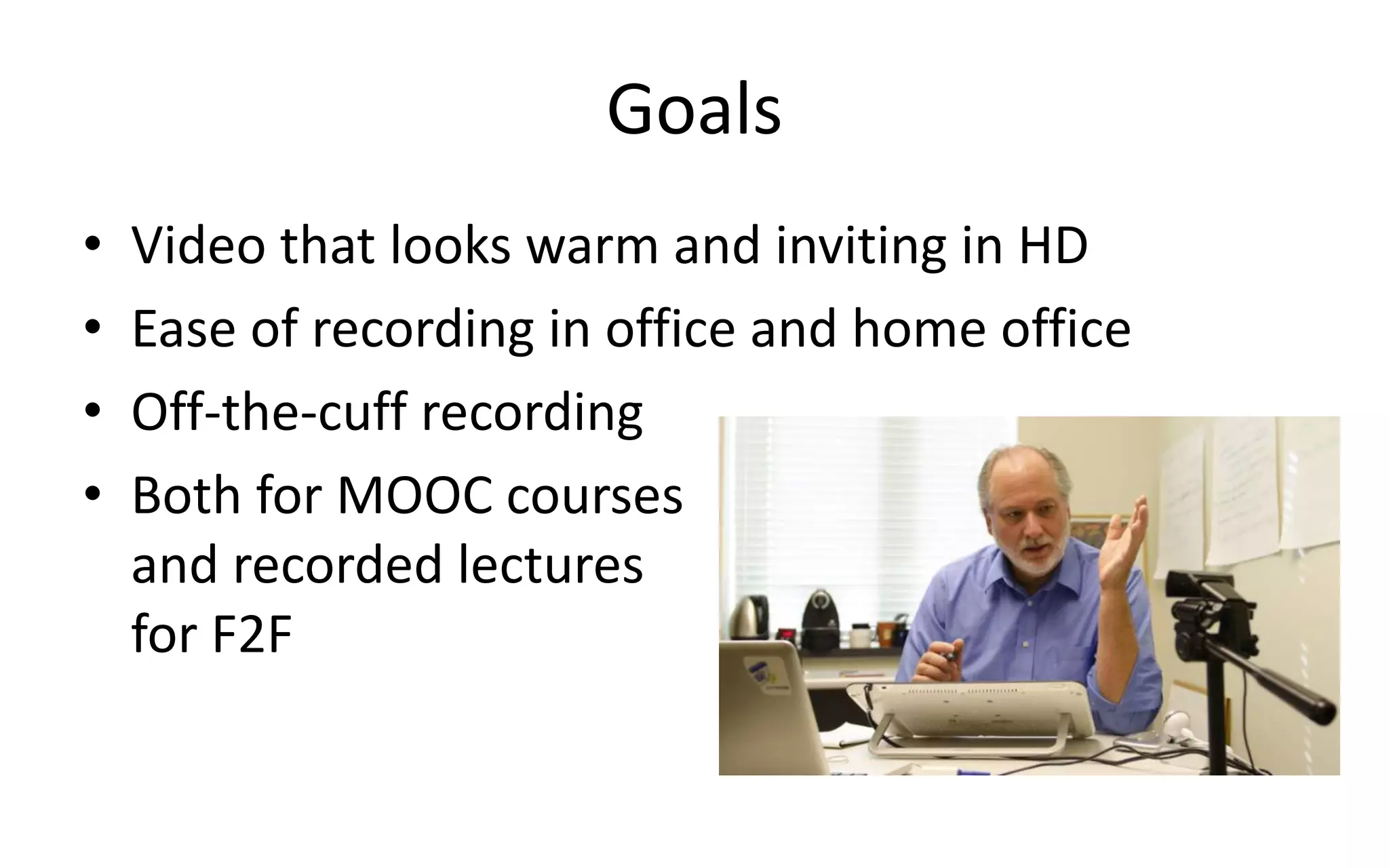
•   Video that looks warm and inviting in HD
•   Ease of recording in office and home office
•   Off-the-cuff recording
•   Both for MOOC courses
    and recorded lectures
    for F2F
Equipment
• MacBook Pro 4 CPU / 8GB RAM
• Logitech C920 (Camera + Microphone)
• Wacom Cintiq 12WX
• Omnidazzle for Drawing
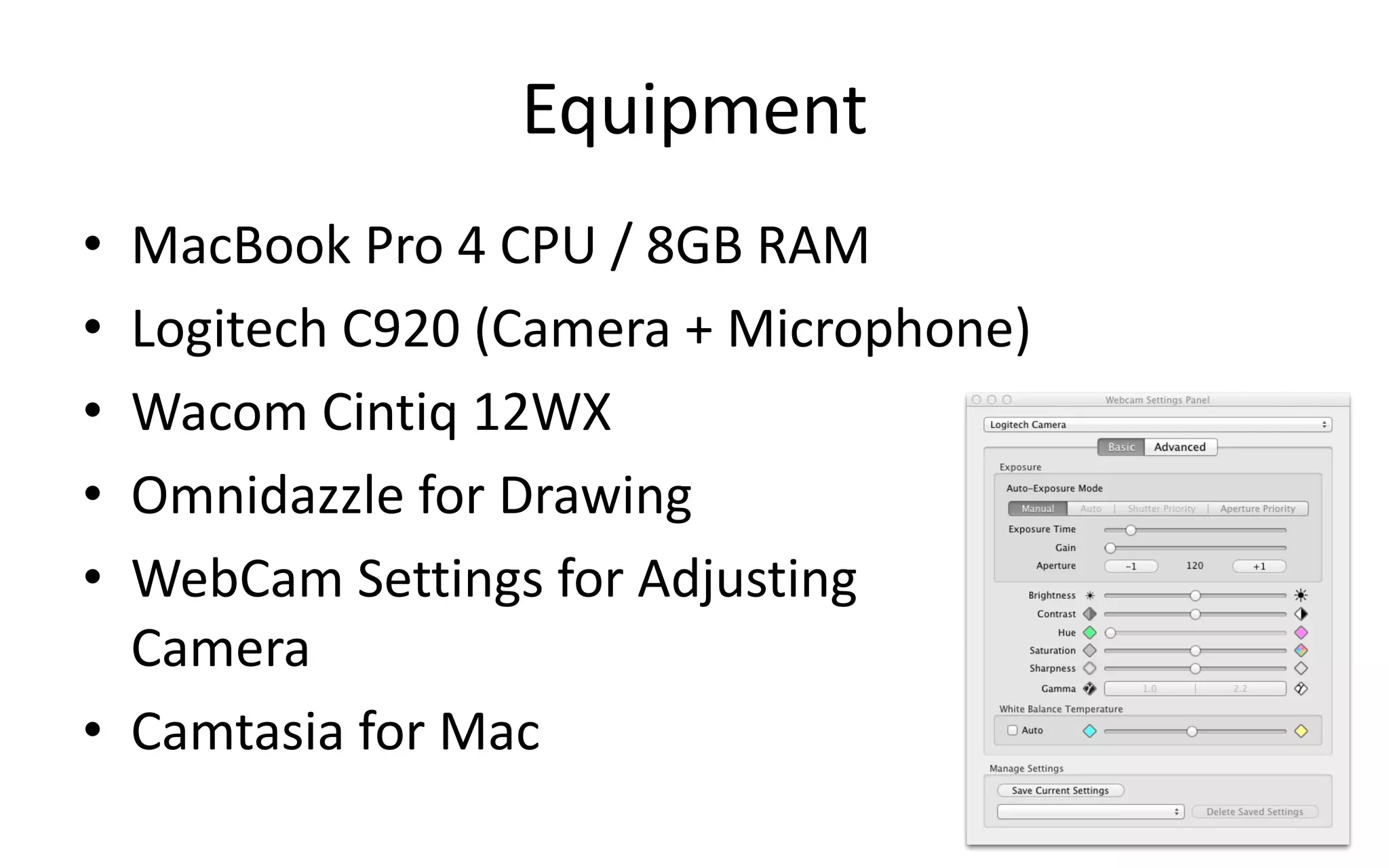
• WebCam Settings for Adjusting
  Camera
• Camtasia for Mac
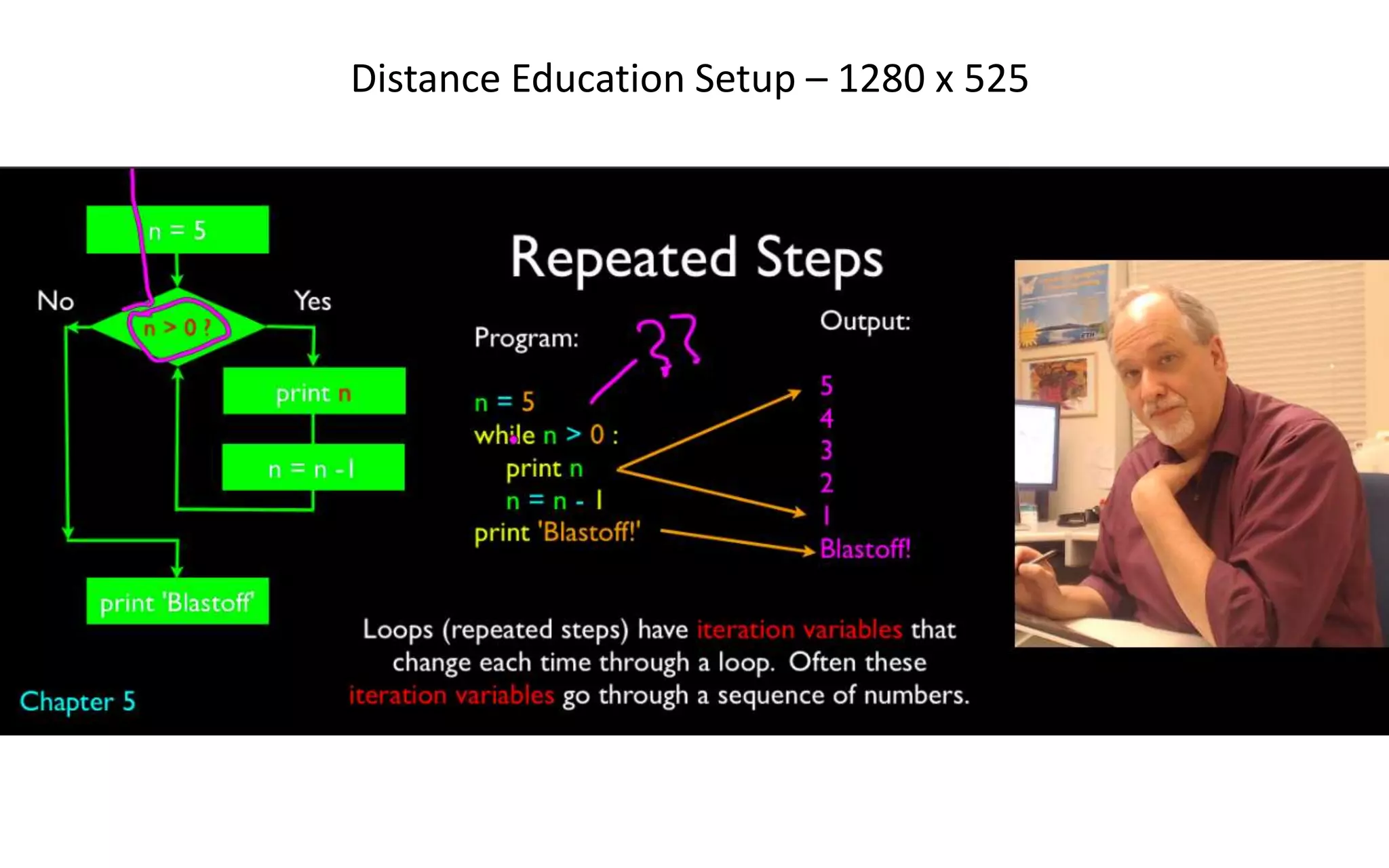
Distance Education Setup – 1280 x 525
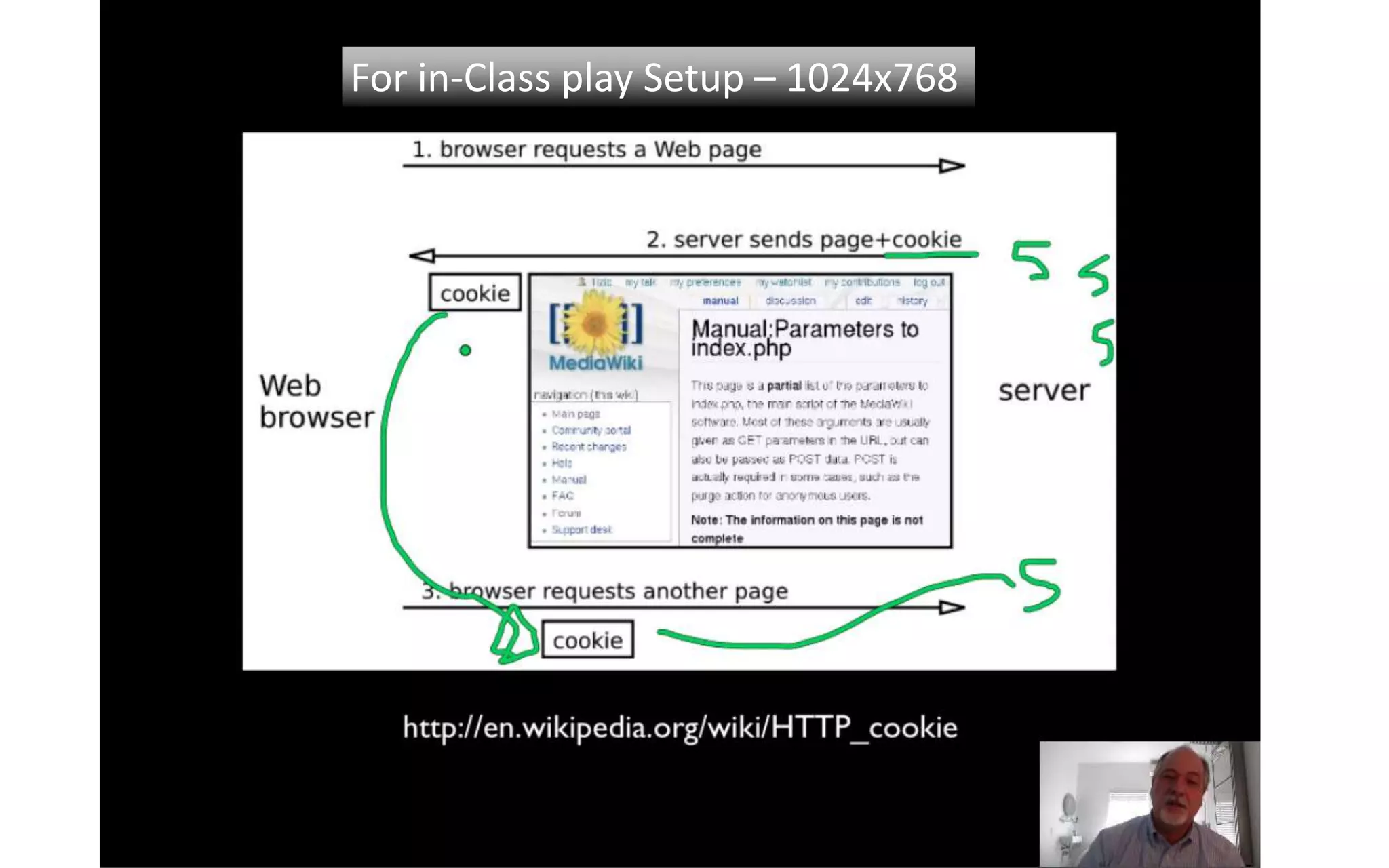
For in-Class play Setup – 1024x768
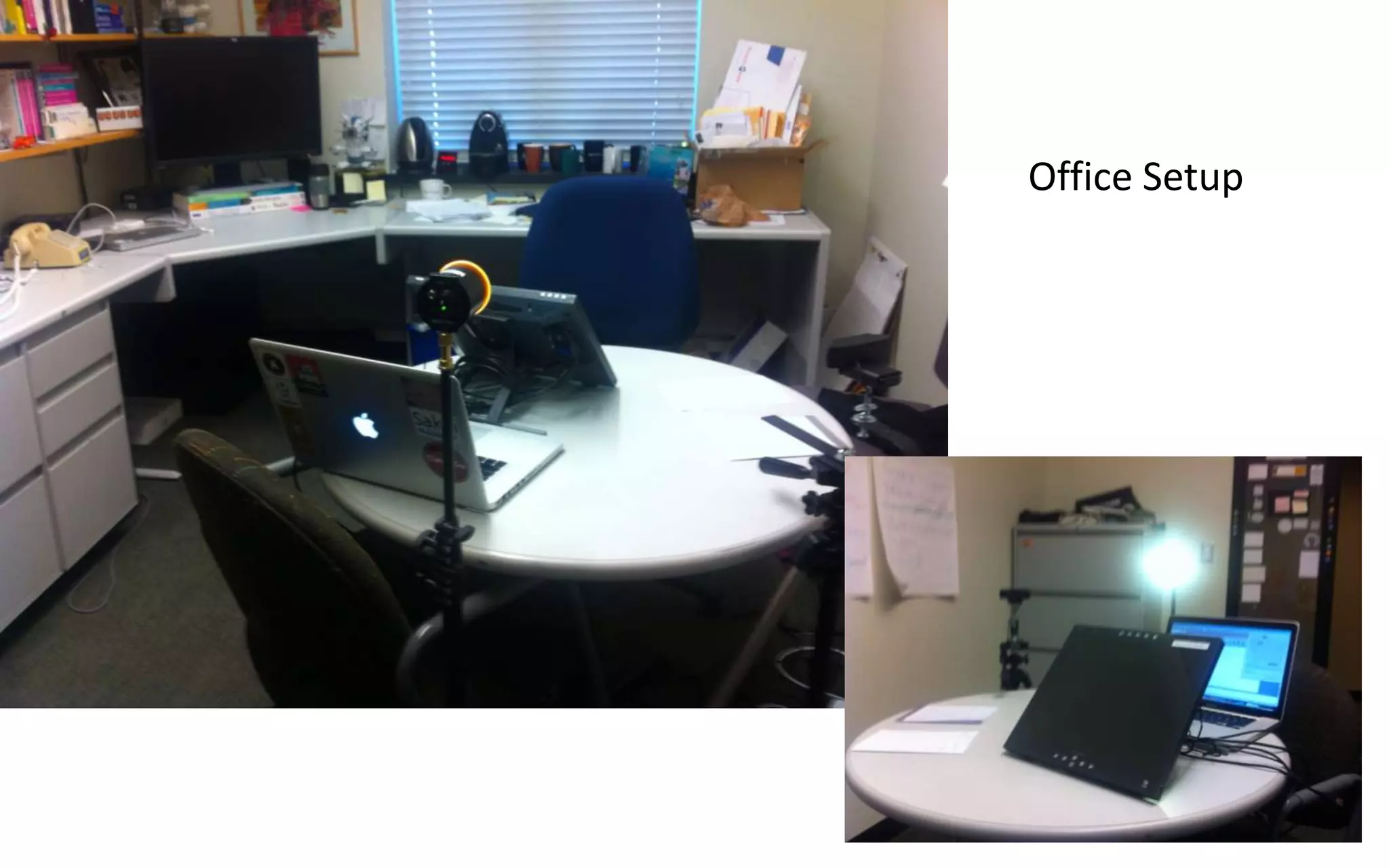
Office Setup
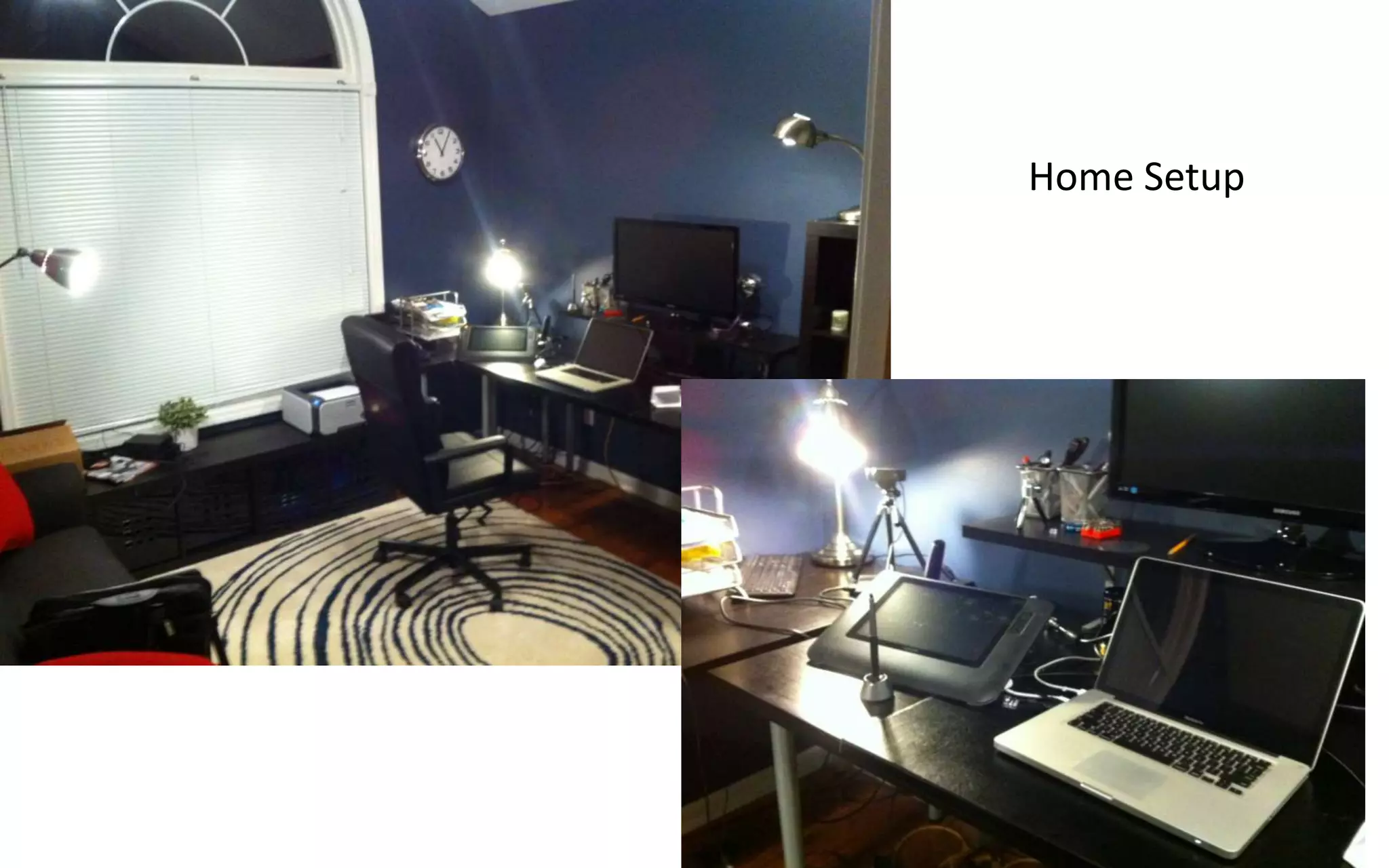
Home Setup

A Simple Lecture Recording Setup

  • 1.
    A Simple LectureRecording Setup Charles Severance University of Michigan School of Information
  • 2.
    Goals • Video that looks warm and inviting in HD • Ease of recording in office and home office • Off-the-cuff recording • Both for MOOC courses and recorded lectures for F2F
  • 3.
    Equipment • MacBook Pro4 CPU / 8GB RAM • Logitech C920 (Camera + Microphone) • Wacom Cintiq 12WX • Omnidazzle for Drawing • WebCam Settings for Adjusting Camera • Camtasia for Mac
  • 4.
  • 5.
    For in-Class playSetup – 1024x768
  • 6.
  • 7.