Getting Started withWimba Live Classroom Just a few things for participants to know… brought to you by the Office of Learning Technology
2.
Run the WizardThe wizard will help you ensure your computer is set to run Wimba by checking for: Pop-up blockers Supported browsers Correct java version
3.
Get prepared Forbest experience: use a headset with a microphone. use a network or cable connection if possible.
4.
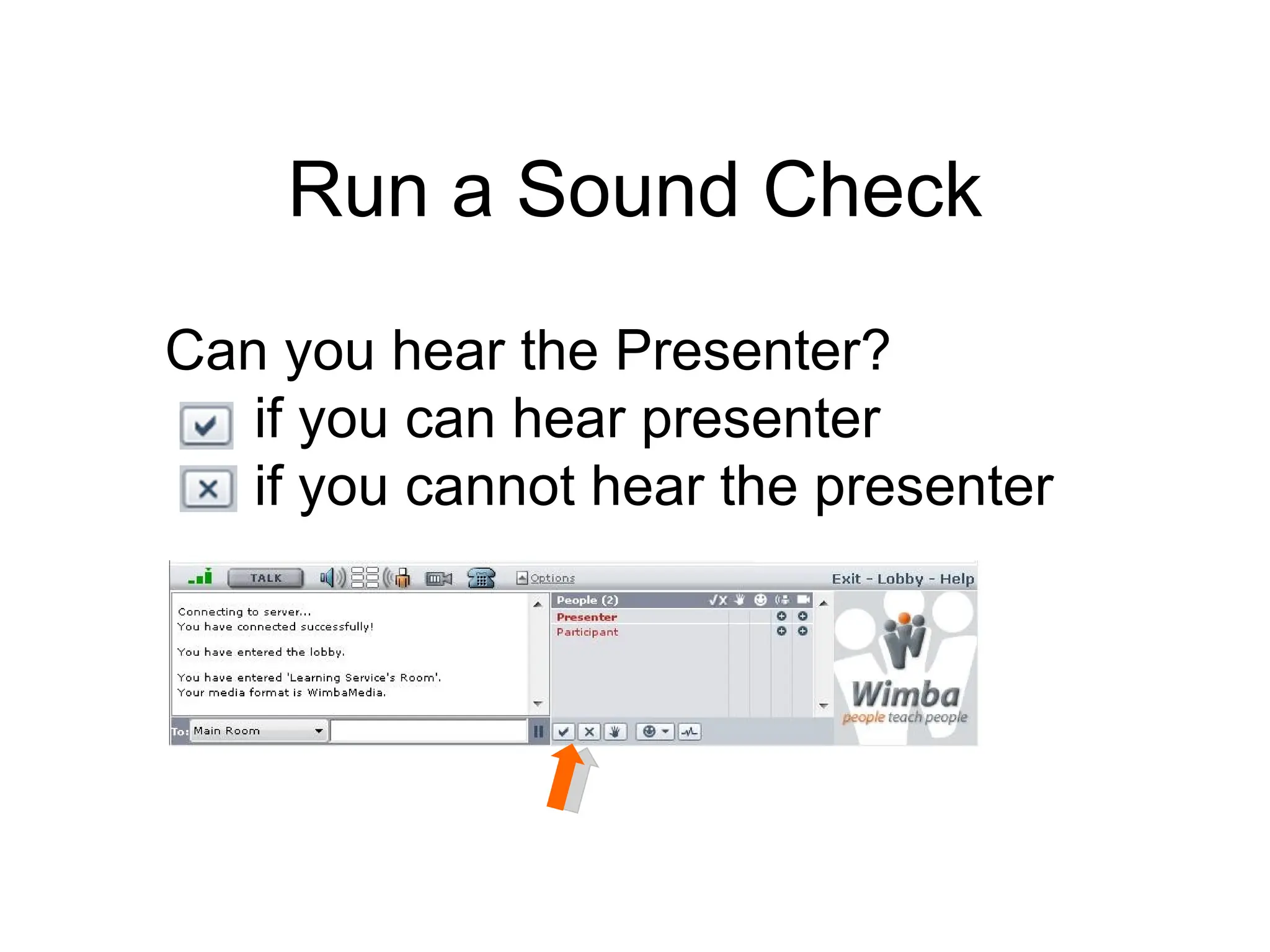
Run a SoundCheck Can you hear the Presenter? if you can hear presenter if you cannot hear the presenter



![Get 24x7 Technical Support : 1.866.350.4978 (US & Canada) [email_address] brought to you by the Office of Learning Technology](https://image.slidesharecdn.com/wcorientationforstudents-100629150438-phpapp02/75/Wimba-Classroom-Participants-9-2048.jpg)


