Other Side
HTML
The
of
You've probably seen some of these elements before.
Maybe you just don't want to talk about it.
Maybe you have to support legacy IE.
Either way, let's have a look at some of the (potentially) lesser known HTML elements.
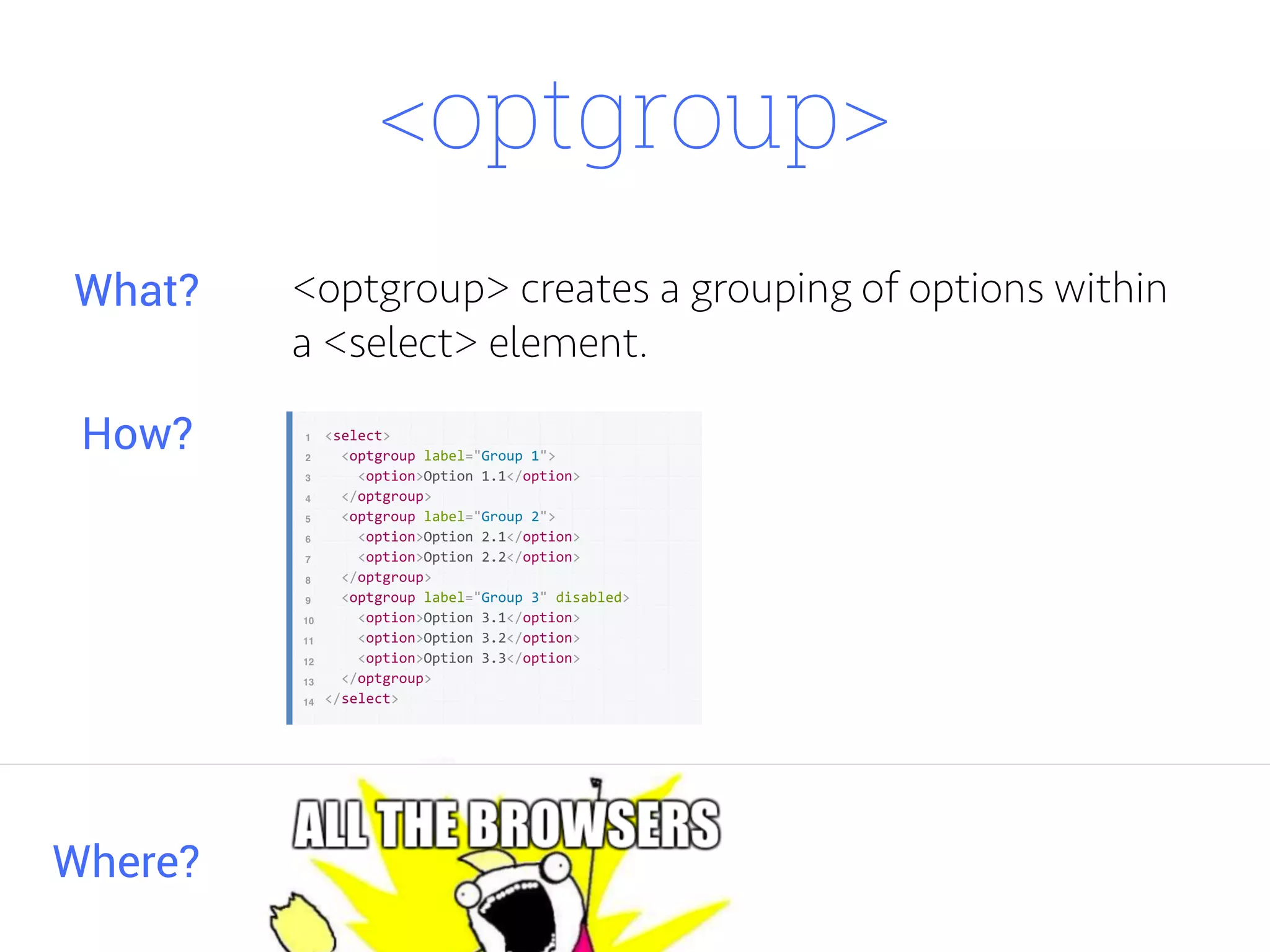
<optgroup> creates a grouping of options within
a <select> element.
Where?
What?
How?
<optgroup>
<figure>
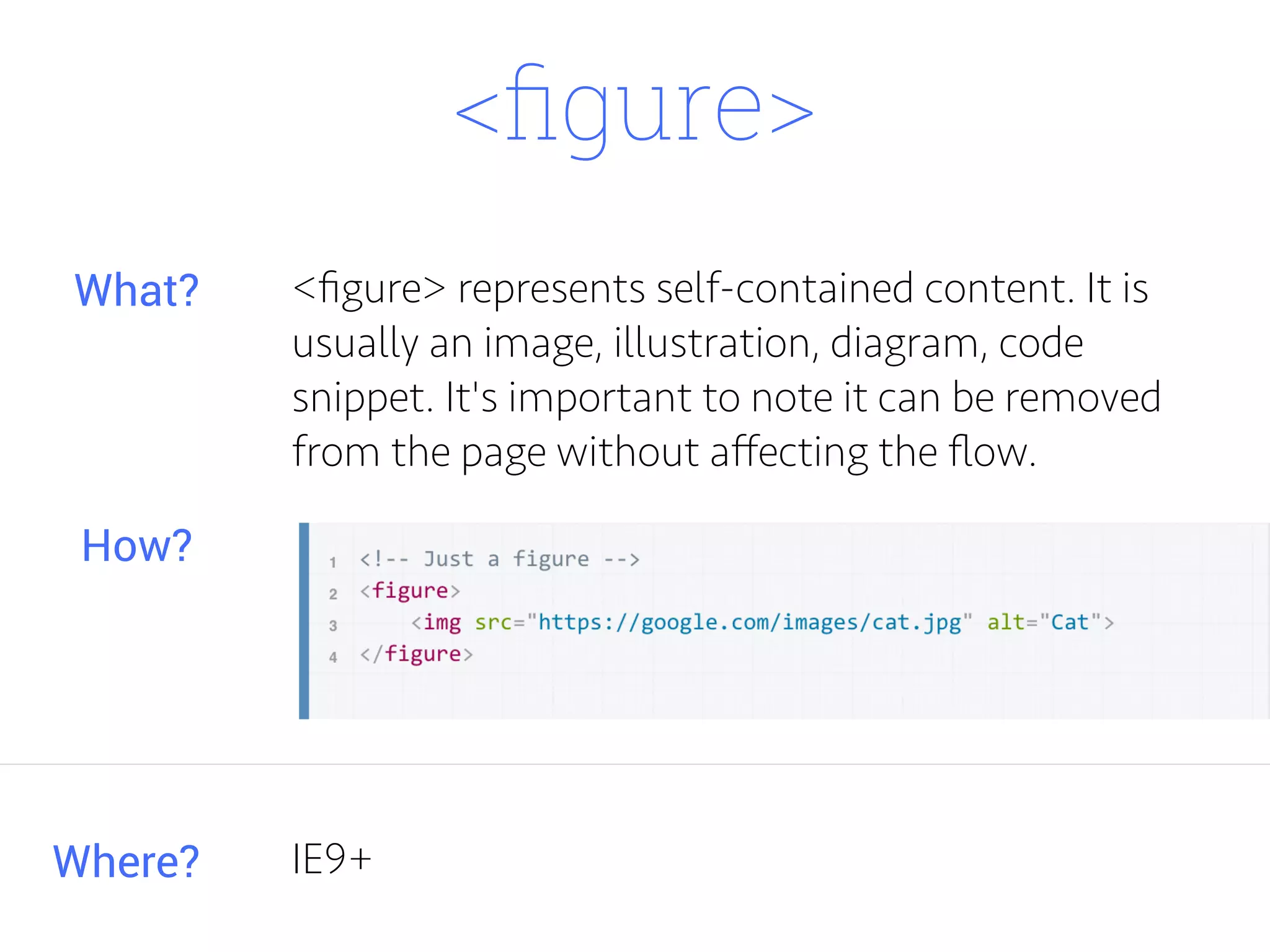
<figure> represents self-contained content. It is
usually an image, illustration, diagram, code
snippet. It's important to note it can be removed
from the page without affecting the flow.
Where?
What?
How?
IE9+
<figcaption>
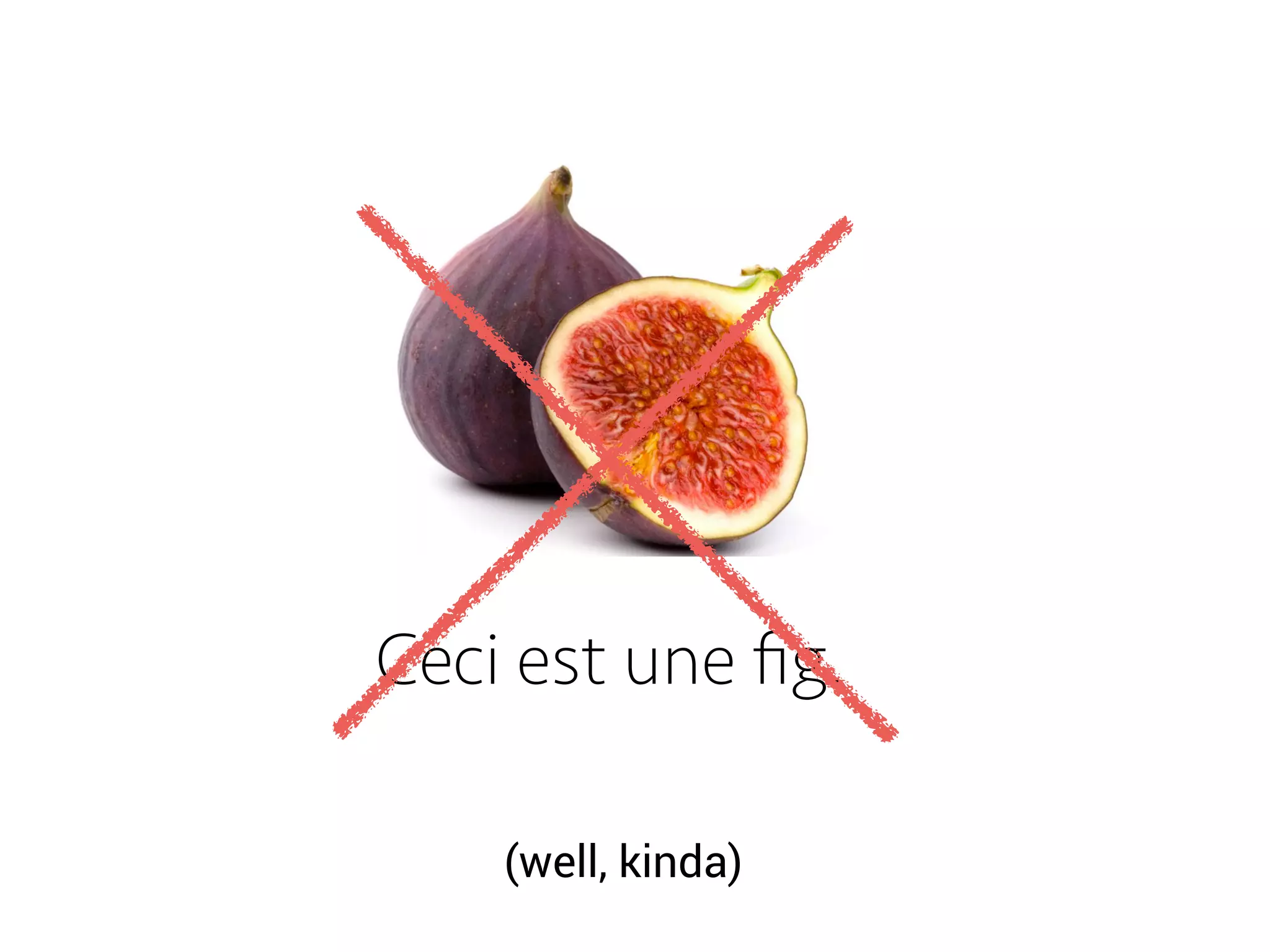
Ceci est une fig.
(well, kinda)
<figcaption>
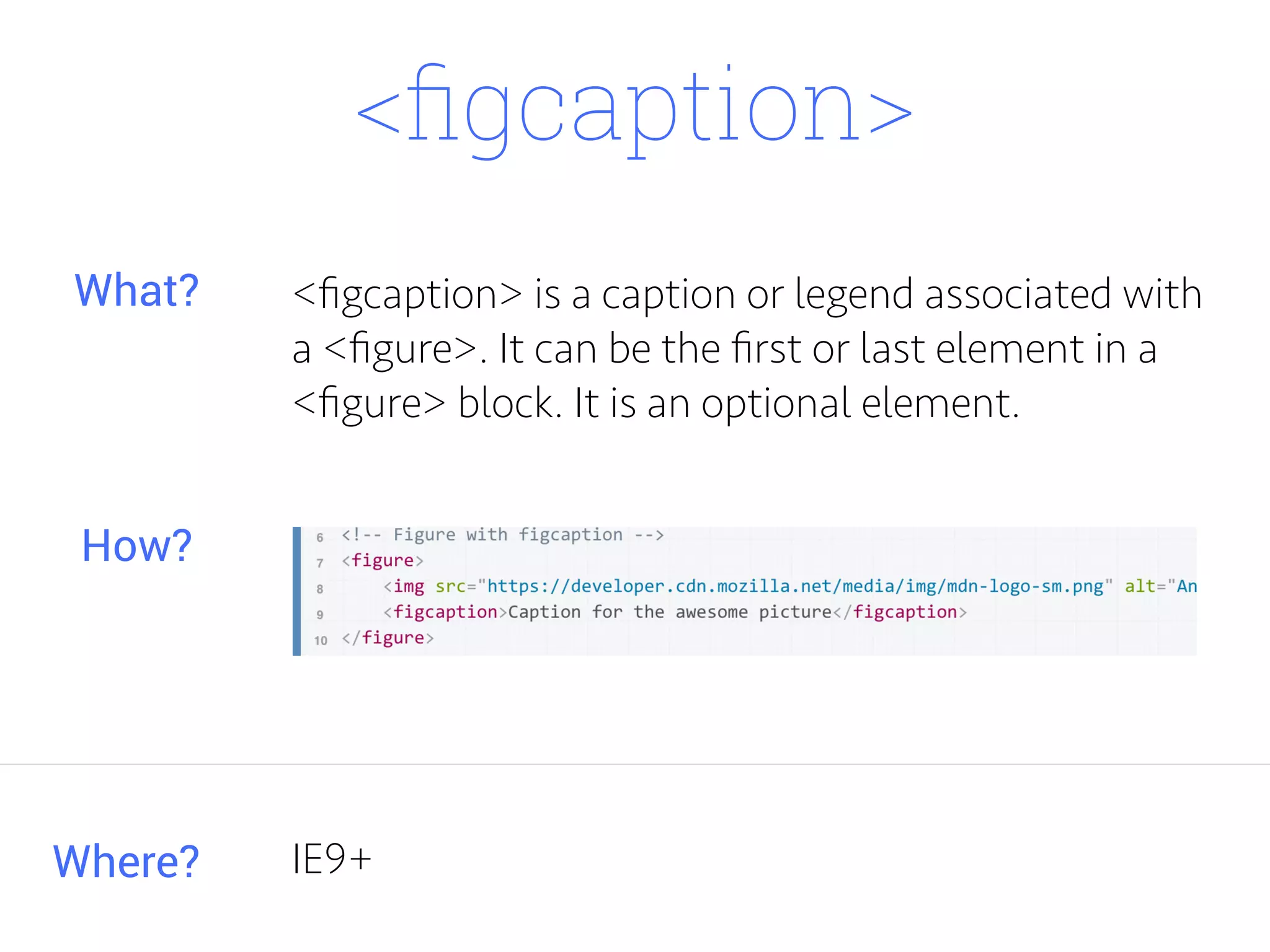
<figcaption> is a caption or legend associated with
a <figure>. It can be the first or last element in a
<figure> block. It is an optional element.
Where?
What?
How?
IE9+
<main>
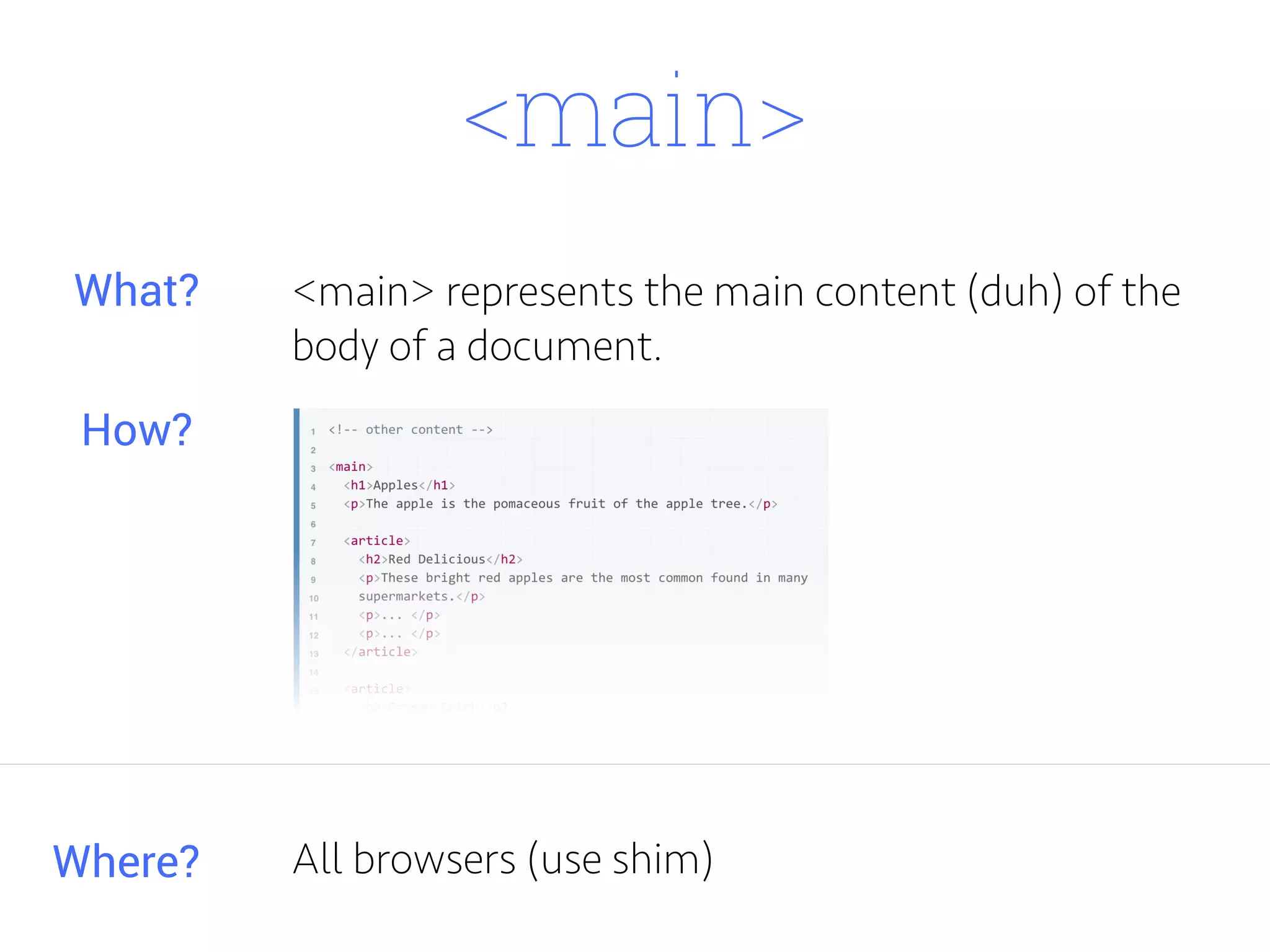
<main> represents the main content (duh) of the
body of a document.
Where?
What?
How?
All browsers (use shim)
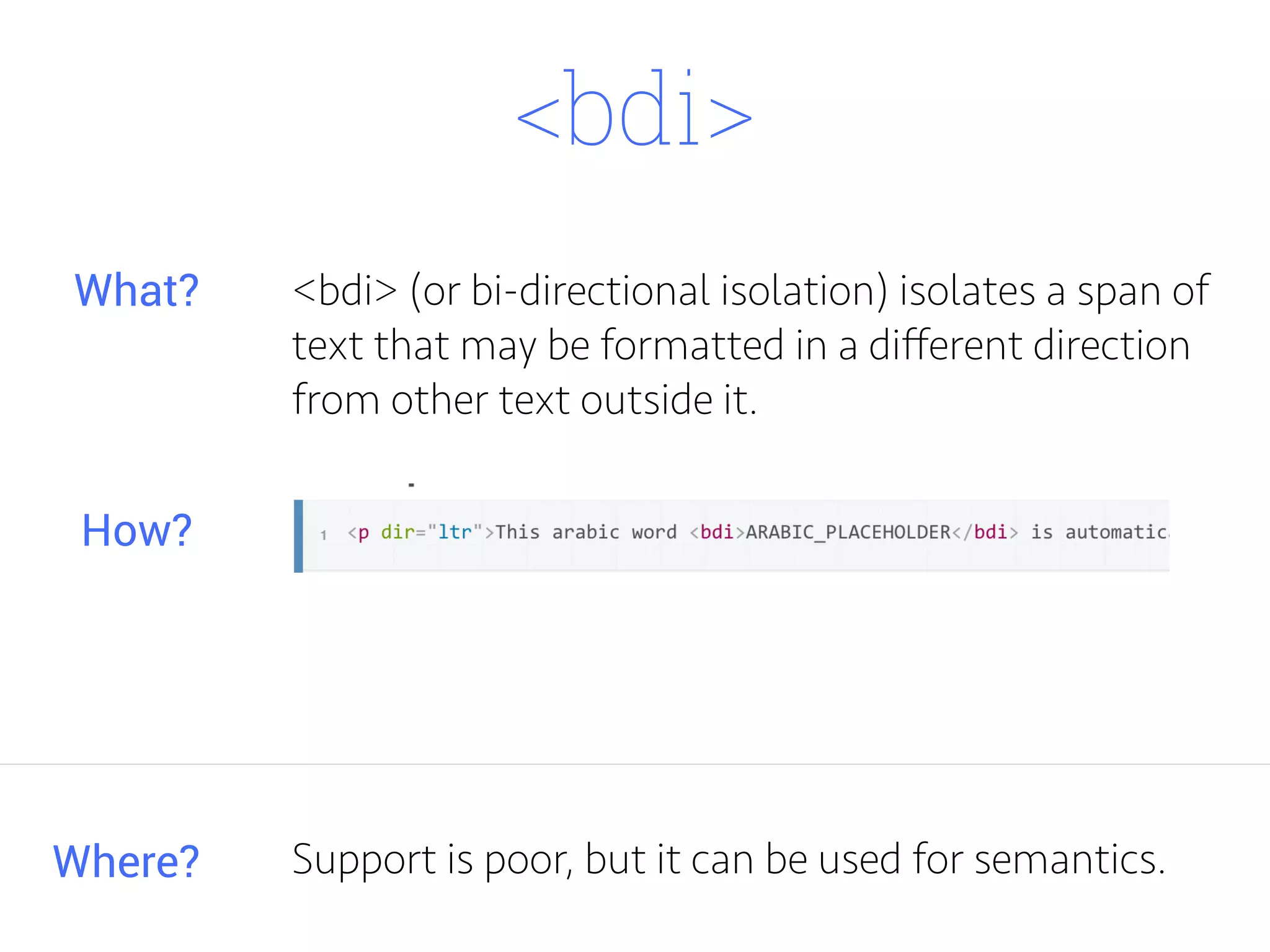
<bdi>
<bdi> (or bi-directional isolation) isolates a span of
text that may be formatted in a different direction
from other text outside it.
Where?
What?
How?
Support is poor, but it can be used for semantics.
<tdi>
<tdi>
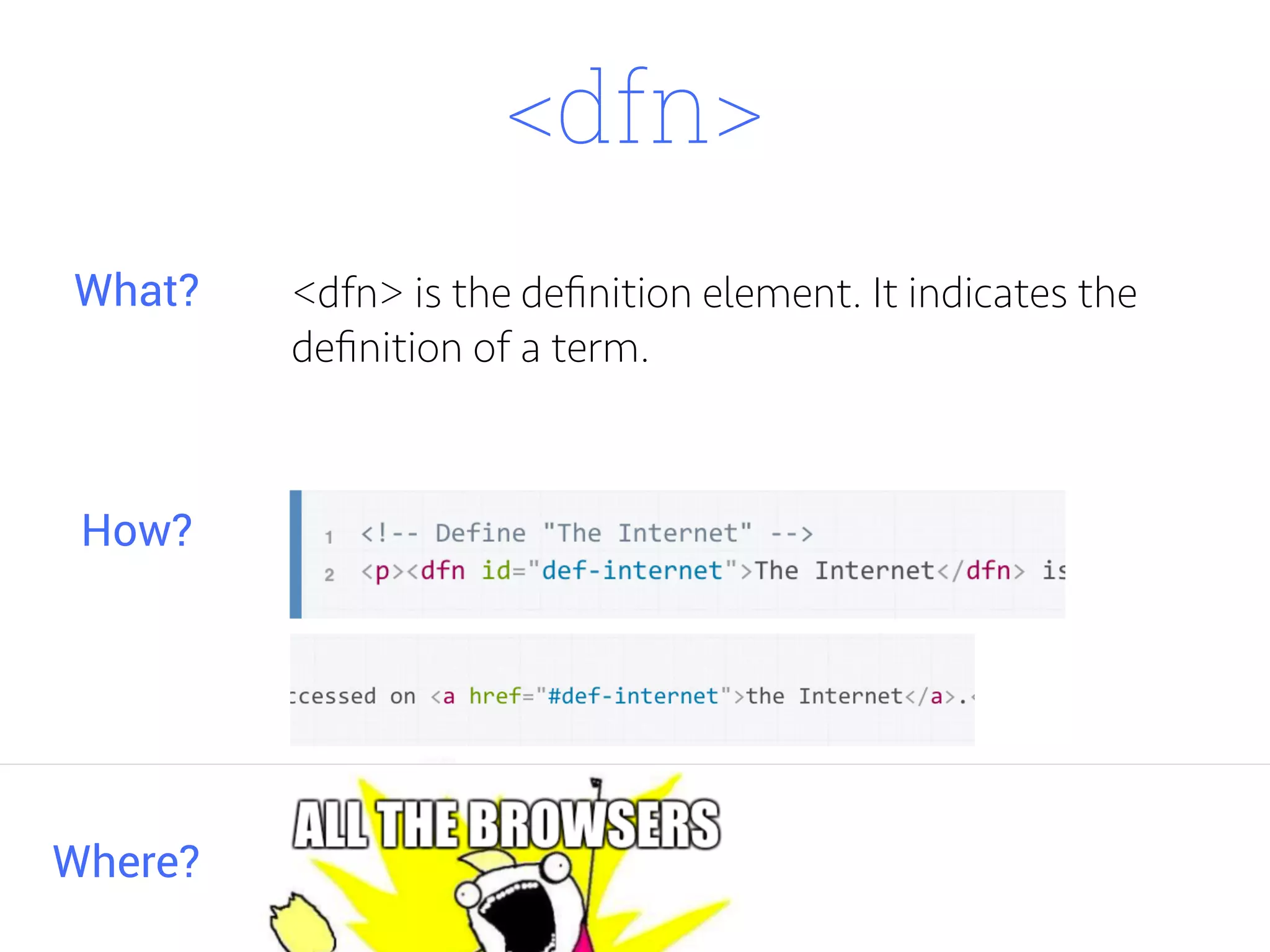
<dfn>
<dfn> is the definition element. It indicates the
definition of a term.
Where?
What?
How?
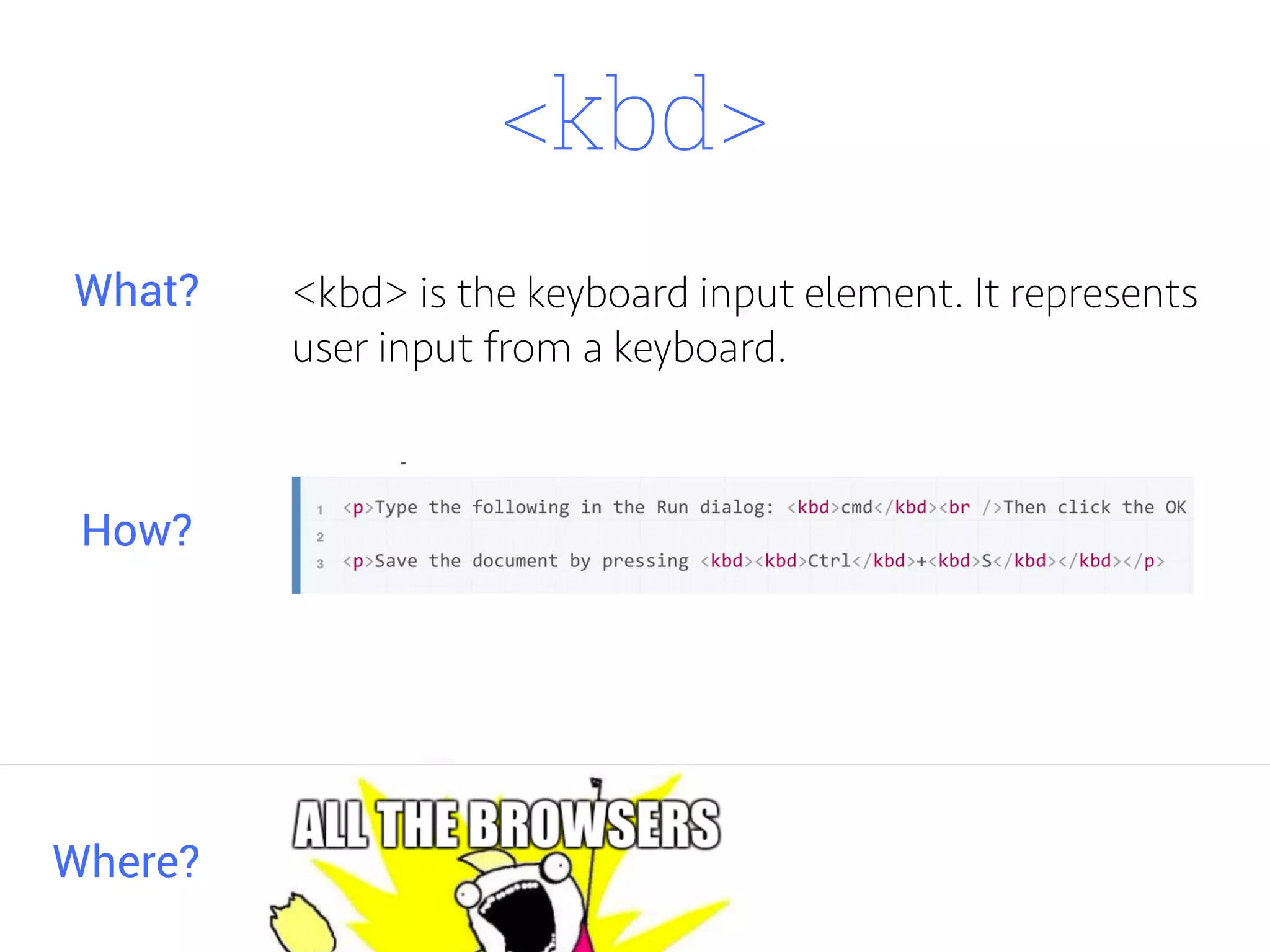
<kbd>
<kbd> is the keyboard input element. It represents
user input from a keyboard.
Where?
What?
How?
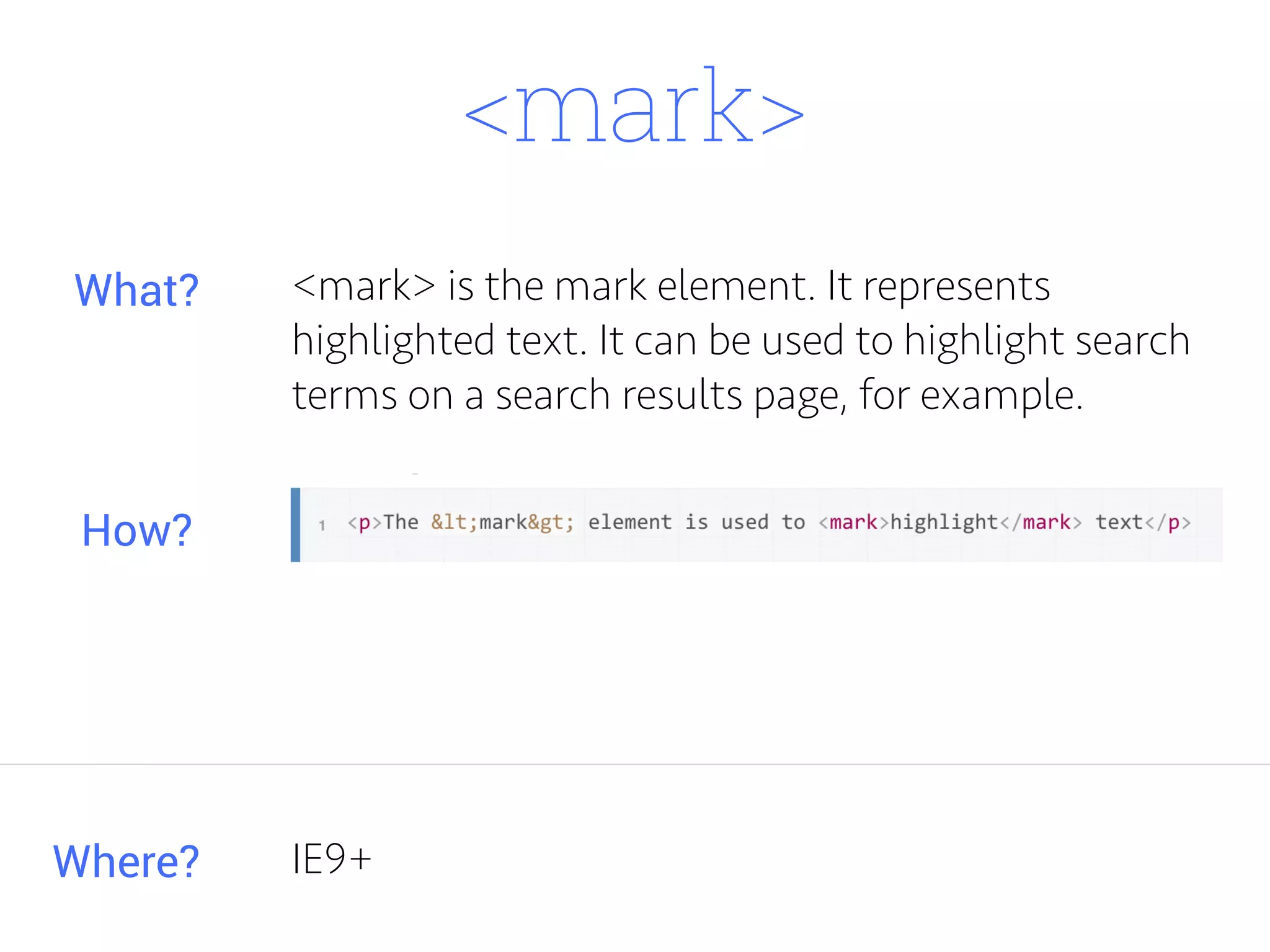
<mark>
<mark> is the mark element. It represents
highlighted text. It can be used to highlight search
terms on a search results page, for example.
Where?
What?
How?
IE9+
<matte>
<matte>
<site>
<site>
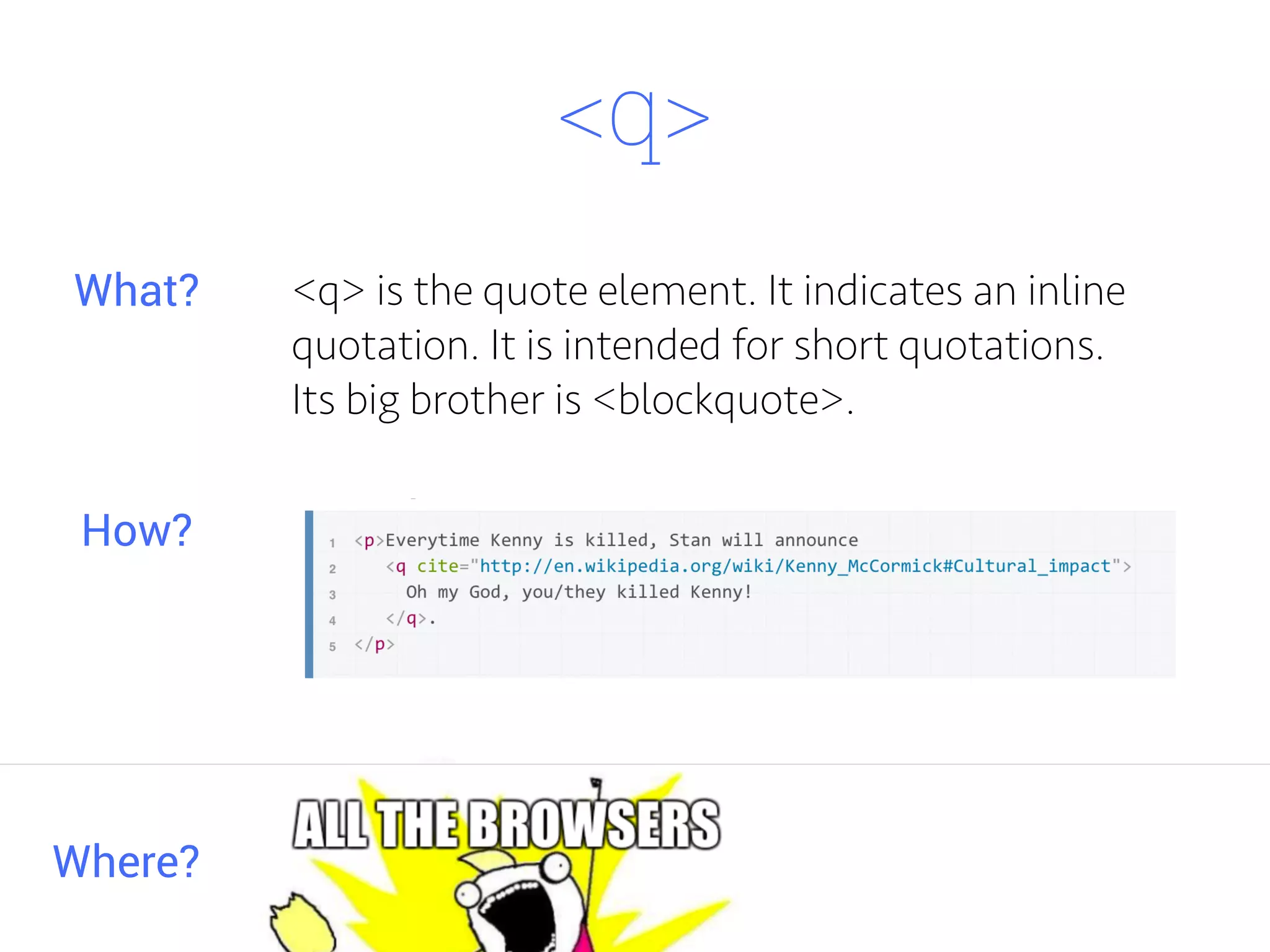
<q>
<q> is the quote element. It indicates an inline
quotation. It is intended for short quotations.
Its big brother is <blockquote>.
Where?
What?
How?
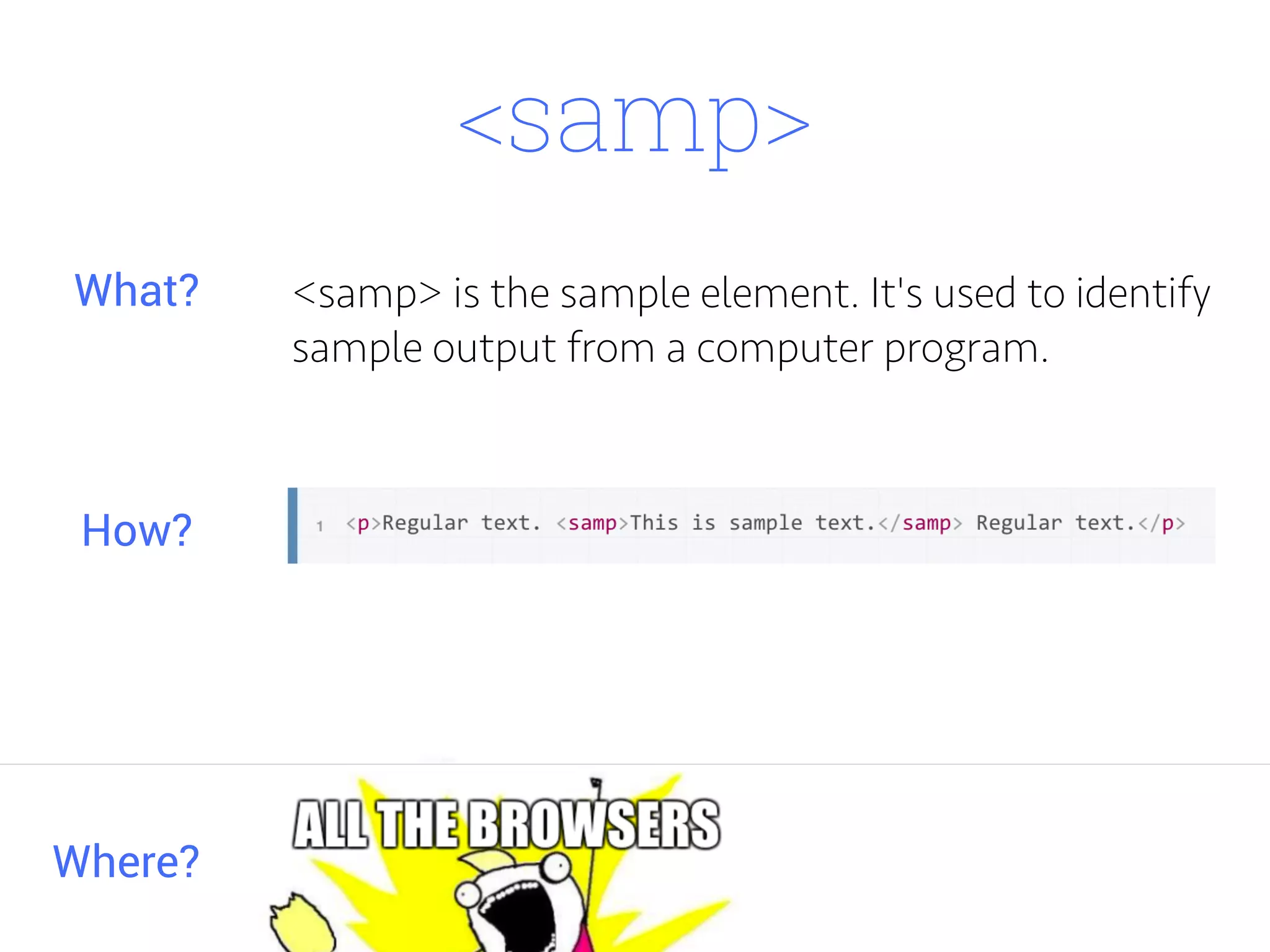
<samp>
<samp> is the sample element. It's used to identify
sample output from a computer program.
Where?
What?
How?
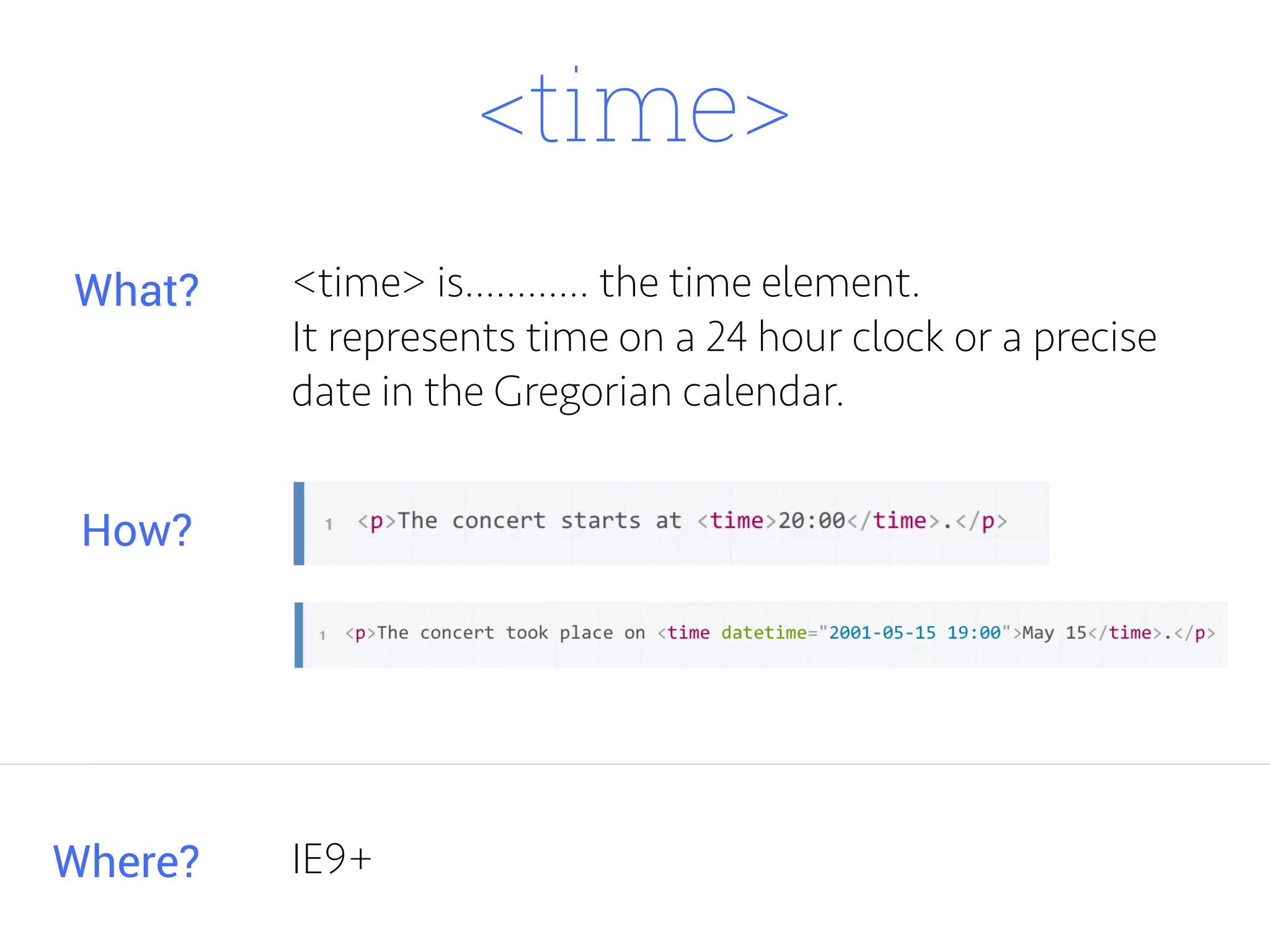
<time>
<time> is............ the time element.
It represents time on a 24 hour clock or a precise
date in the Gregorian calendar.
Where?
What?
How?
IE9+
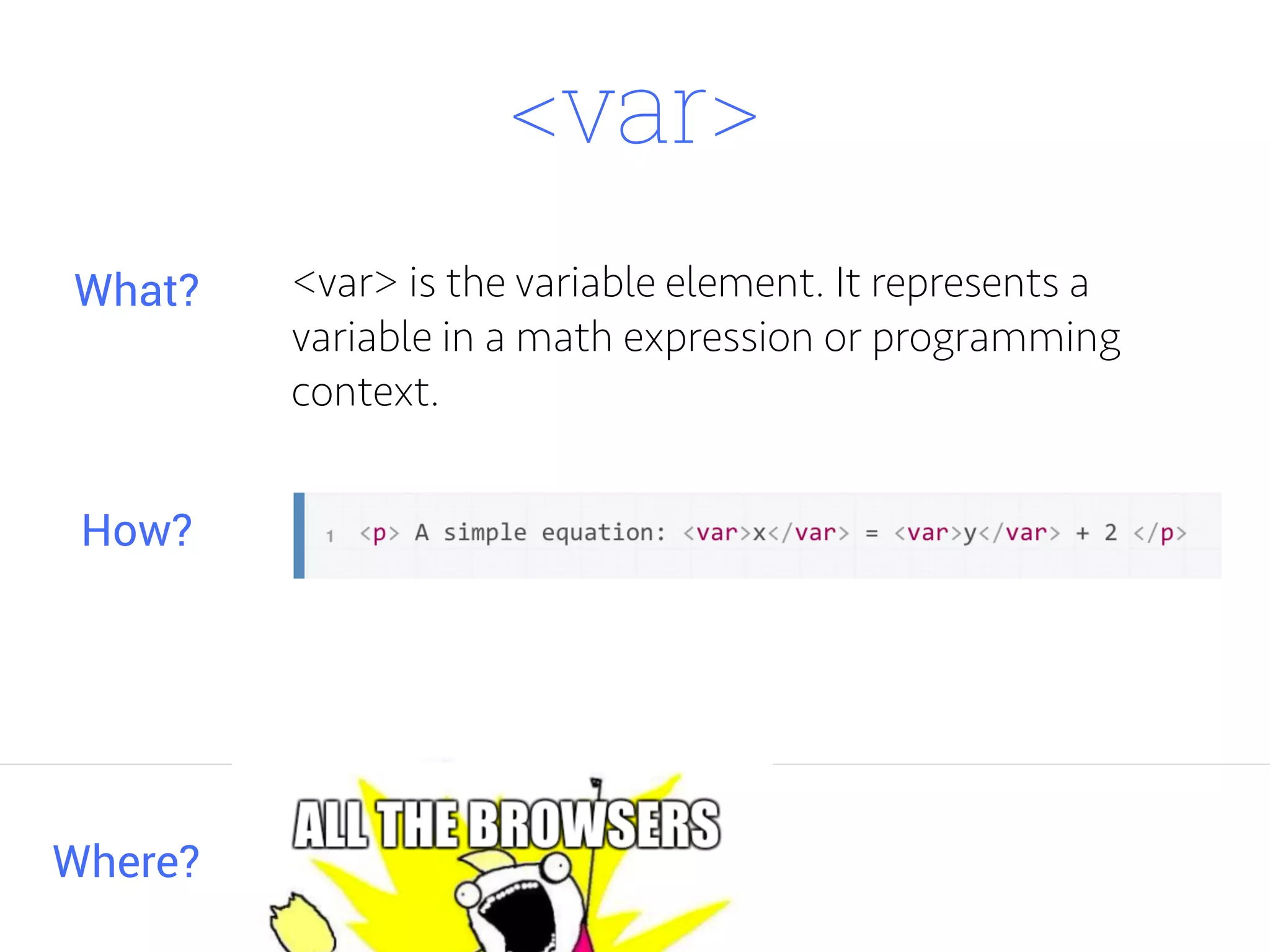
<var>
<var> is the variable element. It represents a
variable in a math expression or programming
context.
Where?
What?
How?
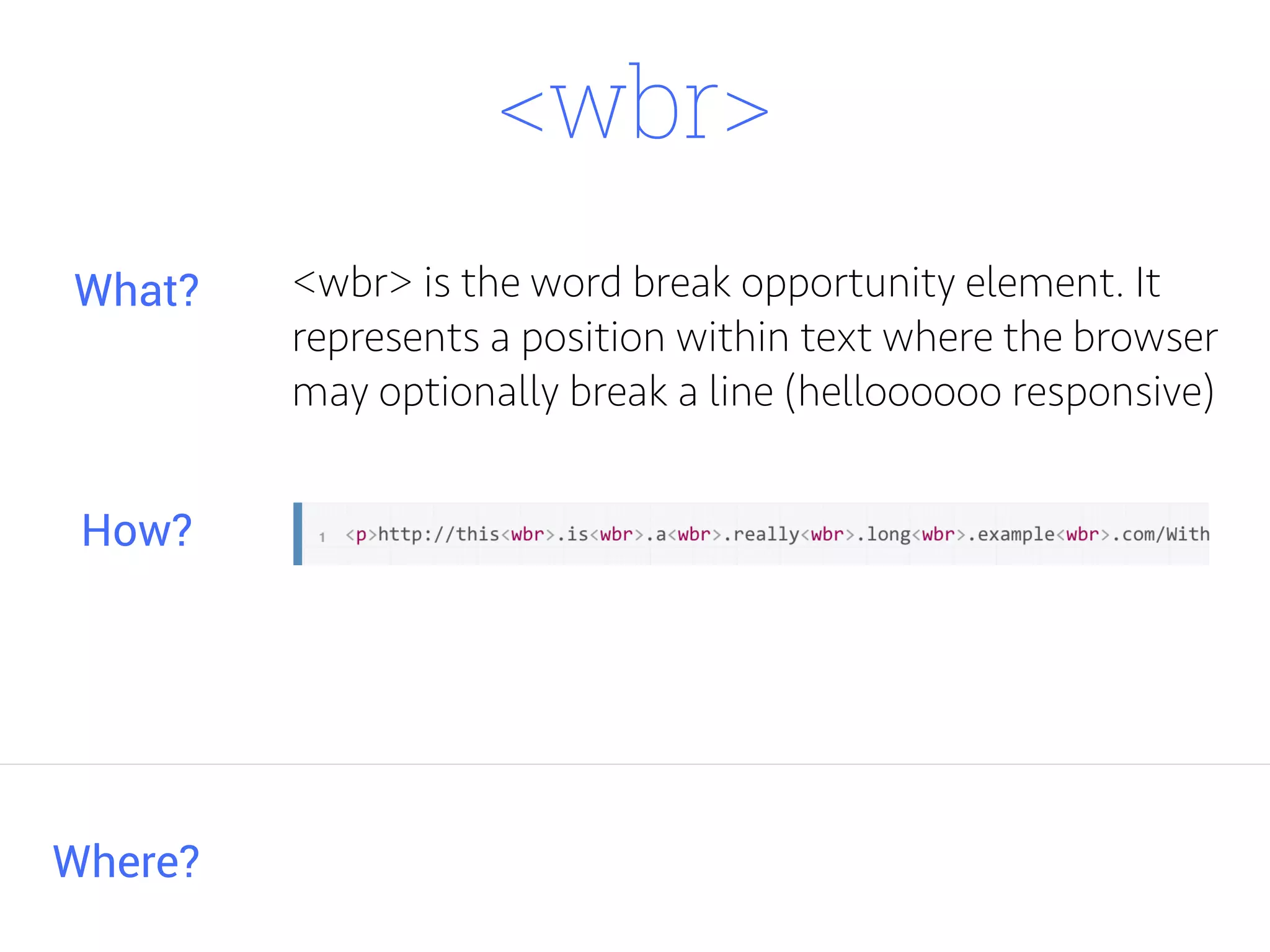
<wbr>
<wbr> is the word break opportunity element. It
represents a position within text where the browser
may optionally break a line (helloooooo responsive)
Where?
What?
How?
MDN lists it as IE 5.5 - 7.0.
Not supported in iOS Safari???
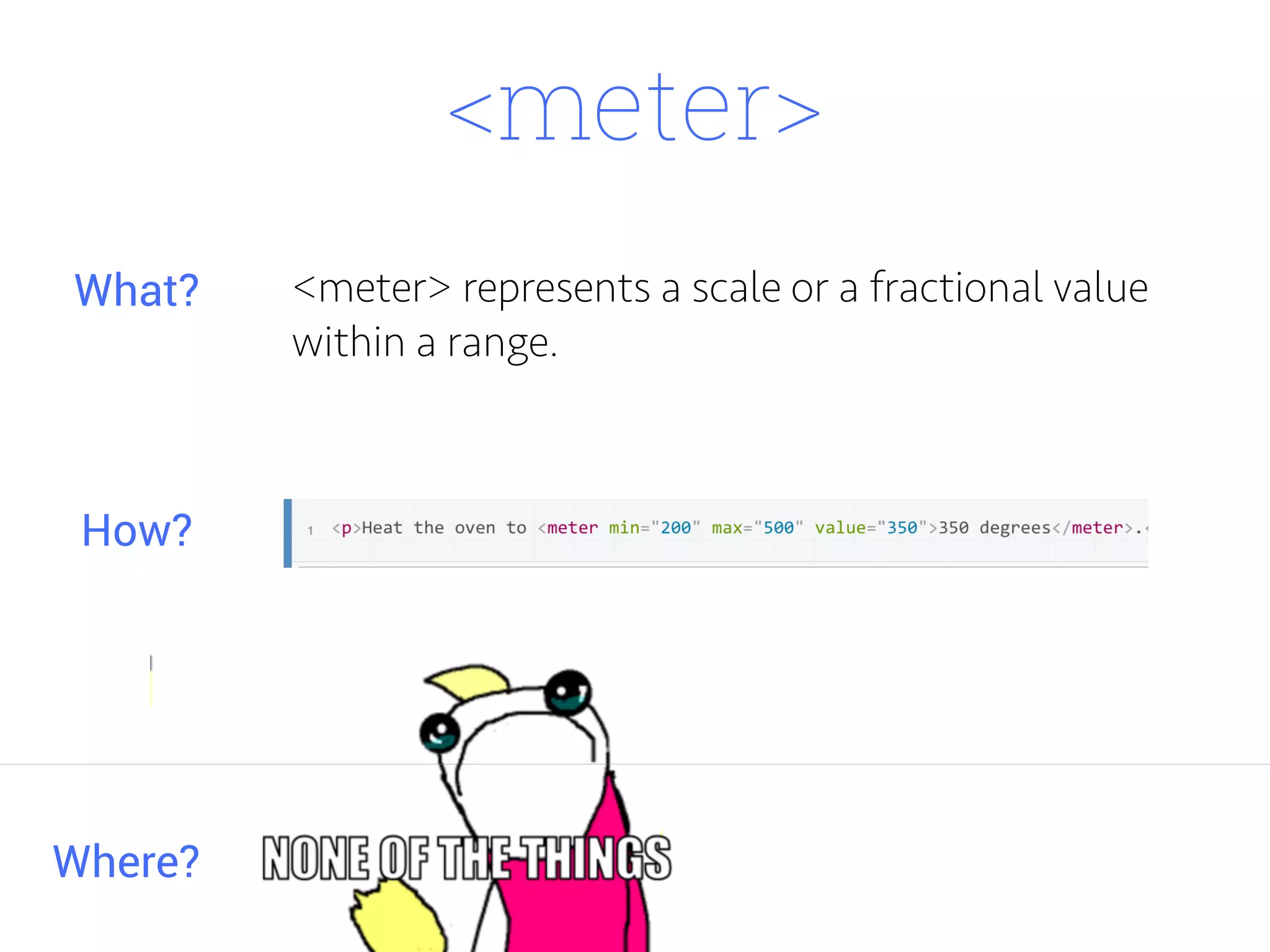
<meter>
<meter> represents a scale or a fractional value
within a range.
Where?
What?
How?
<scale>
<scale>
<item>
<item>
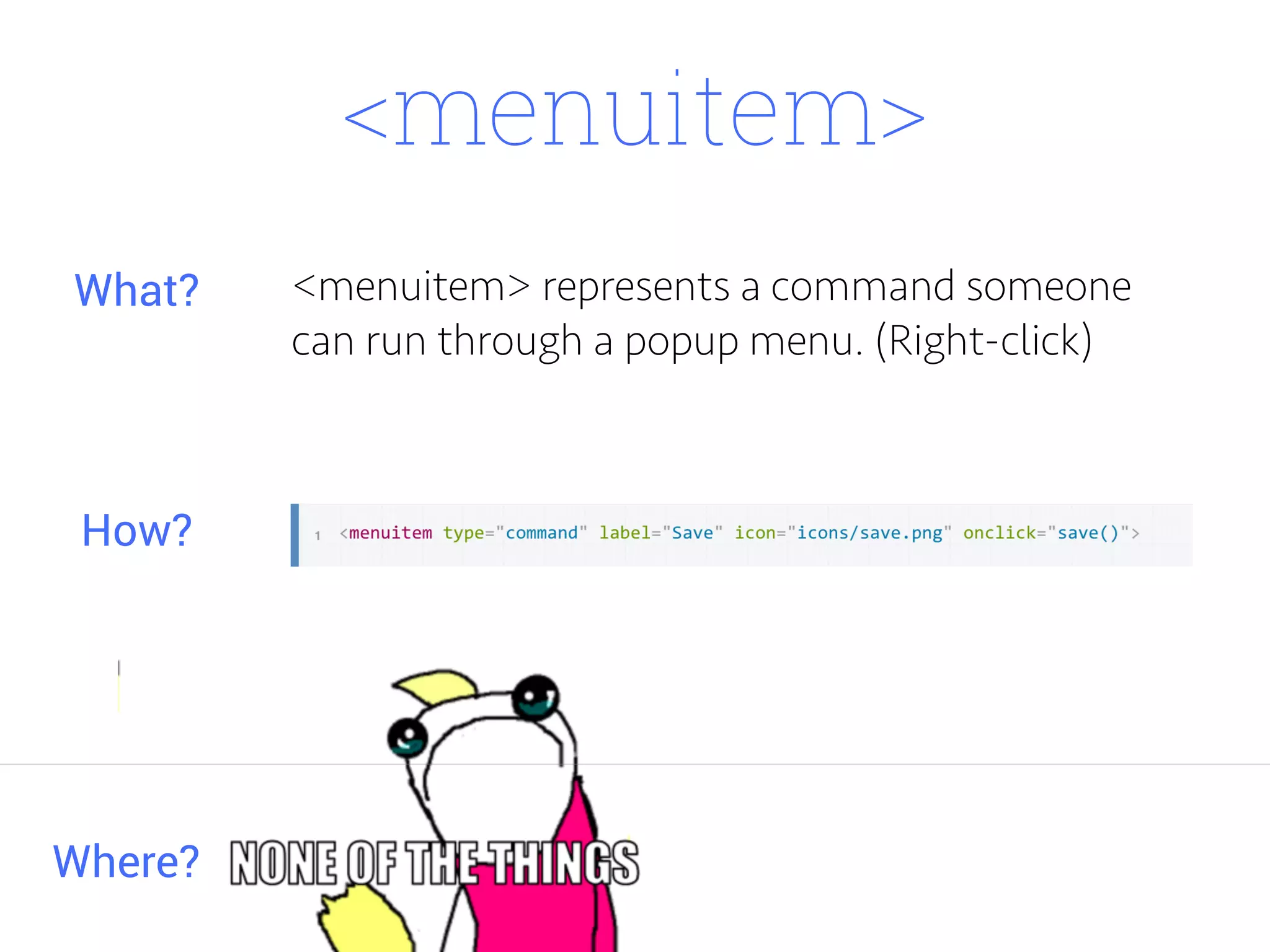
<menuitem>
<menuitem> represents a command someone
can run through a popup menu. (Right-click)
Where?
What?
How?
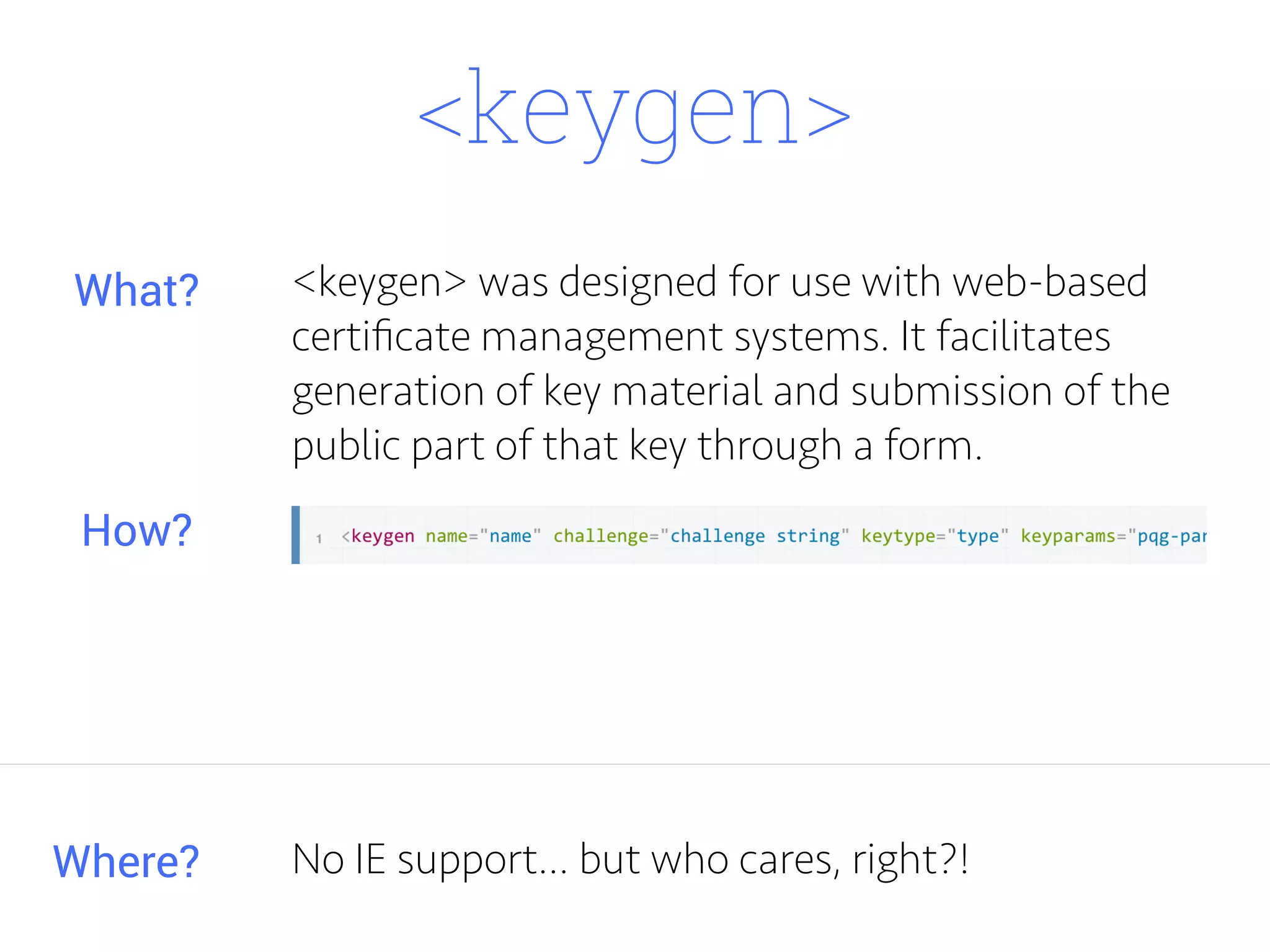
<keygen>
<keygen> was designed for use with web-based
certificate management systems. It facilitates
generation of key material and submission of the
public part of that key through a form.
Where?
What?
How?
No IE support... but who cares, right?!
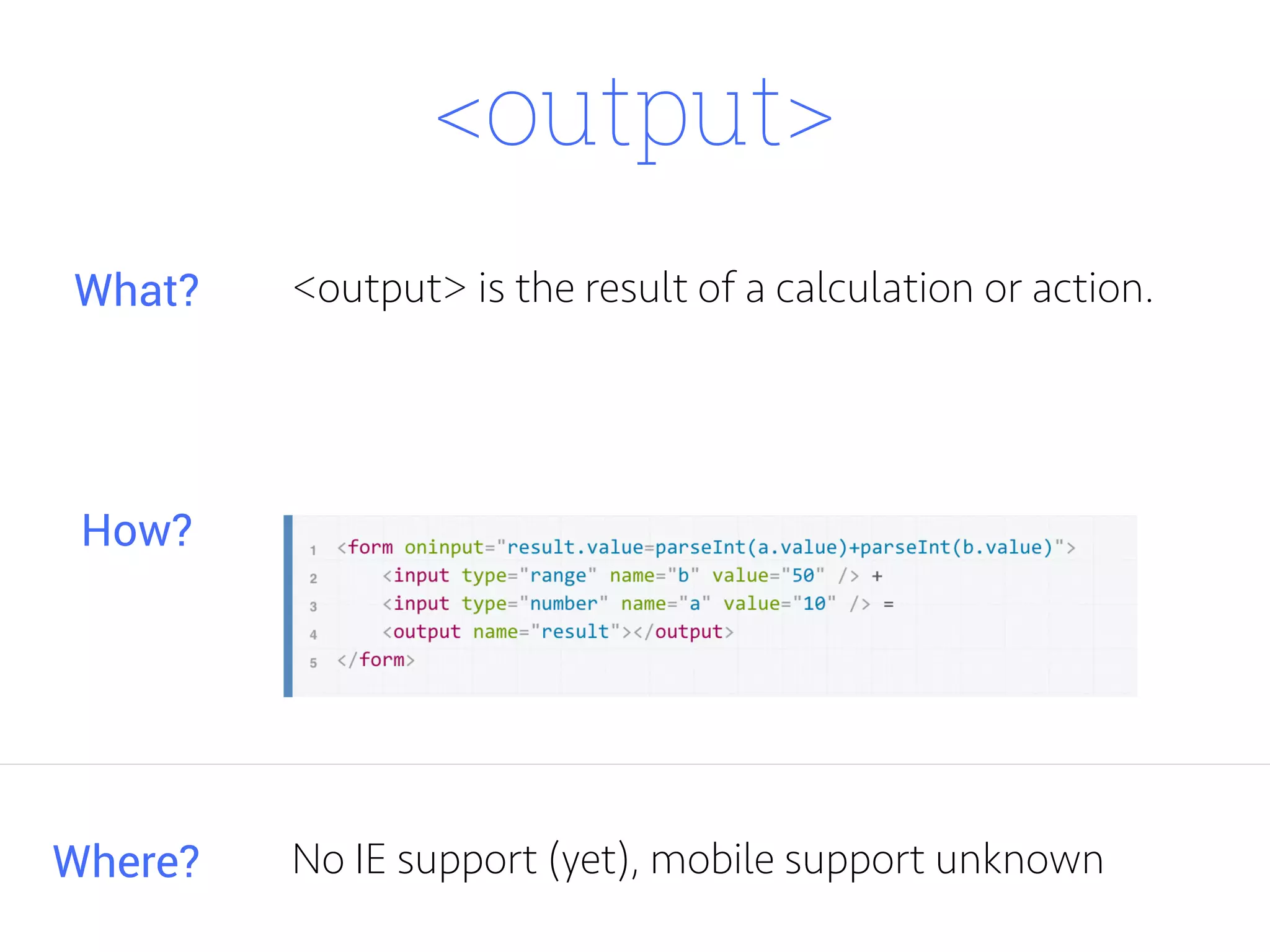
<output>
<output> is the result of a calculation or action.
Where?
What?
How?
No IE support (yet), mobile support unknown
Thanks!

The Other Side of HTML

  • 1.
  • 2.
    You've probably seensome of these elements before. Maybe you just don't want to talk about it. Maybe you have to support legacy IE. Either way, let's have a look at some of the (potentially) lesser known HTML elements.
  • 3.
    <optgroup> creates agrouping of options within a <select> element. Where? What? How? <optgroup>
  • 4.
    <figure> <figure> represents self-containedcontent. It is usually an image, illustration, diagram, code snippet. It's important to note it can be removed from the page without affecting the flow. Where? What? How? IE9+
  • 5.
  • 6.
    Ceci est unefig. (well, kinda)
  • 7.
    <figcaption> <figcaption> is acaption or legend associated with a <figure>. It can be the first or last element in a <figure> block. It is an optional element. Where? What? How? IE9+
  • 8.
    <main> <main> represents themain content (duh) of the body of a document. Where? What? How? All browsers (use shim)
  • 9.
    <bdi> <bdi> (or bi-directionalisolation) isolates a span of text that may be formatted in a different direction from other text outside it. Where? What? How? Support is poor, but it can be used for semantics.
  • 10.
  • 11.
  • 12.
    <dfn> <dfn> is thedefinition element. It indicates the definition of a term. Where? What? How?
  • 13.
    <kbd> <kbd> is thekeyboard input element. It represents user input from a keyboard. Where? What? How?
  • 14.
    <mark> <mark> is themark element. It represents highlighted text. It can be used to highlight search terms on a search results page, for example. Where? What? How? IE9+
  • 15.
  • 16.
  • 17.
  • 18.
  • 19.
    <q> <q> is thequote element. It indicates an inline quotation. It is intended for short quotations. Its big brother is <blockquote>. Where? What? How?
  • 20.
    <samp> <samp> is thesample element. It's used to identify sample output from a computer program. Where? What? How?
  • 21.
    <time> <time> is............ thetime element. It represents time on a 24 hour clock or a precise date in the Gregorian calendar. Where? What? How? IE9+
  • 22.
    <var> <var> is thevariable element. It represents a variable in a math expression or programming context. Where? What? How?
  • 23.
    <wbr> <wbr> is theword break opportunity element. It represents a position within text where the browser may optionally break a line (helloooooo responsive) Where? What? How?
  • 24.
    MDN lists itas IE 5.5 - 7.0. Not supported in iOS Safari???
  • 25.
    <meter> <meter> represents ascale or a fractional value within a range. Where? What? How?
  • 26.
  • 27.
  • 28.
  • 29.
  • 30.
    <menuitem> <menuitem> represents acommand someone can run through a popup menu. (Right-click) Where? What? How?
  • 31.
    <keygen> <keygen> was designedfor use with web-based certificate management systems. It facilitates generation of key material and submission of the public part of that key through a form. Where? What? How? No IE support... but who cares, right?!
  • 32.
    <output> <output> is theresult of a calculation or action. Where? What? How? No IE support (yet), mobile support unknown
  • 33.