Alfresco Mobile SDKs
Agenda

•  Overview – Why, What & How?
  –  Gavin Cornwell
•  Android SDK
  –  Jean Marie Pascal
•  iOS SDK
  –  Peter Schmidt
Overview – Why?
•  Simplify Access To Alfresco From Mobile
   Devices
•  Uniform API To Access On-Premise
   Servers and The Cloud
•  Enable 3rd party App Integration
•  Rapidly Build Alfresco Based Apps
•  Used For All Future Alfresco Apps
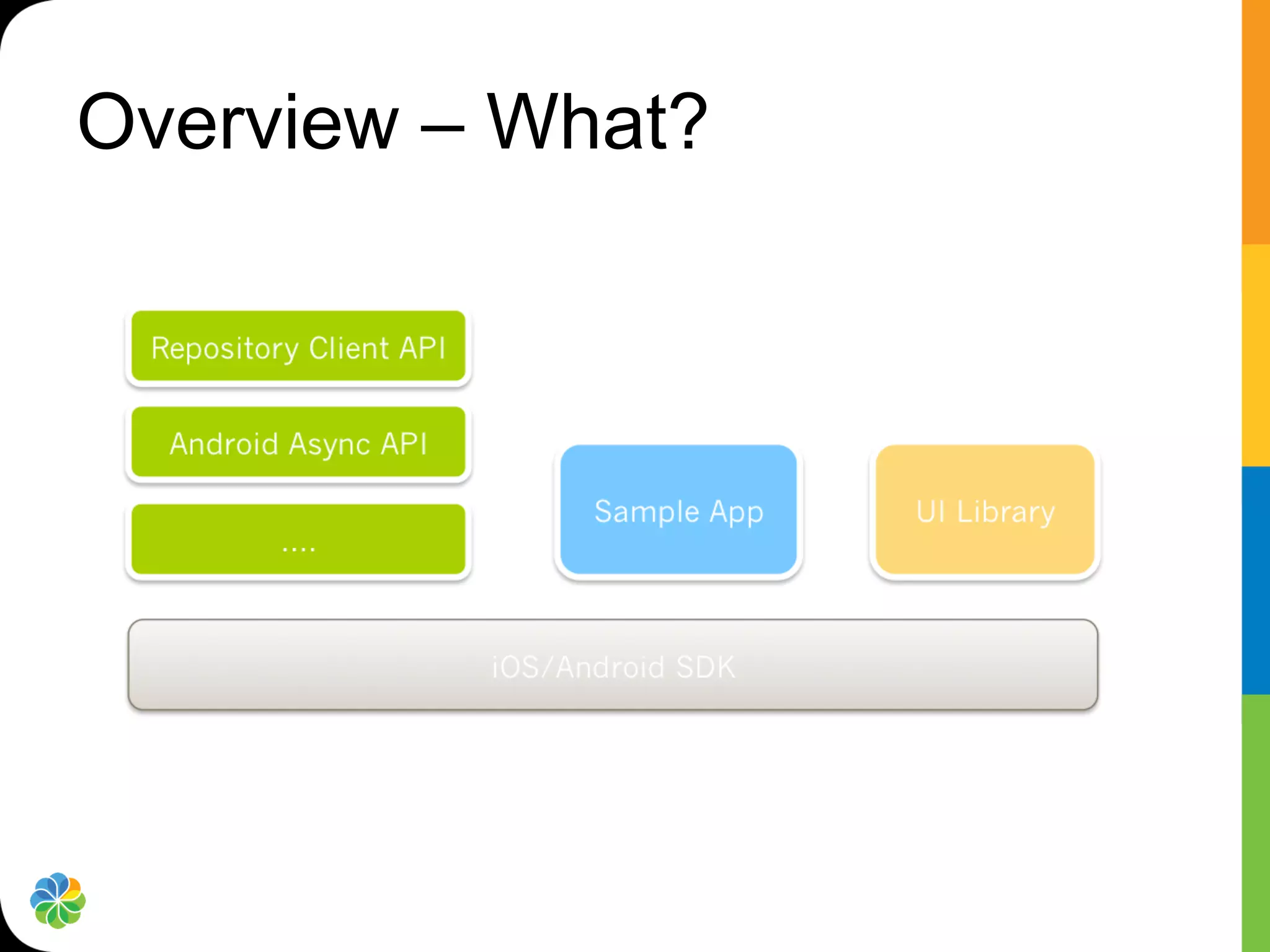
Overview – What?
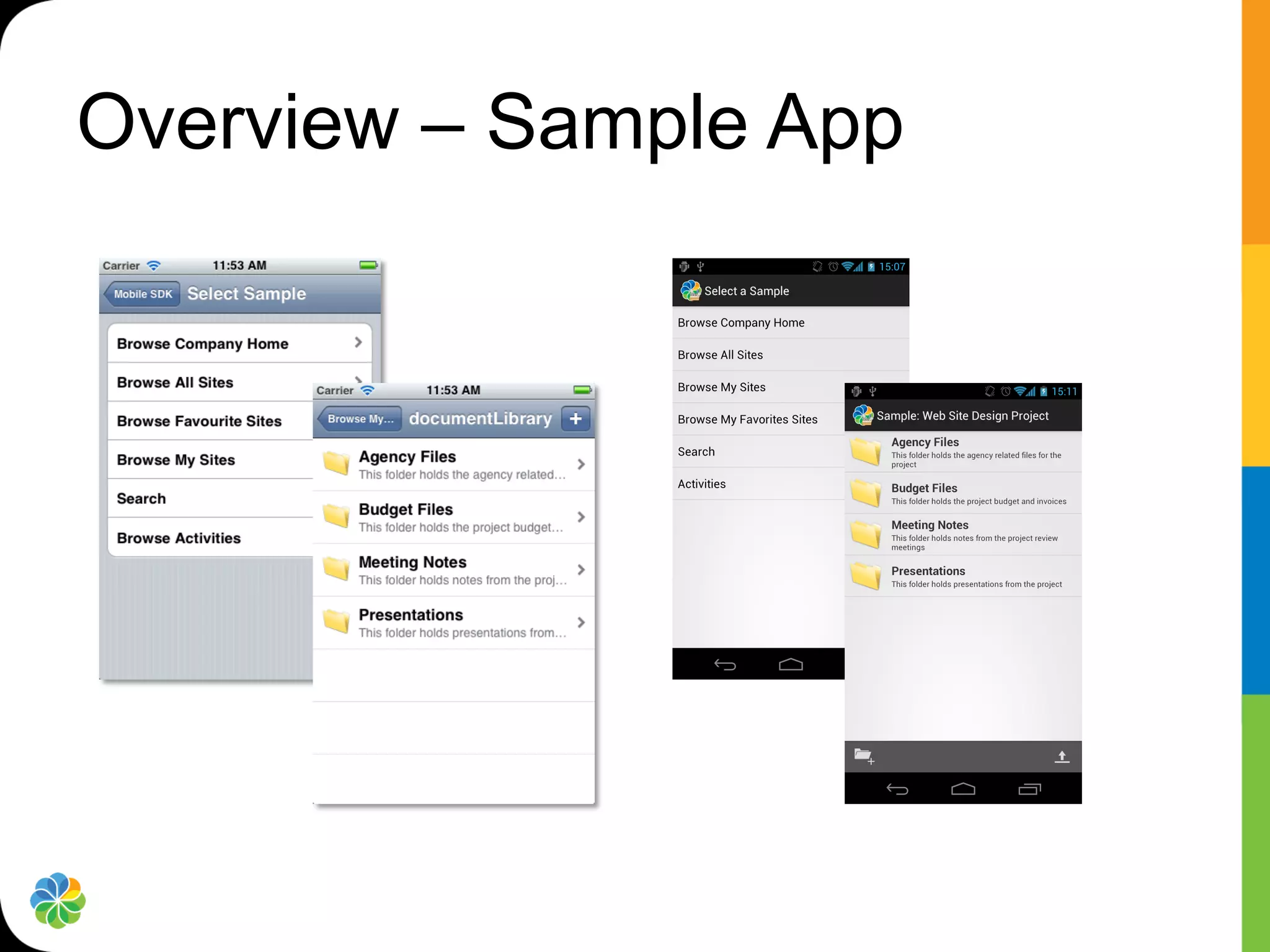
Overview – Sample App
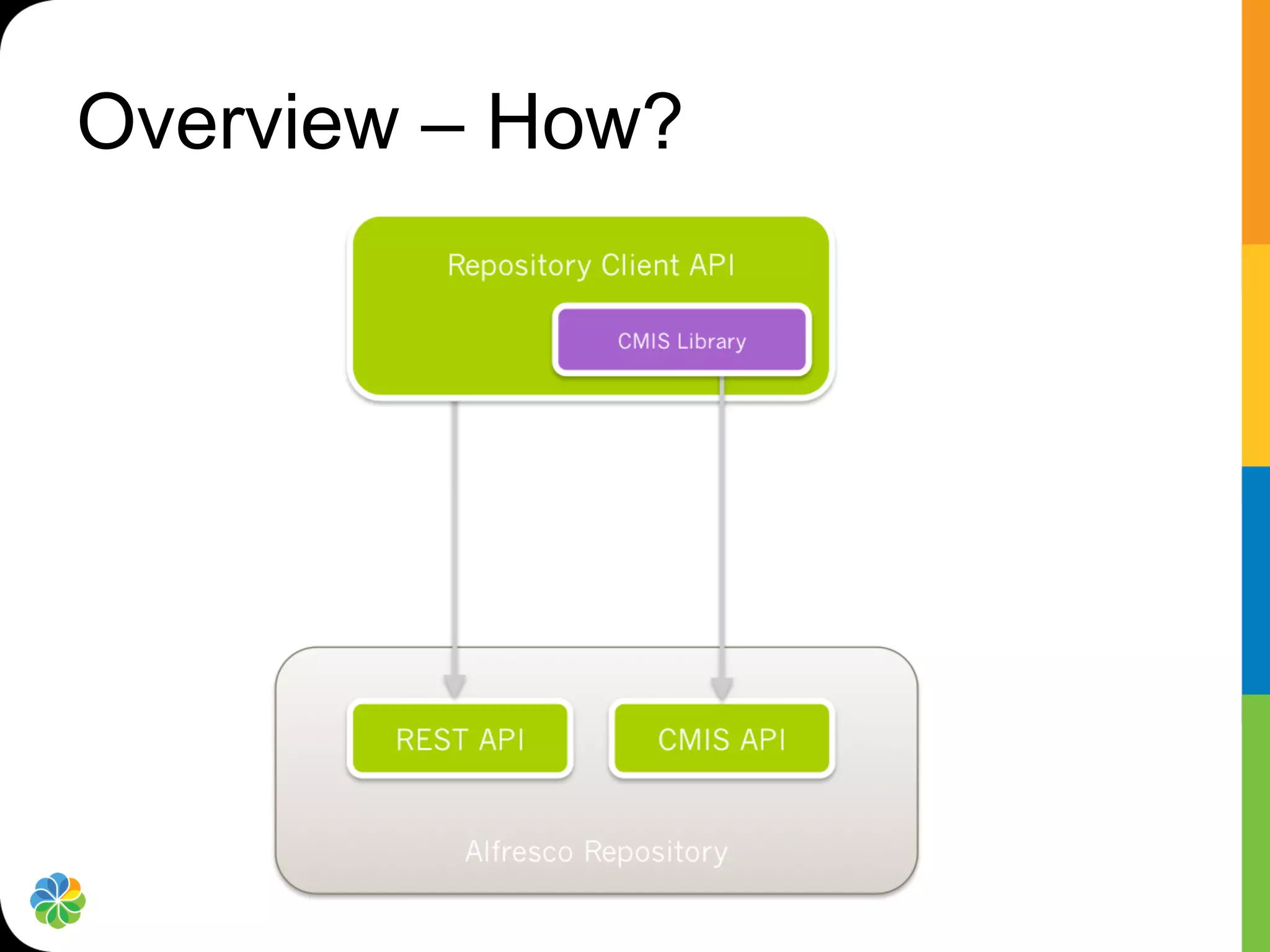
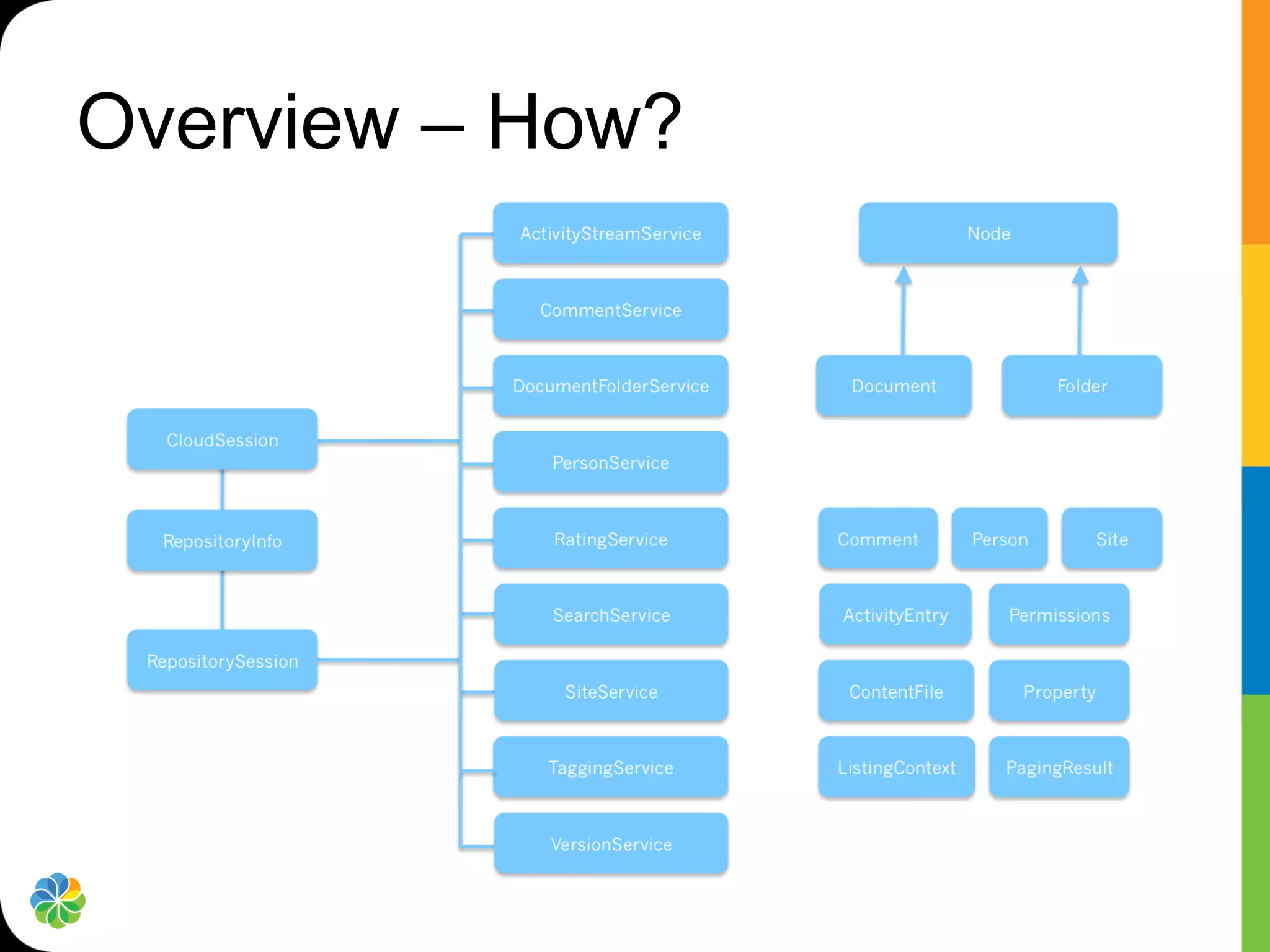
Overview – How?
Overview – How?
Overview – How?
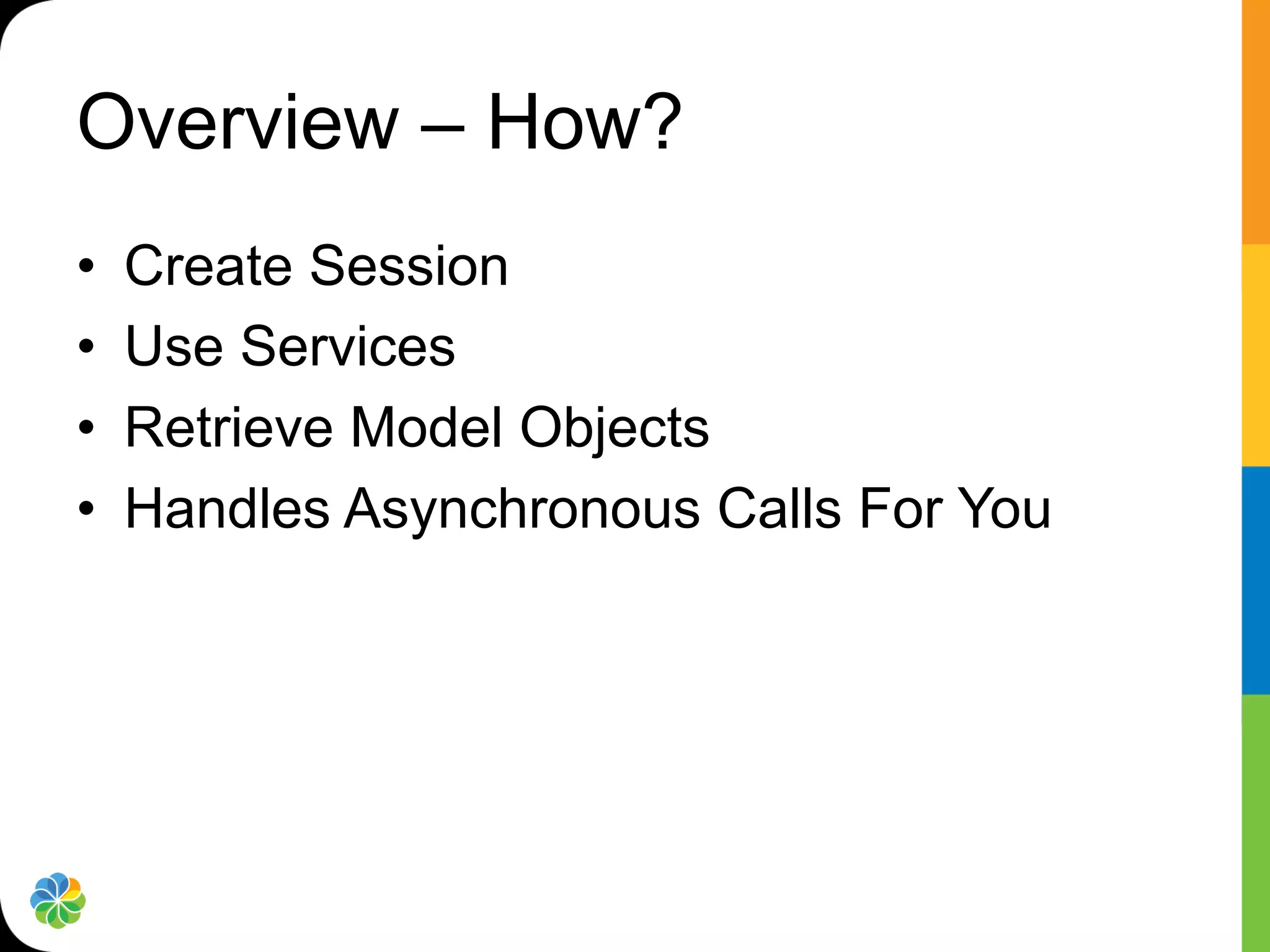
•    Create Session
•    Use Services
•    Retrieve Model Objects
•    Handles Asynchronous Calls For You
Android SDK
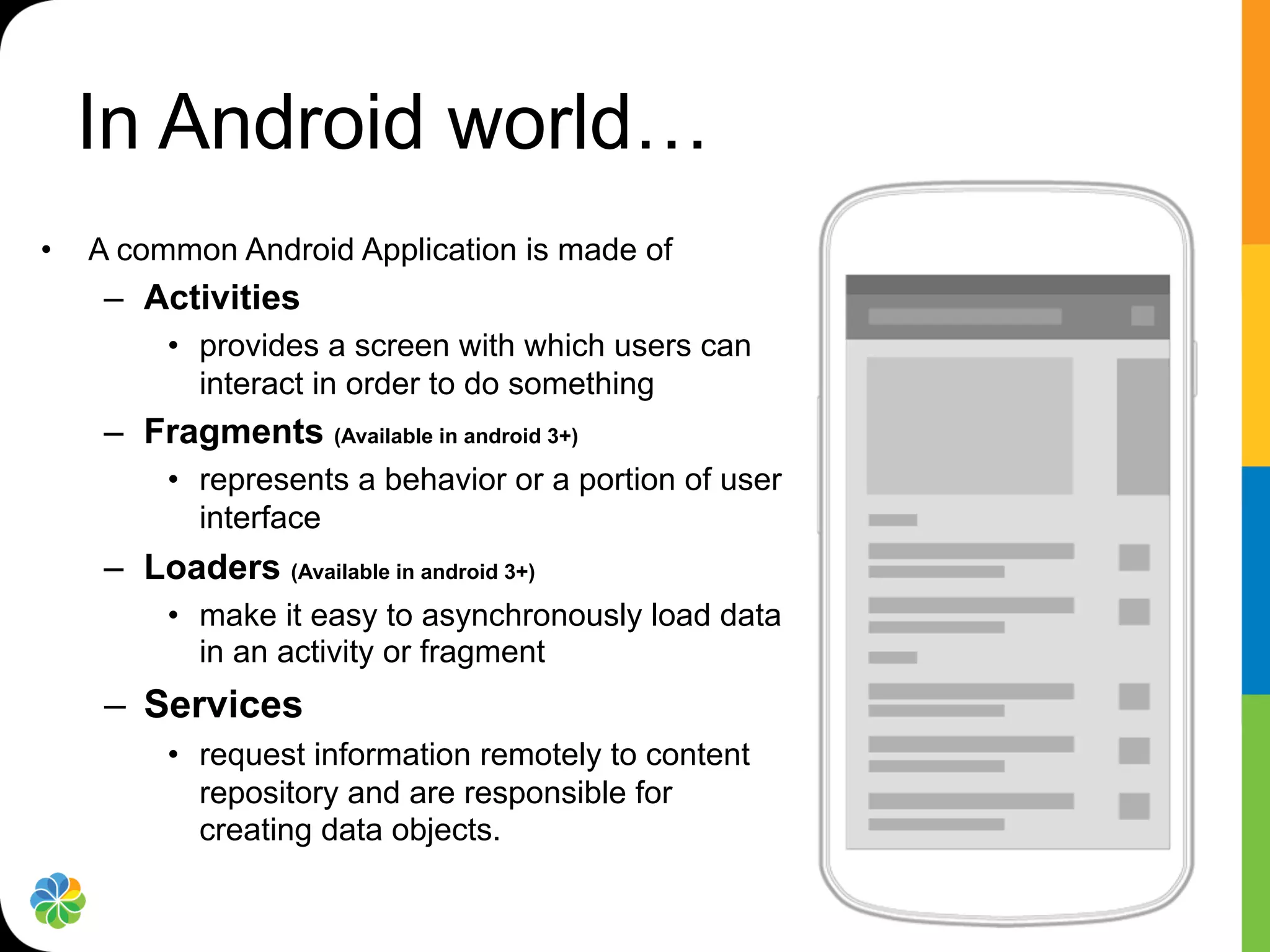
In Android world…
•    A common Android Application is made of
      –  Activities
           •  provides a screen with which users can
              interact in order to do something
      –  Fragments (Available in android 3+)
           •  represents a behavior or a portion of user
              interface
      –  Loaders (Available in android 3+)
           •  make it easy to asynchronously load data
              in an activity or fragment
      –  Services
           •  request information remotely to content
              repository and are responsible for
              creating data objects.
What Alfresco Mobile - Android
SDK provides…
•  Synchronous Alfresco Services API
   –  High level services + objects


•  Asynchronous API
   –  Loaders


•  UI Component Library
   –  Fragments, Adapter and manager


•  Sample application
   –  Demonstrate how to use components
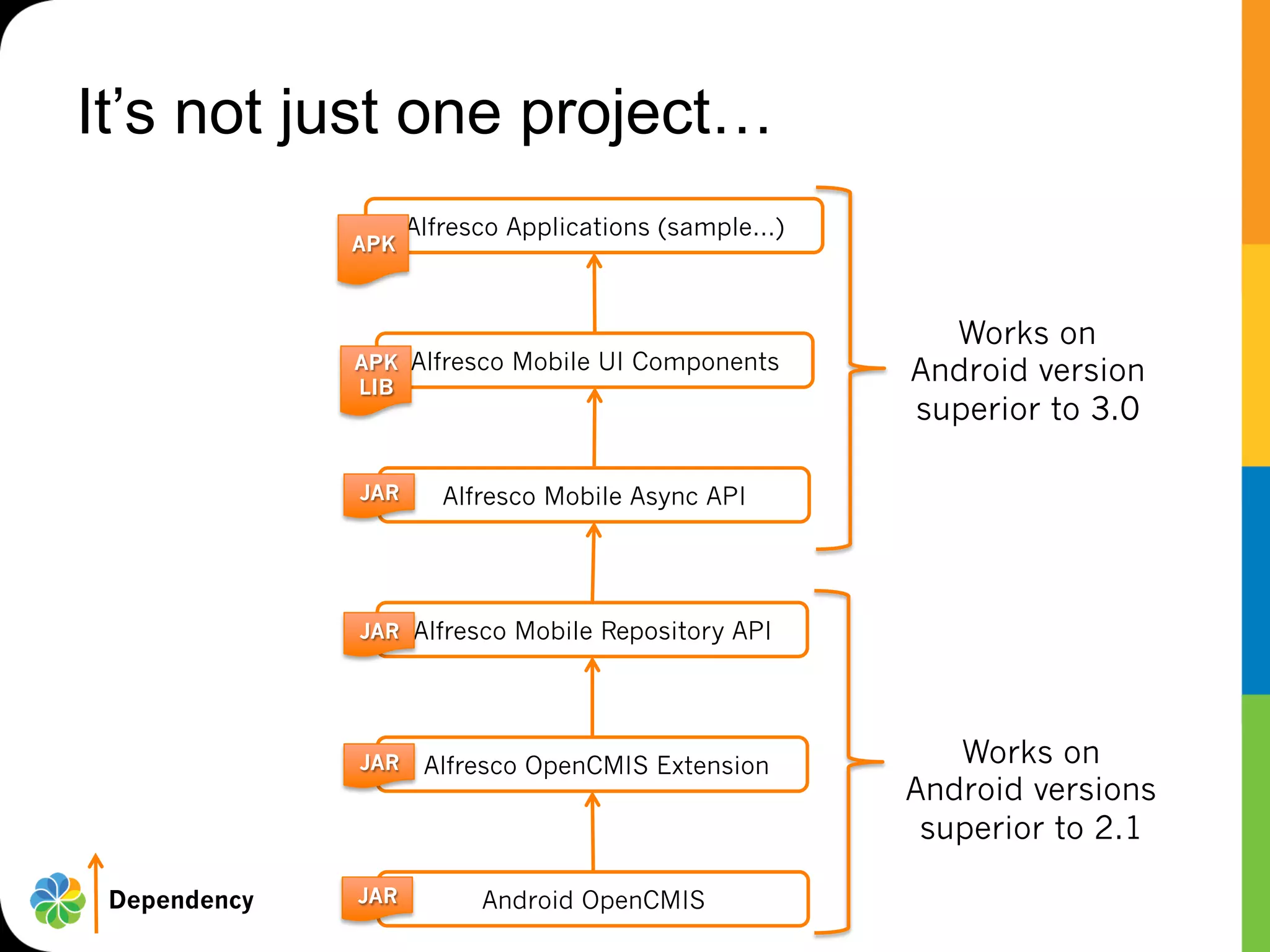
It’s not just one project…
                    Alfresco Applications (sample…)
              APK


                                                        Works on
              APK Alfresco Mobile UI Components
              LIB
                                                      Android version
                                                      superior to 3.0

              JAR      Alfresco Mobile Async API


              JAR Alfresco Mobile Repository API


              JAR    Alfresco OpenCMIS Extension         Works on
                                                      Android versions
                                                       superior to 2.1

 Dependency   JAR         Android OpenCMIS
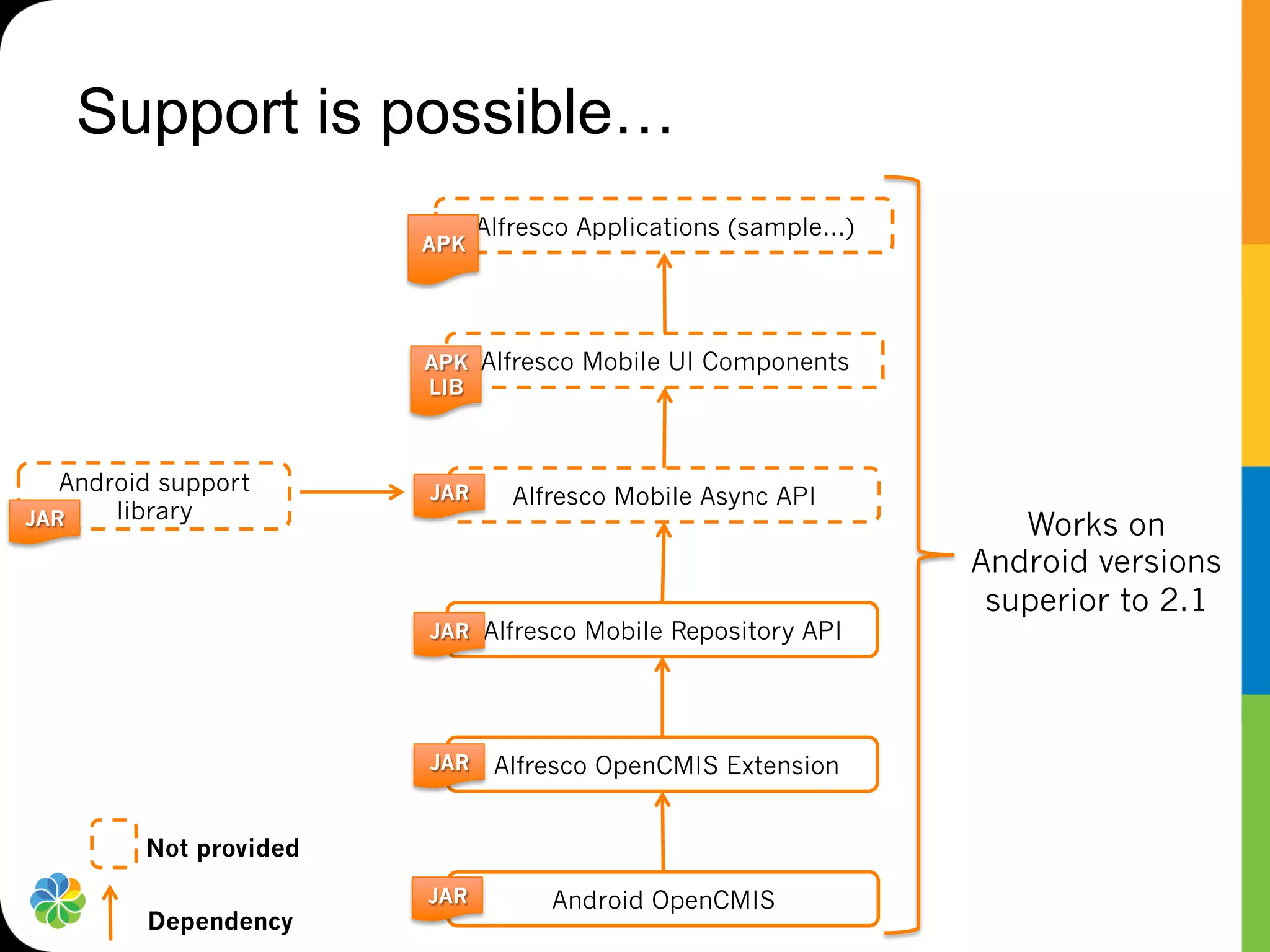
Support is possible…
                              Alfresco Applications (sample…)
                        APK


                        APK Alfresco Mobile UI Components
                        LIB


   Android support      JAR      Alfresco Mobile Async API
       library
JAR                                                                Works on
                                                                Android versions
                                                                 superior to 2.1
                        JAR Alfresco Mobile Repository API


                        JAR    Alfresco OpenCMIS Extension


         Not provided
                        JAR         Android OpenCMIS
         Dependency
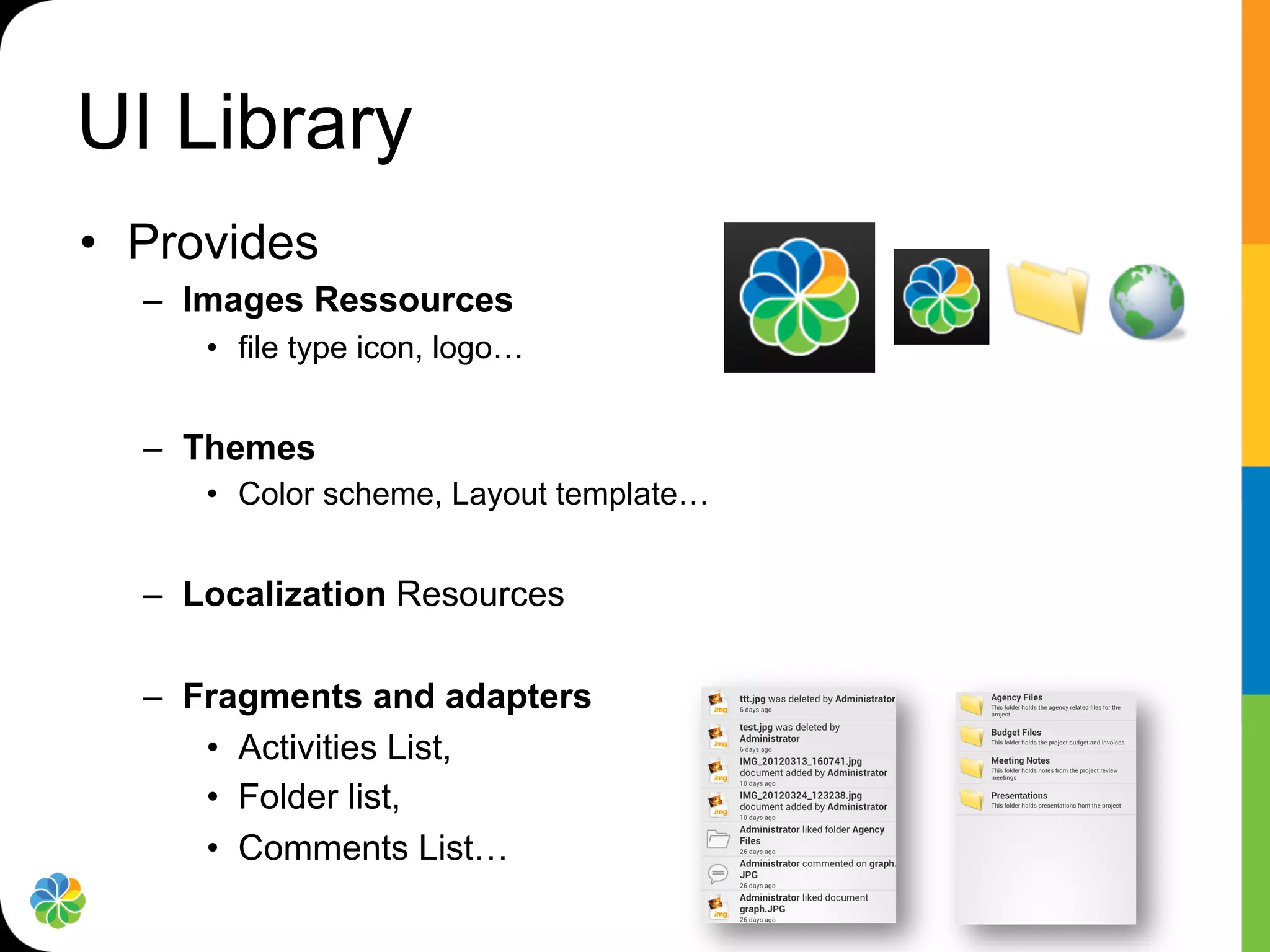
UI Library
•  Provides
  –  Images Ressources
     •  file type icon, logo…


  –  Themes
     •  Color scheme, Layout template…


  –  Localization Resources

  –  Fragments and adapters
      •  Activities List,
      •  Folder list,
      •  Comments List…
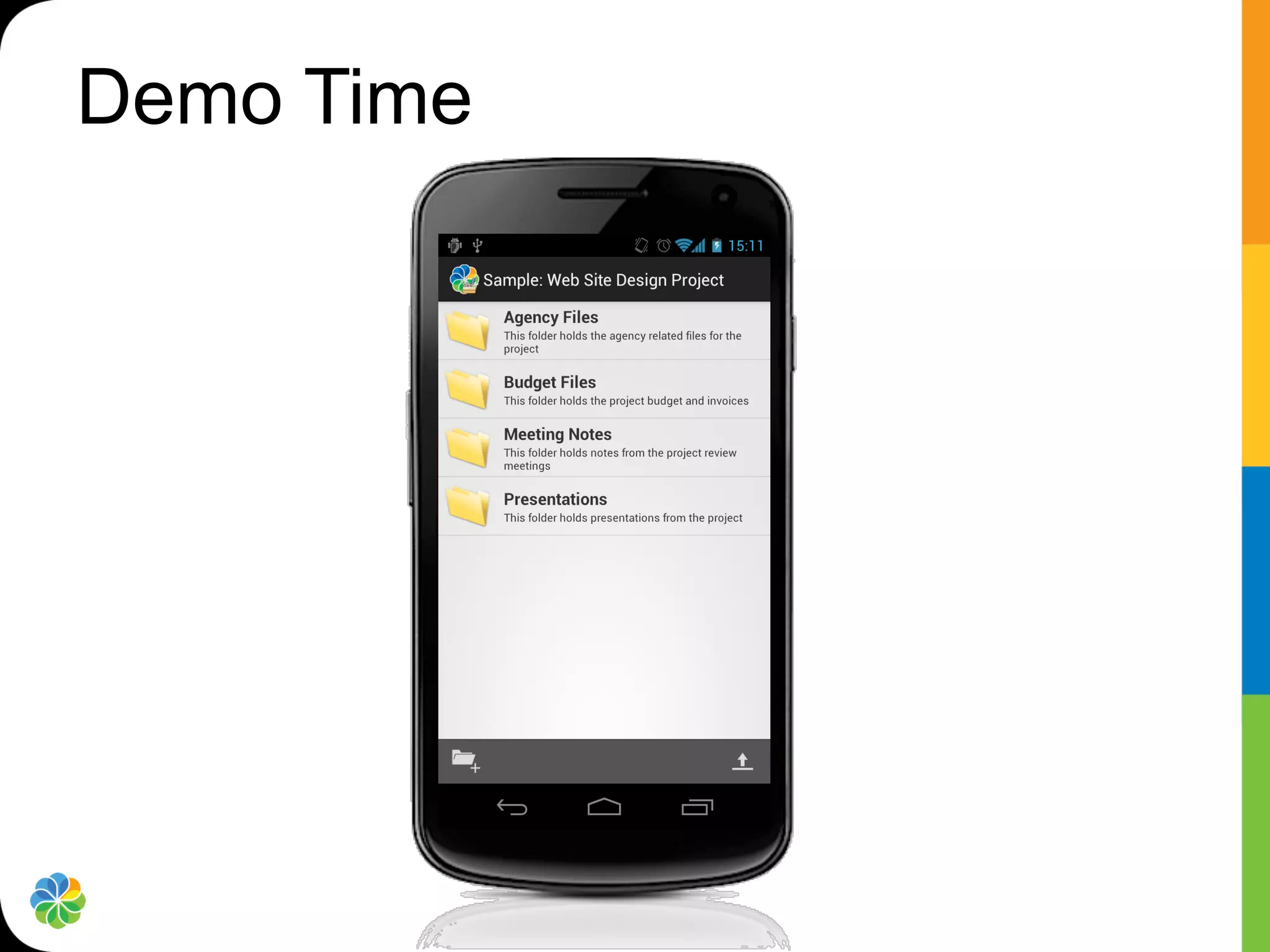
Demo Time
Use cases
•  Create an application from scratch
  –  Extends and customize the sample application


•  Add Alfresco oriented screen to an existing
   application
  –  Use the ApkLib UI component and add a fragment
    (Android 3+)


•  Just need data
  –  Use the repository API
So are you ready to level up ?
Alfresco Mobile SDK
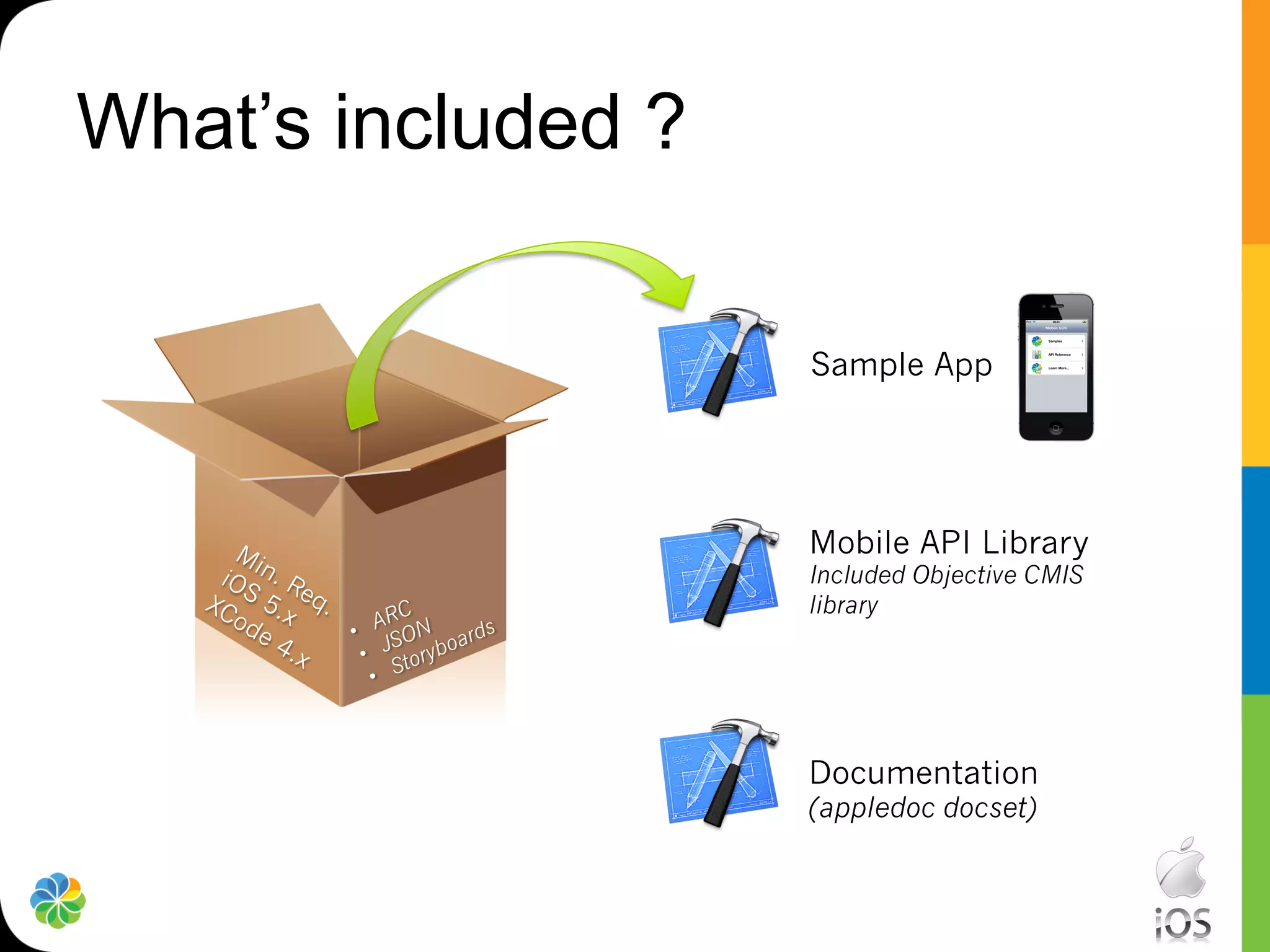
What’s included ?

                    Sample App


                    Mobile API Library
                    Included Objective CMIS
                    library


                    Documentation
                    (appledoc docset)
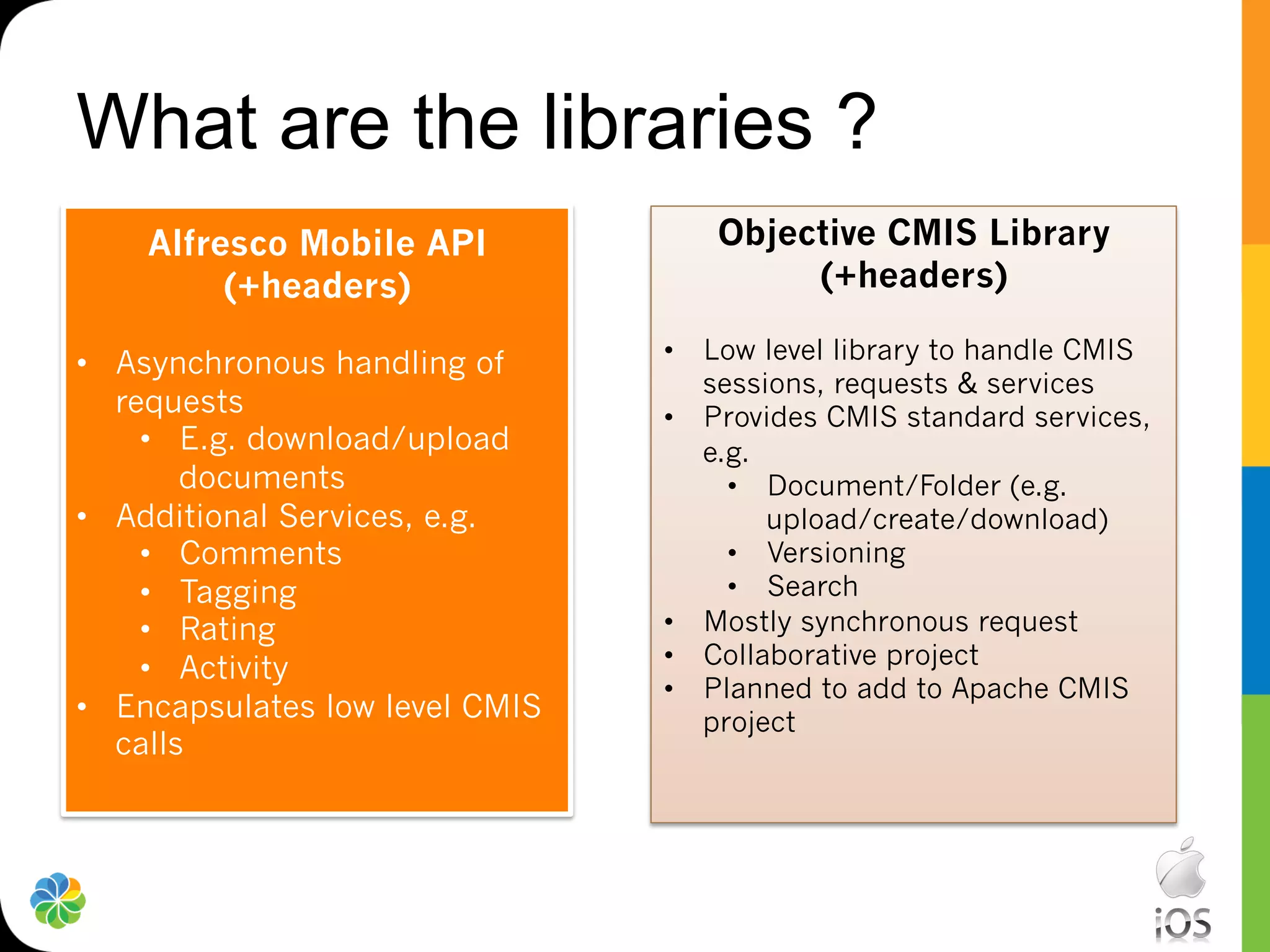
What are the libraries ?
    Alfresco Mobile API             Objective CMIS Library
         (+headers)                      (+headers)

•  Asynchronous handling of      •  Low level library to handle CMIS
                                    sessions, requests & services
   requests                      •  Provides CMIS standard services,
     •  E.g. download/upload        e.g.
        documents                     •  Document/Folder (e.g.
•  Additional Services, e.g.             upload/create/download)
     •  Comments                      •  Versioning
     •  Tagging                       •  Search
     •  Rating                   •  Mostly synchronous request
     •  Activity                 •  Collaborative project
                                 •  Planned to add to Apache CMIS
•  Encapsulates low level CMIS      project
   calls
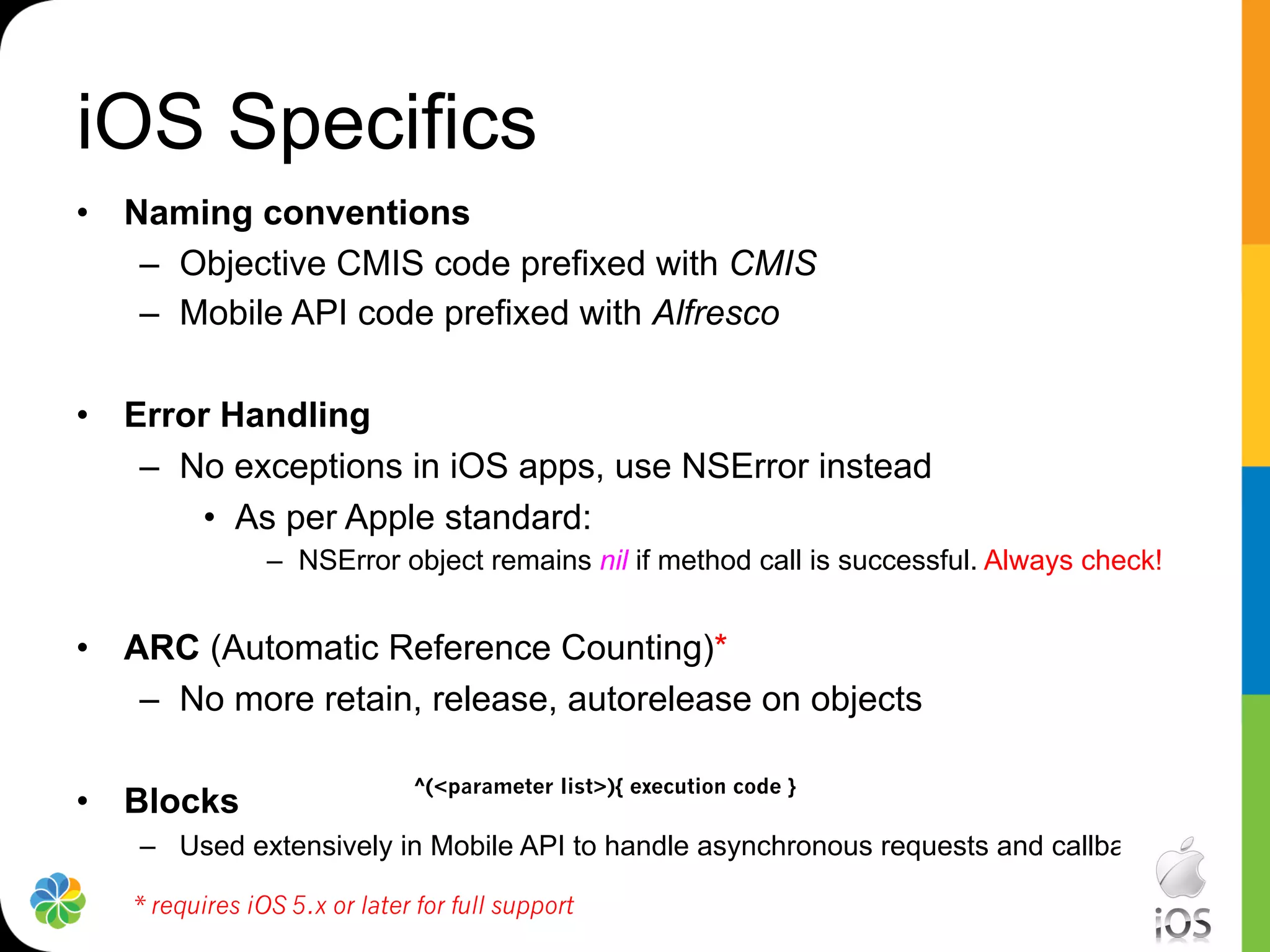
iOS Specifics
•  Naming conventions
    –  Objective CMIS code prefixed with CMIS
    –  Mobile API code prefixed with Alfresco

•  Error Handling
    –  No exceptions in iOS apps, use NSError instead
        •  As per Apple standard:
                –  NSError object remains nil if method call is successful. Always check!


•  ARC (Automatic Reference Counting)*
    –  No more retain, release, autorelease on objects

                              ^(<parameter list>){ execution code }
•  Blocks
    –  Used extensively in Mobile API to handle asynchronous requests and callbacks

   * requires iOS 5.x or later for full support
iOS SDK – Async Handling
           In Sample
           App code

If(nil == error)
{
   self.session = session;
}                              Main      Alfresco
else
{                              thread   Mobile API
   UIAlertView *alert =
       [[UIAlertView. Alloc]
………..
}


                                        Background
                                        thread
                                                     Repository


                                        CMIS/REST
                                           API
How do Objective C Blocks fit in?
•  Blocks were introduced in iOS 4, Mac OSX 10.6

•  Ad hoc functionality that can be passed on like
   parameters

•  Mobile API uses blocks as callbacks once requests
   complete
    –  You define what your app/code needs to do within a
       block
Example – Create Session
NSURL *url = [NSURL URLWithString:host];
[AlfrescoRepositorySession connectWithUrl:url
           username:username
           password:pwd settings:nil
           completionBlock:^(id<AlfrescoSession> session, NSError *error){

               if (nil != error)
               {
                      /*
                      Your error handling code goes here
                      */
               }
               else
               {
                      self.session = session;
                      NSLog(@"Authenticated successfully.");
               }
}];
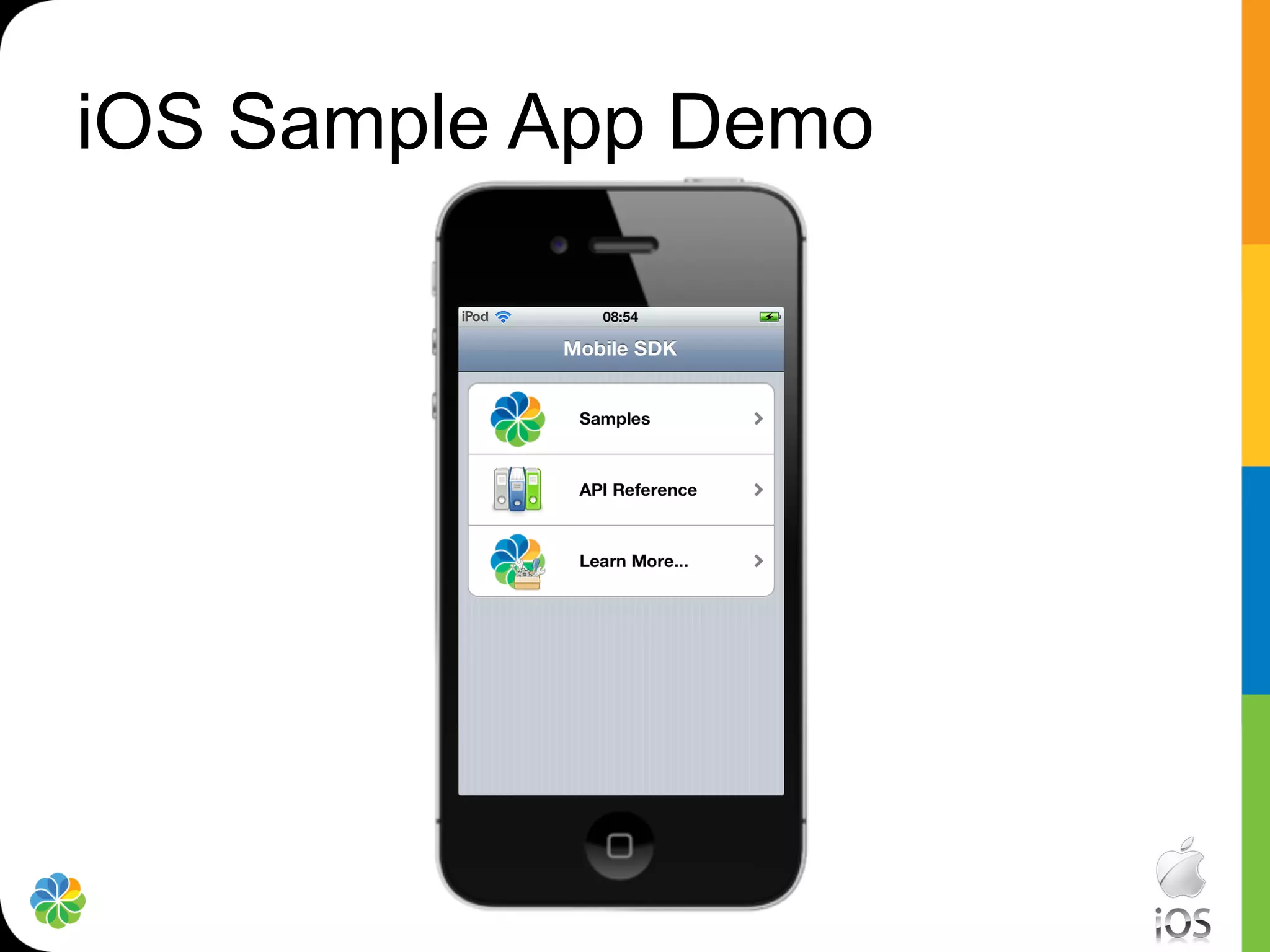
iOS Sample App Demo
Thank You!

Alfresco tech talk live mobile sdks

  • 1.
    Alfresco Mobile SDKs Agenda • Overview – Why, What & How? –  Gavin Cornwell •  Android SDK –  Jean Marie Pascal •  iOS SDK –  Peter Schmidt
  • 2.
    Overview – Why? • Simplify Access To Alfresco From Mobile Devices •  Uniform API To Access On-Premise Servers and The Cloud •  Enable 3rd party App Integration •  Rapidly Build Alfresco Based Apps •  Used For All Future Alfresco Apps
  • 3.
  • 4.
  • 5.
  • 6.
  • 7.
    Overview – How? •  Create Session •  Use Services •  Retrieve Model Objects •  Handles Asynchronous Calls For You
  • 8.
  • 9.
    In Android world… •  A common Android Application is made of –  Activities •  provides a screen with which users can interact in order to do something –  Fragments (Available in android 3+) •  represents a behavior or a portion of user interface –  Loaders (Available in android 3+) •  make it easy to asynchronously load data in an activity or fragment –  Services •  request information remotely to content repository and are responsible for creating data objects.
  • 10.
    What Alfresco Mobile- Android SDK provides… •  Synchronous Alfresco Services API –  High level services + objects •  Asynchronous API –  Loaders •  UI Component Library –  Fragments, Adapter and manager •  Sample application –  Demonstrate how to use components
  • 11.
    It’s not justone project… Alfresco Applications (sample…) APK Works on APK Alfresco Mobile UI Components LIB Android version superior to 3.0 JAR Alfresco Mobile Async API JAR Alfresco Mobile Repository API JAR Alfresco OpenCMIS Extension Works on Android versions superior to 2.1 Dependency JAR Android OpenCMIS
  • 12.
    Support is possible… Alfresco Applications (sample…) APK APK Alfresco Mobile UI Components LIB Android support JAR Alfresco Mobile Async API library JAR Works on Android versions superior to 2.1 JAR Alfresco Mobile Repository API JAR Alfresco OpenCMIS Extension Not provided JAR Android OpenCMIS Dependency
  • 13.
    UI Library •  Provides –  Images Ressources •  file type icon, logo… –  Themes •  Color scheme, Layout template… –  Localization Resources –  Fragments and adapters •  Activities List, •  Folder list, •  Comments List…
  • 14.
  • 15.
    Use cases •  Createan application from scratch –  Extends and customize the sample application •  Add Alfresco oriented screen to an existing application –  Use the ApkLib UI component and add a fragment (Android 3+) •  Just need data –  Use the repository API
  • 16.
    So are youready to level up ?
  • 17.
  • 18.
    What’s included ? Sample App Mobile API Library Included Objective CMIS library Documentation (appledoc docset)
  • 19.
    What are thelibraries ? Alfresco Mobile API Objective CMIS Library (+headers) (+headers) •  Asynchronous handling of •  Low level library to handle CMIS sessions, requests & services requests •  Provides CMIS standard services, •  E.g. download/upload e.g. documents •  Document/Folder (e.g. •  Additional Services, e.g. upload/create/download) •  Comments •  Versioning •  Tagging •  Search •  Rating •  Mostly synchronous request •  Activity •  Collaborative project •  Planned to add to Apache CMIS •  Encapsulates low level CMIS project calls
  • 20.
    iOS Specifics •  Namingconventions –  Objective CMIS code prefixed with CMIS –  Mobile API code prefixed with Alfresco •  Error Handling –  No exceptions in iOS apps, use NSError instead •  As per Apple standard: –  NSError object remains nil if method call is successful. Always check! •  ARC (Automatic Reference Counting)* –  No more retain, release, autorelease on objects ^(<parameter list>){ execution code } •  Blocks –  Used extensively in Mobile API to handle asynchronous requests and callbacks * requires iOS 5.x or later for full support
  • 21.
    iOS SDK –Async Handling In Sample App code If(nil == error) { self.session = session; } Main Alfresco else { thread Mobile API UIAlertView *alert = [[UIAlertView. Alloc] ……….. } Background thread Repository CMIS/REST API
  • 22.
    How do ObjectiveC Blocks fit in? •  Blocks were introduced in iOS 4, Mac OSX 10.6 •  Ad hoc functionality that can be passed on like parameters •  Mobile API uses blocks as callbacks once requests complete –  You define what your app/code needs to do within a block
  • 23.
    Example – CreateSession NSURL *url = [NSURL URLWithString:host]; [AlfrescoRepositorySession connectWithUrl:url username:username password:pwd settings:nil completionBlock:^(id<AlfrescoSession> session, NSError *error){ if (nil != error) { /* Your error handling code goes here */ } else { self.session = session; NSLog(@"Authenticated successfully."); } }];
  • 24.
  • 25.