Speeding up WordPress
  on Shared Hosting


                 Kevin Cristiano
                 kcristiano@tadpole.cc
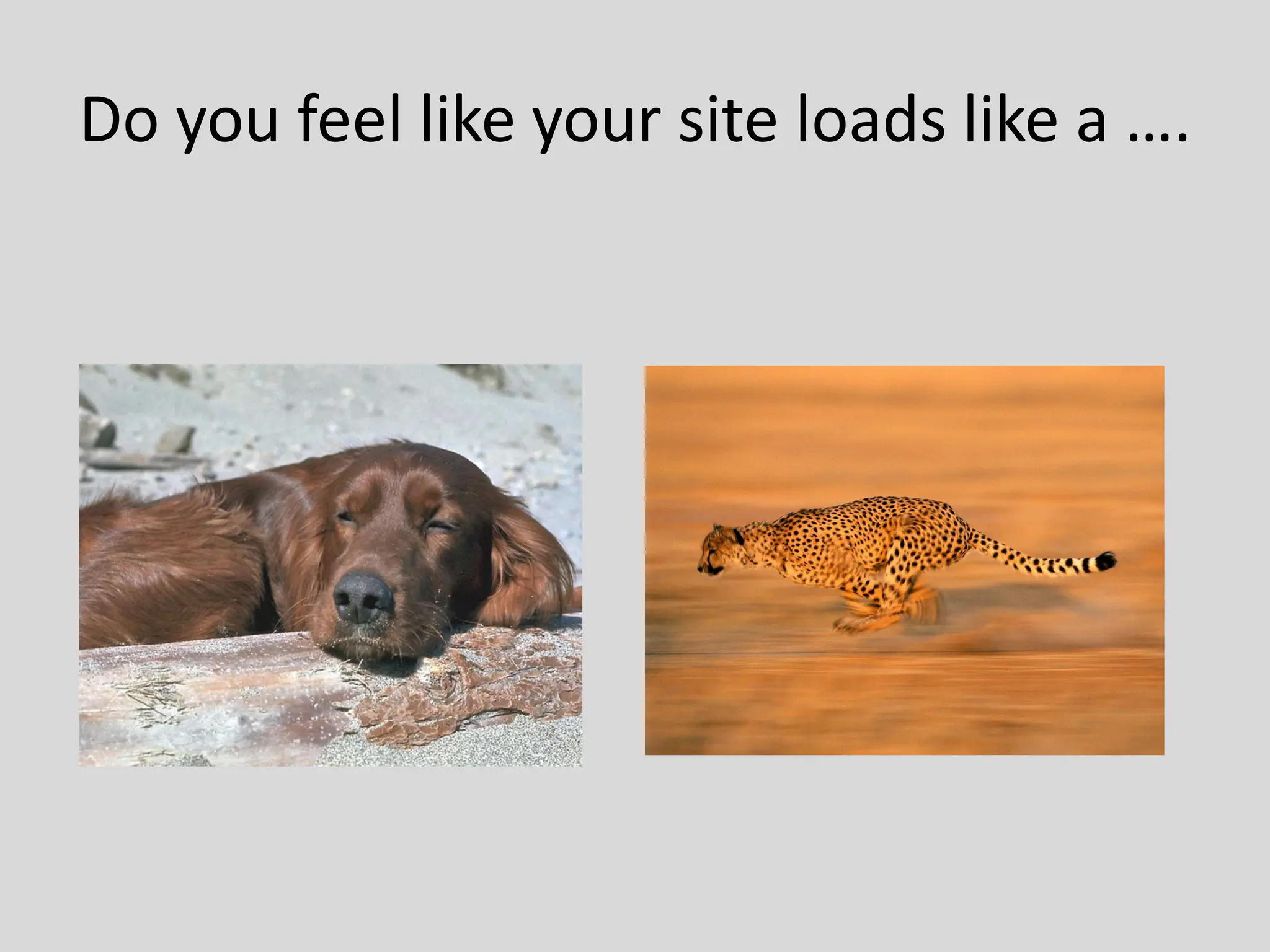
Do you feel like your site loads like a ….
Why is Speed Important
• Why do you care about the speed of your
  sites?
   • Because your readers care
   • The Google Factor
  • So what can we do about it? What are
    our options on Shared Hosting
How to Speed up WordPress
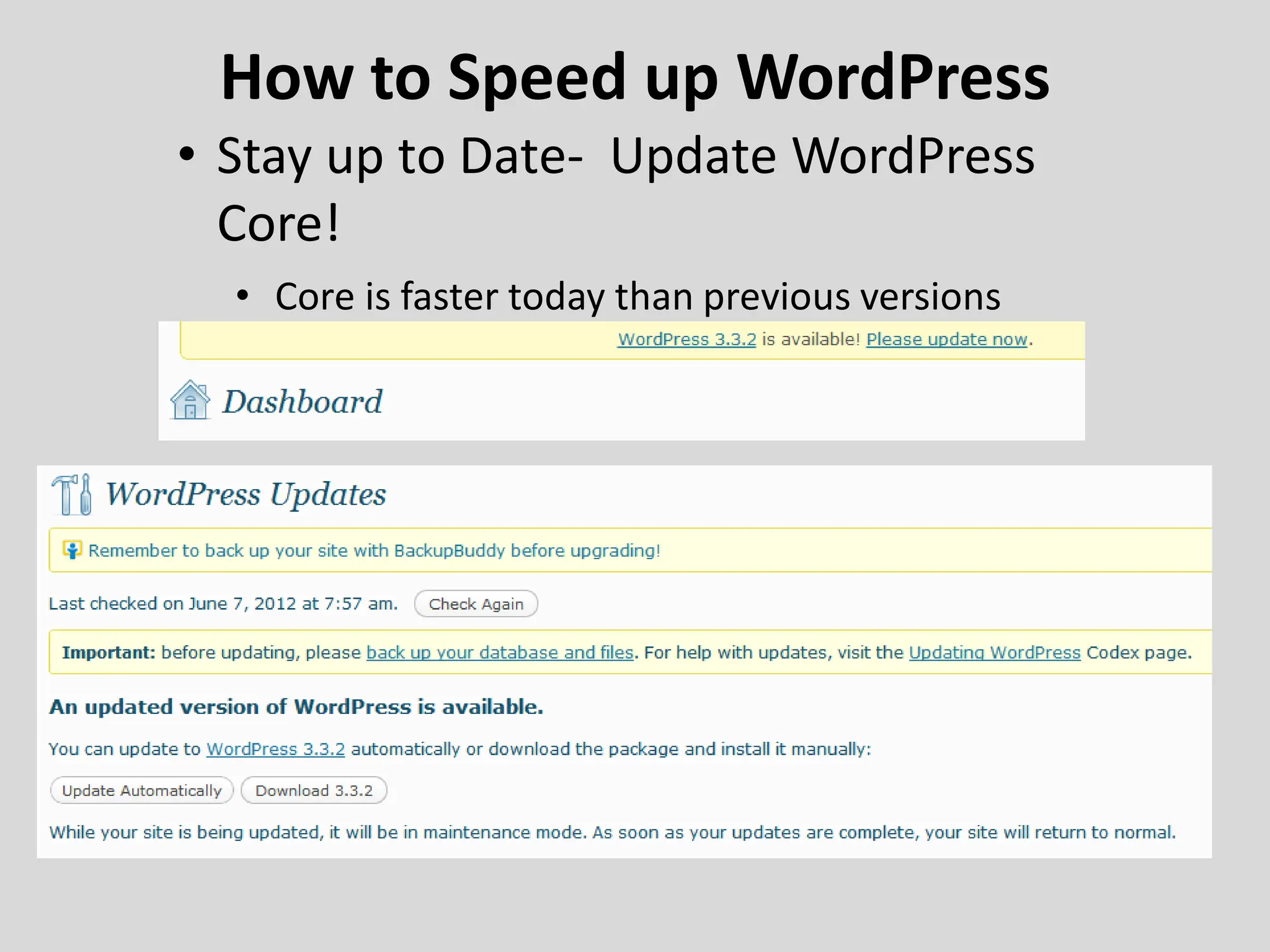
• Stay up to Date- Update WordPress
  Core!
  • Core is faster today than previous versions
Hosting Matters
• It’s not just about price
     – “Unlimited” doesn’t exist
          • Read the Terms of Service (TOS)
          • Call them – ask questions
               – If they won’t answer a question to get a new customer, how will
                 respond if you call for support
WordPress.org Hosting Page Links to Hosting Sites listed below
Themes
• Where do I get a good theme?
  – WordPress Theme Repository
• How do I know it’s a ‘Fast’ Theme
  – Use a plugin called “Display Queries” to see
    what the theme is doing to the database
  – Test Site
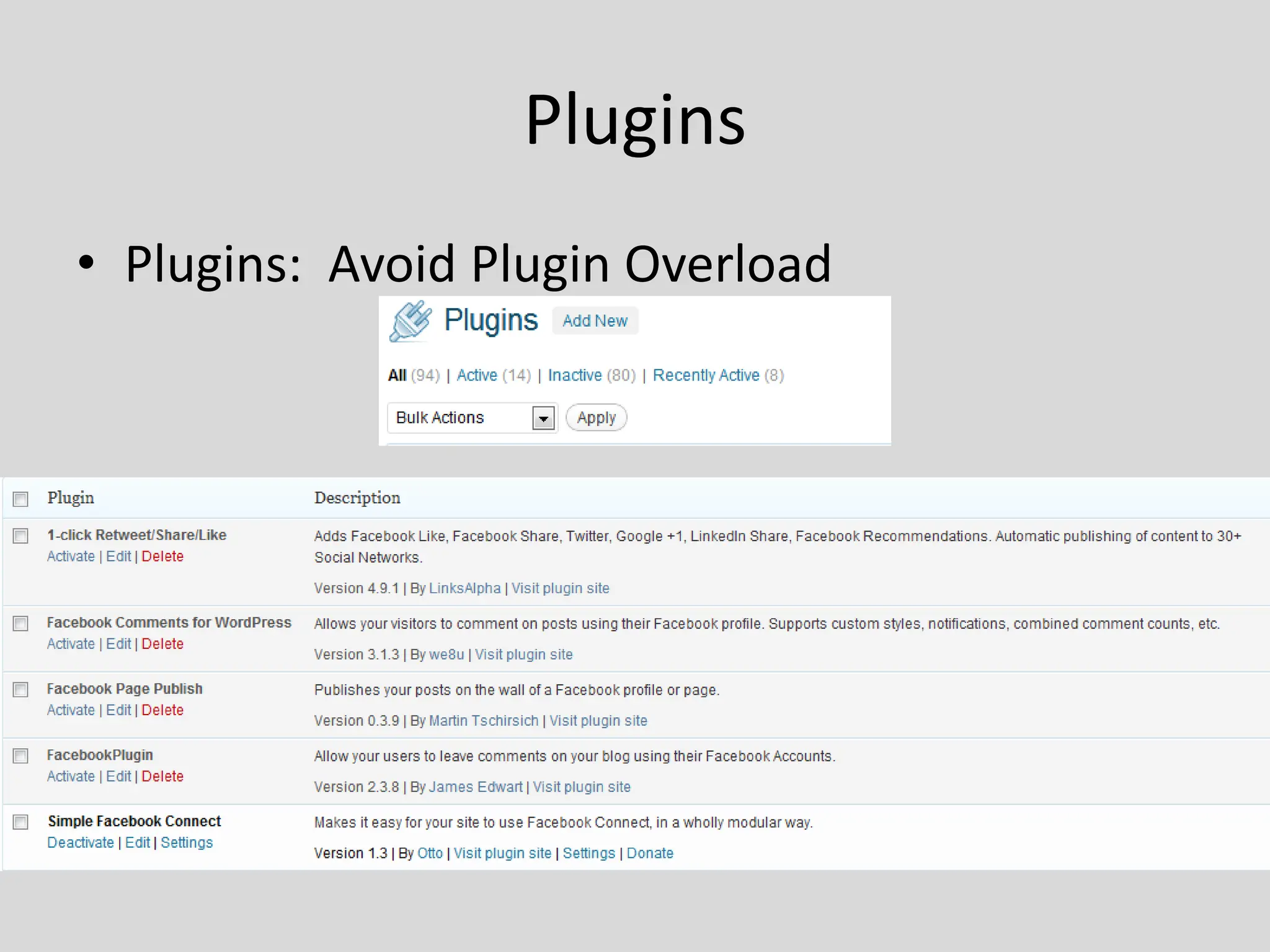
Plugins
• Plugins: Avoid Plugin Overload
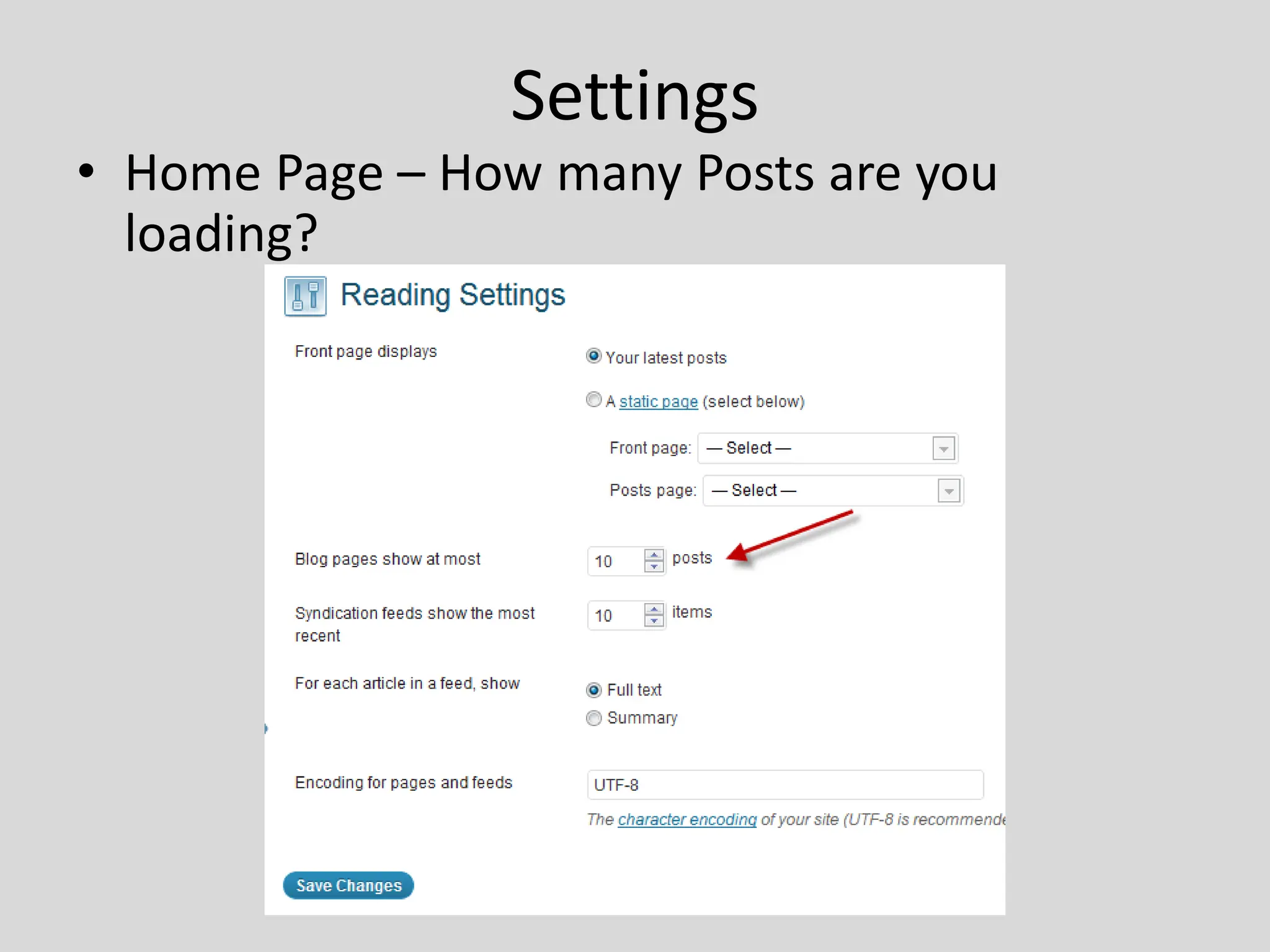
Settings
• Home Page – How many Posts are you
  loading?
Media
• Images What format should I use
     • Use the smallest size possible that preserves quality
          – In general jpg for photos
     •   Resize to the published size
     •   Don’t resize on the fly
     •   Set your Media Settings to match your theme
     •   Gravatars: Check your Discussion Settings
     •   Video
          – Use a service built to handle streaming video like YouTube or
            Vimeo
Sharing and Widgets
• Social Media Buttons and Counters
  – How many times will they load each page
     • Call home each time they load
     • Balance your content needs with speed considerations
• Widget Areas
  – Be judicious about what you load
  – Load dynamically – Use Widget Logic or
    Display Widgets
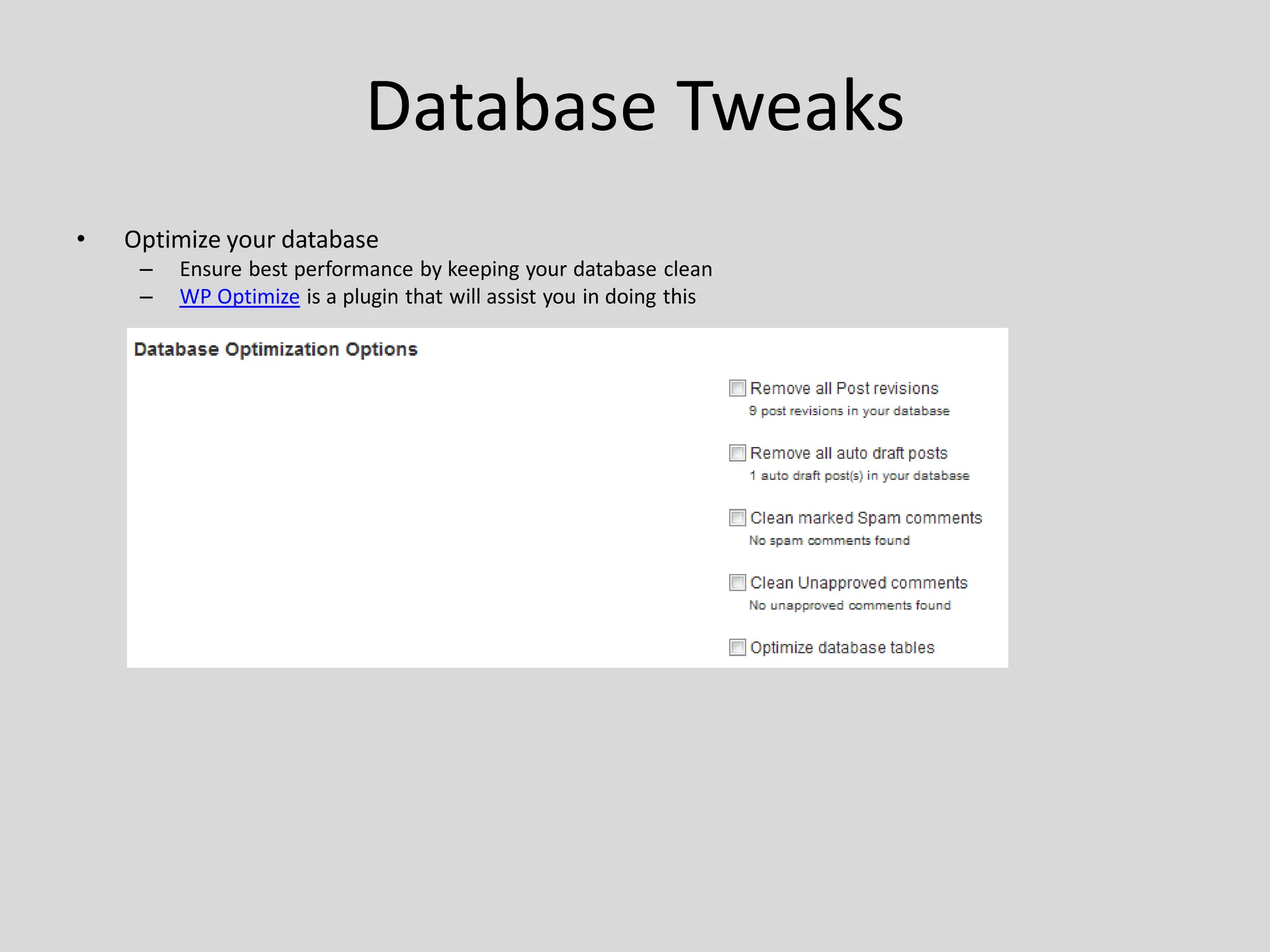
Database Tweaks
• Post Revisions
  – Manage The amount of Post revisions stored in your database


 • Revision Control Plugin
Database Tweaks
•   Optimize your database
     –   Ensure best performance by keeping your database clean
     –   WP Optimize is a plugin that will assist you in doing this
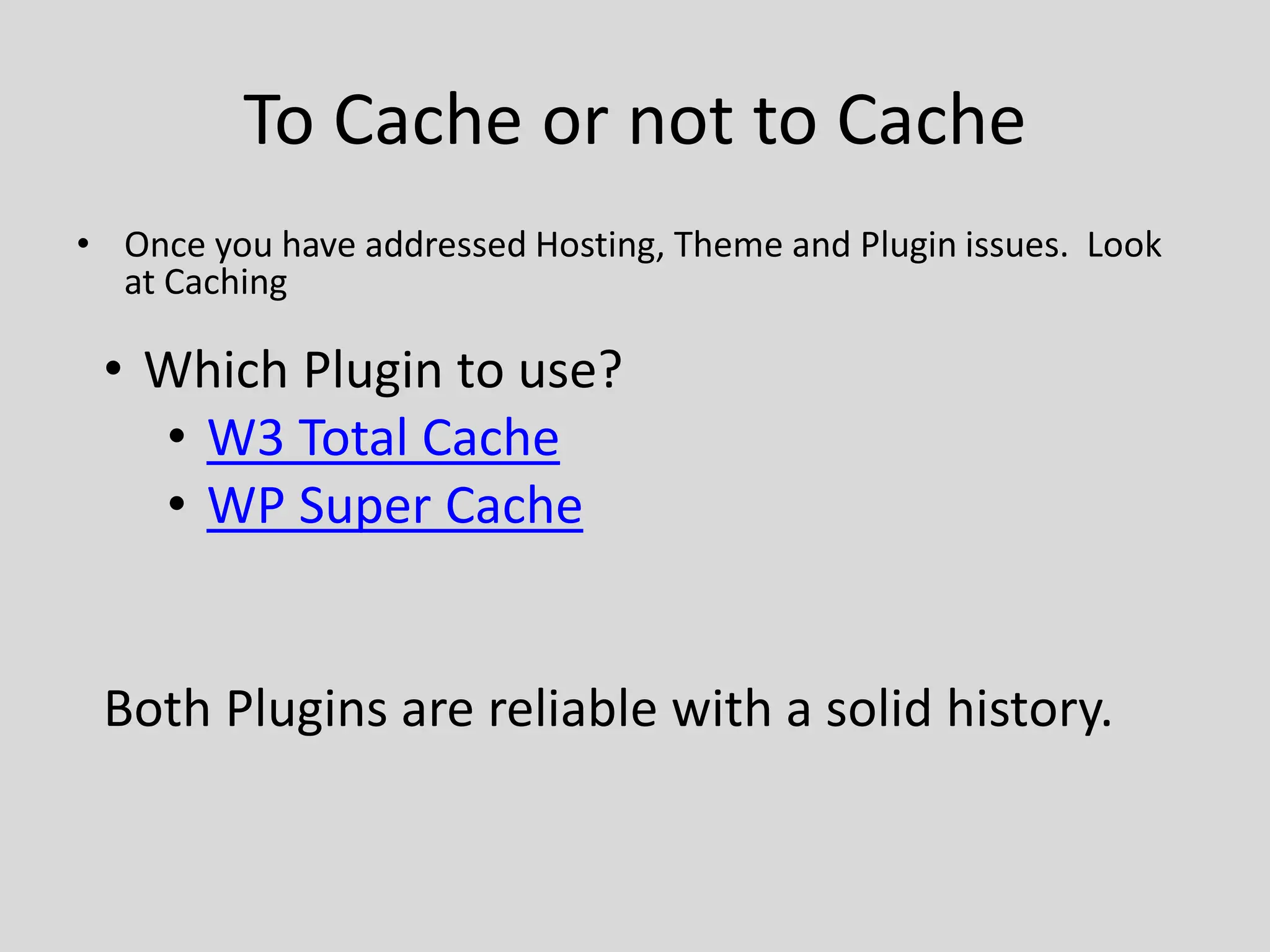
To Cache or not to Cache
• Once you have addressed Hosting, Theme and Plugin issues. Look
  at Caching

 • Which Plugin to use?
   • W3 Total Cache
   • WP Super Cache


 Both Plugins are reliable with a solid history.
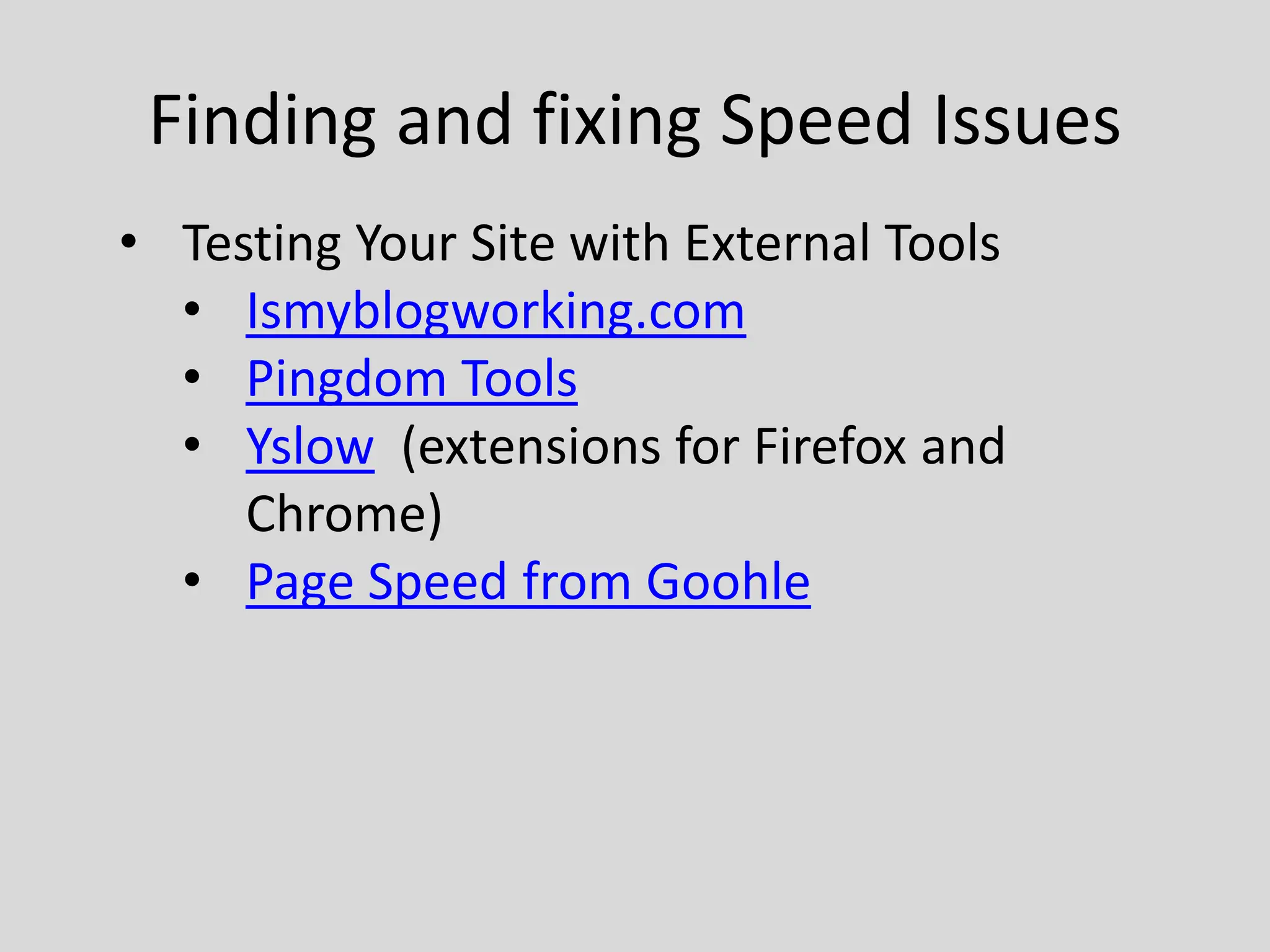
Finding and fixing Speed Issues
• Testing Your Site with External Tools
  • Ismyblogworking.com
  • Pingdom Tools
  • Yslow (extensions for Firefox and
     Chrome)
  • Page Speed from Goohle
Questions?
Contact Info
Kevin Cristiano
kcristiano@tadpole.cc
@kcristiano
http://www.tadpole.cc
Links

Hosts

•   http://www.liquidweb.com/web-hosting/
•   http://www.siteground.com/wordpress-hosting.htm
•   http://www.westhost.com/web-hosting/
•   http://laughingsquid.us/
•   http://mediatemple.net/wordpress-webhosting.php
•   http://www.bluehost.com/wordpress_hosting
•   http://www.dreamhost.com/
•   http://page.ly/
•   http://wpengine.com/b/

Speeding Up WordPress on Shared Hosting

  • 1.
    Speeding up WordPress on Shared Hosting Kevin Cristiano kcristiano@tadpole.cc
  • 2.
    Do you feellike your site loads like a ….
  • 3.
    Why is SpeedImportant • Why do you care about the speed of your sites? • Because your readers care • The Google Factor • So what can we do about it? What are our options on Shared Hosting
  • 4.
    How to Speedup WordPress • Stay up to Date- Update WordPress Core! • Core is faster today than previous versions
  • 5.
    Hosting Matters • It’snot just about price – “Unlimited” doesn’t exist • Read the Terms of Service (TOS) • Call them – ask questions – If they won’t answer a question to get a new customer, how will respond if you call for support WordPress.org Hosting Page Links to Hosting Sites listed below
  • 6.
    Themes • Where doI get a good theme? – WordPress Theme Repository • How do I know it’s a ‘Fast’ Theme – Use a plugin called “Display Queries” to see what the theme is doing to the database – Test Site
  • 7.
  • 8.
    Settings • Home Page– How many Posts are you loading?
  • 9.
    Media • Images Whatformat should I use • Use the smallest size possible that preserves quality – In general jpg for photos • Resize to the published size • Don’t resize on the fly • Set your Media Settings to match your theme • Gravatars: Check your Discussion Settings • Video – Use a service built to handle streaming video like YouTube or Vimeo
  • 10.
    Sharing and Widgets •Social Media Buttons and Counters – How many times will they load each page • Call home each time they load • Balance your content needs with speed considerations • Widget Areas – Be judicious about what you load – Load dynamically – Use Widget Logic or Display Widgets
  • 11.
    Database Tweaks • PostRevisions – Manage The amount of Post revisions stored in your database • Revision Control Plugin
  • 12.
    Database Tweaks • Optimize your database – Ensure best performance by keeping your database clean – WP Optimize is a plugin that will assist you in doing this
  • 13.
    To Cache ornot to Cache • Once you have addressed Hosting, Theme and Plugin issues. Look at Caching • Which Plugin to use? • W3 Total Cache • WP Super Cache Both Plugins are reliable with a solid history.
  • 14.
    Finding and fixingSpeed Issues • Testing Your Site with External Tools • Ismyblogworking.com • Pingdom Tools • Yslow (extensions for Firefox and Chrome) • Page Speed from Goohle
  • 15.
  • 16.
  • 17.
    Links Hosts • http://www.liquidweb.com/web-hosting/ • http://www.siteground.com/wordpress-hosting.htm • http://www.westhost.com/web-hosting/ • http://laughingsquid.us/ • http://mediatemple.net/wordpress-webhosting.php • http://www.bluehost.com/wordpress_hosting • http://www.dreamhost.com/ • http://page.ly/ • http://wpengine.com/b/