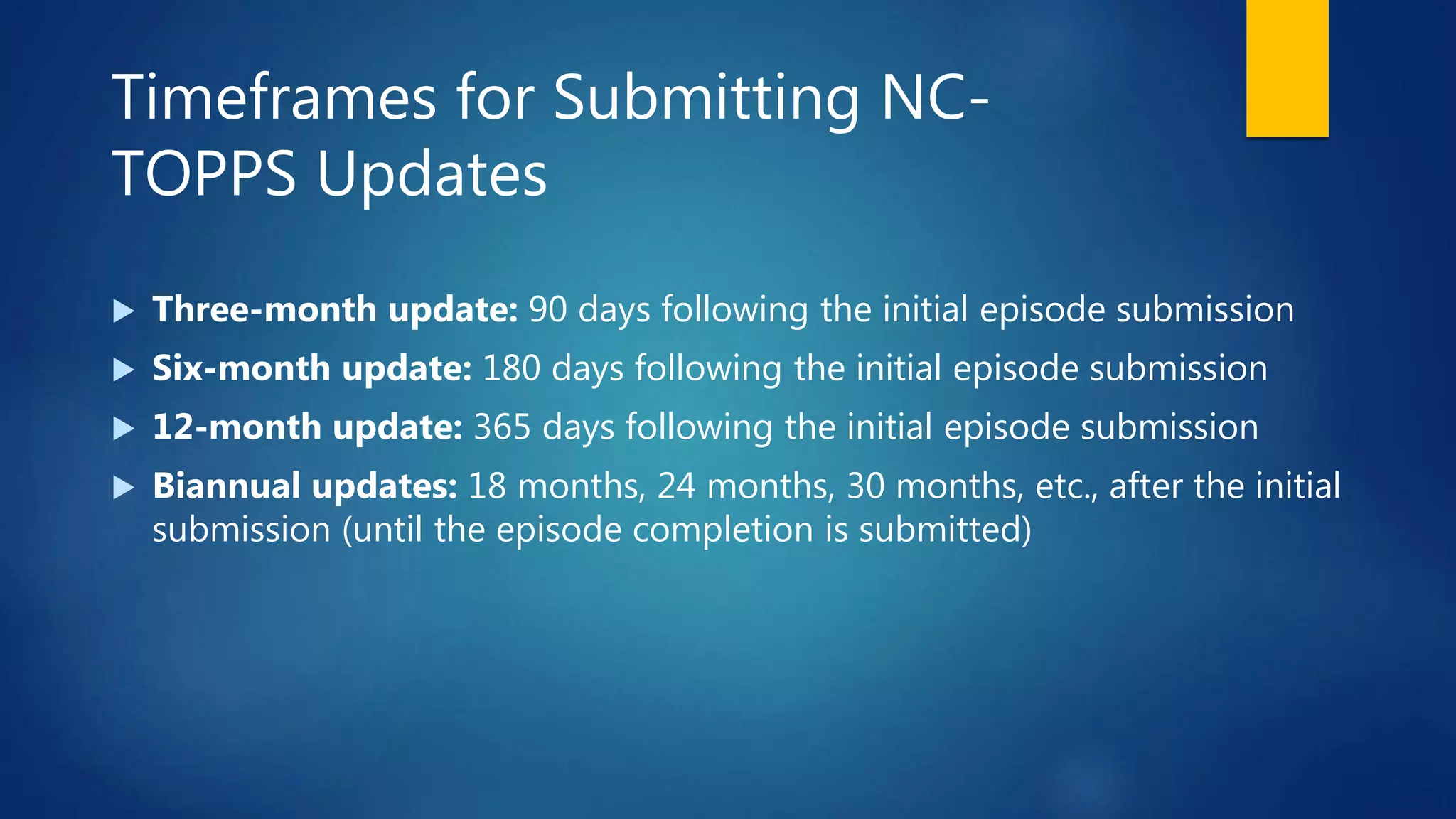
Timeframes for Submitting NC-
TOPPS Updates
 Three-month update: 90 days following the initial episode submission
 Six-month update: 180 days following the initial episode submission
 12-month update: 365 days following the initial episode submission
 Biannual updates: 18 months, 24 months, 30 months, etc., after the initial
submission (until the episode completion is submitted)
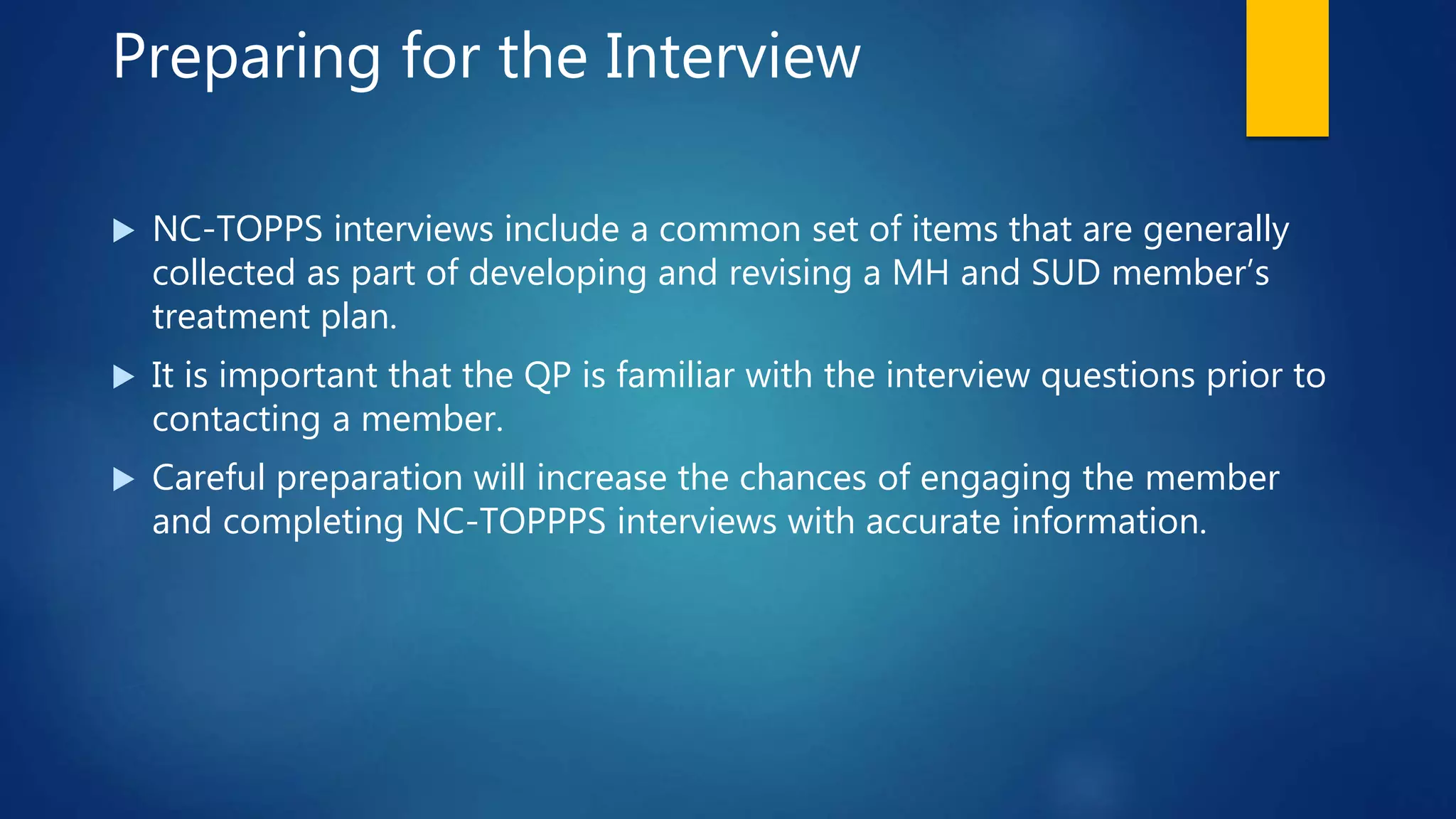
Preparing for the Interview
 NC-TOPPS interviews include a common set of items that are generally
collected as part of developing and revising a MH and SUD member’s
treatment plan.
 It is important that the QP is familiar with the interview questions prior to
contacting a member.
 Careful preparation will increase the chances of engaging the member
and completing NC-TOPPPS interviews with accurate information.
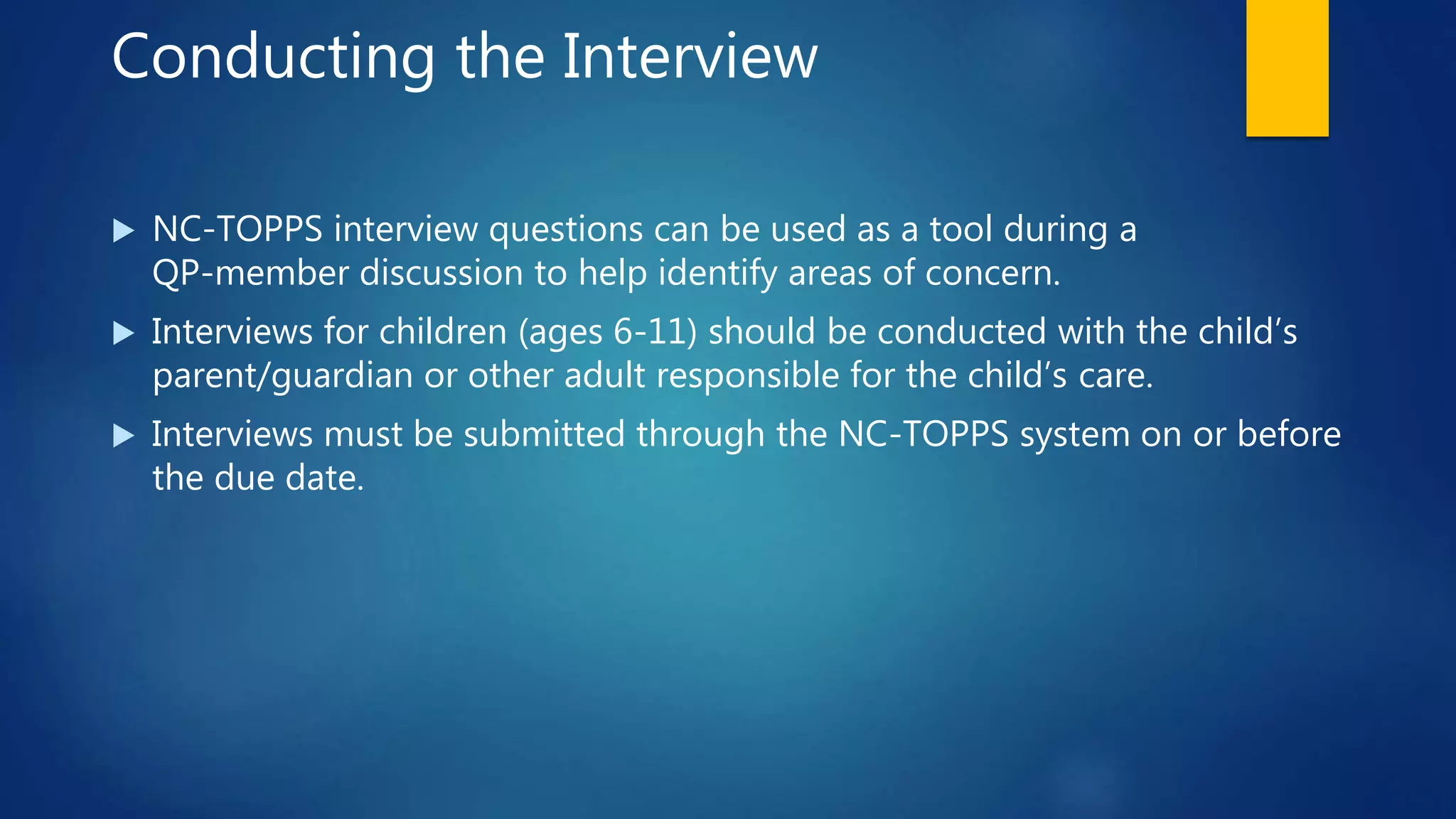
Conducting the Interview
 NC-TOPPS interview questions can be used as a tool during a
QP-member discussion to help identify areas of concern.
 Interviews for children (ages 6-11) should be conducted with the child’s
parent/guardian or other adult responsible for the child’s care.
 Interviews must be submitted through the NC-TOPPS system on or before
the due date.
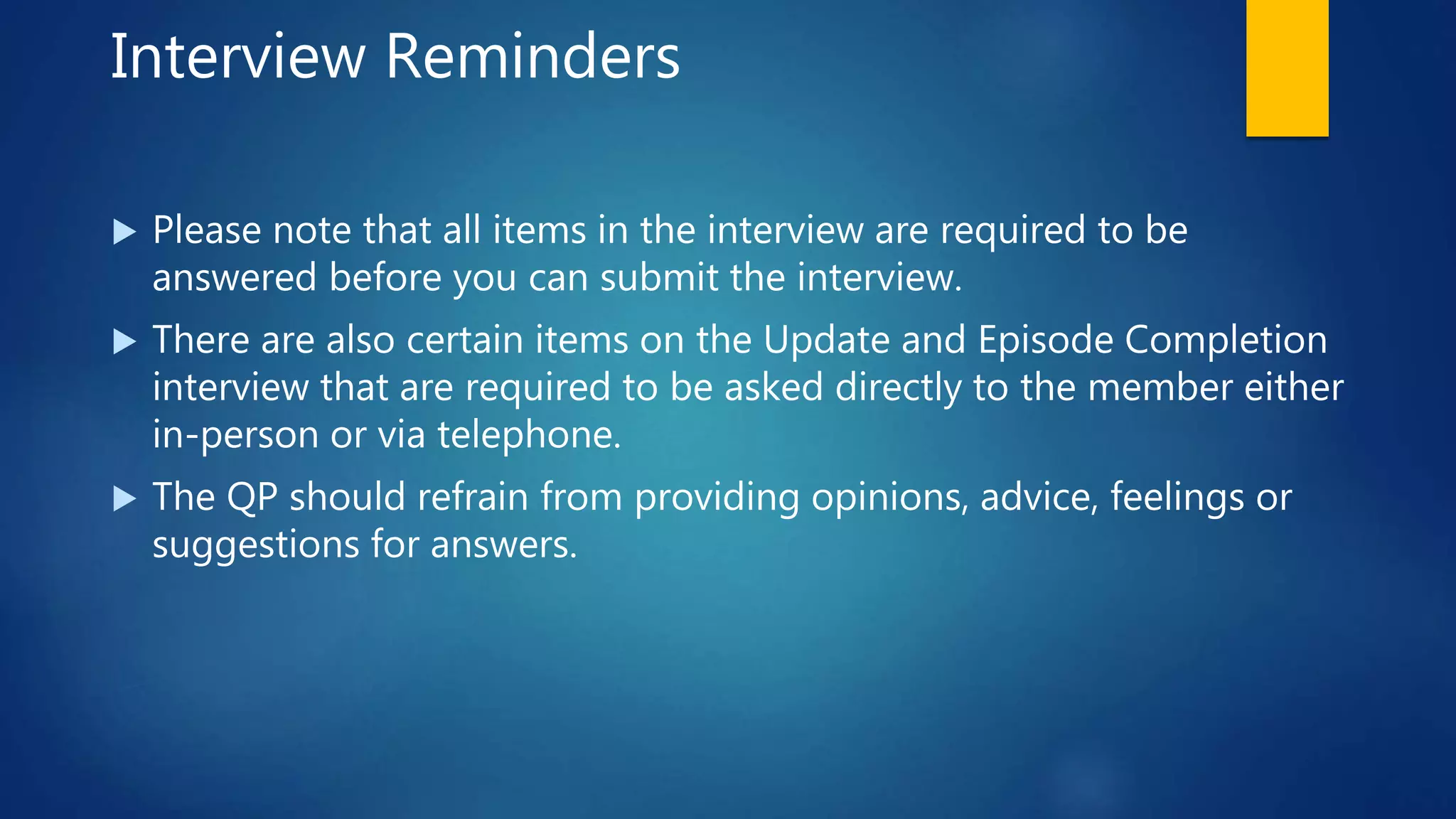
Interview Reminders
 Please note that all items in the interview are required to be
answered before you can submit the interview.
 There are also certain items on the Update and Episode Completion
interview that are required to be asked directly to the member either
in-person or via telephone.
 The QP should refrain from providing opinions, advice, feelings or
suggestions for answers.
Helpful Tips
 Use the LME/MCO assigned record number. (Do not make up a number
or use the provider-generated record number.)
 If the record number does not have enough digits, add a zero to the
beginning of the number (ex. 1234 becomes 01234). Do not add zeros to
the end.
 Use the CNDS# assigned to the member. (Do not make up a number or
use the Social Security Number.)
More Helpful Tips
 Check the correct spelling of the member’s name.
 Make sure to use the correct date of birth (this information can be
found in AlphaMCS).
 After submitting NC-TOPPS, look for the green checkmark at the top
of the page to make sure the information was accepted.
Video Example
Submitting NC-TOPPS Episode
Common Name Data Service
Numbers (CNDS#)
 The LME/MCO is required to give the provider agency the LME/MCO
assigned record number and the CNDS# or Medicaid number when a
member is enrolled.
 If a member has Medicaid, use that number for the CNDS#.
 To obtain a CNDS# for Vaya Health members, e-mail the following
information to nctopps@vayahealth.com:
 First and last name (no nicknames)
 Date of birth
 Social Security Number
 Gender
 Race/ethnicity
 Language spoken
Provider Change
If a member transfers to a new provider agency and will continue in a service
requiring NC-TOPPS …
 The new QP should contact the MCO superuser to request
NC-TOPPS be transferred.
 For Vaya members, e-mail nctopps@vayahealth.com, provide the
Release of Information, the address of the provider and the name of the
QP who will be responsible for submitting NC-TOPPS.
 The new QP will continue the current NC-TOPPS updates based on the
schedule established by the previous agency.
Episode Completion
Episode Completion interviews must be submitted when a member has:
 Successfully completed treatment and is not continuing in a service that
requires NC-TOPPS
 Been discharged at the program initiative
 Refused treatment
 Not received any services for 60 days
 Transitioned to a service that does not require NC-TOPPS
 Moved out of area or changed to different LME/MCO
 Been incarcerated or institutionalized
 Passed away
Features Available to Users
 Interview Search: Searches for interviews by various criteria
 Updates Needed List: Assists in tracking the dates when updates are due
for a member
 Individual Report: Displays select NC-TOPPS items from the initial
interview and the two most recent updates for a member
Searching for Interviews
 Once logged in, click on the “Locations” tab and select the correct
LME/MCO (and provider location, if applicable).
 Click on the “Reports” tab, then click on “Interview Search.”
 You can search for all interviews associated with your profile by clicking
“Find Interviews” with no criteria items selected, or you can add criteria on
the left to narrow the search.
 To find an interview that was started, but not submitted, choose “Website
Submission” and click on “Manage Episode of Care.”
Updates Due
 After logging in and choosing an LME/MCO, click on the “Reports” tab
 Click on “Updates Needed.” This is the list of all members who currently
have an interview due.
 At the bottom of the page, you may choose “Print” or “Export Data.”
Video Example
 Finding particular interviews
 Findings interviews started, but not submitted
 Updates Needed
How to Request Assistance
 For assistance with Vaya members, email nctopps@vayahealth.com.
 Use encrypted email when sending PHI.
 Provide your name and agency (include address).
 Provide at least two forms of information about the member (name, date
of birth, record number).
 State the issue or question.
 Transfer a member (provide the ROI)
 Received an error message (give the specific message)
Pre-Test – True or False
 Every provider andLME/MCO is required to have a superuser.
 Only superusers can submit NC-TOPPS interviews.
 When a member transfers from one provider to another, the NC-TOPPS should transfer with
them.
 If I have a question about NC-TOPPS, there is no one who can help me.
 True – A provider can have more than one, but every provider should have at least one
superuser.
 False – QPs and DEUs can also submit NC-TOPPS interviews.
 True – Contact the MCO’s Superuser and request that the NC-TOPPS be transferred.
 False – Review the NC-TOPPS manual, ask your agency superuser or e-mail
nctopps@vayahealth.com or nctopps@ncsu.edu .
Pre-Test – Multiple Choice
 After a member enters into a service requiring NC-TOPPS, the initial
interview should be submitted when?
 At any time, as long as the person is still receiving services
 During the first or second treatment visit
 Within the first month of services
 Within the first 90 days
 (b) The NC-TOPPS interview should be submitted by the second
treatment visit.
Pre-test – Multiple Choice
 NC-TOPPS updates are required at three months, six months, 12 months and
biannually. How are the timeframes calculated?
 The three-month interview is due 90 days after the initial is submitted; the
six-month is due 180 days after the initial is submitted, etc.
 The three- and six-month interviews are submitted any time as long as the person is
still receiving services.
 The reviews are based on the member’s birthday.
 None of the above
 (a) The three-month interview is due 90 days after the initial is submitted, the
six-month is due 180 days after the initial is submitted, etc.
Scenario 1
 Your agency is providing ACT services to a member, and after four
months, the member is transitioning to another provider for ACT services.
What will you do with NC-TOPPS?
 Answer: If the member is continuing services at a new provider agency,
the new QP must contact the member’s LME/MCO so that the LME/MCO
superuser can change the member’s NC-TOPPS submissions to the new
QP/provider agency. If the new agency fails to request the transfer,
contact nctopps@vayahealth.com for assistance.
Scenario 2
 Your agency is providing Intensive In-Home Services to a member who has
transitioned home from Residential Services. You are unable to submit an NC-
TOPPS because there is already an open NC-TOPPS in the system. What do you
do?
 Answer: Contact the LME/MCO NC-TOPPS superuser at
nctopps@vayahealth.com and provide your name, agency address, the name of
the member and a copy of the signed Release of Information form allowing the
NC-TOPPS information to be transferred to your agency.
NOTE: Your agency will continue with NC-TOPPS submissions based on when the initial NC-
TOPPS was submitted by the previous provider.
Link to Test
 This concludes the NC-TOPPS presentation. If you would like to receive a
Certificate of Training, please click the link to the left and take the NC-
TOPPS test.
 If you have additional questions, please e-mail nctopps@vayahealth.com.
Nc topps provider training - part 3

Nc topps provider training - part 3

  • 1.
    Timeframes for SubmittingNC- TOPPS Updates  Three-month update: 90 days following the initial episode submission  Six-month update: 180 days following the initial episode submission  12-month update: 365 days following the initial episode submission  Biannual updates: 18 months, 24 months, 30 months, etc., after the initial submission (until the episode completion is submitted)
  • 2.
    Preparing for theInterview  NC-TOPPS interviews include a common set of items that are generally collected as part of developing and revising a MH and SUD member’s treatment plan.  It is important that the QP is familiar with the interview questions prior to contacting a member.  Careful preparation will increase the chances of engaging the member and completing NC-TOPPPS interviews with accurate information.
  • 3.
    Conducting the Interview NC-TOPPS interview questions can be used as a tool during a QP-member discussion to help identify areas of concern.  Interviews for children (ages 6-11) should be conducted with the child’s parent/guardian or other adult responsible for the child’s care.  Interviews must be submitted through the NC-TOPPS system on or before the due date.
  • 4.
    Interview Reminders  Pleasenote that all items in the interview are required to be answered before you can submit the interview.  There are also certain items on the Update and Episode Completion interview that are required to be asked directly to the member either in-person or via telephone.  The QP should refrain from providing opinions, advice, feelings or suggestions for answers.
  • 5.
    Helpful Tips  Usethe LME/MCO assigned record number. (Do not make up a number or use the provider-generated record number.)  If the record number does not have enough digits, add a zero to the beginning of the number (ex. 1234 becomes 01234). Do not add zeros to the end.  Use the CNDS# assigned to the member. (Do not make up a number or use the Social Security Number.)
  • 6.
    More Helpful Tips Check the correct spelling of the member’s name.  Make sure to use the correct date of birth (this information can be found in AlphaMCS).  After submitting NC-TOPPS, look for the green checkmark at the top of the page to make sure the information was accepted.
  • 7.
  • 8.
    Common Name DataService Numbers (CNDS#)  The LME/MCO is required to give the provider agency the LME/MCO assigned record number and the CNDS# or Medicaid number when a member is enrolled.  If a member has Medicaid, use that number for the CNDS#.  To obtain a CNDS# for Vaya Health members, e-mail the following information to nctopps@vayahealth.com:  First and last name (no nicknames)  Date of birth  Social Security Number  Gender  Race/ethnicity  Language spoken
  • 9.
    Provider Change If amember transfers to a new provider agency and will continue in a service requiring NC-TOPPS …  The new QP should contact the MCO superuser to request NC-TOPPS be transferred.  For Vaya members, e-mail nctopps@vayahealth.com, provide the Release of Information, the address of the provider and the name of the QP who will be responsible for submitting NC-TOPPS.  The new QP will continue the current NC-TOPPS updates based on the schedule established by the previous agency.
  • 10.
    Episode Completion Episode Completioninterviews must be submitted when a member has:  Successfully completed treatment and is not continuing in a service that requires NC-TOPPS  Been discharged at the program initiative  Refused treatment  Not received any services for 60 days  Transitioned to a service that does not require NC-TOPPS  Moved out of area or changed to different LME/MCO  Been incarcerated or institutionalized  Passed away
  • 11.
    Features Available toUsers  Interview Search: Searches for interviews by various criteria  Updates Needed List: Assists in tracking the dates when updates are due for a member  Individual Report: Displays select NC-TOPPS items from the initial interview and the two most recent updates for a member
  • 12.
    Searching for Interviews Once logged in, click on the “Locations” tab and select the correct LME/MCO (and provider location, if applicable).  Click on the “Reports” tab, then click on “Interview Search.”  You can search for all interviews associated with your profile by clicking “Find Interviews” with no criteria items selected, or you can add criteria on the left to narrow the search.  To find an interview that was started, but not submitted, choose “Website Submission” and click on “Manage Episode of Care.”
  • 13.
    Updates Due  Afterlogging in and choosing an LME/MCO, click on the “Reports” tab  Click on “Updates Needed.” This is the list of all members who currently have an interview due.  At the bottom of the page, you may choose “Print” or “Export Data.”
  • 14.
    Video Example  Findingparticular interviews  Findings interviews started, but not submitted  Updates Needed
  • 15.
    How to RequestAssistance  For assistance with Vaya members, email nctopps@vayahealth.com.  Use encrypted email when sending PHI.  Provide your name and agency (include address).  Provide at least two forms of information about the member (name, date of birth, record number).  State the issue or question.  Transfer a member (provide the ROI)  Received an error message (give the specific message)
  • 16.
    Pre-Test – Trueor False  Every provider andLME/MCO is required to have a superuser.  Only superusers can submit NC-TOPPS interviews.  When a member transfers from one provider to another, the NC-TOPPS should transfer with them.  If I have a question about NC-TOPPS, there is no one who can help me.  True – A provider can have more than one, but every provider should have at least one superuser.  False – QPs and DEUs can also submit NC-TOPPS interviews.  True – Contact the MCO’s Superuser and request that the NC-TOPPS be transferred.  False – Review the NC-TOPPS manual, ask your agency superuser or e-mail nctopps@vayahealth.com or nctopps@ncsu.edu .
  • 17.
    Pre-Test – MultipleChoice  After a member enters into a service requiring NC-TOPPS, the initial interview should be submitted when?  At any time, as long as the person is still receiving services  During the first or second treatment visit  Within the first month of services  Within the first 90 days  (b) The NC-TOPPS interview should be submitted by the second treatment visit.
  • 18.
    Pre-test – MultipleChoice  NC-TOPPS updates are required at three months, six months, 12 months and biannually. How are the timeframes calculated?  The three-month interview is due 90 days after the initial is submitted; the six-month is due 180 days after the initial is submitted, etc.  The three- and six-month interviews are submitted any time as long as the person is still receiving services.  The reviews are based on the member’s birthday.  None of the above  (a) The three-month interview is due 90 days after the initial is submitted, the six-month is due 180 days after the initial is submitted, etc.
  • 19.
    Scenario 1  Youragency is providing ACT services to a member, and after four months, the member is transitioning to another provider for ACT services. What will you do with NC-TOPPS?  Answer: If the member is continuing services at a new provider agency, the new QP must contact the member’s LME/MCO so that the LME/MCO superuser can change the member’s NC-TOPPS submissions to the new QP/provider agency. If the new agency fails to request the transfer, contact nctopps@vayahealth.com for assistance.
  • 20.
    Scenario 2  Youragency is providing Intensive In-Home Services to a member who has transitioned home from Residential Services. You are unable to submit an NC- TOPPS because there is already an open NC-TOPPS in the system. What do you do?  Answer: Contact the LME/MCO NC-TOPPS superuser at nctopps@vayahealth.com and provide your name, agency address, the name of the member and a copy of the signed Release of Information form allowing the NC-TOPPS information to be transferred to your agency. NOTE: Your agency will continue with NC-TOPPS submissions based on when the initial NC- TOPPS was submitted by the previous provider.
  • 21.
    Link to Test This concludes the NC-TOPPS presentation. If you would like to receive a Certificate of Training, please click the link to the left and take the NC- TOPPS test.  If you have additional questions, please e-mail nctopps@vayahealth.com.