UNIT-4
Introduction to JSP
(Java Server Pages)
What is JSP ?
JSP is a technology, used to create web application just like
Servlet technology.
It can be thought of as an extension to servlet because it
provides more functionality than servlet such as expression
language, jstl etc.
A JSP page consists of HTML tags and JSP tags.
The jsp pages are easier to maintain than servlet because we
can separate designing and development.
Advantage of JSP over Servlet
1) Extension to Servlet
(we can use implicit objects, predefined tags, expression language and Custom
tags in JSP, that makes JSP development easy.)
2) Easy to maintain
(we can easily separate our business logic with presentation logic)
3) Fast Development: No need to recompile and redeploy
(If JSP page is modified, we don't need to recompile and redeploy the project. )
4) Less code than Servlet
Life Cycle of of JSP
Life cycle of a JSP Page
The JSP pages follows these phases:
•Translation of JSP Page
•Compilation of JSP Page
•Classloading (class file is loaded by the classloader)
•Instantiation (Object of the Generated Servlet is created).
•Initialization ( jspInit() method is invoked by the container).
•Reqeust processing ( _jspService() method is invoked by
the container).
•Destroy ( jspDestroy() method is invoked by the container).
Diagram of JSP life cycle
Concepts of Servlets
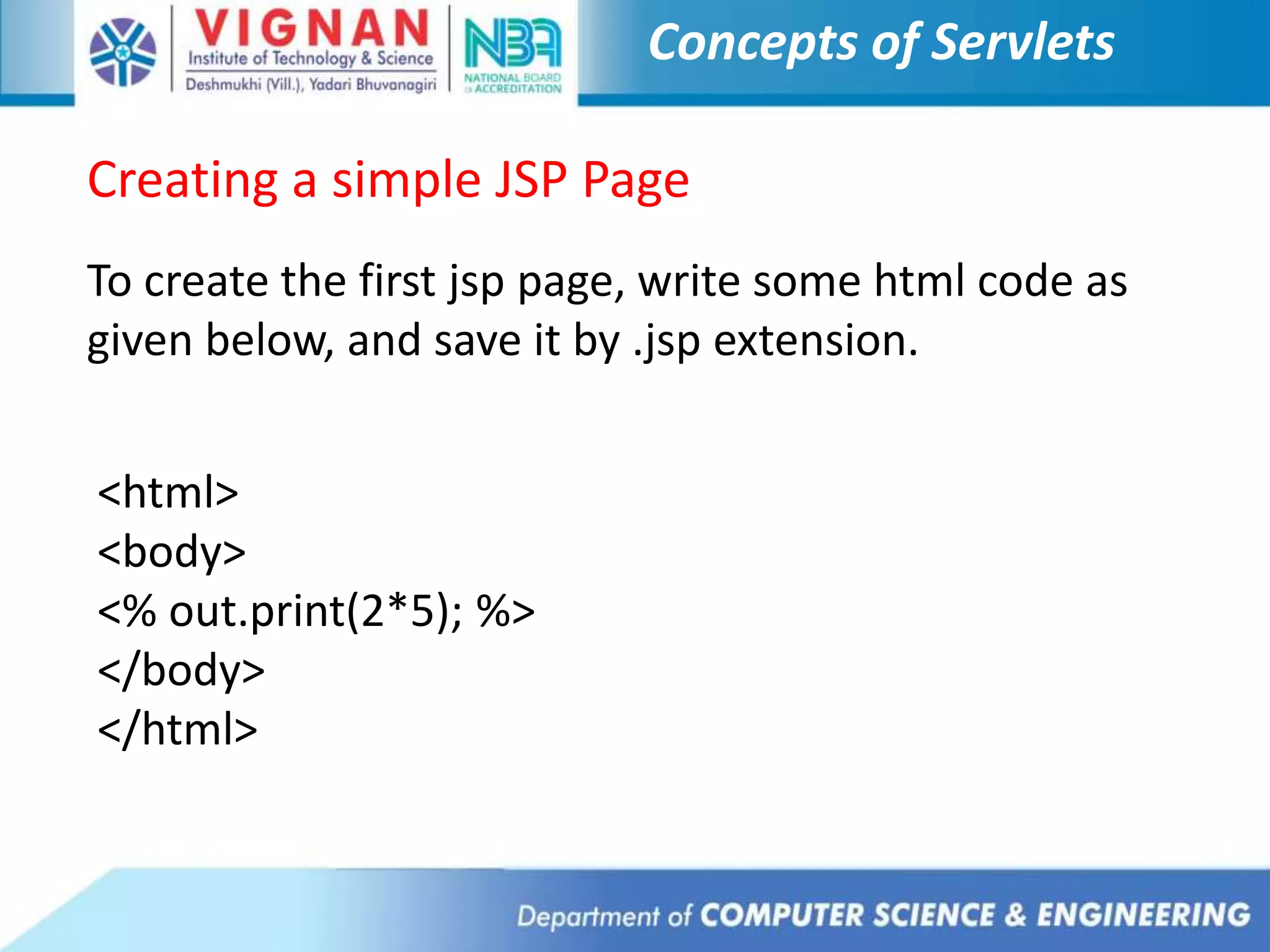
Creating a simple JSP Page
To create the first jsp page, write some html code as
given below, and save it by .jsp extension.
<html>
<body>
<% out.print(2*5); %>
</body>
</html>
Concepts of Servlets
•We have to save this file as index.jsp.
•Put it in a folder and paste the folder in the web-apps
directory in apache tomcat to run the jsp page.
How to run a simple JSP Page ?
Follow the following steps to execute this JSP page:
Start the server
 put the jsp file in a folder and deploy on the server
 visit the browser by the url
http://localhost:portno/contextRoot/jspfile e.g.
http://localhost:8888/myapplication/index.jsp
Concepts of Servlets

Wt unit 4

  • 2.
  • 3.
    What is JSP? JSP is a technology, used to create web application just like Servlet technology. It can be thought of as an extension to servlet because it provides more functionality than servlet such as expression language, jstl etc. A JSP page consists of HTML tags and JSP tags. The jsp pages are easier to maintain than servlet because we can separate designing and development.
  • 4.
    Advantage of JSPover Servlet 1) Extension to Servlet (we can use implicit objects, predefined tags, expression language and Custom tags in JSP, that makes JSP development easy.) 2) Easy to maintain (we can easily separate our business logic with presentation logic) 3) Fast Development: No need to recompile and redeploy (If JSP page is modified, we don't need to recompile and redeploy the project. ) 4) Less code than Servlet
  • 5.
    Life Cycle ofof JSP Life cycle of a JSP Page The JSP pages follows these phases: •Translation of JSP Page •Compilation of JSP Page •Classloading (class file is loaded by the classloader) •Instantiation (Object of the Generated Servlet is created). •Initialization ( jspInit() method is invoked by the container). •Reqeust processing ( _jspService() method is invoked by the container). •Destroy ( jspDestroy() method is invoked by the container).
  • 6.
    Diagram of JSPlife cycle
  • 7.
    Concepts of Servlets Creatinga simple JSP Page To create the first jsp page, write some html code as given below, and save it by .jsp extension. <html> <body> <% out.print(2*5); %> </body> </html>
  • 8.
    Concepts of Servlets •Wehave to save this file as index.jsp. •Put it in a folder and paste the folder in the web-apps directory in apache tomcat to run the jsp page. How to run a simple JSP Page ? Follow the following steps to execute this JSP page: Start the server  put the jsp file in a folder and deploy on the server  visit the browser by the url http://localhost:portno/contextRoot/jspfile e.g. http://localhost:8888/myapplication/index.jsp
  • 9.