WRI 100
Cressman Library Resources
Searching for books and journals.
Searching WorldCat Local Discovery
and searching EBSCOhost.
“hillary clinton”
Hillary Clinton
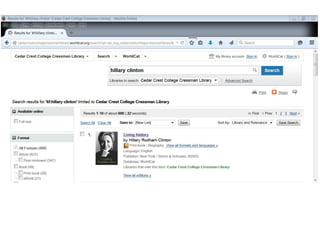
A keyword search for Hillary Clinton will
be a basic/broad/general search.
Compare to a subject search.
Keyword searching
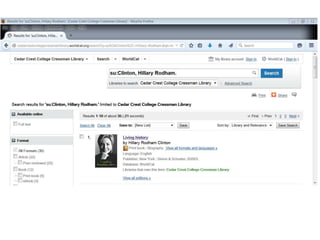
su:Clinton, Hillary Rodham
A subject search for Hillary Clinton will
be more specific than a basic keyword
search.
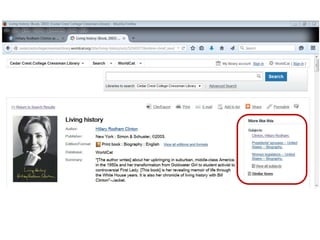
Subject Headings
WorldCat Local Discovery
Search for books, eBooks, DVDs and videotapes
EBSCOhost
Search for journal articles
Cressman Library
Information Services
610-606-4666 ext. 3536 or 3387
libinfo@cedarcrest.edu
http://library.cedarcrest.edu
http://libguides.cedarcrest.edu

Wri 100 icons_library_ppt_2015-03

Editor's Notes

  • #2 03/2015
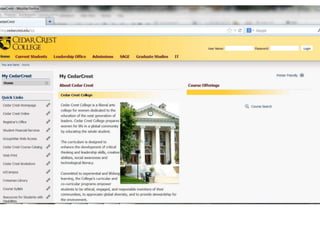
  • #3 You don’t have to be logged into My Cedar Crest to use the Cressman Library databases; you can just click Cressman Library in the list of Quick Links.
  • #4 Cressman Library website. Go to WorldCat Local Catalog to search for books and ebooks. Go to LibGuides to find a research guide in your subject area.
  • #5 Think about the words and phrases you will use to start your search. Read through the detailed records in your results and note the terminology that is used. Modify your search as needed to narrow or broaden your results. Ex. Search for a book that you are already reading for your class. Use words from the title and abstract to find similar books. Also, keep notes on the words and phrases you use for your search.
  • #6 Take a close look at the subject headings that are associated with the results from your keyword search. Modify your search as needed based on the subject headings so that your results are more relevant. Combine a keyword search with a subject search by using the database facets.
  • #7 Go to WorldCat Local Discovery from the menu in the left column of the library website. Or, from most any LibGuide (look under a tab for books).
  • #8 Basic keyword search for: hillary clinton Over 600 results. “Facets” to limit your search are in the column on the left.
  • #9 Go to a detailed record to find out what subjects have been assigned to the book. Also, scroll down to see if the table of contents are listed.
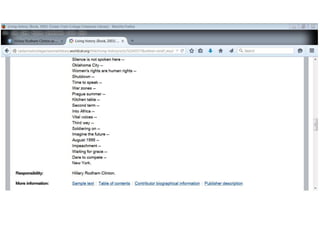
  • #10 Go to a detailed record to find out what subjects have been assigned to the book. Also, scroll down to see if the table of contents are listed.
  • #11 Search by subject for: Clinton, Hillary Rodham Just 35 results. Determine whether or not a narrower subject search is necessary. Or, have you eliminated results that may have been pertinent? For books you may want to keep your search less narrow than you would for a journal.
  • #12 Go to EBSCOhost from the library Full Text page or the Indexes page. There are links to EBSCOhost on nearly every LibGuide (check under the tabs for databases).
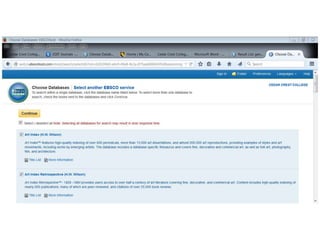
  • #13 Search EBSCOhost: choose databases. Select all. You can re-select later based on your results.
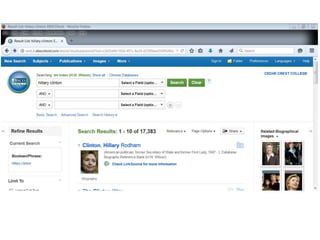
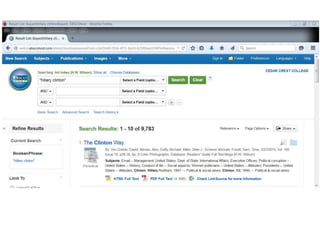
  • #14 Search EBSCOhost: hillary clinton No limits or facets used to refine the search yet. Over 17,000 results.
  • #15 Search EBSCOhost: “hillary clinton” Nearly ½ the results compared to the previous search. No limits or facets used to refine the search yet.
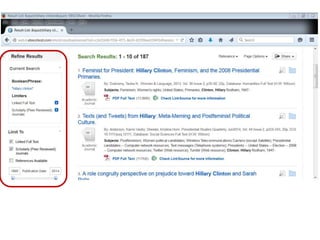
  • #16 EBSCOhost search results: limit your search using the facets in the left column. A few of the most used facets include: Scholarly (Peer Reviewed) Journals, Linked Full Text and Publication Date
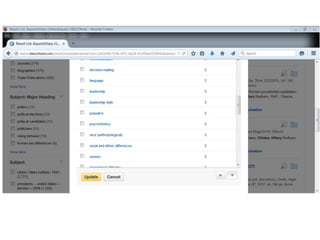
  • #17 EBSCOhost search results: limit your search using the facets in the left column, including the facets for subject. Use the “show more” links as needed.
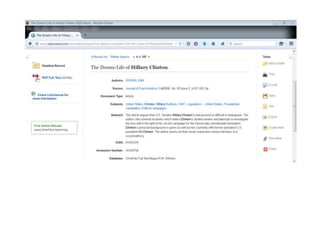
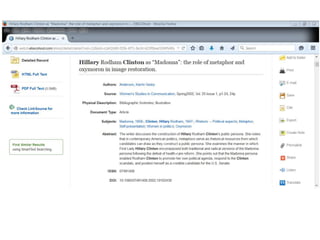
  • #18 EBSCOhost detailed record: note the subjects, keywords and abstract. You may want to modify your search based on the subjects and keywords associated with an article that you find to be very relevant. Read the abstract, if available, too. The abstract to this article mentions “Clinton's studied veneer and attempts to investigate her true self.”
  • #19 EBSCOhost detailed record: note the subjects, keywords and abstract. You may want to modify your search based on the subjects and keywords associated with an article that you find to be very relevant. Read the abstract, if available, too. The abstract to this article mentions “Clinton's public persona.” The classified subjects for the article include: Metaphor; Self-presentation
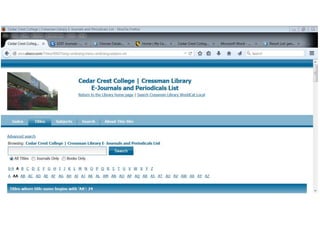
  • #20 E-Journals & Periodicals. Search for a journal title when you have a citation and need to verify whether or not the library has the journal. Find out if we have the journal in print, online or both. Also, determine the date ranges of our subscription.
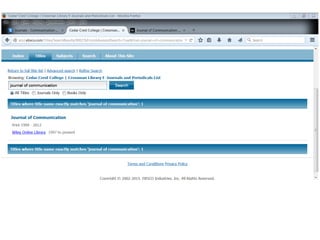
  • #21 E-Journals & Periodicals. Search for Journal of Communication. The library has access to both print and online issues – print from 1999 to 2012 and online from 1997 to current. If your citation is from an article that is older than 1997, then submit an Interlibrary Loan. Go to the Interlibrary Loan page from the library website.
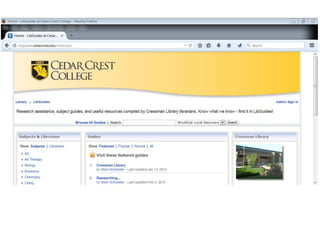
  • #22 LibGuides. Be sure to refer to the Researching LibGuide throughout your research. Also, look for a LibGuide in the subject area you are studying.
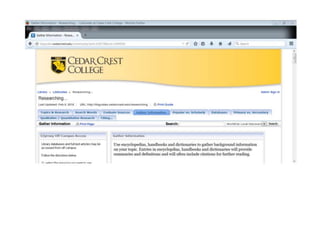
  • #23 Researching… LibGuide. In addition to searching WorldCat Local Discovery and EBSCOhost for books and journal articles, be sure to include encyclopedias in your research. In fact, encyclopedias are often an informative place to start. See the Researching… LibGuide “Gather Information” tab.
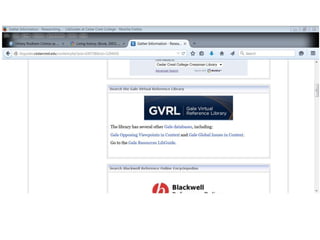
  • #24 Researching… LibGuide “Gather Information” tab. Be sure to go to the Gale Virtual Reference Library.
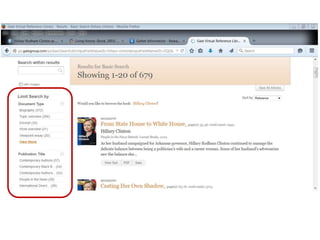
  • #25 Gale Virtual Reference Library. Basic search for: hillary clinton Like WorldCat Local and EBSCOhost, there are facets to limit your search in the left column.
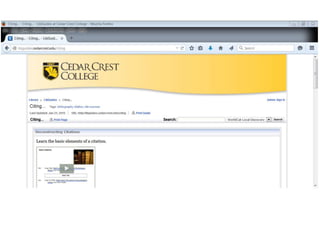
  • #26 LibGuides. Refer to the Citing… LibGuide when you are citing your sources and creating your bibliography.