Downloaded 43 times
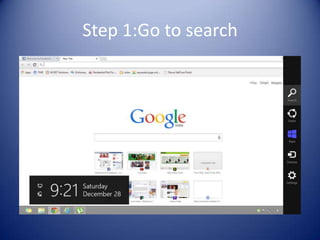

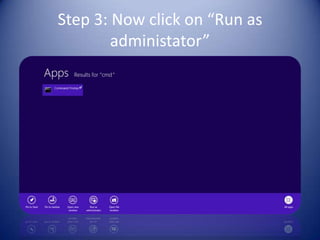

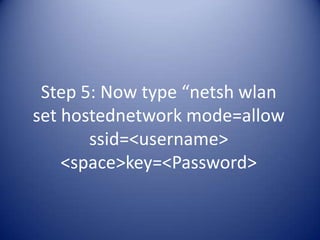

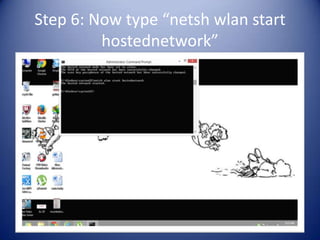

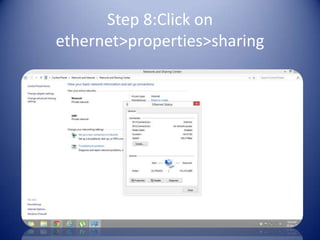
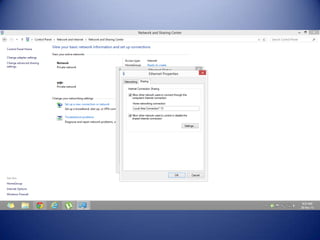


This document provides a step-by-step guide on how to create a Wi-Fi hotspot on a laptop for use with other devices. It involves using command prompt commands to set up and start the hosted network, followed by configuring network sharing settings. The instructions include specific commands and settings to enable successful sharing of the internet connection.


