Everything you need to know to get you started
                 with HTML5

             By Kevin DeRudder
@kevinderudder working for
eGuidelines and a lecturer at the
Technical University of West Flanders.

Contact me on kevin@e-guidelines.be
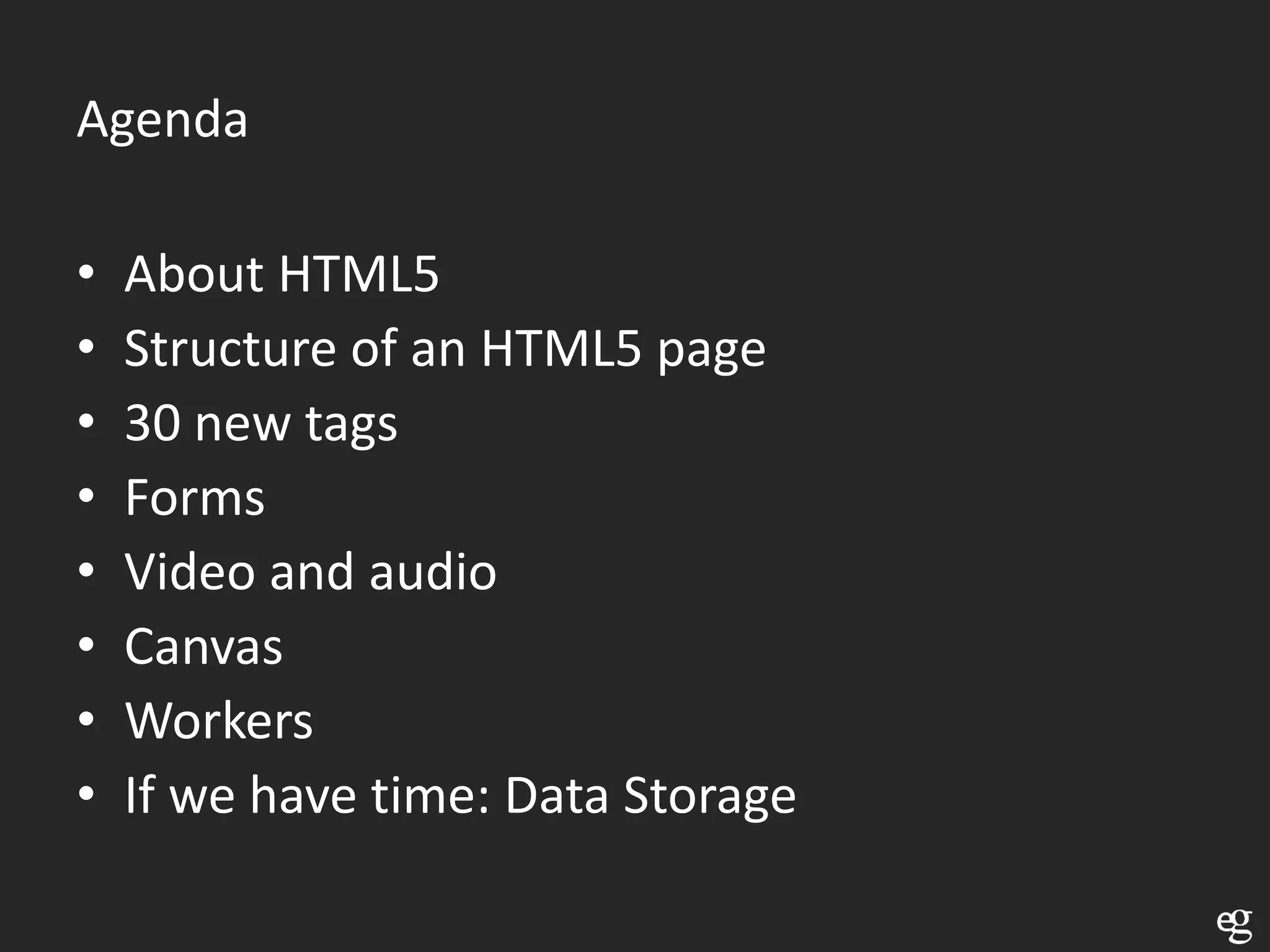
Agenda

•   About HTML5
•   Structure of an HTML5 page
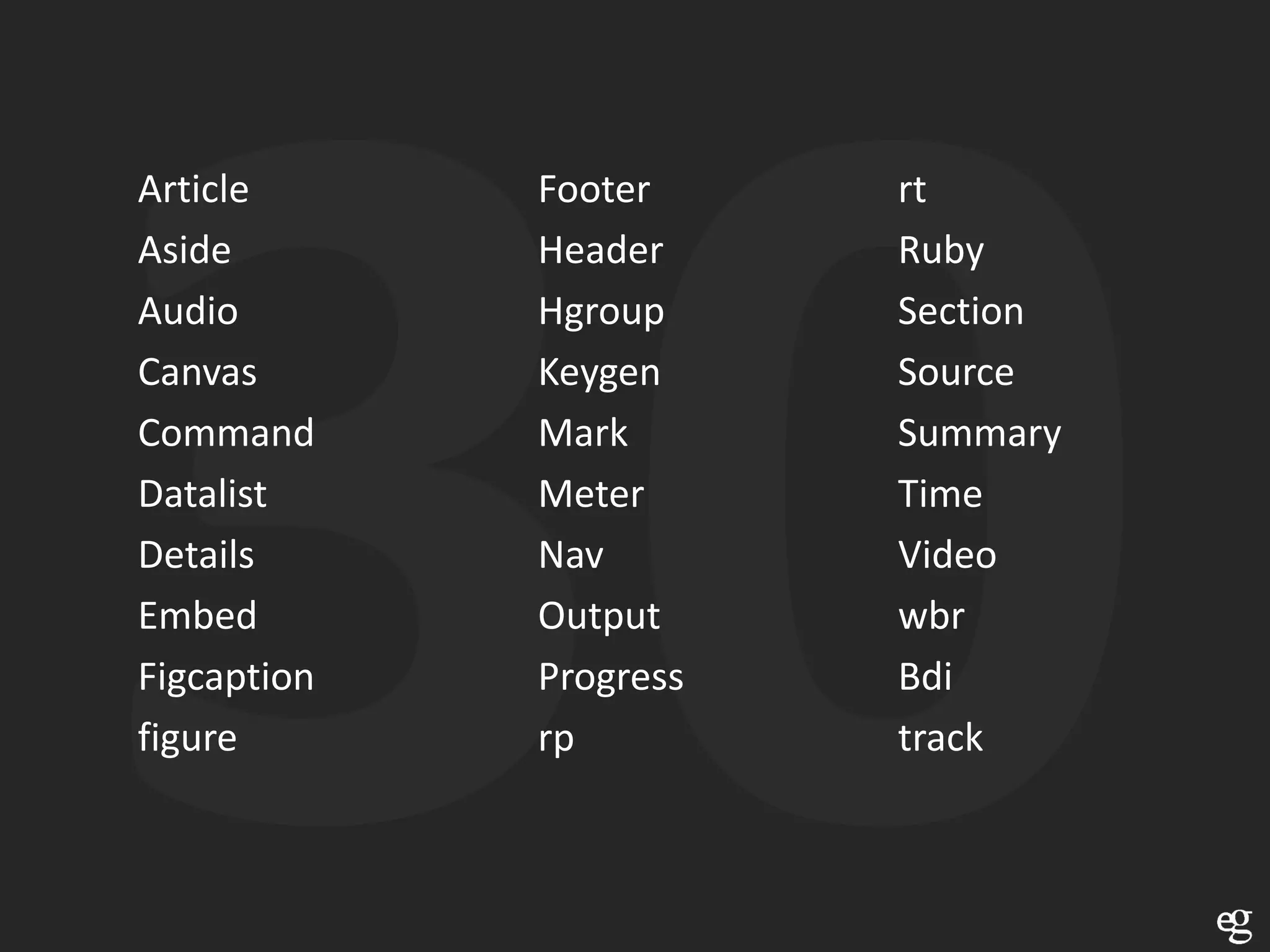
•   30 new tags
•   Forms
•   Video and audio
•   Canvas
•   Workers
•   If we have time: Data Storage
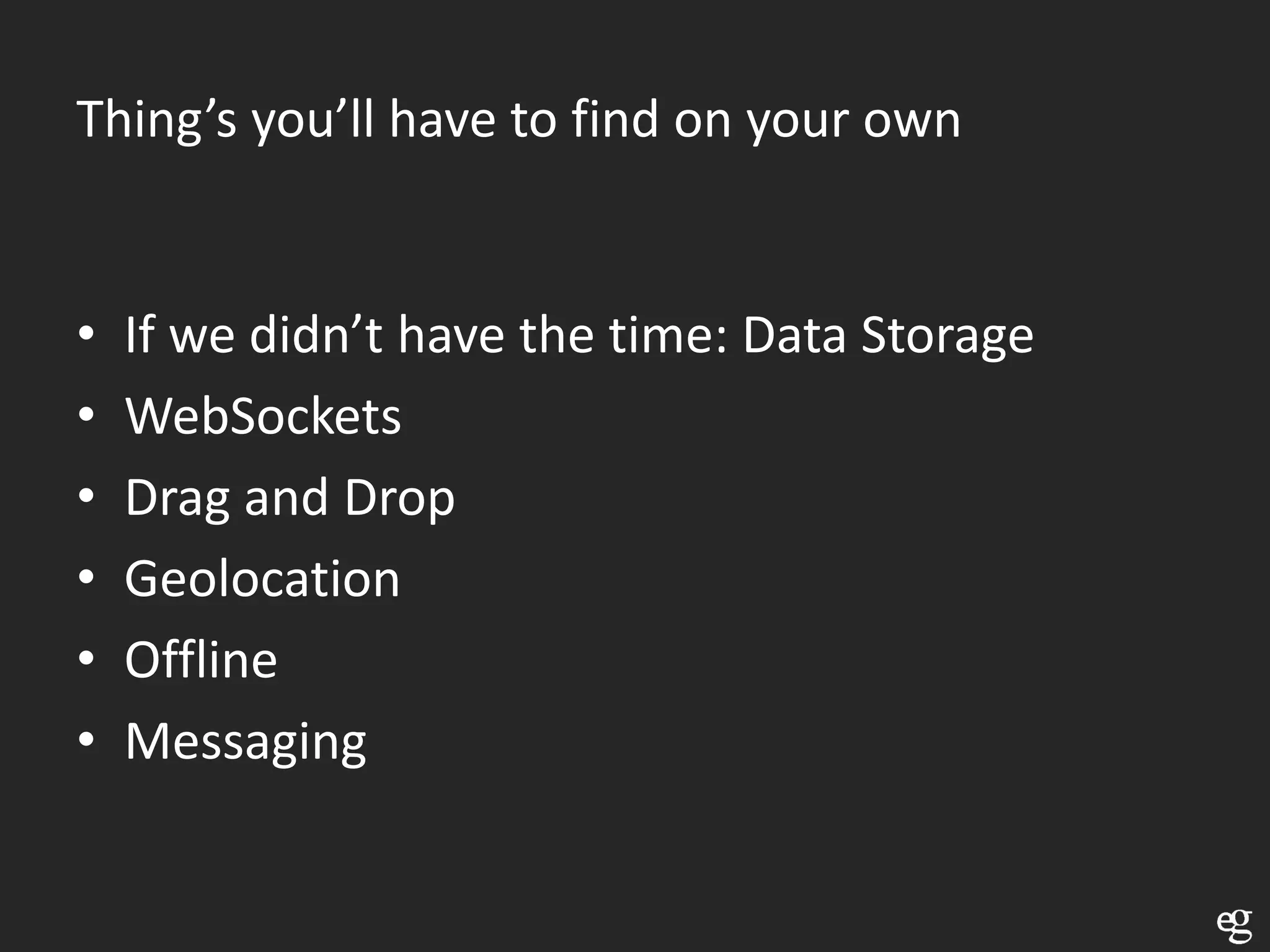
Thing’s you’ll have to find on your own


•   If we didn’t have the time: Data Storage
•   WebSockets
•   Drag and Drop
•   Geolocation
•   Offline
•   Messaging
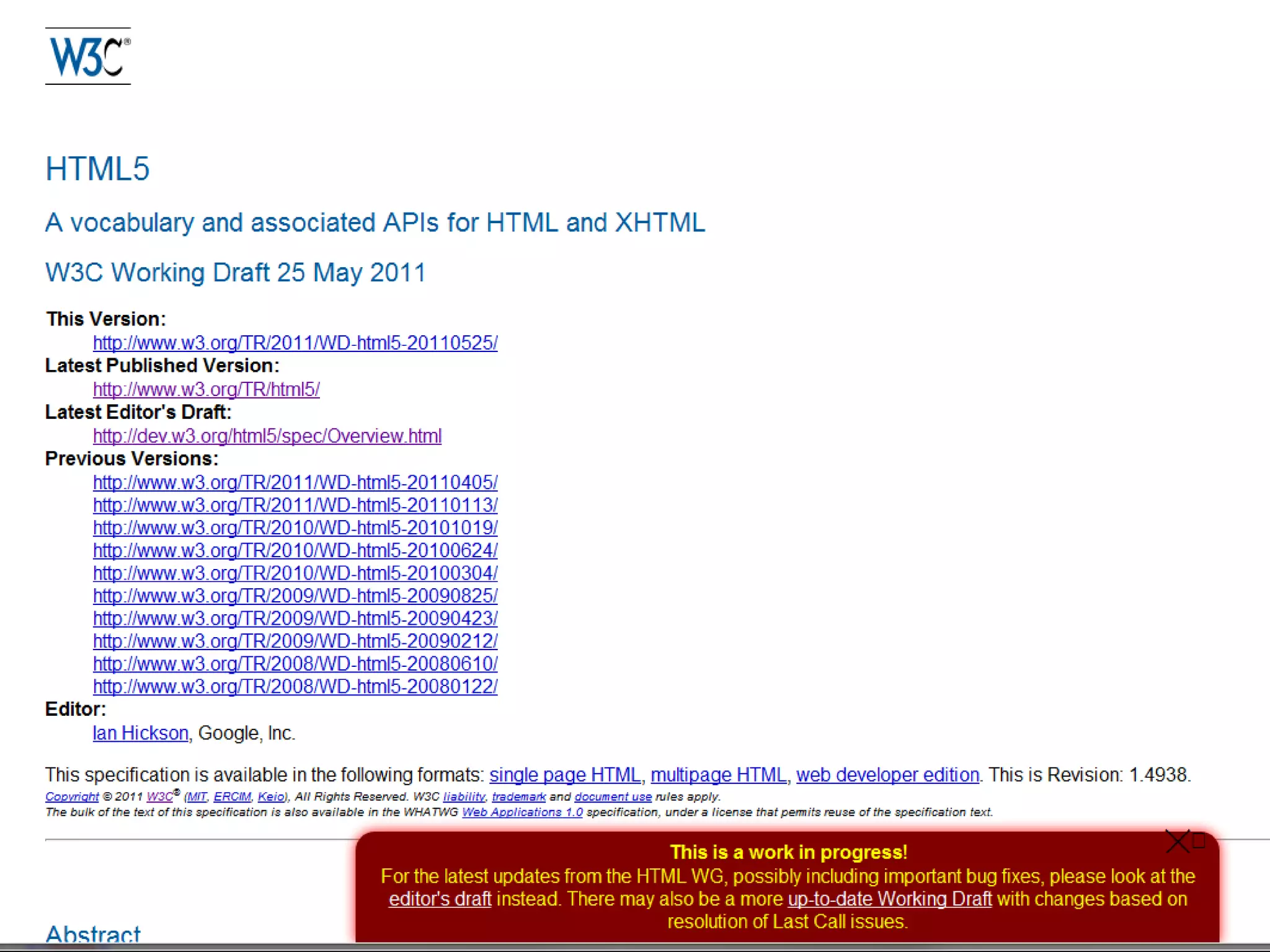
OK, so what is HTML 5
Thx to Osher Partovi
Thx to Aleksander Smid
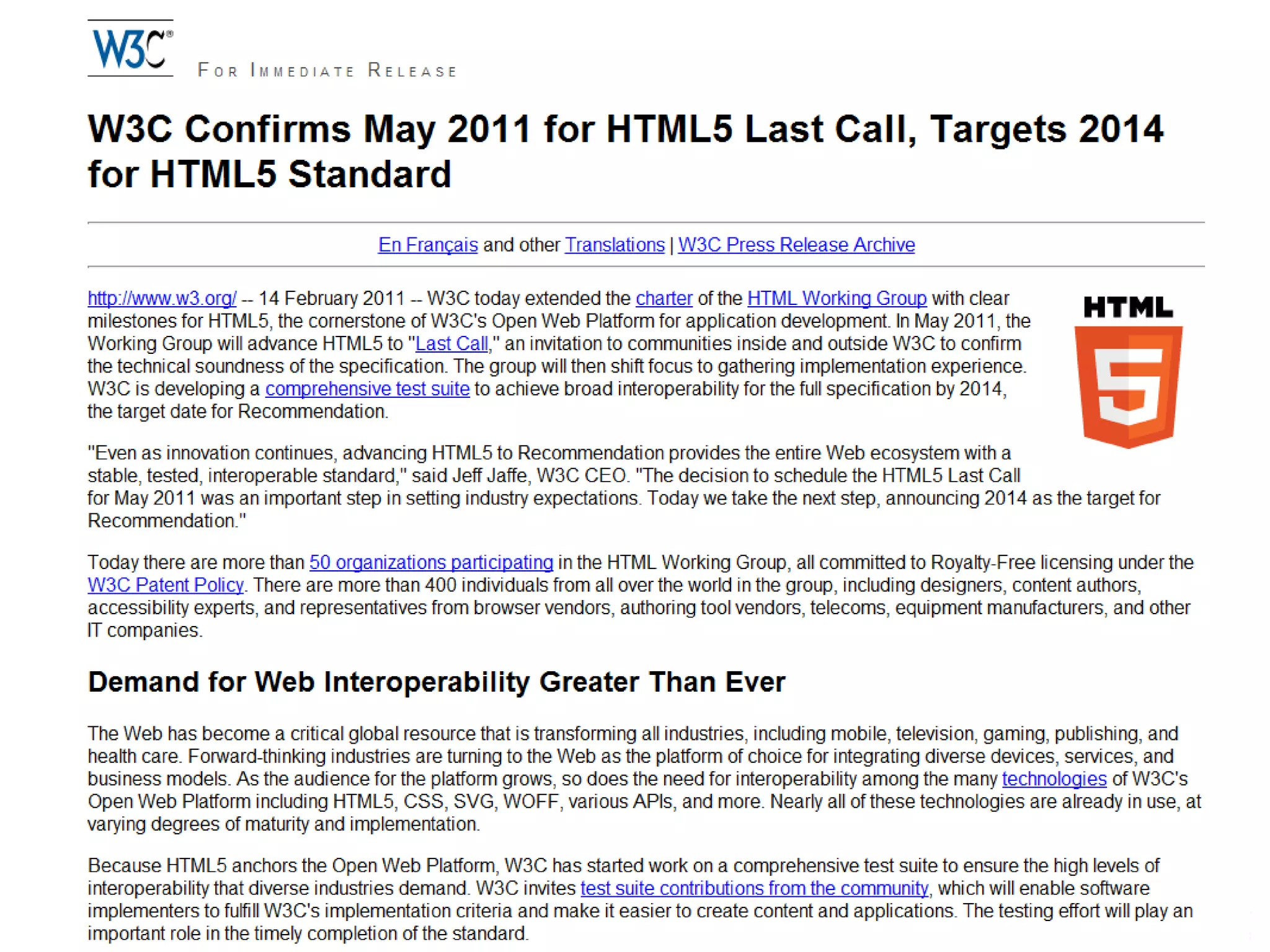
The question is: ‘when is HTML5 done?’
For now, just USE HTML5
      IT’S READY
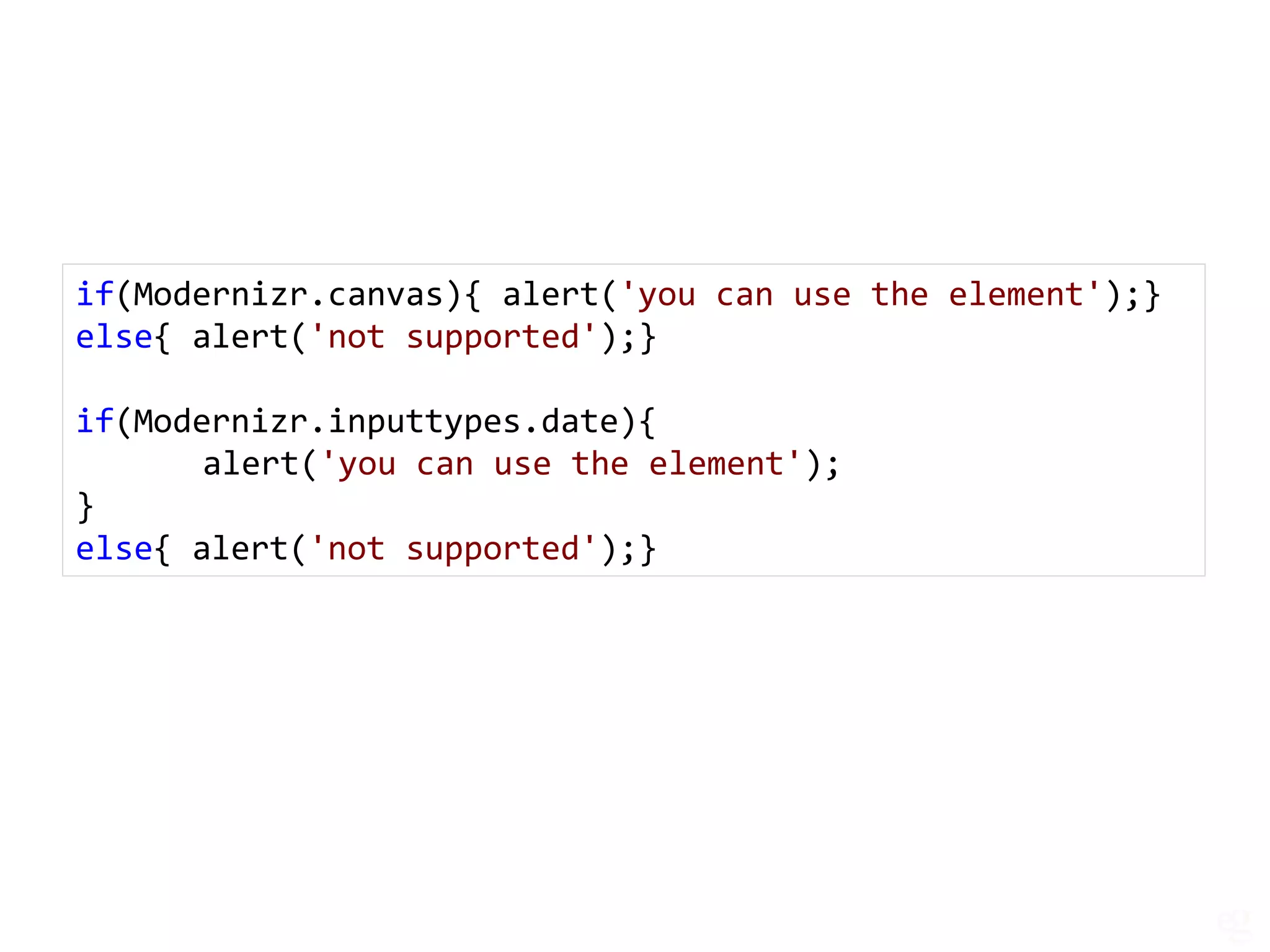
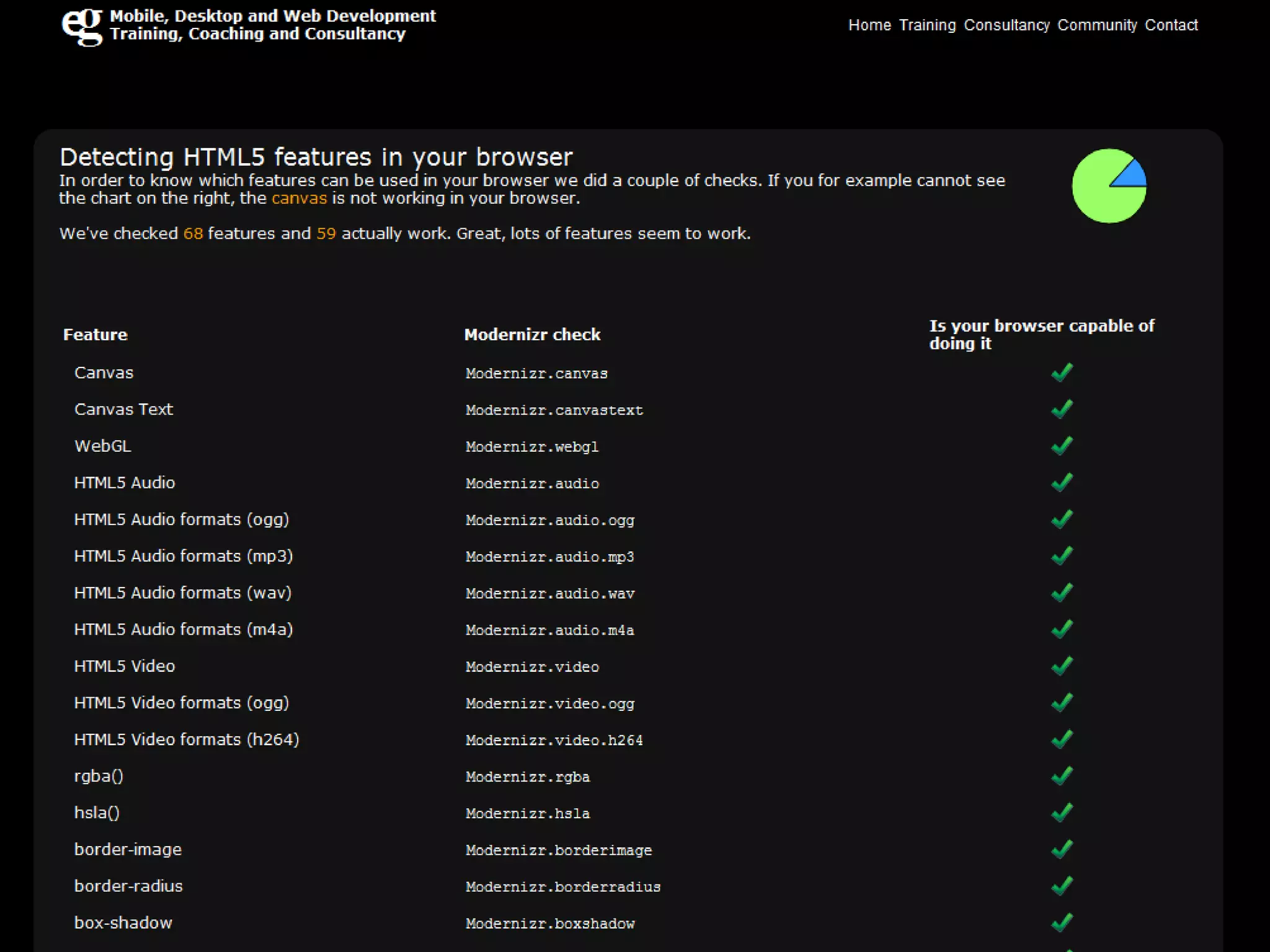
if(Modernizr.canvas){ alert('you can use the element');}
else{ alert('not supported');}

if(Modernizr.inputtypes.date){
       alert('you can use the element');
}
else{ alert('not supported');}
HTML5 and compatibility
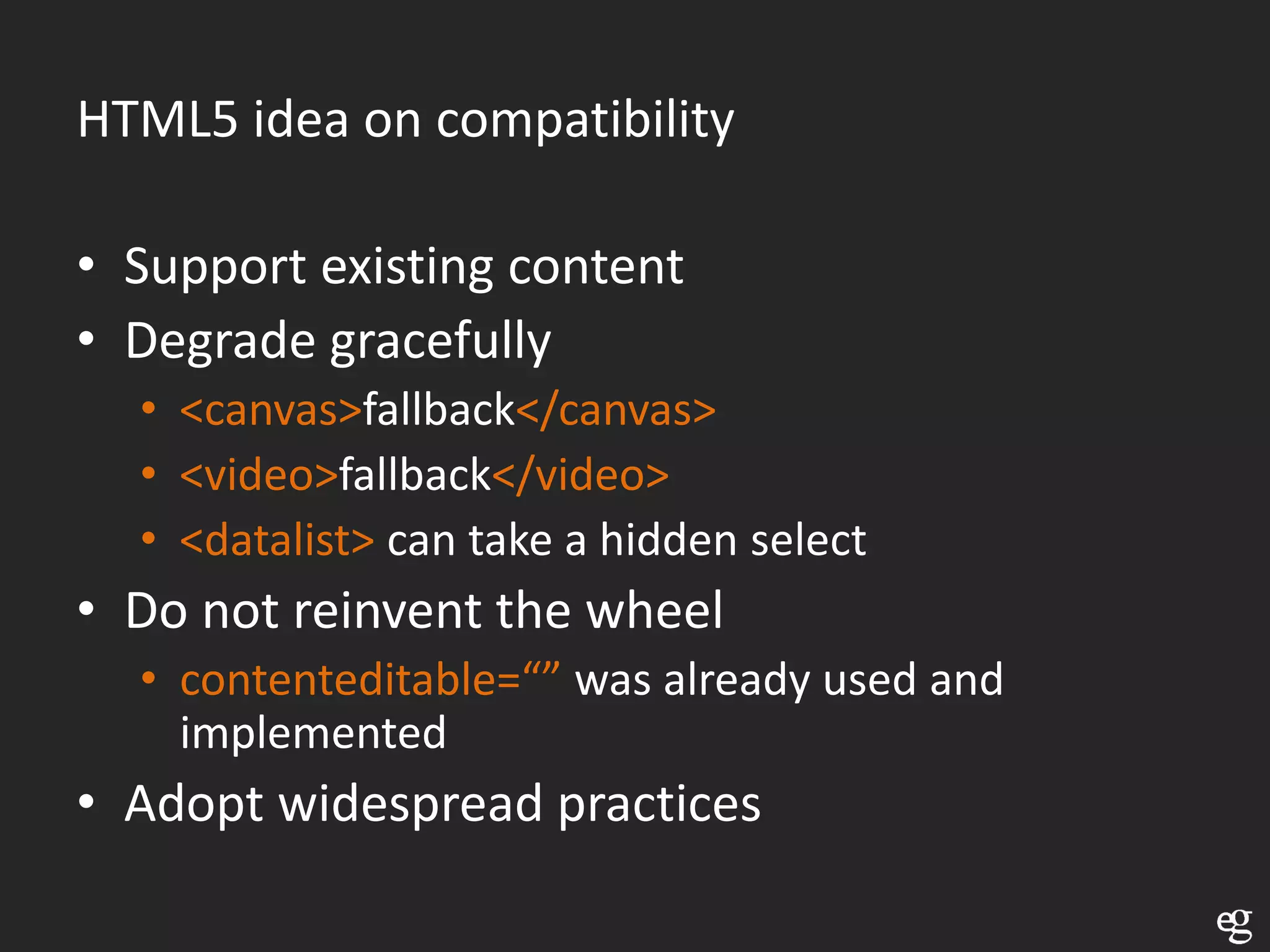
HTML5 idea on compatibility

• Support existing content
• Degrade gracefully
  • <canvas>fallback</canvas>
  • <video>fallback</video>
  • <datalist> can take a hidden select
• Do not reinvent the wheel
  • contenteditable=“” was already used and
    implemented
• Adopt widespread practices
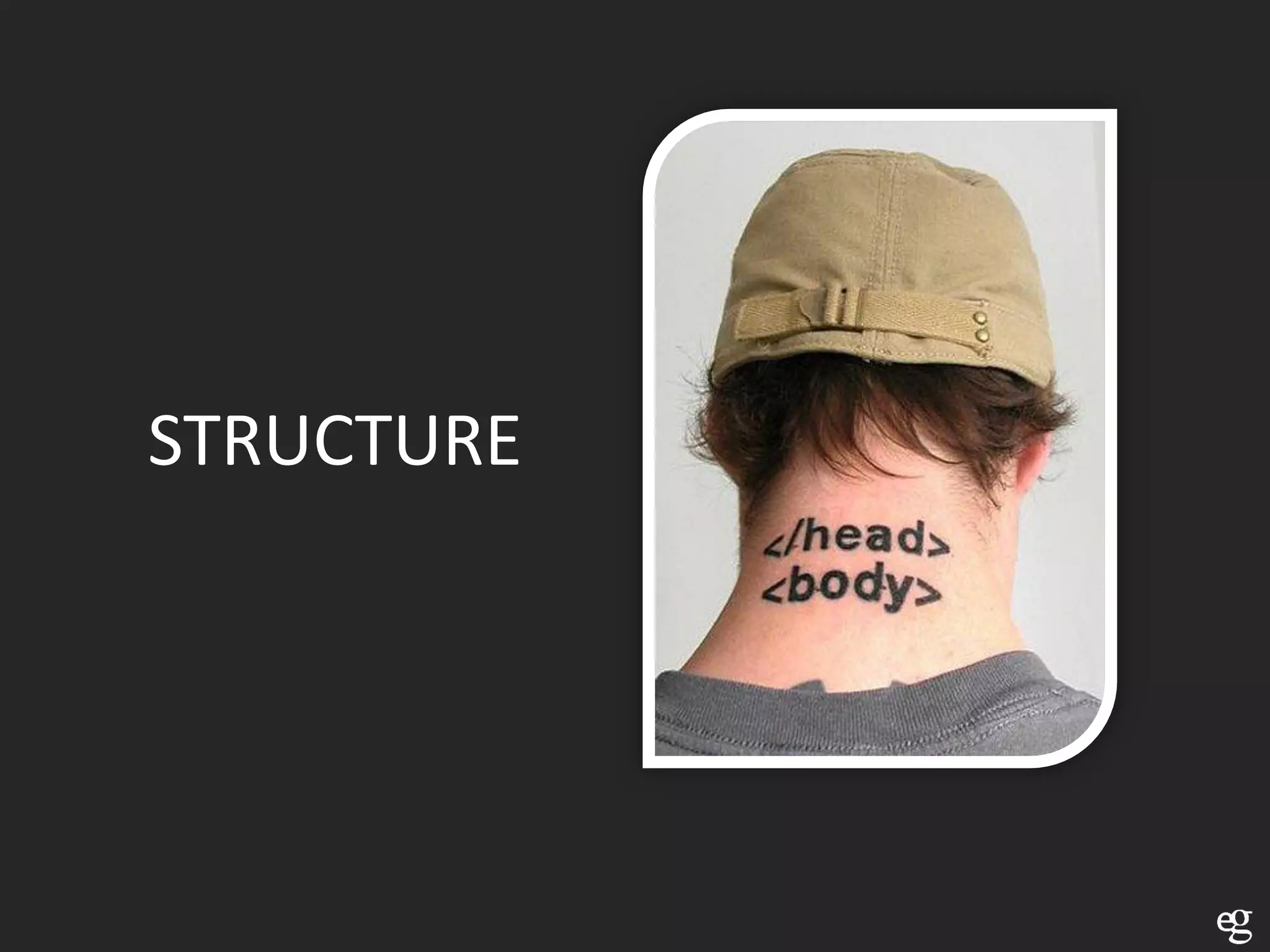
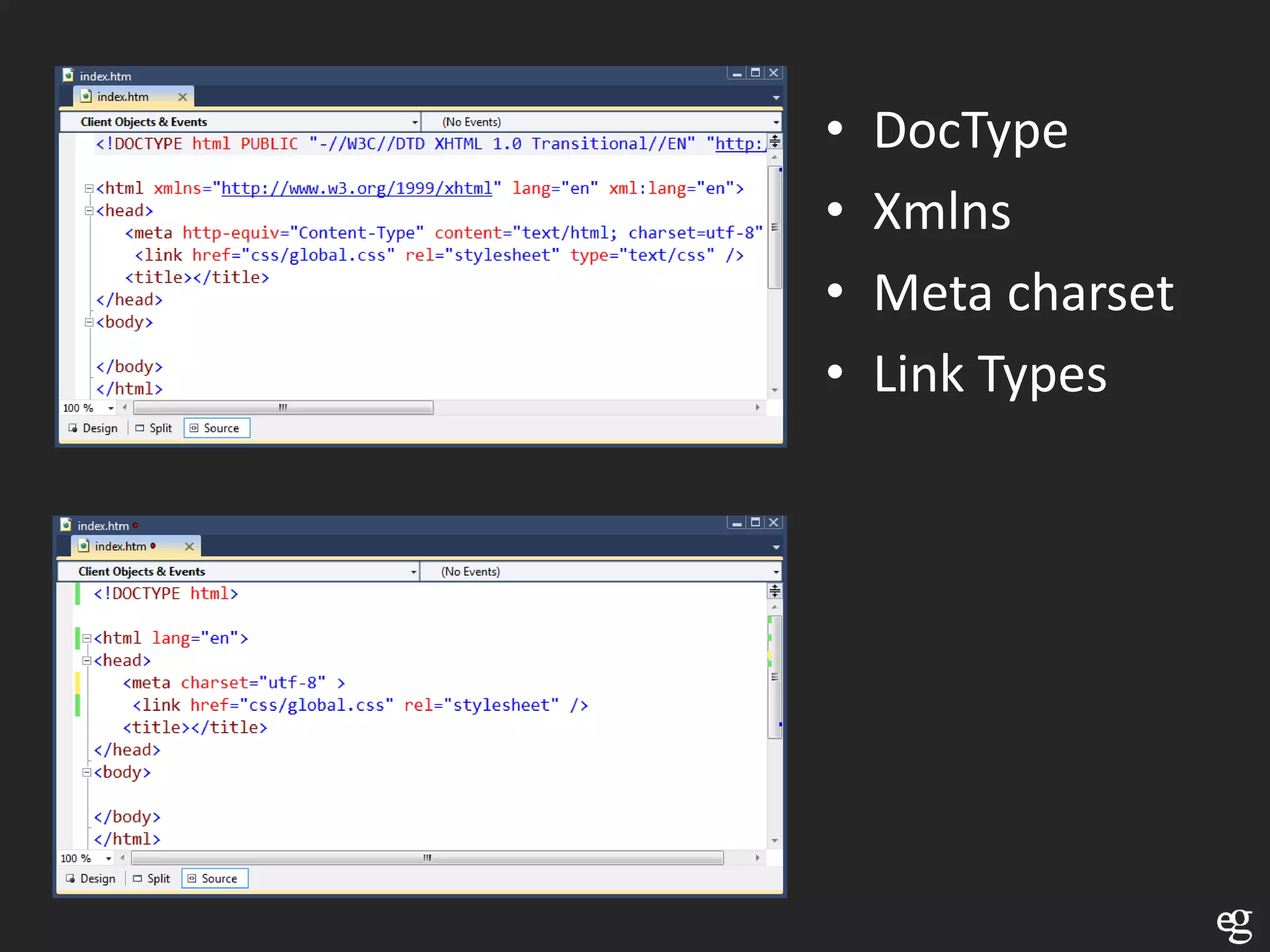
STRUCTURE
•   DocType
•   Xmlns
•   Meta charset
•   Link Types
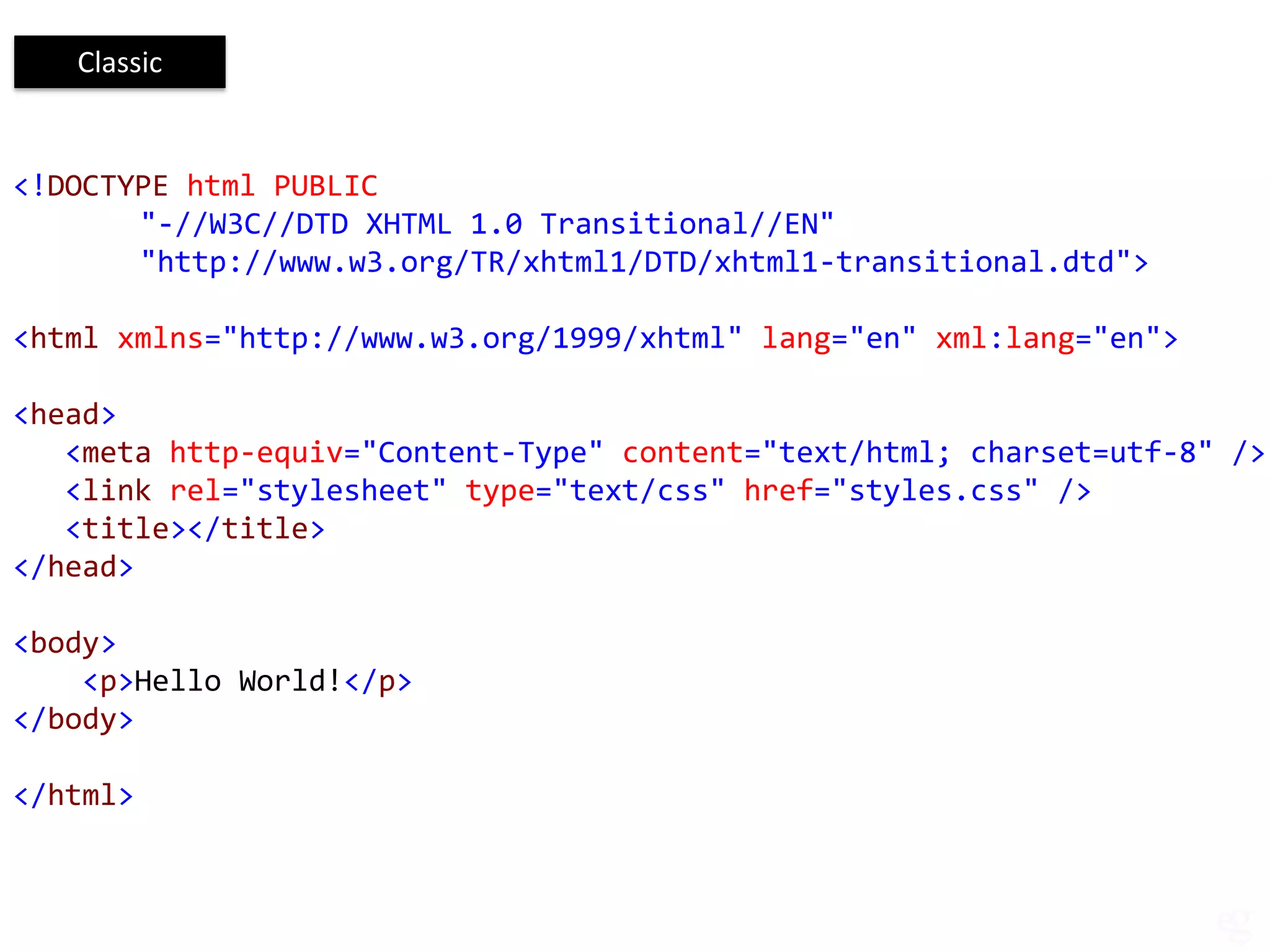
Classic


<!DOCTYPE html PUBLIC
       "-//W3C//DTD XHTML 1.0 Transitional//EN"
       "http://www.w3.org/TR/xhtml1/DTD/xhtml1-transitional.dtd">

<html xmlns="http://www.w3.org/1999/xhtml" lang="en" xml:lang="en">

<head>
   <meta http-equiv="Content-Type" content="text/html; charset=utf-8" />
   <link rel="stylesheet" type="text/css" href="styles.css" />
   <title></title>
</head>

<body>
    <p>Hello World!</p>
</body>

</html>
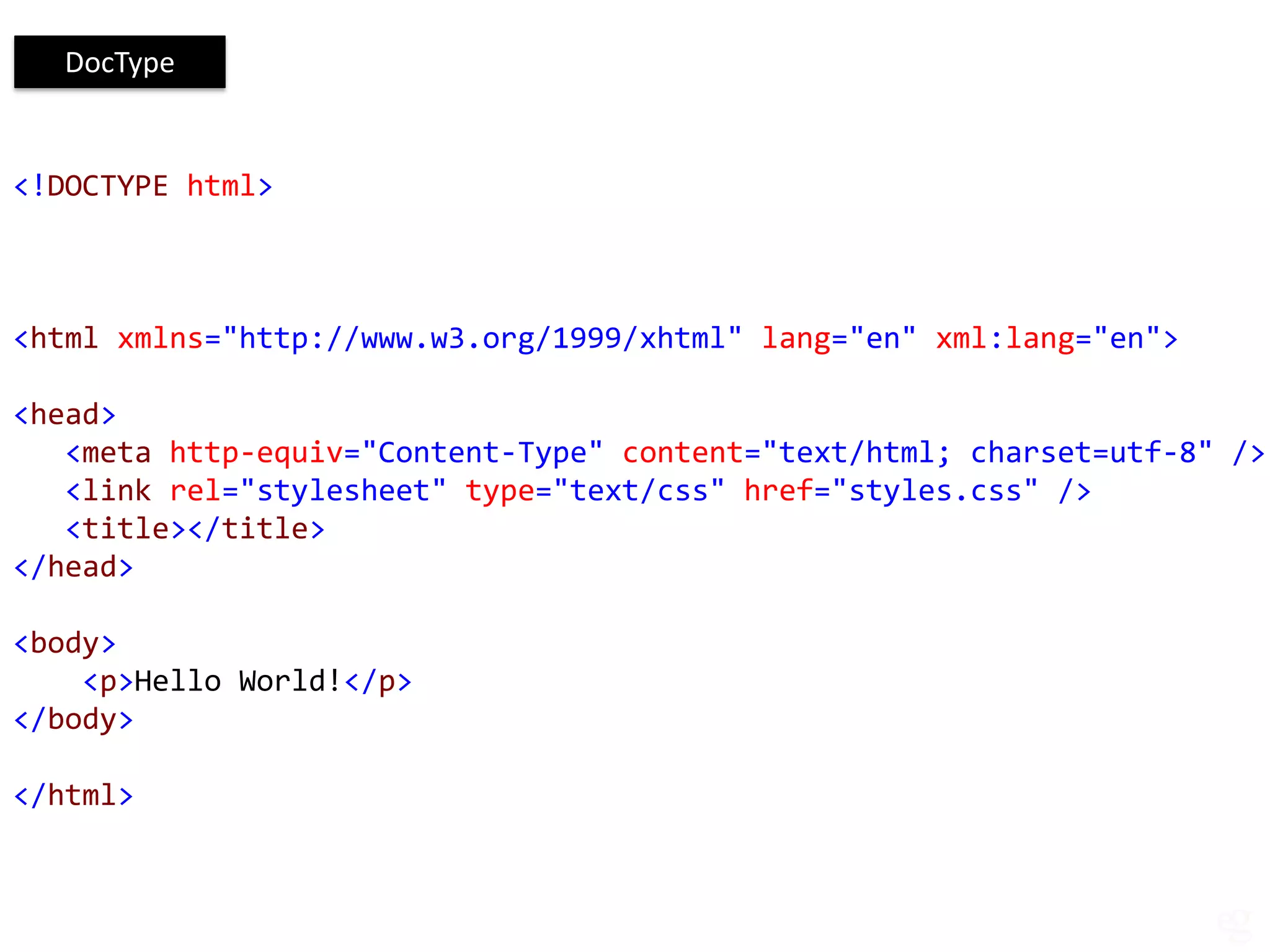
DocType


<!DOCTYPE html>


<html xmlns="http://www.w3.org/1999/xhtml" lang="en" xml:lang="en">

<head>
   <meta http-equiv="Content-Type" content="text/html; charset=utf-8" />
   <link rel="stylesheet" type="text/css" href="styles.css" />
   <title></title>
</head>

<body>
    <p>Hello World!</p>
</body>

</html>
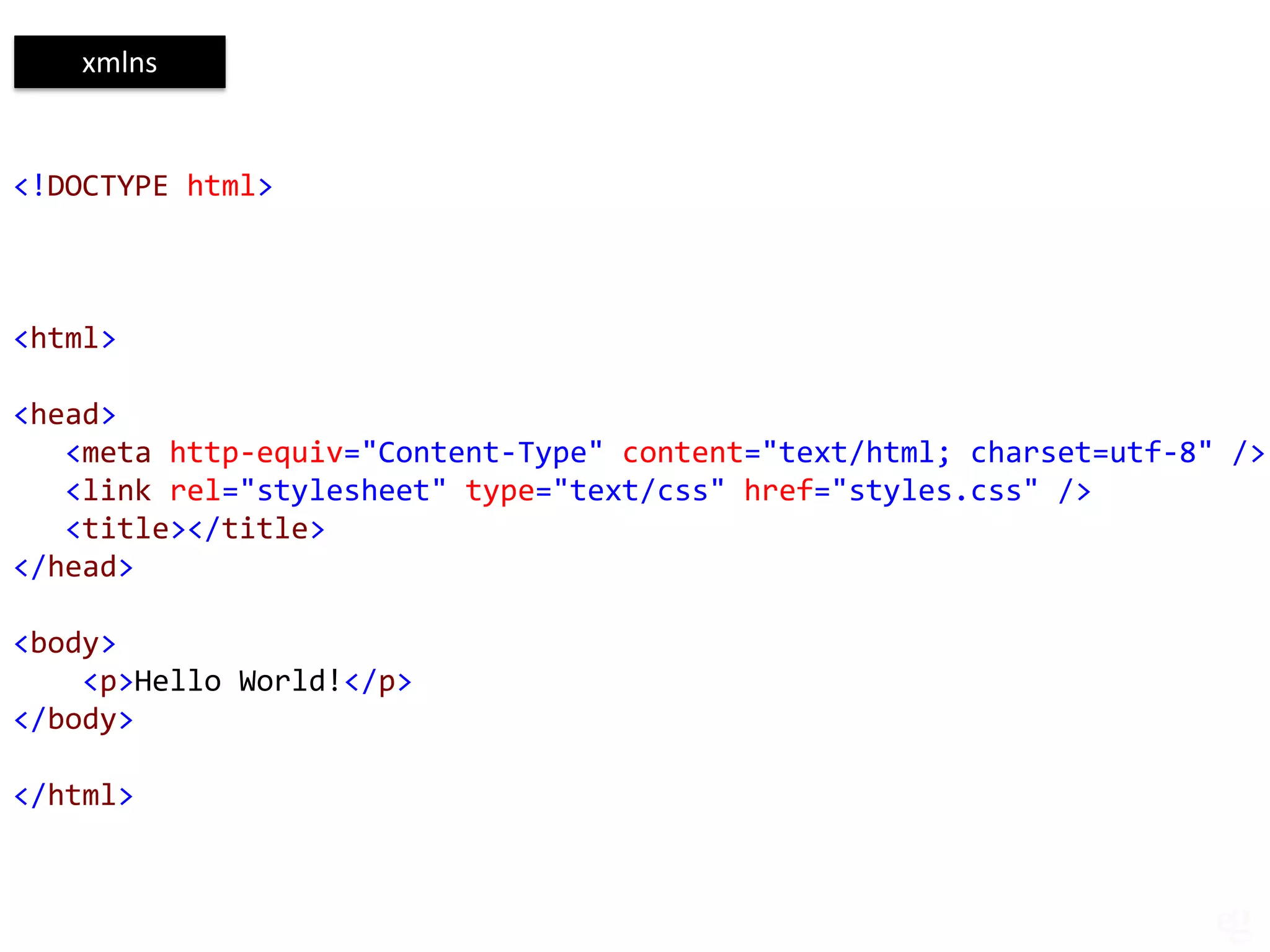
xmlns


<!DOCTYPE html>


<html>

<head>
   <meta http-equiv="Content-Type" content="text/html; charset=utf-8" />
   <link rel="stylesheet" type="text/css" href="styles.css" />
   <title></title>
</head>

<body>
    <p>Hello World!</p>
</body>

</html>
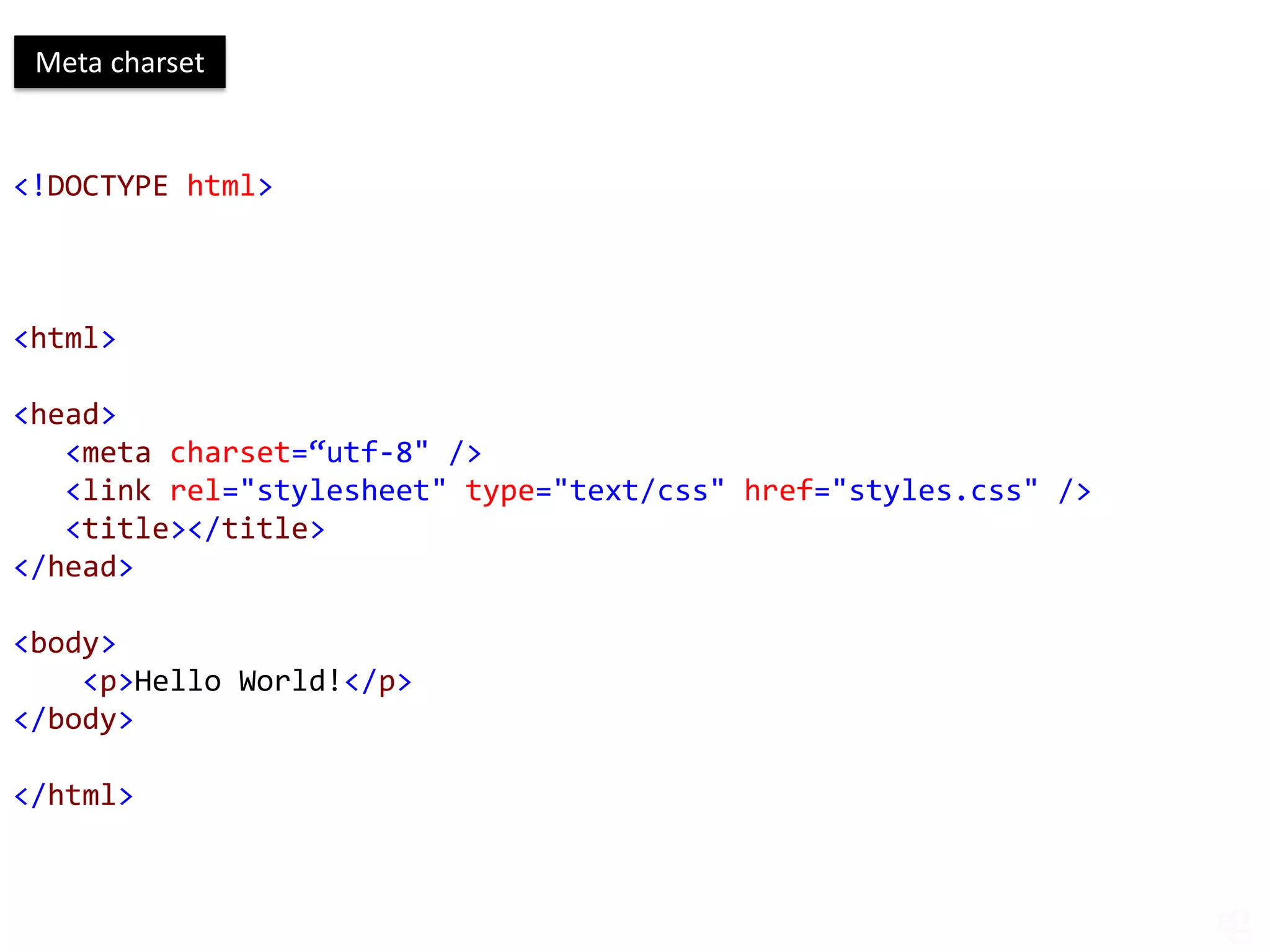
Meta charset


<!DOCTYPE html>


<html>

<head>
   <meta charset=“utf-8" />
   <link rel="stylesheet" type="text/css" href="styles.css" />
   <title></title>
</head>

<body>
    <p>Hello World!</p>
</body>

</html>
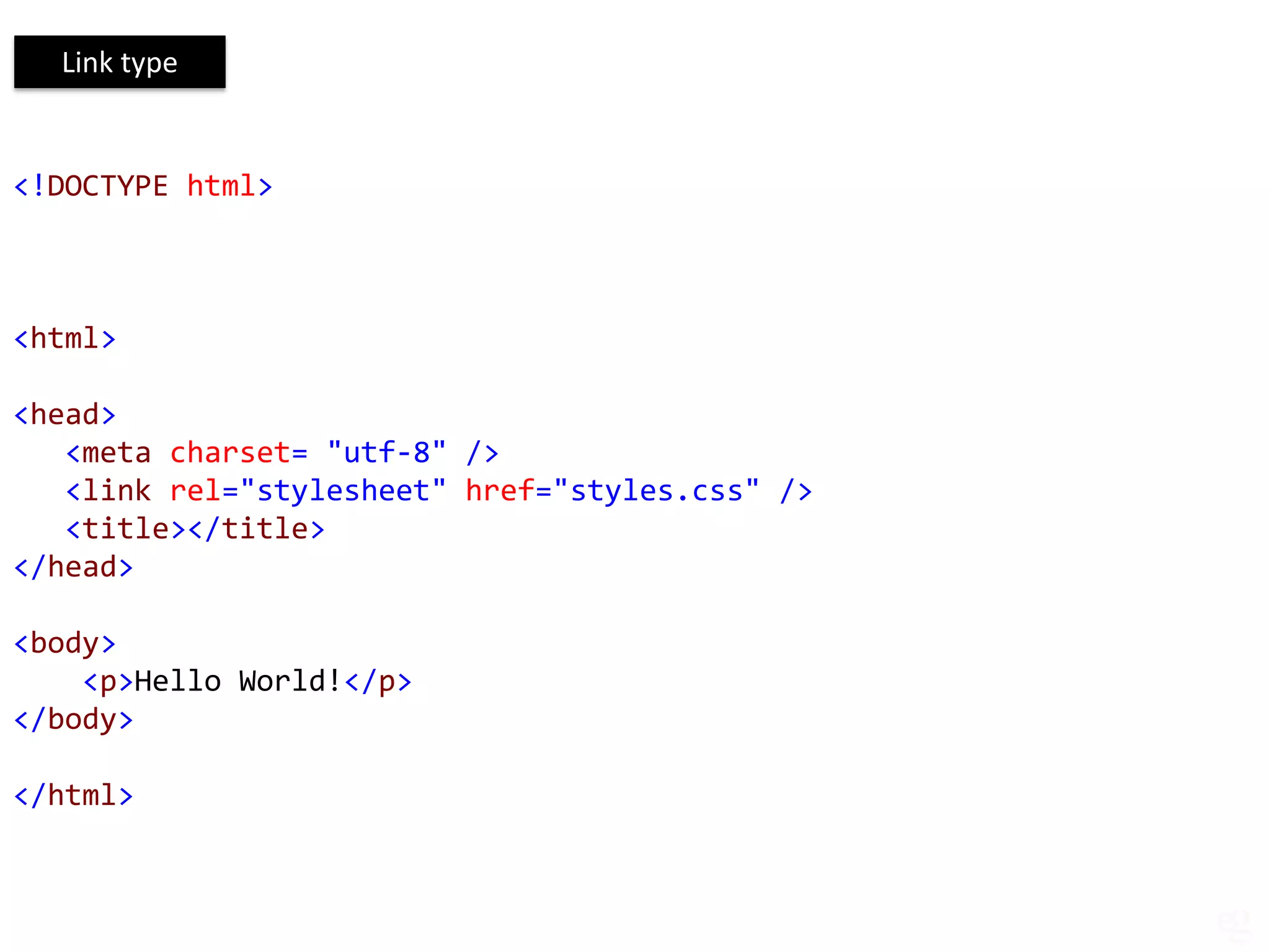
Link type


<!DOCTYPE html>


<html>

<head>
   <meta charset= "utf-8" />
   <link rel="stylesheet" href="styles.css" />
   <title></title>
</head>

<body>
    <p>Hello World!</p>
</body>

</html>
NEW TAGS
Article      Footer     rt
Aside        Header     Ruby
Audio        Hgroup     Section
Canvas       Keygen     Source
Command      Mark       Summary
Datalist     Meter      Time
Details      Nav        Video
Embed        Output     wbr
Figcaption   Progress   Bdi
figure       rp         track
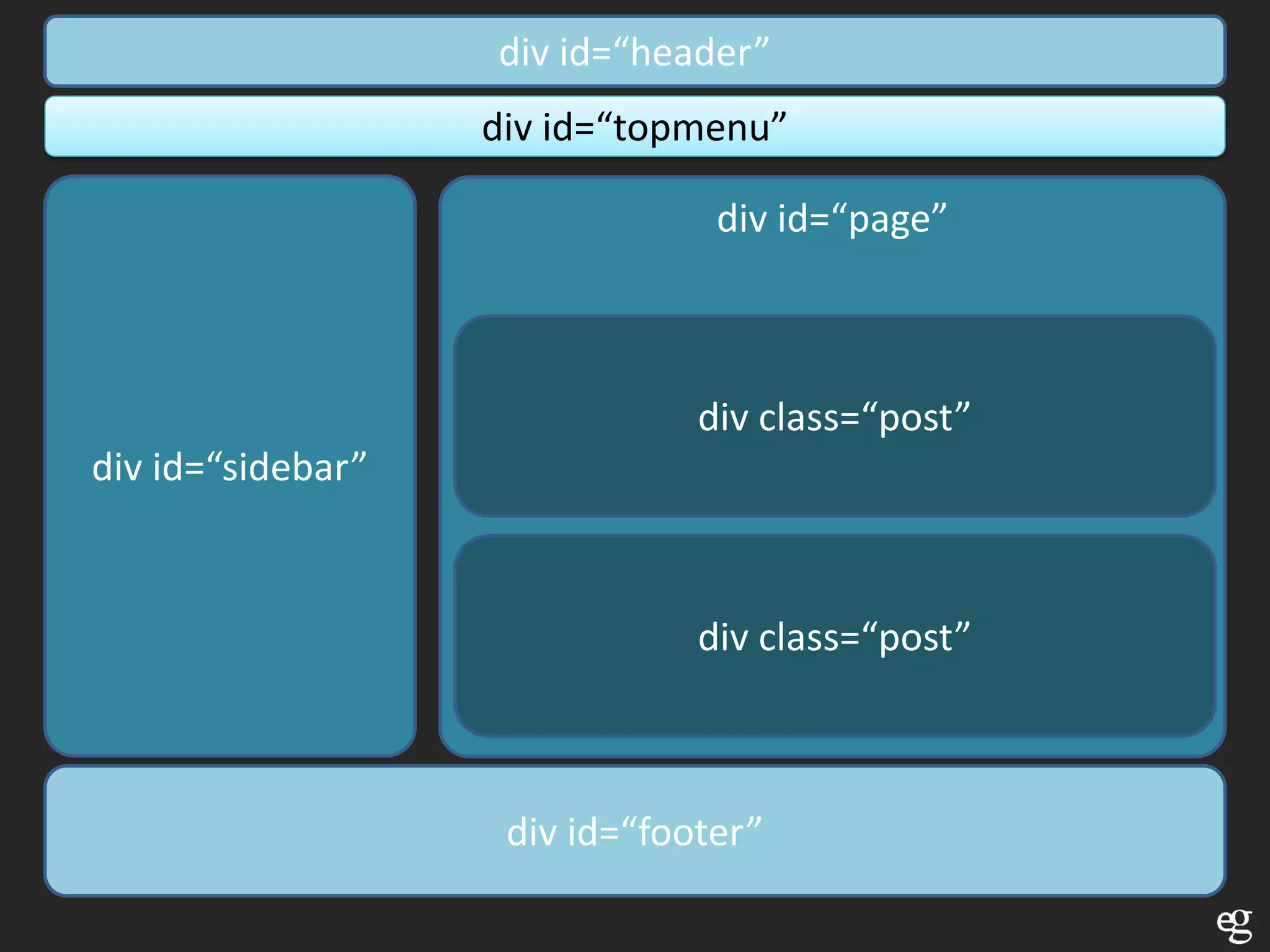
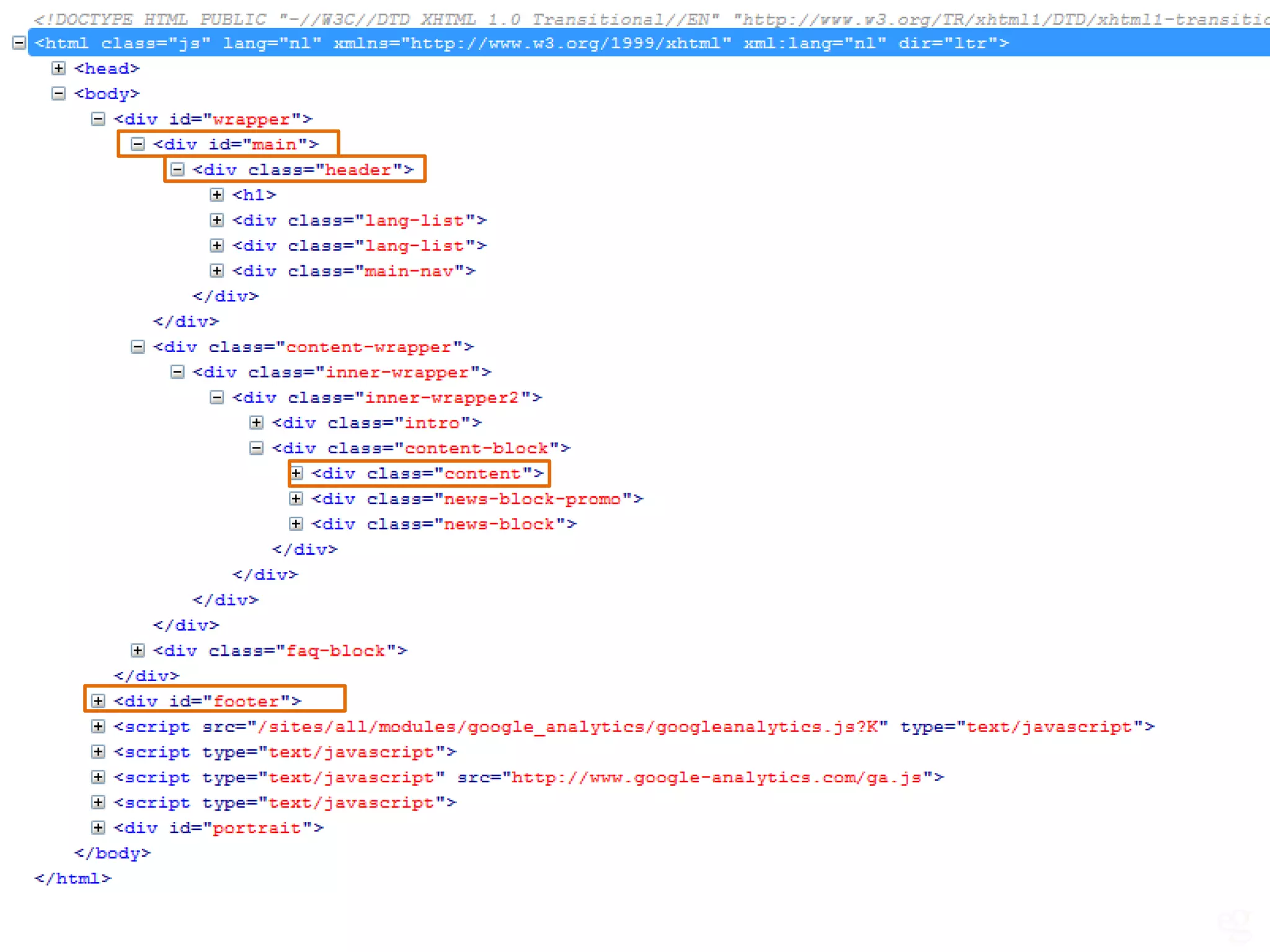
div id=“header”
                   div id=“topmenu”

                                div id=“page”


                               div class=“post”
div id=“sidebar”


                               div class=“post”


                    div id=“footer”
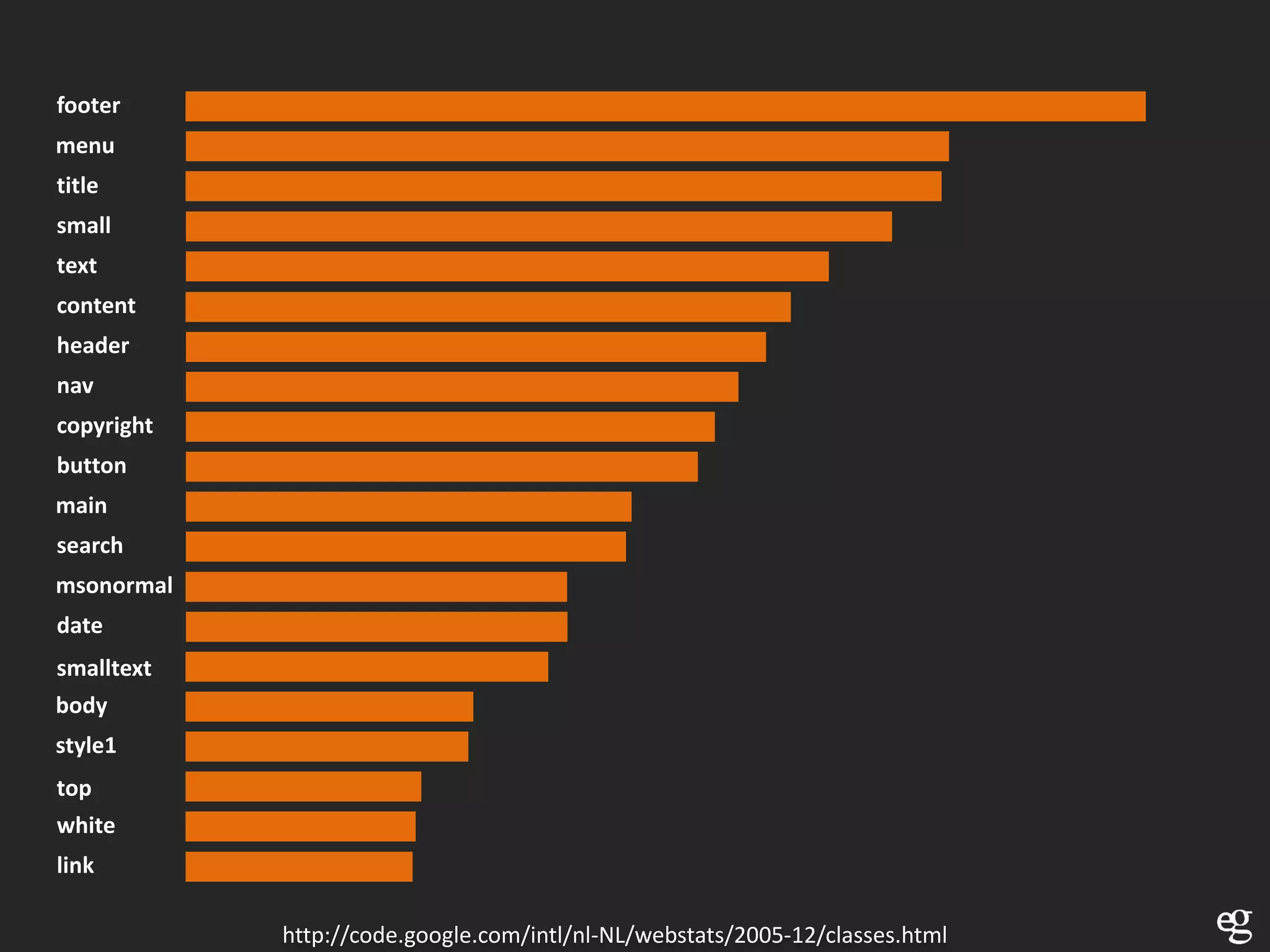
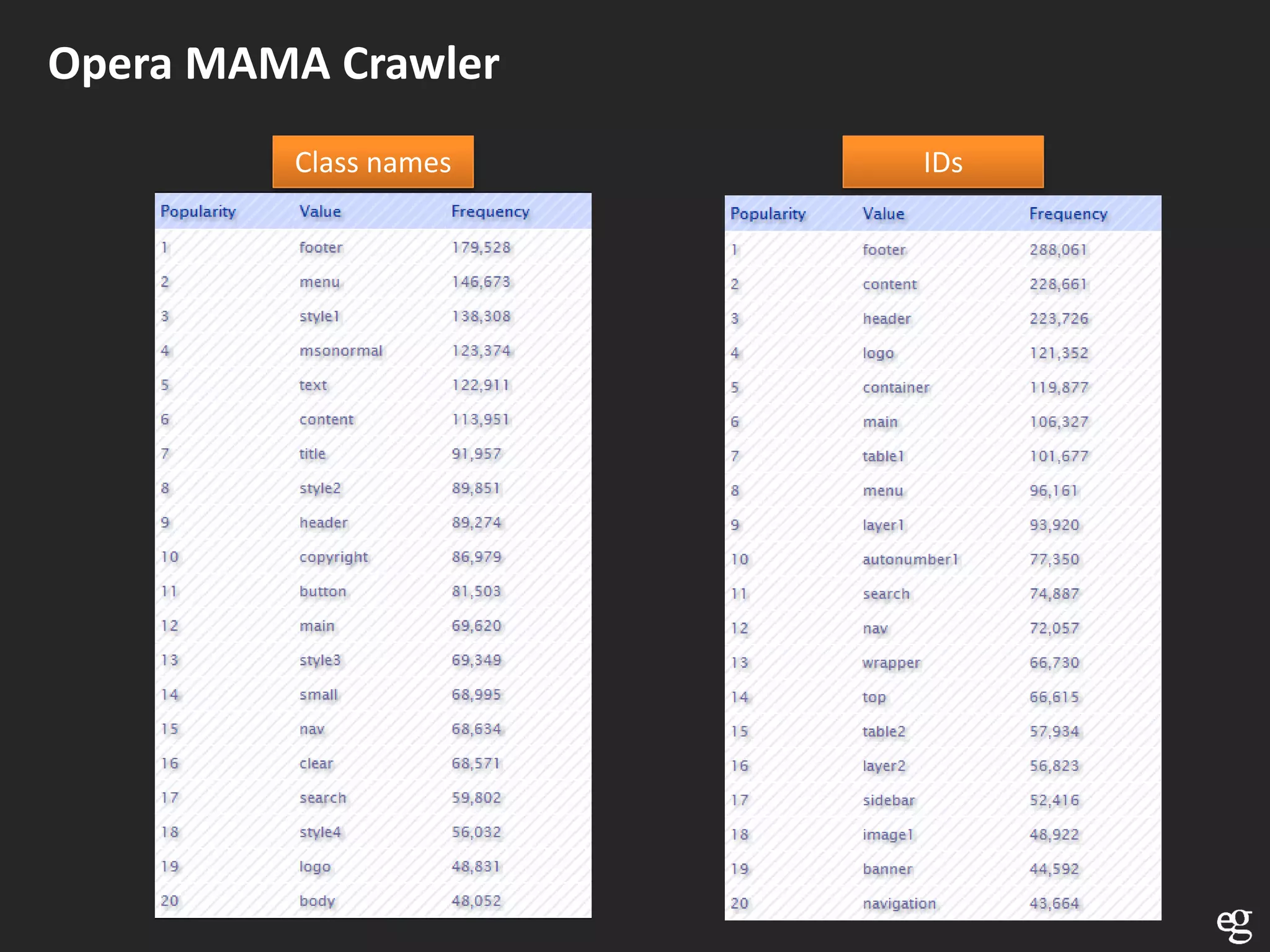
footer
menu
title
small
text
content
header
nav
copyright
button
main
search
msonormal
date
smalltext
body
style1
top
white
link

            http://code.google.com/intl/nl-NL/webstats/2005-12/classes.html
Opera MAMA Crawler
         Class names   IDs
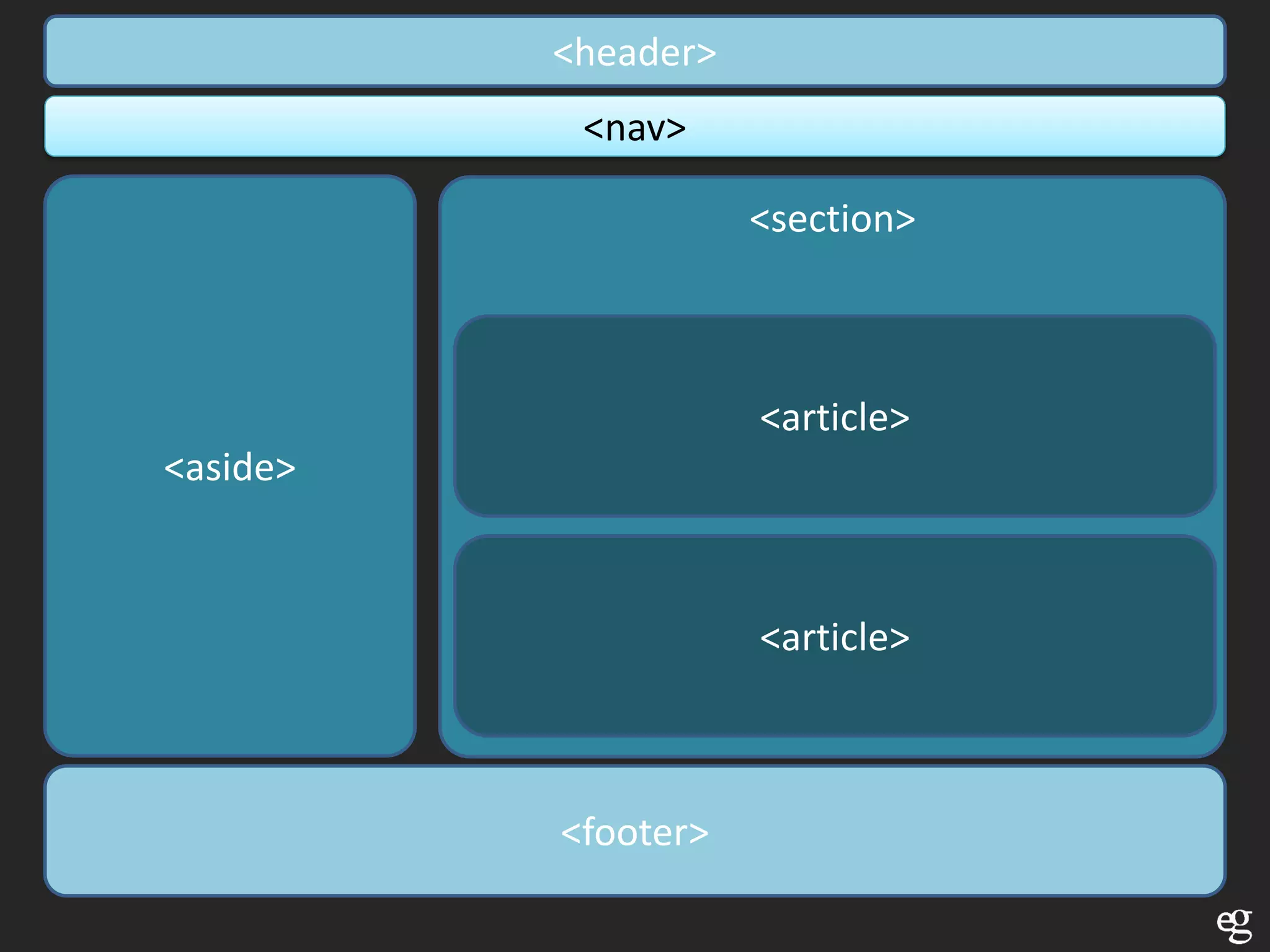
<header>
           <nav>

                     <section>


                     <article>
<aside>


                     <article>


          <footer>
Absent presentational elements


        <center><font><big>

        Also align on <img> <table> etc…
             background on <body>
             bgcolor on <table>


        http://www.w3.org/TR/html5-diff/#absent-elements
Forms
HTML4 exists out of dumb fields
/^([a-zA-Z0-9_.-])+@(([a-zA-Z0-9-])+.)+([a-zA-Z0-9]{2,4})+$/;
New attributes and input types available
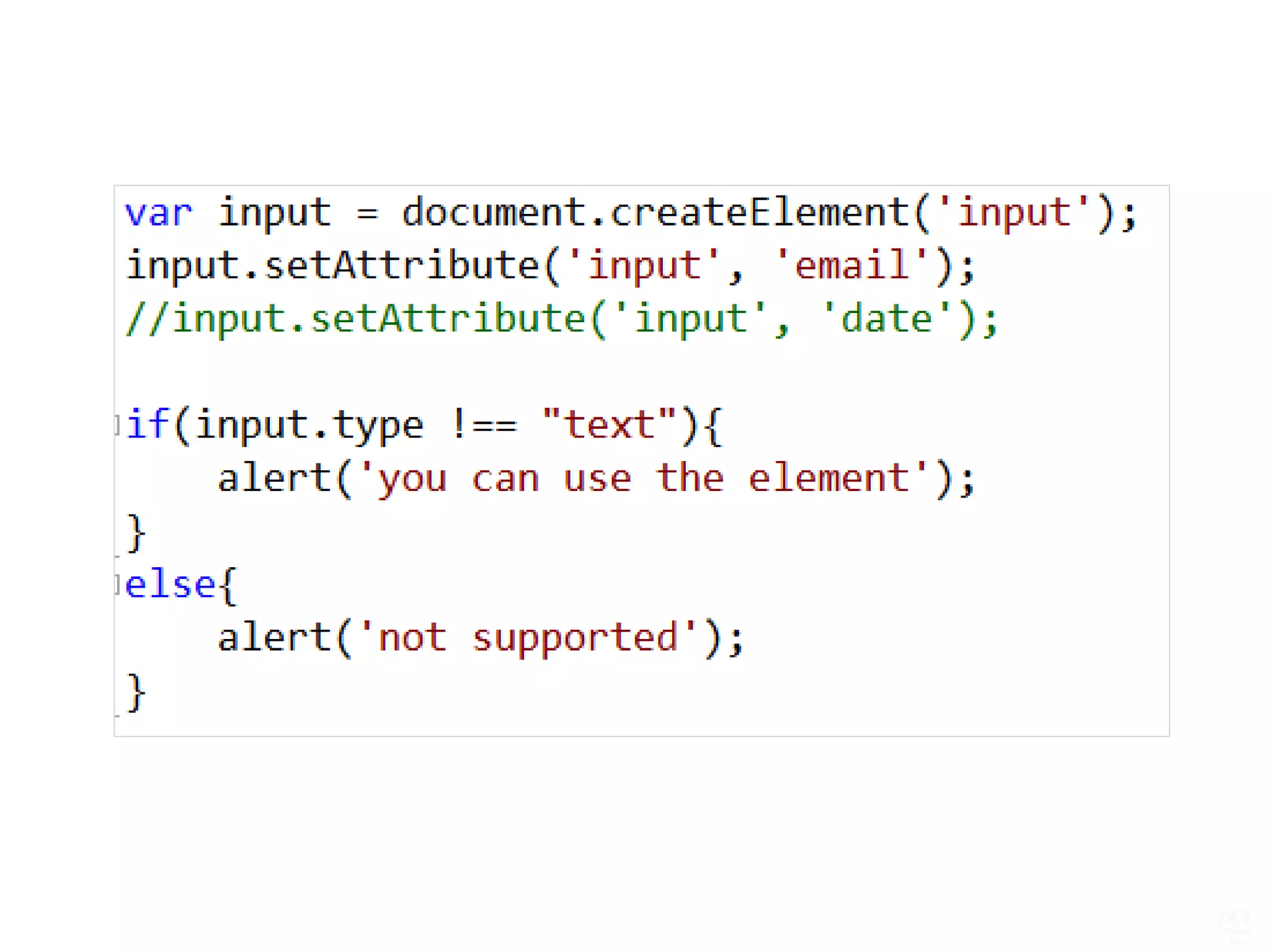
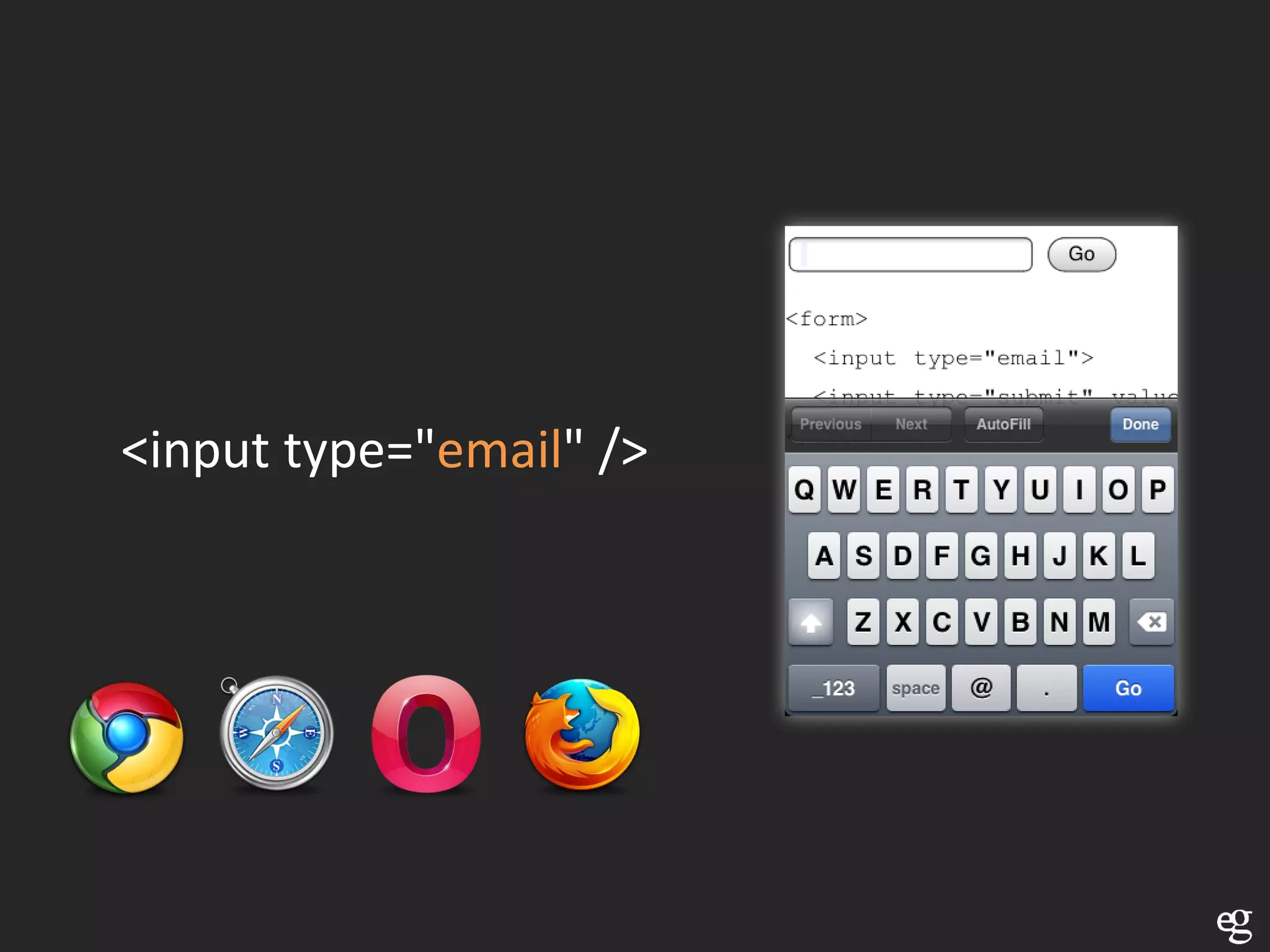
<input type="email" />
<input type="url" />
<input   type="date" />
<input   type="month" />
<input   type="week" />
<input   type="time" />
<input   type="datetime" />
<input   type="datetime-local" />
<input type="number" />
<input type="range" />
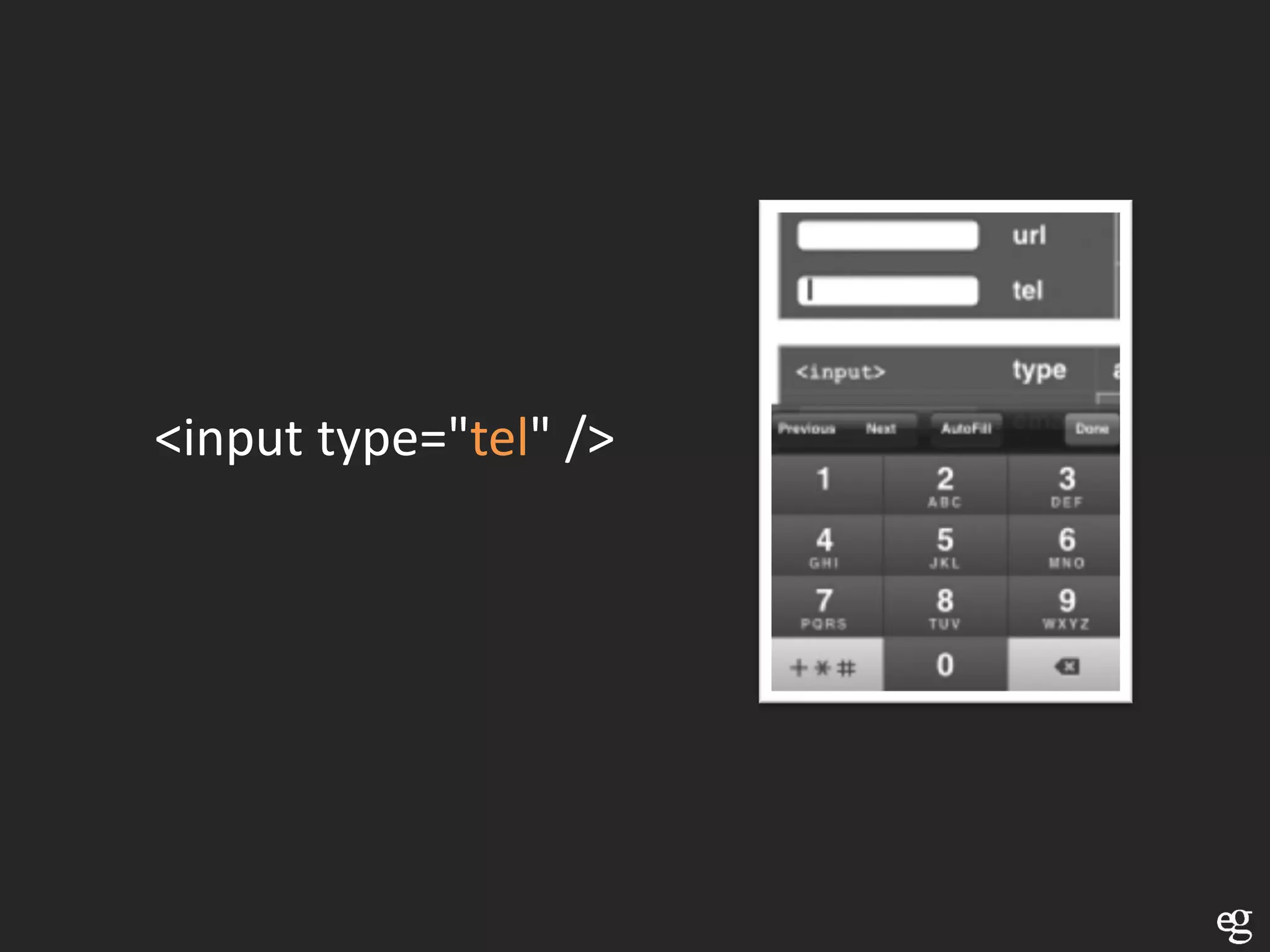
<input type="tel" />
<input type="color" />
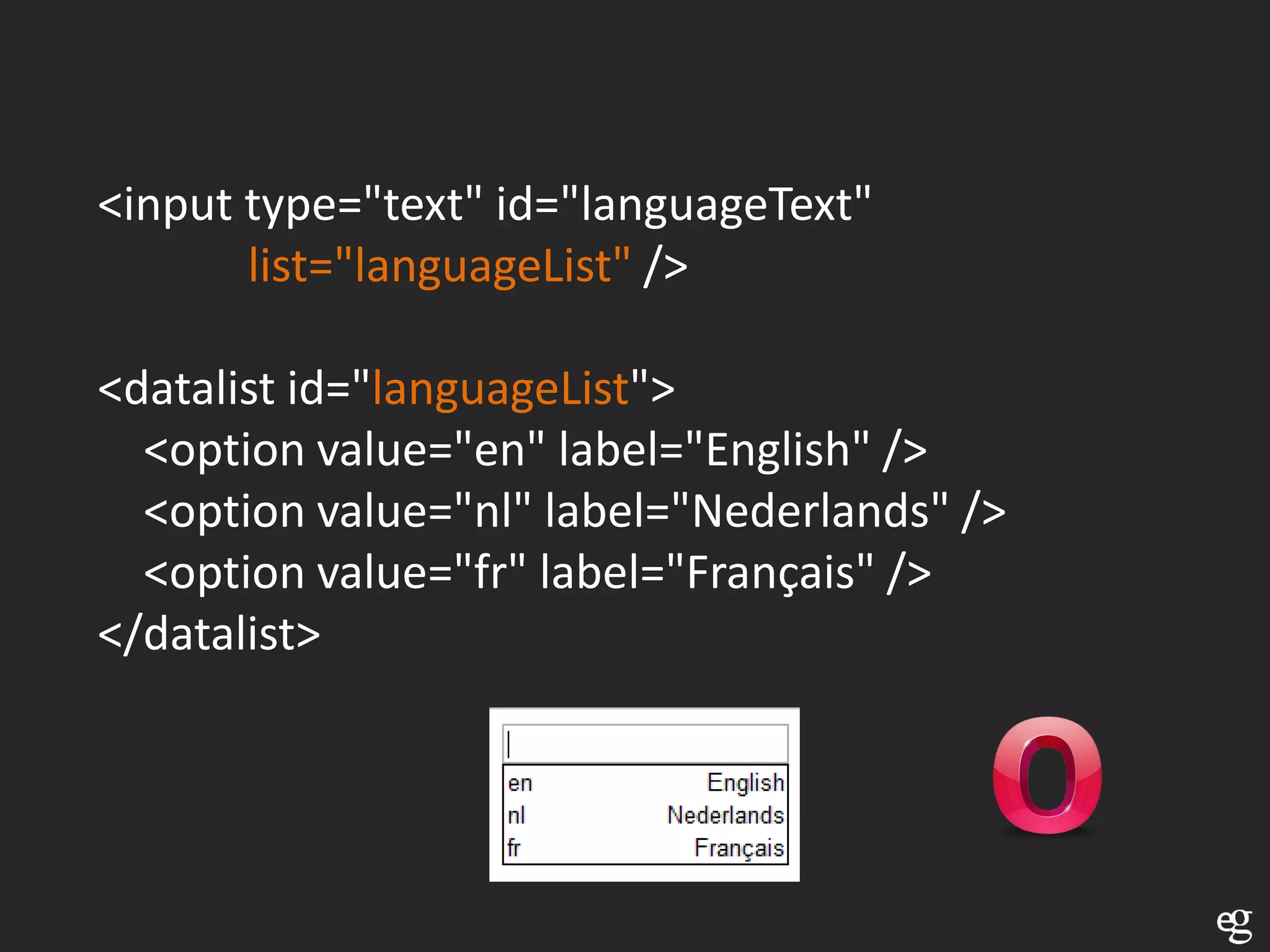
<input type="text" id="languageText"
       list="languageList" />

<datalist id="languageList">
  <option value="en" label="English" />
  <option value="nl" label="Nederlands" />
  <option value="fr" label="Français" />
</datalist>
<input id="firstName" required />
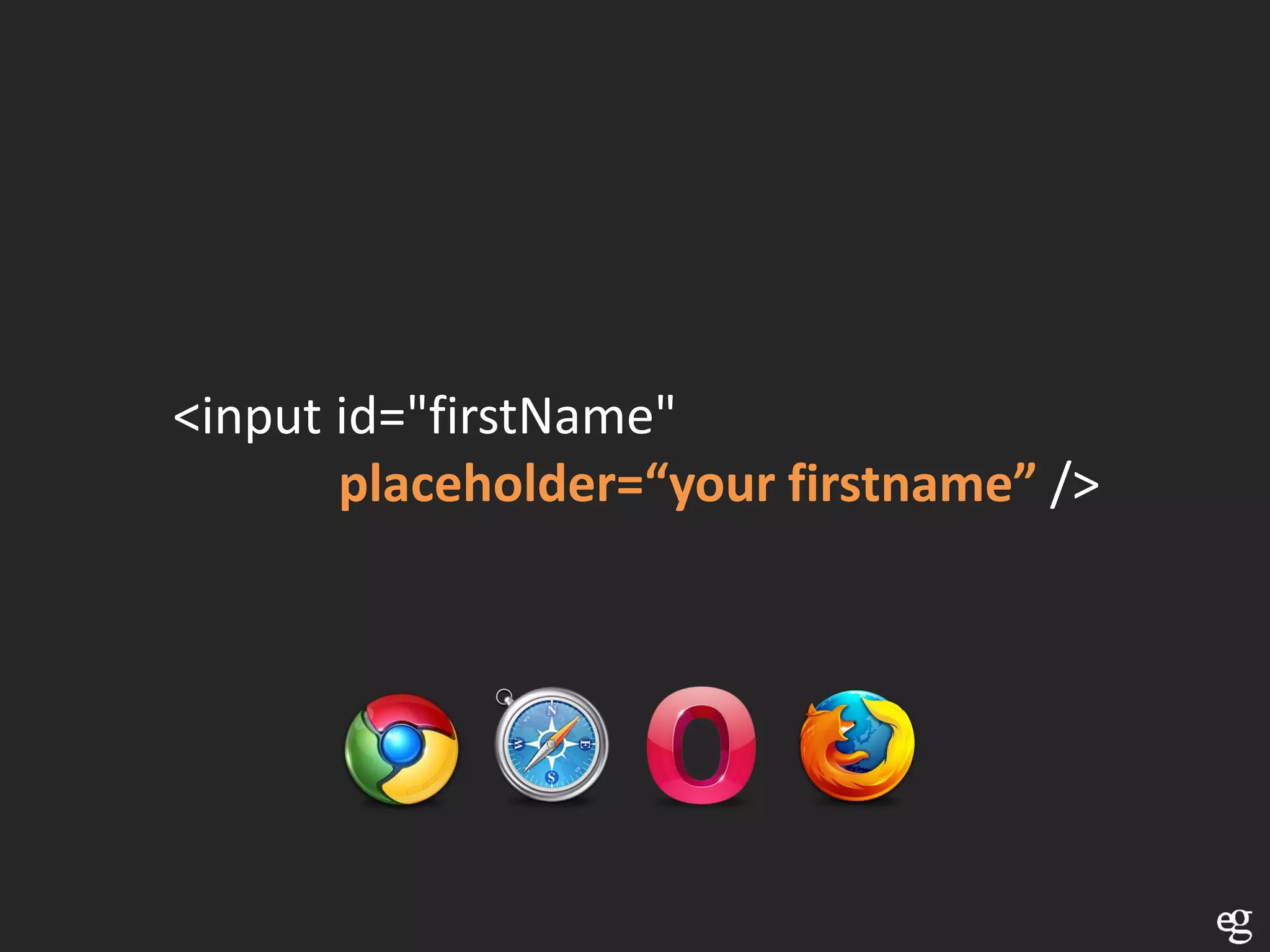
<input id="firstName"
       placeholder=“your firstname” />
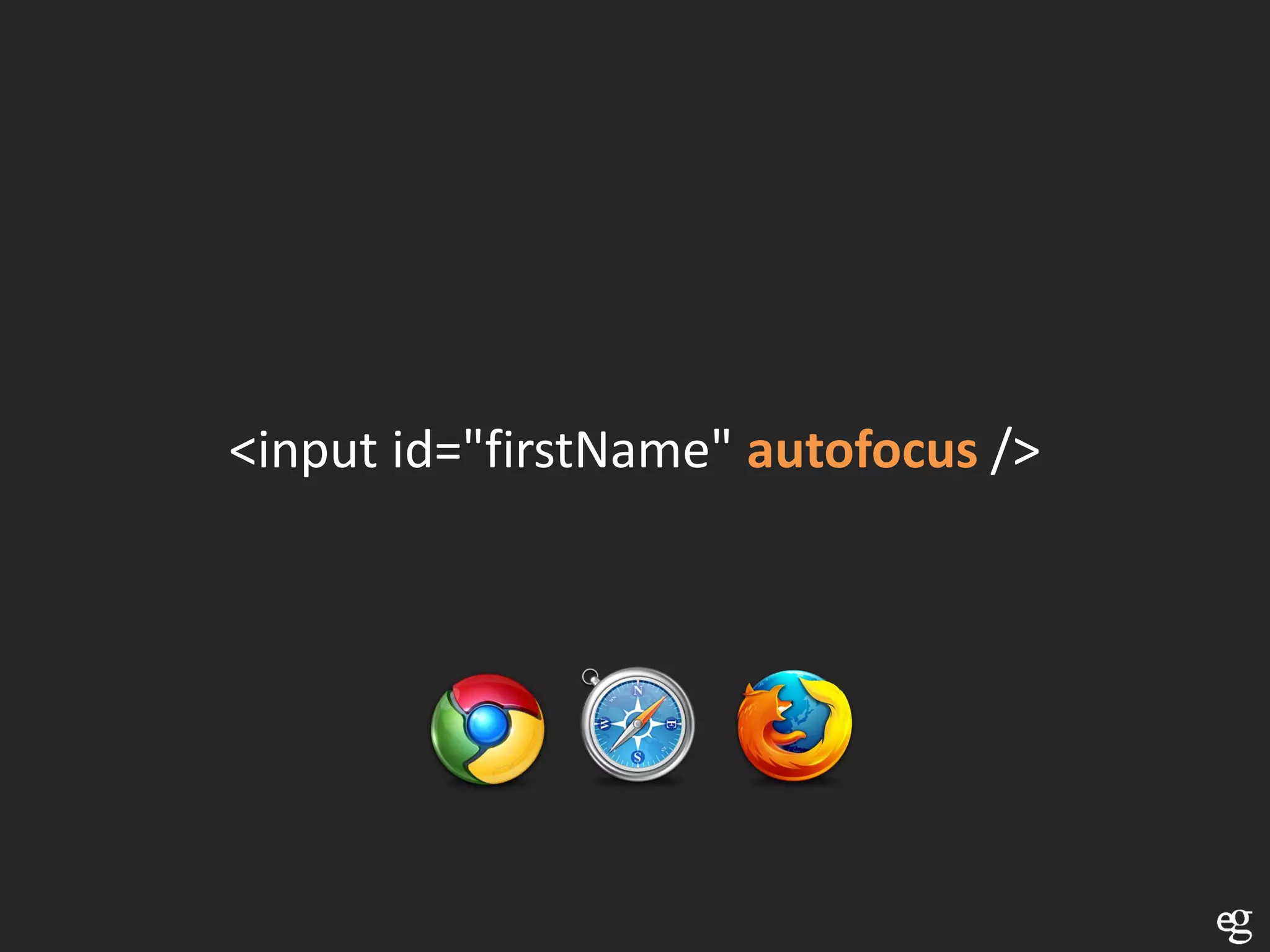
<input id="firstName" autofocus />
<input id="firstName" pattern=“[a-zA-Z]” />
Use novalidate on form if you want to skip validation

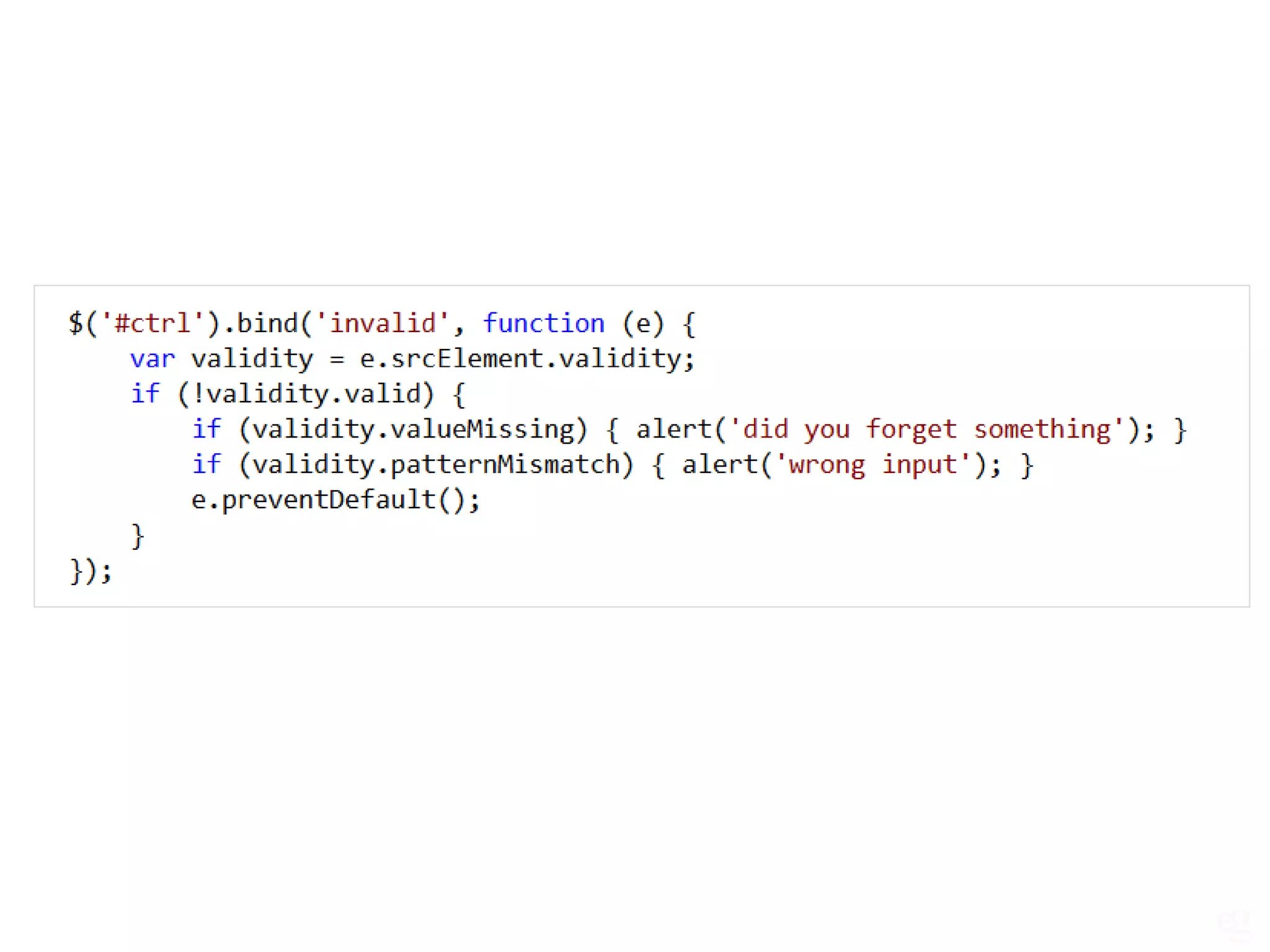
use Form Validation API if you want to check valildity yourself
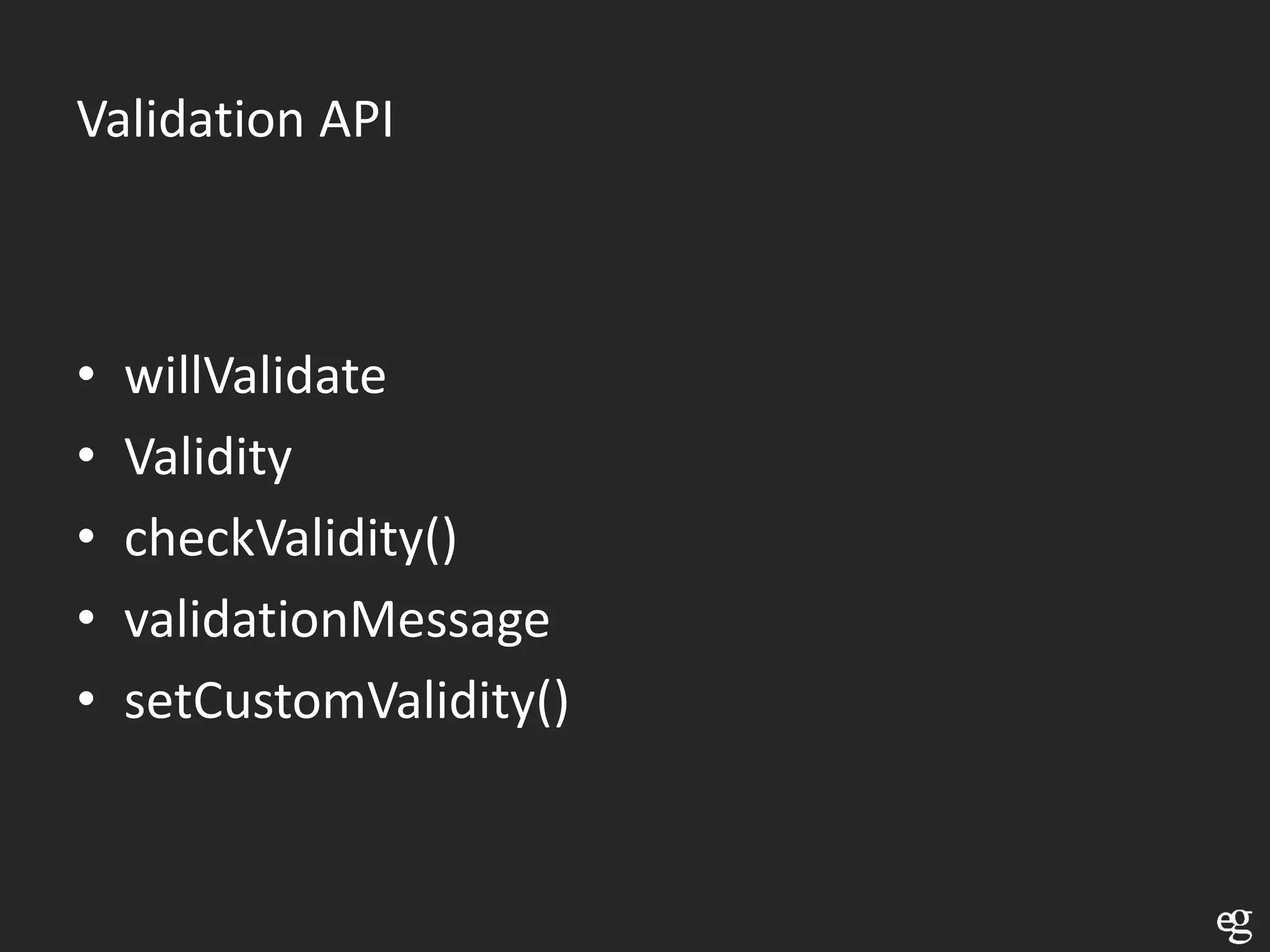
Validation API


•   willValidate
•   Validity
•   checkValidity()
•   validationMessage
•   setCustomValidity()
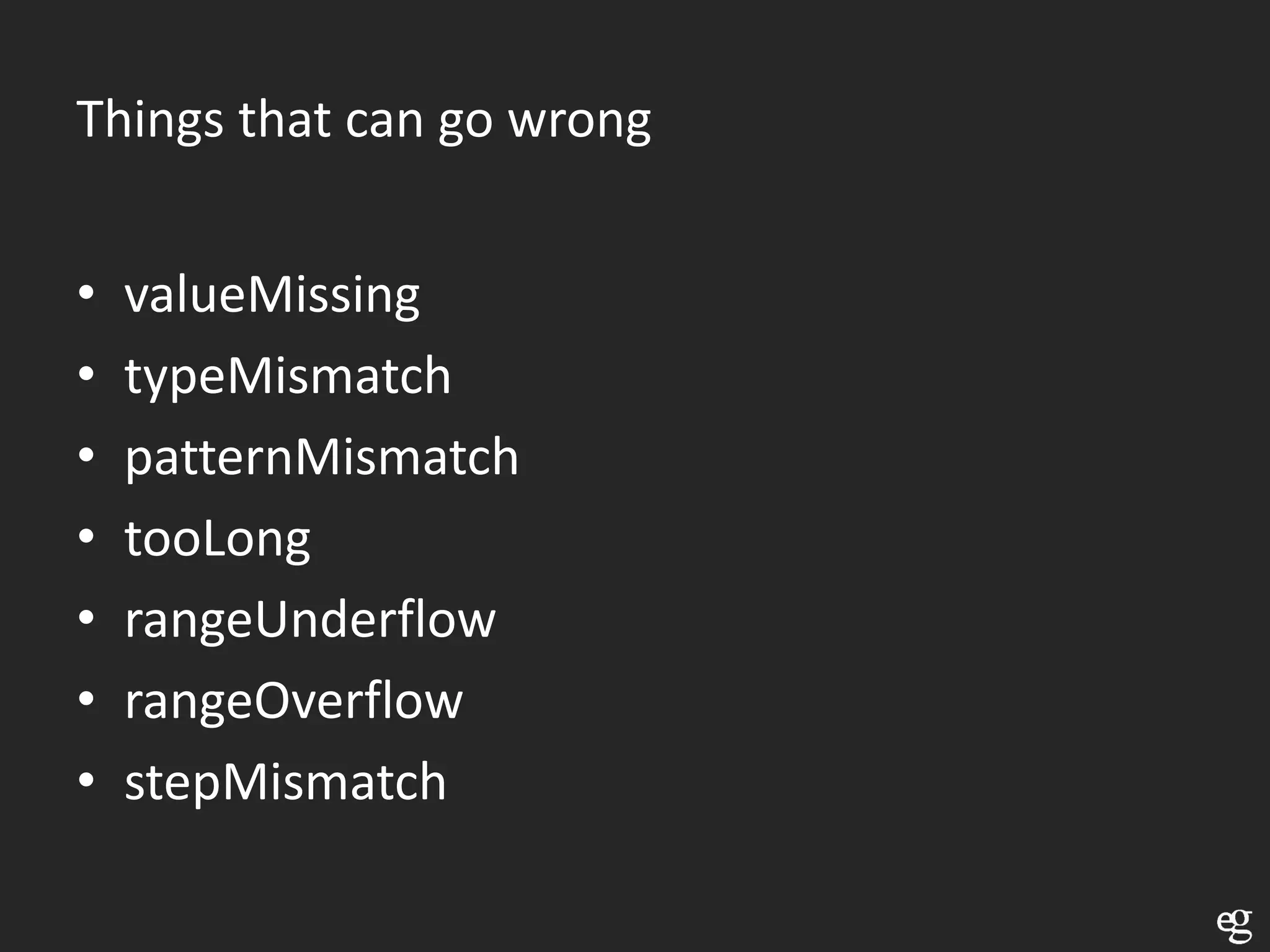
Things that can go wrong


•   valueMissing
•   typeMismatch
•   patternMismatch
•   tooLong
•   rangeUnderflow
•   rangeOverflow
•   stepMismatch
Video and Audio
Why do we need a video element???
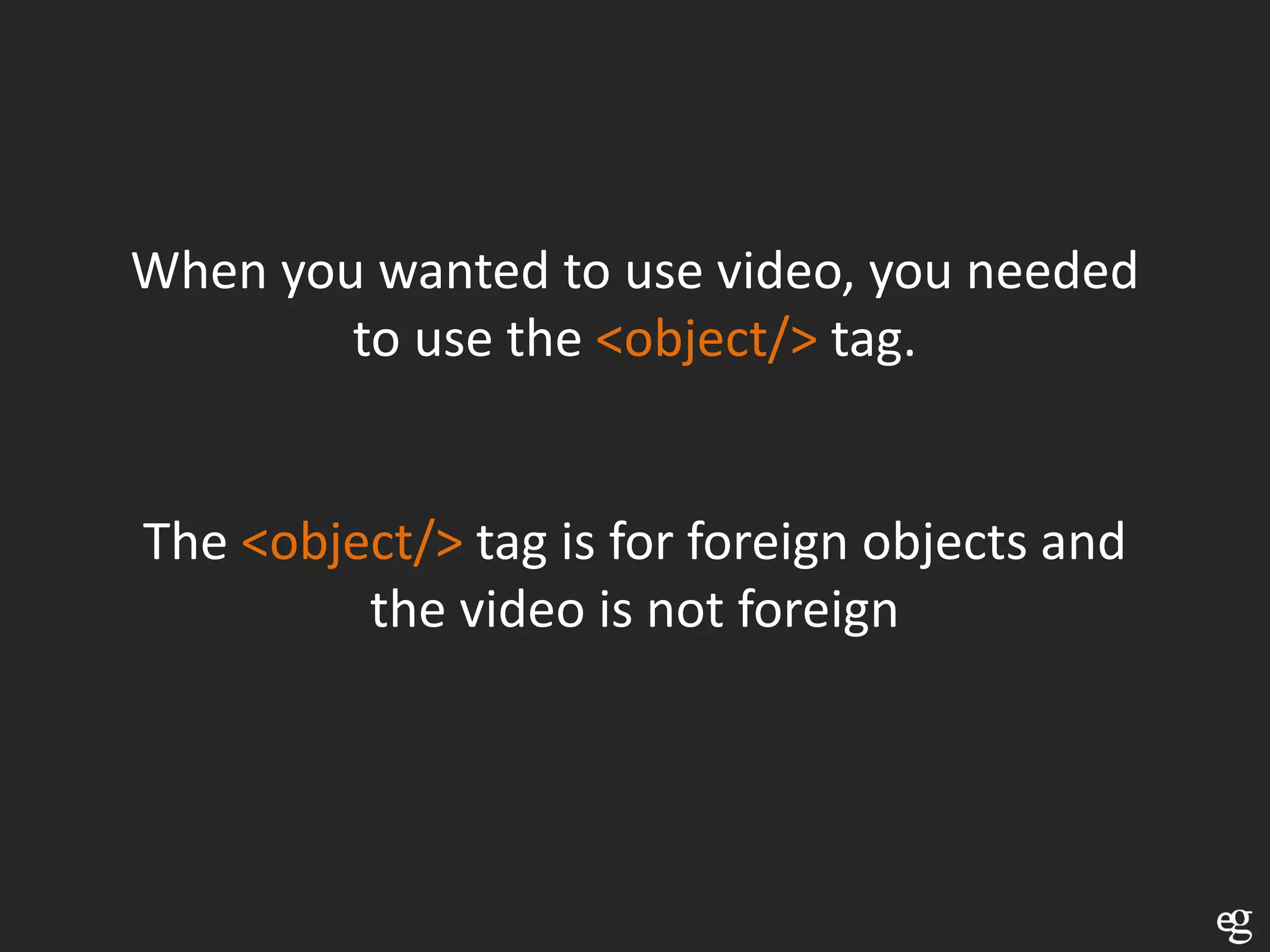
When you wanted to use video, you needed
        to use the <object/> tag.


The <object/> tag is for foreign objects and
         the video is not foreign
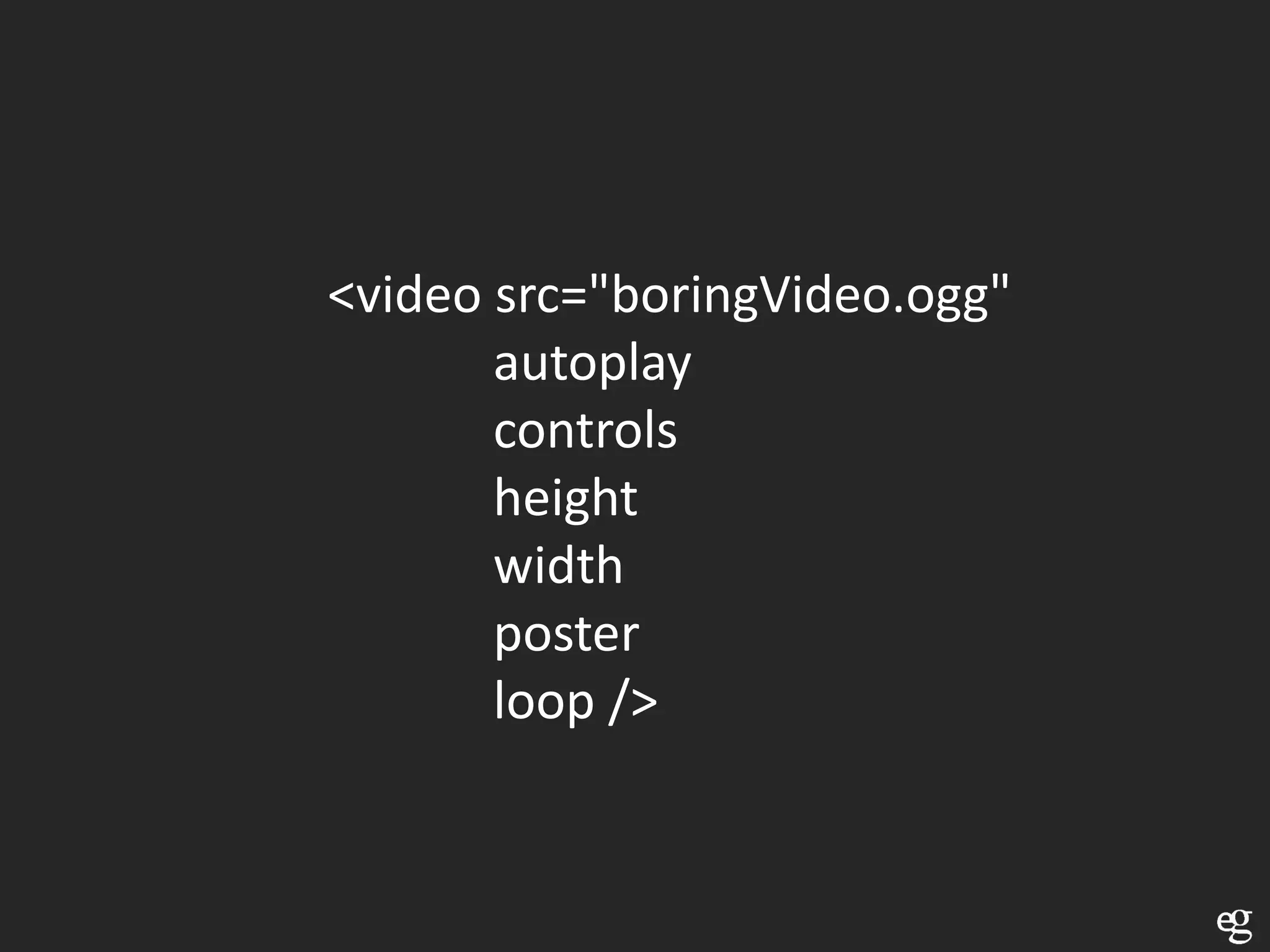
<video src="boringVideo.ogg"
       autoplay
       controls
       height
       width
       poster
       loop />
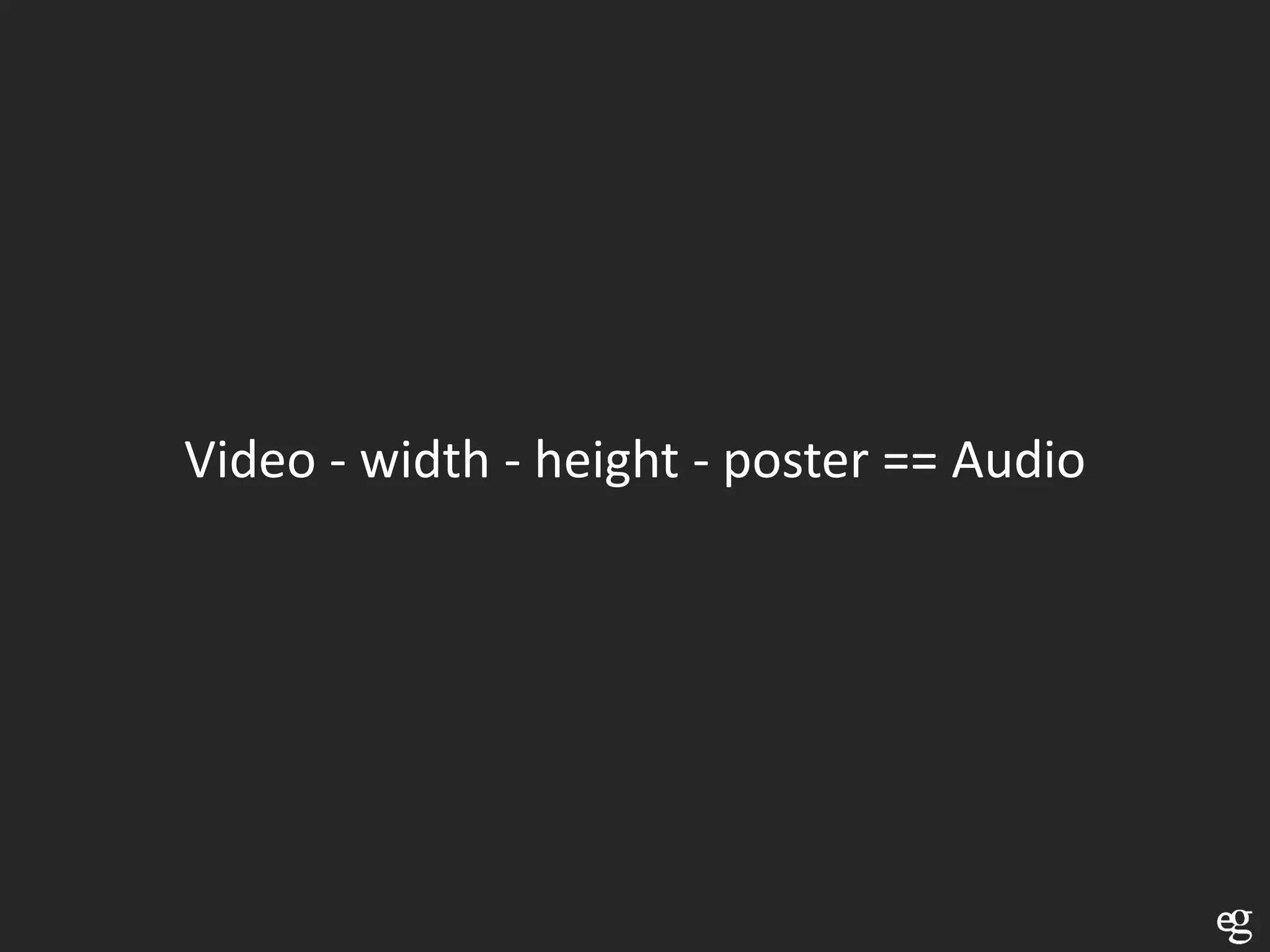
Video - width - height - poster == Audio
Specifications said: all browsers should at least
 have built-in support for Ogg Vorbis for audio
          and Ogg Theora for movies
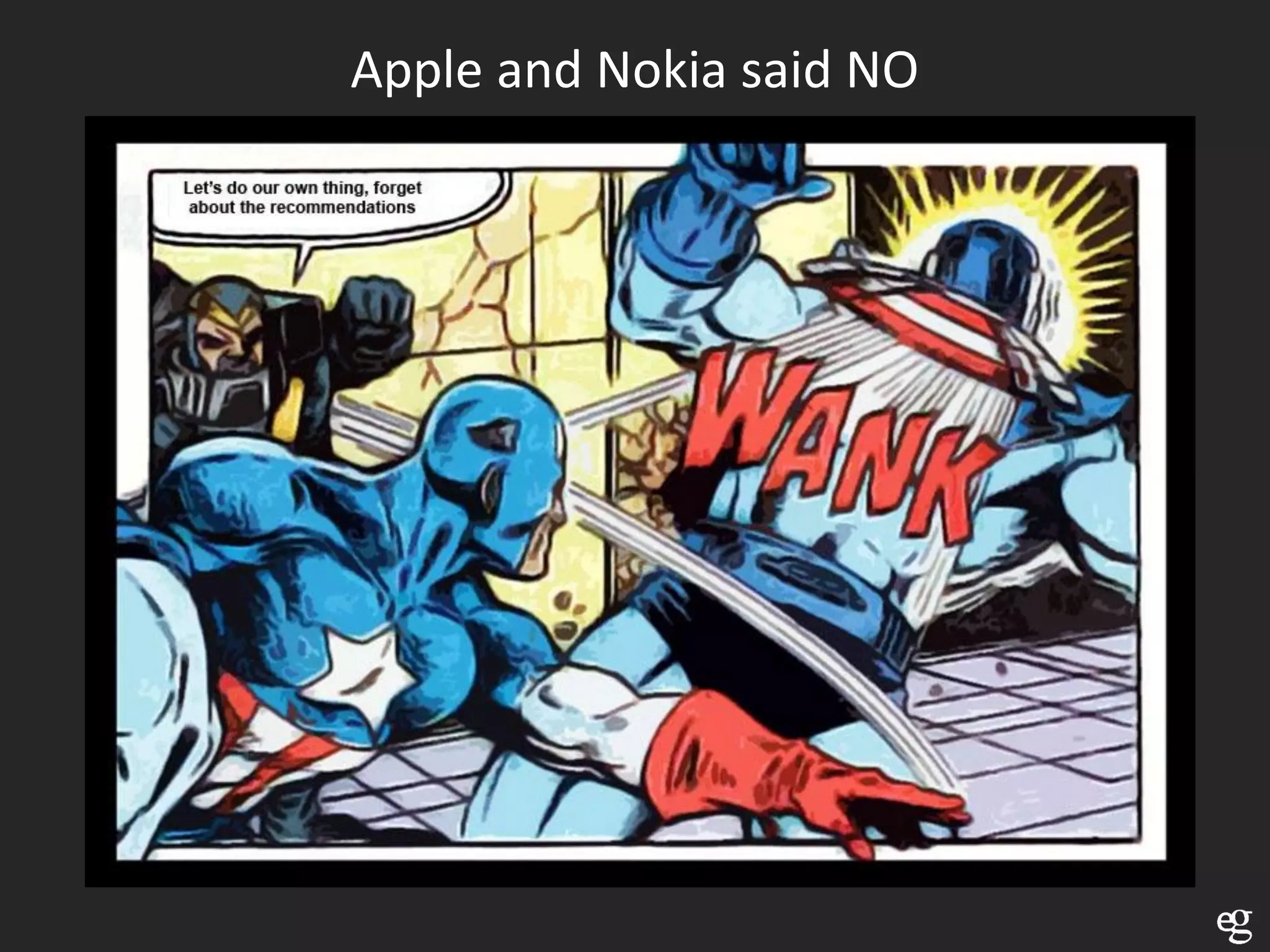
Apple and Nokia said NO
So there is no specification for audio and video
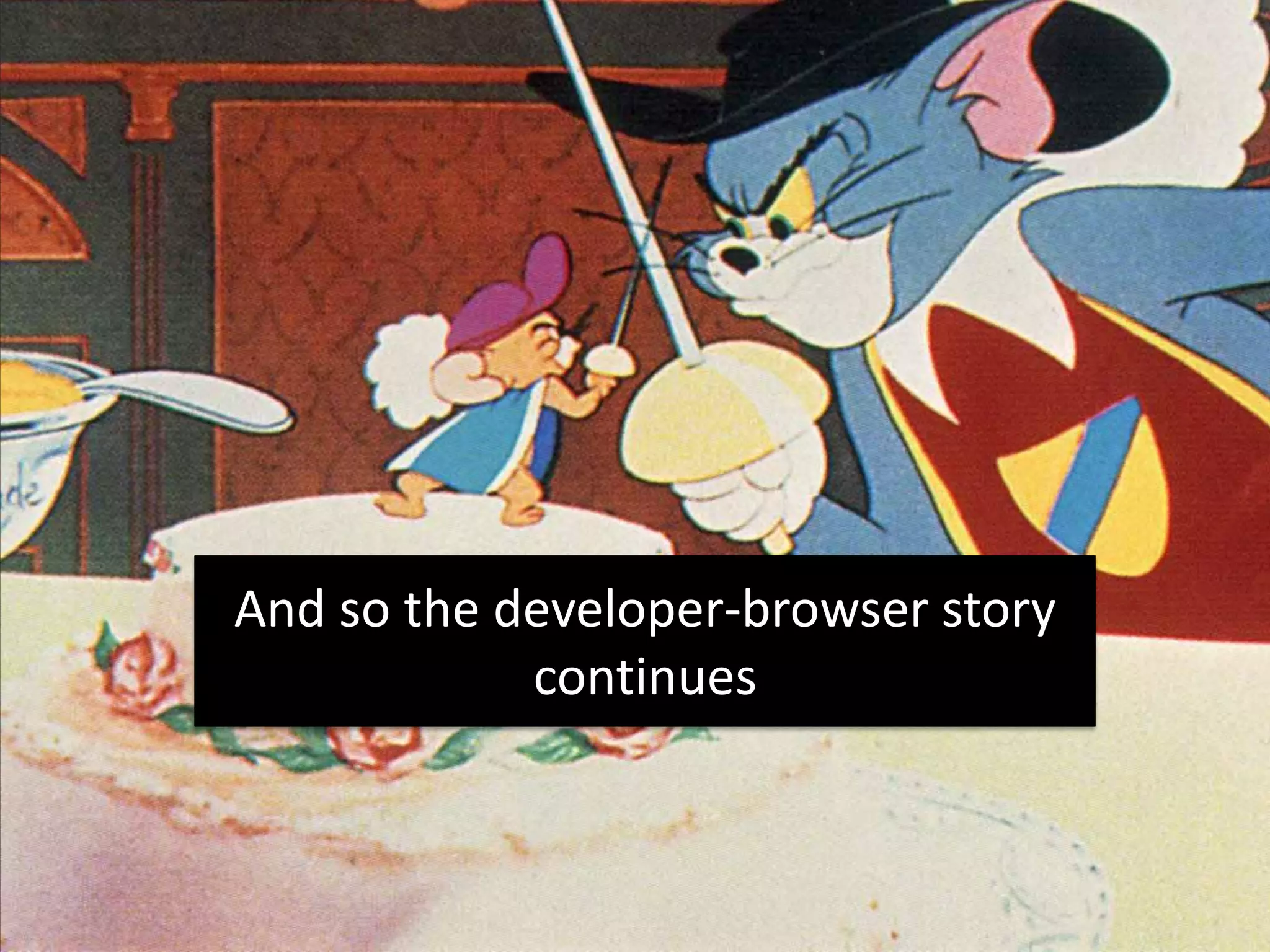
And so the developer-browser story
            continues
H.264, Theora and VP8 are the most relevant
               video codecs


   For audio we use MP3, AAC and Vorbis
Theora and Vorbis in an Ogg container
   Firefox 4 supports also WebM
Theora and Vorbis in an Ogg container
  Opera 10.6 supports also WebM
Theora and Vorbis in an Ogg container
   Chrome 6 supports also WebM
Anything that Quicktime supports, which is a
  long list, but no WebM, Theora, Vorbis

   H.264 video and AAC audio supported
Supports all profiles of H.264 and AAC in an
               MP4 container

                  >= IE9
What to do
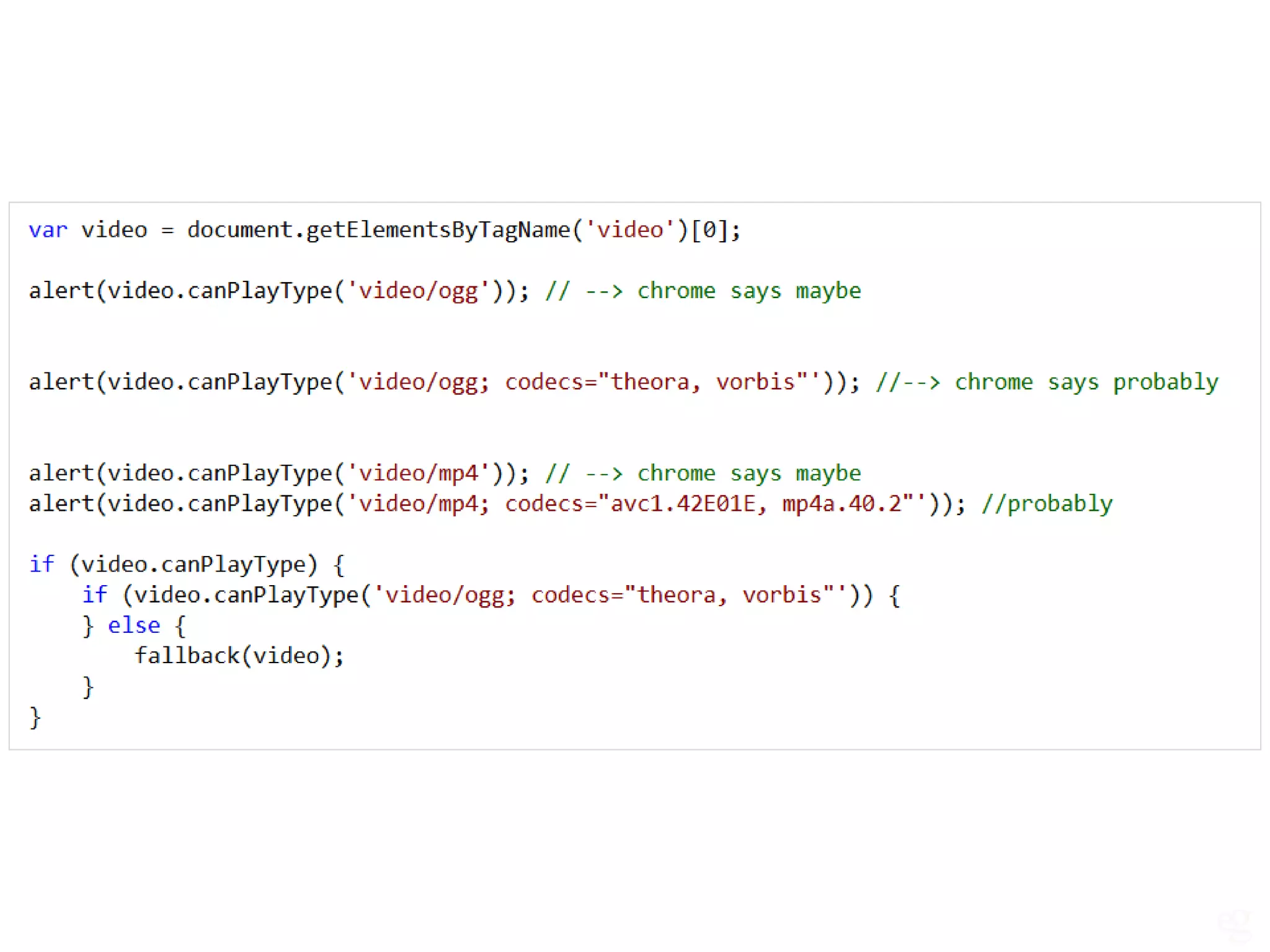
Check with JavaScript
         or
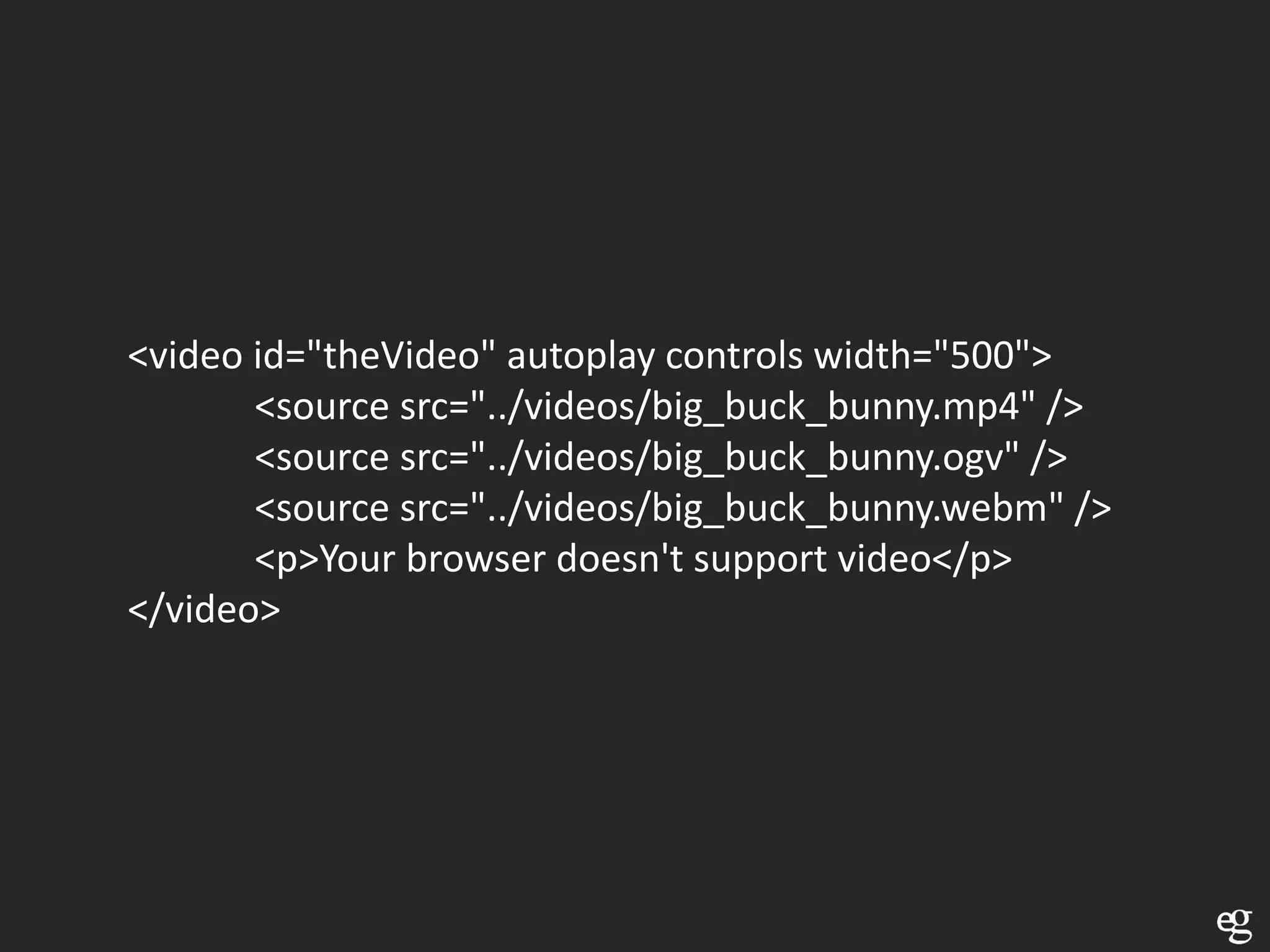
Use multiple sources
Check with JavaScript
         or
Use multiple sources
<video id="theVideo" autoplay controls width="500">
       <source src="../videos/big_buck_bunny.mp4" />
       <source src="../videos/big_buck_bunny.ogv" />
       <source src="../videos/big_buck_bunny.webm" />
       <p>Your browser doesn't support video</p>
</video>
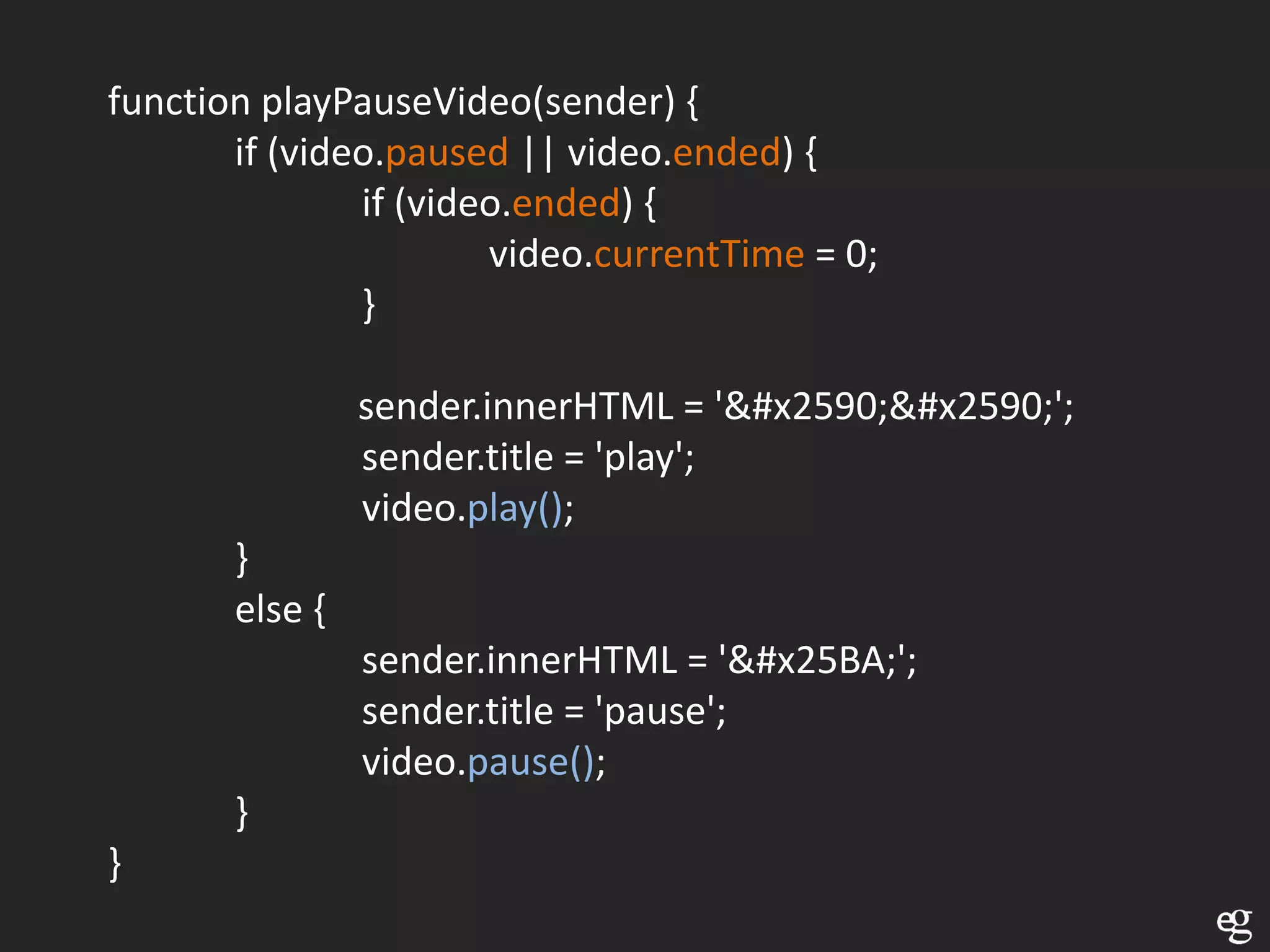
Control video with JavaScript
function playPauseVideo(sender) {
       if (video.paused || video.ended) {
               if (video.ended) {
                       video.currentTime = 0;
               }

                sender.innerHTML = '&#x2590;&#x2590;';
                sender.title = 'play';
                video.play();
       }
       else {
                sender.innerHTML = '&#x25BA;';
                sender.title = 'pause';
                video.pause();
       }
}
video.addEventListener('play' , function () {…;}, false),
video.addEventListener('pause' , function () {…; }, false)
Canvas
Instead of drawing with a brush, use JavaScript
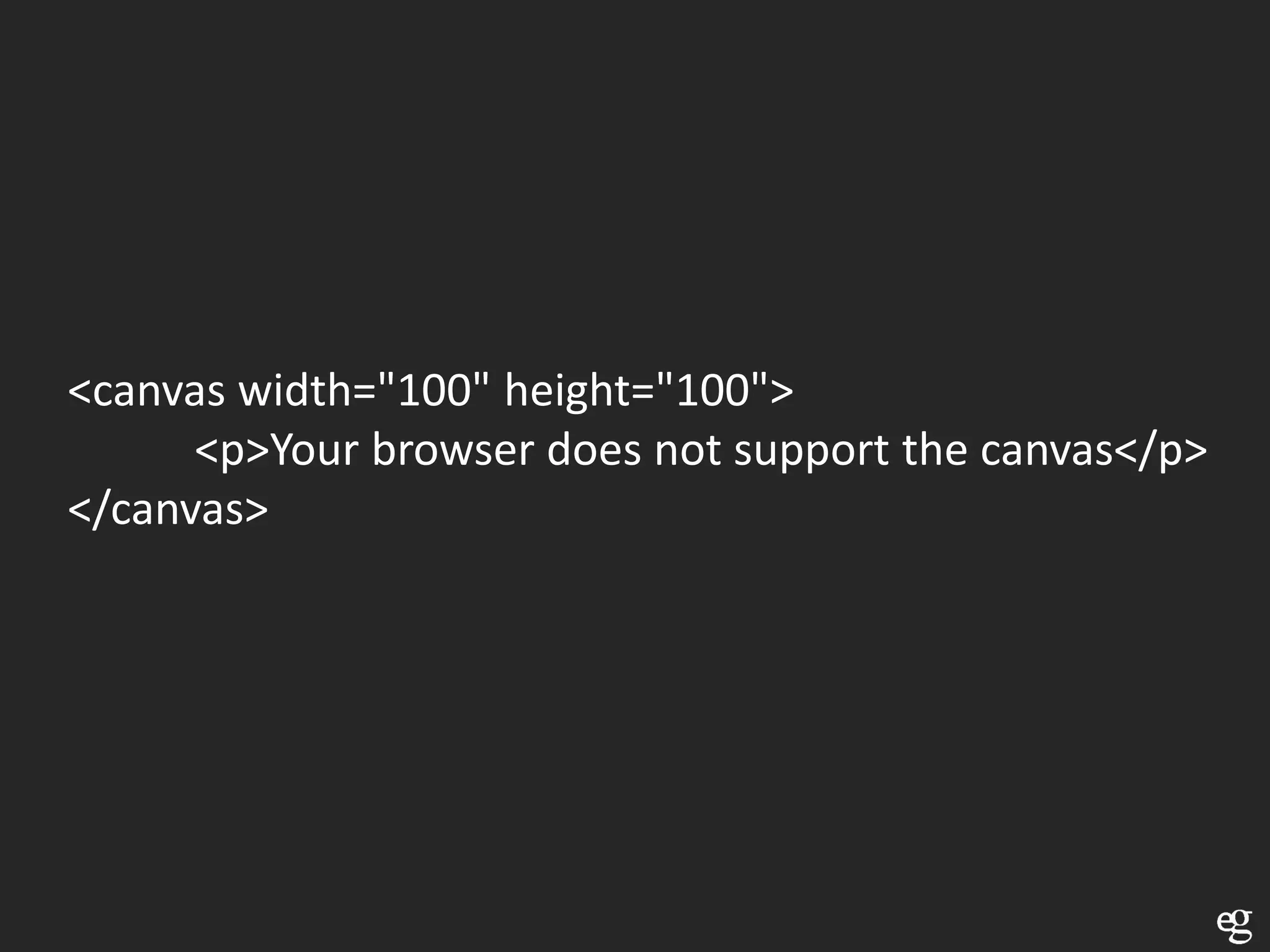
<canvas width="100" height="100">
      <p>Your browser does not support the canvas</p>
</canvas>
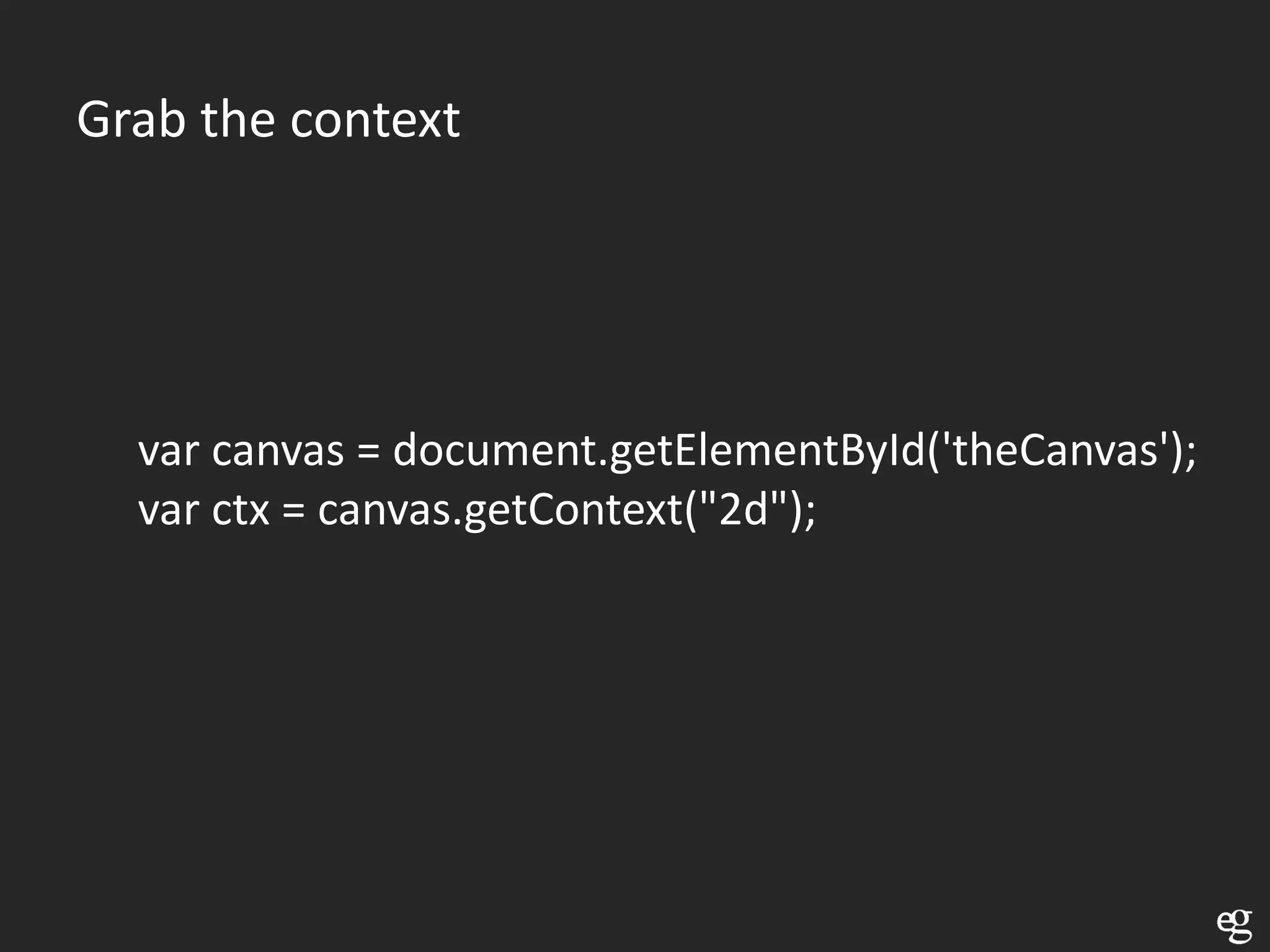
Grab the context


  var canvas = document.getElementById('theCanvas');
  var ctx = canvas.getContext("2d");
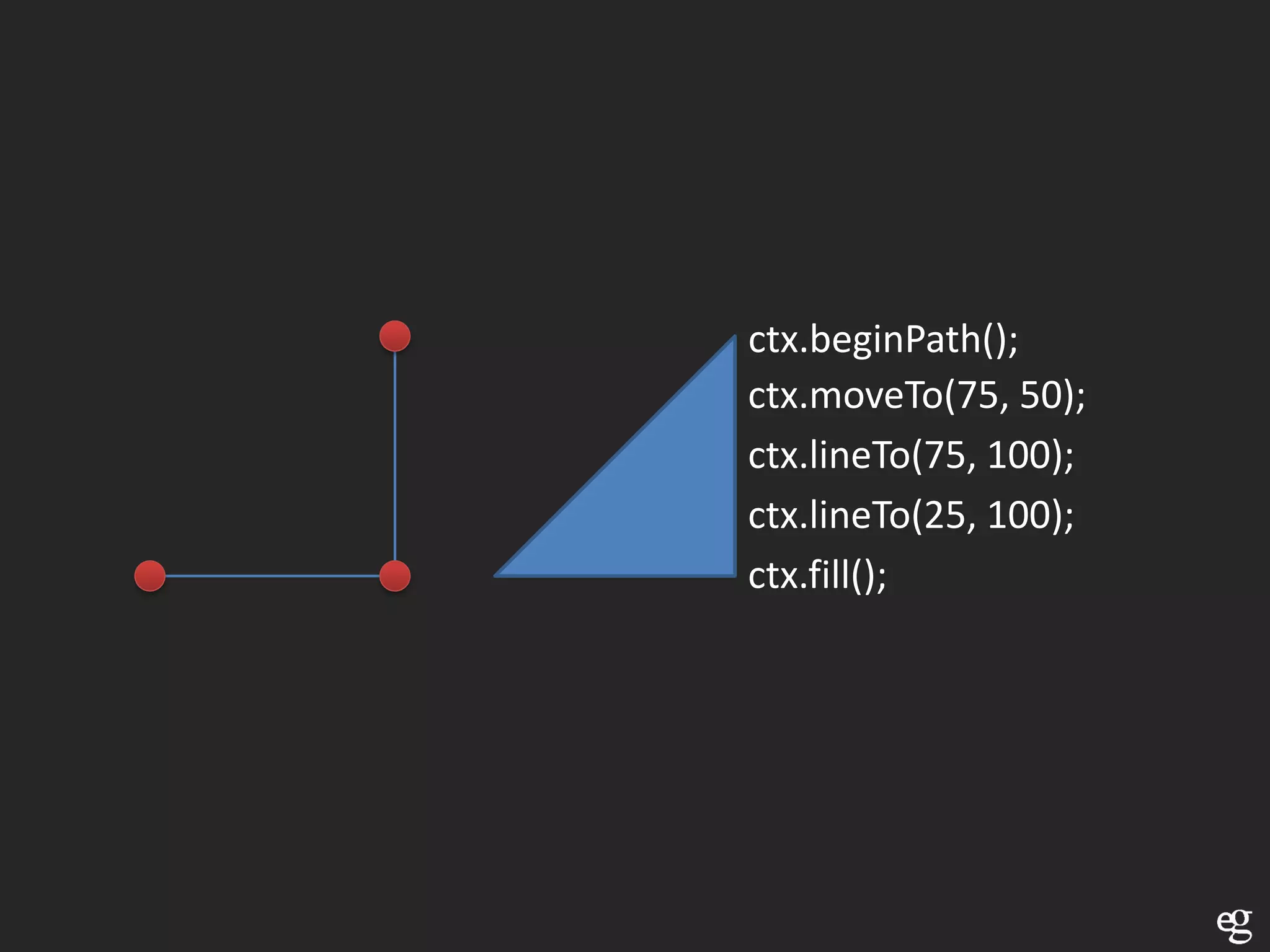
ctx.beginPath();
ctx.moveTo(75, 50);
ctx.lineTo(75, 100);
ctx.lineTo(25, 100);
ctx.fill();
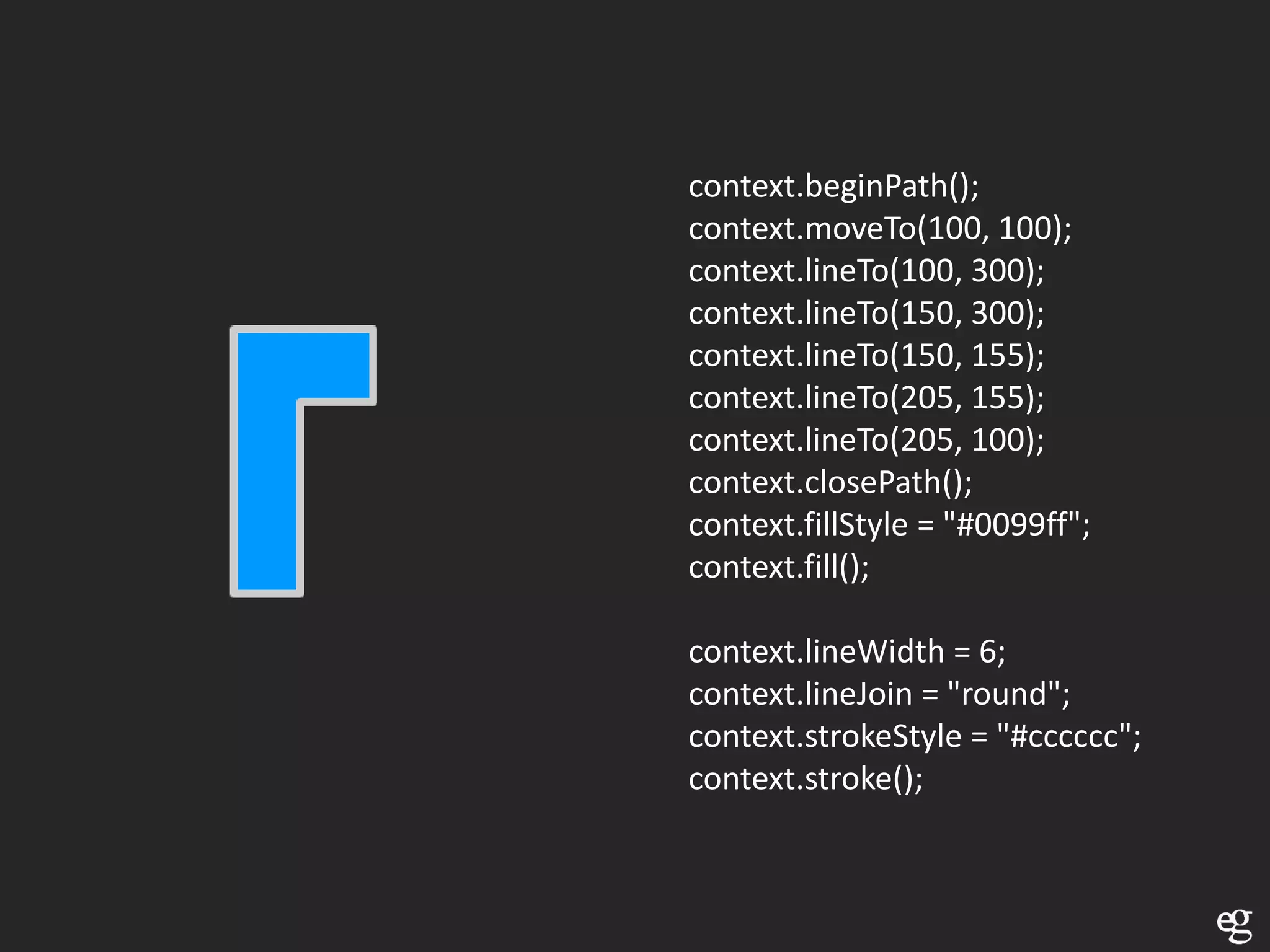
context.beginPath();
context.moveTo(100, 100);
context.lineTo(100, 300);
context.lineTo(150, 300);
context.lineTo(150, 155);
context.lineTo(205, 155);
context.lineTo(205, 100);
context.closePath();
context.fillStyle = "#0099ff";
context.fill();

context.lineWidth = 6;
context.lineJoin = "round";
context.strokeStyle = "#cccccc";
context.stroke();
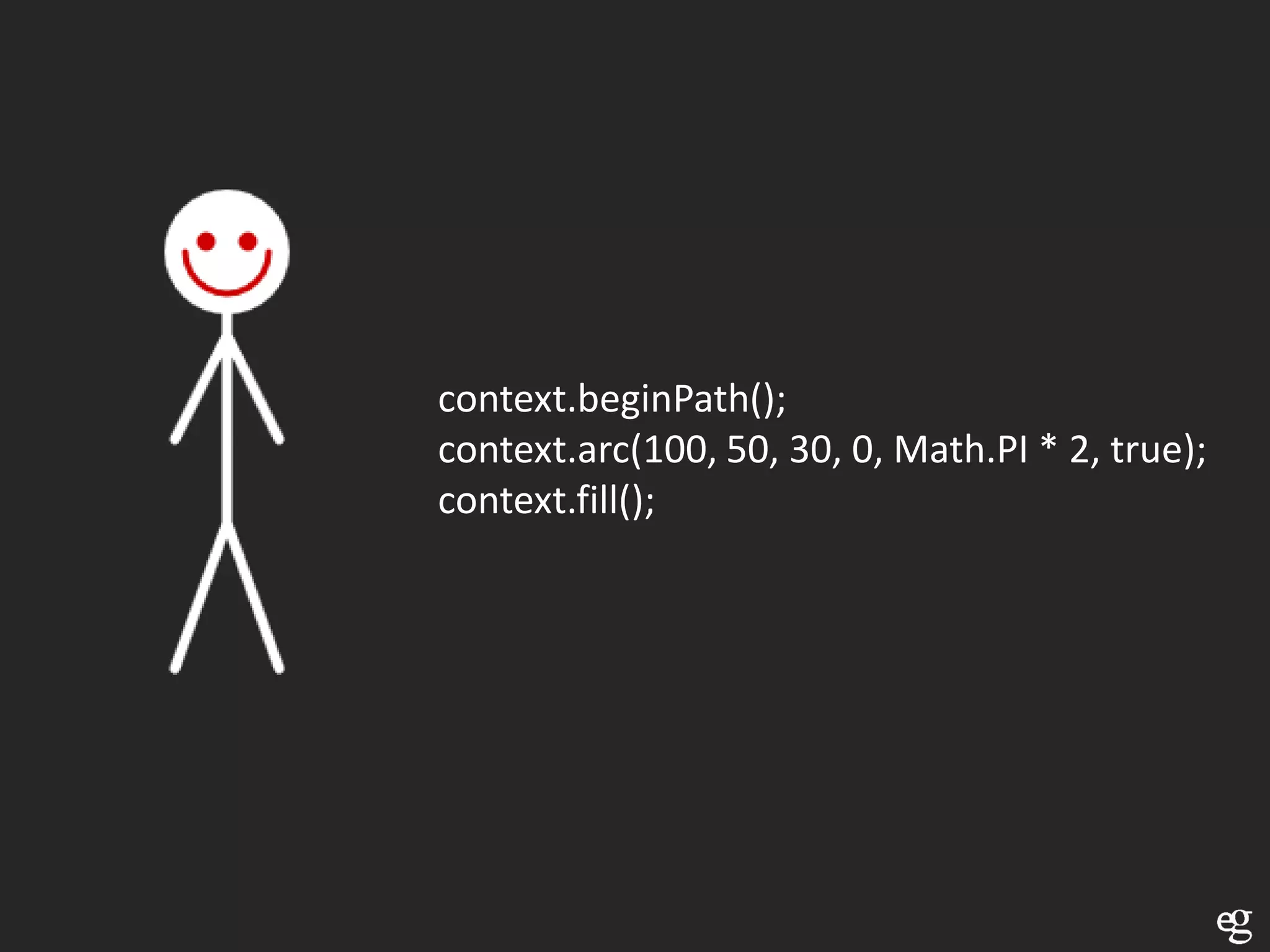
context.beginPath();
context.arc(100, 50, 30, 0, Math.PI * 2, true);
context.fill();
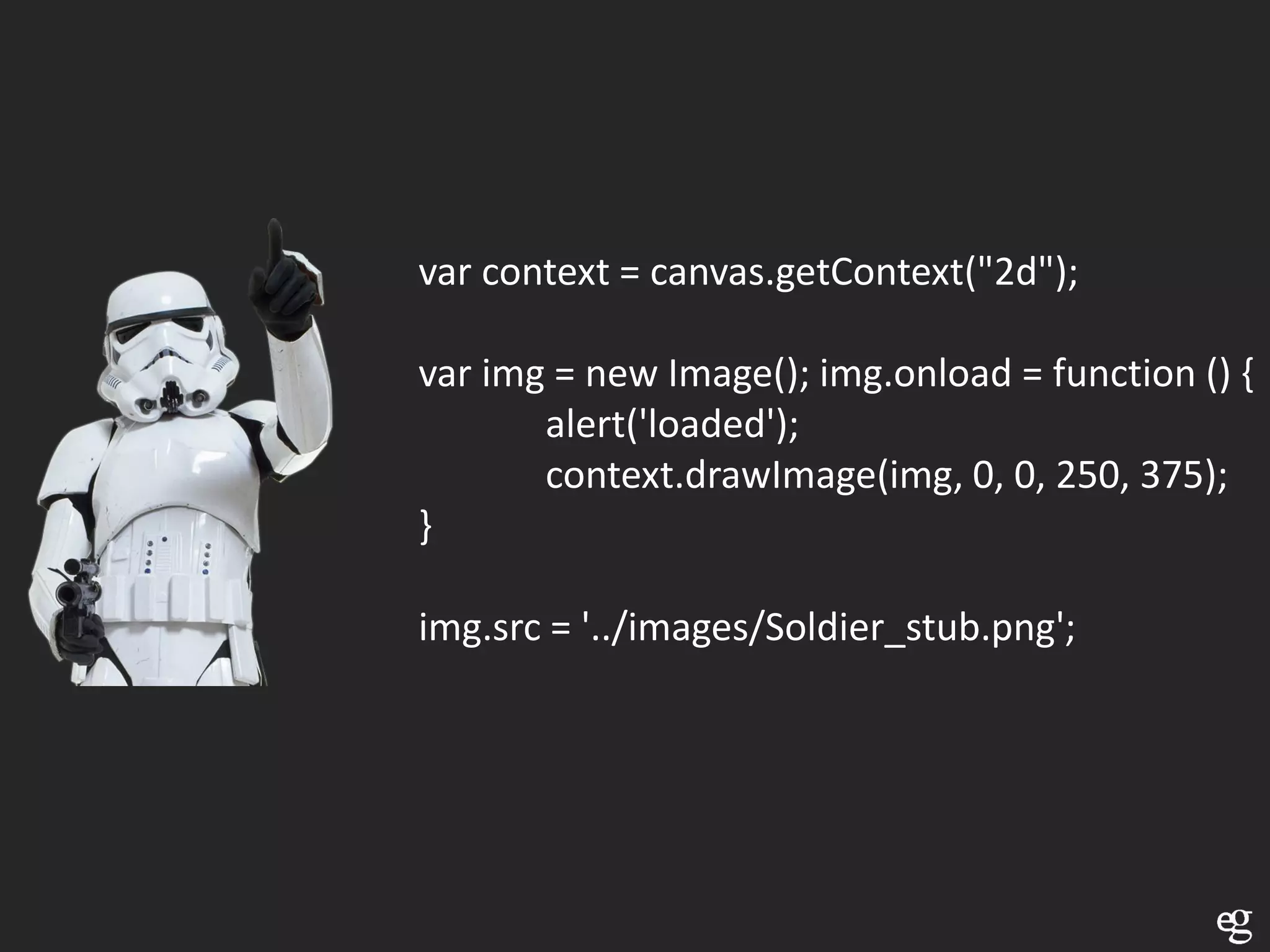
var context = canvas.getContext("2d");

var img = new Image(); img.onload = function () {
       alert('loaded');
       context.drawImage(img, 0, 0, 250, 375);
}

img.src = '../images/Soldier_stub.png';
Lot’s of possibilities


• Transformations
   • setTransform
   • Rotate, scale, skew, pan, …


• Run over Pixels
• Save canvas content
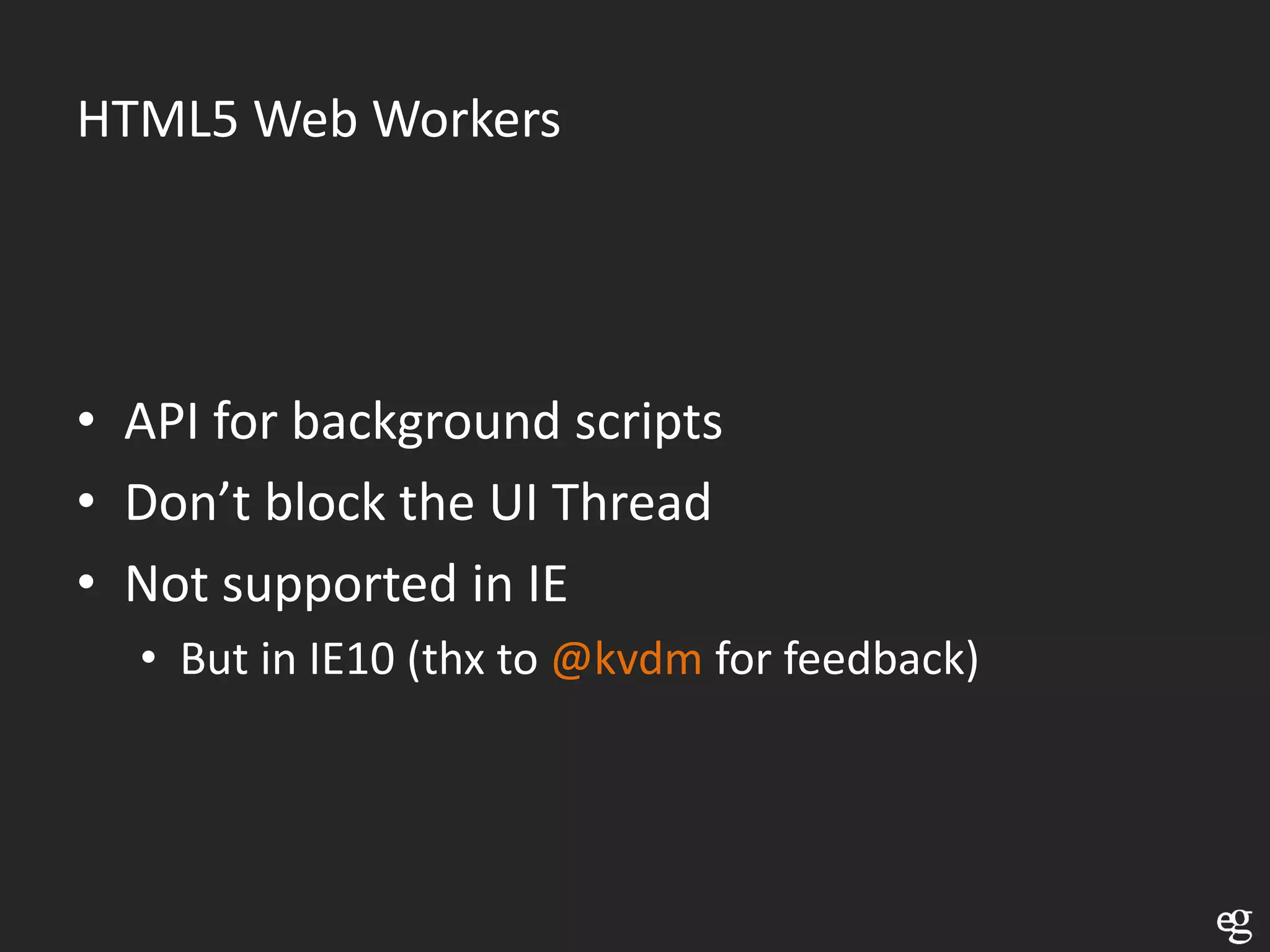
HTML5 Web Workers


• API for background scripts
• Don’t block the UI Thread
• Not supported in IE
  • But in IE10 (thx to @kvdm for feedback)
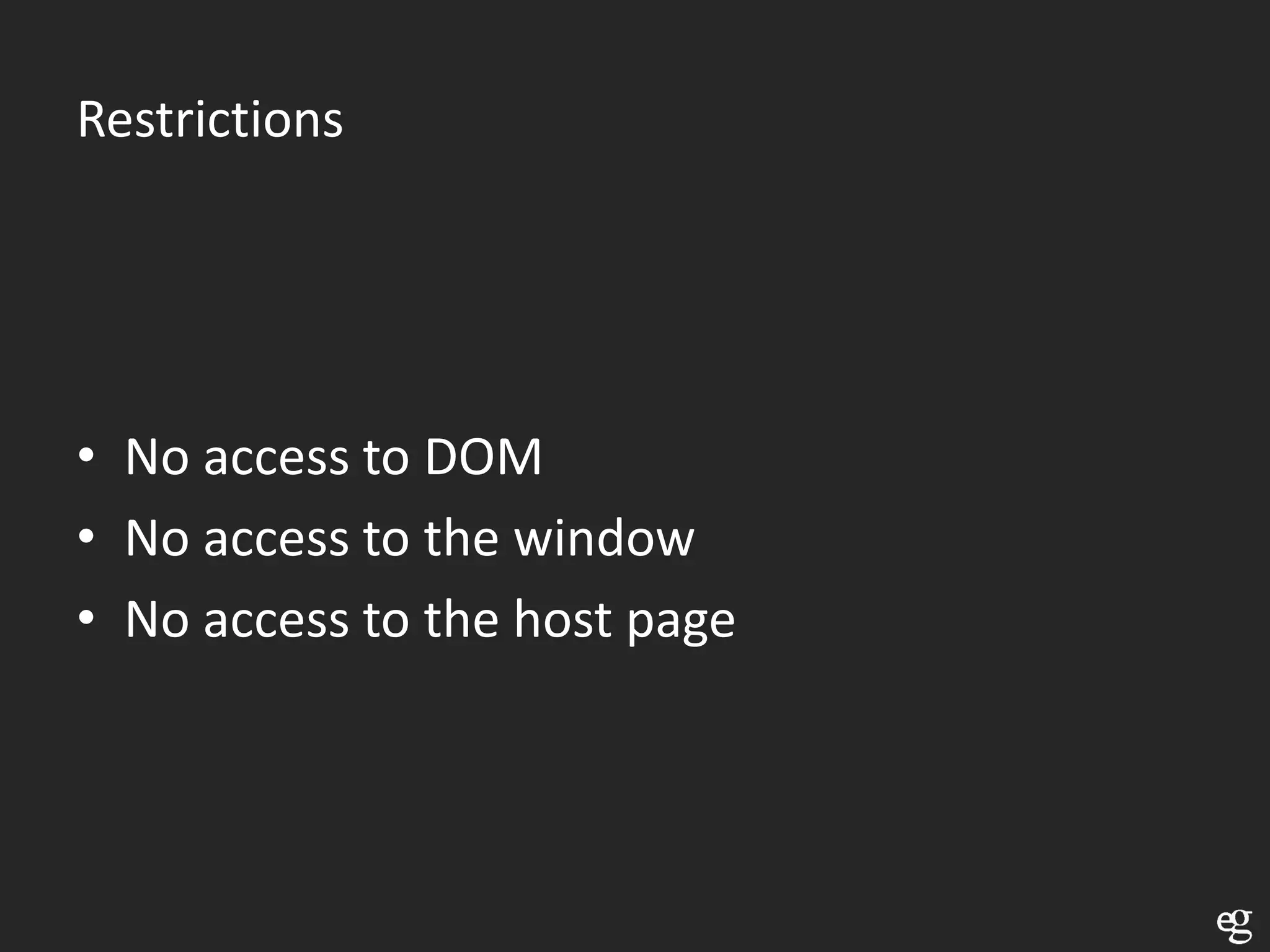
Restrictions


• No access to DOM
• No access to the window
• No access to the host page
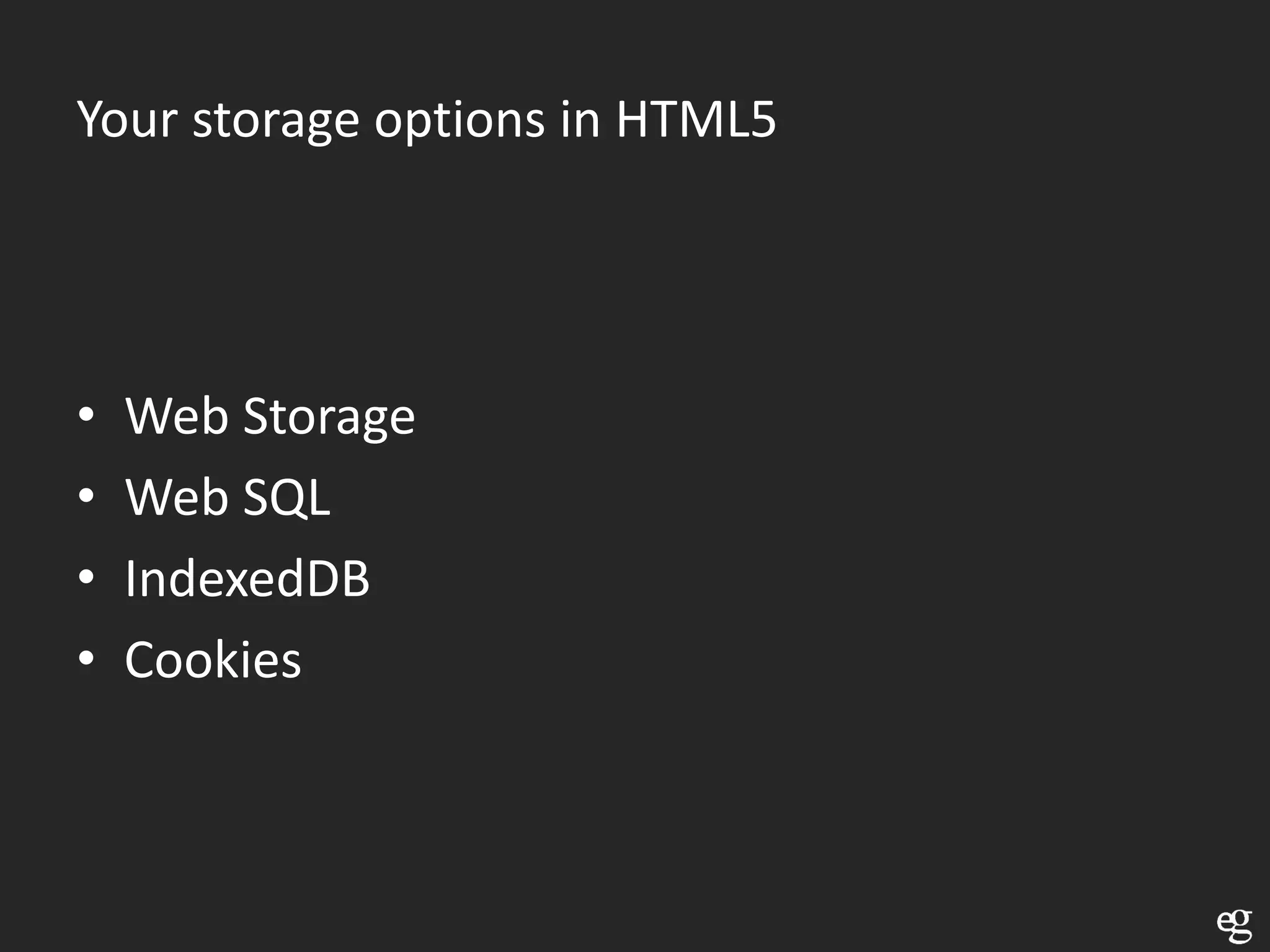
Your storage options in HTML5


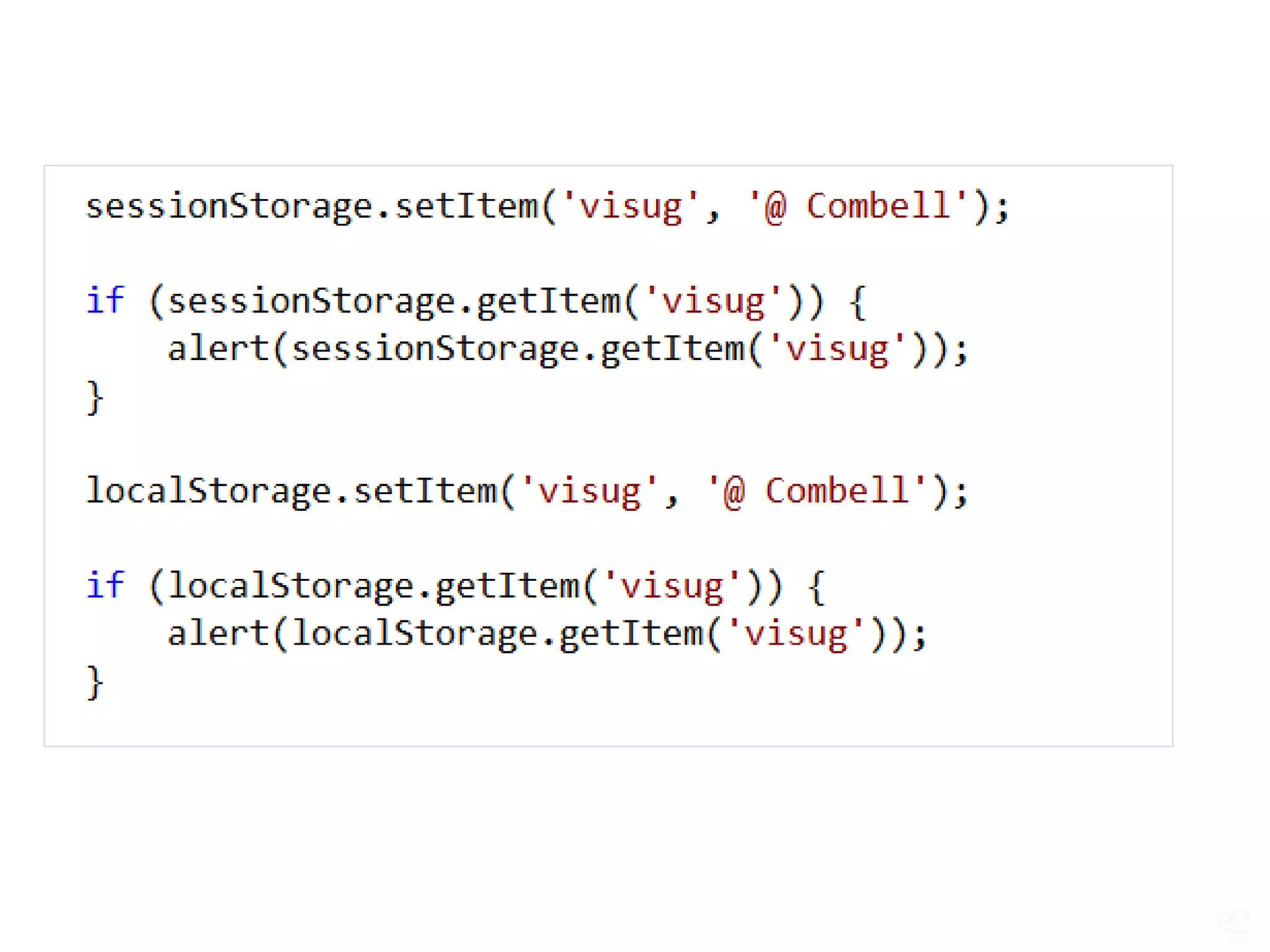
•   Web Storage
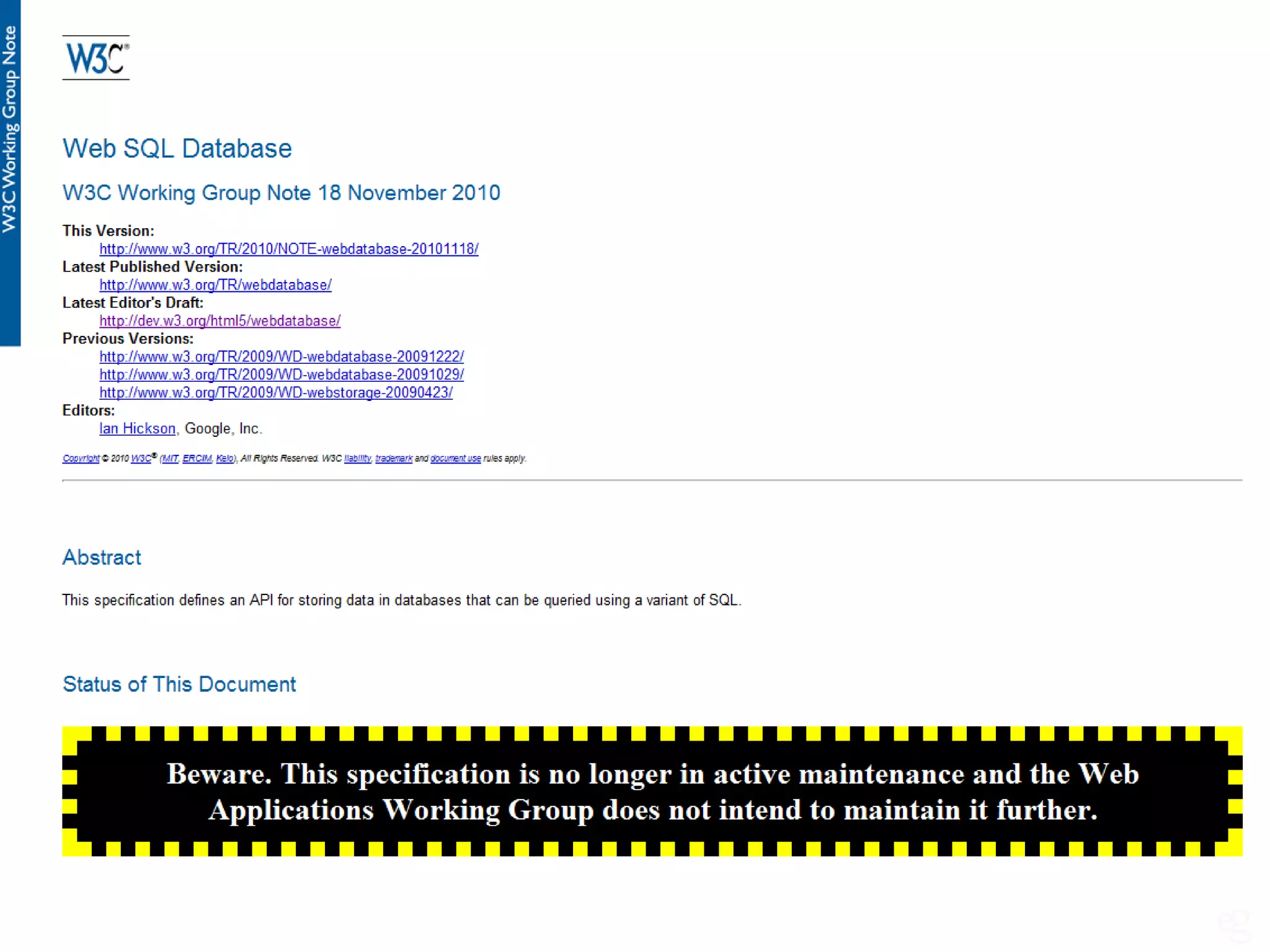
•   Web SQL
•   IndexedDB
•   Cookies
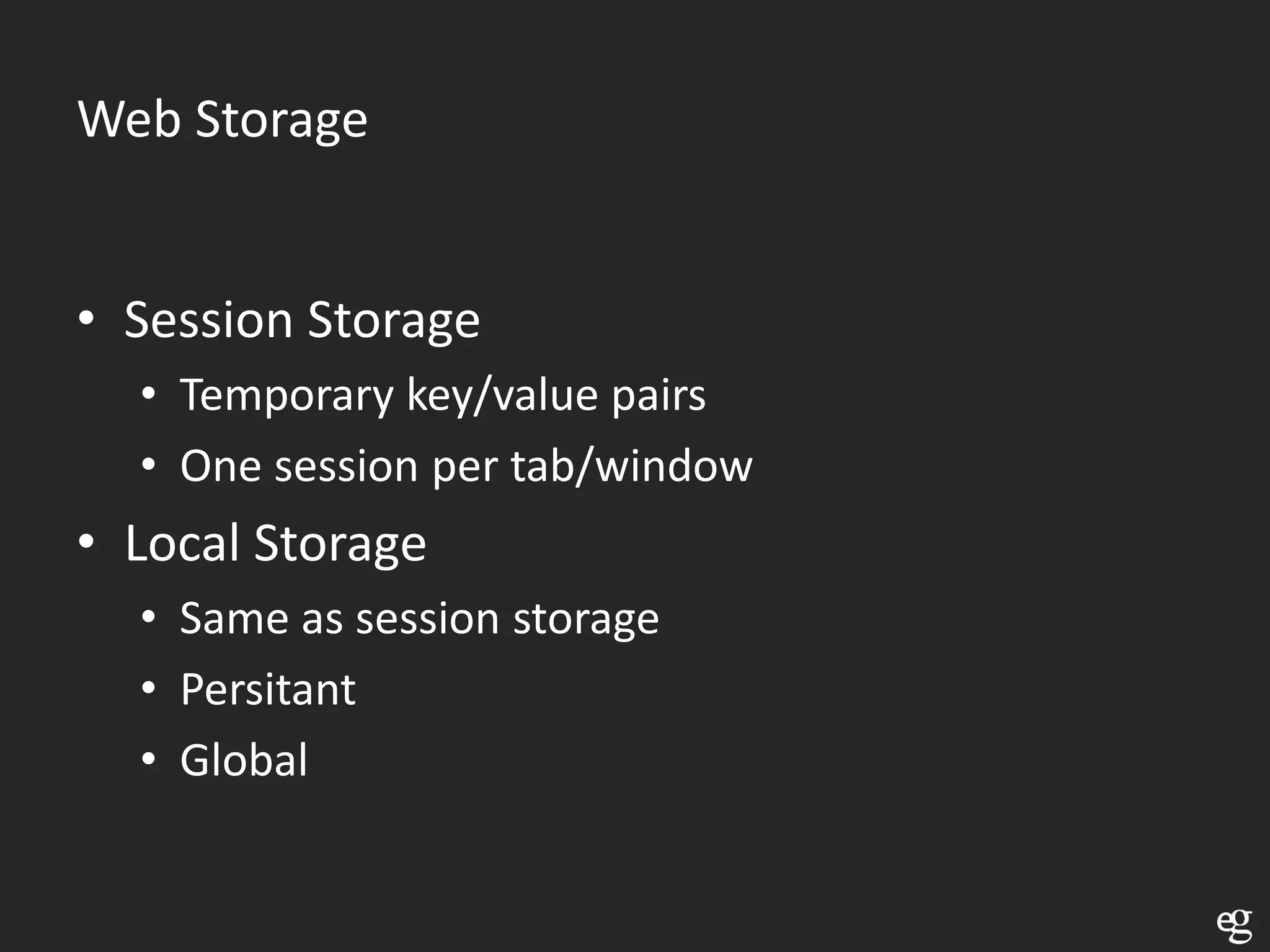
Web Storage


• Session Storage
  • Temporary key/value pairs
  • One session per tab/window
• Local Storage
  • Same as session storage
  • Persitant
  • Global
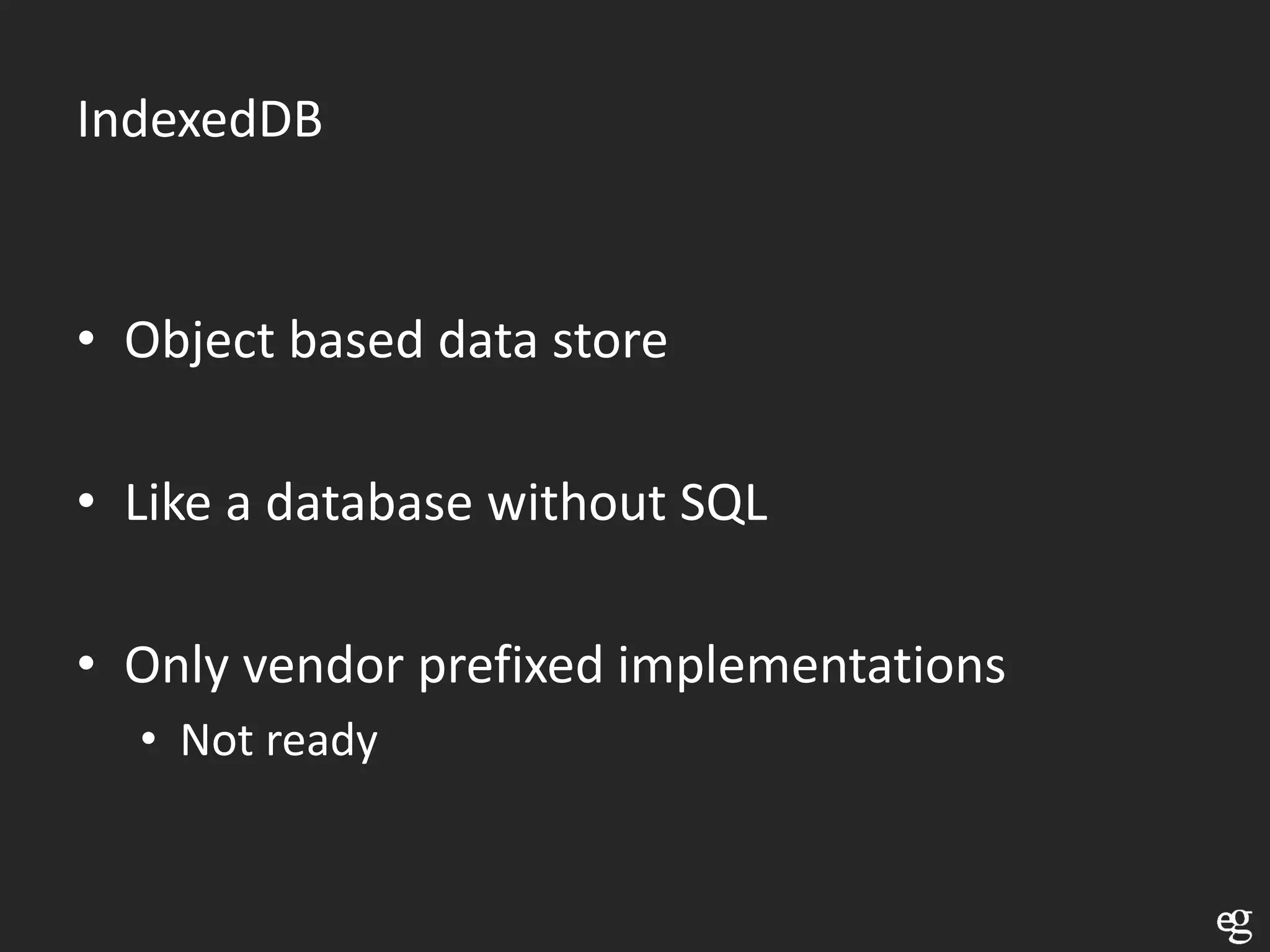
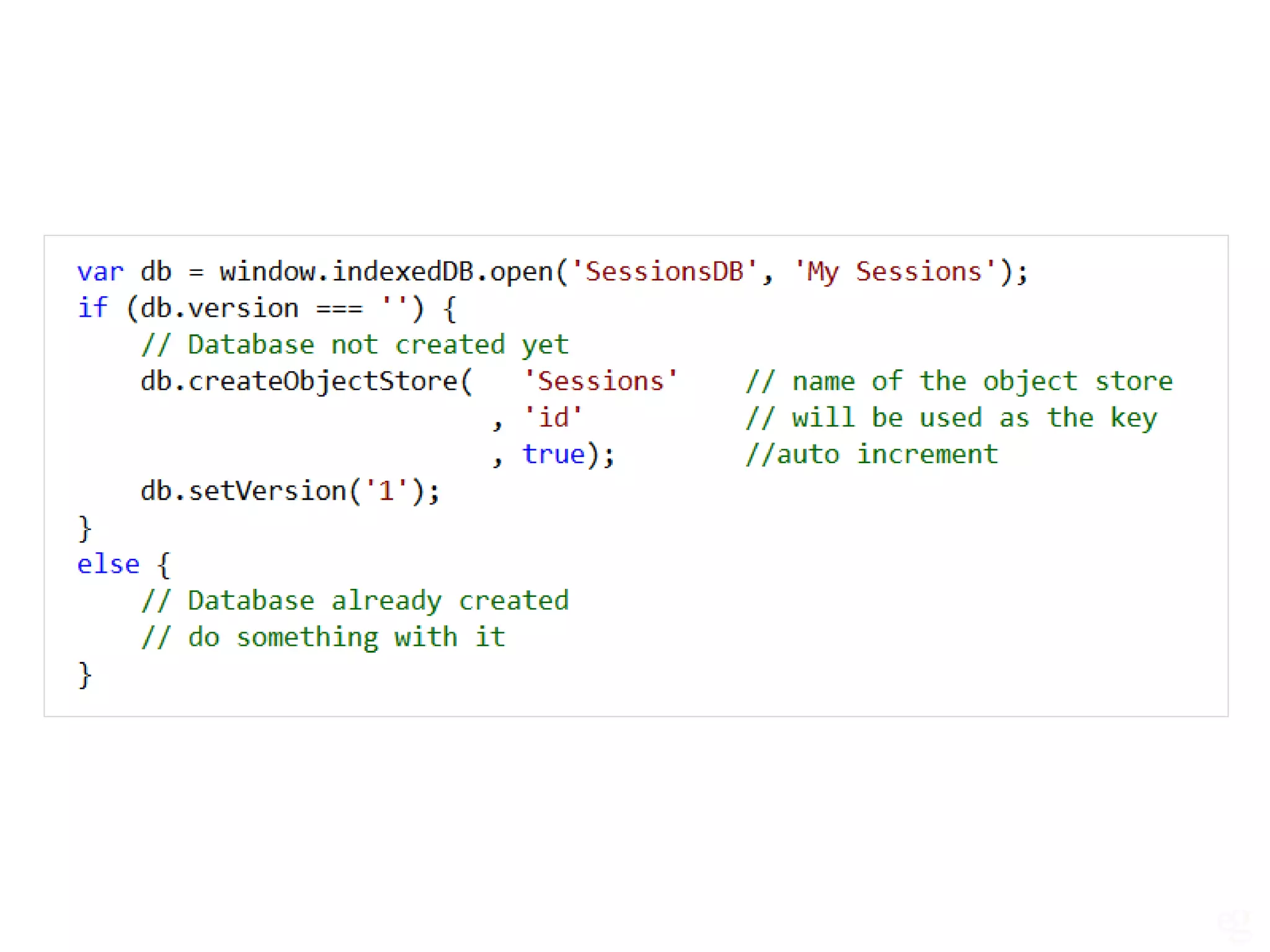
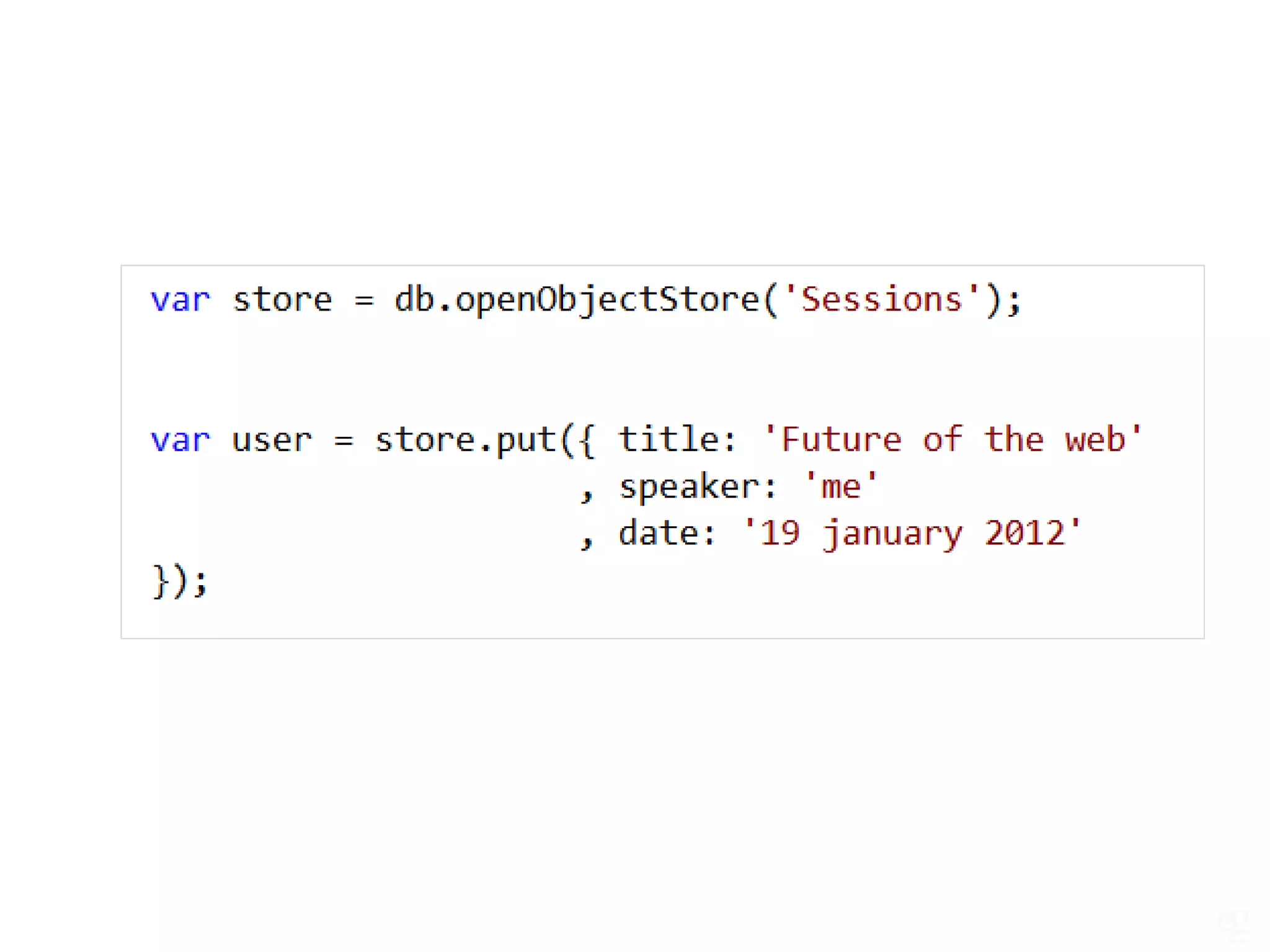
IndexedDB

• Object based data store

• Like a database without SQL

• Only vendor prefixed implementations
  • Not ready
Thank you for listening

Contact me on kevin@e-guidelines.be
Resources
Thank you VISUG
Thank you Combell

What you need to know bout html5