Explore the role of a technical writer, including their daily tasks, essential skills, tools they use, and how they simplify complex information across industries like IT, healthcare, and engineering.
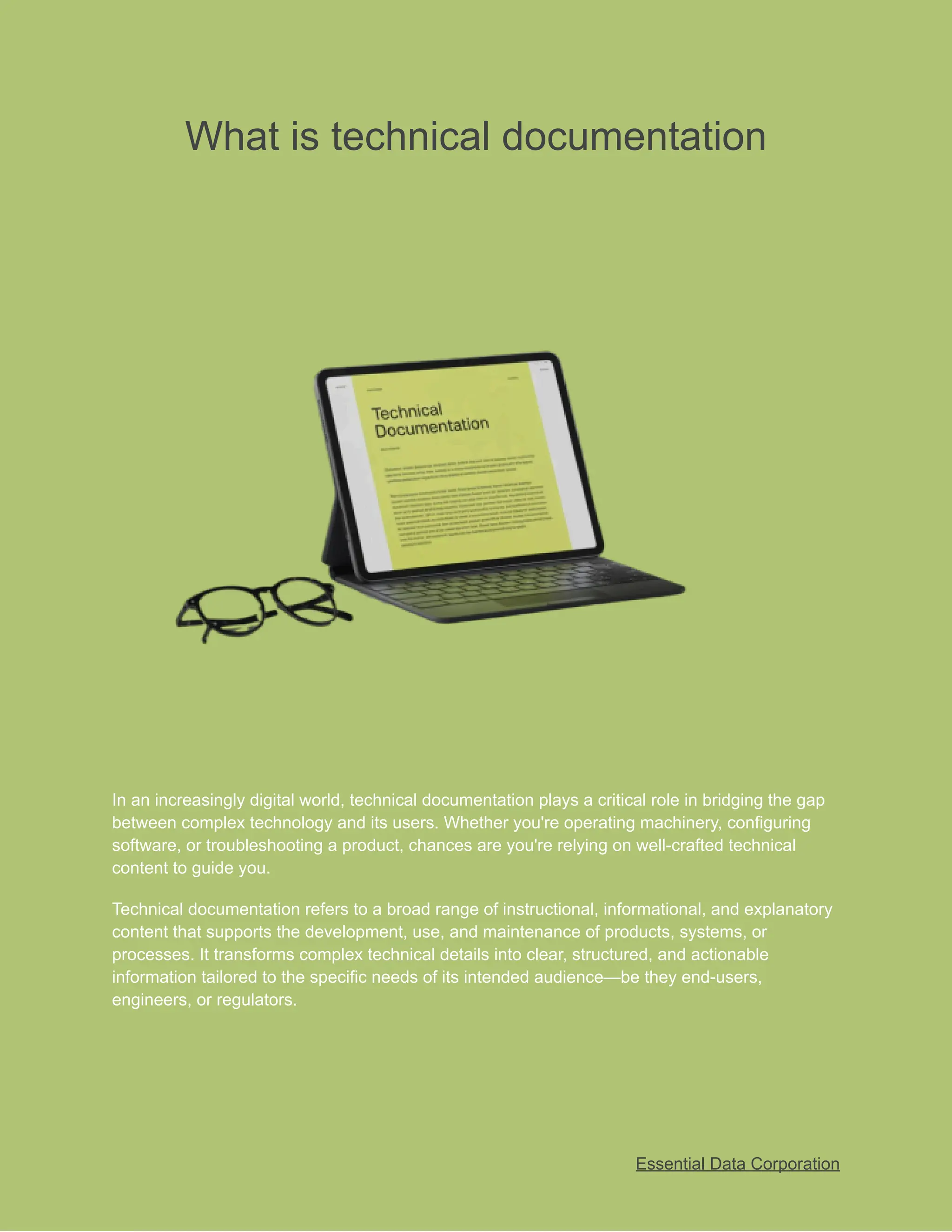
What is technicaldocumentation
In an increasingly digital world, technical documentation plays a critical role in bridging the gap
between complex technology and its users. Whether you're operating machinery, configuring
software, or troubleshooting a product, chances are you're relying on well-crafted technical
content to guide you.
Technical documentation refers to a broad range of instructional, informational, and explanatory
content that supports the development, use, and maintenance of products, systems, or
processes. It transforms complex technical details into clear, structured, and actionable
information tailored to the specific needs of its intended audience—be they end-users,
engineers, or regulators.
Essential Data Corporation
2.
Introduction to TechnicalDocumentation
Technical documentation
is the backbone of product
usability, internal operations, and
knowledge transfer across modern organizations. It encompasses a wide range of structured
materials such as user manuals, standard operating procedures, system guides, and API
references created to explain, instruct, or inform.
Defining Technical Documentation
Purpose and Scope
Technical documentation refers to structured, concise, and clear content that explains the functionality,
design, or usage of a product, system, or process. It bridges the gap between complex technology and its
users by transforming technical details into accessible information for targeted audiences.
Core Characteristics
Technical documentation is defined by its clarity, accuracy, brevity, and structure. Unlike creative writing, it
avoids ambiguity and focuses on delivering actionable information in a standardized format, often using
lists, tables, and visuals for easy comprehension.
Difference from General Writing
Where general writing can be expressive and subjective, technical documentation is factual, objective,
and user-oriented. Its goal is not to entertain but to inform, instruct, and solve problems, often following
strict formatting and compliance guidelines.
Essential Data Corporation
3.
Real-World Examples
Some practicalexamples include software manuals, user guides, installation instructions, API
documentation, standard operating procedures (SOPs), troubleshooting guides, and system architecture
diagrams—used across industries from IT and engineering to healthcare and
aerospace
.
Importance in the Industry
Facilitates Knowledge Sharing
Technical documentation serves as the single source of truth within an organization. It enables teams to
preserve and share institutional knowledge, ensuring that crucial product or process information is not lost
over time or across teams.
Reduces Support Burden
Well-structured documentation empowers users to solve problems independently, dramatically reducing
the need for customer support and repeated queries—freeing up valuable technical and support staff
resources.
Improves Product Usability
Clear instructions, guides, and reference documents enhance the user experience, leading to fewer
errors, better engagement, and increased satisfaction. Good documentation turns a complex product into
a user-friendly solution.
Supports Training and Onboarding
For new employees or users, comprehensive documentation acts as a self-paced learning tool. It
accelerates onboarding, minimizes training costs, and ensures consistency in knowledge transfer across
the organization.
Documentation vs. Communication
Clarity Over Creativity
Unlike marketing or creative writing, technical documentation prioritizes clarity over flair. The objective is
to make information easy to understand, follow, and act upon, without unnecessary embellishment or
ambiguity.
Audience-Centric Writing
Every document must be tailored to its readers—whether they are developers, end-users, or regulators. A
technical writer must evaluate the audience’s expertise and background to determine vocabulary, detail
level, and tone.
Essential Data Corporation
4.
Consistency and Accuracy
Technicaldocumentation must maintain internal consistency in formatting, terminology, and structure.
Accuracy is non-negotiable, as even minor errors can lead to product misuse, safety risks, or legal
consequences.
Tone and Language Style
The tone should be professional, neutral, and instructional. Sentences should be concise, use active
voice where possible, and favor familiar terminology. Maintaining a consistent voice across all
documentation is essential for brand integrity and reader trust.
Essential Data Corporation
5.
Types of TechnicalDocumentation
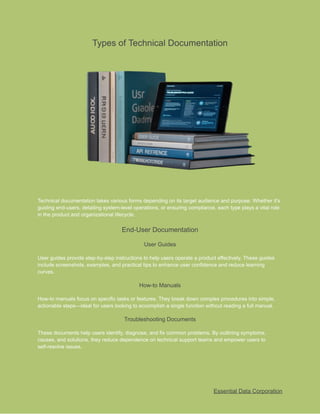
Technical documentation takes various forms depending on its target audience and purpose. Whether it's
guiding end-users, detailing system-level operations, or ensuring compliance, each type plays a vital role
in the product and organizational lifecycle.
End-User Documentation
User Guides
User guides provide step-by-step instructions to help users operate a product effectively. These guides
include screenshots, examples, and practical tips to enhance user confidence and reduce learning
curves.
How-to Manuals
How-to manuals focus on specific tasks or features. They break down complex procedures into simple,
actionable steps—ideal for users looking to accomplish a single function without reading a full manual.
Troubleshooting Documents
These documents help users identify, diagnose, and fix common problems. By outlining symptoms,
causes, and solutions, they reduce dependence on technical support teams and empower users to
self-resolve issues.
Essential Data Corporation
6.
Product FAQs
Frequently AskedQuestions (FAQs) address common queries and concerns. Organized in a simple Q&A
format, FAQs improve usability by offering quick resolutions and eliminating repetitive support inquiries.
System Documentation
Architecture Diagrams
Architecture diagrams visually represent system components, relationships, and data flow. They are
crucial for developers, engineers, and stakeholders to understand the structural layout of complex
systems.
Data Flow Charts
Data flow charts illustrate how data moves through a system. These diagrams help in analyzing
performance, identifying bottlenecks, and documenting process automation logic clearly and efficiently.
Interface Specs
Interface specifications define how software components interact. They include input/output formats,
protocols, dependencies, and response handling, which are essential for developers during integration
and testing.
Configuration Settings
This documentation outlines all configurable parameters of a system. It helps administrators and
engineers customize the environment for performance, security, or functionality, ensuring optimal
deployment.
Process and Compliance Docs
SOPs (Standard Operating Procedures)
SOPs document routine processes and operational steps to ensure consistency, safety, and compliance.
They are especially critical in industries like manufacturing, healthcare, and finance.
Audit and QA Checklists
These checklists ensure that processes meet internal standards and external regulations. Used during
audits or quality control reviews, they maintain accountability and reduce risk of oversight.
Policy Manuals
Policy manuals contain organizational rules, roles, and responsibilities. They provide guidance on
behavior, ethics, and compliance, supporting internal governance and regulatory adherence.
Essential Data Corporation
7.
Regulatory Submissions
Prepared forexternal agencies,
compliance technical
documentation includes licensing applications,
compliance reports, and legal forms. Accuracy and completeness are essential, as these submissions
directly impact operational legality and product approval.
Essential Data Corporation
8.
Purpose and Goalsof Technical Documentation
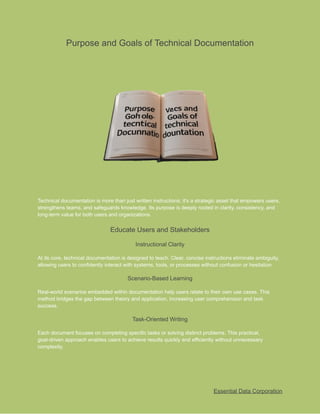
Technical documentation is more than just written instructions; it's a strategic asset that empowers users,
strengthens teams, and safeguards knowledge. Its purpose is deeply rooted in clarity, consistency, and
long-term value for both users and organizations.
Educate Users and Stakeholders
Instructional Clarity
At its core, technical documentation is designed to teach. Clear, concise instructions eliminate ambiguity,
allowing users to confidently interact with systems, tools, or processes without confusion or hesitation.
Scenario-Based Learning
Real-world scenarios embedded within documentation help users relate to their own use cases. This
method bridges the gap between theory and application, increasing user comprehension and task
success.
Task-Oriented Writing
Each document focuses on completing specific tasks or solving distinct problems. This practical,
goal-driven approach enables users to achieve results quickly and efficiently without unnecessary
complexity.
Essential Data Corporation
9.
Self-Service Enablement
Well-crafted documentationempowers users to solve issues independently. By reducing reliance on
support teams, it boosts user confidence and lowers operational costs for the organization.
Ensure Accuracy and Consistency
Version Control
Maintaining accurate documentation requires a robust version control process. It ensures users are
always working with the latest information while retaining historical records of changes.
Review and Feedback Cycles
Collaborative reviews and stakeholder feedback loops help refine content for accuracy, relevance, and
completeness. These cycles are crucial for maintaining high-quality documentation.
Adherence to Style Guides
Consistency in tone, formatting, and structure is achieved by strictly following style guides. This ensures a
professional and uniform reading experience across all documents.
Language Consistency
Using standardized terminology and writing style reduces confusion, especially in multilingual or global
teams. It also enhances clarity and reinforces branding and messaging.
Preserve Organizational Knowledge
Institutional Memory
Documentation serves as a written record of expertise, decisions, and procedures. It ensures that
valuable knowledge doesn't disappear when employees leave or roles change.
Documentation Repositories
Organizing content into centralized, searchable repositories makes it easy for teams to locate, update,
and share essential information across departments.
Centralized Access
A single source of truth improves efficiency, reduces duplication, and enhances transparency. Centralized
access ensures everyone is working from the same, up-to-date documentation.
Knowledge Transfer
Technical documentation supports onboarding, cross-training, and project handovers by providing
consistent, detailed references. It accelerates learning curves and minimizes miscommunication during
transitions.
Essential Data Corporation
10.
Structure and Components
For
technicalwriters
, effective documentation isn’t
just about what you write—how you present it matters
just as much. A strong structure and thoughtful components ensure that information is easily accessible,
scannable, and actionable for the reader.
Essential Elements
Table of Contents
A well-structured Table of Contents provides a roadmap for the reader. It enables quick navigation
through complex documents and ensures users can instantly find the information they need.
Headings and Subheadings
Hierarchical headings break the content into logical sections. They improve flow, guide readers through
the document, and enhance both readability and searchability.
Step-by-Step Instructions
Clear, actionable steps help users perform tasks without ambiguity. Each instruction is purpose-driven
and typically supported with visuals or examples to ensure ease of execution.
Glossaries and Indexes
Glossaries explain technical terms for non-experts, while indexes allow users to search specific keywords
or phrases. Both are critical for user comprehension and document utility.
Essential Data Corporation
11.
Formatting and Layout
Readabilityand Font Use
Choosing legible fonts and maintaining consistent sizes supports better comprehension. Typography
should be professional, clean, and optimized for screen or print readability.
White Space and Alignment
Strategic use of white space improves content flow and reduces visual fatigue. Proper alignment ensures
the document appears clean, organized, and easy to navigate.
Consistent Styling
Maintaining a uniform look across titles, bullet points, numbering, and highlights ensures consistency.
This also reflects professionalism and helps readers form visual patterns.
Color-Coding and Visual Markers
Highlighting critical sections or alerts using color-coding enhances visibility. Icons, borders, and callouts
guide the reader’s attention where it’s most needed.
Visuals and Media
Diagrams and Illustrations
Complex processes or systems are best explained using diagrams. Flowcharts, architecture visuals, and
conceptual illustrations simplify difficult concepts for the reader.
Screenshots
Screenshots demonstrate real software interfaces or tools in action. When paired with annotations, they
offer instant clarity to users unfamiliar with the environment.
Videos and Animations
For dynamic or interactive processes, videos and GIFs offer a step-by-step experience. They increase
engagement and are especially useful in online documentation.
Icons and Labels
Visual symbols help identify functions, steps, warnings, or important tips. They make content scannable
and reduce cognitive load—ideal for fast-moving users.
Essential Data Corporation
12.
Tools Used inCreating Technical Documentation
Technical documentation relies on a variety of specialized tools that enhance writing, collaboration, and
distribution. The choiceTechnical documentation relies on a variety of specialized tools that enhance
writing, collaboration, and distribution. Choosing the right
technical writing tool
can directly influence
the
efficiency, quality, and maintainability of content across the documentation lifecycle.of tools can directly
influence the efficiency, quality, and maintainability of content across the documentation lifecycle.
Writing and Authoring Tools
MadCap Flare
MadCap Flare is a professional-grade authoring tool designed for multi-channel publishing. It enables
modular content reuse, single-sourcing, and advanced formatting—making it ideal for complex enterprise
documentation.
Adobe FrameMaker
Used for large, structured documents, FrameMaker supports rich formatting and long-document
management. It’s especially preferred in engineering and aerospace sectors for its ability to handle
technical content at scale.
Essential Data Corporation
13.
MS Word
Despite beingbasic, Microsoft Word remains popular due to its simplicity, widespread accessibility, and
strong support for templates, styles, and track changes—useful for quick drafts and small projects.
Markdown/Notion
Markdown is a lightweight language perfect for quick, clean documentation—often used in developer
wikis. Tools like Notion bring collaborative editing with visual structuring, perfect for dynamic team
environments.
Collaboration and Review
Confluence
Atlassian’s Confluence is a documentation and collaboration platform used for internal wikis, knowledge
bases, and integration with JIRA. It supports version history, comments, and access controls for smooth
team collaboration.
Google Docs
An accessible and real-time tool for drafting and feedback. Its simultaneous editing, comments, and
suggestions make it a go-to option for teams working remotely or asynchronously.
SharePoint
Ideal for large enterprises, SharePoint acts as both a document repository and collaboration hub. It
manages permissions, versioning, and integrates with other Microsoft tools for streamlined workflow.
Real-time Commenting Tools
Tools like Loom, Slack integrations, or Figma comment threads allow real-time feedback directly on
content, improving review cycles and minimizing revision delays.
Publishing and CMS
GitHub/GitLab Wikis
Popular among development teams, GitHub and GitLab wikis support version-controlled documentation.
They’re ideal for open-source, API, or DevOps-related content management.
Help Authoring Tools
Platforms like RoboHelp, HelpNDoc, and Document360 automate content structuring, indexing, and
publishing—delivering help docs in a user-friendly, searchable format.
Essential Data Corporation
14.
CMS Integrations
Integrating documentationinto content management systems (like WordPress or Drupal) ensures
seamless updates and accessibility, especially when delivering user-facing help portals.
Exporting to PDF/HTML Formats
The ability to publish in multiple formats (PDF, HTML5, WebHelp) is essential for serving different user
needs. Tools like Flare and FrameMaker allow one-click publishing across platforms and formats.
Essential Data Corporation
15.
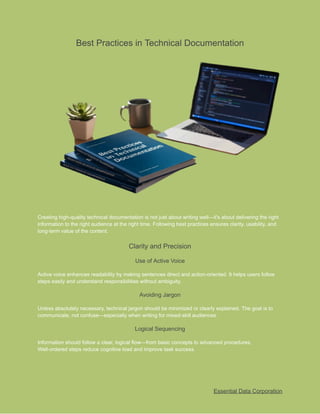
Best Practices inTechnical Documentation
Creating high-quality technical documentation is not just about writing well—it's about delivering the right
information to the right audience at the right time. Following best practices ensures clarity, usability, and
long-term value of the content.
Clarity and Precision
Use of Active Voice
Active voice enhances readability by making sentences direct and action-oriented. It helps users follow
steps easily and understand responsibilities without ambiguity.
Avoiding Jargon
Unless absolutely necessary, technical jargon should be minimized or clearly explained. The goal is to
communicate, not confuse—especially when writing for mixed-skill audiences.
Logical Sequencing
Information should follow a clear, logical flow—from basic concepts to advanced procedures.
Well-ordered steps reduce cognitive load and improve task success.
Essential Data Corporation
16.
Defined Terminology
Using consistent,well-defined terms throughout the documentation avoids contradictions and helps users
familiarize themselves with essential concepts.
Audience-Centered Writing
User Personas
Understanding who your users are helps tailor content tone, complexity, and structure. Creating personas
allows writers to focus on user expectations and behavior.
Role-Based Content
Segmenting documentation by roles (e.g., end-user, admin, developer) ensures that readers quickly find
content that’s relevant to their tasks.
Beginner vs. Advanced
Balancing simplicity and depth means providing easy instructions for beginners while including advanced
options or deep-dives for expert users.
Accessibility Concerns
Documentation must be inclusive—using alt text, readable fonts, screen-reader compatibility, and
avoiding color dependency. Accessibility ensures all users benefit from the content equally.
Feedback and Improvement
Usability Testing
Test documentation like you would test a product. Observing users as they follow instructions reveals pain
points and unclear steps that need refining.
Reader Surveys
Direct feedback from your audience through surveys or rating tools provides actionable insights into
content effectiveness and satisfaction.
Continuous Updates
Technical content should evolve with the product. Setting up review cycles and flagging outdated content
ensures ongoing accuracy and relevance.
Monitoring Usage Metrics
Analytics tools help track which documentation pages are used most, where users drop off, and which
areas need better visibility or restructuring.
Essential Data Corporation
17.
Common Challenges
While technical
documentation
playsa vital role in
product success and user satisfaction, it also comes
with its own set of challenges. From keeping content current to managing team dynamics, technical
writers must navigate a landscape of continuous evolution.
Content Maintenance
Outdated Documentation
As products evolve, documentation can quickly become obsolete. Inaccurate or old content confuses
users and erodes trust in the product.
Multiple Product Versions
Managing documentation for several versions of the same product is complex. It demands careful
tracking, version control, and differentiated instructions.
Poor File Organization
Disorganized file structures and naming conventions can lead to duplicated efforts, misplaced content,
and slow update cycles.
Essential Data Corporation
18.
Lack of Ownership
Withoutclearly assigned responsibilities, documentation tasks fall through the cracks, leading to
inconsistent quality and missing updates.
Cross-Team Collaboration
SME Unavailability
Subject Matter Experts (SMEs) are often too busy or inaccessible, delaying content creation and leaving
knowledge gaps in documentation.
Conflicting Requirements
Input from different teams may clash—marketing wants polish, while engineering wants
precision—making it difficult to maintain a single tone and scope.
Communication Barriers
Jargon, unclear expectations, or siloed teams can create misunderstandings that result in inconsistent or
incorrect documentation.
Last-Minute Changes
Late feature additions or rushed releases often result in insufficient time to document thoroughly,
compromising content quality.
Adapting to Rapid Change
Agile Documentation
In agile environments, documentation must be lean, fast, and iterative. Writers must deliver "just enough"
content at the right time.
Release Cycles
Frequent releases put pressure on writers to update content quickly without sacrificing accuracy, often
under tight deadlines.
Evolving Tools
New documentation platforms, CMS tools, and authoring software require ongoing learning and
adjustment from writers.
Real-Time Updates
With cloud-based and SaaS products, real-time changes are frequent. Writers need systems in place to
push updates instantly and reliably.
Essential Data Corporation
19.
Future of TechnicalDocumentation
As technology evolves, so does the field of technical documentation. No longer limited to static PDFs or
manuals, modern documentation is becoming dynamic, interactive, and deeply integrated into user
experiences. The future of
technical writing
is about
smarter tools, evolving roles, and expanded skill sets
that go beyond just writing.
Trends and Innovations
AI-Assisted Writing
Artificial Intelligence tools like ChatGPT, Grammarly, and others are streamlining the writing process by
helping writers generate drafts, edit for tone and grammar, and even structure documentation.
Interactive Documentation
Modern users expect hands-on engagement. Features like collapsible sections, interactive code samples,
and walkthroughs offer better clarity and real-time user support.
API-Based Docs
With the rise of microservices and developer-first products, auto-generated API documentation that
updates with the codebase is becoming standard practice.
Essential Data Corporation
20.
Embedded Tutorials
Tooltips, contextualhelp, and step-by-step product tours integrated within applications reduce the learning
curve and improve user retention.
Evolving Roles
Content Strategist
Beyond just writing, these professionals plan, manage, and maintain a brand’s content ecosystem across
various platforms and audiences.
UX Writer
Focused on crafting the microcopy users see during interactions—buttons, prompts, notifications—UX
writers enhance usability through language.
Information Architect
These experts structure content for optimal navigation and retrieval, ensuring the right information is
accessible at the right time.
Knowledge Manager
This role oversees how organizational knowledge is captured, stored, and reused across teams, bridging
documentation with broader learning systems.
Skills for the Future
HTML/CSS Basics
A foundational understanding of HTML and CSS allows writers to work more effectively in digital
authoring environments and customize layouts.
API Knowledge
As developer-facing documentation grows,
API technical
knowledge particularly familiarity with RESTful
APIs, JSON, and Swagger/OpenAPI becomes essential. This expertise ensures writers can accurately
document complex integrations and meet the needs of engineering teams.
Tool Flexibility
The future belongs to writers who can adapt quickly—whether it’s switching between Markdown, DITA,
Confluence, or XML-based systems.
Data Visualization
As technical writers support more decision-makers, presenting data through charts, dashboards, and
infographics becomes an increasingly valuable skill.
Essential Data Corporation
21.
FAQs
What is technicaldocumentation?
Technical documentation is structured content that explains how to use, maintain, or understand
a product, system, or process. It translates complex technical concepts into clear, actionable
information tailored to specific audiences like end-users, developers, or regulators.
Why is technical documentation important?
It improves product usability, reduces support costs, accelerates onboarding, ensures
compliance, and preserves organizational knowledge—making it a critical asset for any
business.
Who writes technical documentation?
Technical writers, UX writers, engineers, product managers, and subject matter experts (SMEs)
often collaborate on documentation. In larger organizations, dedicated roles like content
strategists or knowledge managers lead this effort.
What are the different types of technical documentation?
There are three main categories:
●
End-user documentation (e.g., user guides, FAQs)
●
System documentation (e.g., architecture diagrams, interface specs)
●
Process and compliance documentation (e.g., SOPs, regulatory submissions)
How do I start writing technical documentation?
Begin by:
1.
Identifying your audience
2.
Gathering requirements from stakeholders/SMEs
3.
Outlining the structure
4.
Writing clearly and concisely
5.
Reviewing, testing, and publishing using the appropriate tools
What tools are used for creating technical documentation?
Common tools include MadCap Flare, Adobe FrameMaker, MS Word, Confluence, GitHub
Wikis, Markdown editors, and collaborative platforms like Google Docs.
Essential Data Corporation
22.
How is technicaldocumentation different from general writing?
Technical writing is factual, objective, and instructional. It avoids creativity in favor of precision,
using structured formats and standardized language to ensure clarity and usability.
How often should technical documentation be updated?
Documentation should be updated continuously especially in agile environments. Regular
review cycles, version control, and stakeholder feedback help keep content accurate and
relevant.
Conclusion
Technical documentation is far more than a support resource; it's a foundational pillar of
successful product development, user adoption, and knowledge continuity. In today’s
fast-paced, technology-driven world, clear and effective documentation empowers users,
reduces operational inefficiencies, and scales with the organization.
As industries evolve, so must documentation strategies. Innovations like AI, embedded tutorials,
and interactive formats are redefining how information is delivered and consumed. Likewise, the
roles and skills required of technical writers are expanding making adaptability, technical
fluency, and collaboration essential traits for success.
Essential Data Corporation
23.
Read more about:
Thetechnical writing process
Types of Technical Writing
Technical Writing: How To Start
Technical Writing 101: Definition, Examples, and How to Become One
Technical writing
What is Technical Writing? Tips and How to Get Started
Essential Data Corporation:
Free Consultation
Phone:
(800) 221-0093
Address: 4 Research Drive Shelton, Connecticut 06484
Email:
sales@edc.us
Essential Data Corporation