UNIT – 2
CLIENT - SIDE TECHNOLOGY
Style Sheets: CSS - Introduction to Cascading Style Sheets - Syntax and
semantics for CSS- Link - Integration of Style Sheets and HTML – CSS
Inheritance, Cascade and Specificity – Border Properties-Box Model Normal
Flow Box Layout- CSS3.0. Client-Side Scripting Technique: An Introduction
to JavaScript Language - JavaScript in Perspective -Syntax - Variables and
Data Types - Conditional and Loops – Events – Functions - Building a Sample
Form.
What is a CSS?
CSS stands for Cascading Style Sheets
CSS describes how HTML elements are to be displayed on screen,
paper, or in other media
CSS saves a lot of work. It can control the layout of multiple web
pages all at once
External stylesheets are stored in CSS files
Why Use CSS?
CSS is used to define styles for your web pages, including the
design, layout and variations in display for different devices and
screen sizes.
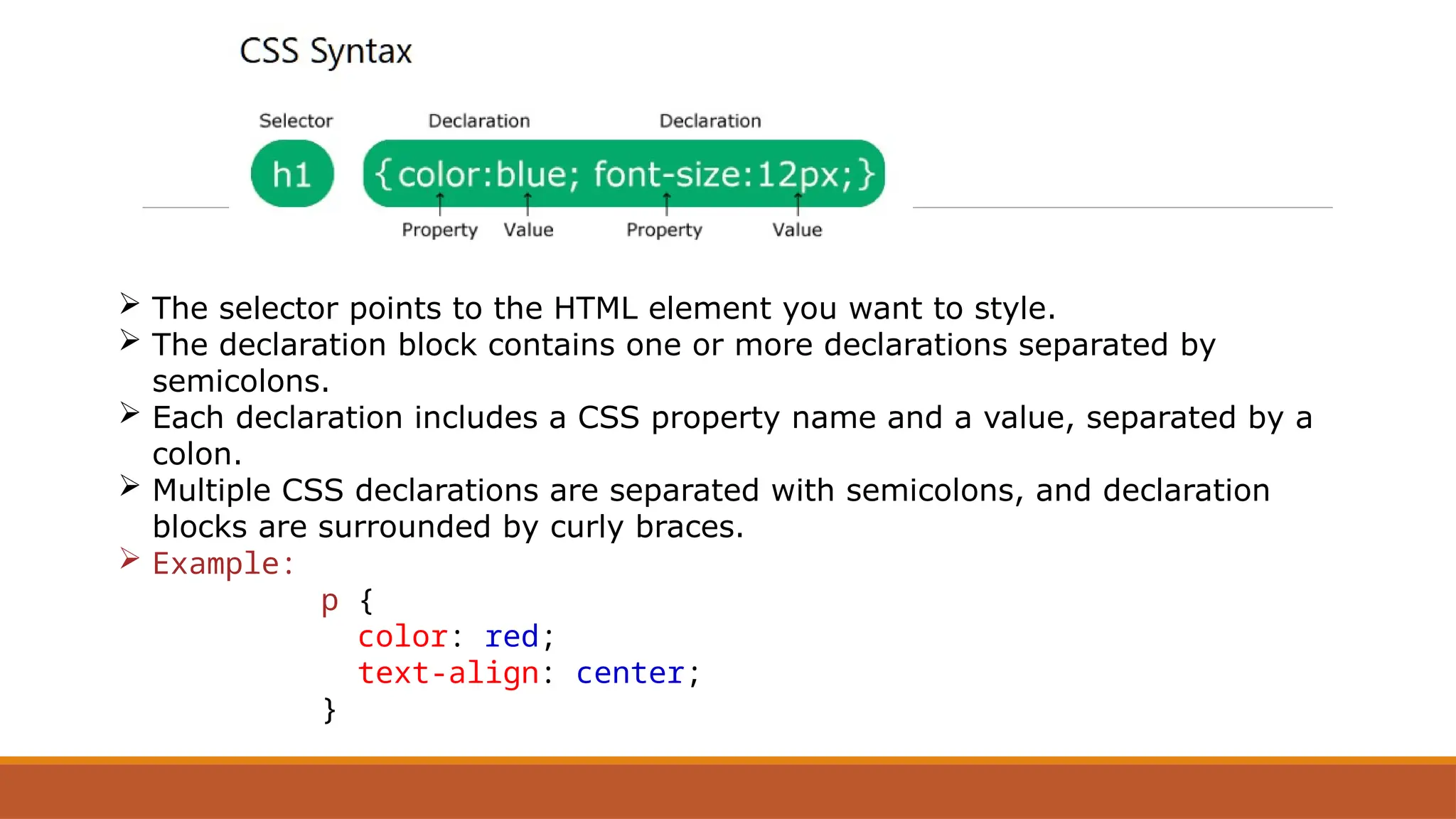
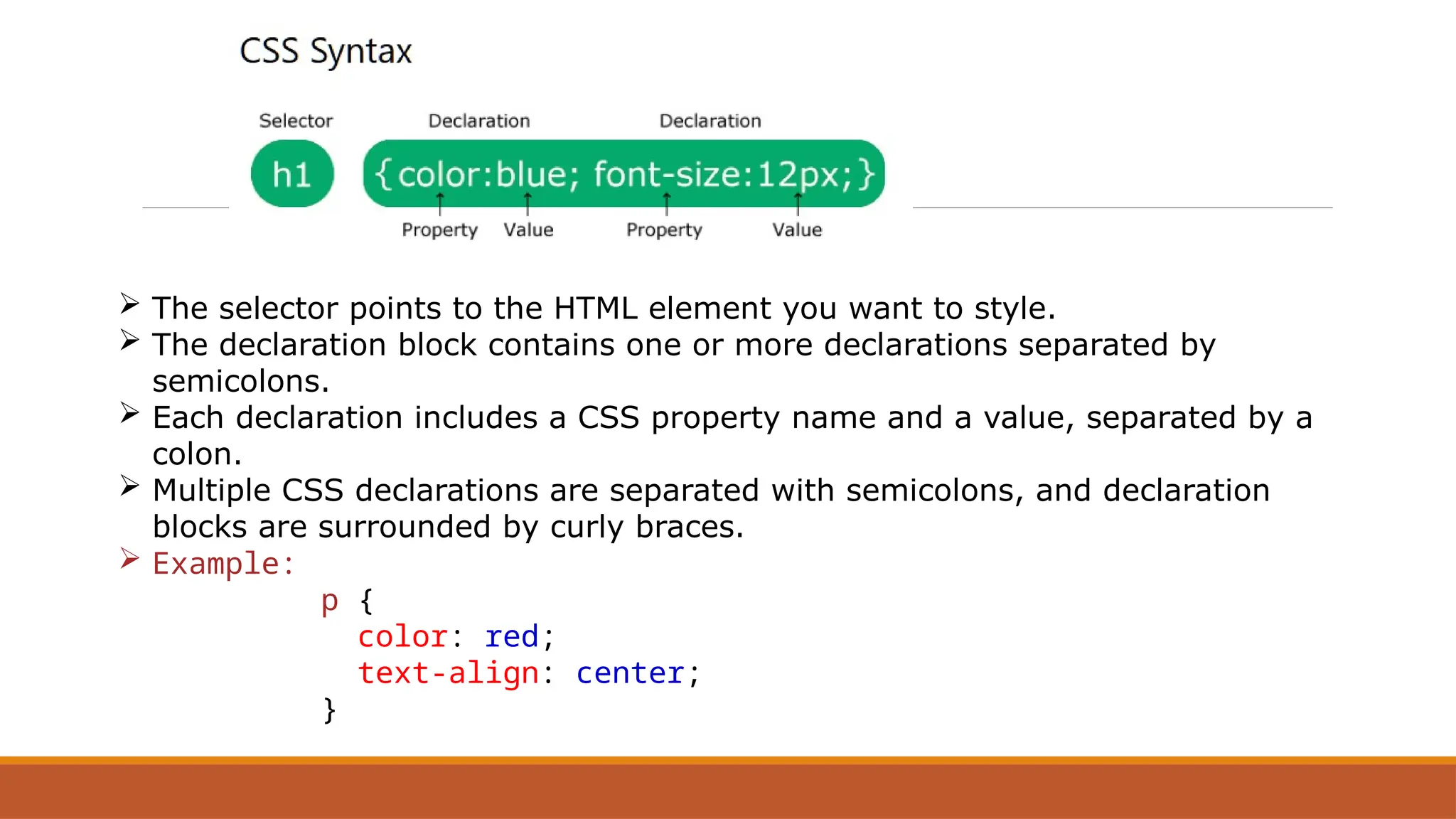
 The selector points to the HTML element you want to style.
 The declaration block contains one or more declarations separated by
semicolons.
 Each declaration includes a CSS property name and a value, separated by a
colon.
 Multiple CSS declarations are separated with semicolons, and declaration
blocks are surrounded by curly braces.
 Example:
p {
color: red;
text-align: center;
}
CSS Features
1. Changing Text Color
2. Cascading in CSS
3. Background Color
4. Centering Text
5. Adding Padding
6. Hover Effects
7. Font Weight
9. Font Size
JAVA SCRIPT
JavaScript is one of the 3 languages all web developers must learn:
1. HTML to define the content of web pages
2. CSS to specify the layout of web pages
3. JavaScript to program the behavior of web pages
What is JavaScript?
JavaScript is the programming language of the web.
It can update and change both HTML and CSS.
It can calculate, manipulate and validate data.
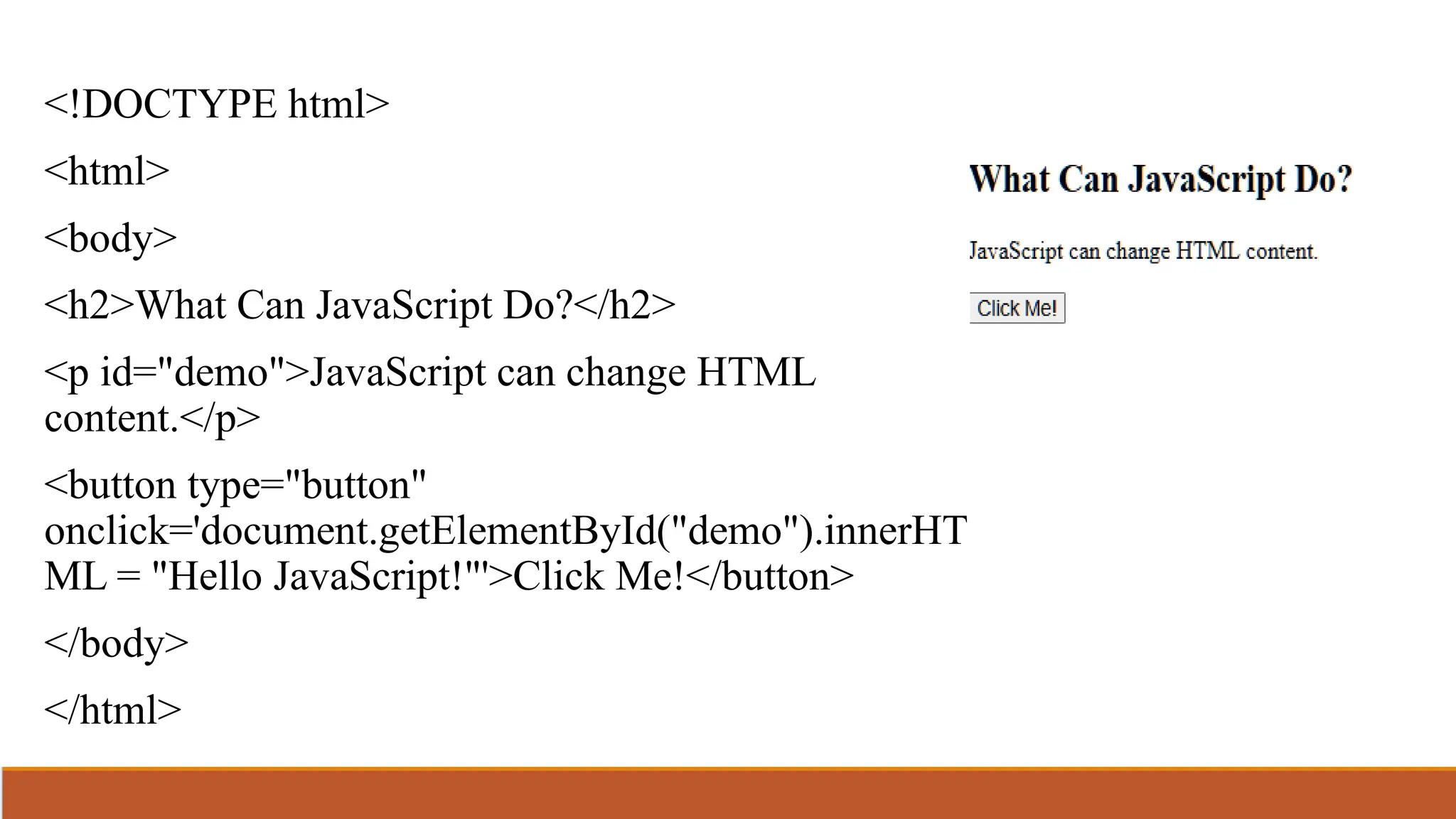
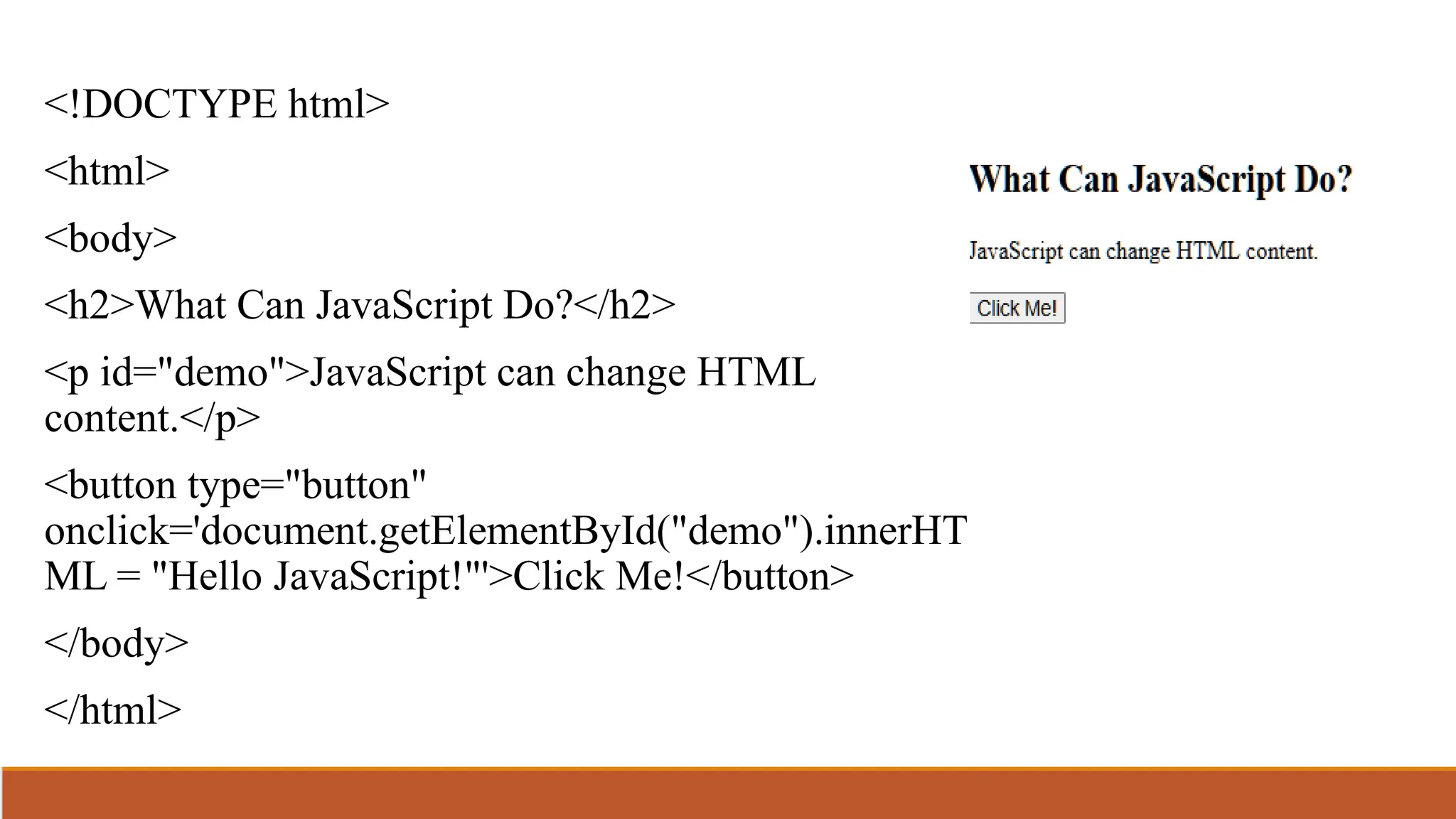
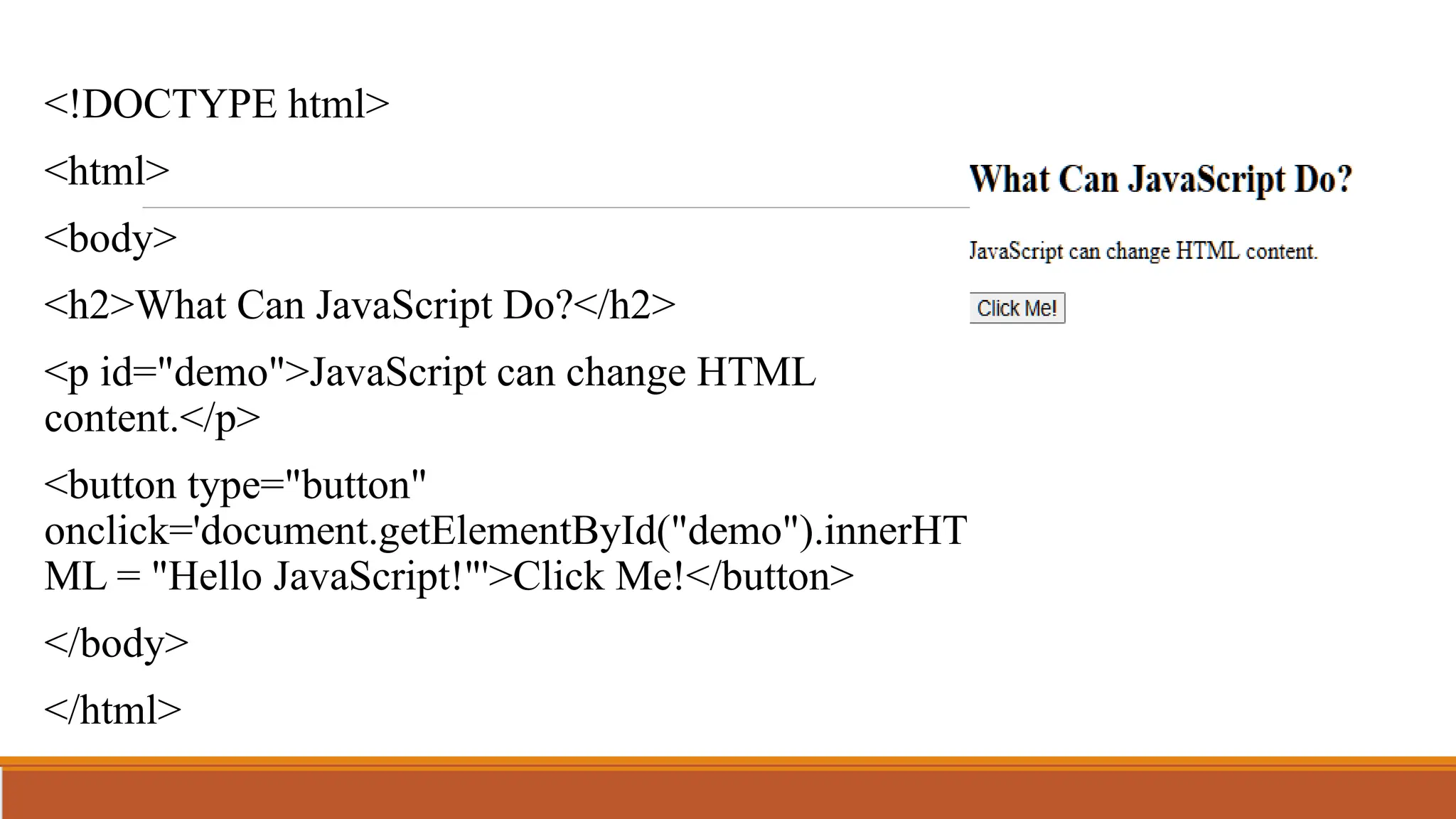
<!DOCTYPE html>
<html>
<body>
<h2>What Can JavaScript Do?</h2>
<p id="demo">JavaScript can change HTML
content.</p>
<button type="button"
onclick='document.getElementById("demo").innerHT
ML = "Hello JavaScript!"'>Click Me!</button>
</body>
</html>
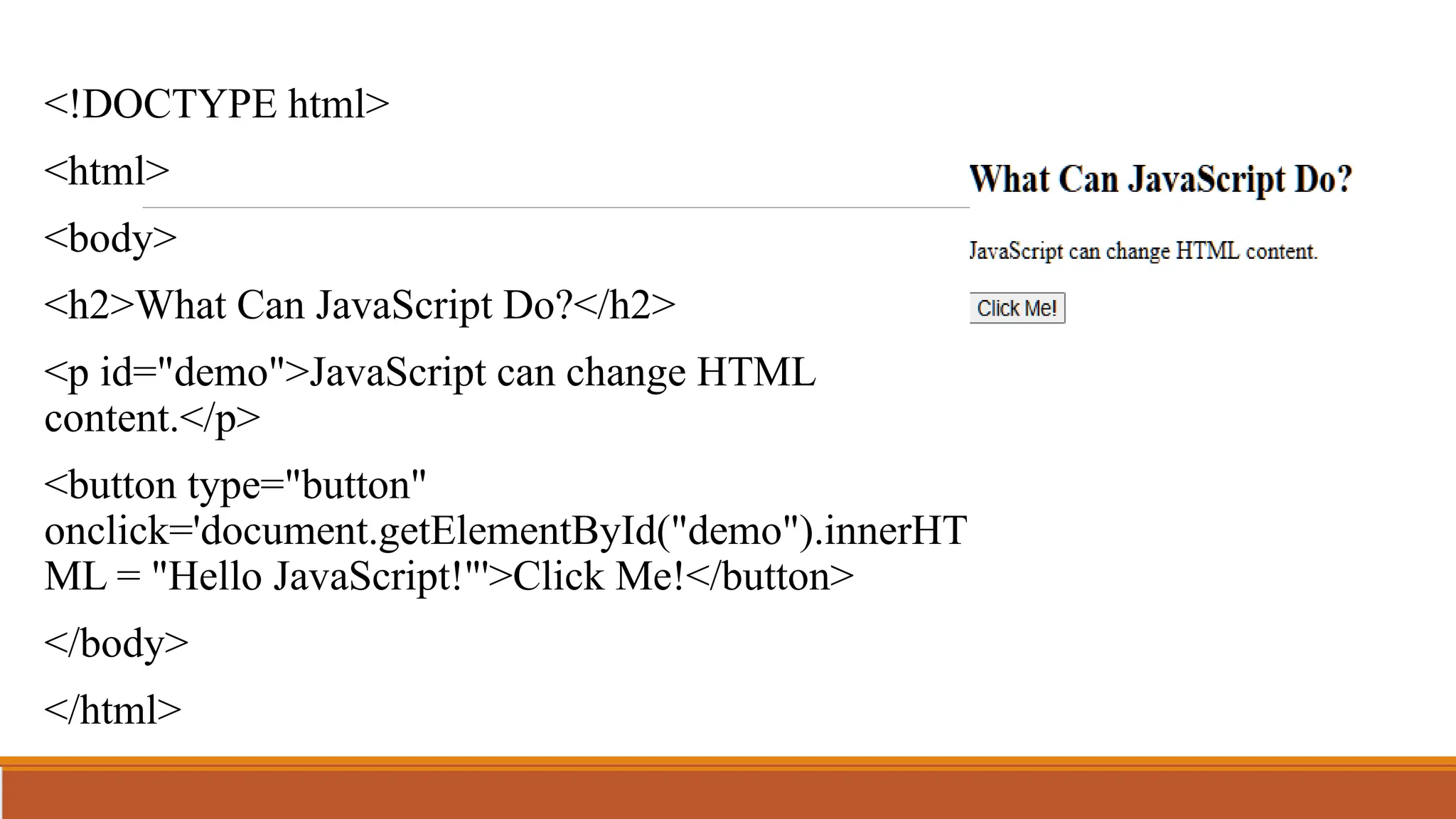
<!DOCTYPE html>
<html>
<body>
<h2>What Can JavaScript Do?</h2>
<p id="demo">JavaScript can change HTML
content.</p>
<button type="button"
onclick='document.getElementById("demo").innerHT
ML = "Hello JavaScript!"'>Click Me!</button>
</body>
</html>
JavaScript Variables
JavaScript Variables can be declared in 4 ways:
• Automatically
• Using var
• Using let
• Using const
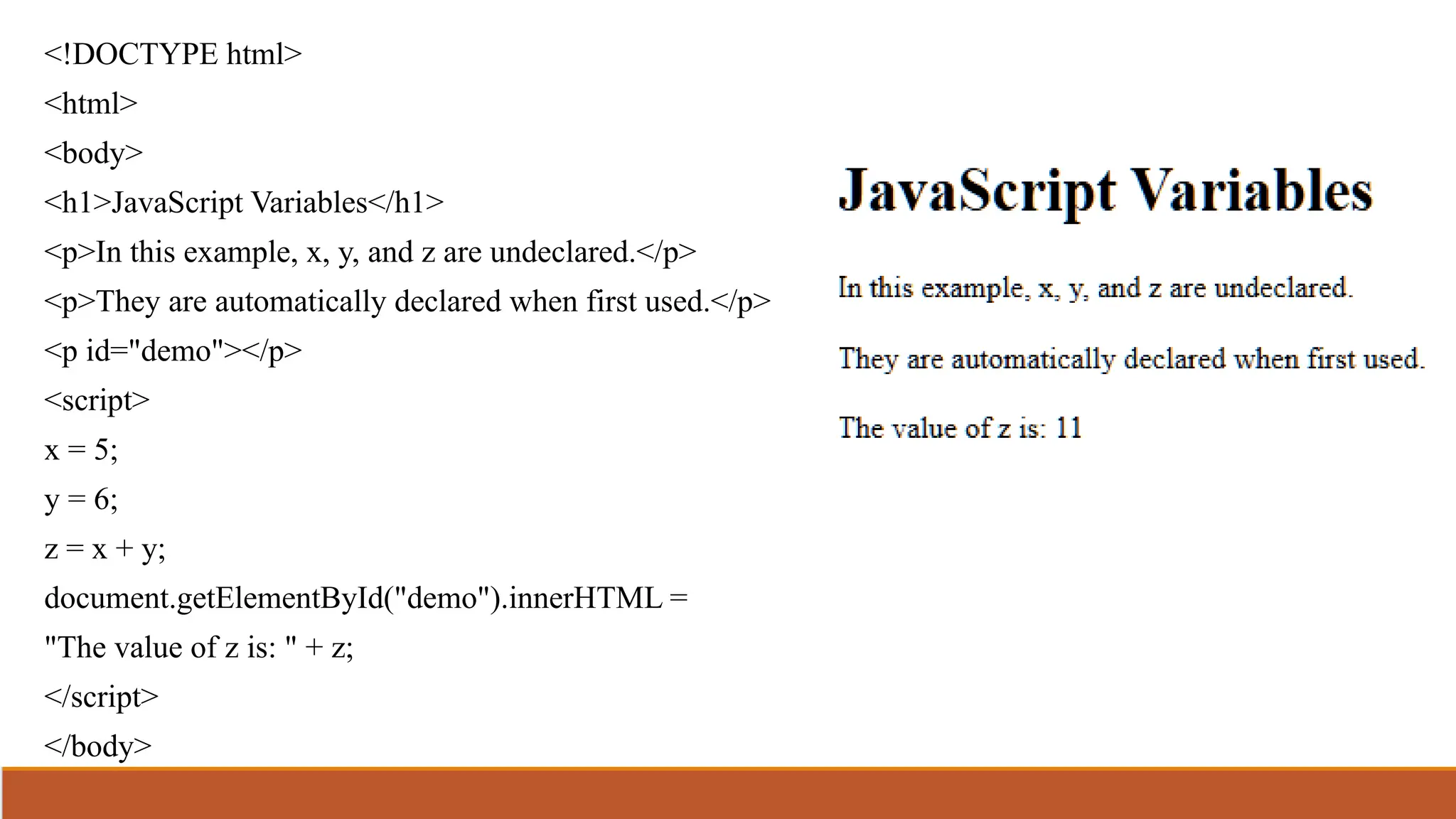
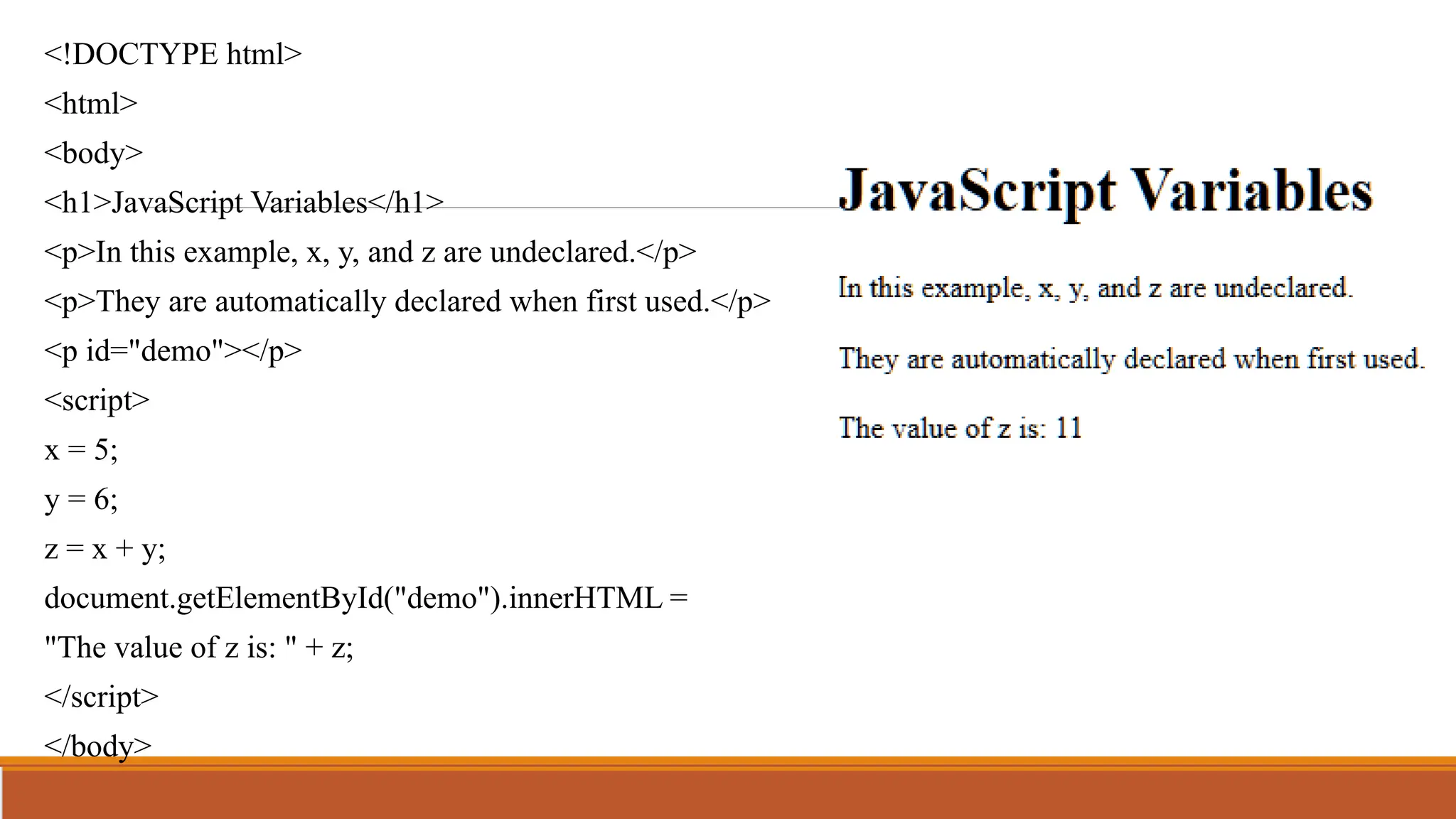
<!DOCTYPE html>
<html>
<body>
<h1>JavaScript Variables</h1>
<p>In this example, x, y, and z are undeclared.</p>
<p>They are automatically declared when first used.</p>
<p id="demo"></p>
<script>
x = 5;
y = 6;
z = x + y;
document.getElementById("demo").innerHTML =
"The value of z is: " + z;
</script>
</body>
</html>
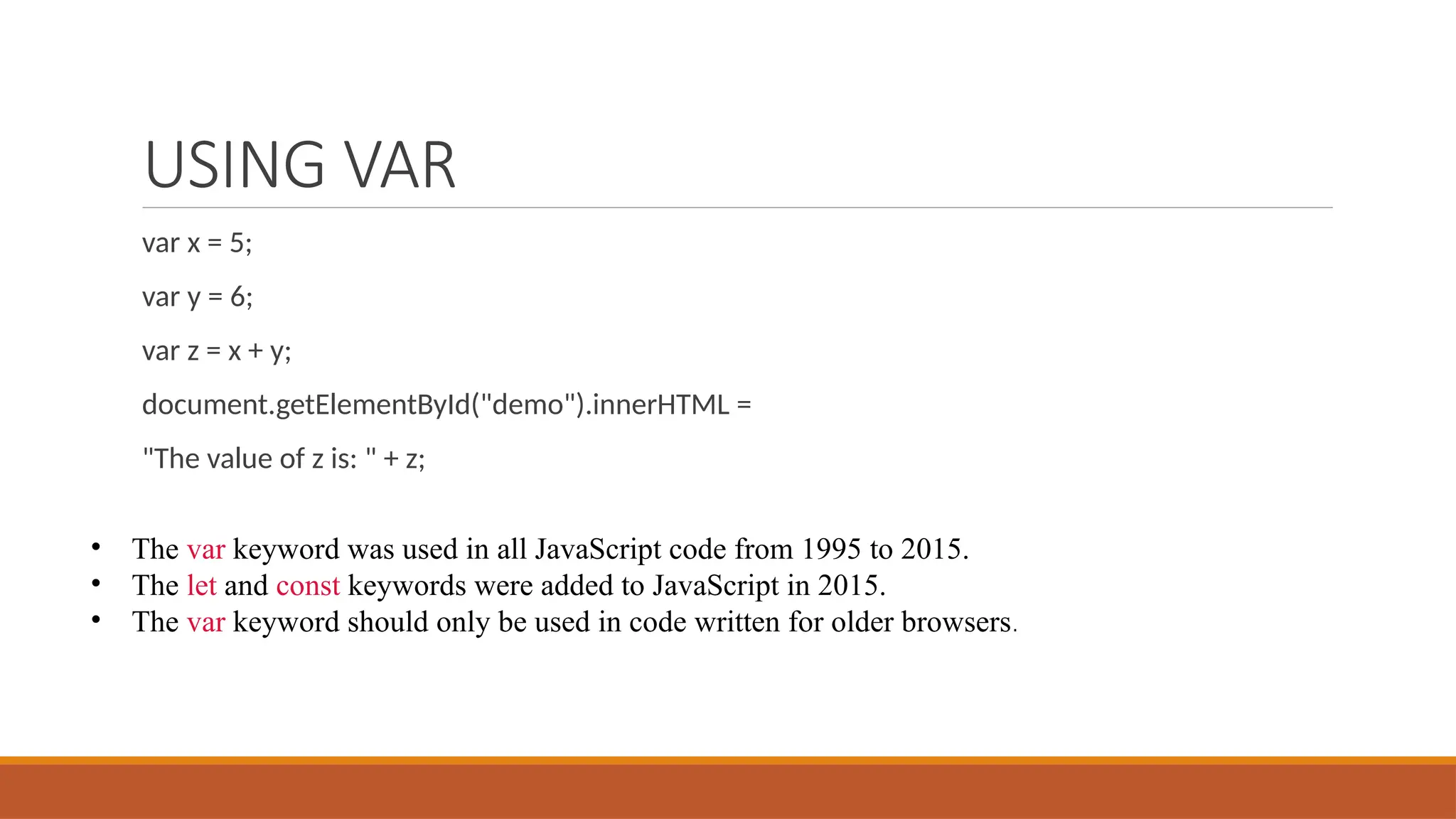
USING VAR
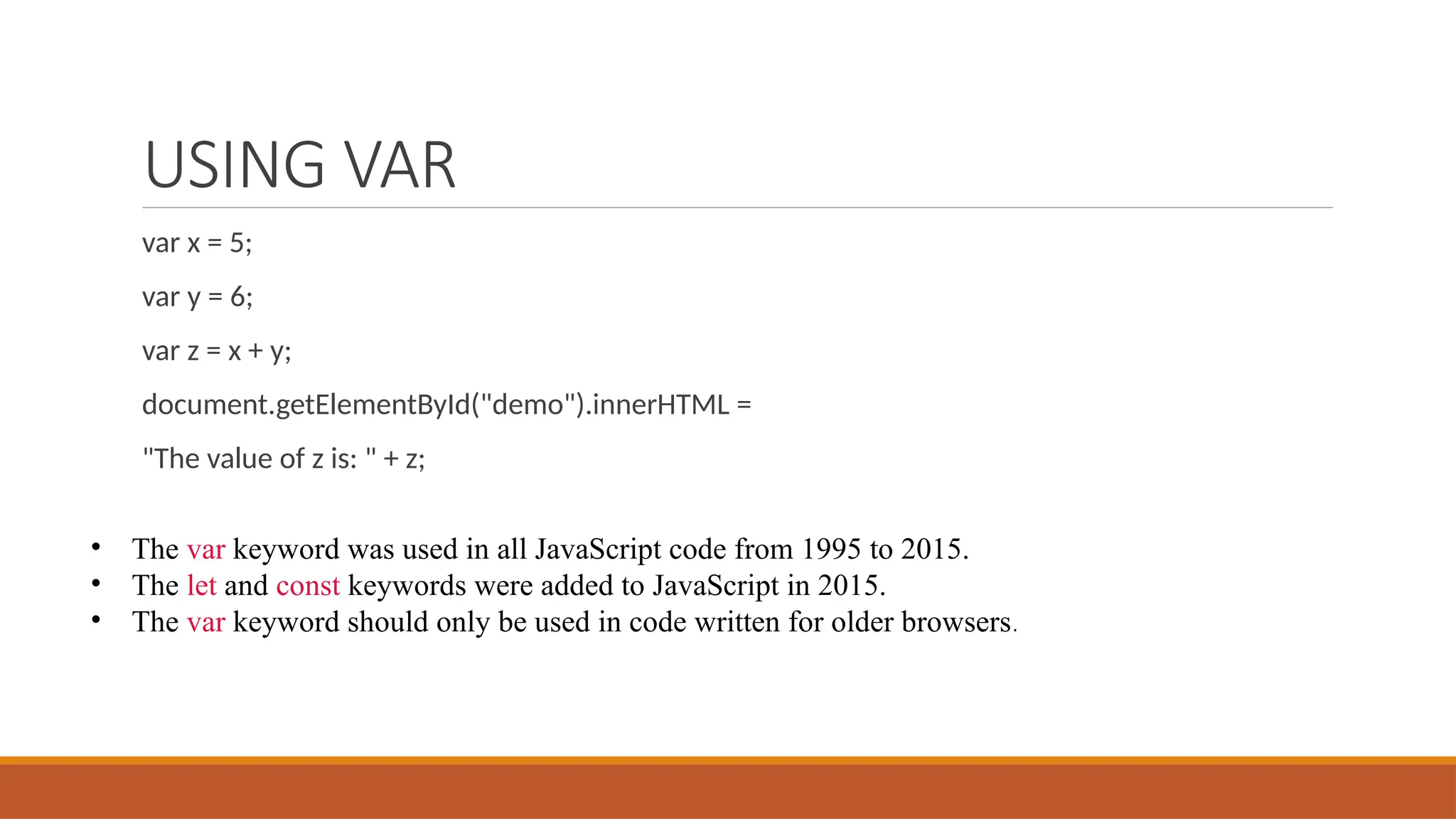
var x = 5;
var y = 6;
var z = x + y;
document.getElementById("demo").innerHTML =
"The value of z is: " + z;
• The var keyword was used in all JavaScript code from 1995 to 2015.
• The let and const keywords were added to JavaScript in 2015.
• The var keyword should only be used in code written for older browsers.
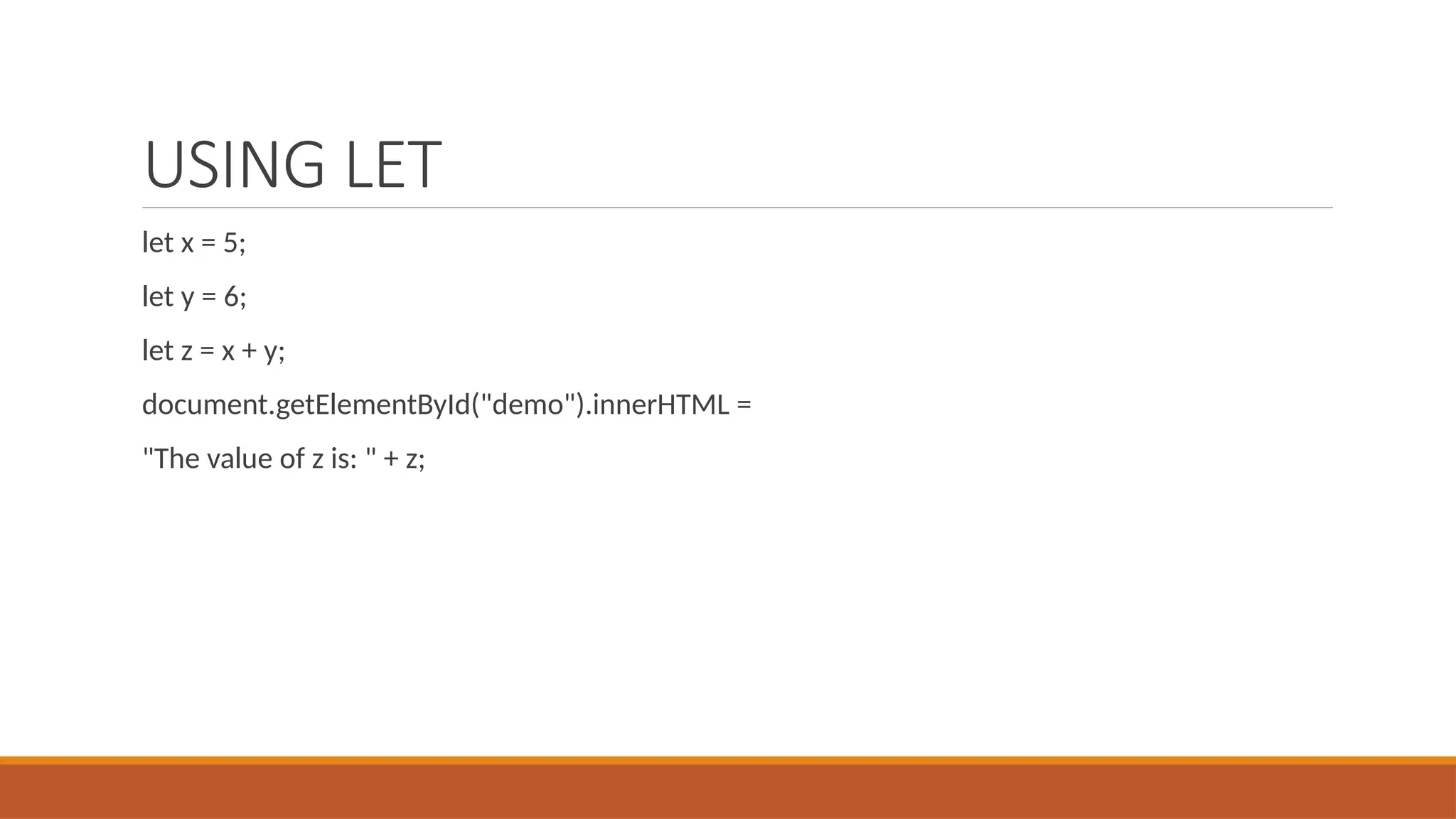
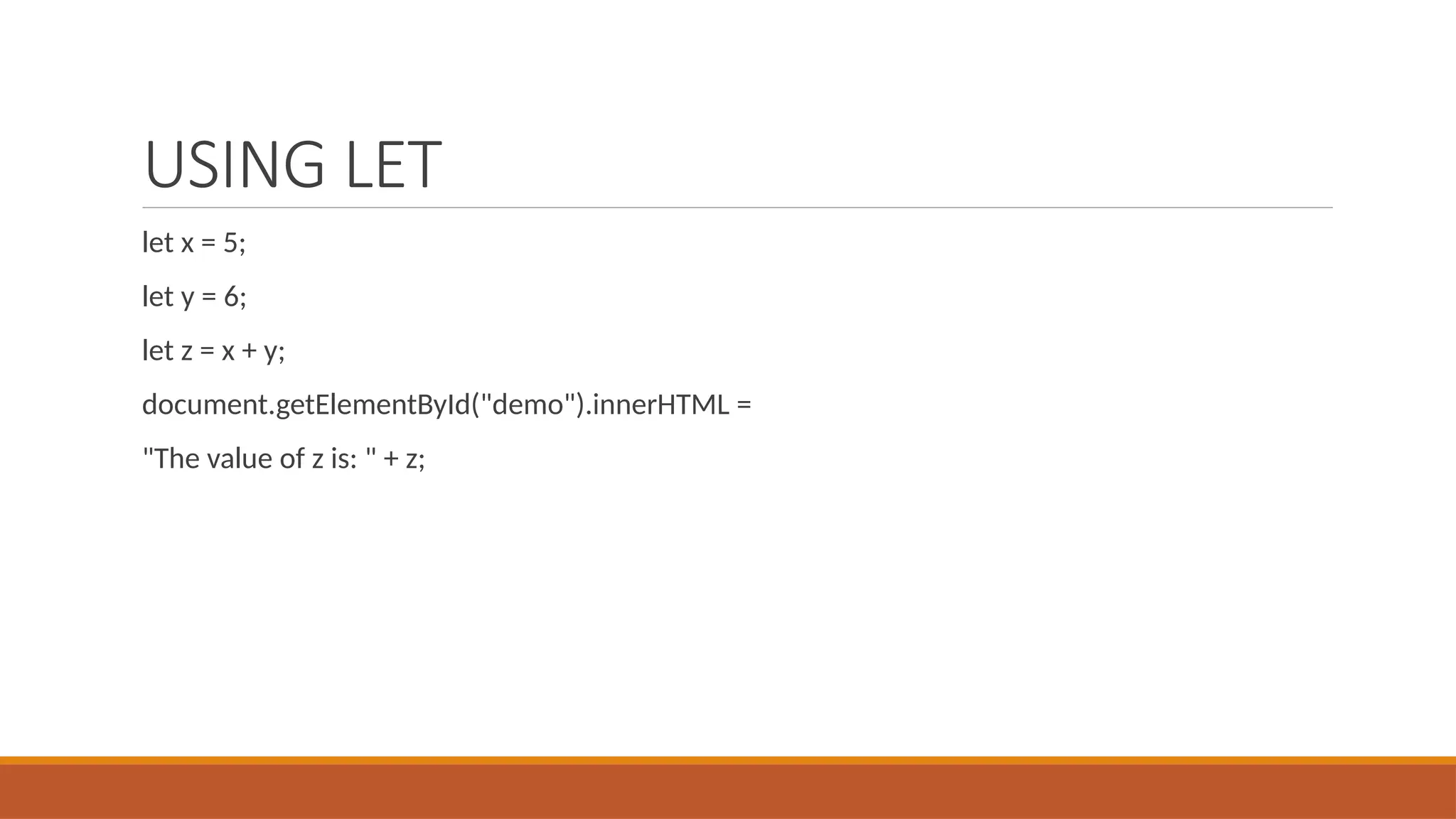
USING LET
let x = 5;
let y = 6;
let z = x + y;
document.getElementById("demo").innerHTML =
"The value of z is: " + z;
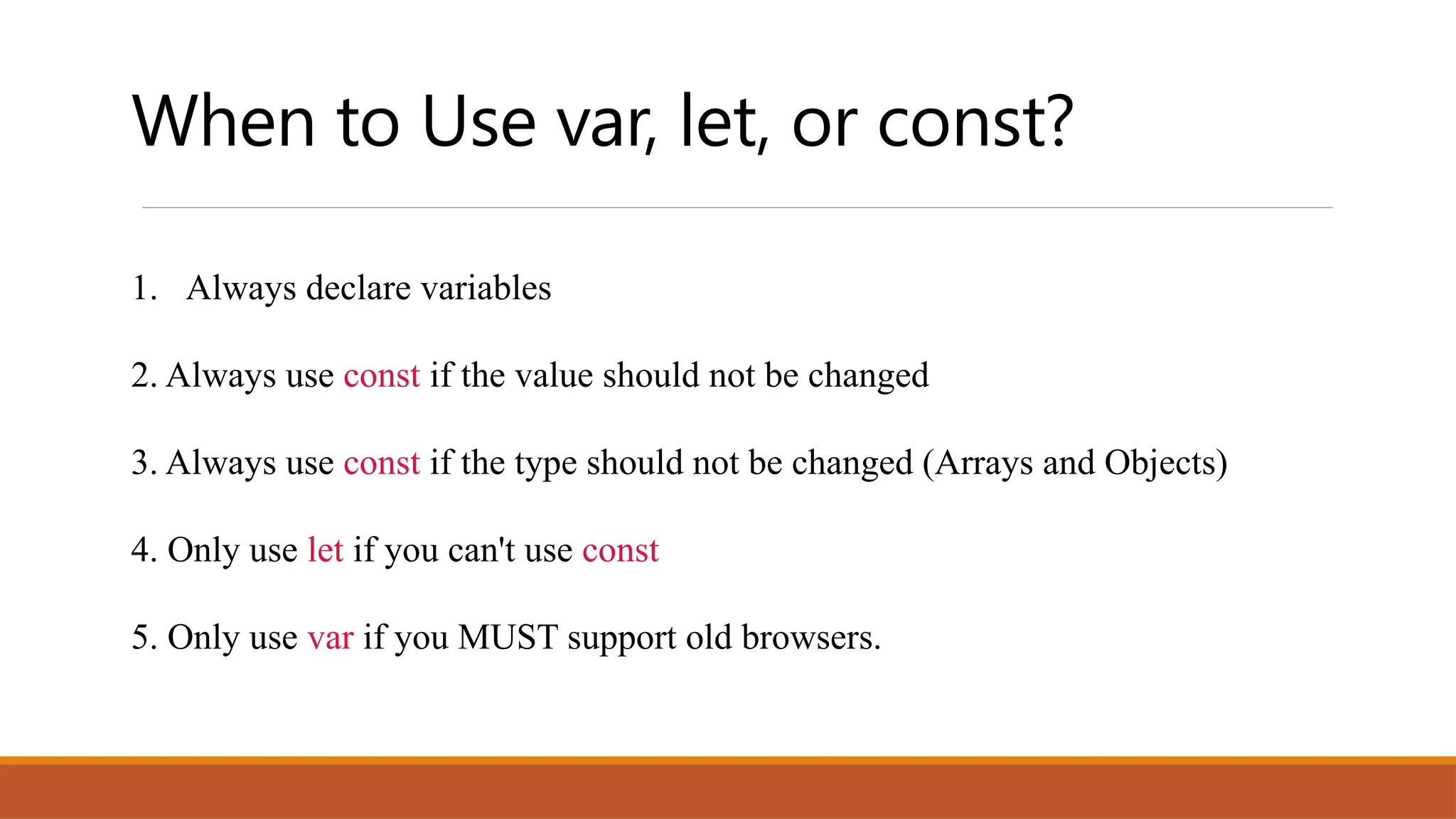
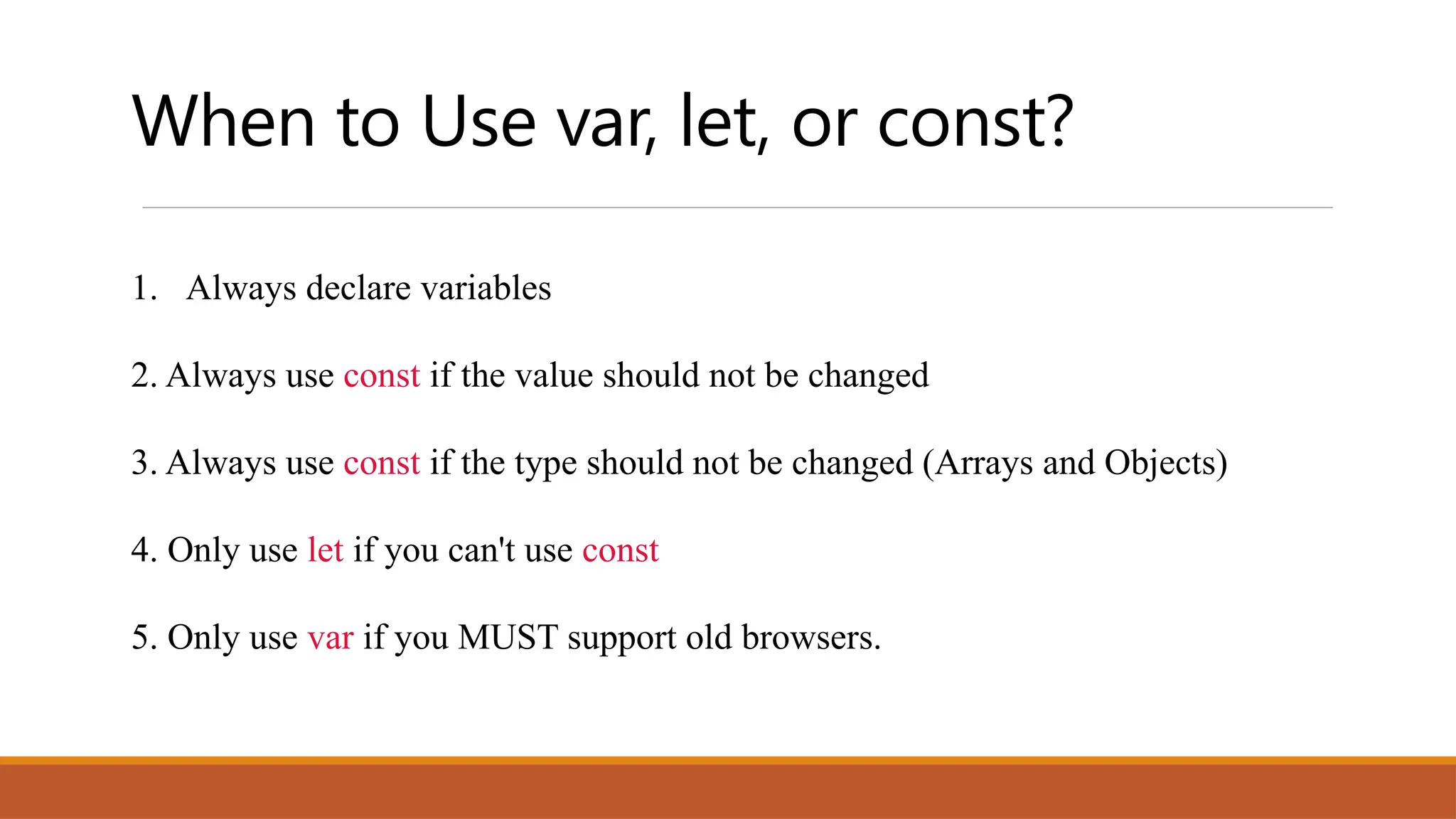
When to Use var, let, or const?
1. Always declare variables
2. Always use const if the value should not be changed
3. Always use const if the type should not be changed (Arrays and Objects)
4. Only use let if you can't use const
5. Only use var if you MUST support old browsers.
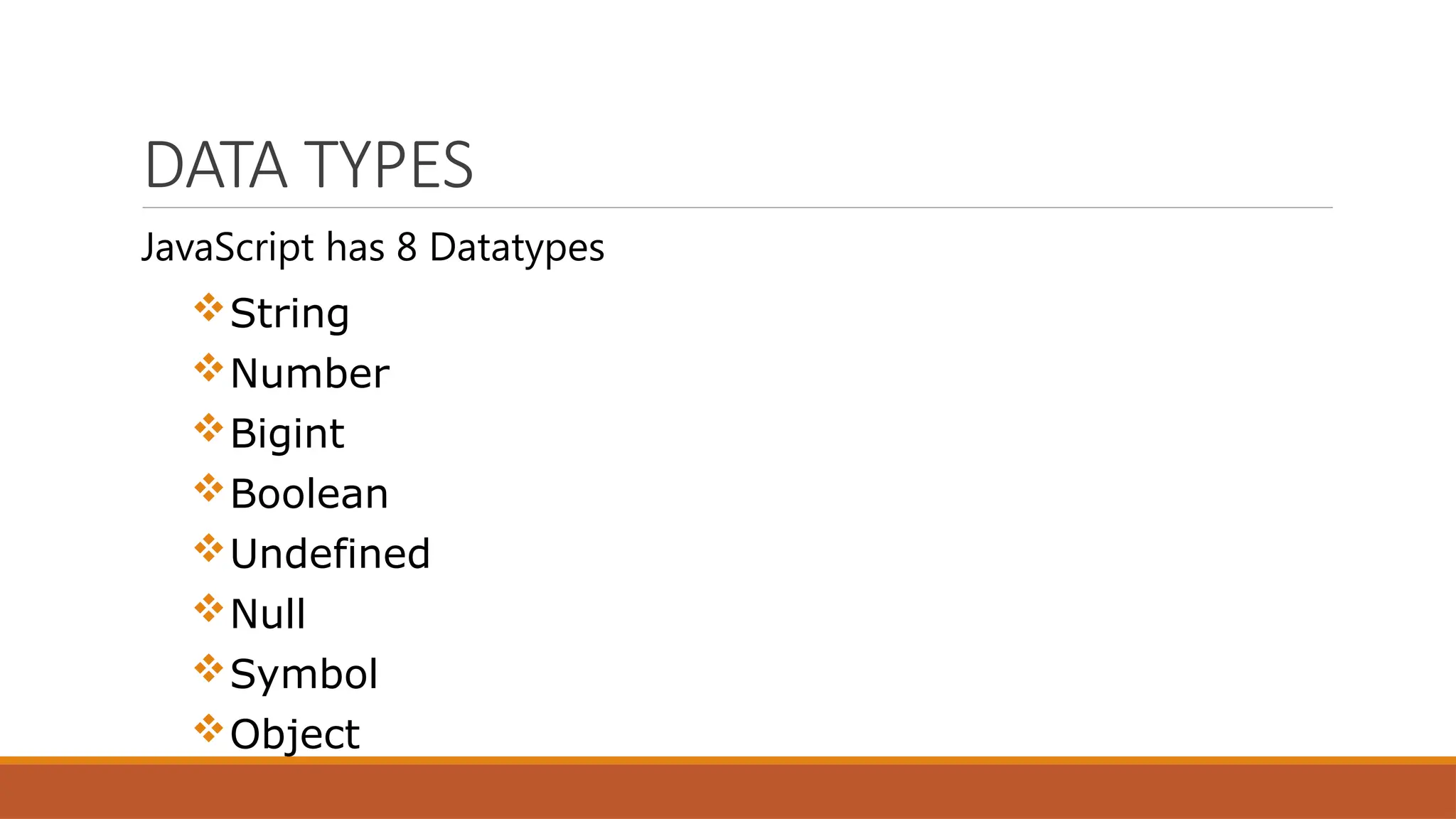
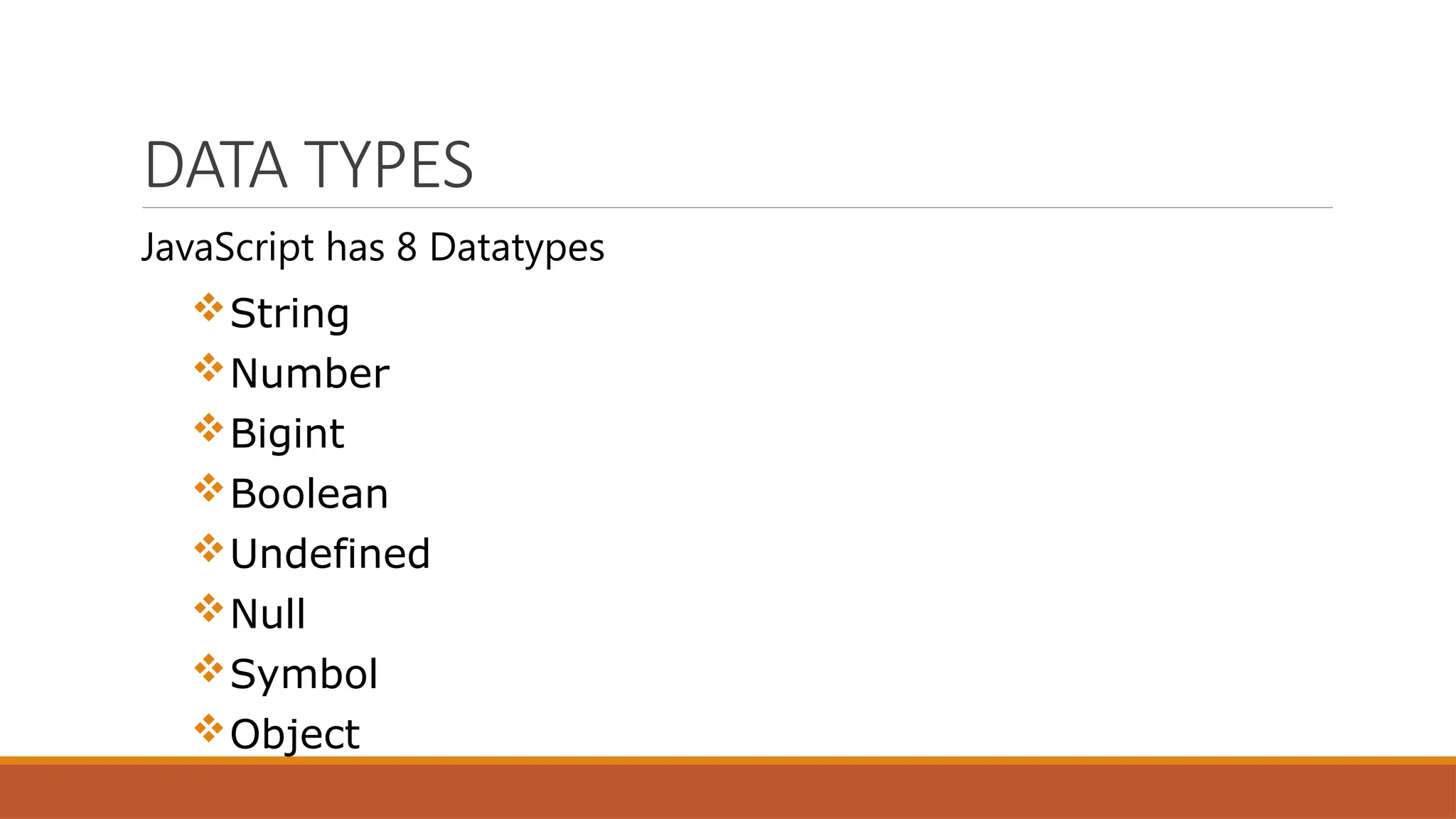
DATA TYPES
JavaScript has 8 Datatypes
String
Number
Bigint
Boolean
Undefined
Null
Symbol
Object
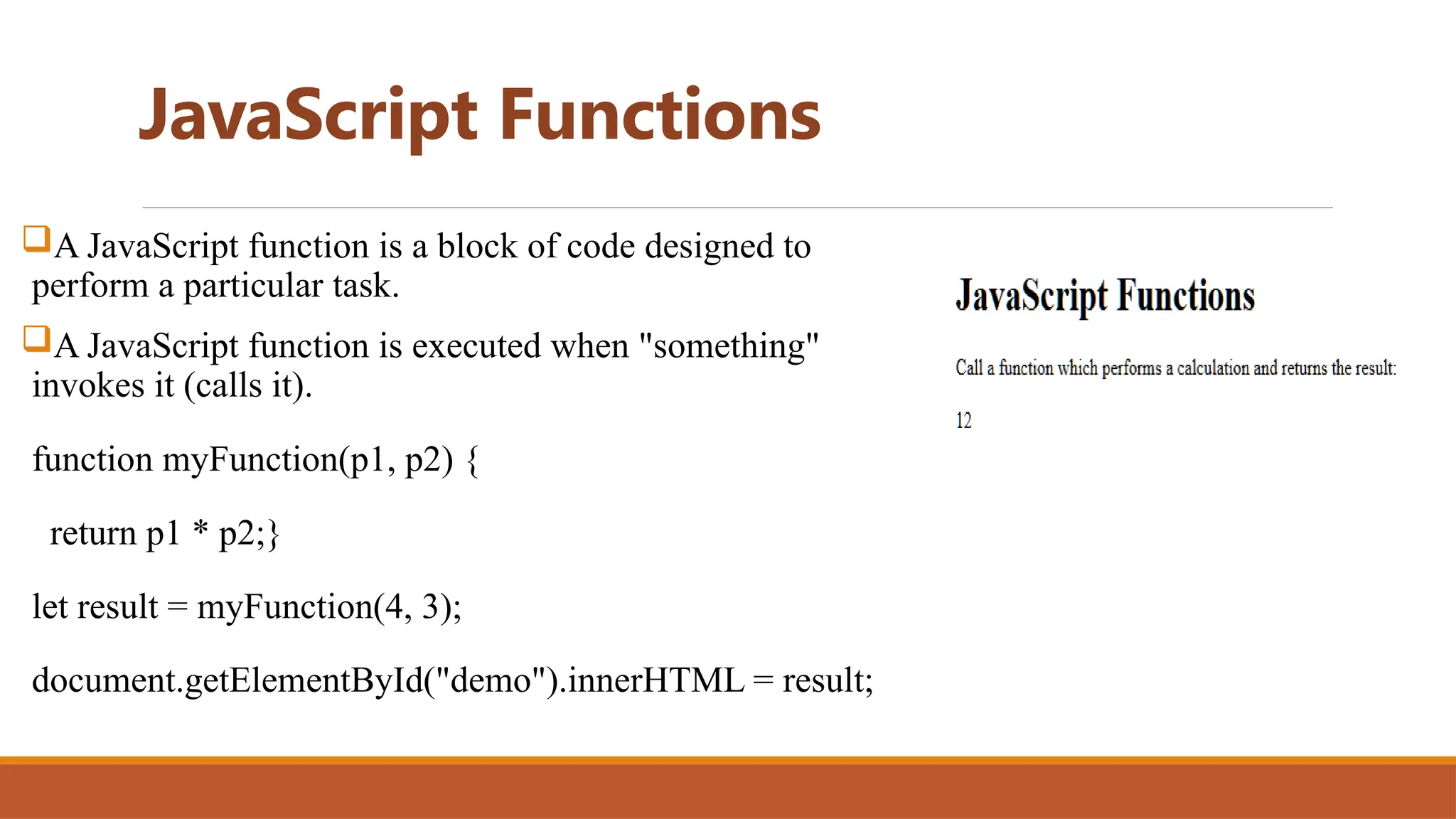
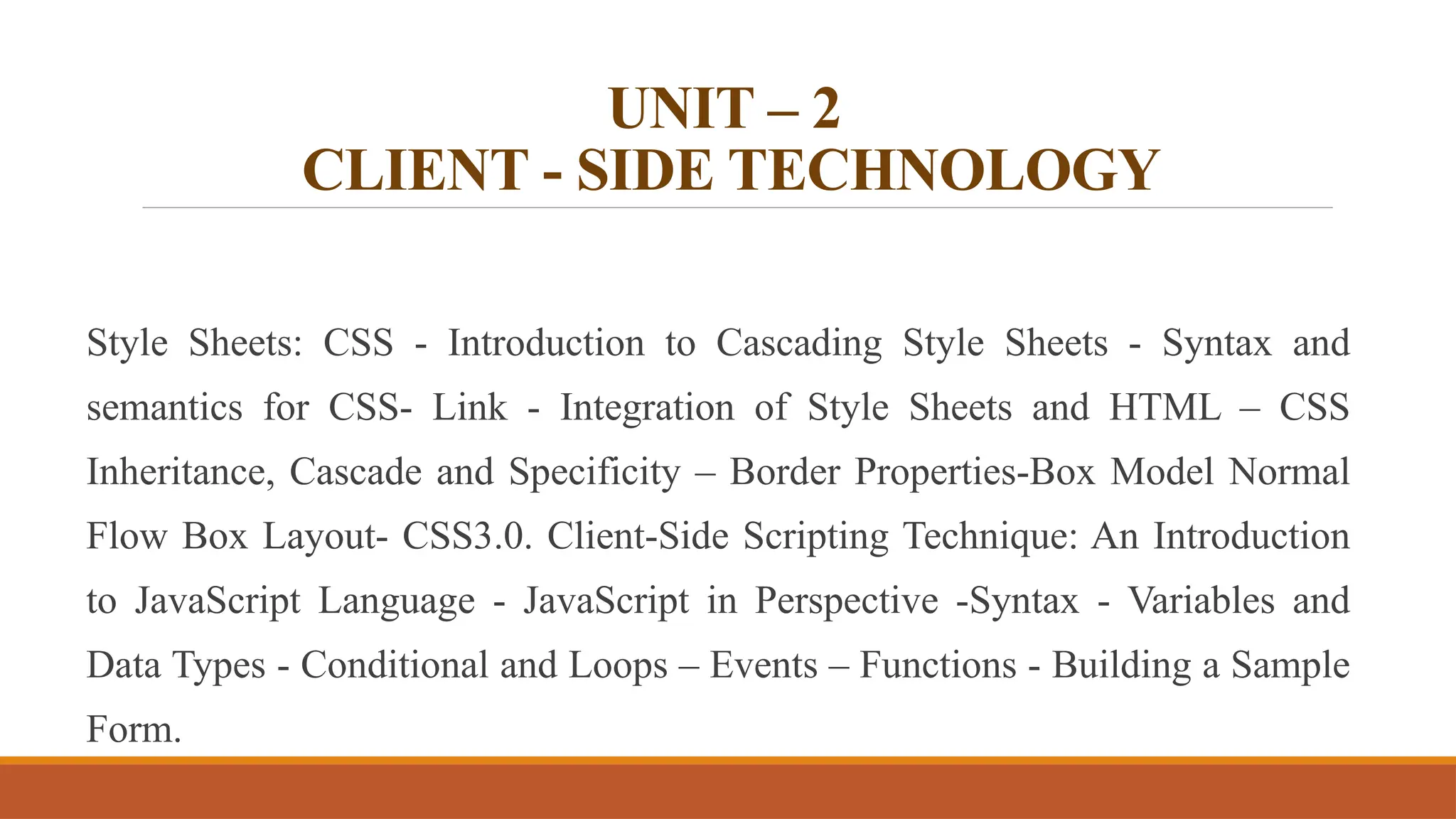
JavaScript Functions
A JavaScript function is a block of code designed to
perform a particular task.
A JavaScript function is executed when "something"
invokes it (calls it).
function myFunction(p1, p2) {
return p1 * p2;}
let result = myFunction(4, 3);
document.getElementById("demo").innerHTML = result;
PHP: https://www.youtube.com/watch?v=v968XSoERd8
UNIT – 2
CLIENT - SIDE TECHNOLOGY
Style Sheets: CSS - Introduction to Cascading Style Sheets - Syntax and
semantics for CSS- Link - Integration of Style Sheets and HTML – CSS
Inheritance, Cascade and Specificity – Border Properties-Box Model Normal
Flow Box Layout- CSS3.0. Client-Side Scripting Technique: An Introduction
to JavaScript Language - JavaScript in Perspective -Syntax - Variables and
Data Types - Conditional and Loops – Events – Functions - Building a Sample
Form.
What is a CSS?
CSS stands for Cascading Style Sheets
CSS describes how HTML elements are to be displayed on screen,
paper, or in other media
CSS saves a lot of work. It can control the layout of multiple web
pages all at once
External stylesheets are stored in CSS files
Why Use CSS?
CSS is used to define styles for your web pages, including the
design, layout and variations in display for different devices and
screen sizes.
 The selector points to the HTML element you want to style.
 The declaration block contains one or more declarations separated by
semicolons.
 Each declaration includes a CSS property name and a value, separated by a
colon.
 Multiple CSS declarations are separated with semicolons, and declaration
blocks are surrounded by curly braces.
 Example:
p {
color: red;
text-align: center;
}
CSS Features
1. Changing Text Color
2. Cascading in CSS
3. Background Color
4. Centering Text
5. Adding Padding
6. Hover Effects
7. Font Weight
9. Font Size
JAVA SCRIPT
JavaScript is one of the 3 languages all web developers must learn:
1. HTML to define the content of web pages
2. CSS to specify the layout of web pages
3. JavaScript to program the behavior of web pages
What is JavaScript?
JavaScript is the programming language of the web.
It can update and change both HTML and CSS.
It can calculate, manipulate and validate data.
<!DOCTYPE html>
<html>
<body>
<h2>What Can JavaScript Do?</h2>
<p id="demo">JavaScript can change HTML
content.</p>
<button type="button"
onclick='document.getElementById("demo").innerHT
ML = "Hello JavaScript!"'>Click Me!</button>
</body>
</html>
<!DOCTYPE html>
<html>
<body>
<h2>What Can JavaScript Do?</h2>
<p id="demo">JavaScript can change HTML
content.</p>
<button type="button"
onclick='document.getElementById("demo").innerHT
ML = "Hello JavaScript!"'>Click Me!</button>
</body>
</html>
JavaScript Variables
JavaScript Variables can be declared in 4 ways:
• Automatically
• Using var
• Using let
• Using const
<!DOCTYPE html>
<html>
<body>
<h1>JavaScript Variables</h1>
<p>In this example, x, y, and z are undeclared.</p>
<p>They are automatically declared when first used.</p>
<p id="demo"></p>
<script>
x = 5;
y = 6;
z = x + y;
document.getElementById("demo").innerHTML =
"The value of z is: " + z;
</script>
</body>
</html>
USING VAR
var x = 5;
var y = 6;
var z = x + y;
document.getElementById("demo").innerHTML =
"The value of z is: " + z;
• The var keyword was used in all JavaScript code from 1995 to 2015.
• The let and const keywords were added to JavaScript in 2015.
• The var keyword should only be used in code written for older browsers.
USING LET
let x = 5;
let y = 6;
let z = x + y;
document.getElementById("demo").innerHTML =
"The value of z is: " + z;
When to Use var, let, or const?
1. Always declare variables
2. Always use const if the value should not be changed
3. Always use const if the type should not be changed (Arrays and Objects)
4. Only use let if you can't use const
5. Only use var if you MUST support old browsers.
DATA TYPES
JavaScript has 8 Datatypes
String
Number
Bigint
Boolean
Undefined
Null
Symbol
Object
JavaScript Functions
A JavaScript function is a block of code designed to
perform a particular task.
A JavaScript function is executed when "something"
invokes it (calls it).
function myFunction(p1, p2) {
return p1 * p2;}
let result = myFunction(4, 3);
document.getElementById("demo").innerHTML = result;
PHP: https://www.youtube.com/watch?v=v968XSoERd8

Web Development Fundamentals UNIT 1 & 2.pptx

  • 1.
    UNIT – 2 CLIENT- SIDE TECHNOLOGY Style Sheets: CSS - Introduction to Cascading Style Sheets - Syntax and semantics for CSS- Link - Integration of Style Sheets and HTML – CSS Inheritance, Cascade and Specificity – Border Properties-Box Model Normal Flow Box Layout- CSS3.0. Client-Side Scripting Technique: An Introduction to JavaScript Language - JavaScript in Perspective -Syntax - Variables and Data Types - Conditional and Loops – Events – Functions - Building a Sample Form.
  • 2.
    What is aCSS? CSS stands for Cascading Style Sheets CSS describes how HTML elements are to be displayed on screen, paper, or in other media CSS saves a lot of work. It can control the layout of multiple web pages all at once External stylesheets are stored in CSS files
  • 3.
    Why Use CSS? CSSis used to define styles for your web pages, including the design, layout and variations in display for different devices and screen sizes.
  • 4.
     The selectorpoints to the HTML element you want to style.  The declaration block contains one or more declarations separated by semicolons.  Each declaration includes a CSS property name and a value, separated by a colon.  Multiple CSS declarations are separated with semicolons, and declaration blocks are surrounded by curly braces.  Example: p { color: red; text-align: center; }
  • 5.
    CSS Features 1. ChangingText Color 2. Cascading in CSS 3. Background Color 4. Centering Text 5. Adding Padding 6. Hover Effects 7. Font Weight 9. Font Size
  • 6.
    JAVA SCRIPT JavaScript isone of the 3 languages all web developers must learn: 1. HTML to define the content of web pages 2. CSS to specify the layout of web pages 3. JavaScript to program the behavior of web pages
  • 7.
    What is JavaScript? JavaScriptis the programming language of the web. It can update and change both HTML and CSS. It can calculate, manipulate and validate data.
  • 8.
    <!DOCTYPE html> <html> <body> <h2>What CanJavaScript Do?</h2> <p id="demo">JavaScript can change HTML content.</p> <button type="button" onclick='document.getElementById("demo").innerHT ML = "Hello JavaScript!"'>Click Me!</button> </body> </html>
  • 9.
    <!DOCTYPE html> <html> <body> <h2>What CanJavaScript Do?</h2> <p id="demo">JavaScript can change HTML content.</p> <button type="button" onclick='document.getElementById("demo").innerHT ML = "Hello JavaScript!"'>Click Me!</button> </body> </html>
  • 10.
    JavaScript Variables JavaScript Variablescan be declared in 4 ways: • Automatically • Using var • Using let • Using const
  • 11.
    <!DOCTYPE html> <html> <body> <h1>JavaScript Variables</h1> <p>Inthis example, x, y, and z are undeclared.</p> <p>They are automatically declared when first used.</p> <p id="demo"></p> <script> x = 5; y = 6; z = x + y; document.getElementById("demo").innerHTML = "The value of z is: " + z; </script> </body> </html>
  • 12.
    USING VAR var x= 5; var y = 6; var z = x + y; document.getElementById("demo").innerHTML = "The value of z is: " + z; • The var keyword was used in all JavaScript code from 1995 to 2015. • The let and const keywords were added to JavaScript in 2015. • The var keyword should only be used in code written for older browsers.
  • 13.
    USING LET let x= 5; let y = 6; let z = x + y; document.getElementById("demo").innerHTML = "The value of z is: " + z;
  • 14.
    When to Usevar, let, or const? 1. Always declare variables 2. Always use const if the value should not be changed 3. Always use const if the type should not be changed (Arrays and Objects) 4. Only use let if you can't use const 5. Only use var if you MUST support old browsers.
  • 15.
    DATA TYPES JavaScript has8 Datatypes String Number Bigint Boolean Undefined Null Symbol Object
  • 16.
    JavaScript Functions A JavaScriptfunction is a block of code designed to perform a particular task. A JavaScript function is executed when "something" invokes it (calls it). function myFunction(p1, p2) { return p1 * p2;} let result = myFunction(4, 3); document.getElementById("demo").innerHTML = result;
  • 17.
  • 18.
    UNIT – 2 CLIENT- SIDE TECHNOLOGY Style Sheets: CSS - Introduction to Cascading Style Sheets - Syntax and semantics for CSS- Link - Integration of Style Sheets and HTML – CSS Inheritance, Cascade and Specificity – Border Properties-Box Model Normal Flow Box Layout- CSS3.0. Client-Side Scripting Technique: An Introduction to JavaScript Language - JavaScript in Perspective -Syntax - Variables and Data Types - Conditional and Loops – Events – Functions - Building a Sample Form.
  • 19.
    What is aCSS? CSS stands for Cascading Style Sheets CSS describes how HTML elements are to be displayed on screen, paper, or in other media CSS saves a lot of work. It can control the layout of multiple web pages all at once External stylesheets are stored in CSS files
  • 20.
    Why Use CSS? CSSis used to define styles for your web pages, including the design, layout and variations in display for different devices and screen sizes.
  • 21.
     The selectorpoints to the HTML element you want to style.  The declaration block contains one or more declarations separated by semicolons.  Each declaration includes a CSS property name and a value, separated by a colon.  Multiple CSS declarations are separated with semicolons, and declaration blocks are surrounded by curly braces.  Example: p { color: red; text-align: center; }
  • 22.
    CSS Features 1. ChangingText Color 2. Cascading in CSS 3. Background Color 4. Centering Text 5. Adding Padding 6. Hover Effects 7. Font Weight 9. Font Size
  • 23.
    JAVA SCRIPT JavaScript isone of the 3 languages all web developers must learn: 1. HTML to define the content of web pages 2. CSS to specify the layout of web pages 3. JavaScript to program the behavior of web pages
  • 24.
    What is JavaScript? JavaScriptis the programming language of the web. It can update and change both HTML and CSS. It can calculate, manipulate and validate data.
  • 25.
    <!DOCTYPE html> <html> <body> <h2>What CanJavaScript Do?</h2> <p id="demo">JavaScript can change HTML content.</p> <button type="button" onclick='document.getElementById("demo").innerHT ML = "Hello JavaScript!"'>Click Me!</button> </body> </html>
  • 26.
    <!DOCTYPE html> <html> <body> <h2>What CanJavaScript Do?</h2> <p id="demo">JavaScript can change HTML content.</p> <button type="button" onclick='document.getElementById("demo").innerHT ML = "Hello JavaScript!"'>Click Me!</button> </body> </html>
  • 27.
    JavaScript Variables JavaScript Variablescan be declared in 4 ways: • Automatically • Using var • Using let • Using const
  • 28.
    <!DOCTYPE html> <html> <body> <h1>JavaScript Variables</h1> <p>Inthis example, x, y, and z are undeclared.</p> <p>They are automatically declared when first used.</p> <p id="demo"></p> <script> x = 5; y = 6; z = x + y; document.getElementById("demo").innerHTML = "The value of z is: " + z; </script> </body> </html>
  • 29.
    USING VAR var x= 5; var y = 6; var z = x + y; document.getElementById("demo").innerHTML = "The value of z is: " + z; • The var keyword was used in all JavaScript code from 1995 to 2015. • The let and const keywords were added to JavaScript in 2015. • The var keyword should only be used in code written for older browsers.
  • 30.
    USING LET let x= 5; let y = 6; let z = x + y; document.getElementById("demo").innerHTML = "The value of z is: " + z;
  • 31.
    When to Usevar, let, or const? 1. Always declare variables 2. Always use const if the value should not be changed 3. Always use const if the type should not be changed (Arrays and Objects) 4. Only use let if you can't use const 5. Only use var if you MUST support old browsers.
  • 32.
    DATA TYPES JavaScript has8 Datatypes String Number Bigint Boolean Undefined Null Symbol Object
  • 33.
    JavaScript Functions A JavaScriptfunction is a block of code designed to perform a particular task. A JavaScript function is executed when "something" invokes it (calls it). function myFunction(p1, p2) { return p1 * p2;} let result = myFunction(4, 3); document.getElementById("demo").innerHTML = result;
  • 34.