Web Application Architecture
by Tejaswini Deshpande
WebFanzine Media
http://www.webfanzine.com/
Basics, Components, Design and Development
Web Application
 Types of Software
 Desktop Applications
 Server Softwares
 Plugins
 Embedded Software
 What is a Web Application?
 Is Website a Web Application?
Activity
Share some Popular Websites that you
know
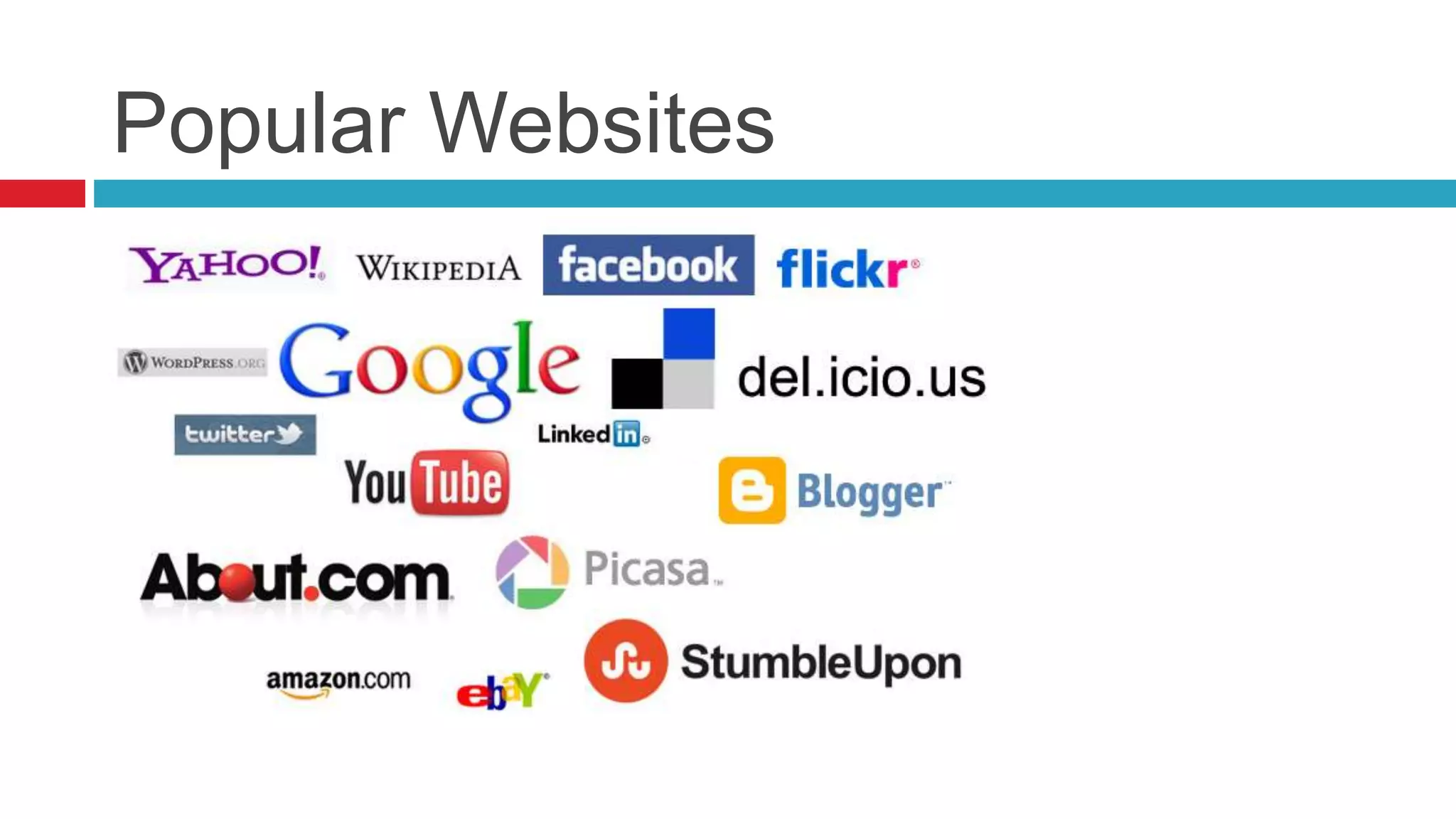
Popular Websites
Activity
Share some Popular Web Applications
Popular Web Applications
 Facebook – the Social Network
 Pixlr – Image Creation, Photo Editing & Effects
 Zamzar – Online File Conversion
 Gmail – Webmail Clients
 bit.ly – Short URL Services
 WolframAlpha – Computational Knowledge
Engine
Activity
Lets list all probable components of a
modern Website
Components of a Website
 Logo
 Navigation
 Search
 Content
 Images &
Multimedia
 Gallery &
 Blog
 Contact Form
 Registration form
 Members only area
 Downloadable files
 Shopping cart
Activity
Lets list all probable components of a
Web App say Facebook
Components of a Web
Application
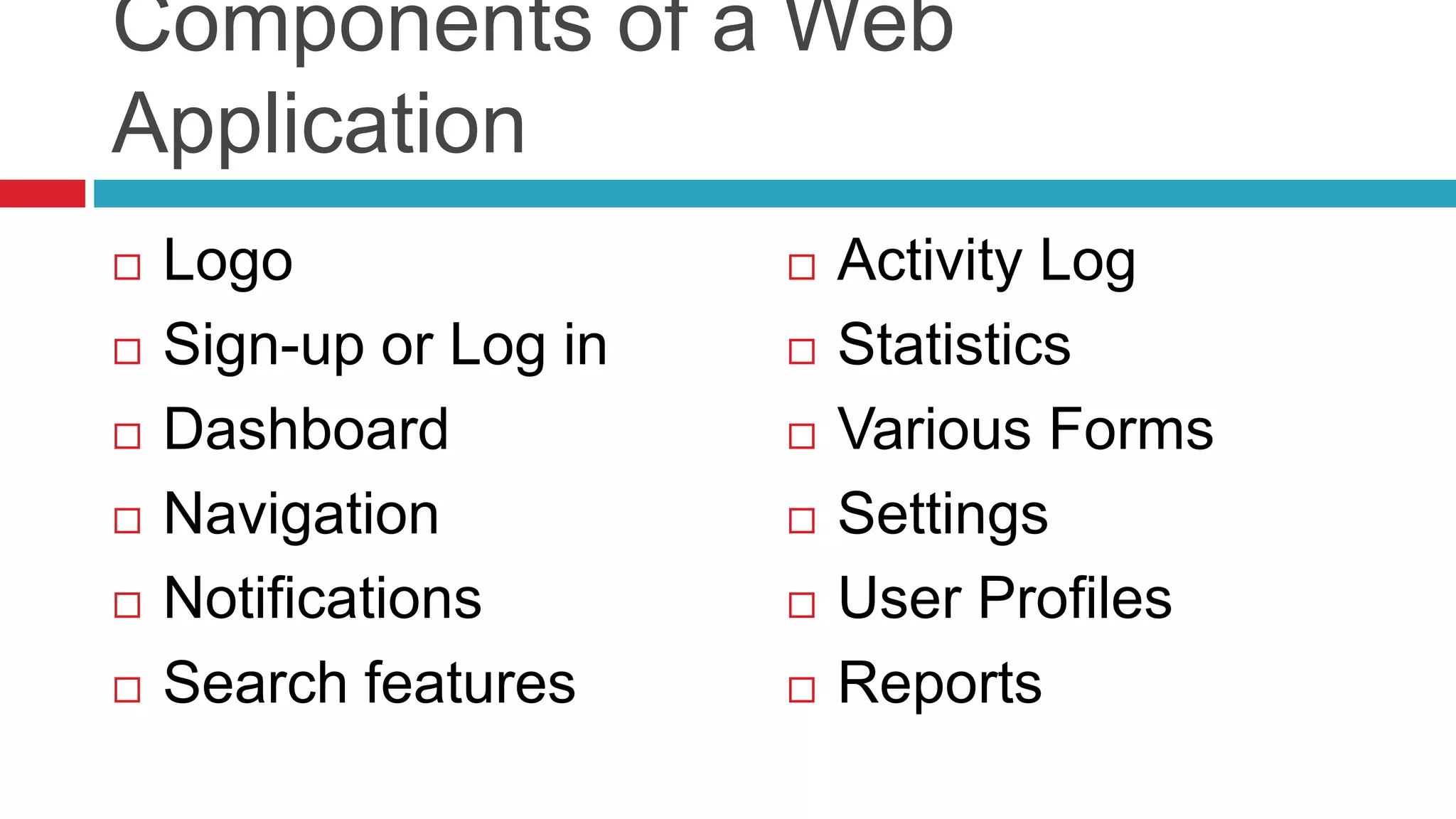
 Logo
 Sign-up or Log in
 Dashboard
 Navigation
 Notifications
 Search features
 Activity Log
 Statistics
 Various Forms
 Settings
 User Profiles
 Reports
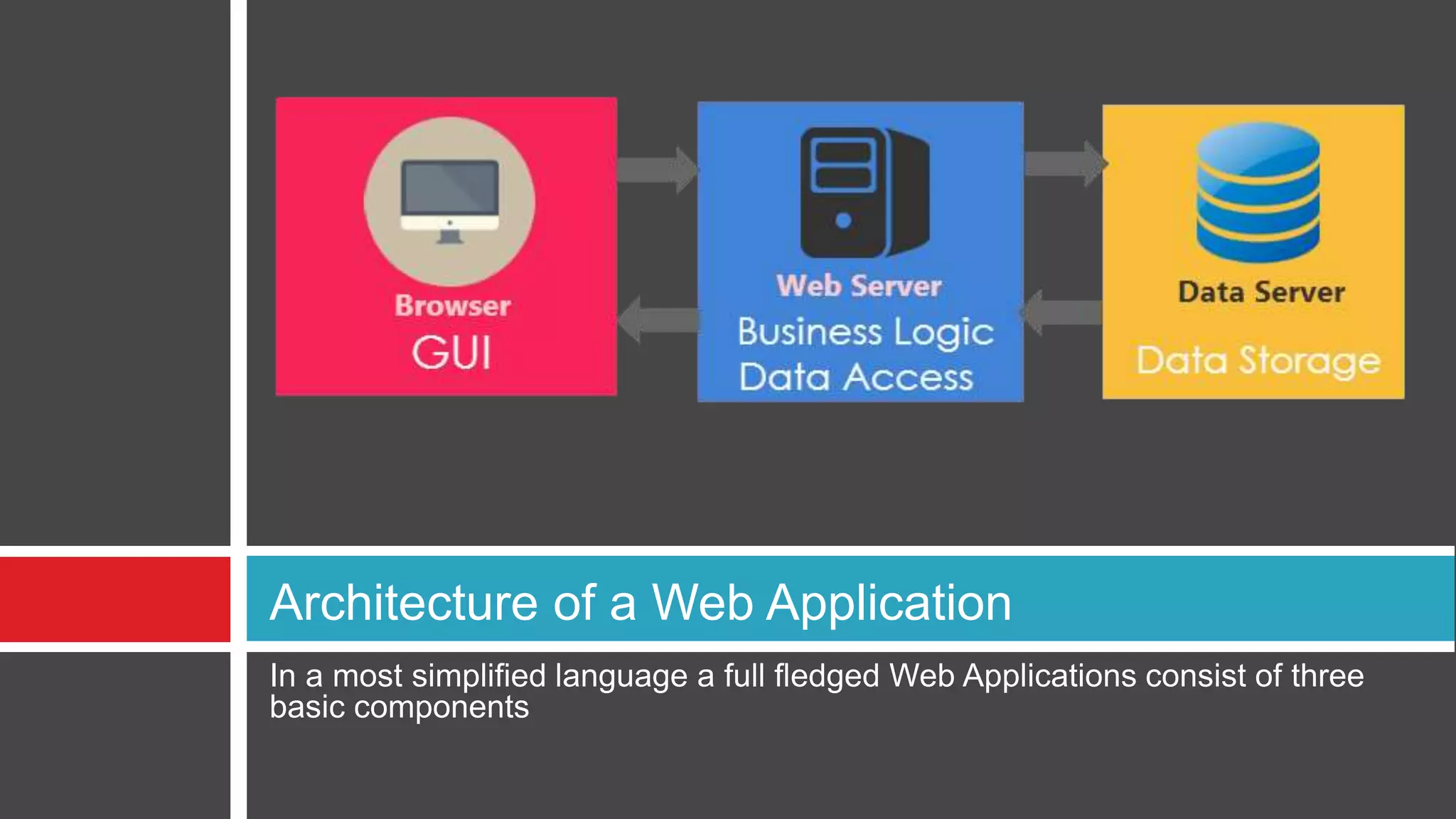
In a most simplified language a full fledged Web Applications consist of three
basic components
Architecture of a Web Application
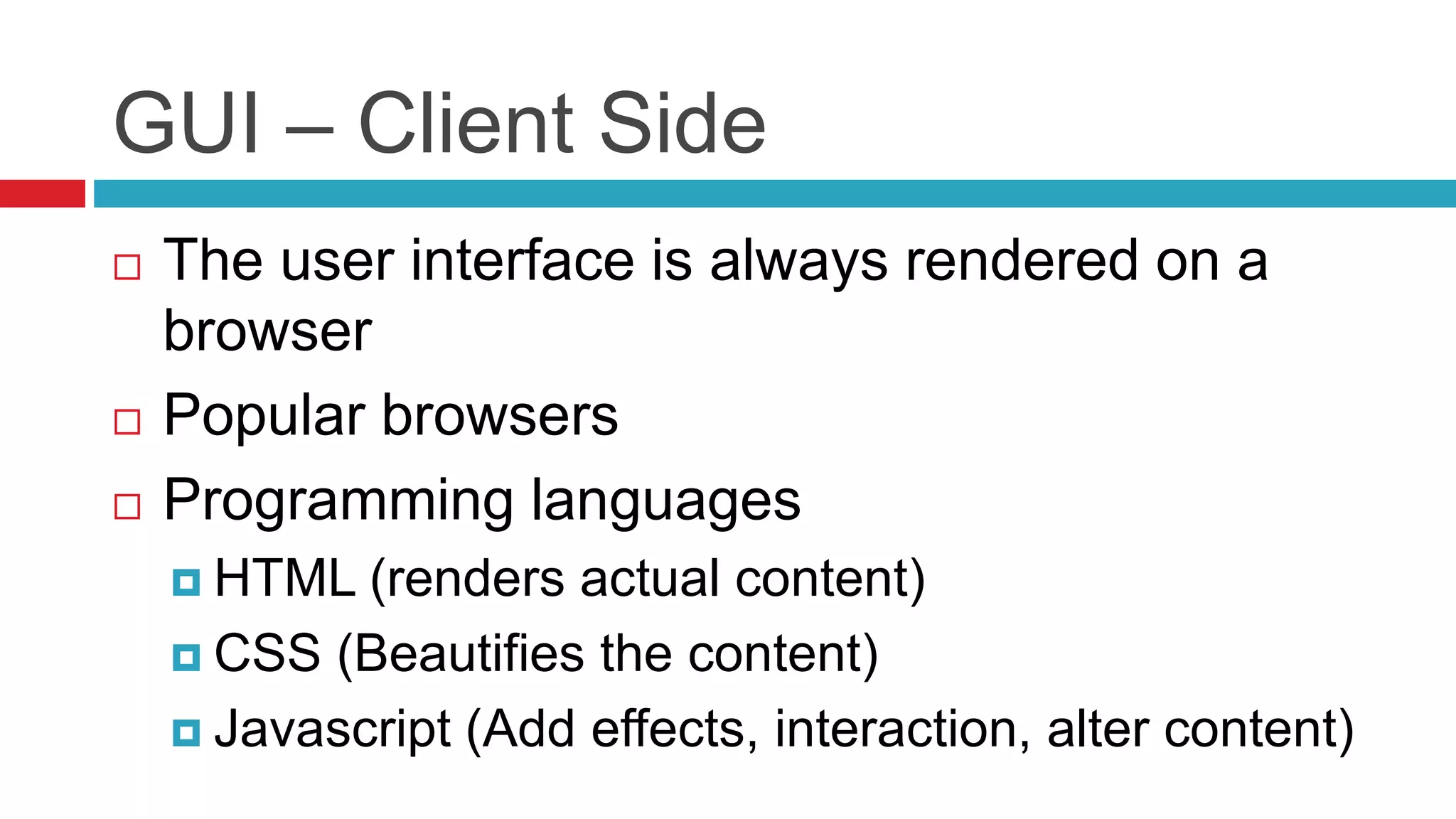
GUI – Client Side
 The user interface is always rendered on a
browser
 Popular browsers
 Programming languages
 HTML (renders actual content)
 CSS (Beautifies the content)
 Javascript (Add effects, interaction, alter content)
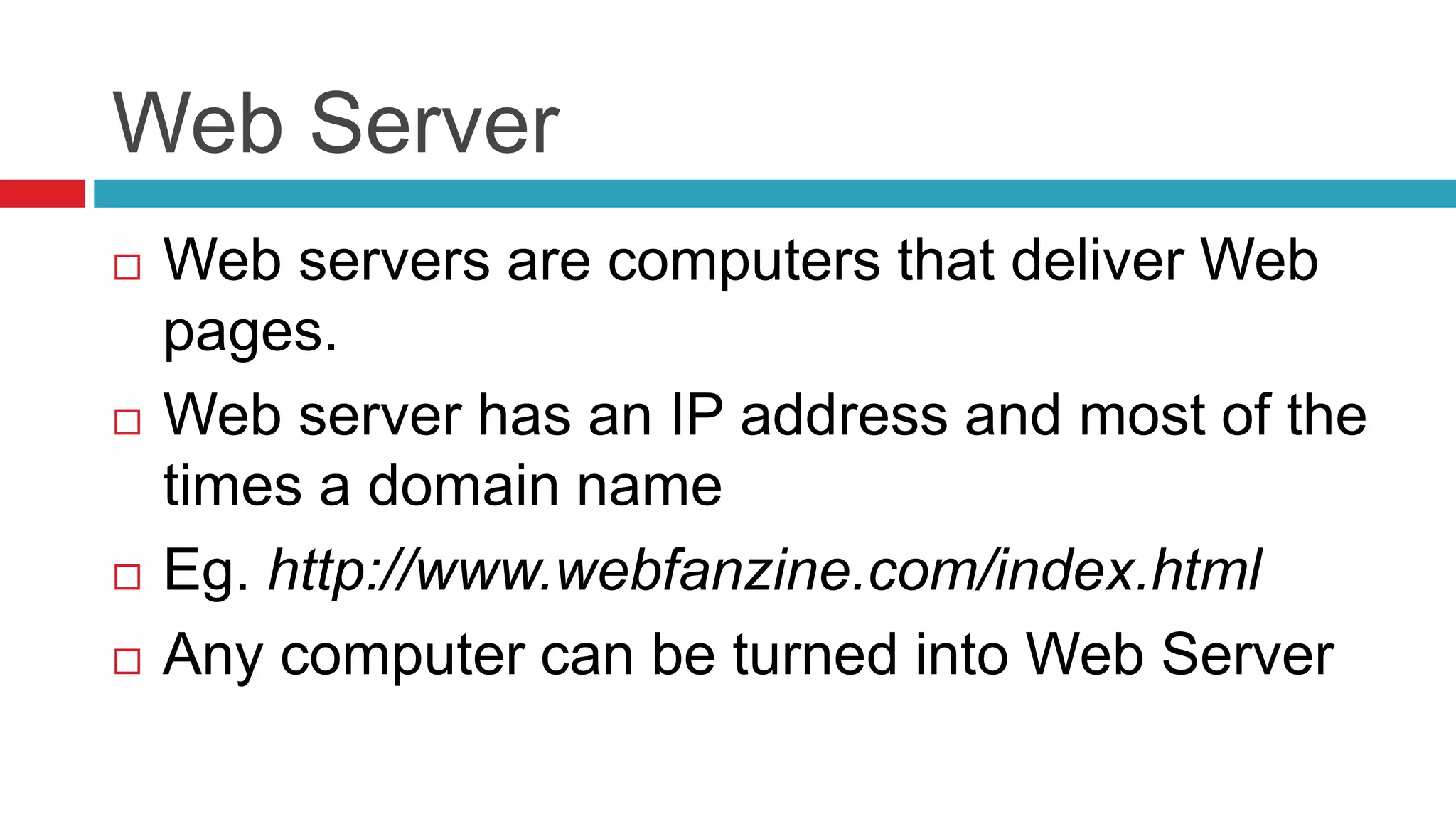
Web Server
 Web servers are computers that deliver Web
pages.
 Web server has an IP address and most of the
times a domain name
 Eg. http://www.webfanzine.com/index.html
 Any computer can be turned into Web Server
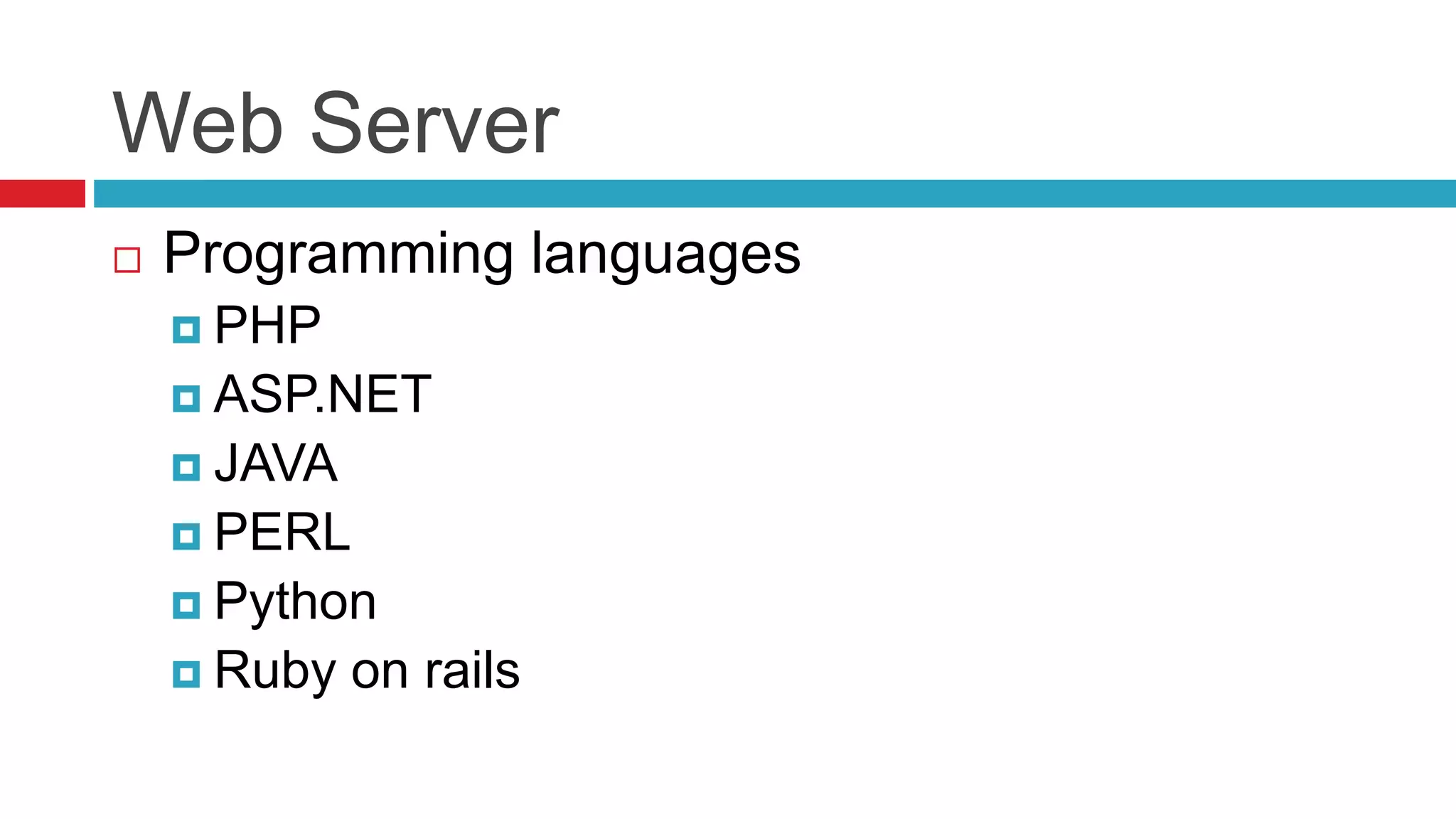
Web Server
 Programming languages
 PHP
 ASP.NET
 JAVA
 PERL
 Python
 Ruby on rails
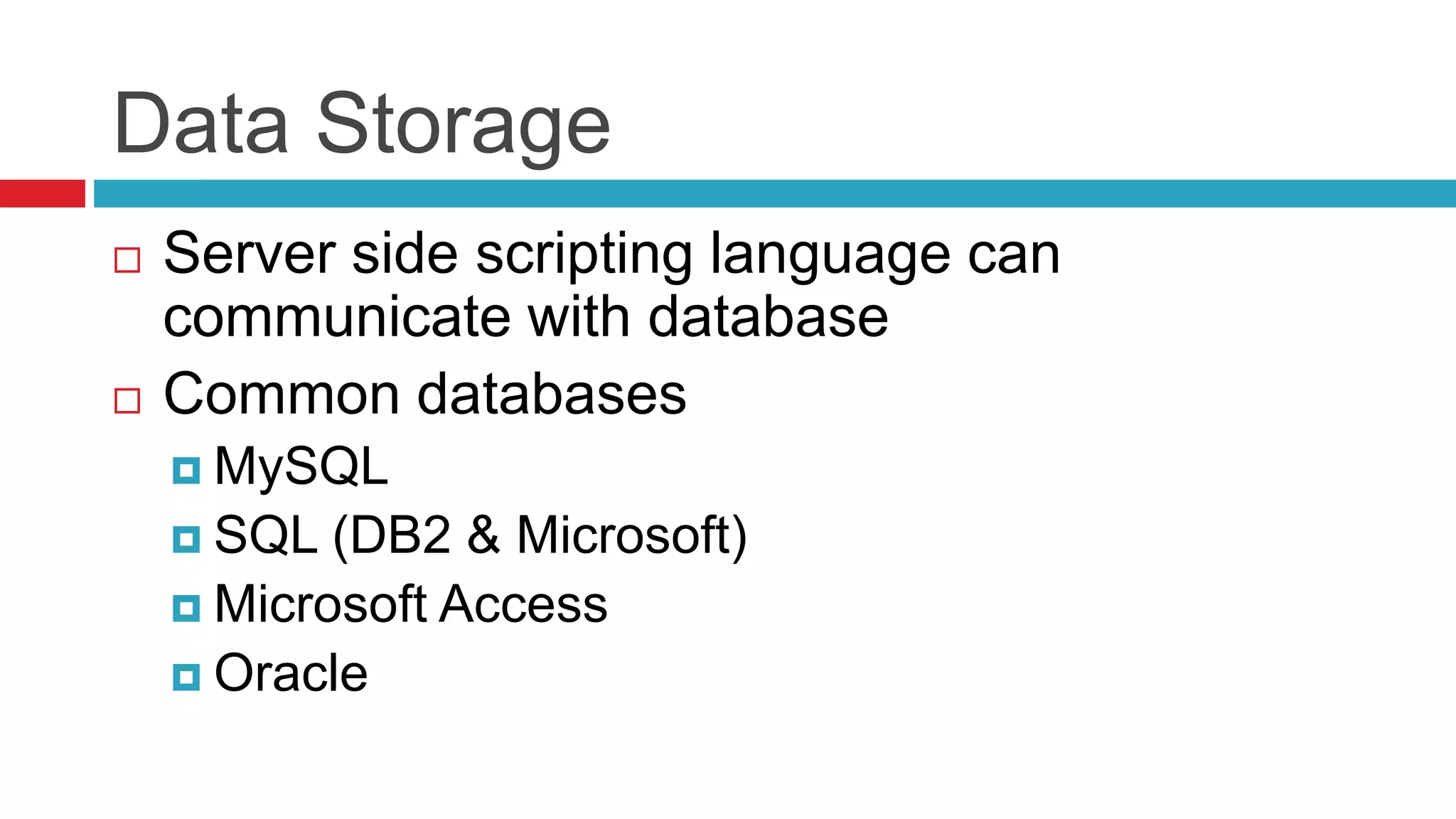
Data Storage
 Server side scripting language can
communicate with database
 Common databases
 MySQL
 SQL (DB2 & Microsoft)
 Microsoft Access
 Oracle
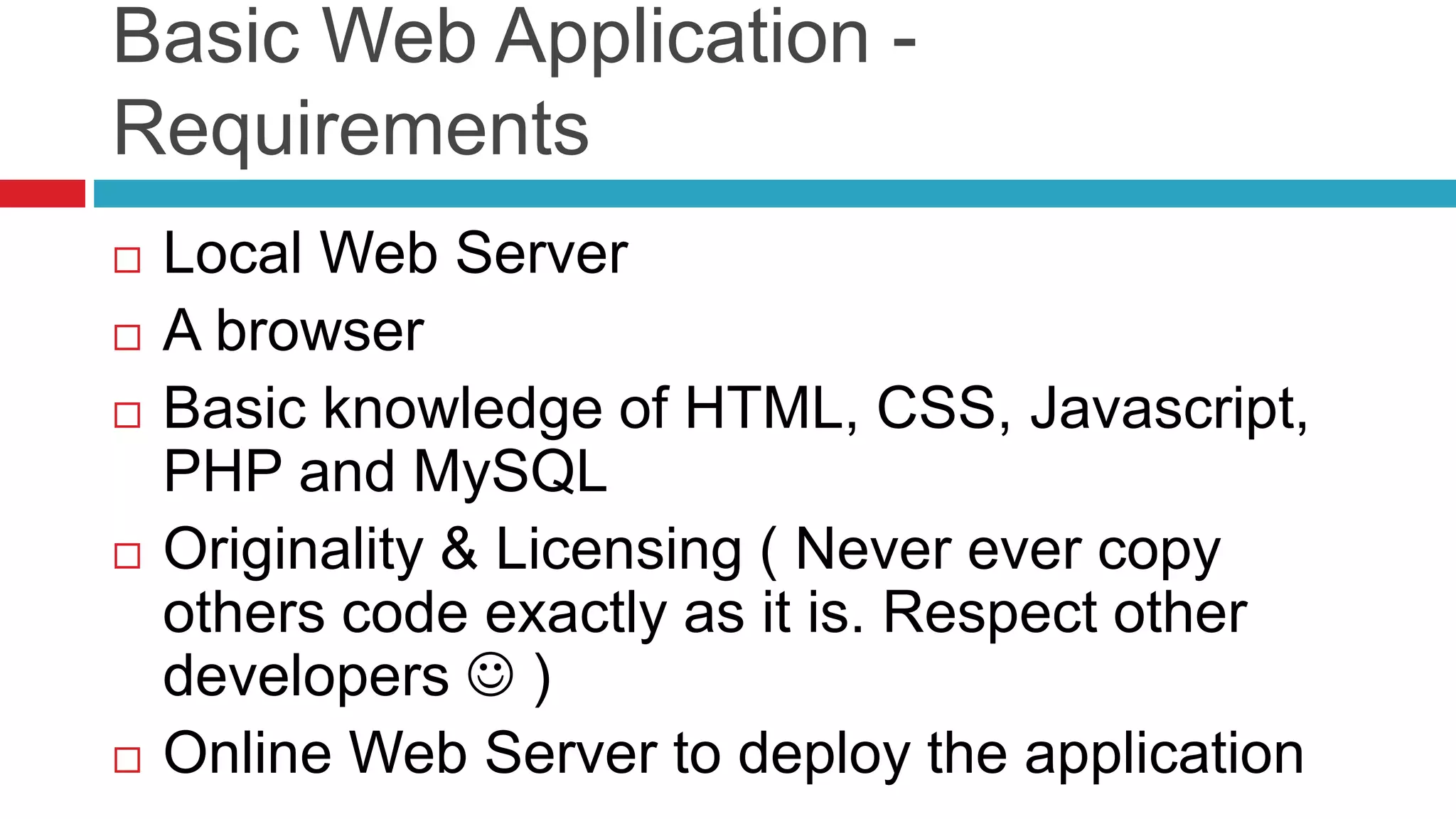
Basic Web Application -
Requirements
 Local Web Server
 A browser
 Basic knowledge of HTML, CSS, Javascript,
PHP and MySQL
 Originality & Licensing ( Never ever copy
others code exactly as it is. Respect other
developers  )
 Online Web Server to deploy the application
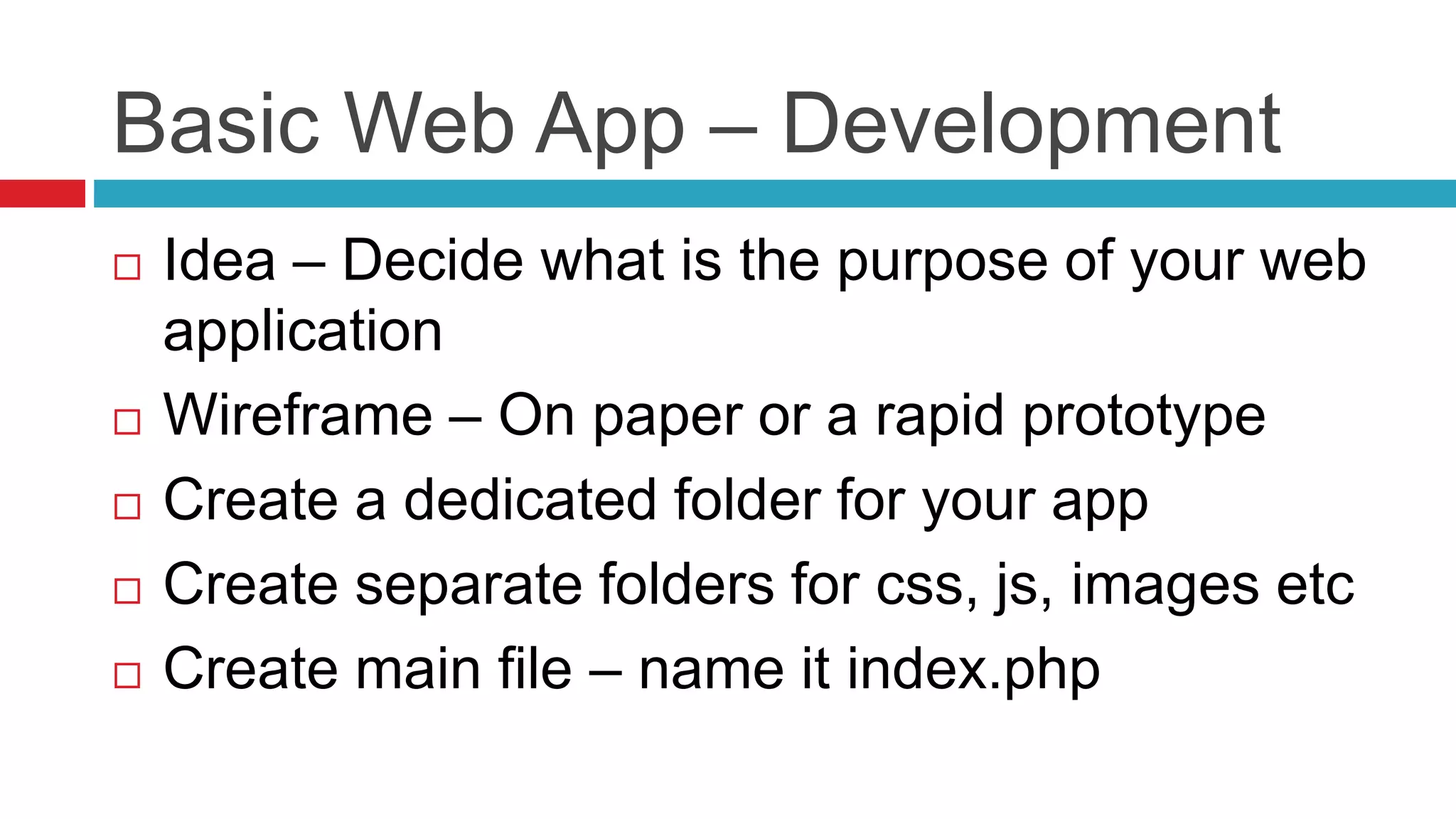
Basic Web App – Development
 Idea – Decide what is the purpose of your web
application
 Wireframe – On paper or a rapid prototype
 Create a dedicated folder for your app
 Create separate folders for css, js, images etc
 Create main file – name it index.php
Basic Web App – Development
 The index.php file will be similar to HTML
(.html) file, difference being you can write PHP
code inside that file
 Follow basic structure of HTML file
 After you write HTML for the content that will
be displayed, add CSS to each element as per
the design
Basic Web App – Development
 All CSS will go in separate file say main.css in CSS
folder
 Follow PHP syntax to do any kind of computation or
server side validation.
 In order to fetch or save data to database
 Connect to MySQL database
 Fetch the data in PHP variables or save the data
 Close the connection
 You can display the fetched data by populating the
HTML elements with PHP variables
Basic Web App – Development
 Save this folder (say firstapp) into proper
(www) folder of your local web server
 You can open your application by opening url
like http://localhost/firstapp/ in your browser.
 Let us check the actual mini app for the syntax
Questions ??
“One of the very important characteristics of a
student is to question, only students have the
capability to learn.
http://www.webfanzine.com/
Thank You 
http://www.webfanzine.com/
Helpful Links - Basic
 http://www.w3schools.com/
 http://www.codecademy.com/

Web application architecture

  • 1.
    Web Application Architecture byTejaswini Deshpande WebFanzine Media http://www.webfanzine.com/ Basics, Components, Design and Development
  • 2.
    Web Application  Typesof Software  Desktop Applications  Server Softwares  Plugins  Embedded Software  What is a Web Application?  Is Website a Web Application?
  • 3.
    Activity Share some PopularWebsites that you know
  • 4.
  • 5.
  • 6.
    Popular Web Applications Facebook – the Social Network  Pixlr – Image Creation, Photo Editing & Effects  Zamzar – Online File Conversion  Gmail – Webmail Clients  bit.ly – Short URL Services  WolframAlpha – Computational Knowledge Engine
  • 7.
    Activity Lets list allprobable components of a modern Website
  • 8.
    Components of aWebsite  Logo  Navigation  Search  Content  Images & Multimedia  Gallery &  Blog  Contact Form  Registration form  Members only area  Downloadable files  Shopping cart
  • 9.
    Activity Lets list allprobable components of a Web App say Facebook
  • 10.
    Components of aWeb Application  Logo  Sign-up or Log in  Dashboard  Navigation  Notifications  Search features  Activity Log  Statistics  Various Forms  Settings  User Profiles  Reports
  • 11.
    In a mostsimplified language a full fledged Web Applications consist of three basic components Architecture of a Web Application
  • 12.
    GUI – ClientSide  The user interface is always rendered on a browser  Popular browsers  Programming languages  HTML (renders actual content)  CSS (Beautifies the content)  Javascript (Add effects, interaction, alter content)
  • 13.
    Web Server  Webservers are computers that deliver Web pages.  Web server has an IP address and most of the times a domain name  Eg. http://www.webfanzine.com/index.html  Any computer can be turned into Web Server
  • 14.
    Web Server  Programminglanguages  PHP  ASP.NET  JAVA  PERL  Python  Ruby on rails
  • 15.
    Data Storage  Serverside scripting language can communicate with database  Common databases  MySQL  SQL (DB2 & Microsoft)  Microsoft Access  Oracle
  • 16.
    Basic Web Application- Requirements  Local Web Server  A browser  Basic knowledge of HTML, CSS, Javascript, PHP and MySQL  Originality & Licensing ( Never ever copy others code exactly as it is. Respect other developers  )  Online Web Server to deploy the application
  • 17.
    Basic Web App– Development  Idea – Decide what is the purpose of your web application  Wireframe – On paper or a rapid prototype  Create a dedicated folder for your app  Create separate folders for css, js, images etc  Create main file – name it index.php
  • 18.
    Basic Web App– Development  The index.php file will be similar to HTML (.html) file, difference being you can write PHP code inside that file  Follow basic structure of HTML file  After you write HTML for the content that will be displayed, add CSS to each element as per the design
  • 19.
    Basic Web App– Development  All CSS will go in separate file say main.css in CSS folder  Follow PHP syntax to do any kind of computation or server side validation.  In order to fetch or save data to database  Connect to MySQL database  Fetch the data in PHP variables or save the data  Close the connection  You can display the fetched data by populating the HTML elements with PHP variables
  • 20.
    Basic Web App– Development  Save this folder (say firstapp) into proper (www) folder of your local web server  You can open your application by opening url like http://localhost/firstapp/ in your browser.  Let us check the actual mini app for the syntax
  • 21.
    Questions ?? “One ofthe very important characteristics of a student is to question, only students have the capability to learn. http://www.webfanzine.com/
  • 22.
  • 23.
    Helpful Links -Basic  http://www.w3schools.com/  http://www.codecademy.com/