We Are All 

Testers Now: 

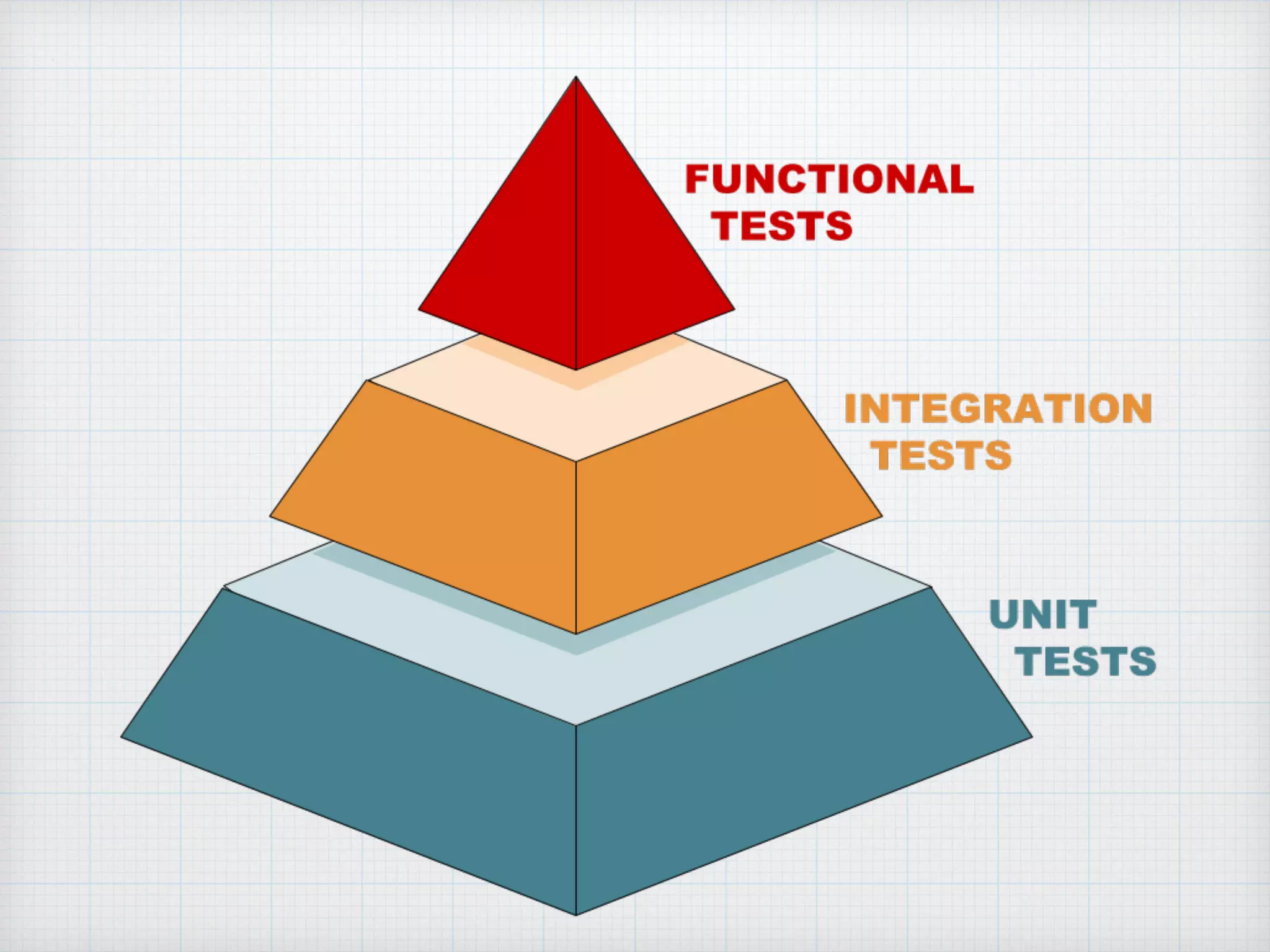
The Testing Pyramid
and Front-End
Development
Van Wilson
@vanwilson
“A good presentation follows a story…”
— John Papa,
The Art of Public Speaking and Effective Presentations
This story is about
software quality
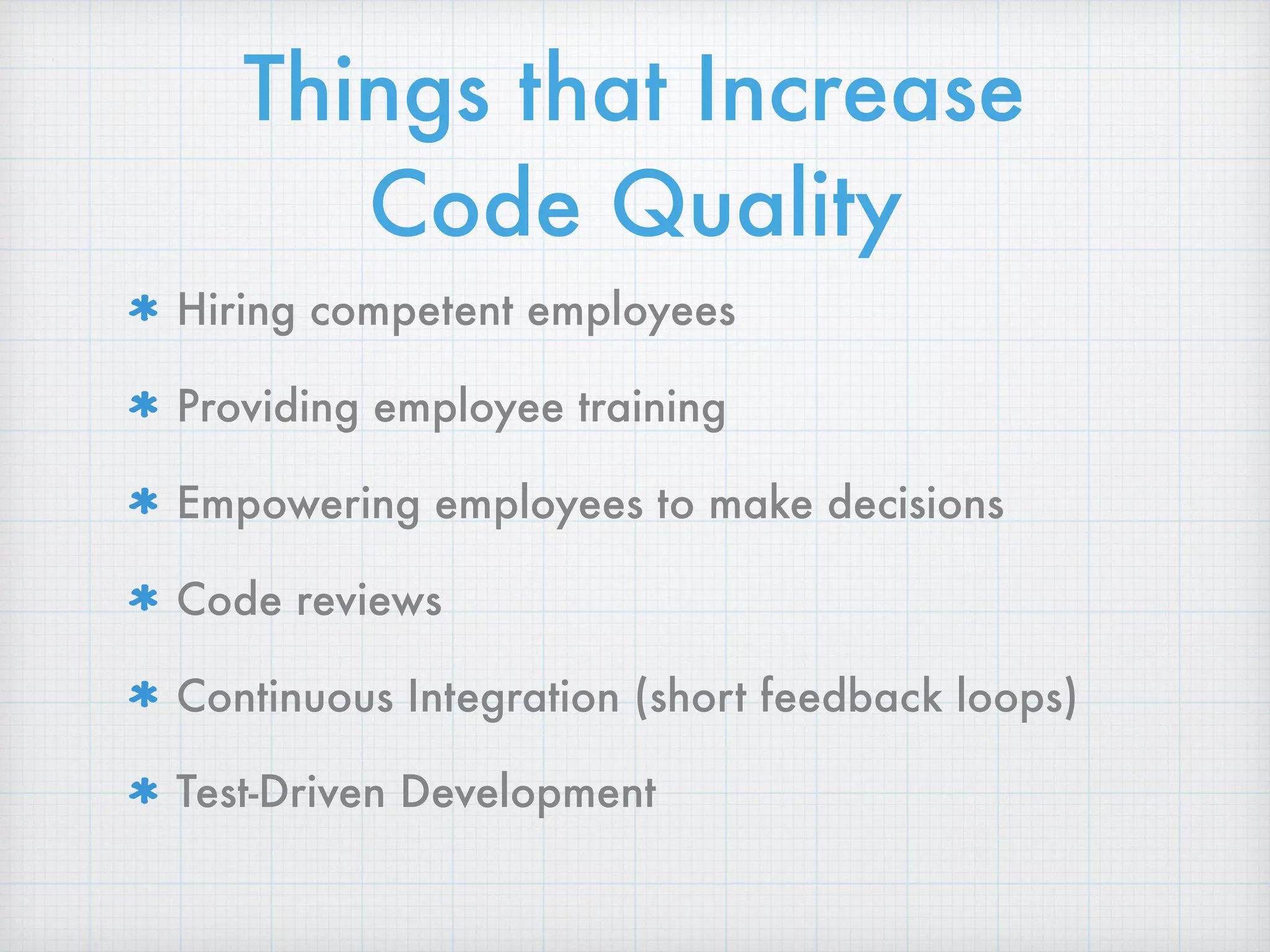
Things that Increase
Code Quality
Hiring competent employees
Providing employee training
Empowering employees to make decisions
Code reviews
Continuous Integration (short feedback loops)
Test-Driven Development
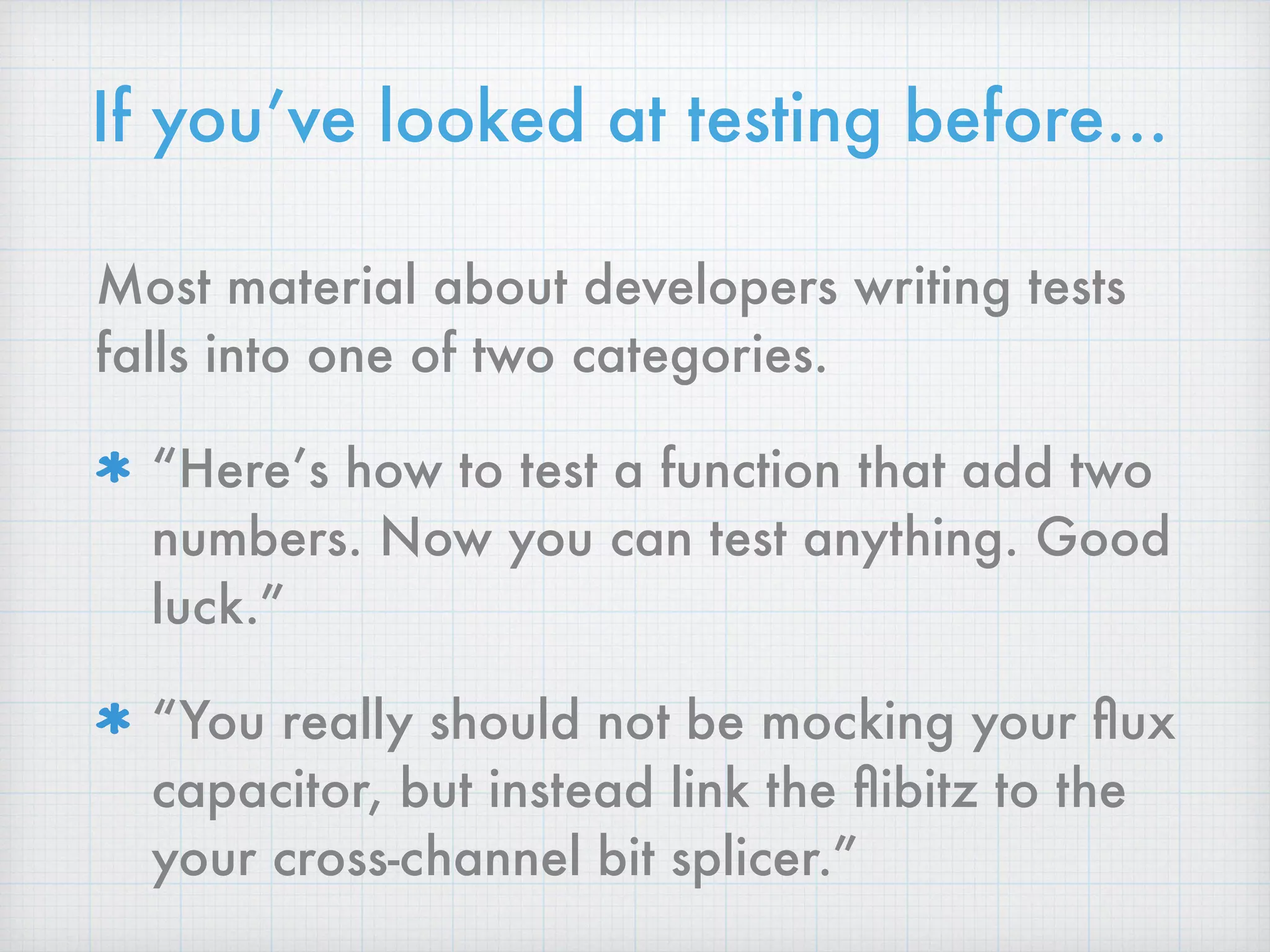
If you’ve looked at testing before…
Most material about developers writing tests
falls into one of two categories.
“Here’s how to test a function that add two
numbers. Now you can test anything. Good
luck.”
“You really should not be mocking your flux
capacitor, but instead link the flibitz to the
your cross-channel bit splicer.”
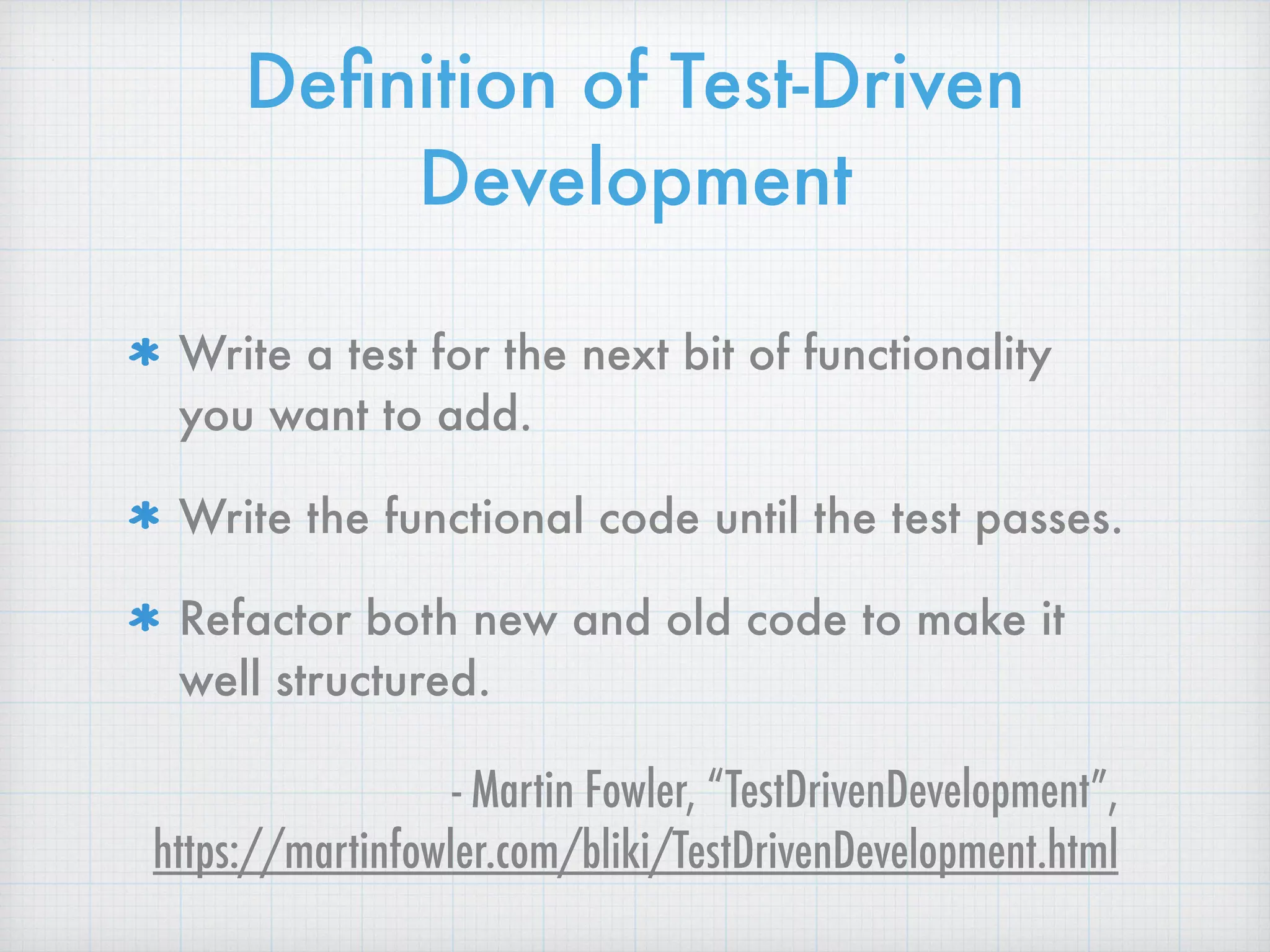
Definition of Test-Driven
Development
Write a test for the next bit of functionality
you want to add.
Write the functional code until the test passes.
Refactor both new and old code to make it
well structured.
- Martin Fowler, “TestDrivenDevelopment”, 

https://martinfowler.com/bliki/TestDrivenDevelopment.html
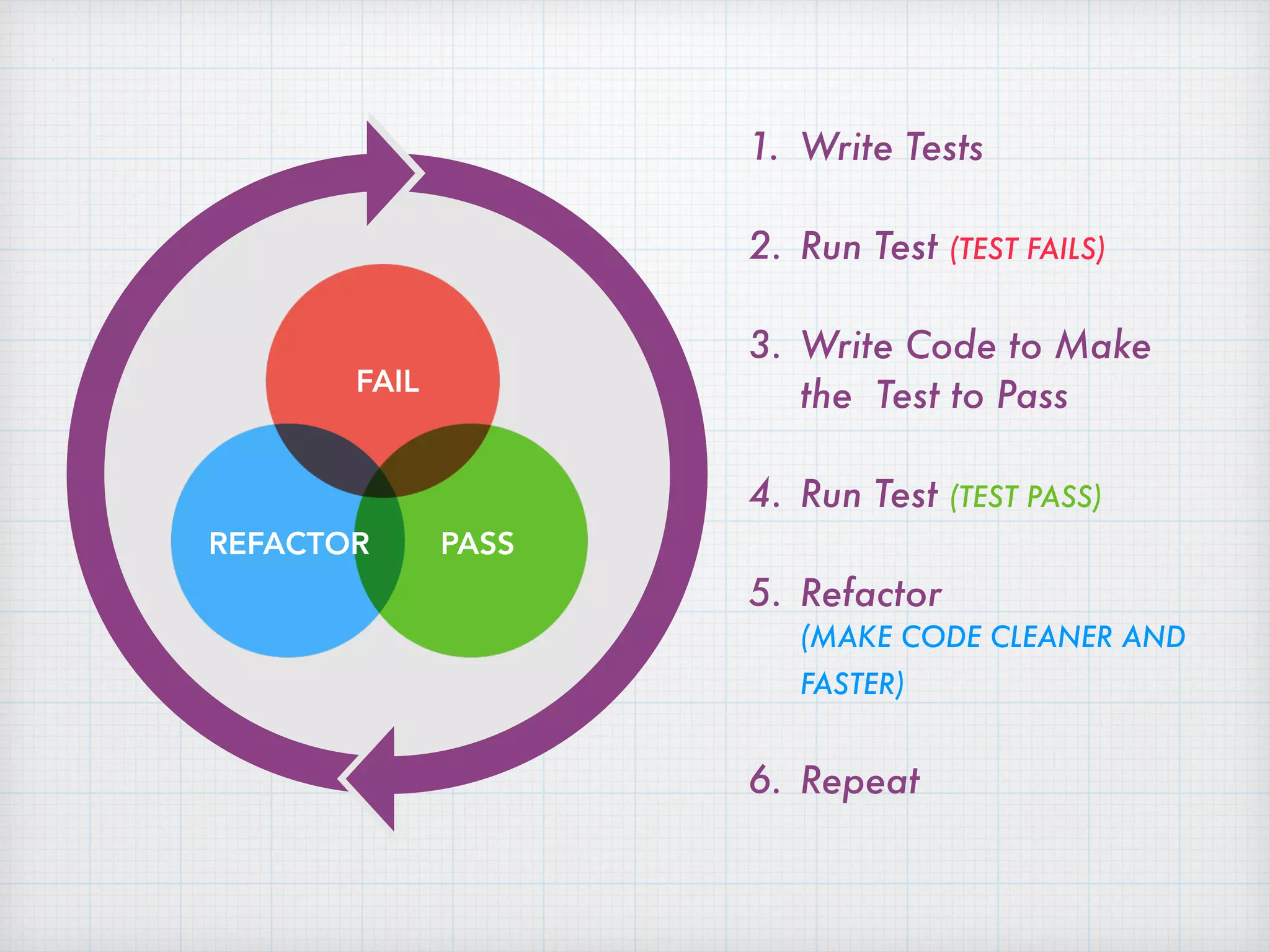
1. Write Tests
2. Run Test (TEST FAILS)
3. Write Code to Make
the Test to Pass
4. Run Test (TEST PASS)
5. Refactor 

(MAKE CODE CLEANER AND
FASTER)
6. Repeat
FAIL
PASSREFACTOR
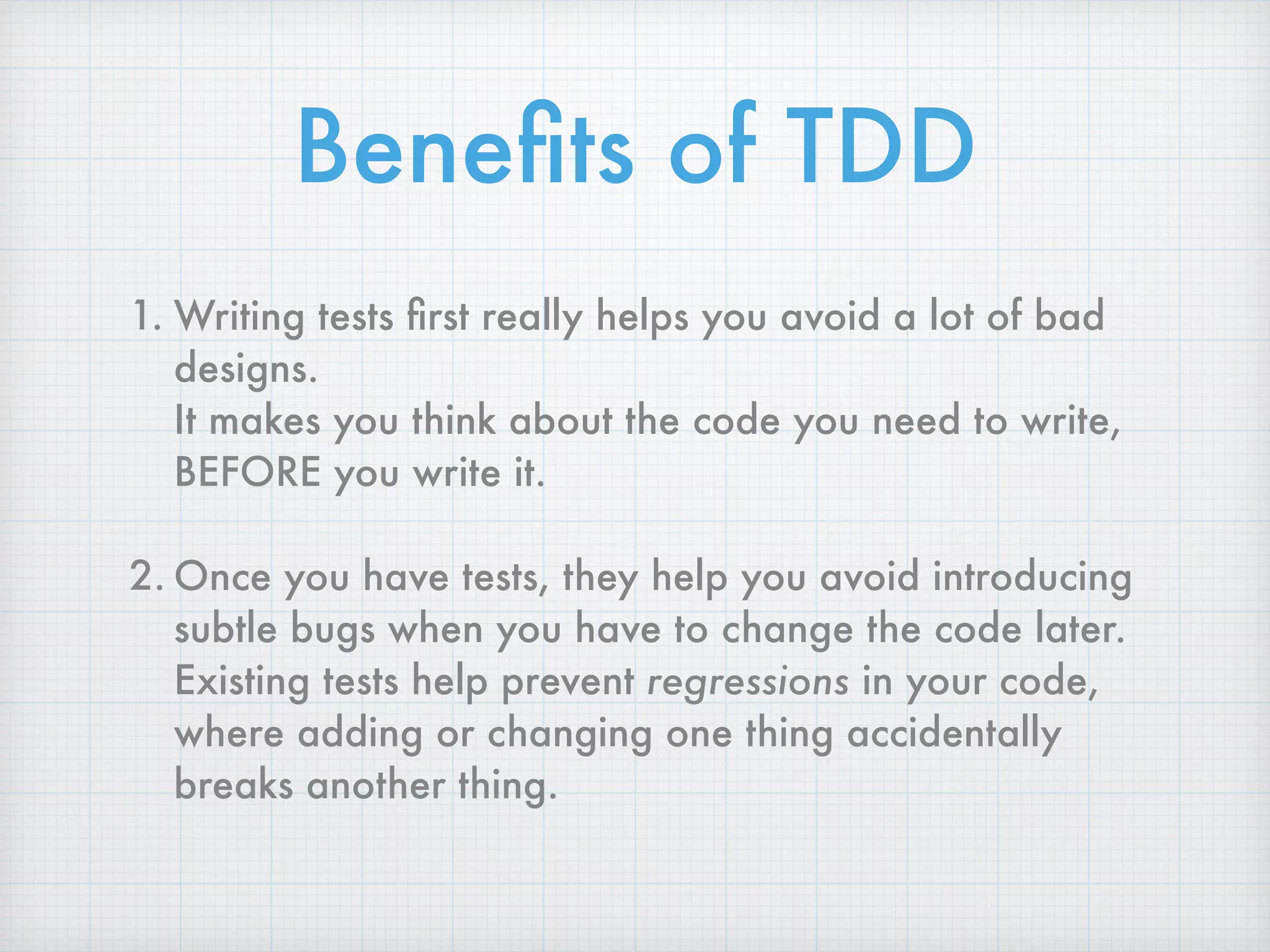
Benefits of TDD
1. Writing tests first really helps you avoid a lot of bad
designs. 

It makes you think about the code you need to write,
BEFORE you write it.
2. Once you have tests, they help you avoid introducing
subtle bugs when you have to change the code later. 

Existing tests help prevent regressions in your code,
where adding or changing one thing accidentally
breaks another thing.
But if these two things are
true,
why doesn’t every developer
write tests first, all the time?
Exercising
Gives you more energy and other immediate
health benefits.
Helps you live longer, and with better quality of
life, down the road.
Saving money
Gives you a better credit rating, and an
emergency reserve, in the short term.
Allows you to retire earlier, and do more things
in retirement, in the future.
Flossing
Helps prevent cavities and gum disease now.
Helps you keep your teeth when you get older.
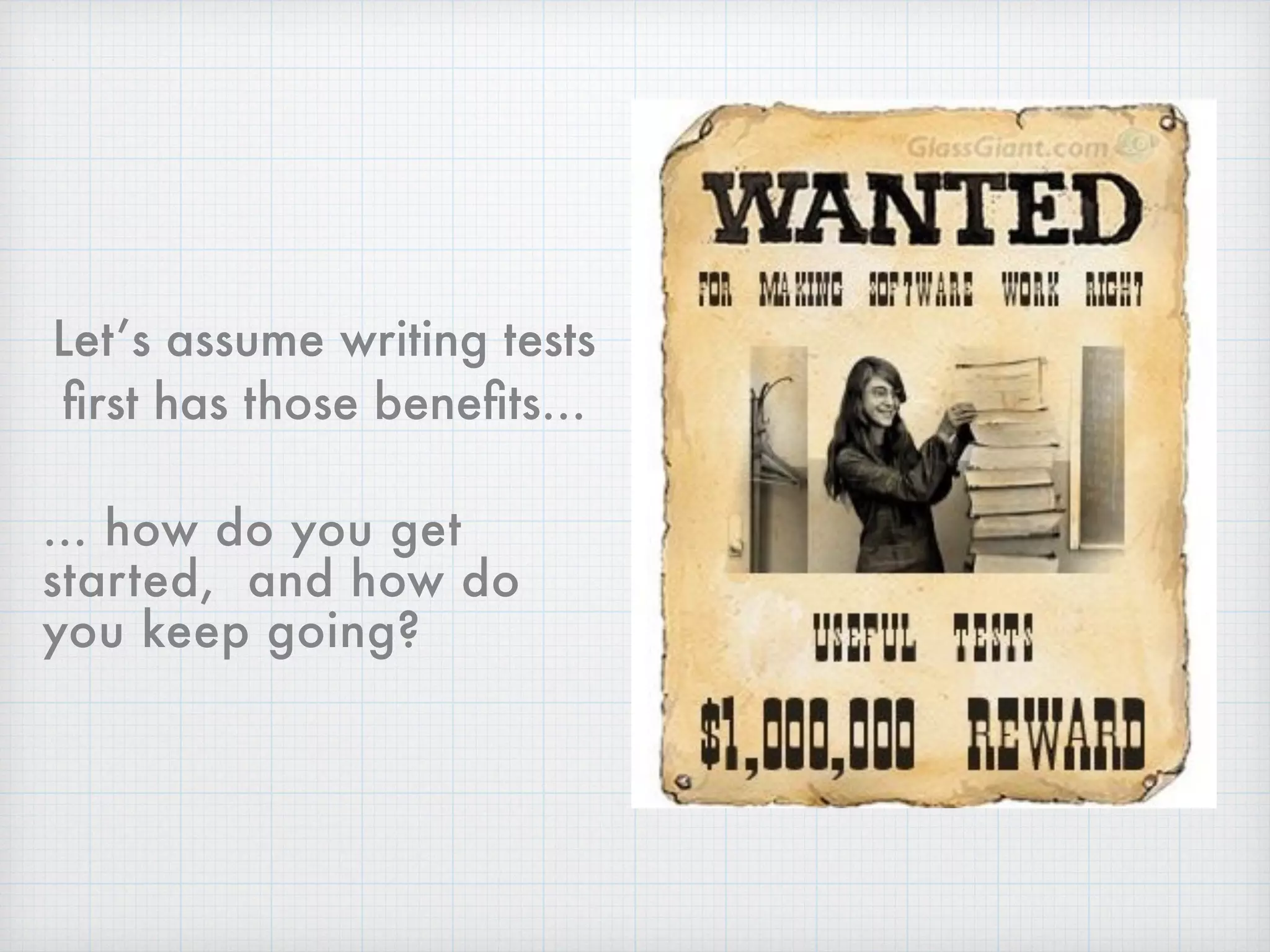
Let’s assume writing tests
first has those benefits…
… how do you get
started, and how do
you keep going?
Getting started with
any testing really is
the hardest part…
and JavaScript testing
is no exception.
Only slightly less
difficult, keeping
up with testing…
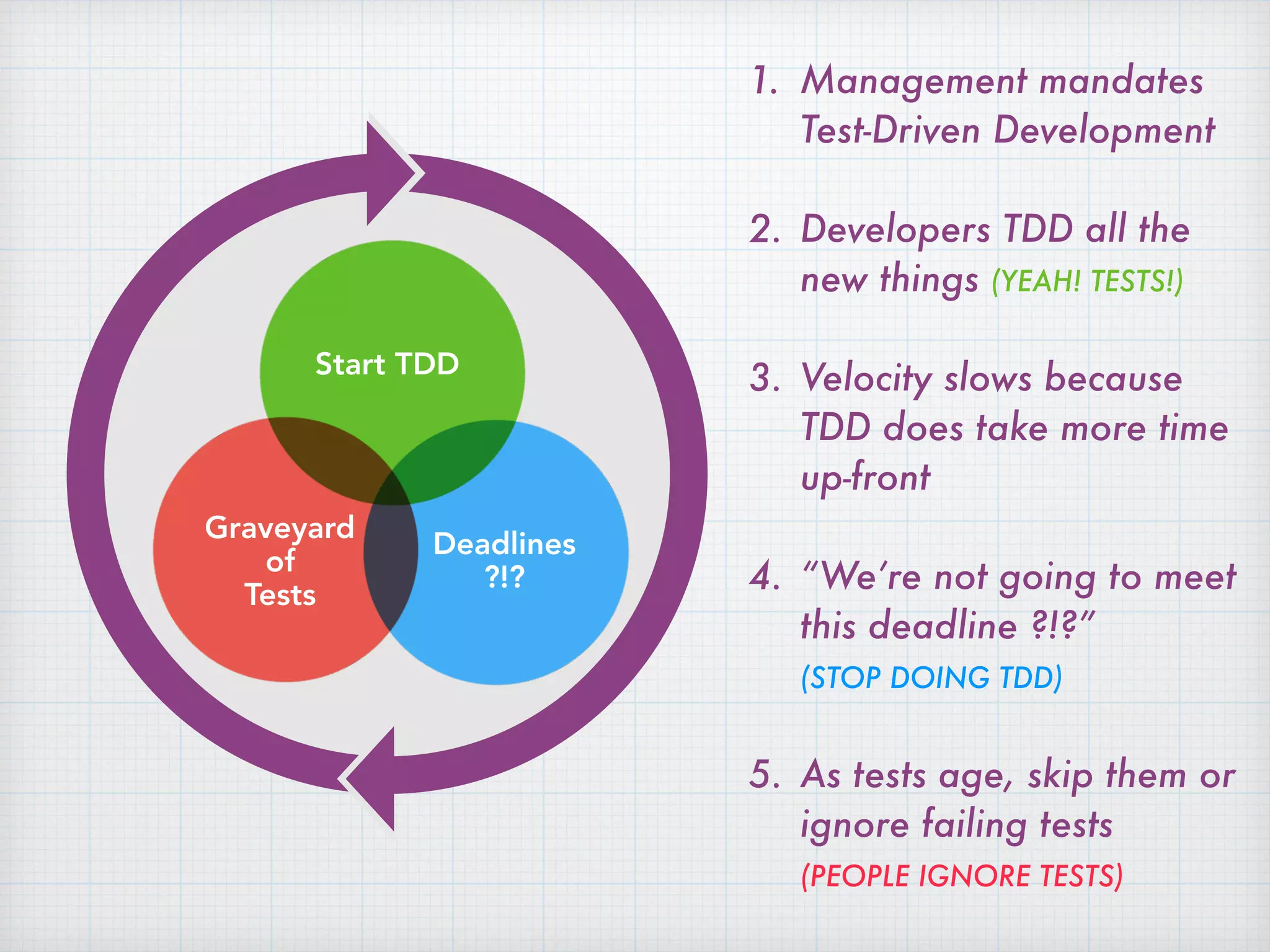
1. Management mandates
Test-Driven Development
2. Developers TDD all the
new things (YEAH! TESTS!)
3. Velocity slows because
TDD does take more time
up-front
4. “We’re not going to meet
this deadline ?!?” 
(STOP DOING TDD)
5. As tests age, skip them or
ignore failing tests

(PEOPLE IGNORE TESTS)
Start TDD
Deadlines
?!?
Graveyard
of

Tests
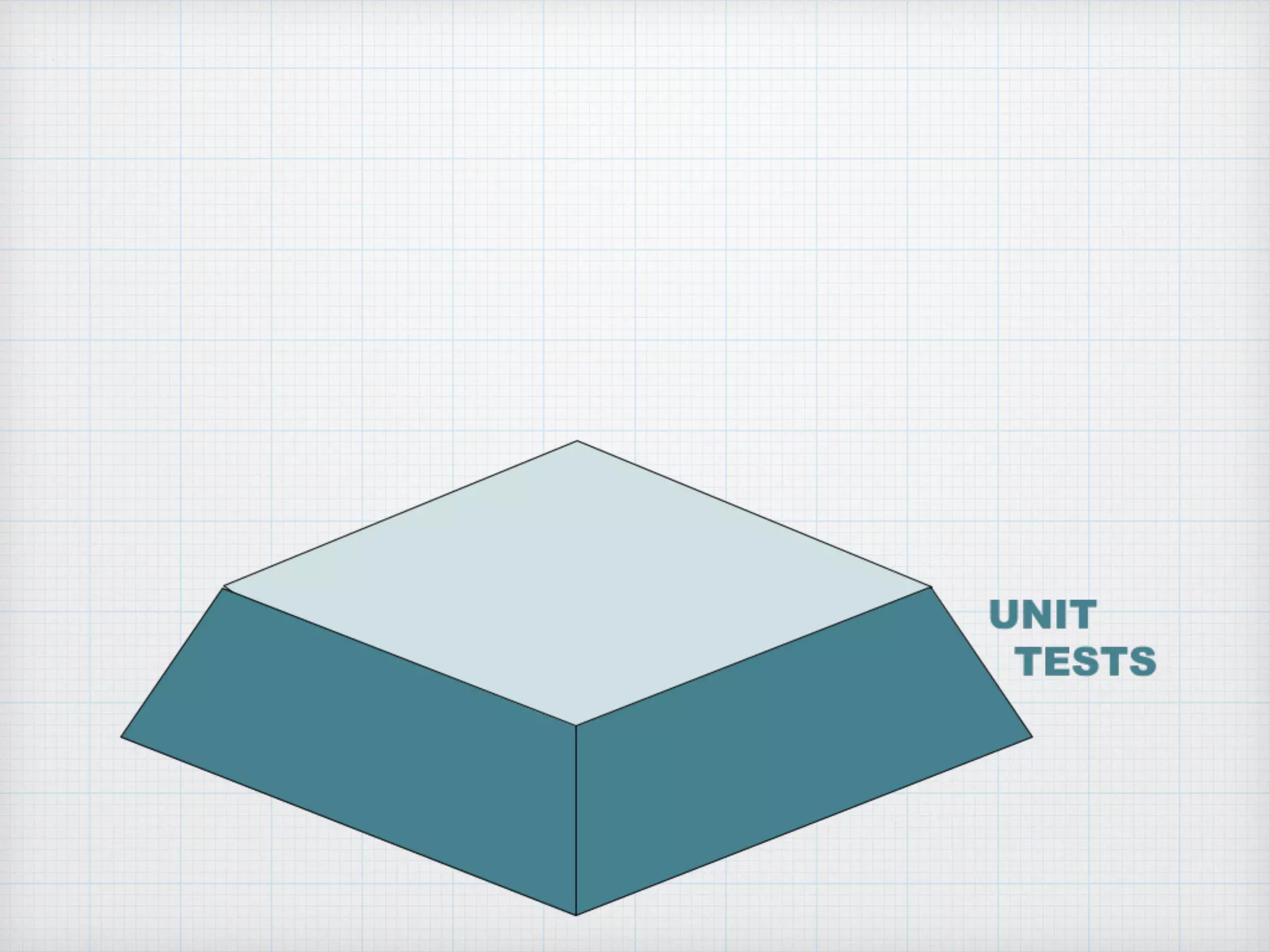
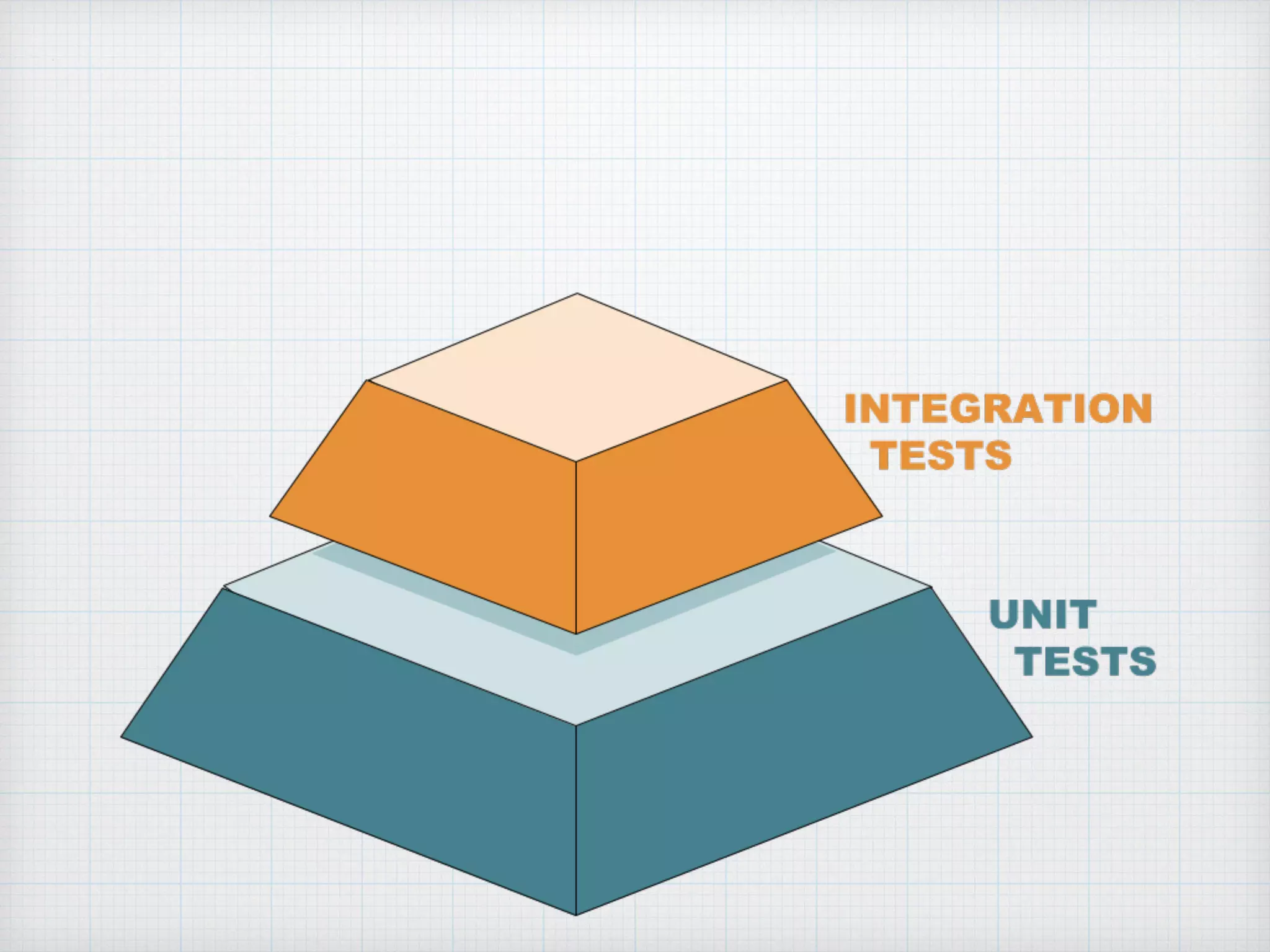
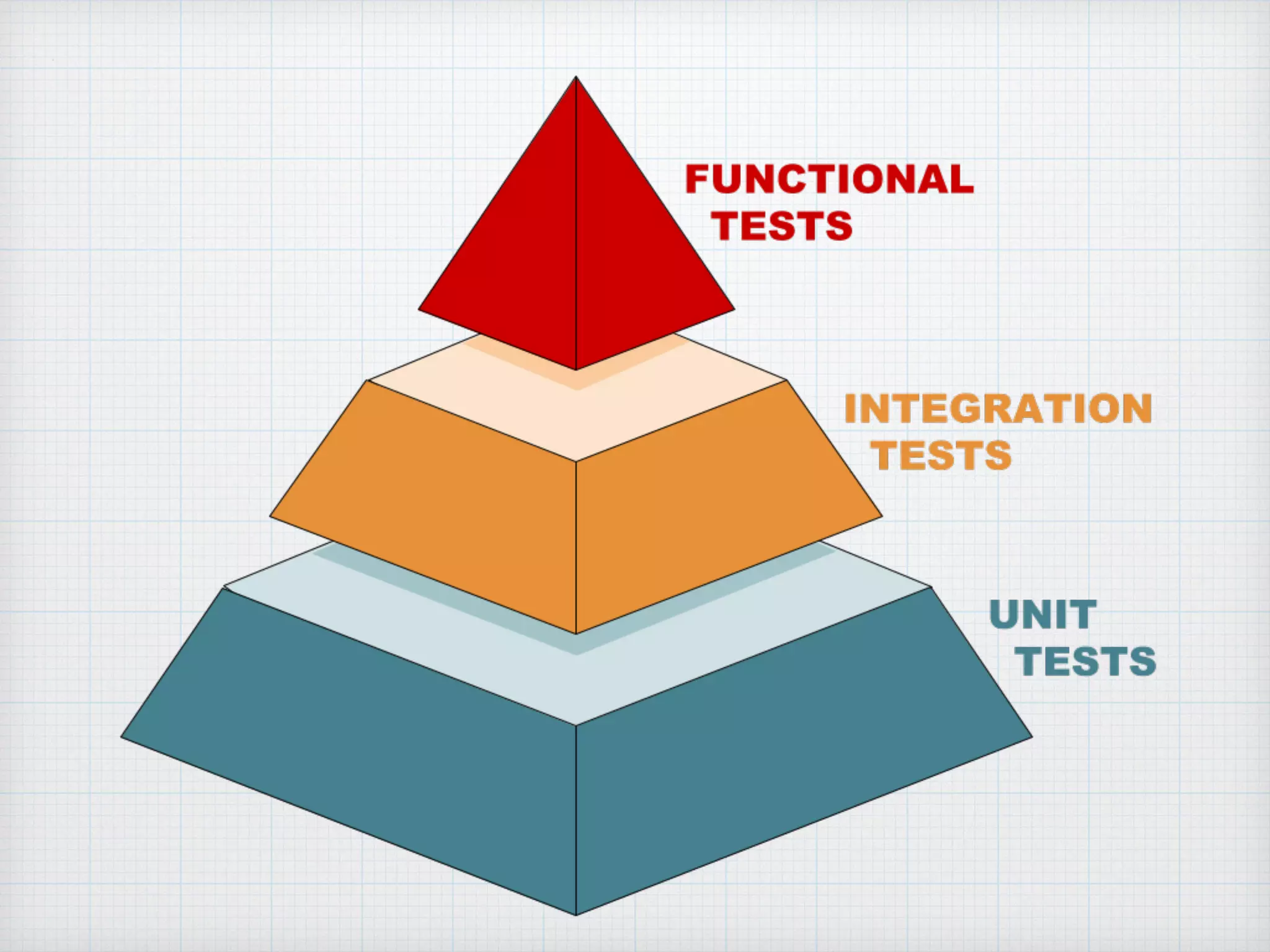
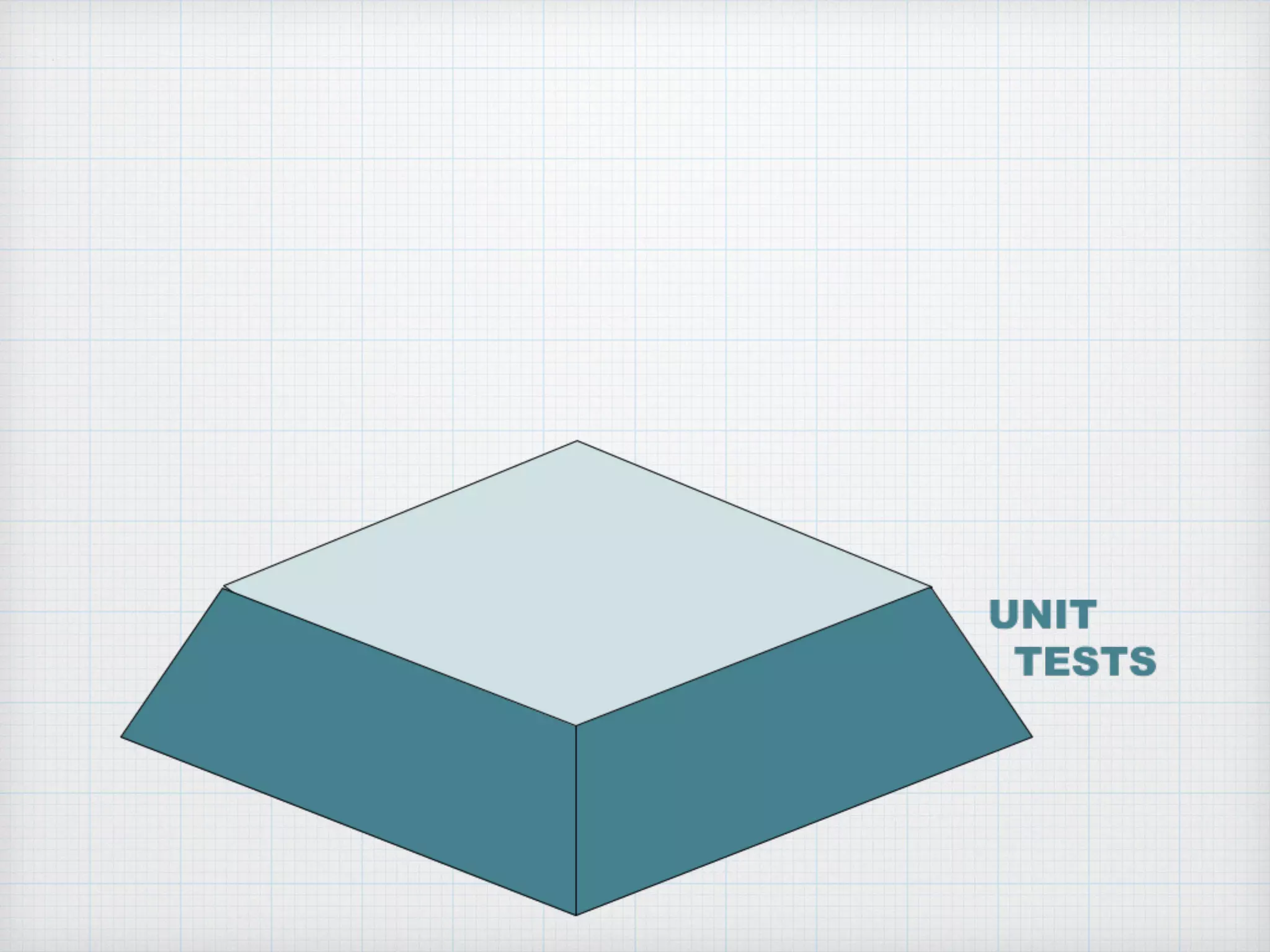
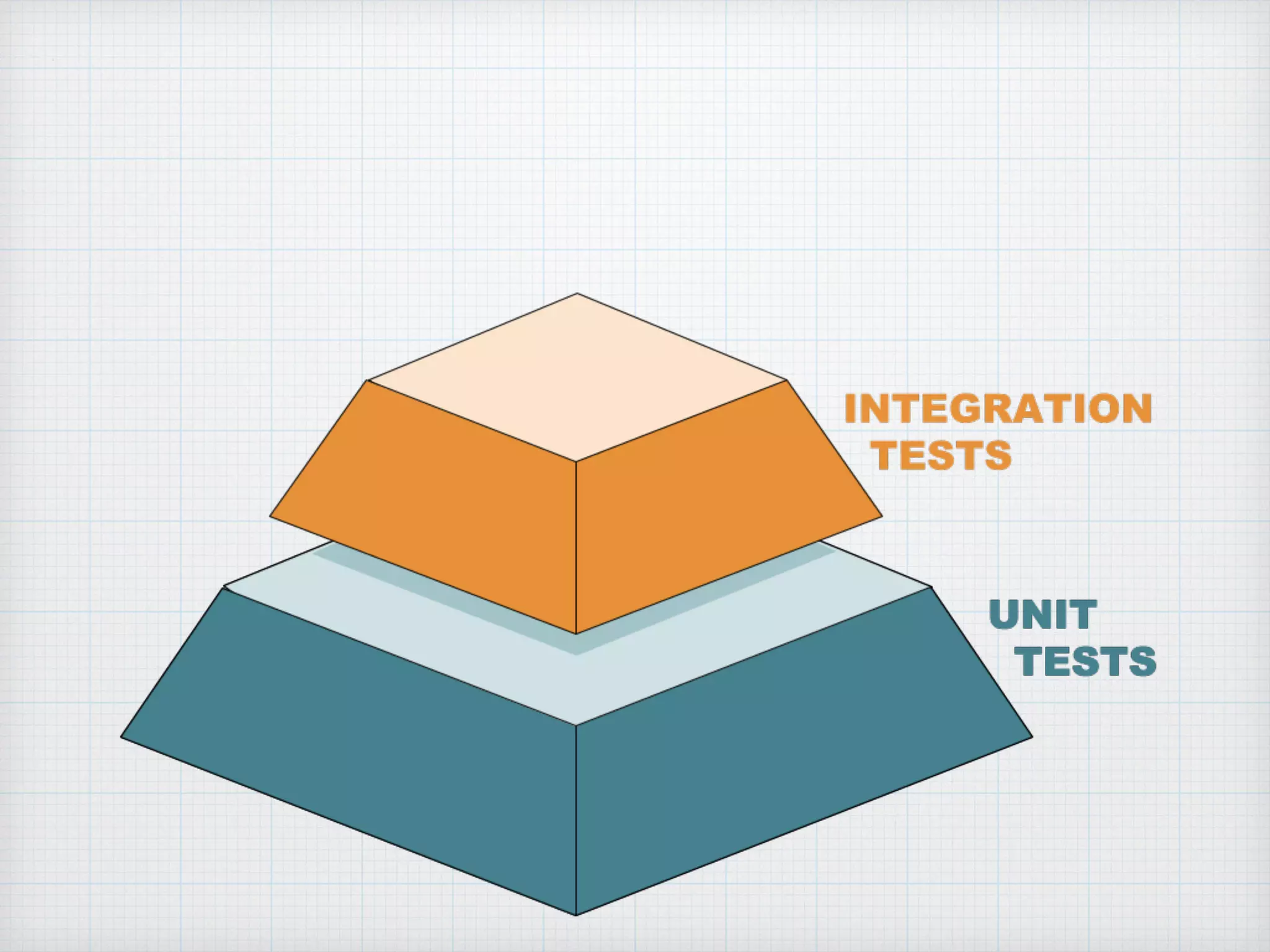
The Testing
Pyramid
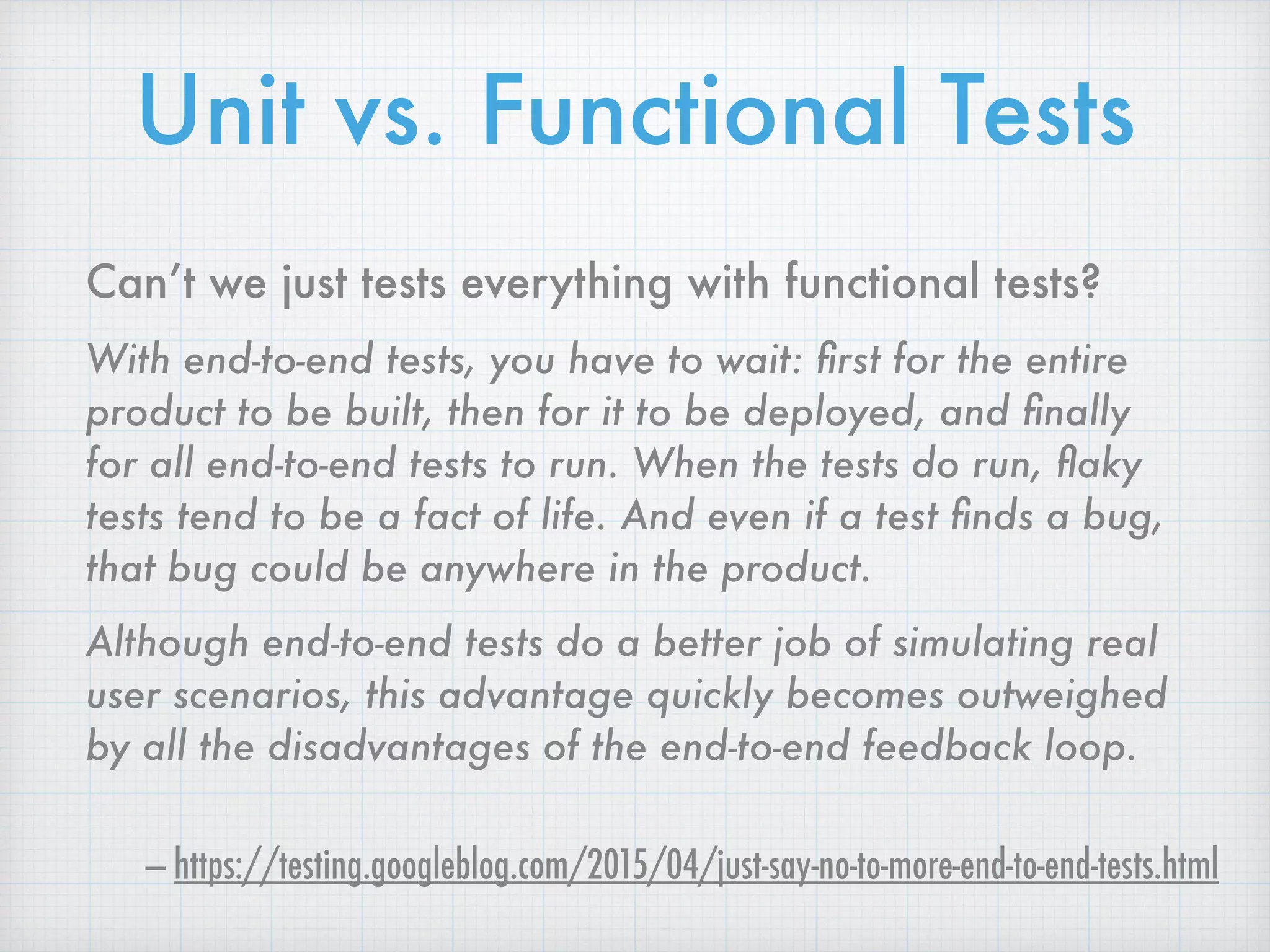
Can’t we just tests everything with functional tests?
With end-to-end tests, you have to wait: first for the entire
product to be built, then for it to be deployed, and finally
for all end-to-end tests to run. When the tests do run, flaky
tests tend to be a fact of life. And even if a test finds a bug,
that bug could be anywhere in the product.
Although end-to-end tests do a better job of simulating real
user scenarios, this advantage quickly becomes outweighed
by all the disadvantages of the end-to-end feedback loop.
— https://testing.googleblog.com/2015/04/just-say-no-to-more-end-to-end-tests.html
Unit vs. Functional Tests
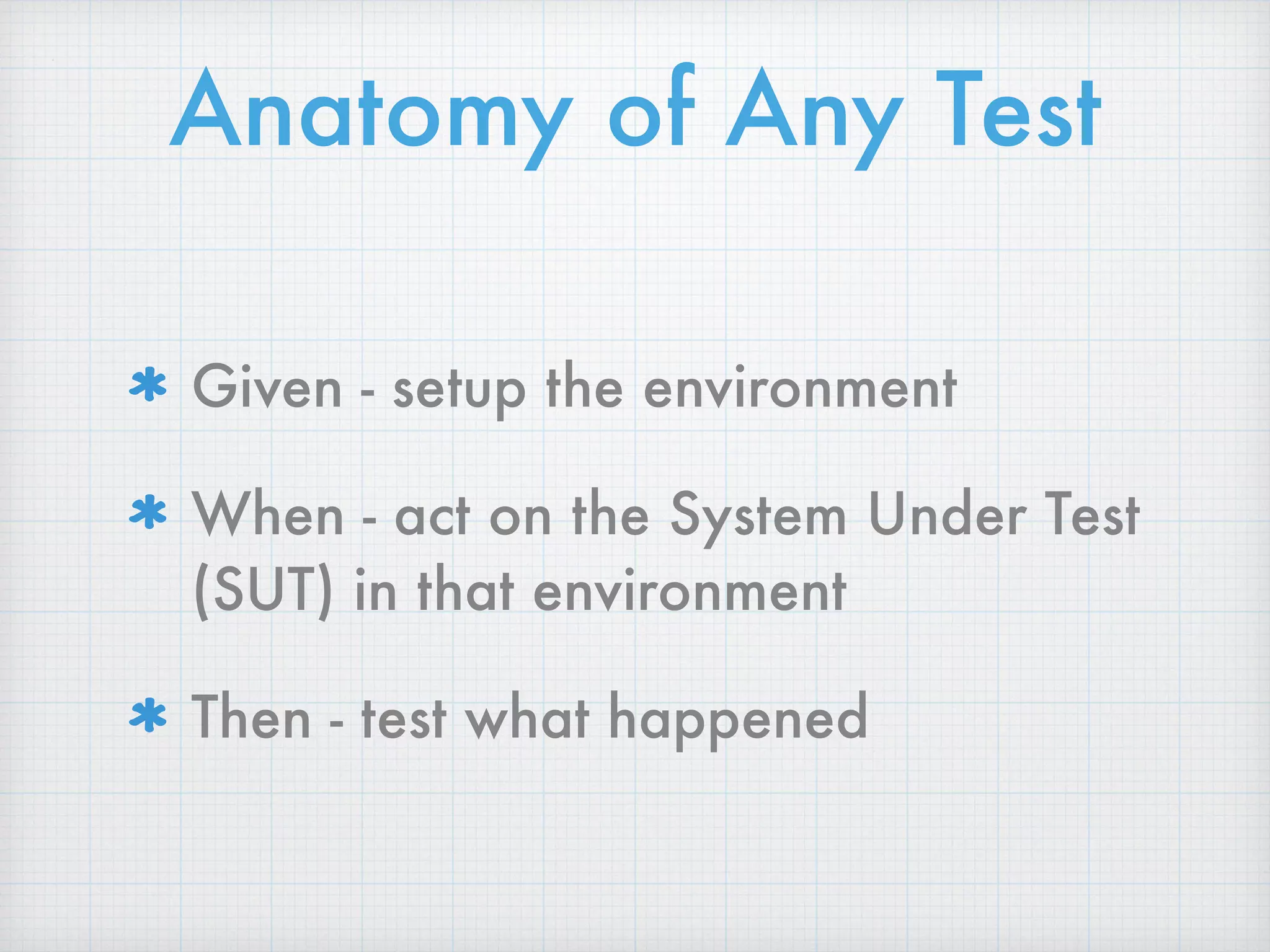
Anatomy of Any Test
Given - setup the environment
When - act on the System Under Test
(SUT) in that environment
Then - test what happened
Testing Library Fatigue
Jest
•Based on Jasmine
•Built-in assertions
•Built-in spies
For Unit / Integration Tests
Cucumber JS
•JS implementation of
Cucumber library
•Behavior-Driven
Development
•Runs on top of
Selenium
For Functional Tests
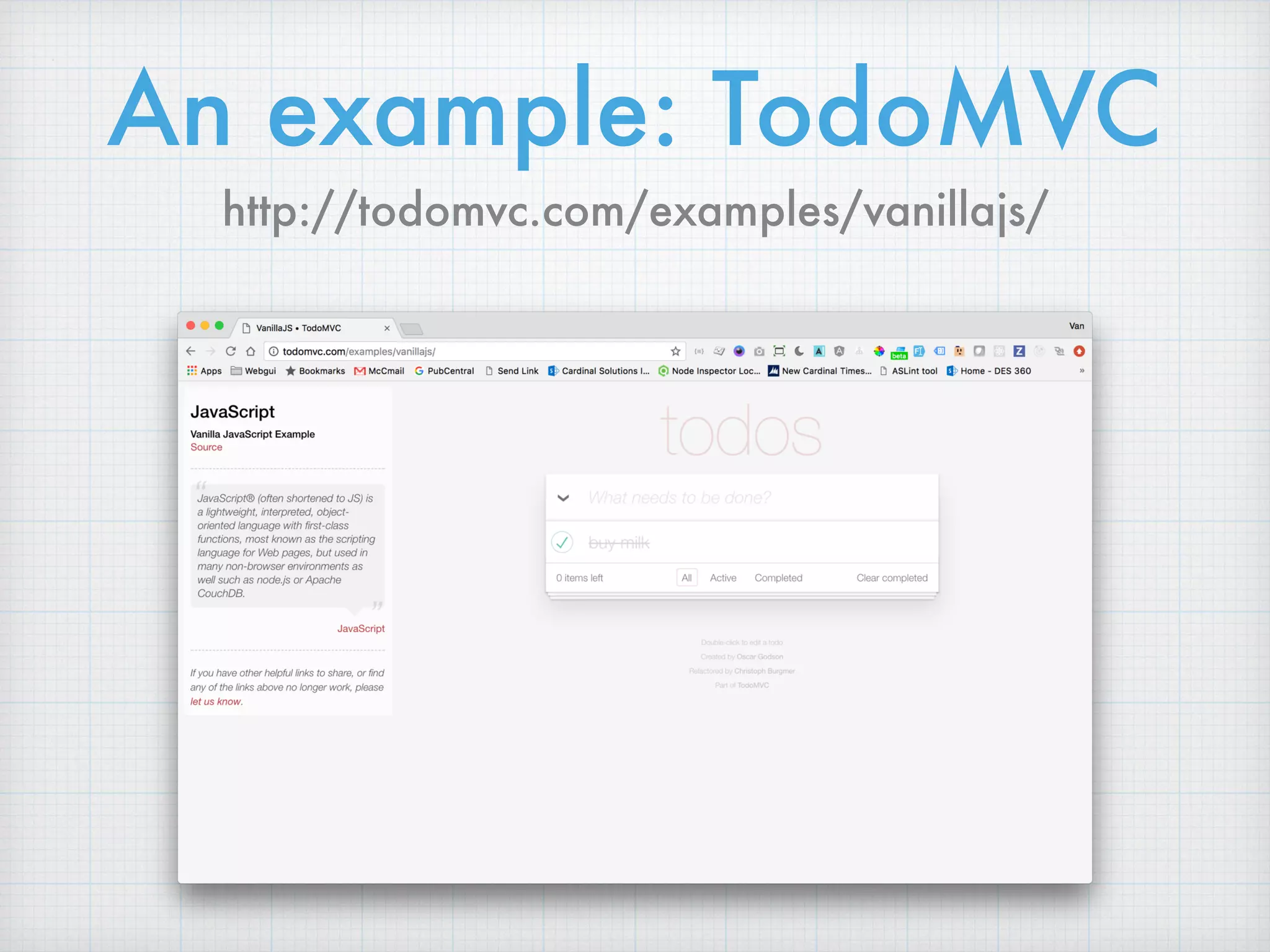
An example: TodoMVC
http://todomvc.com/examples/vanillajs/
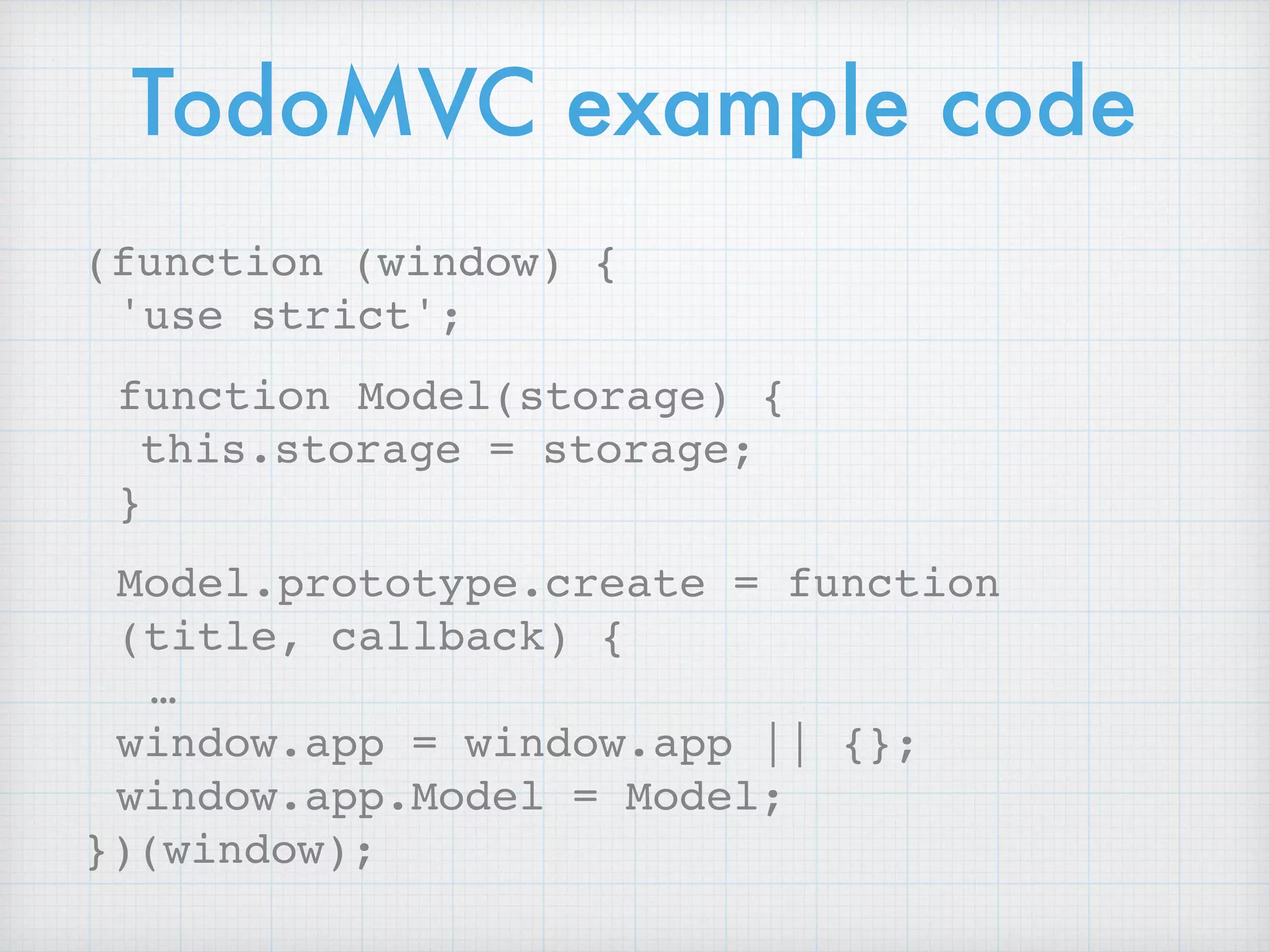
TodoMVC example code
(function (window) {
'use strict';
function Model(storage) {
this.storage = storage;
}
Model.prototype.create = function
(title, callback) {
…
window.app = window.app || {};
window.app.Model = Model;
})(window);
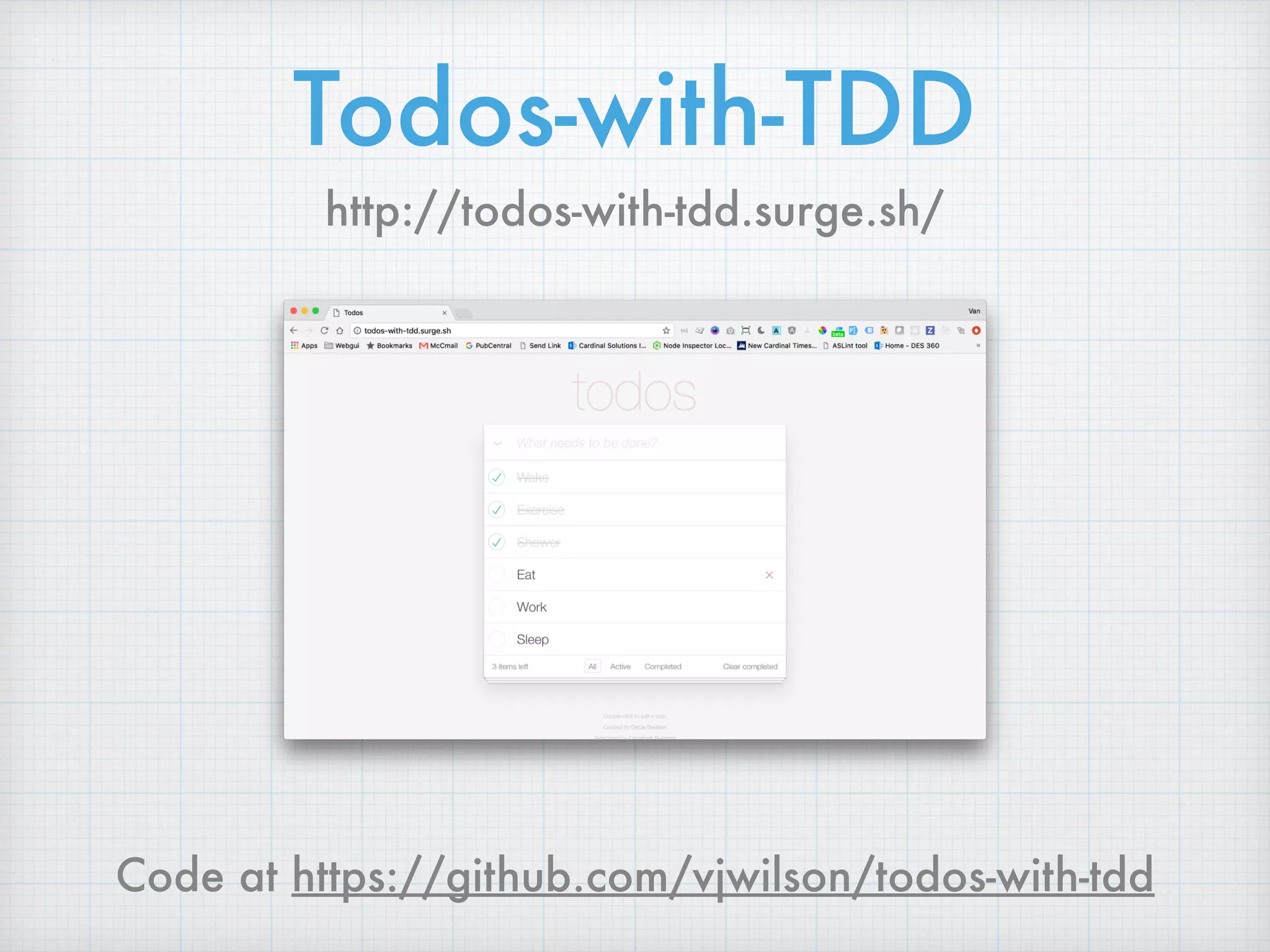
Todos-with-TDD
http://todos-with-tdd.surge.sh/
Code at https://github.com/vjwilson/todos-with-tdd
Get started with

unit tests
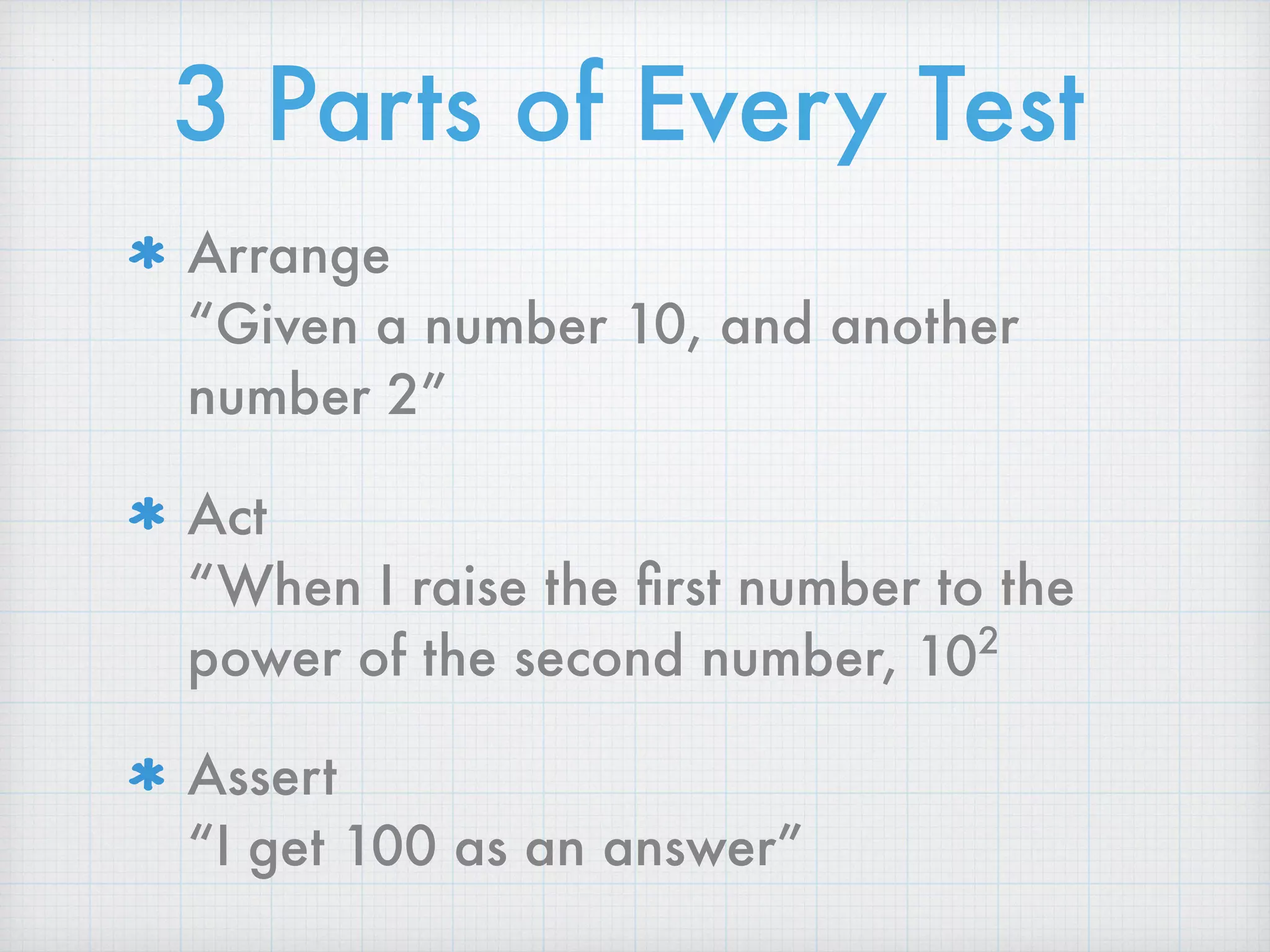
3 Parts of Every Test
Arrange

“Given a number 10, and another
number 2”
Act

“When I raise the first number to the
power of the second number, 102
Assert

“I get 100 as an answer”
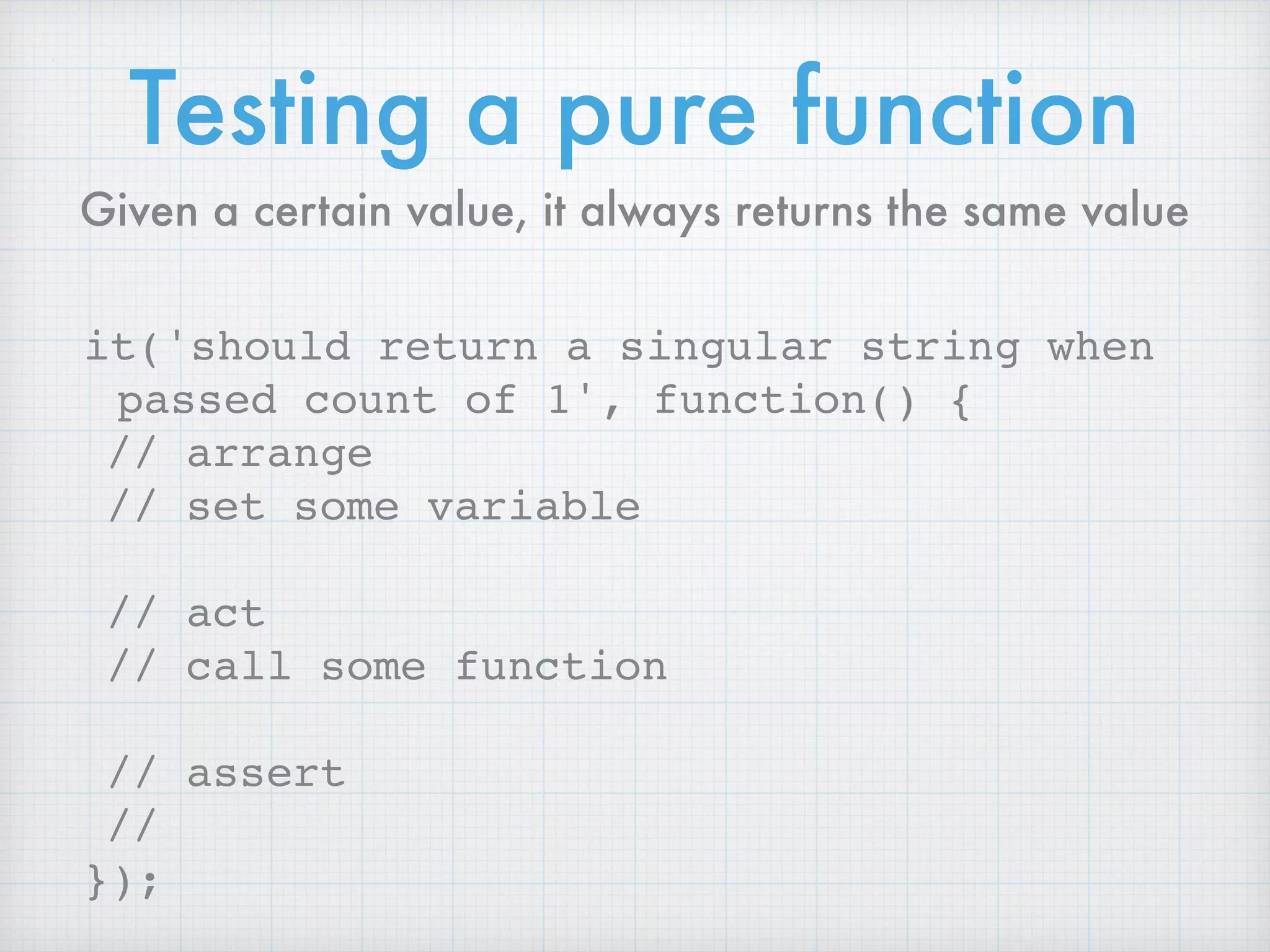
Testing a pure function
it('should return a singular string when
passed count of 1', function() {
// arrange
// set some variable
// act
// call some function
// assert
//
});
Given a certain value, it always returns the same value
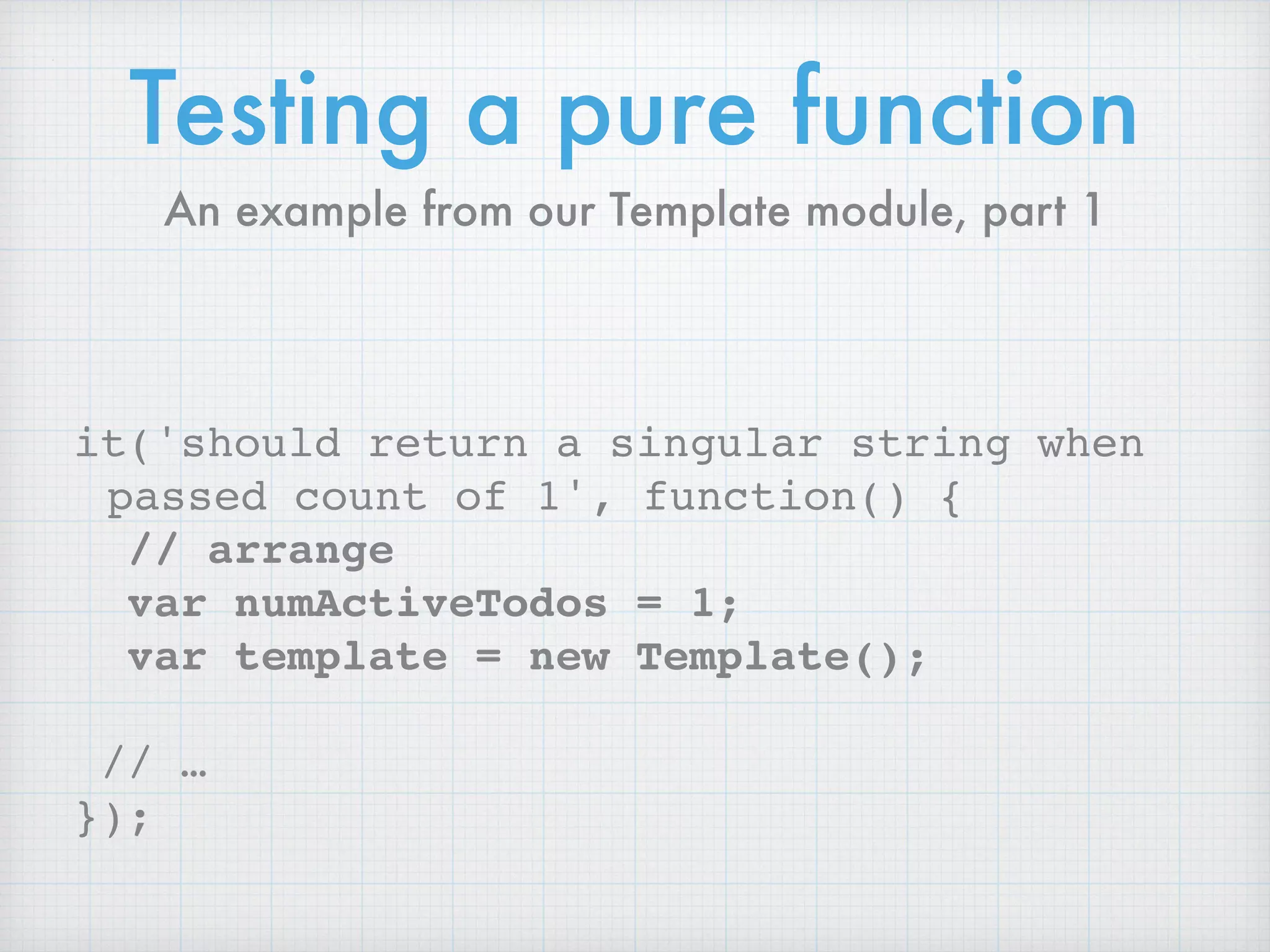
Testing a pure function
it('should return a singular string when
passed count of 1', function() {
// arrange
var numActiveTodos = 1;
var template = new Template();
// …
});
An example from our Template module, part 1
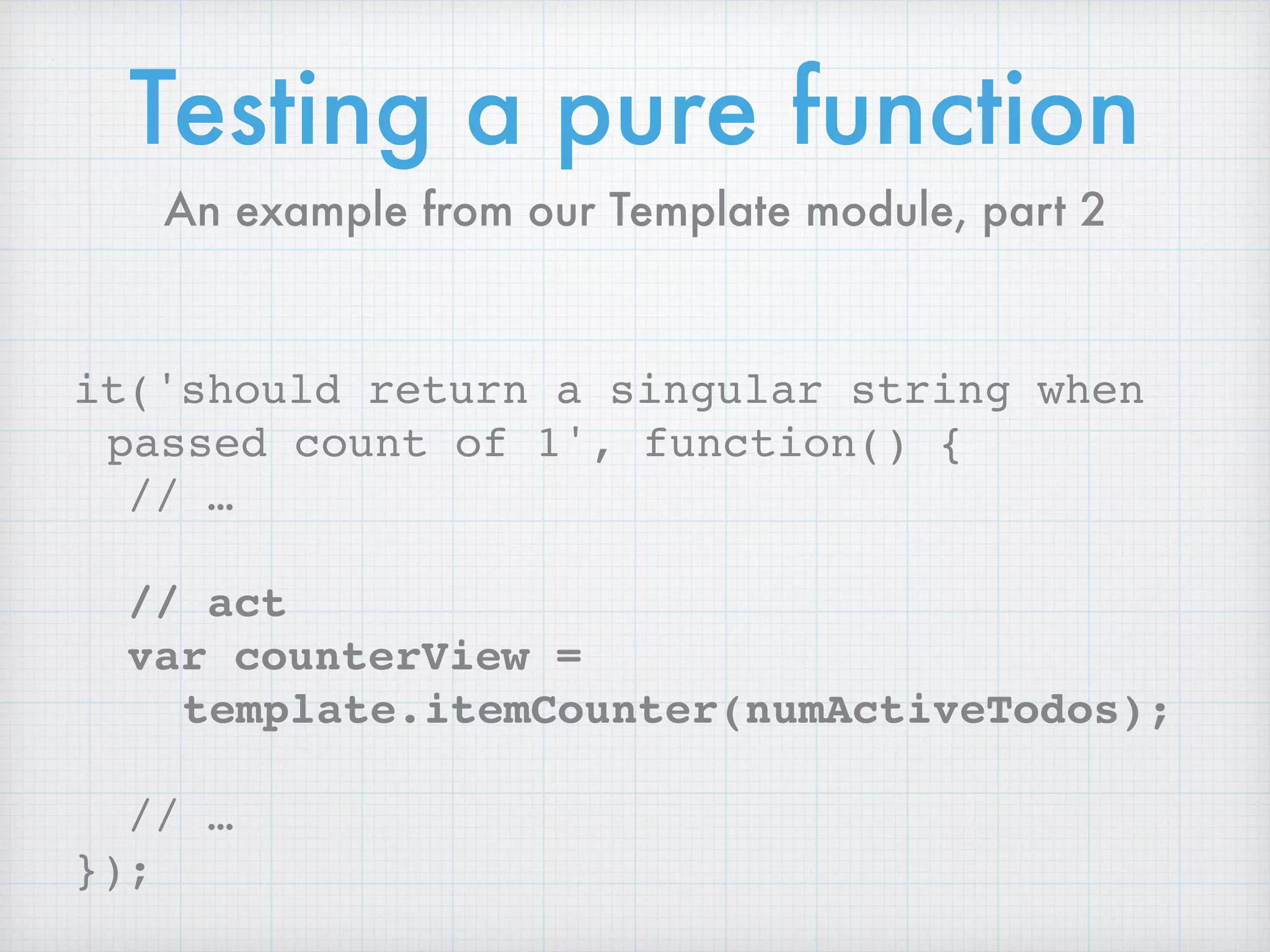
Testing a pure function
it('should return a singular string when
passed count of 1', function() {
// …
// act
var counterView =
template.itemCounter(numActiveTodos);
// …
});
An example from our Template module, part 2
Testing a pure function
it('should return a singular string when
passed count of 1', function() {
// …
// assert
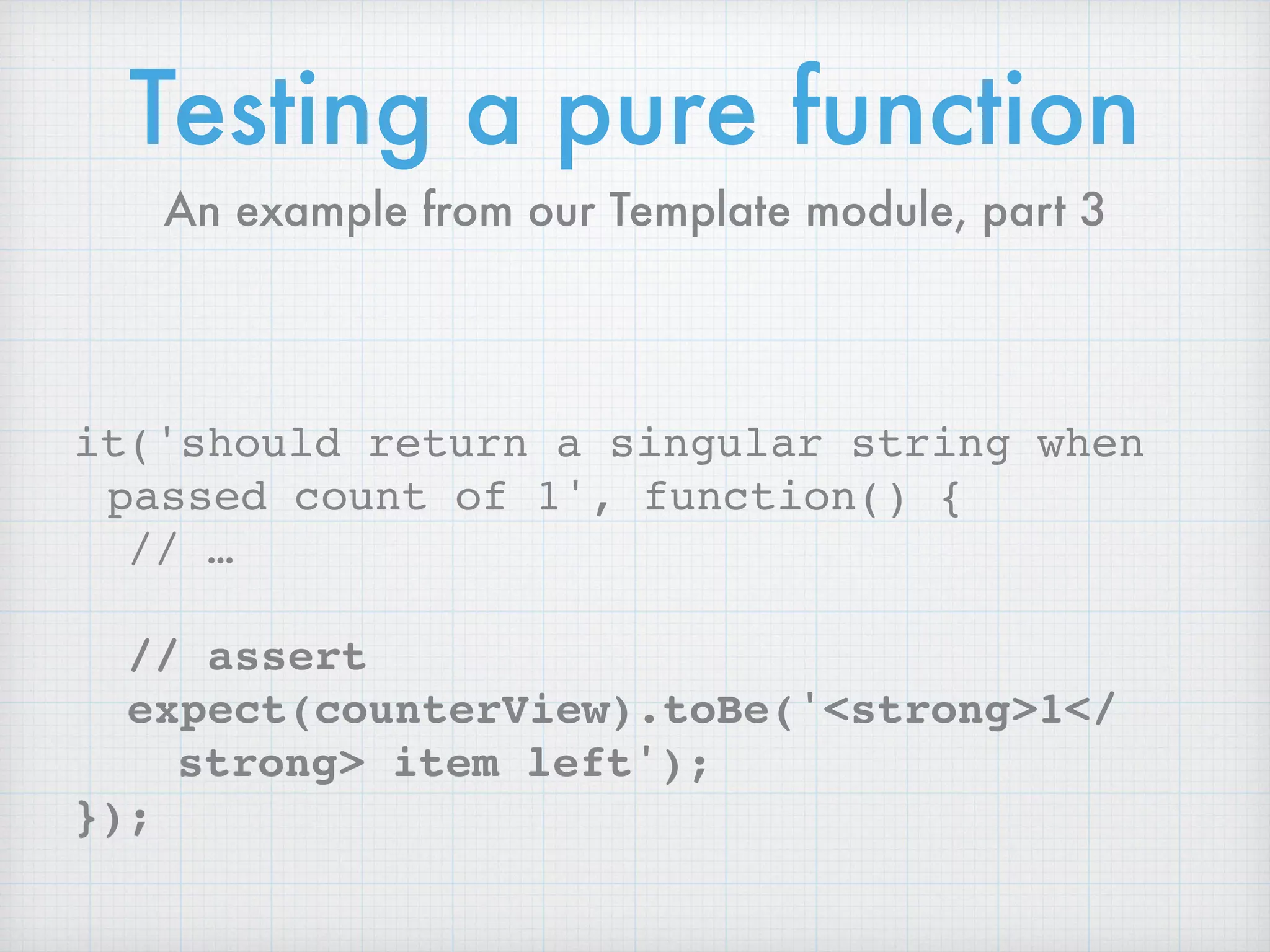
expect(counterView).toBe('<strong>1</
strong> item left');
});
An example from our Template module, part 3
Testing a pure function
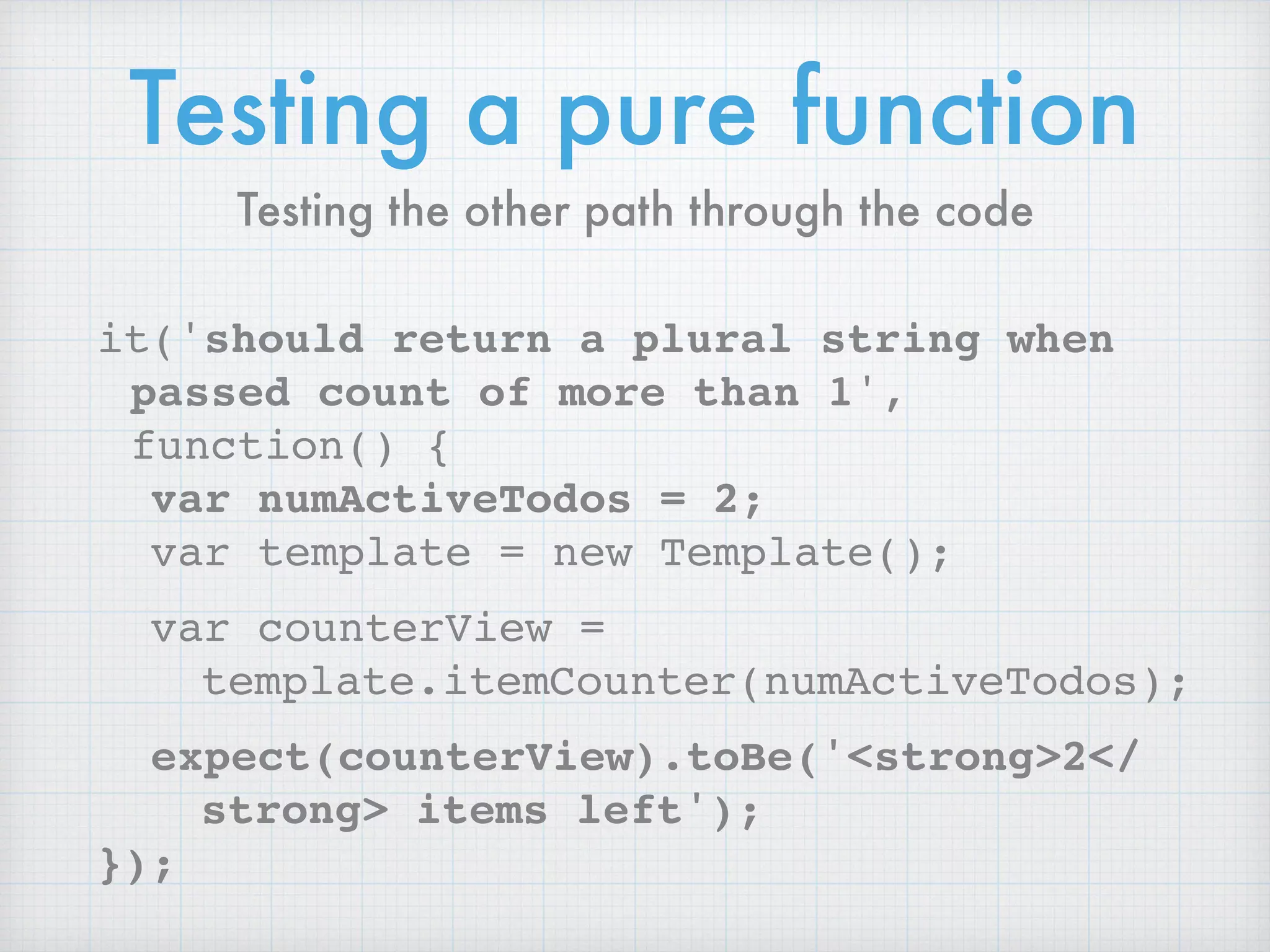
it('should return a plural string when
passed count of more than 1',
function() {
var numActiveTodos = 2;
var template = new Template();
var counterView =
template.itemCounter(numActiveTodos);
expect(counterView).toBe('<strong>2</
strong> items left');
});
Testing the other path through the code
Testing a pure function
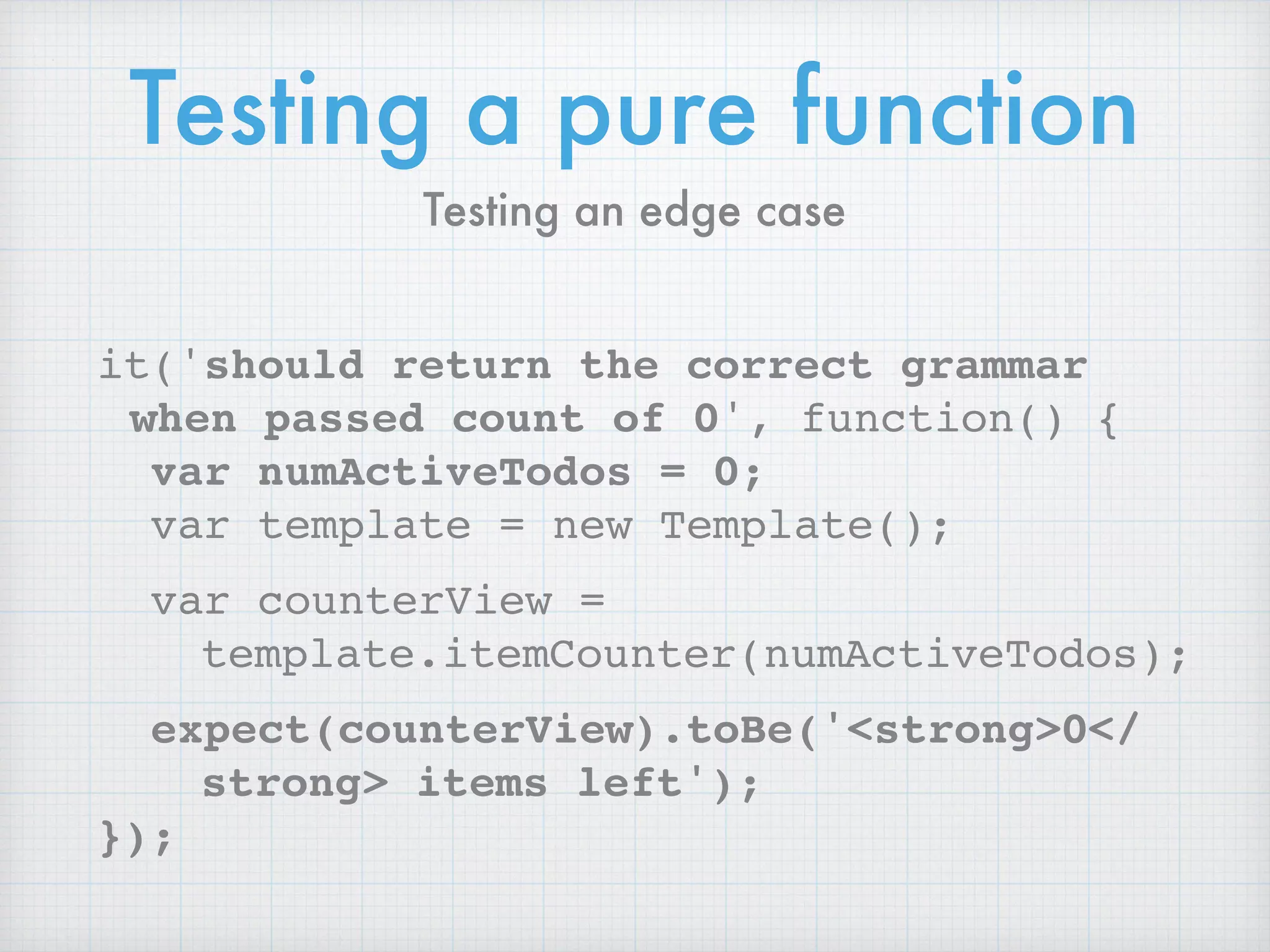
it('should return the correct grammar
when passed count of 0', function() {
var numActiveTodos = 0;
var template = new Template();
var counterView =
template.itemCounter(numActiveTodos);
expect(counterView).toBe('<strong>0</
strong> items left');
});
Testing an edge case
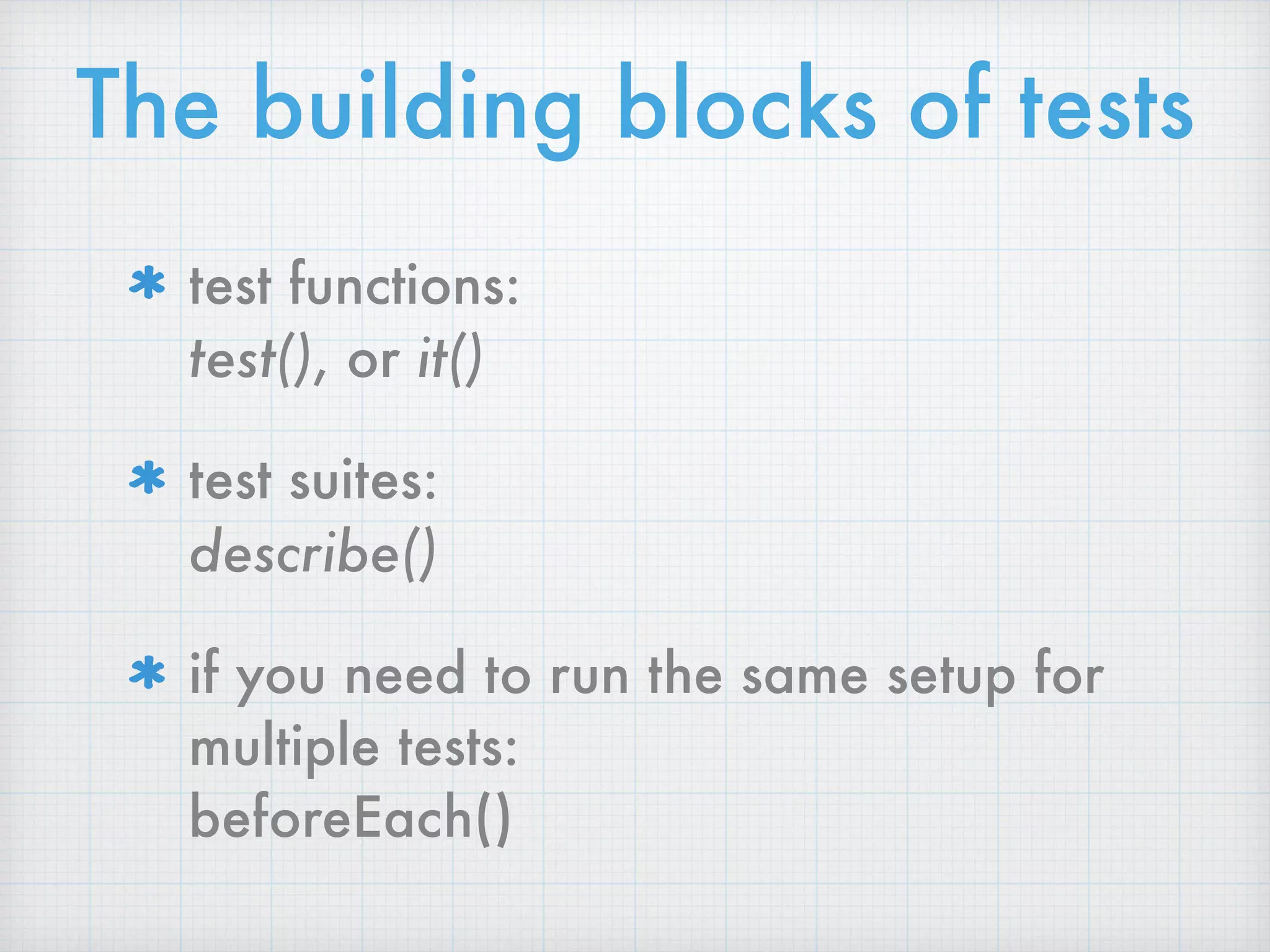
The building blocks of tests
test functions: 

test(), or it()
test suites: 

describe()
if you need to run the same setup for
multiple tests: 

beforeEach()
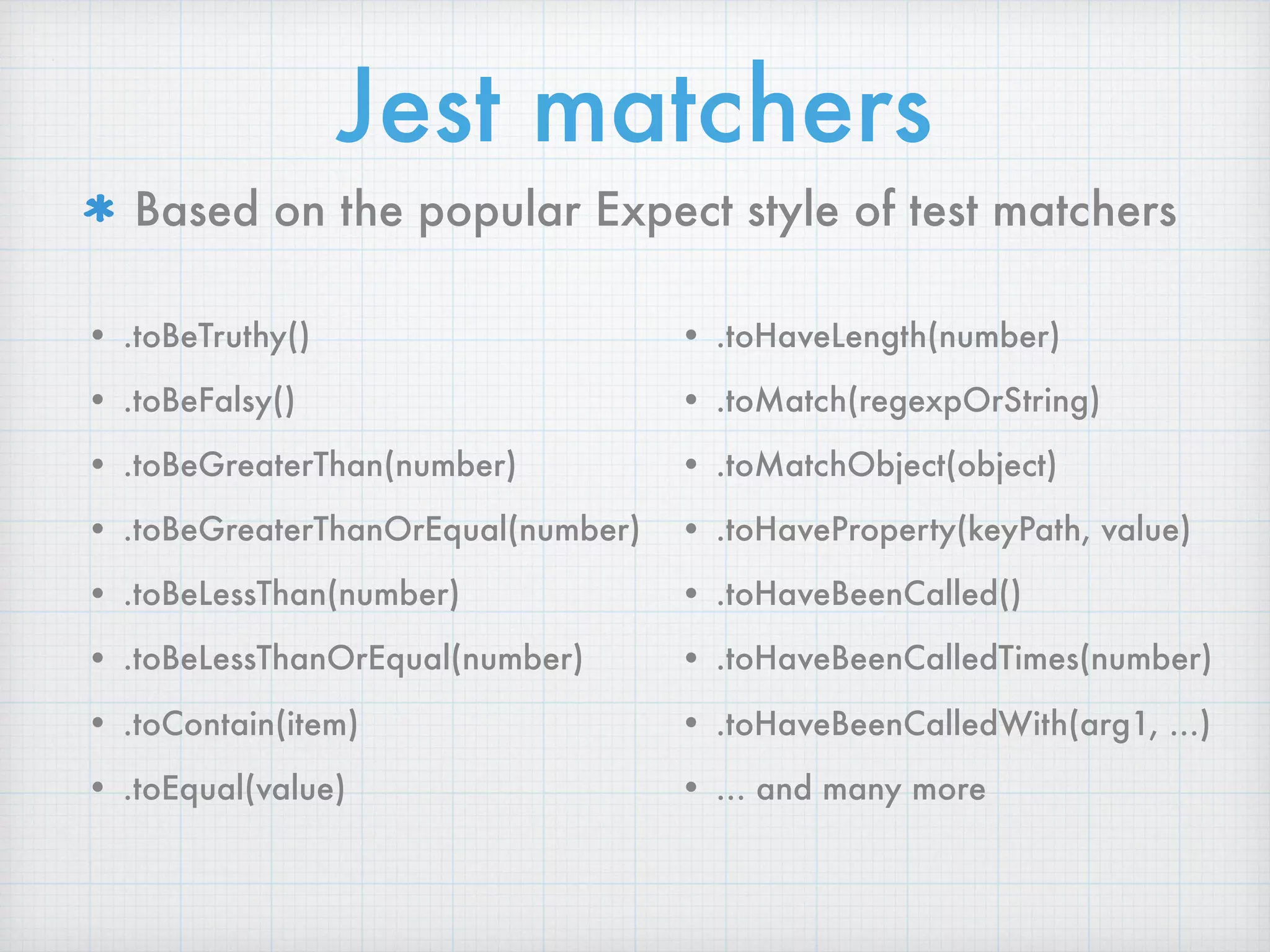
Jest matchers
Based on the popular Expect style of test matchers
• .toBeTruthy()
• .toBeFalsy()
• .toBeGreaterThan(number)
• .toBeGreaterThanOrEqual(number)
• .toBeLessThan(number)
• .toBeLessThanOrEqual(number)
• .toContain(item)
• .toEqual(value)

• .toHaveLength(number)
• .toMatch(regexpOrString)
• .toMatchObject(object)
• .toHaveProperty(keyPath, value)
• .toHaveBeenCalled()
• .toHaveBeenCalledTimes(number)
• .toHaveBeenCalledWith(arg1, …)
• … and many more
Testing side effects
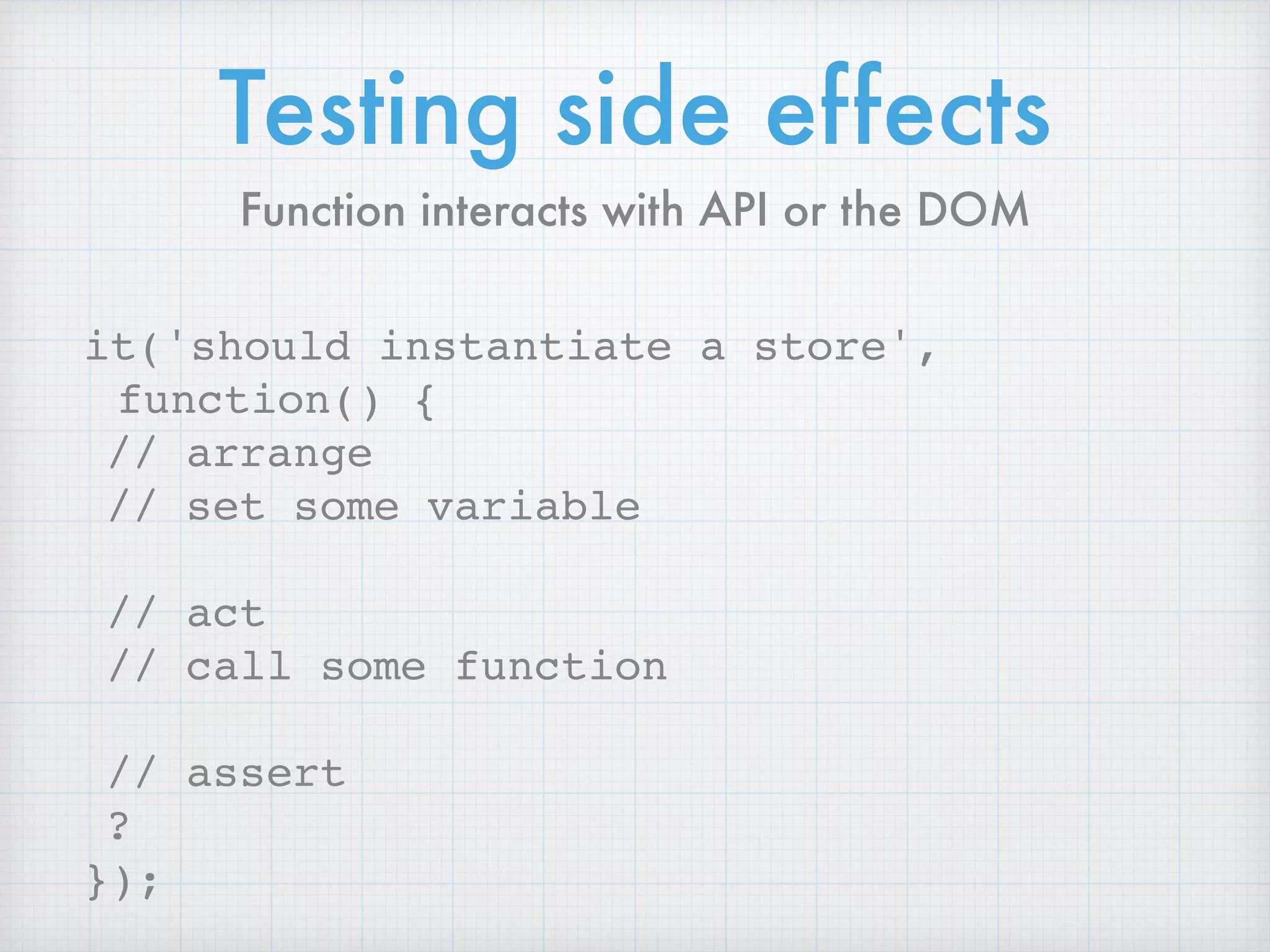
it('should instantiate a store',
function() {
// arrange
// set some variable
// act
// call some function
// assert
?
});
Function interacts with API or the DOM
Peek at the global 🙈
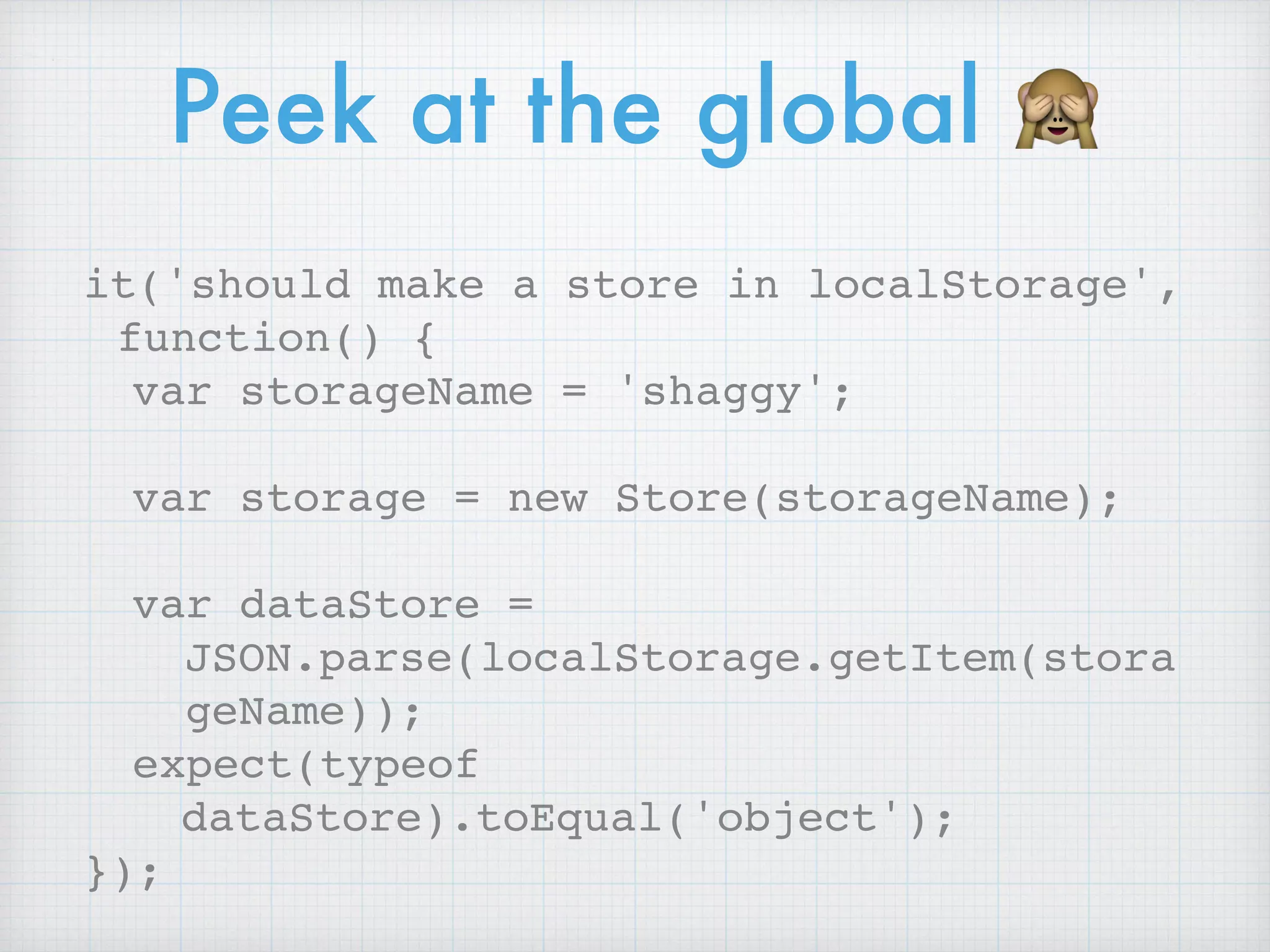
it('should make a store in localStorage',
function() {
var storageName = 'shaggy';
var storage = new Store(storageName);
var dataStore =
JSON.parse(localStorage.getItem(stora
geName));
expect(typeof
dataStore).toEqual('object');
});
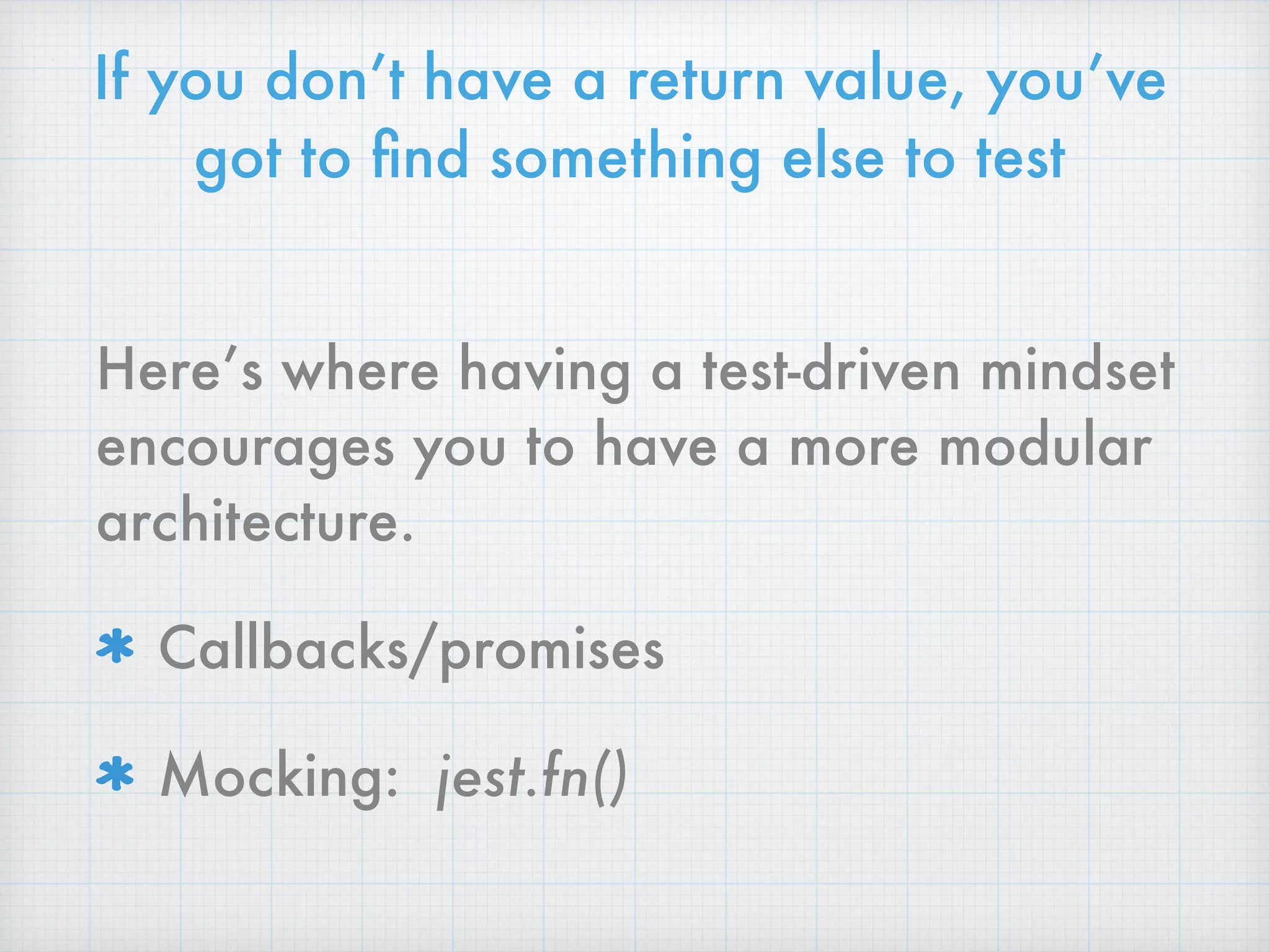
If you don’t have a return value, you’ve
got to find something else to test
Here’s where having a test-driven mindset
encourages you to have a more modular
architecture.
Callbacks/promises
Mocking: jest.fn()
Testing a callback
it('should call the given callback when
instantiated', function() {
var storageName = 'scooby';
var callback = jest.fn();
var storage = new Store(storageName,
callback);
var dataStoreShape = { todos: [] };
expect(callback).toHaveBeenCalledWith(

dataStoreShape);
});
Testing a function with dependencies
it('should get counts by item status',
function() {
var exampleTodos = [{…}, {…}, {…}];
var mockStore = {
findAll: jest.fn().mockImplementation(

function(callback) {
callback.call(null, exampleTodos);
})
};
…
});
Option 1, Using a mock
Testing a function with dependencies
it('should get counts by item status',
function() {
…
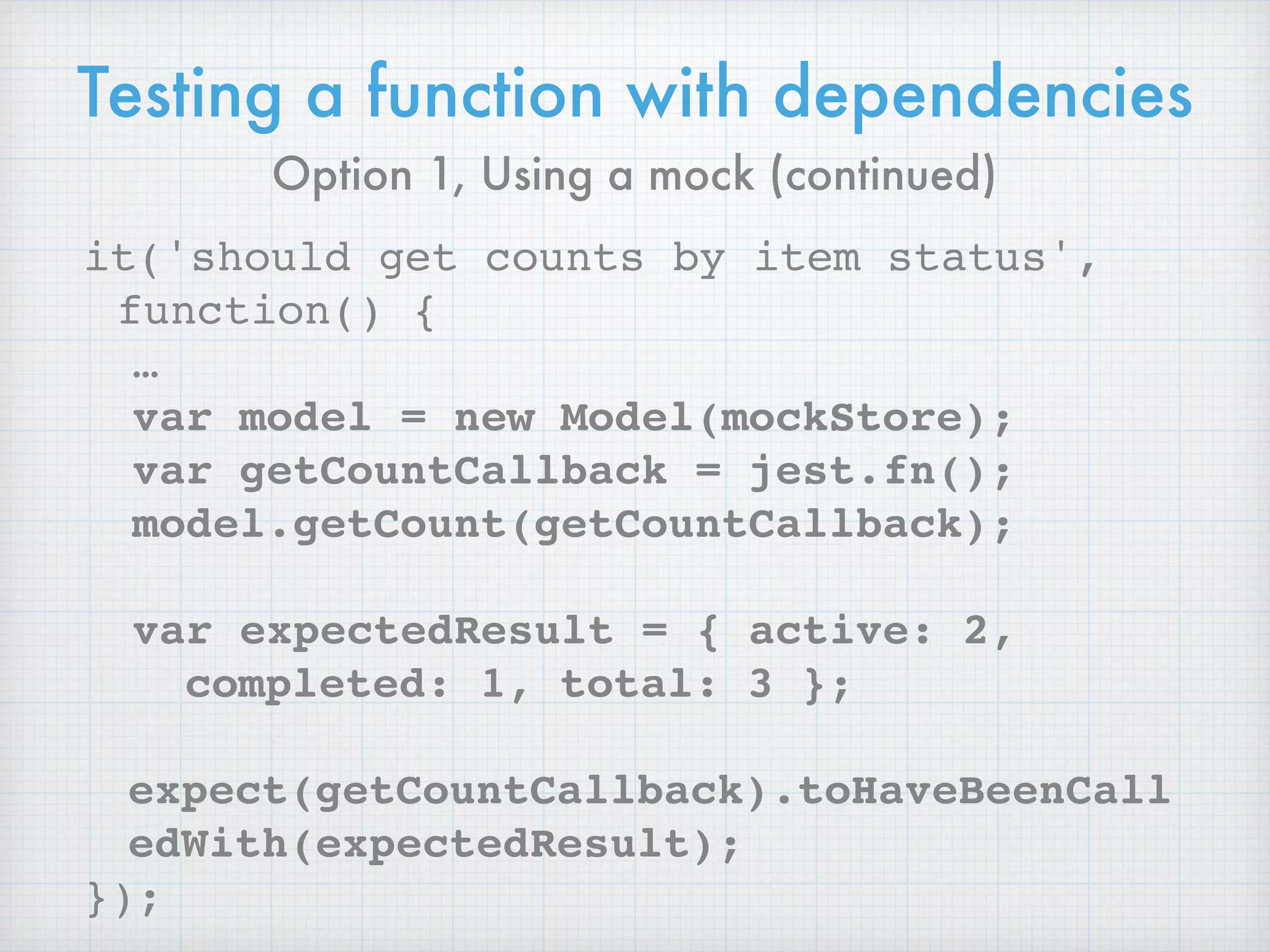
var model = new Model(mockStore);
var getCountCallback = jest.fn();
model.getCount(getCountCallback);
var expectedResult = { active: 2,
completed: 1, total: 3 };
expect(getCountCallback).toHaveBeenCall
edWith(expectedResult);
});
Option 1, Using a mock (continued)
On to
Integration Tests
Testing a function with dependencies
it('should get counts by item status',
function() {
var Store = require('../Store/Store.js');
var exampleTodos = [{…}, {…}, {…}];
var realStore = new Store(‘yamato');
exampleTodos.forEach(function(todo) {
realStore.save(todo)
});
…
});
Option 2, Just use the dependency
Testing a function with dependencies
it('should get counts by item status',
function() {
…
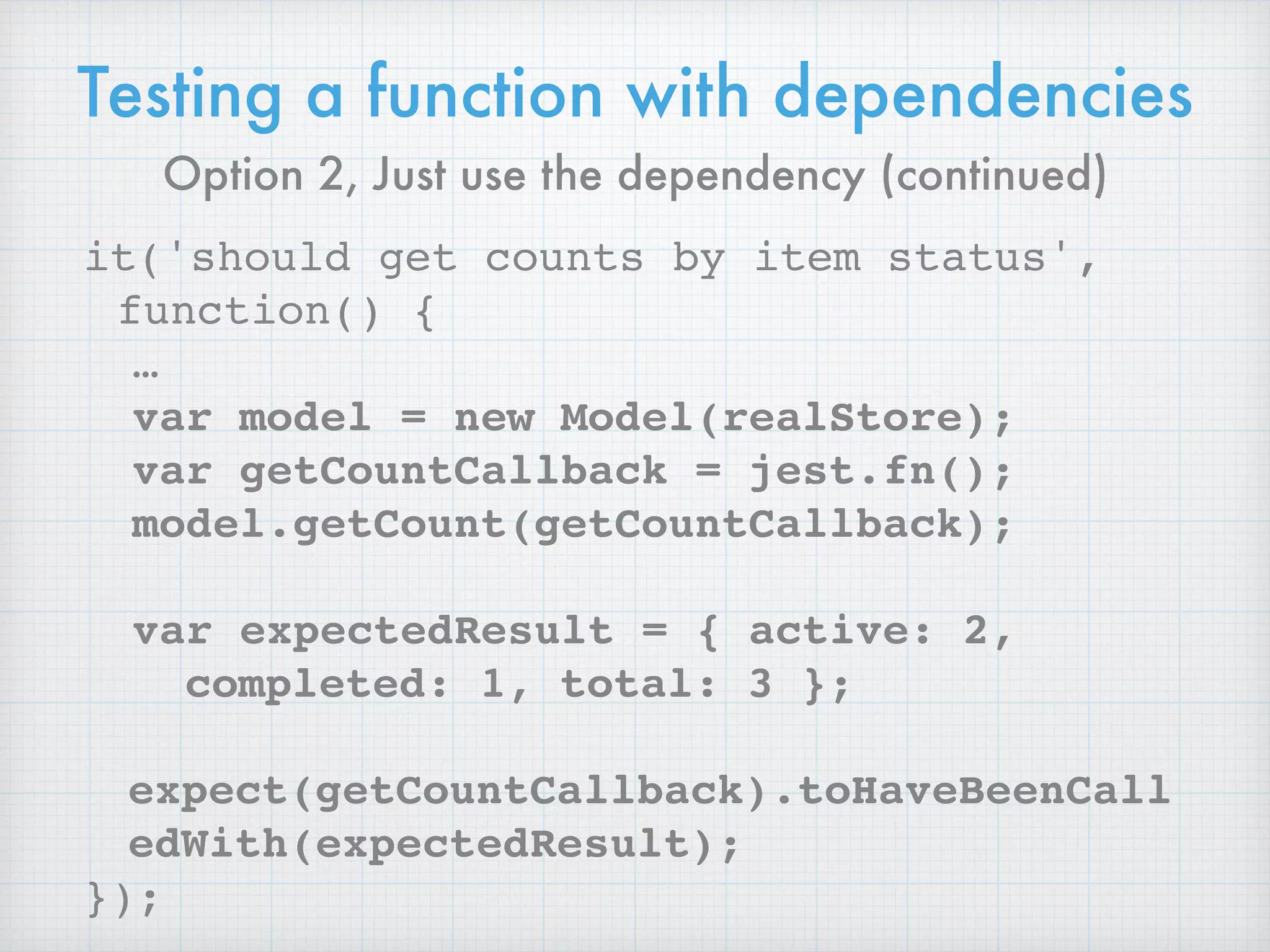
var model = new Model(realStore);
var getCountCallback = jest.fn();
model.getCount(getCountCallback);
var expectedResult = { active: 2,
completed: 1, total: 3 };
expect(getCountCallback).toHaveBeenCall
edWith(expectedResult);
});
Option 2, Just use the dependency (continued)
Top off with
functional tests
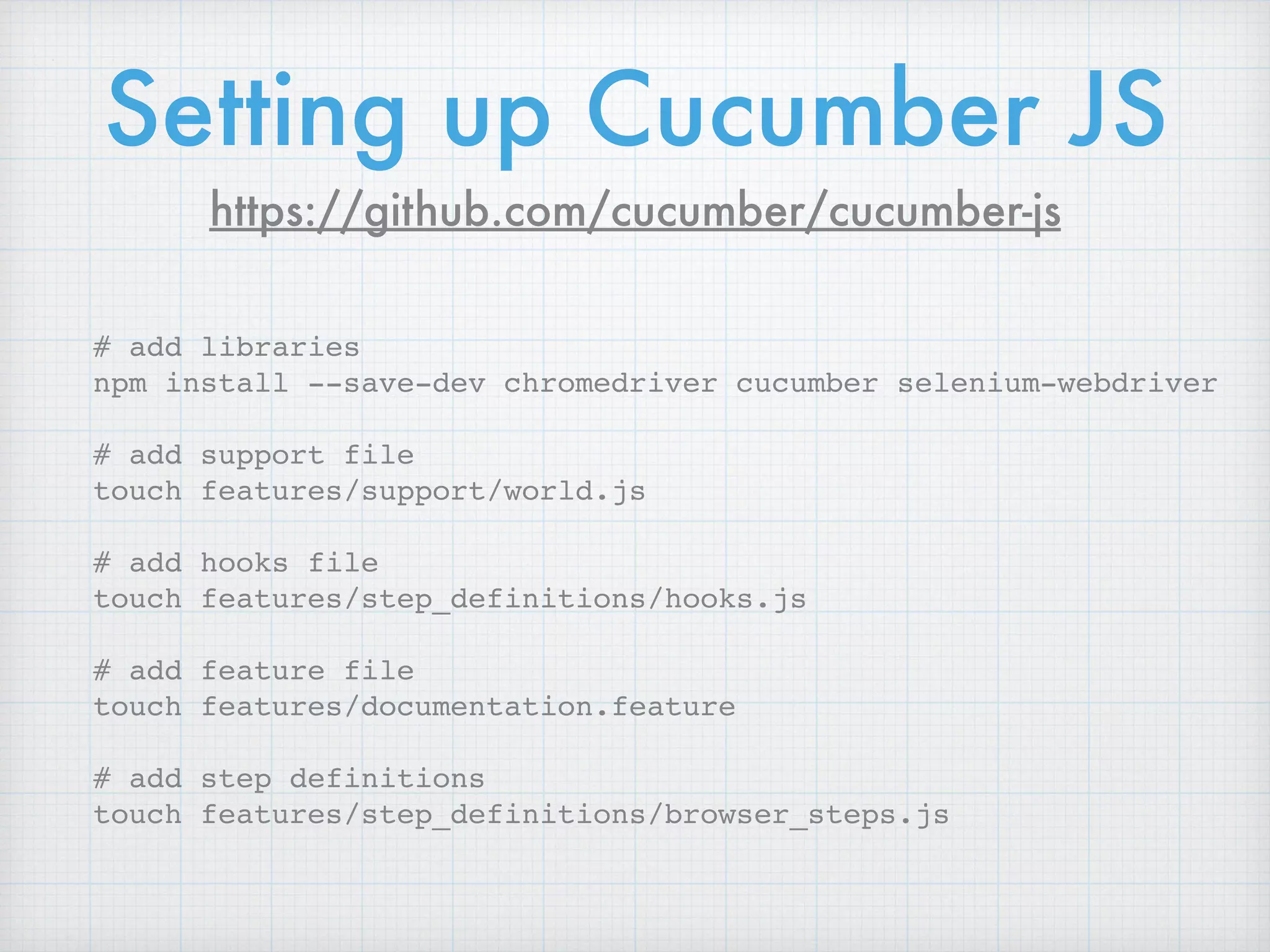
# add libraries
npm install --save-dev chromedriver cucumber selenium-webdriver
# add support file
touch features/support/world.js
# add hooks file
touch features/step_definitions/hooks.js
# add feature file
touch features/documentation.feature
# add step definitions
touch features/step_definitions/browser_steps.js
Setting up Cucumber JS
https://github.com/cucumber/cucumber-js
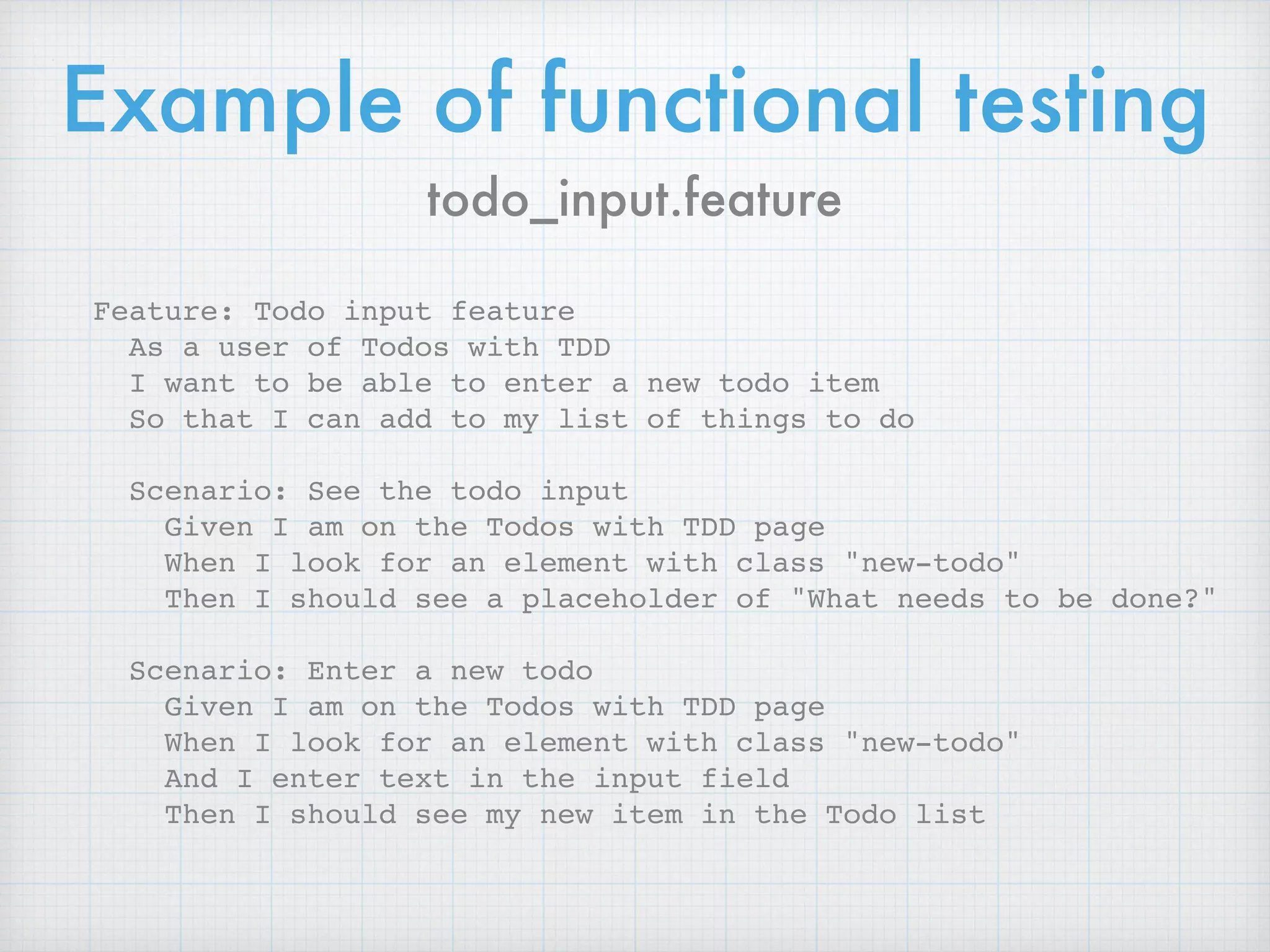
Example of functional testing
todo_input.feature
Feature: Todo input feature
As a user of Todos with TDD
I want to be able to enter a new todo item
So that I can add to my list of things to do
Scenario: See the todo input
Given I am on the Todos with TDD page
When I look for an element with class "new-todo"
Then I should see a placeholder of "What needs to be done?"
Scenario: Enter a new todo
Given I am on the Todos with TDD page
When I look for an element with class "new-todo"
And I enter text in the input field
Then I should see my new item in the Todo list
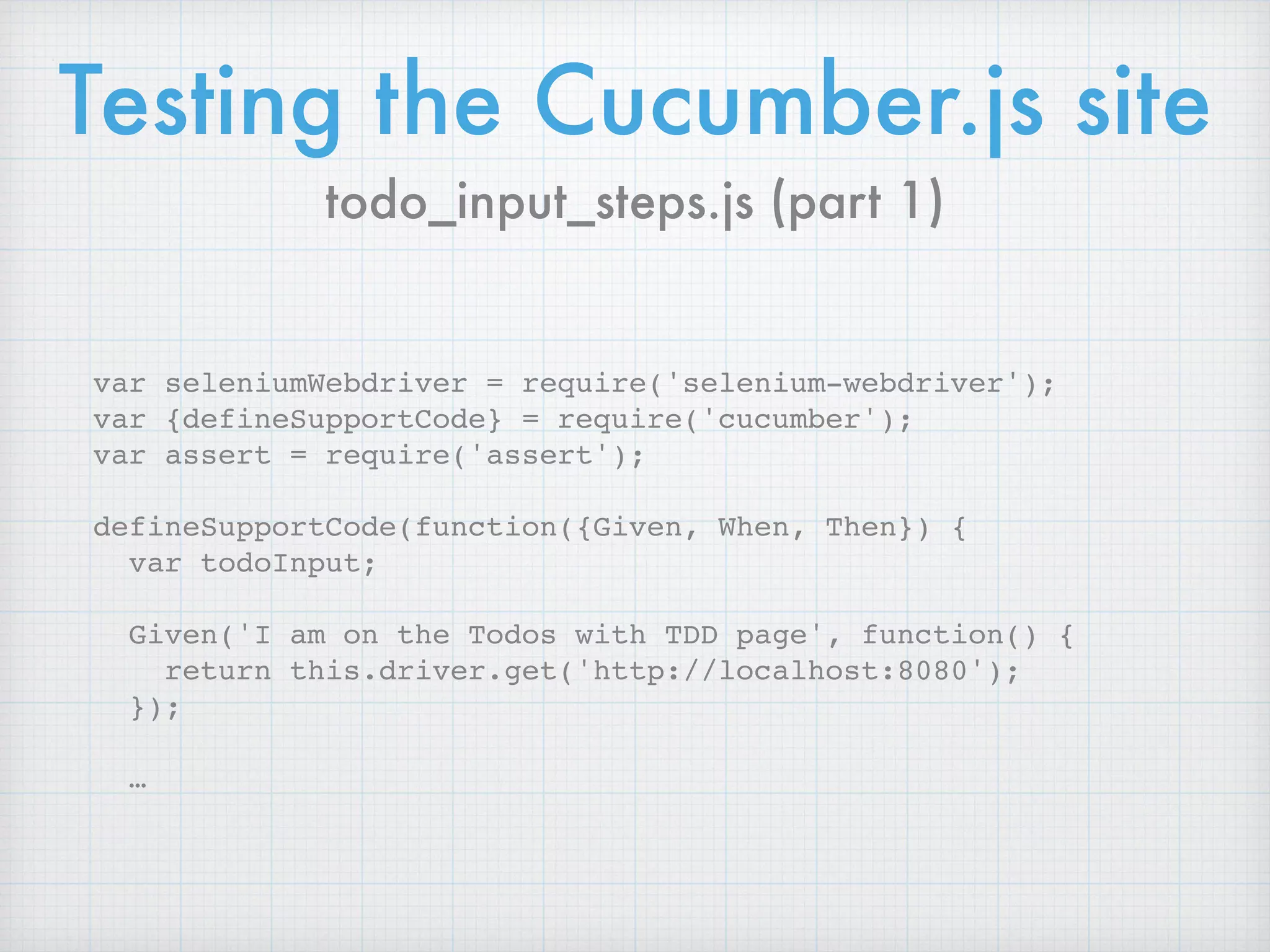
Testing the Cucumber.js site
var seleniumWebdriver = require('selenium-webdriver');
var {defineSupportCode} = require('cucumber');
var assert = require('assert');
defineSupportCode(function({Given, When, Then}) {
var todoInput;
Given('I am on the Todos with TDD page', function() {
return this.driver.get('http://localhost:8080');
});
…
todo_input_steps.js (part 1)
Testing the Cucumber.js site
…
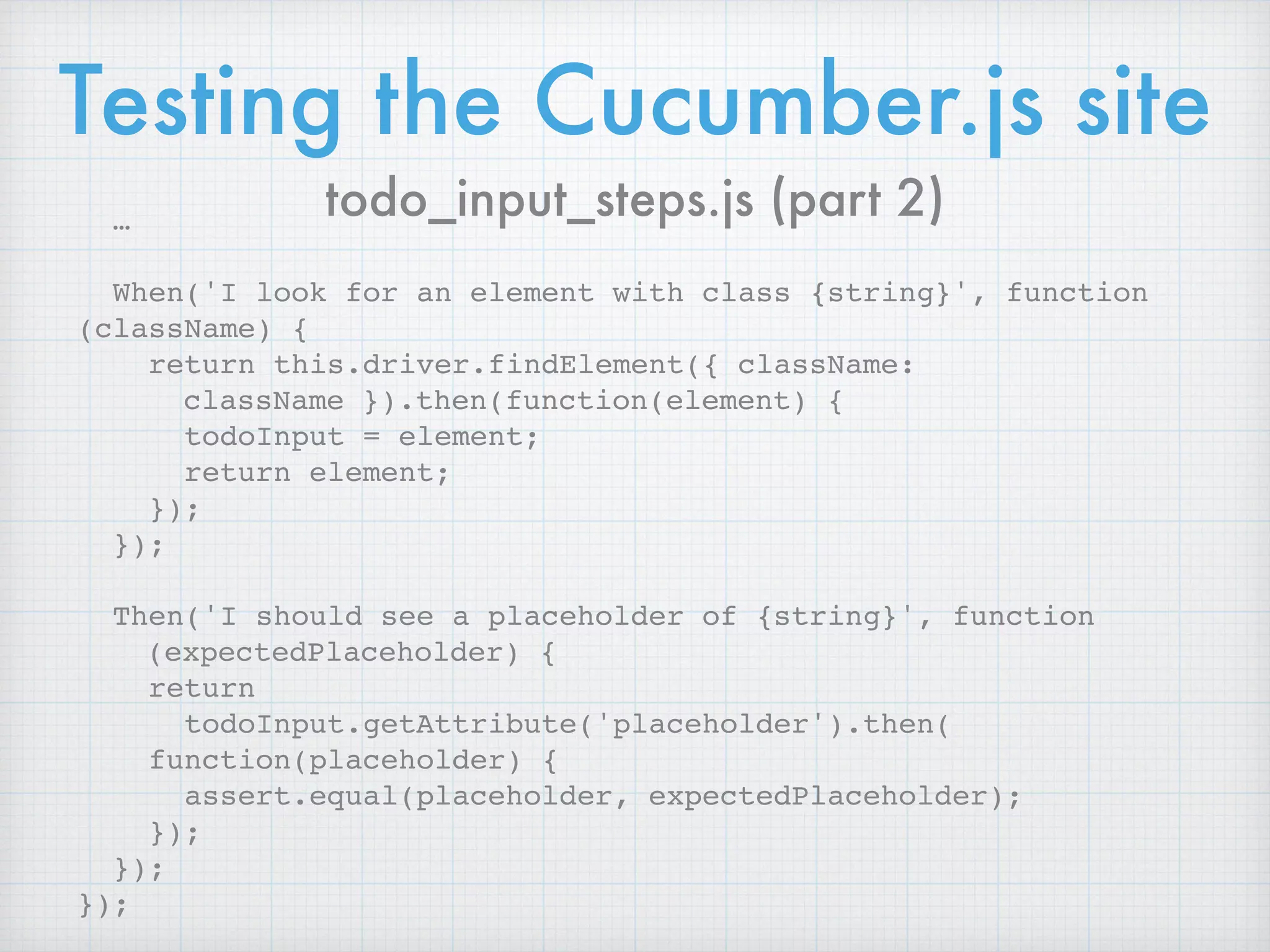
When('I look for an element with class {string}', function
(className) {
return this.driver.findElement({ className:
className }).then(function(element) {
todoInput = element;
return element;
});
});
Then('I should see a placeholder of {string}', function
(expectedPlaceholder) {
return 

todoInput.getAttribute('placeholder').then(

function(placeholder) {
assert.equal(placeholder, expectedPlaceholder);
});
});
});
todo_input_steps.js (part 2)
Is it possible to apply test-driven development
principles with snapshot testing?

Although it is possible to write snapshot files
manually, that is usually not approachable.
Snapshots help figuring out whether the output of the
modules covered by tests is changed, rather than
giving guidance to design the code in the first place.
— https://facebook.github.io/jest/docs/snapshot-testing.html
A Note about Snapshot Testing
Resources
http://jrsinclair.com/articles/2016/
gentle-introduction-to-javascript-tdd-
intro/
https://facebook.github.io/jest/
More about functional
testing with JS
“Cucumber.js”, https://github.com/cucumber/
cucumber-js
“End to End testing of React apps with Nightwatch”,

https://blog.syncano.io/testing-syncano/
“Intern”, https://github.com/theintern/intern (a new
framework for managing unit and functional tests,
thanks to Jaydeep Parmar, @jaydeep98a, for this
reference)
Any questions?
Finis

We Are All Testers Now: The Testing Pyramid and Front-End Development

  • 1.
    We Are All
 Testers Now: 
 The Testing Pyramid and Front-End Development Van Wilson @vanwilson
  • 2.
    “A good presentationfollows a story…” — John Papa, The Art of Public Speaking and Effective Presentations
  • 3.
    This story isabout software quality
  • 4.
    Things that Increase CodeQuality Hiring competent employees Providing employee training Empowering employees to make decisions Code reviews Continuous Integration (short feedback loops) Test-Driven Development
  • 5.
    If you’ve lookedat testing before… Most material about developers writing tests falls into one of two categories. “Here’s how to test a function that add two numbers. Now you can test anything. Good luck.” “You really should not be mocking your flux capacitor, but instead link the flibitz to the your cross-channel bit splicer.”
  • 6.
    Definition of Test-Driven Development Writea test for the next bit of functionality you want to add. Write the functional code until the test passes. Refactor both new and old code to make it well structured. - Martin Fowler, “TestDrivenDevelopment”, 
 https://martinfowler.com/bliki/TestDrivenDevelopment.html
  • 7.
    1. Write Tests 2.Run Test (TEST FAILS) 3. Write Code to Make the Test to Pass 4. Run Test (TEST PASS) 5. Refactor 
 (MAKE CODE CLEANER AND FASTER) 6. Repeat FAIL PASSREFACTOR
  • 8.
    Benefits of TDD 1.Writing tests first really helps you avoid a lot of bad designs. 
 It makes you think about the code you need to write, BEFORE you write it. 2. Once you have tests, they help you avoid introducing subtle bugs when you have to change the code later. 
 Existing tests help prevent regressions in your code, where adding or changing one thing accidentally breaks another thing.
  • 9.
    But if thesetwo things are true, why doesn’t every developer write tests first, all the time?
  • 10.
    Exercising Gives you moreenergy and other immediate health benefits. Helps you live longer, and with better quality of life, down the road.
  • 11.
    Saving money Gives youa better credit rating, and an emergency reserve, in the short term. Allows you to retire earlier, and do more things in retirement, in the future.
  • 12.
    Flossing Helps prevent cavitiesand gum disease now. Helps you keep your teeth when you get older.
  • 13.
    Let’s assume writingtests first has those benefits… … how do you get started, and how do you keep going?
  • 14.
    Getting started with anytesting really is the hardest part… and JavaScript testing is no exception.
  • 15.
    Only slightly less difficult,keeping up with testing…
  • 16.
    1. Management mandates Test-DrivenDevelopment 2. Developers TDD all the new things (YEAH! TESTS!) 3. Velocity slows because TDD does take more time up-front 4. “We’re not going to meet this deadline ?!?” 
 (STOP DOING TDD) 5. As tests age, skip them or ignore failing tests
 (PEOPLE IGNORE TESTS) Start TDD Deadlines ?!? Graveyard of
 Tests
  • 17.
  • 21.
    Can’t we justtests everything with functional tests? With end-to-end tests, you have to wait: first for the entire product to be built, then for it to be deployed, and finally for all end-to-end tests to run. When the tests do run, flaky tests tend to be a fact of life. And even if a test finds a bug, that bug could be anywhere in the product. Although end-to-end tests do a better job of simulating real user scenarios, this advantage quickly becomes outweighed by all the disadvantages of the end-to-end feedback loop. — https://testing.googleblog.com/2015/04/just-say-no-to-more-end-to-end-tests.html Unit vs. Functional Tests
  • 22.
    Anatomy of AnyTest Given - setup the environment When - act on the System Under Test (SUT) in that environment Then - test what happened
  • 23.
  • 24.
    Jest •Based on Jasmine •Built-inassertions •Built-in spies For Unit / Integration Tests
  • 25.
    Cucumber JS •JS implementationof Cucumber library •Behavior-Driven Development •Runs on top of Selenium For Functional Tests
  • 26.
  • 27.
    TodoMVC example code (function(window) { 'use strict'; function Model(storage) { this.storage = storage; } Model.prototype.create = function (title, callback) { … window.app = window.app || {}; window.app.Model = Model; })(window);
  • 28.
  • 29.
  • 31.
    3 Parts ofEvery Test Arrange
 “Given a number 10, and another number 2” Act
 “When I raise the first number to the power of the second number, 102 Assert
 “I get 100 as an answer”
  • 32.
    Testing a purefunction it('should return a singular string when passed count of 1', function() { // arrange // set some variable // act // call some function // assert // }); Given a certain value, it always returns the same value
  • 33.
    Testing a purefunction it('should return a singular string when passed count of 1', function() { // arrange var numActiveTodos = 1; var template = new Template(); // … }); An example from our Template module, part 1
  • 34.
    Testing a purefunction it('should return a singular string when passed count of 1', function() { // … // act var counterView = template.itemCounter(numActiveTodos); // … }); An example from our Template module, part 2
  • 35.
    Testing a purefunction it('should return a singular string when passed count of 1', function() { // … // assert expect(counterView).toBe('<strong>1</ strong> item left'); }); An example from our Template module, part 3
  • 36.
    Testing a purefunction it('should return a plural string when passed count of more than 1', function() { var numActiveTodos = 2; var template = new Template(); var counterView = template.itemCounter(numActiveTodos); expect(counterView).toBe('<strong>2</ strong> items left'); }); Testing the other path through the code
  • 37.
    Testing a purefunction it('should return the correct grammar when passed count of 0', function() { var numActiveTodos = 0; var template = new Template(); var counterView = template.itemCounter(numActiveTodos); expect(counterView).toBe('<strong>0</ strong> items left'); }); Testing an edge case
  • 38.
    The building blocksof tests test functions: 
 test(), or it() test suites: 
 describe() if you need to run the same setup for multiple tests: 
 beforeEach()
  • 39.
    Jest matchers Based onthe popular Expect style of test matchers • .toBeTruthy() • .toBeFalsy() • .toBeGreaterThan(number) • .toBeGreaterThanOrEqual(number) • .toBeLessThan(number) • .toBeLessThanOrEqual(number) • .toContain(item) • .toEqual(value)
 • .toHaveLength(number) • .toMatch(regexpOrString) • .toMatchObject(object) • .toHaveProperty(keyPath, value) • .toHaveBeenCalled() • .toHaveBeenCalledTimes(number) • .toHaveBeenCalledWith(arg1, …) • … and many more
  • 40.
    Testing side effects it('shouldinstantiate a store', function() { // arrange // set some variable // act // call some function // assert ? }); Function interacts with API or the DOM
  • 41.
    Peek at theglobal 🙈 it('should make a store in localStorage', function() { var storageName = 'shaggy'; var storage = new Store(storageName); var dataStore = JSON.parse(localStorage.getItem(stora geName)); expect(typeof dataStore).toEqual('object'); });
  • 42.
    If you don’thave a return value, you’ve got to find something else to test Here’s where having a test-driven mindset encourages you to have a more modular architecture. Callbacks/promises Mocking: jest.fn()
  • 43.
    Testing a callback it('shouldcall the given callback when instantiated', function() { var storageName = 'scooby'; var callback = jest.fn(); var storage = new Store(storageName, callback); var dataStoreShape = { todos: [] }; expect(callback).toHaveBeenCalledWith(
 dataStoreShape); });
  • 44.
    Testing a functionwith dependencies it('should get counts by item status', function() { var exampleTodos = [{…}, {…}, {…}]; var mockStore = { findAll: jest.fn().mockImplementation(
 function(callback) { callback.call(null, exampleTodos); }) }; … }); Option 1, Using a mock
  • 45.
    Testing a functionwith dependencies it('should get counts by item status', function() { … var model = new Model(mockStore); var getCountCallback = jest.fn(); model.getCount(getCountCallback); var expectedResult = { active: 2, completed: 1, total: 3 }; expect(getCountCallback).toHaveBeenCall edWith(expectedResult); }); Option 1, Using a mock (continued)
  • 46.
  • 48.
    Testing a functionwith dependencies it('should get counts by item status', function() { var Store = require('../Store/Store.js'); var exampleTodos = [{…}, {…}, {…}]; var realStore = new Store(‘yamato'); exampleTodos.forEach(function(todo) { realStore.save(todo) }); … }); Option 2, Just use the dependency
  • 49.
    Testing a functionwith dependencies it('should get counts by item status', function() { … var model = new Model(realStore); var getCountCallback = jest.fn(); model.getCount(getCountCallback); var expectedResult = { active: 2, completed: 1, total: 3 }; expect(getCountCallback).toHaveBeenCall edWith(expectedResult); }); Option 2, Just use the dependency (continued)
  • 50.
  • 52.
    # add libraries npminstall --save-dev chromedriver cucumber selenium-webdriver # add support file touch features/support/world.js # add hooks file touch features/step_definitions/hooks.js # add feature file touch features/documentation.feature # add step definitions touch features/step_definitions/browser_steps.js Setting up Cucumber JS https://github.com/cucumber/cucumber-js
  • 53.
    Example of functionaltesting todo_input.feature Feature: Todo input feature As a user of Todos with TDD I want to be able to enter a new todo item So that I can add to my list of things to do Scenario: See the todo input Given I am on the Todos with TDD page When I look for an element with class "new-todo" Then I should see a placeholder of "What needs to be done?" Scenario: Enter a new todo Given I am on the Todos with TDD page When I look for an element with class "new-todo" And I enter text in the input field Then I should see my new item in the Todo list
  • 54.
    Testing the Cucumber.jssite var seleniumWebdriver = require('selenium-webdriver'); var {defineSupportCode} = require('cucumber'); var assert = require('assert'); defineSupportCode(function({Given, When, Then}) { var todoInput; Given('I am on the Todos with TDD page', function() { return this.driver.get('http://localhost:8080'); }); … todo_input_steps.js (part 1)
  • 55.
    Testing the Cucumber.jssite … When('I look for an element with class {string}', function (className) { return this.driver.findElement({ className: className }).then(function(element) { todoInput = element; return element; }); }); Then('I should see a placeholder of {string}', function (expectedPlaceholder) { return 
 todoInput.getAttribute('placeholder').then(
 function(placeholder) { assert.equal(placeholder, expectedPlaceholder); }); }); }); todo_input_steps.js (part 2)
  • 56.
    Is it possibleto apply test-driven development principles with snapshot testing?
 Although it is possible to write snapshot files manually, that is usually not approachable. Snapshots help figuring out whether the output of the modules covered by tests is changed, rather than giving guidance to design the code in the first place. — https://facebook.github.io/jest/docs/snapshot-testing.html A Note about Snapshot Testing
  • 57.
  • 58.
    More about functional testingwith JS “Cucumber.js”, https://github.com/cucumber/ cucumber-js “End to End testing of React apps with Nightwatch”,
 https://blog.syncano.io/testing-syncano/ “Intern”, https://github.com/theintern/intern (a new framework for managing unit and functional tests, thanks to Jaydeep Parmar, @jaydeep98a, for this reference)
  • 59.
  • 60.