Celery

Òscar Vilaplana


February 28 2012
Outline

   self.__dict__

   Use task queues


   Celery and RabbitMQ


   Getting started with RabbitMQ


   Getting started with Celery


   Periodic tasks


   Examples
self.__dict__


{'name': 'Òscar Vilaplana',
  'origin': 'Catalonia',
  'company': 'Paylogic',
  'tags': ['developer', 'architect', 'geek'],
  'email': 'dev@oscarvilaplana.cat',
}
Proposal


      Take a slow task.

      Decouple it from your system

      Call it asynchronously
Separate projects


   Separate projects allow us to:

        Divide your system in sections
             e.g. frontend, backend, mailing, reportgenerator. . .
        Tackle them individually

        Conquer themdeclare them Done:
             Clean code
             Clean interface
             Unit tested
             Maintainable
   (but this is not only for Celery tasks)
Coupled Tasks


   In some cases, it may not be possible to decouple some tasks.
   Then, we either:

       Have some workers in your system's network
            with access to the code of your system
            with access to the system's database
       They handle messages from certain queues, e.g.   internal.#
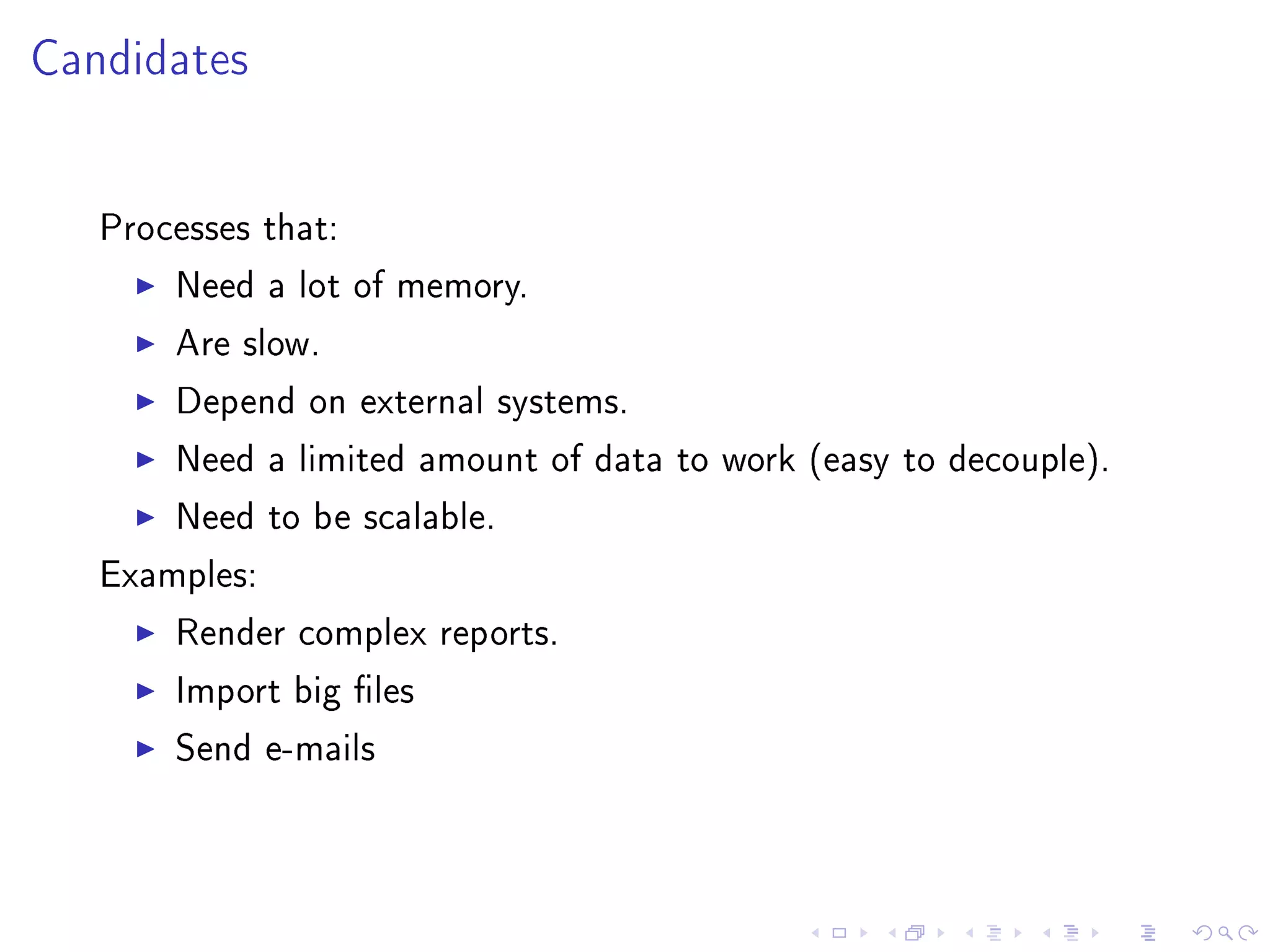
Candidates


   Processes that:

       Need a lot of memory.

       Are slow.

       Depend on external systems.

       Need a limited amount of data to work (easy to decouple).

       Need to be scalable.

   Examples:

       Render complex reports.

       Import big les

       Send e-mails
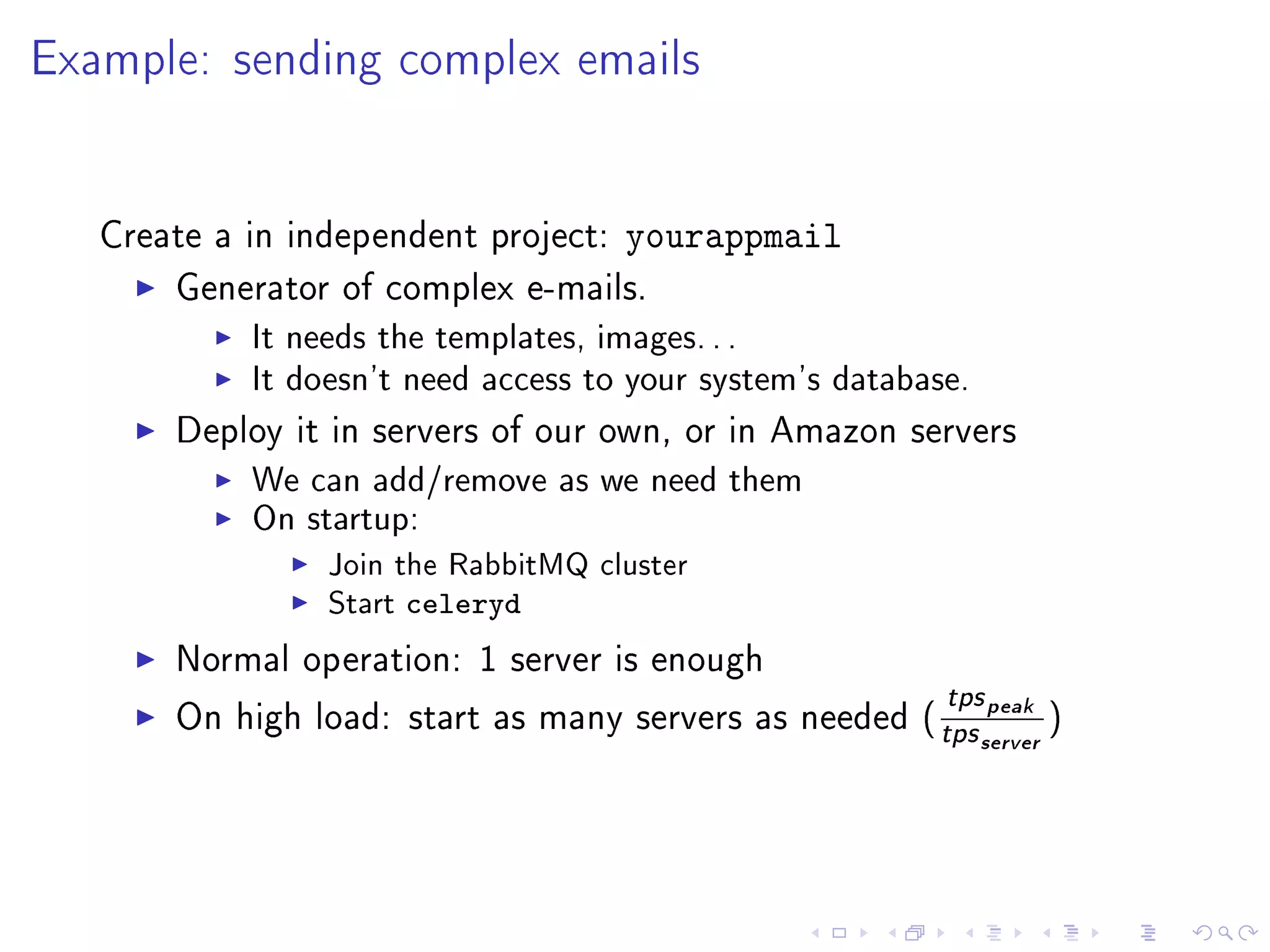
Example: sending complex emails


   Create a in independent project:   yourappmail
       Generator of complex e-mails.
            It needs the templates, images. . .
            It doesn't need access to your system's database.
       Deploy it in servers of our own, or in Amazon servers
            We can add/remove as we need them
            On startup:
                 Join the RabbitMQ cluster
                 Start   celeryd
       Normal operation: 1 server is enough
                                                            tps peak
       On high load: start as many servers as needed (
                                                           tps server )
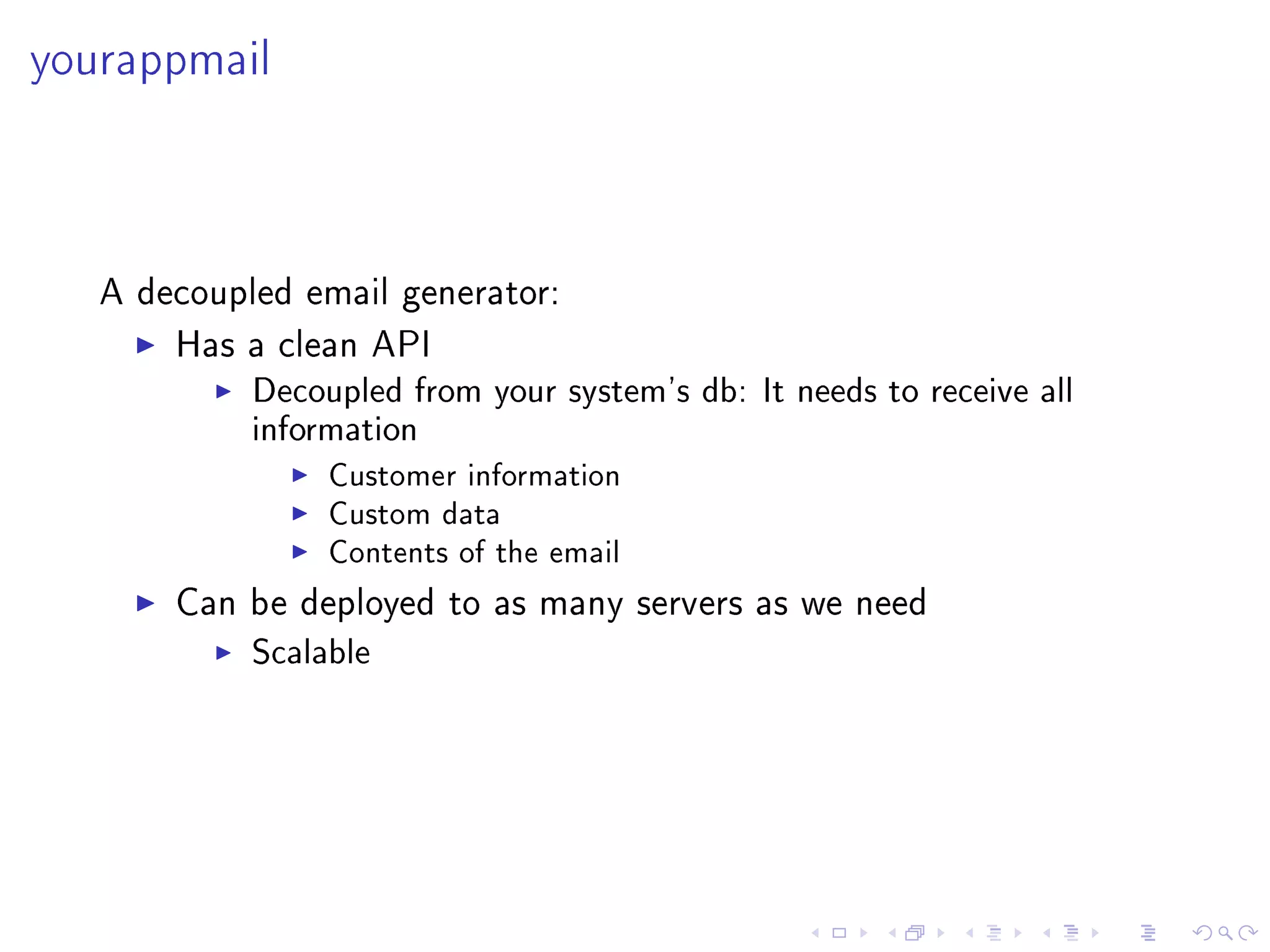
yourappmail


   A decoupled email generator:

       Has a clean API
            Decoupled from your system's db: It needs to receive all
            information
                 Customer information
                 Custom data
                 Contents of the email

       Can be deployed to as many servers as we need
            Scalable
Not for everything


       Task queues are not a magic wand to make things faster
           They can be used as such (like cache).
           It hides the real problem.
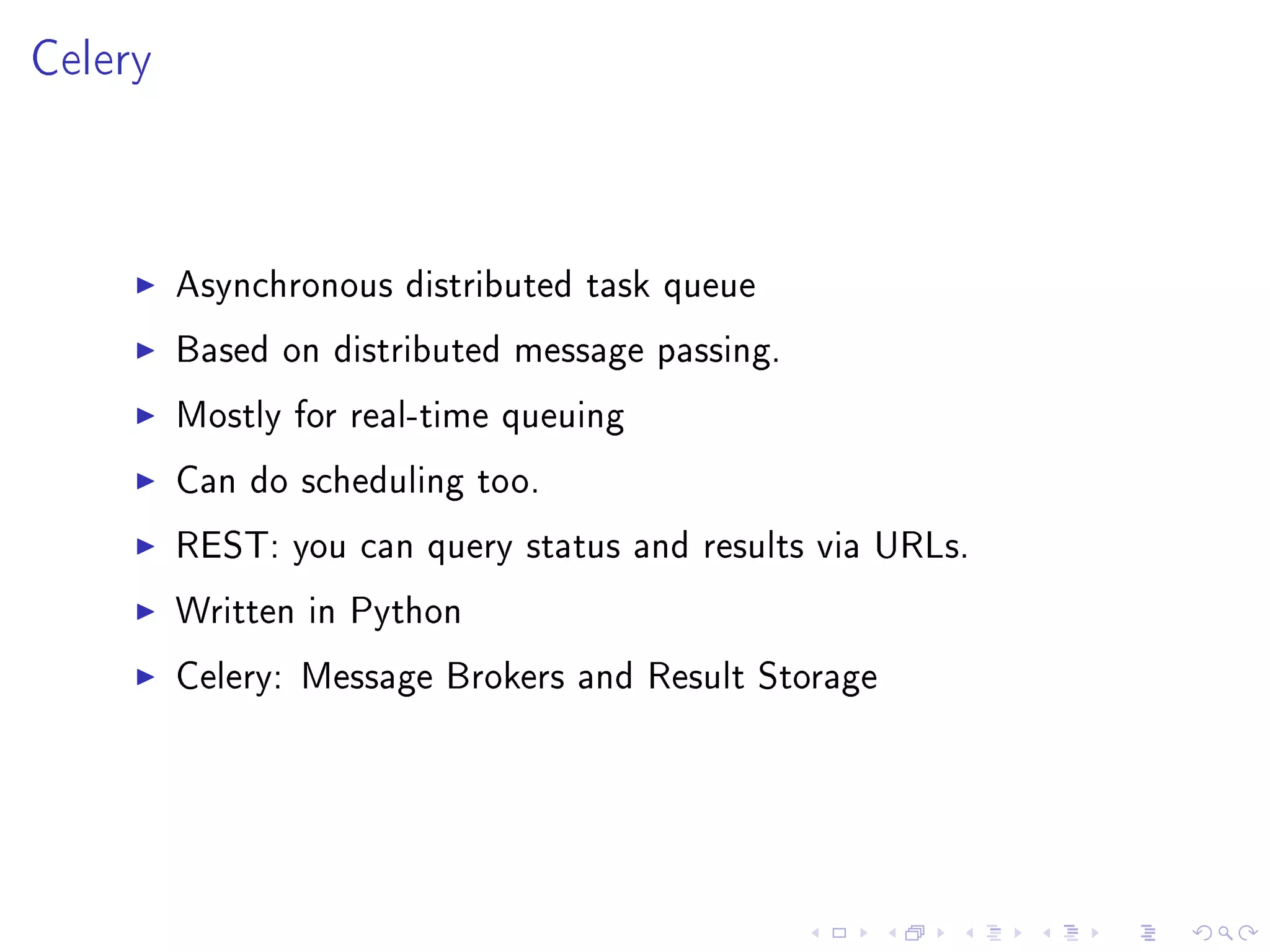
Celery


         Asynchronous distributed task queue

         Based on distributed message passing.

         Mostly for real-time queuing

         Can do scheduling too.

         REST: you can query status and results via URLs.

         Written in Python

         Celery: Message Brokers and Result Storage
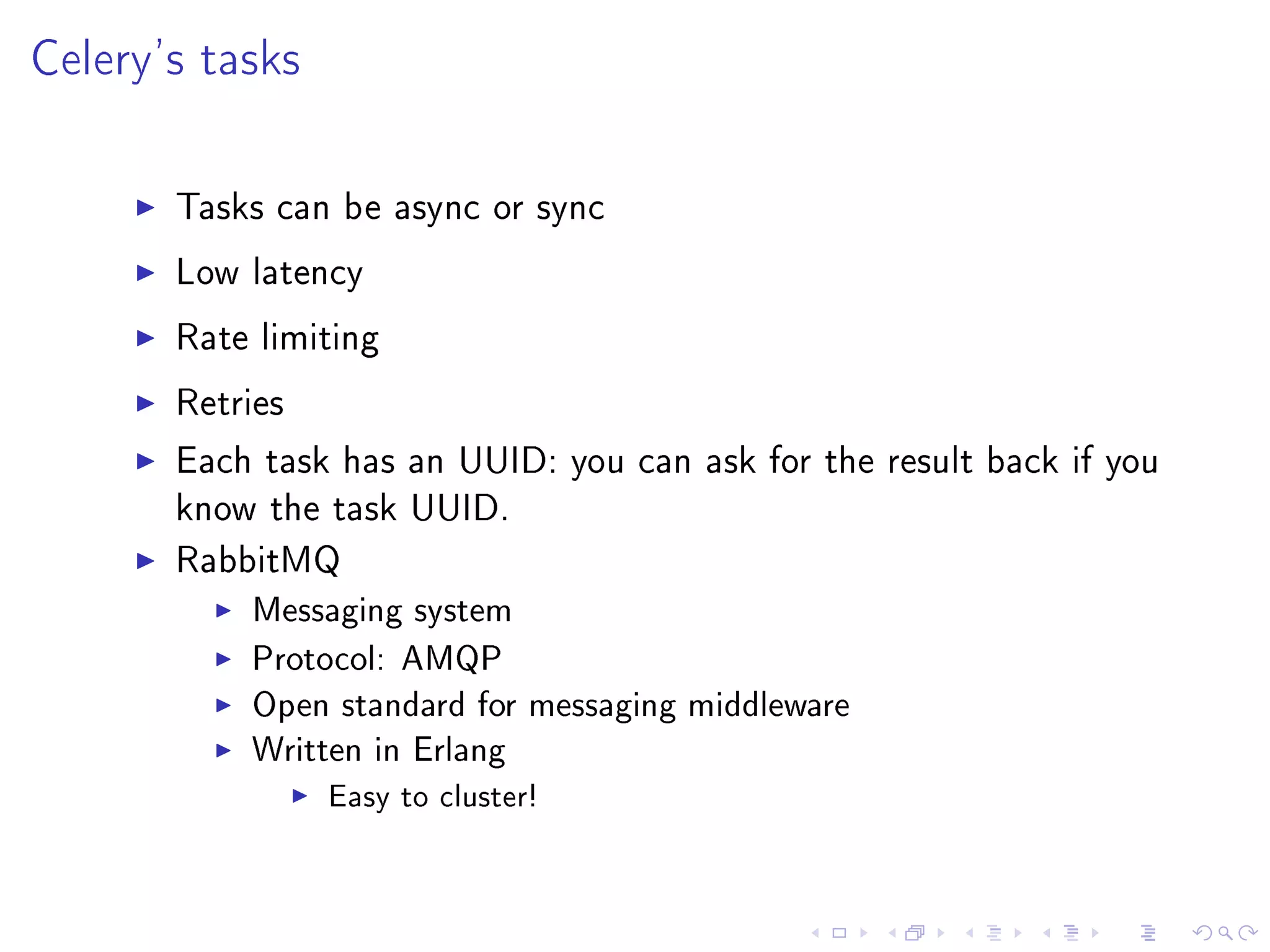
Celery's tasks

       Tasks can be async or sync

       Low latency

       Rate limiting

       Retries

       Each task has an UUID: you can ask for the result back if you
       know the task UUID.

       RabbitMQ
           Messaging system
           Protocol: AMQP
           Open standard for messaging middleware
           Written in Erlang
                 Easy to cluster!
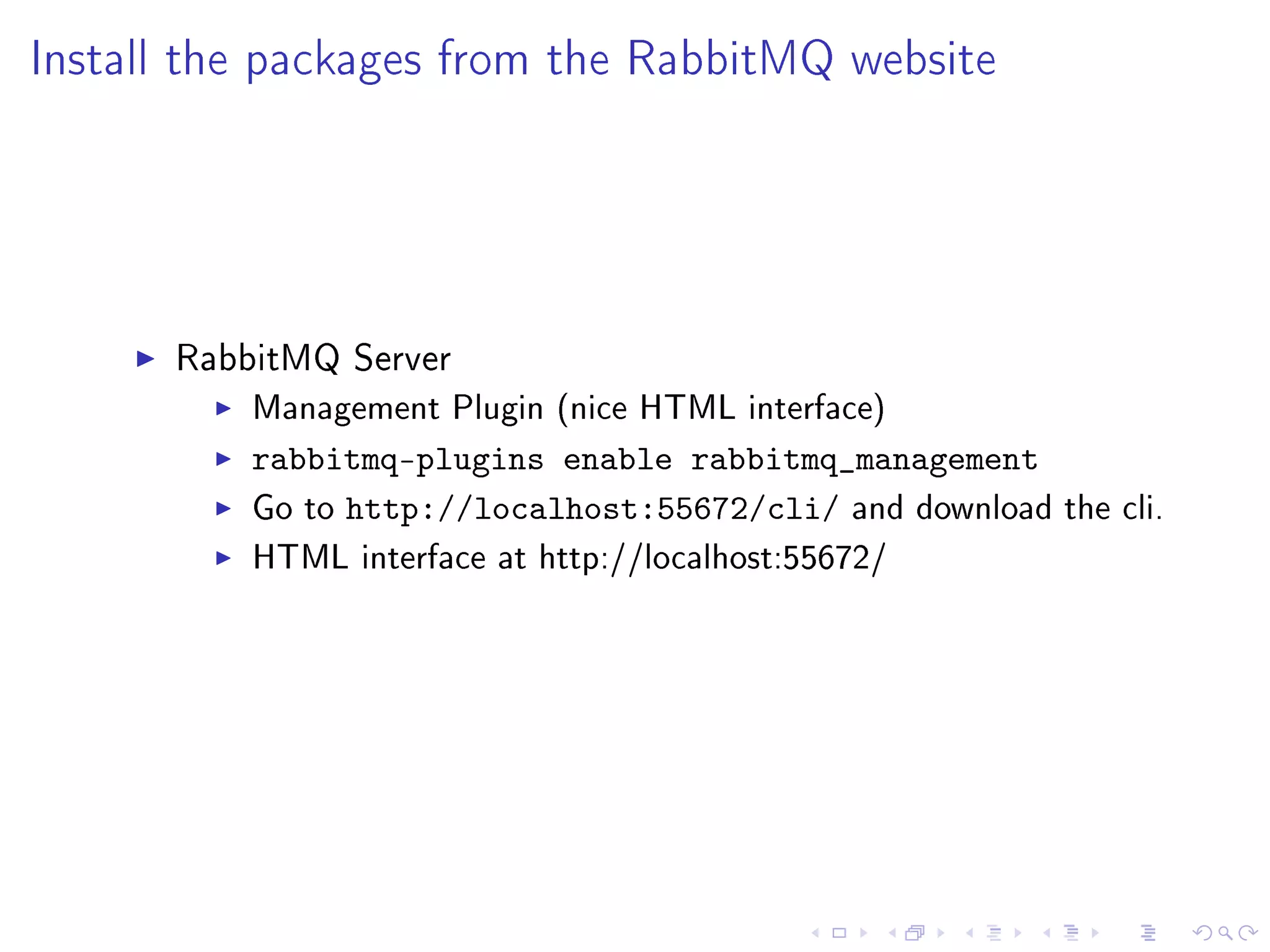
Install the packages from the RabbitMQ website


      RabbitMQ Server
          Management Plugin (nice HTML interface)
          rabbitmq-plugins enable rabbitmq_management
          Go to http://localhost:55672/cli/ and download   the cli.
          HTML interface at http://localhost:55672/
Set up a cluster


   rabbit1$ rabbitmqctl cluster_status
   Cluster status of node rabbit@rabbit1 ...
   [{nodes,[{disc,[rabbit@rabbit1]}]},{running_nodes,[rabbit@ra
   ...done.
   rabbit2$ rabbitmqctl stop_app
   Stopping node rabbit@rabbit2 ...done.
   rabbit2$ rabbitmqctl reset
   Resetting node rabbit@rabbit2 ...done.
   rabbit2$ rabbitmqctl cluster rabbit@rabbit1
   Clustering node rabbit@rabbit2 with [rabbit@rabbit1] ...done
   rabbit2$ rabbitmqctl start_app
   Starting node rabbit@rabbit2 ...done.
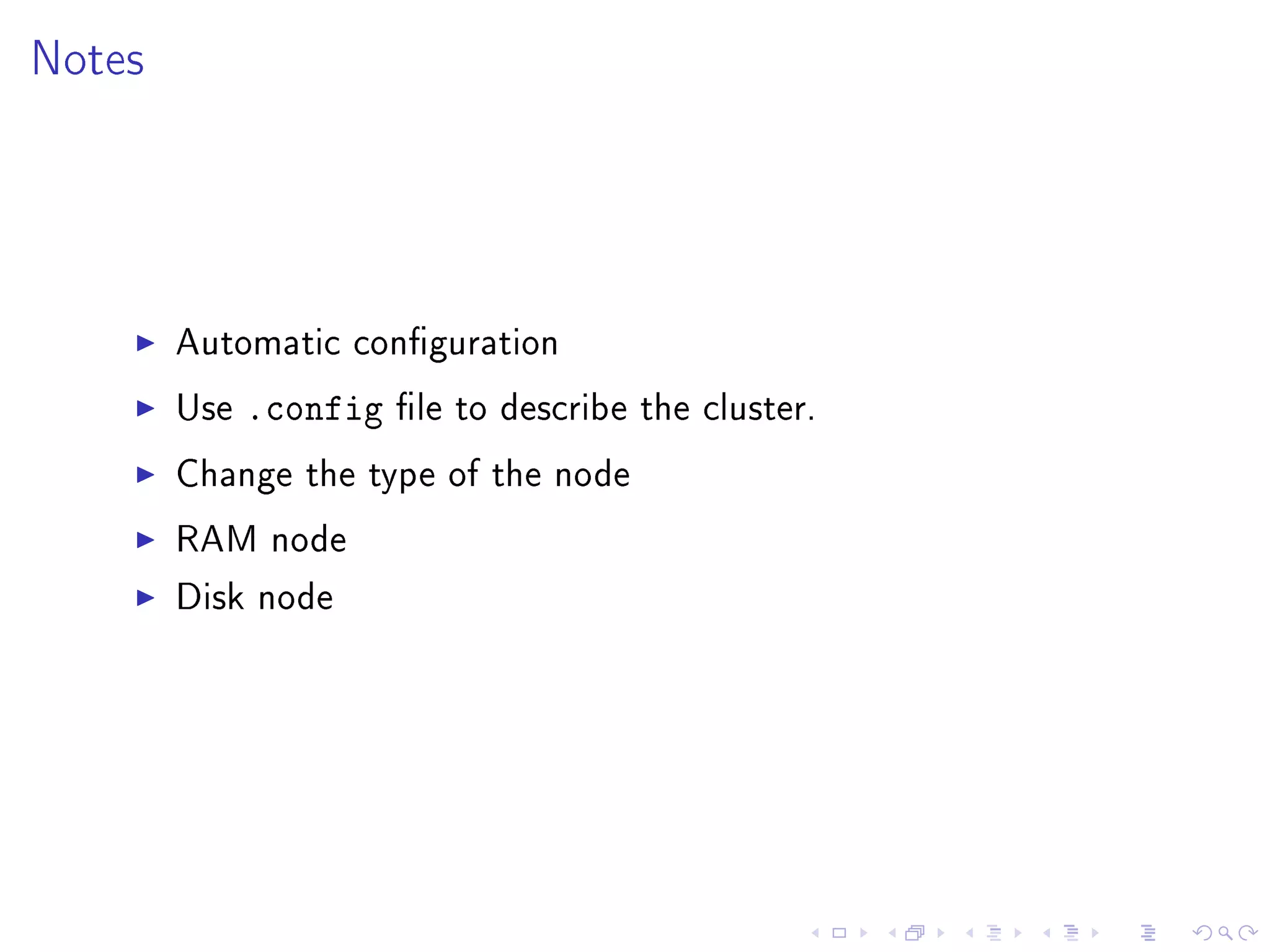
Notes


        Automatic conguration

        Use   .config   le to describe the cluster.

        Change the type of the node

        RAM node

        Disk node
Install Celery


       Just   pip install
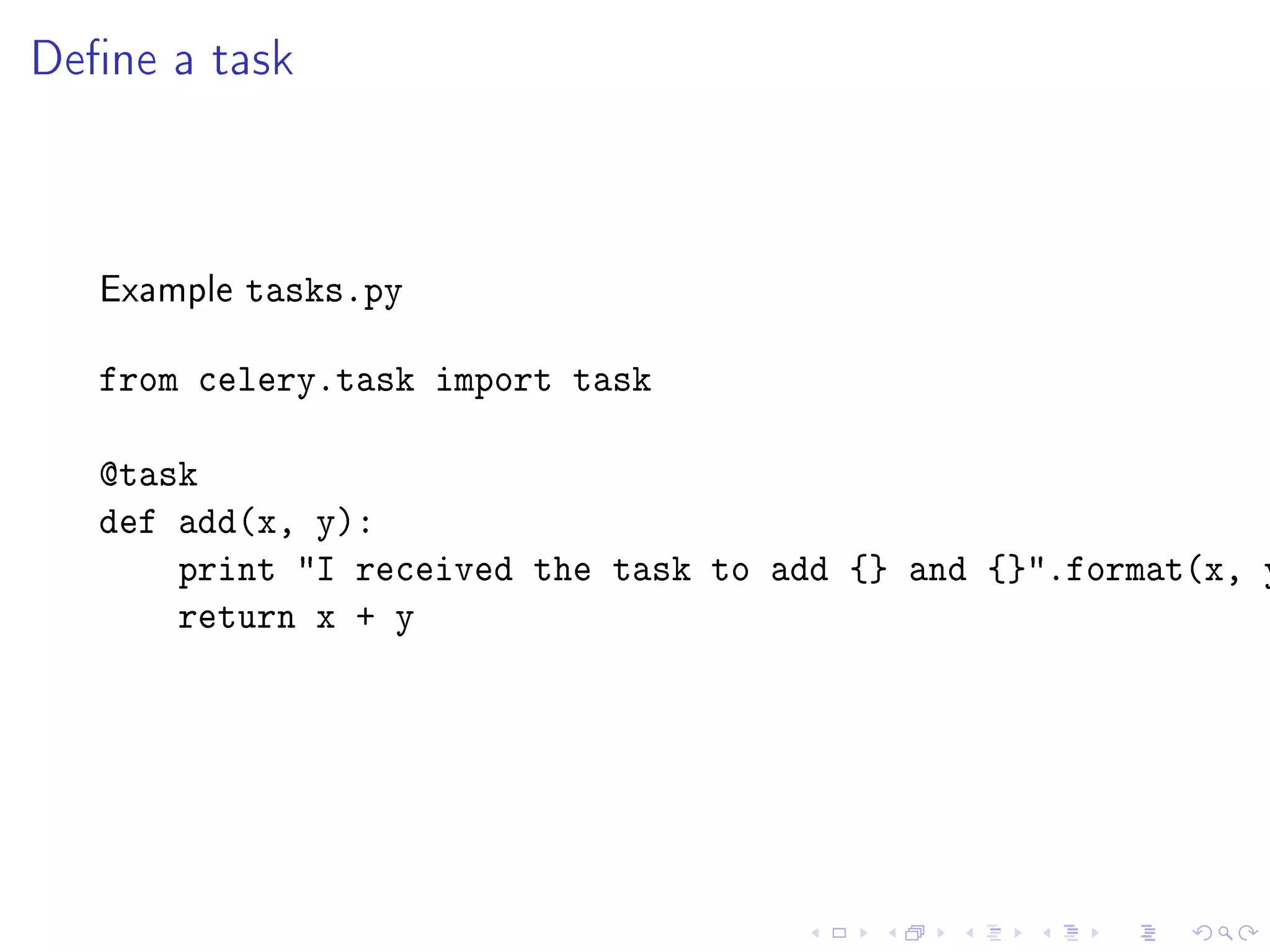
Dene a task


   Example   tasks.py

   from celery.task import task

   @task
   def add(x, y):
       print I received the task to add {} and {}.format(x, y
       return x + y
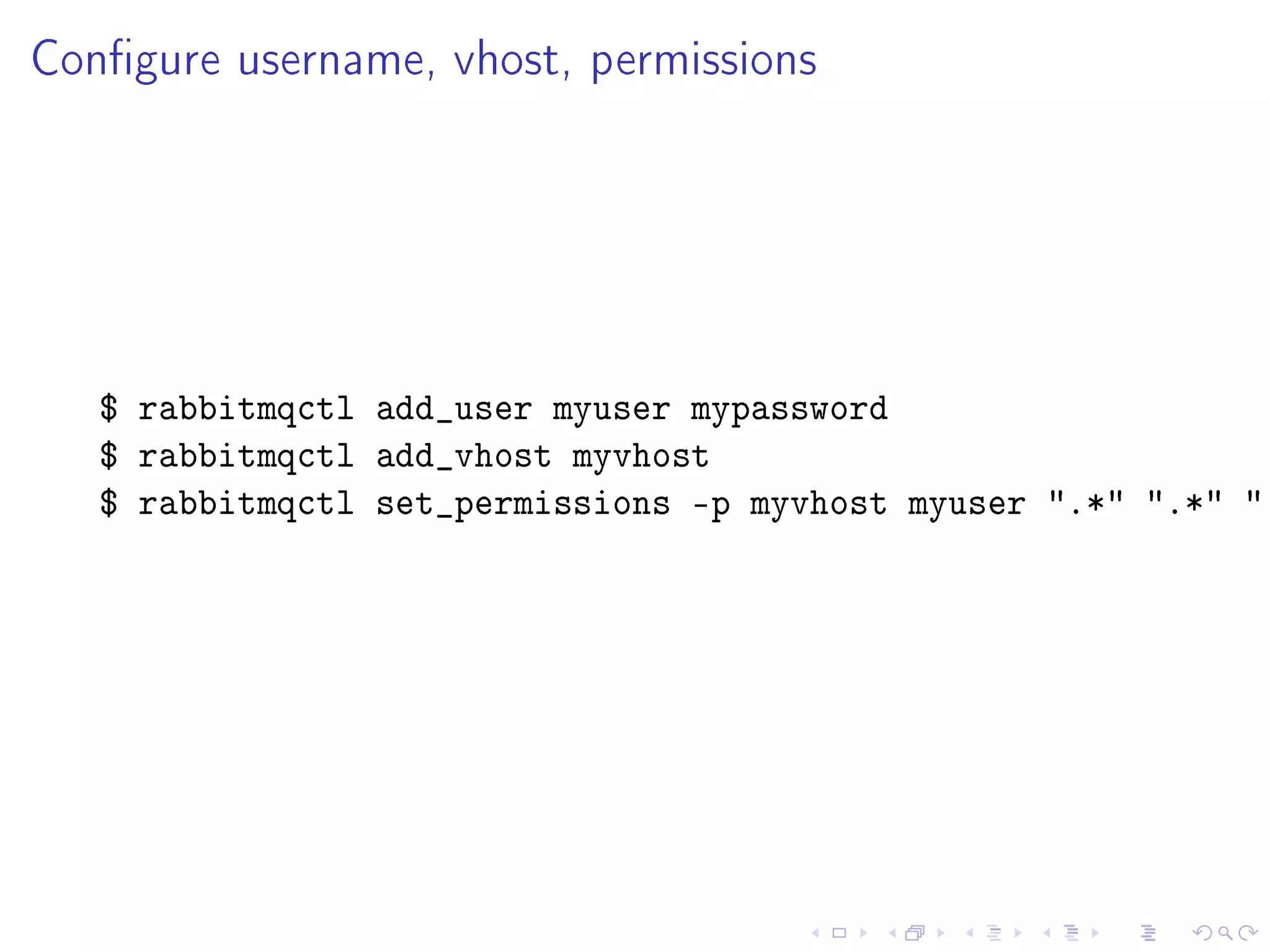
Congure username, vhost, permissions


   $ rabbitmqctl add_user myuser mypassword
   $ rabbitmqctl add_vhost myvhost
   $ rabbitmqctl set_permissions -p myvhost myuser .* .* .
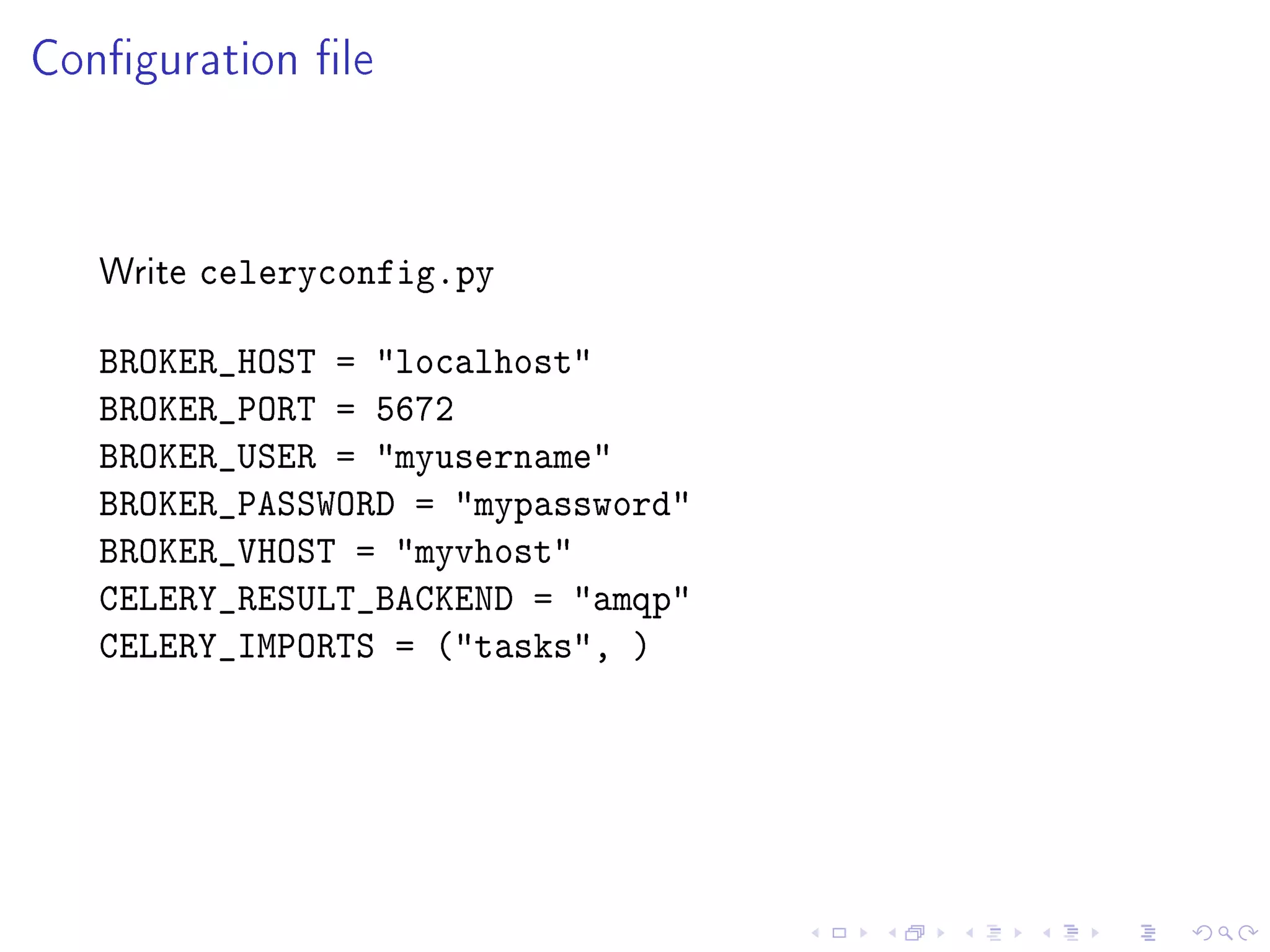
Conguration le


   Write   celeryconfig.py

   BROKER_HOST = localhost
   BROKER_PORT = 5672
   BROKER_USER = myusername
   BROKER_PASSWORD = mypassword
   BROKER_VHOST = myvhost
   CELERY_RESULT_BACKEND = amqp
   CELERY_IMPORTS = (tasks, )
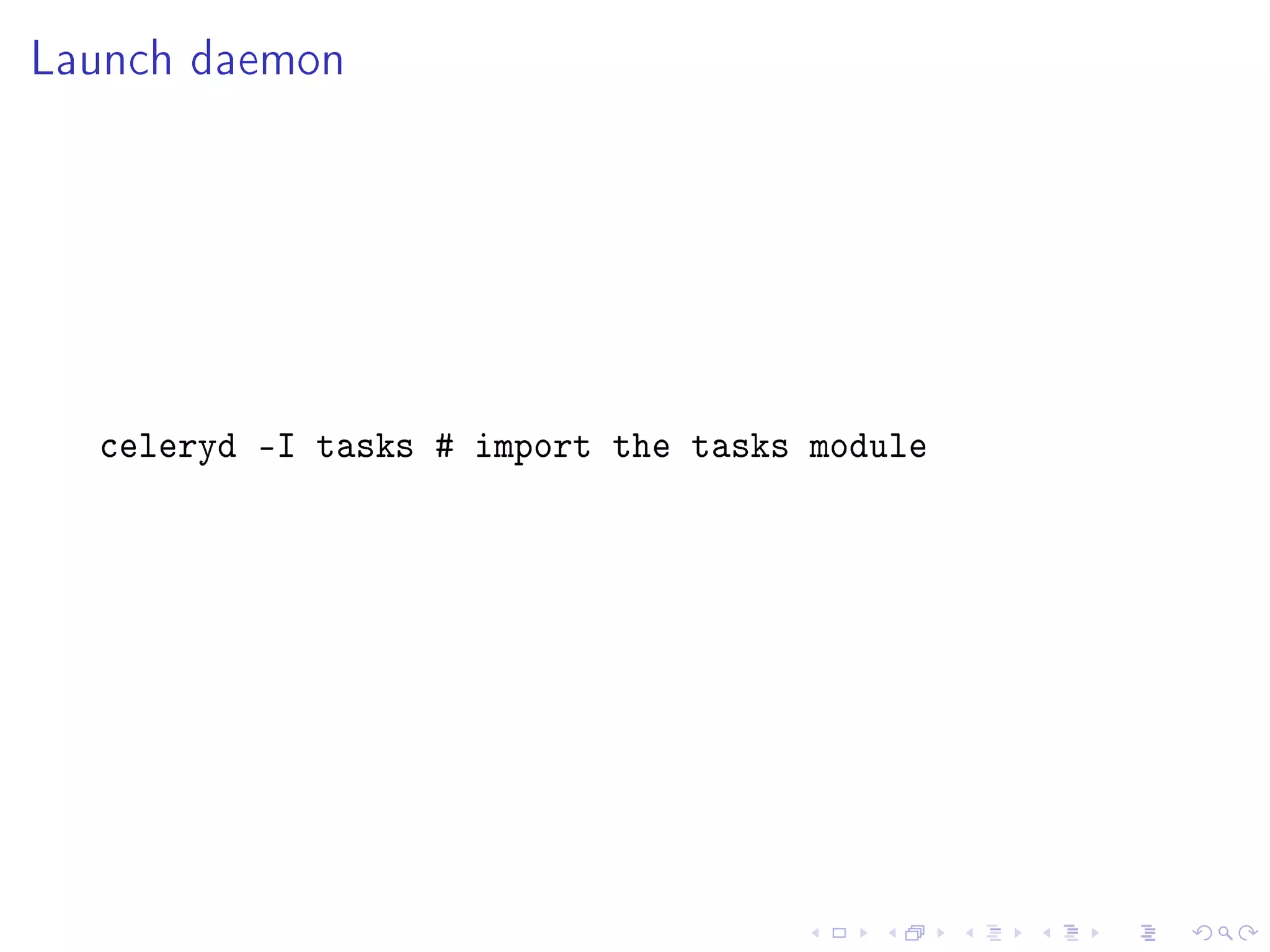
Launch daemon


  celeryd -I tasks # import the tasks module
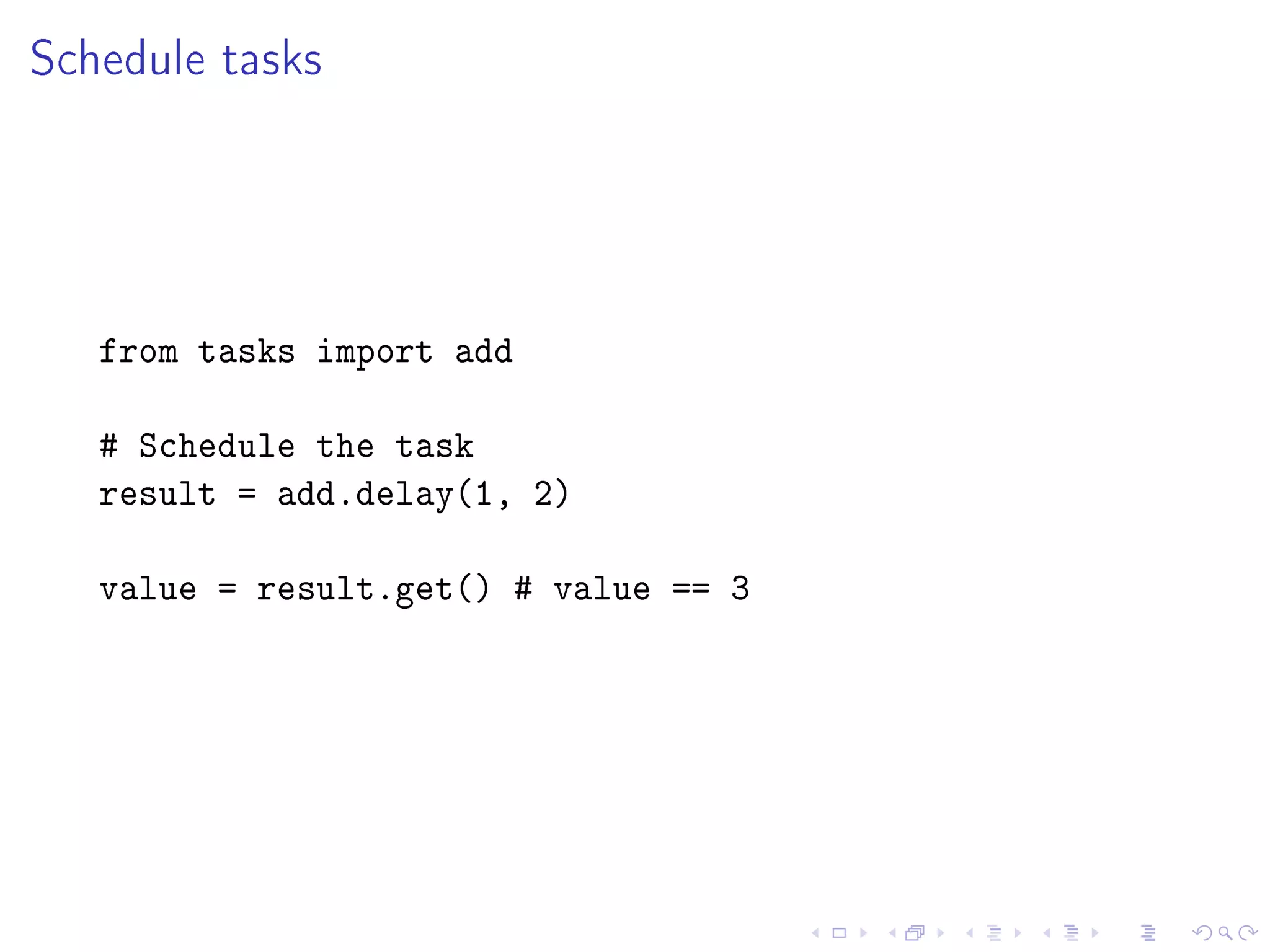
Schedule tasks


   from tasks import add

   # Schedule the task
   result = add.delay(1, 2)

   value = result.get() # value == 3
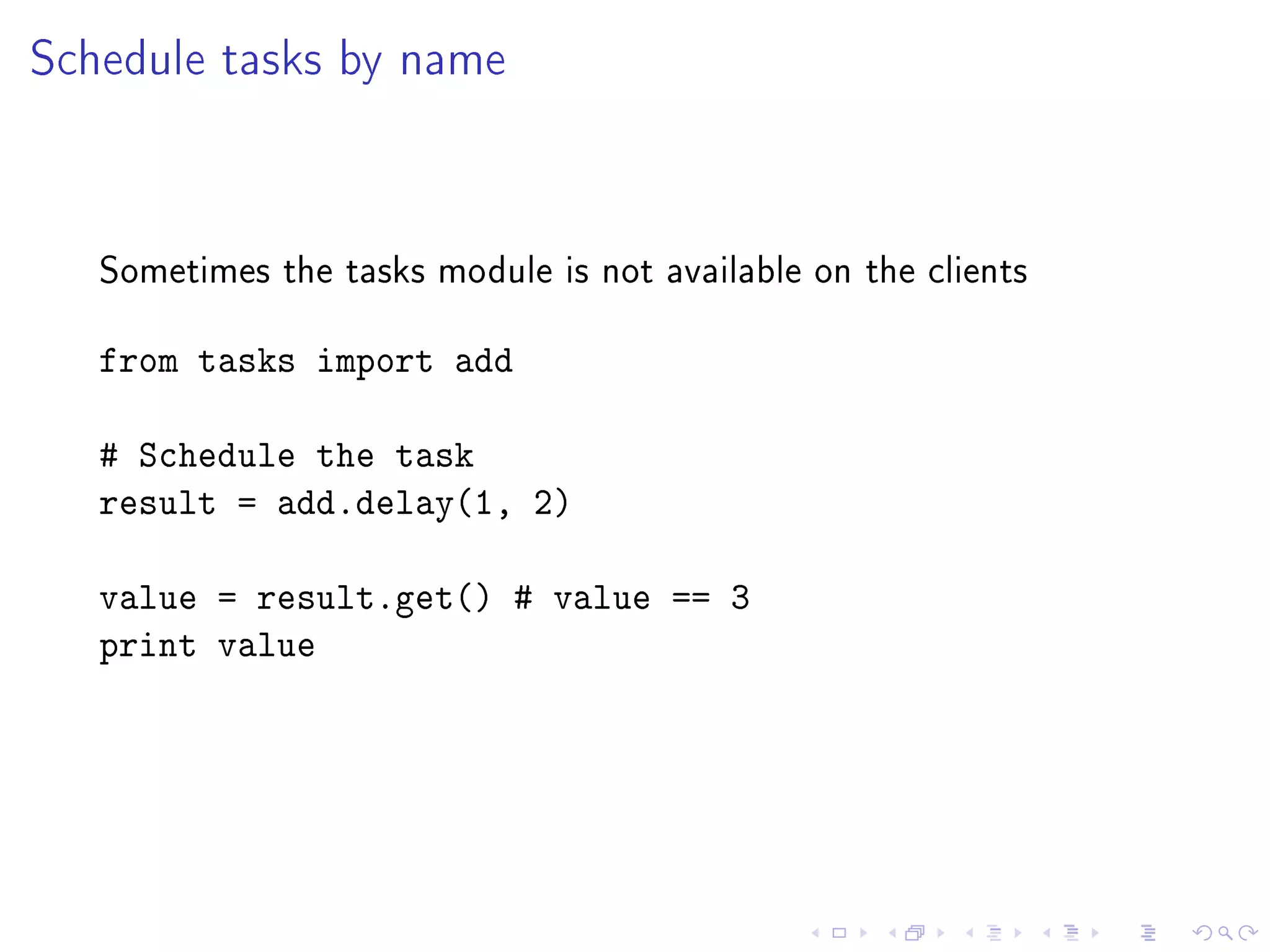
Schedule tasks by name


   Sometimes the tasks module is not available on the clients


   from tasks import add

   # Schedule the task
   result = add.delay(1, 2)

   value = result.get() # value == 3
   print value
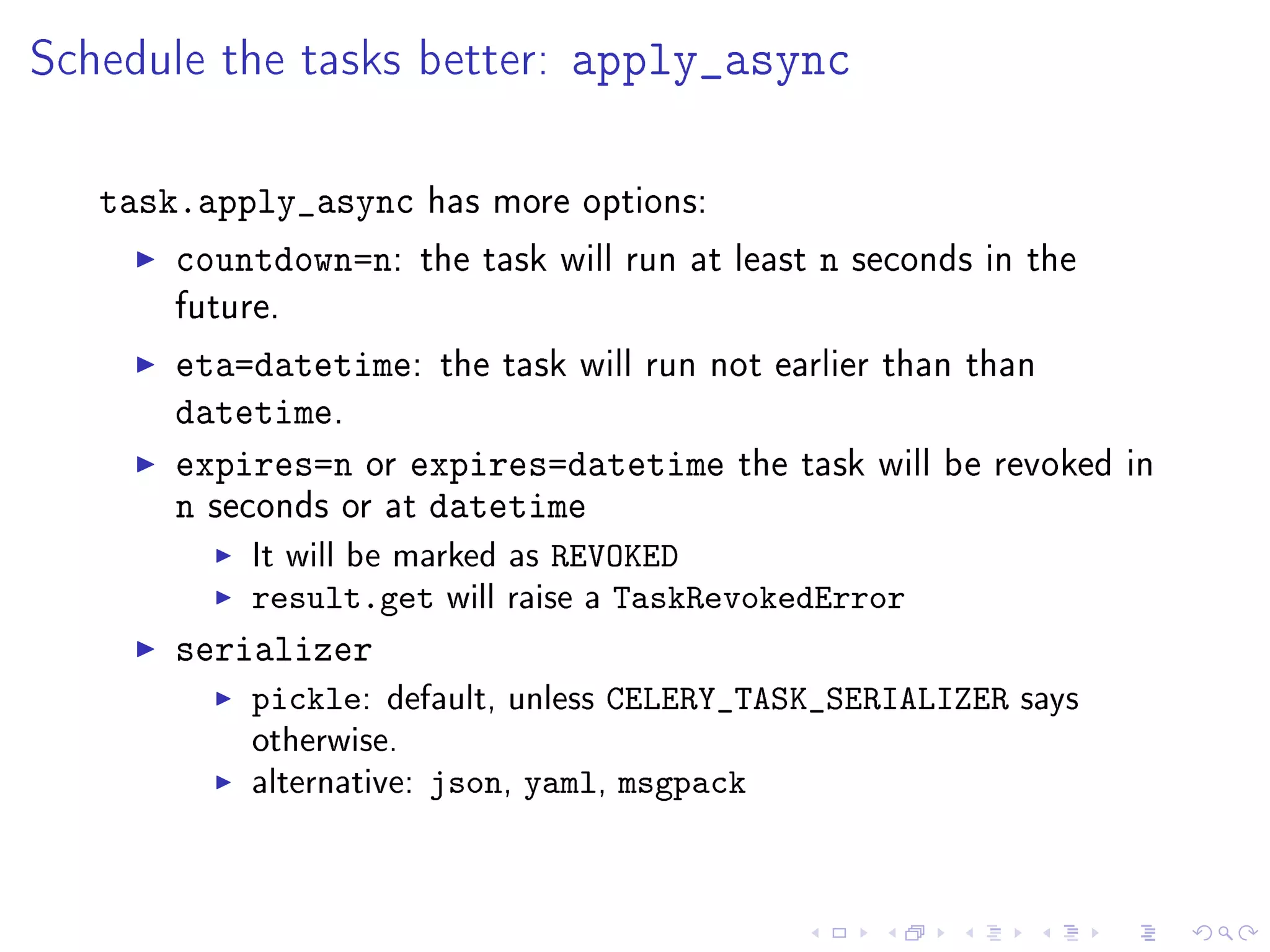
Schedule the tasks better: apply_async

   task.apply_async has more options:
       countdown=n: the task will run at   least   n   seconds in the
       future.

       eta=datetime: the task will run not earlier than than
       datetime.
       expires=n or expires=datetime the task will be revoked           in
       n seconds or at datetime
            It will be marked as REVOKED
            result.get will raise a TaskRevokedError
       serializer
            pickle:   default, unless CELERY_TASK_SERIALIZER says
            otherwise.
            alternative: json, yaml, msgpack
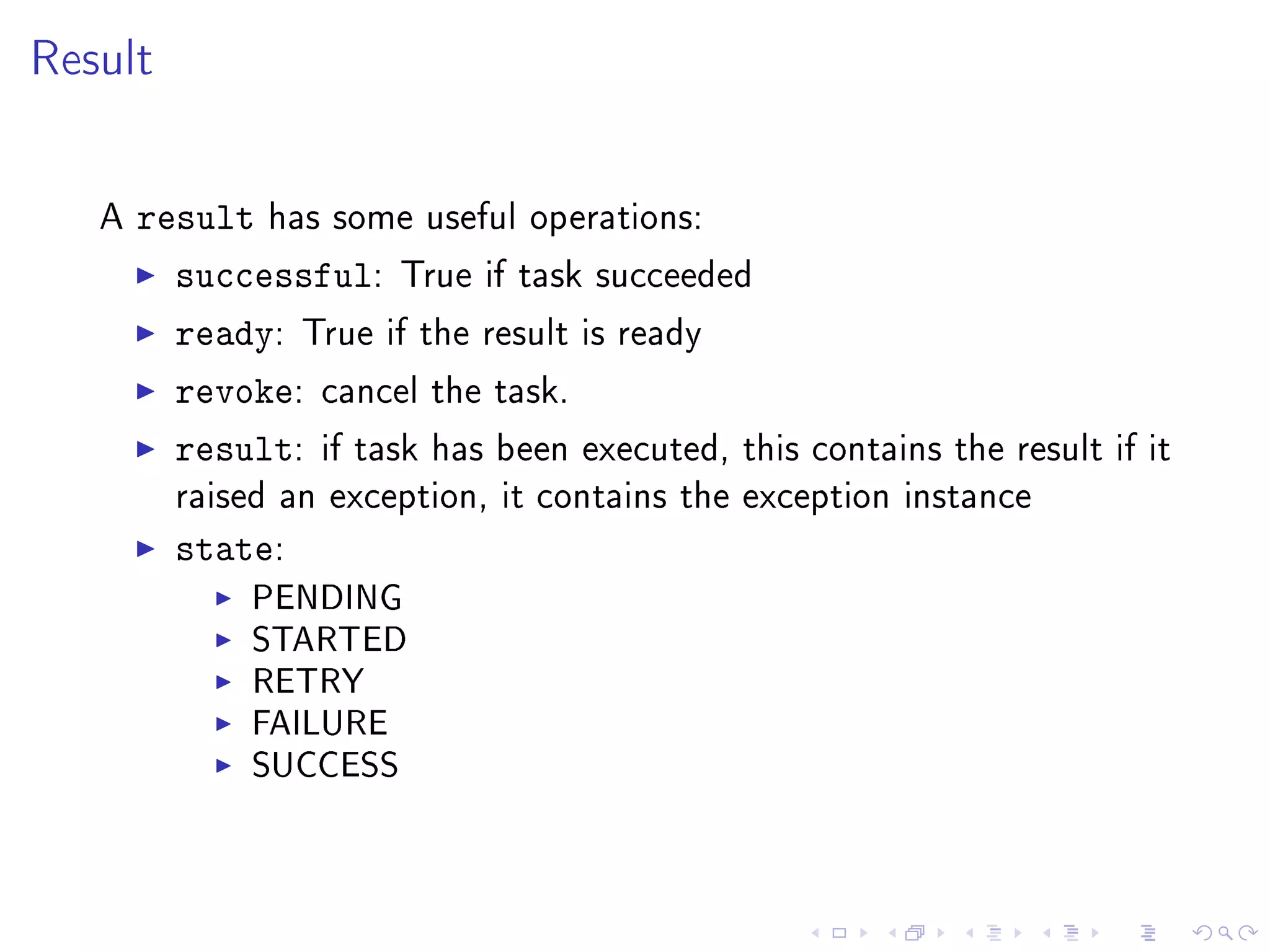
Result


   A   result has some useful operations:
         successful: True if task succeeded
         ready: True if the result is ready
         revoke: cancel the task.
         result: if task has been executed, this   contains the result if it
         raised an exception, it contains the exception instance

         state:
              PENDING
              STARTED
              RETRY
              FAILURE
              SUCCESS
TaskSet
   Run several tasks at once. The result keeps the order.


   from celery.task.sets import TaskSet
   from tasks import add
   job = TaskSet(tasks=[
                add.subtask((4, 4)),
                add.subtask((8, 8)),
                add.subtask((16, 16)),
                add.subtask((32, 32)),
   ])
   result = job.apply_async()
   result.ready() # True -- all subtasks completed
   result.successful() # True -- all subtasks successful
   values = result.join() # [4, 8, 16, 32, 64]
   print values
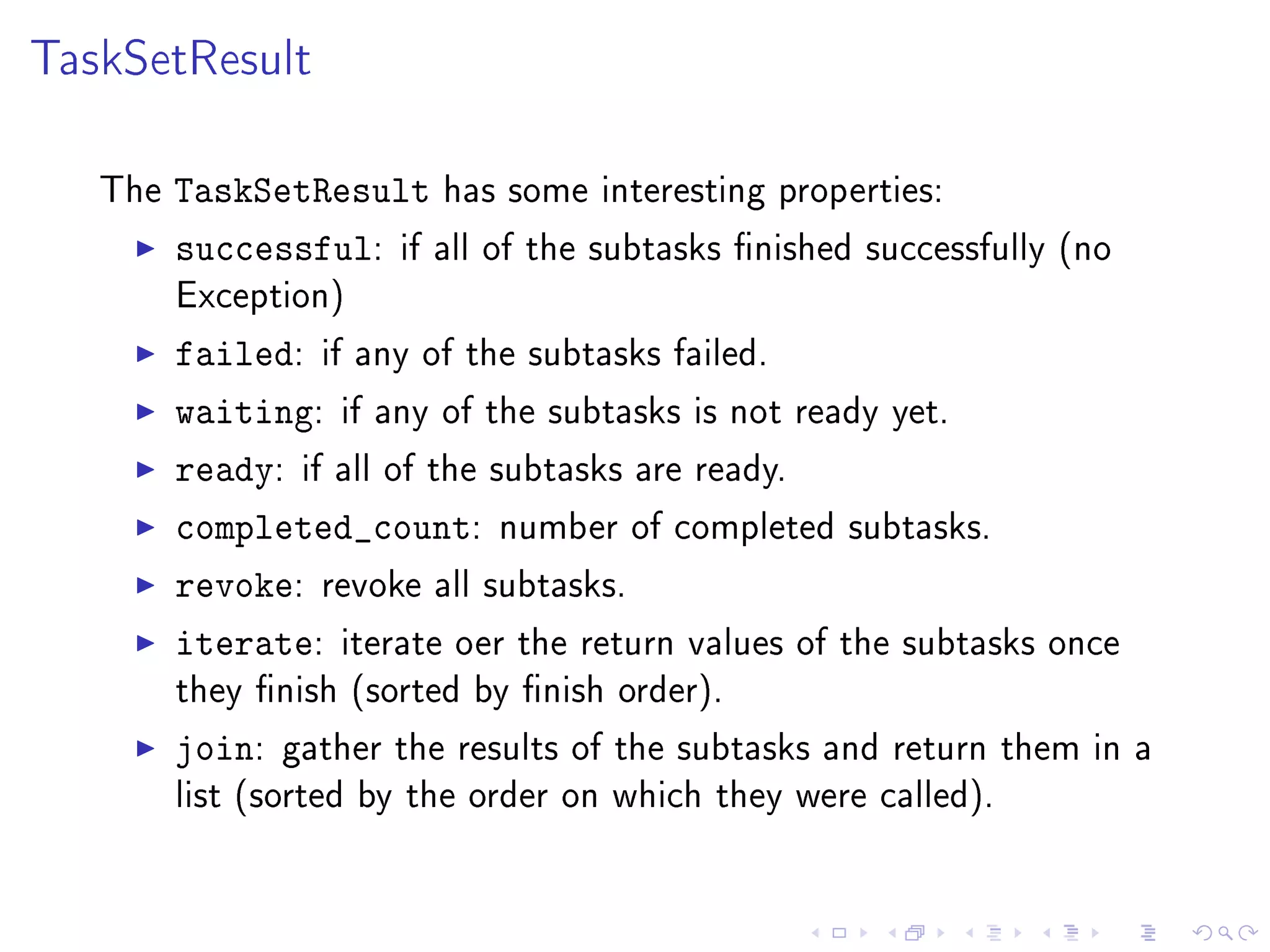
TaskSetResult

   The   TaskSetResult has some interesting properties:
         successful: if all of the subtasks nished successfully   (no
         Exception)

         failed: if any of the subtasks failed.
         waiting: if any of the subtasks is not ready yet.
         ready: if all of the subtasks are ready.
         completed_count: number of completed subtasks.
         revoke: revoke all subtasks.
         iterate: iterate oer the return values of the subtasks    once
         they nish (sorted by nish order).

         join:   gather the results of the subtasks and return them in a
         list (sorted by the order on which they were called).
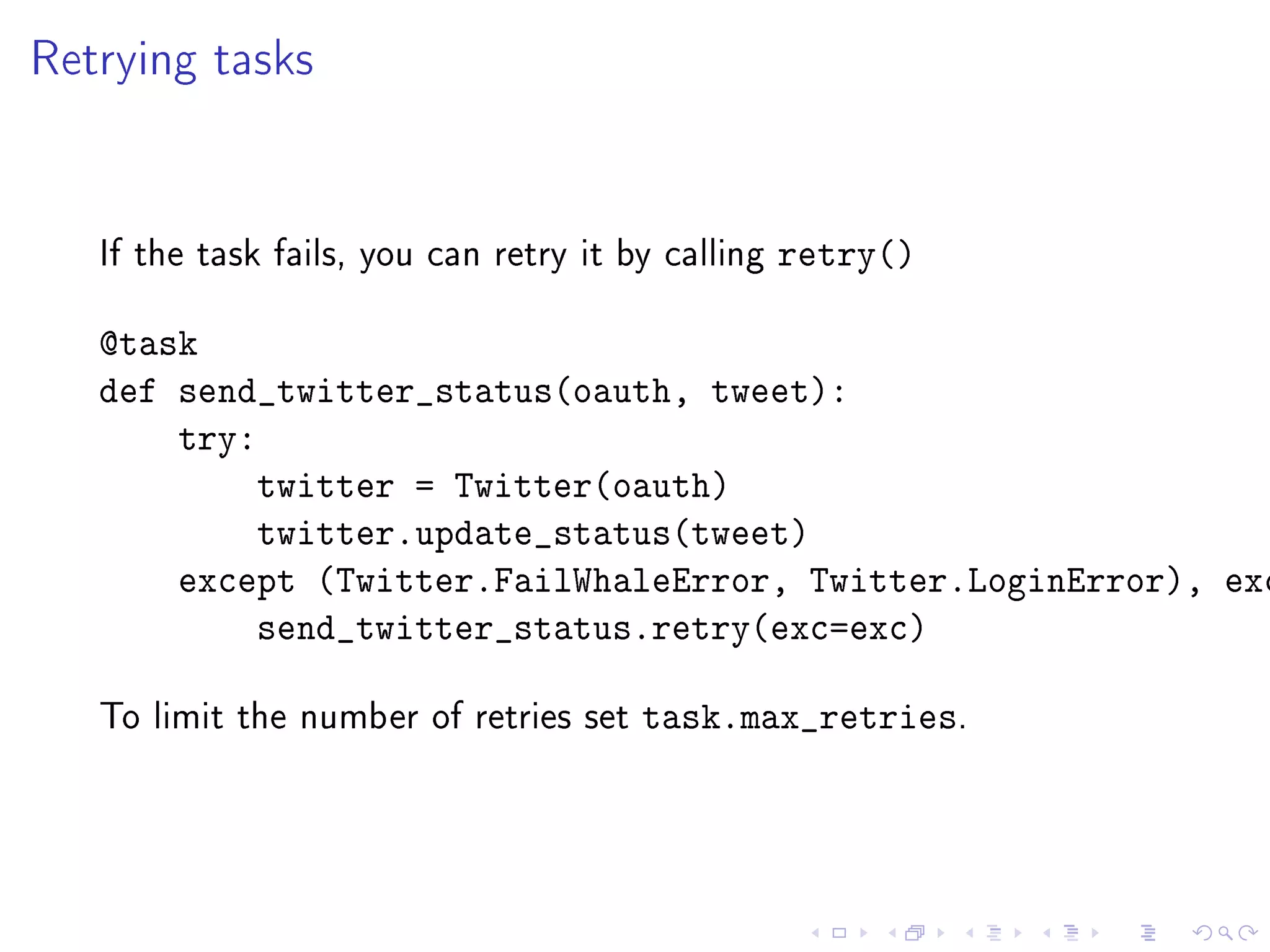
Retrying tasks


   If the task fails, you can retry it by calling   retry()

   @task
   def send_twitter_status(oauth, tweet):
       try:
           twitter = Twitter(oauth)
           twitter.update_status(tweet)
       except (Twitter.FailWhaleError, Twitter.LoginError), exc
           send_twitter_status.retry(exc=exc)

   To limit the number of retries set   task.max_retries.
Routing


   apply_async   accepts the parameter   routing   to create some
   RabbitMQ queues


   pdf: ticket.#
   import_files: import.#

       Schedule the task to the appropriate queue

       import_vouchers.apply_async(args=[filename],
           routing_key=import.vouchers)
       generate_ticket.apply_async(args=barcodes,
           routing_key=ticket.generate)
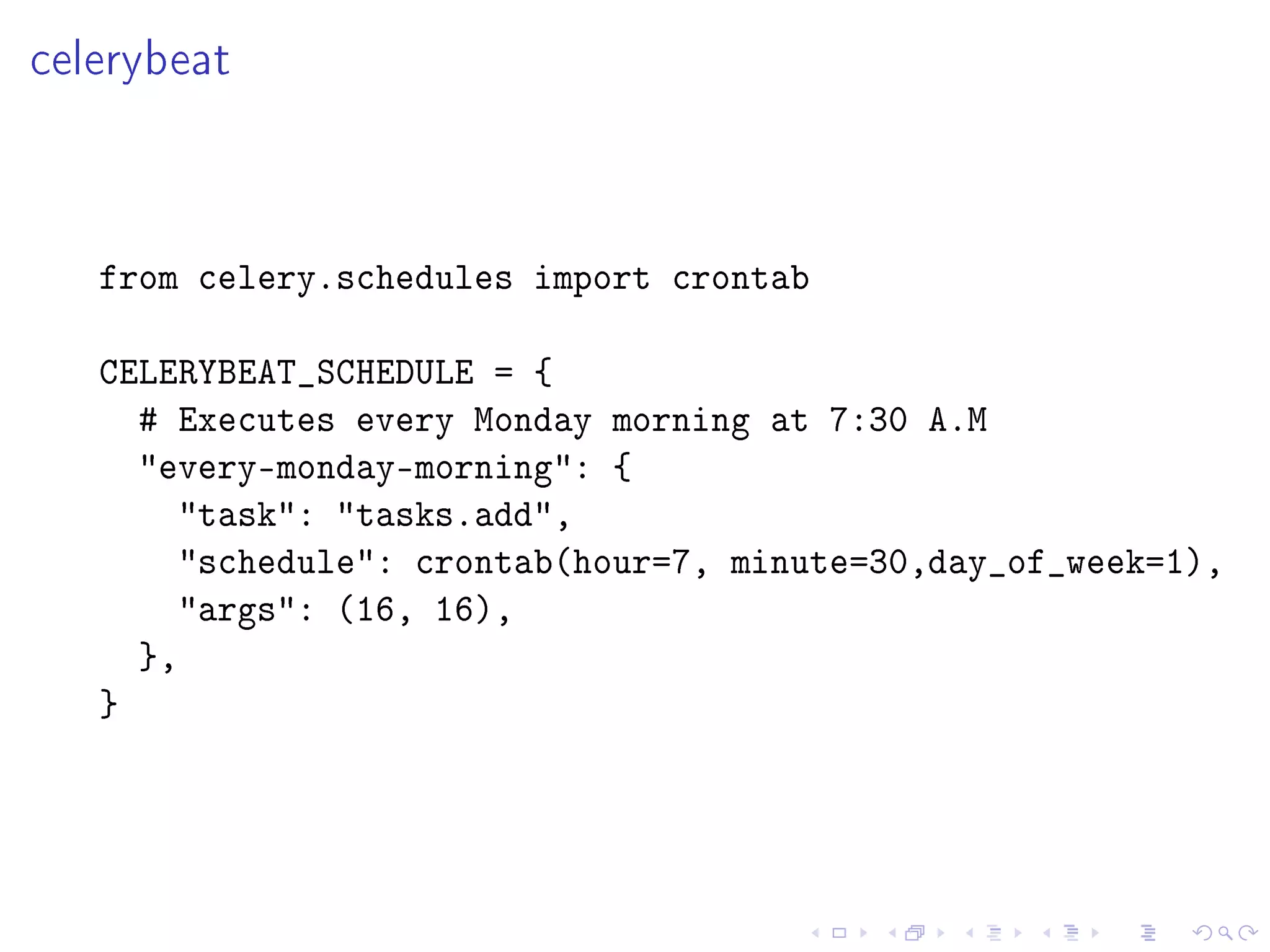
celerybeat


   from celery.schedules import crontab

   CELERYBEAT_SCHEDULE = {
     # Executes every Monday morning at 7:30 A.M
     every-monday-morning: {
       task: tasks.add,
       schedule: crontab(hour=7, minute=30,day_of_week=1),
       args: (16, 16),
     },
   }
There can be only one celerybeat running


      But we can have two machines that check on each other.
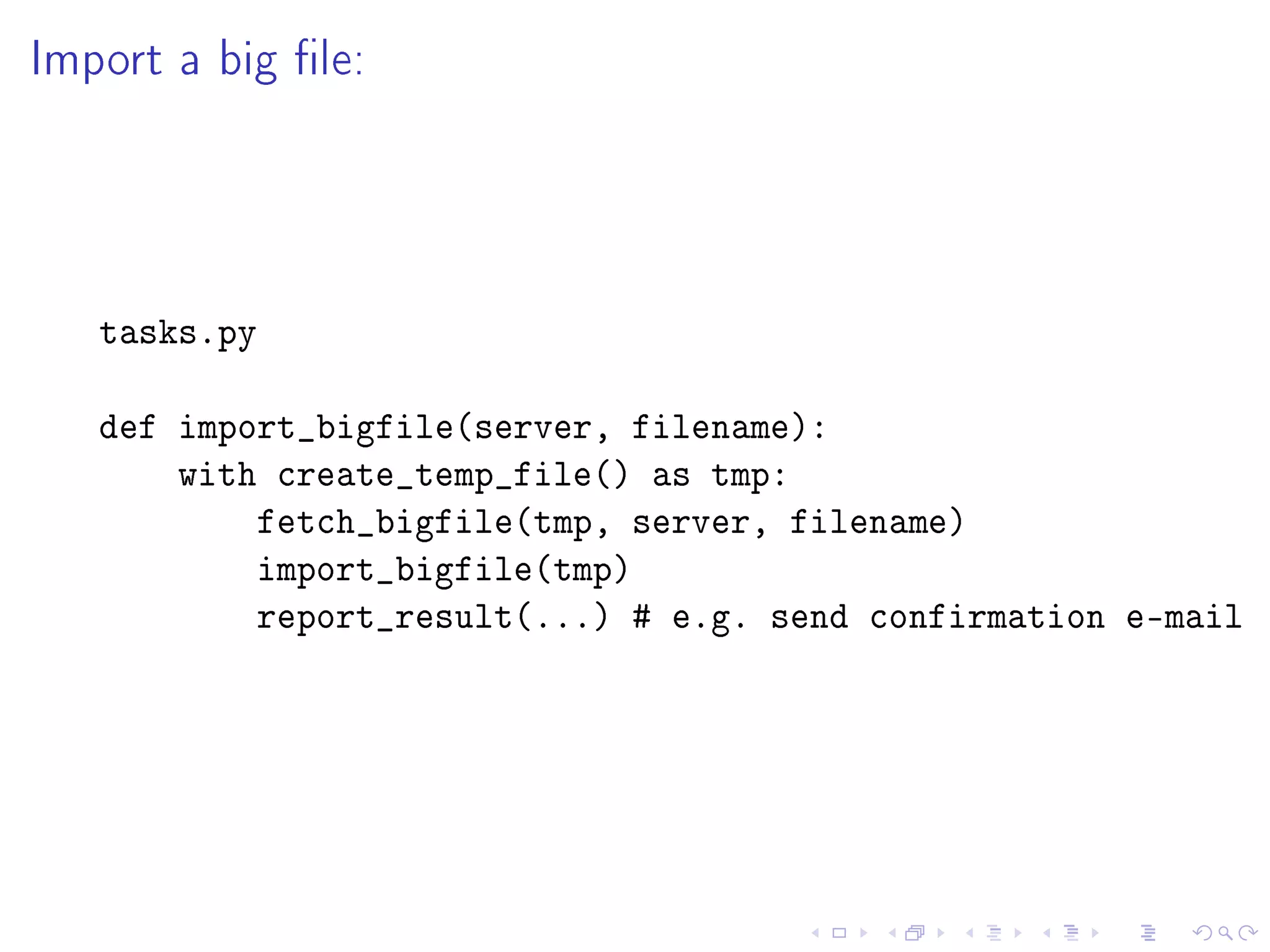
Import a big le:


   tasks.py

   def import_bigfile(server, filename):
       with create_temp_file() as tmp:
           fetch_bigfile(tmp, server, filename)
           import_bigfile(tmp)
           report_result(...) # e.g. send confirmation e-mail
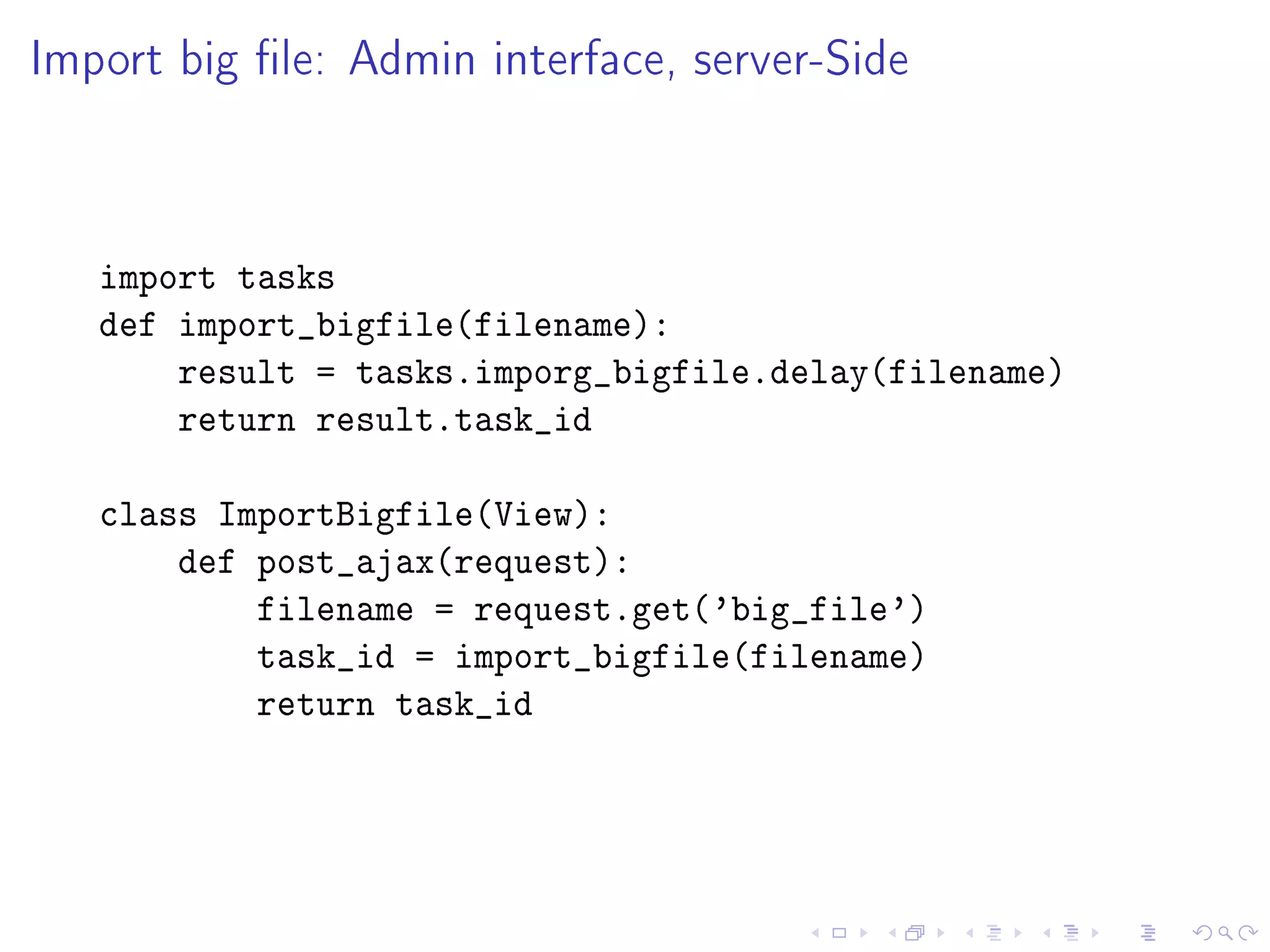
Import big le: Admin interface, server-Side


   import tasks
   def import_bigfile(filename):
       result = tasks.imporg_bigfile.delay(filename)
       return result.task_id

   class ImportBigfile(View):
       def post_ajax(request):
           filename = request.get('big_file')
           task_id = import_bigfile(filename)
           return task_id
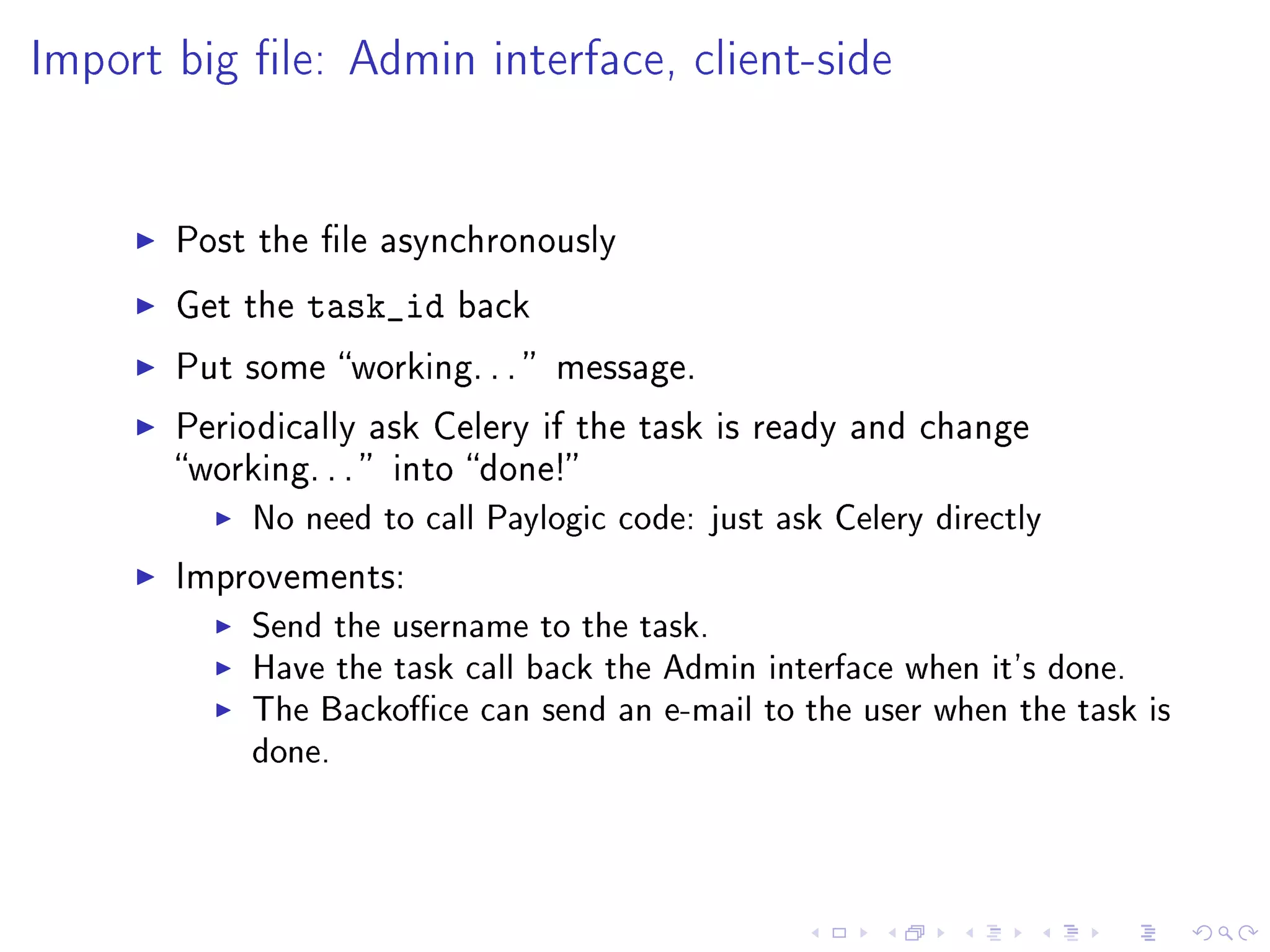
Import big le: Admin interface, client-side


       Post the le asynchronously

       Get the   task_id   back

       Put some working. . .  message.

       Periodically ask Celery if the task is ready and change
       working. . .  into done!
            No need to call Paylogic code: just ask Celery directly
       Improvements:
            Send the username to the task.
            Have the task call back the Admin interface when it's done.
            The Backoce can send an e-mail to the user when the task is
            done.
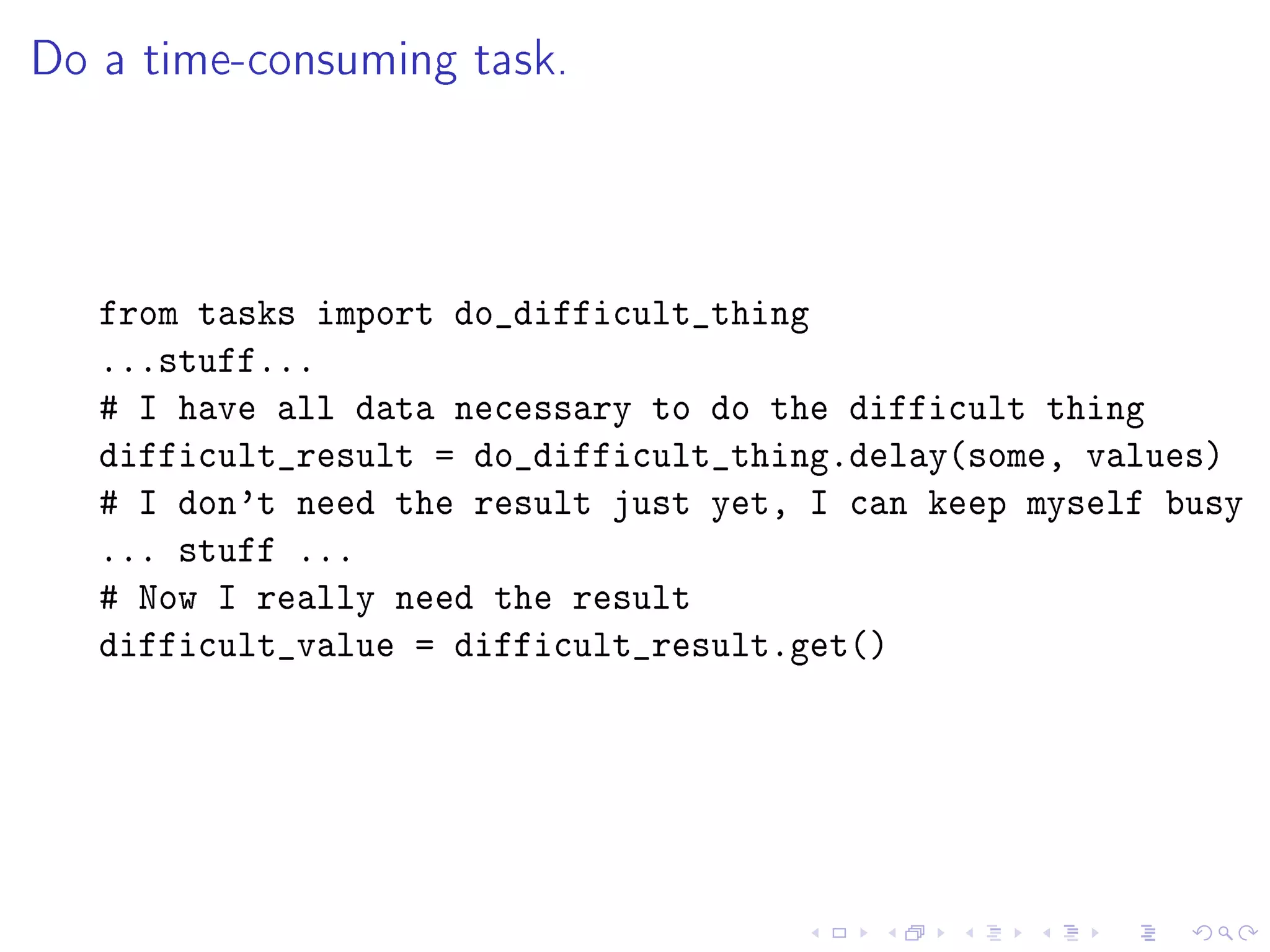
Do a time-consuming task.


   from tasks import do_difficult_thing
   ...stuff...
   # I have all data necessary to do the difficult thing
   difficult_result = do_difficult_thing.delay(some, values)
   # I don't need the result just yet, I can keep myself busy
   ... stuff ...
   # Now I really need the result
   difficult_value = difficult_result.get()

Celery with python

  • 2.
  • 3.
    Outline self.__dict__ Use task queues Celery and RabbitMQ Getting started with RabbitMQ Getting started with Celery Periodic tasks Examples
  • 4.
    self.__dict__ {'name': 'Òscar Vilaplana', 'origin': 'Catalonia', 'company': 'Paylogic', 'tags': ['developer', 'architect', 'geek'], 'email': 'dev@oscarvilaplana.cat', }
  • 5.
    Proposal Take a slow task. Decouple it from your system Call it asynchronously
  • 6.
    Separate projects Separate projects allow us to: Divide your system in sections e.g. frontend, backend, mailing, reportgenerator. . . Tackle them individually Conquer themdeclare them Done: Clean code Clean interface Unit tested Maintainable (but this is not only for Celery tasks)
  • 7.
    Coupled Tasks In some cases, it may not be possible to decouple some tasks. Then, we either: Have some workers in your system's network with access to the code of your system with access to the system's database They handle messages from certain queues, e.g. internal.#
  • 8.
    Candidates Processes that: Need a lot of memory. Are slow. Depend on external systems. Need a limited amount of data to work (easy to decouple). Need to be scalable. Examples: Render complex reports. Import big les Send e-mails
  • 9.
    Example: sending complexemails Create a in independent project: yourappmail Generator of complex e-mails. It needs the templates, images. . . It doesn't need access to your system's database. Deploy it in servers of our own, or in Amazon servers We can add/remove as we need them On startup: Join the RabbitMQ cluster Start celeryd Normal operation: 1 server is enough tps peak On high load: start as many servers as needed ( tps server )
  • 10.
    yourappmail A decoupled email generator: Has a clean API Decoupled from your system's db: It needs to receive all information Customer information Custom data Contents of the email Can be deployed to as many servers as we need Scalable
  • 11.
    Not for everything Task queues are not a magic wand to make things faster They can be used as such (like cache). It hides the real problem.
  • 12.
    Celery Asynchronous distributed task queue Based on distributed message passing. Mostly for real-time queuing Can do scheduling too. REST: you can query status and results via URLs. Written in Python Celery: Message Brokers and Result Storage
  • 13.
    Celery's tasks Tasks can be async or sync Low latency Rate limiting Retries Each task has an UUID: you can ask for the result back if you know the task UUID. RabbitMQ Messaging system Protocol: AMQP Open standard for messaging middleware Written in Erlang Easy to cluster!
  • 14.
    Install the packagesfrom the RabbitMQ website RabbitMQ Server Management Plugin (nice HTML interface) rabbitmq-plugins enable rabbitmq_management Go to http://localhost:55672/cli/ and download the cli. HTML interface at http://localhost:55672/
  • 15.
    Set up acluster rabbit1$ rabbitmqctl cluster_status Cluster status of node rabbit@rabbit1 ... [{nodes,[{disc,[rabbit@rabbit1]}]},{running_nodes,[rabbit@ra ...done. rabbit2$ rabbitmqctl stop_app Stopping node rabbit@rabbit2 ...done. rabbit2$ rabbitmqctl reset Resetting node rabbit@rabbit2 ...done. rabbit2$ rabbitmqctl cluster rabbit@rabbit1 Clustering node rabbit@rabbit2 with [rabbit@rabbit1] ...done rabbit2$ rabbitmqctl start_app Starting node rabbit@rabbit2 ...done.
  • 16.
    Notes Automatic conguration Use .config le to describe the cluster. Change the type of the node RAM node Disk node
  • 17.
    Install Celery Just pip install
  • 18.
    Dene a task Example tasks.py from celery.task import task @task def add(x, y): print I received the task to add {} and {}.format(x, y return x + y
  • 19.
    Congure username, vhost,permissions $ rabbitmqctl add_user myuser mypassword $ rabbitmqctl add_vhost myvhost $ rabbitmqctl set_permissions -p myvhost myuser .* .* .
  • 20.
    Conguration le Write celeryconfig.py BROKER_HOST = localhost BROKER_PORT = 5672 BROKER_USER = myusername BROKER_PASSWORD = mypassword BROKER_VHOST = myvhost CELERY_RESULT_BACKEND = amqp CELERY_IMPORTS = (tasks, )
  • 21.
    Launch daemon celeryd -I tasks # import the tasks module
  • 22.
    Schedule tasks from tasks import add # Schedule the task result = add.delay(1, 2) value = result.get() # value == 3
  • 23.
    Schedule tasks byname Sometimes the tasks module is not available on the clients from tasks import add # Schedule the task result = add.delay(1, 2) value = result.get() # value == 3 print value
  • 24.
    Schedule the tasksbetter: apply_async task.apply_async has more options: countdown=n: the task will run at least n seconds in the future. eta=datetime: the task will run not earlier than than datetime. expires=n or expires=datetime the task will be revoked in n seconds or at datetime It will be marked as REVOKED result.get will raise a TaskRevokedError serializer pickle: default, unless CELERY_TASK_SERIALIZER says otherwise. alternative: json, yaml, msgpack
  • 25.
    Result A result has some useful operations: successful: True if task succeeded ready: True if the result is ready revoke: cancel the task. result: if task has been executed, this contains the result if it raised an exception, it contains the exception instance state: PENDING STARTED RETRY FAILURE SUCCESS
  • 26.
    TaskSet Run several tasks at once. The result keeps the order. from celery.task.sets import TaskSet from tasks import add job = TaskSet(tasks=[ add.subtask((4, 4)), add.subtask((8, 8)), add.subtask((16, 16)), add.subtask((32, 32)), ]) result = job.apply_async() result.ready() # True -- all subtasks completed result.successful() # True -- all subtasks successful values = result.join() # [4, 8, 16, 32, 64] print values
  • 27.
    TaskSetResult The TaskSetResult has some interesting properties: successful: if all of the subtasks nished successfully (no Exception) failed: if any of the subtasks failed. waiting: if any of the subtasks is not ready yet. ready: if all of the subtasks are ready. completed_count: number of completed subtasks. revoke: revoke all subtasks. iterate: iterate oer the return values of the subtasks once they nish (sorted by nish order). join: gather the results of the subtasks and return them in a list (sorted by the order on which they were called).
  • 28.
    Retrying tasks If the task fails, you can retry it by calling retry() @task def send_twitter_status(oauth, tweet): try: twitter = Twitter(oauth) twitter.update_status(tweet) except (Twitter.FailWhaleError, Twitter.LoginError), exc send_twitter_status.retry(exc=exc) To limit the number of retries set task.max_retries.
  • 29.
    Routing apply_async accepts the parameter routing to create some RabbitMQ queues pdf: ticket.# import_files: import.# Schedule the task to the appropriate queue import_vouchers.apply_async(args=[filename], routing_key=import.vouchers) generate_ticket.apply_async(args=barcodes, routing_key=ticket.generate)
  • 30.
    celerybeat from celery.schedules import crontab CELERYBEAT_SCHEDULE = { # Executes every Monday morning at 7:30 A.M every-monday-morning: { task: tasks.add, schedule: crontab(hour=7, minute=30,day_of_week=1), args: (16, 16), }, }
  • 31.
    There can beonly one celerybeat running But we can have two machines that check on each other.
  • 32.
    Import a bigle: tasks.py def import_bigfile(server, filename): with create_temp_file() as tmp: fetch_bigfile(tmp, server, filename) import_bigfile(tmp) report_result(...) # e.g. send confirmation e-mail
  • 33.
    Import big le:Admin interface, server-Side import tasks def import_bigfile(filename): result = tasks.imporg_bigfile.delay(filename) return result.task_id class ImportBigfile(View): def post_ajax(request): filename = request.get('big_file') task_id = import_bigfile(filename) return task_id
  • 34.
    Import big le:Admin interface, client-side Post the le asynchronously Get the task_id back Put some working. . . message. Periodically ask Celery if the task is ready and change working. . . into done! No need to call Paylogic code: just ask Celery directly Improvements: Send the username to the task. Have the task call back the Admin interface when it's done. The Backoce can send an e-mail to the user when the task is done.
  • 35.
    Do a time-consumingtask. from tasks import do_difficult_thing ...stuff... # I have all data necessary to do the difficult thing difficult_result = do_difficult_thing.delay(some, values) # I don't need the result just yet, I can keep myself busy ... stuff ... # Now I really need the result difficult_value = difficult_result.get()