

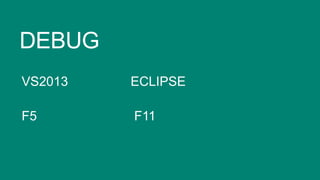


DEBUG
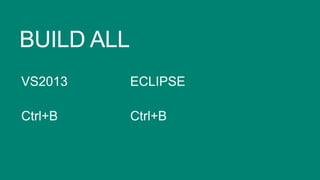
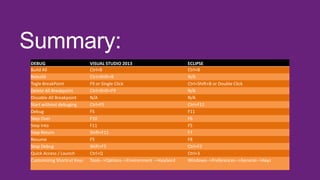
Build All
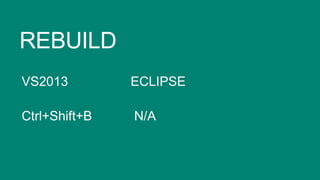
Rebuild
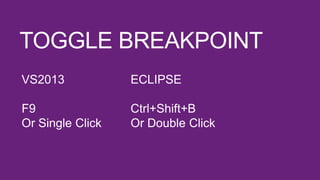
Togle BreakPoint
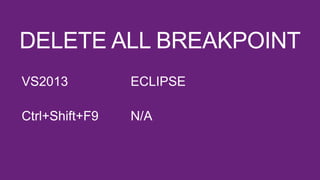
Delete All Breakpoint
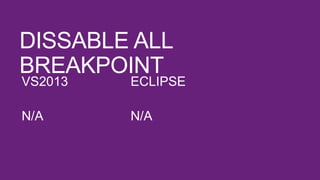
Dissable All Breakpoint
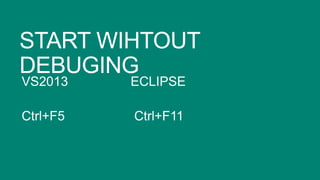
Start without debuging
Debug
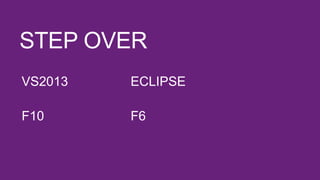
Step Over
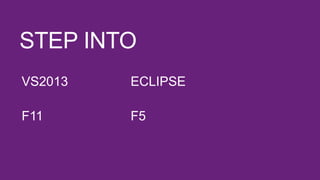
Step Into
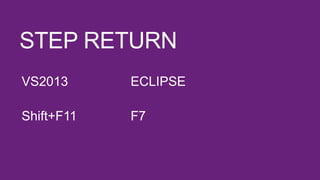
Step Return
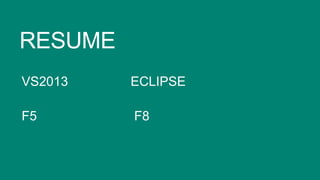
Resume
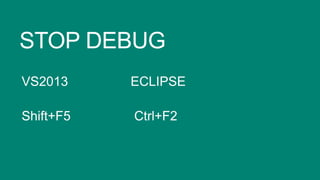
Stop Debug
Quick Access / Launch
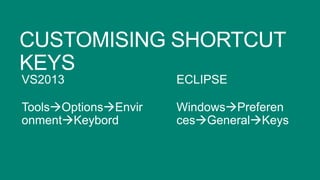
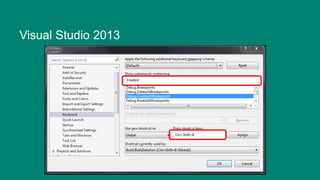
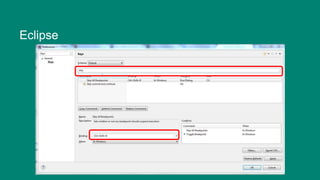
Customizing Shortcut Keys

VISUAL STUDIO 2013
Ctrl+B
Ctrl+Shift+B
F9 or Single Click
Ctrl+Shift+F9
N/A
Ctrl+F5
F5
F10
F11
Shift+F11
F5
Shift+F5
Ctrl+Q
Tools-->Options-->Environment -->Keybord

ECLIPSE
Ctrl+B
N/A
Ctrl+Shift+B or Double Click
N/A
N/A
Ctrl+F11
F11
F6
F5
F7
F8
Ctrl+F2
Ctrl+3
Windows-->Preferences-->General-->Keys
Quick development

Using and learning practical
and basic shortcut keys
VisualStudio vs Eclipse Shortcuts

VisualStudio vs Eclipse Shortcuts

  • 22.
    DEBUG Build All Rebuild Togle BreakPoint DeleteAll Breakpoint Dissable All Breakpoint Start without debuging Debug Step Over Step Into Step Return Resume Stop Debug Quick Access / Launch Customizing Shortcut Keys VISUAL STUDIO 2013 Ctrl+B Ctrl+Shift+B F9 or Single Click Ctrl+Shift+F9 N/A Ctrl+F5 F5 F10 F11 Shift+F11 F5 Shift+F5 Ctrl+Q Tools-->Options-->Environment -->Keybord ECLIPSE Ctrl+B N/A Ctrl+Shift+B or Double Click N/A N/A Ctrl+F11 F11 F6 F5 F7 F8 Ctrl+F2 Ctrl+3 Windows-->Preferences-->General-->Keys
  • 23.
    Quick development Using andlearning practical and basic shortcut keys