Download as ODP, PPTX

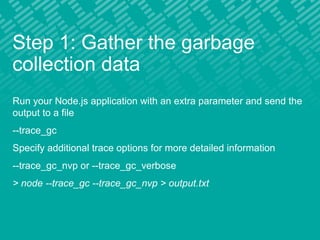
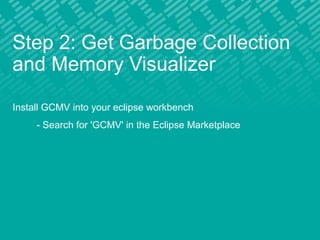
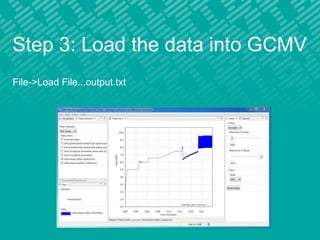
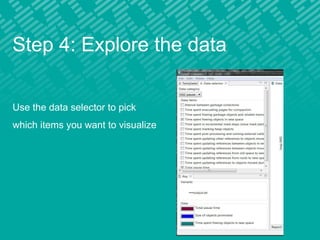
Node.js applications can be run with additional parameters to output garbage collection data to a file. This file can then be loaded into the Garbage Collection and Memory Visualizer (GCMV) plugin for Eclipse. GCMV allows you to visualize the garbage collection data and explore metrics like memory usage over time to help debug performance issues.


![[4DEV][Łódź] Ivan Vaskevych - InfluxDB and Grafana fighting together with IoT...](https://cdn.slidesharecdn.com/ss_thumbnails/influxdb-171113135140-thumbnail.jpg?width=640&height=640&fit=bounds)


![谷歌留痕技术教程[ 𝙩𝙤𝙥 𝟮𝟯𝟯. 𝙘 𝙤𝙢 ]](https://cdn.slidesharecdn.com/ss_thumbnails/top233-260130173900-2eb784f9-thumbnail.jpg?width=640&height=640&fit=bounds)


