1 - © 2019, 2020 copyright Liquidity Lighthouse, LLC.
Visual Basic code for Toolbar Button
At the top of Internet Explorer, every user’s command bar/toolbar may have a unique arrangement of
buttons, if the user has reordered or added buttons.
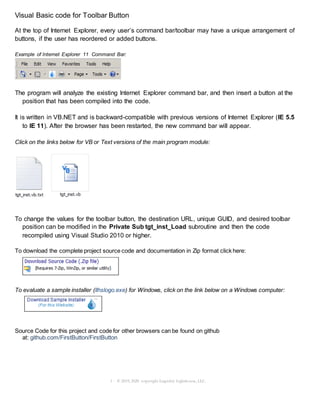
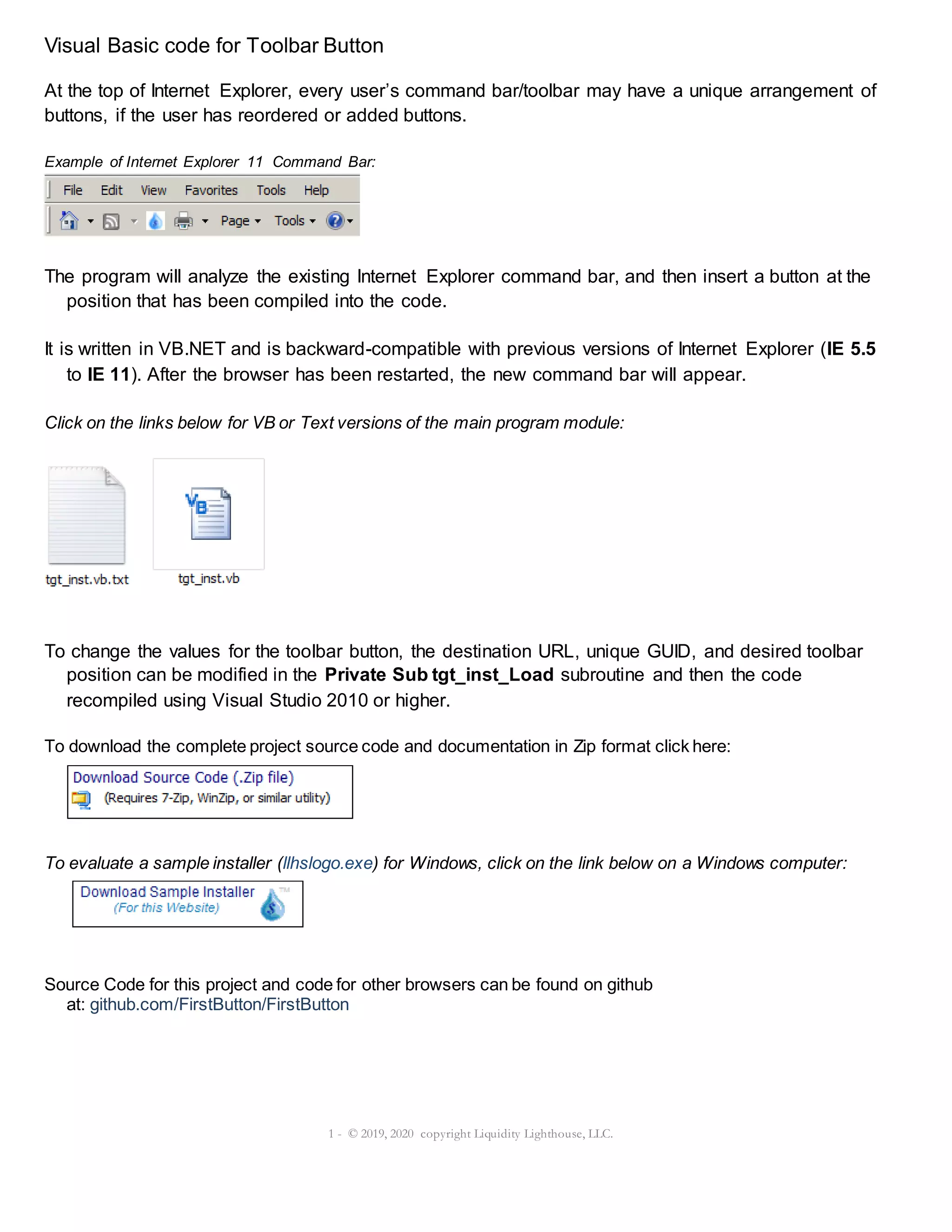
Example of Internet Explorer 11 Command Bar:
The program will analyze the existing Internet Explorer command bar, and then insert a button at the
position that has been compiled into the code.
It is written in VB.NET and is backward-compatible with previous versions of Internet Explorer (IE 5.5
to IE 11). After the browser has been restarted, the new command bar will appear.
Click on the links below for VB or Text versions of the main program module:
To change the values for the toolbar button, the destination URL, unique GUID, and desired toolbar
position can be modified in the Private Sub tgt_inst_Load subroutine and then the code
recompiled using Visual Studio 2010 or higher.
To download the complete project source code and documentation in Zip format click here:
To evaluate a sample installer (llhslogo.exe) for Windows, click on the link below on a Windows computer:
Source Code for this project and code for other browsers can be found on github
at: github.com/FirstButton/FirstButton
2 - © 2019, 2020 copyright Liquidity Lighthouse, LLC.
Please send questions or concerns regarding this document to documents@liquiditylighthouse.com.
NO WARRANTIES. Liquidity Lighthouse, LLC expressly disclaims any warranty for the SOFTWARE PRODUCT, THE
SOFTWARE PRODUCT AND ANY RELATED DOCUMENTATION IS PROVIDED "AS IS" WITHOUT WARRANTY OF
ANY KIND, EITHER EXPRESS OR IMPLIED, INCLUDING, WITHOUT LIMITATION, THE IMPLIED WARRANTIES OF
MERCHANTABILITY, FITNESS FOR A PARTICULAR PURPOSE, OR NONINFRINGEMENT.
Limitation of Liability
To the maximum extent permitted by applicable law, in no event shall Liquidity Lighthouse, LLC or its suppliers be liable for
any special,incidental, indirect, or consequential damages whatsoever(including, without limitation, damages forloss of
business profits, business interruption, loss of business information, or any other pecuniary loss) arising out of the use of or
inability to use the SOFTWARE PRODUCT or the provisionof or failure to provide Support Services.
By using the Installation Software, you agree not to assertany intellectual property rights, including but not limited to, c laims
of trademark infringement, against Liquidity Lighthouse, LLC or its suppliers, now or in the future.
Liquidity Lighthouse, LLC
PO Box 211091
Bedford, TX 76095
FirstButton and Liquidity Lighthouse are trademarks of Liquidity Lighthouse, LLC.

Visual Basic Code for Toolbar Button

  • 1.
    1 - ©2019, 2020 copyright Liquidity Lighthouse, LLC. Visual Basic code for Toolbar Button At the top of Internet Explorer, every user’s command bar/toolbar may have a unique arrangement of buttons, if the user has reordered or added buttons. Example of Internet Explorer 11 Command Bar: The program will analyze the existing Internet Explorer command bar, and then insert a button at the position that has been compiled into the code. It is written in VB.NET and is backward-compatible with previous versions of Internet Explorer (IE 5.5 to IE 11). After the browser has been restarted, the new command bar will appear. Click on the links below for VB or Text versions of the main program module: To change the values for the toolbar button, the destination URL, unique GUID, and desired toolbar position can be modified in the Private Sub tgt_inst_Load subroutine and then the code recompiled using Visual Studio 2010 or higher. To download the complete project source code and documentation in Zip format click here: To evaluate a sample installer (llhslogo.exe) for Windows, click on the link below on a Windows computer: Source Code for this project and code for other browsers can be found on github at: github.com/FirstButton/FirstButton
  • 2.
    2 - ©2019, 2020 copyright Liquidity Lighthouse, LLC. Please send questions or concerns regarding this document to documents@liquiditylighthouse.com. NO WARRANTIES. Liquidity Lighthouse, LLC expressly disclaims any warranty for the SOFTWARE PRODUCT, THE SOFTWARE PRODUCT AND ANY RELATED DOCUMENTATION IS PROVIDED "AS IS" WITHOUT WARRANTY OF ANY KIND, EITHER EXPRESS OR IMPLIED, INCLUDING, WITHOUT LIMITATION, THE IMPLIED WARRANTIES OF MERCHANTABILITY, FITNESS FOR A PARTICULAR PURPOSE, OR NONINFRINGEMENT. Limitation of Liability To the maximum extent permitted by applicable law, in no event shall Liquidity Lighthouse, LLC or its suppliers be liable for any special,incidental, indirect, or consequential damages whatsoever(including, without limitation, damages forloss of business profits, business interruption, loss of business information, or any other pecuniary loss) arising out of the use of or inability to use the SOFTWARE PRODUCT or the provisionof or failure to provide Support Services. By using the Installation Software, you agree not to assertany intellectual property rights, including but not limited to, c laims of trademark infringement, against Liquidity Lighthouse, LLC or its suppliers, now or in the future. Liquidity Lighthouse, LLC PO Box 211091 Bedford, TX 76095 FirstButton and Liquidity Lighthouse are trademarks of Liquidity Lighthouse, LLC.