Determining Relevance
and Truthfulness in the
Material viewed.
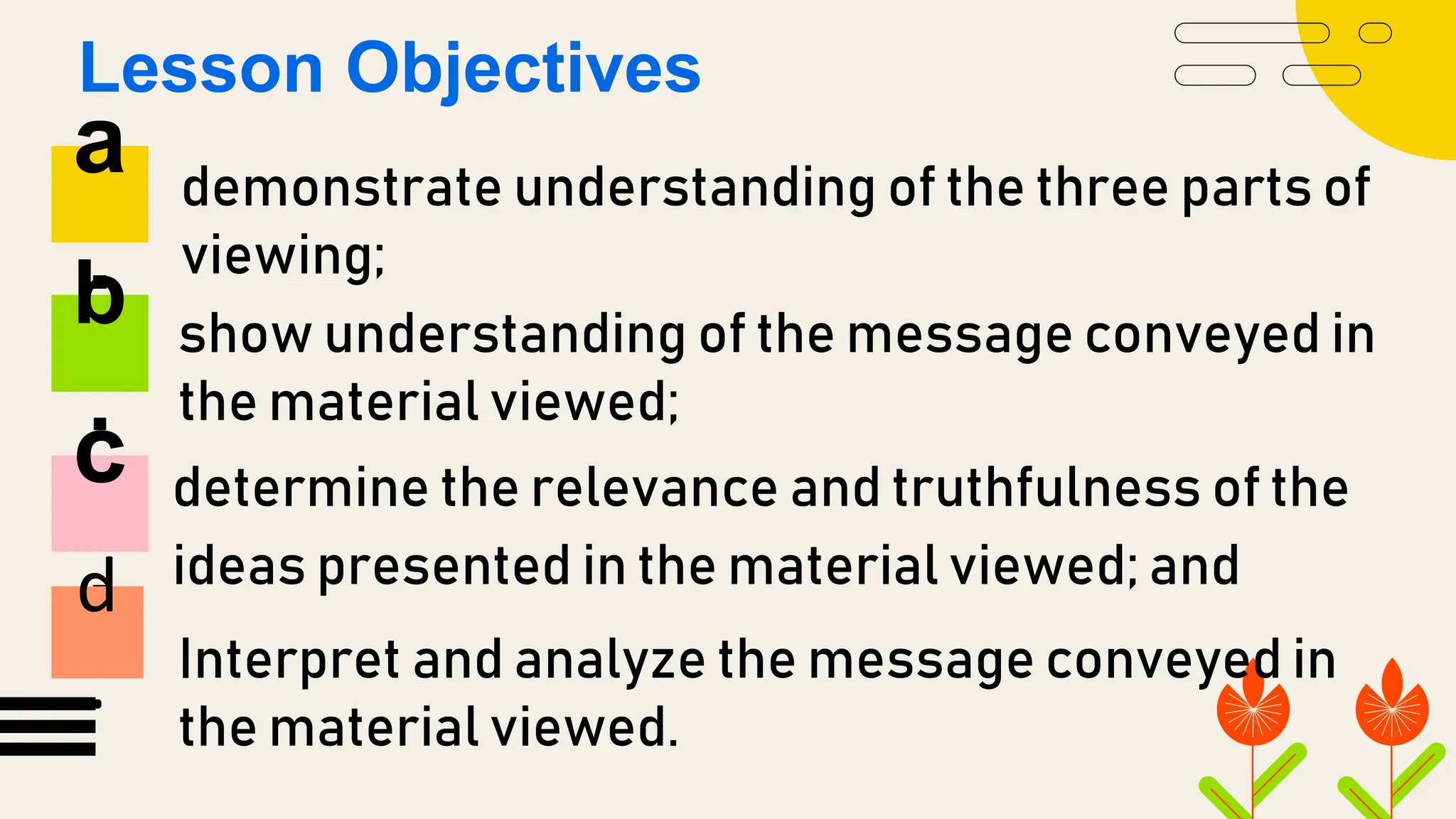
demonstrate understanding of the three parts of
viewing;
show understanding of the message conveyed in
the material viewed;
determine the relevance and truthfulness of the
ideas presented in the material viewed; and
a
.
b
.
c
.
Lesson Objectives
d
. Interpret and analyze the message conveyed in
the material viewed.
MULTI-MODAL
Multi-modal
Is one which the meaning is
conveyed by multiple modes it could
be in the written text it could be in
an audio information still images
moving images motion use of space
and so on.
DIGITAL MULTI MODAL TEXT
LIVE MULTI MODAL TEXT
1
2
2 Types of Multi-Modal
DIGITAL MULTI MODAL TEXT
Digital multimodal texts, such as film,
animation, slide shows, e-posters,
digital stories, and web pages, convey
meaning through combinations of
written and spoken language.
LIVE MULTI MODAL TEXT
Live model texts combine two
or more modes such as written
language and spoken
language, visual.
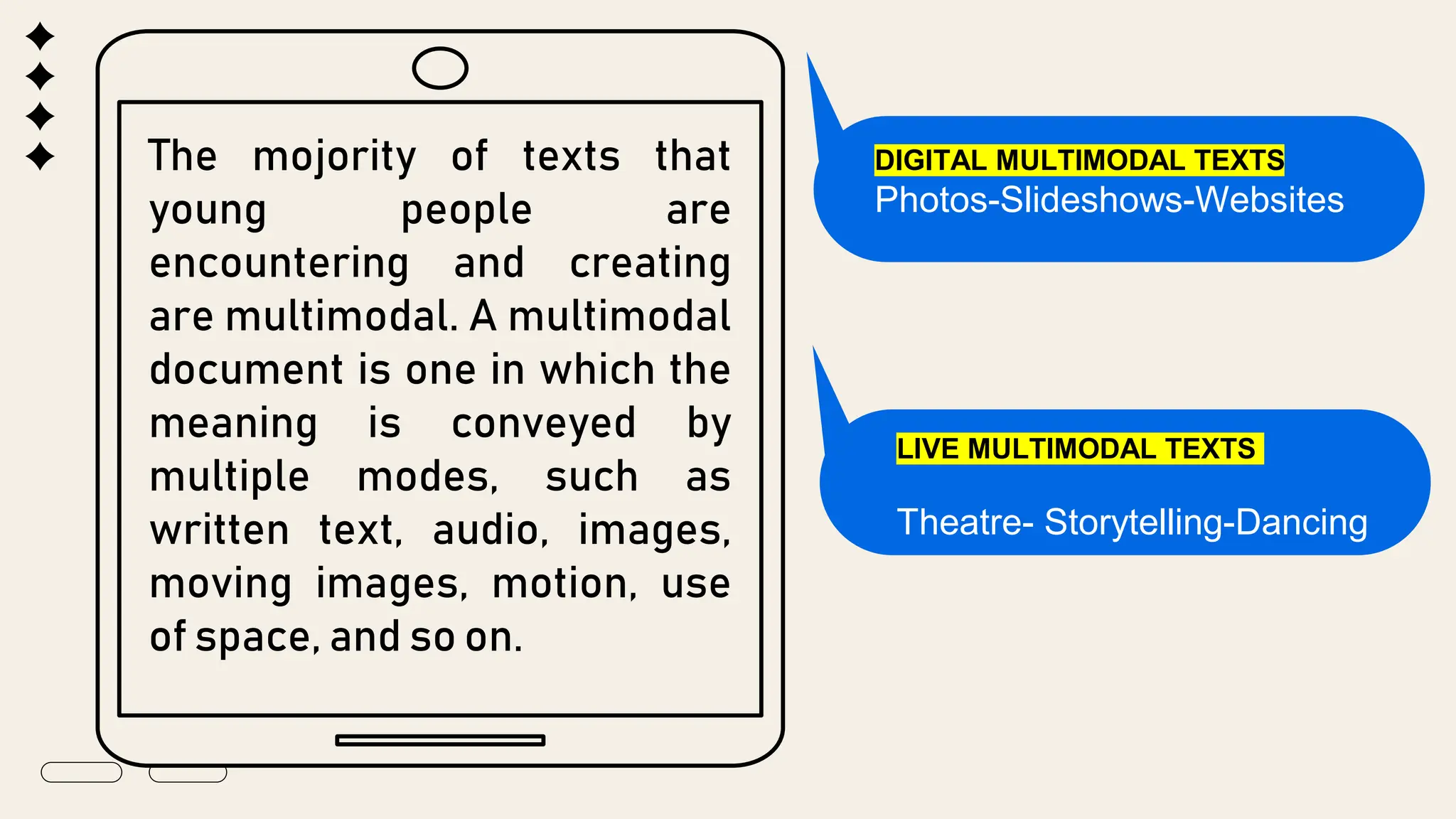
The mojority of texts that
young people are
encountering and creating
are multimodal. A multimodal
document is one in which the
meaning is conveyed by
multiple modes, such as
written text, audio, images,
moving images, motion, use
of space, and so on.
DIGITAL MULTIMODAL TEXTS
Photos-Slideshows-Websites
LIVE MULTIMODAL TEXTS
Theatre- Storytelling-Dancing
VIEWING
Viewing is defined as an active
process of attending and
comprehending visual media
such as television, advertising
images, , diagrams,
symbols, photographs,
sculptures and .
How to determine if the
ideas you have viewed
are relevant and
truthful?
RELAVANCE
Relevance is the quality or state of
being closely connected or
appropriate. Some thing’s relevance
to a situation or person is its
importance or significance in that
situation or to that person.
Synonyms: applicable, pertinent, appropriate, connected with
Avoid distractions
A cluttered desk or room may not seem like a big
deal, but visual clutter can influence mental
clutter and make it difficult to concentrate.
Take a short five-minute break to organize your
place. Leave your cell phone in a remote, muted
location so it doesn't disrupt study time. Take into
account the lighting, noises, posture, look for a
location that is suitable.
Take breaks
● It may seem counterintuitive, but one of the best things
you can do to improve time management is to take a
break.
● When faced with the feeling that we're behind, our
reaction is often to simply do more, but your brain needs
time to rest and recharge.
CREDITS: This presentation template was created by Slidesgo,
including icons by Flaticon, infographics & images by Freepik and
content by Eliana Delacour
Thanks!
Do you have any questions?
youremail@freepik.com
+91 620 421 838
yourwebsite.com
Please keep this slide for attribution
Alternative resources
Here’s an assortment of alternative resources whose style fits the one of this template:
Vectors
● Flat geometric pattern I
● Flat geometric pattern II
● Flat geometric pattern background
Resources
Did you like the resources in this template? Get them for free at our other websites:
Vectors
● Flat geometric pattern business card design
● Flat geometric pattern design
Photos
● Young student studying in library
Instructions for use
If you have a free account, in order to use this template, you must credit Slidesgo by keeping the Thanks slide. Please
refer to the next slide to read the instructions for premium users.
As a Free user, you are allowed to:
● Modify this template.
● Use it for both personal and commercial projects.
You are not allowed to:
● Sublicense, sell or rent any of Slidesgo Content (or a modified version of Slidesgo Content).
● Distribute Slidesgo Content unless it has been expressly authorized by Slidesgo.
● Include Slidesgo Content in an online or offline database or file.
● Offer Slidesgo templates (or modified versions of Slidesgo templates) for download.
● Acquire the copyright of Slidesgo Content.
For more information about editing slides, please read our FAQs or visit our blog:
https://slidesgo.com/faqs and https://slidesgo.com/slidesgo-school
As a Premium user, you can use this template without attributing Slidesgo or keeping the Thanks slide.
You are allowed to:
● Modify this template.
● Use it for both personal and commercial purposes.
● Hide or delete the “Thanks” slide and the mention to Slidesgo in the credits.
● Share this template in an editable format with people who are not part of your team.
You are not allowed to:
● Sublicense, sell or rent this Slidesgo Template (or a modified version of this Slidesgo Template).
● Distribute this Slidesgo Template (or a modified version of this Slidesgo Template) or include it in a database or in
any other product or service that offers downloadable images, icons or presentations that may be subject to
distribution or resale.
● Use any of the elements that are part of this Slidesgo Template in an isolated and separated way from this
Template.
● Register any of the elements that are part of this template as a trademark or logo, or register it as a work in an
intellectual property registry or similar.
For more information about editing slides, please read our FAQs or visit our blog:
https://slidesgo.com/faqs and https://slidesgo.com/slidesgo-school
Instructions for use (premium users)
This presentation has been made using the following fonts:
League Spartan
(https://fonts.google.com/specimen/League+Spartan)
Arimo
(https://fonts.google.com/specimen/Arimo)
#000000 #f5efe5 #f8d100 #ff4700
#0068e2 #fcbbca
#98dd00
Fonts & colors used
Create your Story with our illustrated concepts. Choose the style you like the most, edit its colors, pick
the background and layers you want to show and bring them to life with the animator panel! It will boost
your presentation. Check out how it works.
Storyset
Pana Amico Bro Rafiki Cuate
You can easily resize these resources without losing quality. To change the color, just ungroup the resource and click
on the object you want to change. Then, click on the paint bucket and select the color you want. Group the resource again
when you’re done. You can also look for more infographics on Slidesgo.
Use our editable graphic resources...
JANUARY FEBRUARY MARCH APRIL
PHASE 1
Task 1
Task 2
JANUARY FEBRUARY MARCH APRIL MAY JUNE
PHASE 1
PHASE 2
Task 1
Task 2
Task 1
Task 2
You can resize these icons without losing quality.
You can change the stroke and fill color; just select the icon and click on the paint bucket/pen.
In Google Slides, you can also use Flaticon’s extension, allowing you to customize and add even more icons.
...and our sets of editable icons
Educational Icons Medical Icons
Business Icons Teamwork Icons
Help & Support Icons Avatar Icons
Creative Process Icons Performing Arts Icons
Nature Icons
SEO & Marketing Icons
Add the title here
Text 1 Text 2 Text 3
Text 4 Text 5 Text 6
2016 2017 2018 2019 2020
“Despite being red,
Mars is actually a
very cold place”
“Mercury is the
smallest planet in
the Solar System”
“Neptune is the
farthest planet from
the Sun”
“Saturn is a gas
giant and has
several rings”
“Venus is the
second planet from
the Sun and is
terribly hot”
Premium infographics
“Despite being red,
Mars is actually a
very cold place”
“Jupiter is the
biggest planet in the
entire Solar System”
“Saturn is a gas
giant and has
several rings”
75%
Premium infographics
“Mercury is the
smallest planet in the
Solar System”
TITLE 1
75%
Digital Marketing
Premium Icons
Online Learning
Premium Icons
Laboratory
Premium Icons
Goals & Results
Premium Icons
Infographic Elements
Premium Icons
VIEWED.pptx DETERMINING RELEVANCE IN THE MATERIAL VIEWED

VIEWED.pptx DETERMINING RELEVANCE IN THE MATERIAL VIEWED

  • 1.
  • 2.
    demonstrate understanding ofthe three parts of viewing; show understanding of the message conveyed in the material viewed; determine the relevance and truthfulness of the ideas presented in the material viewed; and a . b . c . Lesson Objectives d . Interpret and analyze the message conveyed in the material viewed.
  • 4.
  • 5.
    Multi-modal Is one whichthe meaning is conveyed by multiple modes it could be in the written text it could be in an audio information still images moving images motion use of space and so on.
  • 6.
    DIGITAL MULTI MODALTEXT LIVE MULTI MODAL TEXT 1 2 2 Types of Multi-Modal
  • 7.
    DIGITAL MULTI MODALTEXT Digital multimodal texts, such as film, animation, slide shows, e-posters, digital stories, and web pages, convey meaning through combinations of written and spoken language.
  • 9.
    LIVE MULTI MODALTEXT Live model texts combine two or more modes such as written language and spoken language, visual.
  • 11.
    The mojority oftexts that young people are encountering and creating are multimodal. A multimodal document is one in which the meaning is conveyed by multiple modes, such as written text, audio, images, moving images, motion, use of space, and so on. DIGITAL MULTIMODAL TEXTS Photos-Slideshows-Websites LIVE MULTIMODAL TEXTS Theatre- Storytelling-Dancing
  • 12.
  • 13.
    Viewing is definedas an active process of attending and comprehending visual media such as television, advertising images, , diagrams, symbols, photographs, sculptures and .
  • 14.
    How to determineif the ideas you have viewed are relevant and truthful?
  • 15.
  • 16.
    Relevance is thequality or state of being closely connected or appropriate. Some thing’s relevance to a situation or person is its importance or significance in that situation or to that person. Synonyms: applicable, pertinent, appropriate, connected with
  • 18.
    Avoid distractions A cluttereddesk or room may not seem like a big deal, but visual clutter can influence mental clutter and make it difficult to concentrate. Take a short five-minute break to organize your place. Leave your cell phone in a remote, muted location so it doesn't disrupt study time. Take into account the lighting, noises, posture, look for a location that is suitable.
  • 19.
    Take breaks ● Itmay seem counterintuitive, but one of the best things you can do to improve time management is to take a break. ● When faced with the feeling that we're behind, our reaction is often to simply do more, but your brain needs time to rest and recharge.
  • 20.
    CREDITS: This presentationtemplate was created by Slidesgo, including icons by Flaticon, infographics & images by Freepik and content by Eliana Delacour Thanks! Do you have any questions? youremail@freepik.com +91 620 421 838 yourwebsite.com Please keep this slide for attribution
  • 21.
    Alternative resources Here’s anassortment of alternative resources whose style fits the one of this template: Vectors ● Flat geometric pattern I ● Flat geometric pattern II ● Flat geometric pattern background
  • 22.
    Resources Did you likethe resources in this template? Get them for free at our other websites: Vectors ● Flat geometric pattern business card design ● Flat geometric pattern design Photos ● Young student studying in library
  • 23.
    Instructions for use Ifyou have a free account, in order to use this template, you must credit Slidesgo by keeping the Thanks slide. Please refer to the next slide to read the instructions for premium users. As a Free user, you are allowed to: ● Modify this template. ● Use it for both personal and commercial projects. You are not allowed to: ● Sublicense, sell or rent any of Slidesgo Content (or a modified version of Slidesgo Content). ● Distribute Slidesgo Content unless it has been expressly authorized by Slidesgo. ● Include Slidesgo Content in an online or offline database or file. ● Offer Slidesgo templates (or modified versions of Slidesgo templates) for download. ● Acquire the copyright of Slidesgo Content. For more information about editing slides, please read our FAQs or visit our blog: https://slidesgo.com/faqs and https://slidesgo.com/slidesgo-school
  • 24.
    As a Premiumuser, you can use this template without attributing Slidesgo or keeping the Thanks slide. You are allowed to: ● Modify this template. ● Use it for both personal and commercial purposes. ● Hide or delete the “Thanks” slide and the mention to Slidesgo in the credits. ● Share this template in an editable format with people who are not part of your team. You are not allowed to: ● Sublicense, sell or rent this Slidesgo Template (or a modified version of this Slidesgo Template). ● Distribute this Slidesgo Template (or a modified version of this Slidesgo Template) or include it in a database or in any other product or service that offers downloadable images, icons or presentations that may be subject to distribution or resale. ● Use any of the elements that are part of this Slidesgo Template in an isolated and separated way from this Template. ● Register any of the elements that are part of this template as a trademark or logo, or register it as a work in an intellectual property registry or similar. For more information about editing slides, please read our FAQs or visit our blog: https://slidesgo.com/faqs and https://slidesgo.com/slidesgo-school Instructions for use (premium users)
  • 25.
    This presentation hasbeen made using the following fonts: League Spartan (https://fonts.google.com/specimen/League+Spartan) Arimo (https://fonts.google.com/specimen/Arimo) #000000 #f5efe5 #f8d100 #ff4700 #0068e2 #fcbbca #98dd00 Fonts & colors used
  • 26.
    Create your Storywith our illustrated concepts. Choose the style you like the most, edit its colors, pick the background and layers you want to show and bring them to life with the animator panel! It will boost your presentation. Check out how it works. Storyset Pana Amico Bro Rafiki Cuate
  • 27.
    You can easilyresize these resources without losing quality. To change the color, just ungroup the resource and click on the object you want to change. Then, click on the paint bucket and select the color you want. Group the resource again when you’re done. You can also look for more infographics on Slidesgo. Use our editable graphic resources...
  • 30.
    JANUARY FEBRUARY MARCHAPRIL PHASE 1 Task 1 Task 2 JANUARY FEBRUARY MARCH APRIL MAY JUNE PHASE 1 PHASE 2 Task 1 Task 2 Task 1 Task 2
  • 33.
    You can resizethese icons without losing quality. You can change the stroke and fill color; just select the icon and click on the paint bucket/pen. In Google Slides, you can also use Flaticon’s extension, allowing you to customize and add even more icons. ...and our sets of editable icons
  • 34.
  • 35.
  • 36.
    Help & SupportIcons Avatar Icons
  • 37.
    Creative Process IconsPerforming Arts Icons
  • 38.
  • 39.
  • 40.
    Add the titlehere Text 1 Text 2 Text 3 Text 4 Text 5 Text 6 2016 2017 2018 2019 2020 “Despite being red, Mars is actually a very cold place” “Mercury is the smallest planet in the Solar System” “Neptune is the farthest planet from the Sun” “Saturn is a gas giant and has several rings” “Venus is the second planet from the Sun and is terribly hot” Premium infographics
  • 41.
    “Despite being red, Marsis actually a very cold place” “Jupiter is the biggest planet in the entire Solar System” “Saturn is a gas giant and has several rings” 75% Premium infographics “Mercury is the smallest planet in the Solar System” TITLE 1 75%
  • 42.
  • 43.
  • 44.
  • 45.
  • 46.