Download to read offline

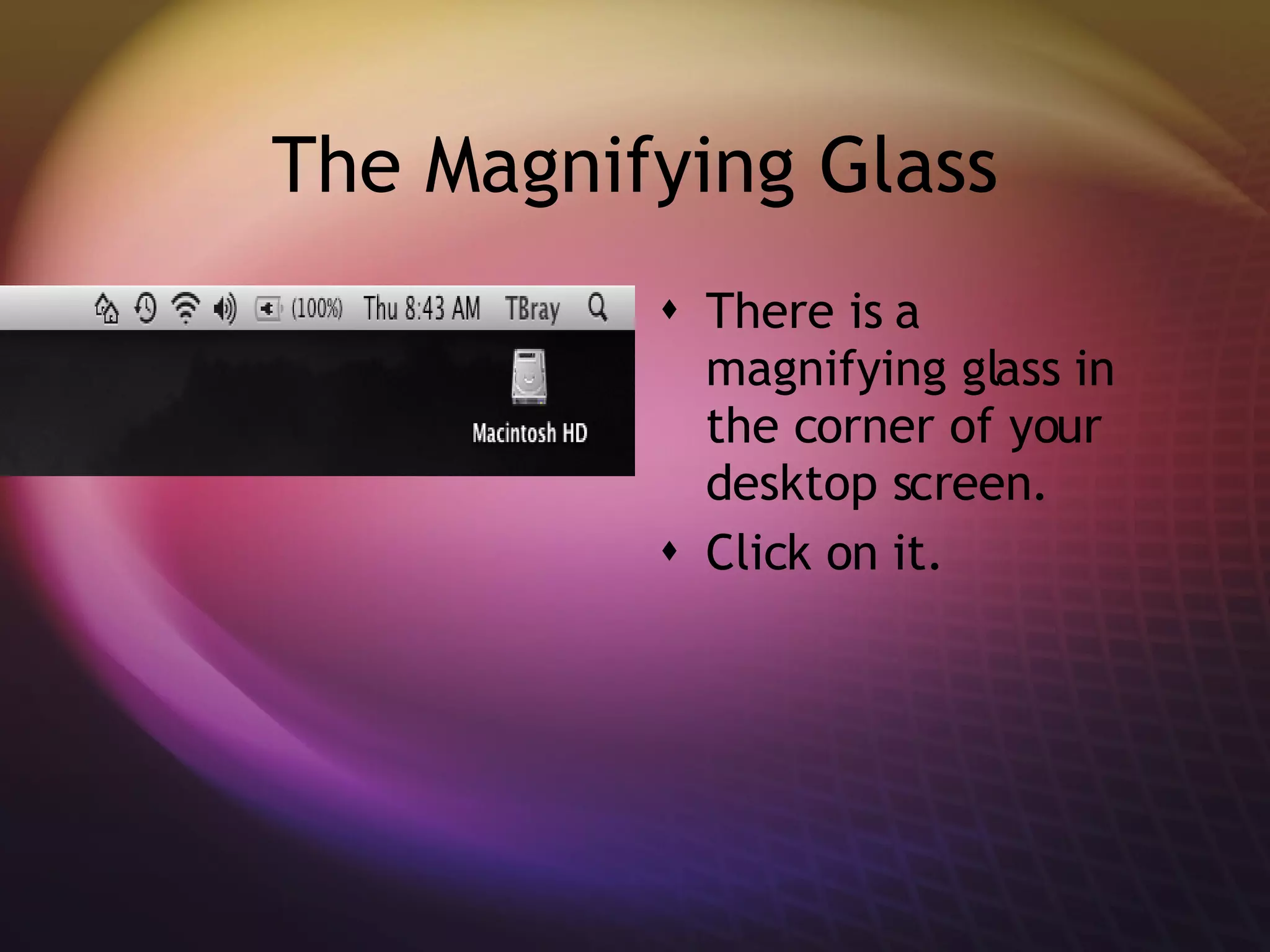
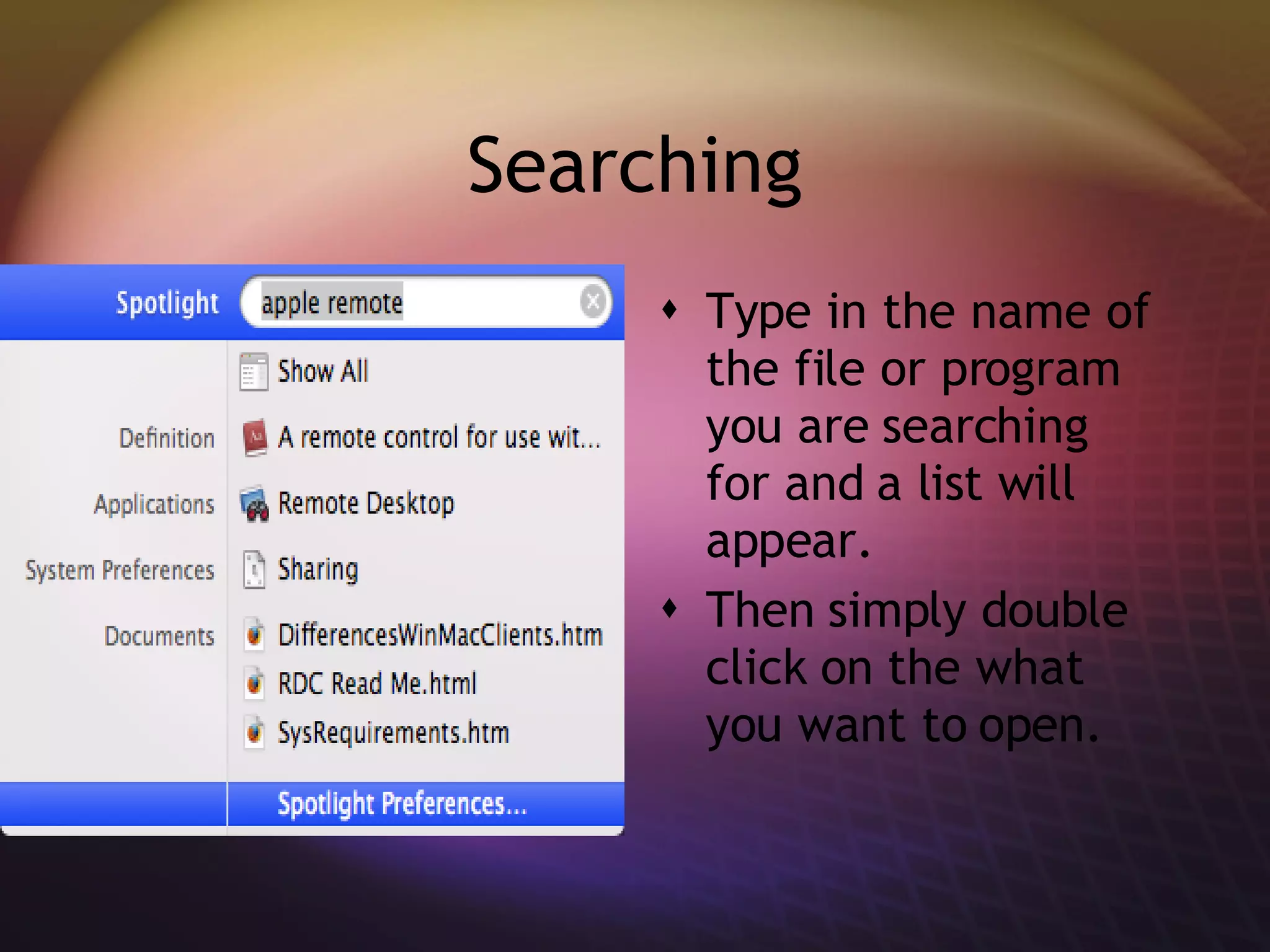


Spotlight allows users to search for files and programs on their desktop by clicking the magnifying glass icon and typing what they want to find. A list of matching results will appear that can be opened by double clicking. Spotlight provides a quick and easy way to locate items on the desktop through searching.


