Using Illustrations 
            in 
Technical Communication
  ASTC Conference – October 2011
         Charles Cave
Purpose of my talk
            Purpose of my talk
• Types of illustrations – sketches technical
  Types of illustrations  sketches, technical 
  drawings, photographs, video
• How to choose
  How to choose
• How to make illustrations
• Get your feedback and ideas
          charles.cave@ir.com
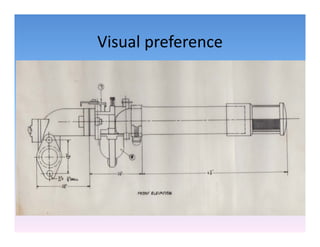
Visual preference
Visual preference
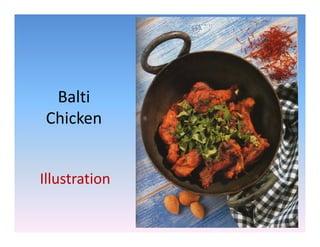
Balti
 Chicken


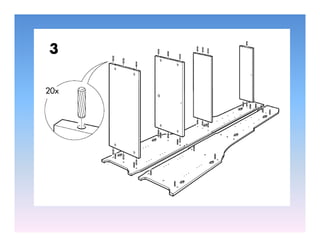
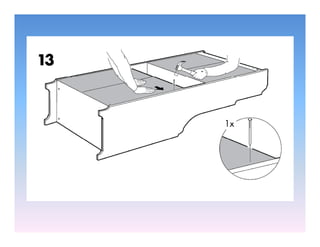
Illustration
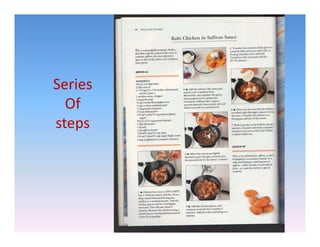
Series
  Of
steps
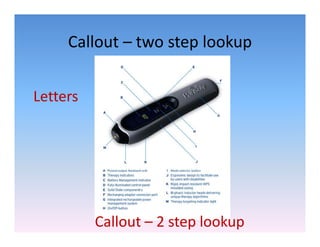
Callout  two step lookup
     Callout – two step lookup


Letters


          Callout – 2 step lookup
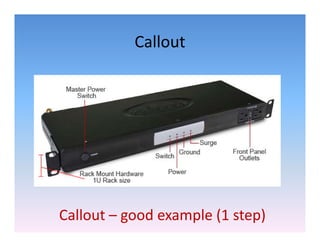
Callout


Callout – good example (1 step)
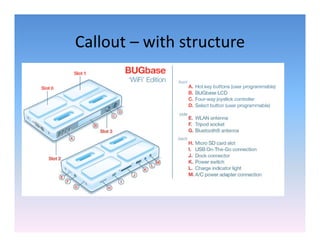
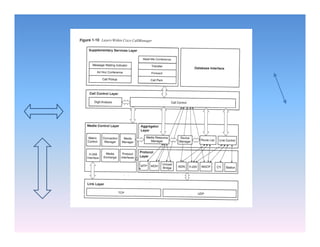
Callout  with structure
Callout – with structure
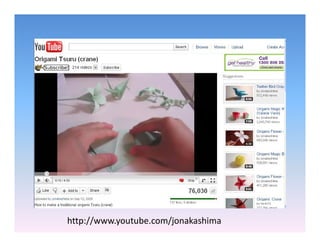
http://www.youtube.com/jonakashima
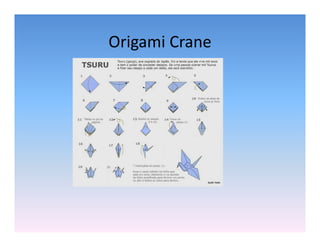
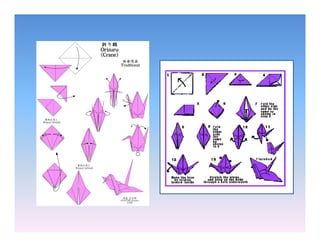
Origami Crane
Origami Crane
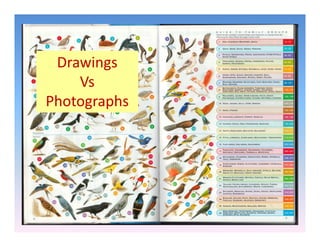
Drawings
    Vs 
    Vs 
Photographs
     g p
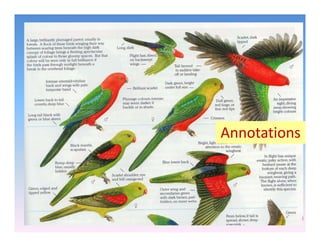
Annotations
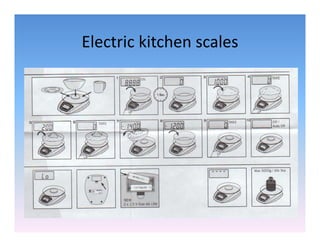
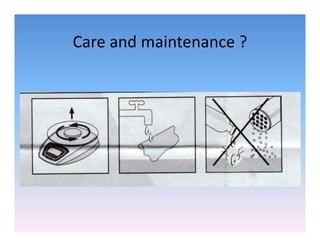
Electric kitchen scales
Electric kitchen scales
Care and maintenance ?
Care and maintenance ?
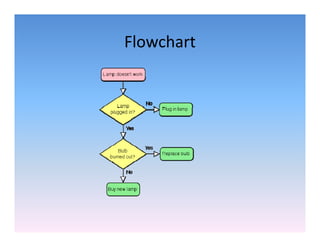
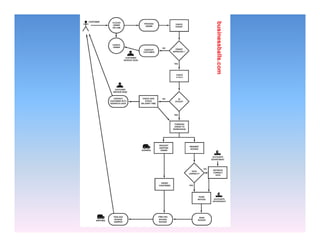
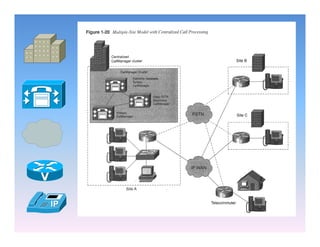
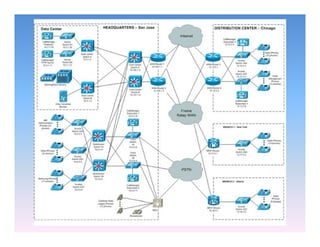
Flowchart
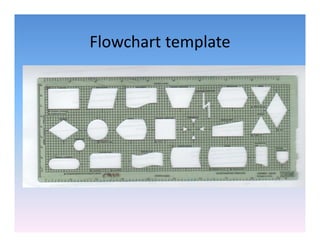
Flowchart template
Flowchart template
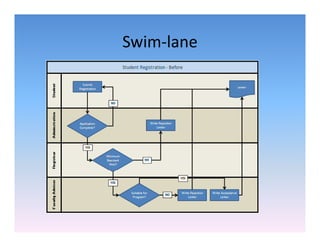
Swim lane
Swim‐lane
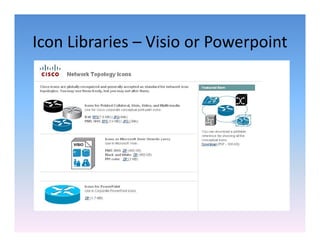
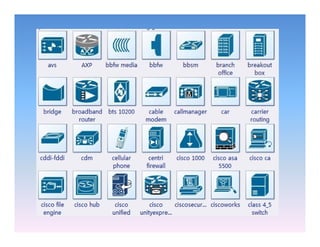
Icon Libraries  Visio or Powerpoint
Icon Libraries – Visio or Powerpoint
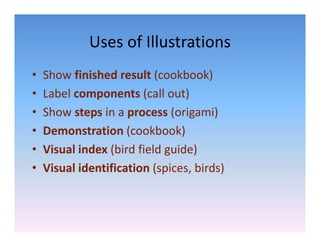
Uses of Illustrations
             Uses of Illustrations
•   Show finished result (cookbook)
    Show finished result (cookbook)
•   Label components (call out)
•   Show steps i
    Sh          in a process ( i
                              (origami)
                                      i)
•   Demonstration (cookbook)
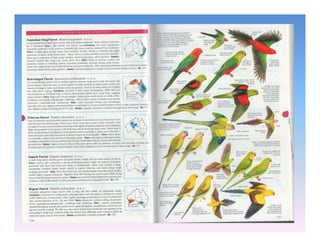
•   Visual index (bird field guide) 
•   Visual identification (spices, birds)
    Visual identification (spices birds)
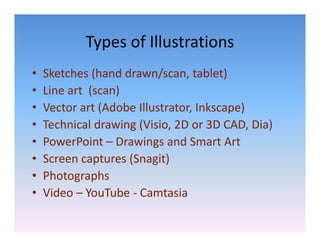
Types of Illustrations
            Types of Illustrations
•   Sketches (hand drawn/scan, tablet)
    Sketches (hand drawn/scan, tablet)
•   Line art  (scan) 
•   Vector art (Adobe Illustrator, Inkscape)
    Vector art (Adobe Illustrator Inkscape)
•   Technical drawing (Visio, 2D or 3D CAD, Dia)
•   PowerPoint – D
    P      P i t Drawings and Smart Art
                       i       dS      tA t
•   Screen captures (Snagit)
•   Photographs
•   Video – YouTube ‐ Camtasia
Practicalities
Line Art
                   Line Art
•   Drawing by hand  scanner or camera
    Drawing by hand – scanner or camera
•   Drawing by computer
•   File sizes 
     il i
•   Easy to update 
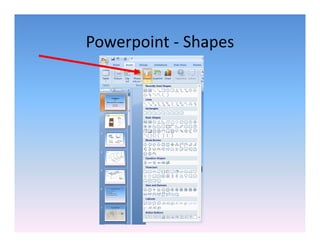
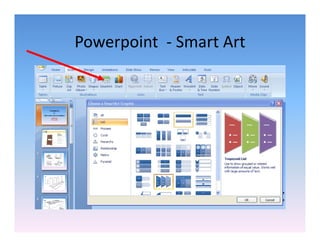
Powerpoint ‐ Shapes
Powerpoint ‐ Smart Art
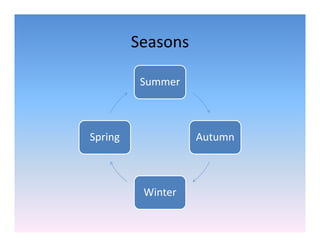
             Smart Art
Seasons

          Summer


Spring             Autumn


          Winter
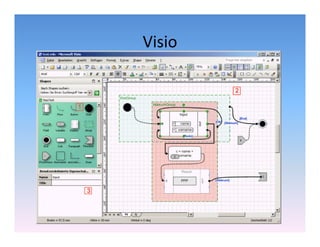
Visio
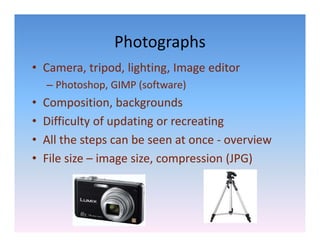
Photographs
• Camera, tripod, lighting, Image editor
    – Photoshop, GIMP (software)
•   Composition, backgrounds
          p       ,     g
•   Difficulty of updating or recreating
•   All the steps can be seen at once ‐
    All the steps can be seen at once overview
•   File size – image size, compression (JPG)
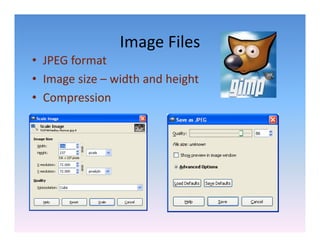
Image Files
                Image Files
• JPEG format
• I
  Image size – width and height
         i      idth d h i ht
• Compression
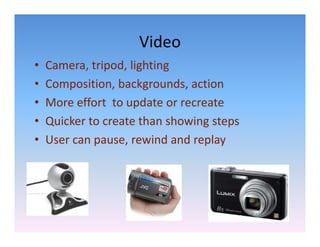
Video
•   Camera, tripod, lighting
•   Composition, backgrounds, action
•   More effort  to update or recreate
                     p
•   Quicker to create than showing steps
•   User can pause, rewind and replay
    User can pause rewind and replay
Conclusion
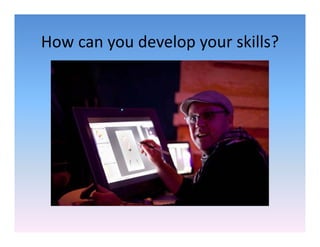
How can you develop your skills?
How can you develop your skills?
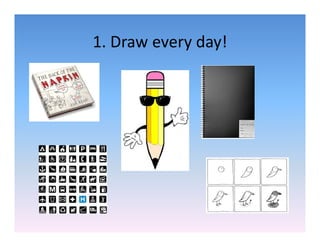
1. Draw every day!
1. Draw every day!
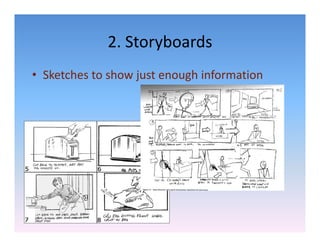
2. Storyboards
             2. Storyboards
• Sketches to show just enough information
  Sketches to show just enough information
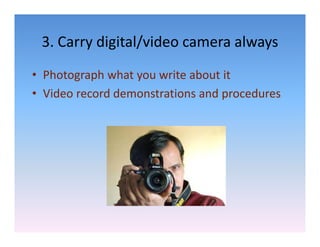
3. Carry digital/video camera always
 3. Carry digital/video camera always
• Photograph what you write about it
  Photograph what you write about it
• Video record demonstrations and procedures
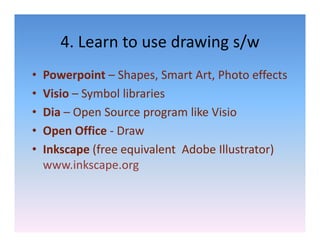
4. Learn to use drawing s/w
       4. Learn to use drawing s/w
•   Powerpoint – Shapes Smart Art Photo effects
                  Shapes, Smart Art, Photo effects
•   Visio – Symbol libraries
•   Dia – O
      i Open Source program like Visio
                S               lik i i
•   Open Office ‐ Draw
•   Inkscape (free equivalent  Adobe Illustrator) 
                p
    www.inkscape.org  g
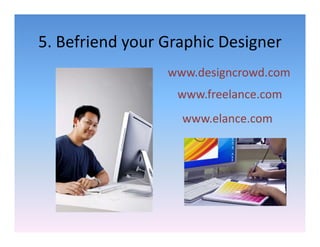
5. Befriend your Graphic Designer
5. Befriend your Graphic Designer
                 www.designcrowd.com
                         g
                  www.freelance.com
                   www.elance.com
Think 
Visual!

Using Illustrations in Technical Communications