Using EndNote & UWS
Referencing Guidelines
HINT 25th October 2013
Margo Stewart
Library Referencing Group
Referencing Management
• Doing research?
• Got large number of references?
• Using bibliographic databases & e-books?
• Want to import records with a few clicks?
• Want to store & organise all your references in one place?

• Are you preparing articles for publication?
• Want to generate bibliographies in different formats?
In UWS
• EndNote – university preference

Campus

Home

• On student PCs
• ICT Helpdesk to install on staff PCs/ laptops
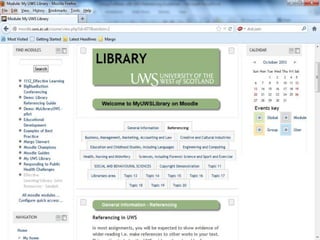
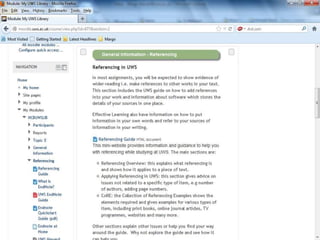
• Moodle, MyUWSLibrary, Referencing
• Download instructions & user guide
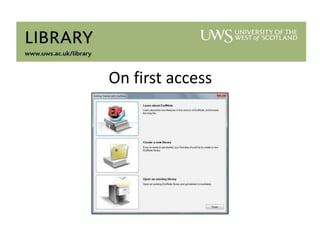
On first access
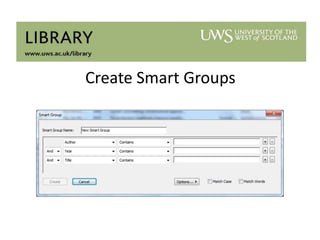
Create Smart Groups
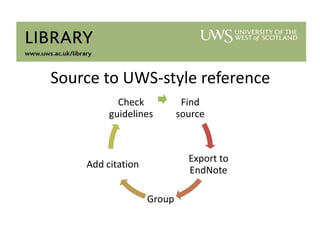
Source to UWS-style reference
Check
guidelines

Find
source

Export to
EndNote

Add citation
Group

Using Endnote with UWS Referencing Guidelines - Margo Stewart (Subject Librarian)

  • 1.
    Using EndNote &UWS Referencing Guidelines HINT 25th October 2013 Margo Stewart Library Referencing Group
  • 2.
    Referencing Management • Doingresearch? • Got large number of references? • Using bibliographic databases & e-books? • Want to import records with a few clicks? • Want to store & organise all your references in one place? • Are you preparing articles for publication? • Want to generate bibliographies in different formats?
  • 3.
    In UWS • EndNote– university preference Campus Home • On student PCs • ICT Helpdesk to install on staff PCs/ laptops • Moodle, MyUWSLibrary, Referencing • Download instructions & user guide
  • 4.
  • 10.
  • 25.
    Source to UWS-stylereference Check guidelines Find source Export to EndNote Add citation Group

Editor's Notes

  • #3 Packages include EndNote, RefWorks, Zotero, Mendeley and a whole raft more.
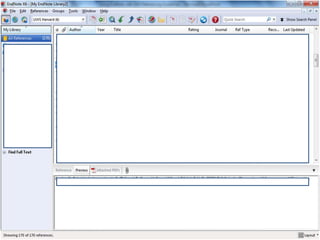
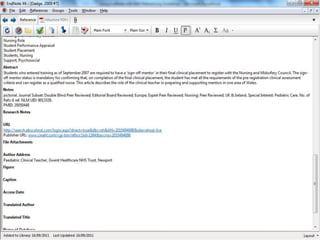
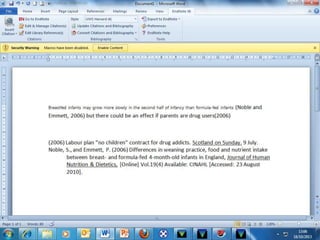
  • #6 Blank page for you to fill, by exporting from databases, adding references manually, as I have…
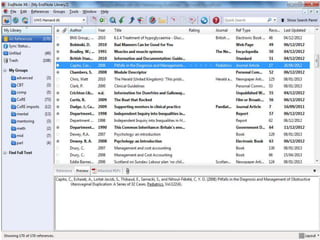
  • #7 As you can see, it looks similar to MS Word & offers various ways to perform a task – menus, toolbars, icons.
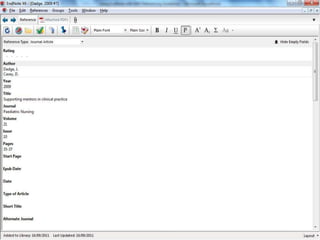
  • #8 Click on an entry to edit it
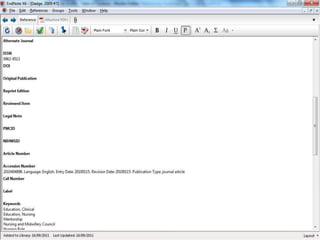
  • #9 DOI field – useful for PDFs
  • #10 You can also add own notes to individual references – Research Notes field.
  • #11 You can organise references into groups manually or set up smart groups to sort automatically.
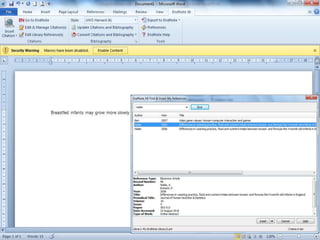
  • #12 Works with EndNote tab in MS Word.Add citation …
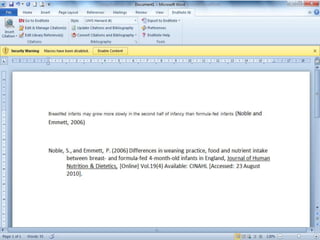
  • #13 …reference comes too.Various output styles inc. partial custom style for UWS HarvardSetup so 10 commonly used item types correspond to CoRE requirements.Why? EndNote does your referencing for you!
  • #14 But EndNote designed for print based resources – UWS uses wide variety of source types.LTAB decision Harvard is preferred style.Newspaper entry above has no author so citation editing required – guidance needed.
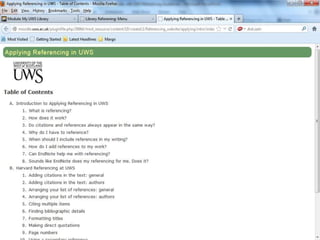
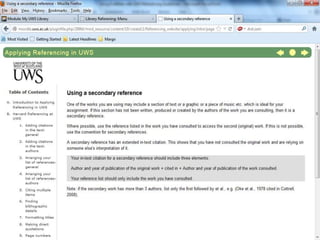
  • #17 Developed from HNM guidance & adapted to meet needs of all staff and students. Includes wider range of examples & consistent approach.Library responsibility according to LTAB supported referencing policy.Exceptions – Psychology (APA)/ Law (OSCOLA)/ Baptist College (Chicago?).
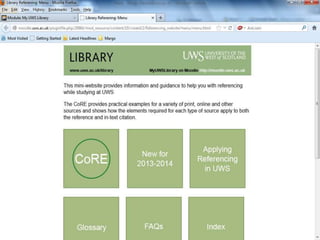
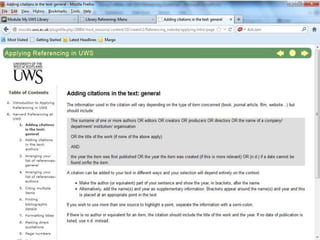
  • #18 General introduction to referencingLayouts for citations and referencing listsInstructions for dealing with general issues.PDFs on website.
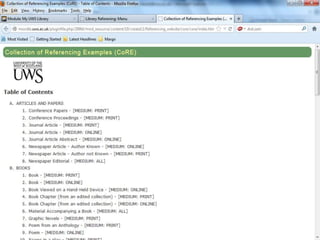
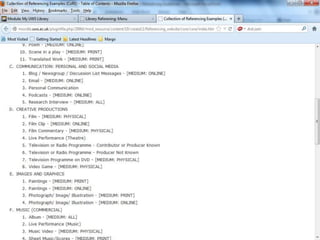
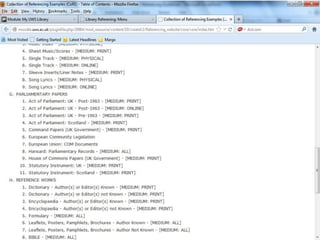
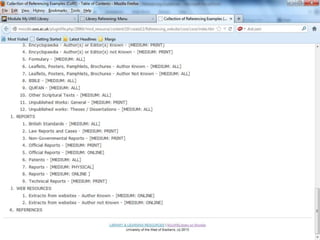
  • #21 Templates for references for various item types
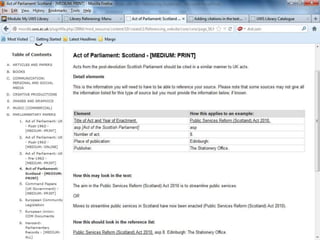
  • #25 Required elements may vary but same format throughout