Using cognitive walkthroughs for a
task-oriented accessibility review
Sarah Pulis Twitter: sarahtp
Andrew Arch Twitter: amja
creating an inclusive digital world
intopia.digital @intopiadigital
We’re creating an
inclusive digital world
(from down under!)
We help organisations be more inclusive
and accessible.
Together, we create enjoyable, efficient
digital experiences for everyone.
Let’s go on an accessibility adventure
together.
Today’s session
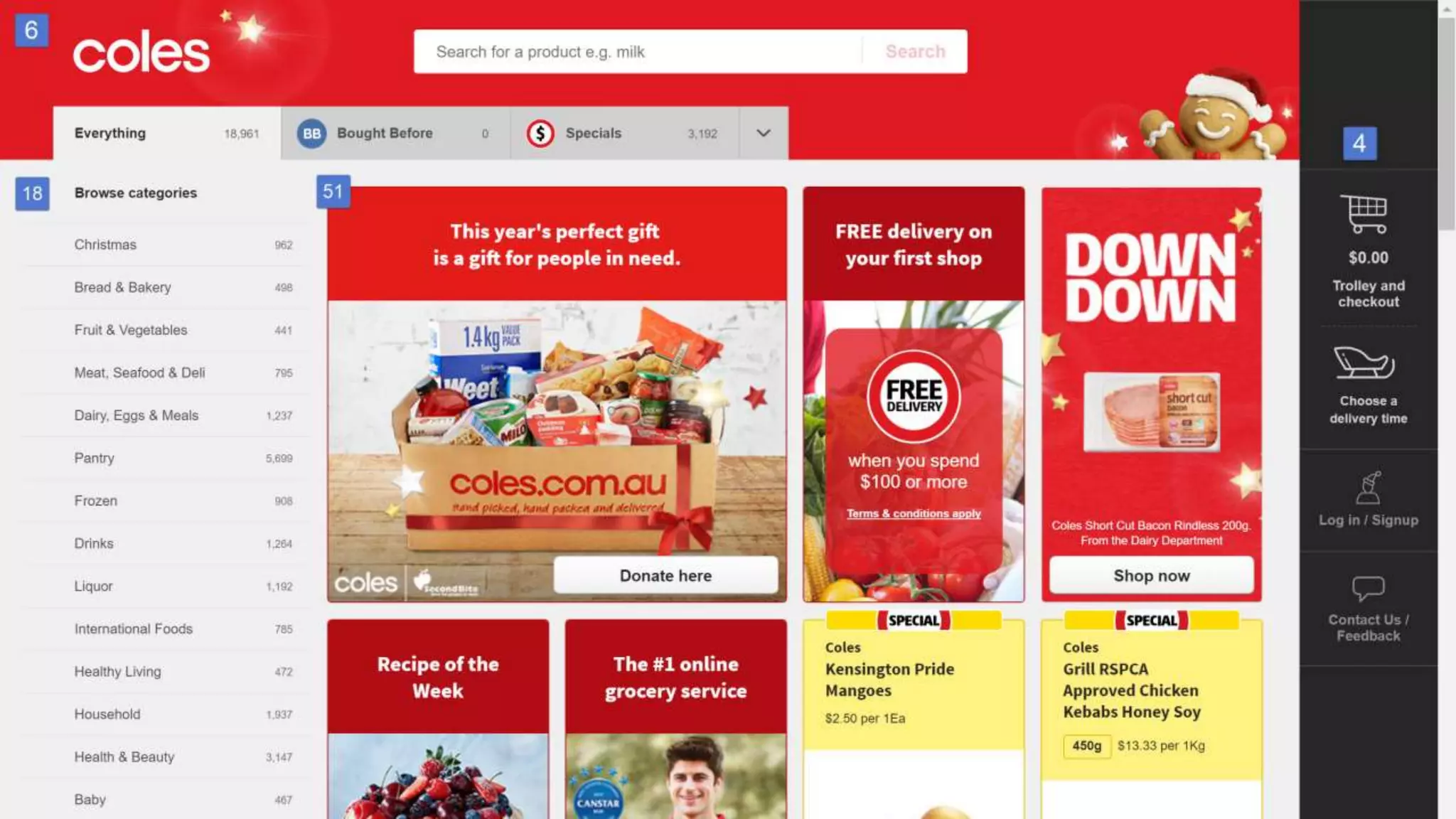
• The example that sparked this presentation
• What is a cognitive walkthrough?
• How to conduct a cognitive walkthrough for
accessibility
• Let’s do a cognitive walkthrough together
• Pros and cons of cognitive walkthroughs
Can we develop a process to conduct a
task-oriented and user-oriented expert
review?
What is a cognitive walkthrough?
An evaluator examines the usability of a product
by walking through a series of tasks and asking a
set of questions from a user’s point of view.
Steps in a cognitive walkthrough
1. Create a list of tasks a user wants to do
2. Create a list of steps needed to
complete each task
3. Choose a persona, perform the walkthrough and
document the experience
Step 1
Create a list of tasks a user wants to do
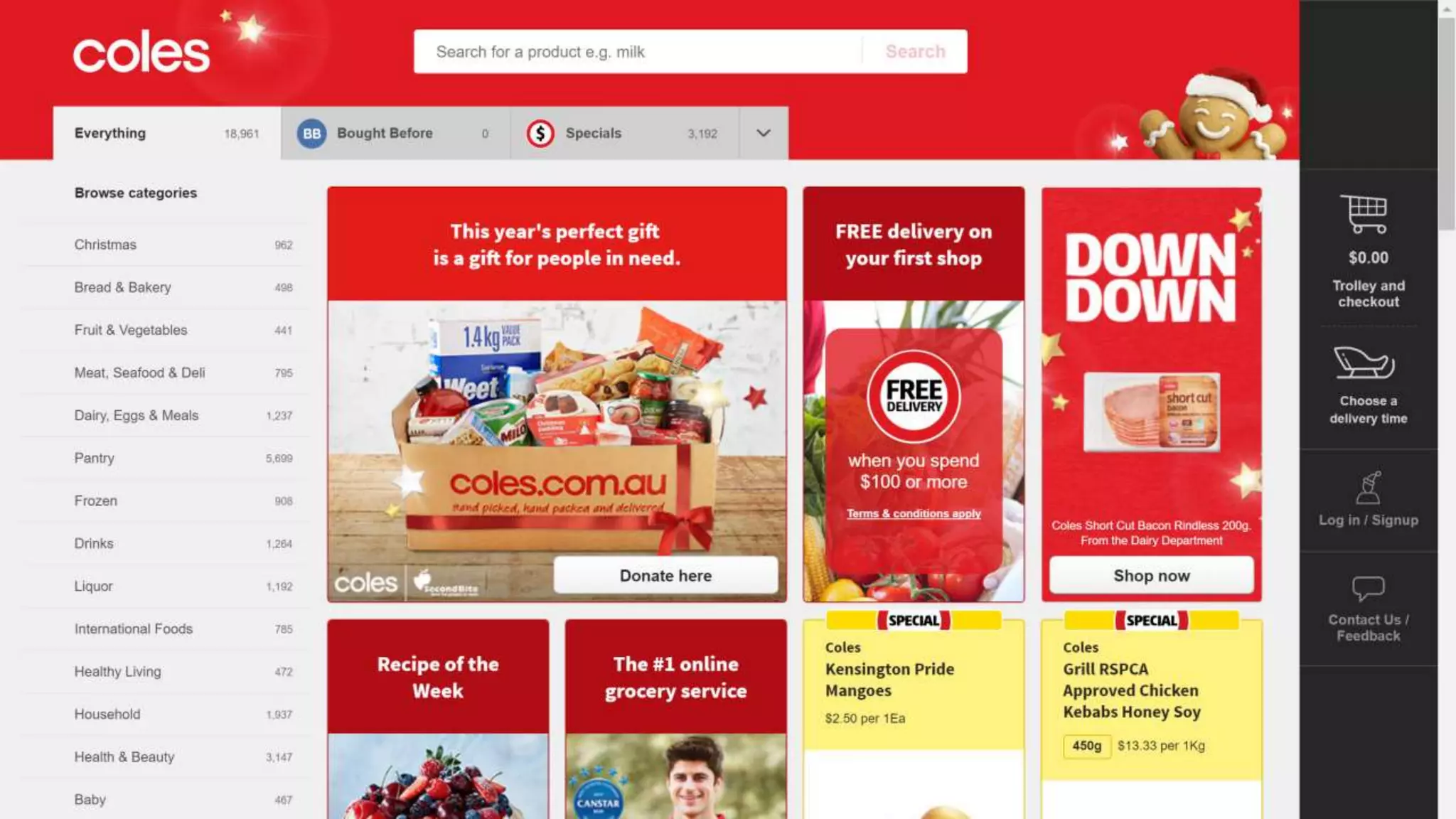
Common tasks for an eCommerce website
• Search for a product
• Browse for a product
• Add products to your trolley
• Checkout and pay for your products
• Contact the organisation
• Find out about the accessibility options
Group activity
1. Choose a website or app to conduct a cognitive
walkthrough on
2. Write down a list of task your users want to do on
your chosen website or app
Step 2
Create a list of steps needed to
complete each task
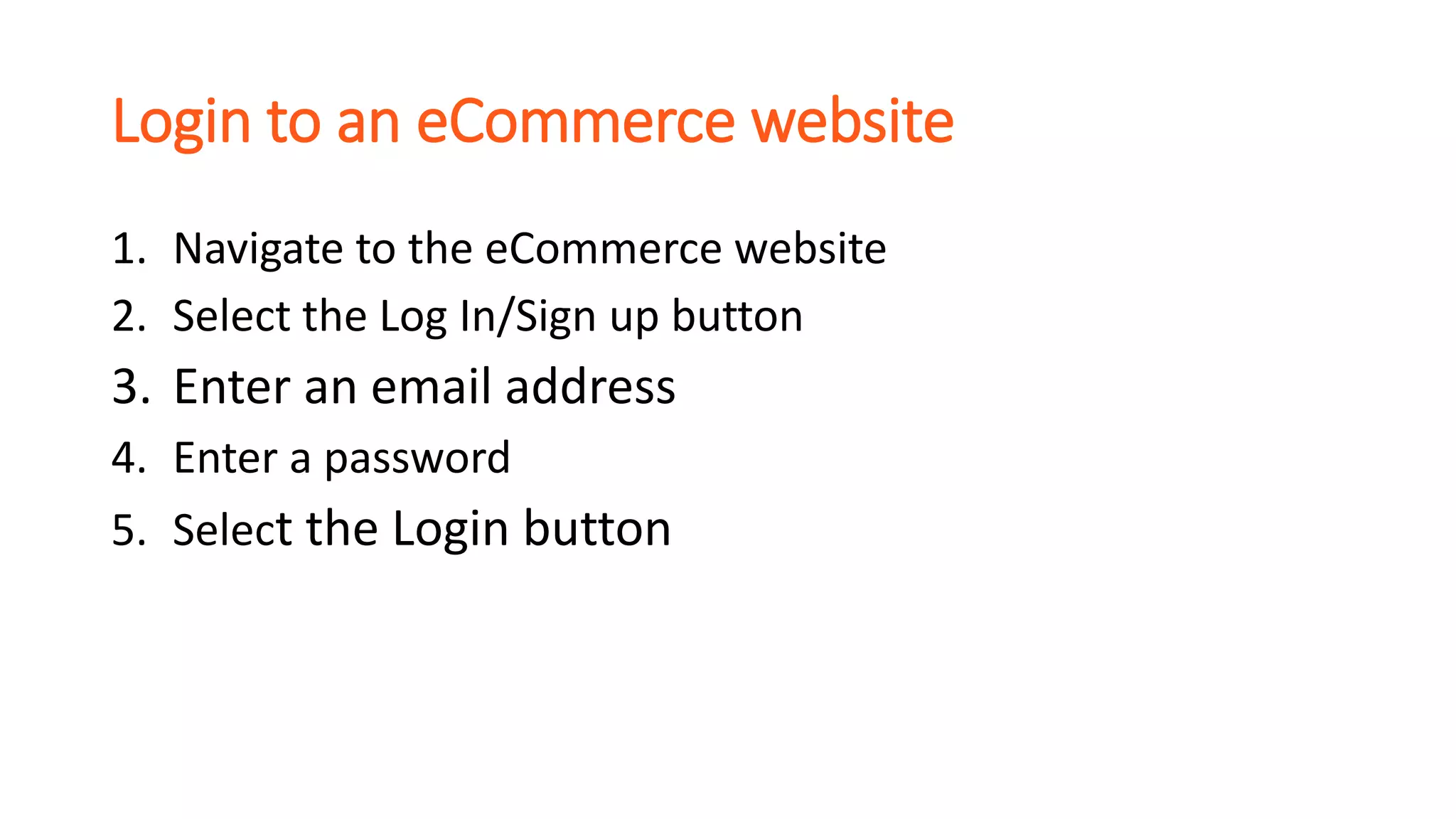
Login to an eCommerce website
1. Navigate to the eCommerce website
2. Select the Log In/Sign up button
3. Enter an email address
4. Enter a password
5. Select the Login button
Group activity
1. Choose one task from your task list (you might not
want to choose one that is too long)
2. Write a list of steps needed to complete that task
Step 3
Choose a persona, perform the walkthrough
and document the experience
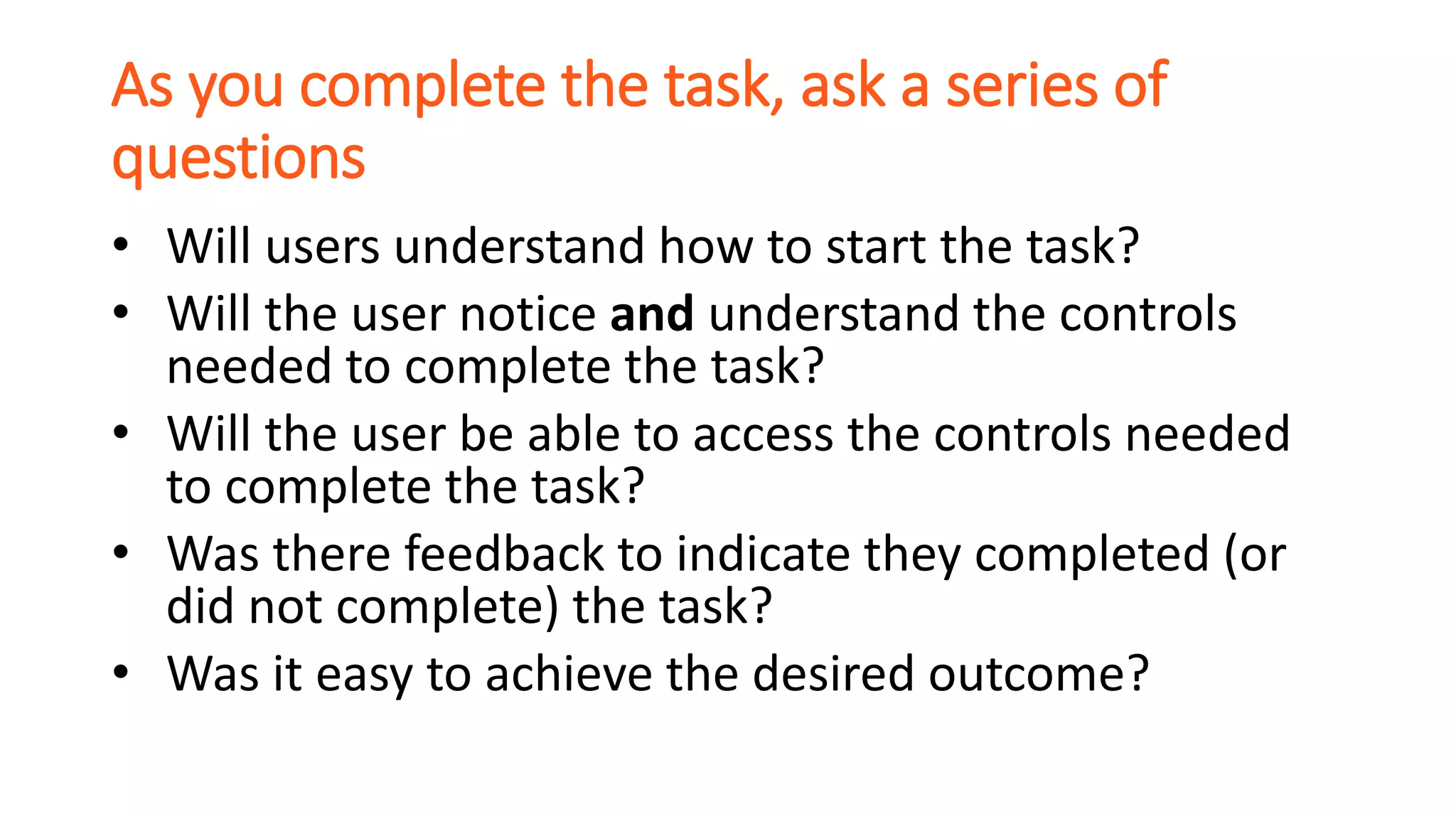
As you complete the task, ask a series of
questions
• Will users understand how to start the task?
• Will the user notice and understand the controls
needed to complete the task?
• Will the user be able to access the controls needed
to complete the task?
• Was there feedback to indicate they completed (or
did not complete) the task?
• Was it easy to achieve the desired outcome?
Group activity
• Choose a persona
• Perform the cognitive walkthrough
• Document the experience for that persona
• Reflect on any improvements that you could make
Share your experiences performing a cognitive
walkthrough
Could you see yourself using this in your work?
Benefits of cognitive walkthroughs
• task-oriented
• can be done during the early stages of design
• can identify requirements gaps
• more cost effective and fast compared with
usability testing
Things to be cautious of
• not a replacement for usability testing
• can be time consuming
• insights can be affected by the knowledge and skill of
the person conducting the walkthrough
Let’s continue the conversation
Sarah Pulis
@sarahtp sarah@intopia.digital
Andrew Arch
@amja andrew@intopia.digital
creating an inclusive digital world
intopia.digital @intopiadigital

Using cognitive walkthroughs for a task-oriented accessibility review

  • 1.
    Using cognitive walkthroughsfor a task-oriented accessibility review Sarah Pulis Twitter: sarahtp Andrew Arch Twitter: amja creating an inclusive digital world intopia.digital @intopiadigital
  • 2.
    We’re creating an inclusivedigital world (from down under!) We help organisations be more inclusive and accessible. Together, we create enjoyable, efficient digital experiences for everyone. Let’s go on an accessibility adventure together.
  • 3.
    Today’s session • Theexample that sparked this presentation • What is a cognitive walkthrough? • How to conduct a cognitive walkthrough for accessibility • Let’s do a cognitive walkthrough together • Pros and cons of cognitive walkthroughs
  • 6.
    Can we developa process to conduct a task-oriented and user-oriented expert review?
  • 7.
    What is acognitive walkthrough? An evaluator examines the usability of a product by walking through a series of tasks and asking a set of questions from a user’s point of view.
  • 8.
    Steps in acognitive walkthrough 1. Create a list of tasks a user wants to do 2. Create a list of steps needed to complete each task 3. Choose a persona, perform the walkthrough and document the experience
  • 9.
    Step 1 Create alist of tasks a user wants to do
  • 10.
    Common tasks foran eCommerce website • Search for a product • Browse for a product • Add products to your trolley • Checkout and pay for your products • Contact the organisation • Find out about the accessibility options
  • 11.
    Group activity 1. Choosea website or app to conduct a cognitive walkthrough on 2. Write down a list of task your users want to do on your chosen website or app
  • 12.
    Step 2 Create alist of steps needed to complete each task
  • 13.
    Login to aneCommerce website 1. Navigate to the eCommerce website 2. Select the Log In/Sign up button 3. Enter an email address 4. Enter a password 5. Select the Login button
  • 14.
    Group activity 1. Chooseone task from your task list (you might not want to choose one that is too long) 2. Write a list of steps needed to complete that task
  • 15.
    Step 3 Choose apersona, perform the walkthrough and document the experience
  • 16.
    As you completethe task, ask a series of questions • Will users understand how to start the task? • Will the user notice and understand the controls needed to complete the task? • Will the user be able to access the controls needed to complete the task? • Was there feedback to indicate they completed (or did not complete) the task? • Was it easy to achieve the desired outcome?
  • 17.
    Group activity • Choosea persona • Perform the cognitive walkthrough • Document the experience for that persona • Reflect on any improvements that you could make
  • 18.
    Share your experiencesperforming a cognitive walkthrough Could you see yourself using this in your work?
  • 19.
    Benefits of cognitivewalkthroughs • task-oriented • can be done during the early stages of design • can identify requirements gaps • more cost effective and fast compared with usability testing
  • 20.
    Things to becautious of • not a replacement for usability testing • can be time consuming • insights can be affected by the knowledge and skill of the person conducting the walkthrough
  • 21.
    Let’s continue theconversation Sarah Pulis @sarahtp sarah@intopia.digital Andrew Arch @amja andrew@intopia.digital creating an inclusive digital world intopia.digital @intopiadigital

Editor's Notes

  • #2 When UX doesn't consider ALL users, shouldn't it be known as "SOME User Experience" or... SUX? 349 retweets, 342 like
  • #4 Use your mobile phone or laptop to complete the exercise Team up with a buddy if you need to
  • #7 How have you taken a task oriented approach to reviewing your designs or working site/app?
  • #8 It is a task-specific approach to usability (in contrast to heuristic evaluation which is a more holistic usability inspection). 
  • #14 Aligns with WCAG Evaluation Methodology “Methodology Requirement 3.c: Include all web pages and web page states that are part of a complete process in the selected sample.”
  • #17 Will users understand how to start the task? Are the controls conspicuous? Will users know the control is the correct one? Was there feedback to indicate you completed (or did not complete) the task? Will the user associate the correct action with the effect that the user is trying to achieve?