Nir@500tech.com
ES6 up & running
how to setup an ES6 environment
Nir@500tech.com
Nir Kaufman
+
Head of AngularJS development @ 500Tech
We develop, consult & train AngularJS
for startups & enterprises
Join us!
We’re hiring
Nir@500tech.com
grab the code
http://tinyurl.com/l5rpord
https://github.com/nirkaufman/es6-up-and-running
Nir@500tech.com
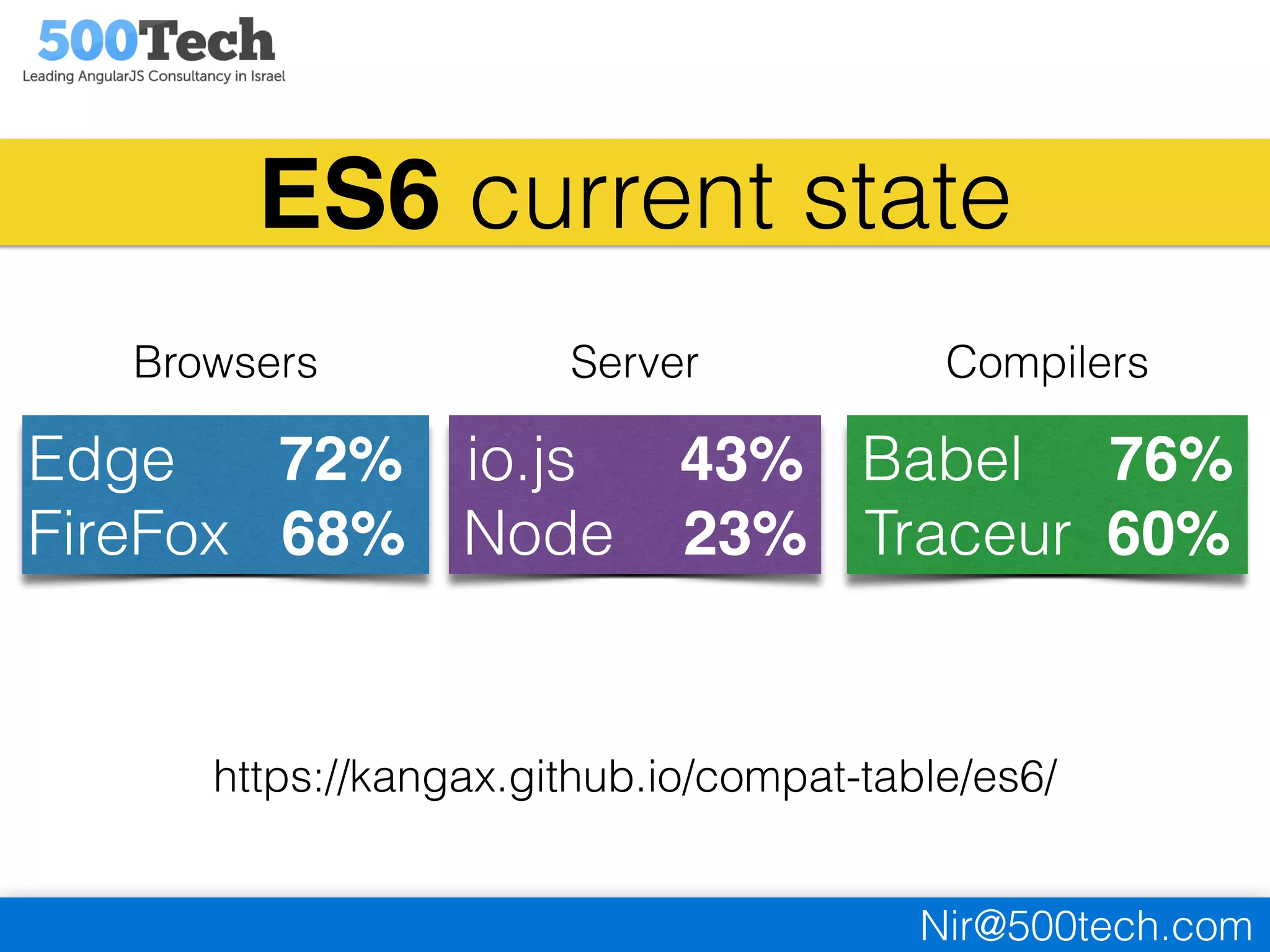
https://kangax.github.io/compat-table/es6/
ES6 current state
Edge 72%
FireFox 68%
io.js 43%
Node 23%
Babel 76%
Traceur 60%
Browsers Server Compilers
Nir@500tech.com
our goal:
minimal effort
easy tools to get us up and running fast
Nir@500tech.com
1
choose your editor
syntax highlighting, code completion etc…
Nir@500tech.com
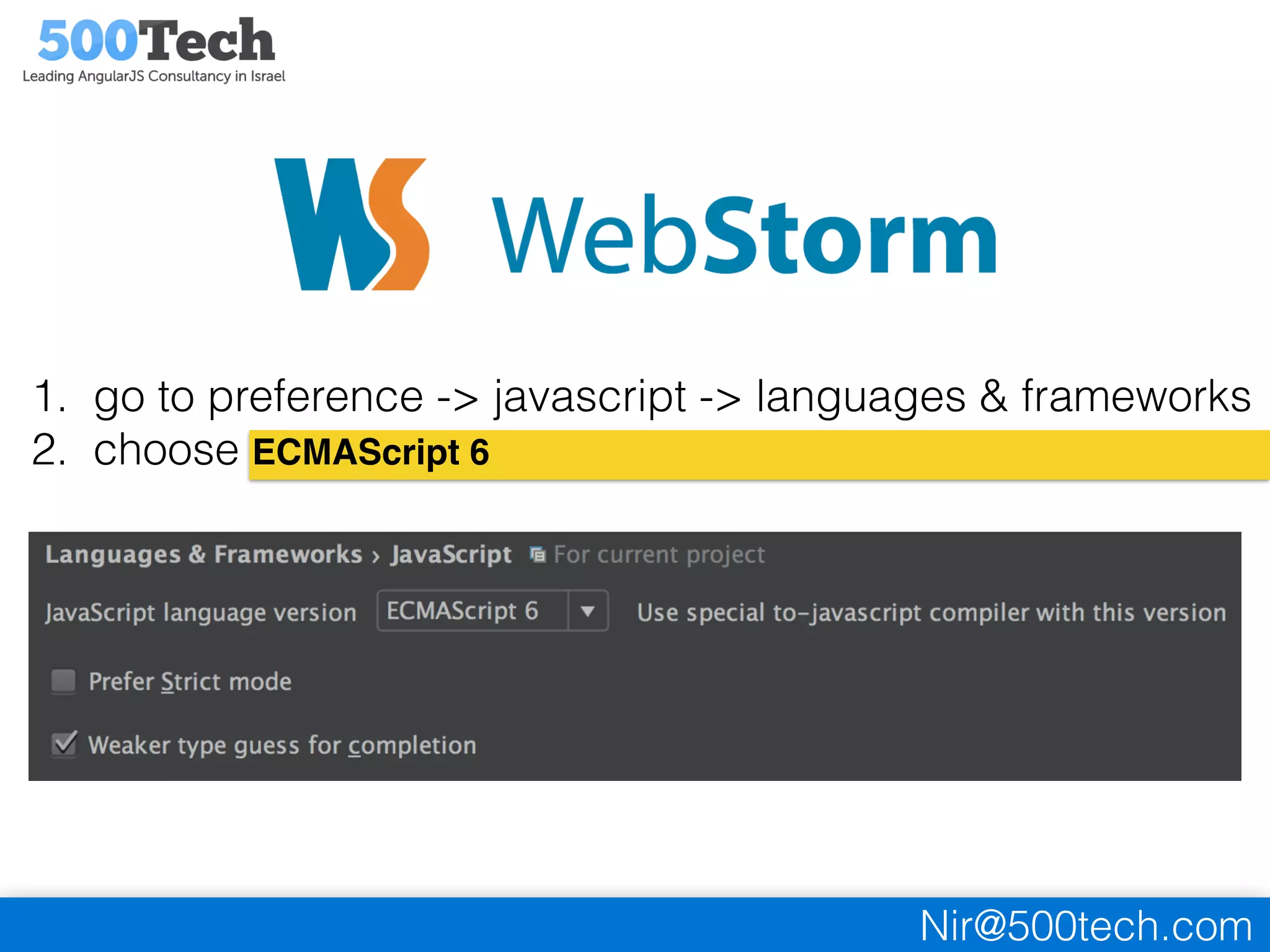
1. go to preference -> javascript -> languages & frameworks
2. choose ECMAScript 6
Nir@500tech.com
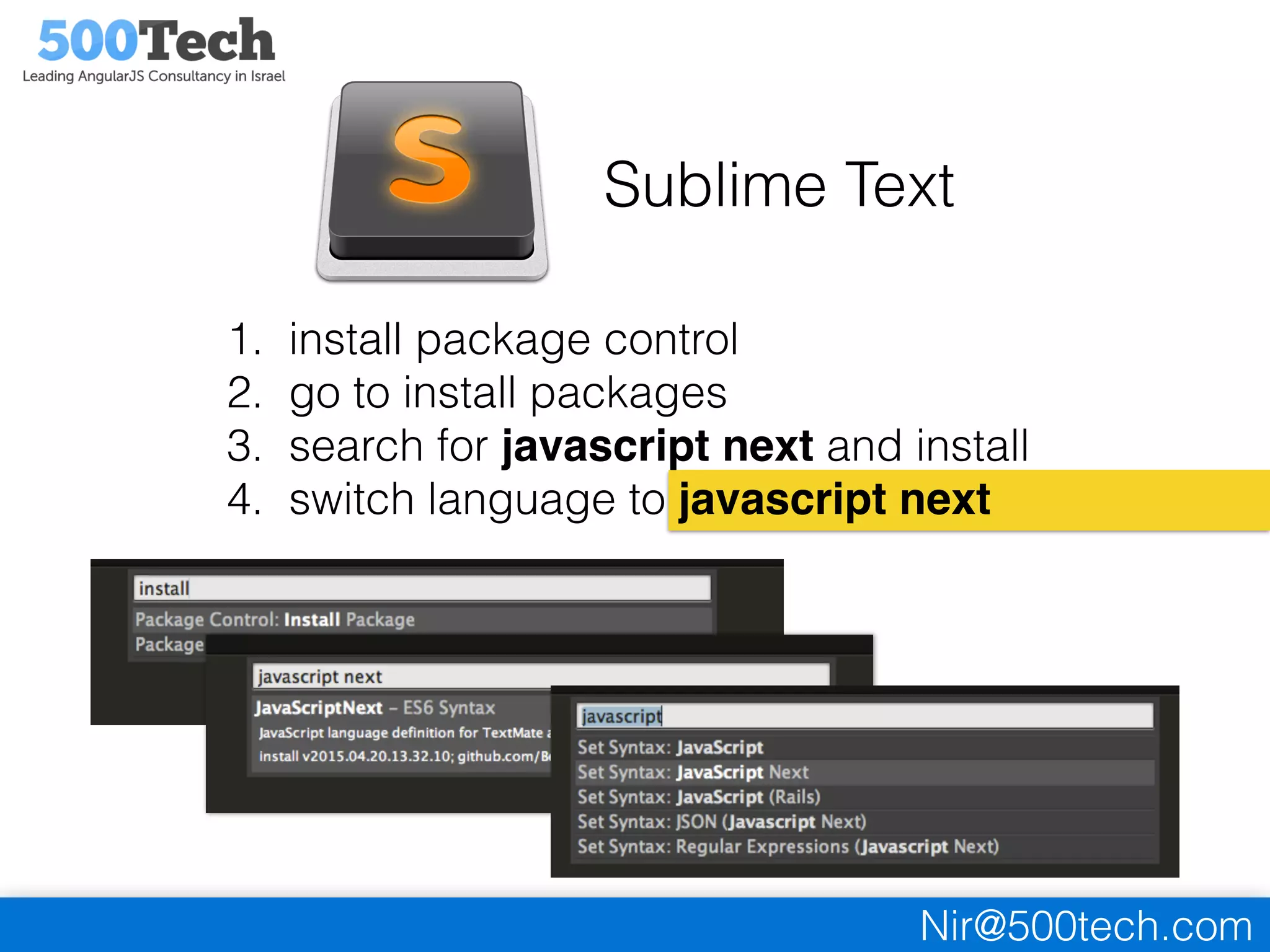
Sublime Text
1. install package control
2. go to install packages
3. search for javascript next and install
4. switch language to javascript next
Nir@500tech.com
2
choose your compiler
make your ES6 code compatible with current browsers
Nir@500tech.com
Babel vs Traceur
two popular javascript compilers.
both of them will do the work.
you can easily switch for any reason at any stage
Nir@500tech.com
• supports 76% of ES6 features (currently)
• support all major build systems (grunt, gulp etc..)
• supports frameworks (Ember, Meteor, Sails etc…)
http://babeljs.io/docs/using-babel/
Nir@500tech.com
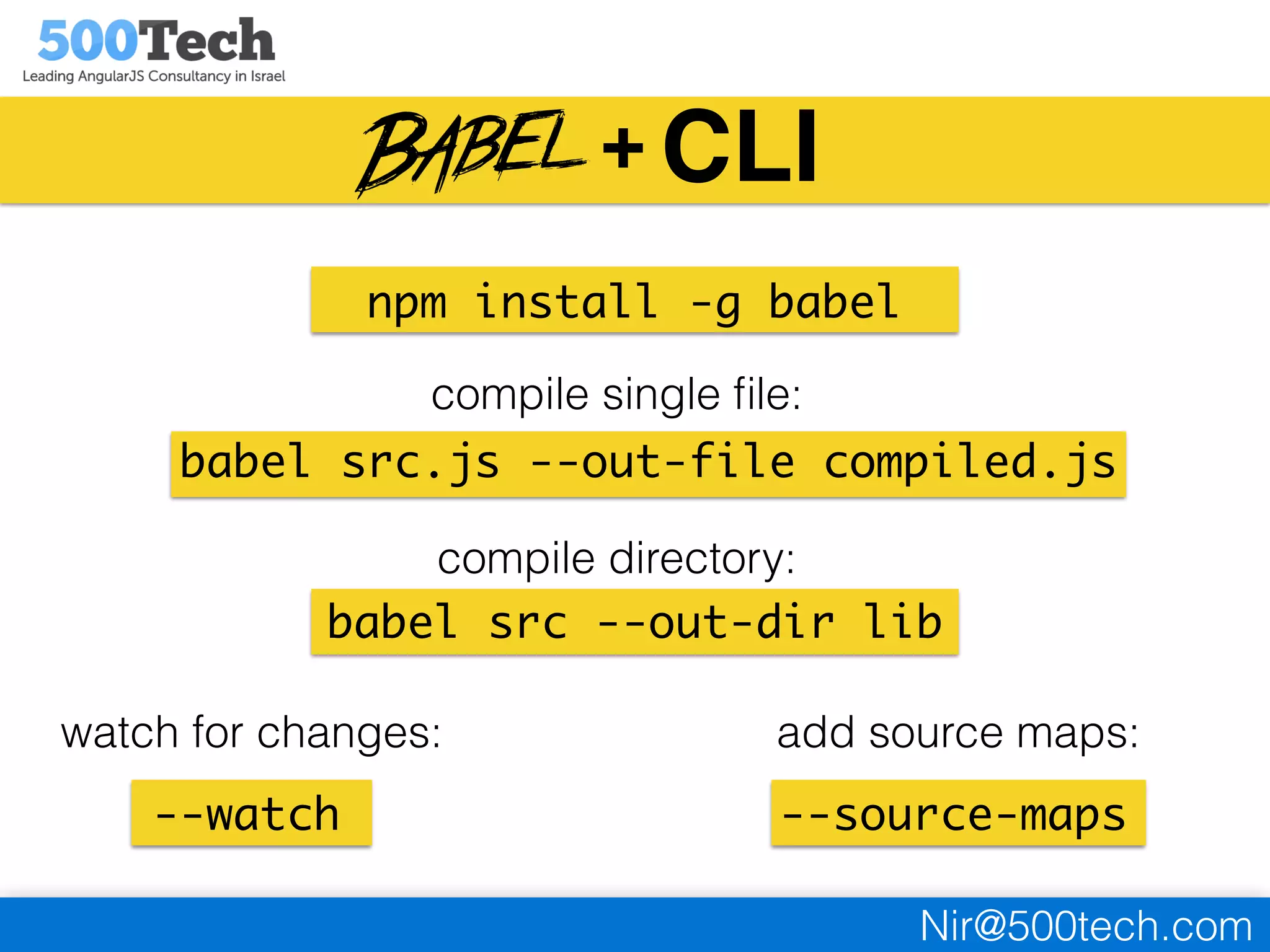
CLI
npm install -g babel
babel src --out-dir lib
babel src.js --out-file compiled.js
compile single file:
compile directory:
--watch
watch for changes:
--source-maps
add source maps:
+
Nir@500tech.com
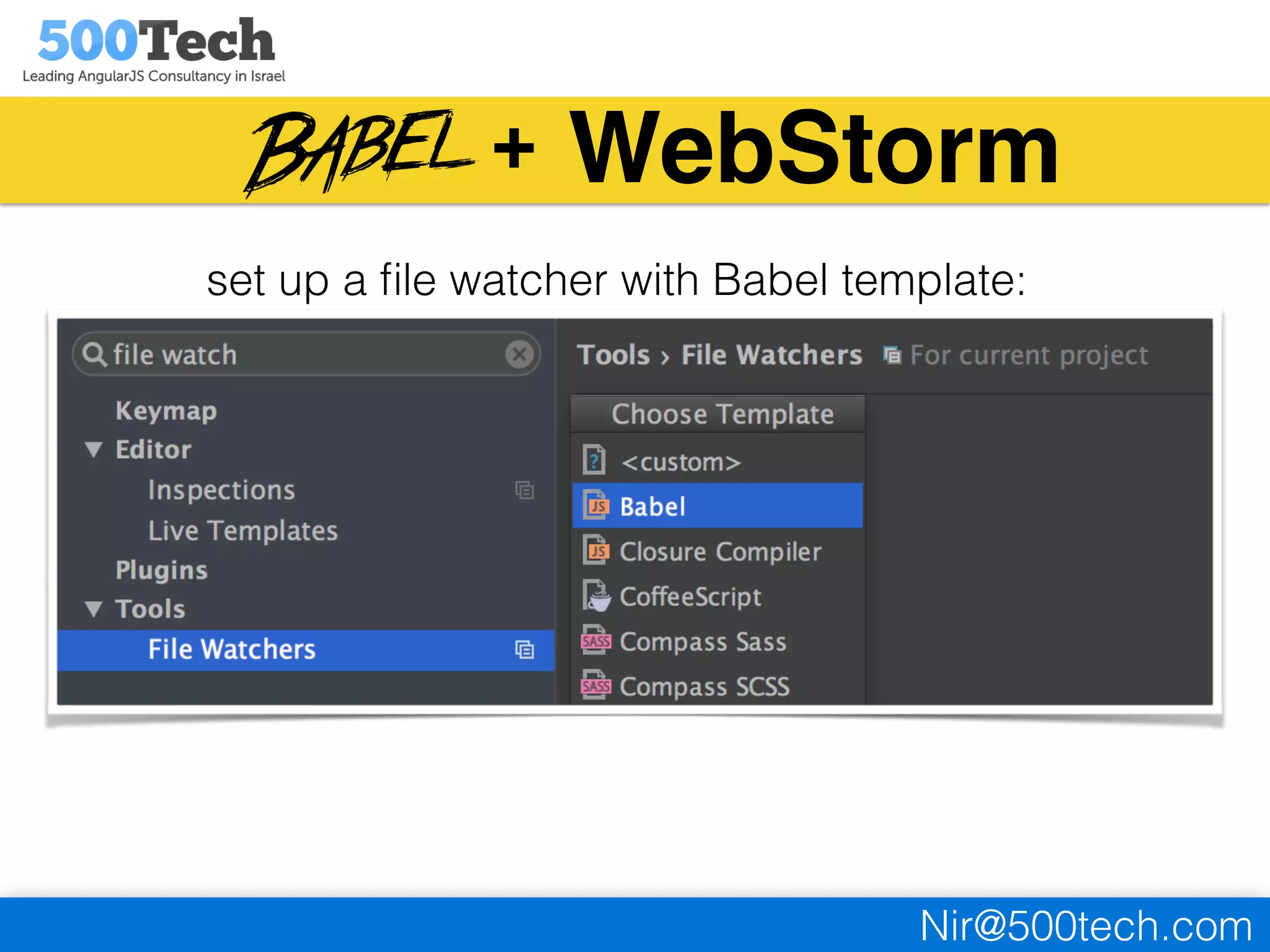
WebStorm
set up a file watcher with Babel template:
+
Nir@500tech.com
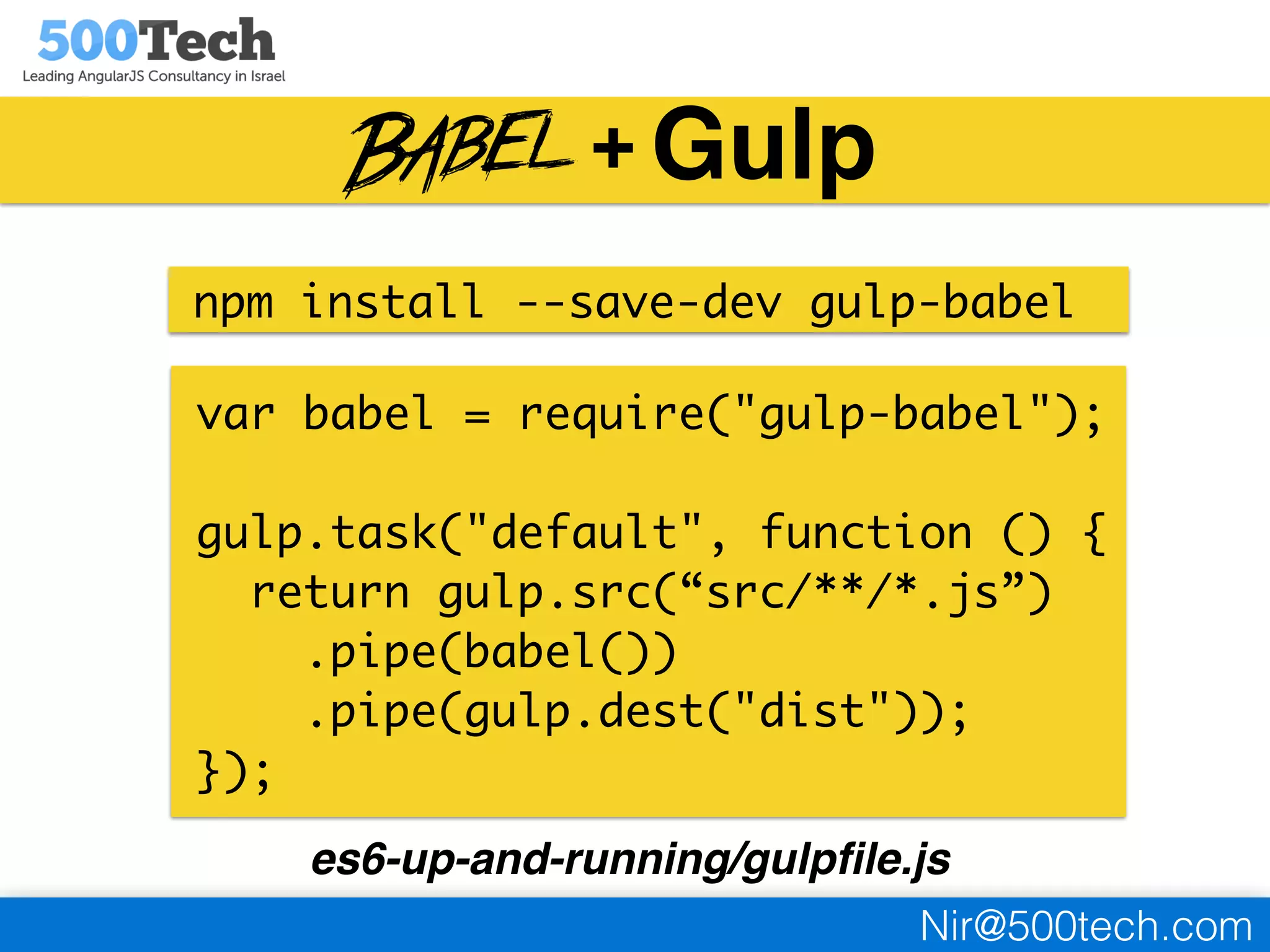
Gulp
npm install --save-dev gulp-babel
var babel = require("gulp-babel");
gulp.task("default", function () {
return gulp.src(“src/**/*.js”)
.pipe(babel())
.pipe(gulp.dest("dist"));
});
es6-up-and-running/gulpfile.js
+
Nir@500tech.com
• supports 60% of ES6 features
• supports all major build systems (grunt, gulp etc..)
• maintained by Google
https://github.com/google/traceur-compiler
Nir@500tech.com
3
pick a module system
if you already use one just integrate with it..
Nir@500tech.com
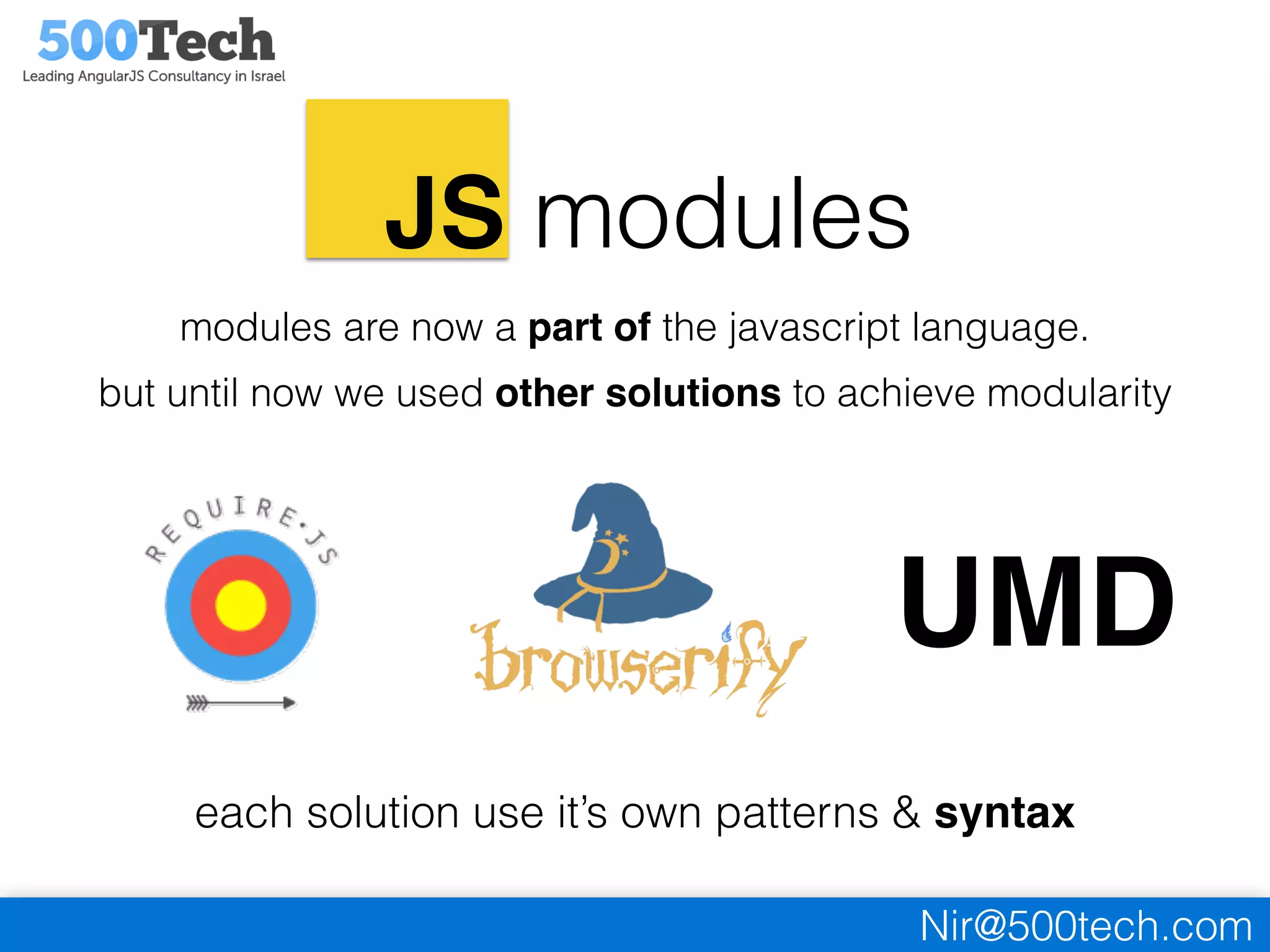
JS modules
modules are now a part of the javascript language.
but until now we used other solutions to achieve modularity
UMD
each solution use it’s own patterns & syntax
Nir@500tech.com
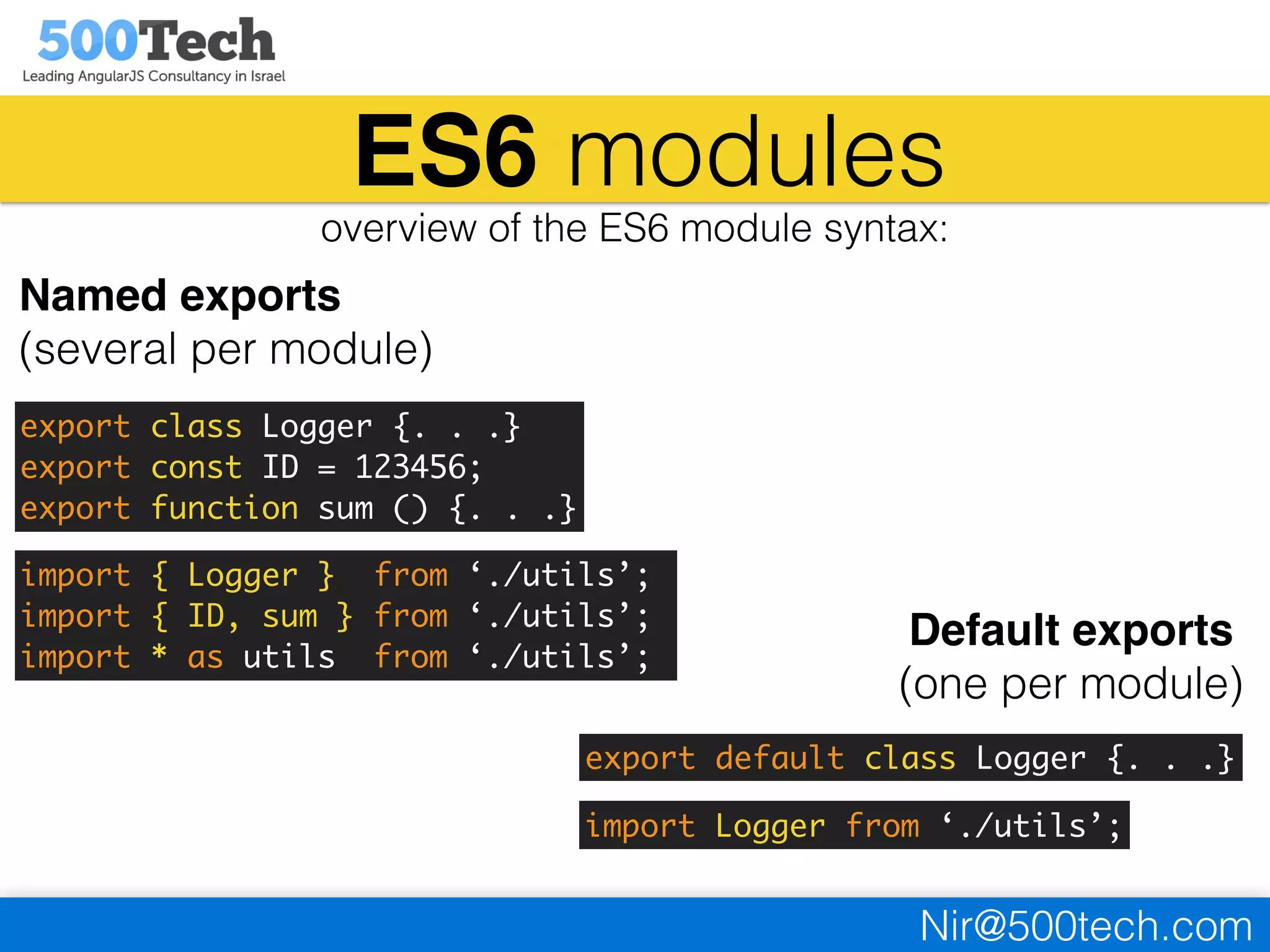
ES6 modules
overview of the ES6 module syntax:
Named exports
(several per module)
Default exports
(one per module)
export class Logger {. . .}
export const ID = 123456;
export function sum () {. . .}
import { Logger } from ‘./utils’;
import { ID, sum } from ‘./utils’;
import * as utils from ‘./utils’;
export default class Logger {. . .}
import Logger from ‘./utils’;
Nir@500tech.com
if you already use
modules in your app
you can still use the ES6 modules syntax.
just let babel know which format to use.
https://babeljs.io/docs/usage/modules/
Nir@500tech.com
if you are starting
a new fresh project
you need to know about some tools…
Nir@500tech.com
“webpack takes modules with dependencies and
generates static assets representing those modules”.
http://webpack.github.io/
Nir@500tech.com
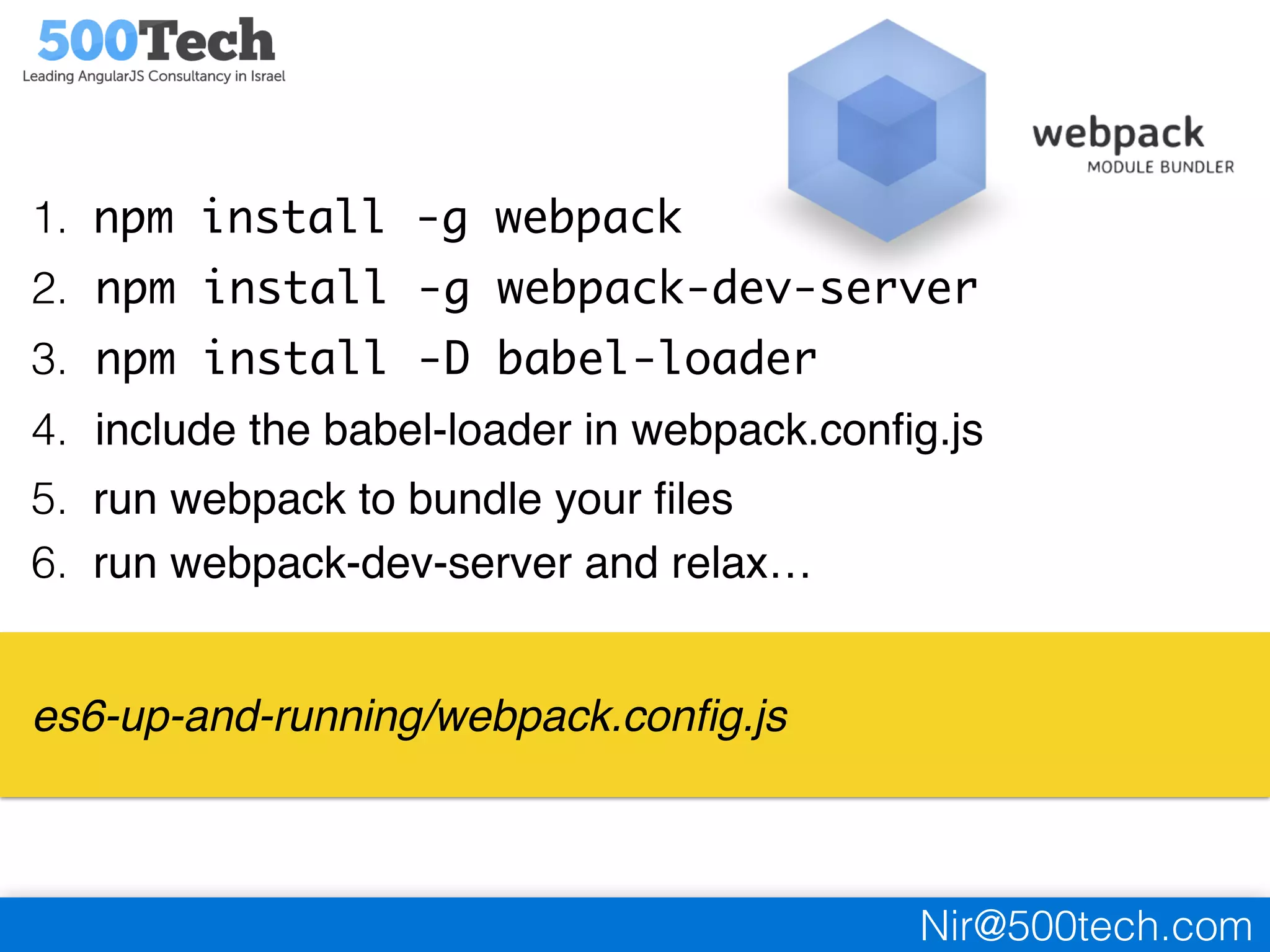
1. npm install -g webpack
2. npm install -g webpack-dev-server
3. npm install -D babel-loader
4. include the babel-loader in webpack.config.js
5. run webpack to bundle your files
6. run webpack-dev-server and relax…
es6-up-and-running/webpack.config.js
Nir@500tech.com
“jspm is a package manager for the SystemJS universal
module loader, built on top of the dynamic ES6 module
loader”
http://jspm.io/
Nir@500tech.com
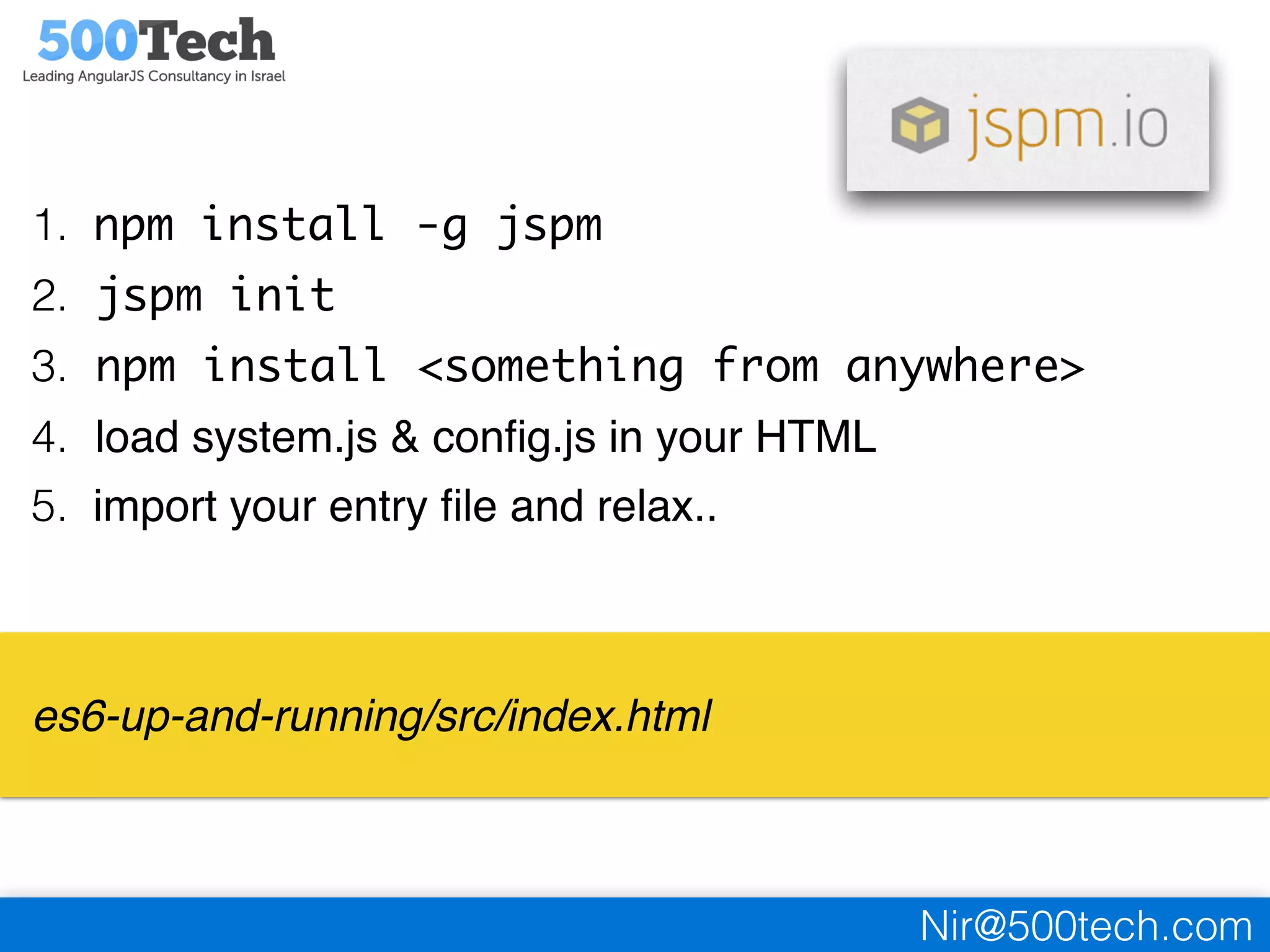
1. npm install -g jspm
2. jspm init
3. npm install <something from anywhere>
4. load system.js & config.js in your HTML
5. import your entry file and relax..
es6-up-and-running/src/index.html
Nir@500tech.com
what to choose?
both of the tools are easy to use.
both of them offer a bundling feature for production.
webpack offers more build
features that can replace gulp or
grunt in your project
JSPM makes package management
and module loading easy and
painless, you will need gulp
for other tasks
Nir@500tech.com
4
migration to ES6
refactor your current javascript code to ES6
Nir@500tech.com
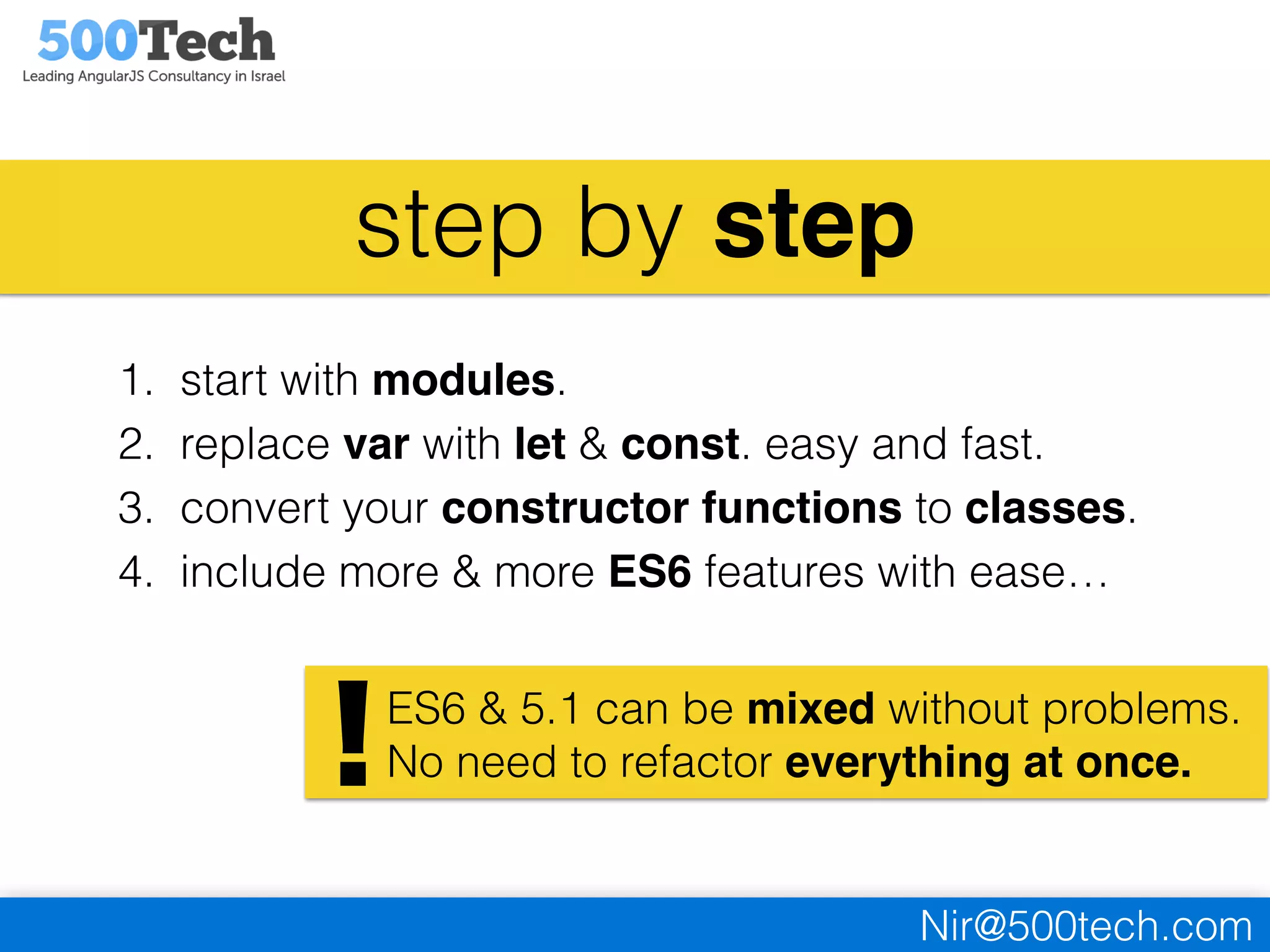
step by step
1. start with modules.
2. replace var with let & const. easy and fast.
3. convert your constructor functions to classes.
4. include more & more ES6 features with ease…
ES6 & 5.1 can be mixed without problems.
No need to refactor everything at once.!
Nir@500tech.com
Thank you!
Q&A

Up & running with ECMAScript6