Kevin Ball @kbal11
Modern Javascript
An Overview of the Javascript Ecosystem in 2015
Kevin Ball @kbal11
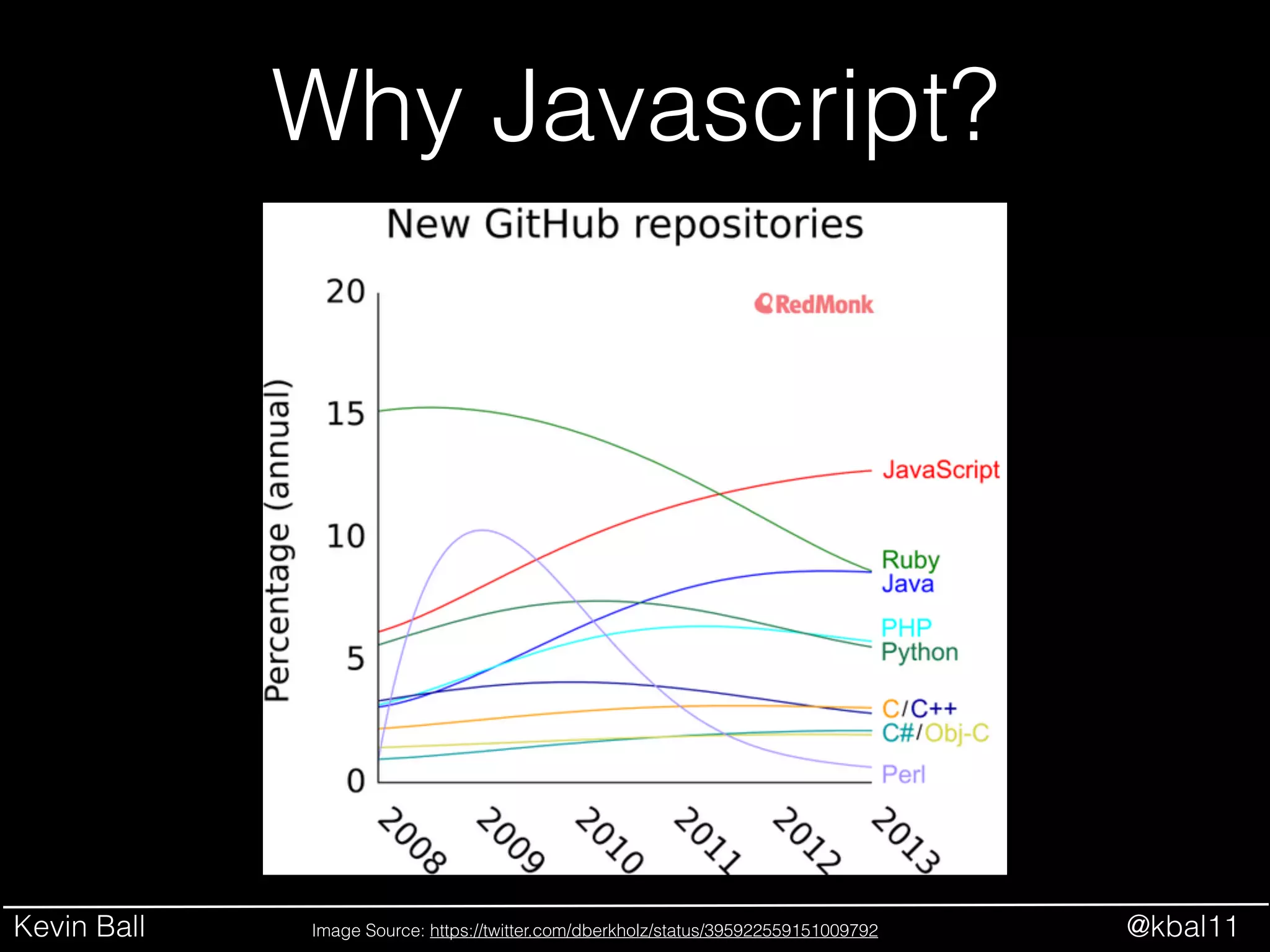
Why Javascript?
Image Source: https://twitter.com/dberkholz/status/395922559151009792
Kevin Ball @kbal11
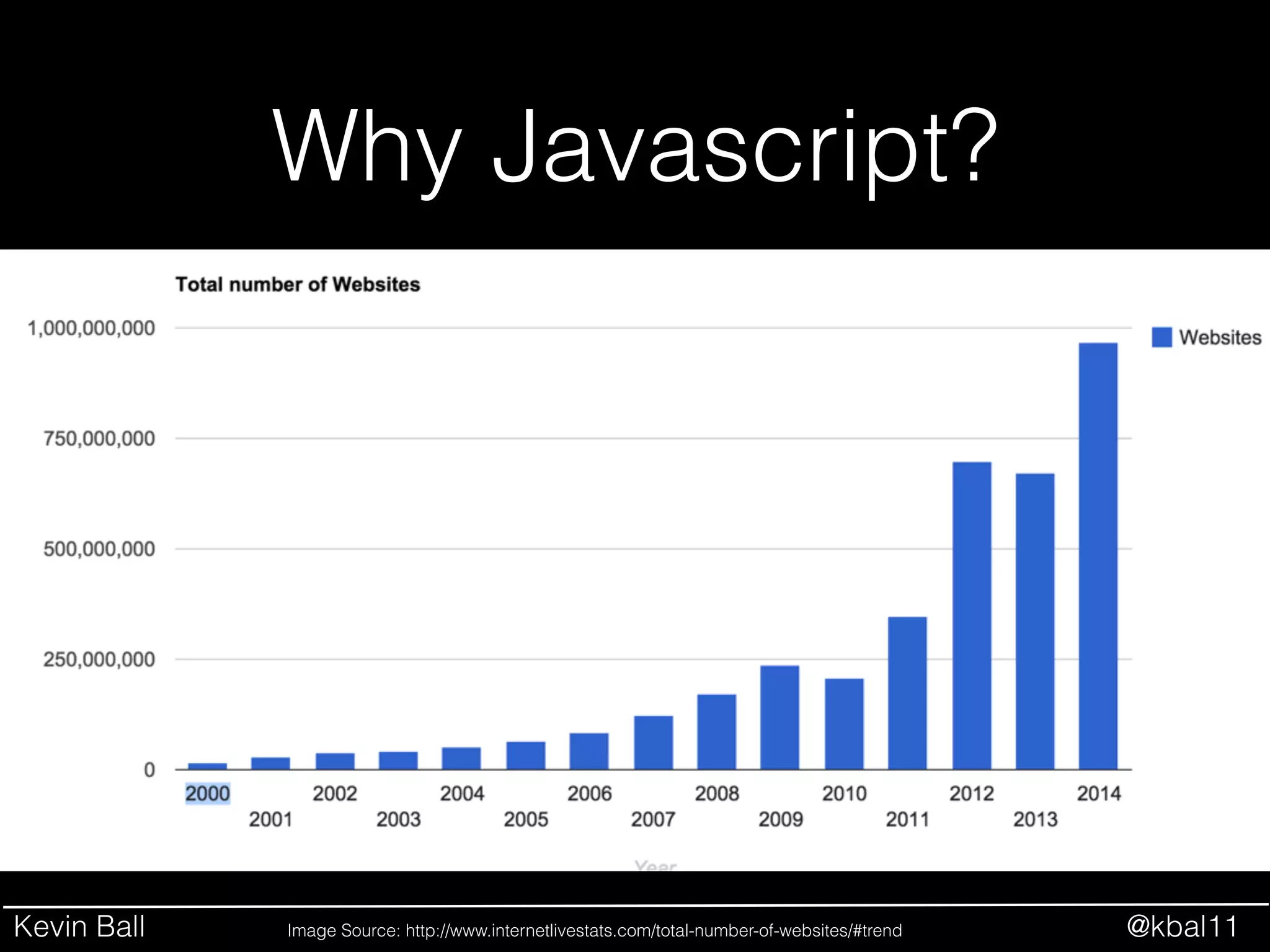
Why Javascript?
Image Source: http://www.internetlivestats.com/total-number-of-websites/#trend
Kevin Ball @kbal11
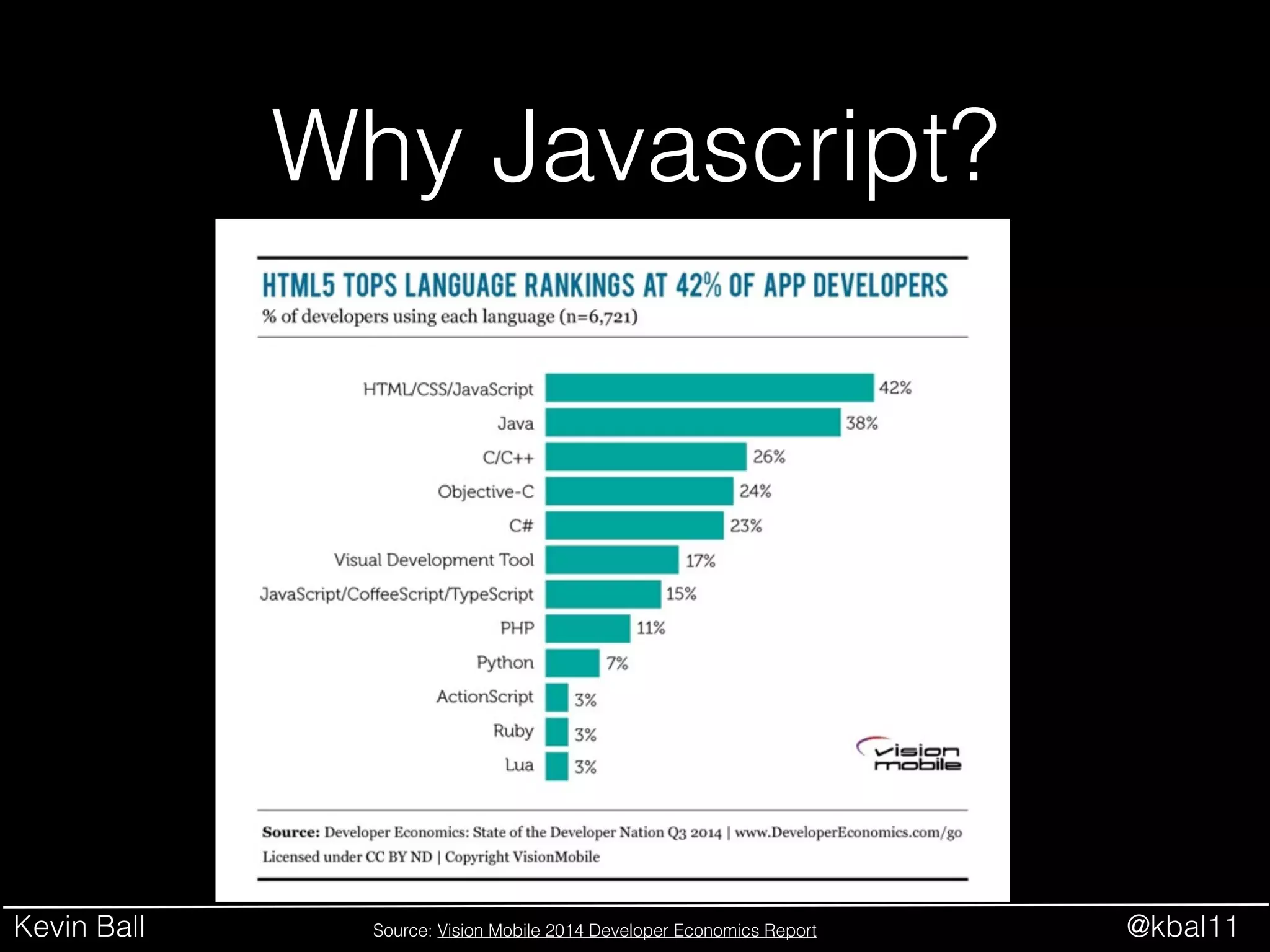
Why Javascript?
Source: Vision Mobile 2014 Developer Economics Report
Kevin Ball @kbal11
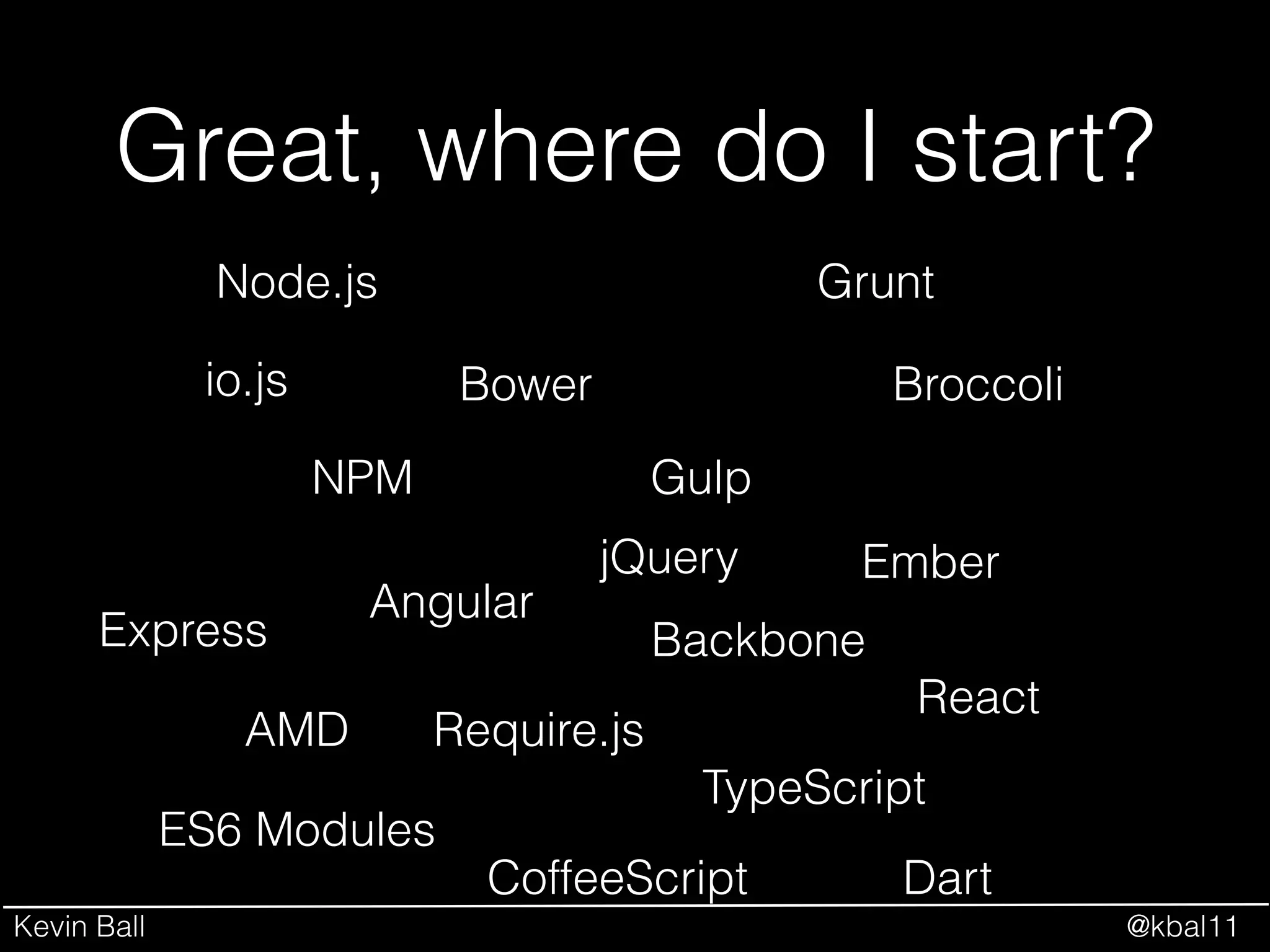
Great, where do I start?
NPM
Bower
Node.js Grunt
Gulp
Broccoli
Angular
Ember
BackboneExpress
AMD
React
io.js
Require.js
ES6 Modules
TypeScript
CoffeeScript Dart
jQuery
Kevin Ball @kbal11
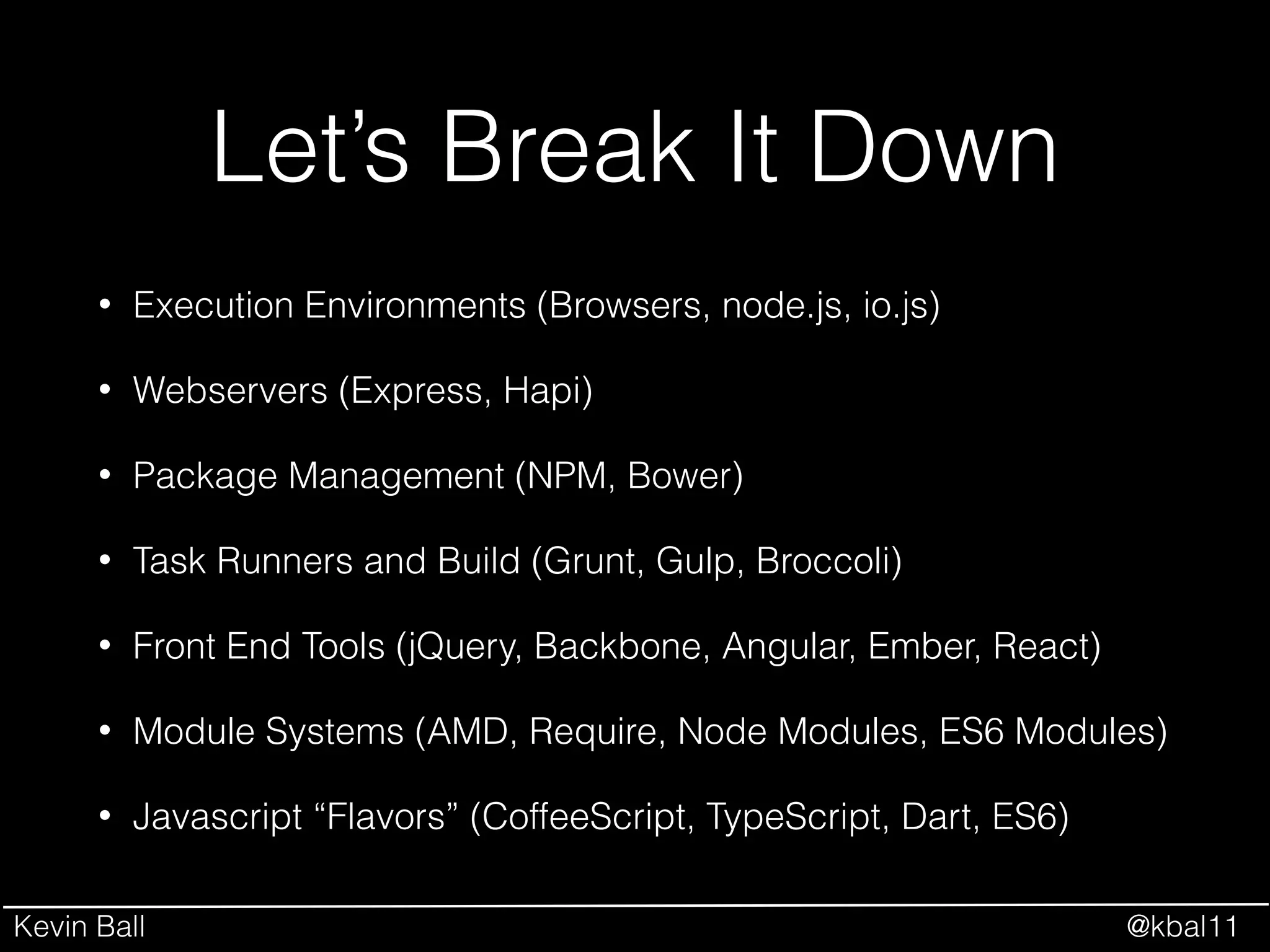
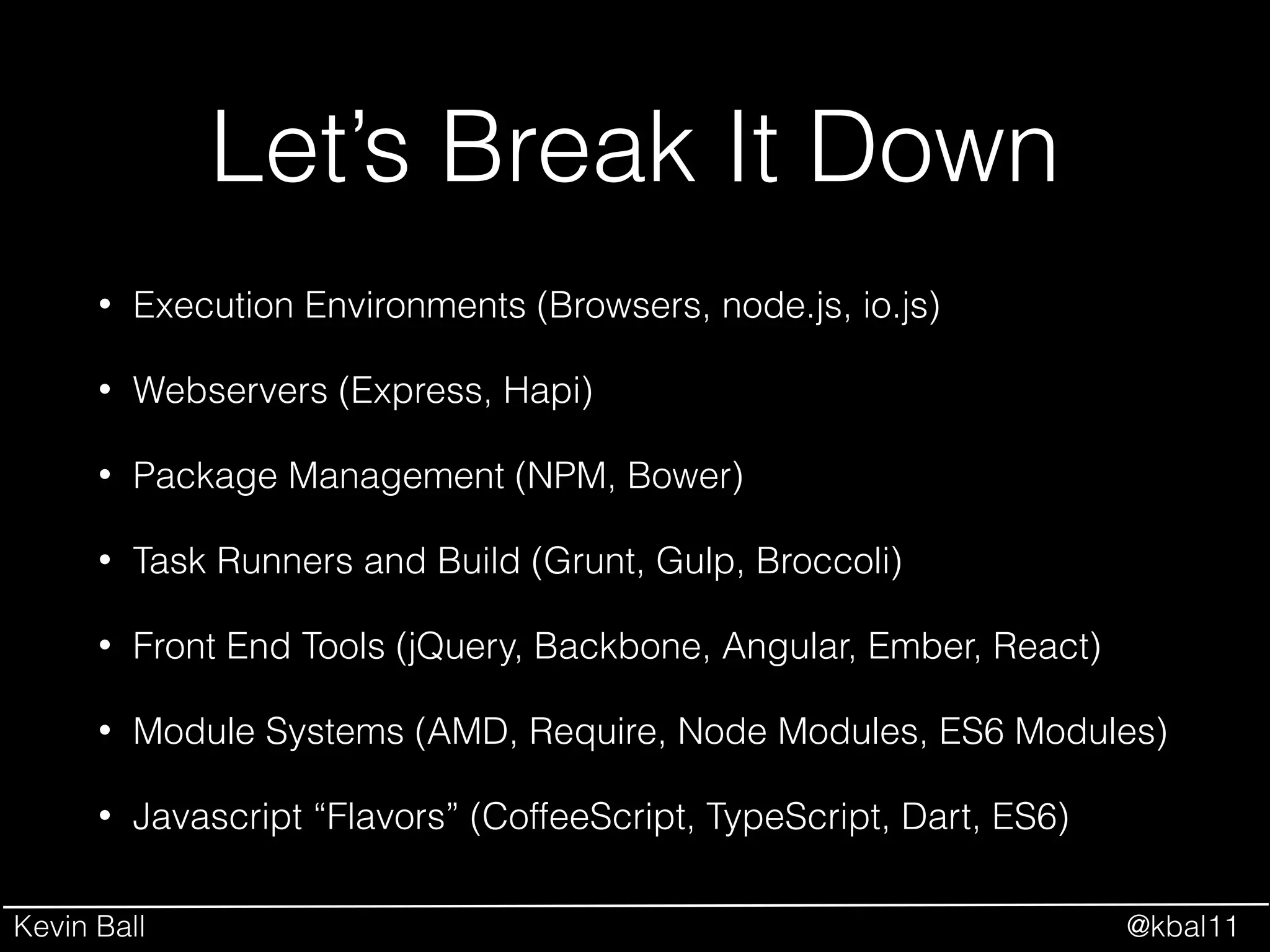
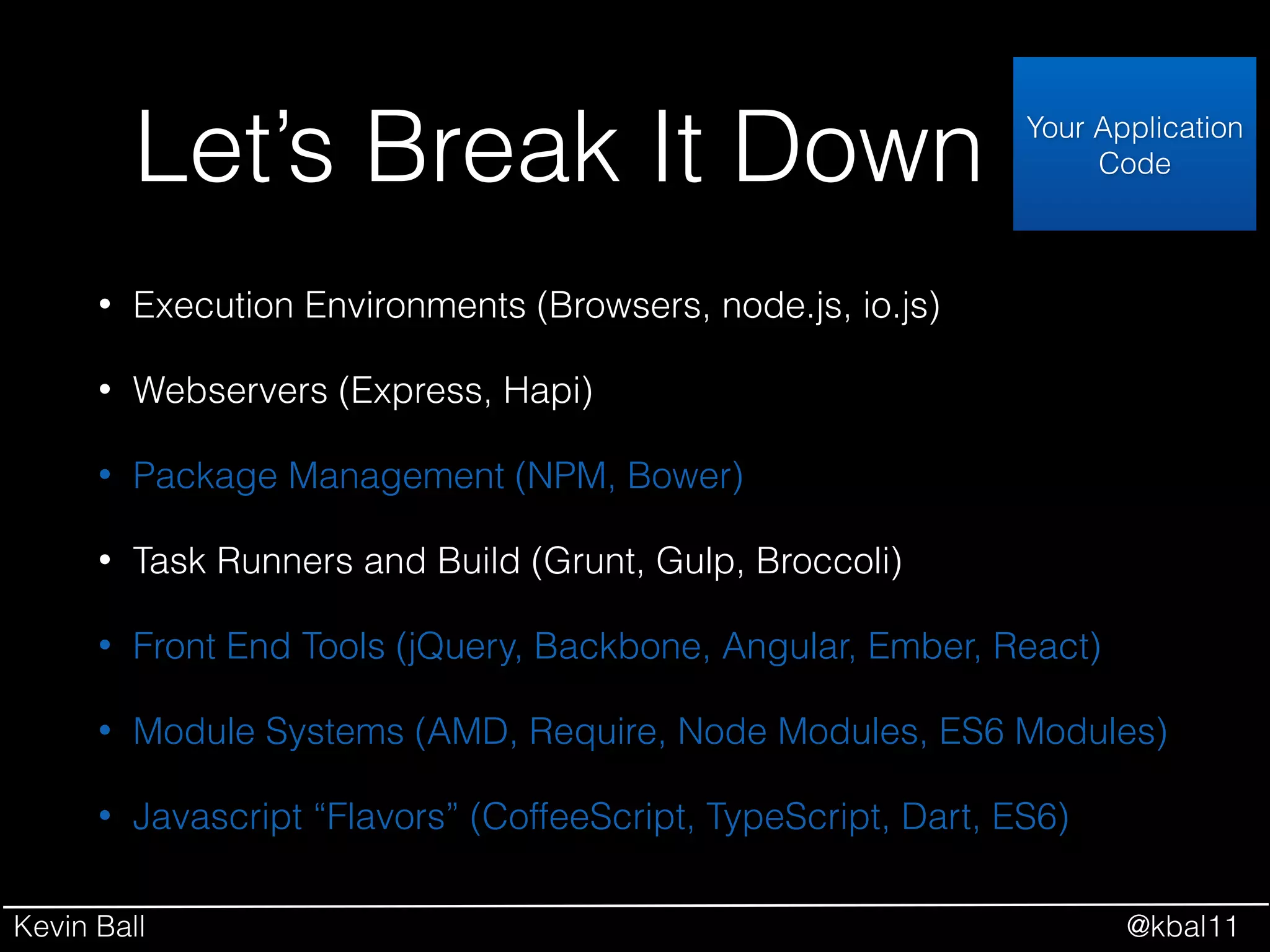
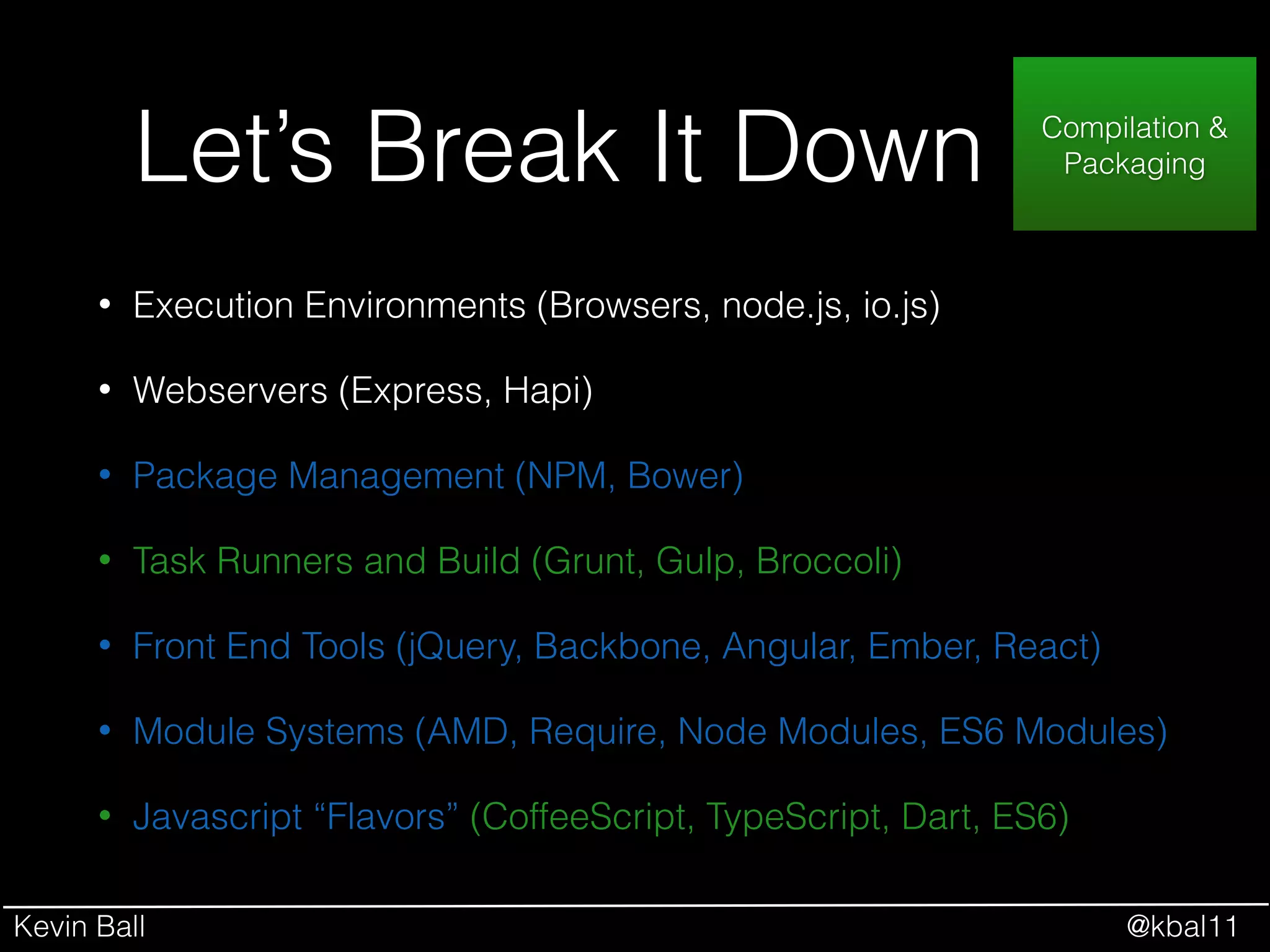
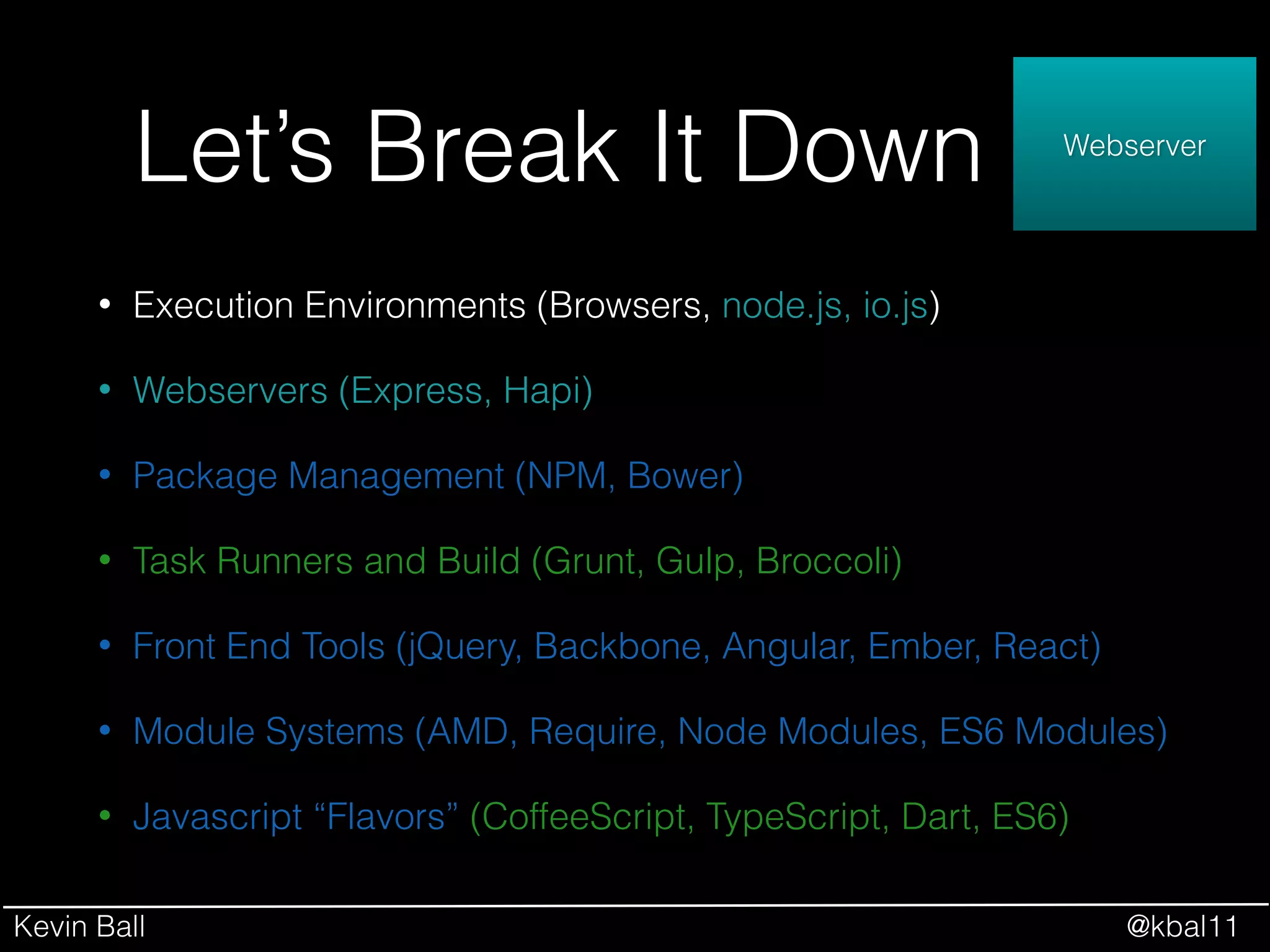
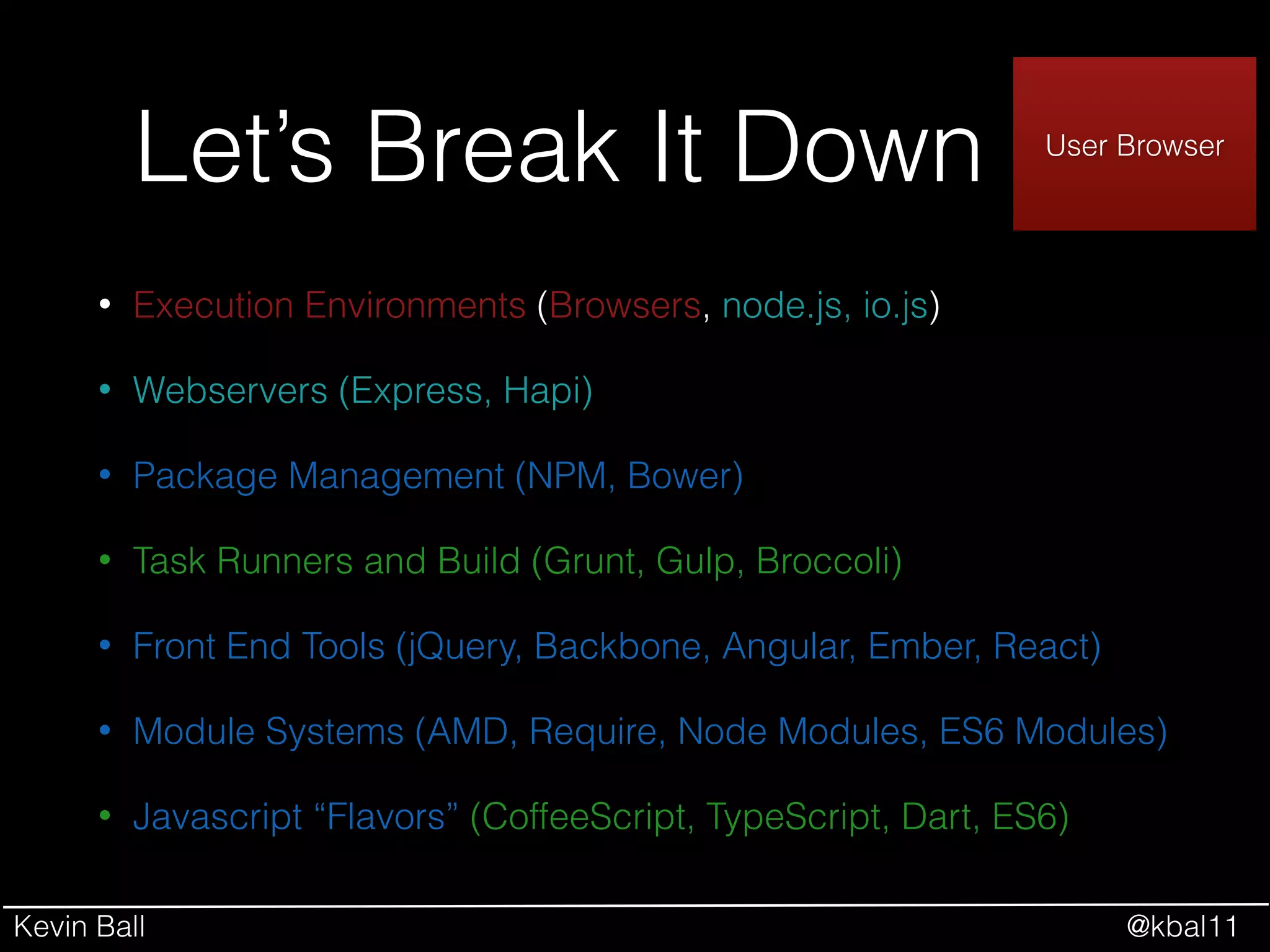
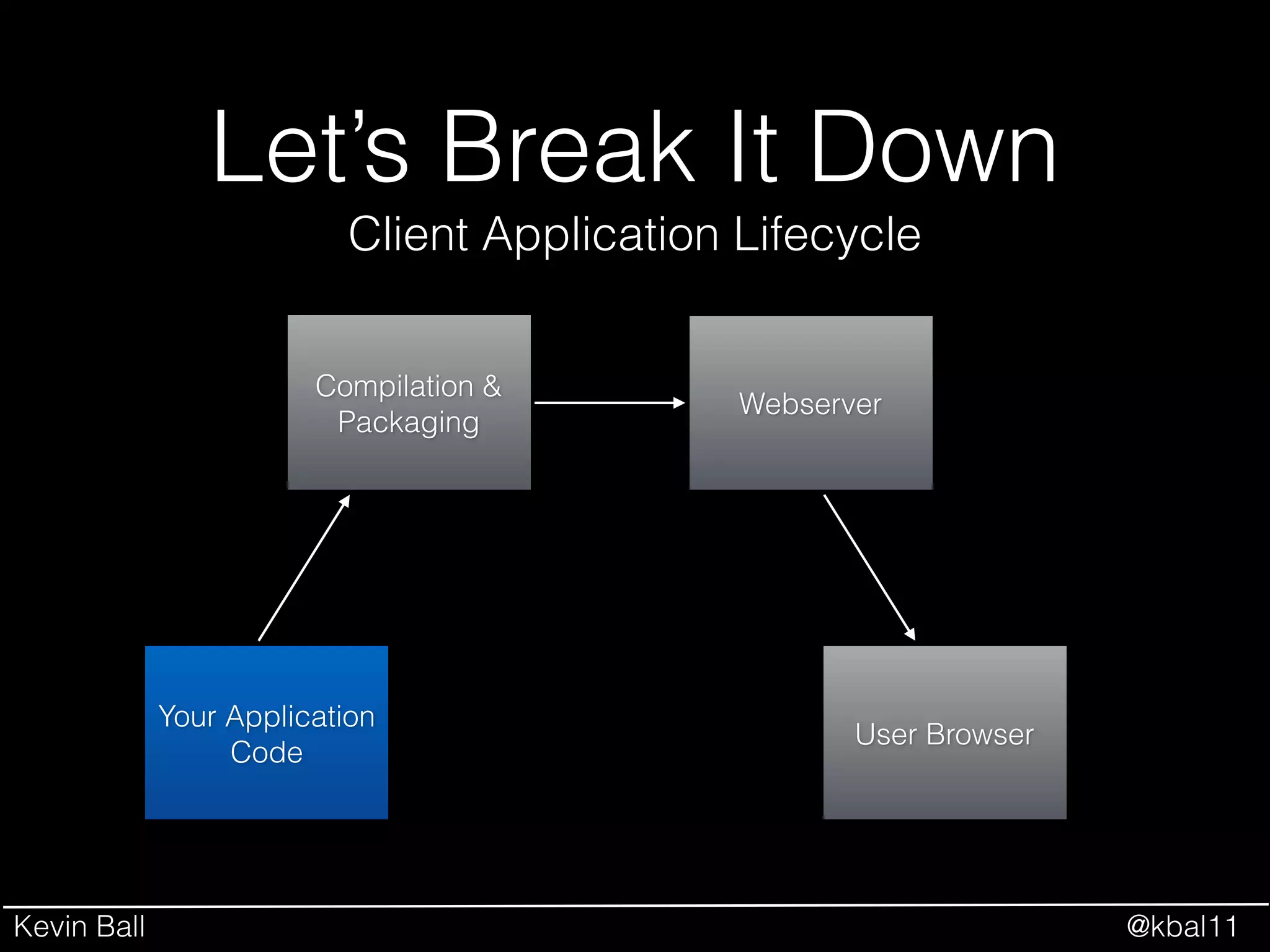
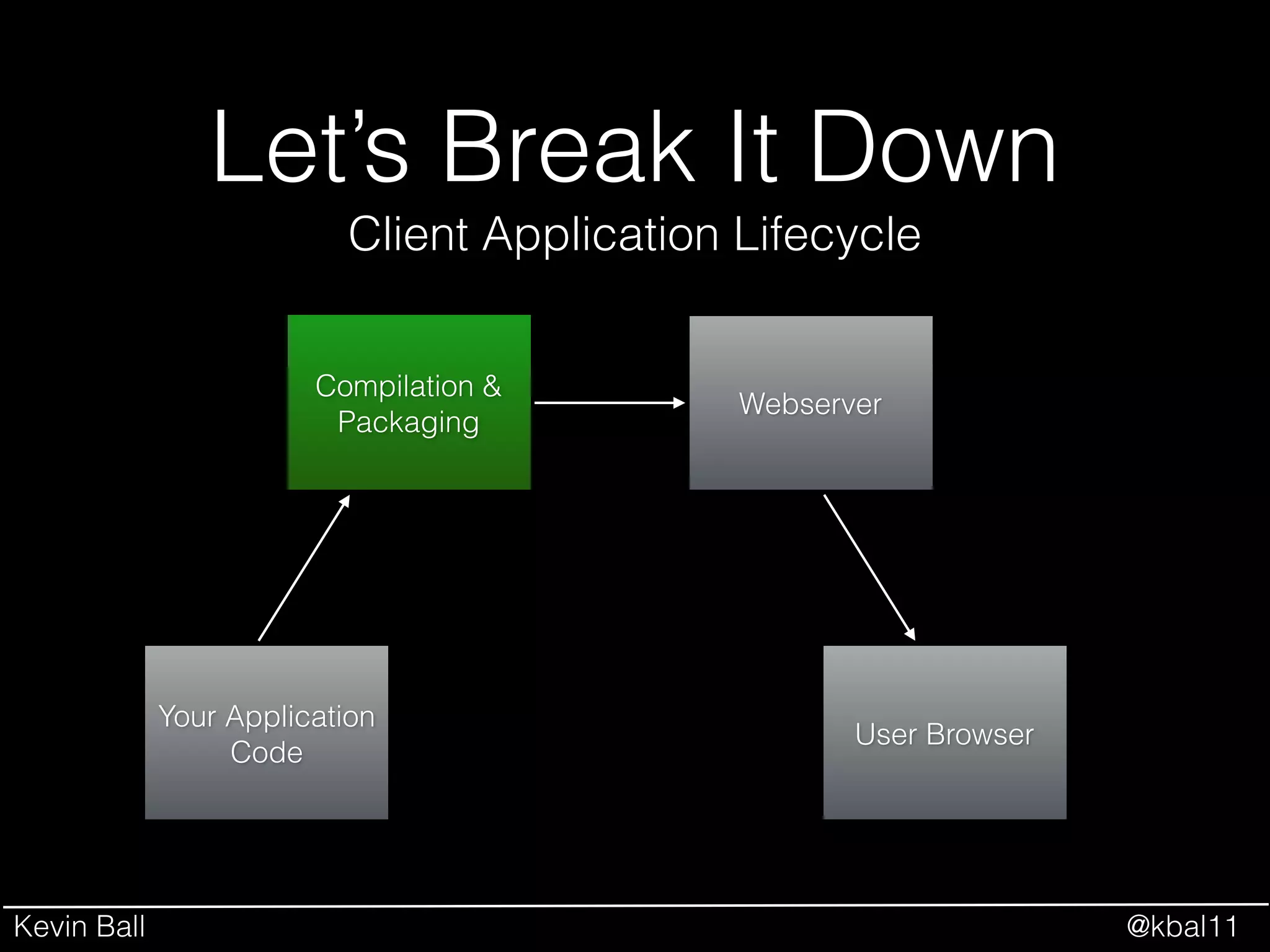
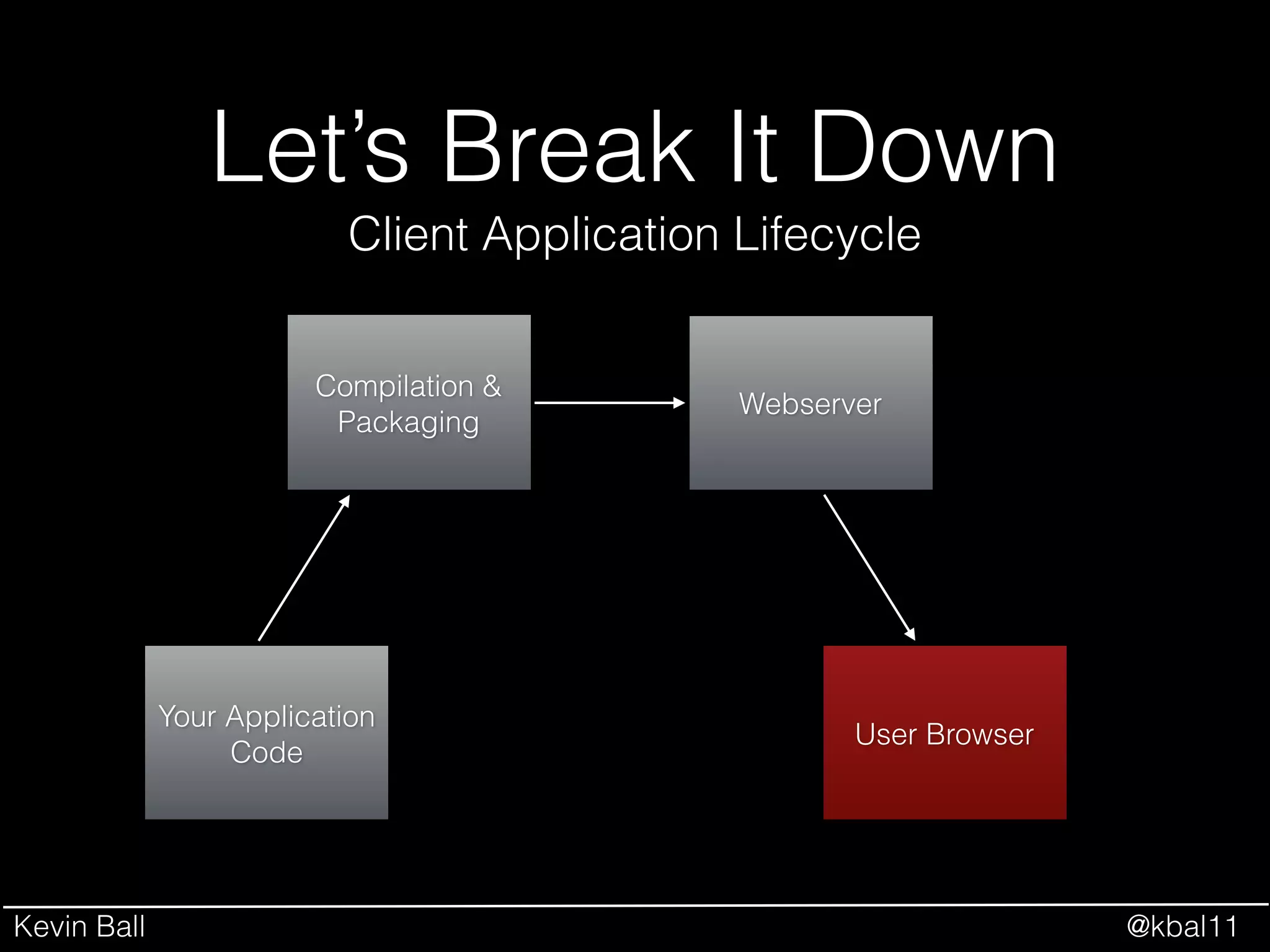
Let’s Break It Down
• Execution Environments (Browsers, node.js, io.js)
• Webservers (Express, Hapi)
• Package Management (NPM, Bower)
• Task Runners and Build (Grunt, Gulp, Broccoli)
• Front End Tools (jQuery, Backbone, Angular, Ember, React)
• Module Systems (AMD, Require, Node Modules, ES6 Modules)
• Javascript “Flavors” (CoffeeScript, TypeScript, Dart, ES6)
Kevin Ball @kbal11
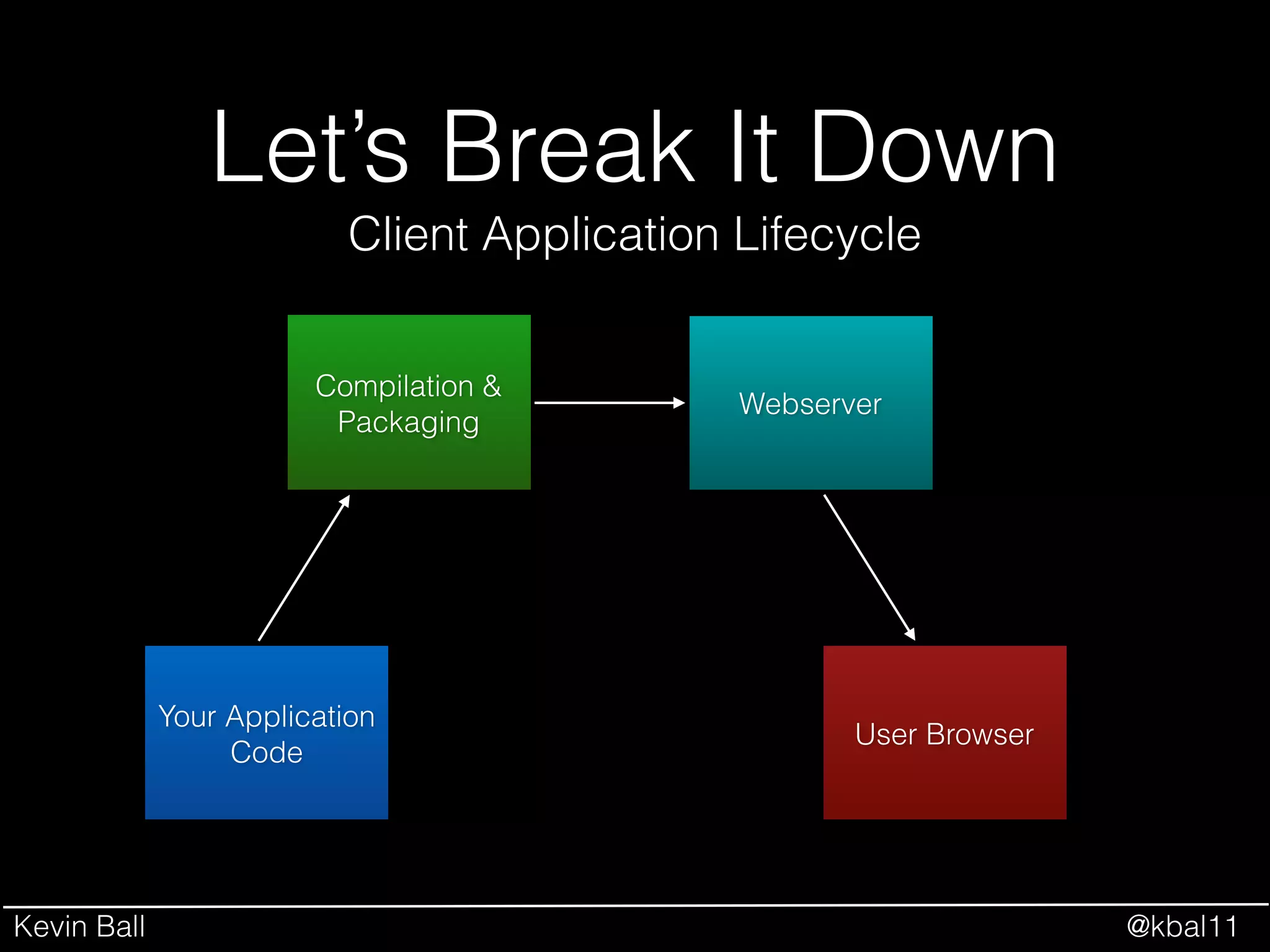
Let’s Break It Down
Your Application
Code
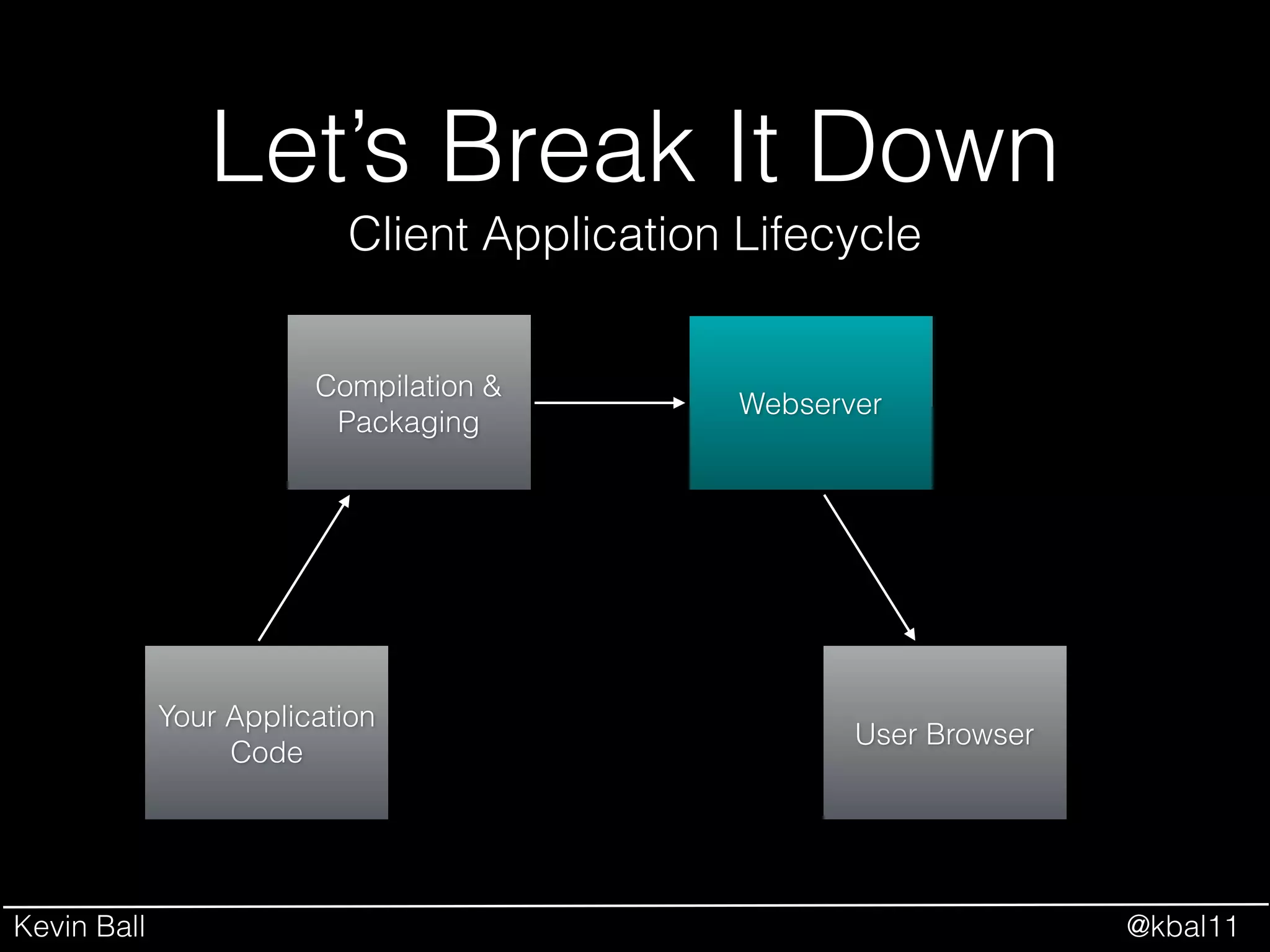
Client Application Lifecycle
Compilation &
Packaging
Webserver
User Browser
Kevin Ball @kbal11
Let’s Break It Down
• Execution Environments (Browsers, node.js, io.js)
• Webservers (Express, Hapi)
• Package Management (NPM, Bower)
• Task Runners and Build (Grunt, Gulp, Broccoli)
• Front End Tools (jQuery, Backbone, Angular, Ember, React)
• Module Systems (AMD, Require, Node Modules, ES6 Modules)
• Javascript “Flavors” (CoffeeScript, TypeScript, Dart, ES6)
Kevin Ball @kbal11
Let’s Break It Down
• Execution Environments (Browsers, node.js, io.js)
• Webservers (Express, Hapi)
• Package Management (NPM, Bower)
• Task Runners and Build (Grunt, Gulp, Broccoli)
• Front End Tools (jQuery, Backbone, Angular, Ember, React)
• Module Systems (AMD, Require, Node Modules, ES6 Modules)
• Javascript “Flavors” (CoffeeScript, TypeScript, Dart, ES6)
Your Application
Code
Kevin Ball @kbal11
• Execution Environments (Browsers, node.js, io.js)
• Webservers (Express, Hapi)
• Package Management (NPM, Bower)
• Task Runners and Build (Grunt, Gulp, Broccoli)
• Front End Tools (jQuery, Backbone, Angular, Ember, React)
• Module Systems (AMD, Require, Node Modules, ES6 Modules)
• Javascript “Flavors” (CoffeeScript, TypeScript, Dart, ES6)
Let’s Break It Down Your Application
Code
Compilation &
Packaging
Kevin Ball @kbal11
• Execution Environments (Browsers, node.js, io.js)
• Webservers (Express, Hapi)
• Package Management (NPM, Bower)
• Task Runners and Build (Grunt, Gulp, Broccoli)
• Front End Tools (jQuery, Backbone, Angular, Ember, React)
• Module Systems (AMD, Require, Node Modules, ES6 Modules)
• Javascript “Flavors” (CoffeeScript, TypeScript, Dart, ES6)
Let’s Break It Down Your Application
Code
Webserver
Kevin Ball @kbal11
• Execution Environments (Browsers, node.js, io.js)
• Webservers (Express, Hapi)
• Package Management (NPM, Bower)
• Task Runners and Build (Grunt, Gulp, Broccoli)
• Front End Tools (jQuery, Backbone, Angular, Ember, React)
• Module Systems (AMD, Require, Node Modules, ES6 Modules)
• Javascript “Flavors” (CoffeeScript, TypeScript, Dart, ES6)
Let’s Break It Down Your Application
Code
User Browser
Kevin Ball @kbal11
Let’s Break It Down
Your Application
Code
Client Application Lifecycle
Compilation &
Packaging
Webserver
User Browser
Kevin Ball @kbal11
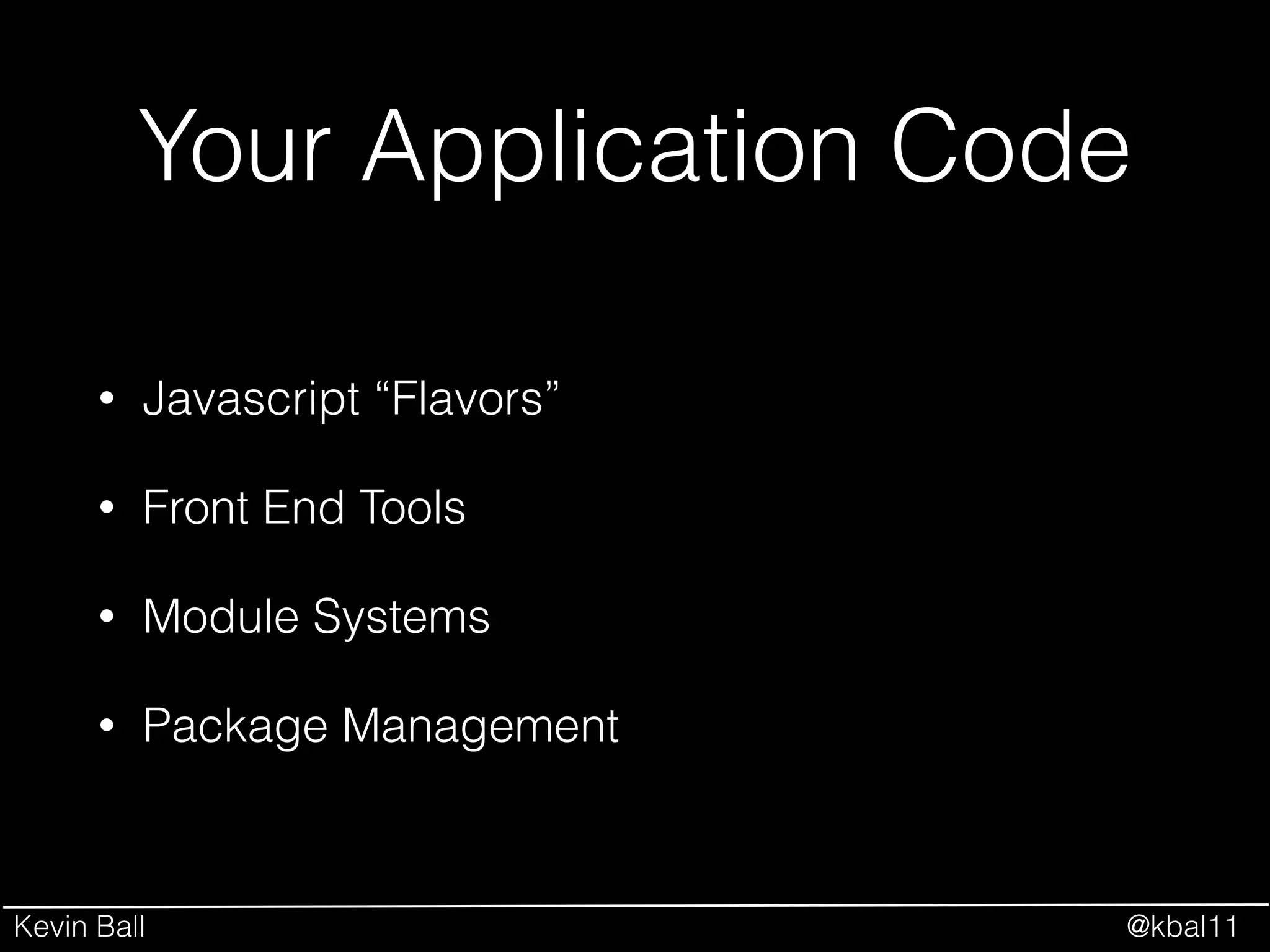
Your Application Code
• Javascript “Flavors”
• Front End Tools
• Module Systems
• Package Management
Kevin Ball @kbal11
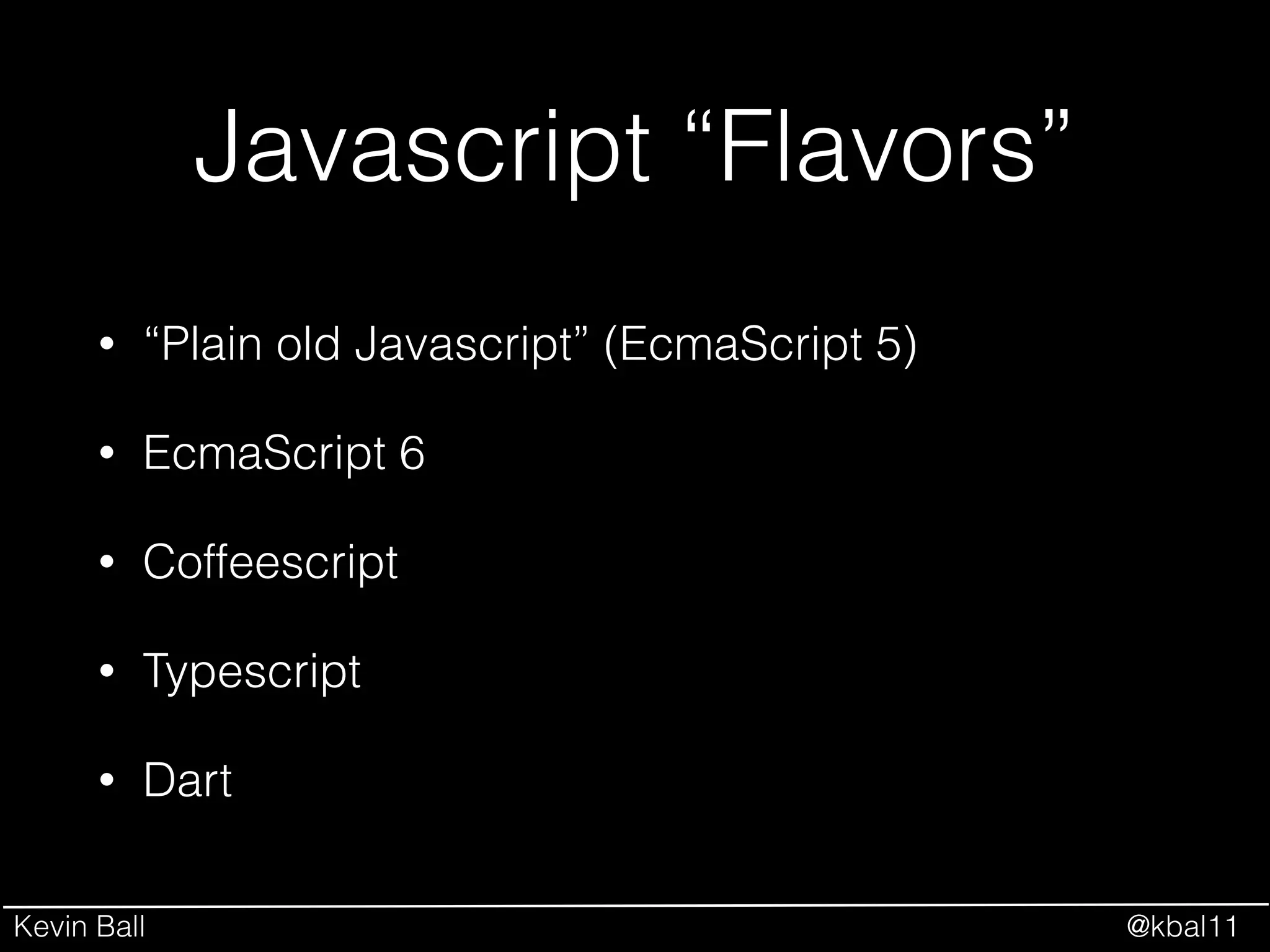
Javascript “Flavors”
• “Plain old Javascript” (EcmaScript 5)
• EcmaScript 6
• Coffeescript
• Typescript
• Dart
Kevin Ball @kbal11
Javascript “Flavors”
Image Source: http://hakumilol123.deviantart.com/art/Luffy-is-confused-332924357
Kevin Ball @kbal11
Javascript “Flavors”
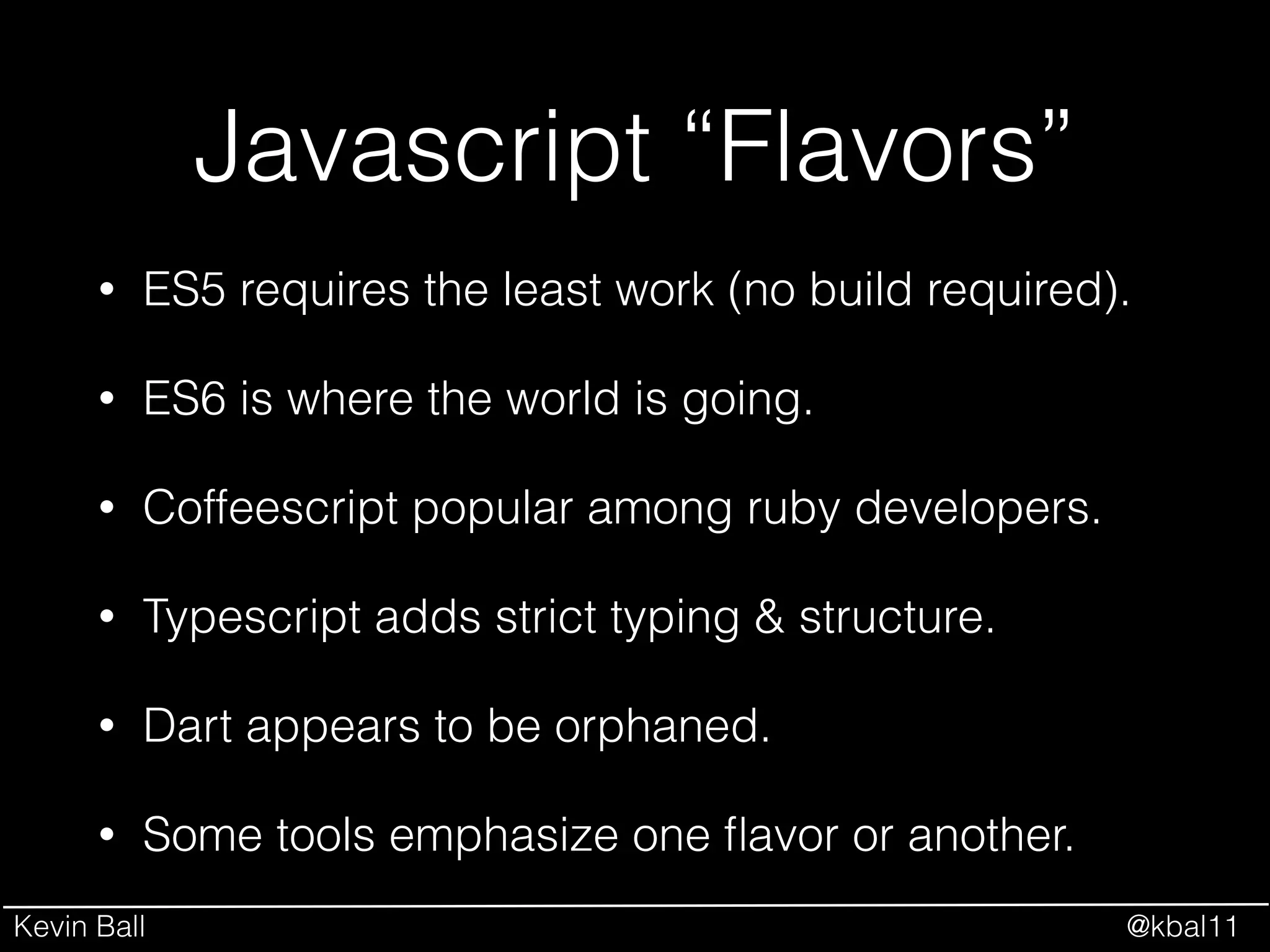
• ES5 requires the least work (no build required).
• ES6 is where the world is going.
• Coffeescript popular among ruby developers.
• Typescript adds strict typing & structure.
• Dart appears to be orphaned.
• Some tools emphasize one flavor or another.
Kevin Ball @kbal11
Front End Tools
• jQuery
• Backbone
• Angular
• Ember
• React
Kevin Ball @kbal11
jQuery
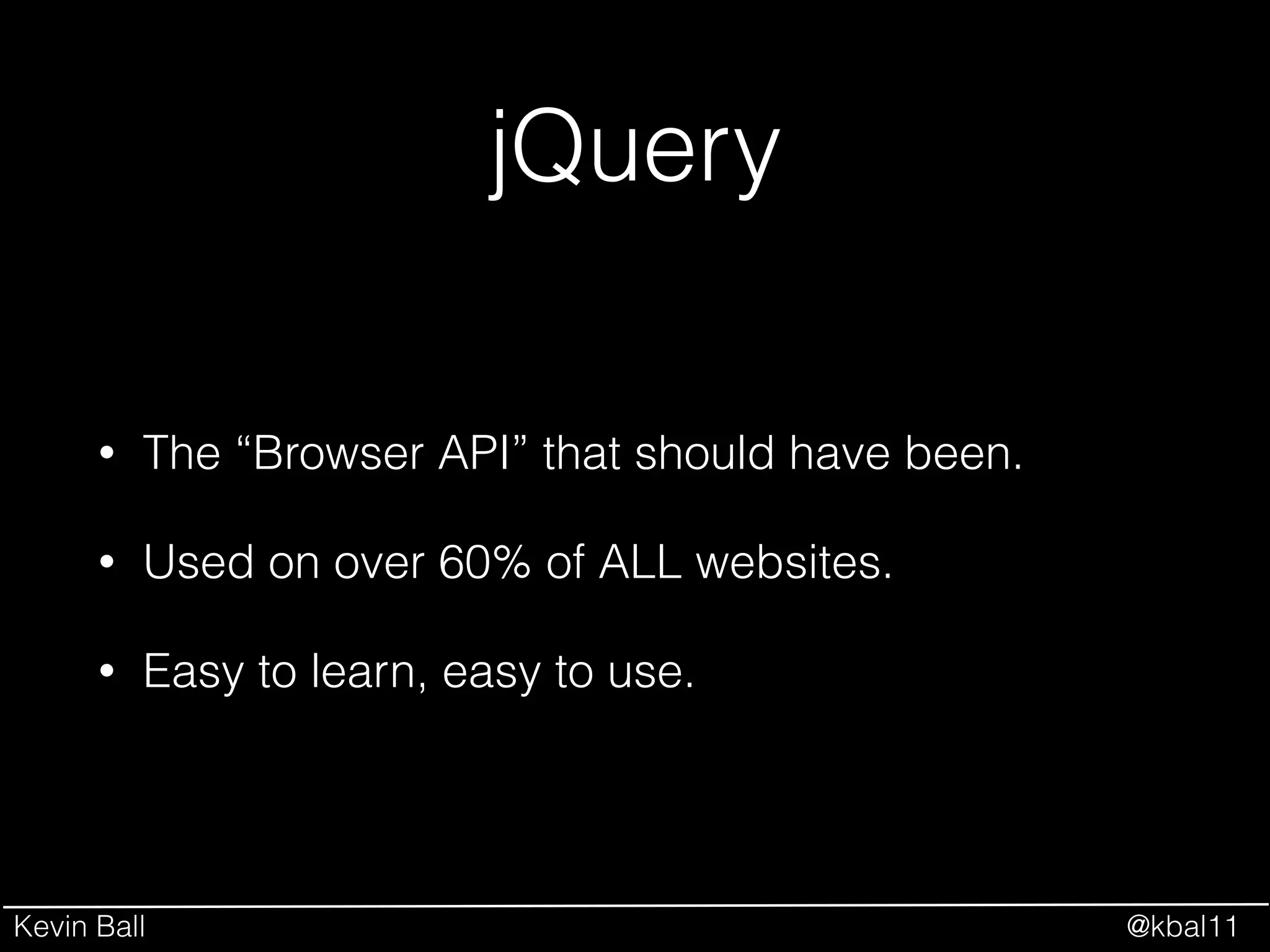
• The “Browser API” that should have been.
• Used on over 60% of ALL websites.
• Easy to learn, easy to use.
Kevin Ball @kbal11
Backbone
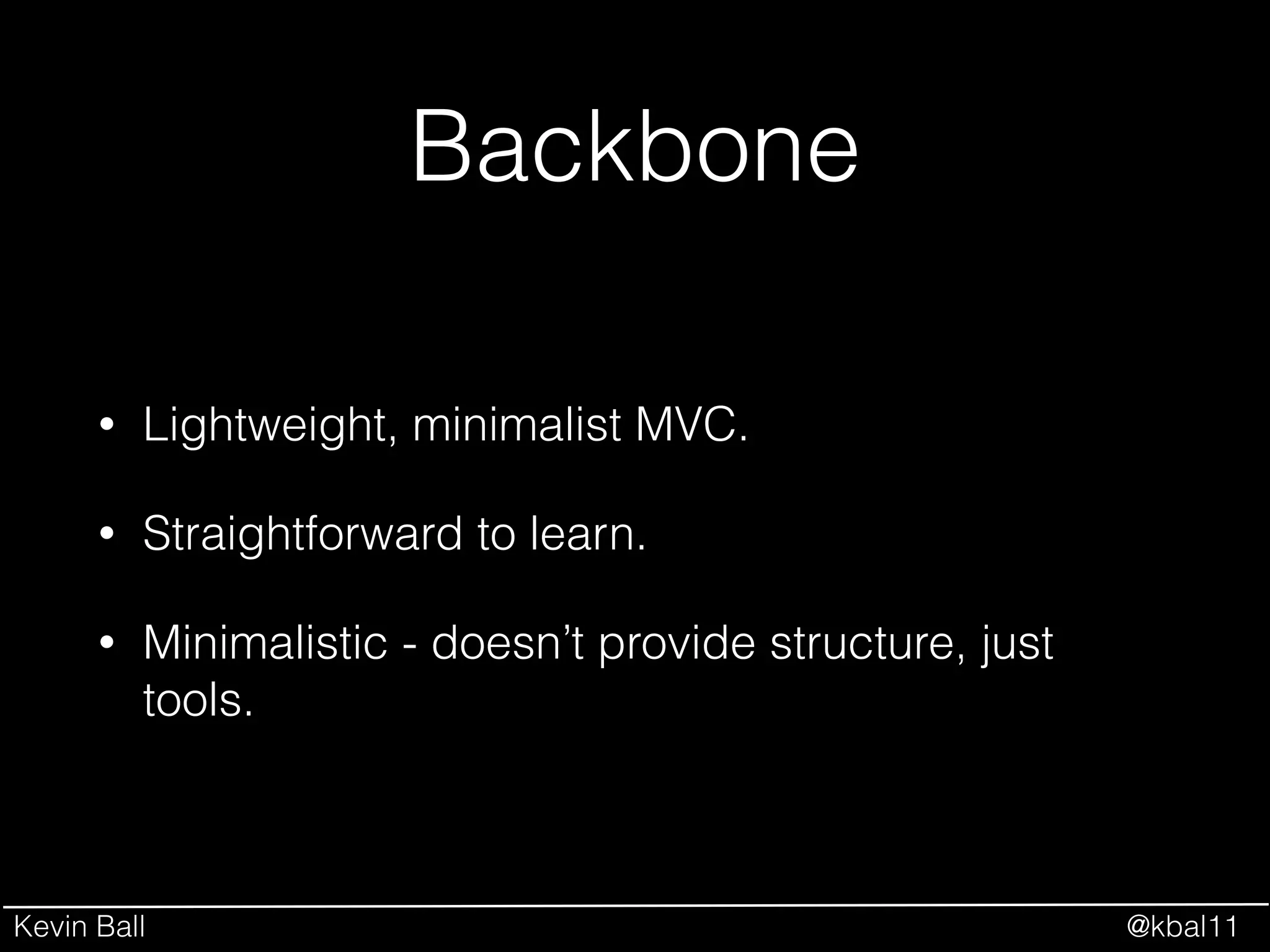
• Lightweight, minimalist MVC.
• Straightforward to learn.
• Minimalistic - doesn’t provide structure, just
tools.
Kevin Ball @kbal11
Angular
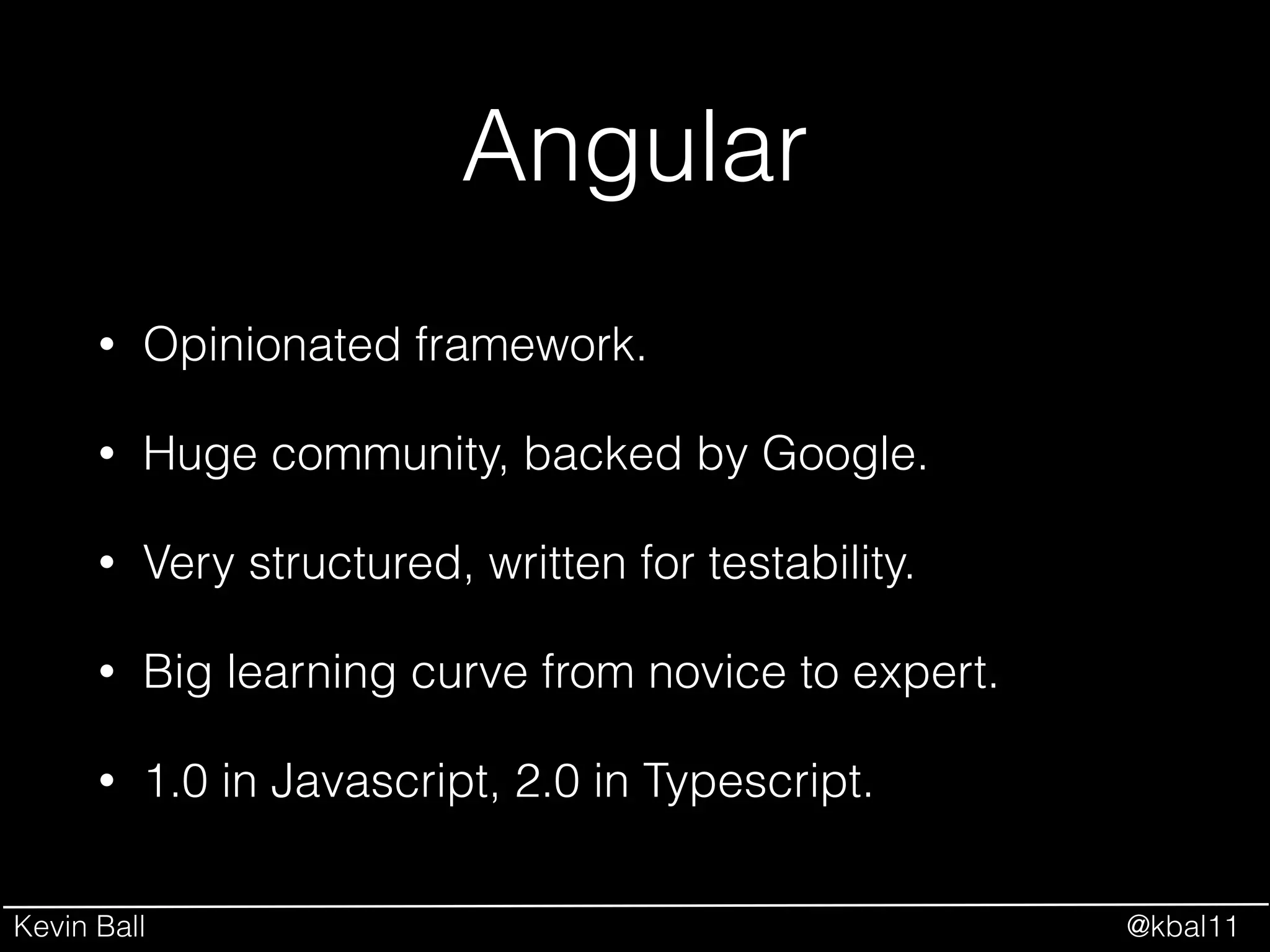
• Opinionated framework.
• Huge community, backed by Google.
• Very structured, written for testability.
• Big learning curve from novice to expert.
• 1.0 in Javascript, 2.0 in Typescript.
Kevin Ball @kbal11
Ember
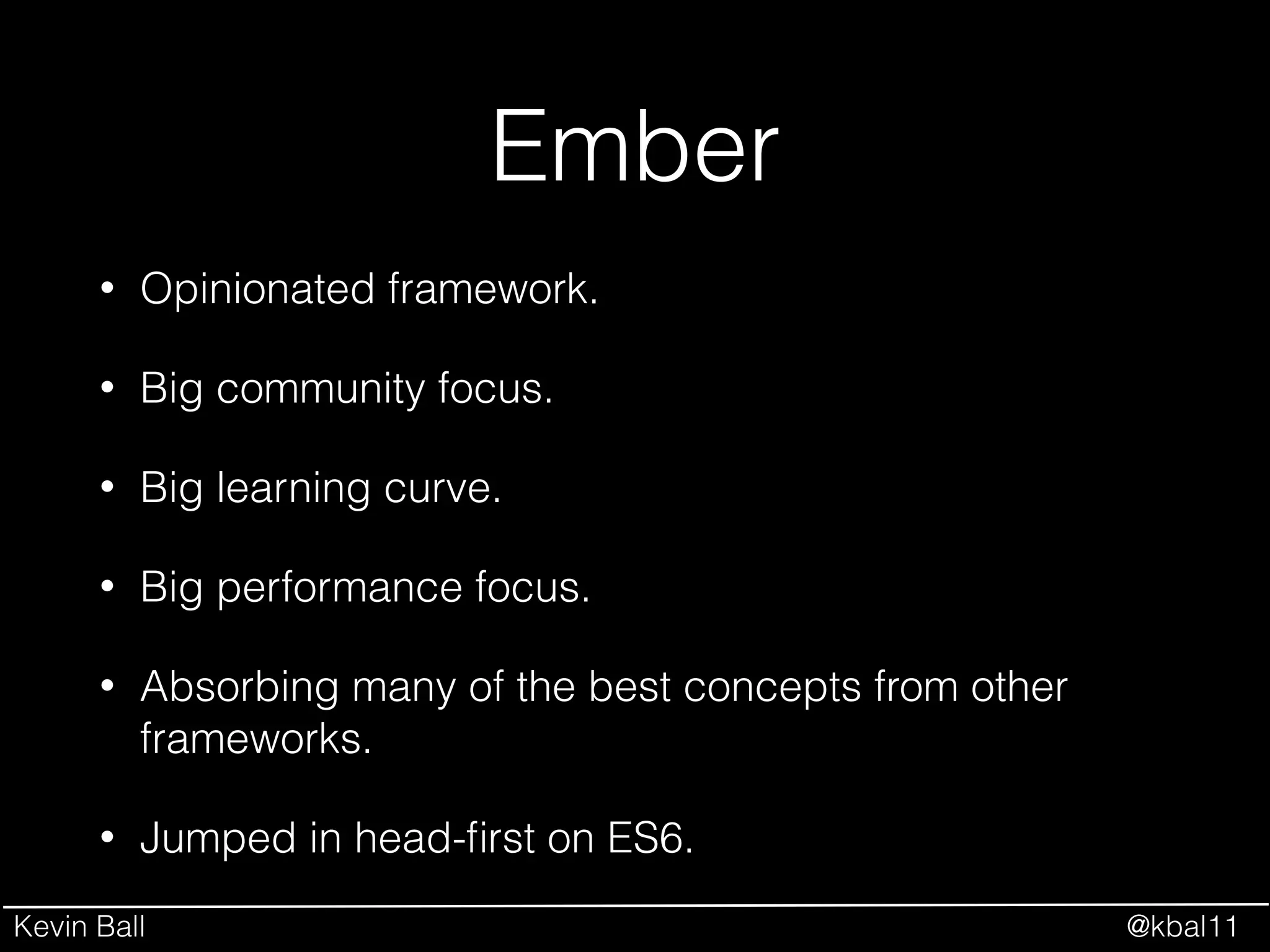
• Opinionated framework.
• Big community focus.
• Big learning curve.
• Big performance focus.
• Absorbing many of the best concepts from other
frameworks.
• Jumped in head-first on ES6.
Kevin Ball @kbal11
React
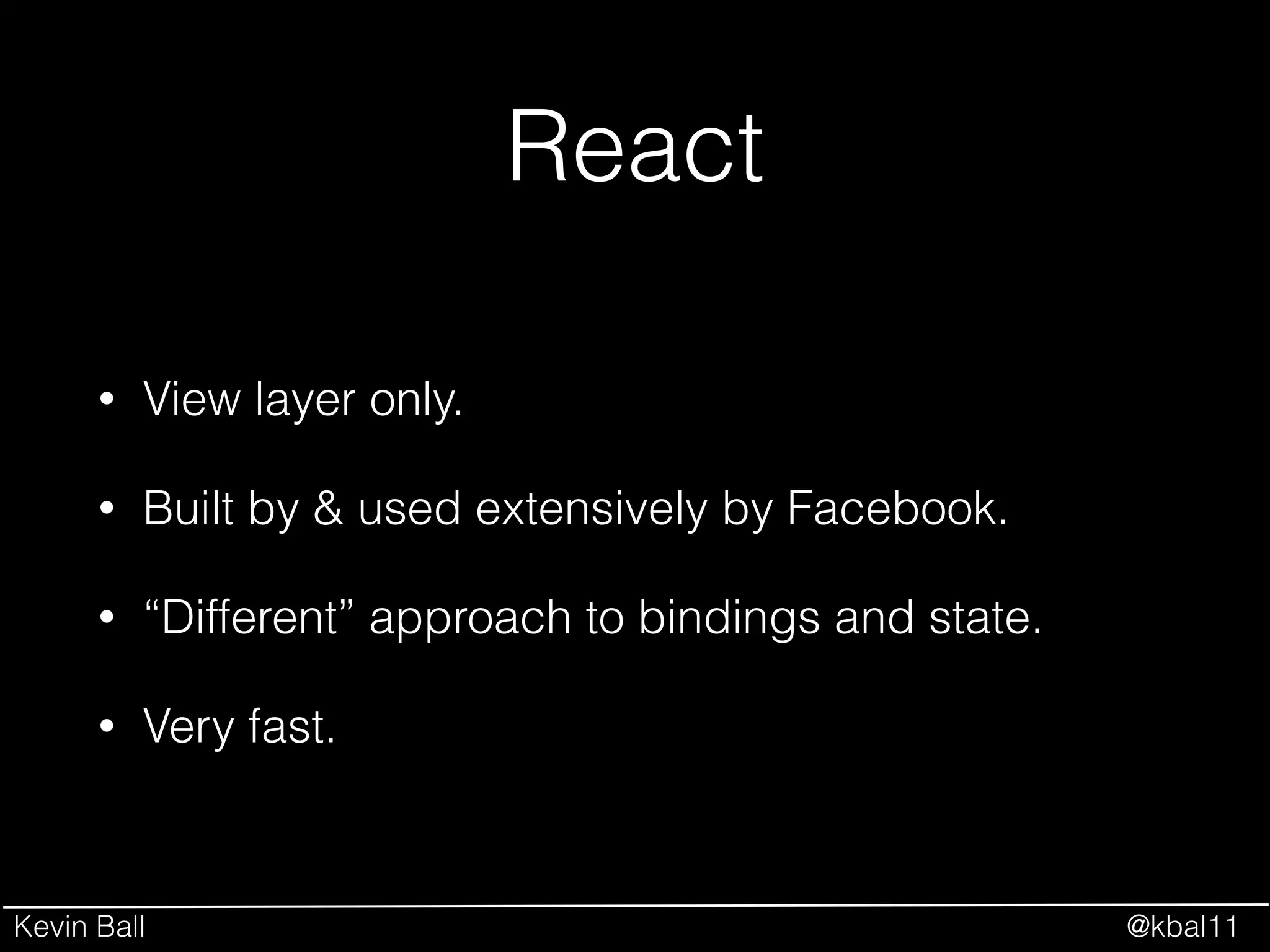
• View layer only.
• Built by & used extensively by Facebook.
• “Different” approach to bindings and state.
• Very fast.
Kevin Ball @kbal11
Front End Tools
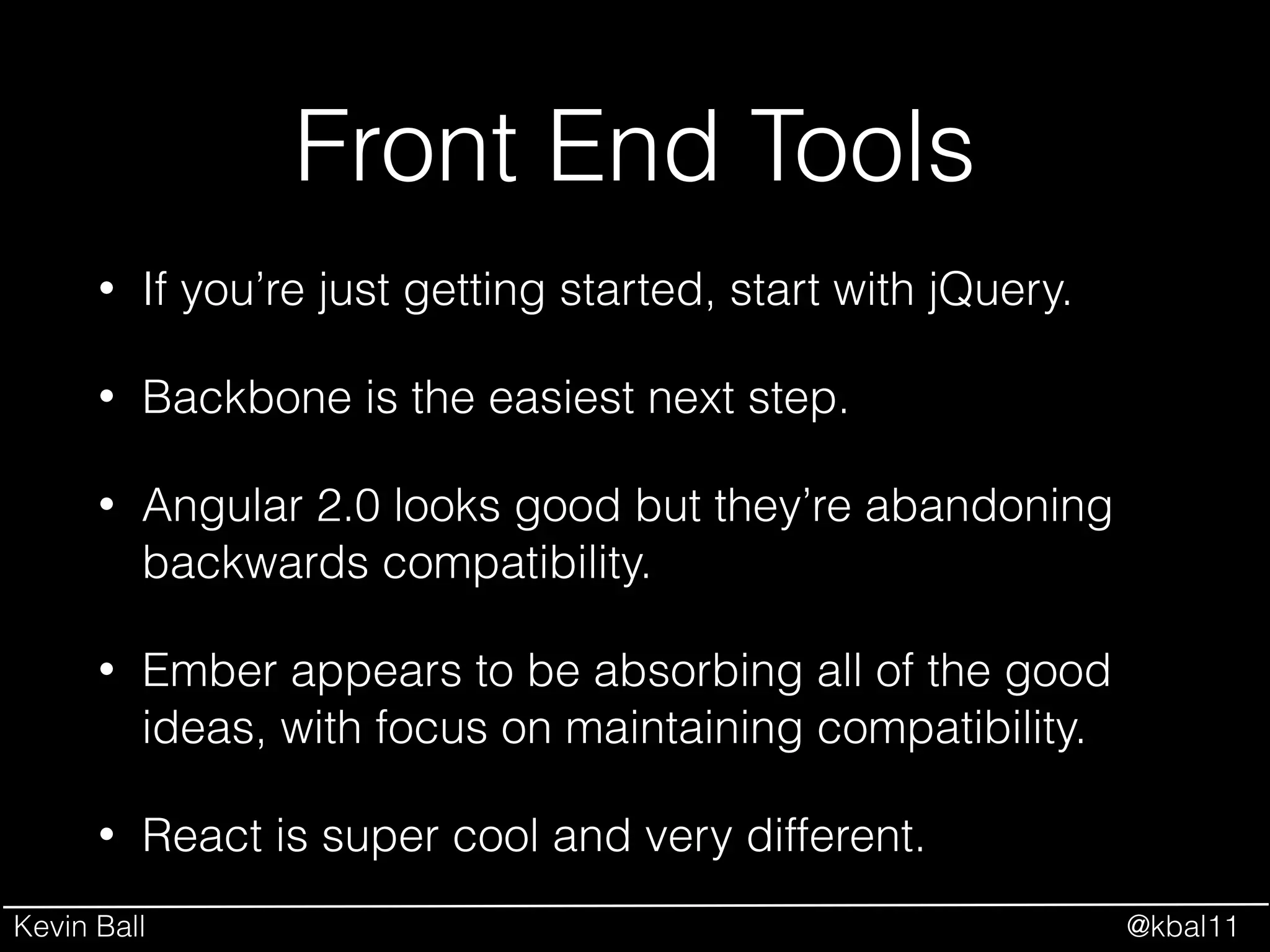
• If you’re just getting started, start with jQuery.
• Backbone is the easiest next step.
• Angular 2.0 looks good but they’re abandoning
backwards compatibility.
• Ember appears to be absorbing all of the good
ideas, with focus on maintaining compatibility.
• React is super cool and very different.
Kevin Ball @kbal11
Module Systems
–Eloquent JavaScript
“Most modern programming languages have
some kind of module system built in. Not
JavaScript. Once again, we have to invent
something ourselves.”
Kevin Ball @kbal11
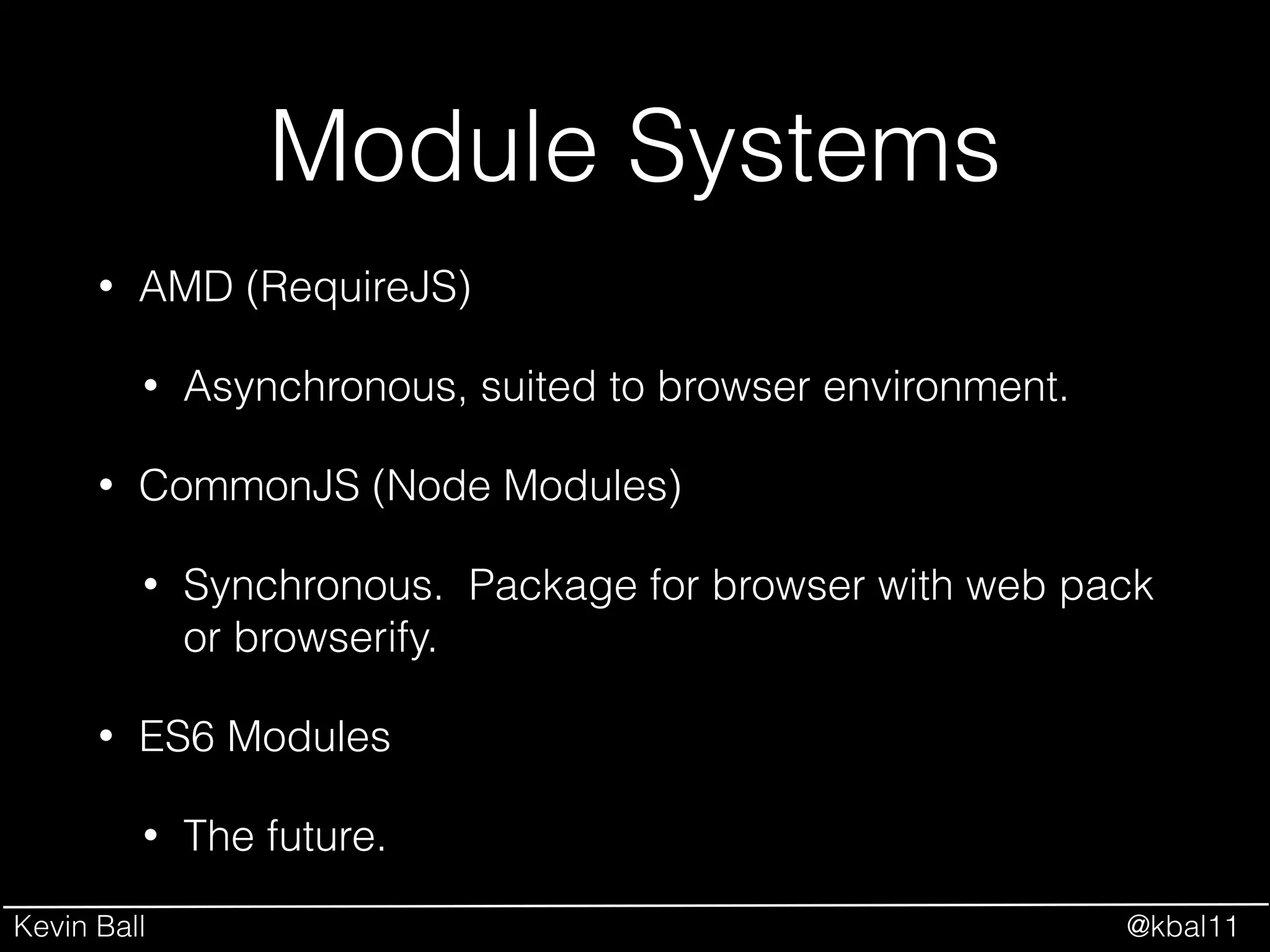
Module Systems
• AMD (RequireJS)
• CommonJS (Node Modules)
• ES6 Modules
Kevin Ball @kbal11
Module Systems
• AMD (RequireJS)
• Asynchronous, suited to browser environment.
• CommonJS (Node Modules)
• ES6 Modules
Kevin Ball @kbal11
Module Systems
• AMD (RequireJS)
• Asynchronous, suited to browser environment.
• CommonJS (Node Modules)
• Synchronous. Package for browser with web
pack or browserify.
• ES6 Modules
Kevin Ball @kbal11
Module Systems
• AMD (RequireJS)
• Asynchronous, suited to browser environment.
• CommonJS (Node Modules)
• Synchronous. Package for browser with web pack
or browserify.
• ES6 Modules
• The future.
Kevin Ball @kbal11
Package Management
• NPM
• bower
Kevin Ball @kbal11
Package Management
• NPM
• Node Package Manager
• bower
Kevin Ball @kbal11
Package Management
• NPM
• Node Package Manager.
• Bower
• “Front End Package Manager”
Kevin Ball @kbal11
Let’s Break It Down
Your Application
Code
Client Application Lifecycle
Compilation &
Packaging
Webserver
User Browser
Kevin Ball @kbal11
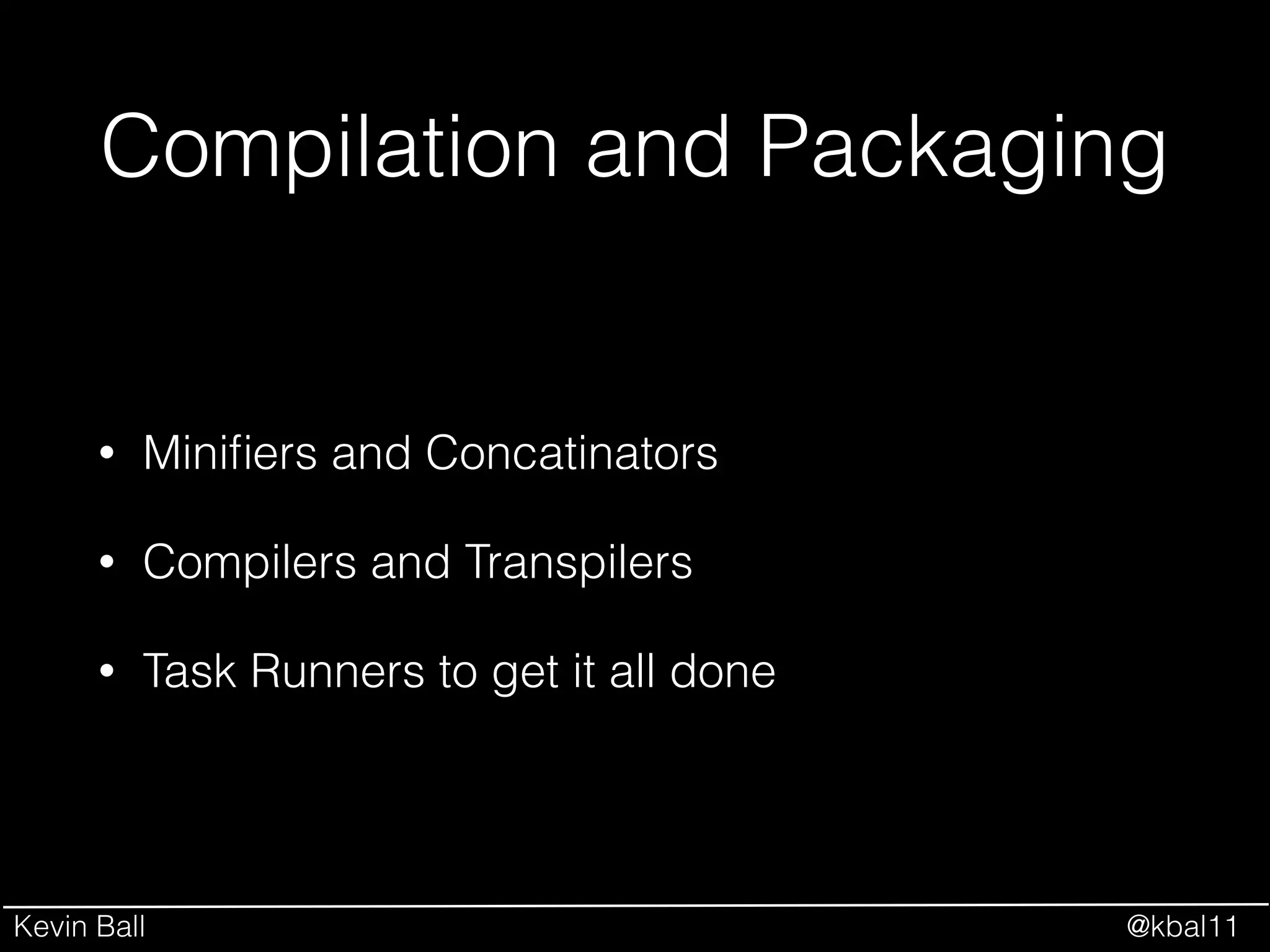
Compilation and Packaging
• Minifiers and Concatinators
• Compilers and Transpilers
• Task Runners to get it all done
Kevin Ball @kbal11
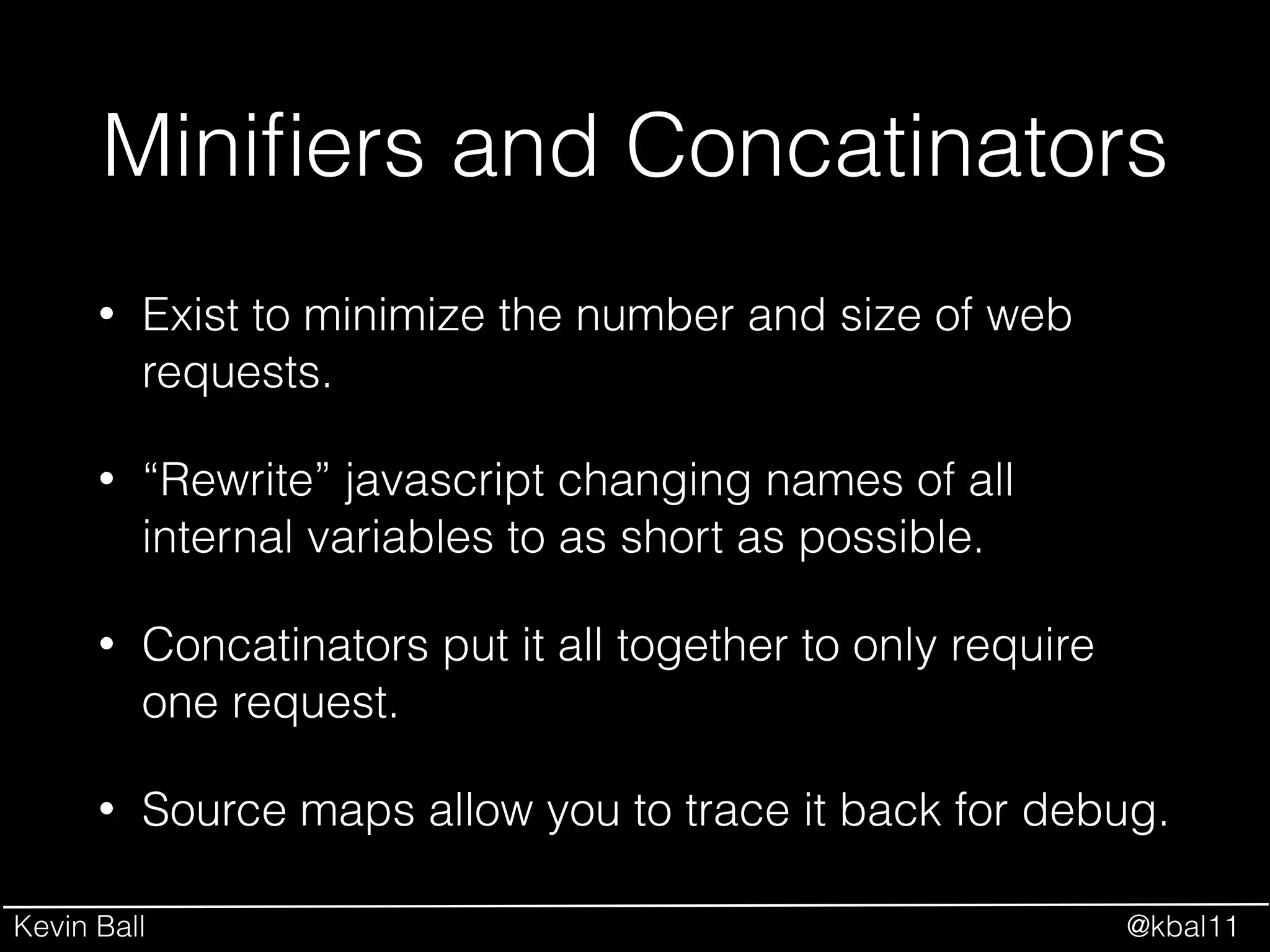
Minifiers and Concatinators
• Exist to minimize the number and size of web
requests.
• “Rewrite” javascript changing names of all
internal variables to as short as possible.
• Concatinators put it all together to only require
one request.
• Source maps allow you to trace it back for debug.
Kevin Ball @kbal11
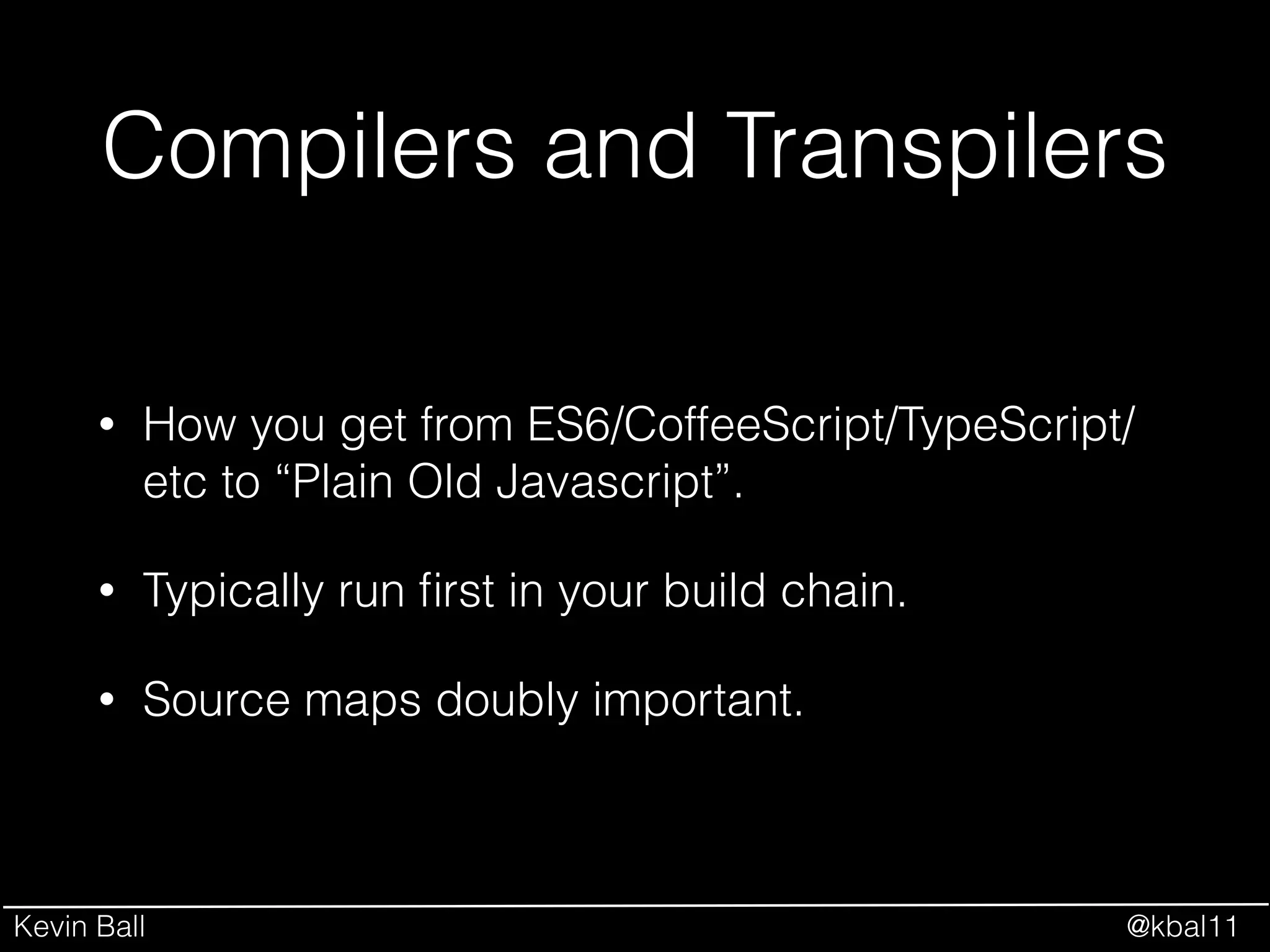
Compilers and Transpilers
• How you get from ES6/CoffeeScript/TypeScript/
etc to “Plain Old Javascript”.
• Typically run first in your build chain.
• Source maps doubly important.
Kevin Ball @kbal11
Task Runners
• Grunt
• Gulp
• Broccoli
Kevin Ball @kbal11
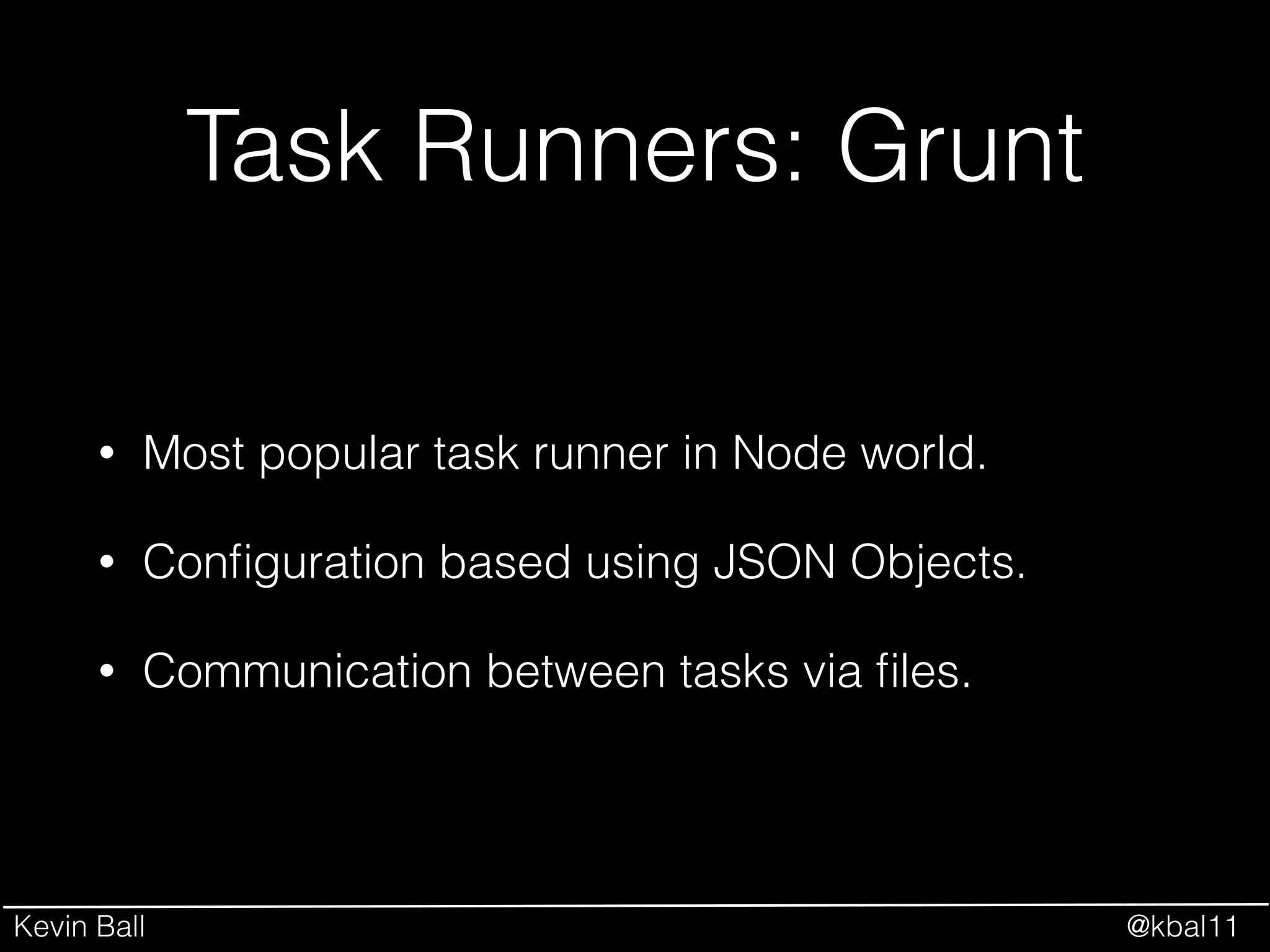
Task Runners: Grunt
• Most popular task runner in Node world.
• Configuration based using JSON Objects.
• Communication between tasks via files.
Kevin Ball @kbal11
Sample Gruntfile.js
module.exports = function(grunt) {
grunt.initConfig({
jshint: {
files: ['Gruntfile.js', 'src/**/*.js', 'test/**/*.js'],
options: {
globals: {
jQuery: true
}
}
},
watch: {
files: ['<%= jshint.files %>'],
tasks: ['jshint']
}
});
grunt.loadNpmTasks('grunt-contrib-jshint');
grunt.loadNpmTasks('grunt-contrib-watch');
!
grunt.registerTask('default', ['jshint']);
};
Kevin Ball @kbal11
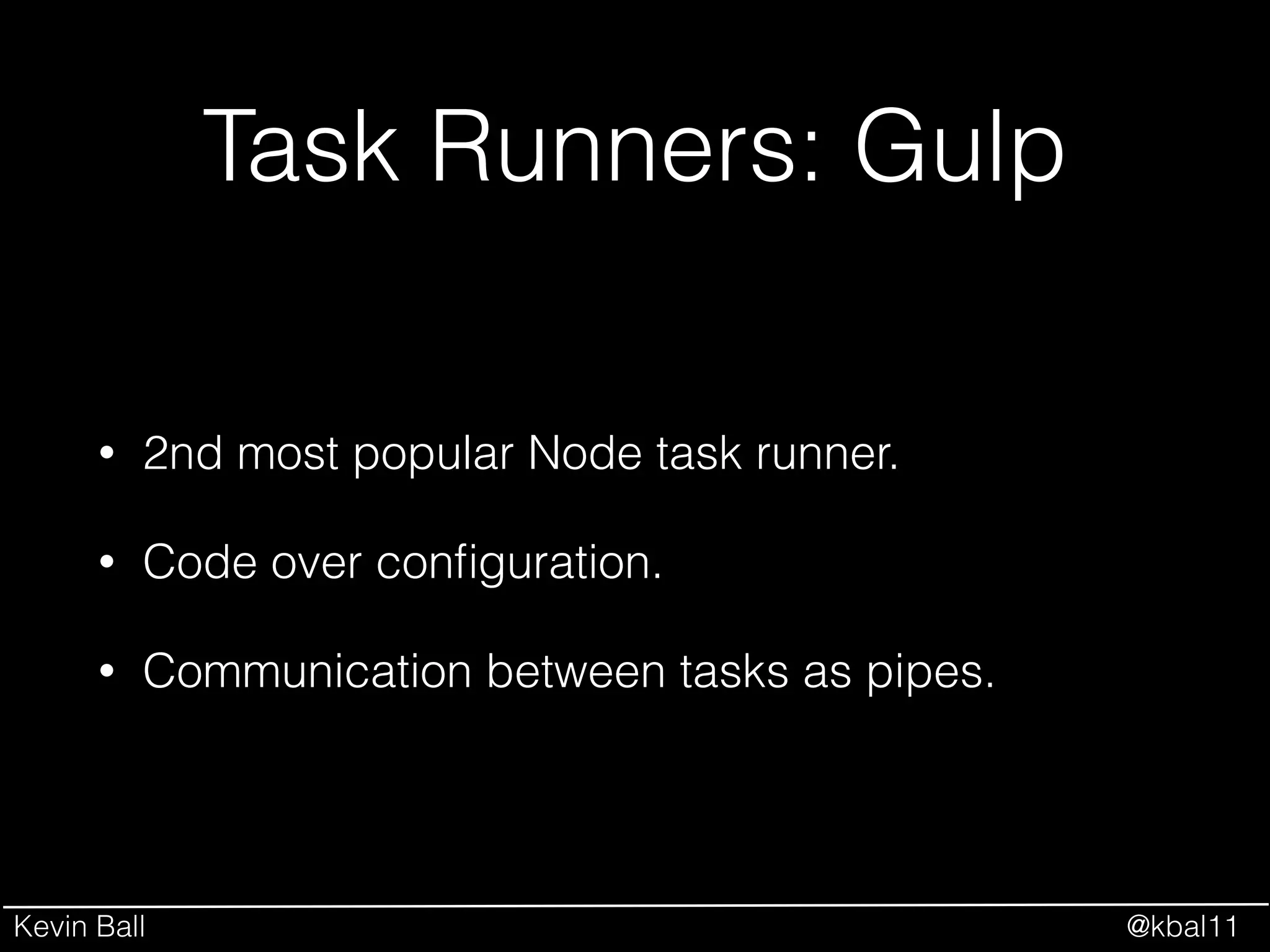
Task Runners: Gulp
• 2nd most popular Node task runner.
• Code over configuration.
• Communication between tasks as pipes.
Kevin Ball @kbal11
Sample gulpfile.js
var gulp = require(‘gulp’);
var jshint = require(‘gulp-jshint’);
!
gulp.task(‘jshint’, function() {
return gulp.src(['gulpfile.js', 'src/**/*.js', ‘test/**/*.js’])
.pipe(jshint())
.pipe(jshint.reporter(‘jshint-stylish’))
.pipe(jshint.reporter(‘fail’));
});
!
gulp.watch([‘src/**/*.js’, ‘test/**/*.js’], ‘jshint’);
gulp.task(‘default’, ‘jshint’);
Kevin Ball @kbal11
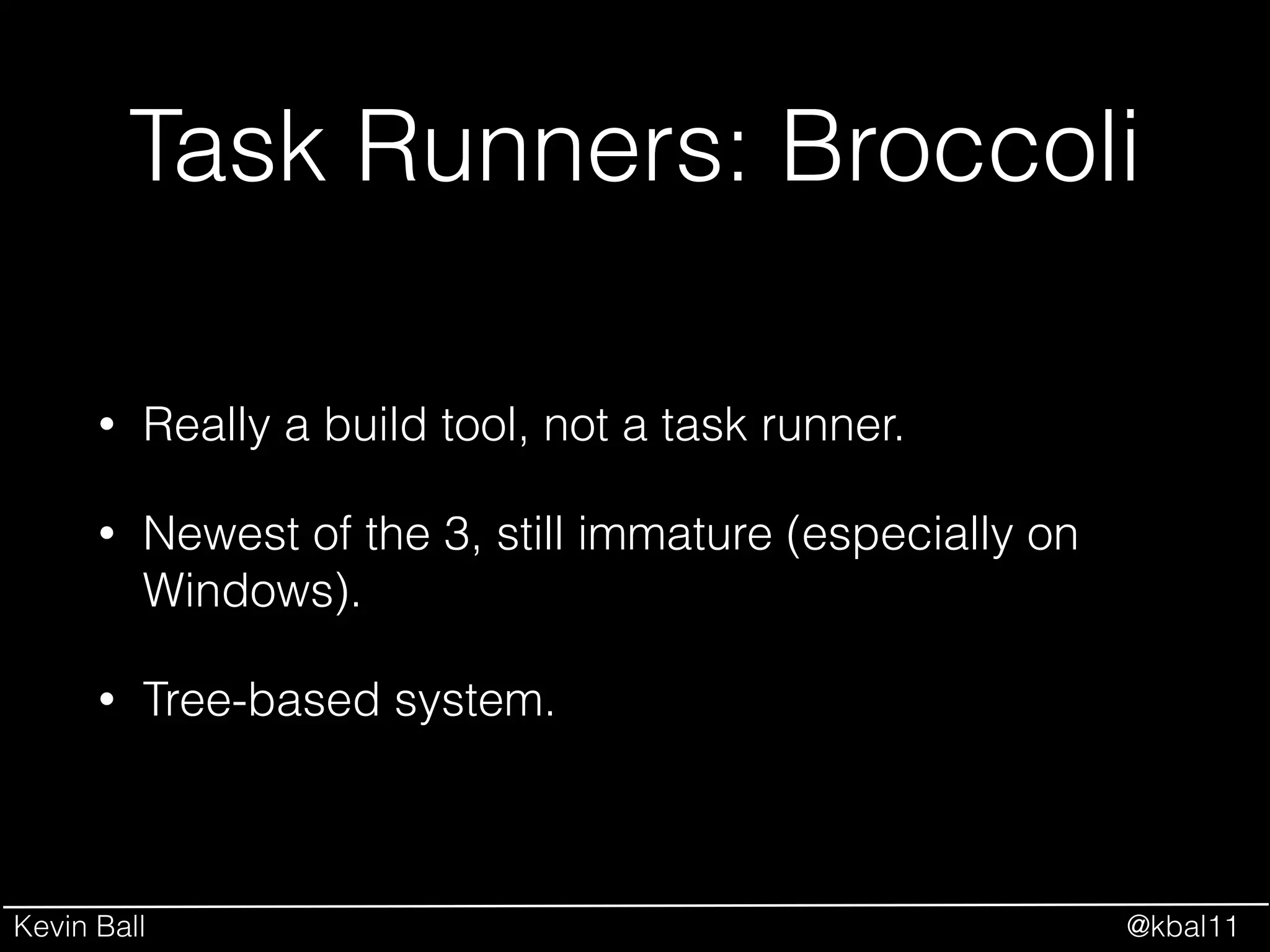
Task Runners: Broccoli
• Really a build tool, not a task runner.
• Newest of the 3, still immature (especially on
Windows).
• Tree-based system.
Kevin Ball @kbal11
Sample Brocfile.js
// Brocfile.js
var concat = require('broccoli-concat'),
pickFiles = require('broccoli-static-compiler'),
mergeTrees = require('broccoli-merge-trees');
!
// concat the JS
var scripts = concat('app/', {
inputFiles: ['**/*.js'],
outputFile: '/assets/scripts.js'
});
// concat the CSS
var styles = concat('app/styles', {
inputFiles: ['**/*.css'],
outputFile: '/assets/styles.css'
});
!
// and merge all the trees together
module.exports = mergeTrees([scripts, styles]);
Kevin Ball @kbal11
Task Runners
• Grunt - Good for beginners, most familiar style.!
• Gulp
• Broccoli
Kevin Ball @kbal11
Task Runners
• Grunt
• Gulp - Good for Linux/piped background.!
• Broccoli
Kevin Ball @kbal11
Task Runners
• Grunt
• Gulp
• Broccoli - The next big thing. Experts should
check it out.
Kevin Ball @kbal11
Let’s Break It Down
Your Application
Code
Client Application Lifecycle
Compilation &
Packaging
Webserver
User Browser
Kevin Ball @kbal11
Webserver
• Execution Environments
• Webservers
Kevin Ball @kbal11
Execution Environments
• Browsers
• Node.js
• io.js
Kevin Ball @kbal11
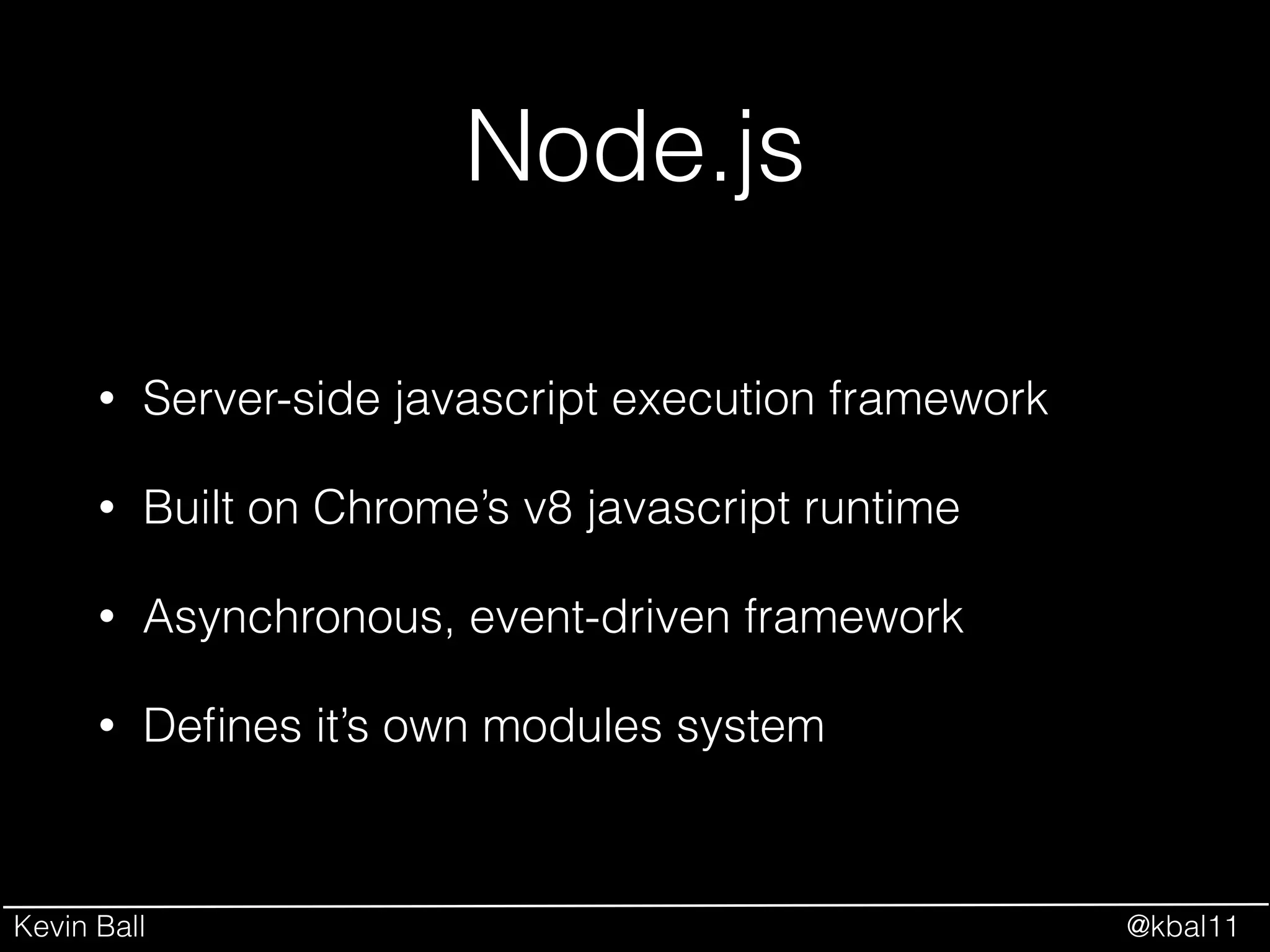
Node.js
• Server-side javascript execution framework
• Built on Chrome’s v8 javascript runtime
• Asynchronous, event-driven framework
• Defines it’s own modules system
Kevin Ball @kbal11
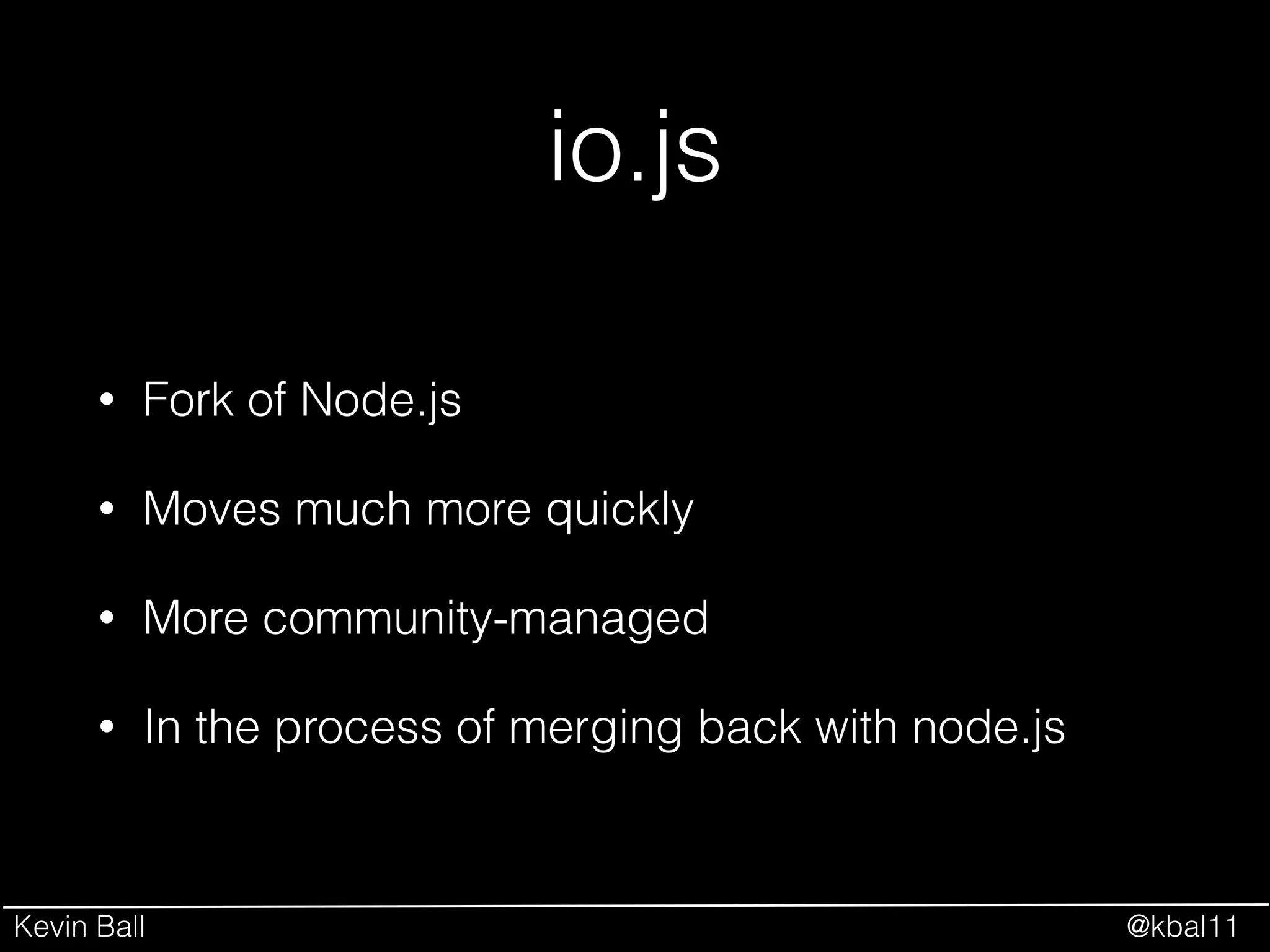
io.js
• Fork of Node.js
• Moves much more quickly
• More community-managed
• In the process of merging back with node.js
Kevin Ball @kbal11
Webservers
• Express
• Hapi
• Koa
Kevin Ball @kbal11
Webservers
• Express
• The de facto standard
• Hapi
• Koa
Kevin Ball @kbal11
Webservers
• Express
• The de facto standard
• Hapi
• Configuration over code
• Koa
Kevin Ball @kbal11
Webservers
• Express
• The de facto standard
• Hapi
• Configuration over code
• Koa
• Minimalist successor to Express
Kevin Ball @kbal11
Let’s Break It Down
Your Application
Code
Client Application Lifecycle
Compilation &
Packaging
Webserver
User Browser
Kevin Ball @kbal11
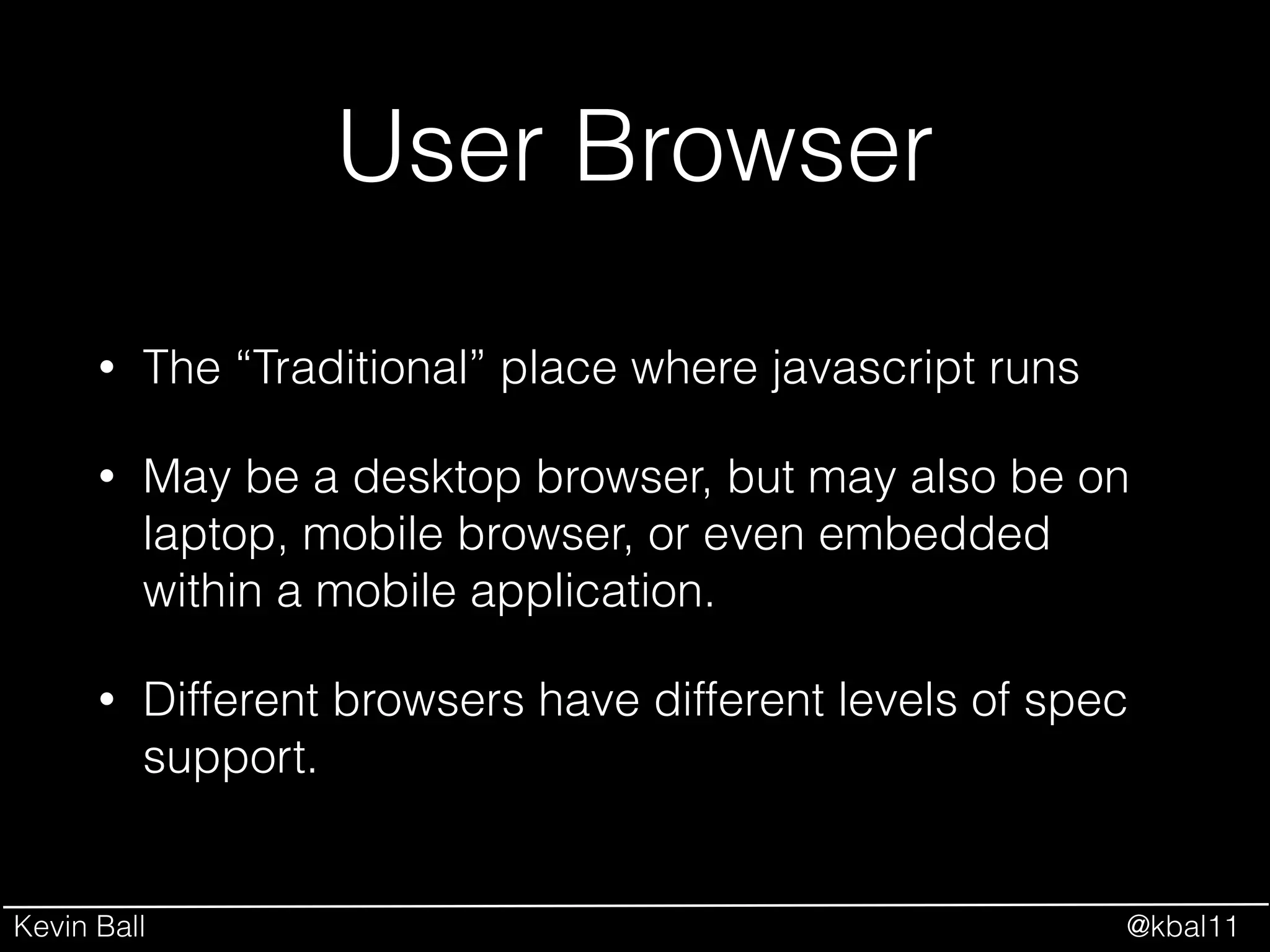
User Browser
• The “Traditional” place where javascript runs
• May be a desktop browser, but may also be on
laptop, mobile browser, or even embedded
within a mobile application.
• Different browsers have different levels of spec
support.
Kevin Ball @kbal11
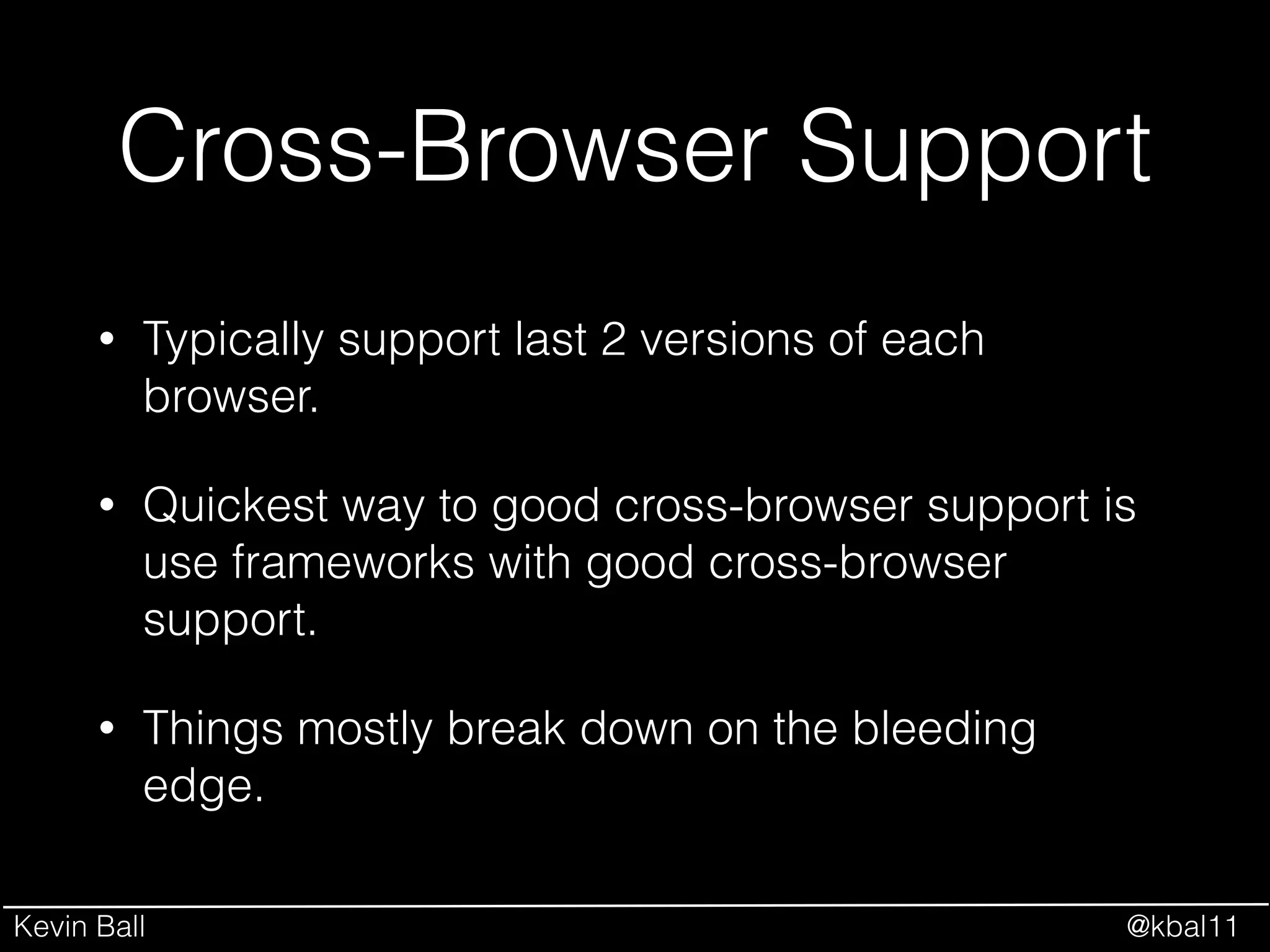
Cross-Browser Support
• Typically support last 2 versions of each
browser.
• Quickest way to good cross-browser support is
use frameworks with good cross-browser
support.
• Things mostly break down on the bleeding
edge.
Kevin Ball @kbal11
But really, where do I start?
• yeoman
• ember-cli
Let someone else choose for you!
Kevin Ball @kbal11
Kevin Ball @kbal11
Javascript is the Future
I’ll see you there.
Kevin Ball
http://kevinball.com
http://twitter.com/kbal11

Modern javascript

  • 1.
    Kevin Ball @kbal11 ModernJavascript An Overview of the Javascript Ecosystem in 2015
  • 2.
    Kevin Ball @kbal11 WhyJavascript? Image Source: https://twitter.com/dberkholz/status/395922559151009792
  • 3.
    Kevin Ball @kbal11 WhyJavascript? Image Source: http://www.internetlivestats.com/total-number-of-websites/#trend
  • 4.
    Kevin Ball @kbal11 WhyJavascript? Source: Vision Mobile 2014 Developer Economics Report
  • 5.
    Kevin Ball @kbal11 Great,where do I start? NPM Bower Node.js Grunt Gulp Broccoli Angular Ember BackboneExpress AMD React io.js Require.js ES6 Modules TypeScript CoffeeScript Dart jQuery
  • 7.
    Kevin Ball @kbal11 Let’sBreak It Down • Execution Environments (Browsers, node.js, io.js) • Webservers (Express, Hapi) • Package Management (NPM, Bower) • Task Runners and Build (Grunt, Gulp, Broccoli) • Front End Tools (jQuery, Backbone, Angular, Ember, React) • Module Systems (AMD, Require, Node Modules, ES6 Modules) • Javascript “Flavors” (CoffeeScript, TypeScript, Dart, ES6)
  • 8.
    Kevin Ball @kbal11 Let’sBreak It Down Your Application Code Client Application Lifecycle Compilation & Packaging Webserver User Browser
  • 9.
    Kevin Ball @kbal11 Let’sBreak It Down • Execution Environments (Browsers, node.js, io.js) • Webservers (Express, Hapi) • Package Management (NPM, Bower) • Task Runners and Build (Grunt, Gulp, Broccoli) • Front End Tools (jQuery, Backbone, Angular, Ember, React) • Module Systems (AMD, Require, Node Modules, ES6 Modules) • Javascript “Flavors” (CoffeeScript, TypeScript, Dart, ES6)
  • 10.
    Kevin Ball @kbal11 Let’sBreak It Down • Execution Environments (Browsers, node.js, io.js) • Webservers (Express, Hapi) • Package Management (NPM, Bower) • Task Runners and Build (Grunt, Gulp, Broccoli) • Front End Tools (jQuery, Backbone, Angular, Ember, React) • Module Systems (AMD, Require, Node Modules, ES6 Modules) • Javascript “Flavors” (CoffeeScript, TypeScript, Dart, ES6) Your Application Code
  • 11.
    Kevin Ball @kbal11 •Execution Environments (Browsers, node.js, io.js) • Webservers (Express, Hapi) • Package Management (NPM, Bower) • Task Runners and Build (Grunt, Gulp, Broccoli) • Front End Tools (jQuery, Backbone, Angular, Ember, React) • Module Systems (AMD, Require, Node Modules, ES6 Modules) • Javascript “Flavors” (CoffeeScript, TypeScript, Dart, ES6) Let’s Break It Down Your Application Code Compilation & Packaging
  • 12.
    Kevin Ball @kbal11 •Execution Environments (Browsers, node.js, io.js) • Webservers (Express, Hapi) • Package Management (NPM, Bower) • Task Runners and Build (Grunt, Gulp, Broccoli) • Front End Tools (jQuery, Backbone, Angular, Ember, React) • Module Systems (AMD, Require, Node Modules, ES6 Modules) • Javascript “Flavors” (CoffeeScript, TypeScript, Dart, ES6) Let’s Break It Down Your Application Code Webserver
  • 13.
    Kevin Ball @kbal11 •Execution Environments (Browsers, node.js, io.js) • Webservers (Express, Hapi) • Package Management (NPM, Bower) • Task Runners and Build (Grunt, Gulp, Broccoli) • Front End Tools (jQuery, Backbone, Angular, Ember, React) • Module Systems (AMD, Require, Node Modules, ES6 Modules) • Javascript “Flavors” (CoffeeScript, TypeScript, Dart, ES6) Let’s Break It Down Your Application Code User Browser
  • 14.
    Kevin Ball @kbal11 Let’sBreak It Down Your Application Code Client Application Lifecycle Compilation & Packaging Webserver User Browser
  • 15.
    Kevin Ball @kbal11 YourApplication Code • Javascript “Flavors” • Front End Tools • Module Systems • Package Management
  • 16.
    Kevin Ball @kbal11 Javascript“Flavors” • “Plain old Javascript” (EcmaScript 5) • EcmaScript 6 • Coffeescript • Typescript • Dart
  • 17.
    Kevin Ball @kbal11 Javascript“Flavors” Image Source: http://hakumilol123.deviantart.com/art/Luffy-is-confused-332924357
  • 18.
    Kevin Ball @kbal11 Javascript“Flavors” • ES5 requires the least work (no build required). • ES6 is where the world is going. • Coffeescript popular among ruby developers. • Typescript adds strict typing & structure. • Dart appears to be orphaned. • Some tools emphasize one flavor or another.
  • 19.
    Kevin Ball @kbal11 FrontEnd Tools • jQuery • Backbone • Angular • Ember • React
  • 20.
    Kevin Ball @kbal11 jQuery •The “Browser API” that should have been. • Used on over 60% of ALL websites. • Easy to learn, easy to use.
  • 21.
    Kevin Ball @kbal11 Backbone •Lightweight, minimalist MVC. • Straightforward to learn. • Minimalistic - doesn’t provide structure, just tools.
  • 22.
    Kevin Ball @kbal11 Angular •Opinionated framework. • Huge community, backed by Google. • Very structured, written for testability. • Big learning curve from novice to expert. • 1.0 in Javascript, 2.0 in Typescript.
  • 23.
    Kevin Ball @kbal11 Ember •Opinionated framework. • Big community focus. • Big learning curve. • Big performance focus. • Absorbing many of the best concepts from other frameworks. • Jumped in head-first on ES6.
  • 24.
    Kevin Ball @kbal11 React •View layer only. • Built by & used extensively by Facebook. • “Different” approach to bindings and state. • Very fast.
  • 25.
    Kevin Ball @kbal11 FrontEnd Tools • If you’re just getting started, start with jQuery. • Backbone is the easiest next step. • Angular 2.0 looks good but they’re abandoning backwards compatibility. • Ember appears to be absorbing all of the good ideas, with focus on maintaining compatibility. • React is super cool and very different.
  • 26.
    Kevin Ball @kbal11 ModuleSystems –Eloquent JavaScript “Most modern programming languages have some kind of module system built in. Not JavaScript. Once again, we have to invent something ourselves.”
  • 27.
    Kevin Ball @kbal11 ModuleSystems • AMD (RequireJS) • CommonJS (Node Modules) • ES6 Modules
  • 28.
    Kevin Ball @kbal11 ModuleSystems • AMD (RequireJS) • Asynchronous, suited to browser environment. • CommonJS (Node Modules) • ES6 Modules
  • 29.
    Kevin Ball @kbal11 ModuleSystems • AMD (RequireJS) • Asynchronous, suited to browser environment. • CommonJS (Node Modules) • Synchronous. Package for browser with web pack or browserify. • ES6 Modules
  • 30.
    Kevin Ball @kbal11 ModuleSystems • AMD (RequireJS) • Asynchronous, suited to browser environment. • CommonJS (Node Modules) • Synchronous. Package for browser with web pack or browserify. • ES6 Modules • The future.
  • 31.
    Kevin Ball @kbal11 PackageManagement • NPM • bower
  • 32.
    Kevin Ball @kbal11 PackageManagement • NPM • Node Package Manager • bower
  • 33.
    Kevin Ball @kbal11 PackageManagement • NPM • Node Package Manager. • Bower • “Front End Package Manager”
  • 34.
    Kevin Ball @kbal11 Let’sBreak It Down Your Application Code Client Application Lifecycle Compilation & Packaging Webserver User Browser
  • 35.
    Kevin Ball @kbal11 Compilationand Packaging • Minifiers and Concatinators • Compilers and Transpilers • Task Runners to get it all done
  • 36.
    Kevin Ball @kbal11 Minifiersand Concatinators • Exist to minimize the number and size of web requests. • “Rewrite” javascript changing names of all internal variables to as short as possible. • Concatinators put it all together to only require one request. • Source maps allow you to trace it back for debug.
  • 37.
    Kevin Ball @kbal11 Compilersand Transpilers • How you get from ES6/CoffeeScript/TypeScript/ etc to “Plain Old Javascript”. • Typically run first in your build chain. • Source maps doubly important.
  • 38.
    Kevin Ball @kbal11 TaskRunners • Grunt • Gulp • Broccoli
  • 39.
    Kevin Ball @kbal11 TaskRunners: Grunt • Most popular task runner in Node world. • Configuration based using JSON Objects. • Communication between tasks via files.
  • 40.
    Kevin Ball @kbal11 SampleGruntfile.js module.exports = function(grunt) { grunt.initConfig({ jshint: { files: ['Gruntfile.js', 'src/**/*.js', 'test/**/*.js'], options: { globals: { jQuery: true } } }, watch: { files: ['<%= jshint.files %>'], tasks: ['jshint'] } }); grunt.loadNpmTasks('grunt-contrib-jshint'); grunt.loadNpmTasks('grunt-contrib-watch'); ! grunt.registerTask('default', ['jshint']); };
  • 41.
    Kevin Ball @kbal11 TaskRunners: Gulp • 2nd most popular Node task runner. • Code over configuration. • Communication between tasks as pipes.
  • 42.
    Kevin Ball @kbal11 Samplegulpfile.js var gulp = require(‘gulp’); var jshint = require(‘gulp-jshint’); ! gulp.task(‘jshint’, function() { return gulp.src(['gulpfile.js', 'src/**/*.js', ‘test/**/*.js’]) .pipe(jshint()) .pipe(jshint.reporter(‘jshint-stylish’)) .pipe(jshint.reporter(‘fail’)); }); ! gulp.watch([‘src/**/*.js’, ‘test/**/*.js’], ‘jshint’); gulp.task(‘default’, ‘jshint’);
  • 43.
    Kevin Ball @kbal11 TaskRunners: Broccoli • Really a build tool, not a task runner. • Newest of the 3, still immature (especially on Windows). • Tree-based system.
  • 44.
    Kevin Ball @kbal11 SampleBrocfile.js // Brocfile.js var concat = require('broccoli-concat'), pickFiles = require('broccoli-static-compiler'), mergeTrees = require('broccoli-merge-trees'); ! // concat the JS var scripts = concat('app/', { inputFiles: ['**/*.js'], outputFile: '/assets/scripts.js' }); // concat the CSS var styles = concat('app/styles', { inputFiles: ['**/*.css'], outputFile: '/assets/styles.css' }); ! // and merge all the trees together module.exports = mergeTrees([scripts, styles]);
  • 45.
    Kevin Ball @kbal11 TaskRunners • Grunt - Good for beginners, most familiar style.! • Gulp • Broccoli
  • 46.
    Kevin Ball @kbal11 TaskRunners • Grunt • Gulp - Good for Linux/piped background.! • Broccoli
  • 47.
    Kevin Ball @kbal11 TaskRunners • Grunt • Gulp • Broccoli - The next big thing. Experts should check it out.
  • 48.
    Kevin Ball @kbal11 Let’sBreak It Down Your Application Code Client Application Lifecycle Compilation & Packaging Webserver User Browser
  • 49.
    Kevin Ball @kbal11 Webserver •Execution Environments • Webservers
  • 50.
    Kevin Ball @kbal11 ExecutionEnvironments • Browsers • Node.js • io.js
  • 51.
    Kevin Ball @kbal11 Node.js •Server-side javascript execution framework • Built on Chrome’s v8 javascript runtime • Asynchronous, event-driven framework • Defines it’s own modules system
  • 52.
    Kevin Ball @kbal11 io.js •Fork of Node.js • Moves much more quickly • More community-managed • In the process of merging back with node.js
  • 53.
    Kevin Ball @kbal11 Webservers •Express • Hapi • Koa
  • 54.
    Kevin Ball @kbal11 Webservers •Express • The de facto standard • Hapi • Koa
  • 55.
    Kevin Ball @kbal11 Webservers •Express • The de facto standard • Hapi • Configuration over code • Koa
  • 56.
    Kevin Ball @kbal11 Webservers •Express • The de facto standard • Hapi • Configuration over code • Koa • Minimalist successor to Express
  • 57.
    Kevin Ball @kbal11 Let’sBreak It Down Your Application Code Client Application Lifecycle Compilation & Packaging Webserver User Browser
  • 58.
    Kevin Ball @kbal11 UserBrowser • The “Traditional” place where javascript runs • May be a desktop browser, but may also be on laptop, mobile browser, or even embedded within a mobile application. • Different browsers have different levels of spec support.
  • 59.
    Kevin Ball @kbal11 Cross-BrowserSupport • Typically support last 2 versions of each browser. • Quickest way to good cross-browser support is use frameworks with good cross-browser support. • Things mostly break down on the bleeding edge.
  • 60.
    Kevin Ball @kbal11 Butreally, where do I start? • yeoman • ember-cli Let someone else choose for you!
  • 61.
  • 62.
    Kevin Ball @kbal11 Javascriptis the Future I’ll see you there. Kevin Ball http://kevinball.com http://twitter.com/kbal11