UNIT- I
Introduction To C:
It has been developed by Dennis Ritchie at Bell
laboratories in the year of 1972.
C is a middle level general purpose language
C is structured Language
The C Declarations:
A Program is a set of statements for a specific
task, which will be executed in a sequential form
The C Character Set:
The characters used to form words, numbers and
expressions.
The characters in C are Classified into the following:
1. Letters – (Capital A – Z , Small a – z)
2. Digits – ( 0 - 9 )
3. White Spaces – (Blank space, Vertical tab, New Line)
4. Special Characters – ( , . ; : ‘ “ ! /  ~ - $ ? * & ^ % # @ { } [
] ( ) + = _ < > )
Delimiters:
: Colon  Useful for label
; Semi Colon  Terminates statements
( ) Parenthesis  Used in expression and function
[ ] Square Bracket  Used for array declaration
{ } Curly Brace  Scope of Statements
# Hash  Preprocessor directives
, Comma  Variable separator
The C Keywords:
The C Keywords are reserved words by the
compiler
All the C Keywords have been assigned some
fixed meaning
So The C keywords cannot be used as variable
name.
Ex:
Auto double int struct
Break else long switch
Case enum union unsigned
Const do goto sizeof
If static while main
Identifiers:
 Identifiers are names of variables, functions and
arrays.
 Lower case letters are preferred, the upper case
letters are also permitted
 ( _ ) under score symbol can be used as an identifier
Ex:
# define N 10
# define a 15
Constants: ( 8 mark)
 The constants in C are applicable to the values, which
do not change during the execution of a program.
They are classified into the following group:
User Defined Identifiers
A. Numeric Constants:
i) Integer Constants:
- These are the sequence of numbers from 0 to 9 without
decimal points or fractional part or any other symbols
- It requires 2 bytes or maximum 4 bytes
- It could either +ve , -ve or zero
Ex: 10, 20, +30, -25, 0
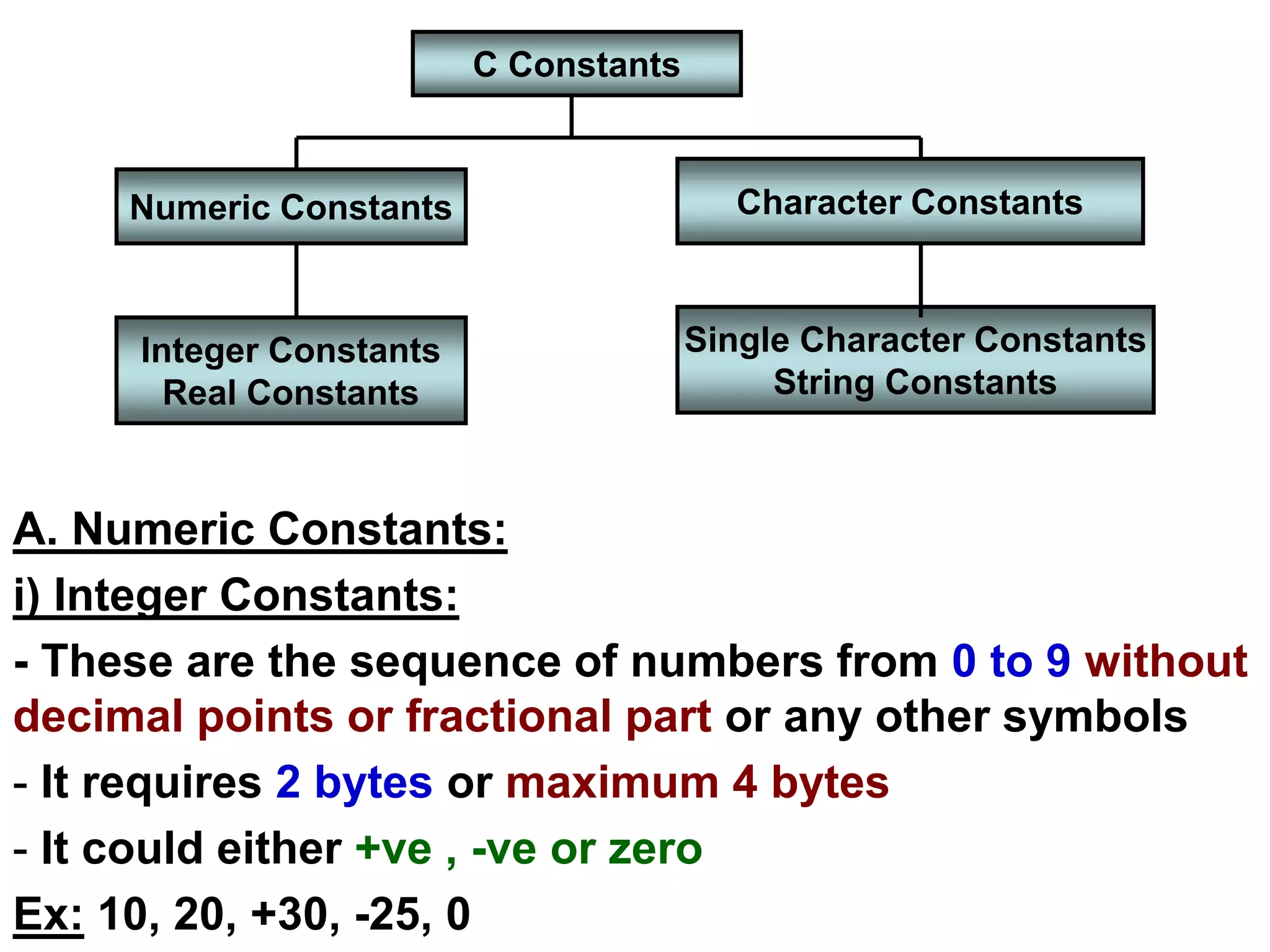
C Constants
Character Constants
Numeric Constants
Integer Constants
Real Constants
Single Character Constants
String Constants
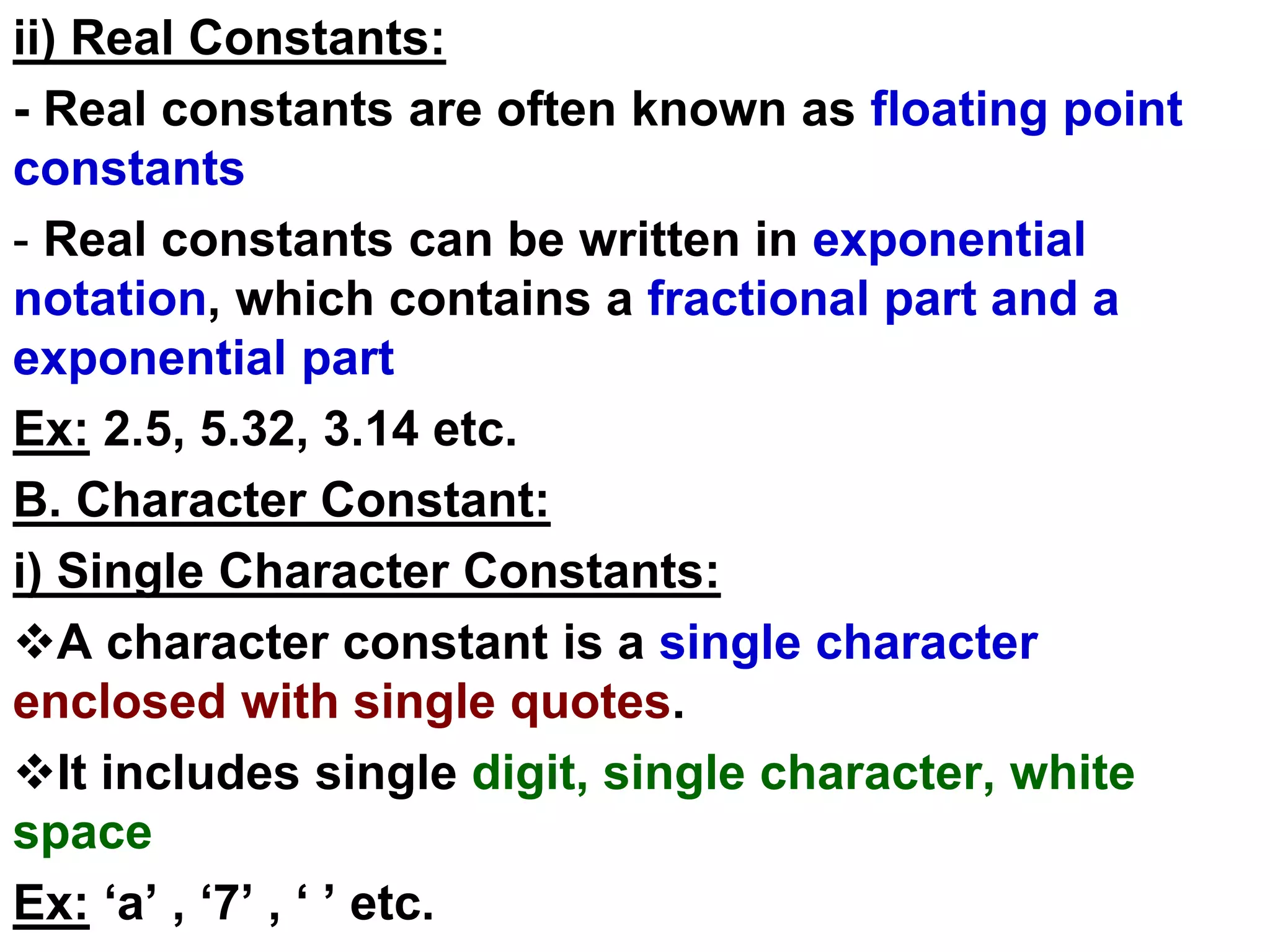
ii) Real Constants:
- Real constants are often known as floating point
constants
- Real constants can be written in exponential
notation, which contains a fractional part and a
exponential part
Ex: 2.5, 5.32, 3.14 etc.
B. Character Constant:
i) Single Character Constants:
A character constant is a single character
enclosed with single quotes.
It includes single digit, single character, white
space
Ex: ‘a’ , ‘7’ , ‘ ’ etc.
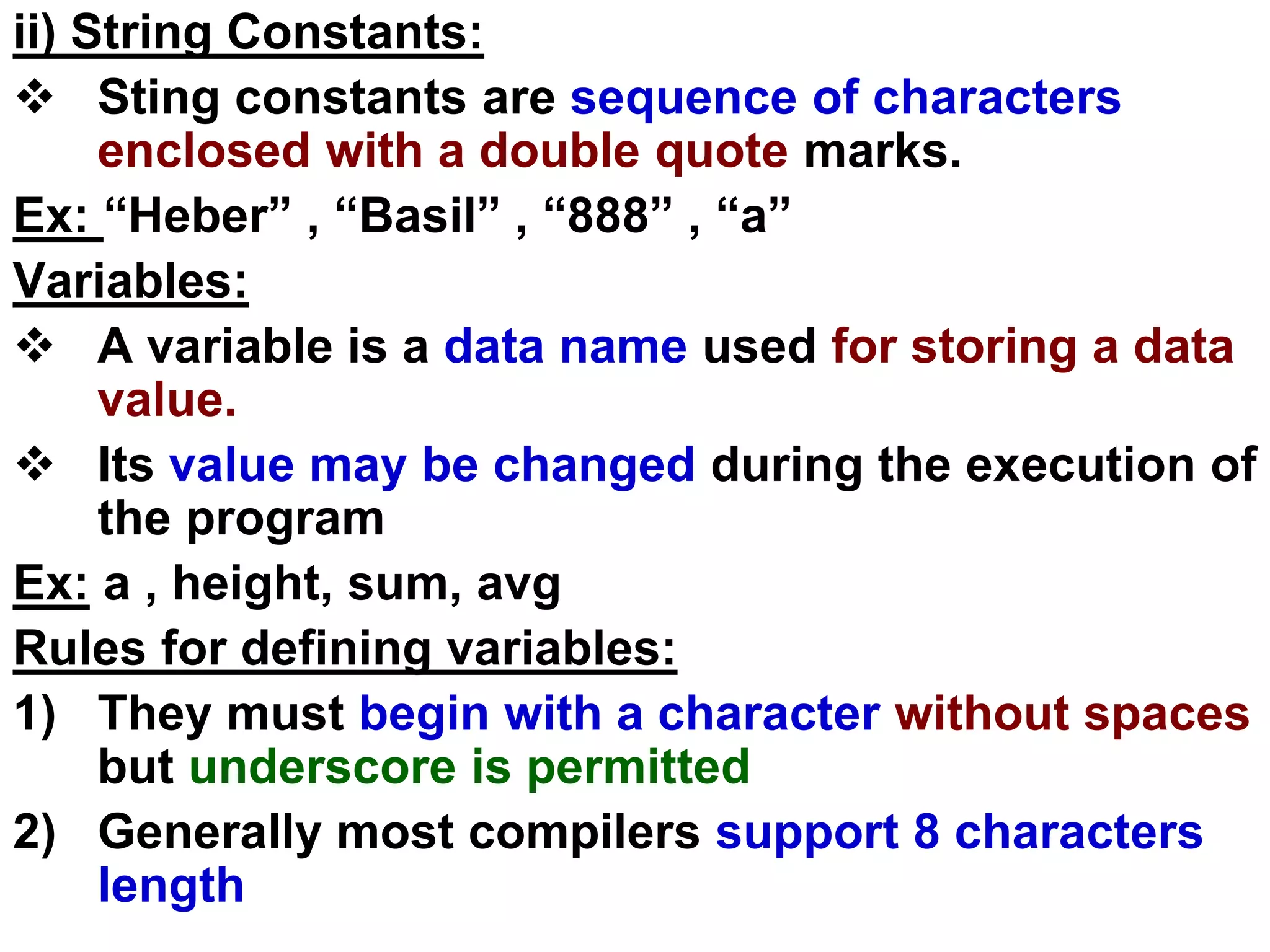
ii) String Constants:
 Sting constants are sequence of characters
enclosed with a double quote marks.
Ex: “Heber” , “Basil” , “888” , “a”
Variables:
 A variable is a data name used for storing a data
value.
 Its value may be changed during the execution of
the program
Ex: a , height, sum, avg
Rules for defining variables:
1) They must begin with a character without spaces
but underscore is permitted
2) Generally most compilers support 8 characters
length
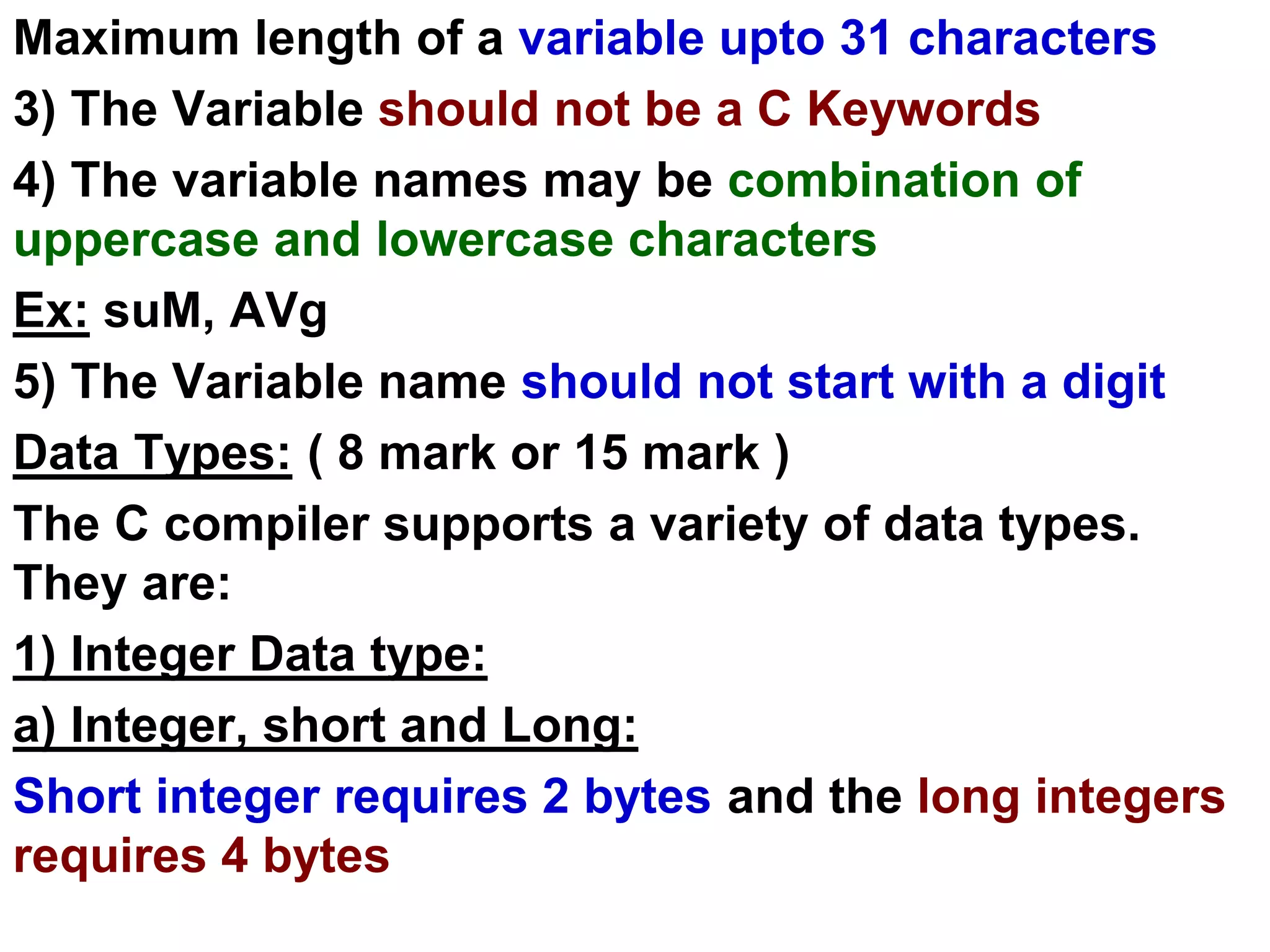
Maximum length of a variable upto 31 characters
3) The Variable should not be a C Keywords
4) The variable names may be combination of
uppercase and lowercase characters
Ex: suM, AVg
5) The Variable name should not start with a digit
Data Types: ( 8 mark or 15 mark )
The C compiler supports a variety of data types.
They are:
1) Integer Data type:
a) Integer, short and Long:
Short integer requires 2 bytes and the long integers
requires 4 bytes
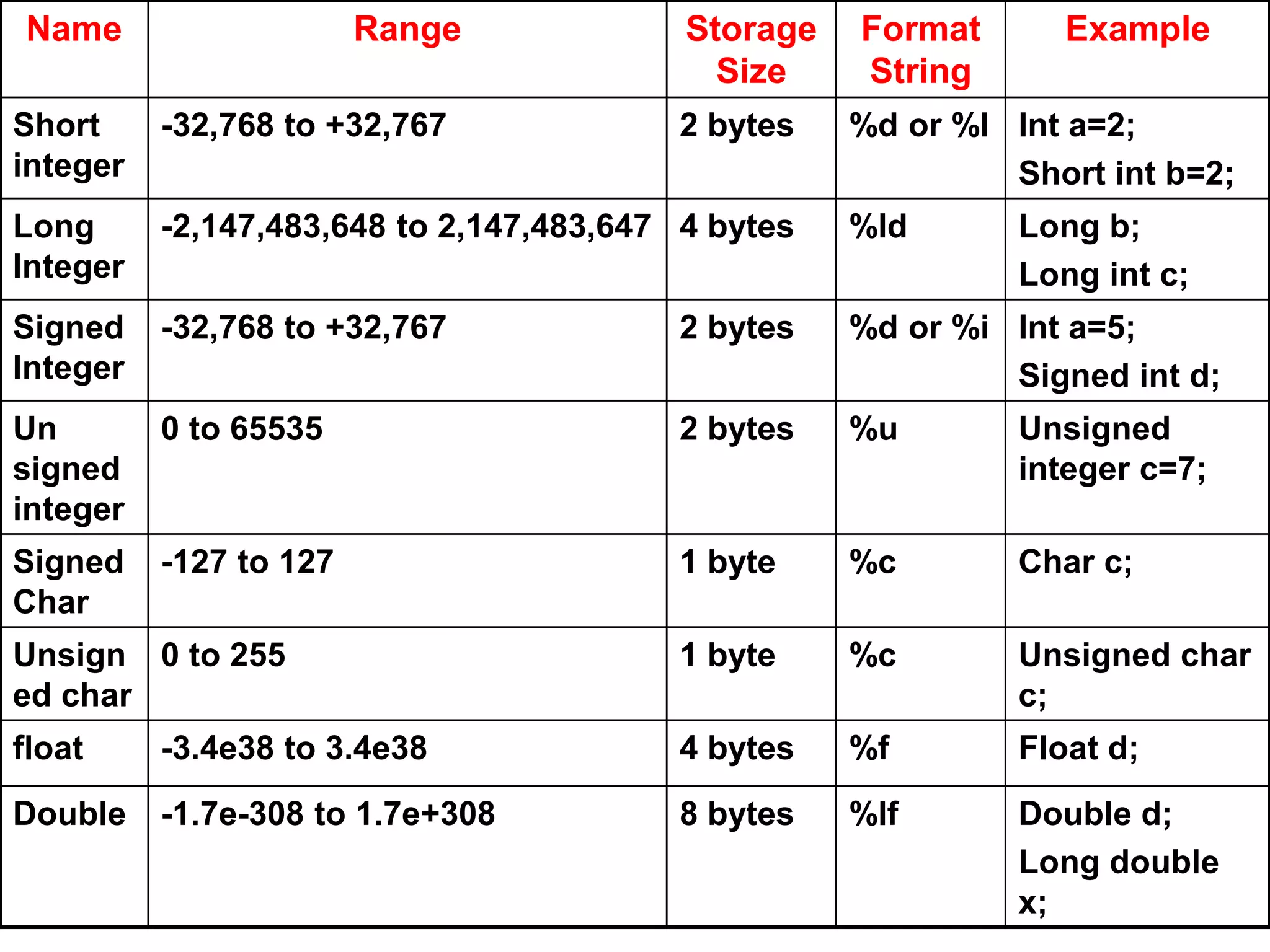
Name Range Storage
Size
Format
String
Example
Short
integer
-32,768 to +32,767 2 bytes %d or %I Int a=2;
Short int b=2;
Long
Integer
-2,147,483,648 to 2,147,483,647 4 bytes %ld Long b;
Long int c;
Signed
Integer
-32,768 to +32,767 2 bytes %d or %i Int a=5;
Signed int d;
Un
signed
integer
0 to 65535 2 bytes %u Unsigned
integer c=7;
Signed
Char
-127 to 127 1 byte %c Char c;
Unsign
ed char
0 to 255 1 byte %c Unsigned char
c;
float -3.4e38 to 3.4e38 4 bytes %f Float d;
Double -1.7e-308 to 1.7e+308 8 bytes %lf Double d;
Long double
x;
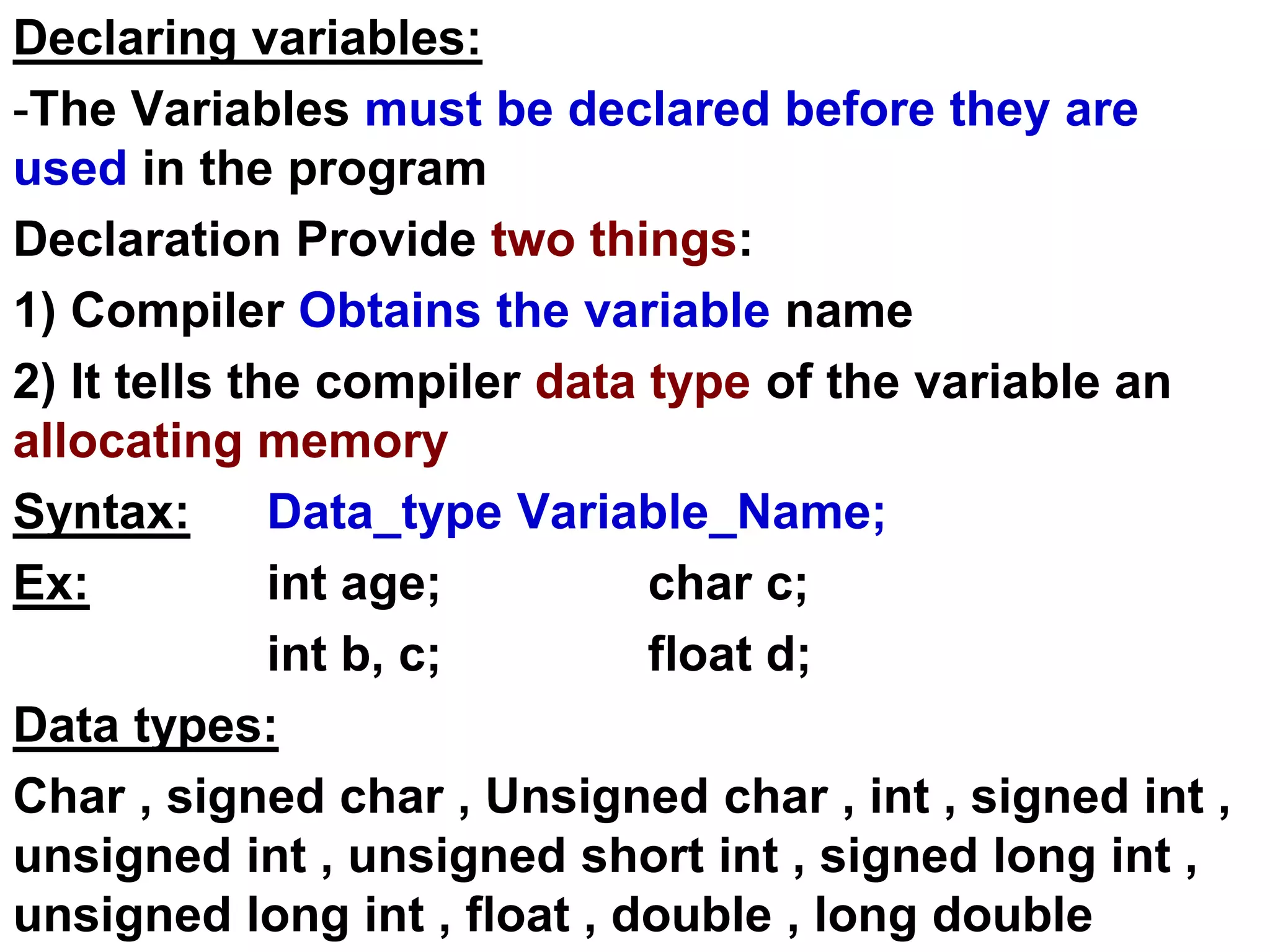
Declaring variables:
-The Variables must be declared before they are
used in the program
Declaration Provide two things:
1) Compiler Obtains the variable name
2) It tells the compiler data type of the variable an
allocating memory
Syntax: Data_type Variable_Name;
Ex: int age; char c;
int b, c; float d;
Data types:
Char , signed char , Unsigned char , int , signed int ,
unsigned int , unsigned short int , signed long int ,
unsigned long int , float , double , long double
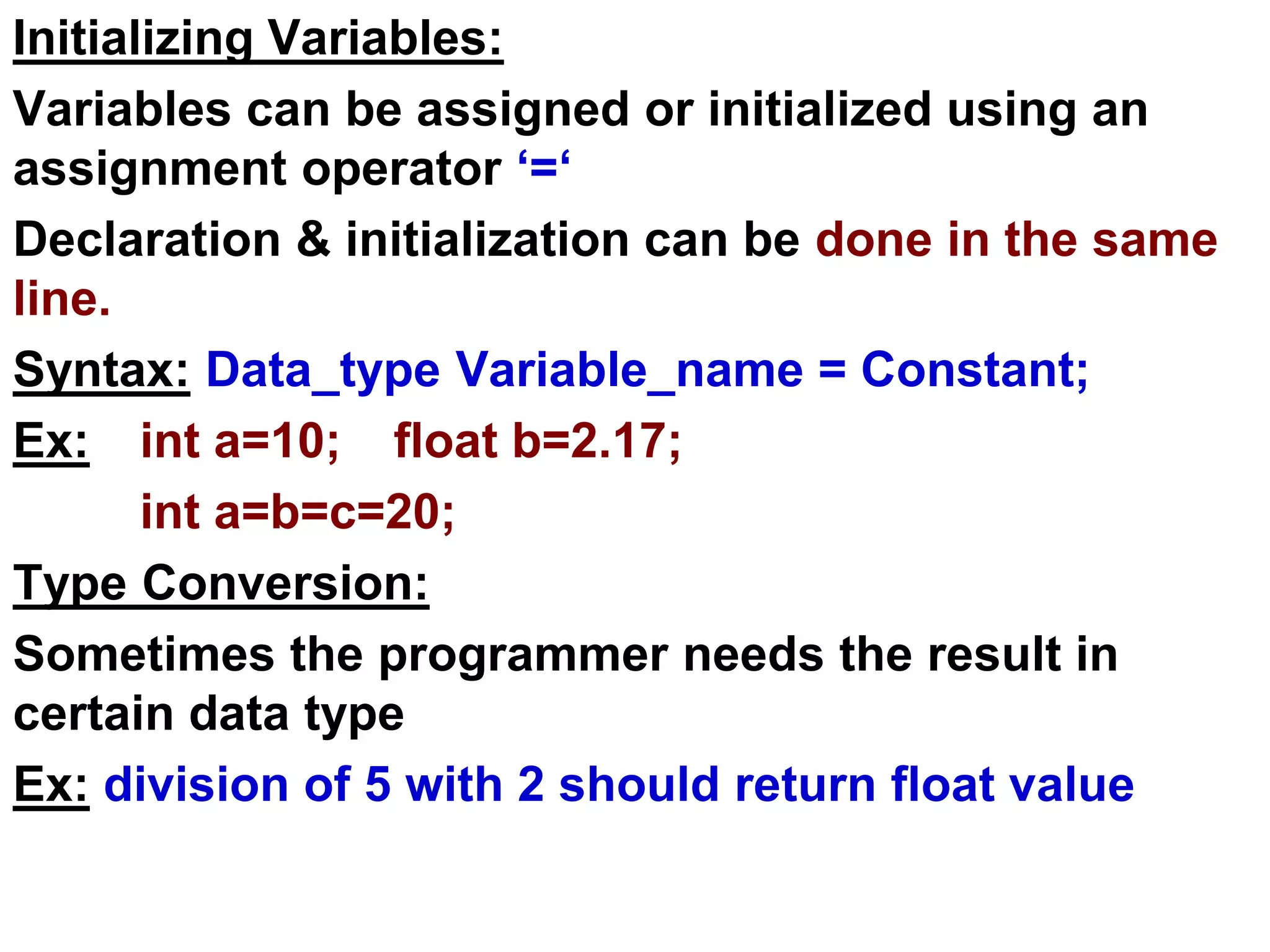
Initializing Variables:
Variables can be assigned or initialized using an
assignment operator ‘=‘
Declaration & initialization can be done in the same
line.
Syntax: Data_type Variable_name = Constant;
Ex: int a=10; float b=2.17;
int a=b=c=20;
Type Conversion:
Sometimes the programmer needs the result in
certain data type
Ex: division of 5 with 2 should return float value
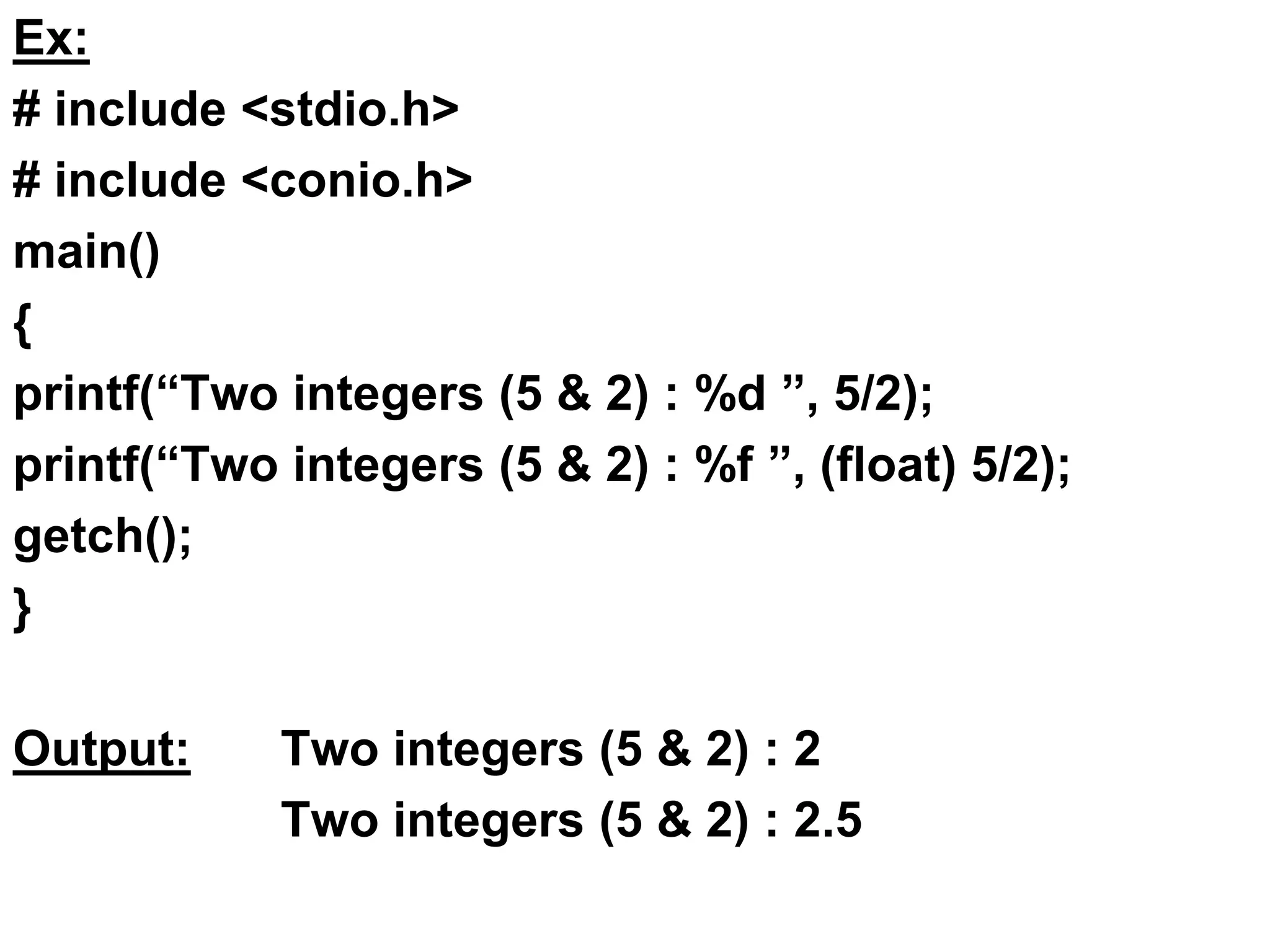
Ex:
# include <stdio.h>
# include <conio.h>
main()
{
printf(“Two integers (5 & 2) : %d ”, 5/2);
printf(“Two integers (5 & 2) : %f ”, (float) 5/2);
getch();
}
Output: Two integers (5 & 2) : 2
Two integers (5 & 2) : 2.5
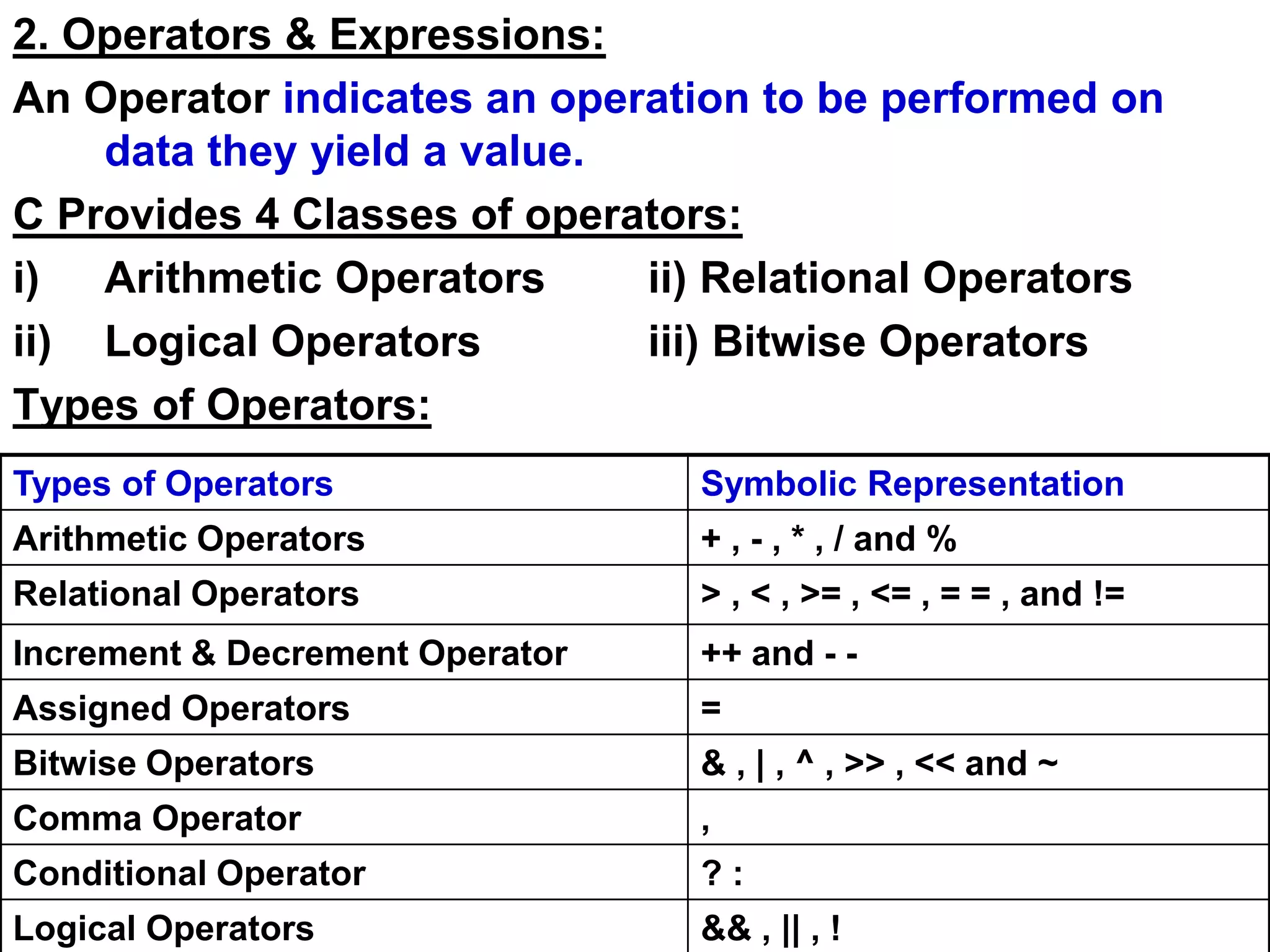
2. Operators & Expressions:
An Operator indicates an operation to be performed on
data they yield a value.
C Provides 4 Classes of operators:
i) Arithmetic Operators ii) Relational Operators
ii) Logical Operators iii) Bitwise Operators
Types of Operators:
Types of Operators Symbolic Representation
Arithmetic Operators + , - , * , / and %
Relational Operators > , < , >= , <= , = = , and !=
Increment & Decrement Operator ++ and - -
Assigned Operators =
Bitwise Operators & , | , ^ , >> , << and ~
Comma Operator ,
Conditional Operator ? :
Logical Operators && , || , !
Priority Of Operators:
( ) [ ] -> .
+ - ++ - - ! ~ * &
* / %
<< >>
< <= > >=
= = !=
&
^
| Ex:
X = 5 * 4 + 8 / 2
1 2
3
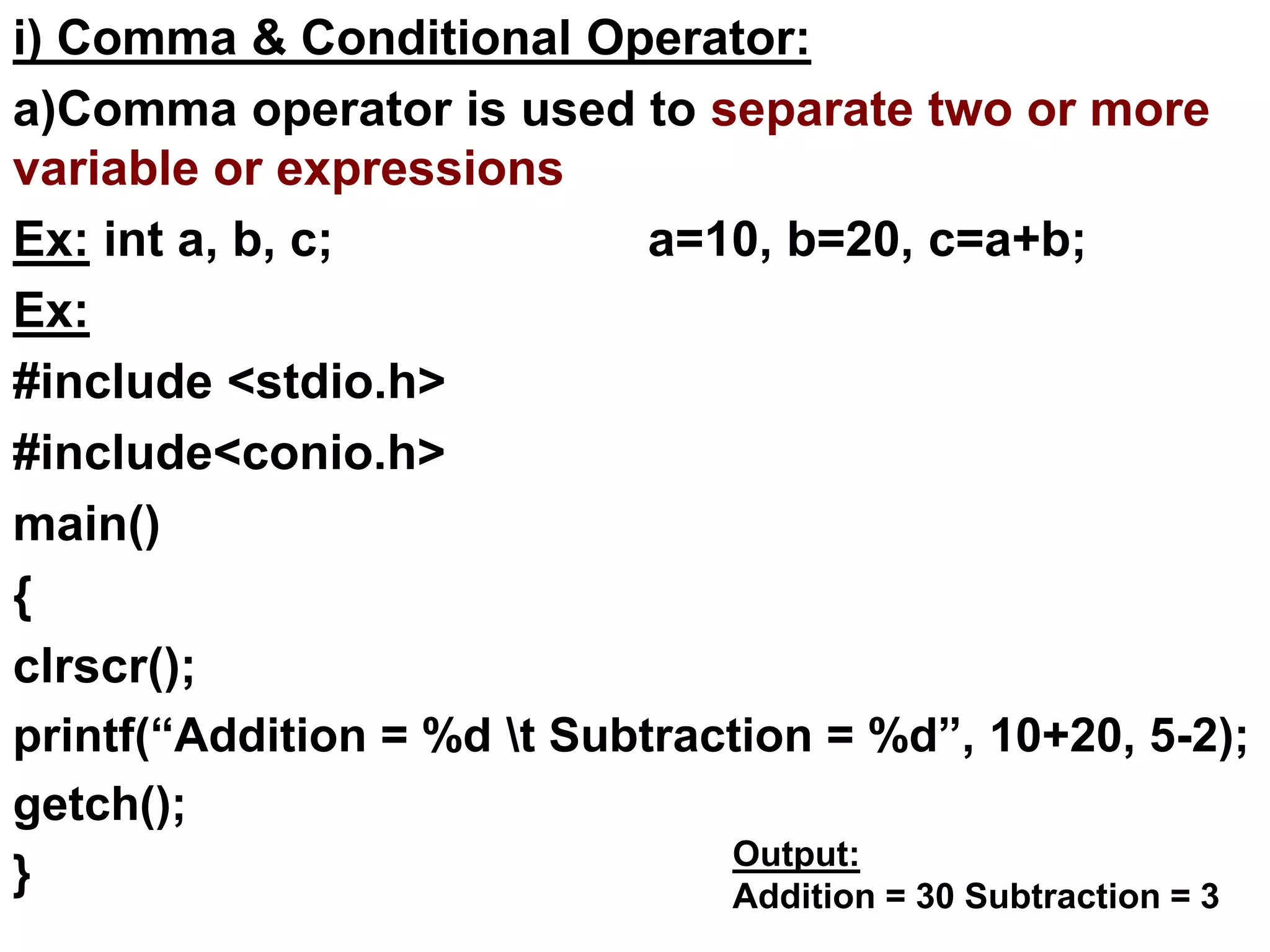
i) Comma & Conditional Operator:
a)Comma operator is used to separate two or more
variable or expressions
Ex: int a, b, c; a=10, b=20, c=a+b;
Ex:
#include <stdio.h>
#include<conio.h>
main()
{
clrscr();
printf(“Addition = %d t Subtraction = %d”, 10+20, 5-2);
getch();
} Output:
Addition = 30 Subtraction = 3
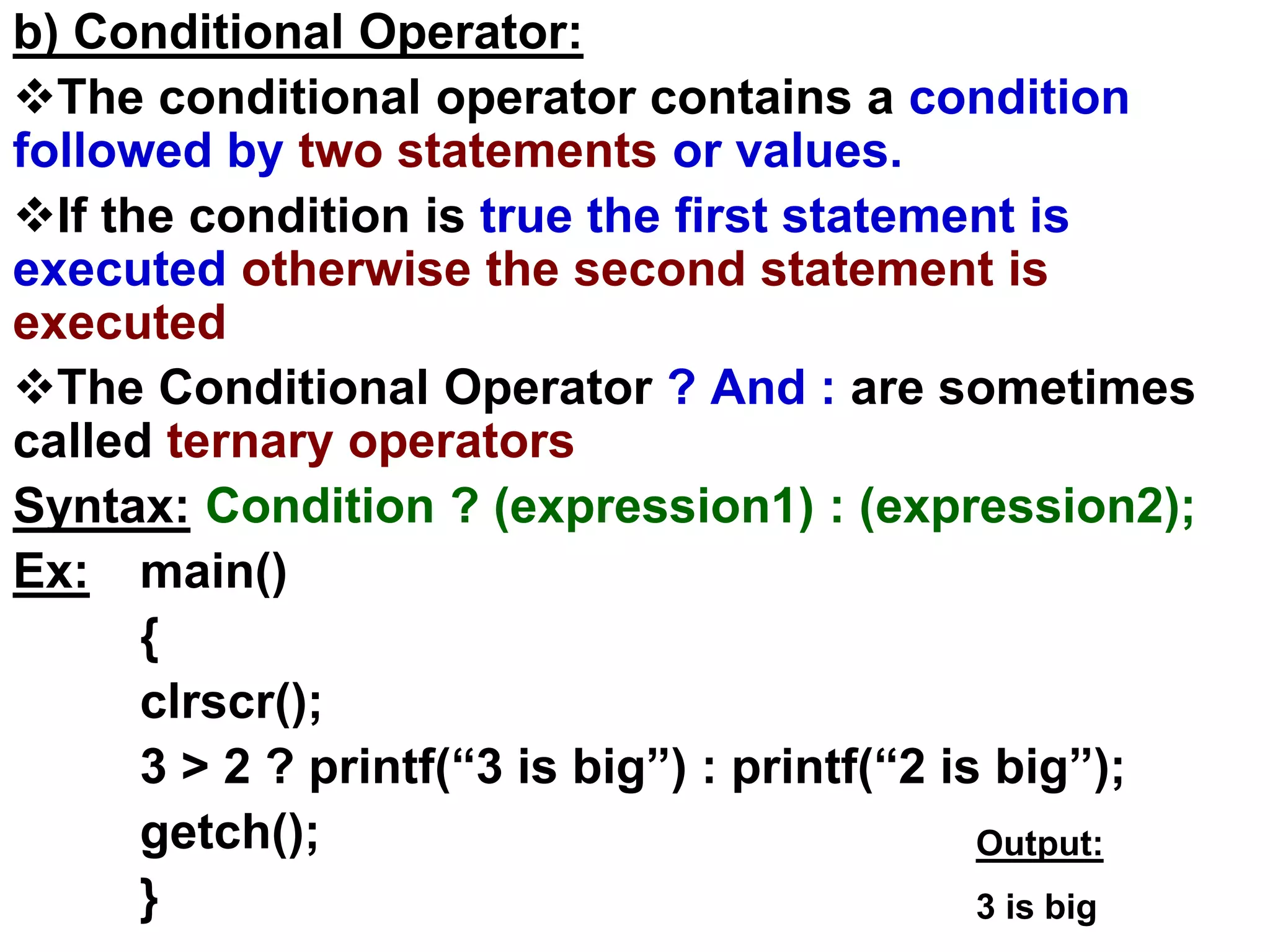
b) Conditional Operator:
The conditional operator contains a condition
followed by two statements or values.
If the condition is true the first statement is
executed otherwise the second statement is
executed
The Conditional Operator ? And : are sometimes
called ternary operators
Syntax: Condition ? (expression1) : (expression2);
Ex: main()
{
clrscr();
3 > 2 ? printf(“3 is big”) : printf(“2 is big”);
getch();
}
Output:
3 is big
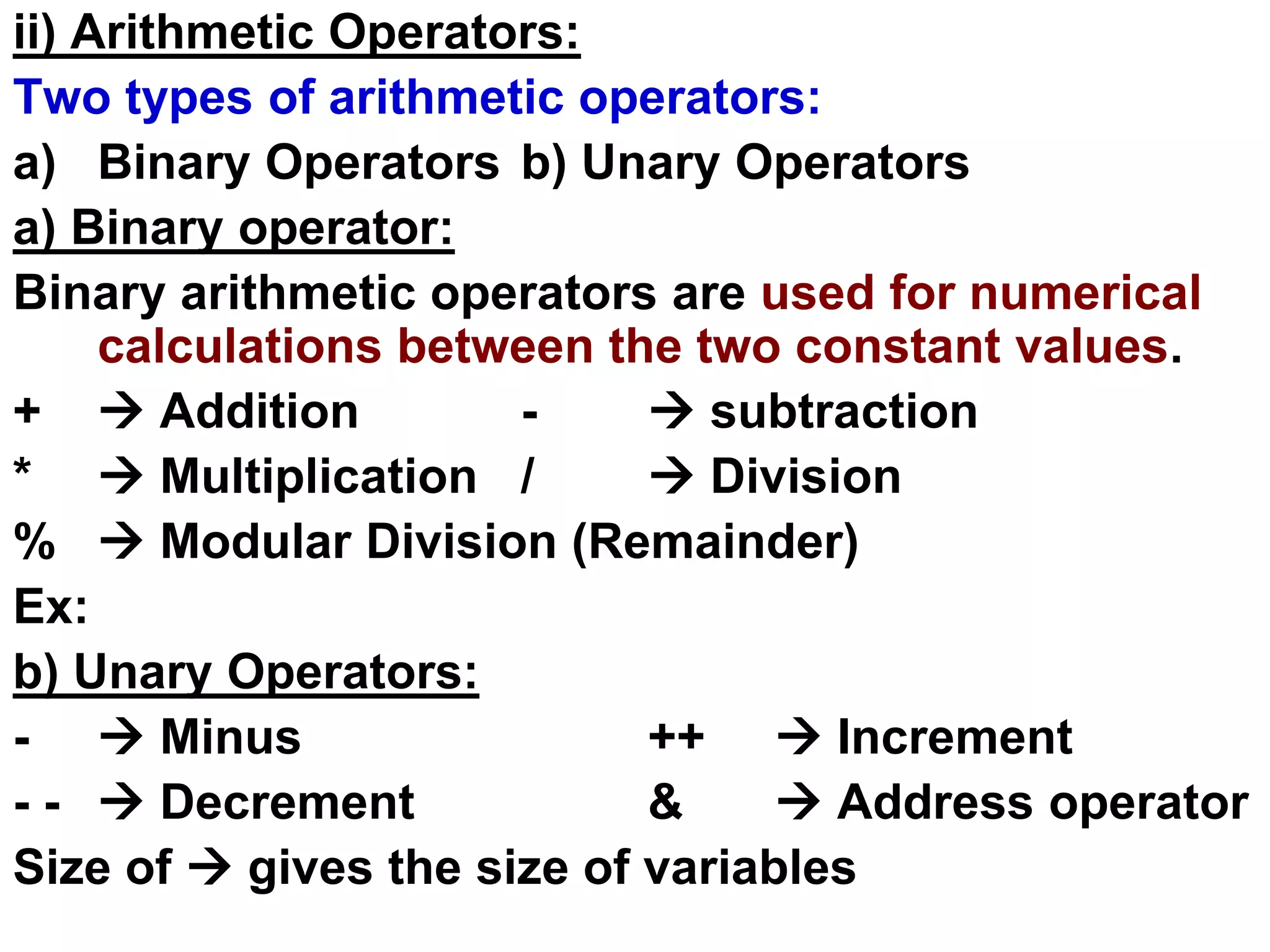
ii) Arithmetic Operators:
Two types of arithmetic operators:
a) Binary Operators b) Unary Operators
a) Binary operator:
Binary arithmetic operators are used for numerical
calculations between the two constant values.
+  Addition -  subtraction
*  Multiplication /  Division
%  Modular Division (Remainder)
Ex:
b) Unary Operators:
-  Minus ++  Increment
- -  Decrement &  Address operator
Size of  gives the size of variables
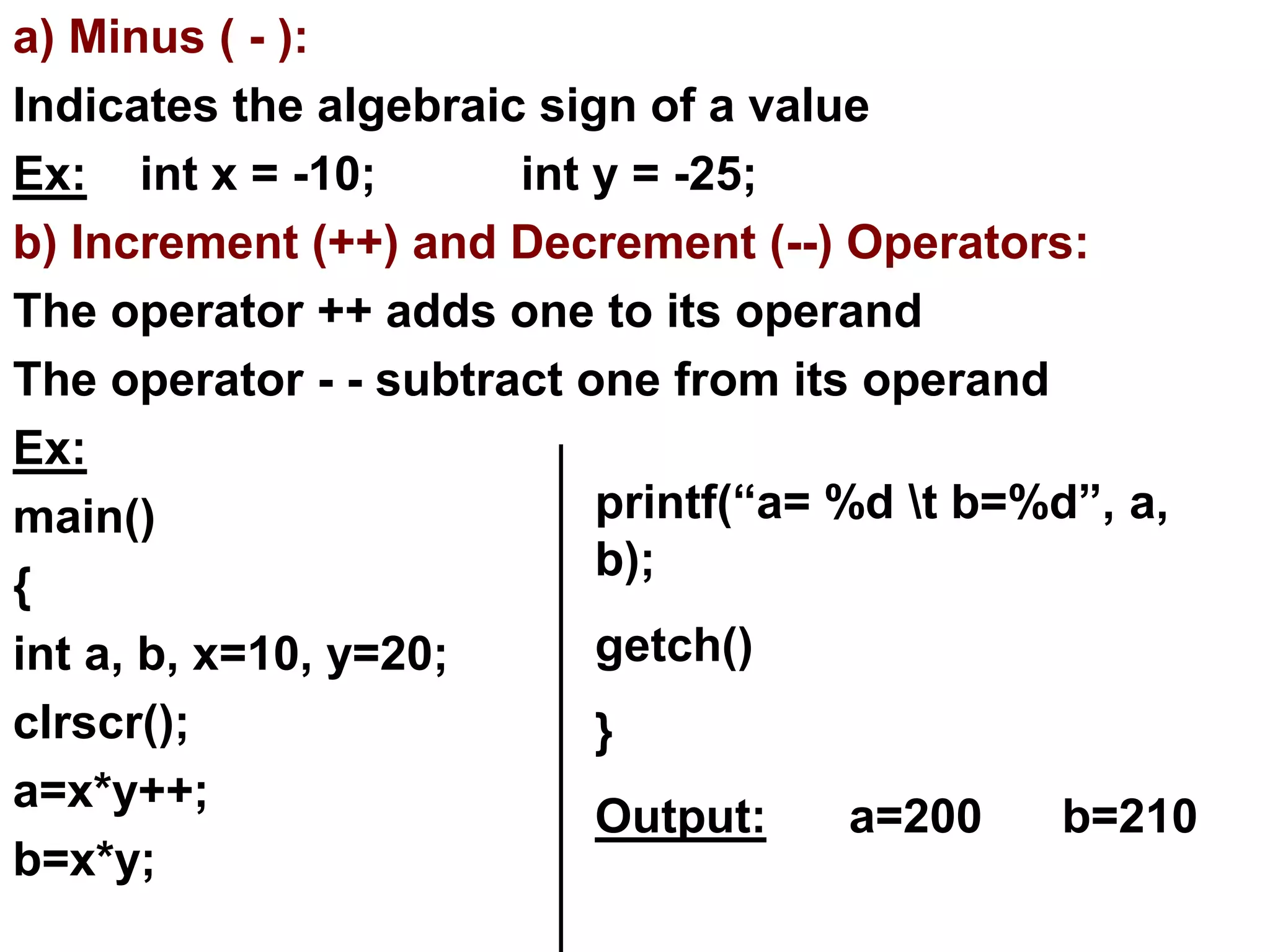
a) Minus ( - ):
Indicates the algebraic sign of a value
Ex: int x = -10; int y = -25;
b) Increment (++) and Decrement (--) Operators:
The operator ++ adds one to its operand
The operator - - subtract one from its operand
Ex:
main()
{
int a, b, x=10, y=20;
clrscr();
a=x*y++;
b=x*y;
printf(“a= %d t b=%d”, a,
b);
getch()
}
Output: a=200 b=210
Ex:
main()
{
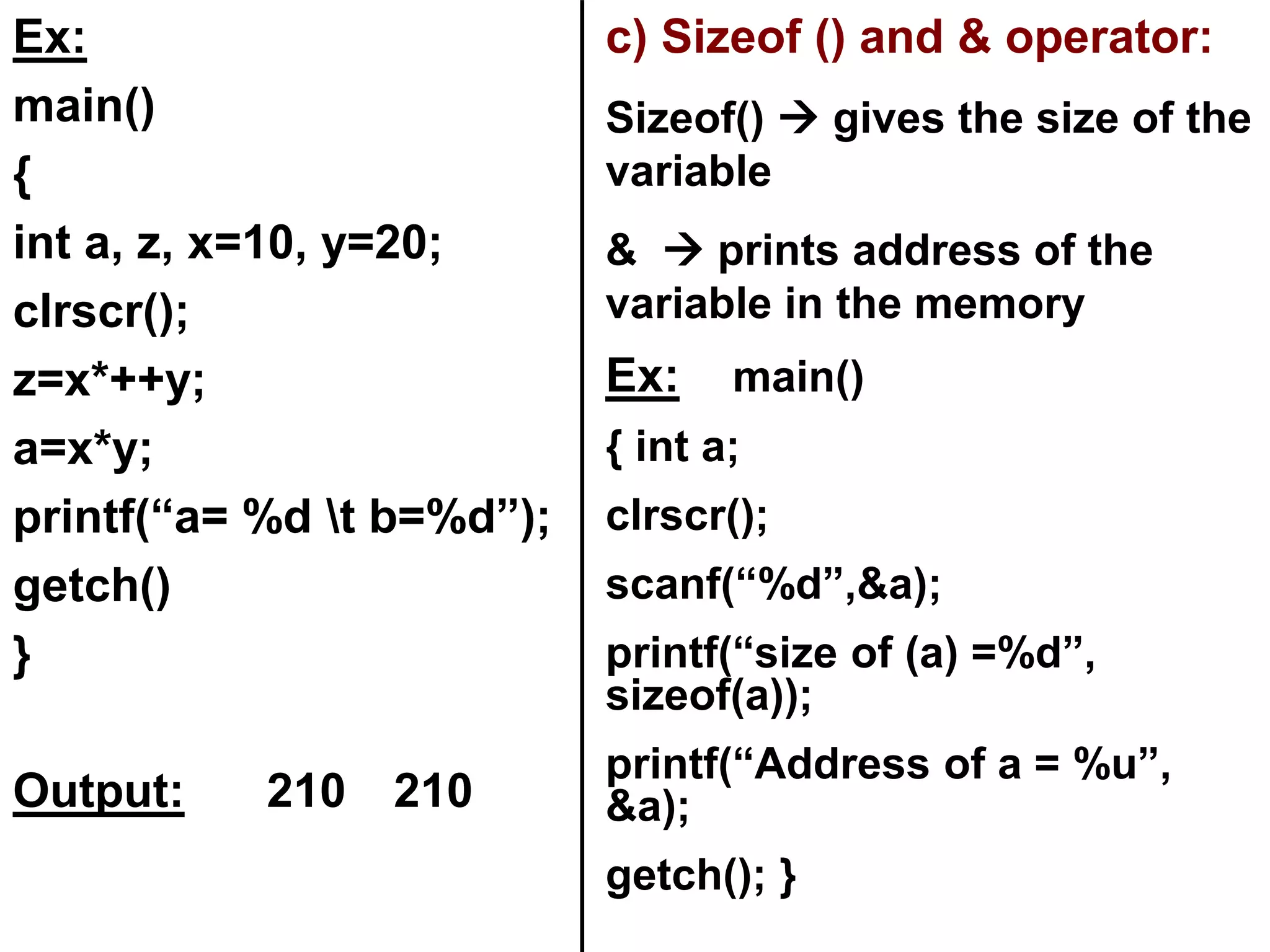
int a, z, x=10, y=20;
clrscr();
z=x*++y;
a=x*y;
printf(“a= %d t b=%d”);
getch()
}
Output: 210 210
c) Sizeof () and & operator:
Sizeof()  gives the size of the
variable
&  prints address of the
variable in the memory
Ex: main()
{ int a;
clrscr();
scanf(“%d”,&a);
printf(“size of (a) =%d”,
sizeof(a));
printf(“Address of a = %u”,
&a);
getch(); }
iii) Relational Operators:
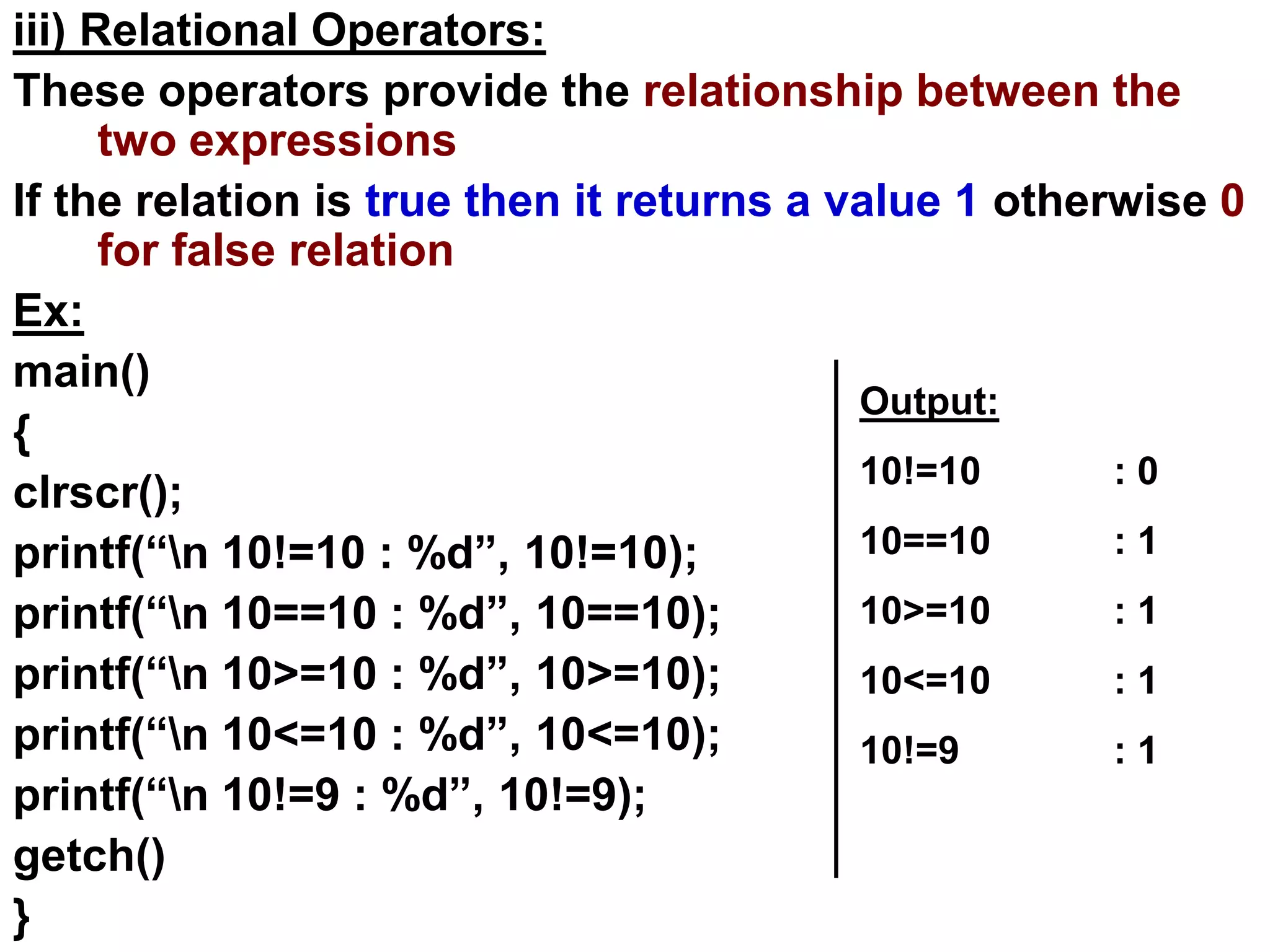
These operators provide the relationship between the
two expressions
If the relation is true then it returns a value 1 otherwise 0
for false relation
Ex:
main()
{
clrscr();
printf(“n 10!=10 : %d”, 10!=10);
printf(“n 10==10 : %d”, 10==10);
printf(“n 10>=10 : %d”, 10>=10);
printf(“n 10<=10 : %d”, 10<=10);
printf(“n 10!=9 : %d”, 10!=9);
getch()
}
Output:
10!=10 : 0
10==10 : 1
10>=10 : 1
10<=10 : 1
10!=9 : 1
iv) Logical Operators:
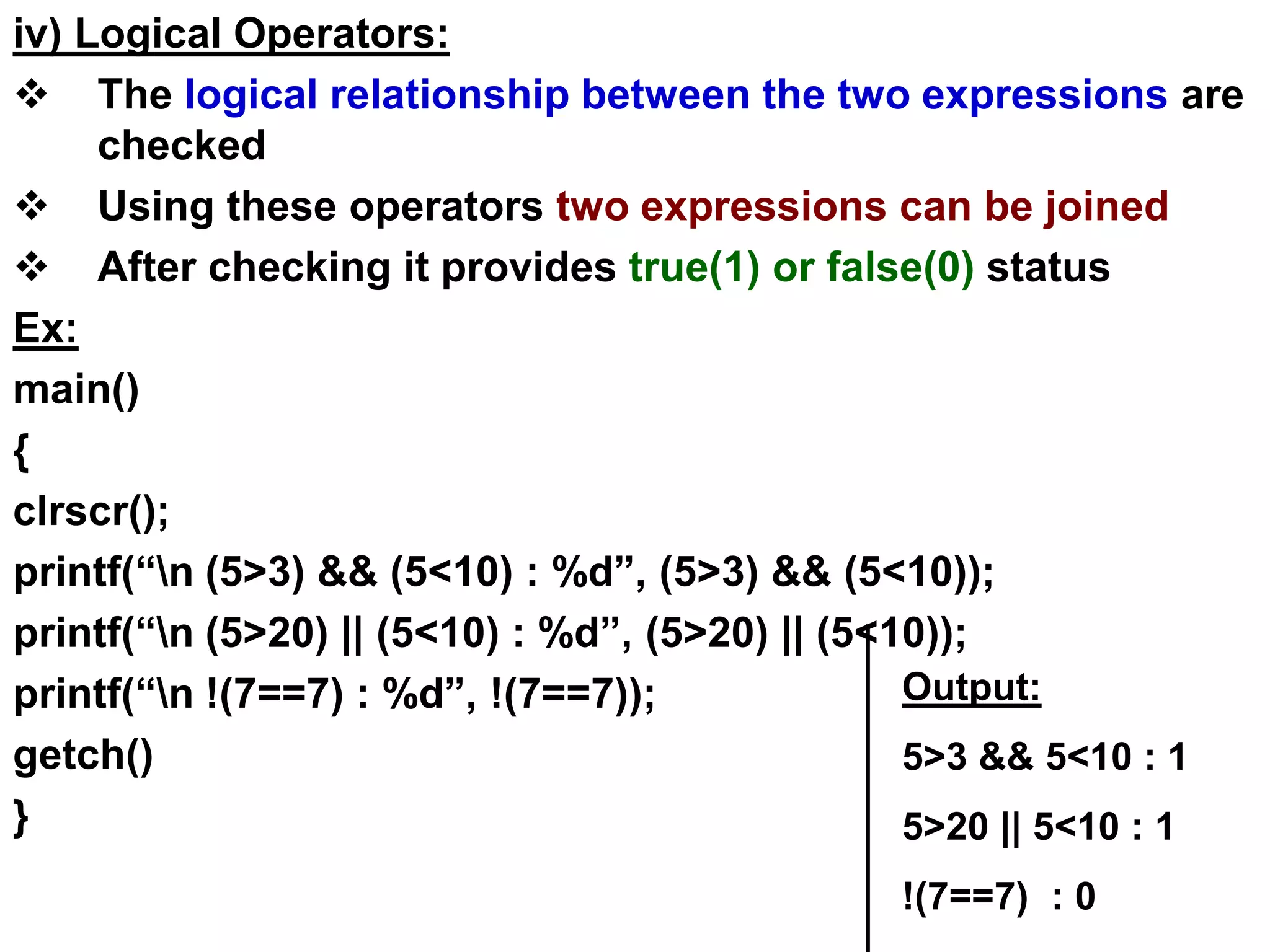
 The logical relationship between the two expressions are
checked
 Using these operators two expressions can be joined
 After checking it provides true(1) or false(0) status
Ex:
main()
{
clrscr();
printf(“n (5>3) && (5<10) : %d”, (5>3) && (5<10));
printf(“n (5>20) || (5<10) : %d”, (5>20) || (5<10));
printf(“n !(7==7) : %d”, !(7==7));
getch()
}
Output:
5>3 && 5<10 : 1
5>20 || 5<10 : 1
!(7==7) : 0
iv) Bitwise Operators:
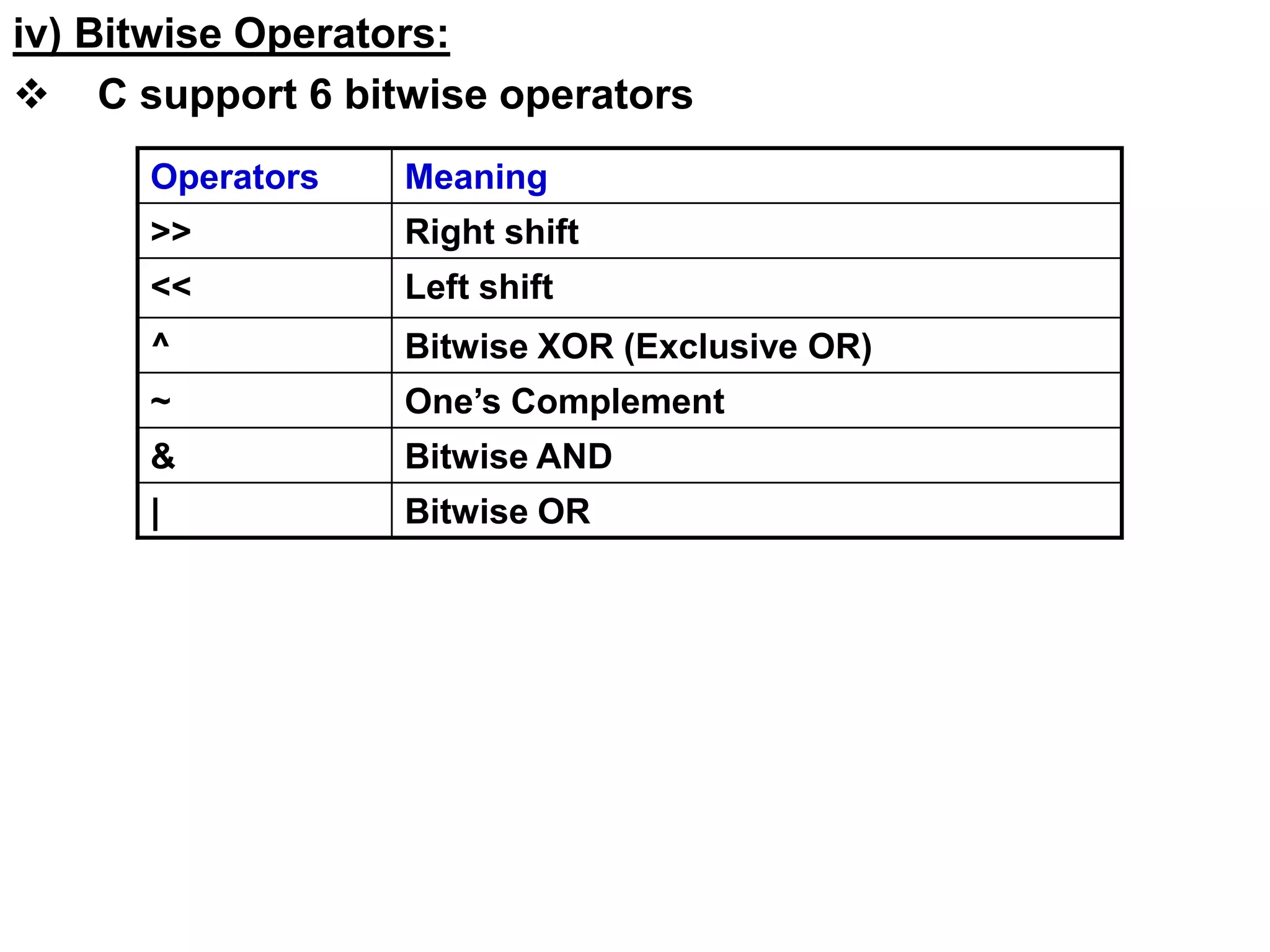
 C support 6 bitwise operators
Operators Meaning
>> Right shift
<< Left shift
^ Bitwise XOR (Exclusive OR)
~ One’s Complement
& Bitwise AND
| Bitwise OR
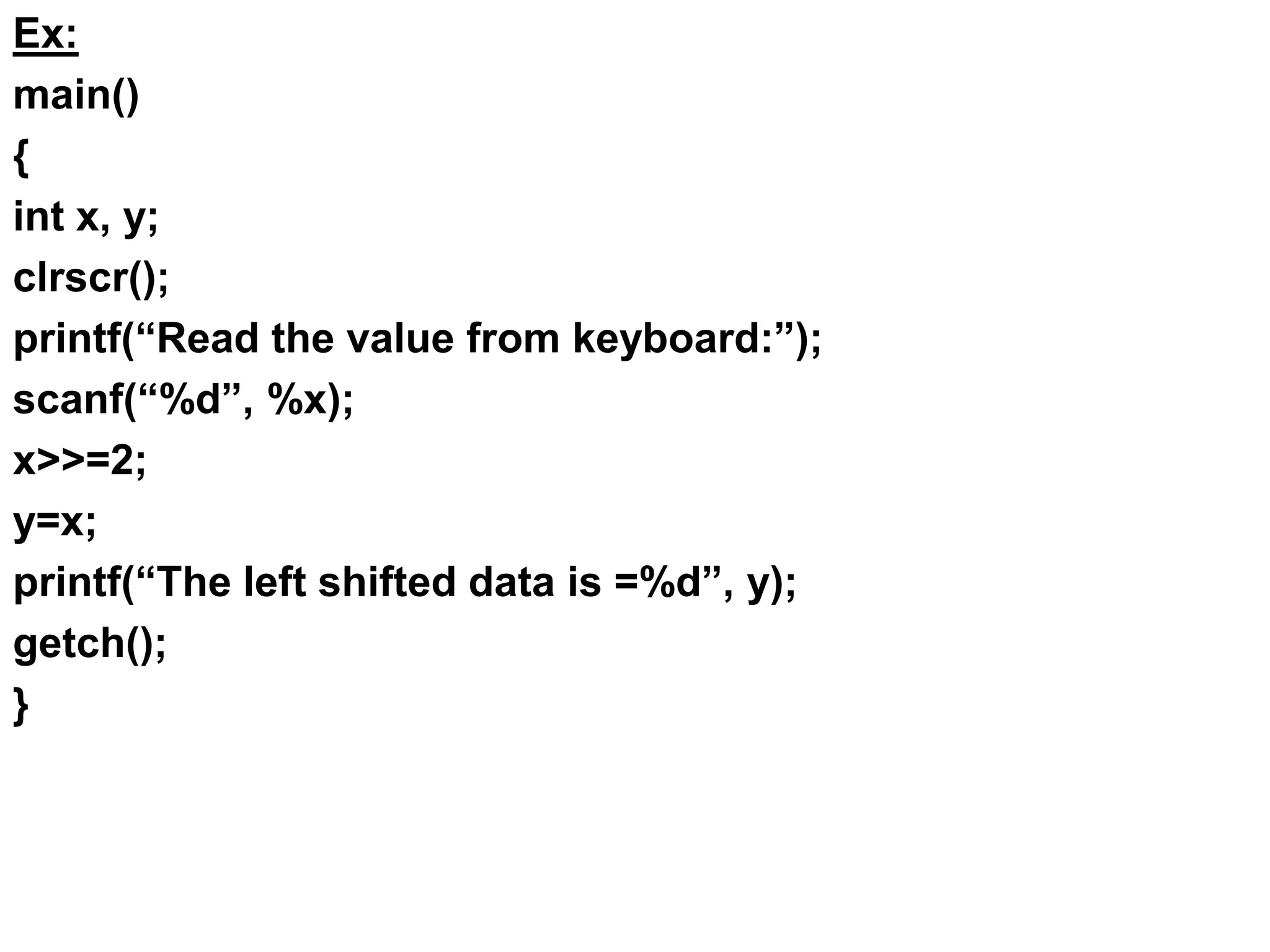
Ex:
main()
{
int x, y;
clrscr();
printf(“Read the value from keyboard:”);
scanf(“%d”, %x);
x>>=2;
y=x;
printf(“The left shifted data is =%d”, y);
getch();
}
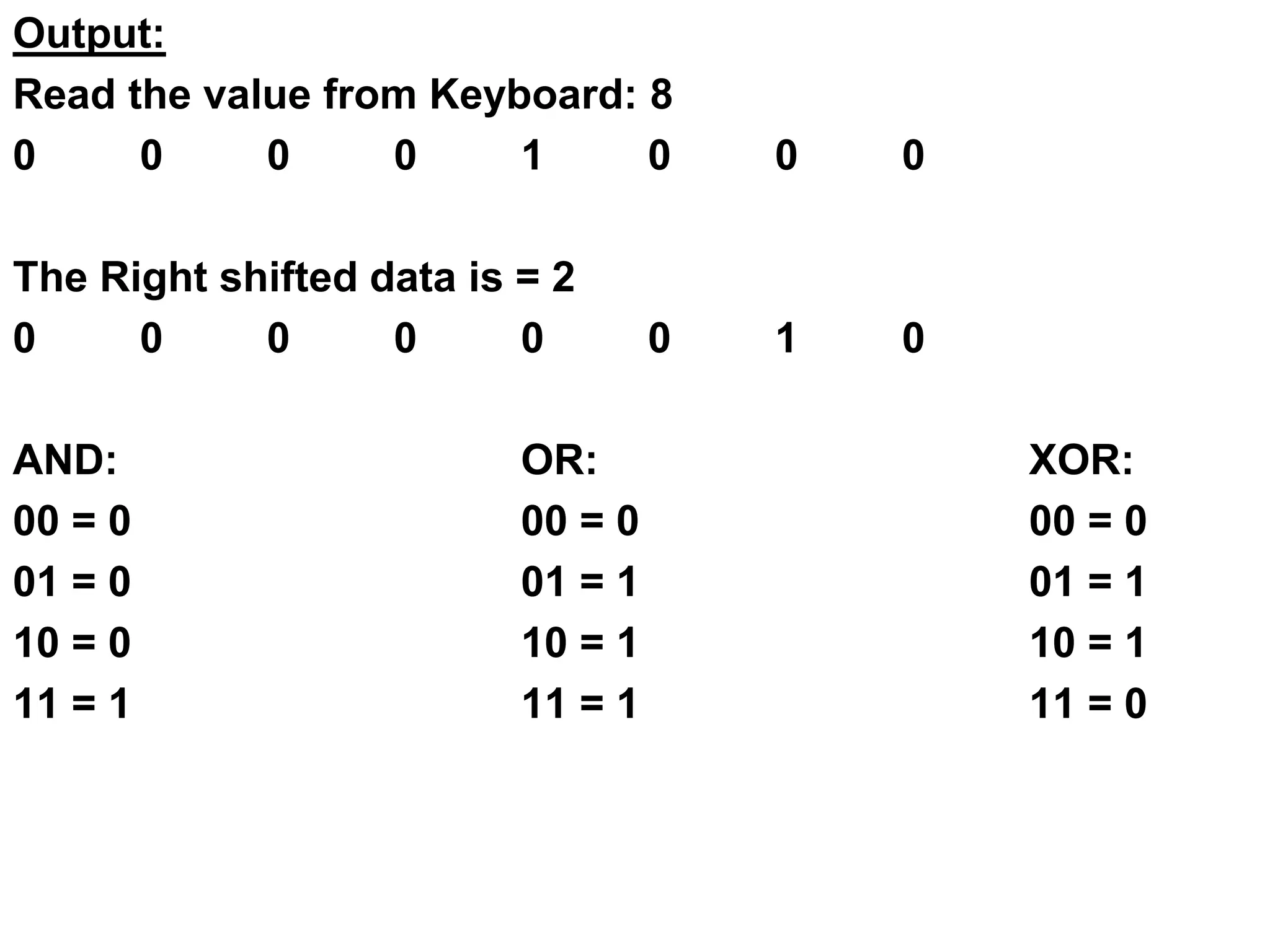
Output:
Read the value from Keyboard: 8
0 0 0 0 1 0 0 0
The Right shifted data is = 2
0 0 0 0 0 0 1 0
AND: OR: XOR:
00 = 0 00 = 0 00 = 0
01 = 0 01 = 1 01 = 1
10 = 0 10 = 1 10 = 1
11 = 1 11 = 1 11 = 0
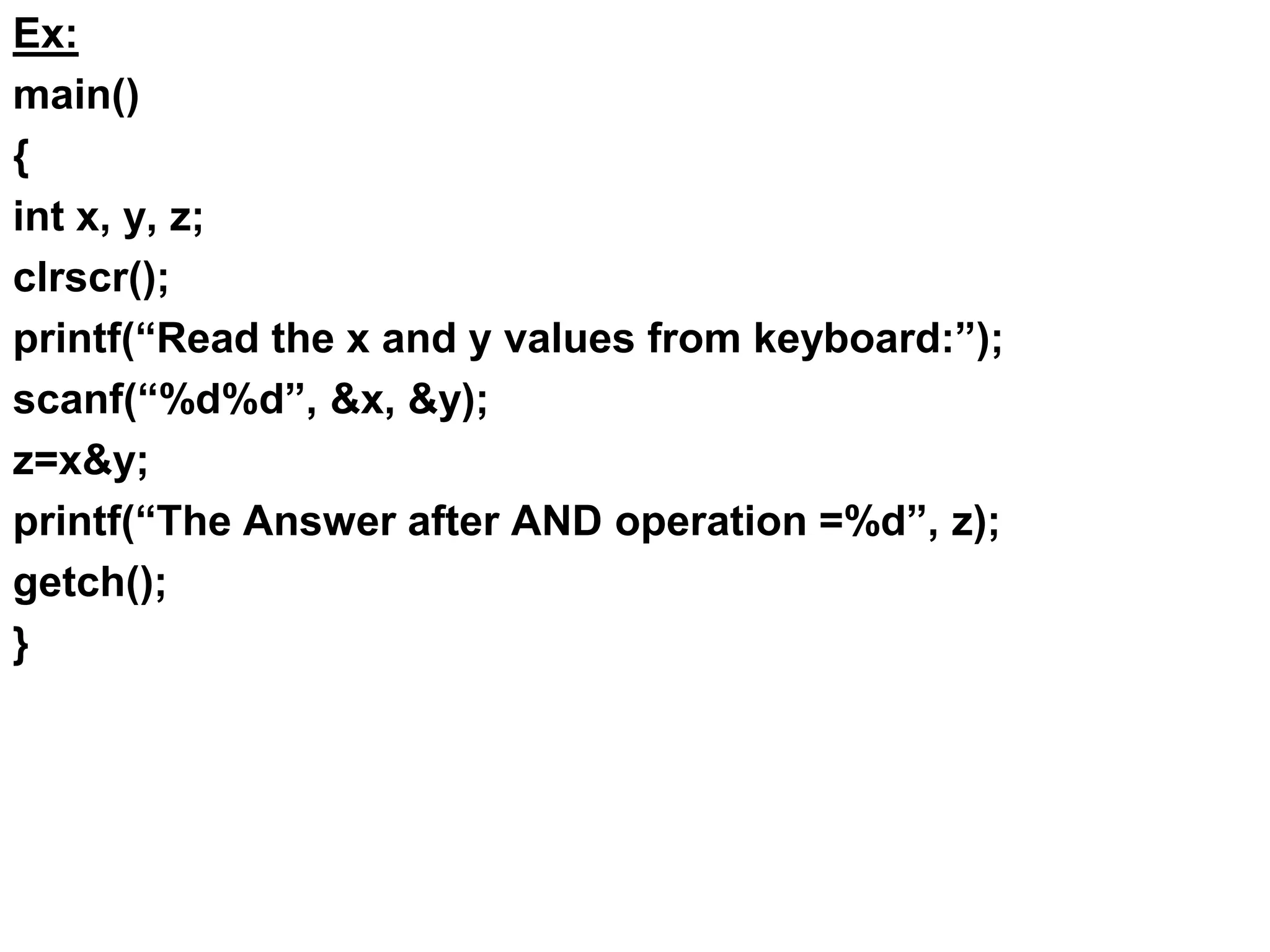
Ex:
main()
{
int x, y, z;
clrscr();
printf(“Read the x and y values from keyboard:”);
scanf(“%d%d”, &x, &y);
z=x&y;
printf(“The Answer after AND operation =%d”, z);
getch();
}
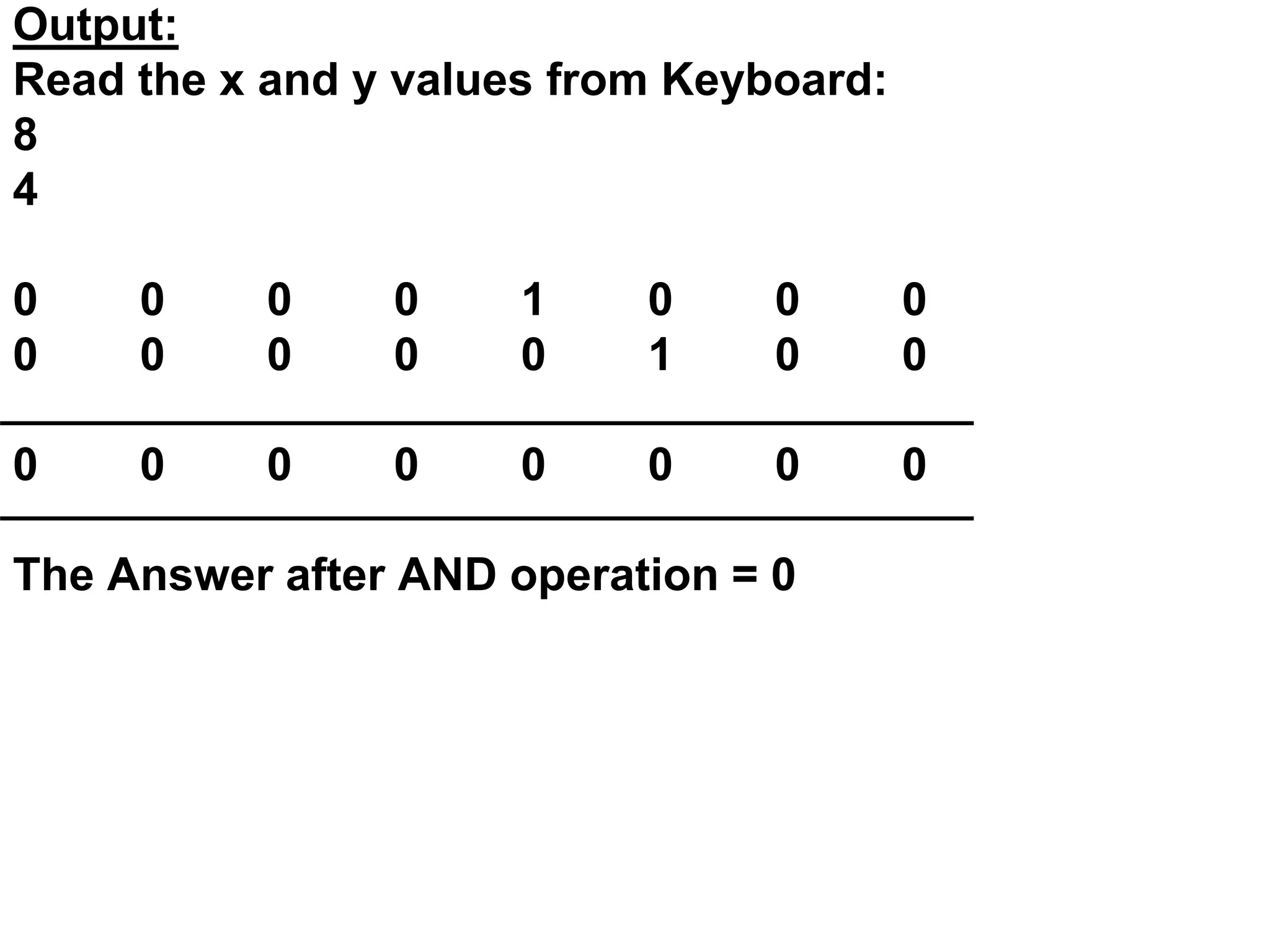
Output:
Read the x and y values from Keyboard:
8
4
0 0 0 0 1 0 0 0
0 0 0 0 0 1 0 0
0 0 0 0 0 0 0 0
The Answer after AND operation = 0

Unit i intro-operators

  • 1.
    UNIT- I Introduction ToC: It has been developed by Dennis Ritchie at Bell laboratories in the year of 1972. C is a middle level general purpose language C is structured Language The C Declarations: A Program is a set of statements for a specific task, which will be executed in a sequential form The C Character Set: The characters used to form words, numbers and expressions.
  • 2.
    The characters inC are Classified into the following: 1. Letters – (Capital A – Z , Small a – z) 2. Digits – ( 0 - 9 ) 3. White Spaces – (Blank space, Vertical tab, New Line) 4. Special Characters – ( , . ; : ‘ “ ! / ~ - $ ? * & ^ % # @ { } [ ] ( ) + = _ < > ) Delimiters: : Colon  Useful for label ; Semi Colon  Terminates statements ( ) Parenthesis  Used in expression and function [ ] Square Bracket  Used for array declaration { } Curly Brace  Scope of Statements # Hash  Preprocessor directives , Comma  Variable separator
  • 3.
    The C Keywords: TheC Keywords are reserved words by the compiler All the C Keywords have been assigned some fixed meaning So The C keywords cannot be used as variable name. Ex: Auto double int struct Break else long switch Case enum union unsigned Const do goto sizeof If static while main
  • 4.
    Identifiers:  Identifiers arenames of variables, functions and arrays.  Lower case letters are preferred, the upper case letters are also permitted  ( _ ) under score symbol can be used as an identifier Ex: # define N 10 # define a 15 Constants: ( 8 mark)  The constants in C are applicable to the values, which do not change during the execution of a program. They are classified into the following group: User Defined Identifiers
  • 5.
    A. Numeric Constants: i)Integer Constants: - These are the sequence of numbers from 0 to 9 without decimal points or fractional part or any other symbols - It requires 2 bytes or maximum 4 bytes - It could either +ve , -ve or zero Ex: 10, 20, +30, -25, 0 C Constants Character Constants Numeric Constants Integer Constants Real Constants Single Character Constants String Constants
  • 6.
    ii) Real Constants: -Real constants are often known as floating point constants - Real constants can be written in exponential notation, which contains a fractional part and a exponential part Ex: 2.5, 5.32, 3.14 etc. B. Character Constant: i) Single Character Constants: A character constant is a single character enclosed with single quotes. It includes single digit, single character, white space Ex: ‘a’ , ‘7’ , ‘ ’ etc.
  • 7.
    ii) String Constants: Sting constants are sequence of characters enclosed with a double quote marks. Ex: “Heber” , “Basil” , “888” , “a” Variables:  A variable is a data name used for storing a data value.  Its value may be changed during the execution of the program Ex: a , height, sum, avg Rules for defining variables: 1) They must begin with a character without spaces but underscore is permitted 2) Generally most compilers support 8 characters length
  • 8.
    Maximum length ofa variable upto 31 characters 3) The Variable should not be a C Keywords 4) The variable names may be combination of uppercase and lowercase characters Ex: suM, AVg 5) The Variable name should not start with a digit Data Types: ( 8 mark or 15 mark ) The C compiler supports a variety of data types. They are: 1) Integer Data type: a) Integer, short and Long: Short integer requires 2 bytes and the long integers requires 4 bytes
  • 9.
    Name Range Storage Size Format String Example Short integer -32,768to +32,767 2 bytes %d or %I Int a=2; Short int b=2; Long Integer -2,147,483,648 to 2,147,483,647 4 bytes %ld Long b; Long int c; Signed Integer -32,768 to +32,767 2 bytes %d or %i Int a=5; Signed int d; Un signed integer 0 to 65535 2 bytes %u Unsigned integer c=7; Signed Char -127 to 127 1 byte %c Char c; Unsign ed char 0 to 255 1 byte %c Unsigned char c; float -3.4e38 to 3.4e38 4 bytes %f Float d; Double -1.7e-308 to 1.7e+308 8 bytes %lf Double d; Long double x;
  • 10.
    Declaring variables: -The Variablesmust be declared before they are used in the program Declaration Provide two things: 1) Compiler Obtains the variable name 2) It tells the compiler data type of the variable an allocating memory Syntax: Data_type Variable_Name; Ex: int age; char c; int b, c; float d; Data types: Char , signed char , Unsigned char , int , signed int , unsigned int , unsigned short int , signed long int , unsigned long int , float , double , long double
  • 11.
    Initializing Variables: Variables canbe assigned or initialized using an assignment operator ‘=‘ Declaration & initialization can be done in the same line. Syntax: Data_type Variable_name = Constant; Ex: int a=10; float b=2.17; int a=b=c=20; Type Conversion: Sometimes the programmer needs the result in certain data type Ex: division of 5 with 2 should return float value
  • 12.
    Ex: # include <stdio.h> #include <conio.h> main() { printf(“Two integers (5 & 2) : %d ”, 5/2); printf(“Two integers (5 & 2) : %f ”, (float) 5/2); getch(); } Output: Two integers (5 & 2) : 2 Two integers (5 & 2) : 2.5
  • 13.
    2. Operators &Expressions: An Operator indicates an operation to be performed on data they yield a value. C Provides 4 Classes of operators: i) Arithmetic Operators ii) Relational Operators ii) Logical Operators iii) Bitwise Operators Types of Operators: Types of Operators Symbolic Representation Arithmetic Operators + , - , * , / and % Relational Operators > , < , >= , <= , = = , and != Increment & Decrement Operator ++ and - - Assigned Operators = Bitwise Operators & , | , ^ , >> , << and ~ Comma Operator , Conditional Operator ? : Logical Operators && , || , !
  • 14.
    Priority Of Operators: () [ ] -> . + - ++ - - ! ~ * & * / % << >> < <= > >= = = != & ^ | Ex: X = 5 * 4 + 8 / 2 1 2 3
  • 15.
    i) Comma &Conditional Operator: a)Comma operator is used to separate two or more variable or expressions Ex: int a, b, c; a=10, b=20, c=a+b; Ex: #include <stdio.h> #include<conio.h> main() { clrscr(); printf(“Addition = %d t Subtraction = %d”, 10+20, 5-2); getch(); } Output: Addition = 30 Subtraction = 3
  • 16.
    b) Conditional Operator: Theconditional operator contains a condition followed by two statements or values. If the condition is true the first statement is executed otherwise the second statement is executed The Conditional Operator ? And : are sometimes called ternary operators Syntax: Condition ? (expression1) : (expression2); Ex: main() { clrscr(); 3 > 2 ? printf(“3 is big”) : printf(“2 is big”); getch(); } Output: 3 is big
  • 17.
    ii) Arithmetic Operators: Twotypes of arithmetic operators: a) Binary Operators b) Unary Operators a) Binary operator: Binary arithmetic operators are used for numerical calculations between the two constant values. +  Addition -  subtraction *  Multiplication /  Division %  Modular Division (Remainder) Ex: b) Unary Operators: -  Minus ++  Increment - -  Decrement &  Address operator Size of  gives the size of variables
  • 18.
    a) Minus (- ): Indicates the algebraic sign of a value Ex: int x = -10; int y = -25; b) Increment (++) and Decrement (--) Operators: The operator ++ adds one to its operand The operator - - subtract one from its operand Ex: main() { int a, b, x=10, y=20; clrscr(); a=x*y++; b=x*y; printf(“a= %d t b=%d”, a, b); getch() } Output: a=200 b=210
  • 19.
    Ex: main() { int a, z,x=10, y=20; clrscr(); z=x*++y; a=x*y; printf(“a= %d t b=%d”); getch() } Output: 210 210 c) Sizeof () and & operator: Sizeof()  gives the size of the variable &  prints address of the variable in the memory Ex: main() { int a; clrscr(); scanf(“%d”,&a); printf(“size of (a) =%d”, sizeof(a)); printf(“Address of a = %u”, &a); getch(); }
  • 20.
    iii) Relational Operators: Theseoperators provide the relationship between the two expressions If the relation is true then it returns a value 1 otherwise 0 for false relation Ex: main() { clrscr(); printf(“n 10!=10 : %d”, 10!=10); printf(“n 10==10 : %d”, 10==10); printf(“n 10>=10 : %d”, 10>=10); printf(“n 10<=10 : %d”, 10<=10); printf(“n 10!=9 : %d”, 10!=9); getch() } Output: 10!=10 : 0 10==10 : 1 10>=10 : 1 10<=10 : 1 10!=9 : 1
  • 21.
    iv) Logical Operators: The logical relationship between the two expressions are checked  Using these operators two expressions can be joined  After checking it provides true(1) or false(0) status Ex: main() { clrscr(); printf(“n (5>3) && (5<10) : %d”, (5>3) && (5<10)); printf(“n (5>20) || (5<10) : %d”, (5>20) || (5<10)); printf(“n !(7==7) : %d”, !(7==7)); getch() } Output: 5>3 && 5<10 : 1 5>20 || 5<10 : 1 !(7==7) : 0
  • 22.
    iv) Bitwise Operators: C support 6 bitwise operators Operators Meaning >> Right shift << Left shift ^ Bitwise XOR (Exclusive OR) ~ One’s Complement & Bitwise AND | Bitwise OR
  • 23.
    Ex: main() { int x, y; clrscr(); printf(“Readthe value from keyboard:”); scanf(“%d”, %x); x>>=2; y=x; printf(“The left shifted data is =%d”, y); getch(); }
  • 24.
    Output: Read the valuefrom Keyboard: 8 0 0 0 0 1 0 0 0 The Right shifted data is = 2 0 0 0 0 0 0 1 0 AND: OR: XOR: 00 = 0 00 = 0 00 = 0 01 = 0 01 = 1 01 = 1 10 = 0 10 = 1 10 = 1 11 = 1 11 = 1 11 = 0
  • 25.
    Ex: main() { int x, y,z; clrscr(); printf(“Read the x and y values from keyboard:”); scanf(“%d%d”, &x, &y); z=x&y; printf(“The Answer after AND operation =%d”, z); getch(); }
  • 26.
    Output: Read the xand y values from Keyboard: 8 4 0 0 0 0 1 0 0 0 0 0 0 0 0 1 0 0 0 0 0 0 0 0 0 0 The Answer after AND operation = 0